Customer Ratings & Reviews
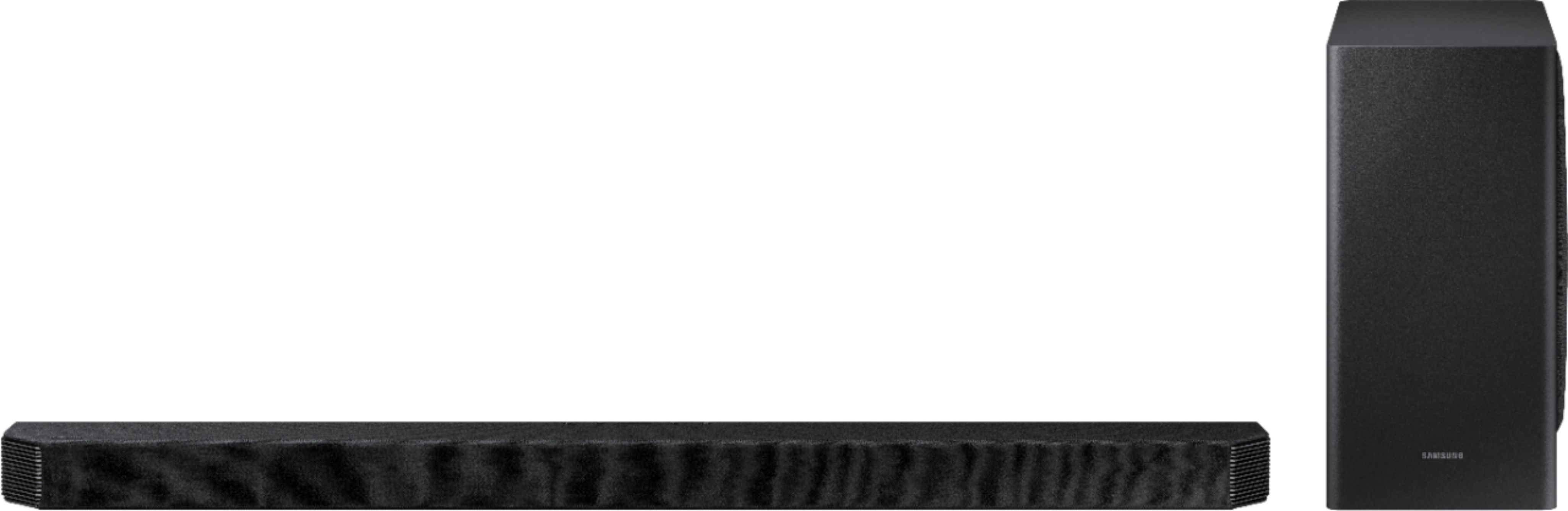



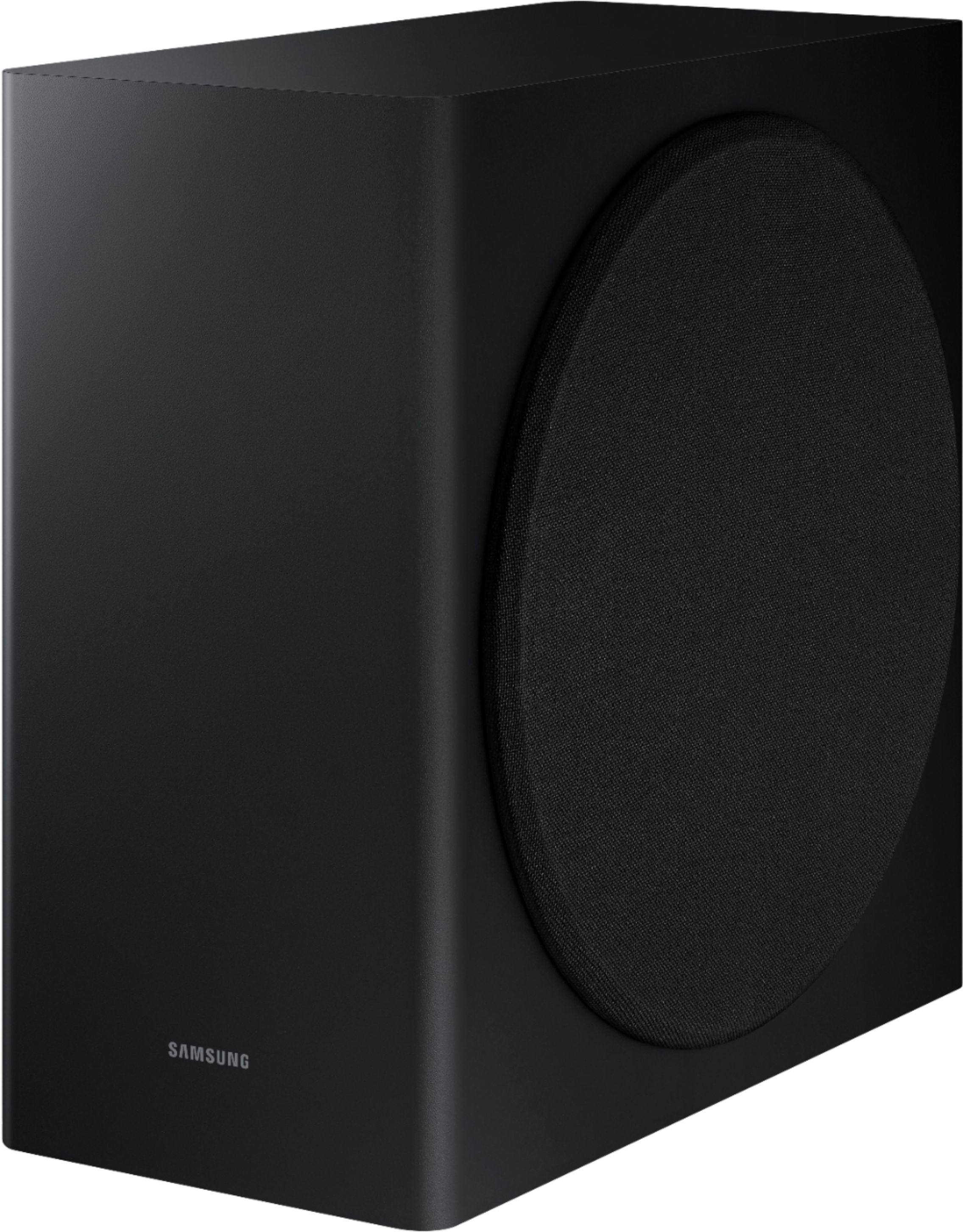
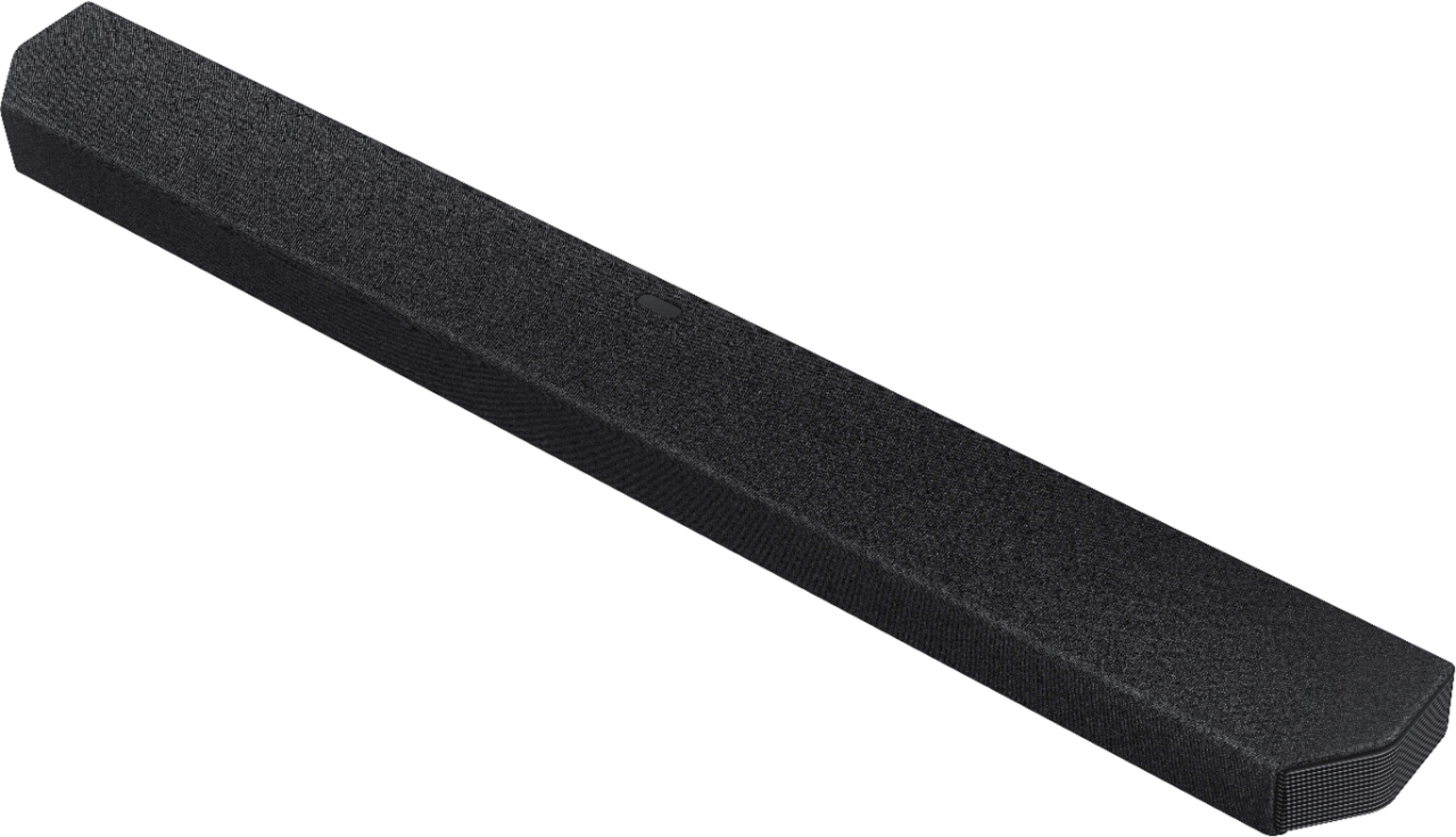

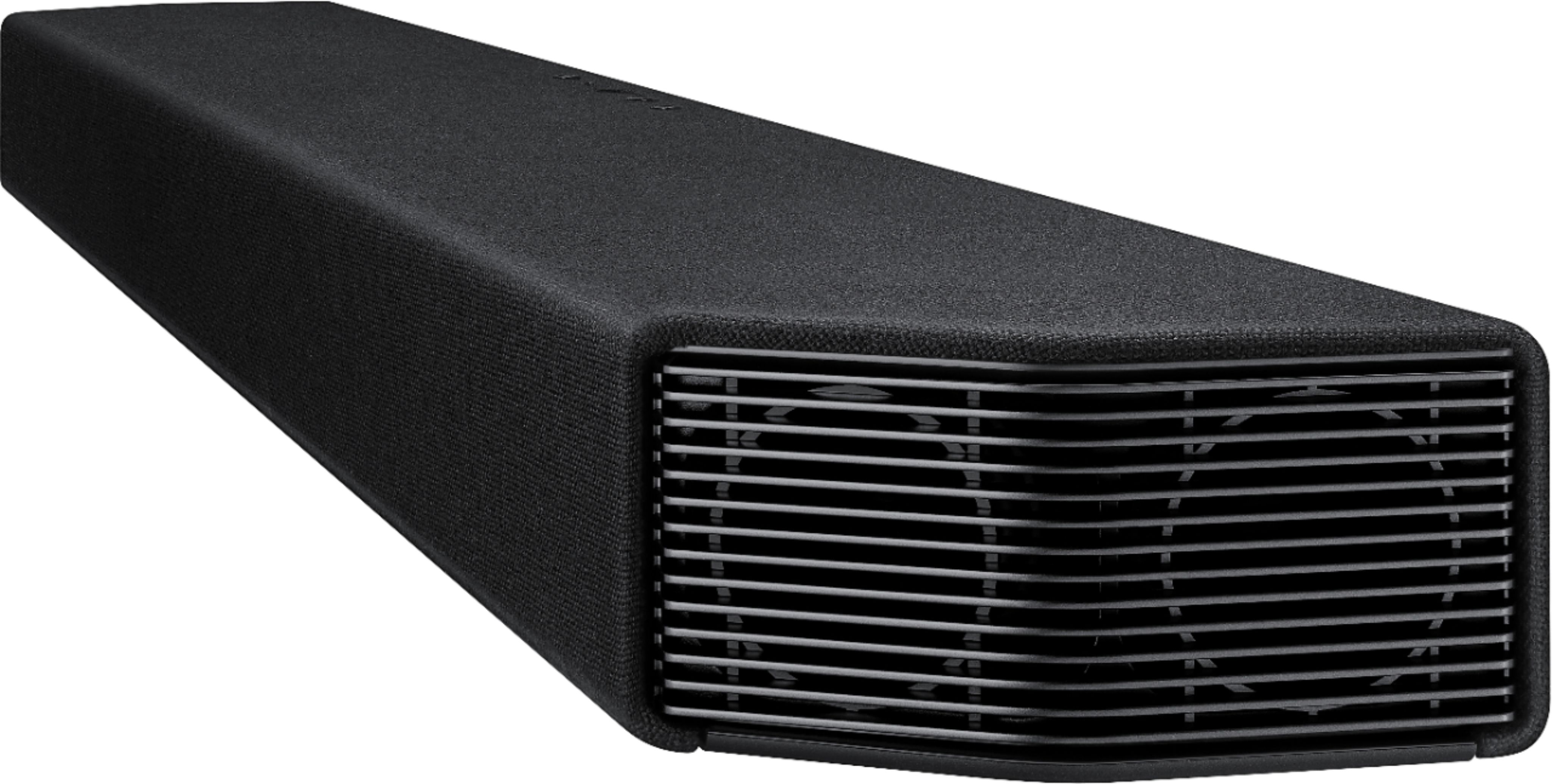
- Model:
- HW-Q900T
- SKU:
- 6420885
Rating by feature
- Value
Rating 4.2 out of 5 stars
- Quality
Rating 4.5 out of 5 stars
- Ease of Use
Rating 4.5 out of 5 stars
Customers are saying
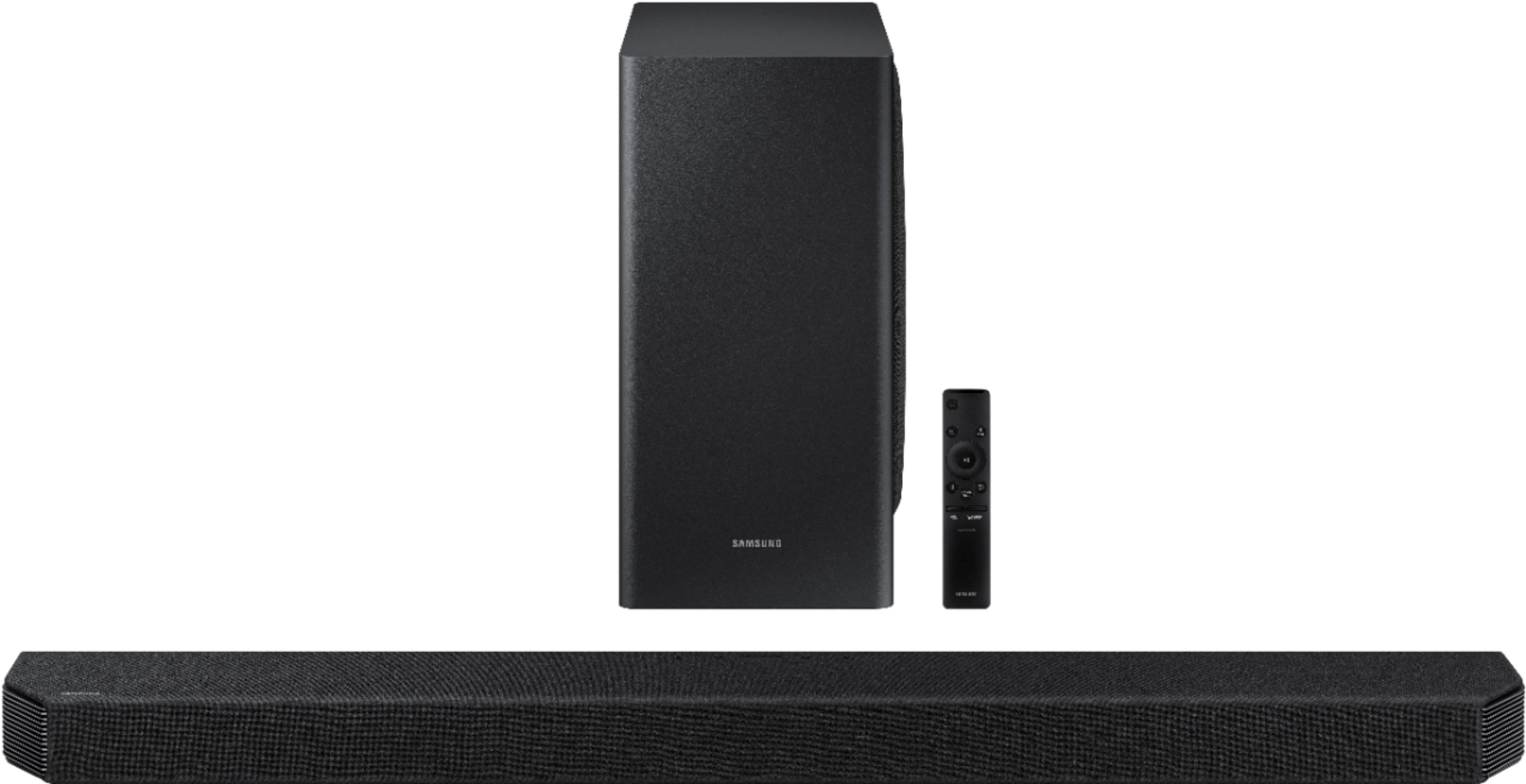
Customers are pleased with the sound quality, easy setup, and bass of the 7.1.2-Channel Soundbar. They appreciate the Dolby Atmos feature and the ability to connect via Bluetooth. However, some customers have concerns about the price, occasional lip sync issues, and glitches with Alexa integration.
This summary was generated by AI based on customer reviews.
Good
||Posted .This reviewer received promo considerations or sweepstakes entry for writing a review.Anyone looking to invest in quality, this is the amazing.
I would recommend this to a friend- Cons mentioned:Lip sync issue
Samsung sound bar will not synch with Samsung TV
||Posted . Owned for 1 month when reviewed.This reviewer received promo considerations or sweepstakes entry for writing a review.Purchased this sound bar along with a new Samsung TV, salesman said they would work together seamlessly and deliver superior sound. NO. The sound bar will NOT synch up with the video on the TV. The lips move on the screen and then a second later the sound plays. Techs came back out a second time and were unable to fix it. I tried everything they ( Best Buy techs installed it all) said to do and it will not work. Sending it back.
No, I would not recommend this to a friendBrand response from Samsung
Posted .Hi Lyle,
Thank you for your review of the Samsung HW-Q900T Soundbar System. I am sorry to hear that you were not completely happy with the sound experience and are returning your unit.
Your feedback is very important to us and will be shared with our product team.
Please know that should you ever need assistance with settings or adjustments with a future Samsung purchase to optimize your sound experience, Samsung Customer Support is here to help.
1) Phone: 1-800-SAMSUNG, (available 8AM to 12AM EST - 7 days a week)
2) LiveChat: https://www.samsung.com/us/support/#contact_us_for_support
3) Facebook Messenger: https://www.facebook.com/samsungsupport
4) Twitter: https://twitter.com/SamsungSupport
5) The Samsung Members Community is also a great resource for getting help from Samsung moderators and customers: https://us.community.samsung.com
~ Samsung Ambassador
Samsung
||Posted . Owned for 1 year when reviewed.This reviewer received promo considerations or sweepstakes entry for writing a review.Great sound easy connectivity and I love my sounds loud
I would recommend this to a friendHarmony of Sound
||Posted . Owned for 1 month when reviewed.This reviewer received promo considerations or sweepstakes entry for writing a review.Crisp clear sound. Gives everything a movie theater or live event feel.
I would recommend this to a friendWow.
||Posted . Owned for 8 months when reviewed.This reviewer received promo considerations or sweepstakes entry for writing a review.Absolutely stunning sound, in love with every aspect of this guy!
I would recommend this to a friendExcellent
||Posted . Owned for 1 month when reviewed.This reviewer received promo considerations or sweepstakes entry for writing a review.Highly recommended. This is the 2nd one we purchased for our house.
I would recommend this to a friendNo Bass
||Posted . Owned for 1 week when reviewed.This reviewer received promo considerations or sweepstakes entry for writing a review.Bought it for the bedroom. Setup was a breeze with my Samsung TV but this unit has no bass. I couldn’t enjoy watching movies with this soundbar. I returned it and picked up the Vizio Elevate which sounds 100 times better.
No, I would not recommend this to a friend- Cons mentioned:Price
Disappointed
||Posted . Owned for 1 month when reviewed.This reviewer received promo considerations or sweepstakes entry for writing a review.The dialogue and commentary is very low. If this was fixed then this would be a great product. Since it has this issue, it is overpriced and very dissatisfied with product.
No, I would not recommend this to a friendBrand response from Samsung
Posted .Hi Robert,
Thank you for purchasing the Samsung Q900T Soundbar and for your review. We appreciate your feedback regarding the low dialogue volume of your unit.
To improve your experience, press the Sound Mode button on your remote control and select Adaptive Sound. In Adaptive Sound mode, the soundbar analyzes the content and volume to optimize the audio rendering resulting in clearer dialogue.
You can also try turning on Dynamic Range Control (DRC). With DRC turned on, loud sounds will be reduced.
1) Turn off your Soundbar.
2) While the Soundbar is off, press and hold the Sound Mode button on the remote control for 6 seconds until you see “DRC ON” shown on the display.
3) To turn off DRC, repeat steps 1 and 2 above.
I hope this helps. For further assistance with features, functions, or adjustments to settings, please contact Samsung Customer Support at 1-800-SAMSUNG (ask for Soundbars), available 8AM -12AM EST, 7 days a week. Or text HELP to 62913.
For additional support resources, visit us on the Samsung website and click on the ‘Support’ link in the upper right corner of the homepage for:
1) More ‘Contact Us’ options – LiveChat, Facebook, Twitter, Samsung Community, Samsung Members app
2) Manuals & Software
3) Warranty Info
4) Product Registration: For access to easy warranty support, convenient opt-in to special promos and offers, faster troubleshooting and service, and quick notification of system updates.
We look forward to hearing from you.
~ Samsung Specialist
Soundboard review
||Posted . Owned for 1 month when reviewed.This reviewer received promo considerations or sweepstakes entry for writing a review.Really like the sound. More like in a theater. Usually crank it up.
I would recommend this to a friendGreat soundbar
||Posted . Owned for 3 weeks when reviewed.This reviewer received promo considerations or sweepstakes entry for writing a review.Good sound and a great deal if you bundle with the Samsung TV.
I would recommend this to a friendWorth the Price!!!
||Posted . Owned for 3 weeks when reviewed.This reviewer received promo considerations or sweepstakes entry for writing a review.It has an AWESOME Sound! it is definitly worth the price!!!
I would recommend this to a friendGreat soundbar
||Posted . Owned for 1 month when reviewed.This reviewer received promo considerations or sweepstakes entry for writing a review.So far so good. Sounds awesome and fills our living room.
I would recommend this to a friendAmazing system
||Posted . Owned for 1 month when reviewed.This reviewer received promo considerations or sweepstakes entry for writing a review.Wonderful, clear sound with great bass. Highly recommend.
I would recommend this to a friendNew Cinema and audio equipment
||Posted . Owned for 1 month when reviewed.This reviewer received promo considerations or sweepstakes entry for writing a review.Very nice sound bar blends well with TV great sound
I would recommend this to a friendSamsung Q900
||Posted .This reviewer received promo considerations or sweepstakes entry for writing a review.we love the tv and sound bar! look's and sounds great!
I would recommend this to a friendEasy to use!
||Posted . Owned for 1 month when reviewed.This reviewer received promo considerations or sweepstakes entry for writing a review.This device is easy to install and use. It works perfectly!
I would recommend this to a friendSoundbar
||Posted . Owned for 1 month when reviewed.This reviewer received promo considerations or sweepstakes entry for writing a review.It works very well. It's just what the husband wanted.
I would recommend this to a friend- Cons mentioned:Lip sync issue
Lip Sync
||Posted . Owned for 1 month when reviewed.This reviewer received promo considerations or sweepstakes entry for writing a review.I just purchased a q90t and q900t soundbar and I can not get the sound to be in sync with the lip movement. It makes the soundbar useless.
No, I would not recommend this to a friendBrand response from Samsung
Posted .gary358:
Thank you for purchasing the HW-Q900T Soundbar to accompany your Samsung TV. 2020 Samsung TVs have a feature called Audio Pass Through. You can use this feature to correct your audio-sync issue.
On your TV go to: Settings > Audio > Expert Settings > Digital Audio Output Format > Pass-Through
I hope this helps. If your issue persists, please contact Samsung Customer Support.
1) Phone: 1-800-SAMSUNG, (available 8AM to 12AM EST - 7 days a week)
2) LiveChat: https://www.samsung.com/us/support/#contact_us_for_support
3) Facebook Messenger: https://www.facebook.com/samsungsupport
4) Twitter: https://twitter.com/SamsungSupport
5) The Samsung Members Community is also a great resource for getting help from Samsung moderators and customers: https://us.community.samsung.com
If you have not already done so, we invite you to register your new Samsung product at:
https://www.samsung.com/us/account/signin/?redirect=https%3A%2F%2Fwww.samsung.com%2Fus%2Fsupport%2Fregister%2F&user=dsr-registration
Registering your product gives you access to easy warranty support, convenient opt-in to special promos and offers, faster troubleshooting and service, and quick notification of system updates.
~ Samsung Solutions
- Cons mentioned:Lip sync issue
I am exchanging it
||Posted . Owned for less than 1 week when reviewed.This reviewer received promo considerations or sweepstakes entry for writing a review.The number 7.1 2 always meant rear speakers... not this time- there are no rear speakers. Alexa interferes with everything— if she plays music and then you ask for TV she turns off the sound bar. Bixby on the Samsung TV does it right. The lip sync with sound bar is off and I can’t get it right with the adjustments. I’ve had it. I am exchanging it. Thank you Best Buy for letting me do this.
No, I would not recommend this to a friendBrand response from Samsung
Posted .silver:
I am very sorry you are not completely happy with your HW-Q900T Soundbar and are considering returning it. Your soundbar consists of 7 channels, 1 subwoofer channel, and 2 up-firing channels powered by 16 speakers. With speakers positioned at both corners of the soundbar to produce an expanded sound stage.
Our SWA-9000S Rear Speaker Kit is the compatible model for this soundbar.
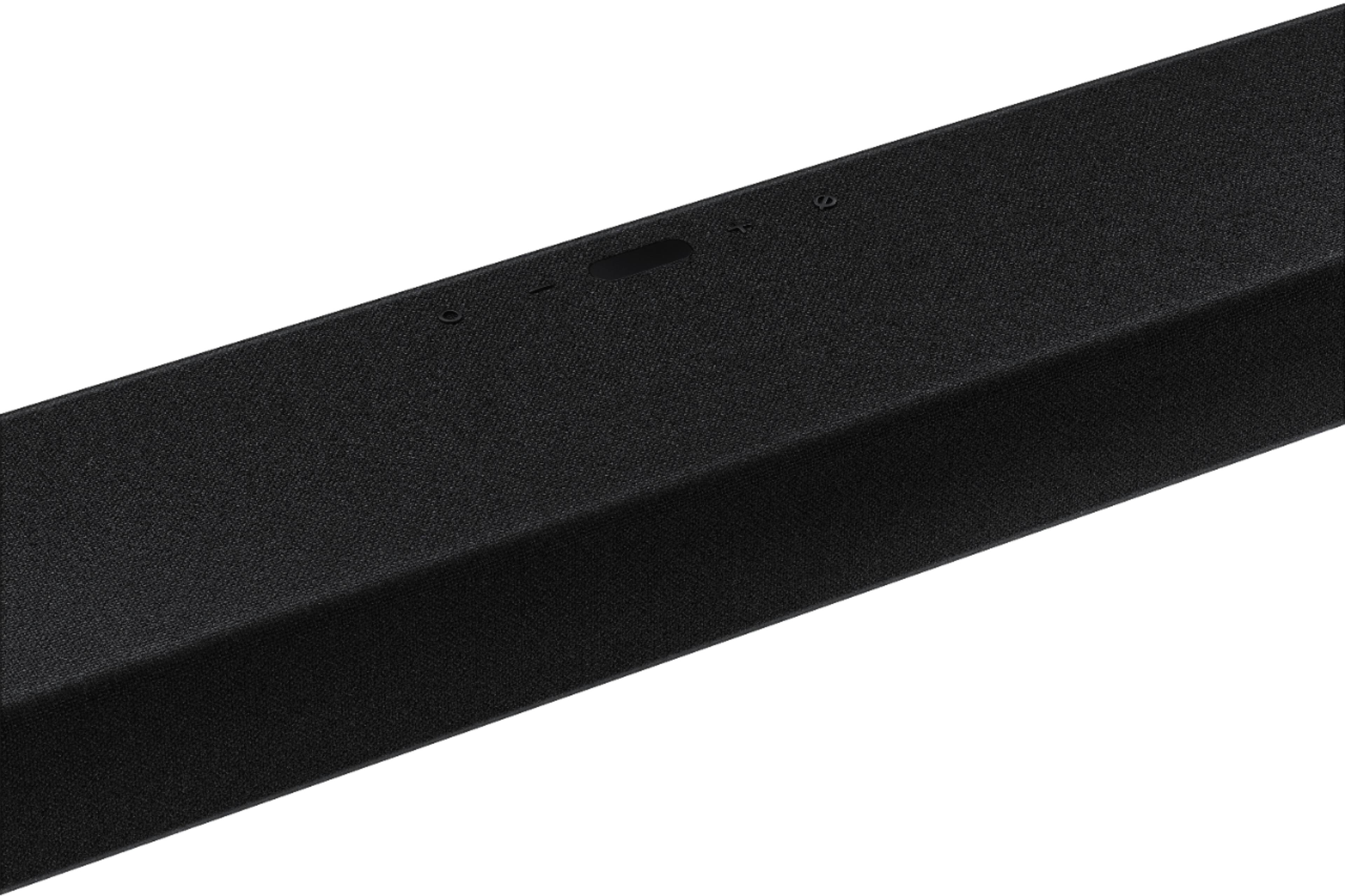
To use Amazon Alexa, first install the SmartThings app on your mobile device and launch it. Enter the Alexa account by following the instructions on the app and then log in the service. Call Alexa or press the MULTI FUNCTION (looks like a circle) button on the Soundbar for 3 seconds to use the Alexa service.
If the video on the TV and audio from the soundbar are not synchronized, press the SOUND CONTROL button on the soundbar remote, until you see AUDIO SYNC on the display. You can then set the audio delay between 0~300 milliseconds by using the Up/Down buttons.
I hope this helps solve your issues. For further assistance, please contact Samsung Customer Support and a representative will gladly help you.
1) Phone: 1-800-SAMSUNG, (available 8AM to 12AM EST - 7 days a week)
2) LiveChat: https://www.samsung.com/us/support/#contact_us_for_support
3) Facebook Messenger: https://www.facebook.com/samsungsupport
4) Twitter: https://twitter.com/SamsungSupport
5) The Samsung Members Community is also a great resource for getting help from Samsung moderators and customers: https://us.community.samsung.com
If you have not already done so, we invite you to register your new Samsung product at:
https://www.samsung.com/us/account/signin/?redirect=https%3A%2F%2Fwww.samsung.com%2Fus%2Fsupport%2Fregister%2F&user=dsr-registration
Registering your product gives you access to easy warranty support, convenient opt-in to special promos and offers, faster troubleshooting and service, and quick notification of system updates.
~ Samsung Solutions
Ok
||Posted . Owned for 1 week when reviewed.This reviewer received promo considerations or sweepstakes entry for writing a review.Great bass but you have to adjust settings for different types of shows. Netflix,Comcast or Apple TV
No, I would not recommend this to a friendBrand response from Samsung
Posted .Hi Patrick,
Thank you for purchasing the Samsung 7.1.2ch HW-Q900T Soundbar. With Adaptive sound, your soundbar will analyze your content and automatically optimize sound based on each scene.
You can try optimizing audio performance for your specific content by pressing the SOUND MODE button on your remote, and then selecting the desired sound effect by choosing STANDARD, SURROUND SOUND, GAME PRO, or ADAPTIVE SOUND.
You can also try manually optimizing your audio experience by pressing the SOUND CONTROL button (looks like a gear) to access the setting items such as TREBLE, BASS, SYNC, CENTER LEVEL, SIDE LEVEL, FRONT TOP LEVEL, REAR LEVEL, REAR TOP LEVEL, and VIRTUAL ON/OFF are displayed in sequence. The desired item can be adjusted using the Up/Down buttons.
– To control the volume of the treble or bass sound, select TREBLE or BASS in Sound Settings, and then adjust the volume between -6~+6 by using the Up/Down buttons.
– Press and hold the (Sound Control) button for about 5 seconds to adjust the sound for each frequency band. 150Hz, 300Hz, 600Hz, 1.2kHz, 2.5kHz, 5kHz, and 10kHz are selectable using the Left/Right buttons and each can be adjusted to a setting between -6 to +6 using the Up/Down buttons. (Make sure the Sound mode is set to “STANDARD”.)
– To control the volume of the each speaker select CENTER LEVEL, SIDE LEVEL, or FRONT TOP LEVEL in Sound Settings, and then adjust the volume between -6~+6 by using the Up/Down buttons.
– If the video on the TV and audio from the Soundbar are not synchronized, select SYNC in Sound Control, and then set the audio delay between 0~300 milliseconds by using the Up/Down buttons.
– SYNC is only supported for some functions.
– If Surround Speakers are connected, select REAR LEVEL or REAR TOP LEVEL and then use the Up/Down buttons to adjust the volume within a -6 to +6 range.
– The VIRTUAL Speaker function can be turned ON/OFF by using the Up/Down buttons
If there is anything we can do to improve your enjoyment to 5 stars -- such as helping to optimize settings for your specific usage scenario -- please let us know. You can reach Samsung Customer Support at:
1) Phone: 1-800-SAMSUNG, (available 8AM to 12AM EST - 7 days a week)
2) LiveChat: https://www.samsung.com/us/support/#contact_us_for_support
3) Facebook Messenger: https://www.facebook.com/samsungsupport
4) Twitter: https://twitter.com/SamsungSupport
5) The Samsung Members Community is also a great resource for getting help from Samsung moderators and customers: https://us.community.samsung.com
If you have not already done so, we invite you to register your new Samsung product at:
https://www.samsung.com/us/account/signin/?redirect=https%3A%2F%2Fwww.samsung.com%2Fus%2Fsupport%2Fregister%2F
Registering your product gives you access to easy warranty support, convenient opt-in to special promos and offers, faster troubleshooting and service, and quick notification of system updates.
~ Samsung Ambassador