Customer Ratings & Reviews
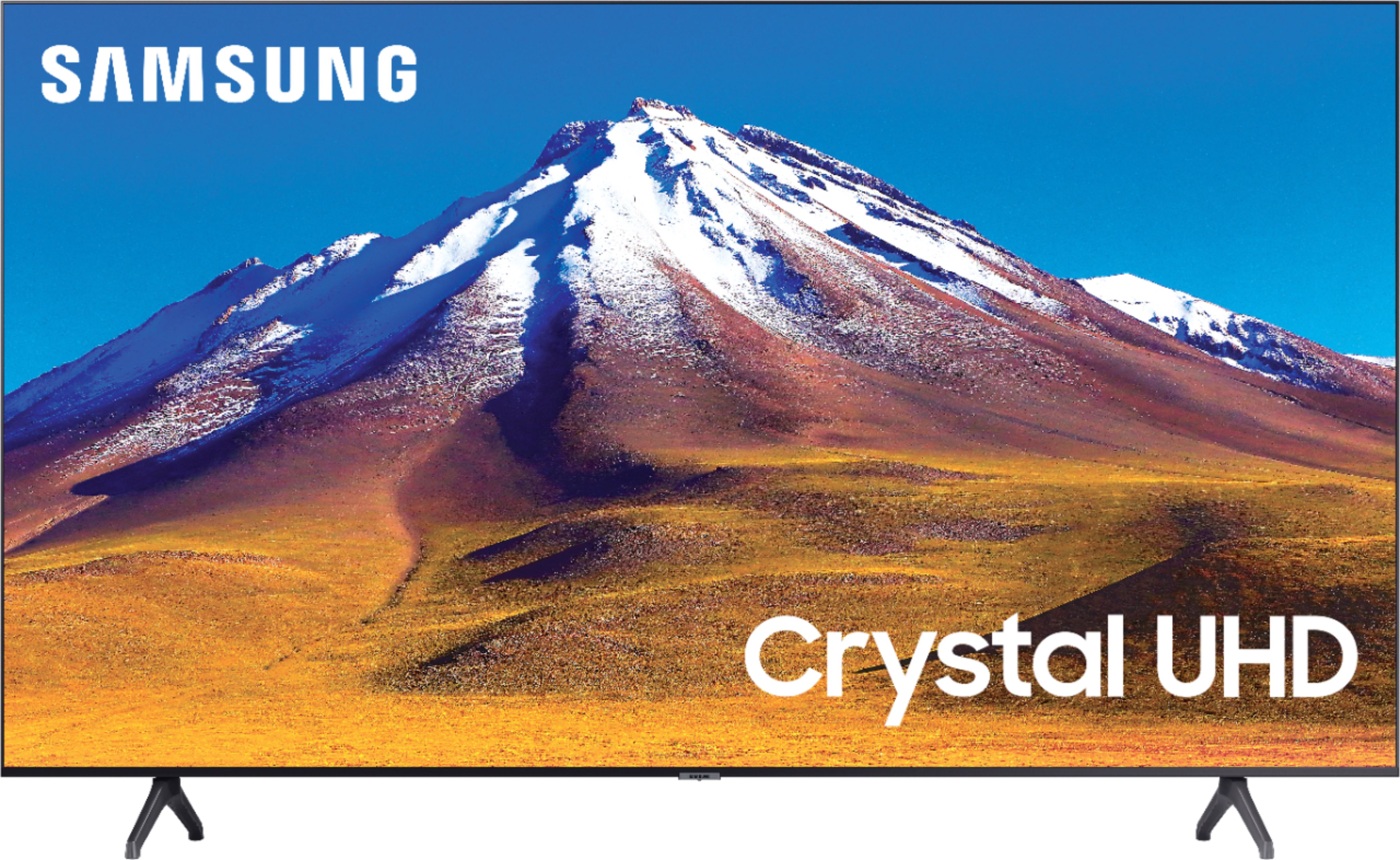
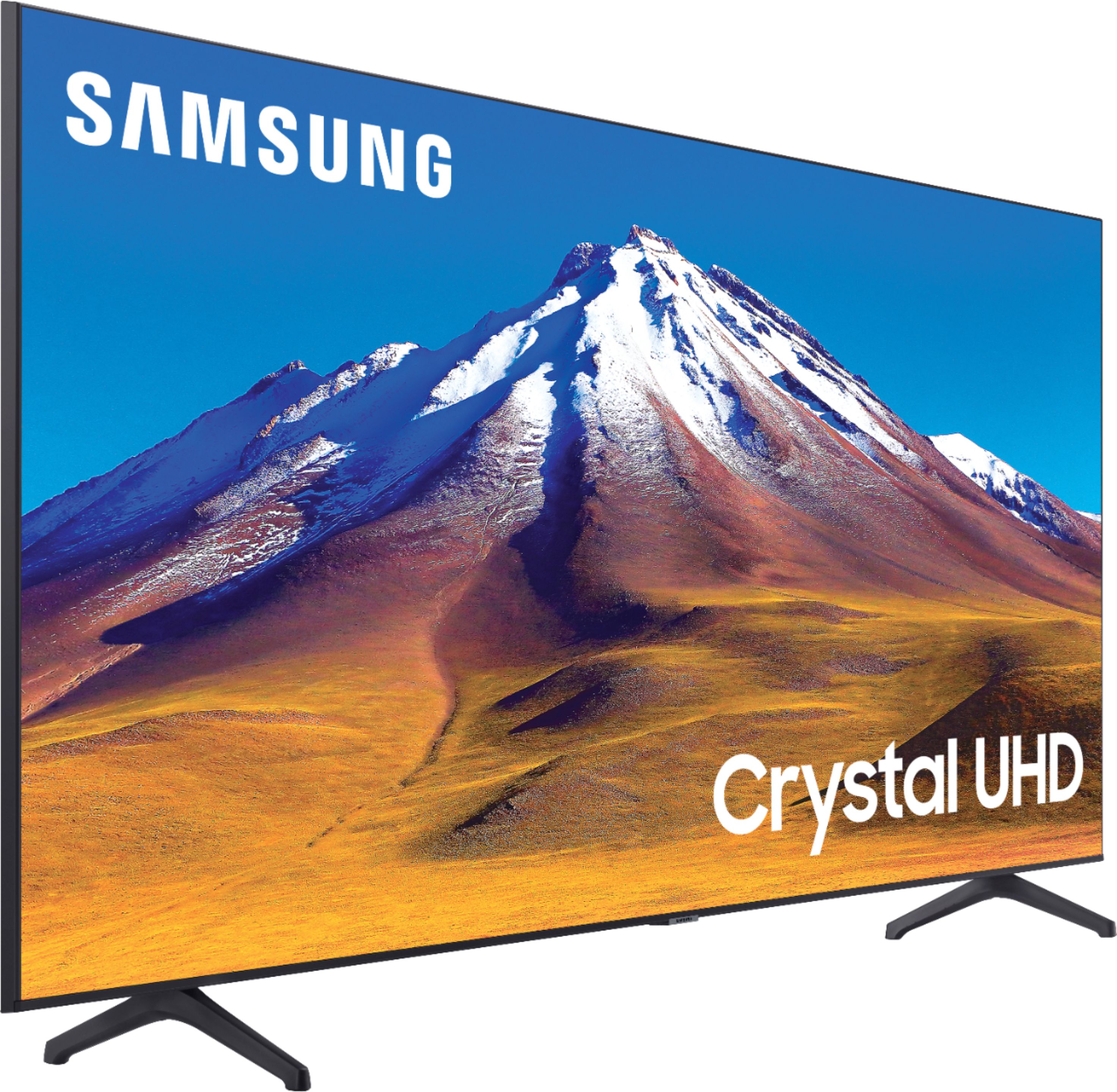
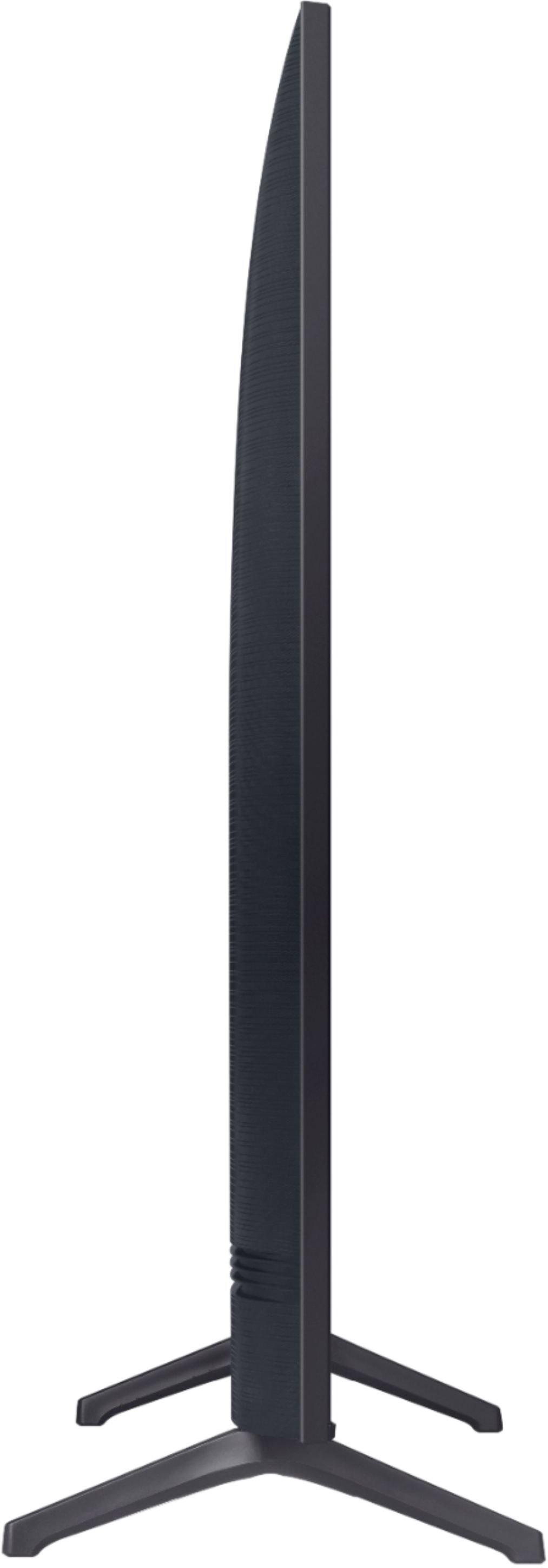
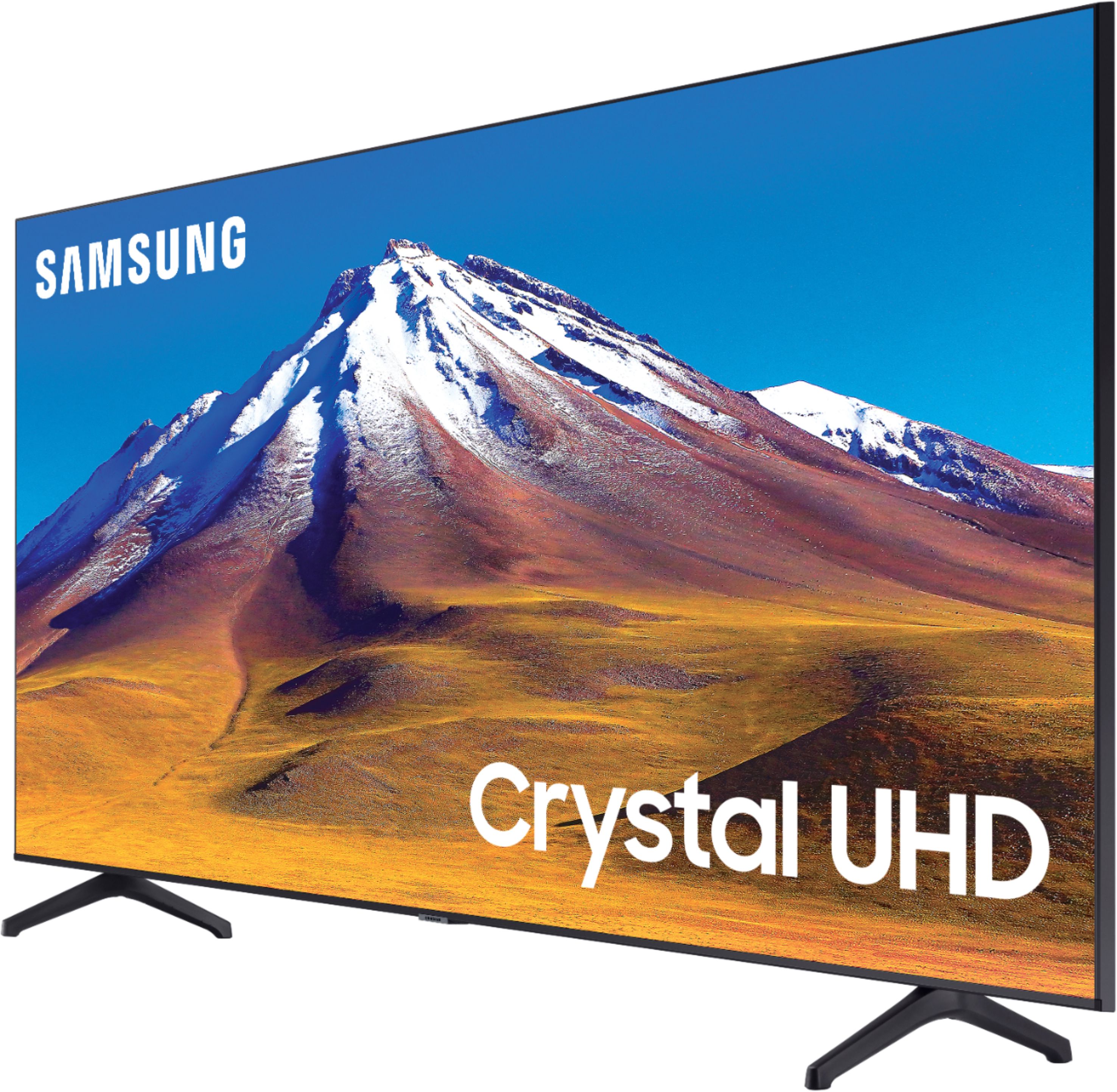
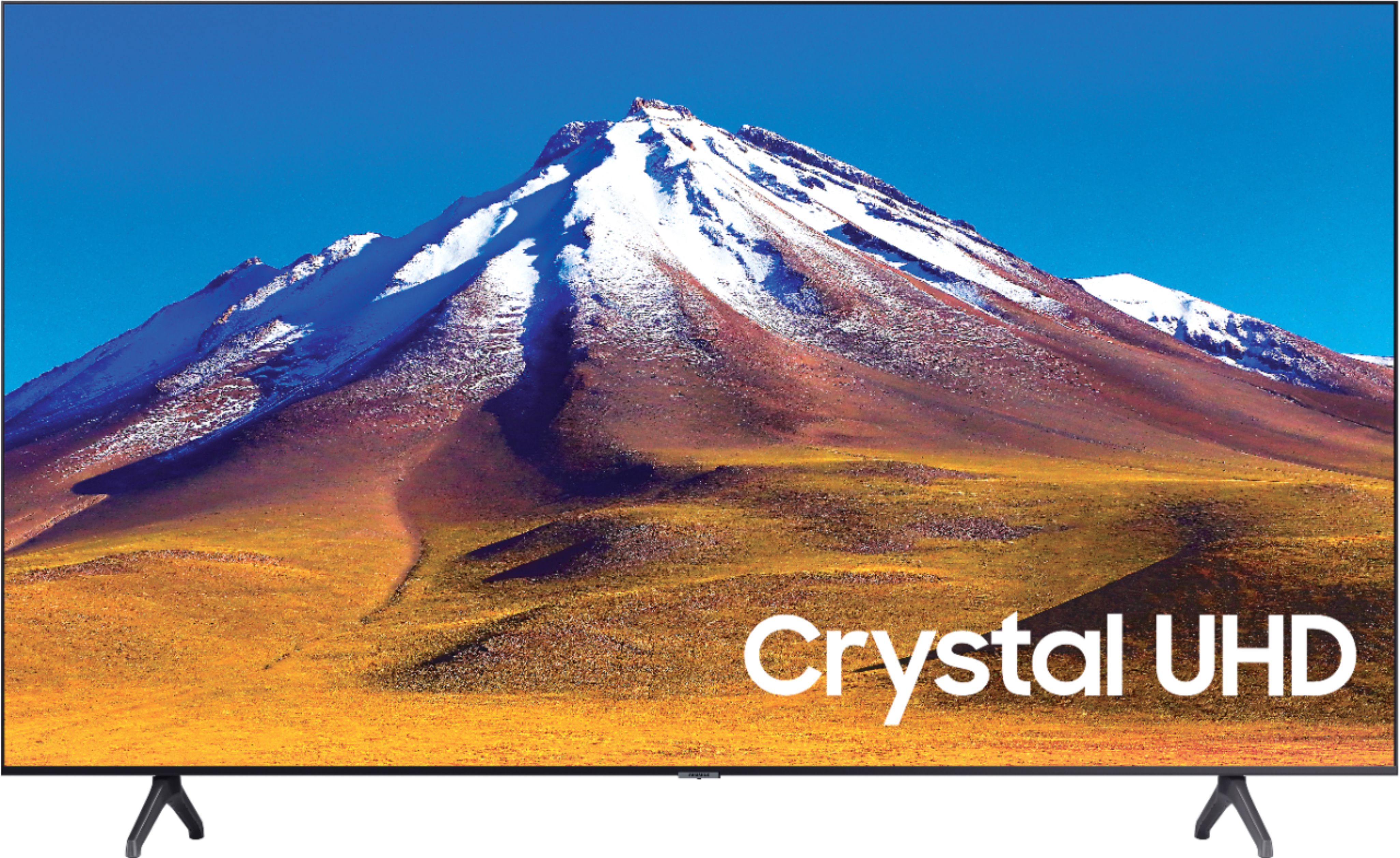
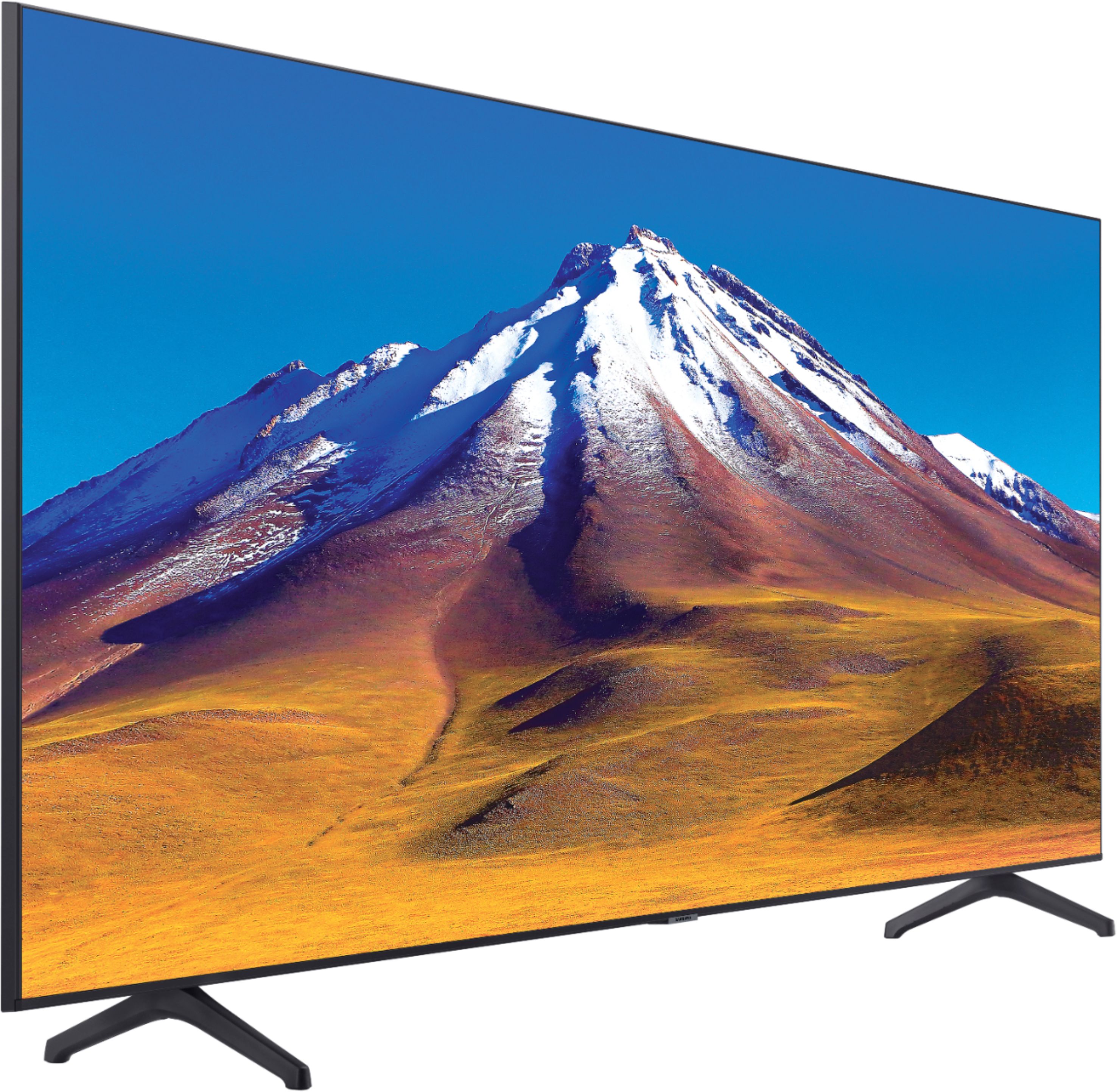
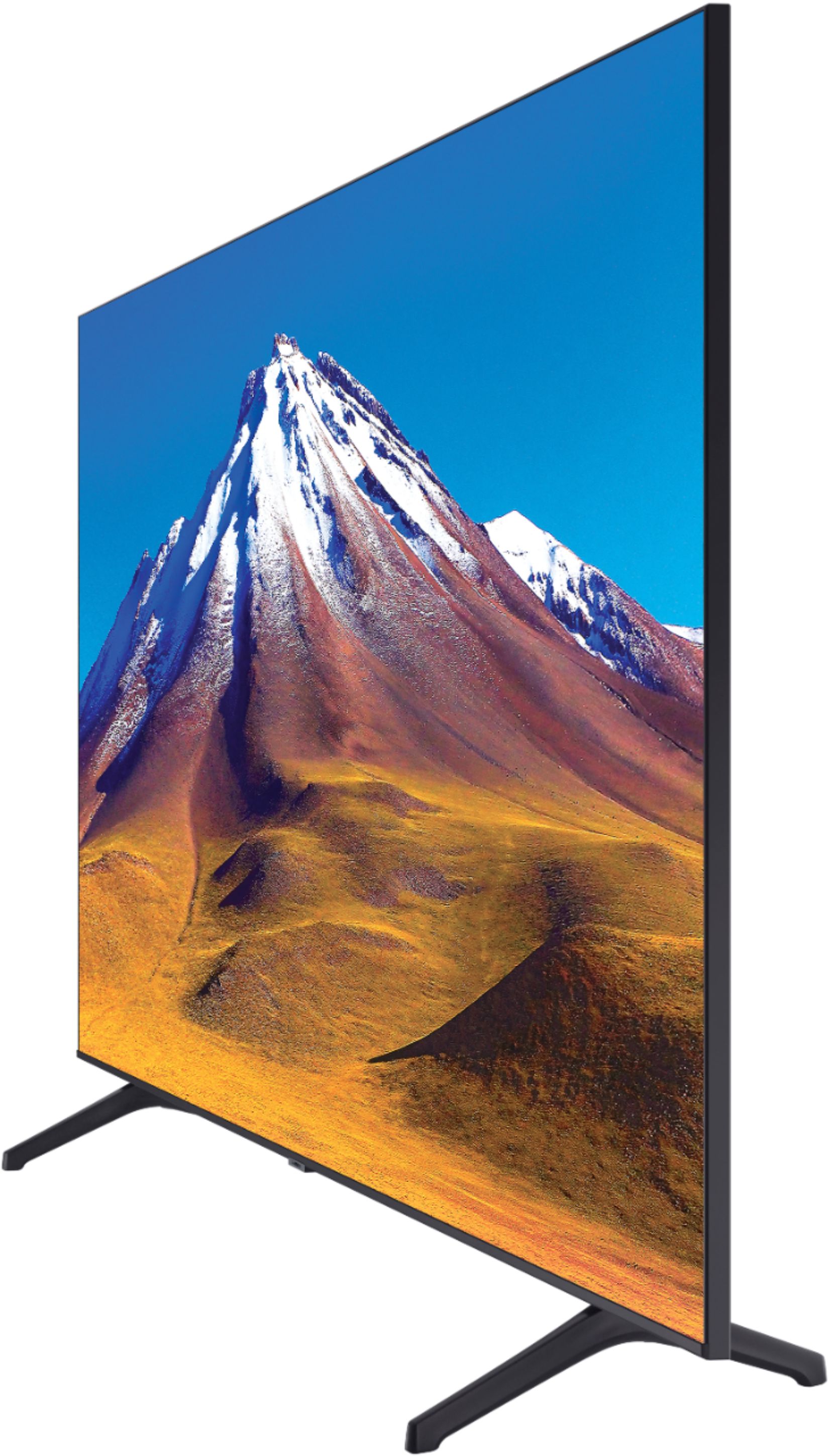



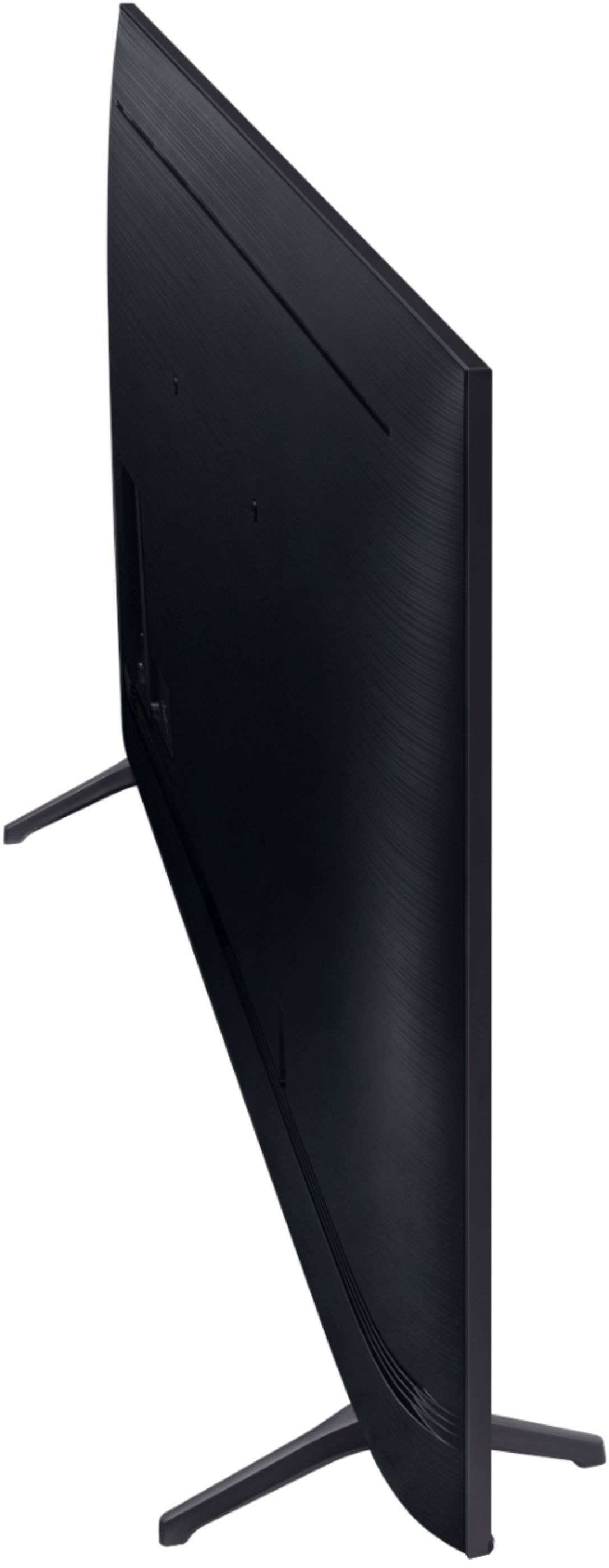
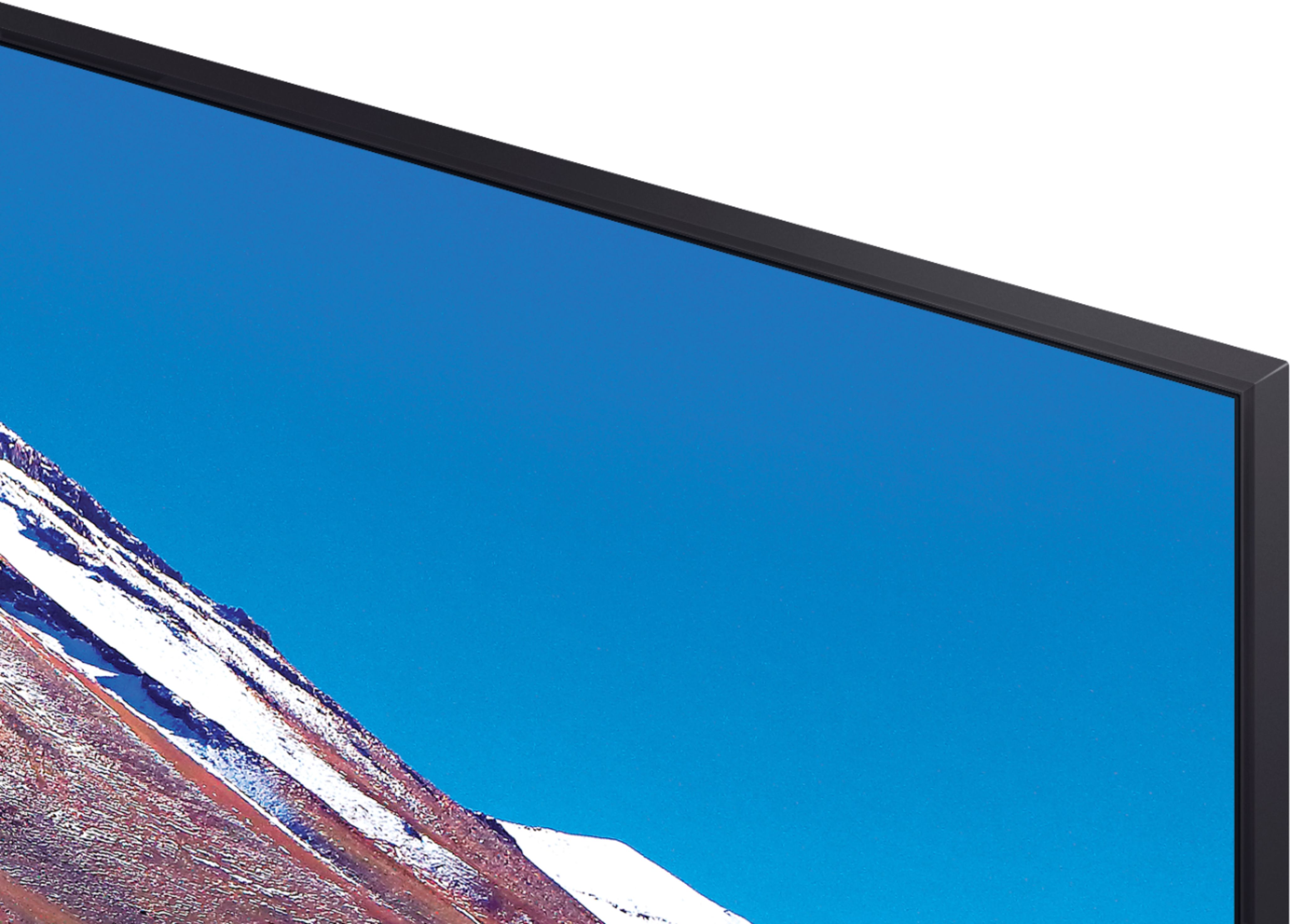
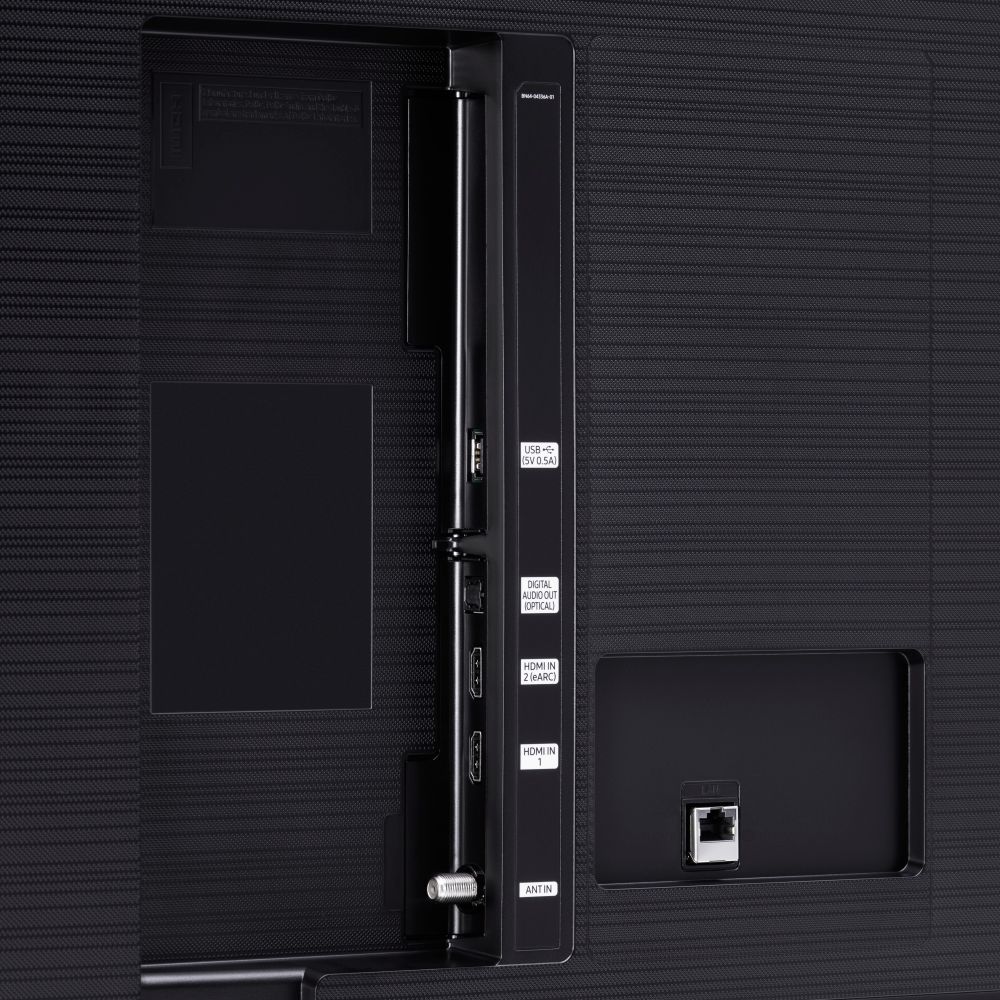





- Model:
- UN70TU6980FXZA
- SKU:
- 6428508
Rating by feature
- Picture Quality
Rating 4.5 out of 5 stars
- Sound Quality
Rating 4.4 out of 5 stars
- Brightness
Rating 4.5 out of 5 stars
Customers are saying
Customers regard the 70" Class 6 Series LED 4K UHD Smart Tizen TV's picture quality as great, with vibrant colors and deep contrasts. They also appreciate its large screen and affordable price. However, some customers have concerns about its limited HDMI ports, connectivity issues, and slow smart features.
This summary was generated by AI based on customer reviews.
My 4th Samsung TV
||Posted . Owned for 1 month when reviewed.This reviewer received promo considerations or sweepstakes entry for writing a review.It's a great TV! I'm not a fan of Samsung new remotes though. Overall it was a great purchase!
I would recommend this to a friendGood
||Posted . Owned for 1 month when reviewed.This reviewer received promo considerations or sweepstakes entry for writing a review.Overall good tv, but have had to do hard resets twice already when trying to open disney+ app.
I would recommend this to a friendGreat TV great price
||Posted . Owned for 1 month when reviewed.This reviewer received promo considerations or sweepstakes entry for writing a review.Great Tv so far Great price for quality and size of tv I only wish it had another hdmi input
I would recommend this to a friendHuge tv
||Posted . Owned for 3 weeks when reviewed.This reviewer received promo considerations or sweepstakes entry for writing a review.Hard to rate it because I’m not planning on opening the box until January . But it seems good
I would recommend this to a friend70 inch Samsung
||Posted . Owned for 1 month when reviewed.This reviewer received promo considerations or sweepstakes entry for writing a review.I have no issues with this TV. A decent purchase for the price paid with holiday discount.
I would recommend this to a friendGood tv for price
||Posted . Owned for 2 weeks when reviewed.This reviewer received promo considerations or sweepstakes entry for writing a review.Pretty good so far just issues with the wifi adapter but got that replace. Its good so far
I would recommend this to a friendPretty good
||Posted . Owned for 1 month when reviewed.This reviewer received promo considerations or sweepstakes entry for writing a review.Pretty good tv lighting could be a little better and the settings could also use some work
I would recommend this to a friendBang for your buck
||Posted .This reviewer received promo considerations or sweepstakes entry for writing a review.Amazing tv, only downfall is its a little laggy at the app menu and apps often dont open.
I would recommend this to a friend- Pros mentioned:Tv quality
Mr
||Posted . Owned for 1 month when reviewed.This reviewer received promo considerations or sweepstakes entry for writing a review.TV was good for the price I got it for but gave me some issues in the beginning. Had a hard time connecting to the wifi. They also took forever to deliver it to me. Then it got lost in the deliver process and I had to go and pick it up myself. Very bad experience.
No, I would not recommend this to a friendBrand response from Samsung
Posted .Mohamad360:
Thank you for sharing your review of the TU6980 TV. I am sorry to hear that you initially had trouble connecting your TV WiFi. Should you come across this issue again, you may want to go through the following steps to check your network connection.
1) Check the distance between the TV and your modem or access point. The distance should not exceed 50 ft. (15.2 m).
2) Minimize interference by not using or turning off wireless devices. Also, verify that there are no obstacles between the TV and the modem or access point. (WiFi strength can be decreased by appliances, cordless phones, stone walls/fireplaces, etc.)
3) Perform a network test to check if there is a network problem. Press the Home button on your remote. Navigate to Settings > Support > Device Care > Self Diagnosis> Smart Hub Connection Test
4) Try a cold reboot of your TV by pressing and holding the power button for 5+ seconds until the TV turns off and on again.
5) Please also be sure you have the latest firmware update. You may want to enable automatic updates for convenience. Select Settings > Support > Software Update, then select Auto Update.
For further assistance or service, please contact us via any of the following options:
1) Phone: 1-800-SAMSUNG (ask for TVs), available 8AM – 12AM EST 7 days a week
2) LiveChat: https://www.samsung.com/us/support/#contact_us_for_support
3) Facebook Messenger: https://www.facebook.com/samsungsupport
4) Twitter: https://twitter.com/SamsungSupport
5) The Samsung Members Community is also a great resource for getting help from Samsung moderators and customers: https://us.community.samsung.com
If you have not already done so, we invite you to register your new Samsung product at: https://www.samsung.com/us/account/signin/?redirect=https%3A%2F%2Fwww.samsung.com%2Fus%2Fsupport%2Fregister%2F
Registering your product gives you access to easy warranty support, convenient opt-in to special promos and offers, faster troubleshooting and service, and quick notification of system updates.
~ Samsung Solutions
Tc
||Posted . Owned for 1 month when reviewed.This reviewer received promo considerations or sweepstakes entry for writing a review.I love it. Great buy. A lot of cool features I've wanted in my TV. Glad I bought it.
I would recommend this to a friendTV
||Posted . Owned for 1 month when reviewed.This reviewer received promo considerations or sweepstakes entry for writing a review.Picture is a little fuzzy for sports but overall quality for the price it’s worth it.
I would recommend this to a friendSamsung
||Posted . Owned for 1 month when reviewed.This reviewer received promo considerations or sweepstakes entry for writing a review.Great television good people curbside pickup with ease will do it again a later date
I would recommend this to a friendTv
||Posted . Owned for 11 months when reviewed.This reviewer received promo considerations or sweepstakes entry for writing a review.Good tv ive had it for an year so far no problems. Thanks the tv gods
I would recommend this to a friendSmart TV
||Posted . Owned for 1 month when reviewed.This reviewer received promo considerations or sweepstakes entry for writing a review.Good TV. Not a big fan of the Tizen OS but it not the worst out there by any means.
I would recommend this to a friendAdd a title
||Posted . Owned for 1 month when reviewed.This reviewer received promo considerations or sweepstakes entry for writing a review.The tv's menu are a bit slow and here is more letters to complete this stupid review
I would recommend this to a friendPoor quality
||Posted . Owned for 1.5 years when reviewed.This reviewer received promo considerations or sweepstakes entry for writing a review.Frame is coming off of the housing around the screen.
No, I would not recommend this to a friendReview
||Posted . Owned for 1 month when reviewed.This reviewer received promo considerations or sweepstakes entry for writing a review.I have not yet opened Item since I am waiting to move, but my expectations are high
I would recommend this to a friendInternet connection issues
||Posted . Owned for 3 weeks when reviewed.This reviewer received promo considerations or sweepstakes entry for writing a review.We enjoy the tv BUT it looses internet connection DAILY. we even bought something to strengthen the internet connection and still disconnects. The only way we can reconnect to the internet is by unplugging and plugging back in the power cord for the TV.
No, I would not recommend this to a friendBrand response from Samsung
Posted .StephanieG:
Thank you for purchasing the Samsung TU6980 TV and for your review. I am very sorry that you are experiencing internet connection issues. You may want to go through these steps to check your network connection:
1) Check the distance between the TV and your modem or access point. The distance should not exceed 50 ft. (15.2 m).
2) Minimize interference by not using or turning off wireless devices. Also, verify that there are no obstacles between the TV and the modem or access point. (WiFi strength can be decreased by appliances, cordless phones, stone walls/fireplaces, etc.)
3) Perform a network test to check if there is a network problem. Press the Home button on your remote. Navigate to Settings > Support > Device Care > Self Diagnosis> Smart Hub Connection Test
4) Try a cold reboot of your TV by pressing and holding the power button for 5+ seconds until the TV turns off and on again.
5) Please also be sure you have the latest firmware update. You may want to enable automatic updates for convenience. Select Settings > Support > Software Update, then select Auto Update.
For further assistance or service, please contact us via any of the following options:
1) Phone: 1-800-SAMSUNG (ask for TVs), available 8AM – 12AM EST 7 days a week
2) LiveChat: https://www.samsung.com/us/support/#contact_us_for_support
3) Facebook Messenger: https://www.facebook.com/samsungsupport
4) Twitter: https://twitter.com/SamsungSupport
5) The Samsung Members Community is also a great resource for getting help from Samsung moderators and customers: https://us.community.samsung.com
If you have not already done so, we invite you to register your new Samsung product at: https://www.samsung.com/us/account/signin/?redirect=https%3A%2F%2Fwww.samsung.com%2Fus%2Fsupport%2Fregister%2F
Registering your product gives you access to easy warranty support, convenient opt-in to special promos and offers, faster troubleshooting and service, and quick notification of system updates.
~ Samsung Solutions
See how long it lasts
||Posted .This reviewer received promo considerations or sweepstakes entry for writing a review.Doesn’t like that anynet aren’t active on the front screen - other than that good
I would recommend this to a friendNice Picture
||Posted . Owned for 2 months when reviewed.This reviewer received promo considerations or sweepstakes entry for writing a review.This TV is was great but for the price range, you can’t go wrong with a Samsung.
I would recommend this to a friend