Customer Ratings & Reviews
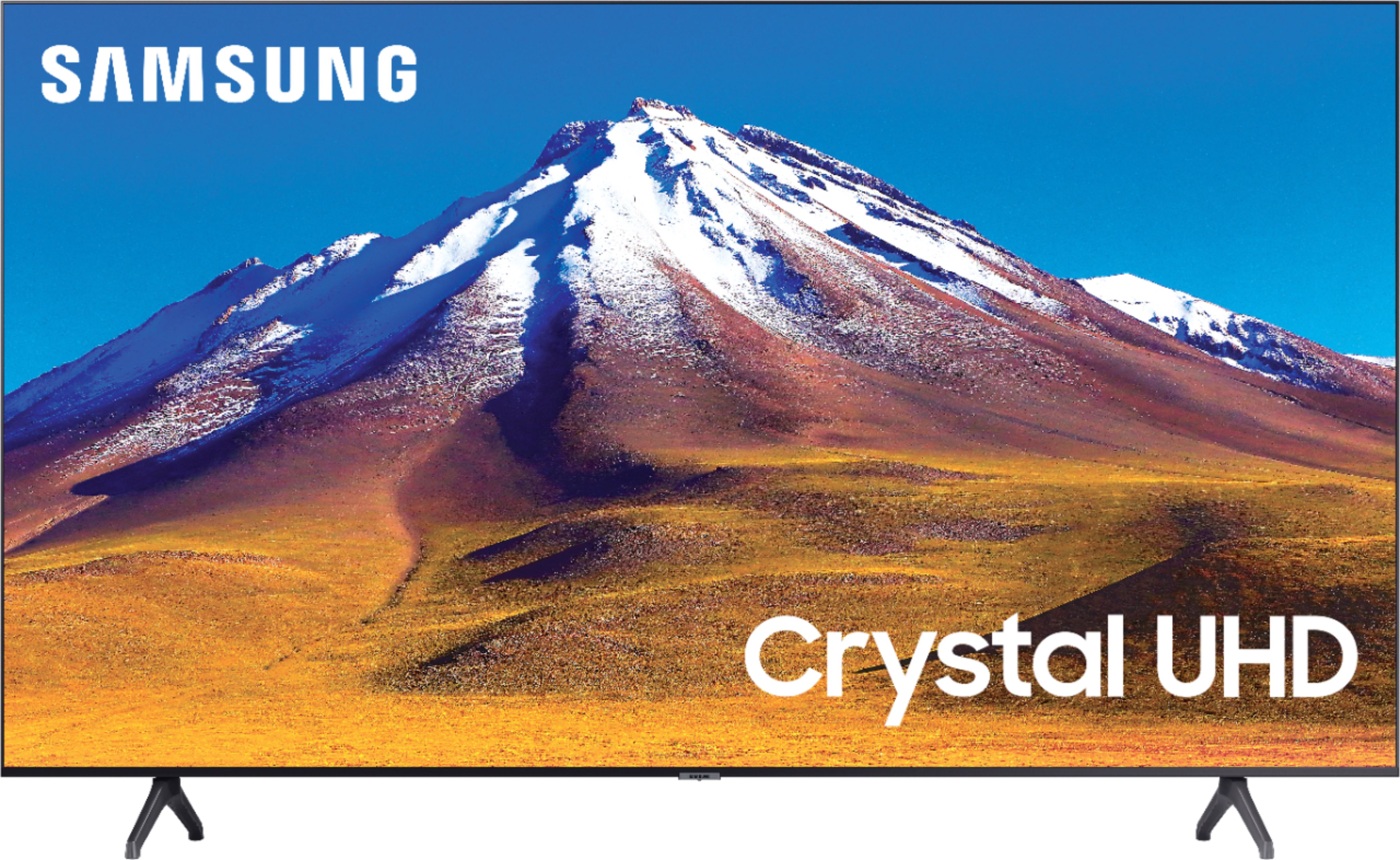
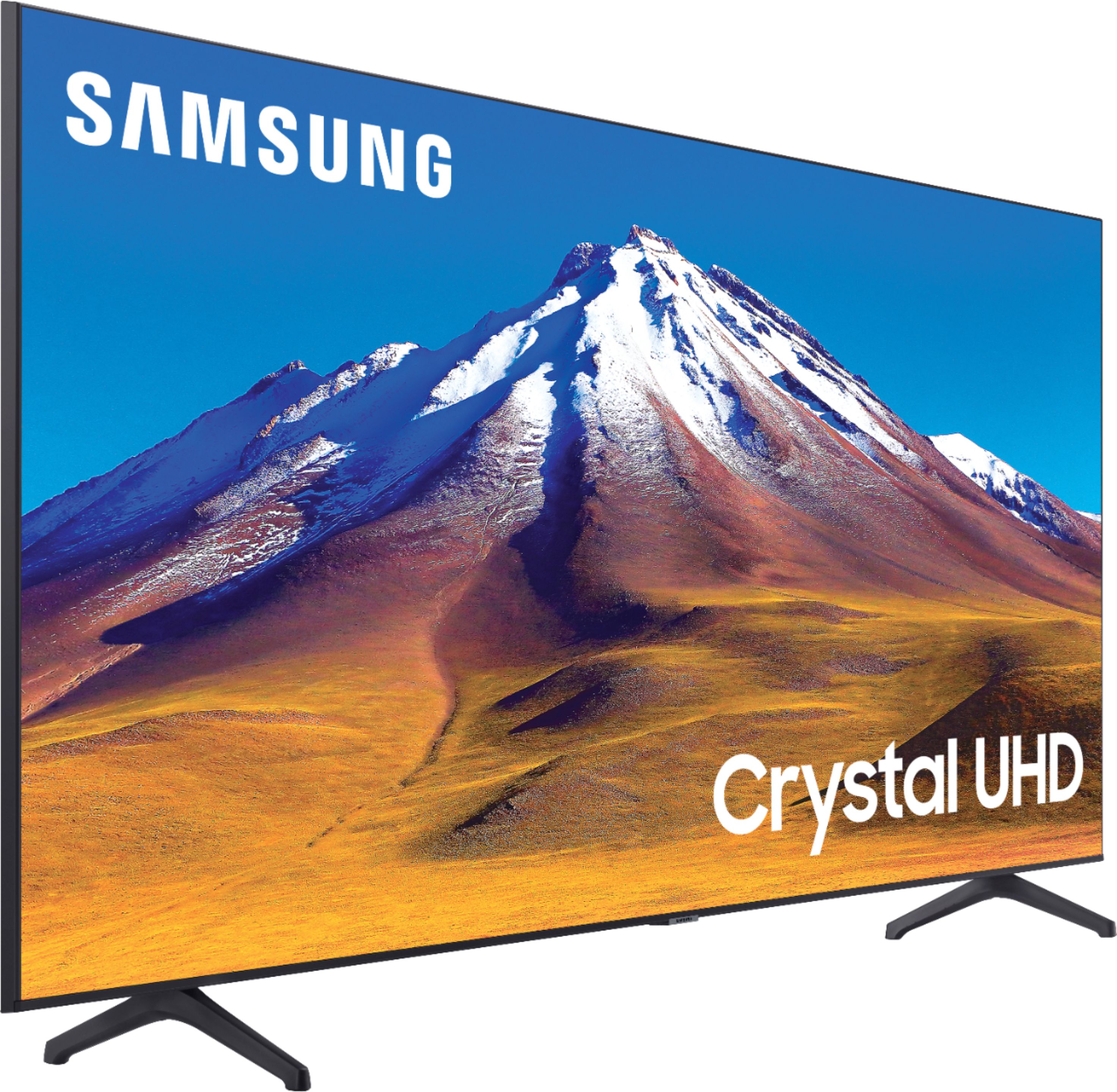
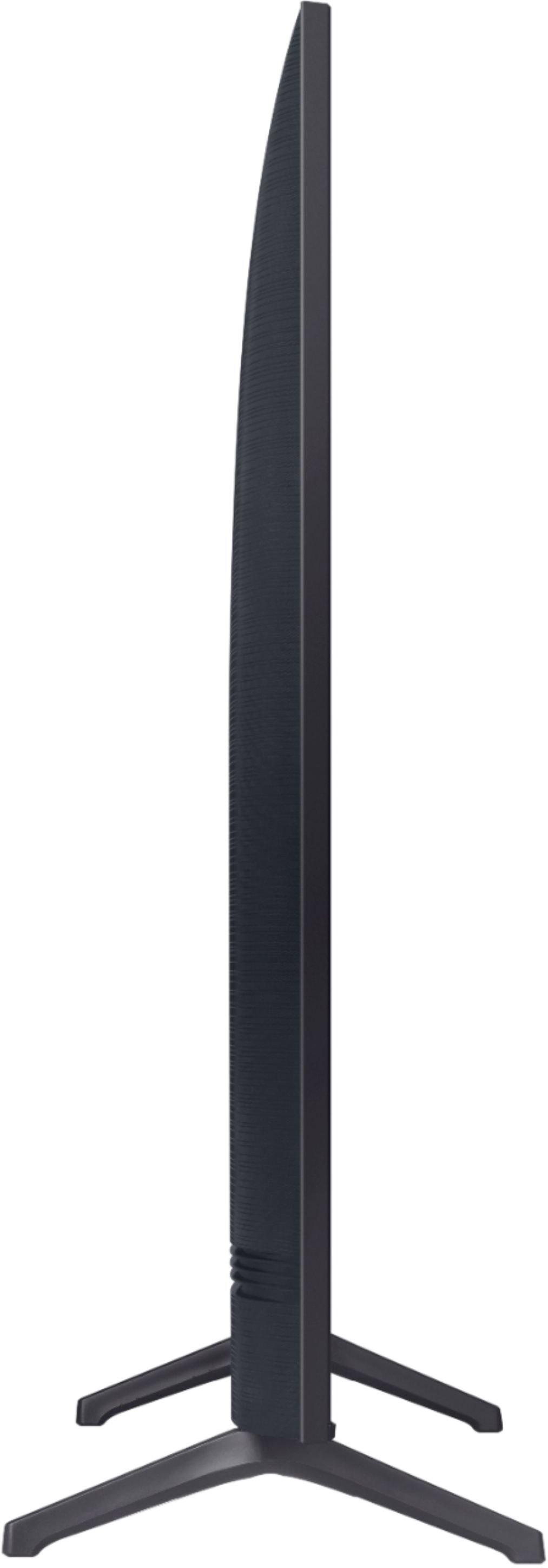
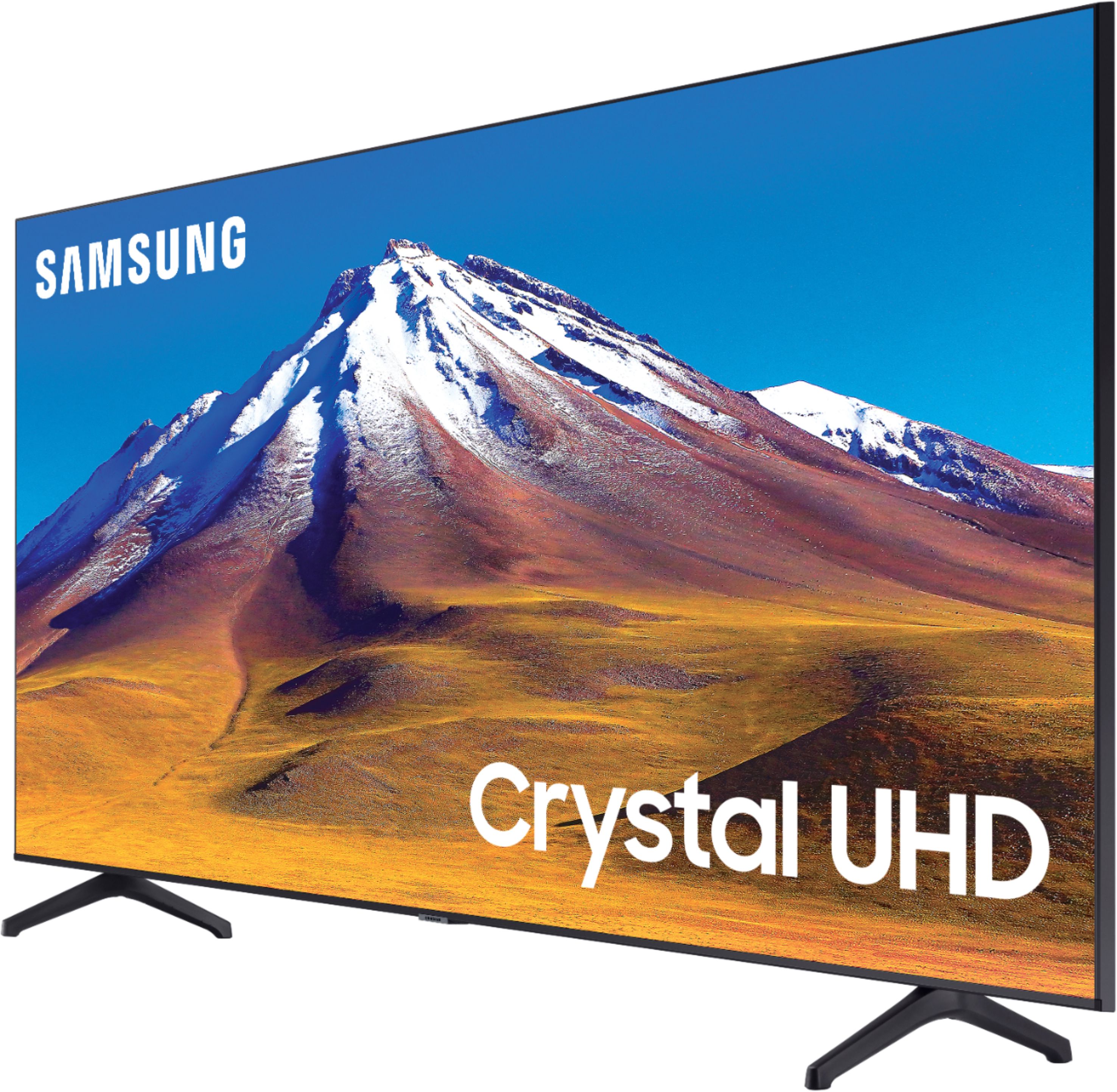
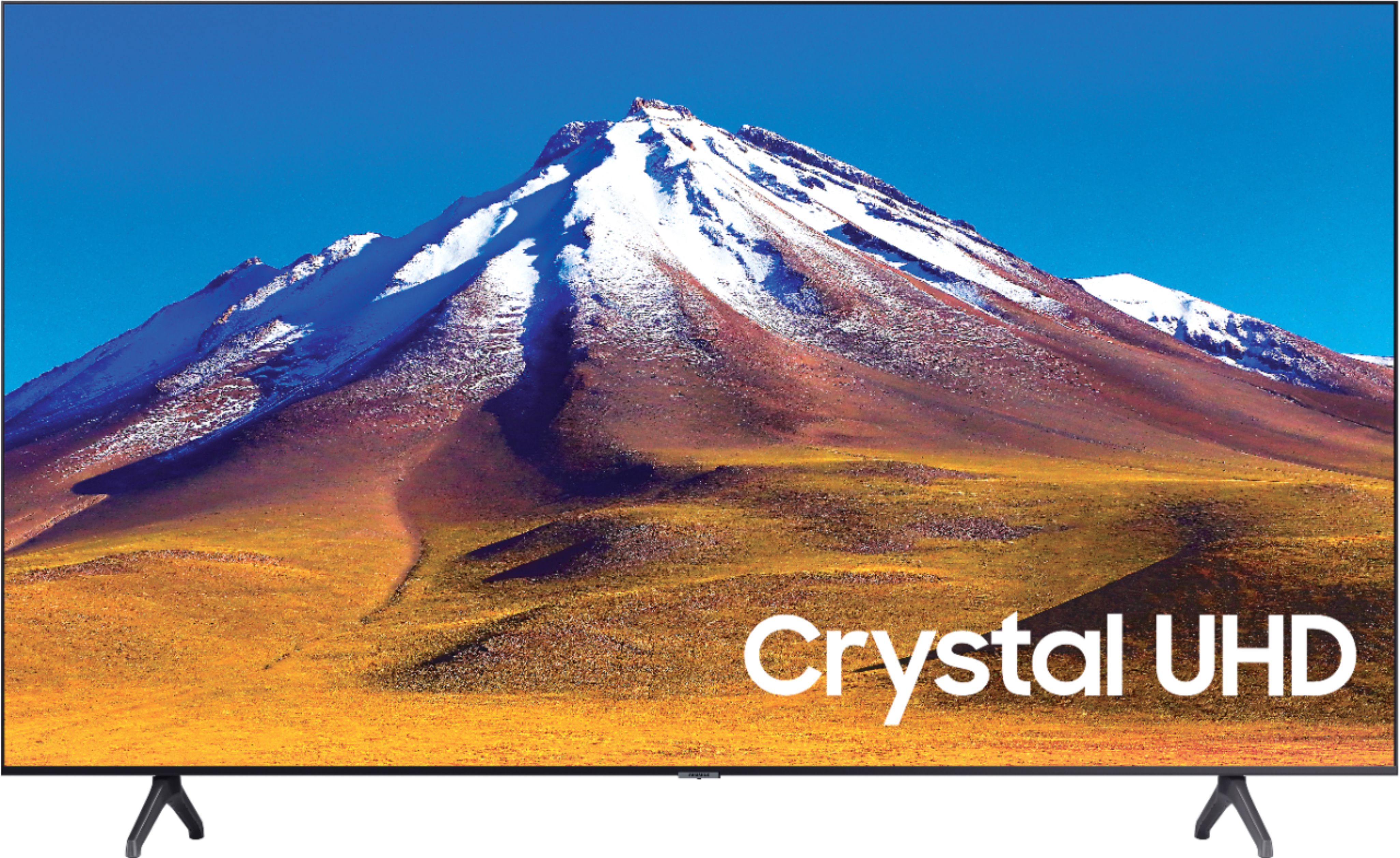
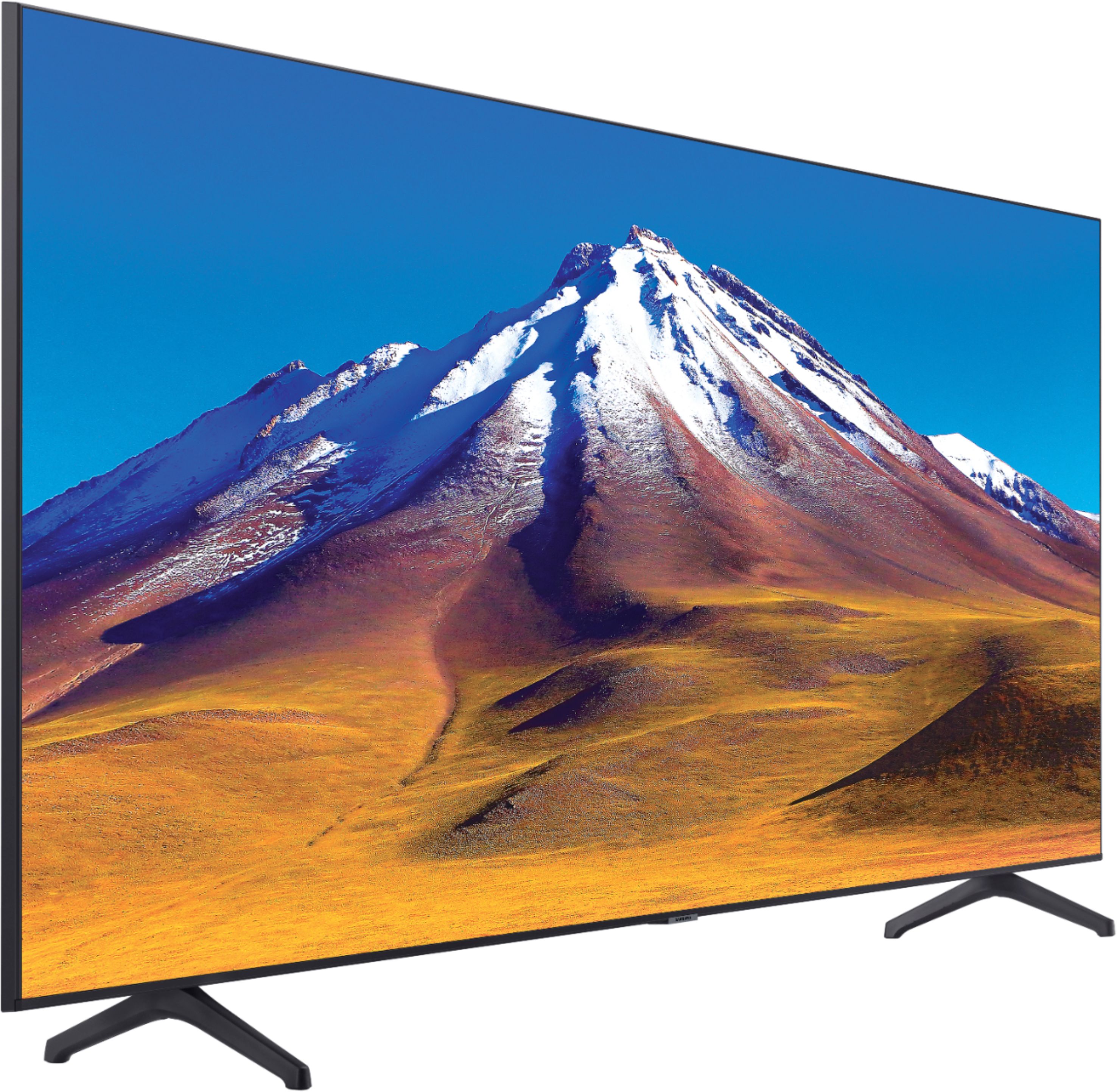
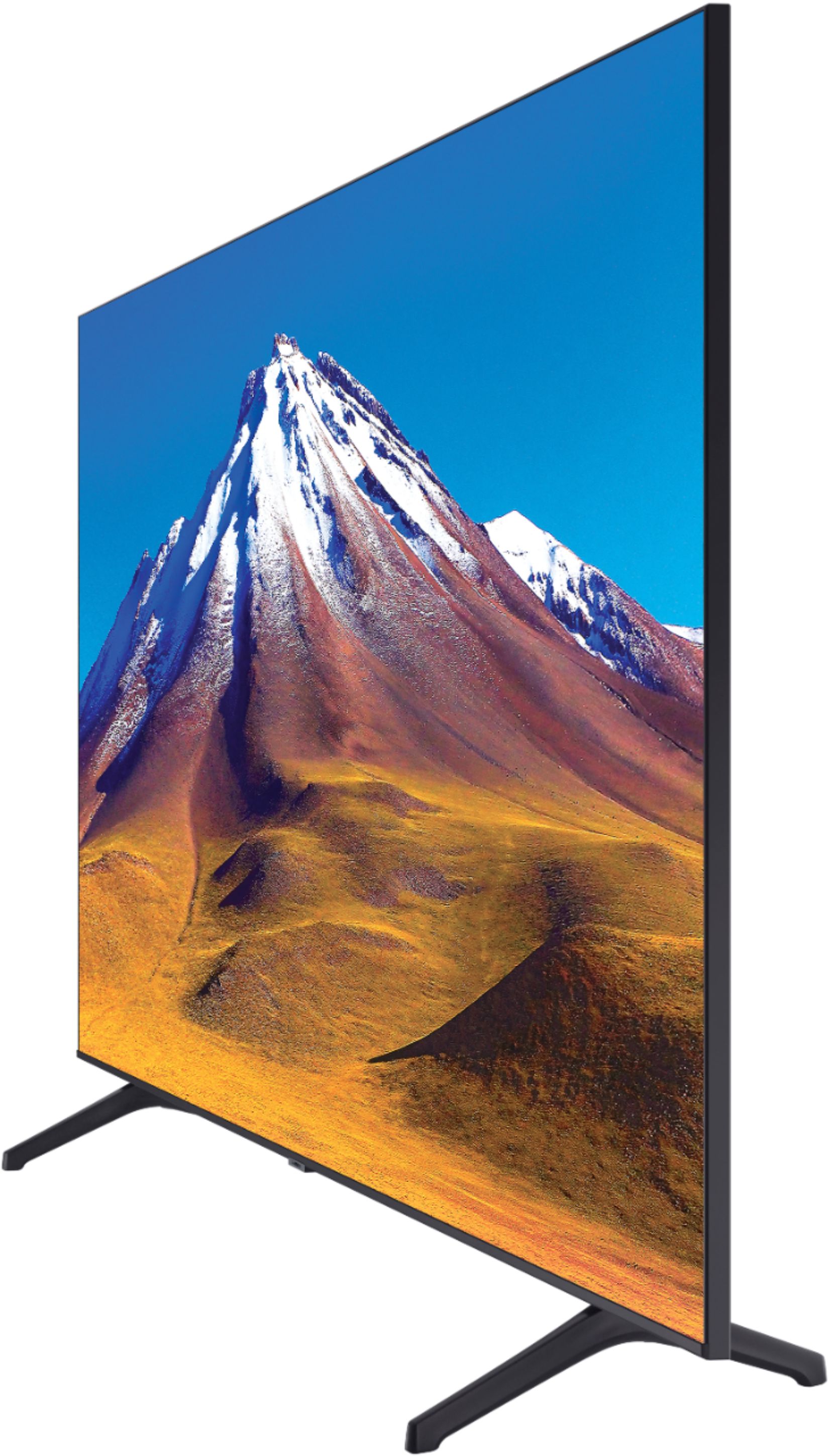



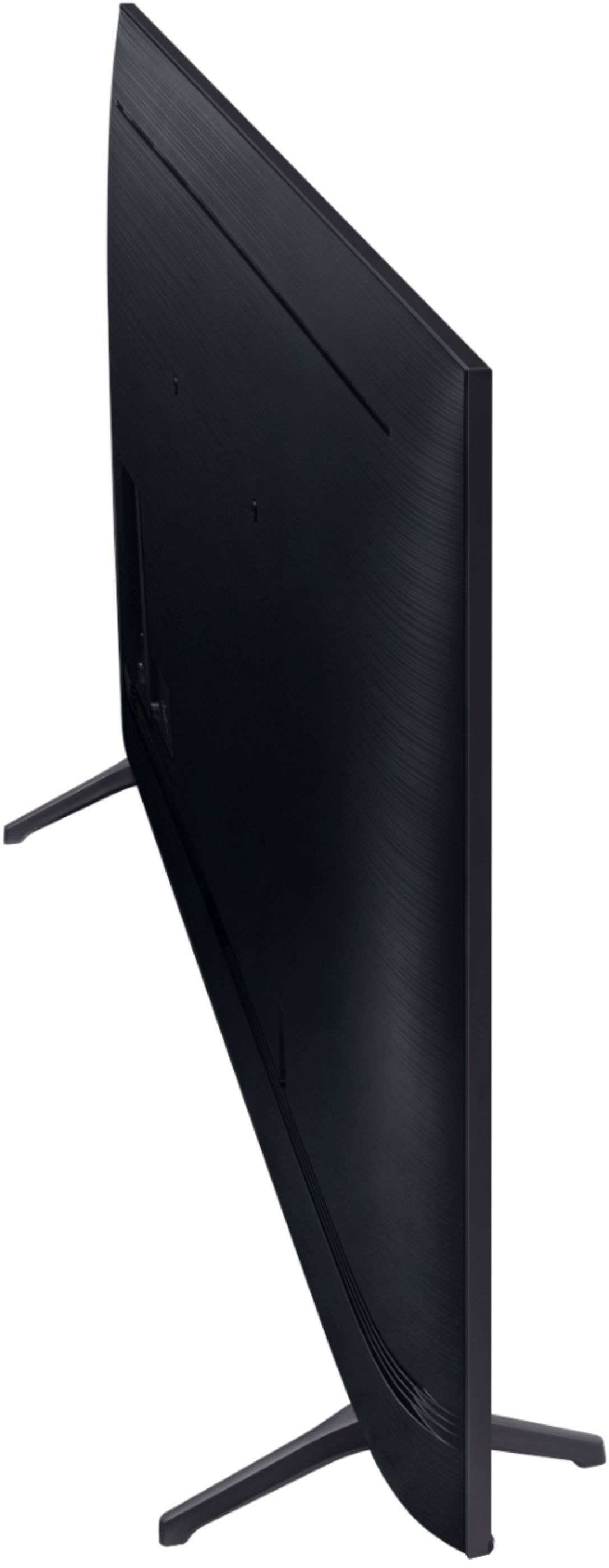
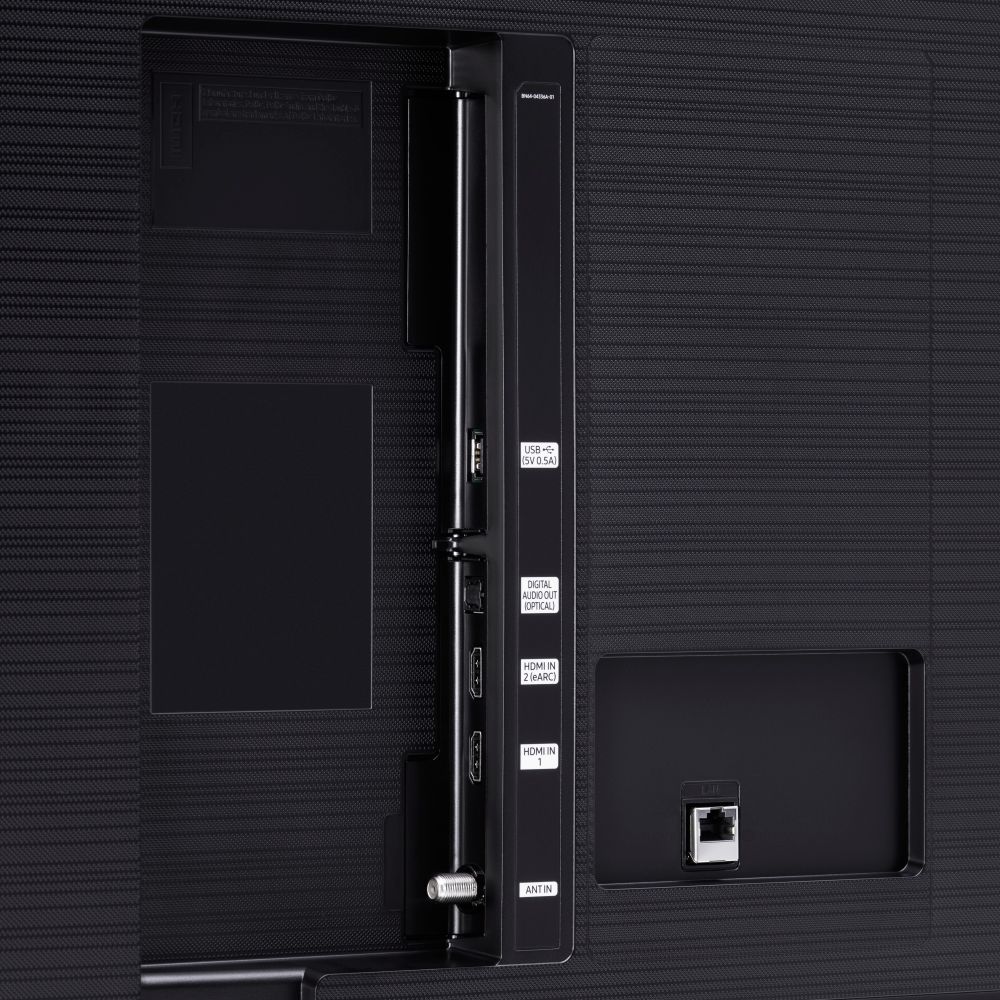





- Model:
- UN70TU6980FXZA
- SKU:
- 6428508
Rating by feature
- Picture Quality
Rating 4.5 out of 5 stars
- Sound Quality
Rating 4.4 out of 5 stars
- Brightness
Rating 4.5 out of 5 stars
Customers are saying
Customers regard the 70" Class 6 Series LED 4K UHD Smart Tizen TV's picture quality as great, with vibrant colors and deep contrasts. They also appreciate its large screen and affordable price. However, some customers have concerns about its limited HDMI ports, connectivity issues, and slow smart features.
This summary was generated by AI based on customer reviews.
No complaints
||Posted . Owned for 2 weeks when reviewed.This reviewer received promo considerations or sweepstakes entry for writing a review.Picture and sound is ok. You get what you pay for.
I would recommend this to a friendGreat TV
||Posted . Owned for 1 month when reviewed.This reviewer received promo considerations or sweepstakes entry for writing a review.Awesome TV, but could use one more HDMI connection.
I would recommend this to a friendGood low budget option
||Posted . Owned for 1 month when reviewed.This reviewer received promo considerations or sweepstakes entry for writing a review.Good for TV for the price.........................
I would recommend this to a friendok
||Posted . Owned for 3 weeks when reviewed.This reviewer received promo considerations or sweepstakes entry for writing a review.Good enough for current needs. Not a high end item.
I would recommend this to a friendOk
||Posted . Owned for 1 month when reviewed.This reviewer received promo considerations or sweepstakes entry for writing a review.Not as intuitive or convenient as the Hisense I was replacing. It doesnt actually shut off more like standby which causes a lot of streaming problems. The fix is almost always to unplug to reboot which is difficult to do on such a large tv so frequently.
No, I would not recommend this to a friendBrand response from Samsung
Posted .Vampyr:
Thank you for purchasing the Samsung TU6980 TV and for your review. I am very sorry that you are experiencing connection issues. You may want to go through these steps to check your network connection:
1) Check the distance between the TV and your modem or access point. The distance should not exceed 50 ft. (15.2 m).
2) Minimize interference by not using or turning off wireless devices. Also, verify that there are no obstacles between the TV and the modem or access point. (WiFi strength can be decreased by appliances, cordless phones, stone walls/fireplaces, etc.)
3) Perform a network test to check if there is a network problem. Press the Home button on your remote. Navigate to Settings > Support > Device Care > Self Diagnosis> Smart Hub Connection Test
4) Try a cold reboot of your TV by pressing and holding the power button for 5+ seconds until the TV turns off and on again.
5) Please also be sure you have the latest firmware update. You may want to enable automatic updates for convenience. Select Settings > Support > Software Update, then select Auto Update.
For further assistance or service, please contact us via any of the following options:
1) Phone: 1-800-SAMSUNG (ask for TVs), available 8AM – 12AM EST 7 days a week
2) LiveChat: https://www.samsung.com/us/support/#contact_us_for_support
3) Facebook Messenger: https://www.facebook.com/samsungsupport
4) Twitter: https://twitter.com/SamsungSupport
5) The Samsung Members Community is also a great resource for getting help from Samsung moderators and customers: https://us.community.samsung.com
If you have not already done so, we invite you to register your new Samsung product at: https://www.samsung.com/us/account/signin/?redirect=https%3A%2F%2Fwww.samsung.com%2Fus%2Fsupport%2Fregister%2F
Registering your product gives you access to easy warranty support, convenient opt-in to special promos and offers, faster troubleshooting and service, and quick notification of system updates.
~ Samsung Solutions
- Cons mentioned:Remote control
control lags, not that great of a tv
||Posted . Owned for 11 months when reviewed.This reviewer received promo considerations or sweepstakes entry for writing a review.the control for this tv doesn’t work well it lags. when you want to control the volume or pick an app on the tv its very slow. i expected better and im not happy with it.
No, I would not recommend this to a friend Falls short of modern Smart TV expectations
||Posted . Owned for 1 month when reviewed.This reviewer received promo considerations or sweepstakes entry for writing a review.Does not have full casting features, which is a huge letdown. Want to cast Pandora, Crunchyroll, Twitch, etc? Gonna need to buy a Chromecast. Samsung's Clear Motion tech gives the image the soap opera effect, but it can be disabled.
No, I would not recommend this to a friendBrand response from Samsung
Posted .NotAFilmBuff:
Thank you for purchasing the Samsung TU6980 TV and for your review. Please know that the Pandora app is available in our App Store.
Should you have questions or need assistance with settings, setup, or features with your new Samsung TV, please know we are always here to help.
1) Phone: 1-800-SAMSUNG (ask for TVs), available 8AM – 12AM EST 7 days a week
2) LiveChat: https://www.samsung.com/us/support/#contact_us_for_support
3) Facebook Messenger: https://www.facebook.com/samsungsupport
4) Twitter: https://twitter.com/SamsungSupport
5) The Samsung Members Community is also a great resource for getting help from Samsung moderators and customers: https://us.community.samsung.com
If you have not already done so, we invite you to register your new Samsung product at: https://www.samsung.com/us/account/signin/?redirect=https%3A%2F%2Fwww.samsung.com%2Fus%2Fsupport%2Fregister%2F
Registering your product gives you access to easy warranty support, convenient opt-in to special promos and offers, faster troubleshooting and service, and quick notification of system updates.
~ Samsung Solutions
Need more HDMI ports
||Posted . Owned for 1 month when reviewed.This reviewer received promo considerations or sweepstakes entry for writing a review.Great TV for the price. Unfortunately it only has 2 HDMI ports. With cable and Apple TV that leaves out Gaming Consoles. It’s lack of Soundshare support means the headache of using multiple remotes even with a Sony Soundbar.
No, I would not recommend this to a friendBrand response from Samsung
Posted .SanAntonioBob:
Thank you for purchasing the Samsung TU6980 TV and for your review. Your thoughts regarding the number of HDMI ports is important to us and will be shared with our internal teams.
Should you ever have questions or need help with TV features, specs, or operation, please contact Samsung Customer Support for help.
1) Phone: 1-800-SAMSUNG (ask for TVs), available 8AM – 12AM EST 7 days a week
2) LiveChat: https://www.samsung.com/us/support/#contact_us_for_support
3) Facebook Messenger: https://www.facebook.com/samsungsupport
4) Twitter: https://twitter.com/SamsungSupport
5) The Samsung Members Community is also a great resource for getting help from Samsung moderators and customers: https://us.community.samsung.com
If you have not already done so, we invite you to register your new Samsung product at: https://www.samsung.com/us/account/signin/?redirect=https%3A%2F%2Fwww.samsung.com%2Fus%2Fsupport%2Fregister%2F
Registering your product gives you access to easy warranty support, convenient opt-in to special promos and offers, faster troubleshooting and service, and quick notification of system updates.
~ Samsung Solutions
Bargain Buy
||Posted . Owned for 2 weeks when reviewed.This reviewer received promo considerations or sweepstakes entry for writing a review.If you a big tv at a steal, then this is the tv for you. The first one I purchased had a minor defect so I swapped it out at my local Best Buy for the same one. Word of advice, get the 5 year warranty on this product.
I would recommend this to a friendBrand response from Samsung
Posted .MackMaine:
Thank you for purchasing the TU6980 TV. The Crystal Processor 4K transforms everything you watch to 4K. Its crisp, clear picture is 4x the resolution of Full HD.
You can contact Samsung Customer Support should you have any questions or concerns with usage, features, or how to best optimize your settings.
1) Phone: 1-800-SAMSUNG (ask for TVs), available 8AM – 12AM EST 7 days a week
2) LiveChat: https://www.samsung.com/us/support/#contact_us_for_support
3) Facebook Messenger: https://www.facebook.com/samsungsupport
4) Twitter: https://twitter.com/SamsungSupport
5) The Samsung Members Community is also a great resource for getting help from Samsung moderators and customers: https://us.community.samsung.com
If you have not already done so, we invite you to register your new Samsung product at: https://www.samsung.com/us/account/signin/?redirect=https%3A%2F%2Fwww.samsung.com%2Fus%2Fsupport%2Fregister%2F
Registering your product gives you access to easy warranty support, convenient opt-in to special promos and offers, faster troubleshooting and service, and quick notification of system updates.
~ Samsung Solutions
Good TV - Bad Service
||Posted .This reviewer received promo considerations or sweepstakes entry for writing a review.Purchased TV on-line. Charged $69 delivery. Was given "6" hour window for delivery. Of course they came at the 5 3/4 hour with a 10 minute ahead call. Wasted most of a day at home waiting. Called Geeks with a question about mounting TV. Woman who answered was no help at all - said someone would call right away - here it is a month later - no call. My question was about size of screws for mounting. Drove to Lady Lake FL. store -went to TV area - Asked question - was told to go to a hardware store and buy screws. Second time in recent memory with same service from Best Buy. Will avoid if possible.
No, I would not recommend this to a friendBrand response from Samsung
Posted .BadService:
Thank you for purchasing the Samsung TU6980 TV and sharing your review. I am sorry to hear of your poor purchase experience. You may want to consider providing feedback directly to the Best Buy store where you made your purchase.
I hope setup went smoothly with your new TV after purchasing the M8 screws needed for mounting, and you are now enjoying the sharp details and realistic colors brought to you by 4K UHD resolution.
If you should ever have questions on setup, features or operation, Samsung is ready to help you with enjoying your new TV. You can reach Samsung Support at:
1) Phone: 1-800-SAMSUNG (ask for TVs), available 8AM – 12AM EST 7 days a week
2) LiveChat: https://www.samsung.com/us/support/#contact_us_for_support
3) Facebook Messenger: https://www.facebook.com/samsungsupport
4) Twitter: https://twitter.com/SamsungSupport
5) The Samsung Members Community is also a great resource for getting help from Samsung moderators and customers: https://us.community.samsung.com
If you have not already done so, we invite you to register your new Samsung product at: https://www.samsung.com/us/account/signin/?redirect=https%3A%2F%2Fwww.samsung.com%2Fus%2Fsupport%2Fregister%2F
Registering your product gives you access to easy warranty support, convenient opt-in to special promos and offers, faster troubleshooting and service, and quick notification of system updates.
~ Samsung Solutions
2 HDMI ports...really?
||Posted . Owned for less than 1 week when reviewed.This reviewer received promo considerations or sweepstakes entry for writing a review.The only complaint I have is how on earth a 70 inch TV is equipped with just 2 HDMI ports knowing that one is going to be used by a sound device. I had a 55' TV that had 3 ports. I can't wrap my mind around it.
No, I would not recommend this to a friendBrand response from Samsung
Posted .Albert:
Thank you for purchasing the Samsung TU6980 TV and for your review. Your thoughts regarding the number of HDMI ports are important to us and will be shared with our internal teams.
Should you ever have questions or need help with TV features, specs, or operation, please contact Samsung Customer Support for help.
1) Phone: 1-800-SAMSUNG (ask for TVs), available 8AM – 12AM EST 7 days a week
2) LiveChat: https://www.samsung.com/us/support/#contact_us_for_support
3) Facebook Messenger: https://www.facebook.com/samsungsupport
4) Twitter: https://twitter.com/SamsungSupport
5) The Samsung Members Community is also a great resource for getting help from Samsung moderators and customers: https://us.community.samsung.com
If you have not already done so, we invite you to register your new Samsung product at: https://www.samsung.com/us/account/signin/?redirect=https%3A%2F%2Fwww.samsung.com%2Fus%2Fsupport%2Fregister%2F
Registering your product gives you access to easy warranty support, convenient opt-in to special promos and offers, faster troubleshooting and service, and quick notification of system updates.
~ Samsung Solutions
Really Bad Voice Sound Quality
||Posted . Owned for less than 1 week when reviewed.This reviewer received promo considerations or sweepstakes entry for writing a review.This TV has the worst voice quality of any large flat screen i've had. You have to strain to make out what the actors are saying so i watch everything with closed captioning. I've had to buy a sound bar just to get decent voice quality. Very disappointed with my purchase from Samsung. This was a purchase to replace a Hisense tv that was damaged when it needed to be moved. It had superior sound compared to this Samsung. The menus are very complicated and it's hard to find the menu item you'd like to change. It's just not very intuitive.
No, I would not recommend this to a friendCheap Big TV
||Posted . Owned for 1 month when reviewed.This reviewer received promo considerations or sweepstakes entry for writing a review.Smart features run slow and the TV doesn’t have enough processing power for all of the “picture correction software” included. Overall OK TV but should have bought a 7 or 8 series smaller TV instead.
I would recommend this to a friendBrand response from Samsung
Posted .Epm3:
Thank you for sharing your review of the TU6890 TV. I am sorry that you are finding the processing of your unit to be slow.
To optimize the smart TV performance, please try Device Care option under the Support Menu. Go to Settings > Support> Device Care > Start Device Care
This service checks memory and frees up unused cached memory and closes background apps.
If you should ever have questions on setup, features or operation, Samsung is ready to help you with enjoying your new TV. You can reach Samsung Support at:
1) Phone: 1-800-SAMSUNG (ask for TVs), available 8AM – 12AM EST 7 days a week
2) LiveChat: https://www.samsung.com/us/support/#contact_us_for_support
3) Facebook Messenger: https://www.facebook.com/samsungsupport
4) Twitter: https://twitter.com/SamsungSupport
5) The Samsung Members Community is also a great resource for getting help from Samsung moderators and customers: https://us.community.samsung.com
If you have not already done so, we invite you to register your new Samsung product at: https://www.samsung.com/us/account/signin/?redirect=https%3A%2F%2Fwww.samsung.com%2Fus%2Fsupport%2Fregister%2F
Registering your product gives you access to easy warranty support, convenient opt-in to special promos and offers, faster troubleshooting and service, and quick notification of system updates.
~ Samsung Solutions
Mixed review
||Posted . Owned for 8 months when reviewed.This reviewer received promo considerations or sweepstakes entry for writing a review.Great... when it works properly. Have had too many issues with wifi and poorly explained settings and unable to get clear assistance from Samsung or from Geek Squad Protection Plan
I would recommend this to a friend- Pros mentioned:Picture quality
Low refresh rate
||Posted . Owned for 1 month when reviewed.This reviewer received promo considerations or sweepstakes entry for writing a review.This tv looks gorgeous in bright scenes, but when the scene gets dark there is a huge amount of image blur I should of opted for a more expensive model
No, I would not recommend this to a friendBrand response from Samsung
Posted .AvocadoBandit:
Thank you for purchasing the Samsung TU6980 TV and for your review. You can try the following steps to improve your picture.
Navigate to Settings > Picture > Expert Settings > Picture Clarity Settings
The default setting is Auto. This means the feature automatically turns on and off based on the type of program being watched. Change the setting to either Off or Custom.
If you select Custom, three additional settings are available for further customization to your viewing preference: Blur, Judder, and LED Clear Motion. LED Clear Motion allows you to configure the LED backlight to sharpen fast-moving images. Select to turn On or Off.
1) Phone: 1-800-SAMSUNG (ask for TVs), available 8AM – 12AM EST 7 days a week
2) LiveChat: https://www.samsung.com/us/support/#contact_us_for_support
3) Facebook Messenger: https://www.facebook.com/samsungsupport
4) Twitter: https://twitter.com/SamsungSupport
5) The Samsung Members Community is also a great resource for getting help from Samsung moderators and customers: https://us.community.samsung.com
If you have not already done so, we invite you to register your new Samsung product at: https://www.samsung.com/us/account/signin/?redirect=https%3A%2F%2Fwww.samsung.com%2Fus%2Fsupport%2Fregister%2F
Registering your product gives you access to easy warranty support, convenient opt-in to special promos and offers, faster troubleshooting and service, and quick notification of system updates.
~ Samsung Solutions
If you’re slow, this tv is perfect for you.
||Posted . Owned for 1 month when reviewed.This reviewer received promo considerations or sweepstakes entry for writing a review.This was possible one of the worst tv’s I’ve ever bought. The sad part is that these are supposed to be smart TVs and fast. They are neither. The tv has been with me for 2 months and it becomes completely unresponsive at times and becomes vey slow even after it starts to respond. It even doesn’t recognize our phones anymore. It gave up too early and now I have to return it. Honestly this tv makes my 10 year old LG Plasma tv look insanely good and that tv was the very first smart tv. OVERALL REVIEW: Lags a lot and it’s more expensive than it should be.
No, I would not recommend this to a friendBrand response from Samsung
Posted .Sarakaz11101:
I am sorry that you are experiencing issues with your TU6980 4K Smart TV.
Your TV has several self-diagnosis tools built in that can help solve problems with signal, network, picture, or sound.
Go to Settings > Support> Device Care > Start Device Care
You may also want to clear out your TV's temporary storage space by pressing and holding the Power button for 6 seconds until your TV turns off and back on again.
Please also be sure you are running the latest firmware. You can check to see what software version your TV is using and if there is an available update through the settings on your TV. Go to: Settings > Support > Software Update.
I hope this helps. Should you need further assistance, please contact Samsung Customer Support.
1) Phone: 1-800-SAMSUNG (ask for TVs), available 8AM – 12AM EST 7 days a week
2) LiveChat: https://www.samsung.com/us/support/#contact_us_for_support
3) Facebook Messenger: https://www.facebook.com/samsungsupport
4) Twitter: https://twitter.com/SamsungSupport
5) The Samsung Members Community is also a great resource for getting help from Samsung moderators and customers: https://us.community.samsung.com
If you have not already done so, we invite you to register your new Samsung product at: https://www.samsung.com/us/account/signin/?redirect=https%3A%2F%2Fwww.samsung.com%2Fus%2Fsupport%2Fregister%2F
Registering your product gives you access to easy warranty support, convenient opt-in to special promos and offers, faster troubleshooting and service, and quick notification of system updates.
~ Samsung Solutions
- Pros mentioned:Picture quality
Should have never!!!!
||Posted .This reviewer received promo considerations or sweepstakes entry for writing a review.Great picture-when it is working. Only 2 HDMI inputs, one of which does not work. The one port that does function, only does so about 90 percent of the time. Have to reboot both my cable box and the TV to regain the signal. Attempts to get help through the "Samsung Help Line" proved both frustrating and futile. I suggest they rename it the "Helpless Line".
No, I would not recommend this to a friendBrand response from Samsung
Posted .Woeful:
I am sorry to hear that you are experiencing issues with the HDMI ports of your TU6980 TV.
Samsung is committed to providing the best possible product experience, quality, and value. We back this Samsung TV with a 1-year limited manufacturer's warranty, including authorized repair for manufacturer defect, if purchased brand-new directly from an authorized seller.
Please reach out to Samsung Customer Support via any of the following options so that we can provide troubleshooting or begin warranty service.
1) Phone: 1-800-SAMSUNG (ask for TVs), available 8AM – 12AM EST 7 days a week
2) LiveChat: https://www.samsung.com/us/support/#contact_us_for_support
3) Facebook Messenger: https://www.facebook.com/samsungsupport
4) Twitter: https://twitter.com/SamsungSupport
5) The Samsung Members Community is also a great resource for getting help from Samsung moderators and customers: https://us.community.samsung.com
If you have not already done so, we invite you to register your new Samsung product at: https://www.samsung.com/us/account/signin/?redirect=https%3A%2F%2Fwww.samsung.com%2Fus%2Fsupport%2Fregister%2F
Registering your product gives you access to easy warranty support, convenient opt-in to special promos and offers, faster troubleshooting and service, and quick notification of system updates.
~ Samsung Solutions
Not that smart.
||Posted . Owned for 11 months when reviewed.This reviewer received promo considerations or sweepstakes entry for writing a review.Not bad. It won’t auto start on last app so every time you turn on the tv, you have to then navigate to you apps to start watching live. Samsung support is no help.
No, I would not recommend this to a friendSamsung
||Posted . Owned for 3 weeks when reviewed.This reviewer received promo considerations or sweepstakes entry for writing a review.great price, the interface is a bit unresponsive. and the screen seems foggy, set up for different picture styles didn't improve much, but these are very minor, most people wouldn't notice.
I would recommend this to a friendBrand response from Samsung
Posted .notbad:
Thank you for purchasing the TU6980 TV and for your feedback regarding the interface. You may want to optimize the smart TV performance by trying the Device Care option under the Support Menu. Go to Settings > Support> Device Care > Start Device Care
There are several image settings you can adjust to your liking such as Picture Mode and Expert Settings.
Choose a Picture Mode by going to Settings > Picture > Picture Mode and choose from Dynamic, Standard, Natural, Movie, or Filmmaker Mode.
You can further adjust your sharpness, brightness, contrast, color, and more by going to Settings > Picture > Expert Settings
For further information regarding Image Settings, please see this article:
https://www.samsung.com/us/support/answer/ANS00079295/
Should you need further assistance with settings, features, or functions, please contact Samsung Customer Support.
1) Phone: 1-800-SAMSUNG (ask for TVs), available 8AM – 12AM EST 7 days a week
2) LiveChat: https://www.samsung.com/us/support/#contact_us_for_support
3) Facebook Messenger: https://www.facebook.com/samsungsupport
4) Twitter: https://twitter.com/SamsungSupport
5) The Samsung Members Community is also a great resource for getting help from Samsung moderators and customers: https://us.community.samsung.com
If you have not already done so, we invite you to register your new Samsung product at: https://www.samsung.com/us/account/signin/?redirect=https%3A%2F%2Fwww.samsung.com%2Fus%2Fsupport%2Fregister%2F
Registering your product gives you access to easy warranty support, convenient opt-in to special promos and offers, faster troubleshooting and service, and quick notification of system updates.
~ Samsung Solutions
I expected more from Samsung
||Posted . Owned for 1 year when reviewed.This reviewer received promo considerations or sweepstakes entry for writing a review.Its been a good tv but after 1 year and a few months the color started looking strange. There are vertical lines of color on the screen.
No, I would not recommend this to a friend