Customer Ratings & Reviews
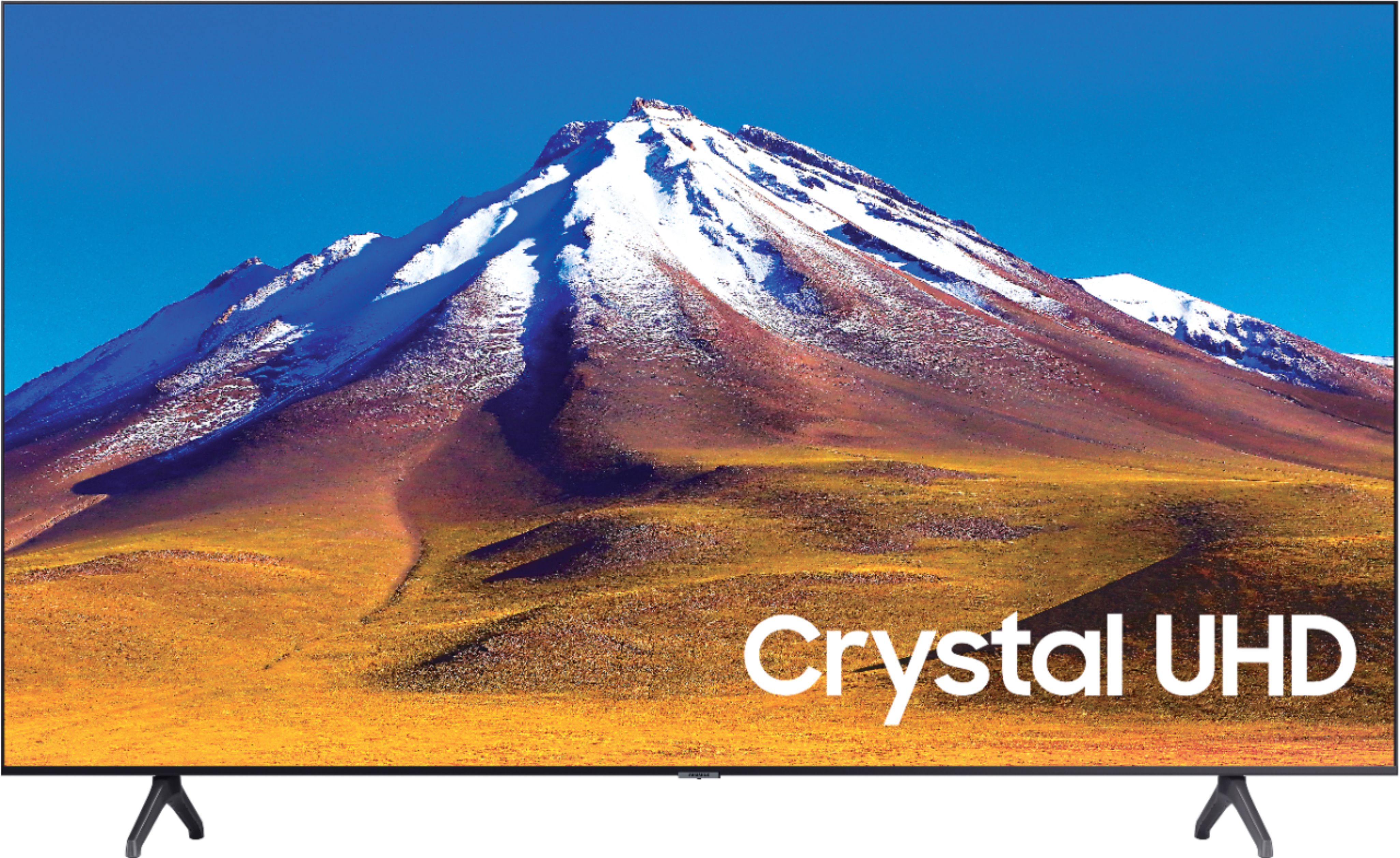
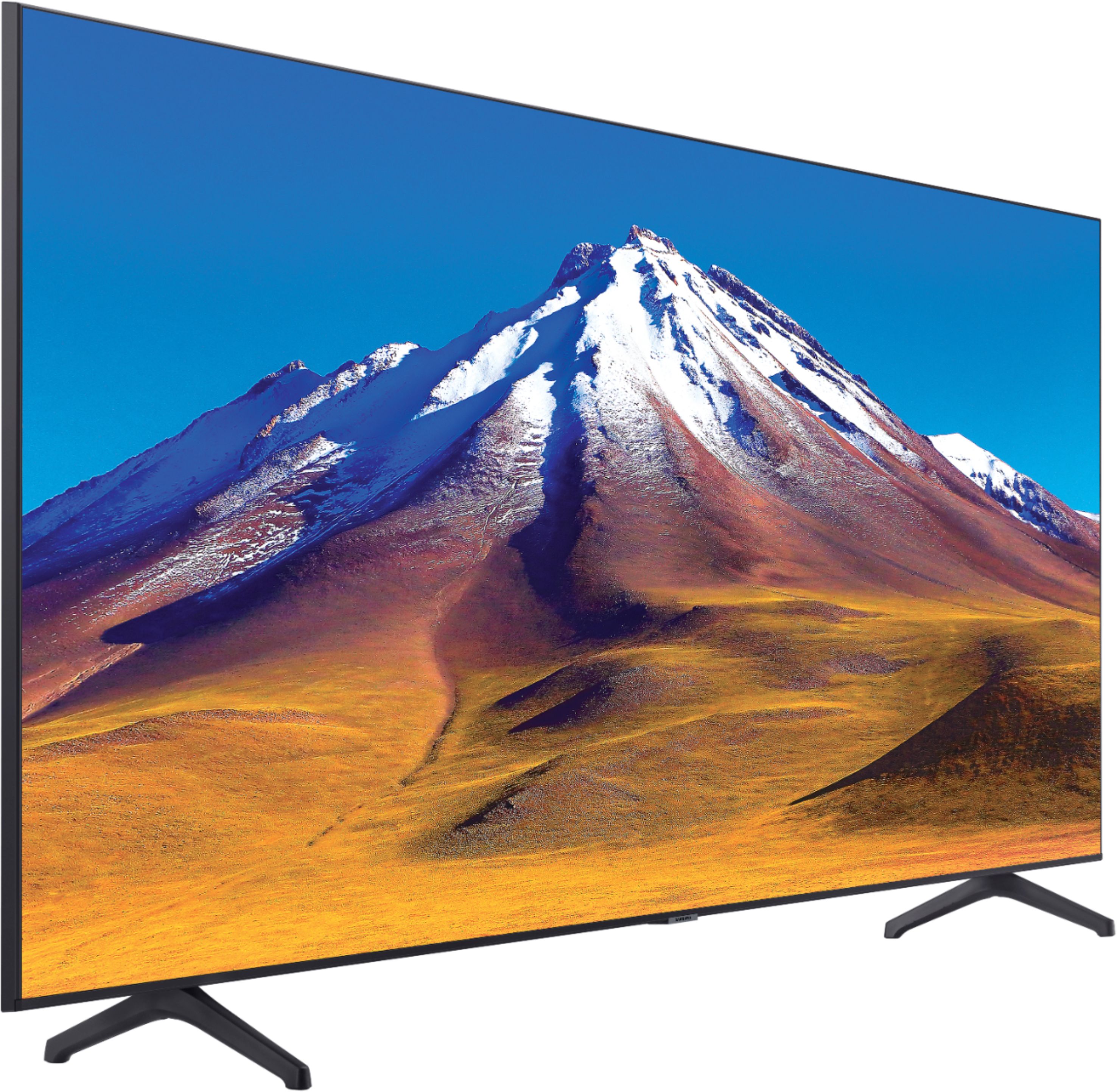
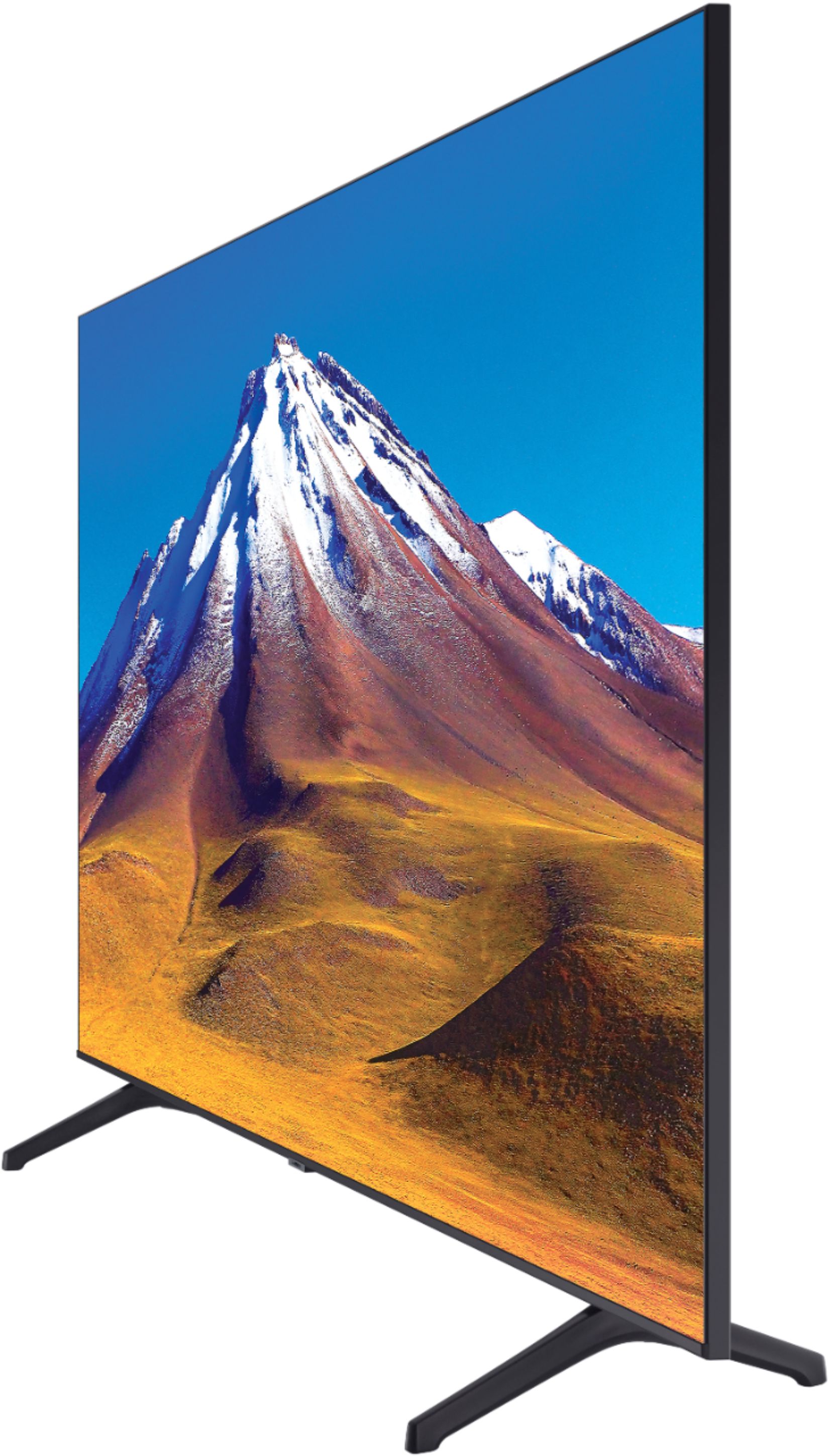
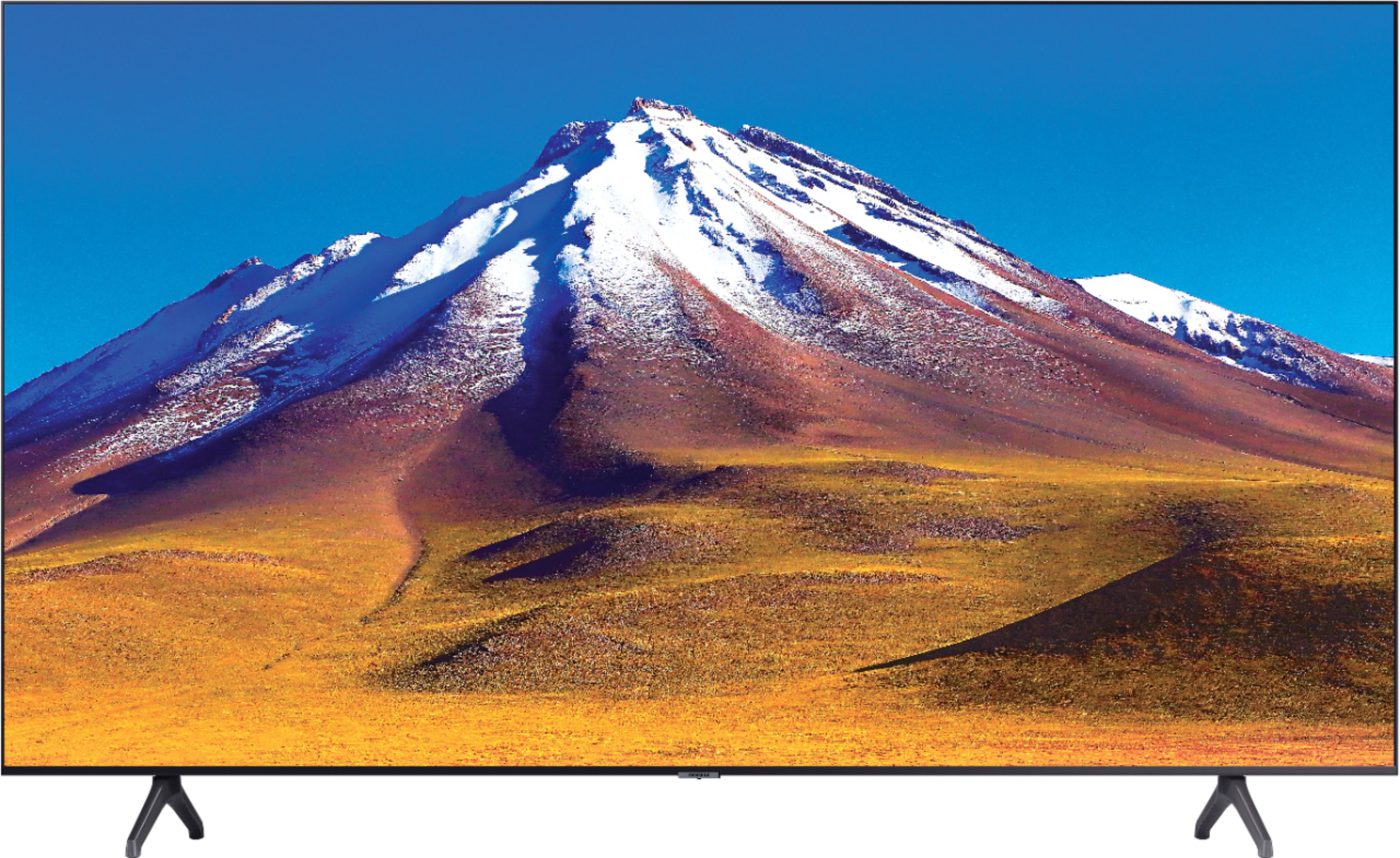



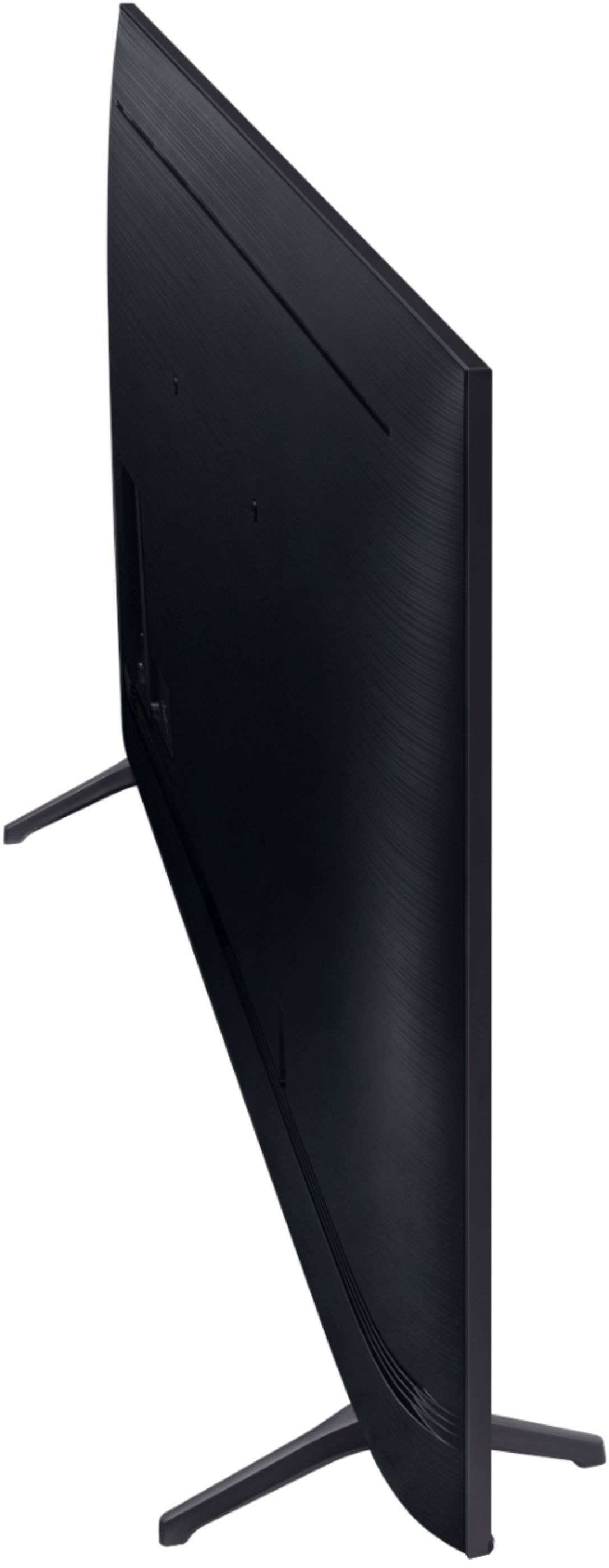
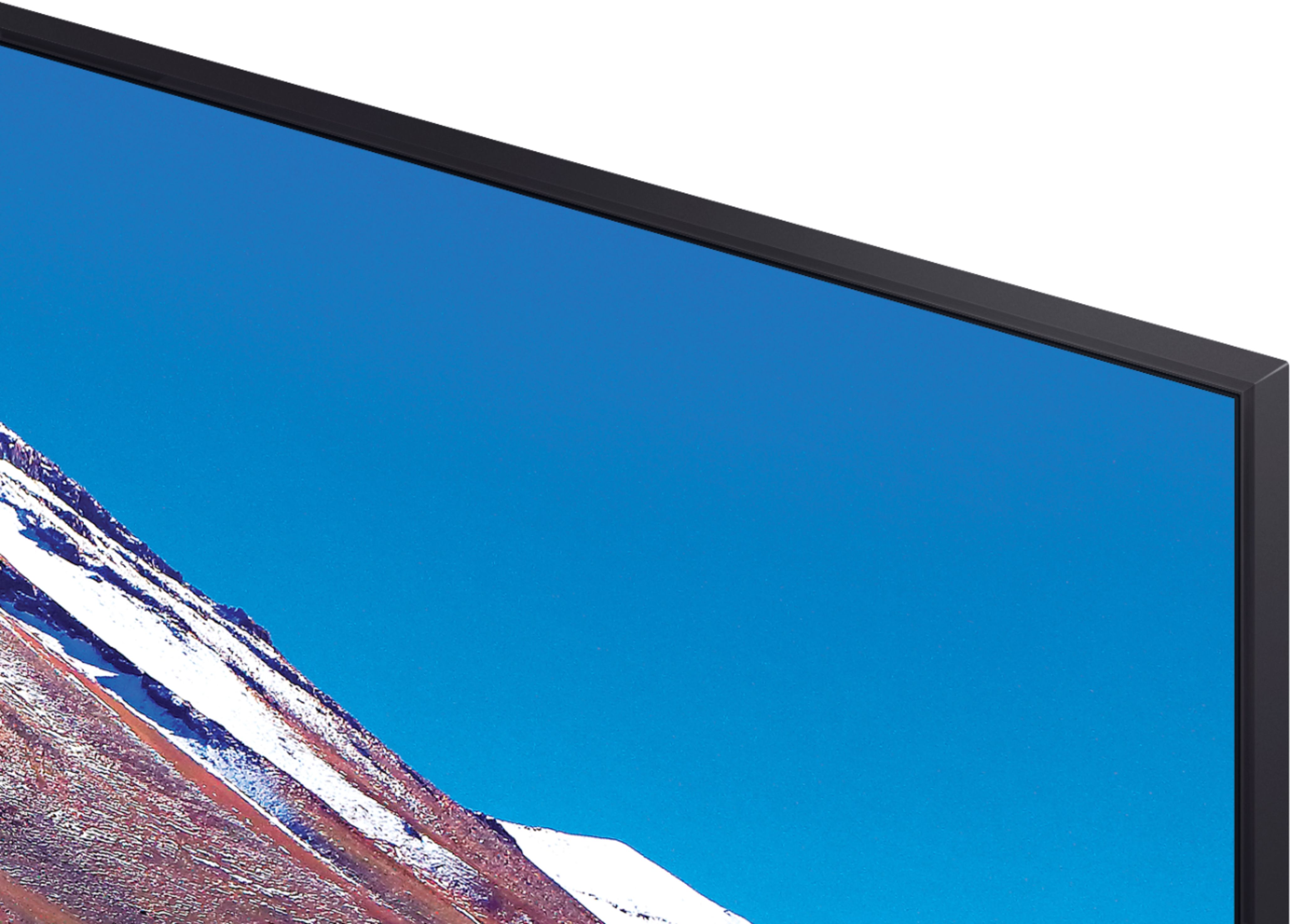
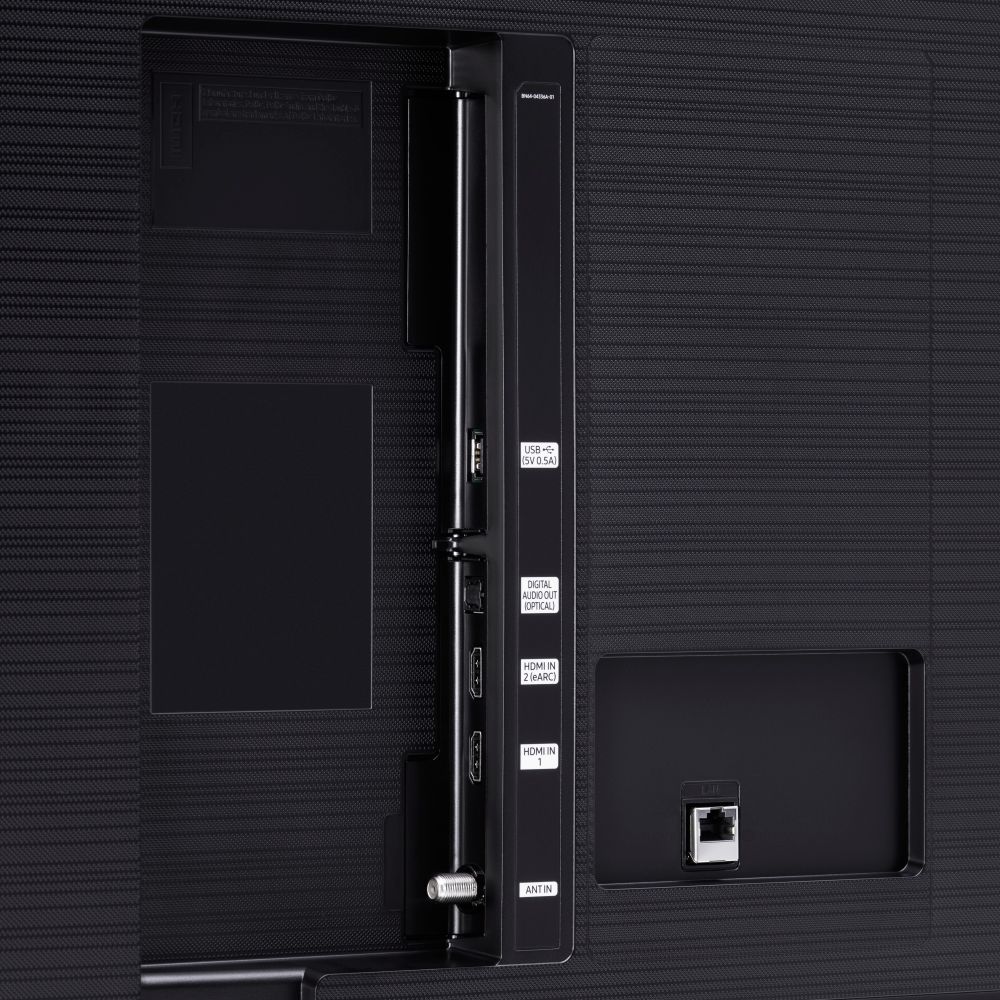





- Model:
- UN70TU6980FXZA
- SKU:
- 6428508
Rating by feature
- Picture Quality
Rating 4.5 out of 5 stars
- Sound Quality
Rating 4.4 out of 5 stars
- Brightness
Rating 4.5 out of 5 stars
Customers are saying
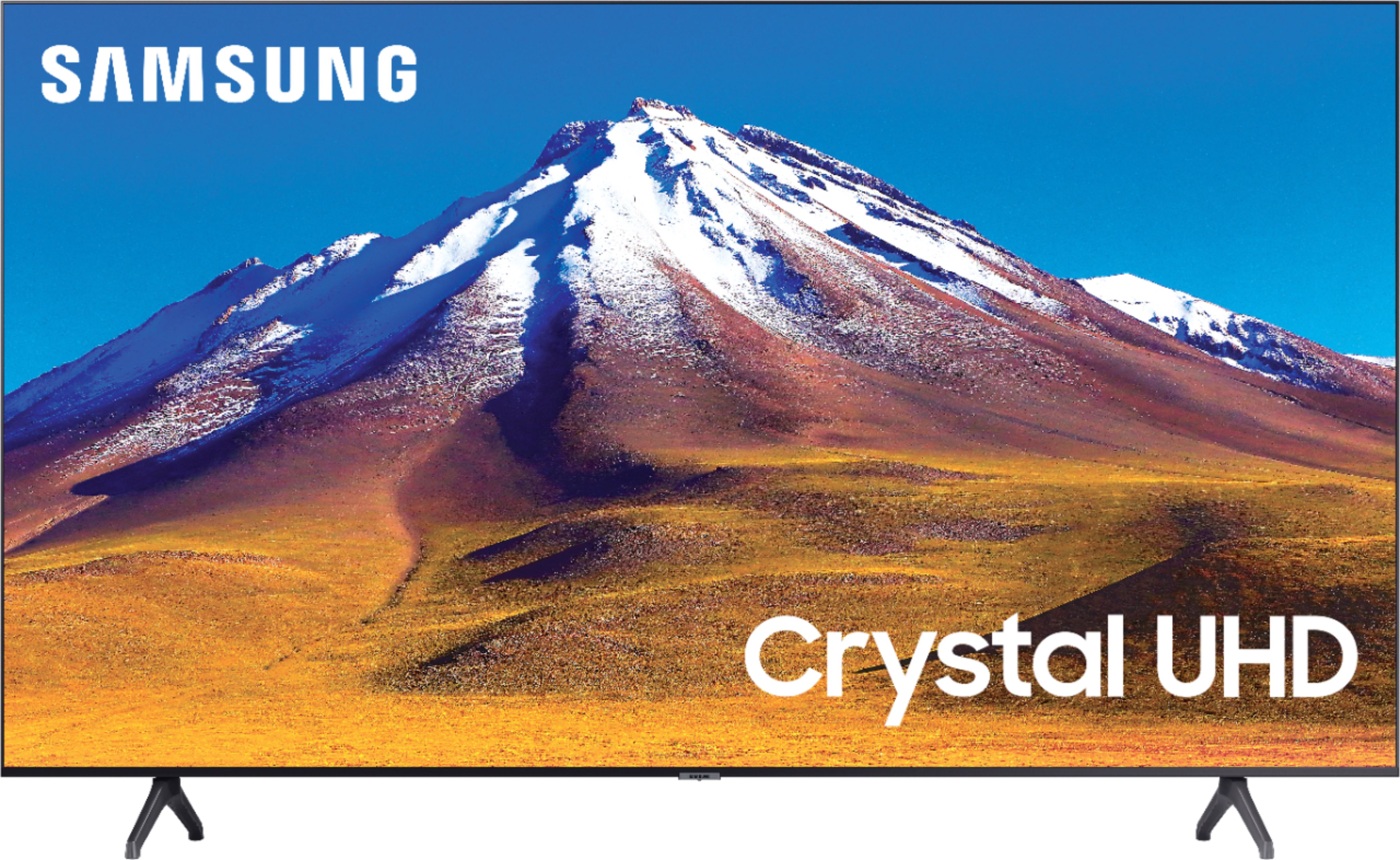
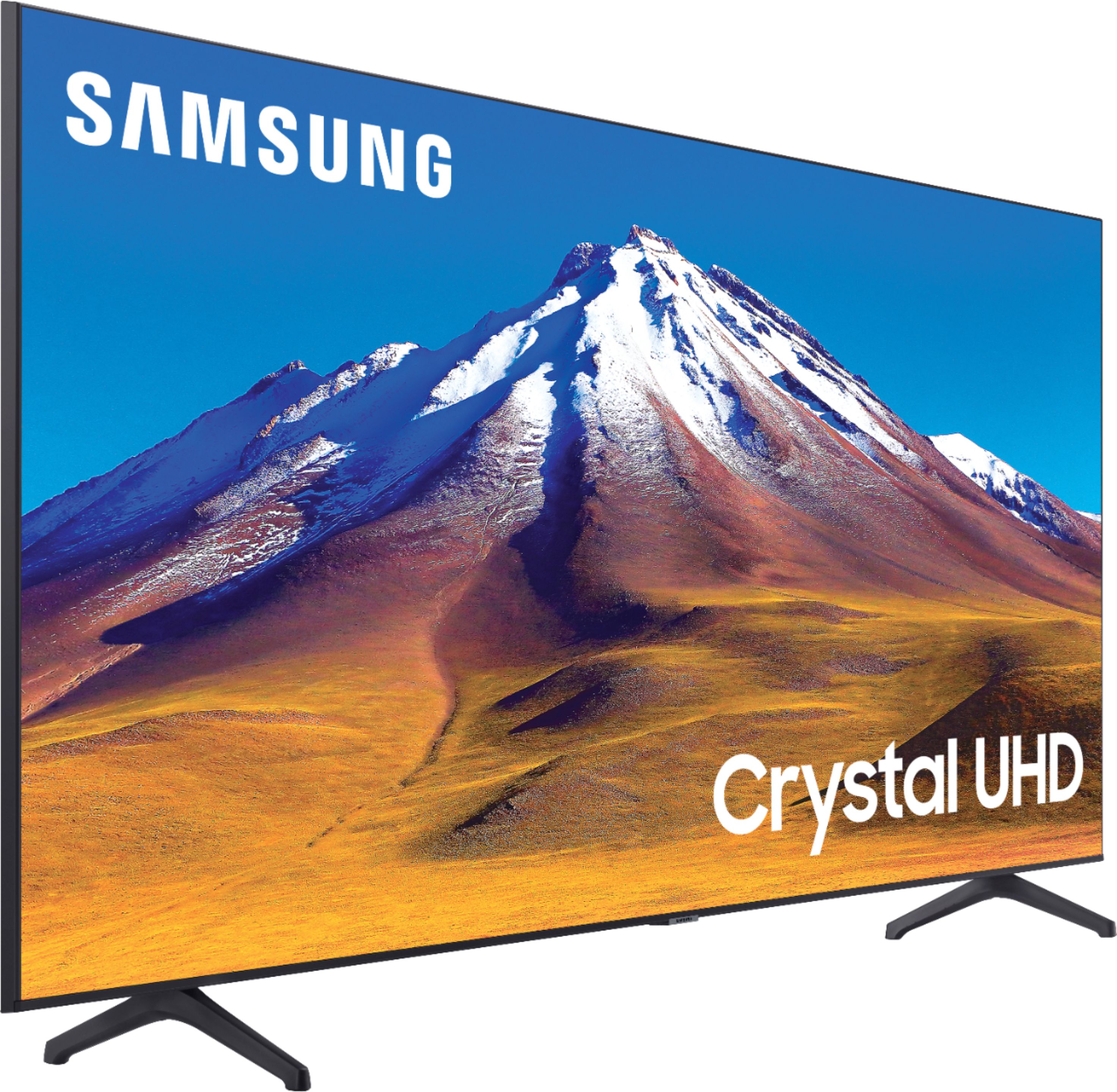
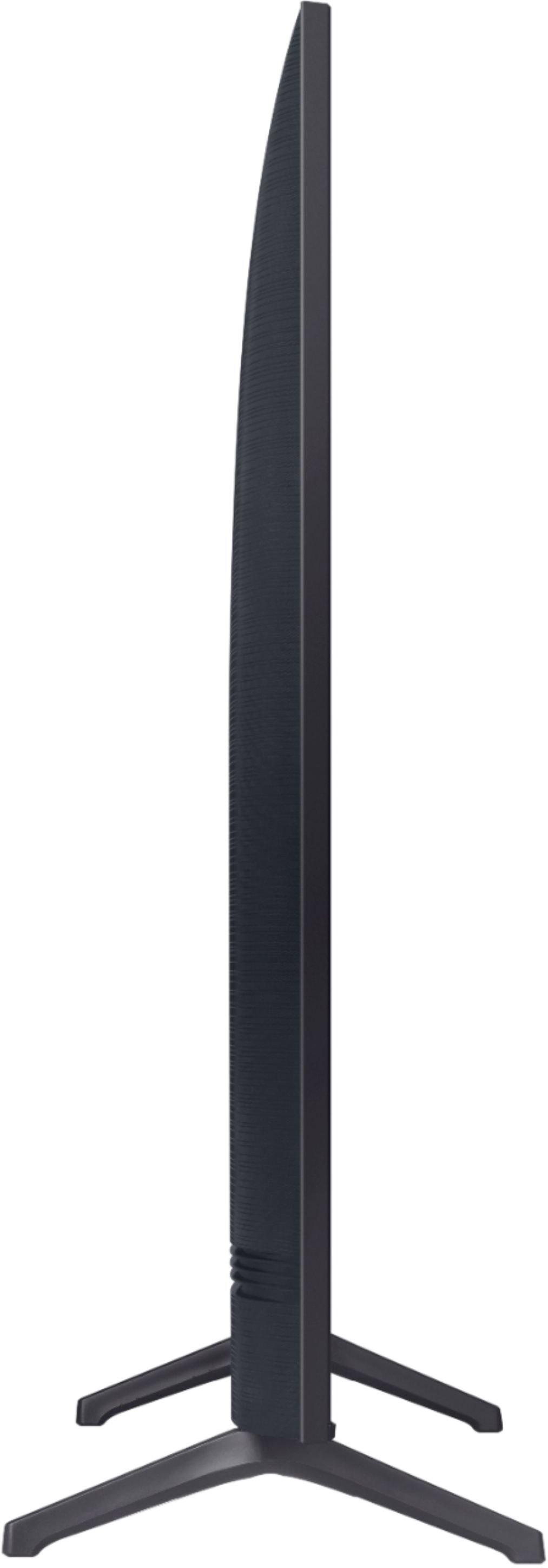
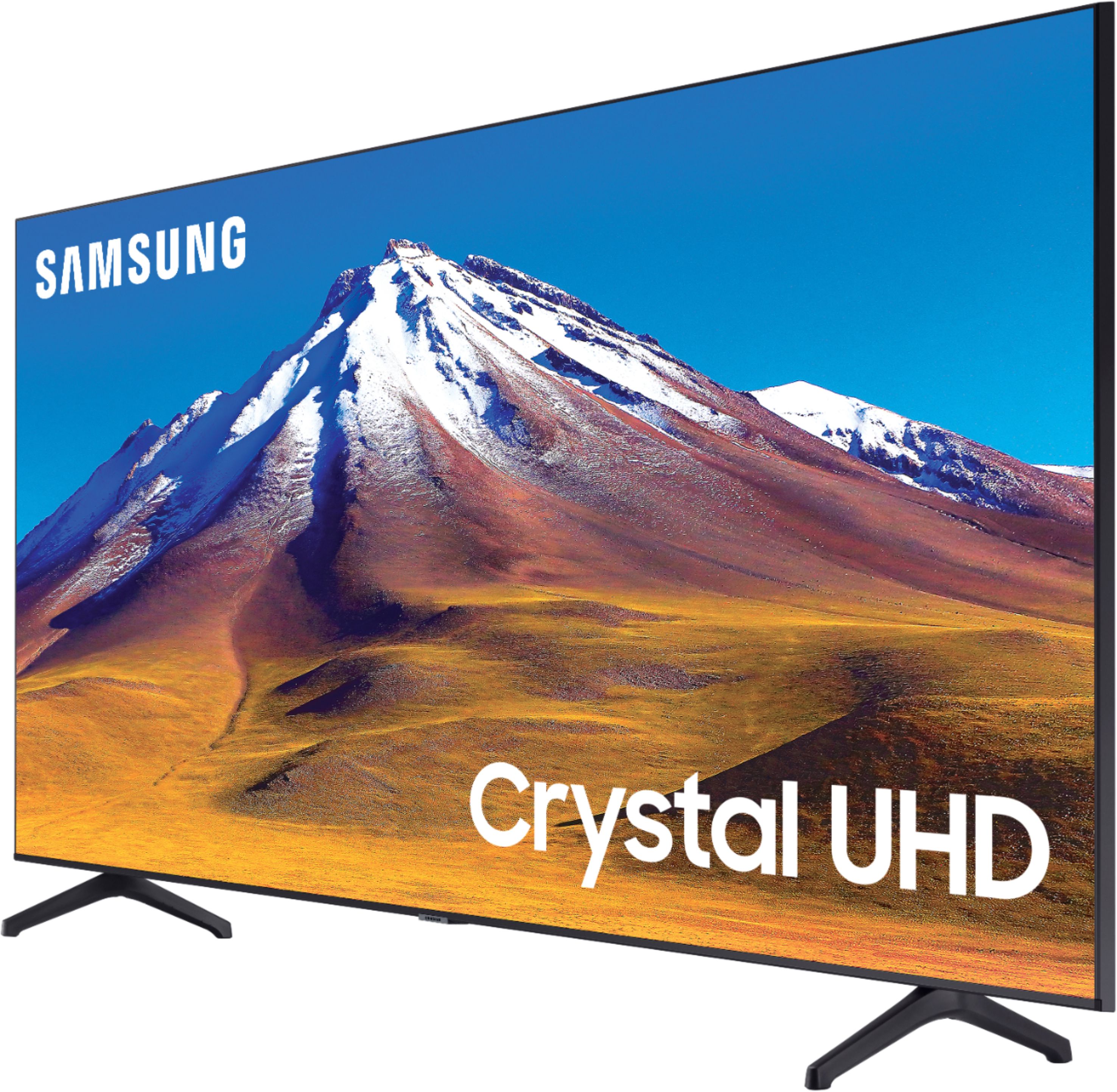
Customers regard the 70" Class 6 Series LED 4K UHD Smart Tizen TV's picture quality as great, with vibrant colors and deep contrasts. They also appreciate its large screen and affordable price. However, some customers have concerns about its limited HDMI ports, connectivity issues, and slow smart features.
This summary was generated by AI based on customer reviews.
Who knows...
||Posted . Owned for 3 weeks when reviewed.This reviewer received promo considerations or sweepstakes entry for writing a review.Hard to tell how well the TV works, Best Buy sent me an air fryer instead of the wall mount I ordered. Tv is still in the box until the mount gets here.
No, I would not recommend this to a friendBrand response from Samsung
Posted .Donnie:
Thank you for purchasing the TU6980 TV. The Crystal Processor 4K transforms everything you watch to 4K. Its crisp, clear picture is 4x the resolution of Full HD. We'd love to hear back from you once you have had a chance to try it out.
You can contact Samsung Customer Support should you have any questions or concerns with usage, features, or how to best optimize your settings.
1) Phone: 1-800-SAMSUNG (ask for TVs), available 8AM – 12AM EST 7 days a week
2) LiveChat: https://www.samsung.com/us/support/#contact_us_for_support
3) Facebook Messenger: https://www.facebook.com/samsungsupport
4) Twitter: https://twitter.com/SamsungSupport
5) The Samsung Members Community is also a great resource for getting help from Samsung moderators and customers: https://us.community.samsung.com
If you have not already done so, we invite you to register your new Samsung product at: https://www.samsung.com/us/account/signin/?redirect=https%3A%2F%2Fwww.samsung.com%2Fus%2Fsupport%2Fregister%2F
Registering your product gives you access to easy warranty support, convenient opt-in to special promos and offers, faster troubleshooting and service, and quick notification of system updates.
~ Samsung Solutions
Still in the box.
||Posted . Owned for 3 weeks when reviewed.This reviewer received promo considerations or sweepstakes entry for writing a review.I have bought this tv before and is doing great. This one is sitting in a box waiting for a remodel to be completed. Such a good deal I bought early.
I would recommend this to a friendBrand response from Samsung
Posted .Frog:
Thank you for purchasing Samsung’s TU6980 TV. The Crystal Processor 4K transforms everything you watch to 4K. Its crisp, clear picture is 4x the resolution of Full HD. We'd love to hear back from you once you have had a chance to try it out.
You can contact Samsung Customer Support should you have any questions or concerns with usage, features, or how to best optimize your settings.
1) Phone: 1-800-SAMSUNG (ask for TVs), available 8AM – 12AM EST 7 days a week
2) LiveChat: https://www.samsung.com/us/support/#contact_us_for_support
3) Facebook Messenger: https://www.facebook.com/samsungsupport
4) Twitter: https://twitter.com/SamsungSupport
5) The Samsung Members Community is also a great resource for getting help from Samsung moderators and customers: https://us.community.samsung.com
If you have not already done so, we invite you to register your new Samsung product at: https://www.samsung.com/us/account/signin/?redirect=https%3A%2F%2Fwww.samsung.com%2Fus%2Fsupport%2Fregister%2F
Registering your product gives you access to easy warranty support, convenient opt-in to special promos and offers, faster troubleshooting and service, and quick notification of system updates.
~ Samsung Solutions
Worst. Tv. Ever.
||Posted . Owned for 6 months when reviewed.This reviewer received promo considerations or sweepstakes entry for writing a review.I swear i wrote a 1 star review like 2 weeks after i bought it and it disappeared. Came here to update that to negative 2 stars which should be an option. Im embarrassed for samsung with this tv. I recently wanted to watch something and instead of viewing it on my huge tv with a bose surround sound setup i watched it on my phone because i didnt want to wait 40 minutes to find it somewhere in this awful menu. This tv is just painful to try to navigate the menu. If its not already installed and setup in a place i know i can find it, I'll use my laptop or phone. It has 2 hdmi ports and no av or component ports. After finding this out, I was calling best buy immediately for an explanation and discuss return options. I ultimately kept the tv because i had no way to bring it back to the store. Glitchy as hell, has serious issues with programs, is hard to find or download anything, and after experiencing all the little details that are obvious oversights by the developers and engineers - I'm convinced it's one of the stupidest name brand smart tvs available. I don't have a recommendation for you on what to buy because I'm stuck with this hunk of trash for now but all i can recommend is don't buy this garbage tv. One purchase I'll regret forever.
No, I would not recommend this to a friendDO NOT BUY THIS TV ITS VERY BREAKABLE
Posted .This reviewer received promo considerations or sweepstakes entry for writing a review.It hasn’t even been a year since I bought this tv and is already broken with lines going across total waste of money please do not buy this
No, I would not recommend this to a friendGood Value
||Posted . Owned for 9 months when reviewed.This reviewer received promo considerations or sweepstakes entry for writing a review.Average TV as far as quality. Got it on black Friday last year for a great price. Definitely a good deal, but not a top tier TV.
I would recommend this to a friendOkay tv for the price
||Posted . Owned for 1 month when reviewed.This reviewer received promo considerations or sweepstakes entry for writing a review.Okay tv. Has some glitching issues had to have the first one replace on #2 doesn’t seem to have the same issues but we will see how it goes.
No, I would not recommend this to a friendBrand response from Samsung
Posted .Jenn:
Thank you for purchasing the TU6980 TV. I am very sorry that you experienced issues with your first unit and had to go through the experience of replacing it. If you should have any questions or concerns with your new unit, please know that Samsung Customer Support is here to help.
1) Phone: 1-800-SAMSUNG (ask for TVs), available 8AM – 12AM EST 7 days a week
2) LiveChat: https://www.samsung.com/us/support/#contact_us_for_support
3) Facebook Messenger: https://www.facebook.com/samsungsupport
4) Twitter: https://twitter.com/SamsungSupport
5) The Samsung Members Community is also a great resource for getting help from Samsung moderators and customers: https://us.community.samsung.com
If you have not already done so, we invite you to register your new Samsung product at: https://www.samsung.com/us/account/signin/?redirect=https%3A%2F%2Fwww.samsung.com%2Fus%2Fsupport%2Fregister%2F
Registering your product gives you access to easy warranty support, convenient opt-in to special promos and offers, faster troubleshooting and service, and quick notification of system updates.
~ Samsung Solutions
Haven't yet opened the box
||Posted .This reviewer received promo considerations or sweepstakes entry for writing a review.Hello, The Samsung &0" TV is for Christmas, we haven't opened the box yet, so, don't yet have a review. Please ask again after Christmas.
I would recommend this to a friendBrand response from Samsung
Posted .later:
Thank you for purchasing the TU6980 TV. The Crystal Processor 4K transforms everything you watch to 4K. Its crisp, clear picture is 4x the resolution of Full HD. We'd love to hear back from you once you or your gift recipient has had a chance to try it out.
You can contact Samsung Customer Support should you have any questions or concerns with usage, features, or how to best optimize your settings.
1) Phone: 1-800-SAMSUNG (ask for TVs), available 8AM – 12AM EST 7 days a week
2) LiveChat: https://www.samsung.com/us/support/#contact_us_for_support
3) Facebook Messenger: https://www.facebook.com/samsungsupport
4) Twitter: https://twitter.com/SamsungSupport
5) The Samsung Members Community is also a great resource for getting help from Samsung moderators and customers: https://us.community.samsung.com
If you have not already done so, we invite you to register your new Samsung product at: https://www.samsung.com/us/account/signin/?redirect=https%3A%2F%2Fwww.samsung.com%2Fus%2Fsupport%2Fregister%2F
Registering your product gives you access to easy warranty support, convenient opt-in to special promos and offers, faster troubleshooting and service, and quick notification of system updates.
~ Samsung Solutions
Good TV
||Posted . Owned for 1 month when reviewed.This reviewer received promo considerations or sweepstakes entry for writing a review.A pretty good TV. Samsung is a great brand, kind of disappointing that the TV was not bright though and the HDR kept going on and off.
I would recommend this to a friendBrand response from Samsung
Posted .Samsung:
Thank you for purchasing the TU7000 TV and for your review. Your TV detects HDR automatically. While an HDR source (HDMI, Netflix, USB etc) is playing, it will display an HDR logo next to the picture mode icon of the picture mode you are currently in.
I am sorry to hear that you are not happy with the brightness levels of your picture. If the colors on your TV are correct but just a little too dark or bright you can try Dynamic Picture Mode, or manually adjust the Brightness settings to your liking.
Dynamic Picture Mode will make pictures brighter and clearer in bright viewing environments. Go to: Settings > Picture > Picture Mode > Dynamic
Or manually adjust the Brightness and other settings to your liking. Go to: Settings> Picture> Expert Settings
You may also want to disable Power Saving Mode which automatically adjusts the brightness to reduce the TV’s power consumption.
Go to Settings> General> Eco Solution> Power Saving Mode.
Ambient Light Detection will also automatically adjust the brightness level of the TV, according to the ambient light level, to reduce power consumption. If Ambient Light Detection has adjusted the screen brightness to a too bright or dark level, you can select Minimum Brightness to manually adjust the minimum screen brightness.
Go to Settings> General> Eco Solution> Ambient Light Detection
Please also be sure you are running the latest firmware. You can check to see what software version your TV is using and if there is an available update through the settings on your TV. Go to: Settings>Support>Software Update.
For further assistance, please contact Samsung TV Support at:
1) Phone: 1-800-SAMSUNG (ask for TVs), available 8AM – 12AM EST 7 days a week
2) LiveChat: https://www.samsung.com/us/support/#contact_us_for_support
3) Facebook Messenger: https://www.facebook.com/samsungsupport
4) Twitter: https://twitter.com/SamsungSupport
5) The Samsung Members Community is also a great resource for getting help from Samsung moderators and customers: https://us.community.samsung.com
If you have not already done so, we invite you to register your new Samsung product at: https://www.samsung.com/us/account/signin/?redirect=https%3A%2F%2Fwww.samsung.com%2Fus%2Fsupport%2Fregister%2F
Registering your product gives you access to easy warranty support, convenient opt-in to special promos and offers, faster troubleshooting and service, and quick notification of system updates.
~ Samsung Solutions
- Pros mentioned:Picture quality
Not worth it.
||Posted .This reviewer received promo considerations or sweepstakes entry for writing a review.Picture quality is good, but it’s got a lag when going through any of the apps or searching. Typical android feature. Also it doesn’t stay connected to wifi. If it’s not hardwired in with an Ethernet cord, every time you turn on the tv, you have to type in the wifi password to reconnect it. Don’t waste your money on it. Not worth the hassle.
No, I would not recommend this to a friendBrand response from Samsung
Posted .Notakarenreview:
Thank you for purchasing the Samsung TU6980 TV and for your review. I am very sorry that you are experiencing WiFi connection issues. You may want to go through these steps to check your network connection:
1) Check the distance between the TV and your modem or access point. The distance should not exceed 50 ft. (15.2 m).
2) Minimize interference by not using or turning off wireless devices. Also, verify that there are no obstacles between the TV and the modem or access point. (WiFi strength can be decreased by appliances, cordless phones, stone walls/fireplaces, etc.)
3) Perform a network test to check if there is a network problem. Press the Home button on your remote. Navigate to Settings > Support > Device Care > Self Diagnosis> Smart Hub Connection Test
4) Try a cold reboot of your TV by pressing and holding the power button for 5+ seconds until the TV turns off and on again.
5) Please also be sure you have the latest firmware update. You may want to enable automatic updates for convenience. Select Settings > Support > Software Update, then select Auto Update.
You may also want to optimize the smart TV performance by running the Device Care option under the Support Menu. Go to Settings > Support> Device Care > Start Device Care
This service checks memory and frees up unused cached memory and closes background apps.
For further assistance or service, please contact us via any of the following options:
1) Phone: 1-800-SAMSUNG (ask for TVs), available 8AM – 12AM EST 7 days a week
2) LiveChat: https://www.samsung.com/us/support/#contact_us_for_support
3) Facebook Messenger: https://www.facebook.com/samsungsupport
4) Twitter: https://twitter.com/SamsungSupport
5) The Samsung Members Community is also a great resource for getting help from Samsung moderators and customers: https://us.community.samsung.com
If you have not already done so, we invite you to register your new Samsung product at: https://www.samsung.com/us/account/signin/?redirect=https%3A%2F%2Fwww.samsung.com%2Fus%2Fsupport%2Fregister%2F
Registering your product gives you access to easy warranty support, convenient opt-in to special promos and offers, faster troubleshooting and service, and quick notification of system updates.
~ Samsung Solutions
- Pros mentioned:Picture qualityCons mentioned:Remote control
Ladygail
||Posted . Owned for 1 month when reviewed.This reviewer received promo considerations or sweepstakes entry for writing a review.The remote control is awful but picture clear Jumps a lot
No, I would not recommend this to a friendBrand response from Samsung
Posted .LadyGail:
Thank you for purchasing the Samsung TU6980 TV and for your review. I am glad to hear that you are happy with the image clarity. Your thoughts regarding the remote are important to us and will be shared with our internal teams.
If by “jumping”, you are referring to possible juddering when watching action or motion scenes, you may want to adjust your Picture Clarity Settings.
Go to: Settings > Picture > Expert Settings > Picture Clarity Settings
- Off: Picture Clarity Settings will always be off
- Auto: Picture Clarity Settings will automatically activate and deactivate based on the type of program being watched
- Custom: Allows custom adjustments and settings to be used. By selecting the Custom option, you can access these advanced settings for Judder Reduction, LED Clear Motion, and Noise Reduction.
Should you ever have questions or need help with TV features, specs, or operation, please contact Samsung Customer Support for help.
1) Phone: 1-800-SAMSUNG (ask for TVs), available 8AM – 12AM EST 7 days a week
2) LiveChat: https://www.samsung.com/us/support/#contact_us_for_support
3) Facebook Messenger: https://www.facebook.com/samsungsupport
4) Twitter: https://twitter.com/SamsungSupport
5) The Samsung Members Community is also a great resource for getting help from Samsung moderators and customers: https://us.community.samsung.com
If you have not already done so, we invite you to register your new Samsung product at: https://www.samsung.com/us/account/signin/?redirect=https%3A%2F%2Fwww.samsung.com%2Fus%2Fsupport%2Fregister%2F
Registering your product gives you access to easy warranty support, convenient opt-in to special promos and offers, faster troubleshooting and service, and quick notification of system updates.
~ Samsung Solutions
Never again
||Posted . Owned for 1 week when reviewed.This reviewer received promo considerations or sweepstakes entry for writing a review.You delivered a defective tv, I’m disabled so I can’t take it back, I’ve been wanting it to get exchanged and no one is taking me seriously. Got it delivered on the 19 had it mounted on the 22 and the tv has been glitching since. Called over 50 times and no one has helped.
No, I would not recommend this to a friendBrand response from Samsung
Posted .Never:
Thank you for purchasing the Samsung TU6980 TV. I am sorry to hear that you are experiencing issues with your TV glitching. So that we can better troubleshoot this issue and provide steps towards a solution, please contact Samsung TV Support at:
1) Phone: 1-800-SAMSUNG (ask for TVs), available 8AM – 12AM EST 7 days a week
2) LiveChat: https://www.samsung.com/us/support/#contact_us_for_support
3) Facebook Messenger: https://www.facebook.com/samsungsupport
4) Twitter: https://twitter.com/SamsungSupport
5) The Samsung Members Community is also a great resource for getting help from Samsung moderators and customers: https://us.community.samsung.com
If you have not already done so, we invite you to register your new Samsung product at: https://www.samsung.com/us/account/signin/?redirect=https%3A%2F%2Fwww.samsung.com%2Fus%2Fsupport%2Fregister%2F
Registering your product gives you access to easy warranty support, convenient opt-in to special promos and offers, faster troubleshooting and service, and quick notification of system updates.
~ Samsung Solutions
- Pros mentioned:Picture quality
Lags a lot
||Posted . Owned for 1 week when reviewed.This reviewer received promo considerations or sweepstakes entry for writing a review.Picture is clear but it’s very laggy tbh. I’m going to return it and get a different brand
No, I would not recommend this to a friendBrand response from Samsung
Posted .Mlsa:
Thank you for your review of this Samsung TU6980 TV. I am sorry to hear that you are not completely happy with your purchase and are considering returning your unit. Your feedback is very important to us and will be shared with our product team.
You may want to try optimizing the smart TV performance with the Device Care feature under the Support Menu. Go to Settings > Support> Device Care > Start Device Care
This service checks memory and frees up unused cached memory and closes background apps.
If there is anything we can do to improve your experience such as helping to optimize settings, please let us know. You can reach Samsung Customer Support at:
1) Phone: 1-800-SAMSUNG (ask for TVs), available 8AM – 12AM EST 7 days a week
2) LiveChat: https://www.samsung.com/us/support/#contact_us_for_support
3) Facebook Messenger: https://www.facebook.com/samsungsupport
4) Twitter: https://twitter.com/SamsungSupport
5) The Samsung Members Community is also a great resource for getting help from Samsung moderators and customers: https://us.community.samsung.com
If you have not already done so, we invite you to register your new Samsung product at: https://www.samsung.com/us/account/signin/?redirect=https%3A%2F%2Fwww.samsung.com%2Fus%2Fsupport%2Fregister%2F
Registering your product gives you access to easy warranty support, convenient opt-in to special promos and offers, faster troubleshooting and service, and quick notification of system updates.
~ Samsung Solutions
fine until not fine
||Posted . Owned for 1 year when reviewed.This reviewer received promo considerations or sweepstakes entry for writing a review.everything was fine until the screen started to separate from the rest of the tv after 12 months.
No, I would not recommend this to a friendIt’s okay.
||Posted . Owned for 4 months when reviewed.This reviewer received promo considerations or sweepstakes entry for writing a review.Good price but it constantly freezes, and need to restart it at times for the apps to work. Other than that, great TV.
I would recommend this to a friendBe VERY wary of Open Box deals@ Best Buy
||Posted . Owned for 1 month when reviewed.This reviewer received promo considerations or sweepstakes entry for writing a review.Well, I definitely cannot give any higher that a 2 rating since the open box (that was "examined & verified") that I purchased did not include the original power cord. So, I have to order the power cord now separately and pray that this tv actually works at all. Oh, and then trying to call the store to discuss and sitting on hold for over 45 minutes before finally giving up was a lot of fun too.
No, I would not recommend this to a friendTv
||Posted . Owned for 7 months when reviewed.This reviewer received promo considerations or sweepstakes entry for writing a review.Nice tv but just recently mine won’t let me open the guide up or change channels. Not sure what is up with that.
No, I would not recommend this to a friendBot what I expected
||Posted . Owned for 2 months when reviewed.This reviewer received promo considerations or sweepstakes entry for writing a review.70" was too big for my living room. The picture wasnt the best either. I returned the tv and got a QLED and much happier.
No, I would not recommend this to a friendBrand response from Samsung
Posted .lukecageforprez:
Thank you for sharing your review of the Samsung TU6980 TV. I am very sorry that your experience with this TV was less than perfect, and you have decided to replace it with a different model. Thank you for being a loyal Samsung customer.
Your feedback regarding this model is important to us and will be shared with our internal teams.
Should you have questions or need assistance with settings, setup, or features with your QLED Samsung TV, please know we are always here to help.
1) Phone: 1-800-SAMSUNG (ask for TVs), available 8AM – 12AM EST 7 days a week
2) LiveChat: https://www.samsung.com/us/support/#contact_us_for_support
3) Facebook Messenger: https://www.facebook.com/samsungsupport
4) Twitter: https://twitter.com/SamsungSupport
5) The Samsung Members Community is also a great resource for getting help from Samsung moderators and customers: https://us.community.samsung.com
If you have not already done so, we invite you to register your new Samsung product at: https://www.samsung.com/us/account/signin/?redirect=https%3A%2F%2Fwww.samsung.com%2Fus%2Fsupport%2Fregister%2F
Registering your product gives you access to easy warranty support, convenient opt-in to special promos and offers, faster troubleshooting and service, and quick notification of system updates.
~ Samsung Solutions
Okay
||Posted . Owned for 1 month when reviewed.This reviewer received promo considerations or sweepstakes entry for writing a review.Love the size.. but WiFi always connects and disconnects constantly. We don’t have that problem with our other smart TVs
I would recommend this to a friendBrand response from Samsung
Posted .HaleyHerrera:
Thank you for purchasing the Samsung TU6980 TV and for your review. I am very sorry that you are experiencing WiFi connection issues. You may want to go through these steps to check your network connection:
1) Check the distance between the TV and your modem or access point. The distance should not exceed 50 ft. (15.2 m).
2) Minimize interference by not using or turning off wireless devices. Also, verify that there are no obstacles between the TV and the modem or access point. (WiFi strength can be decreased by appliances, cordless phones, stone walls/fireplaces, etc.)
3) Perform a network test to check if there is a network problem. Press the Home button on your remote. Navigate to Settings > Support > Device Care > Self Diagnosis> Smart Hub Connection Test
4) Try a cold reboot of your TV by pressing and holding the power button for 5+ seconds until the TV turns off and on again.
5) Please also be sure you have the latest firmware update. You may want to enable automatic updates for convenience. Select Settings > Support > Software Update, then select Auto Update.
For further assistance or service, please contact us via any of the following options:
1) Phone: 1-800-SAMSUNG (ask for TVs), available 8AM – 12AM EST 7 days a week
2) LiveChat: https://www.samsung.com/us/support/#contact_us_for_support
3) Facebook Messenger: https://www.facebook.com/samsungsupport
4) Twitter: https://twitter.com/SamsungSupport
5) The Samsung Members Community is also a great resource for getting help from Samsung moderators and customers: https://us.community.samsung.com
If you have not already done so, we invite you to register your new Samsung product at: https://www.samsung.com/us/account/signin/?redirect=https%3A%2F%2Fwww.samsung.com%2Fus%2Fsupport%2Fregister%2F
Registering your product gives you access to easy warranty support, convenient opt-in to special promos and offers, faster troubleshooting and service, and quick notification of system updates.
~ Samsung Solutions
Good enough
||Posted . Owned for 3 weeks when reviewed.This reviewer received promo considerations or sweepstakes entry for writing a review.It works but sometimes has ghosting on screen until you restart video. Not sure if its the screen or the u.i. on tv..
I would recommend this to a friendBrand response from Samsung
Posted .Paul:
Thank you for choosing the TU6980 TV and for sharing your feedback. I am very sorry for the ghosting issues you encountered.
Please also be sure you are running the latest firmware. You can check to see what software version your TV is using and if there is an available update through the settings on your TV. Go to: Settings>Support>Software Update. Version 1410.1 (released on 11/4/20) is the most current version.
Instructions for how to update firmware are detailed here: samsung.com/us/support/answer/ANS00062224/
Should your issue persist even after a firmware update, please contact Samsung Customer Support for further assistance.
1) Phone: 1-800-SAMSUNG (ask for TVs), available 8AM – 12AM EST 7 days a week
2) LiveChat: https://www.samsung.com/us/support/#contact_us_for_support
3) Facebook Messenger: https://www.facebook.com/samsungsupport
4) Twitter: https://twitter.com/SamsungSupport
5) The Samsung Members Community is also a great resource for getting help from Samsung moderators and customers: https://us.community.samsung.com
If you have not already done so, we invite you to register your new Samsung product at: https://www.samsung.com/us/account/signin/?redirect=https%3A%2F%2Fwww.samsung.com%2Fus%2Fsupport%2Fregister%2F
Registering your product gives you access to easy warranty support, convenient opt-in to special promos and offers, faster troubleshooting and service, and quick notification of system updates.
~ Samsung Solutions
Good pic not enough hookups
||Posted . Owned for 3 weeks when reviewed.This reviewer received promo considerations or sweepstakes entry for writing a review.I thought it had more hdmi hookups. I also was surprised that it did not have the rca style jack to hook up my wii
No, I would not recommend this to a friendBrand response from Samsung
Posted .Justmeh:
Thank you for purchasing the Samsung TU6980 TV and for your review. Your thoughts regarding the number and type of input ports are important to us and will be shared with our internal teams.
Should you ever have questions or need help with TV features, specs, or operation, please contact Samsung Customer Support for help.
1) Phone: 1-800-SAMSUNG (ask for TVs), available 8AM – 12AM EST 7 days a week
2) LiveChat: https://www.samsung.com/us/support/#contact_us_for_support
3) Facebook Messenger: https://www.facebook.com/samsungsupport
4) Twitter: https://twitter.com/SamsungSupport
5) The Samsung Members Community is also a great resource for getting help from Samsung moderators and customers: https://us.community.samsung.com
If you have not already done so, we invite you to register your new Samsung product at: https://www.samsung.com/us/account/signin/?redirect=https%3A%2F%2Fwww.samsung.com%2Fus%2Fsupport%2Fregister%2F
Registering your product gives you access to easy warranty support, convenient opt-in to special promos and offers, faster troubleshooting and service, and quick notification of system updates.
~ Samsung Solutions