Customer Ratings & Reviews
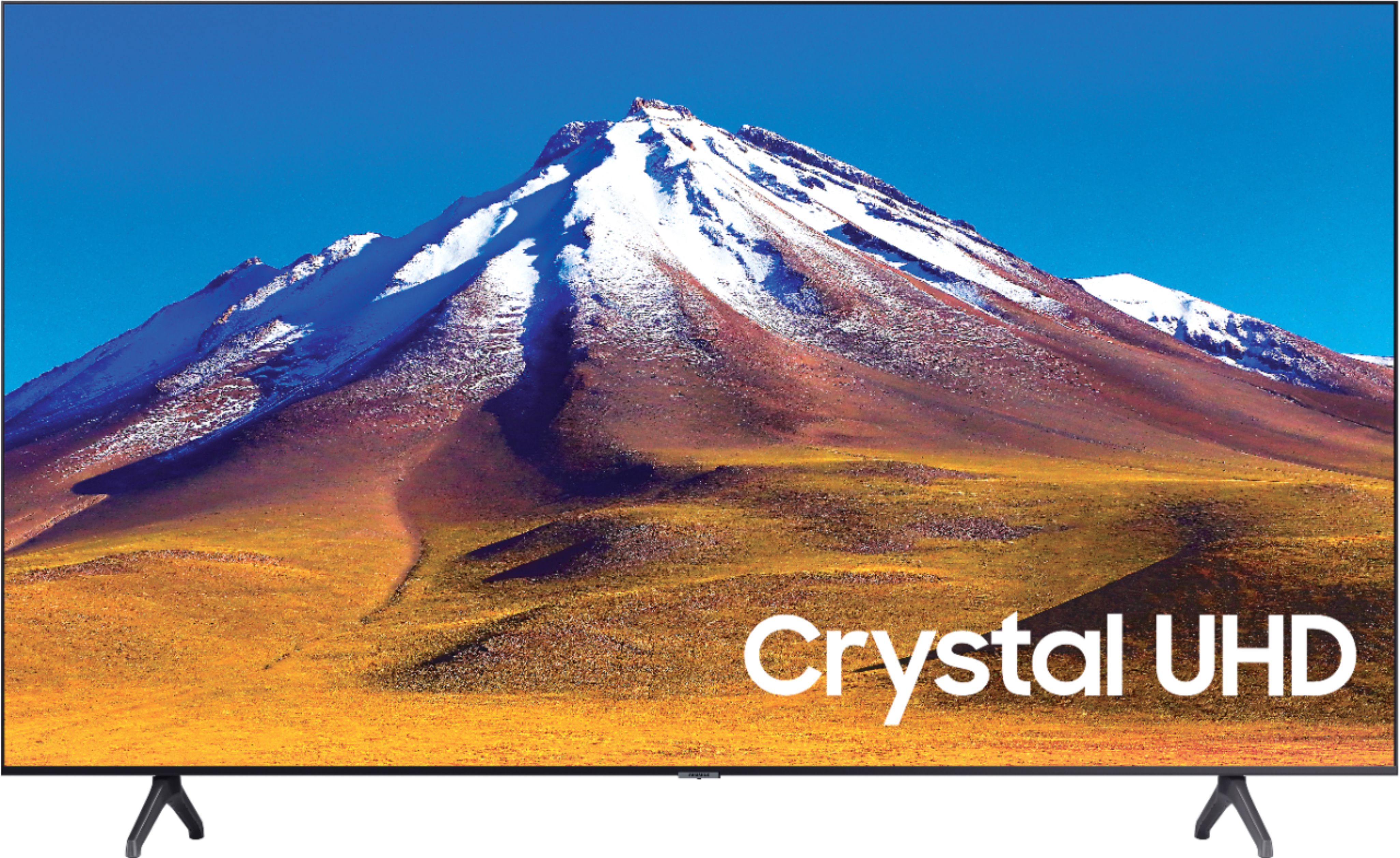
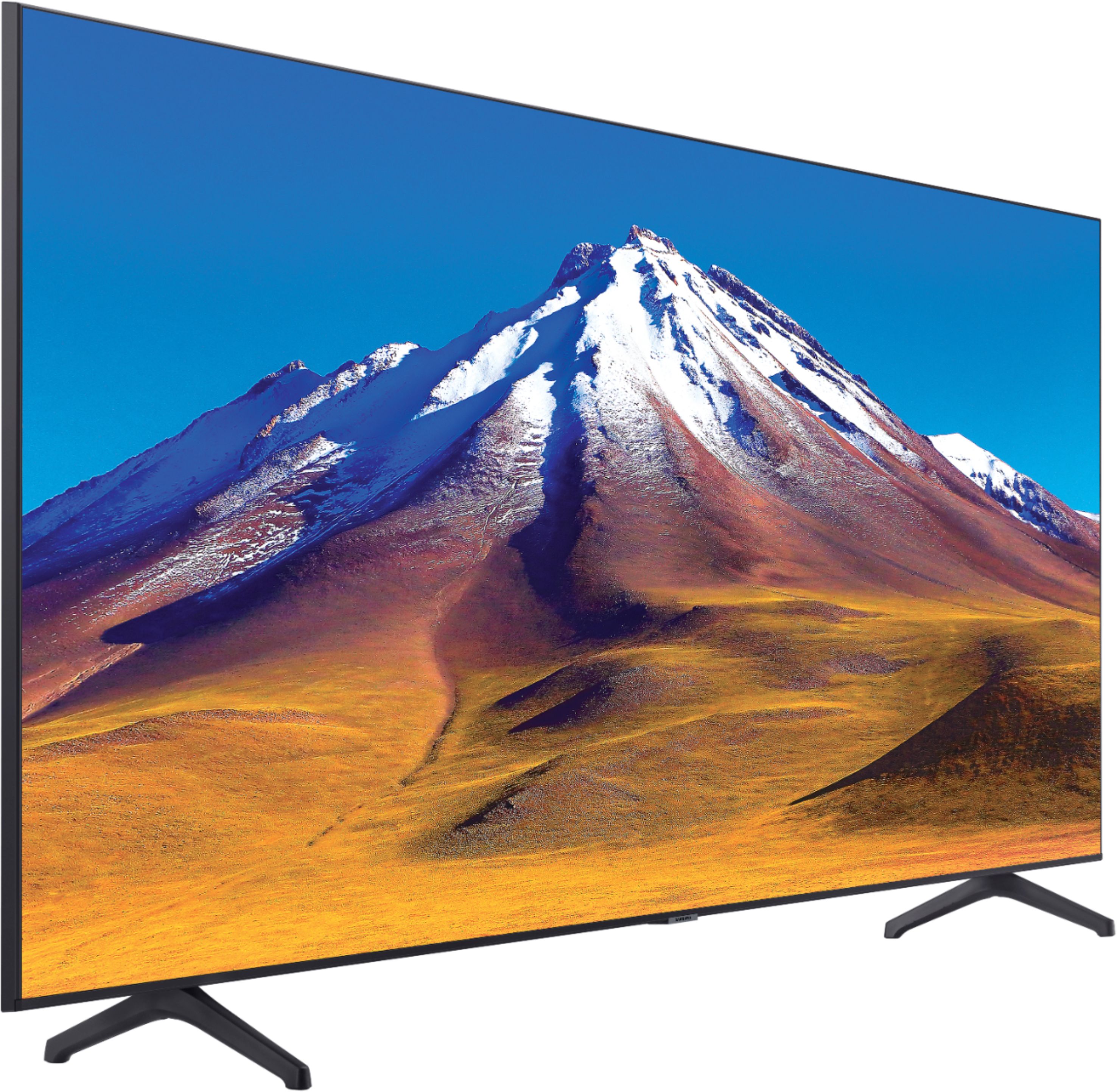
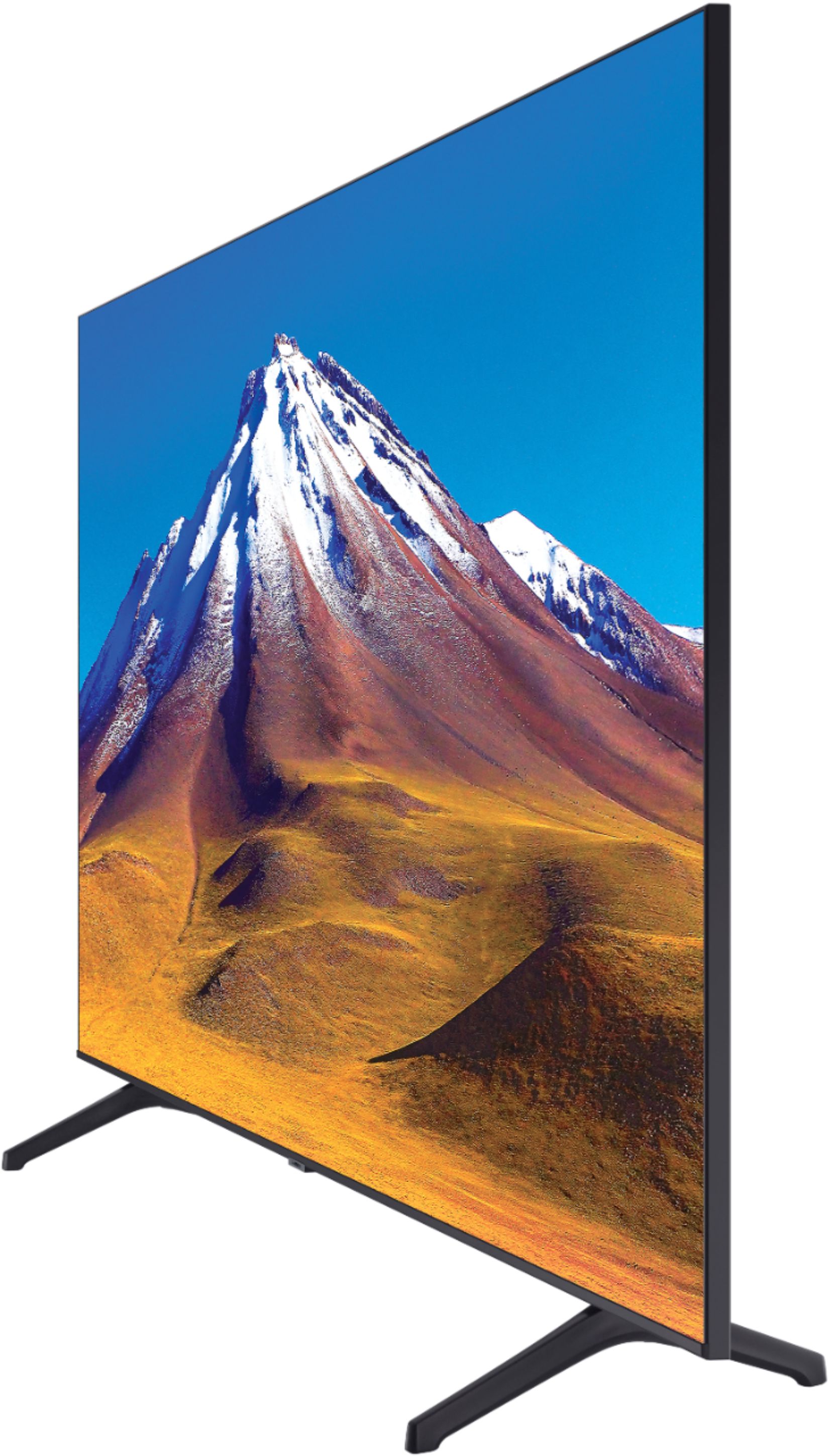



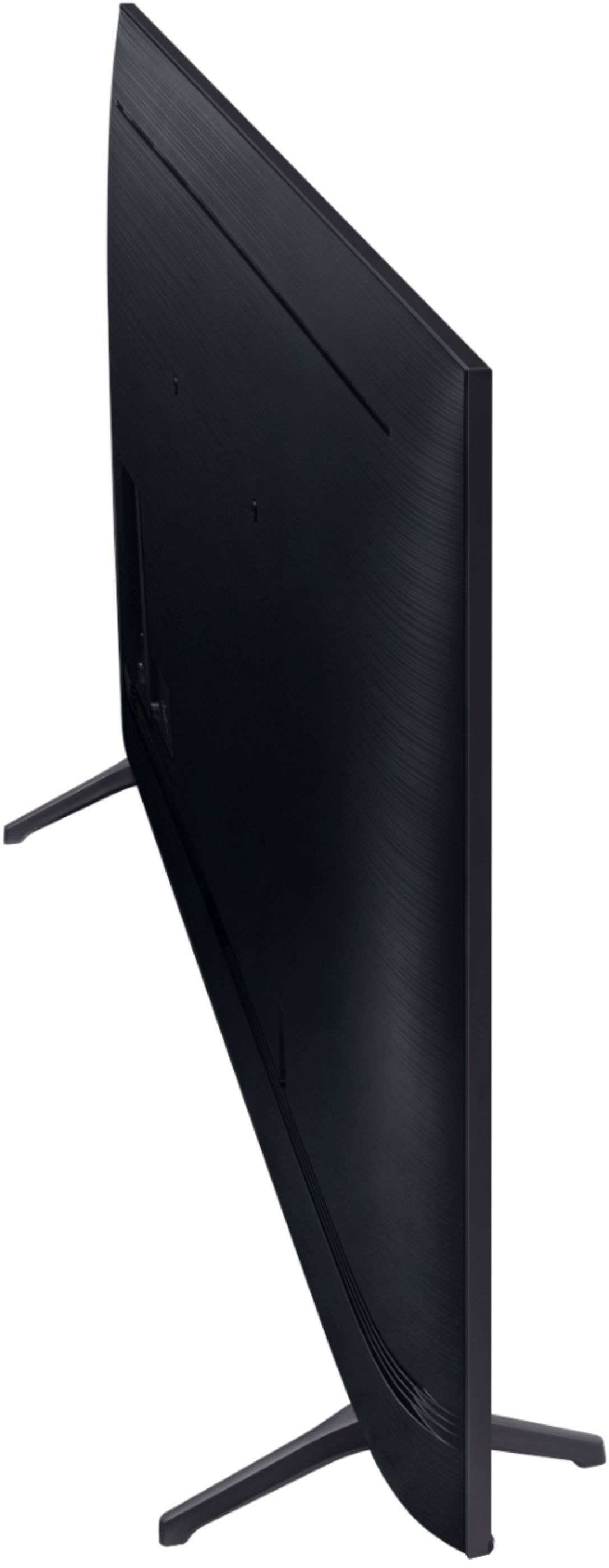
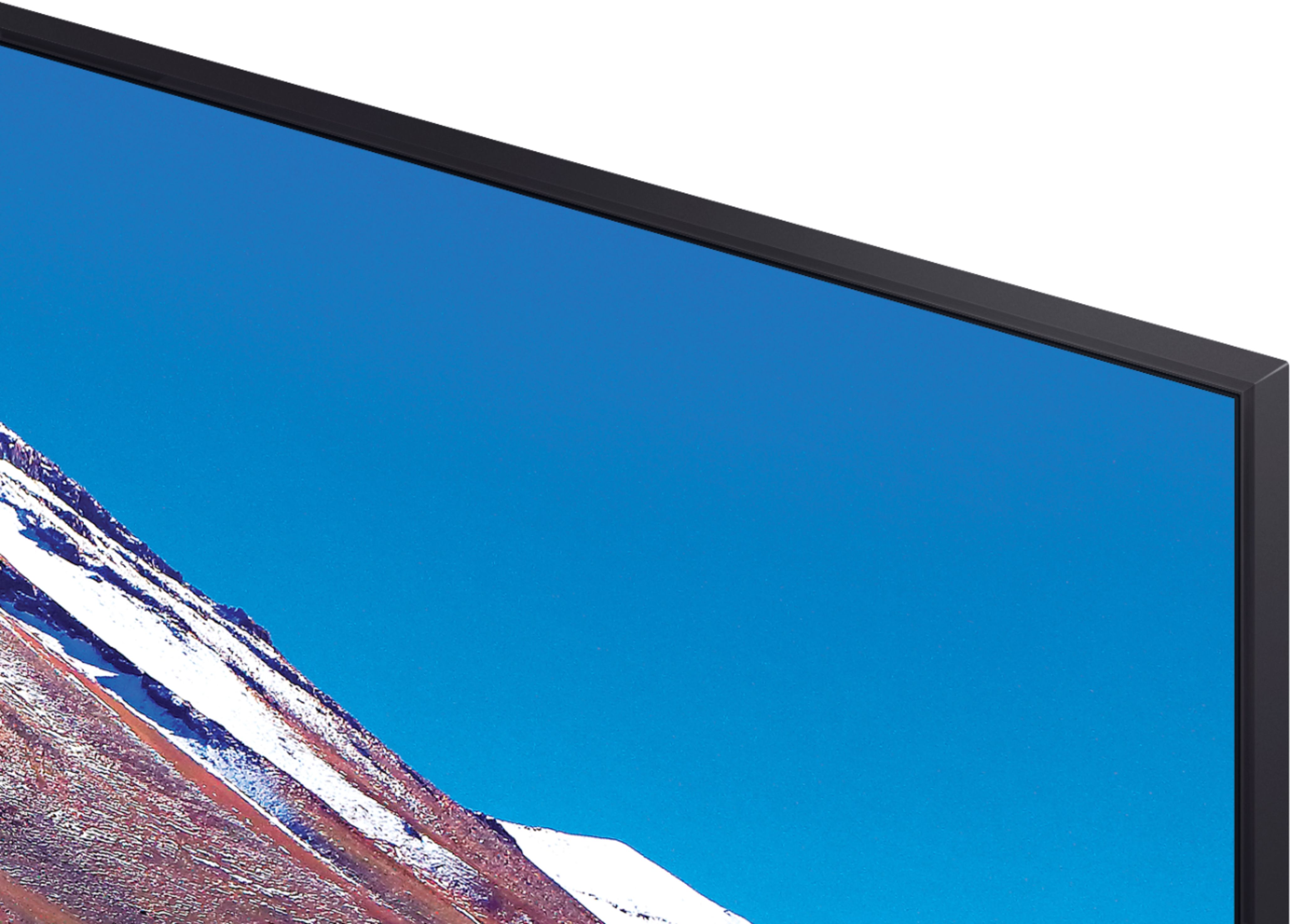
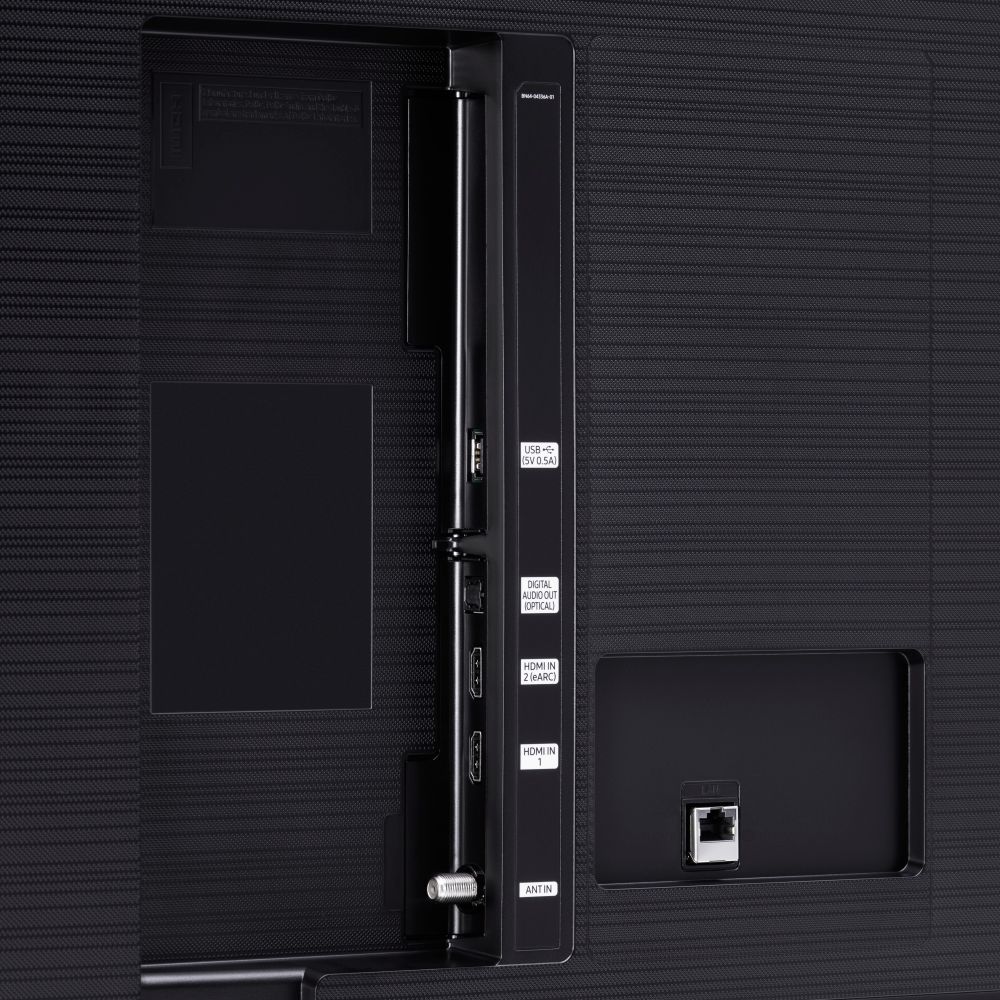





- Model:
- UN70TU6980FXZA
- SKU:
- 6428508
Rating by feature
- Picture Quality
Rating 4.5 out of 5 stars
- Sound Quality
Rating 4.4 out of 5 stars
- Brightness
Rating 4.5 out of 5 stars
Customers are saying
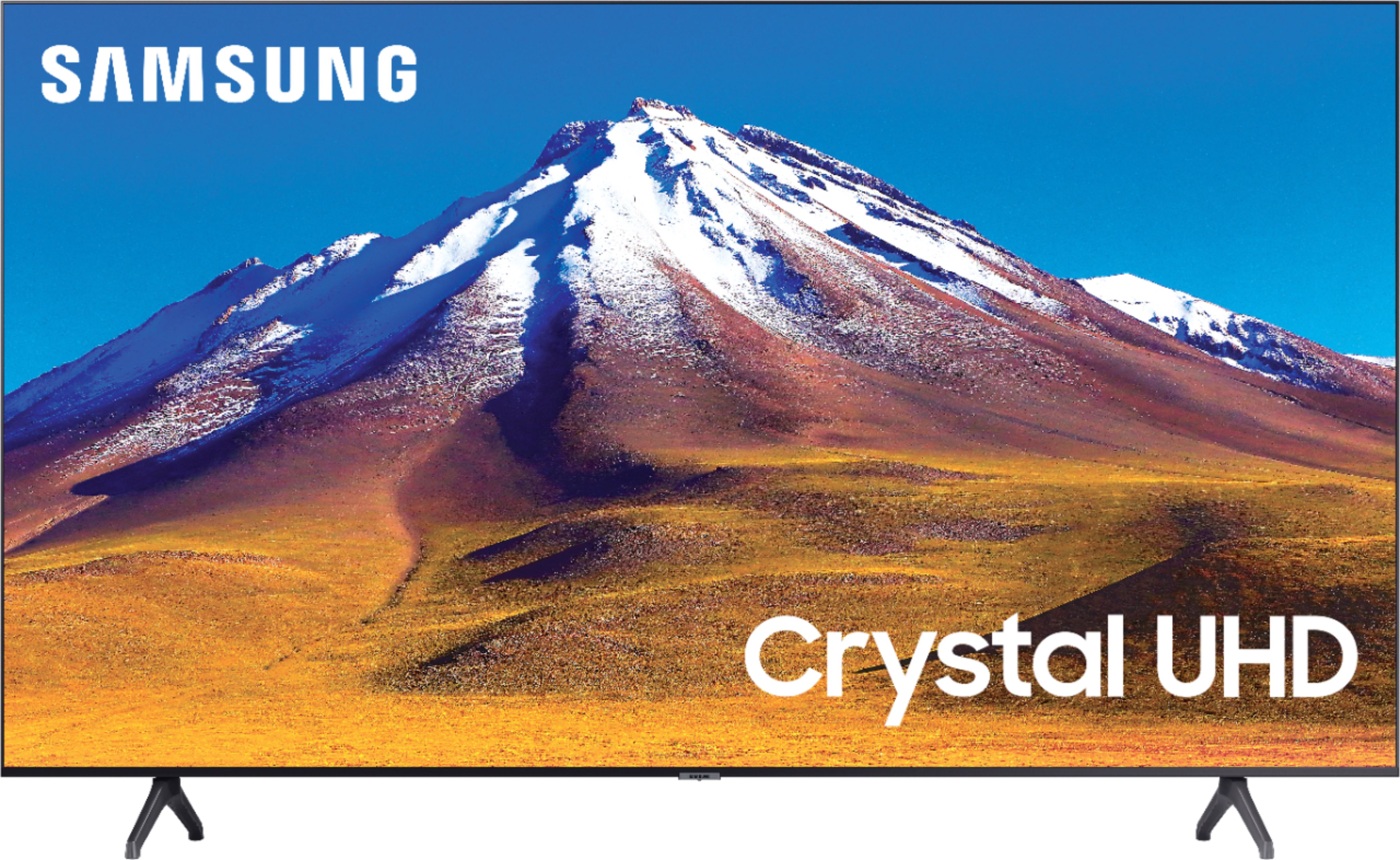
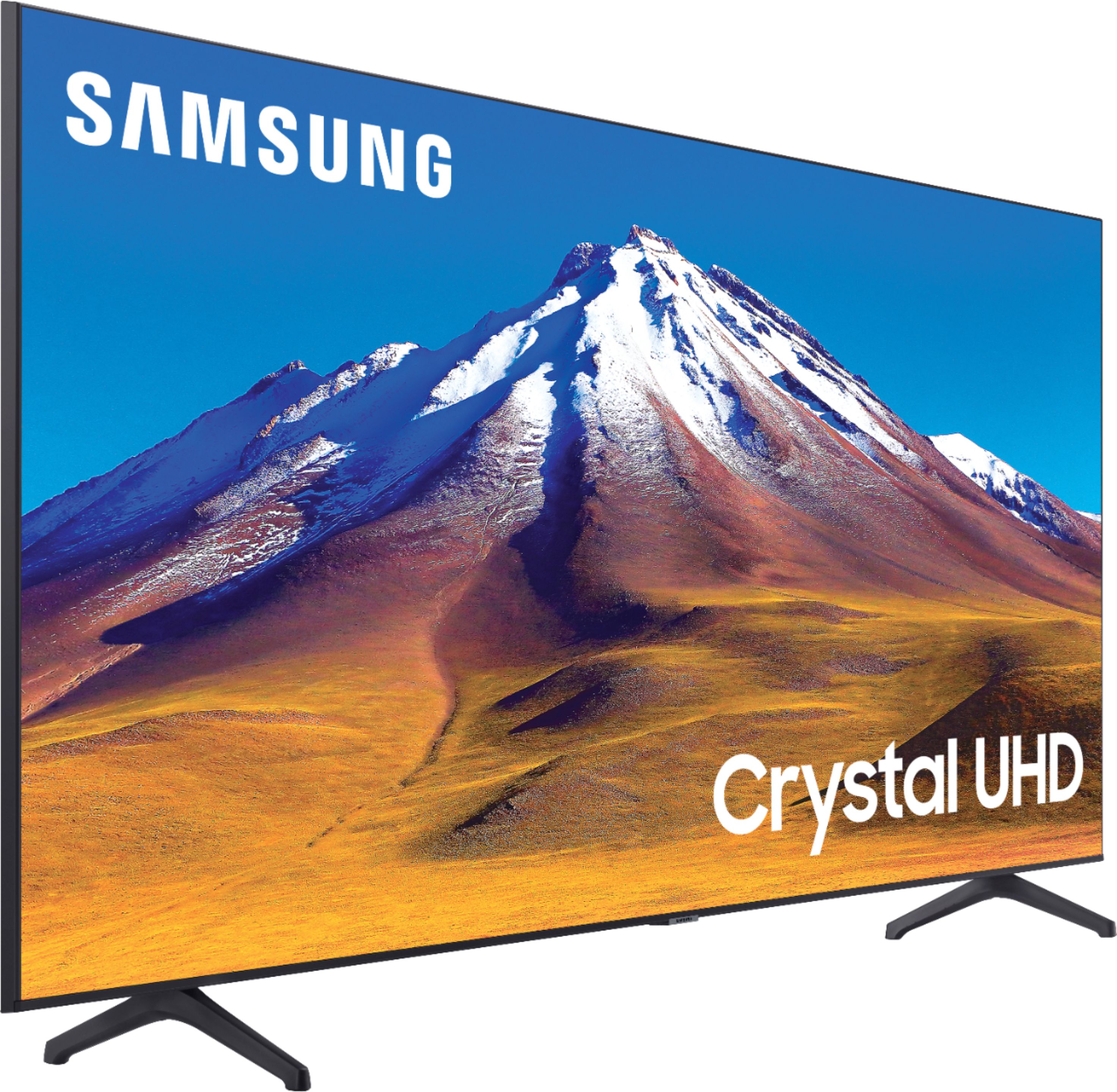
Customers regard the 70" Class 6 Series LED 4K UHD Smart Tizen TV's picture quality as great, with vibrant colors and deep contrasts. They also appreciate its large screen and affordable price. However, some customers have concerns about its limited HDMI ports, connectivity issues, and slow smart features.
This summary was generated by AI based on customer reviews.
Crystal Technology isn't great for 70 inch
||Posted . Owned for less than 1 week when reviewed.This reviewer received promo considerations or sweepstakes entry for writing a review.It's a decent TV but the picture on the 70" is not as sharp and the colors are not as vibrant as expected.
No, I would not recommend this to a friendBrand response from Samsung
Posted .Patrick:
Thank you for purchasing the Samsung TU7000 4K Smart TV and for your review. I am sorry to hear that you are not completely happy with your TV’s picture. There are several image settings you can adjust to your liking such as Picture Mode and Expert Settings.
Choose a Picture Mode by going to Settings > Picture > Picture Mode and choose from Dynamic, Standard, Natural, Movie, or Filmmaker Mode.
You can further adjust your sharpness, brightness, contrast, color, tint, contrast, white balance, and more by going to Settings > Picture > Expert Settings
Please also give us the opportunity to assist you with image quality adjustments tailored to your preferred viewing experience. You can reach us via any of the following options:
1) Phone: 1-800-SAMSUNG (ask for TVs), available 8AM – 12AM EST 7 days a week
2) LiveChat: https://www.samsung.com/us/support/#contact_us_for_support
3) Facebook Messenger: https://www.facebook.com/samsungsupport
4) Twitter: https://twitter.com/SamsungSupport
5) The Samsung Members Community is also a great resource for getting help from Samsung moderators and customers: https://us.community.samsung.com
If you have not already done so, we invite you to register your new Samsung product at: https://www.samsung.com/us/account/signin/?redirect=https%3A%2F%2Fwww.samsung.com%2Fus%2Fsupport%2Fregister%2F
Registering your product gives you access to easy warranty support, convenient opt-in to special promos and offers, faster troubleshooting and service, and quick notification of system updates.
~ Samsung Solutions
Good price, not great view angle.
||Posted . Owned for 1 month when reviewed.This reviewer received promo considerations or sweepstakes entry for writing a review.If you have a living room with a wide viewing angle this is not the tv for you. My wife sits on the side and kept saying it looked terrible. I finally went over there and it definitely didn't look good from the side. I took it back and got the Q80T. This would probably be a great tv for the price if you have a direct view of the tv. Otherwise, steer clear.
No, I would not recommend this to a friendBrand response from Samsung
Posted .Hideout:
Thank you for sharing your review of the Samsung TU6980. I am very sorry that your experience with this TV was less than perfect, and you have decided to replace it with a different model. Thank you for being a loyal Samsung customer.
Your feedback regarding this model is important to us and will be shared with our internal teams.
Should you have questions or need assistance with settings, setup, or features with your new Q80T Samsung TV, please know we are always here to help.
1) Phone: 1-800-SAMSUNG (ask for TVs), available 8AM – 12AM EST 7 days a week
2) LiveChat: https://www.samsung.com/us/support/#contact_us_for_support
3) Facebook Messenger: https://www.facebook.com/samsungsupport
4) Twitter: https://twitter.com/SamsungSupport
5) The Samsung Members Community is also a great resource for getting help from Samsung moderators and customers: https://us.community.samsung.com
If you have not already done so, we invite you to register your new Samsung product at: https://www.samsung.com/us/account/signin/?redirect=https%3A%2F%2Fwww.samsung.com%2Fus%2Fsupport%2Fregister%2F
Registering your product gives you access to easy warranty support, convenient opt-in to special promos and offers, faster troubleshooting and service, and quick notification of system updates.
~ Samsung Solutions
Issues 5 minutes after turning on
Posted .This reviewer received promo considerations or sweepstakes entry for writing a review.Beautiful out the box, get it setup and turned on and see a huge, vertical dark bar down the screen.
No, I would not recommend this to a friendBrand response from Samsung
Posted .Linds,
Thank you for choosing the Samsung TU6980 Crystal UHD Series TV. I am very sorry to see that your TV had a vertical line down the middle upon setup. I completely understand your disappointment. Please know that, even if the packaging shows no evidence of harm, a TV can still be damaged during transit if proper care were not taken. For example, if the TV were sitting in an incorrect orientation -- laid on its side or tilted -- during transit, damage could have been done.
I recommend you contact your store of purchase for assistance.
Thank you for being a Samsung customer.
Eh doesn’t work well with sound bars
||Posted .This reviewer received promo considerations or sweepstakes entry for writing a review.Can not seem to find a sound bar that works even the Samsung brand stop work and short out
No, I would not recommend this to a friendBrand response from Samsung
Posted .Hmmm:
Thank you for purchasing the TU6980 TV. You can pair your soundbar to your TV via Bluetooth, HDMI cable, or optical cable. For the best sound quality and performance, connect your soundbar with a Digital Audio Out (Optical) or an HDMI (ARC) cable. HDMI is better if the only external device connected to your TV is your soundbar. Otherwise, Digital Audio Out is usually the better option, depending on your setup.
If you are using a wired connection, please try the following:
1) Power off all HDMI devices connected to TV
2) Disconnect all HDMI cables from TV
3) Power off and unplug the TV's power cord from the wall outlet
4) Press and hold the TV power button for 30 seconds
5) Reconnect HDMI cables back to HDMI ports on TV
6) Re-plug the TV's power cord back into the wall outlet and check the TV.
If you need further assistance, please contact Samsung Customer Support, and a representative will gladly help you.
1) Phone: 1-800-SAMSUNG (ask for TVs), available 8AM – 12AM EST 7 days a week
2) LiveChat: https://www.samsung.com/us/support/#contact_us_for_support
3) Facebook Messenger: https://www.facebook.com/samsungsupport
4) Twitter: https://twitter.com/SamsungSupport
5) The Samsung Members Community is also a great resource for getting help from Samsung moderators and customers: https://us.community.samsung.com
If you have not already done so, we invite you to register your new Samsung product at: https://www.samsung.com/us/account/signin/?redirect=https%3A%2F%2Fwww.samsung.com%2Fus%2Fsupport%2Fregister%2F
Registering your product gives you access to easy warranty support, convenient opt-in to special promos and offers, faster troubleshooting and service, and quick notification of system updates.
~ Samsung Solutions
Ehh ok
||Posted . Owned for 1 month when reviewed.This reviewer received promo considerations or sweepstakes entry for writing a review.Looks great but interface is slow and sometimes laggy. NBD, but can be annoying at times
No, I would not recommend this to a friendBrand response from Samsung
Posted .Burney:
Thank you for sharing your experience with the TU6980 TV. I am sorry that you are experiencing some lag with your unit.
To optimize the smart TV performance, please try Device Care option under the Support Menu. Go to Settings > Support> Device Care > Start Device Care
This service checks memory and frees up unused cached memory and closes background apps.
Should you need further assistance, please contact Samsung Customer Support.
1) Phone: 1-800-SAMSUNG (ask for TVs), available 8AM – 12AM EST 7 days a week
2) LiveChat: https://www.samsung.com/us/support/#contact_us_for_support
3) Facebook Messenger: https://www.facebook.com/samsungsupport
4) Twitter: https://twitter.com/SamsungSupport
5) The Samsung Members Community is also a great resource for getting help from Samsung moderators and customers: https://us.community.samsung.com
If you have not already done so, we invite you to register your new Samsung product at: https://www.samsung.com/us/account/signin/?redirect=https%3A%2F%2Fwww.samsung.com%2Fus%2Fsupport%2Fregister%2F
Registering your product gives you access to easy warranty support, convenient opt-in to special promos and offers, faster troubleshooting and service, and quick notification of system updates.
~ Samsung Solutions
- Pros mentioned:Picture quality
Steaming apps issues
||Posted . Owned for 1 month when reviewed.This reviewer received promo considerations or sweepstakes entry for writing a review.Having issues with connection. The applications constantly freeze or time out. My product is under warranty considering returning. This is brand new I just mounted it. Disappointed really like the clarity and sound. Sling, Netflix, ESPN, apps etc constantly freeze.
No, I would not recommend this to a friendBrand response from Samsung
Posted .Ritchhosa:
Thank you for purchasing the Samsung TU6980 TV and for your review. I am very sorry that you are experiencing internet connection issues. You may want to go through these steps to check your network connection:
1) Check the distance between the TV and your modem or access point. The distance should not exceed 50 ft. (15.2 m).
2) Minimize interference by not using or turning off wireless devices. Also, verify that there are no obstacles between the TV and the modem or access point. (WiFi strength can be decreased by appliances, cordless phones, stone walls/fireplaces, etc.)
3) Perform a network test to check if there is a network problem. Press the Home button on your remote. Navigate to Settings > Support > Device Care > Self Diagnosis> Smart Hub Connection Test
4) Try a cold reboot of your TV by pressing and holding the power button for 5+ seconds until the TV turns off and on again.
5) Please also be sure you have the latest firmware update. You may want to enable automatic updates for convenience. Select Settings > Support > Software Update, then select Auto Update.
For further assistance or service, please contact us via any of the following options:
1) Phone: 1-800-SAMSUNG (ask for TVs), available 8AM – 12AM EST 7 days a week
2) LiveChat: https://www.samsung.com/us/support/#contact_us_for_support
3) Facebook Messenger: https://www.facebook.com/samsungsupport
4) Twitter: https://twitter.com/SamsungSupport
5) The Samsung Members Community is also a great resource for getting help from Samsung moderators and customers: https://us.community.samsung.com
If you have not already done so, we invite you to register your new Samsung product at: https://www.samsung.com/us/account/signin/?redirect=https%3A%2F%2Fwww.samsung.com%2Fus%2Fsupport%2Fregister%2F
Registering your product gives you access to easy warranty support, convenient opt-in to special promos and offers, faster troubleshooting and service, and quick notification of system updates.
~ Samsung Solutions
Dissapointed but affordable big screen
||Posted . Owned for 1 year when reviewed.This reviewer received promo considerations or sweepstakes entry for writing a review.Dissapointed with the image quality and blurring. Doesn’t upscale poor signals well unlike competitors. Nice big tv for the price and only recommend if viewing from far enough that the blurry edges are not very noticeable
No, I would not recommend this to a friend- Pros mentioned:Picture quality
Samsung Failure
||Posted . Owned for 1 month when reviewed.This reviewer received promo considerations or sweepstakes entry for writing a review.Installed in our church conference room. Great picture, sound is awesome with the Samsung Sound Bar (separate purchase). Now two weeks after installation the screen is delaminating from the frame. Trying to reach out to Best Buy customer service without any help.
No, I would not recommend this to a friendBrand response from Samsung
Posted .John:
I am sorry to hear that you are experiencing screen issues with TU6980 after two weeks after installation. I recommend that you contact your local retailer from whom you purchased the TV for assistance with this issue.
Samsung is committed to providing the best possible product experience, quality, and value. We back this Samsung TV with a 1-year limited manufacturer's warranty, including authorized repair for manufacturer defect, if purchased brand-new directly from an authorized seller.
If you should need assistance after replacing your TV, please reach out to Samsung Customer Support.
1) Phone: 1-800-SAMSUNG (ask for TVs), available 8AM – 12AM EST 7 days a week
2) LiveChat: https://www.samsung.com/us/support/#contact_us_for_support
3) Facebook Messenger: https://www.facebook.com/samsungsupport
4) Twitter: https://twitter.com/SamsungSupport
5) The Samsung Members Community is also a great resource for getting help from Samsung moderators and customers: https://us.community.samsung.com
If you have not already done so, we invite you to register your new Samsung product at: https://www.samsung.com/us/account/signin/?redirect=https%3A%2F%2Fwww.samsung.com%2Fus%2Fsupport%2Fregister%2F
Registering your product gives you access to easy warranty support, convenient opt-in to special promos and offers, faster troubleshooting and service, and quick notification of system updates.
~ Samsung Solutions
Samsung tv
||Posted . Owned for 1 month when reviewed.This reviewer received promo considerations or sweepstakes entry for writing a review.Good tv. Nice color quality and sound. I could not get screen mirroring working
I would recommend this to a friendBrand response from Samsung
Posted .Dman:
Thank you for purchasing the TU6980 TV and for your review. To wirelessly connect the TV to your mobile device, go to Smartphone Screen Sharing (Smart View) in Connection Guide, and then try to connect.
Home > Source > Connection Guide > Smartphone > Screen Sharing (Smart View)
I hope this helps, if you need further assistance, please contact Samsung Customer Support.
1) Phone: 1-800-SAMSUNG (ask for TVs), available 8AM – 12AM EST 7 days a week
2) LiveChat: https://www.samsung.com/us/support/#contact_us_for_support
3) Facebook Messenger: https://www.facebook.com/samsungsupport
4) Twitter: https://twitter.com/SamsungSupport
5) The Samsung Members Community is also a great resource for getting help from Samsung moderators and customers: https://us.community.samsung.com
If you have not already done so, we invite you to register your new Samsung product at: https://www.samsung.com/us/account/signin/?redirect=https%3A%2F%2Fwww.samsung.com%2Fus%2Fsupport%2Fregister%2F
Registering your product gives you access to easy warranty support, convenient opt-in to special promos and offers, faster troubleshooting and service, and quick notification of system updates.
~ Samsung Solutions
- Pros mentioned:Picture quality
SLOW OS
||Posted . Owned for 11 months when reviewed.This reviewer received promo considerations or sweepstakes entry for writing a review.The picture is good. The Tizen operating system is very in comparison to my Samsung Q60. If you plan on using a roku or similar device this would be a great buy. If you plan to use the apps on the tv don't waste your money.
I would recommend this to a friend Get what you paid for
||Posted .This reviewer received promo considerations or sweepstakes entry for writing a review.You get what you paid for . Picture looks like projector quality of the early 2000s. Blacks are way off , action movies,sports and gaming are no good to watch on it . But cartoons look good . My suggestion pay a little more to get a better tv .
No, I would not recommend this to a friendBrand response from Samsung
Posted .Jesse:
Thank you for purchasing the Samsung TU6980 TV and for your review. I am sorry to hear that you are not completely happy with your TV’s picture. There are several image settings you can adjust to your liking such as Picture Mode and Expert Settings.
Choose a Picture Mode by going to Settings > Picture > Picture Mode and choose from Dynamic, Standard, Natural, Movie, or Filmmaker Mode.
You can further adjust your sharpness, brightness, contrast, color, and more by going to Settings > Picture > Expert Settings
Please also give us the opportunity to assist you with image quality adjustments tailored to your preferred viewing experience. You can reach us via any of the following options
1) Phone: 1-800-SAMSUNG (ask for TVs), available 8AM – 12AM EST 7 days a week
2) LiveChat: https://www.samsung.com/us/support/#contact_us_for_support
3) Facebook Messenger: https://www.facebook.com/samsungsupport
4) Twitter: https://twitter.com/SamsungSupport
5) The Samsung Members Community is also a great resource for getting help from Samsung moderators and customers: https://us.community.samsung.com
If you have not already done so, we invite you to register your new Samsung product at: https://www.samsung.com/us/account/signin/?redirect=https%3A%2F%2Fwww.samsung.com%2Fus%2Fsupport%2Fregister%2F
Registering your product gives you access to easy warranty support, convenient opt-in to special promos and offers, faster troubleshooting and service, and quick notification of system updates.
~ Samsung Solutions
Great T.V.
||Posted . Owned for 1 month when reviewed.This reviewer received promo considerations or sweepstakes entry for writing a review.Video quality is amazing for the price but sometimes the apps won't load up
I would recommend this to a friendBrand response from Samsung
Posted .JimmyM:
Thank you for purchasing the Samsung TU6980 TV and for your review. I am sorry to hear that you are having occasional issues with your apps not loading.
Please try the following troubleshooting steps:
Go to Settings > Support> Device Care > Start Device Care.
This service checks memory and frees up unused cached memory and closes background apps if any.
We also suggest you check your internet connection:
1. Use 5G WiFi if possible
2. Try wired LAN if available
3. Try repositioning the router so there are no obstacles between your TV and the router
I hope this helps. If the issues persist, please reach out to Samsung Customer Support at:
1) Phone: 1-800-SAMSUNG (ask for TVs), available 8AM – 12AM EST 7 days a week
2) LiveChat: https://www.samsung.com/us/support/#contact_us_for_support
3) Facebook Messenger: https://www.facebook.com/samsungsupport
4) Twitter: https://twitter.com/SamsungSupport
5) The Samsung Members Community is also a great resource for getting help from Samsung moderators and customers: https://us.community.samsung.com
If you have not already done so, we invite you to register your new Samsung product at: https://www.samsung.com/us/account/signin/?redirect=https%3A%2F%2Fwww.samsung.com%2Fus%2Fsupport%2Fregister%2F
Registering your product gives you access to easy warranty support, convenient opt-in to special promos and offers, faster troubleshooting and service, and quick notification of system updates.
~ Samsung Solutions
The UI was a deal breaker
||Posted . Owned for less than 1 week when reviewed.This reviewer received promo considerations or sweepstakes entry for writing a review.Not a big fan of tizen UI. Everything on this tv felt cheap, so I returned it
No, I would not recommend this to a friendBrand response from Samsung
Posted .Mhhc:
I am very sorry to see that you were not completely happy with your TU6980 TV, and you have returned it.
Should you ever decide to give Samsung TVs another try and have questions or need assistance with settings, setup, or features, please know we are always here to help.
1) Phone: 1-800-SAMSUNG (available 8AM -12AM EST, 7 days a week)
2) LiveChat: https://www.samsung.com/us/support/#contact_us_for_support
3) Facebook Messenger: https://www.facebook.com/samsungsupport
4) Twitter: https://twitter.com/SamsungSupport
5) The Samsung Members Community is also a great resource for getting help from Samsung moderators and customers: https://us.community.samsung.com
~ Samsung Solutions
Review
||Posted . Owned for 3 weeks when reviewed.This reviewer received promo considerations or sweepstakes entry for writing a review.Overall it was great thank you for the easy check out I appreciate it.
I would recommend this to a friendBrand response from Samsung
Posted .review:
Thank you for purchasing the TU6980 TV. The Crystal Processor 4K transforms everything you watch to 4K. Its crisp, clear picture is 4x the resolution of Full HD. If you are experiencing specific issues which caused you to give this a 3-star rating, please know Samsung Customer Support is here to help.
1) Phone: 1-800-SAMSUNG (ask for TVs), available 8AM – 12AM EST 7 days a week
2) LiveChat: https://www.samsung.com/us/support/#contact_us_for_support
3) Facebook Messenger: https://www.facebook.com/samsungsupport
4) Twitter: https://twitter.com/SamsungSupport
5) The Samsung Members Community is also a great resource for getting help from Samsung moderators and customers: https://us.community.samsung.com
If you have not already done so, we invite you to register your new Samsung product at: https://www.samsung.com/us/account/signin/?redirect=https%3A%2F%2Fwww.samsung.com%2Fus%2Fsupport%2Fregister%2F
Registering your product gives you access to easy warranty support, convenient opt-in to special promos and offers, faster troubleshooting and service, and quick notification of system updates.
~ Samsung Solutions
So no
||Posted . Owned for 1 month when reviewed.This reviewer received promo considerations or sweepstakes entry for writing a review.Poor airdrop connection and old technology. Klohjjk
No, I would not recommend this to a friendNo back screws for mounting
||Posted . Owned for 2 months when reviewed.This reviewer received promo considerations or sweepstakes entry for writing a review.Any TV manufacturers add their back mounting screws but not Samsung. Also, most of the wall mounting accessories that comes along when you purchase a wall mount from other manufacturers doesn't fit. It's Samsung minimizing cost for not adding back mounting screws or it's a mere oversight. It's stressful moving from one hardware store to another just to find back screws when you just purchase a brand new TV. This is pathetic and don't understand why Samsung are market leaders in electronics. Their Washers, Dryers, Microwaves, Refrigerators, and Stoves don't last longer either. All they're good at is phone. I am done with them.
No, I would not recommend this to a friendBrand response from Samsung
Posted .Fred:
Thank you for purchasing the Samsung TU6980 TV. I am very sorry for the inconvenience you had with installation because wall mount screws were not included.
Please understand that we do not include wall mount screws or adapters because not every wall will require the same type of hardware. Each customer’s mounting situation can be very different, requiring specific hardware to ensure the best, most secure fit. A generic hardware type included in the box might be inappropriate for a customer’s wall; the result could be the customer inadvertently mounting his TV insecurely.
Samsung TVs are VESA Compliant and work with any wall mount that is also VESA Compliant and designed for the TV's size. For your 70” TV, you will need a VESA bolt pattern 400 mm x 400 mm.
For further assistance, please contact Samsung TV Support at:
1) Phone: 1-800-SAMSUNG (ask for TVs), available 8AM – 12AM EST 7 days a week
2) LiveChat: https://www.samsung.com/us/support/#contact_us_for_support
3) Facebook Messenger: https://www.facebook.com/samsungsupport
4) Twitter: https://twitter.com/SamsungSupport
5) The Samsung Members Community is also a great resource for getting help from Samsung moderators and customers: https://us.community.samsung.com
If you have not already done so, we invite you to register your new Samsung product at: https://www.samsung.com/us/account/signin/?redirect=https%3A%2F%2Fwww.samsung.com%2Fus%2Fsupport%2Fregister%2F
Registering your product gives you access to easy warranty support, convenient opt-in to special promos and offers, faster troubleshooting and service, and quick notification of system updates.
~ Samsung Solutions
Not the best tv but its ok
||Posted . Owned for 5 months when reviewed.This reviewer received promo considerations or sweepstakes entry for writing a review.Not the best TV, there is a lag on the response from the remote to the tv. No volume leveling so your volume drastically change from channel to channel. The picture looks more like HD rather than a crystal HD. Overall, my 5 year old Vizio is so much better than this
No, I would not recommend this to a friendWorst TV I've Owned
||Posted . Owned for 1 week when reviewed.This reviewer received promo considerations or sweepstakes entry for writing a review.I have never had so many problems with a TV before. It constantly loses connection to the internet, repeatedly lags when trying to use the home menu or a keyboard, and multiple times has just froze when trying to watch something on a streaming app. I have never had a single issue with other brand TVs so for what is considered a "high end brand" this is ridiculous and unacceptable.
No, I would not recommend this to a friendBrand response from Samsung
Posted .Decktin:
Thank you for sharing your experience with the TU6980 TV. I am sorry that you are experiencing some issues with your TV freezing and displaying lag.
To optimize the smart TV performance, please try Device Care option under the Support Menu. Go to Settings > Support> Device Care > Start Device Care
This service checks memory and frees up unused cached memory and closes background apps.
Please also be sure you are running the latest firmware. You can check to see what software version your TV is using and if there is an available update through the settings on your TV. Go to: Settings>Support>Software Update
Both the current version and new version number will be displayed. The current version is what your TV is using and the new version is the latest update.
New updates will be downloaded and installed on your TV. Updates usually take a few minutes; please do not turn off the TV until the update is complete. When the update is finished, the TV will restart automatically. If there aren't any new updates, select OK to exit.
You may want to enable automatic updates for convenience by selecting > Auto Update.
Should you need further assistance, please contact Samsung Customer Support.
1) Phone: 1-800-SAMSUNG (ask for TVs), available 8AM – 12AM EST 7 days a week
2) LiveChat: https://www.samsung.com/us/support/#contact_us_for_support
3) Facebook Messenger: https://www.facebook.com/samsungsupport
4) Twitter: https://twitter.com/SamsungSupport
5) The Samsung Members Community is also a great resource for getting help from Samsung moderators and customers: https://us.community.samsung.com
If you have not already done so, we invite you to register your new Samsung product at: https://www.samsung.com/us/account/signin/?redirect=https%3A%2F%2Fwww.samsung.com%2Fus%2Fsupport%2Fregister%2F
Registering your product gives you access to easy warranty support, convenient opt-in to special promos and offers, faster troubleshooting and service, and quick notification of system updates.
~ Samsung Solutions
Samsung crystal
||Posted . Owned for 1 week when reviewed.This reviewer received promo considerations or sweepstakes entry for writing a review.Lots of glare on screen from daylight and/or lamps
No, I would not recommend this to a friendBrand response from Samsung
Posted .DJWil:
Thank you for purchasing the Samsung TU6980 TV and for your review. Please know that the light conditions of each room environment are different. For optimal glare control, we recommend positioning the TV to minimize incident light falling on the screen or consulting a professional installer.
Should you ever have questions or need help with TV features, specs, or operation, we are here to help.
1) Phone: 1-800-SAMSUNG (ask for TVs), available 8AM – 12AM EST 7 days a week
2) LiveChat: https://www.samsung.com/us/support/#contact_us_for_support
3) Facebook Messenger: https://www.facebook.com/samsungsupport
4) Twitter: https://twitter.com/SamsungSupport
5) The Samsung Members Community is also a great resource for getting help from Samsung moderators and customers: https://us.community.samsung.com
If you have not already done so, we invite you to register your new Samsung product at: https://www.samsung.com/us/account/signin/?redirect=https%3A%2F%2Fwww.samsung.com%2Fus%2Fsupport%2Fregister%2F
Registering your product gives you access to easy warranty support, convenient opt-in to special promos and offers, faster troubleshooting and service, and quick notification of system updates.
~ Samsung Solutions
Samsung 70 inch
||Posted . Owned for 1 month when reviewed.This reviewer received promo considerations or sweepstakes entry for writing a review.Not quite satisfied with picture quality of this tv
No, I would not recommend this to a friendBrand response from Samsung
Posted .Koolaid:
Thank you for purchasing the Samsung TU6980 4K Smart TV and for your review. I am sorry to hear that you are not completely happy with your TV’s picture. There are several image settings you can adjust to your liking such as Picture Mode and Expert Settings.
Choose a Picture Mode by going to Settings > Picture > Picture Mode and choose from Dynamic, Standard, Natural, Movie, or Filmmaker Mode.
You can further adjust your sharpness, brightness, contrast, color, tint, contrast, white balance, and more by going to Settings > Picture > Expert Settings
Please also give us the opportunity to assist you with image quality adjustments tailored to your preferred viewing experience. You can reach us via any of the following options:
1) Phone: 1-800-SAMSUNG (ask for TVs), available 8AM – 12AM EST 7 days a week
2) LiveChat: https://www.samsung.com/us/support/#contact_us_for_support
3) Facebook Messenger: https://www.facebook.com/samsungsupport
4) Twitter: https://twitter.com/SamsungSupport
5) The Samsung Members Community is also a great resource for getting help from Samsung moderators and customers: https://us.community.samsung.com
If you have not already done so, we invite you to register your new Samsung product at: https://www.samsung.com/us/account/signin/?redirect=https%3A%2F%2Fwww.samsung.com%2Fus%2Fsupport%2Fregister%2F
Registering your product gives you access to easy warranty support, convenient opt-in to special promos and offers, faster troubleshooting and service, and quick notification of system updates.
~ Samsung Solutions