Customer Ratings & Reviews
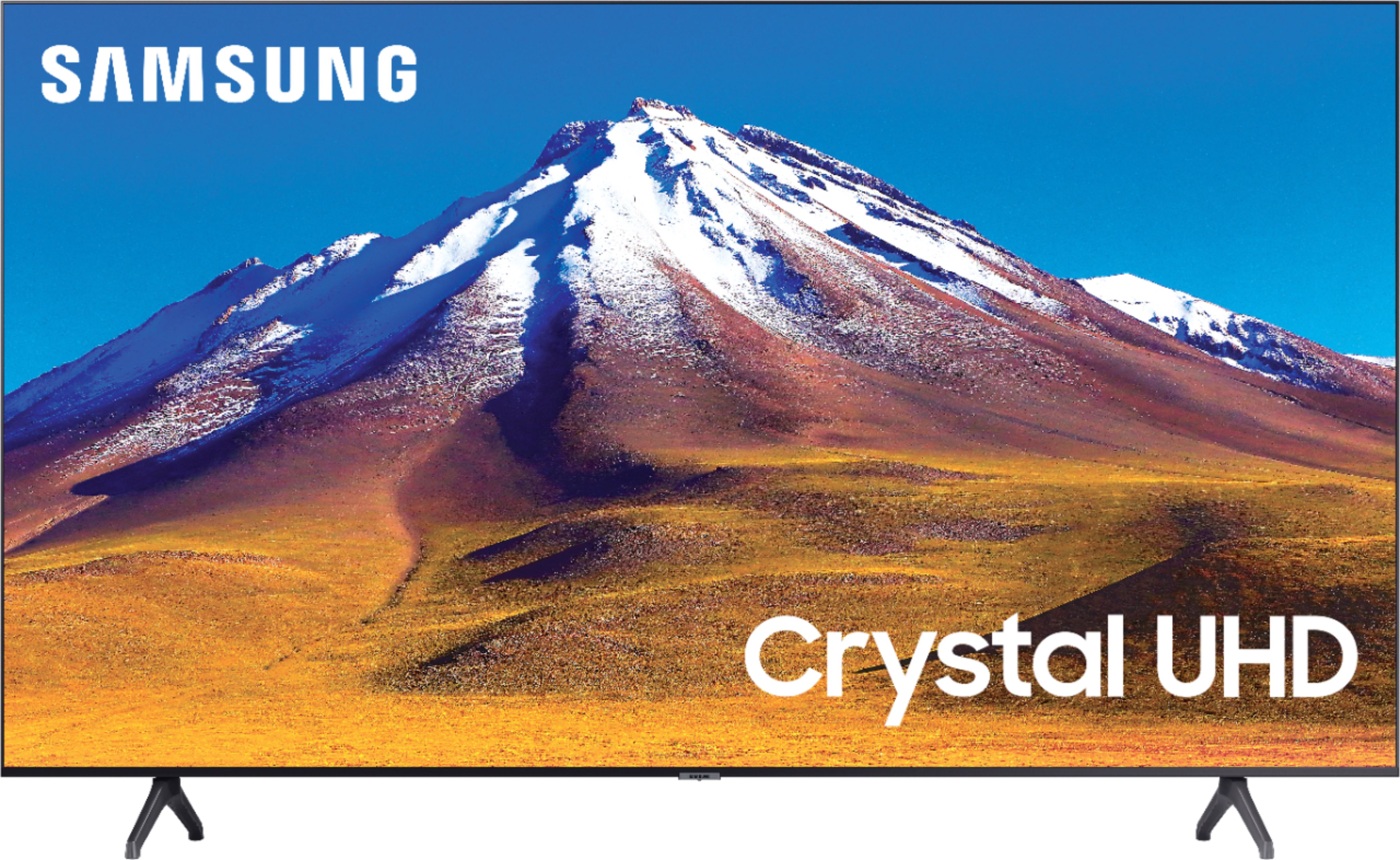
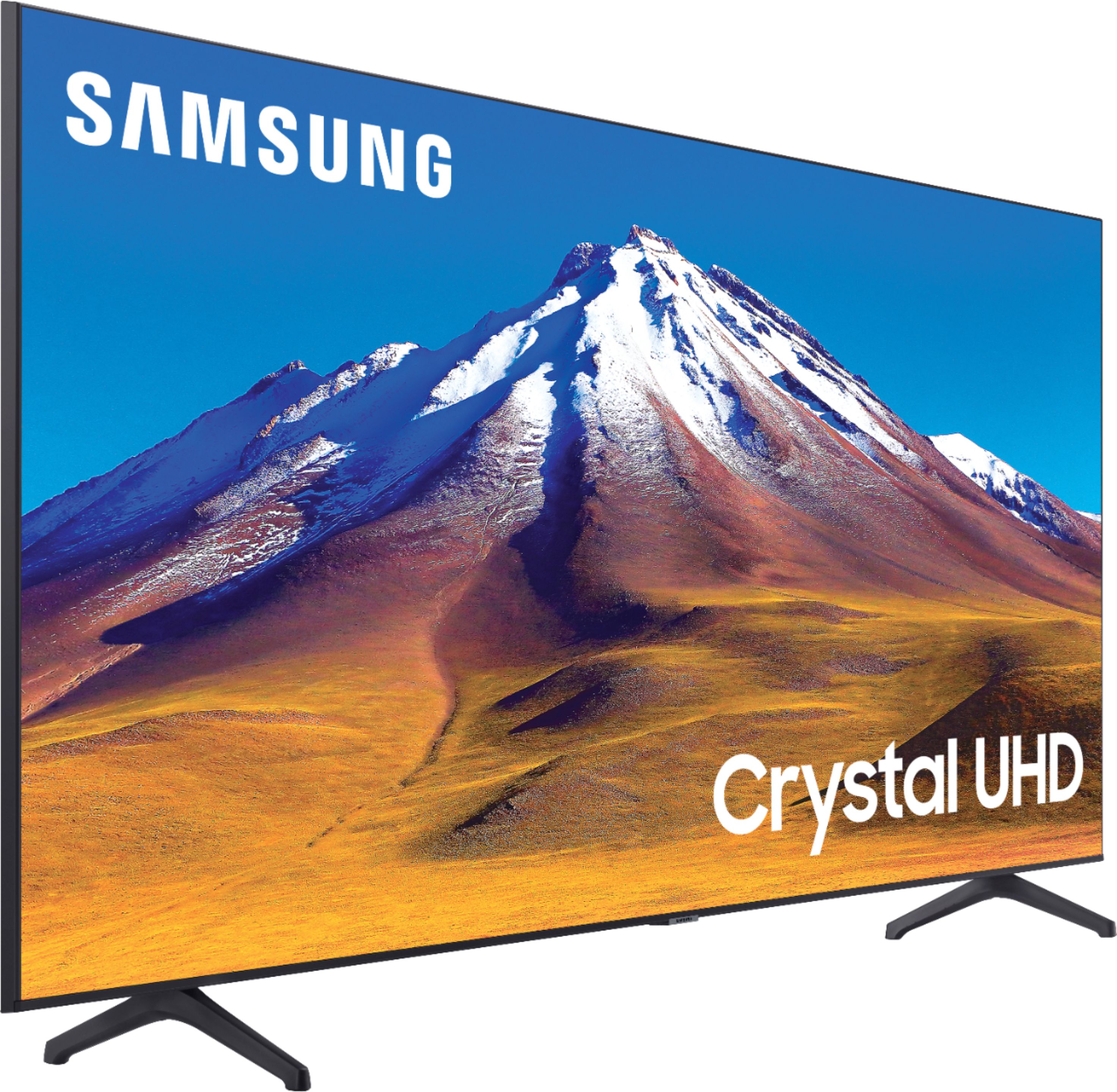
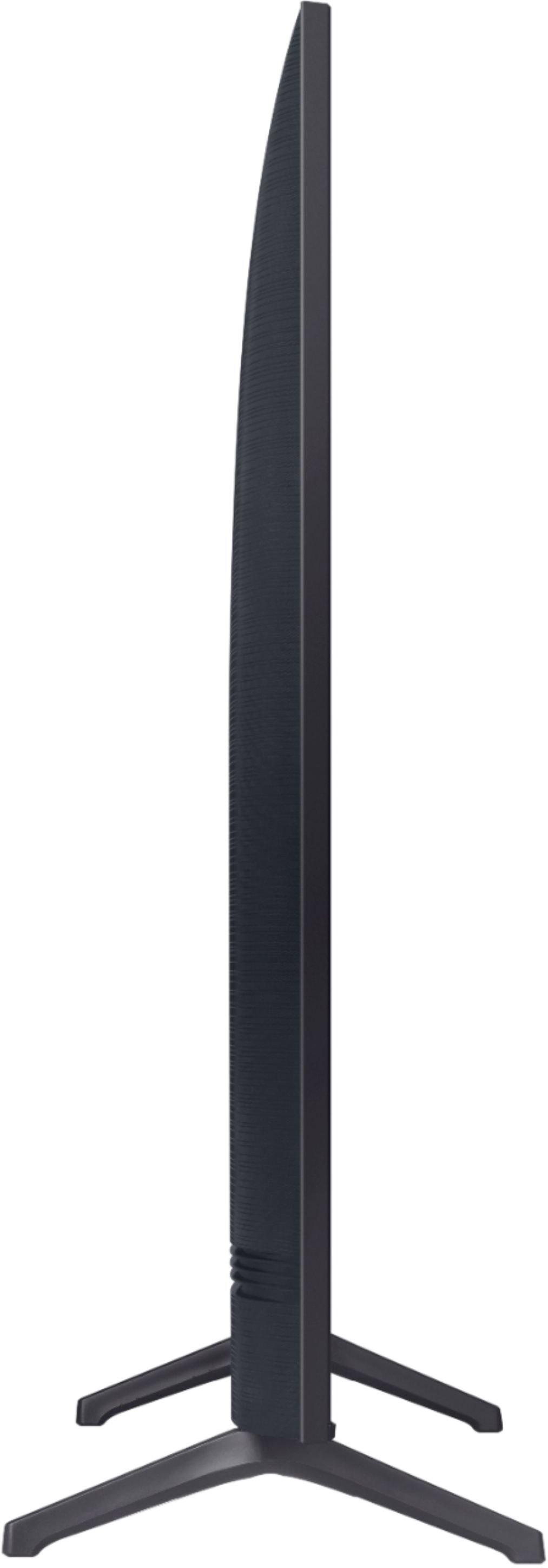
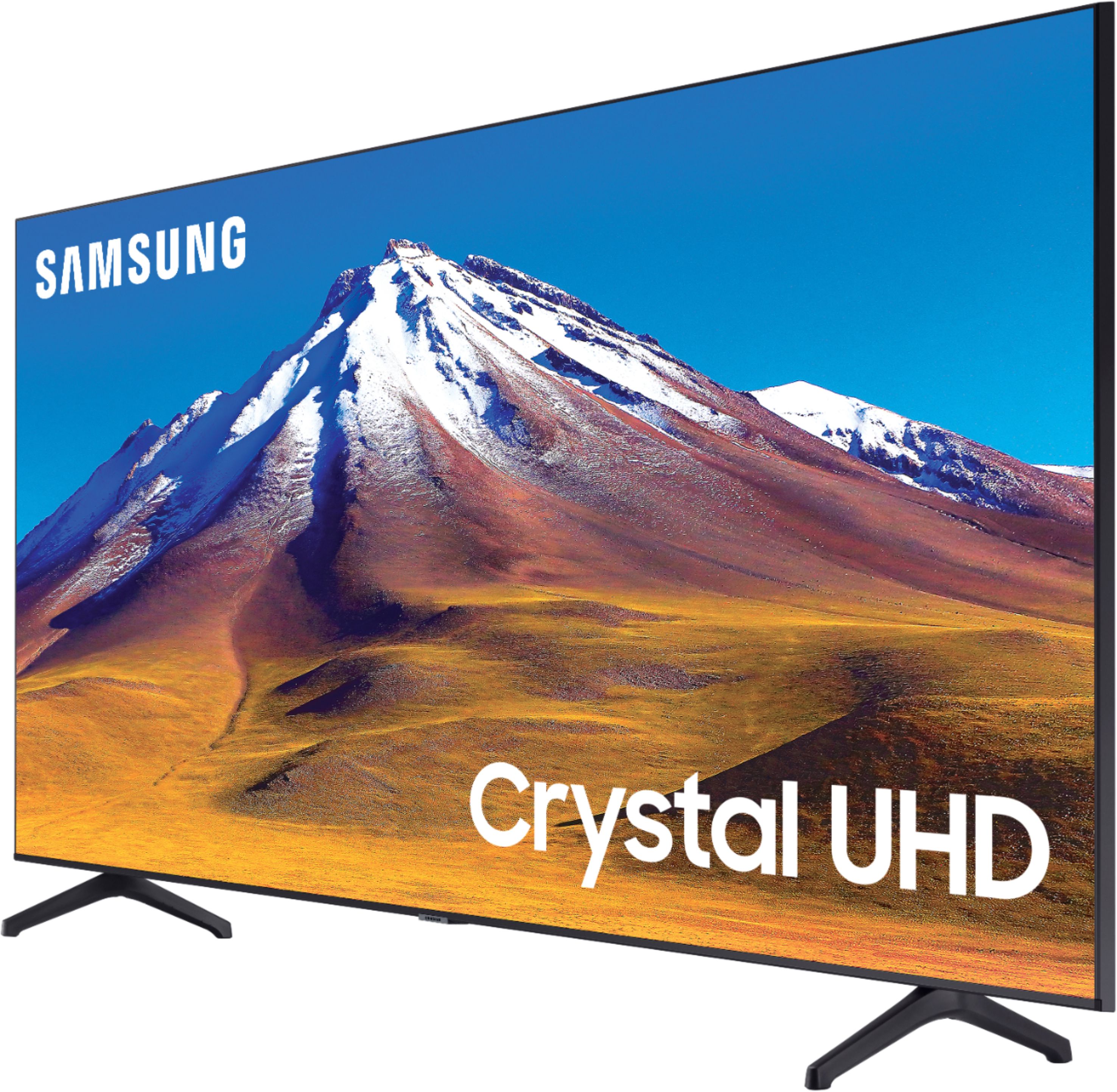
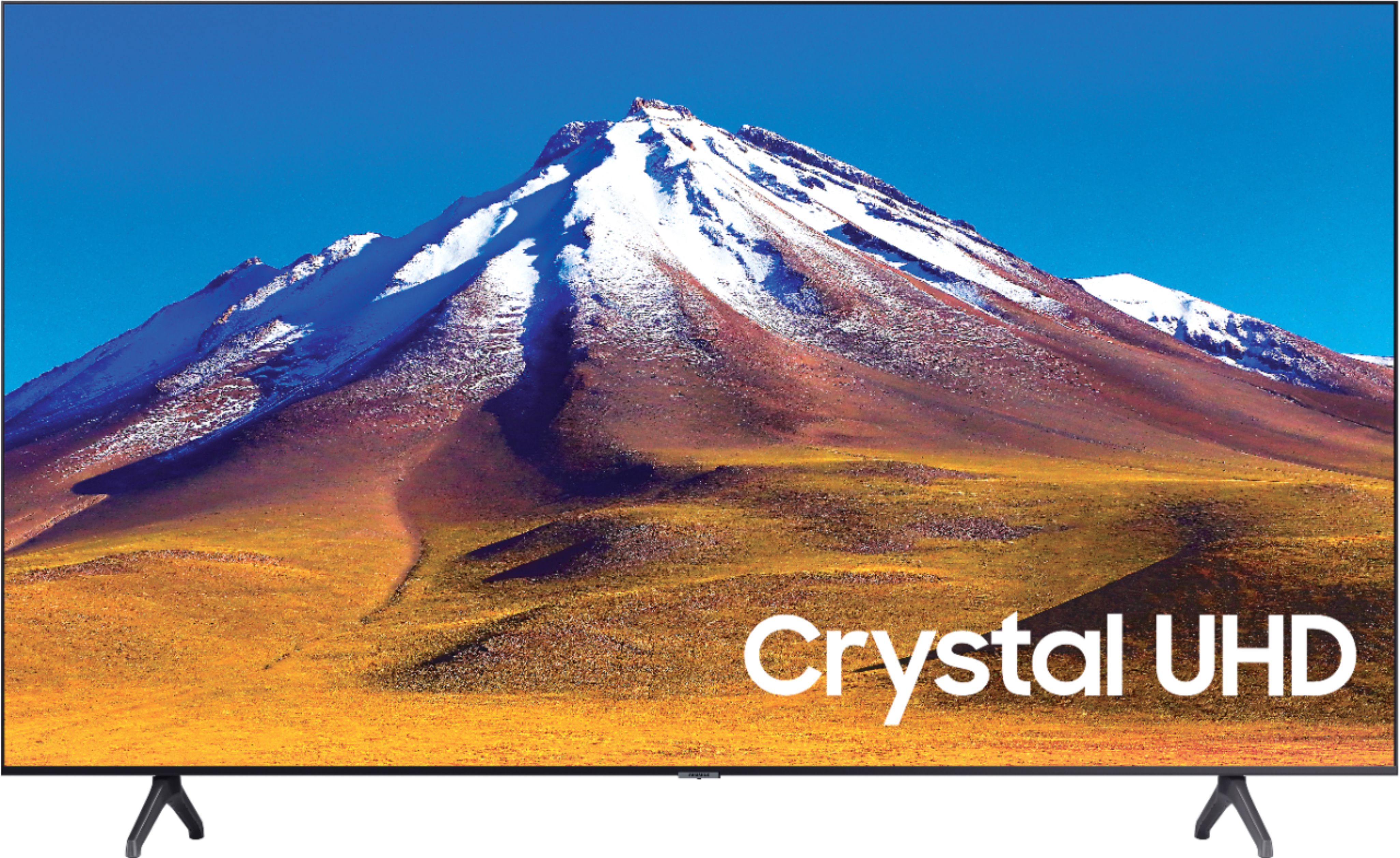
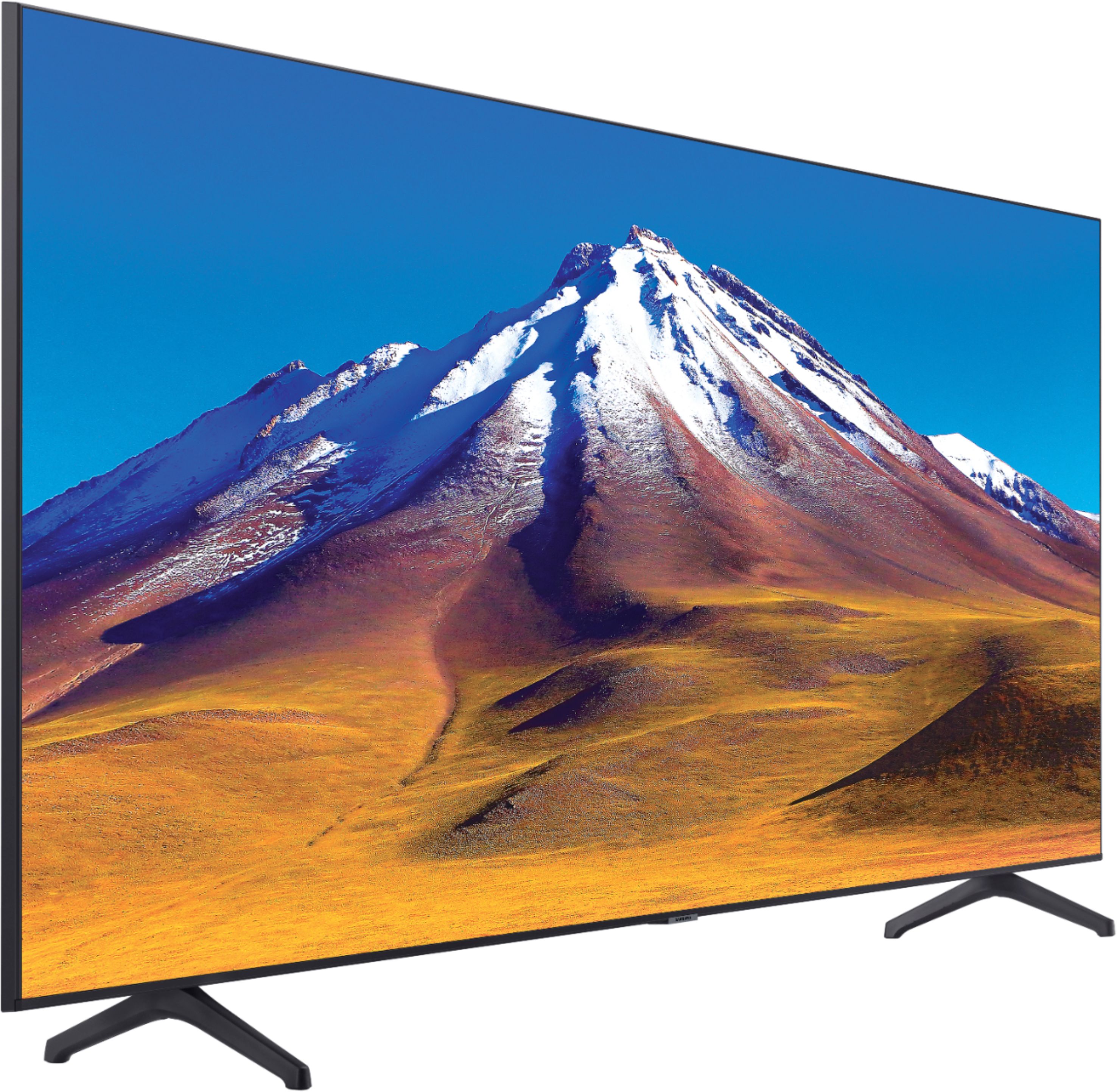
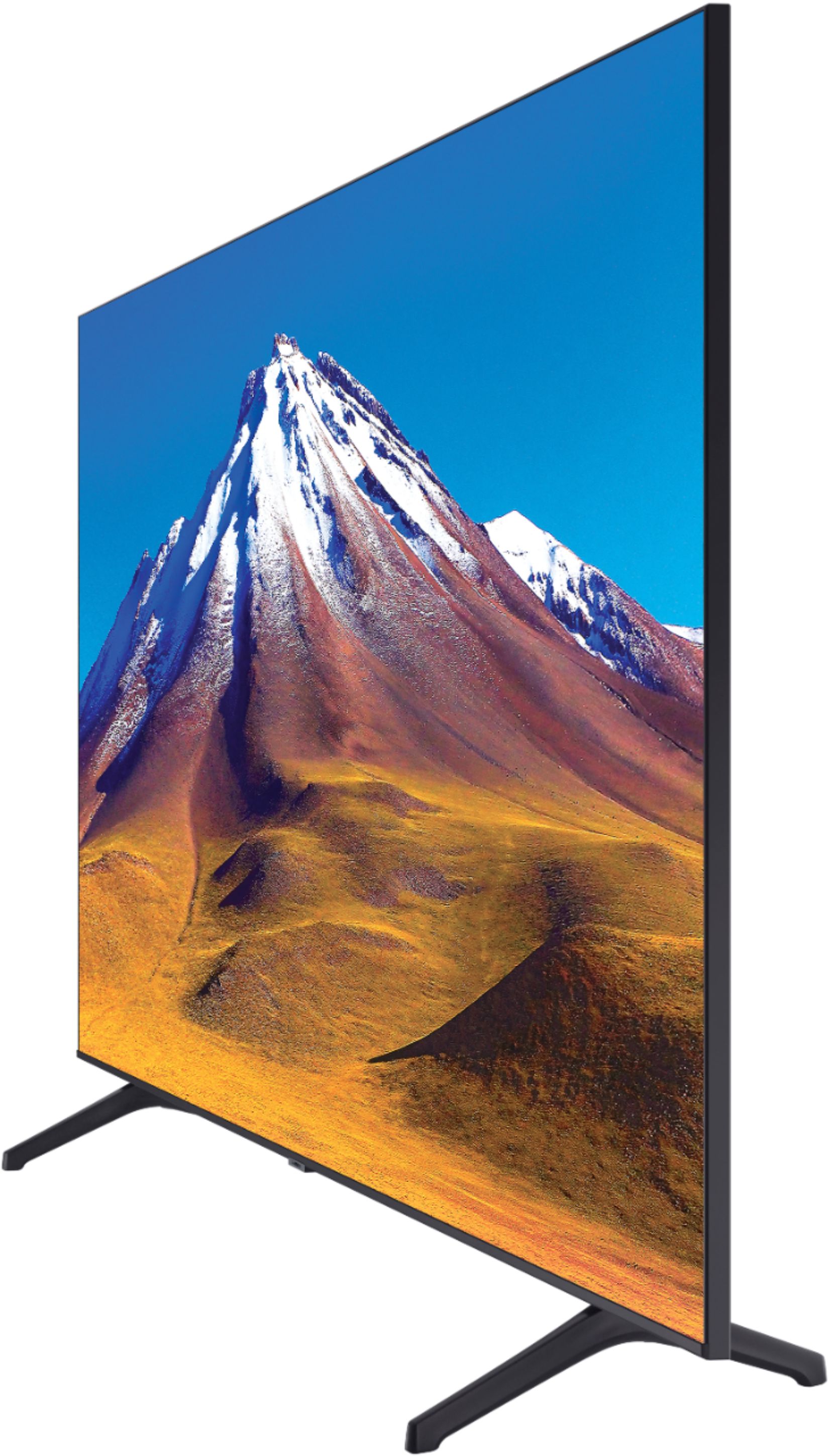



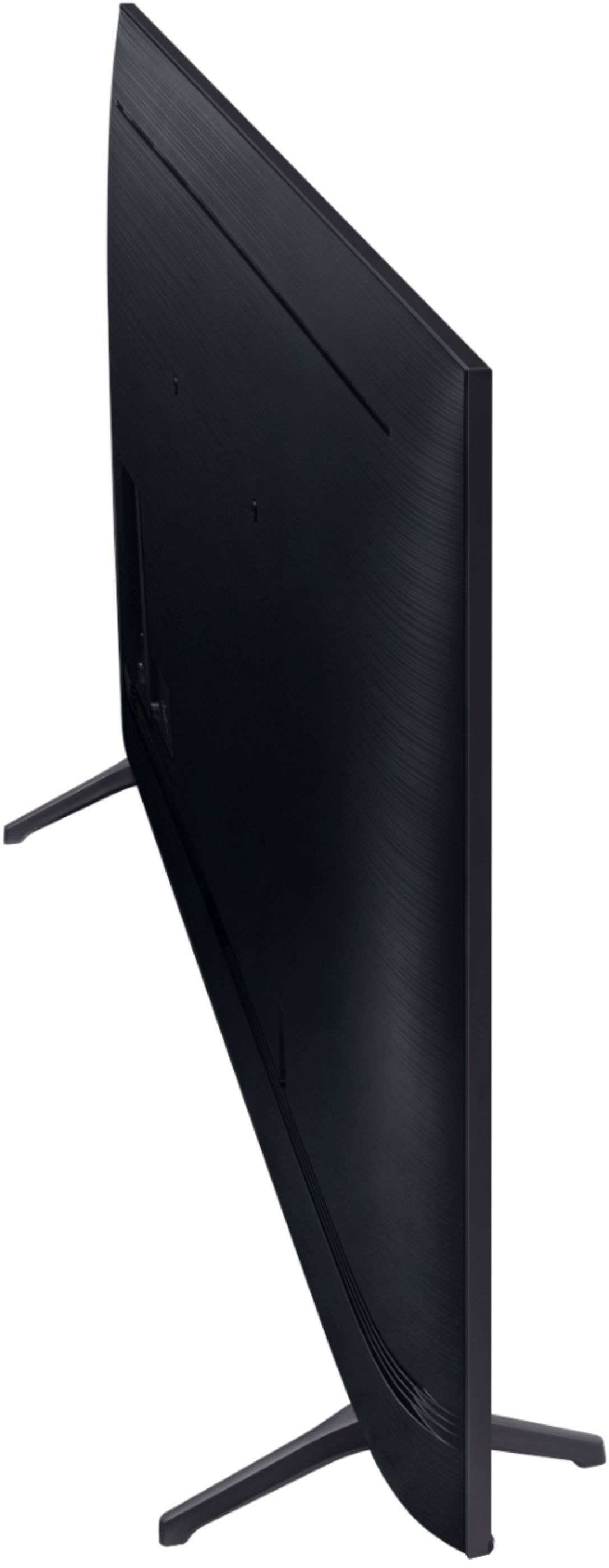
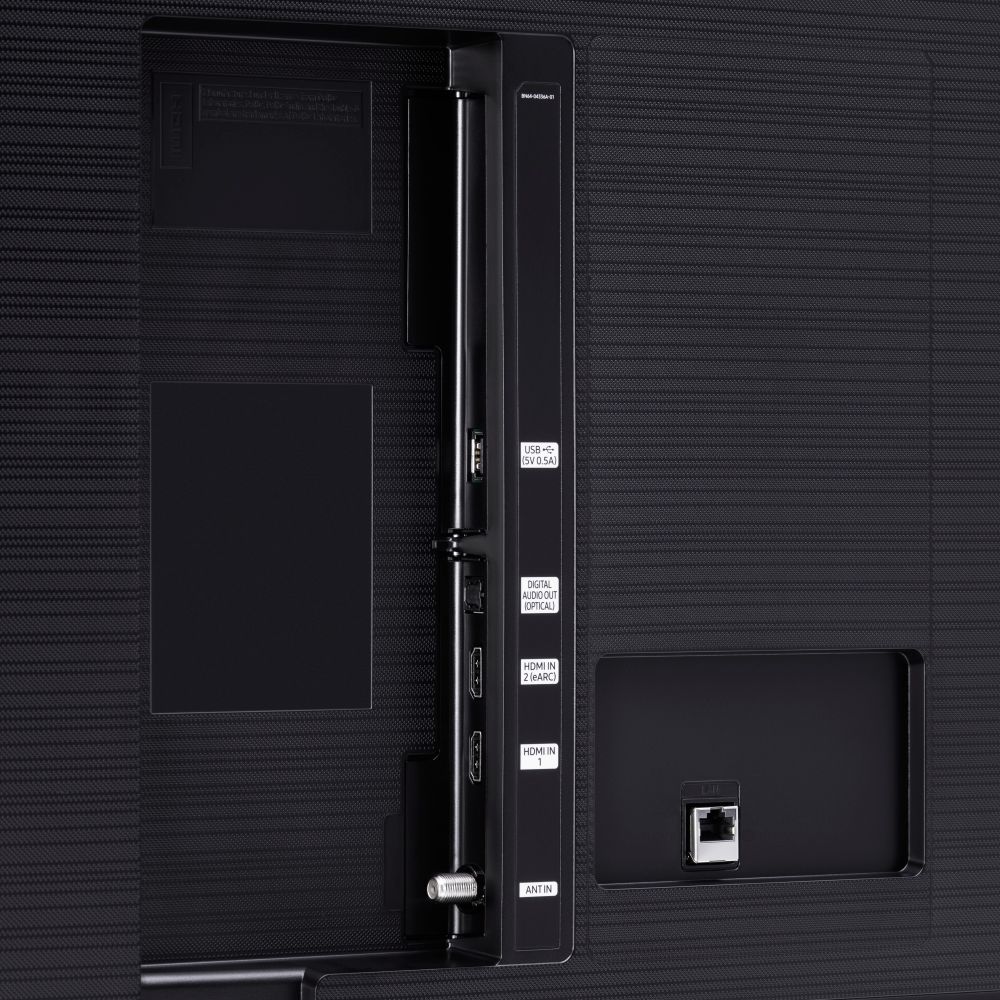





- Model:
- UN70TU6980FXZA
- SKU:
- 6428508
Rating by feature
- Picture Quality
Rating 4.5 out of 5 stars
- Sound Quality
Rating 4.4 out of 5 stars
- Brightness
Rating 4.5 out of 5 stars
Customers are saying
Customers regard the 70" Class 6 Series LED 4K UHD Smart Tizen TV's picture quality as great, with vibrant colors and deep contrasts. They also appreciate its large screen and affordable price. However, some customers have concerns about its limited HDMI ports, connectivity issues, and slow smart features.
This summary was generated by AI based on customer reviews.
SamsungTV
||Posted . Owned for 1 month when reviewed.This reviewer received promo considerations or sweepstakes entry for writing a review.Yeah its big everything is fine but Its slow!!!!!!
No, I would not recommend this to a friendBrand response from Samsung
Posted .SamsungTV:
Thank you for sharing your review of the TU6980 TV. I am sorry that you are experiencing issues with your unit.
To optimize the smart TV performance, please try Device Care option under the Support Menu. Go to Settings > Support> Device Care > Start Device Care
This service checks memory and frees up unused cached memory and closes background apps.
Should you need further assistance, please contact Samsung Customer Support.
1) Phone: 1-800-SAMSUNG (ask for TVs), available 8AM – 12AM EST 7 days a week
2) LiveChat: https://www.samsung.com/us/support/#contact_us_for_support
3) Facebook Messenger: https://www.facebook.com/samsungsupport
4) Twitter: https://twitter.com/SamsungSupport
5) The Samsung Members Community is also a great resource for getting help from Samsung moderators and customers: https://us.community.samsung.com
If you have not already done so, we invite you to register your new Samsung product at: https://www.samsung.com/us/account/signin/?redirect=https%3A%2F%2Fwww.samsung.com%2Fus%2Fsupport%2Fregister%2F
Registering your product gives you access to easy warranty support, convenient opt-in to special promos and offers, faster troubleshooting and service, and quick notification of system updates.
~ Samsung Solutions
70"samsung crystalhd
||Posted . Owned for less than 1 week when reviewed.This reviewer received promo considerations or sweepstakes entry for writing a review.Not the best picture.but a great deal for the money!
I would recommend this to a friendBrand response from Samsung
Posted .70class6series:
Thank you for purchasing the Samsung TU6980 TV and for your review. There are several image settings you can adjust to your liking such as Picture Mode and Expert Settings.
Choose a Picture Mode by going to Settings > Picture > Picture Mode and choose from Dynamic, Standard, Natural, Movie, or Filmmaker Mode.
You can further adjust your sharpness, brightness, contrast, color, and more by going to Settings > Picture > Expert Settings
For further information regarding Image Settings, please see this article:
https://www.samsung.com/us/support/answer/ANS00079295/
Should you need further assistance with settings, features, or functions, please contact Samsung Customer Support.
1) Phone: 1-800-SAMSUNG (ask for TVs), available 8AM – 12AM EST 7 days a week
2) LiveChat: https://www.samsung.com/us/support/#contact_us_for_support
3) Facebook Messenger: https://www.facebook.com/samsungsupport
4) Twitter: https://twitter.com/SamsungSupport
5) The Samsung Members Community is also a great resource for getting help from Samsung moderators and customers: https://us.community.samsung.com
If you have not already done so, we invite you to register your new Samsung product at: https://www.samsung.com/us/account/signin/?redirect=https%3A%2F%2Fwww.samsung.com%2Fus%2Fsupport%2Fregister%2F
Registering your product gives you access to easy warranty support, convenient opt-in to special promos and offers, faster troubleshooting and service, and quick notification of system updates.
~ Samsung Solutions
I didn't buy
||Posted . Owned for 3 weeks when reviewed.This reviewer received promo considerations or sweepstakes entry for writing a review.This said it was purchased. I never bought this TV.
No, I would not recommend this to a friendBrand response from Samsung
Posted .Aaron:
You are leaving a review for the Samsung TU6980 TV. I am sorry you were prompted to leave a review when you did not purchase it. Should you ever need a TV in the future, please consider one from our 2020 lineup. Information on all of our current models can be found at Samsung.com. Samsung Customer Support is available to answer any questions or concerns regarding our TV products.
1) Phone: 1-800-SAMSUNG (available 8AM -12AM EST, 7 days a week)
2) LiveChat: https://www.samsung.com/us/support/#contact_us_for_support
3) Facebook Messenger: https://www.facebook.com/samsungsupport
4) Twitter: https://twitter.com/SamsungSupport
5) The Samsung Members Community is also a great resource for getting help from Samsung moderators and customers: https://us.community.samsung.com
~ Samsung Solutions
Picture blown in less than 2 years.
||Posted . Owned for 1.5 years when reviewed.This reviewer received promo considerations or sweepstakes entry for writing a review.Had this television for less than 2 years and the picture blew out. Thank goodness I bought the extended warranty. Waiting 5 days for Geek Squad to come out and hopefully fix this television.
No, I would not recommend this to a friendFaulty Screen
||Posted . Owned for 11 months when reviewed.This reviewer received promo considerations or sweepstakes entry for writing a review.I purchased this television less than a year ago. The left side of the screen is peeling away from the television. I have had it mounted since purchase, so there has not been any damage or accidental bumps into the television.
No, I would not recommend this to a frienddefective tv comming out of box
||Posted . Owned for 3 weeks when reviewed.This reviewer received promo considerations or sweepstakes entry for writing a review.item was defective coming out of box..red vertical line on middle of screen..i had to re box it and return it..a 70 inch tv! when i picked up the second one they asked me if i needed help putting it in my truck,,,,A 70 INCH TV!!
No, I would not recommend this to a friend2 duds in a row
||Posted . Owned for less than 1 week when reviewed.This reviewer received promo considerations or sweepstakes entry for writing a review.I have now bought and returned 2 of these tvs within 1 day of use they both had the screens start flashing like a strobe light. Keep in mind I got them from 2 different best buy stores. Don't buy!
No, I would not recommend this to a friendBrand response from Samsung
Posted .Tvbinge:
Thank you for sharing your review of the Samsung TU6980. I am very sorry that issues with your 2 TVs have caused you to return them. I completely understand your disappointment.
It is possible that your units were either defective or required adjustments in settings. Nonetheless, I do sincerely apologize for the let-down.
Should you ever decide to give Samsung TVs another try and have questions or need assistance with settings, setup, or features, please know we are always here to help.
For further assistance, please contact Samsung TV Support at:
1-800-SAMSUNG (available 8AM -12AM EST, 7 days a week)
Due to current Amazon guidelines, we are unable to provide direct links or emails for customer support so please visit us on the Samsung website and click on the ‘Support’ link in the upper right corner for:
1) Contact Us Options (LiveChat, Remote Support, Facebook, Twitter)
2) Product Support
3) Manuals and Downloads
4) Warranty Info
5) Product Registration: Registering your product gives you access to easy warranty support, convenient opt-in to special promos and offers, faster troubleshooting and service, and quick notification of system updates
6) Samsung Community: A great resource for getting help from Samsung moderators and customers and more
7) and more product, repair, order, and care options
~ Samsung Solutions
Laggy!
||Posted . Owned for less than 1 week when reviewed.This reviewer received promo considerations or sweepstakes entry for writing a review.Laggy and slow in responding to remote input. I changed multiple remote controls with no luck. Considering returning it if not solved. Picture is ok
No, I would not recommend this to a friendBrand response from Samsung
Posted .AZiee:
Thank you for sharing your experience with the TU6980 TV. I am sorry that you are experiencing some delayed response when using your remote.
To optimize the smart TV performance, please try Device Care option under the Support Menu. Go to Settings > Support> Device Care > Start Device Care
This service checks memory and frees up unused cached memory and closes background apps.
Should you need further assistance, please contact Samsung Customer Support.
1) Phone: 1-800-SAMSUNG (ask for TVs), available 8AM – 12AM EST 7 days a week
2) LiveChat: https://www.samsung.com/us/support/#contact_us_for_support
3) Facebook Messenger: https://www.facebook.com/samsungsupport
4) Twitter: https://twitter.com/SamsungSupport
5) The Samsung Members Community is also a great resource for getting help from Samsung moderators and customers: https://us.community.samsung.com
If you have not already done so, we invite you to register your new Samsung product at: https://www.samsung.com/us/account/signin/?redirect=https%3A%2F%2Fwww.samsung.com%2Fus%2Fsupport%2Fregister%2F
Registering your product gives you access to easy warranty support, convenient opt-in to special promos and offers, faster troubleshooting and service, and quick notification of system updates.
~ Samsung Solutions
- Cons mentioned:Remote control
Not happy with this purchase
||Posted . Owned for 1 month when reviewed.This reviewer received promo considerations or sweepstakes entry for writing a review.Not happy at all with it. Picture is not as good as I thought it would be for a 4K. The home screen is really hard to navigate. Not user friendly. The remote is terrible. Do not recommend
No, I would not recommend this to a friendBrand response from Samsung
Posted .Kbee9999:
Thank you for purchasing the Samsung TU6980 TV and for your review. We appreciate your thoughts regarding the interface and remote and will share it with our internal teams.
There are several image settings you can adjust to your liking such as Picture Mode and Expert Settings.
Choose a Picture Mode by going to Settings > Picture > Picture Mode and choose from Dynamic, Standard, Natural, Movie, or Filmmaker Mode.
You can further adjust your sharpness, brightness, contrast, color, tint, contrast, white balance, and more by going to Settings > Picture > Expert Settings
Please also give us the opportunity to assist you with image quality adjustments tailored to your preferred viewing experience. You can reach us via any of the following options:
1) Phone: 1-800-SAMSUNG (ask for TVs), available 8AM – 12AM EST 7 days a week
2) LiveChat: https://www.samsung.com/us/support/#contact_us_for_support
3) Facebook Messenger: https://www.facebook.com/samsungsupport
4) Twitter: https://twitter.com/SamsungSupport
5) The Samsung Members Community is also a great resource for getting help from Samsung moderators and customers: https://us.community.samsung.com
If you have not already done so, we invite you to register your new Samsung product at: https://www.samsung.com/us/account/signin/?redirect=https%3A%2F%2Fwww.samsung.com%2Fus%2Fsupport%2Fregister%2F
Registering your product gives you access to easy warranty support, convenient opt-in to special promos and offers, faster troubleshooting and service, and quick notification of system updates.
~ Samsung Solutions
- Cons mentioned:Operating system
Not recommended
||Posted . Owned for 1 month when reviewed.This reviewer received promo considerations or sweepstakes entry for writing a review.Bought because of the size and brand, however the Operating system is slow, picture is ok, only 2 HDMIs and only one worked. I returned it and decided to get another TV set
No, I would not recommend this to a friendBrand response from Samsung
Posted .Raul:
I am very sorry to see that your TU6980 TV did not meet your needs, and you have returned it.
Should you ever decide to give Samsung TVs another try and have questions or need assistance with settings, setup, or features, please know we are always here to help.
1) Phone: 1-800-SAMSUNG (available 8AM -12AM EST, 7 days a week)
2) LiveChat: https://www.samsung.com/us/support/#contact_us_for_support
3) Facebook Messenger: https://www.facebook.com/samsungsupport
4) Twitter: https://twitter.com/SamsungSupport
Thank you again for taking the time to share your thoughts. Your feedback helps us continuously deliver best-in-class products and service.
~ Samsung Solutions
Not impressed
||Posted . Owned for 3 weeks when reviewed.This reviewer received promo considerations or sweepstakes entry for writing a review.Returned. Disappointed in the product. Picture was OK but motion was not smooth and had noticeable glitches even after trying multiple setting changes. Also, UI was really slow. Overall was not impressed with this TV.
No, I would not recommend this to a friendBrand response from Samsung
Posted .HomeTV:
Thank you for sharing your review of the Samsung TU6980 TV. I am very sorry that you were not completely happy with image quality and have decided to return it.
Should you ever decide to give Samsung TVs another try and have questions or need assistance with settings, setup, or features, please know we are always here to help.
Again, my sincerest apologies. We hope to regain you as a customer in the future.
1) Phone: 1-800-SAMSUNG (ask for TVs), available 8AM – 12AM EST 7 days a week
2) LiveChat: https://www.samsung.com/us/support/#contact_us_for_support
3) Facebook Messenger: https://www.facebook.com/samsungsupport
4) Twitter: https://twitter.com/SamsungSupport
5) The Samsung Members Community is also a great resource for getting help from Samsung moderators and customers: https://us.community.samsung.com
If you have not already done so, we invite you to register your new Samsung product at: https://www.samsung.com/us/account/signin/?redirect=https%3A%2F%2Fwww.samsung.com%2Fus%2Fsupport%2Fregister%2F
Registering your product gives you access to easy warranty support, convenient opt-in to special promos and offers, faster troubleshooting and service, and quick notification of system updates.
~ Samsung Solutions
Dropped TV
||Posted . Owned for 3 weeks when reviewed.This reviewer received promo considerations or sweepstakes entry for writing a review.When I went to pick up the TV the box was ripped opened on 1 corner and the packing was also broke off and it looked like someone tried to put the packing back in. then the salesman said he looked at it and said the TV was good so I asked if he had plugged it in and he said no, then he tried to offer me a gift card and I told him to put it where the sun doesn't shine. I took the TV home because I was out of time and had to go to work so I took some pictures before I opened the box. Once the TV was hooked up i checked it out and everything seems to be working good but Best Buy should have just gotten me another TV.
No, I would not recommend this to a friendBrand response from Samsung
Posted .Hateful:
I am sorry to hear about your frustrating purchase experience, but I am glad that you were able to set up your TU6980 TV without issue.
If you should ever have concerns or questions regarding setup, function, features, or settings, please know that Samsung Customer Support is here to help.
1) Phone: 1-800-SAMSUNG (ask for TVs), available 8AM – 12AM EST 7 days a week
2) LiveChat: https://www.samsung.com/us/support/#contact_us_for_support
3) Facebook Messenger: https://www.facebook.com/samsungsupport
4) Twitter: https://twitter.com/SamsungSupport
5) The Samsung Members Community is also a great resource for getting help from Samsung moderators and customers: https://us.community.samsung.com
If you have not already done so, we invite you to register your new Samsung product at: https://www.samsung.com/us/account/signin/?redirect=https%3A%2F%2Fwww.samsung.com%2Fus%2Fsupport%2Fregister%2F
Registering your product gives you access to easy warranty support, convenient opt-in to special promos and offers, faster troubleshooting and service, and quick notification of system updates.
~ Samsung Solutions
- Cons mentioned:Remote control
TV review
||Posted . Owned for 2 months when reviewed.This reviewer received promo considerations or sweepstakes entry for writing a review.TV system is really slow and takes a lot time to simply open an app. Just few months in use and I had to reset a couple times.. Also the controle is not friendly!
No, I would not recommend this to a friendBrand response from Samsung
Posted .Review:
Thank you for sharing your review of the TU6950 TV. I am sorry that you are finding your unit to be slow. We also appreciate your feedback regarding the user-friendliness of the remote.
To optimize the smart TV performance and app response time, please try Device Care option under the Support Menu. Go to Settings > Support> Device Care > Start Device Care
This service checks memory and frees up unused cached memory and closes background apps.
Please also be sure you are running the latest firmware. You can check to see what software version your TV is using and if there is an available update through the settings on your TV. Go to: Settings > Support > Software Update.
Both the current version and new version number will be displayed. The current version is what your TV is using, and the new version is the latest update.
New updates will be downloaded and installed on your TV. Updates usually take a few minutes; please do not turn off the TV until the update is complete. When the update is finished, the TV will restart automatically. If there aren't any new updates, select OK to exit.
You may want to enable automatic updates for convenience by selecting > Auto Update.
Should you need further assistance, please contact Samsung Customer Support.
1) Phone: 1-800-SAMSUNG (ask for TVs), available 8AM – 12AM EST 7 days a week
2) LiveChat: https://www.samsung.com/us/support/#contact_us_for_support
3) Facebook Messenger: https://www.facebook.com/samsungsupport
4) Twitter: https://twitter.com/SamsungSupport
5) The Samsung Members Community is also a great resource for getting help from Samsung moderators and customers: https://us.community.samsung.com
If you have not already done so, we invite you to register your new Samsung product at: https://www.samsung.com/us/account/signin/?redirect=https%3A%2F%2Fwww.samsung.com%2Fus%2Fsupport%2Fregister%2F
Registering your product gives you access to easy warranty support, convenient opt-in to special promos and offers, faster troubleshooting and service, and quick notification of system updates.
~ Samsung Solutions
UHD vs QLED
||Posted . Owned for 2 months when reviewed.This reviewer received promo considerations or sweepstakes entry for writing a review.I bought this 70" Samsun for the price, Black Friday $500. Your get what you pay for. Poor picture quality and only two HDMI inputs. Returned it and spent more money on a Q70 for the quality I wanted.
No, I would not recommend this to a friendBrand response from Samsung
Posted .MNDad:
Thank you for sharing your review of the Samsung TU6980. I am very sorry that your experience with this TV was less than perfect, and you have decided to replace it with a different model. Thank you for being a loyal Samsung customer.
Your feedback regarding this model is important to us and will be shared with our internal teams.
Should you have questions or need assistance with settings, setup, or features with your new Samsung Q70T TV, please know we are always here to help.
1) Phone: 1-800-SAMSUNG (ask for TVs), available 8AM – 12AM EST 7 days a week
2) LiveChat: https://www.samsung.com/us/support/#contact_us_for_support
3) Facebook Messenger: https://www.facebook.com/samsungsupport
4) Twitter: https://twitter.com/SamsungSupport
5) The Samsung Members Community is also a great resource for getting help from Samsung moderators and customers: https://us.community.samsung.com
If you have not already done so, we invite you to register your new Samsung product at: https://www.samsung.com/us/account/signin/?redirect=https%3A%2F%2Fwww.samsung.com%2Fus%2Fsupport%2Fregister%2F
Registering your product gives you access to easy warranty support, convenient opt-in to special promos and offers, faster troubleshooting and service, and quick notification of system updates.
~ Samsung Solutions
Loses connection
||Posted . Owned for 3 months when reviewed.This reviewer received promo considerations or sweepstakes entry for writing a review.This tv constantly loses internet connection and the remote is super sensitive yet can also lag incredibly. We have to restart the tv several times within a few hours due to it losing connection.
No, I would not recommend this to a friendScreen Separating
||Posted . Owned for 1 month when reviewed.This reviewer received promo considerations or sweepstakes entry for writing a review.Nice Tv other the fact that the screen is detaching on the left side, but I'm hoping with my warranty that best buy will repair or replace with no headache. Will change review once the issue is fixed
No, I would not recommend this to a friendBrand response from Samsung
Posted .David:
I am very sorry to see that your new TV is exhibiting damage. We hope Best Buy is able to take care of your issue in a timely manner.
Should you have questions or concerns regarding the usage or setup of your TV once your issue is resolved, please contact Samsung Customer Support.
1) Phone: 1-800-SAMSUNG (ask for TVs), available 8AM – 12AM EST 7 days a week
2) LiveChat: https://www.samsung.com/us/support/#contact_us_for_support
3) Facebook Messenger: https://www.facebook.com/samsungsupport
4) Twitter: https://twitter.com/SamsungSupport
5) The Samsung Members Community is also a great resource for getting help from Samsung moderators and customers: https://us.community.samsung.com
If you have not already done so, we invite you to register your new Samsung product at: https://www.samsung.com/us/account/signin/?redirect=https%3A%2F%2Fwww.samsung.com%2Fus%2Fsupport%2Fregister%2F
Registering your product gives you access to easy warranty support, convenient opt-in to special promos and offers, faster troubleshooting and service, and quick notification of system updates.
~ Samsung Solutions
Never again
||Posted . Owned for 1 month when reviewed.This reviewer received promo considerations or sweepstakes entry for writing a review.I purchased this TV twice before finally taking it back for another brand that would actually work. The very first time I purchased this Best Buy claimed it to be new, however when we unboxed the TV you can tell it was definitely opened before. We get everything unboxed and set up for the TV to not turn on. We check the outlets and they’re fine. We take it back, exchange it for another one, only for this one to have a black strip form on its third day of use out of no where. We take it back and grab an LG for about the same price and I couldn’t be happier
No, I would not recommend this to a friendBrand response from Samsung
Posted .Jordan:
I am sorry to hear of your poor purchase experience. You may want to consider providing feedback directly to the Best Buy store where you made your purchase.
Should you ever decide to give Samsung TVs another try and have questions or need assistance with settings, setup, or features, please know we are always here to help.
1) Phone: 1-800-SAMSUNG (available 8AM -12AM EST, 7 days a week)
2) LiveChat: https://www.samsung.com/us/support/#contact_us_for_support
3) Facebook Messenger: https://www.facebook.com/samsungsupport
4) Twitter: https://twitter.com/SamsungSupport
5) The Samsung Members Community is also a great resource for getting help from Samsung moderators and customers: https://us.community.samsung.com
Thank you again for taking the time to share your thoughts. Your feedback helps us continuously deliver best-in-class products and service.
~ Samsung Solutions
Samsung 70”
||Posted . Owned for 2 weeks when reviewed.This reviewer received promo considerations or sweepstakes entry for writing a review.I do not like the tv. The color changes to dark by itself. It is fine for watching Netflix or internet tv; however, the picture with the satellite is not clear. It has line through the picture.
No, I would not recommend this to a friendBrand response from Samsung
Posted .Samsung:
Thank you for your review of the TU7000 TV. If your TV is dimming sporadically, you may need to disable some of the energy efficiency features.
Disable Ambient Light Detection, Power Saving Mode, Motion Lighting, or Contrast Enhancer.
Settings > General> Eco Solution> Ambient Light Detection
Settings > General> Eco Solution> Power Saving Mode
Settings > General> Eco Solution> Motion Lighting
Settings > Picture > Expert Settings > Contrast Enhancer
Please try the following troubleshooting steps to address the line you are seeing when watching via satellite.
1) Check the antenna and input cable connections
2) Check the antenna and HDMI cable connections
3) If the issue persists, define exactly what is wrong with the display. For example, mosaics and blocks, multiple lines or white dots, fixed horizontal, or vertical lines
4) Try changing channels using the remote control. Is the issue the same on all channels?
5) Press the Home button (looks like a house), select Source, choose another input source. Is the issue the same on all sources?
6) If the same problem persists, run a diagnostic test. (Home > Settings > Support > Device Care > Self Diagnosis > Picture Test)
7) If the problem disappears during the test, check your TV signal
(Home > Settings > Support > Device Care > Self Diagnosis > Signal Information) to check the signal strength. Signal strength must be more than 20 dB (more than 4 bars on the icon) for stable signal reception
Should you need further assistance, please contact Samsung Customer Support.
1) Phone: 1-800-SAMSUNG (ask for TVs), available 8AM – 12AM EST 7 days a week
2) LiveChat: https://www.samsung.com/us/support/#contact_us_for_support
3) Facebook Messenger: https://www.facebook.com/samsungsupport
4) Twitter: https://twitter.com/SamsungSupport
5) The Samsung Members Community is also a great resource for getting help from Samsung moderators and customers: https://us.community.samsung.com
If you have not already done so, we invite you to register your new Samsung product at: https://www.samsung.com/us/account/signin/?redirect=https%3A%2F%2Fwww.samsung.com%2Fus%2Fsupport%2Fregister%2F
Registering your product gives you access to easy warranty support, convenient opt-in to special promos and offers, faster troubleshooting and service, and quick notification of system updates.
~ Samsung Solutions
Live streaming issue
||Posted .This reviewer received promo considerations or sweepstakes entry for writing a review.Crazy that only live streaming apps such as hulu dont work well, a lot of freezing and skipping. Interesting that the visio tv that I was using never did this. Seems to be a known issue.
No, I would not recommend this to a friendBrand response from Samsung
Posted .Nothappy:
Thank you for sharing your experience with the TU6980 TV. I am sorry that your TV is freezing and skipping periodically.
To optimize the smart TV performance, please try Device Care option under the Support Menu. Go to Settings > Support> Device Care > Start Device Care
This service checks memory and frees up unused cached memory and closes background apps.
1) Phone: 1-800-SAMSUNG (ask for TVs), available 8AM – 12AM EST 7 days a week
2) LiveChat: https://www.samsung.com/us/support/#contact_us_for_support
3) Facebook Messenger: https://www.facebook.com/samsungsupport
4) Twitter: https://twitter.com/SamsungSupport
5) The Samsung Members Community is also a great resource for getting help from Samsung moderators and customers: https://us.community.samsung.com
If you have not already done so, we invite you to register your new Samsung product at: https://www.samsung.com/us/account/signin/?redirect=https%3A%2F%2Fwww.samsung.com%2Fus%2Fsupport%2Fregister%2F
Registering your product gives you access to easy warranty support, convenient opt-in to special promos and offers, faster troubleshooting and service, and quick notification of system updates.
~ Samsung Solutions
Avoid
||Posted . Owned for 2 weeks when reviewed.This reviewer received promo considerations or sweepstakes entry for writing a review.Avoid. I'm typically a fan of Samsung and had their 43 inch and thought, I want to upgrade to a bigger screen and the price was hard to beat. But from day one, there would be a delay with on the tv, and I thought it was an issue with the remote. I got another remote and it wasn't fixed. Spoke with the Samsung rep and we reset the tv and that made it even worse. The tv would black out on youtube and Disney plus. It would lag. Just poor overall. Exchanged this for a Sony and that was worth it. Just disappointed with Samsung.
No, I would not recommend this to a friendBrand response from Samsung
Posted .mhaider1991:
Thank you for sharing your review of the Samsung TU6980 TV. I am very sorry that you were not completely happy with your TV and have decided to return it.
Should you ever decide to give Samsung TVs another try and have questions or need assistance with settings, setup, or features, please know we are always here to help.
Again, my sincerest apologies. We hope to regain you as a customer in the future.
1) Phone: 1-800-SAMSUNG (ask for TVs), available 8AM – 12AM EST 7 days a week
2) LiveChat: https://www.samsung.com/us/support/#contact_us_for_support
3) Facebook Messenger: https://www.facebook.com/samsungsupport
4) Twitter: https://twitter.com/SamsungSupport
5) The Samsung Members Community is also a great resource for getting help from Samsung moderators and customers: https://us.community.samsung.com
If you have not already done so, we invite you to register your new Samsung product at: https://www.samsung.com/us/account/signin/?redirect=https%3A%2F%2Fwww.samsung.com%2Fus%2Fsupport%2Fregister%2F
Registering your product gives you access to easy warranty support, convenient opt-in to special promos and offers, faster troubleshooting and service, and quick notification of system updates.
~ Samsung Solutions