Customer Ratings & Reviews
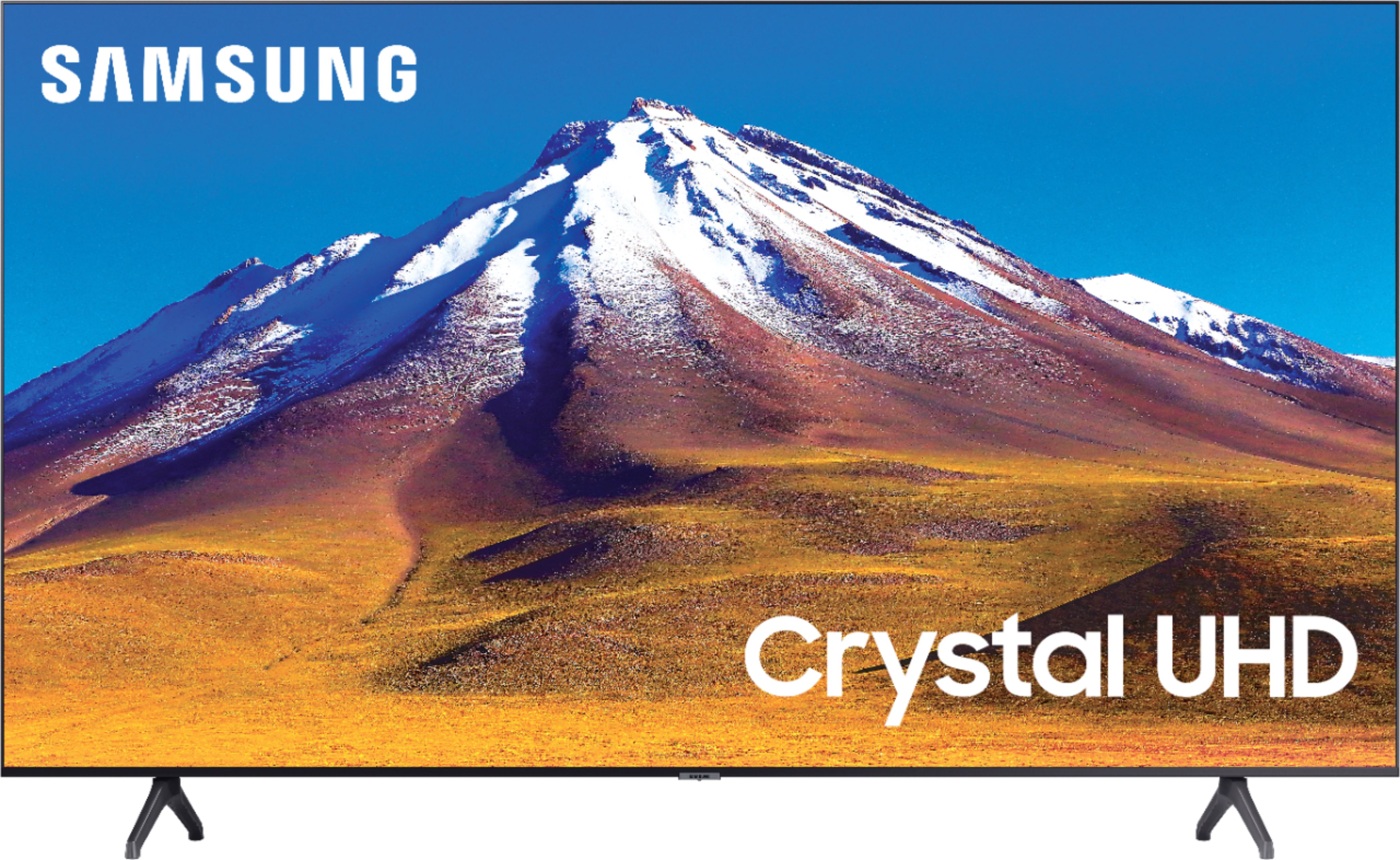
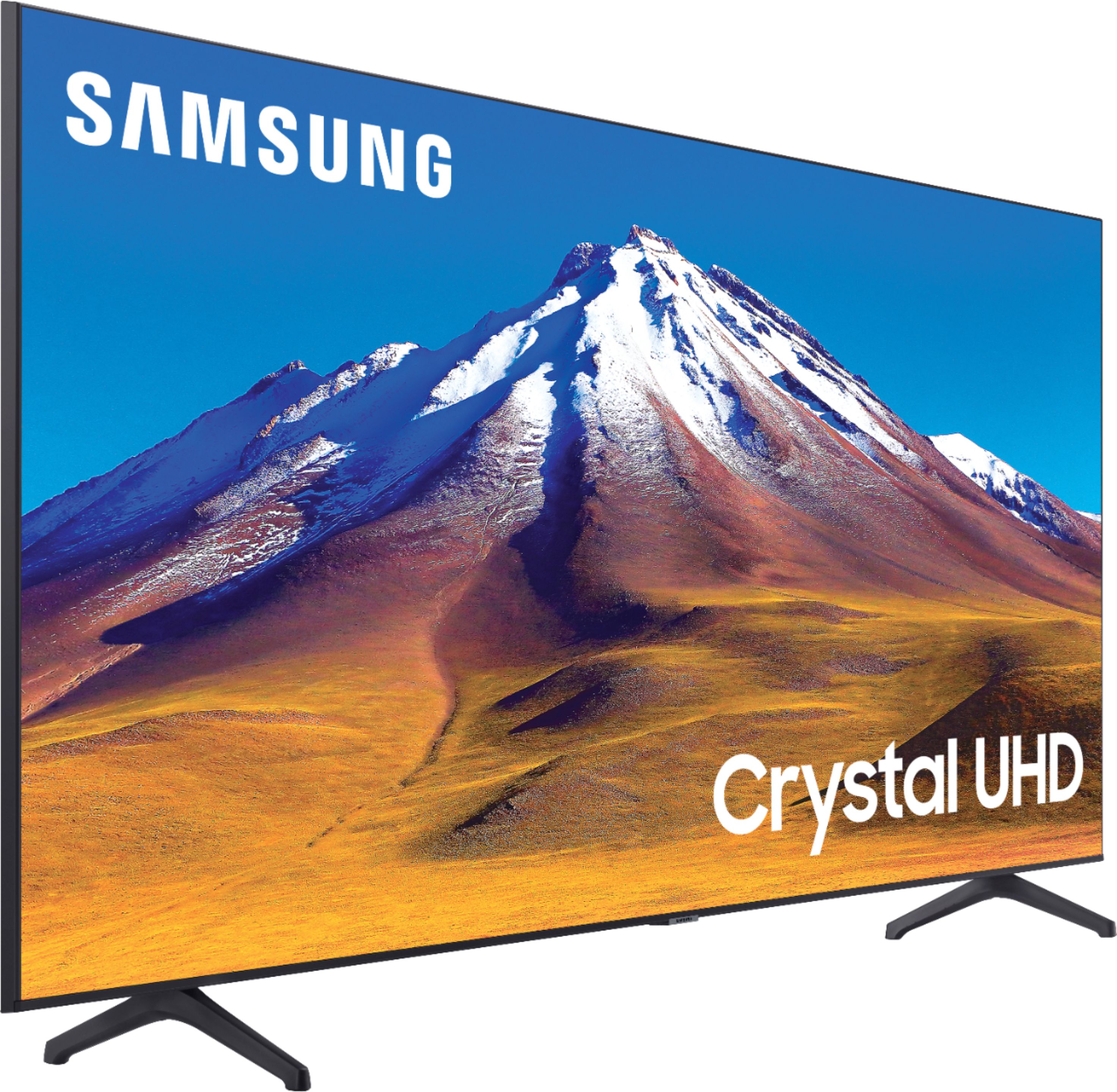
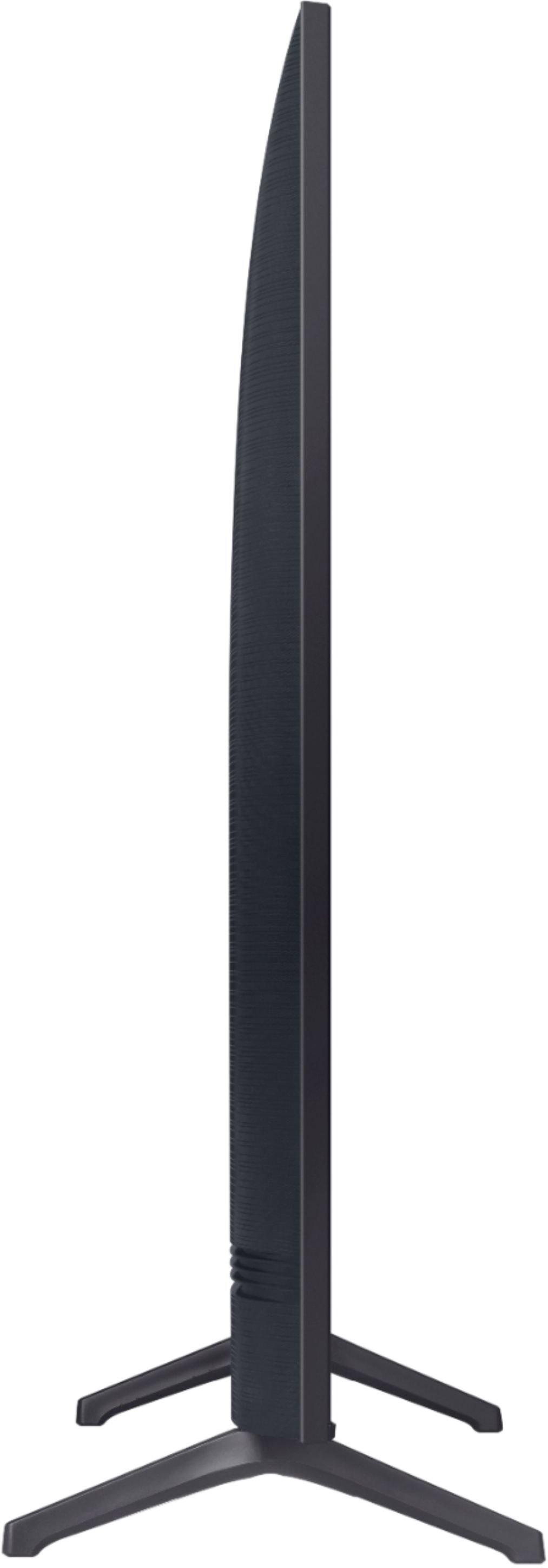
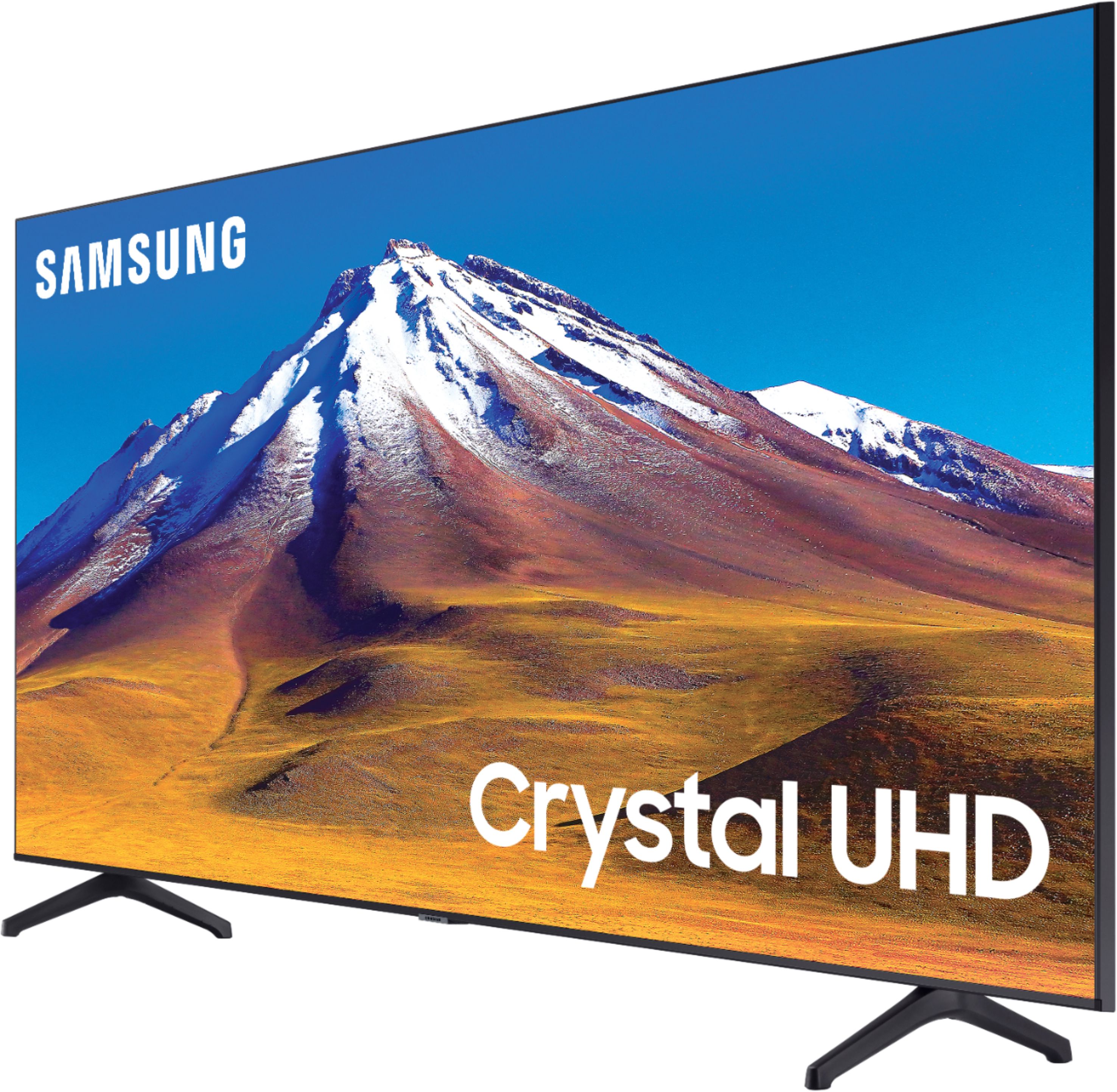



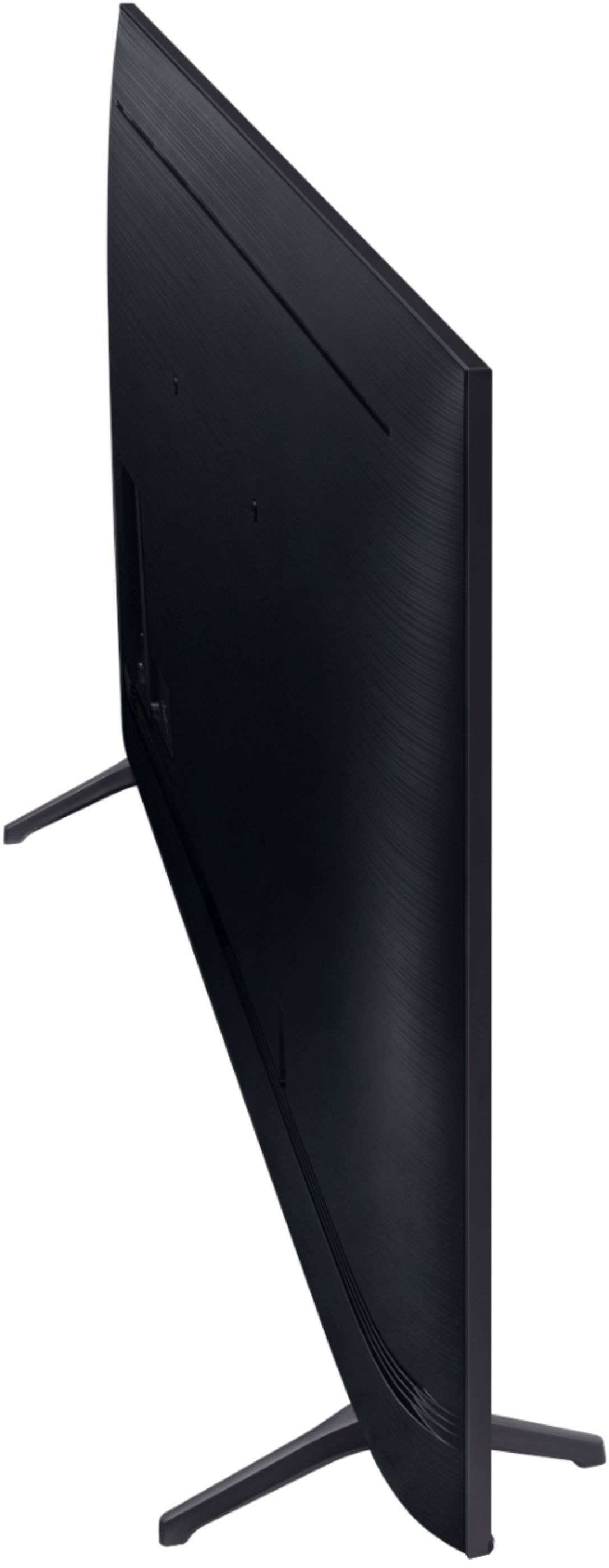





- Model:
- UN70TU6980FXZA
- SKU:
- 6428508
Rating by feature
- Picture Quality
Rating 4.5 out of 5 stars
- Sound Quality
Rating 4.4 out of 5 stars
- Brightness
Rating 4.5 out of 5 stars
Customers are saying
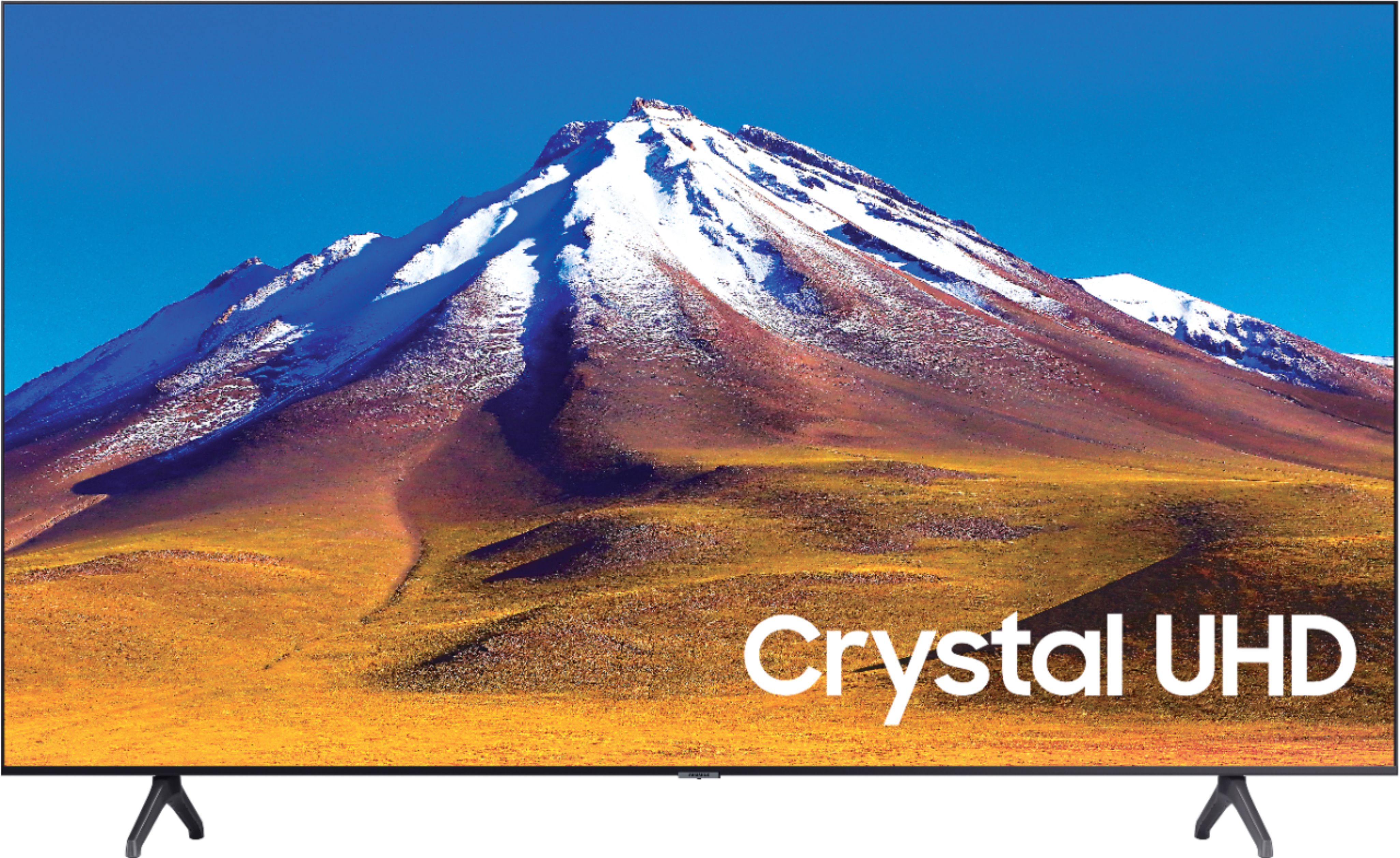
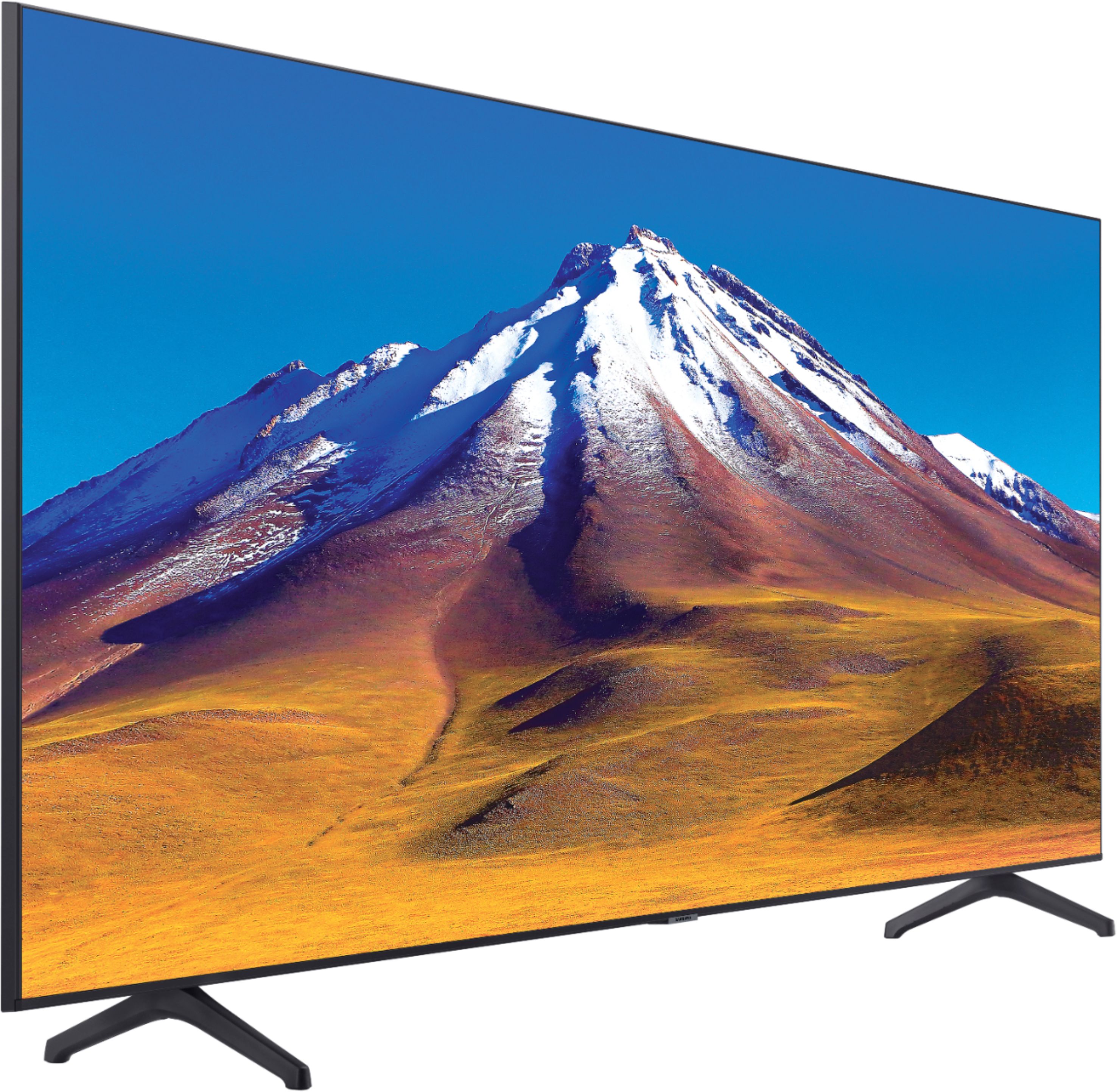
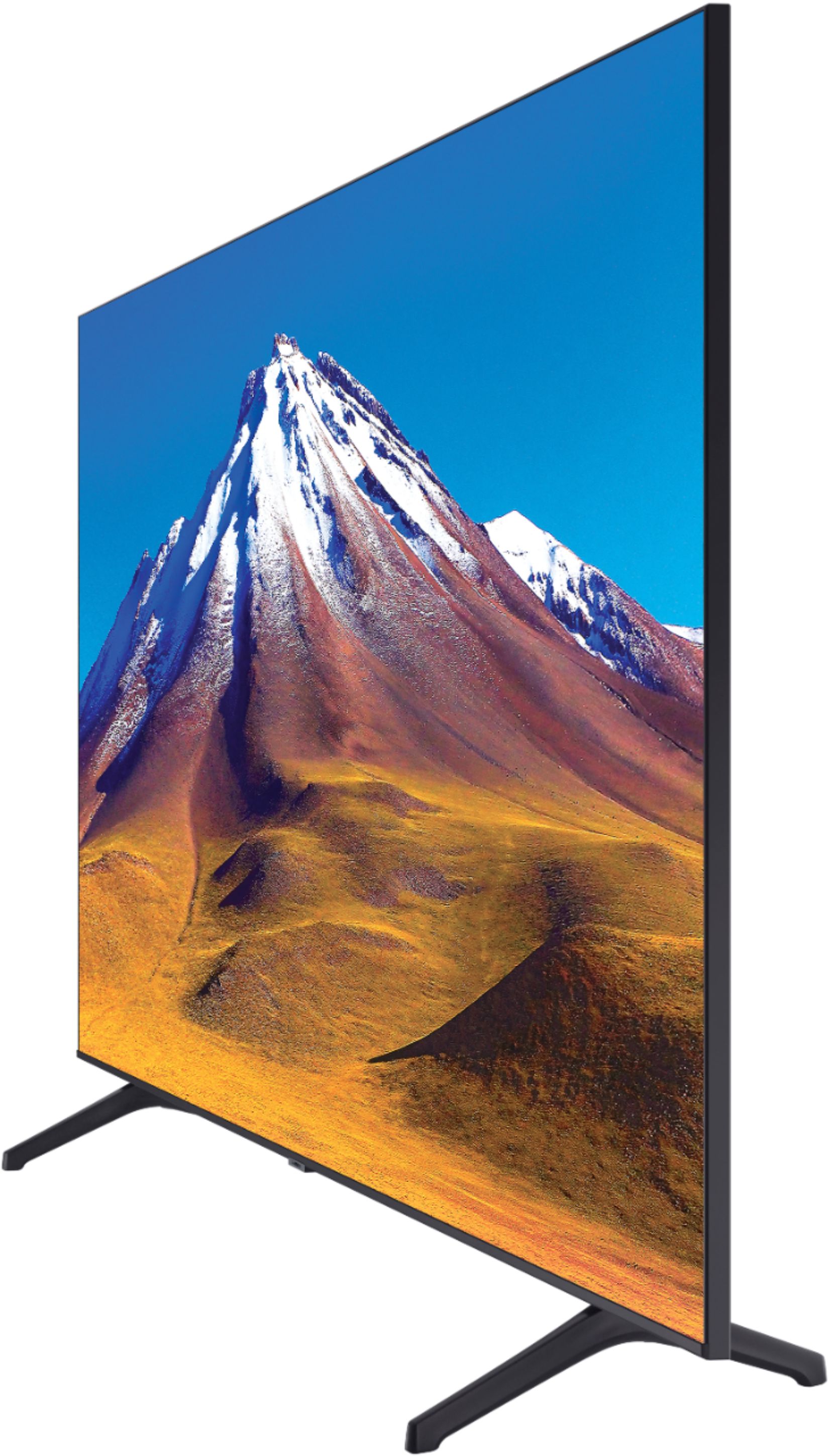
Customers regard the 70" Class 6 Series LED 4K UHD Smart Tizen TV's picture quality as great, with vibrant colors and deep contrasts. They also appreciate its large screen and affordable price. However, some customers have concerns about its limited HDMI ports, connectivity issues, and slow smart features.
This summary was generated by AI based on customer reviews.
TV is defective
||Posted . Owned for 2 months when reviewed.This reviewer received promo considerations or sweepstakes entry for writing a review.Sound continuously goes out. Returned the TV and a month later having the same issues but now it’s outside my return window. When I called the store they said they may be able to let me return the TV when I come up to the store. Rented a Uhaul and got help to take the tv back to the store, for them to tell me that they can’t take it back because I’m outside of the return window. So annoyed because why tell me to bring it in the store to see what they can do just to tell me they can’t do anything.
No, I would not recommend this to a friend- Pros mentioned:Picture quality
Samsung 70” Class 6 Series LED 4K TV Review
Posted .This reviewer received promo considerations or sweepstakes entry for writing a review.I purchased the Samsung 70” Class 6 Series LED 4K TV in 2020, and it has been a fantastic addition to my home ever since. From the moment it arrived, I was impressed by the sleek design and massive screen size, which instantly elevated my living room setup. The picture quality is outstanding, offering crisp 4K resolution with vibrant colors and deep contrasts. It makes everything from movies to sports games and even everyday TV viewing feel immersive. The LED panel provides consistent brightness, and I haven’t noticed any issues with dimming or dead pixels over time. The smart features are intuitive and easy to use. The TV supports popular apps like Netflix, YouTube, and Amazon Prime, and switching between them is seamless. The remote is simple and ergonomic, and the interface is user-friendly even for someone who isn’t tech-savvy.
I would recommend this to a friend Samsung bye nye Sony come here
||Posted . Owned for 6 months when reviewed.This reviewer received promo considerations or sweepstakes entry for writing a review.This TV was good at first but after the 1st month it started getting dark when you turned on the tv and i have to restart it everytime i tried to watch tv.
No, I would not recommend this to a friendseeing screen issues and very slow
||Posted . Owned for 1 month when reviewed.This reviewer received promo considerations or sweepstakes entry for writing a review.this tv is very slow. even if its 2020 model tizen OS is very slow. Some times picture is distorted and i had to do hard restart to get the picture right.
No, I would not recommend this to a friendBrand response from Samsung
Posted .KCBestBuyer:
Thank you for purchasing the TU6980 TV and for your review. I am sorry that you are finding your unit to be slow.
To optimize the smart TV performance, please try Device Care option under the Support Menu. Go to Settings > Support> Device Care > Start Device Care
This service checks memory and frees up unused cached memory and closes background apps.
1) Phone: 1-800-SAMSUNG (ask for TVs), available 8AM – 12AM EST 7 days a week
2) LiveChat: https://www.samsung.com/us/support/#contact_us_for_support
3) Facebook Messenger: https://www.facebook.com/samsungsupport
4) Twitter: https://twitter.com/SamsungSupport
5) The Samsung Members Community is also a great resource for getting help from Samsung moderators and customers: https://us.community.samsung.com
If you have not already done so, we invite you to register your new Samsung product at: https://www.samsung.com/us/account/signin/?redirect=https%3A%2F%2Fwww.samsung.com%2Fus%2Fsupport%2Fregister%2F
Registering your product gives you access to easy warranty support, convenient opt-in to special promos and offers, faster troubleshooting and service, and quick notification of system updates.
~ Samsung Solutions
Darkness and Ghosts
||Posted .This reviewer received promo considerations or sweepstakes entry for writing a review.Though the color on this Samsung are brilliant, the inability to handle darkness is terrible. This becomes exceedingly worse when watching Amazon Prime TV or any other HDR10+ encoded video. Ghost and blurry images run rampant during dark scenes with HDR10+ encoding. I contacted support and told them I already did a factory reset, firmware update, etc., but after 15 minutes with them, I concluded that this tv is just technically incapable of handling darkness.
No, I would not recommend this to a friendBrand response from Samsung
Posted .Anonymous:
Thank you for purchasing the TU7000 TV and for your review. I am sorry to hear that you are not happy with the brightness levels of your picture. If the colors on your TV are correct but just a little too dark or bright you can try Dynamic Picture Mode, or manually adjust the Brightness settings to your liking.
Dynamic Picture Mode will make pictures brighter and clearer in bright viewing environments. Go to: Settings > Picture > Picture Mode > Dynamic
Or manually adjust the Brightness and other settings to your liking. Go to: Settings> Picture> Expert Settings
You may also want to disable Power Saving Mode which automatically adjusts the brightness to reduce the TV’s power consumption.
Go to Settings> General> Eco Solution> Power Saving Mode.
Ambient Light Detection will also automatically adjust the brightness level of the TV, according to the ambient light level, to reduce power consumption. If Ambient Light Detection has adjusted the screen brightness to a too bright or dark level, you can select Minimum Brightness to manually adjust the minimum screen brightness.
Go to Settings> General> Eco Solution> Ambient Light Detection
I hope this helps to improve your picture. Should you need further assistance, please contact Samsung Customer Support.
1) Phone: 1-800-SAMSUNG (ask for TVs), available 8AM – 12AM EST 7 days a week
2) LiveChat: https://www.samsung.com/us/support/#contact_us_for_support
3) Facebook Messenger: https://www.facebook.com/samsungsupport
4) Twitter: https://twitter.com/SamsungSupport
5) The Samsung Members Community is also a great resource for getting help from Samsung moderators and customers: https://us.community.samsung.com
If you have not already done so, we invite you to register your new Samsung product at: https://www.samsung.com/us/account/signin/?redirect=https%3A%2F%2Fwww.samsung.com%2Fus%2Fsupport%2Fregister%2F
Registering your product gives you access to easy warranty support, convenient opt-in to special promos and offers, faster troubleshooting and service, and quick notification of system updates.
~ Samsung Solutions
Missing basics
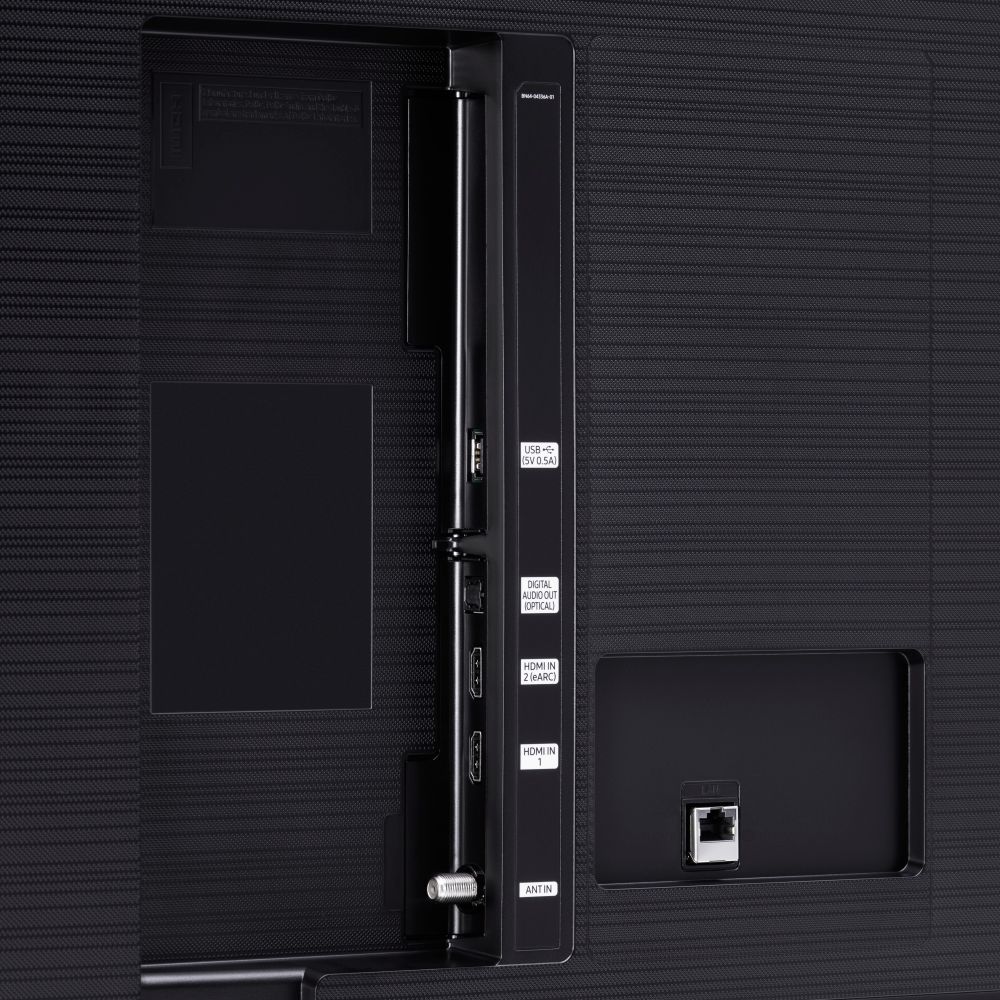
||Posted . Owned for 3 months when reviewed.This reviewer received promo considerations or sweepstakes entry for writing a review.This TV a only has 2 HDMI inputs. No HDMI ARC for your soundbar. Also no Cable Channel to neatly route cables anywhere. Pretty disappointed.
No, I would not recommend this to a friendTv is ok but smart features are not
||Posted . Owned for 1 month when reviewed.This reviewer received promo considerations or sweepstakes entry for writing a review.The smart features of this tv are extremely difficult to use. The interface is slow and the smart things iPhone app does not work with this tv.
No, I would not recommend this to a friendBrand response from Samsung
Posted .Edb900:
Thank you for sharing your review of the TU6980 TV. I am sorry to hear that you are finding your TV difficult to use.
To optimize the smart TV performance, please try Device Care option under the Support Menu. Go to Settings > Support> Device Care > Start Device Care
This service checks memory and frees up unused cached memory and closes background apps.
The SmartThings app does support your UN70TU6980FXZA TV. From your SmartThings app, tap the Add (plus icon) on the top right, tap TV, and then tap Samsung. From Supported devices, you can search for your model number.
I hope this helps. For further assistance using the SmartThings app with your TV, please contact Samsung Customer Support.
1) Phone: 1-800-SAMSUNG (ask for TVs), available 8AM – 12AM EST 7 days a week
2) LiveChat: https://www.samsung.com/us/support/#contact_us_for_support
3) Facebook Messenger: https://www.facebook.com/samsungsupport
4) Twitter: https://twitter.com/SamsungSupport
5) The Samsung Members Community is also a great resource for getting help from Samsung moderators and customers: https://us.community.samsung.com
If you have not already done so, we invite you to register your new Samsung product at: https://www.samsung.com/us/account/signin/?redirect=https%3A%2F%2Fwww.samsung.com%2Fus%2Fsupport%2Fregister%2F
Registering your product gives you access to easy warranty support, convenient opt-in to special promos and offers, faster troubleshooting and service, and quick notification of system updates.
~ Samsung Solutions
Really, money does not grow on trees.
||Posted . Owned for 11 months when reviewed.This reviewer received promo considerations or sweepstakes entry for writing a review.I began having problems last week with this tv about a month and a week after purchase. The tv stopped receiving a wi-fi signal, while everything else in the house was functioning properly. Best Buy is saying call Samsung, this tv is practically new. If it is having problems this soon after purchase, I would rather have it replaced not repaired because it tells something is wrong with the build quality.
No, I would not recommend this to a friendSamsung TV
||Posted . Owned for 1.5 years when reviewed.This reviewer received promo considerations or sweepstakes entry for writing a review.I bought this TV in October of 2020 and immediately had issues. The tv would go black and would have to be unplugged to work. The TV picture would freeze and would have to be unplugged to work. Now the TV For the last weeks will not even connect to the smart hub or apps will load or work. I no longer have a warranty and basically the Tv is useless.
No, I would not recommend this to a friendGarbage
||Posted .This reviewer received promo considerations or sweepstakes entry for writing a review.Only 2 months in, my screen is stuck on an icon that everything online is telling me indicates the need for a firmware update. We don't have internet issues and nothing has ever been plugged into it; we only use the smart features. Samsung is telling me that there is no firmware update.... not sure how that works since all "smart" items need to have SOME sort of update. Even better, they don't service my area. NOT HAPPY!
No, I would not recommend this to a friendBrand response from Samsung
Posted .Ashlee:
I am sorry that you are experiencing issues with your TU6980 4K Smart TV.
Your TV has several self-diagnosis tools built in that can help solve problems with signal, network, picture, or sound.
Go to Settings > Support> Device Care > Start Device Care
You may also want to clear out your TV's temporary storage space by pressing and holding the Power button for 6 seconds until your TV turns off and back on again.
You may want to enable automatic updates for convenience by selecting > Auto Update.
I hope this helps. Should you need further assistance, please contact Samsung Customer Support.
1) Phone: 1-800-SAMSUNG (ask for TVs), available 8AM – 12AM EST 7 days a week
2) LiveChat: https://www.samsung.com/us/support/#contact_us_for_support
3) Facebook Messenger: https://www.facebook.com/samsungsupport
4) Twitter: https://twitter.com/SamsungSupport
5) The Samsung Members Community is also a great resource for getting help from Samsung moderators and customers: https://us.community.samsung.com
If you have not already done so, we invite you to register your new Samsung product at: https://www.samsung.com/us/account/signin/?redirect=https%3A%2F%2Fwww.samsung.com%2Fus%2Fsupport%2Fregister%2F
Registering your product gives you access to easy warranty support, convenient opt-in to special promos and offers, faster troubleshooting and service, and quick notification of system updates.
~ Samsung Solutions
Broken
||Posted . Owned for 1 month when reviewed.This reviewer received promo considerations or sweepstakes entry for writing a review.Had the TV for 3 weeks, and now it turns on and off by itself. Best Buy does nothing and now i have to go through Samsung to correct the situation.
No, I would not recommend this to a friendBrand response from Samsung
Posted .Doug:
Thank you for purchasing the Samsung TU6980 TV. I am sorry to hear that you are experiencing a power cycling issue where your TV is turning itself on and off repeatedly.
Please try a few trouble-shooting steps that may help solve the issue:
1) Check the power cable for damage and proper connection.
2) If the cable is bent, broken, kinked, pinched, pressed excessively (possibly by a heavy object on top of it) or damaged, this is likely the cause of the issue. Replace the cable.
3) Unplug the TV from the wall outlet for 30 seconds, and then plug it back in.
4) If the power cycling allows enough time in between powering on and off, try updating the TV to the latest firmware. There is a risk, however. If the TV turns off during the software update, it could damage the TV. Updates can take up to 30 minutes depending on network speed, so if the TV is not turning off too frequently, try updating the software. Go to: Settings>Support>Software Update.
5) TVs which can connect to SmartThings can be turned on using compatible devices, sometimes automatically. However, if abnormal "power on" signals are sent through the wireless network, they will trigger this function and make the TV turn on. If you do not want this function, navigate to
Settings > General > Network > Expert Settings > Power On with Mobile, and turn the setting off.
If the issue persists after these steps, then the TV will need service. Please contact us so that we can better investigate your issue and assist you towards a solution or replacement.
1) Phone: 1-800-SAMSUNG (ask for TVs), available 8AM – 12AM EST 7 days a week
2) LiveChat: https://www.samsung.com/us/support/#contact_us_for_support
3) Facebook Messenger: https://www.facebook.com/samsungsupport
4) Twitter: https://twitter.com/SamsungSupport
5) The Samsung Members Community is also a great resource for getting help from Samsung moderators and customers: https://us.community.samsung.com
If you have not already done so, we invite you to register your new Samsung product at: https://www.samsung.com/us/account/signin/?redirect=https%3A%2F%2Fwww.samsung.com%2Fus%2Fsupport%2Fregister%2F
Registering your product gives you access to easy warranty support, convenient opt-in to special promos and offers, faster troubleshooting and service, and quick notification of system updates.
~ Samsung Solutions
It broke
||Posted . Owned for 2 weeks when reviewed.This reviewer received promo considerations or sweepstakes entry for writing a review.This is a great for the first two weeks and then my tv started to do some odd pixel movement delay in which I had to return it.
No, I would not recommend this to a friendBrand response from Samsung
Posted .Lets:
Thank you for sharing your review of the Samsung TU6980 TV. I am very sorry that issues with your TV have caused you to return it. I completely understand your disappointment.
It is possible that your unit was either defective or required adjustments in settings. Nonetheless, I do sincerely apologize for the let-down.
Should you ever decide to give Samsung TVs another try and have questions or need assistance with settings, setup, or features, please know we are always here to help.
1) Phone: 1-800-SAMSUNG (available 8AM -12AM EST, 7 days a week)
2) LiveChat: https://www.samsung.com/us/support/#contact_us_for_support
3) Facebook Messenger: https://www.facebook.com/samsungsupport
4) Twitter: https://twitter.com/SamsungSupport
5) The Samsung Members Community is also a great resource for getting help from Samsung moderators and customers: https://us.community.samsung.com
~ Samsung Solutions
Display went out twice
||Posted . Owned for more than 2 years when reviewed.This reviewer received promo considerations or sweepstakes entry for writing a review.Screen went out in 11 months. It was replaced by some crappy local company under Samsung warranty. 13 months the second screen started going out. I have to replace Samsung's within a year everytime. Switching to only LG now
No, I would not recommend this to a friendDefective Samsung TV
||Posted . Owned for 5 months when reviewed.This reviewer received promo considerations or sweepstakes entry for writing a review.Second review, I purchased in December for Christmas for family. Screen on right coming off. Tv not working. Called Best Buy they said call Samsung. Samsung hung up I called back and was scheduled for repair between 9-2. I called yesterday and this morning to confirm appointment. I missed 1/2 a day of work and repair man never showed up or called.
No, I would not recommend this to a friendgarbage~don't waste ur money
||Posted .This reviewer received promo considerations or sweepstakes entry for writing a review.opened the box, only has 2hdmi cable, well i need atleast 3,, needless to say the screw holes to mount are completely bigger than what i had previously so i can't even mount it, didn't even bother setting it up so i couldn't tell ya what it looks like but u get what u pay for! i would rather spend the extra couple $ n get what i need n want vs what's cheapest
No, I would not recommend this to a friendBrand response from Samsung
Posted .steve:
Thank you for sharing your review of the Samsung TU6980 TV. I am very sorry that you were not completely happy with your TV and have decided not to use it.
Should you ever decide to give Samsung TVs another try and have questions or need assistance with settings, setup, or features, please know we are always here to help.
Again, my sincerest apologies. We hope to regain you as a customer in the future.
1) Phone: 1-800-SAMSUNG (available 8AM -12AM EST, 7 days a week)
2) LiveChat: https://www.samsung.com/us/support/#contact_us_for_support
3) Facebook Messenger: https://www.facebook.com/samsungsupport
4) Twitter: https://twitter.com/SamsungSupport
5) The Samsung Members Community is also a great resource for getting help from Samsung moderators and customers: https://us.community.samsung.com
Again, thank you for taking the time to share your thoughts. Your feedback helps us continuously deliver best-in-class products and service.
~ Samsung Solutions
Won't Turn On Right After Warranty Period Ended
||Posted . Owned for 1 year when reviewed.This reviewer received promo considerations or sweepstakes entry for writing a review.I purchased this TV on 11/15/2020 and the TV won't turn on as of 11/28/2021. I've been told by BestBuy that the warranty is expired and none of the Samsung troubleshooting tips have worked. Right now, I'm not sure what to do with it but I'll definitely think twice about a Samsung TV in the future. Very disappointing.
No, I would not recommend this to a friendVertical Line in TV
||Posted . Owned for 1 year when reviewed.This reviewer received promo considerations or sweepstakes entry for writing a review.After only a year and four months there is a thin line going down the middle of the tv. Never been dropped or damaged, somehow the line just showed up one day. I have always bought Samsung products and never had a problem, until now. No extended warranty purchased so I am stuck with a messed up tv.
No, I would not recommend this to a friendAngel Ramos
||Posted . Owned for 1 month when reviewed.This reviewer received promo considerations or sweepstakes entry for writing a review.Been having a lot of problems with the apps on the tv. Tv also always freezing in between apps.
No, I would not recommend this to a friendBrand response from Samsung
Posted .AngelRamos:
I am sorry that you are experiencing issues with your TU6980 TV freezing. Please try Device Care option under the Support Menu.
Go to Settings > Support> Device Care > Start Device Care.
It improves your apps performance as it frees up unused cached memory and closes background apps.
Should you need further assistance, please contact Samsung Customer Support.
1) Phone: 1-800-SAMSUNG (ask for TVs), available 8AM – 12AM EST 7 days a week
2) LiveChat: https://www.samsung.com/us/support/#contact_us_for_support
3) Facebook Messenger: https://www.facebook.com/samsungsupport
4) Twitter: https://twitter.com/SamsungSupport
5) The Samsung Members Community is also a great resource for getting help from Samsung moderators and customers: https://us.community.samsung.com
If you have not already done so, we invite you to register your new Samsung product at: https://www.samsung.com/us/account/signin/?redirect=https%3A%2F%2Fwww.samsung.com%2Fus%2Fsupport%2Fregister%2F
Registering your product gives you access to easy warranty support, convenient opt-in to special promos and offers, faster troubleshooting and service, and quick notification of system updates.
~ Samsung Solutions
Horrible experience
||Posted . Owned for 2 weeks when reviewed.This reviewer received promo considerations or sweepstakes entry for writing a review.Received a defective television - from day of installation there were colored lines running horizontally and vertically on the screen. By the 3rd day, the television was powering on and off every 4 second. Horrible customer service experience with Best Buy in getting the television replaced, a lot of apologies but no actions!!!
No, I would not recommend this to a friendBrand response from Samsung
Posted .Disgusted:
I am sorry to hear that you are experiencing issues with your TU6980 TV.
Samsung is committed to providing the best possible product experience, quality, and value. We back this Samsung TV with a 1-year limited manufacturer's warranty, including authorized repair for manufacturer defect, if purchased brand-new directly from an authorized seller.
Please reach out to Samsung Customer Support so that we can provide troubleshooting or begin warranty service.
1) Phone: 1-800-SAMSUNG (ask for TVs), available 8AM – 12AM EST 7 days a week
2) LiveChat: https://www.samsung.com/us/support/#contact_us_for_support
3) Facebook Messenger: https://www.facebook.com/samsungsupport
4) Twitter: https://twitter.com/SamsungSupport
5) The Samsung Members Community is also a great resource for getting help from Samsung moderators and customers: https://us.community.samsung.com
If you have not already done so, we invite you to register your new Samsung product at: https://www.samsung.com/us/account/signin/?redirect=https%3A%2F%2Fwww.samsung.com%2Fus%2Fsupport%2Fregister%2F
Registering your product gives you access to easy warranty support, convenient opt-in to special promos and offers, faster troubleshooting and service, and quick notification of system updates.
~ Samsung Solutions
Not impressed.
||Posted . Owned for 1.5 years when reviewed.This reviewer received promo considerations or sweepstakes entry for writing a review.Tv didn’t even last 2 years. It was great for those 2 years. One day it just quit working. Took it in to be fixed. And it would have cost more to fix it than what I paid for it. The picture is what went out.
No, I would not recommend this to a friend