Customer Ratings & Reviews
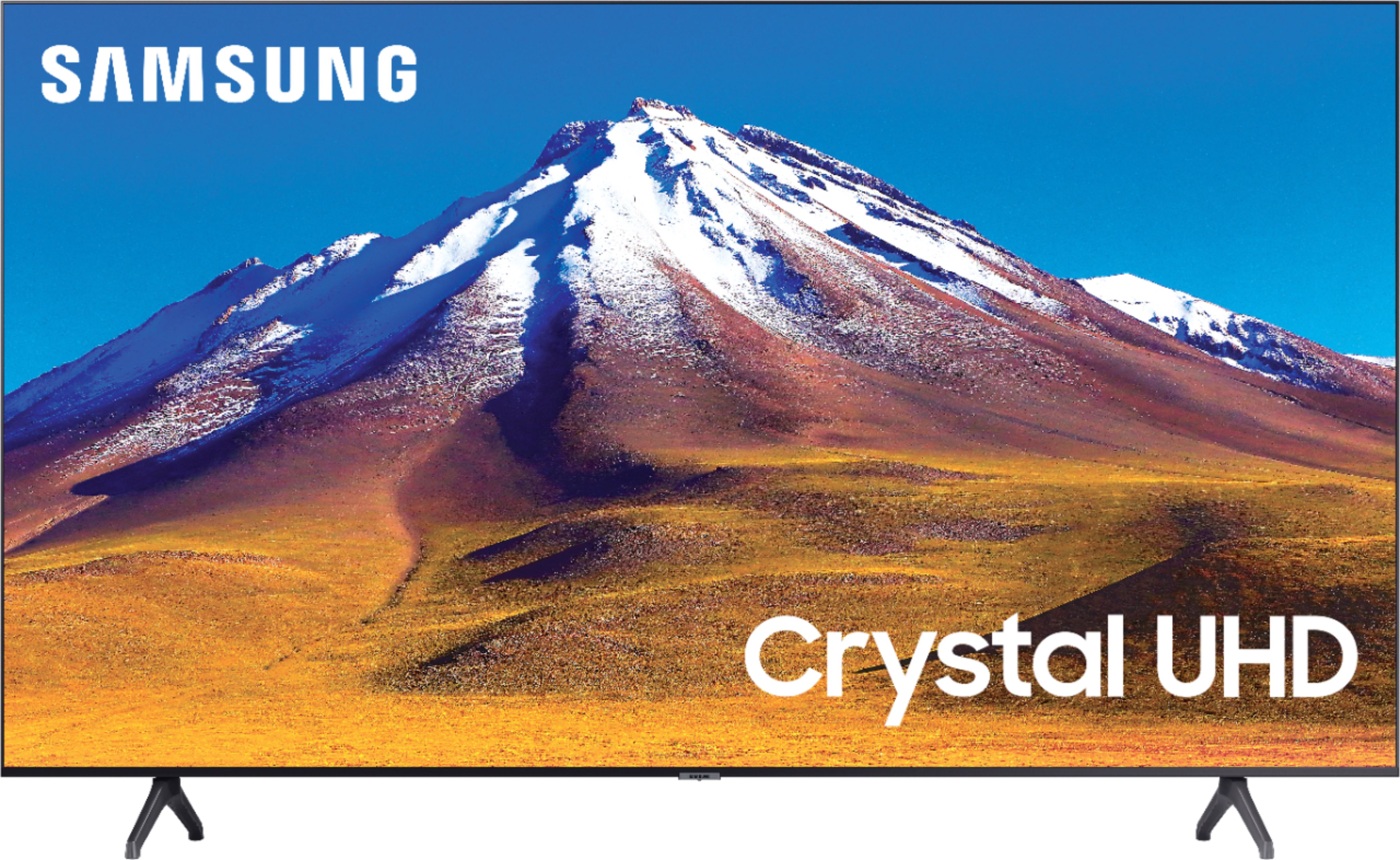
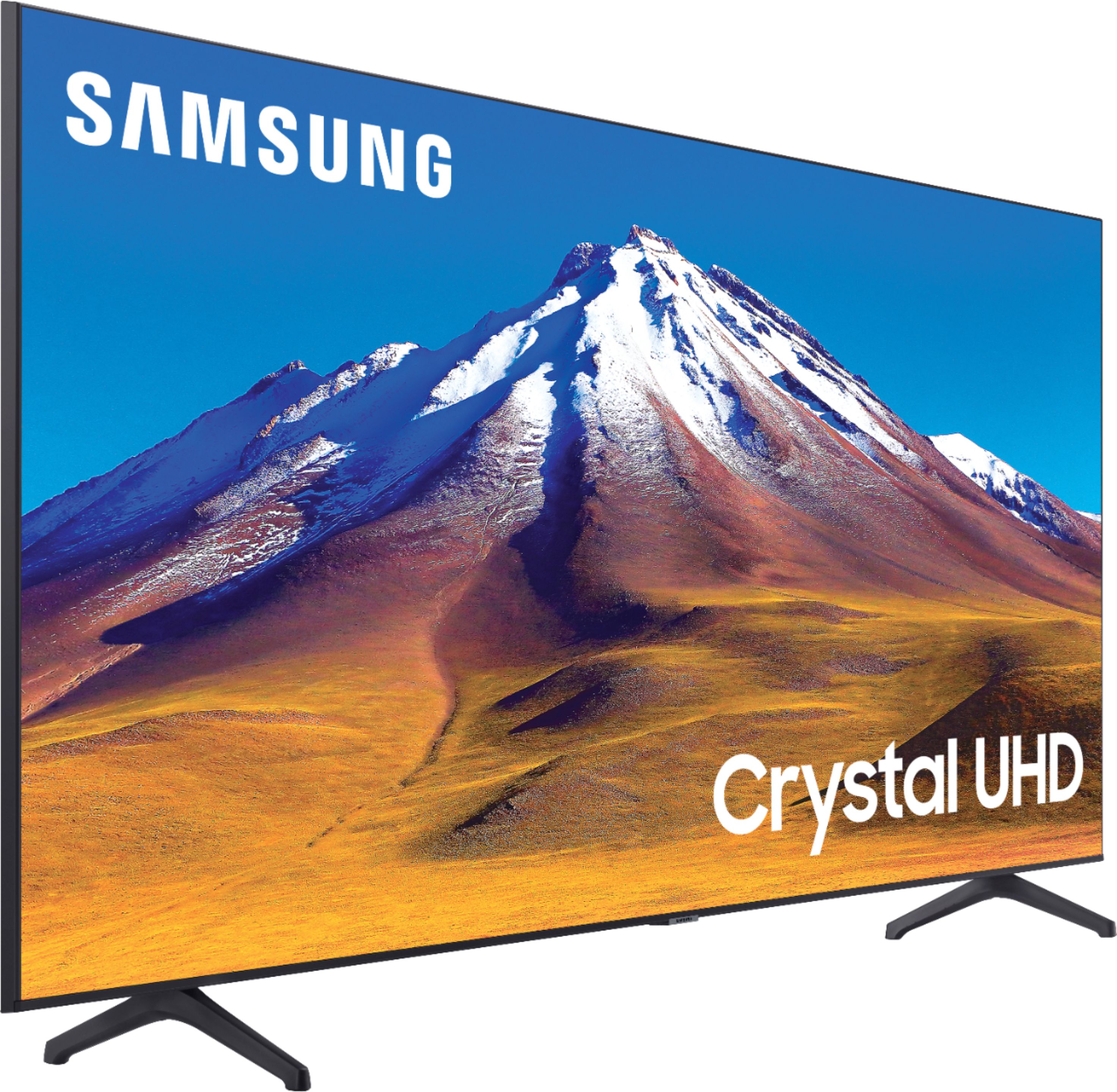
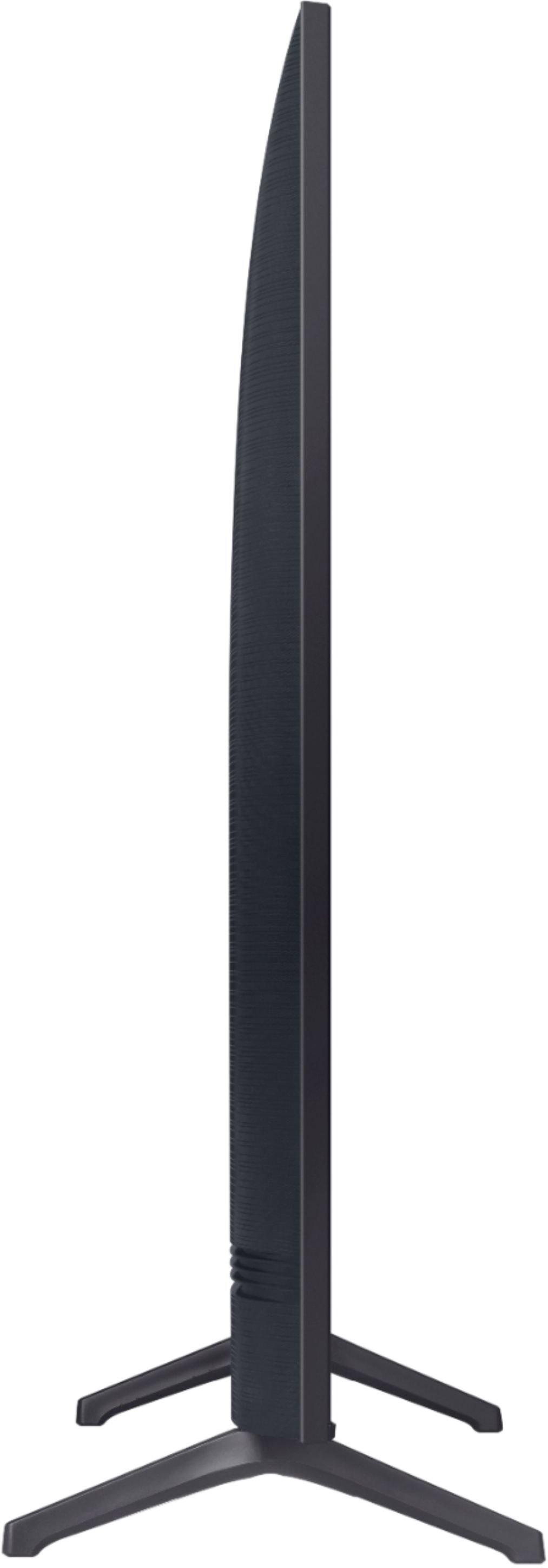
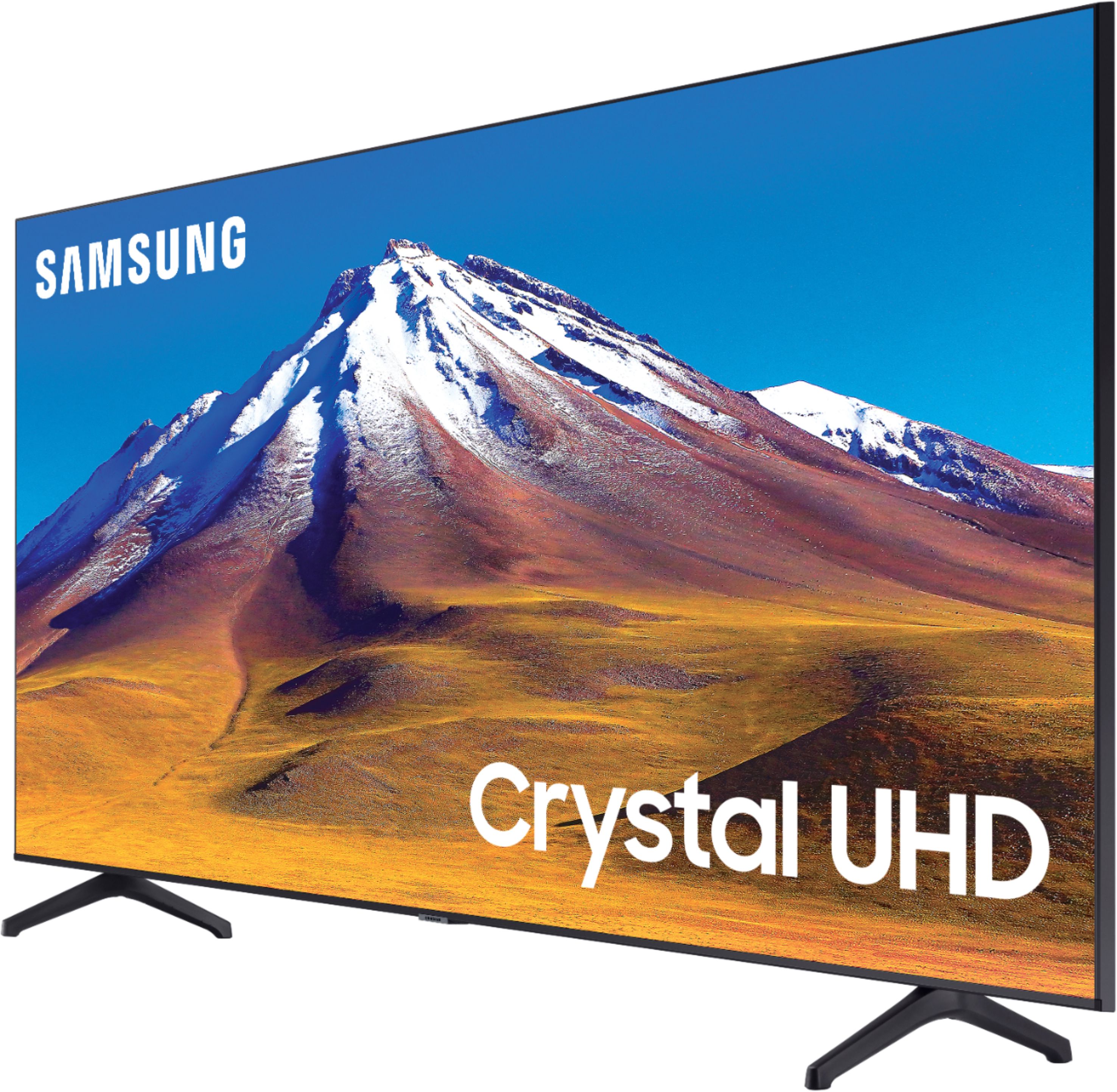



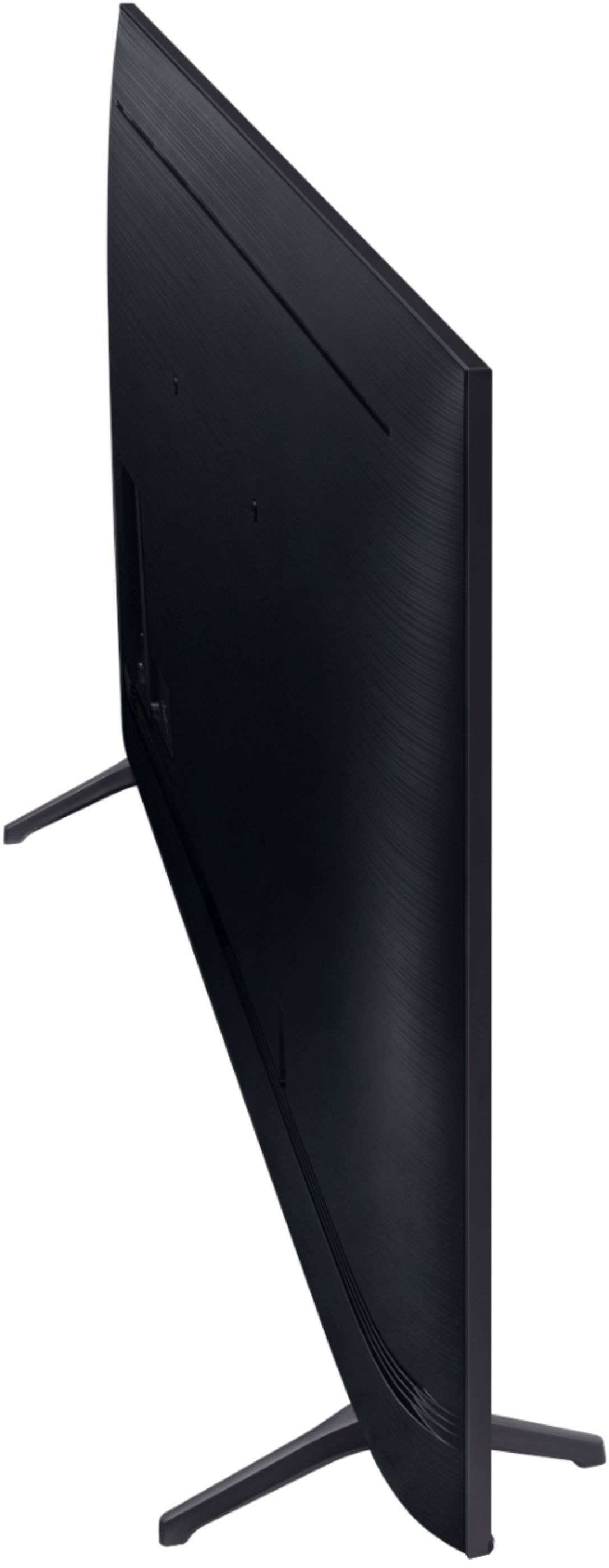
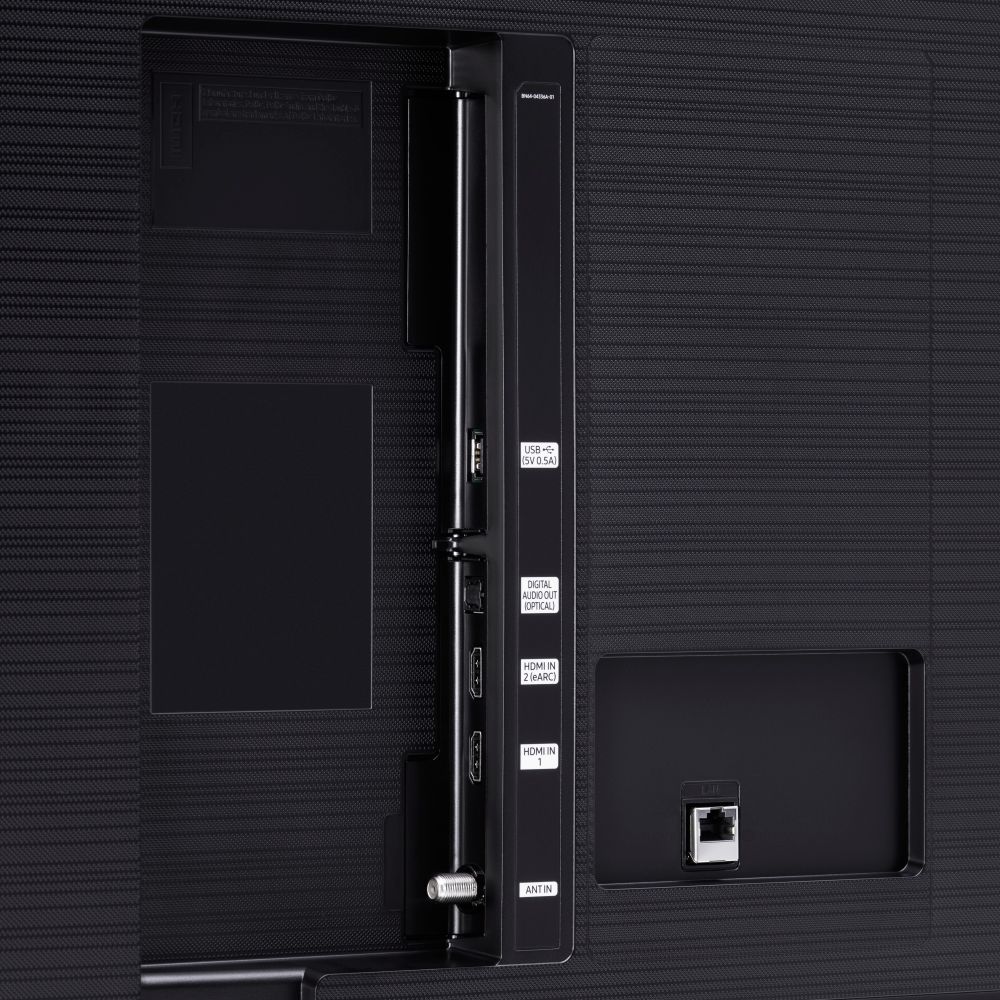





- Model:
- UN70TU6980FXZA
- SKU:
- 6428508
Rating by feature
- Picture Quality
Rating 4.5 out of 5 stars
- Sound Quality
Rating 4.4 out of 5 stars
- Brightness
Rating 4.5 out of 5 stars
Customers are saying
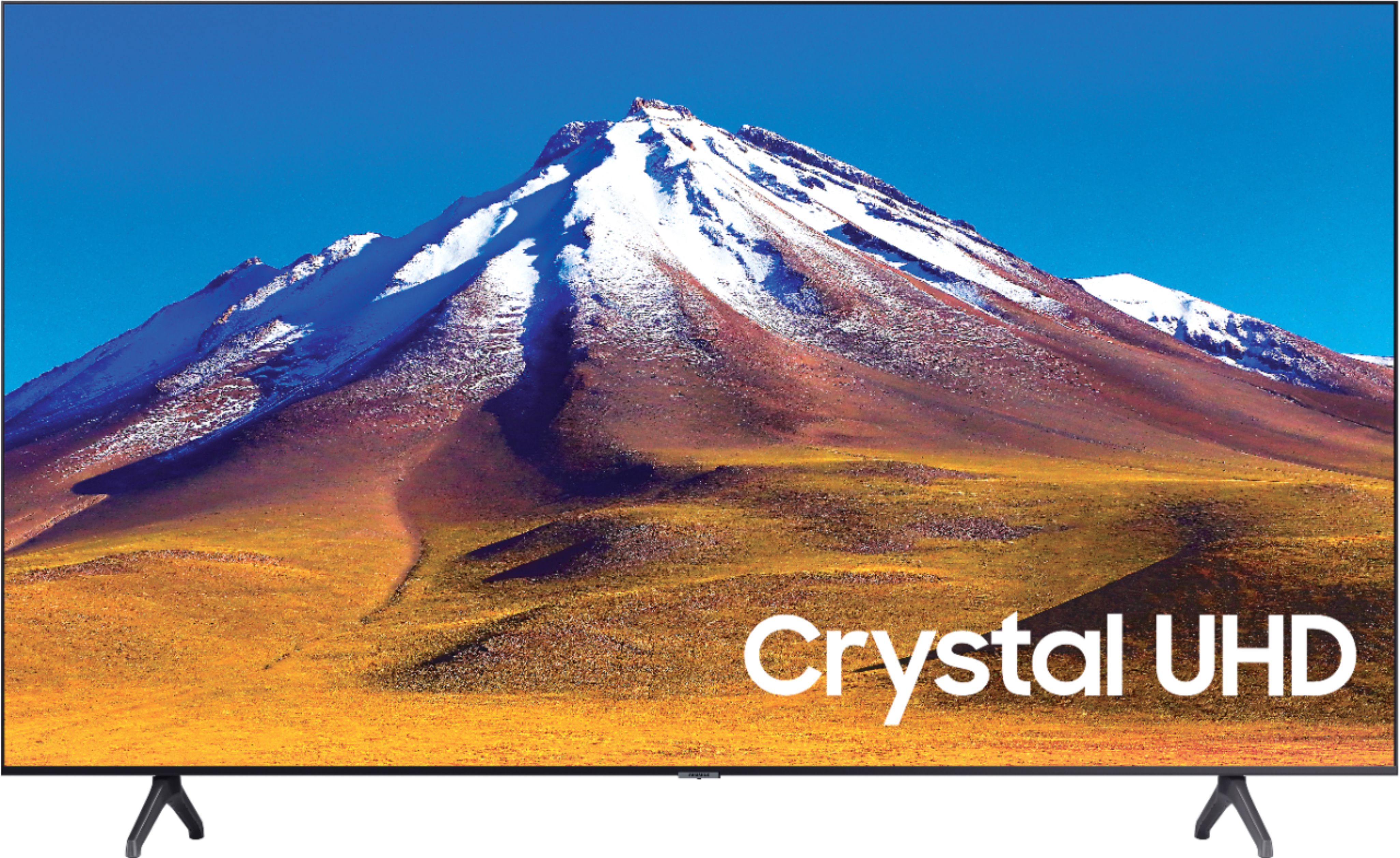
Customers regard the 70" Class 6 Series LED 4K UHD Smart Tizen TV's picture quality as great, with vibrant colors and deep contrasts. They also appreciate its large screen and affordable price. However, some customers have concerns about its limited HDMI ports, connectivity issues, and slow smart features.
This summary was generated by AI based on customer reviews.
Terrible
||Posted .This reviewer received promo considerations or sweepstakes entry for writing a review.Terrible, had trouble with it 2 days after getting it. Stay away,
No, I would not recommend this to a friendPoor picture quality
||Posted . Owned for less than 1 week when reviewed.This reviewer received promo considerations or sweepstakes entry for writing a review.Picture quality is very poor, we have a 65 and 55 inch Samsung and the picture quality is great, but this 70” is very poor. And the cheap remote with it, takes forever after hitting a button. Will be returning.
No, I would not recommend this to a friendBrand response from Samsung
Posted .Nobuy:
Thank you for purchasing the Samsung TU6980 4K Smart TV and for your review. I am sorry to hear that you are not completely happy with your TV’s picture. There are several image settings you can adjust to your liking such as Picture Mode and Expert Settings.
Choose a Picture Mode by going to Settings > Picture > Picture Mode and choose from Dynamic, Standard, Natural, Movie, or Filmmaker Mode.
You can further adjust your sharpness, brightness, contrast, color, and more by going to Settings > Picture > Expert Settings
You may also want to optimize the smart TV performance by running the Device Care option under the Support Menu. Go to Settings > Support> Device Care > Start Device Care
This service checks memory and frees up unused cached memory and closes background apps.
Should you need further assistance, please contact Samsung Customer Support.
1) Phone: 1-800-SAMSUNG (ask for TVs), available 8AM – 12AM EST 7 days a week
2) LiveChat: https://www.samsung.com/us/support/#contact_us_for_support
3) Facebook Messenger: https://www.facebook.com/samsungsupport
4) Twitter: https://twitter.com/SamsungSupport
5) The Samsung Members Community is also a great resource for getting help from Samsung moderators and customers: https://us.community.samsung.com
If you have not already done so, we invite you to register your new Samsung product at: https://www.samsung.com/us/account/signin/?redirect=https%3A%2F%2Fwww.samsung.com%2Fus%2Fsupport%2Fregister%2F
Registering your product gives you access to easy warranty support, convenient opt-in to special promos and offers, faster troubleshooting and service, and quick notification of system updates.
~ Samsung Solutions
Wouldn’t buy again
||Posted . Owned for 1.5 years when reviewed.This reviewer received promo considerations or sweepstakes entry for writing a review.Bad TV. I had it for a year and it just died on me. The screen went black and never cut back on. I have an old Vizo that’s like 5 years old I still use. Glad I didn’t give it away. Couldn’t find recipe so Bestbuy couldn’t help with it.
No, I would not recommend this to a friendNot so good
||Posted . Owned for 11 months when reviewed.This reviewer received promo considerations or sweepstakes entry for writing a review.This is my 4th Samsung TV so I've come to expect better. After 9 months, I noticed light coming from the side of the screen. The screen was literally coming off and had to be popped back into place. Overall quality and picture isn't nearly what I would expect from Samsung.
No, I would not recommend this to a friend- Pros mentioned:Ease of use, Picture quality
TV
Posted .This reviewer received promo considerations or sweepstakes entry for writing a review.Love this tv! We got an amazing deal at Best Buy. The picture is great and very user friendly
I would recommend this to a friend Too slow
||Posted . Owned for 1 month when reviewed.This reviewer received promo considerations or sweepstakes entry for writing a review.Very slow loading apps and shows. Would not purchase again
No, I would not recommend this to a friendBrand response from Samsung
Posted .Samsung:
Thank you for purchasing the Samsung TU6980 TV and for your review. I am sorry to hear that you are experiencing some delay loading apps and shows.
Please try the following troubleshooting steps:
Go to Settings > Support> Device Care > Start Device Care.
This service checks memory and frees up unused cached memory and closes background apps if any.
We also suggest you check your internet connection:
1. Use 5G WiFi if possible
2. Try wired LAN if available
3. Try repositioning the router so there are no obstacles between your TV and the router
I hope this helps to solve your concerns. If the issues persist, please reach out to Samsung Customer Support at:
1) Phone: 1-800-SAMSUNG (ask for TVs), available 8AM – 12AM EST 7 days a week
2) LiveChat: https://www.samsung.com/us/support/#contact_us_for_support
3) Facebook Messenger: https://www.facebook.com/samsungsupport
4) Twitter: https://twitter.com/SamsungSupport
5) The Samsung Members Community is also a great resource for getting help from Samsung moderators and customers: https://us.community.samsung.com
If you have not already done so, we invite you to register your new Samsung product at: https://www.samsung.com/us/account/signin/?redirect=https%3A%2F%2Fwww.samsung.com%2Fus%2Fsupport%2Fregister%2F
Registering your product gives you access to easy warranty support, convenient opt-in to special promos and offers, faster troubleshooting and service, and quick notification of system updates.
~ Samsung Solutions
Garbage TV
||Posted . Owned for 2 months when reviewed.This reviewer received promo considerations or sweepstakes entry for writing a review.Piece of junk. Keeps losing wi fi................
No, I would not recommend this to a friendDO NOT BUY!!
||Posted . Owned for 3 months when reviewed.This reviewer received promo considerations or sweepstakes entry for writing a review.bought this TV back in November, set it up in December and not even 2 months later the TV has issues connecting to the internet. Doesnt matter if i try WiFi or Ethernet cable. it just randomly drops. i shouldve listened to the reviews. DO NOT BUY
No, I would not recommend this to a friendBrand response from Samsung
Posted .EPACHECO:
Thank you for purchasing the Samsung TU6980 TV and for your review. I am very sorry you are experiencing internet connection issues. A firmware update is available which may help improve your connection.
Using your TV's remote, navigate to Settings, and select Support. Select Software Update, and then select Update Now. New updates will be downloaded and installed on your TV. Updates usually take a few minutes; please do not turn off the TV until the update is complete. When the update is finished, the TV will restart automatically.
You may also want to enable automatic updates for future convenience.
Select Settings > Support > Software Update, then select Auto Update.
Should your problem persist, please contact Samsung Customer Support:
1) Phone: 1-800-SAMSUNG (ask for TVs), available 8AM – 12AM EST 7 days a week
2) LiveChat: https://www.samsung.com/us/support/#contact_us_for_support
3) Facebook Messenger: https://www.facebook.com/samsungsupport
4) Twitter: https://twitter.com/SamsungSupport
5) The Samsung Members Community is also a great resource for getting help from Samsung moderators and customers: https://us.community.samsung.com
If you have not already done so, we invite you to register your new Samsung product at: https://www.samsung.com/us/account/signin/?redirect=https%3A%2F%2Fwww.samsung.com%2Fus%2Fsupport%2Fregister%2F
Registering your product gives you access to easy warranty support, convenient opt-in to special promos and offers, faster troubleshooting and service, and quick notification of system updates.
~ Samsung Solutions
Wifi nightmare
||Posted . Owned for 1 month when reviewed.This reviewer received promo considerations or sweepstakes entry for writing a review.Within days the wifi had issues connecting. I advice getting the 5 year warrantee. I already scheduled for repair. Yup! it is that bad , unfortuantly it doesnt pick up wifi signal sometimes, it will ask you to do it manually and still no connection
No, I would not recommend this to a friendBrand response from Samsung
Posted .Azfamily:
Thank you for purchasing the Samsung TU6980 TV and for your review. I am very sorry that you are experiencing internet connection issues. You may want to go through these steps to check your network connection:
1) Check the distance between the TV and your modem or access point. The distance should not exceed 50 ft. (15.2 m).
2) Minimize interference by not using or turning off wireless devices. Also, verify that there are no obstacles between the TV and the modem or access point. (WiFi strength can be decreased by appliances, cordless phones, stone walls/fireplaces, etc.)
3) Perform a network test to check if there is a network problem. Press the Home button on your remote. Navigate to Settings > Support > Device Care > Self Diagnosis> Smart Hub Connection Test
4) Try a cold reboot of your TV by pressing and holding the power button for 5+ seconds until the TV turns off and on again.
5) Please also be sure you have the latest firmware update. You may want to enable automatic updates for convenience. Select Settings > Support > Software Update, then select Auto Update.
For further assistance or service, please contact us via any of the following options:
1) Phone: 1-800-SAMSUNG (ask for TVs), available 8AM – 12AM EST 7 days a week
2) LiveChat: https://www.samsung.com/us/support/#contact_us_for_support
3) Facebook Messenger: https://www.facebook.com/samsungsupport
4) Twitter: https://twitter.com/SamsungSupport
5) The Samsung Members Community is also a great resource for getting help from Samsung moderators and customers: https://us.community.samsung.com
If you have not already done so, we invite you to register your new Samsung product at: https://www.samsung.com/us/account/signin/?redirect=https%3A%2F%2Fwww.samsung.com%2Fus%2Fsupport%2Fregister%2F
Registering your product gives you access to easy warranty support, convenient opt-in to special promos and offers, faster troubleshooting and service, and quick notification of system updates.
~ Samsung Solutions
Defective TV
||Posted . Owned for 4 months when reviewed.This reviewer received promo considerations or sweepstakes entry for writing a review.Once 2 twice a month the tv will only allow me to use samsung, Netflix button or Prime. If i choose another app like Fubo the screen returns to Samsung tvPlus the tv does not give me any other choice. This has happened since Jan 2021.
No, I would not recommend this to a friendBad return policy
||Posted . Owned for 2 weeks when reviewed.This reviewer received promo considerations or sweepstakes entry for writing a review.The tv lost its picture after 17 days. And because of BestBuys 15 day return policy they would not take it back.
No, I would not recommend this to a friendBrand response from Samsung
Posted .Buysomewhereelse:
Thank you for purchasing the Samsung TU6980 TV and for your review. I am very sorry you are experiencing issues with your unit after 17 days of use. Please give us the opportunity to assist you by contacting Samsung Customer Support via any of the following options:
1) Phone: 1-800-SAMSUNG (ask for TVs), available 8AM – 12AM EST 7 days a week
2) LiveChat: https://www.samsung.com/us/support/#contact_us_for_support
3) Facebook Messenger: https://www.facebook.com/samsungsupport
4) Twitter: https://twitter.com/SamsungSupport
5) The Samsung Members Community is also a great resource for getting help from Samsung moderators and customers: https://us.community.samsung.com
If you have not already done so, we invite you to register your new Samsung product at: https://www.samsung.com/us/account/signin/?redirect=https%3A%2F%2Fwww.samsung.com%2Fus%2Fsupport%2Fregister%2F
Registering your product gives you access to easy warranty support, convenient opt-in to special promos and offers, faster troubleshooting and service, and quick notification of system updates.
~ Samsung Solutions
Samsung 70" TV
||Posted . Owned for 1.5 years when reviewed.This reviewer received promo considerations or sweepstakes entry for writing a review.Horrible TV; went out < one year (2 months after set up) and Samsung hassled me to replace it under their warranty
No, I would not recommend this to a friendbad customer service at Samsung
||Posted . Owned for less than 1 week when reviewed.This reviewer received promo considerations or sweepstakes entry for writing a review.No place to registration TV, called in 1800-Samsung for registration but no help at all, they said 30 days if anything wrong then bring return where I bough . Very sad with Samsung company. Brand new TV but no help from them.
No, I would not recommend this to a friendBrand response from Samsung
Posted .Handy:
You can register your TV online at: https://www.samsung.com/us/account/signin/?redirect=https%3A%2F%2Fwww.samsung.com%2Fus%2Fsupport%2Fregister%2F
Registering your product gives you access to easy warranty support, convenient opt-in to special promos and offers, faster troubleshooting and service, and quick notification of system updates.
If you should ever have concerns or questions regarding setup, function, features, or settings, please know that Samsung Customer Support is here to help.
1) Phone: 1-800-SAMSUNG (available 8AM -12AM EST, 7 days a week)
2) LiveChat: https://www.samsung.com/us/support/#contact_us_for_support
3) Facebook Messenger: https://www.facebook.com/samsungsupport
4) Twitter: https://twitter.com/SamsungSupport
5) The Samsung Members Community is also a great resource for getting help from Samsung moderators and customers: https://us.community.samsung.com
~ Samsung Solutions
Blurry Edges
||Posted . Owned for 3 weeks when reviewed.This reviewer received promo considerations or sweepstakes entry for writing a review.This is the first Samsung TV I've purchased that I'm not a fan of. The people will be crystal clear but when they move the edges of them are blurry. The shows look fake. I should have gone with a QLED instead
No, I would not recommend this to a friendBrand response from Samsung
Posted .JimW:
Thank you for purchasing the Samsung TU6980 TV and for your review. You may want to try adjusting the picture clarity settings or turning it Off to improve the blurry edges you are seeing.
Navigate to Settings > Picture > Expert Settings > Picture Clarity Settings
The default setting is Auto. This means the feature automatically turns on and off based on the type of program being watched. Change the setting to either Off or Custom.
You may also want to turn it Off depending on the type of show you are watching.
If you select Custom, three additional settings are available for further customization to your viewing preference: Blur, Judder, and LED Clear Motion. LED Clear Motion allows you to configure the LED backlight to sharpen fast-moving images. Select to turn On or Off.
1) Phone: 1-800-SAMSUNG (ask for TVs), available 8AM – 12AM EST 7 days a week
2) LiveChat: https://www.samsung.com/us/support/#contact_us_for_support
3) Facebook Messenger: https://www.facebook.com/samsungsupport
4) Twitter: https://twitter.com/SamsungSupport
5) The Samsung Members Community is also a great resource for getting help from Samsung moderators and customers: https://us.community.samsung.com
If you have not already done so, we invite you to register your new Samsung product at: https://www.samsung.com/us/account/signin/?redirect=https%3A%2F%2Fwww.samsung.com%2Fus%2Fsupport%2Fregister%2F
Registering your product gives you access to easy warranty support, convenient opt-in to special promos and offers, faster troubleshooting and service, and quick notification of system updates.
~ Samsung Solutions
Horrible customer service
||Posted . Owned for 1 week when reviewed.This reviewer received promo considerations or sweepstakes entry for writing a review.Fist tv I brought home was defective. It had a blank screen. I called customer service and got disconnected or hung up on 3 times. They supposedly scheduled someone to pick it up and no one showed or called.
No, I would not recommend this to a friendBrand response from Samsung
Posted .Jared:
I am very sorry to hear of your poor purchase experience. We hope your issue is resolved in a timely manner.
Should you have questions or concerns regarding the usage or setup of your TV once your issue is resolved, please contact Samsung Customer Support.
1) Phone: 1-800-SAMSUNG (ask for TVs), available 8AM – 12AM EST 7 days a week
2) LiveChat: https://www.samsung.com/us/support/#contact_us_for_support
3) Facebook Messenger: https://www.facebook.com/samsungsupport
4) Twitter: https://twitter.com/SamsungSupport
5) The Samsung Members Community is also a great resource for getting help from Samsung moderators and customers: https://us.community.samsung.com
If you have not already done so, we invite you to register your new Samsung product at: https://www.samsung.com/us/account/signin/?redirect=https%3A%2F%2Fwww.samsung.com%2Fus%2Fsupport%2Fregister%2F
Registering your product gives you access to easy warranty support, convenient opt-in to special promos and offers, faster troubleshooting and service, and quick notification of system updates.
~ Samsung Solutions
70” Samsung TV
||Posted . Owned for 1.5 years when reviewed.This reviewer received promo considerations or sweepstakes entry for writing a review.Worst TV I have ever owned. Screen went out and had to wait 2 weeks to get service. Would not recommend! That’s why I had to buy another TV.
No, I would not recommend this to a friend- Pros mentioned:Picture quality, Price
Tv Samsung
Posted .This reviewer received promo considerations or sweepstakes entry for writing a review.Samsung televisions are very good quality. Good price and for me the best brand in televisions and good material, they last longer than any other brand.
I would recommend this to a friend Waste of money.
||Posted . Owned for 1 year when reviewed.This reviewer received promo considerations or sweepstakes entry for writing a review.The tv didnt last over a year. It just kept freezing and had to unplug it. Then it wouldnt play sound. Then it went to black. Dont waste your money on this tv
No, I would not recommend this to a friendsamsung 70 inch series 6
||Posted . Owned for 1 month when reviewed.This reviewer received promo considerations or sweepstakes entry for writing a review.wireless internet connectivity is a known issue with this tv. It sucks. streaming apps are old no way to update. The remote has a delay so you end up somewhere in Samsung land often.
No, I would not recommend this to a friendBrand response from Samsung
Posted .samsung70inchseries6:
Thank you for purchasing the Samsung TU6980 TV and for your review. I am very sorry that you are experiencing WiFi connection issues. You may want to go through these steps to check your network connection:
1) Check the distance between the TV and your modem or access point. The distance should not exceed 50 ft. (15.2 m).
2) Minimize interference by not using or turning off wireless devices. Also, verify that there are no obstacles between the TV and the modem or access point. (WiFi strength can be decreased by appliances, cordless phones, stone walls/fireplaces, etc.)
3) Perform a network test to check if there is a network problem. Press the Home button on your remote. Navigate to Settings > Support > Device Care > Self Diagnosis> Smart Hub Connection Test
4) Try a cold reboot of your TV by pressing and holding the power button for 5+ seconds until the TV turns off and on again.
5) Please also be sure you have the latest firmware update. You may want to enable automatic updates for convenience. Select Settings > Support > Software Update, then select Auto Update.
You may also want to optimize the smart TV performance by running the Device Care option under the Support Menu. Go to Settings > Support> Device Care > Start Device Care
This service checks memory and frees up unused cached memory and closes background apps.
For further assistance or service, please contact us via any of the following options:
1) Phone: 1-800-SAMSUNG (ask for TVs), available 8AM – 12AM EST 7 days a week
2) LiveChat: https://www.samsung.com/us/support/#contact_us_for_support
3) Facebook Messenger: https://www.facebook.com/samsungsupport
4) Twitter: https://twitter.com/SamsungSupport
5) The Samsung Members Community is also a great resource for getting help from Samsung moderators and customers: https://us.community.samsung.com
If you have not already done so, we invite you to register your new Samsung product at: https://www.samsung.com/us/account/signin/?redirect=https%3A%2F%2Fwww.samsung.com%2Fus%2Fsupport%2Fregister%2F
Registering your product gives you access to easy warranty support, convenient opt-in to special promos and offers, faster troubleshooting and service, and quick notification of system updates.
~ Samsung Solutions
Stopped working in less than 2 years
||Posted . Owned for 1.5 years when reviewed.This reviewer received promo considerations or sweepstakes entry for writing a review.One day it just stopped working. The screen turns off and on but no picture. Just sound.
No, I would not recommend this to a friend