Customer Ratings & Reviews
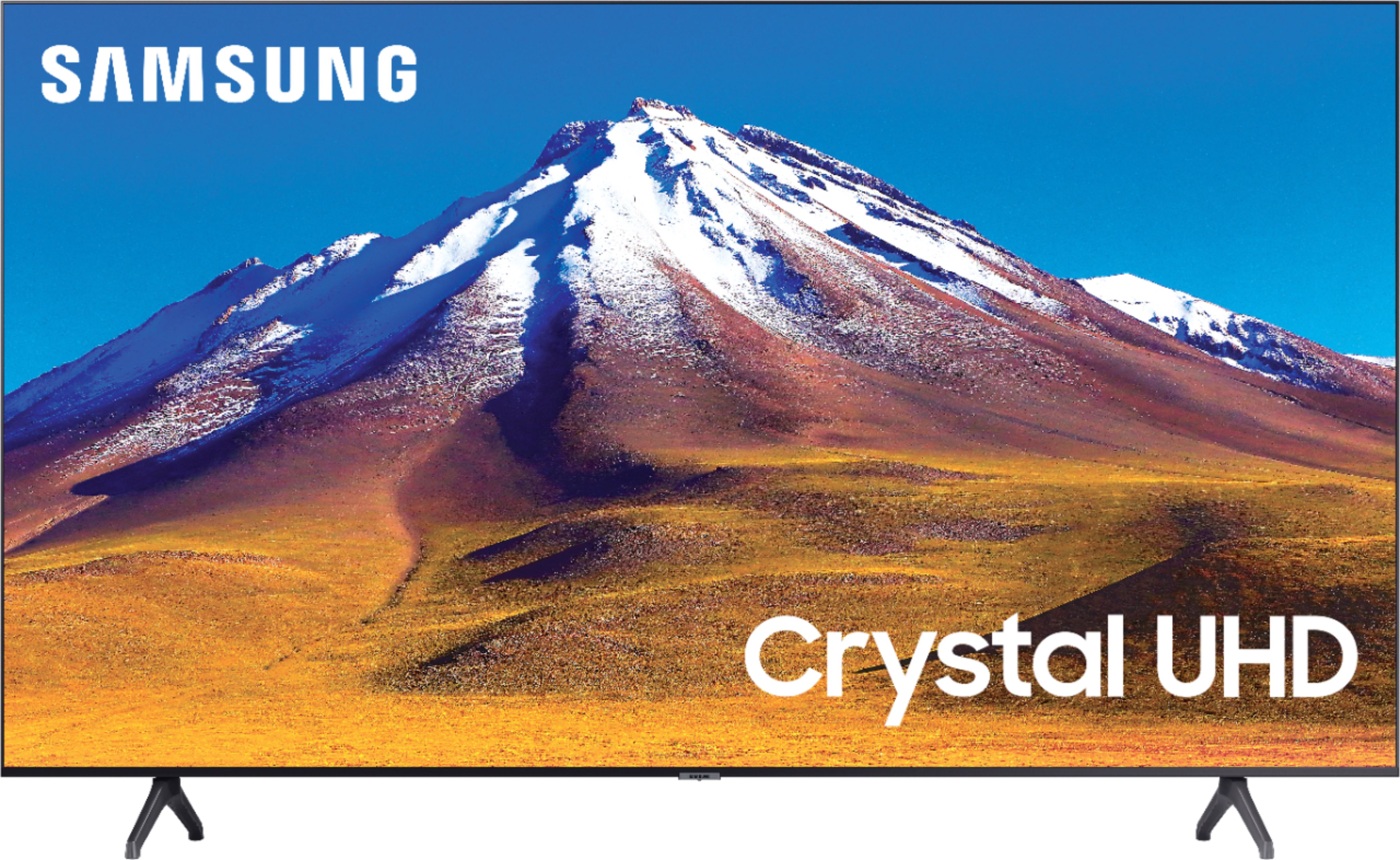
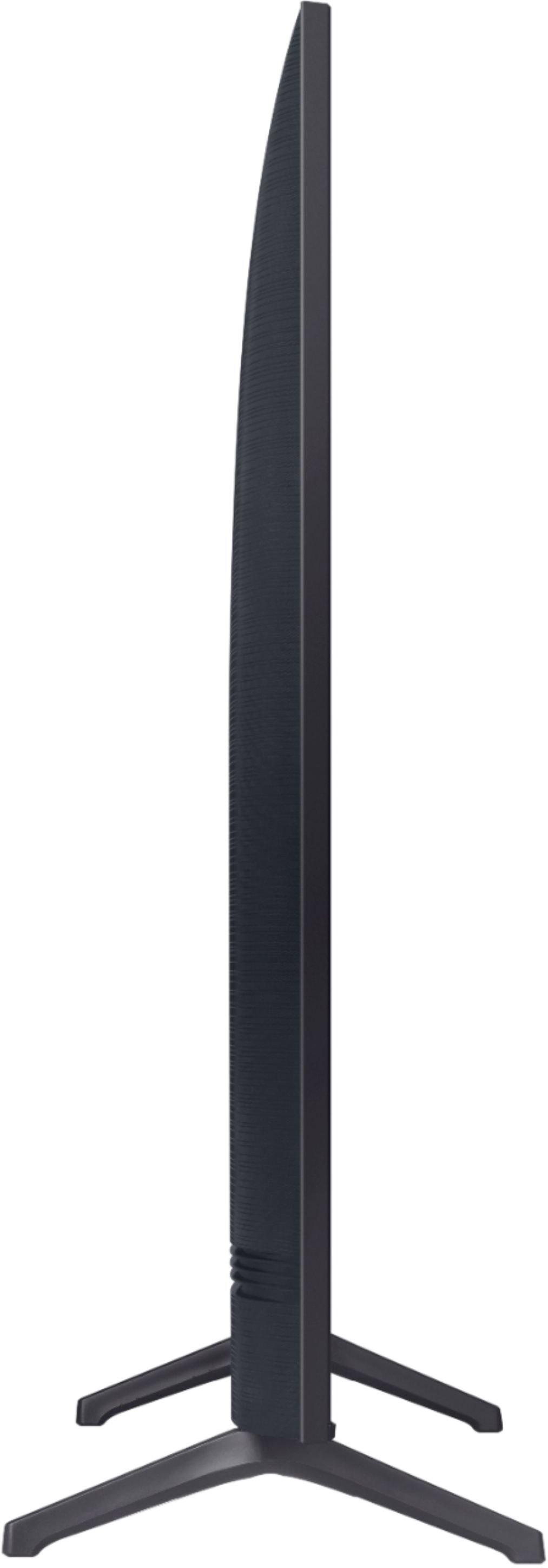
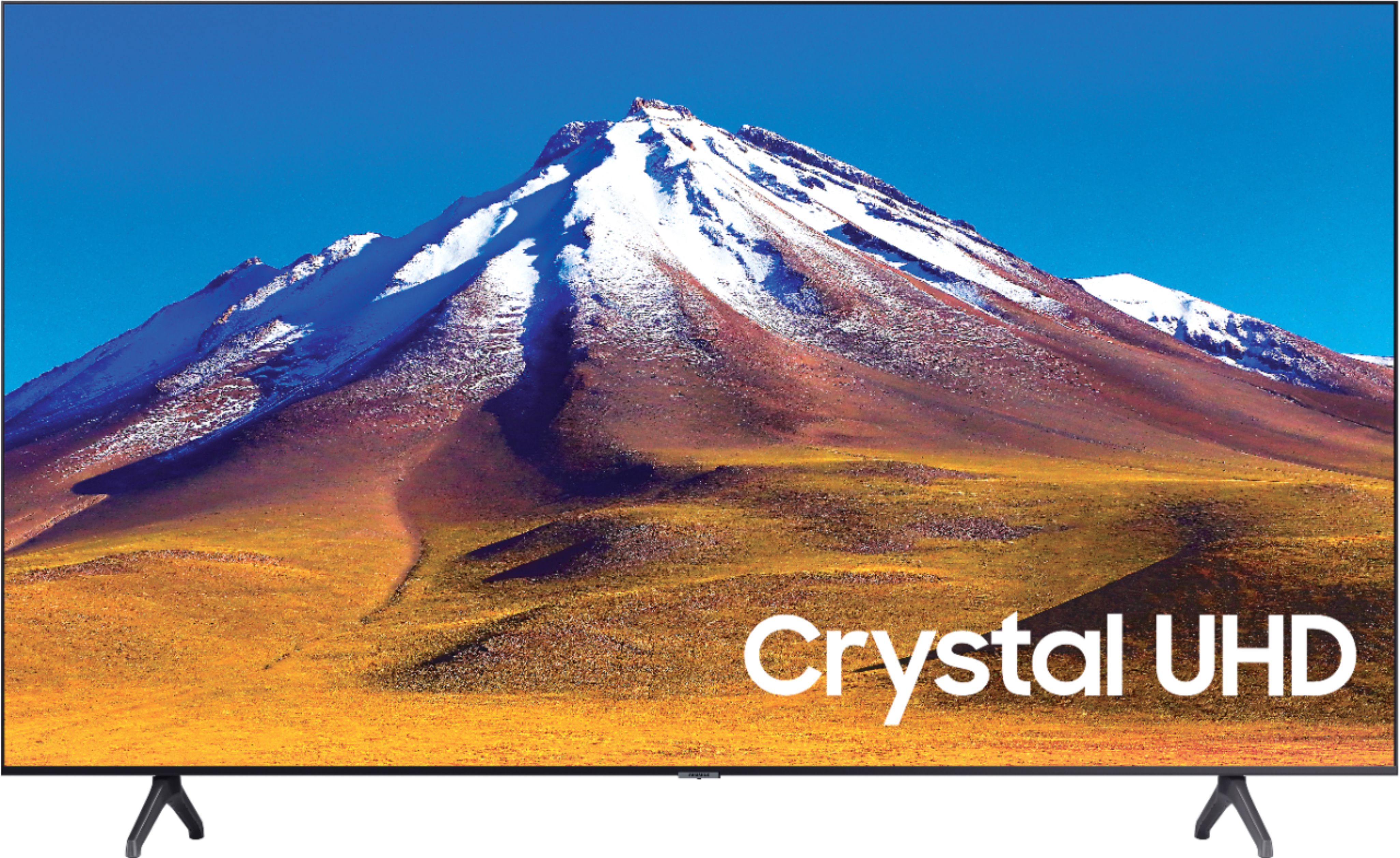



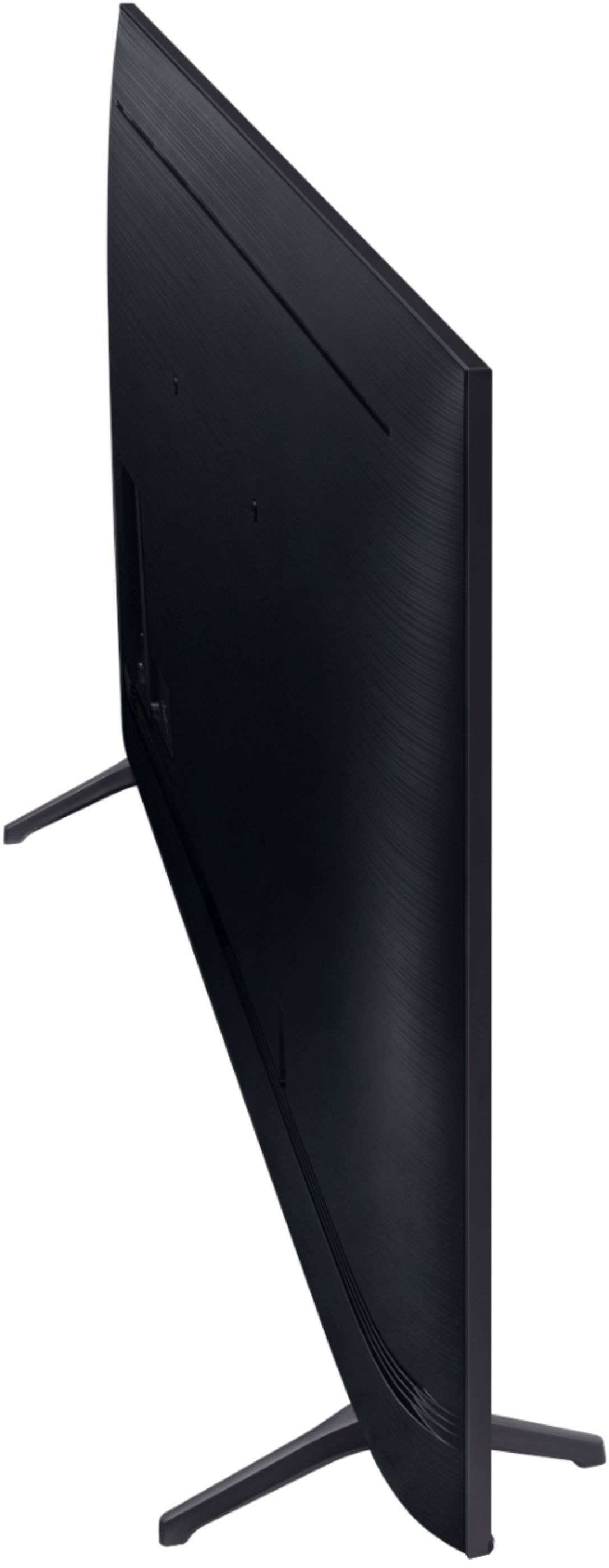
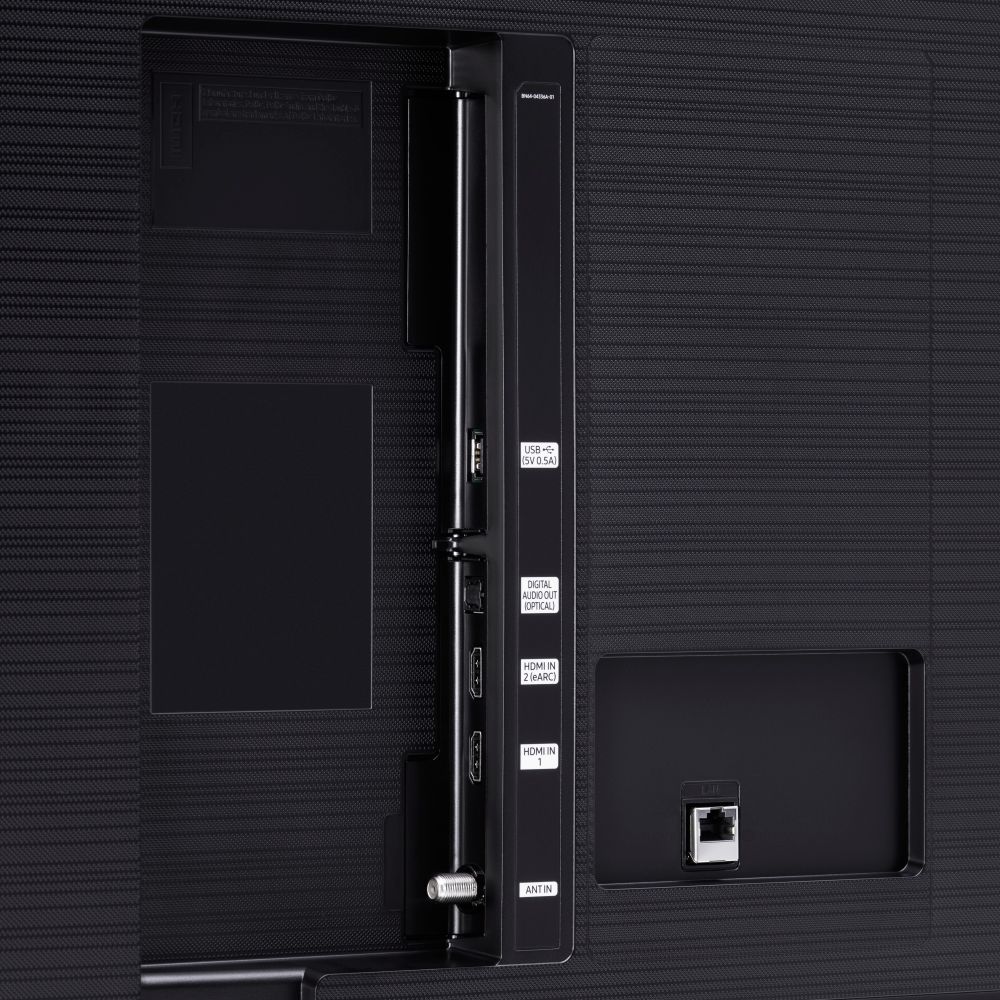





- Model:
- UN70TU6980FXZA
- SKU:
- 6428508
Rating by feature
- Picture Quality
Rating 4.5 out of 5 stars
- Sound Quality
Rating 4.4 out of 5 stars
- Brightness
Rating 4.5 out of 5 stars
Customers are saying
Customers regard the 70" Class 6 Series LED 4K UHD Smart Tizen TV's picture quality as great, with vibrant colors and deep contrasts. They also appreciate its large screen and affordable price. However, some customers have concerns about its limited HDMI ports, connectivity issues, and slow smart features.
This summary was generated by AI based on customer reviews.
Awful
||Posted . Owned for 2 weeks when reviewed.This reviewer received promo considerations or sweepstakes entry for writing a review.Awful tv! Continually disconnects from the WiFi! I am returning it tomorrow! Will never buy Samsung again!
No, I would not recommend this to a friendBrand response from Samsung
Posted .Elena:
Thank you for purchasing the Samsung TU6980 TV and for your review. I am very sorry that you are experiencing WiFi connection issues. You may want to go through these steps to check your network connection:
1) Check the distance between the TV and your modem or access point. The distance should not exceed 50 ft. (15.2 m).
2) Minimize interference by not using or turning off wireless devices. Also, verify that there are no obstacles between the TV and the modem or access point. (WiFi strength can be decreased by appliances, cordless phones, stone walls/fireplaces, etc.)
3) Perform a network test to check if there is a network problem.
Press the Home button on your remote. Navigate to Settings > Support > Device Care > Self Diagnosis> Smart Hub Connection Test
4) Try a cold reboot of your TV by pressing and holding the power button for 5+ seconds until the TV turns off and on again.
5) Please also be sure you have the latest firmware update. You may want to enable automatic updates for convenience. Select Settings > Support > Software Update, then select Auto Update.
For further assistance or service, please contact us via any of the following options:
1) Phone: 1-800-SAMSUNG (ask for TVs), available 8AM – 12AM EST 7 days a week
2) LiveChat: https://www.samsung.com/us/support/#contact_us_for_support
3) Facebook Messenger: https://www.facebook.com/samsungsupport
4) Twitter: https://twitter.com/SamsungSupport
5) The Samsung Members Community is also a great resource for getting help from Samsung moderators and customers: https://us.community.samsung.com
If you have not already done so, we invite you to register your new Samsung product at: https://www.samsung.com/us/account/signin/?redirect=https%3A%2F%2Fwww.samsung.com%2Fus%2Fsupport%2Fregister%2F
Registering your product gives you access to easy warranty support, convenient opt-in to special promos and offers, faster troubleshooting and service, and quick notification of system updates.
~ Samsung Solutions
Returned
||Posted . Owned for 3 months when reviewed.This reviewer received promo considerations or sweepstakes entry for writing a review.Had to return cus screen gad large crease in the middle? Ordered 7 series instead and now very happy!
No, I would not recommend this to a friendWould not recommend
||Posted .This reviewer received promo considerations or sweepstakes entry for writing a review.Low quality and not worth “saving a few bucks”. If I could do it all over again I would NOT chose this TV.
No, I would not recommend this to a friendBrand response from Samsung
Posted .TTtr:
Thank you for purchasing the Samsung TU6980 Crystal UHD TV. I am very sorry to see that you are not happy with this model. So that we can better understand your specific concerns and assist towards making things right, please reach out to Samsung TV Support via any of the below options:
1) Phone: 1-800-SAMSUNG, Available 8AM -12AM EST (7 Days a Week)
2) LiveChat: https://www.samsung.com/us/support/#contact_us_for_support
3) Facebook Messenger: https://www.facebook.com/samsungsupport
4) Twitter: https://twitter.com/SamsungSupport
We look forward to hearing from you and helping to improve your enjoyment of this TV.
DONT BUY SAMSUNG PRODUCTS
||Posted . Owned for 1 year when reviewed.This reviewer received promo considerations or sweepstakes entry for writing a review.BUYERS BEWARE!!!!!! Samsung does not hold up to its manufacture warranty!!!
No, I would not recommend this to a friendJunk
||Posted . Owned for 3 weeks when reviewed.This reviewer received promo considerations or sweepstakes entry for writing a review.Junk picture quality is bad...its blurry & blue Never will I buy another television from best buy
No, I would not recommend this to a friendBrand response from Samsung
Posted .DONOTBUY:
Thank you for purchasing the Samsung TU6980 4K Smart TV and for your review. I am sorry to hear that you are not completely happy with your TV’s picture quality. There are several image settings you can adjust to your liking such as Picture Mode and Expert Settings.
Choose a Picture Mode by going to Settings > Picture > Picture Mode and choose from Dynamic, Standard, Natural, Movie, or Filmmaker Mode.
You can further adjust your sharpness, brightness, contrast, color, tint, contrast, white balance, and more by going to Settings > Picture > Expert Settings
Please also give us the opportunity to assist you with image quality adjustments tailored to your preferred viewing experience. You can reach us via any of the following options:
1) Phone: 1-800-SAMSUNG (ask for TVs), available 8AM – 12AM EST 7 days a week
2) LiveChat: https://www.samsung.com/us/support/#contact_us_for_support
3) Facebook Messenger: https://www.facebook.com/samsungsupport
4) Twitter: https://twitter.com/SamsungSupport
5) The Samsung Members Community is also a great resource for getting help from Samsung moderators and customers: https://us.community.samsung.com
If you have not already done so, we invite you to register your new Samsung product at: https://www.samsung.com/us/account/signin/?redirect=https%3A%2F%2Fwww.samsung.com%2Fus%2Fsupport%2Fregister%2F
Registering your product gives you access to easy warranty support, convenient opt-in to special promos and offers, faster troubleshooting and service, and quick notification of system updates.
~ Samsung Solutions
Bad tv
||Posted .This reviewer received promo considerations or sweepstakes entry for writing a review.It’s a very poor quality tv. Sometimes it turns off and on by itself. You get what you pay for.
No, I would not recommend this to a friendBrand response from Samsung
Posted .Carl:
Thank you for purchasing the Samsung TU6980 TV. I am sorry to hear that you are experiencing a possible power cycling issue where your TV is turning itself on and off.
Please try a few trouble-shooting steps that may help solve the issue:
1) Check the power cable for damage and proper connection.
2) If the cable is bent, broken, kinked, pinched, pressed excessively (possibly by a heavy object on top of it) or damaged, this is likely the cause of the issue. Replace the cable.
3) Unplug the TV from the wall outlet for 30 seconds, and then plug it back in.
4) If the power cycling allows enough time in between powering on and off, try updating the TV to the latest firmware. There is a risk, however. If the TV turns off during the software update, it could damage the TV. Updates can take up to 30 minutes depending on network speed, so if the TV is not turning off too frequently, try updating the software.
5) TVs which can connect to SmartThings can be turned on using compatible devices, sometimes automatically. However, if abnormal "power on" signals are sent through the wireless network, they will trigger this function and make the TV turn on. If you do not want this function, navigate to
Settings > General > Network > Expert Settings > Power On with Mobile, and turn the setting off.
If the issue persists after these steps, then the TV will likely need service. Please contact us so that we can better investigate your issue and assist you towards a solution or replacement.
1) Phone: 1-800-SAMSUNG (ask for TVs), available 8AM – 12AM EST 7 days a week
2) LiveChat: https://www.samsung.com/us/support/#contact_us_for_support
3) Facebook Messenger: https://www.facebook.com/samsungsupport
4) Twitter: https://twitter.com/SamsungSupport
5) The Samsung Members Community is also a great resource for getting help from Samsung moderators and customers: https://us.community.samsung.com
If you have not already done so, we invite you to register your new Samsung product at: https://www.samsung.com/us/account/signin/?redirect=https%3A%2F%2Fwww.samsung.com%2Fus%2Fsupport%2Fregister%2F
Registering your product gives you access to easy warranty support, convenient opt-in to special promos and offers, faster troubleshooting and service, and quick notification of system updates.
~ Samsung Solutions
No good
||Posted . Owned for 1 week when reviewed.This reviewer received promo considerations or sweepstakes entry for writing a review.This tv worked for two weeks and then it wouldn’t power on at all. Don’t waste your money
No, I would not recommend this to a friendBrand response from Samsung
Posted .Momgoodman:
I am sorry to hear that your TU6980 TV is not powering on. Samsung is committed to providing the best possible product experience, quality, and value. We back this Samsung TV with a 1-year limited manufacturer's warranty, including authorized repair for manufacturer defect, if purchased brand-new directly from an authorized seller.
Please reach out to Samsung Customer Support so that we can provide troubleshooting or begin warranty service.
1) Phone: 1-800-SAMSUNG (ask for TVs), available 8AM – 12AM EST 7 days a week
2) LiveChat: https://www.samsung.com/us/support/#contact_us_for_support
3) Facebook Messenger: https://www.facebook.com/samsungsupport
4) Twitter: https://twitter.com/SamsungSupport
5) The Samsung Members Community is also a great resource for getting help from Samsung moderators and customers: https://us.community.samsung.com
If you have not already done so, we invite you to register your new Samsung product at: https://www.samsung.com/us/account/signin/?redirect=https%3A%2F%2Fwww.samsung.com%2Fus%2Fsupport%2Fregister%2F
Registering your product gives you access to easy warranty support, convenient opt-in to special promos and offers, faster troubleshooting and service, and quick notification of system updates.
~ Samsung Solutions
not worth it
||Posted . Owned for 1 year when reviewed.This reviewer received promo considerations or sweepstakes entry for writing a review.garbage tv. just over a year and already broken. wont purchase again
No, I would not recommend this to a friendnever got the item
||Posted .This reviewer received promo considerations or sweepstakes entry for writing a review.never got my tv they said it was delivered with them taking a picture but no tv
No, I would not recommend this to a friendBrand response from Samsung
Posted .badservice:
I am very sorry to see that you had an unfortunate experience with the delivery of your TV.
I recommend you contact Best Buy directly for assistance. I hope your issue is resolved quickly.
Should you need assistance or have questions about using this product once receive your TV, please know we are here to help. You can reach Samsung Support at:
1) Phone: 1-800-SAMSUNG (ask for TVs), available 8AM – 12AM EST 7 days a week
2) LiveChat: https://www.samsung.com/us/support/#contact_us_for_support
3) Facebook Messenger: https://www.facebook.com/samsungsupport
4) Twitter: https://twitter.com/SamsungSupport
5) The Samsung Members Community is also a great resource for getting help from Samsung moderators and customers: https://us.community.samsung.com
If you have not already done so, we invite you to register your new Samsung product at: https://www.samsung.com/us/account/signin/?redirect=https%3A%2F%2Fwww.samsung.com%2Fus%2Fsupport%2Fregister%2F
Registering your product gives you access to easy warranty support, convenient opt-in to special promos and offers, faster troubleshooting and service, and quick notification of system updates.
~ Samsung Solutions
Don’t recommend
||Posted . Owned for 5 months when reviewed.This reviewer received promo considerations or sweepstakes entry for writing a review.Had this tv for 5 months and the screen started to come off on the edges.
No, I would not recommend this to a friendDefective
||Posted . Owned for 1 month when reviewed.This reviewer received promo considerations or sweepstakes entry for writing a review.It came defective. No power. Now I have to figure it out how to exchange it
No, I would not recommend this to a friendBrand response from Samsung
Posted .NoPower:
I am sorry to hear that you are experiencing power issues with your TU6980 TV.
Samsung is committed to providing the best possible product experience, quality, and value. We back this Samsung TV with a 1-year limited manufacturer's warranty, including authorized repair for manufacturer defect, if purchased brand-new directly from an authorized seller.
Please reach out to Samsung Customer Support so that we can provide troubleshooting or begin warranty service.
1) Phone: 1-800-SAMSUNG (ask for TVs), available 8AM – 12AM EST 7 days a week
2) LiveChat: https://www.samsung.com/us/support/#contact_us_for_support
3) Facebook Messenger: https://www.facebook.com/samsungsupport
4) Twitter: https://twitter.com/SamsungSupport
5) The Samsung Members Community is also a great resource for getting help from Samsung moderators and customers: https://us.community.samsung.com
If you have not already done so, we invite you to register your new Samsung product at: https://www.samsung.com/us/account/signin/?redirect=https%3A%2F%2Fwww.samsung.com%2Fus%2Fsupport%2Fregister%2F
Registering your product gives you access to easy warranty support, convenient opt-in to special promos and offers, faster troubleshooting and service, and quick notification of system updates.
~ Samsung Solutions
my tv is not turning on
||Posted . Owned for 1 year when reviewed.This reviewer received promo considerations or sweepstakes entry for writing a review.i did not used much but already i can not turning on.
No, I would not recommend this to a friendBroken Product
||Posted . Owned for 3 weeks when reviewed.This reviewer received promo considerations or sweepstakes entry for writing a review.Screen was broken after receiving and opening box so I will not recommend
No, I would not recommend this to a friendBrand response from Samsung
Posted .Sjevaub:
I am very sorry to see that your TV exhibited damage upon opening and setup. Unfortunately, even if a TV is double-boxed and the packaging shows no evidence of harm, a TV can still be damaged during transit if proper care is not taken. For example, if the TV were sitting in an incorrect orientation -- laid on its side or tilted -- during transit, damage could have been done.
We recommend you contact Best Buy directly for assistance in correcting this situation. We hope your issue is resolved in a timely manner.
Should you have questions or concerns regarding the usage or setup of your TV once you have your replacement, please contact Samsung Customer Support.
1) Phone: 1-800-SAMSUNG (ask for TVs), available 8AM – 12AM EST 7 days a week
2) LiveChat: https://www.samsung.com/us/support/#contact_us_for_support
3) Facebook Messenger: https://www.facebook.com/samsungsupport
4) Twitter: https://twitter.com/SamsungSupport
5) The Samsung Members Community is also a great resource for getting help from Samsung moderators and customers: https://us.community.samsung.com
If you have not already done so, we invite you to register your new Samsung product at: https://www.samsung.com/us/account/signin/?redirect=https%3A%2F%2Fwww.samsung.com%2Fus%2Fsupport%2Fregister%2F
Registering your product gives you access to easy warranty support, convenient opt-in to special promos and offers, faster troubleshooting and service, and quick notification of system updates.
~ Samsung Solutions
Welp
||Posted . Owned for 3 weeks when reviewed.This reviewer received promo considerations or sweepstakes entry for writing a review.already having issues with the WiFi card reason for my one start review
No, I would not recommend this to a friendBrand response from Samsung
Posted .Bustbuy:
Thank you for purchasing the Samsung TU6980 TV and for your review. I am very sorry that you are experiencing internet connection issues. You may want to go through these steps to check your network connection:
1) Check the distance between the TV and your modem or access point. The distance should not exceed 50 ft. (15.2 m).
2) Minimize interference by not using or turning off wireless devices. Also, verify that there are no obstacles between the TV and the modem or access point. (WiFi strength can be decreased by appliances, cordless phones, stone walls/fireplaces, etc.)
3) Perform a network test to check if there is a network problem.
Press the Home button on your remote. Navigate to Settings > Support > Device Care > Self Diagnosis> Smart Hub Connection Test
4) Try a cold reboot of your TV by pressing and holding the power button for 5+ seconds until the TV turns off and on again.
5) Please also be sure you have the latest firmware update. You may want to enable automatic updates for convenience. Select Settings > Support > Software Update, then select Auto Update.
For further assistance or service, please contact us via any of the following options:
1) Phone: 1-800-SAMSUNG (ask for TVs), available 8AM – 12AM EST 7 days a week
2) LiveChat: https://www.samsung.com/us/support/#contact_us_for_support
3) Facebook Messenger: https://www.facebook.com/samsungsupport
4) Twitter: https://twitter.com/SamsungSupport
5) The Samsung Members Community is also a great resource for getting help from Samsung moderators and customers: https://us.community.samsung.com
If you have not already done so, we invite you to register your new Samsung product at: https://www.samsung.com/us/account/signin/?redirect=https%3A%2F%2Fwww.samsung.com%2Fus%2Fsupport%2Fregister%2F
Registering your product gives you access to easy warranty support, convenient opt-in to special promos and offers, faster troubleshooting and service, and quick notification of system updates.
~ Samsung Solutions
Will not let you connect with apple
||Posted .This reviewer received promo considerations or sweepstakes entry for writing a review.Horrible tv stay away from Samsung these guys refuse to stream apple
No, I would not recommend this to a friendBrand response from Samsung
Posted .Timothy:
Thank you for purchasing the Samsung TU6980 TV. With AirPlay2, you can stream or share content from Apple devices to the TV. You may want to check the Connection Guide for further information connecting your smartphone. Go to: Source > Connection Guide > Smartphone > Apple AirPlay
You can also adjust AirPlay settings by going to: Settings > General > Apple AirPlay Settings
If you need further assistance with this feature or have any questions, please contact Samsung Customer Support.
1) Phone: 1-800-SAMSUNG (ask for TVs), available 8AM – 12AM EST 7 days a week
2) LiveChat: https://www.samsung.com/us/support/#contact_us_for_support
3) Facebook Messenger: https://www.facebook.com/samsungsupport
4) Twitter: https://twitter.com/SamsungSupport
5) The Samsung Members Community is also a great resource for getting help from Samsung moderators and customers: https://us.community.samsung.com
If you have not already done so, we invite you to register your new Samsung product at: https://www.samsung.com/us/account/signin/?redirect=https%3A%2F%2Fwww.samsung.com%2Fus%2Fsupport%2Fregister%2F
Registering your product gives you access to easy warranty support, convenient opt-in to special promos and offers, faster troubleshooting and service, and quick notification of system updates.
~ Samsung Solutions
It’s not what I expected
||Posted .This reviewer received promo considerations or sweepstakes entry for writing a review.Quality of the tv is ok but not so great to me mix feelings
No, I would not recommend this to a friendTv
||Posted . Owned for 1 month when reviewed.This reviewer received promo considerations or sweepstakes entry for writing a review.Suckssssssssssssssssssssss worst tv everrrrrrrrrrrr
No, I would not recommend this to a friendBrand response from Samsung
Posted .Chris:
Thank you for purchasing the Samsung TU6980 TV. I am sorry to hear that you are not happy with your TV. If there is anything we can do to improve your enjoyment such as helping to optimize settings for your specific usage scenario or provide specific troubleshooting, please contact Samsung Customer Support.
1) Phone: 1-800-SAMSUNG (ask for TVs), available 8AM – 12AM EST 7 days a week
2) LiveChat: https://www.samsung.com/us/support/#contact_us_for_support
3) Facebook Messenger: https://www.facebook.com/samsungsupport
4) Twitter: https://twitter.com/SamsungSupport
5) The Samsung Members Community is also a great resource for getting help from Samsung moderators and customers: https://us.community.samsung.com
If you have not already done so, we invite you to register your new Samsung product at: https://www.samsung.com/us/account/signin/?redirect=https%3A%2F%2Fwww.samsung.com%2Fus%2Fsupport%2Fregister%2F
Registering your product gives you access to easy warranty support, convenient opt-in to special promos and offers, faster troubleshooting and service, and quick notification of system updates.
~ Samsung Solutions
Don’t buy
||Posted . Owned for 3 weeks when reviewed.This reviewer received promo considerations or sweepstakes entry for writing a review.Not as clear as they say it is.....................
No, I would not recommend this to a friendBrand response from Samsung
Posted .Rplaya2111:
Thank you for choosing the Samsung TU6980 TV and for sharing your feedback with us.
For optimal motion image performance, you may want to adjust the picture clarity setting by going to: Settings > Picture > Expert Settings > Picture Clarity Settings
- Off: Picture Clarity Settings will always be off
- Auto: Picture Clarity Settings will automatically activate and deactivate based on the type of program being watched
- Custom: Allows custom adjustments and settings to be used. By selecting the Custom option, you can access these advanced settings for Judder Reduction, LED Clear Motion, and Noise Reduction.
You can further adjust your sharpness, brightness, contrast, color, tint, contrast, white balance, and more by going to Settings > Picture > Expert Settings
Should you need further assistance with features or other product usage, please reach out to Samsung Support via any of the below options:
1) Phone: 1-800-SAMSUNG (ask for TVs), available 8AM – 12AM EST 7 days a week
2) LiveChat: https://www.samsung.com/us/support/#contact_us_for_support
3) Facebook Messenger: https://www.facebook.com/samsungsupport
4) Twitter: https://twitter.com/SamsungSupport
5) The Samsung Members Community is also a great resource for getting help from Samsung moderators and customers: https://us.community.samsung.com
If you have not already done so, we invite you to register your new Samsung product at: https://www.samsung.com/us/account/signin/?redirect=https%3A%2F%2Fwww.samsung.com%2Fus%2Fsupport%2Fregister%2F
Registering your product gives you access to easy warranty support, convenient opt-in to special promos and offers, faster troubleshooting and service, and quick notification of system updates.
~ Samsung Solutions
- Pros mentioned:Picture quality
An Amazing TV for the family!
Posted .This reviewer received promo considerations or sweepstakes entry for writing a review.This Tv is no ordinary every other TV. What makes this samsung tv so special is because on how the graphics show on the screen and how reliable the 4K is on here very great tv
I would recommend this to a friend - Pros mentioned:Picture quality
Would definitely recommend
Posted .This reviewer received promo considerations or sweepstakes entry for writing a review.Great picture quality. For what a TV is needs it's nearly perfect. Tv's speakers are fine but can seem a little quiet depending on the size of your space. UI is also fine, plenty of apps and relatively easy to navigate, it can and sometimes is a little laggy but it's not a huge issue. Although overall id say its a great value for thr price.
I would recommend this to a friend