Customer Ratings & Reviews






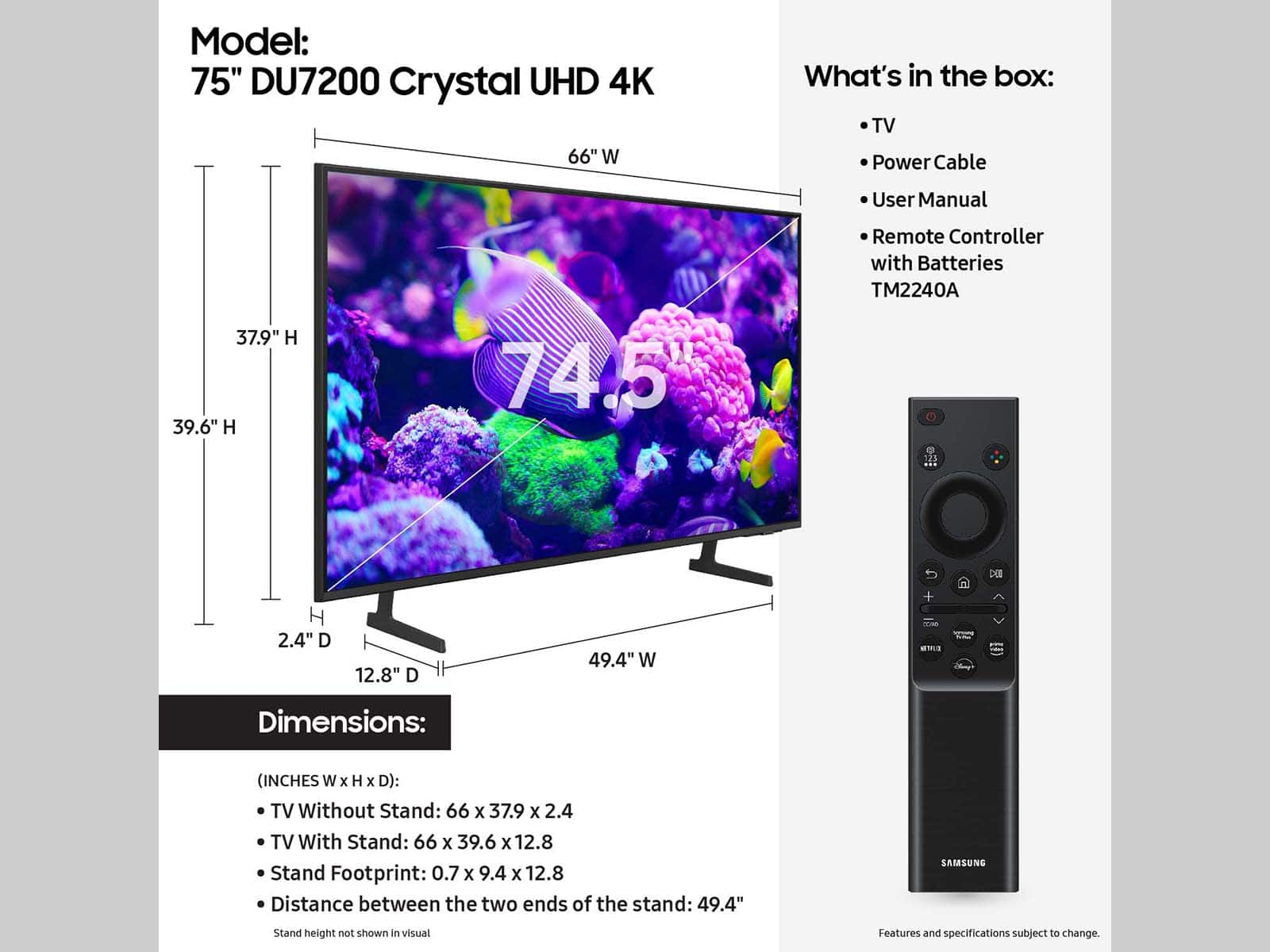




- Model:
- UN75DU7200FXZA
- SKU:
- 10413043
Rating by feature
- Picture Quality
Rating 4.7 out of 5 stars
- Sound Quality
Rating 4.5 out of 5 stars
- Brightness
Rating 4.7 out of 5 stars
Great experience
||Posted . Owned for 1 month when reviewed.This reviewer received promo considerations or sweepstakes entry for writing a review.Walked in and the customer service gentleman helped me with my purchase and walked out in about 15 minutes and my TV was delivered at no charge.
I would recommend this to a friend#1samsung
||Posted . Owned for 1 month when reviewed.This reviewer received promo considerations or sweepstakes entry for writing a review.Love my new tv samsung is the best this was a great deal
I would recommend this to a friendSatisfied customer
||Posted . Owned for 3 weeks when reviewed.This reviewer received promo considerations or sweepstakes entry for writing a review.Samsung is my favorite TV. I love my new 75” big screen and I got a really good deal on it and free delivery. My experience with Best Buy was amazing.
I would recommend this to a friend75" Samsung tizen smart tv 4k resolution
||Posted . Owned for 3 weeks when reviewed.This reviewer received promo considerations or sweepstakes entry for writing a review.Love the tv. It was cheaper than my 70" and is still 4k and a smart tv. Pickup was easy and it was even available before my pickup date
I would recommend this to a friendSamsung smart TV
||Posted . Owned for 1 month when reviewed.This reviewer received promo considerations or sweepstakes entry for writing a review.I am beyond thrilled with the service Best Buy provided. I priced the same television with multiple retailers and they were within a dollar difference. I went with Best Buy due to customer service and I wasn’t disappointed.
I would recommend this to a friendReality
||Posted . Owned for 4 months when reviewed.This reviewer received promo considerations or sweepstakes entry for writing a review.I went to Best Buy because I had issue with a TV and it was a Samsung which needed to be replaced the salesman there was good at what he was doing only Best Buy when it comes to electronics
I would recommend this to a friendGreat TV
||Posted . Owned for 1 month when reviewed.This reviewer received promo considerations or sweepstakes entry for writing a review.Great picture, but needs a sound bar for large room
I would recommend this to a friendHappy
||Posted .This reviewer received promo considerations or sweepstakes entry for writing a review.Very happy with my Samsung tv. Good service from best buy
I would recommend this to a friendI
||Posted . Owned for 1 month when reviewed.This reviewer received promo considerations or sweepstakes entry for writing a review.It’s so amazing I like it and my kids they like too
I would recommend this to a friendSamsung 75in
||Posted . Owned for 1 month when reviewed.This reviewer received promo considerations or sweepstakes entry for writing a review.Great tv at a low price. Im a very happy customer. Purchased on line was ready for pick up in a hour
I would recommend this to a friendPerfect price and working
||Posted . Owned for 3 weeks when reviewed.This reviewer received promo considerations or sweepstakes entry for writing a review.That is good price and this product good working and easy installation. I am recommend this item
I would recommend this to a friendSamsung TV has the best quality
||Posted . Owned for 1 month when reviewed.This reviewer received promo considerations or sweepstakes entry for writing a review.We love our new big TV, my husband is so happy when we got the TV. We enjoy our family time together every day.
I would recommend this to a friendSamsung 75" tv
||Posted . Owned for 1 month when reviewed.This reviewer received promo considerations or sweepstakes entry for writing a review.Thank you so much for your help and support in coming to my house and setting up the tv.
I would recommend this to a friendBest tv ever
||Posted . Owned for 6 months when reviewed.This reviewer received promo considerations or sweepstakes entry for writing a review.Love it perfect for movie night with the kids and very fast
I would recommend this to a friend
Great tv but
|Posted . Owned for 2 months when reviewed.This reviewer received promo considerations or sweepstakes entry for writing a review.tv started to making clicking noise after two months when powering on & off.
No, I would not recommend this to a friendWORST TV EVER
||Posted . Owned for 8 months when reviewed.This reviewer received promo considerations or sweepstakes entry for writing a review.OUR SECOND SAMSUNT TWO TIMES A DISSAPOINTMENT.... PICTURE IS GOOD BUT LAGS LIKE CRAZY, LOTS OF ISSUES TO GET IT TO WORK WITH THE HOME TEATHER AND THE WORST THE REMOTE IS JUNK AS WELL AVOID YOURSELF A HEADEACHE!!! BUY OTHER BRAND!!
No, I would not recommend this to a friendBrand response from Samsung
Posted .NormaJ,
We appreciate your feedback on the response time, and for optimal performance, we ask that you please ensure you've got the latest firmware version installed on your DU7200 TV. You can check this by going to: Home > Menu > Settings > Support > Software Update.
You may also want to further optimize performance with the self-diagnostic tool, which checks memory, frees up unused cached memory, and closes background apps. Go to: Home > Menu > Settings > Support > Device Care > Start Device Care
I hope these tips help you enjoy your new product.
You can always contact us for further help at 1-800-SAMSUNG, 8AM - 12AM EST, 7 days a week. Our LiveChat agents are also available by clicking on the ‘Support’ link on our website.
~ Samsung Specialist
Crap tv
||Posted .This reviewer received promo considerations or sweepstakes entry for writing a review.Had tv for less than a year and there’s lines going down the screen and won’t work. Randomly happened for no reason at all. A lot of money for a tv just for it to stop working after a few months
No, I would not recommend this to a friendBrand response from Samsung
Posted .CheyenneM:
I’m sorry to hear of the issues you’re experiencing with Samsung’s DU7200 TV. Samsung stands behind the quality and performance of our TVs with a limited 1-year manufacturer’s warranty when purchased brand-new from an authorized dealer.
Please give us the chance to make this right by contacting Samsung Customer Support at 1-800-SAMSUNG, 8 AM - 12 AM EST, seven days a week. Our LiveChat agents are also available by clicking on the ‘Support’ link on our website.
We hope to hear from you soon.
- Samsung Ambassador
Bad pictures
||Posted .This reviewer received promo considerations or sweepstakes entry for writing a review.My TV picture is getting darker after 4 months the top of tv is getting darker but the bottom is fine
No, I would not recommend this to a friendAction movies
||Posted . Owned for 1 week when reviewed.This reviewer received promo considerations or sweepstakes entry for writing a review.The image is really bad during action movie and colors are so opaque. Waste of money
No, I would not recommend this to a friendBrand response from Samsung
Posted .Hi Leo95,
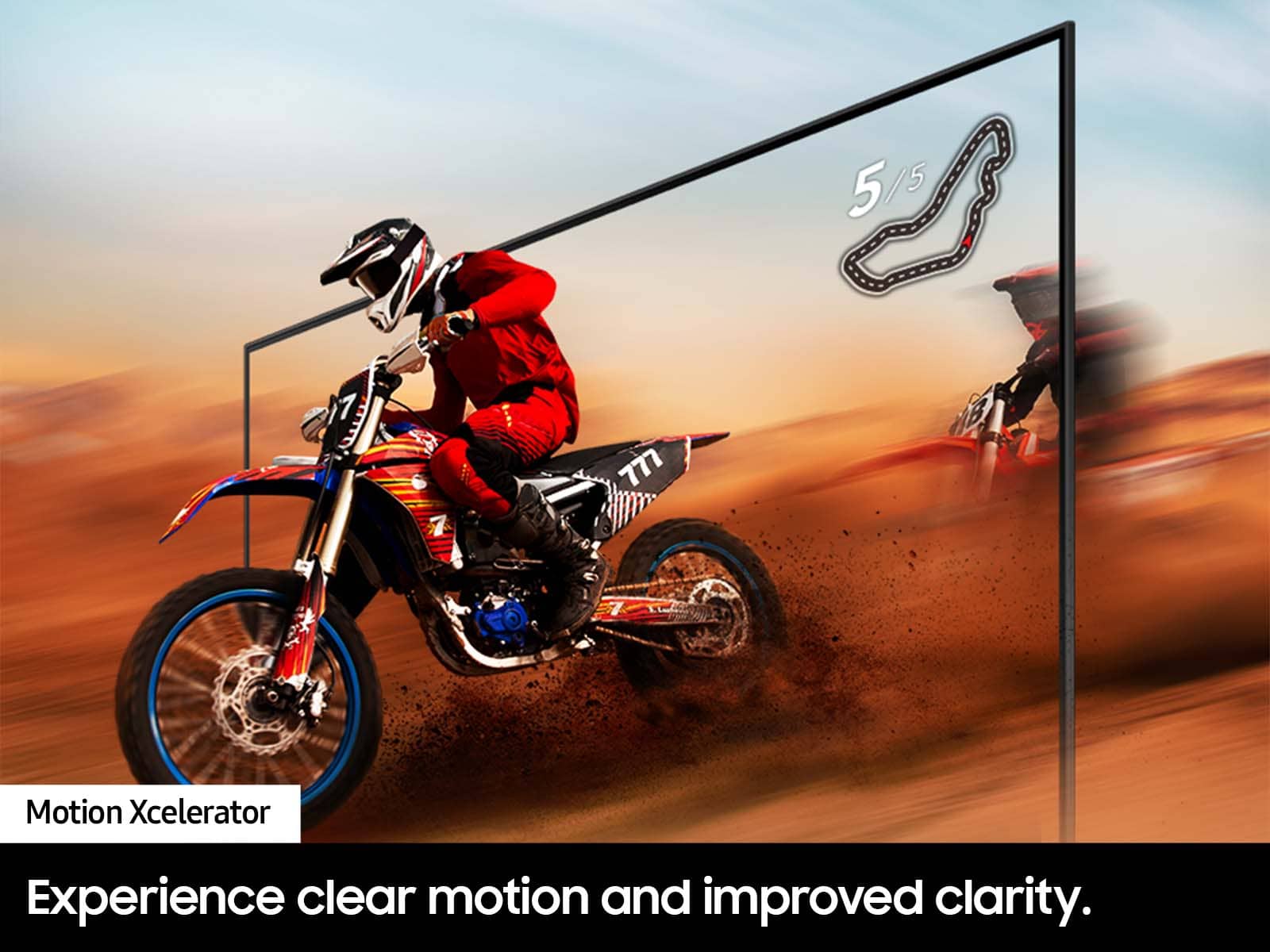
We appreciate your feedback on your DU7200 TV’s picture when watching fast-motion. For optimal motion image performance, you may want to adjust the picture clarity setting by going to Settings > All Settings> Picture > Expert Settings > Picture Clarity Settings.
- Off: Picture Clarity Settings will always be off
- Auto: Picture Clarity Settings will automatically activate and deactivate based on the type of program being watched
- Custom: Allows custom adjustments and settings to be used. By selecting the Custom option, you can access these advanced settings for Judder Reduction, LED Clear Motion, and Noise Reduction.
Should you need further assistance with features or other product usage, please reach out to Samsung Support at 1-800-SAMSUNG, 8 AM - 12 AM EST, seven days a week. Or visit us on the Samsung website and click on the ‘Support’ link for:
1) LiveChat
2) Manuals, Software, & Warranty Info
~ Samsung Advisor
The remote is trash but the television is perfect
||Posted .This reviewer received promo considerations or sweepstakes entry for writing a review.I love this television. The size is perfect. The color and contrast and everything is amazing. EXCEPT for the remote control. When I purchased this tv I did read reviews first. People really liked the tv. I went ahead and bought it. But shortly after receiving the tv, we started having trouble with the remote. The tv would randomly stop responding to the remote. Well, at least stop responding to any button that wasn’t the power button. At first we thought it was a battery problem, but nope! I resisted replacing the remote for a year like a dope. When I finally caved, I realized the warranty had just expired. I bought a replacement remote from Best Buy which works perfectly all the time. I love my tv. I recommend this tv. But just know that if you buy it there is a good chance the remote will randomly not work at times. When I went back and looked at reviews again, I realized a lot of people had complained about the tv not responding to the remote randomly. So that’s why I took off a star. The tv itself is great; just know that the remote is trash.
I would recommend this to a friend