Customer Ratings & Reviews
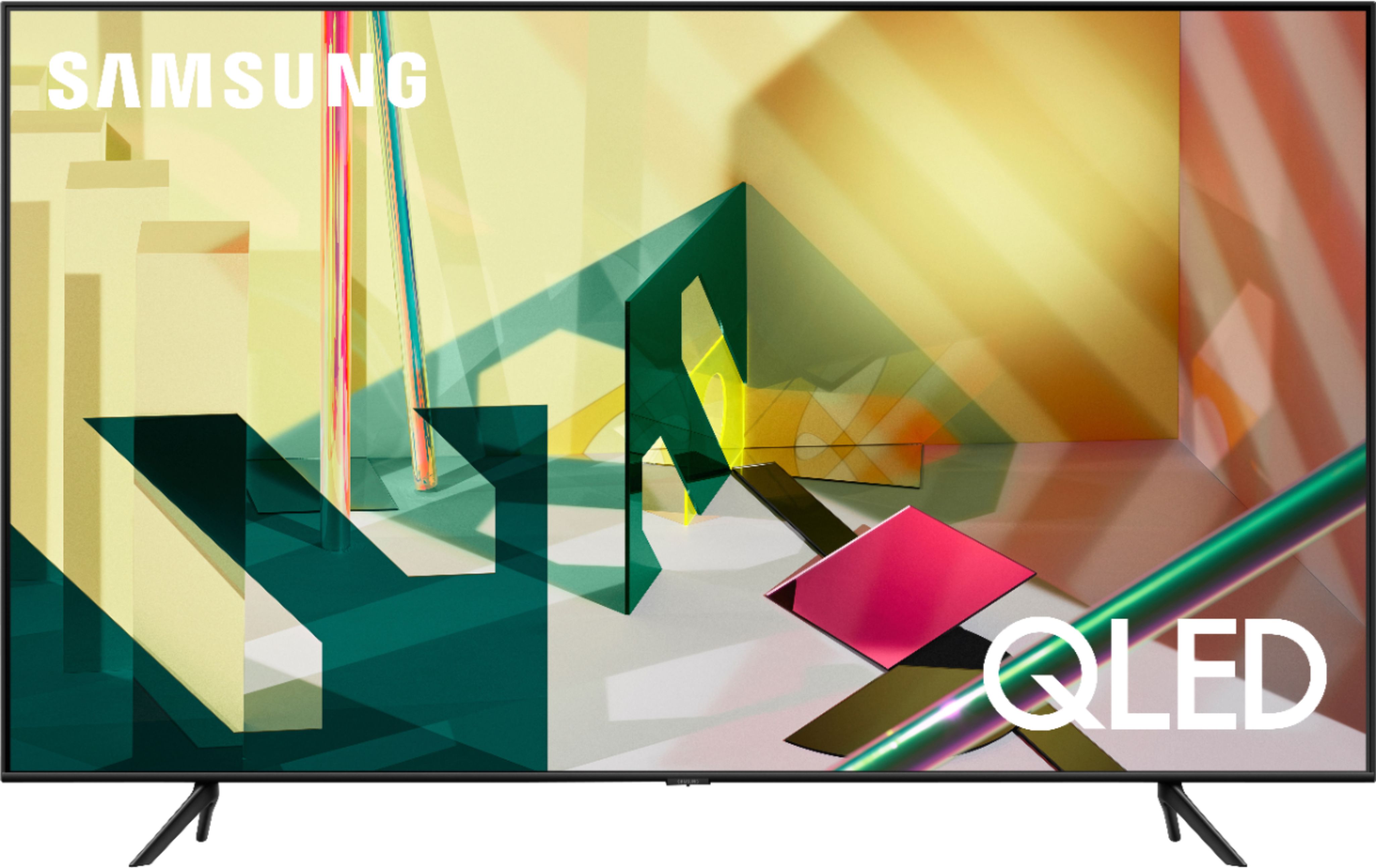
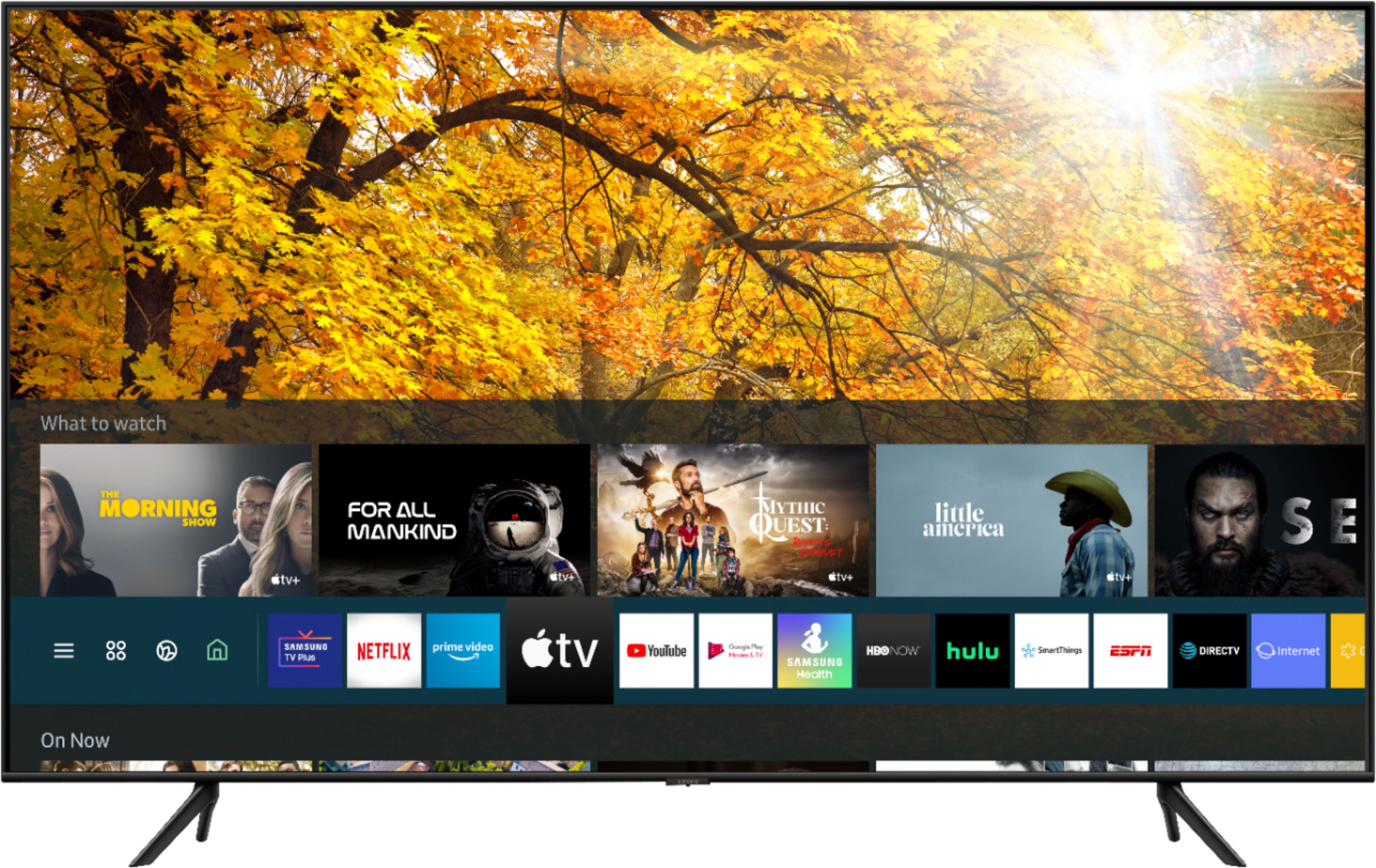
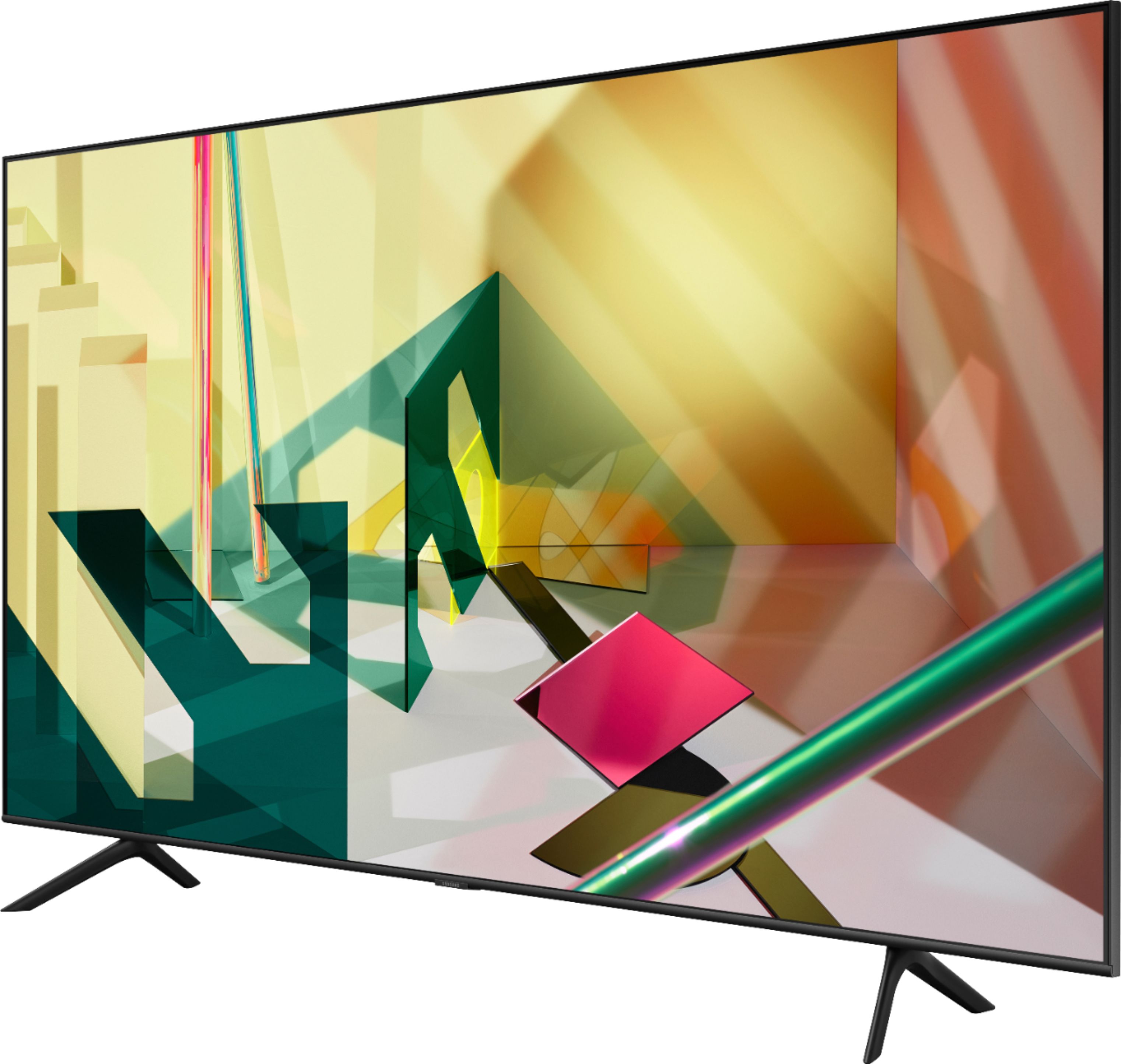



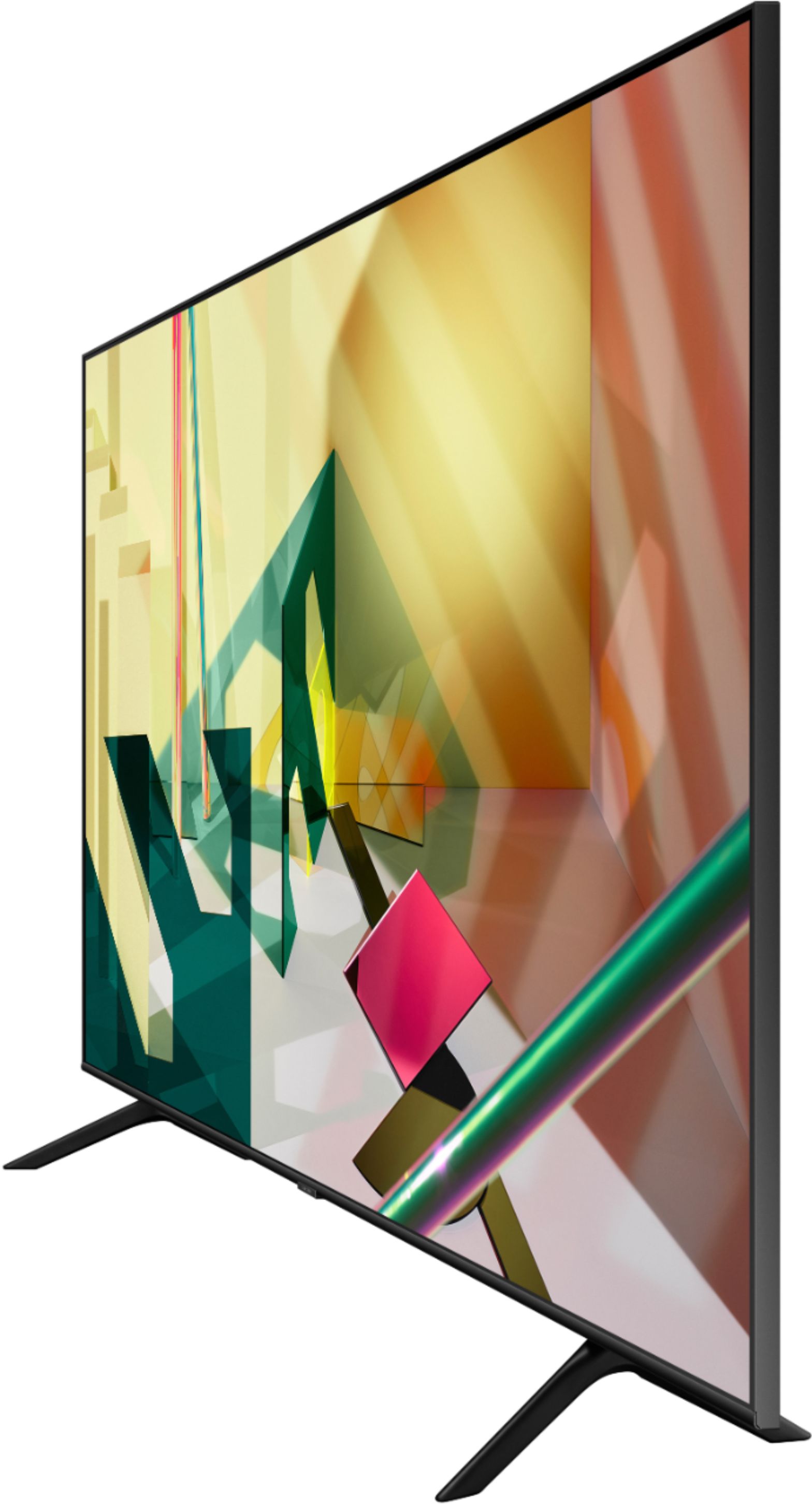







- Model:
- QN82Q70TAFXZA
- SKU:
- 6402393
Rating by feature
- Picture Quality
Rating 4.8 out of 5 stars
- Sound Quality
Rating 4.4 out of 5 stars
- Brightness
Rating 4.8 out of 5 stars
Customers are saying
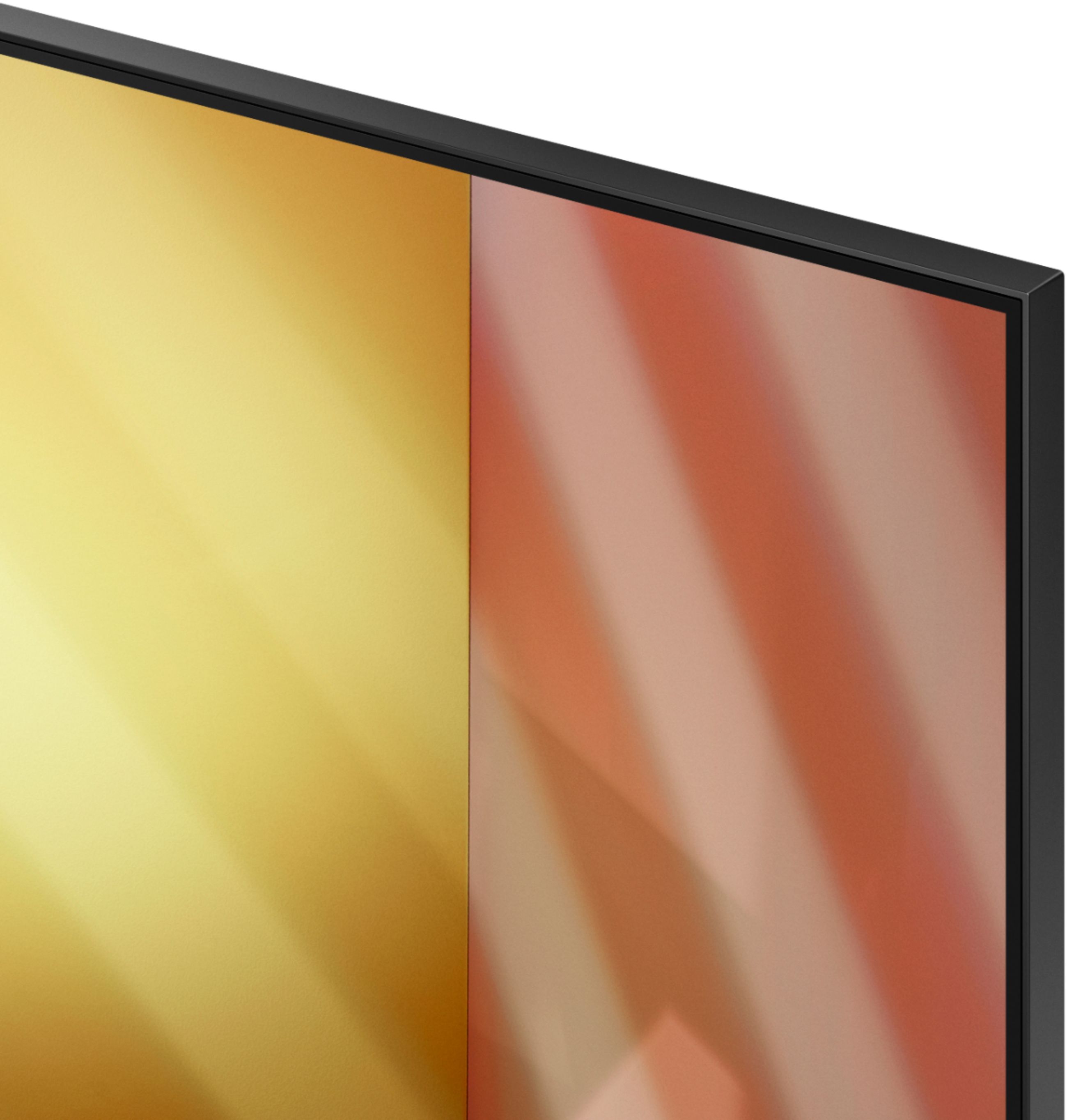
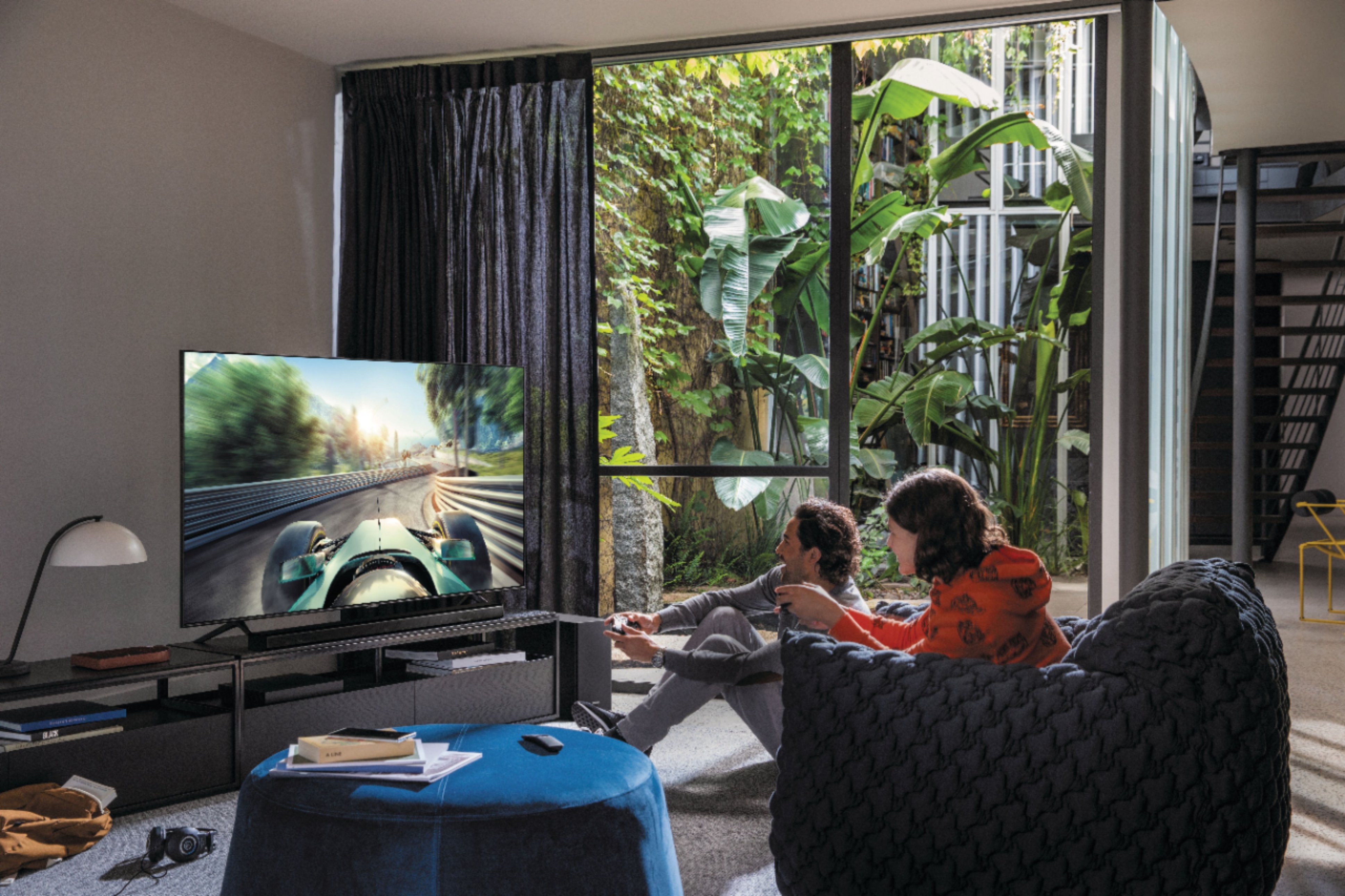
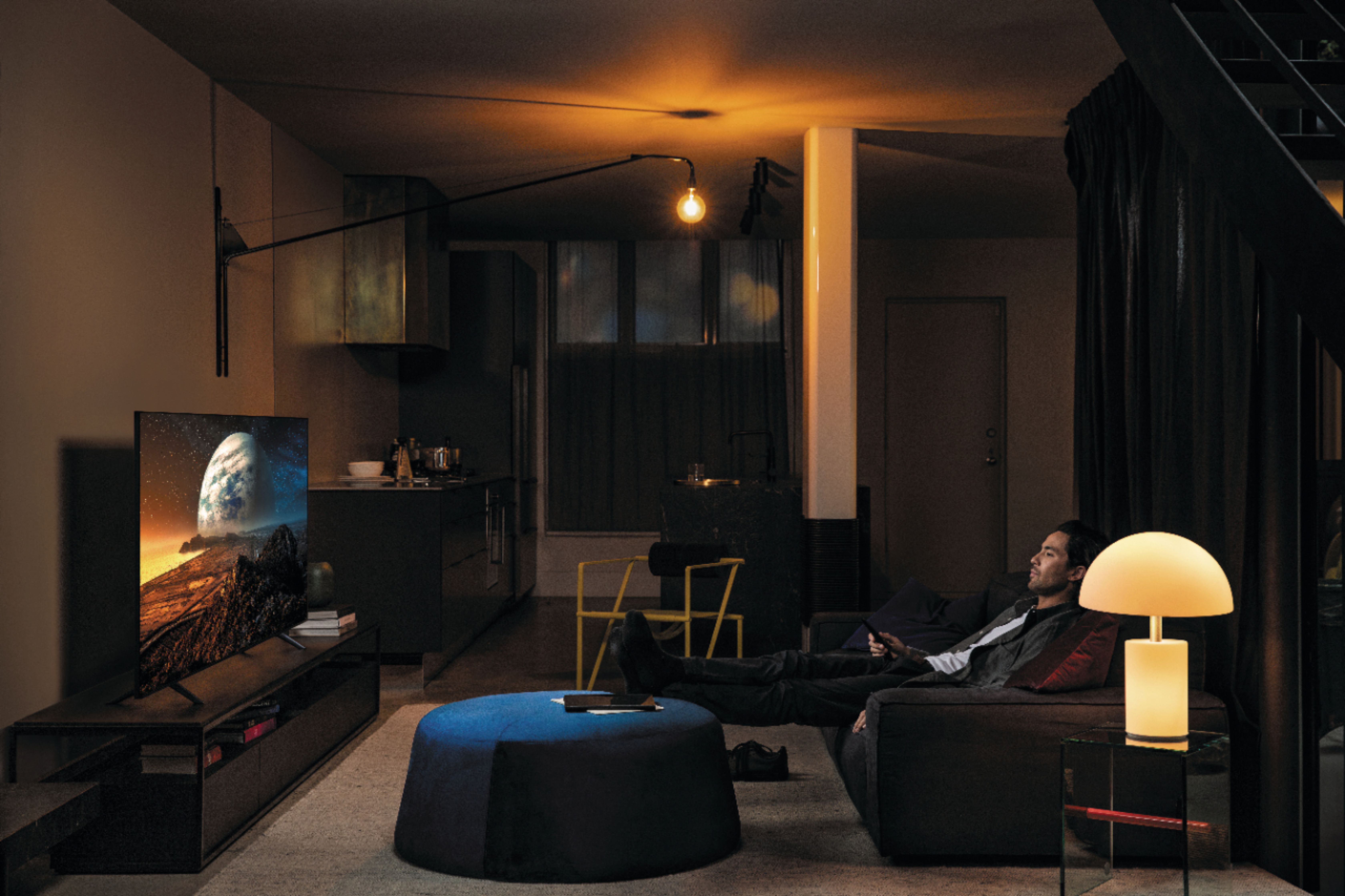
Customers are delighted by the 82" Class Q70T Series QLED 4K UHD Smart Tizen TV's picture quality, describing it as fantastic and high-end. They appreciate the TV's large size, easy setup, and affordable price. Customers also enjoy the TV's color and find it great for gaming.
This summary was generated by AI based on customer reviews.
- Pros mentioned:Picture quality
Great TV!
Posted .This reviewer received promo considerations or sweepstakes entry for writing a review.Great TV! Have had for almost 4 years no with no problems. For the price you couldn’t have a better TV.
I would recommend this to a friend 82 inch Q70 Qled.
Posted .This reviewer received promo considerations or sweepstakes entry for writing a review.Had tv for 2 months, have noticed a delay/lagging of picture on some tv channels. Picture quality ok, not as impressive when seen at Best Buy. Not sure why, have Cox cable.
No, I would not recommend this to a friendBrand response from Samsung
Posted .Samsung:
Thank you for sharing your experience with the Q70T TV. I am sorry that you are experiencing some lag with your unit.
To optimize the smart TV performance, please try Device Care option under the Support Menu. Go to Settings > Support> Device Care > Start Device Care
This service checks memory and frees up unused cached memory and closes background apps.
Please also be sure you are running the latest firmware. You can check to see what software version your TV is using and if there is an available update through the settings on your TV. Go to: Settings>Support>Software Update. (ver. 1460.9 released on 12/7/20)
Both the current version and new version number will be displayed. The current version is what your TV is using, and the new version is the latest update.
New updates will be downloaded and installed on your TV. Updates usually take a few minutes; please do not turn off the TV until the update is complete. When the update is finished, the TV will restart automatically. If there aren't any new updates, select OK to exit.
You may want to enable automatic updates for convenience by selecting > Auto Update.
Should you need further assistance, please contact Samsung Customer Support.
1) Phone: 1-800-SAMSUNG (ask for TVs), available 8AM – 12AM EST 7 days a week
2) LiveChat: https://www.samsung.com/us/support/#contact_us_for_support
3) Facebook Messenger: https://www.facebook.com/samsungsupport
4) Twitter: https://twitter.com/SamsungSupport
5) The Samsung Members Community is also a great resource for getting help from Samsung moderators and customers: https://us.community.samsung.com
If you have not already done so, we invite you to register your new Samsung product at: https://www.samsung.com/us/account/signin/?redirect=https%3A%2F%2Fwww.samsung.com%2Fus%2Fsupport%2Fregister%2F
Registering your product gives you access to easy warranty support, convenient opt-in to special promos and offers, faster troubleshooting and service, and quick notification of system updates.
~ Samsung Solutions