Customer Ratings & Reviews
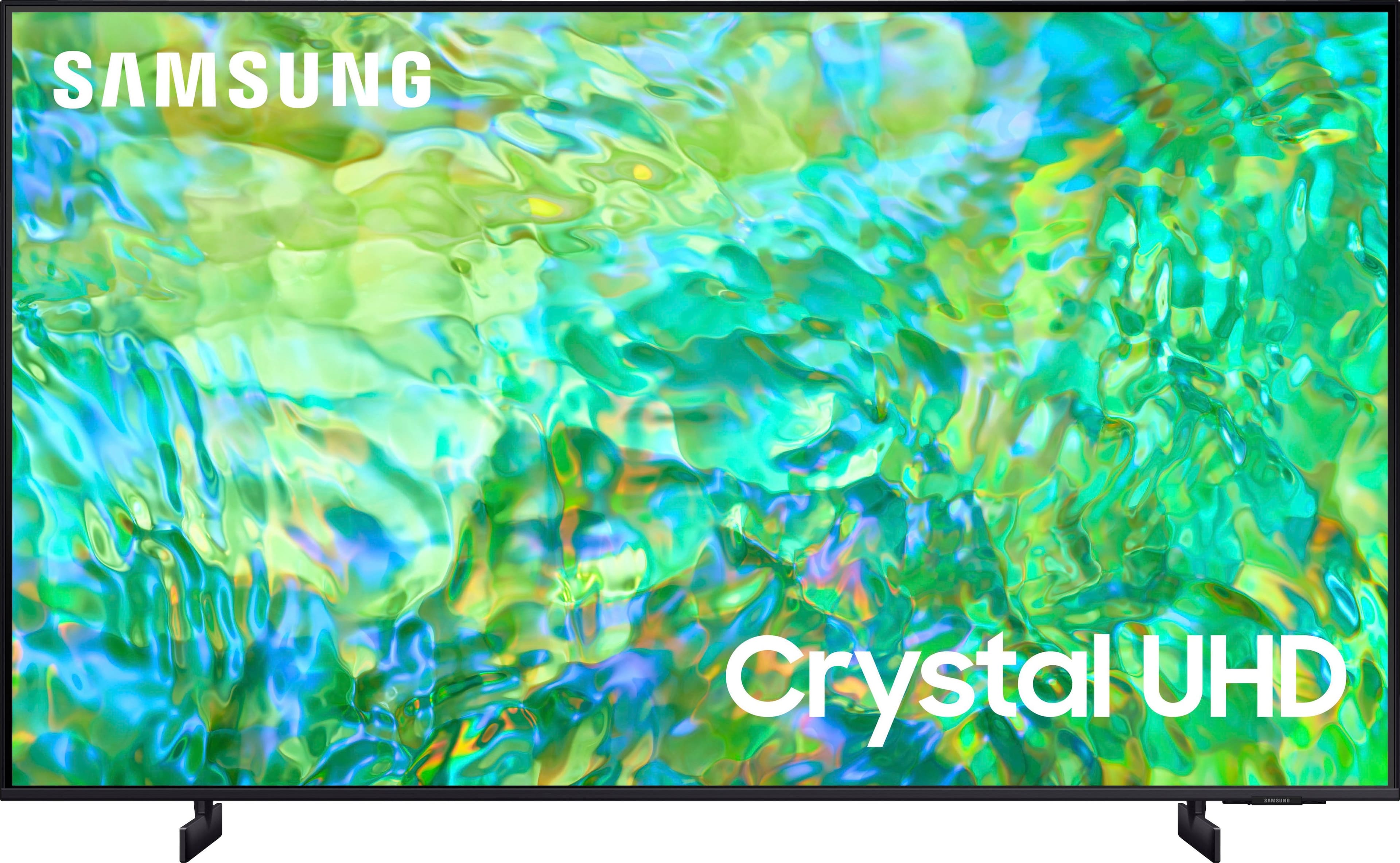
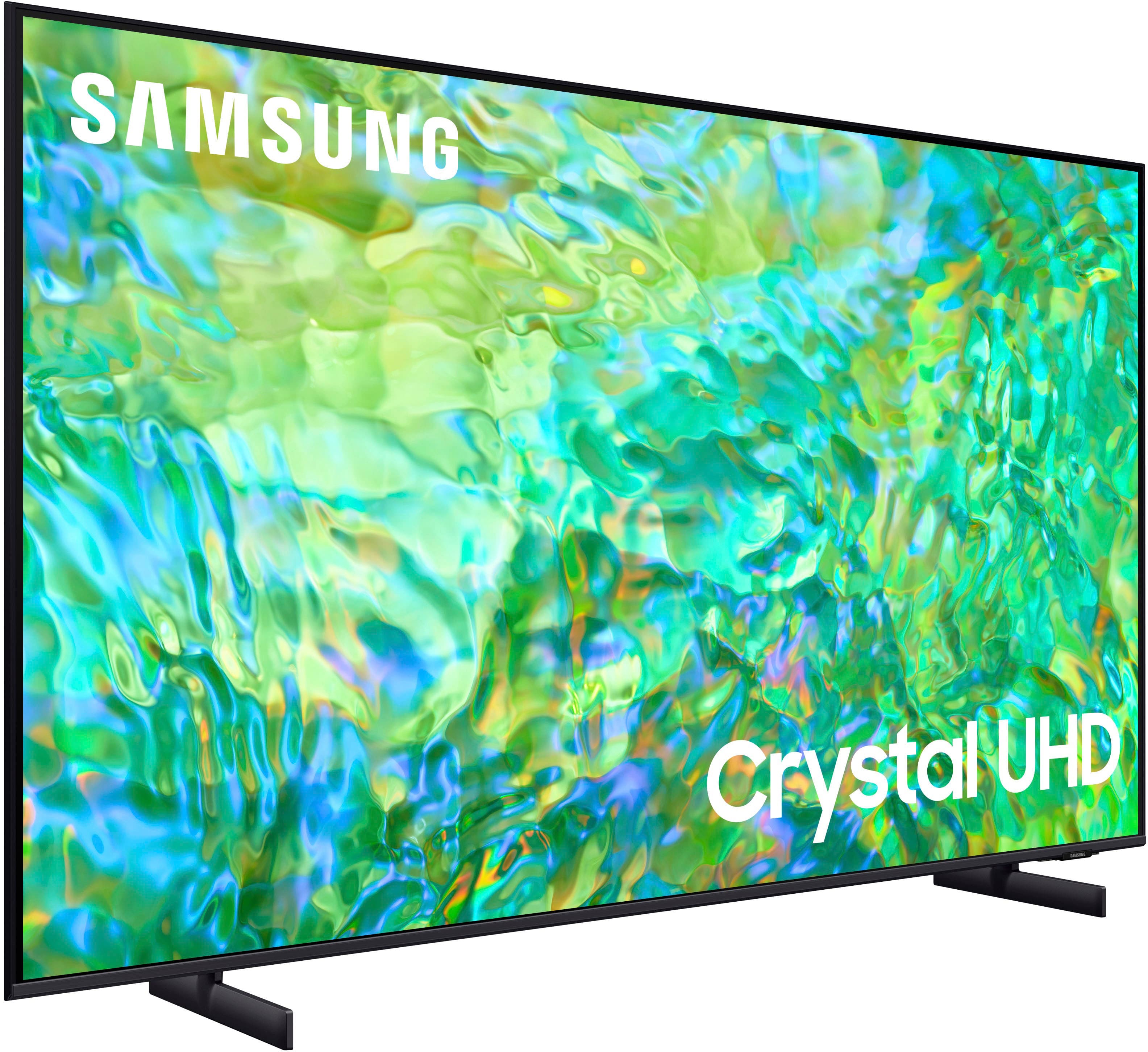
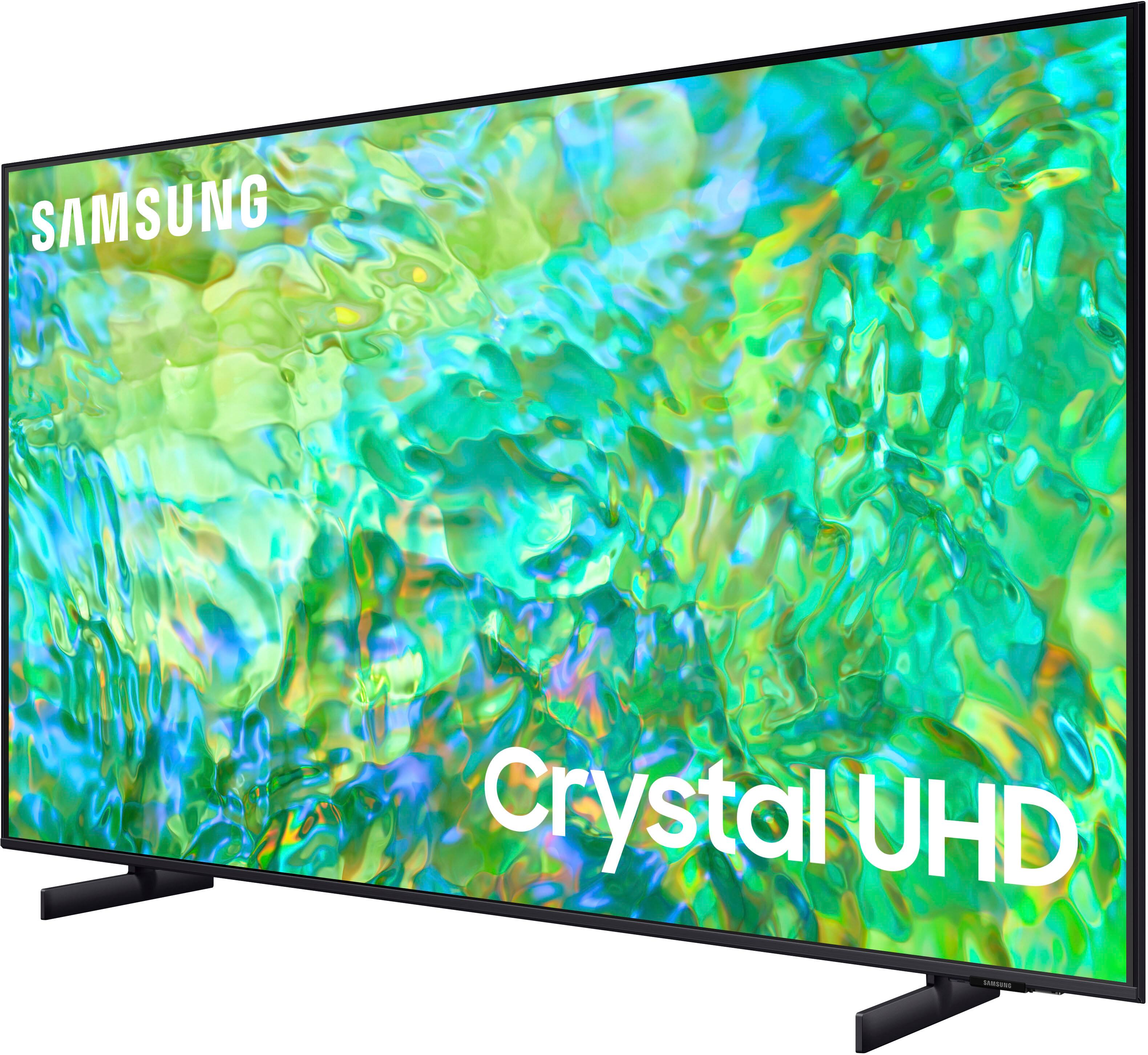
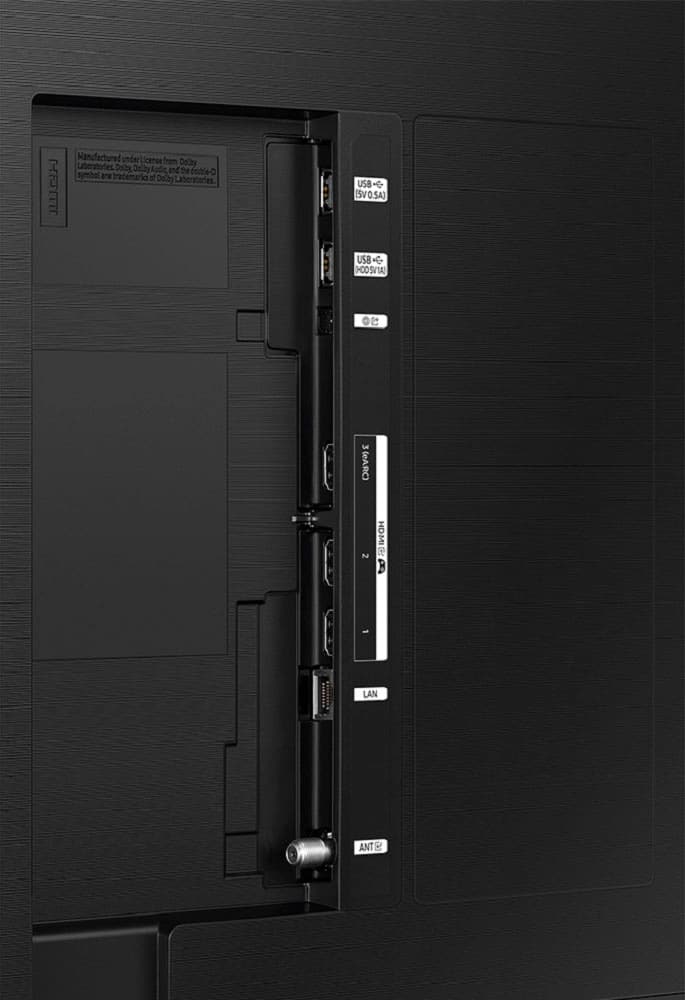



- Model:
- UN85CU8000FXZA
- SKU:
- 6537369
Rating by feature
- Picture Quality
Rating 4.7 out of 5 stars
- Sound Quality
Rating 4.5 out of 5 stars
- Brightness
Rating 4.7 out of 5 stars
Customers are saying
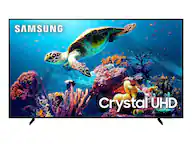
Customers praise the 85" Class CU8000 Crystal UHD 4K Smart Tizen TV (2023) for its exceptional picture quality, vibrant colors, and ease of use. Many appreciate the large screen size and find the price to be reasonable for the features offered. Positive feedback also highlights the sleek design and the convenient remote control. While some mention the TV's weight, overwhelmingly, reviews are positive.
This summary was generated by AI based on customer reviews.
None
||Posted . Owned for 3 weeks when reviewed.This reviewer received promo considerations or sweepstakes entry for writing a review.I love it just that simple and I wouldn't Trade It.
I would recommend this to a friendTV purchase
||Posted . Owned for 2 weeks when reviewed.This reviewer received promo considerations or sweepstakes entry for writing a review.Actually a good TV Installation services was good.
I would recommend this to a friend- Cons mentioned:Weight
Avoid bestbuy
||Posted . Owned for 1 month when reviewed.This reviewer received promo considerations or sweepstakes entry for writing a review.Overall marginal picture for price. Heavy. Not worth even sale price. Original item was delivered with broken screen, rescheduled installation was incredibly slow, took multiple calls.
No, I would not recommend this to a friendBrand response from Samsung
Posted .Hi MichelleP,
I'm sorry to hear that you are not satisfied with your CU8000 TV picture. Please know we are here to help, and I have a few recommendations to help improve the picture you are seeing.
First, let's ensure you are running the latest Firmware Update. Go to Settings> Support> Software Update.
Next, to adjust the picture you are seeing, go to Home > left direction button > Settings > All Settings > Picture > Picture Mode and select the mode that best fits your usage:
1. Standard: Is the default mode suitable for general viewing environments
2. Dynamic: Makes the picture brighter and clearer in bright viewing environments
3. Eco: Provided to save energy
4. Movie: Suitable for watching TV or movies in a dark room
5. Filmmaker Mode: Provides source content just as the creators intended. If the image is defined as Filmmaker Mode, it’ll automatically switch to Filmmaker Mode while watching.
You can also fine-tune your picture with expert settings such as brightness, contrast, sharpness, and more (All Settings > Picture > Expert Settings).
If you’d like more help with settings, please know we’re here to help! Call us at 1-800-SAMSUNG, 8 AM - 12 AM EST, seven days a week. Or visit us on the Samsung website and click on the ‘Support’ link for:
1) LiveChat
2) Manuals, Software, & Warranty Info
~ Samsung Advisor
Bad item
||Posted .This reviewer received promo considerations or sweepstakes entry for writing a review.Bad tv damaged too soon I don’t like it ……………………..
No, I would not recommend this to a friendDisappointed
||Posted . Owned for 3 months when reviewed.This reviewer received promo considerations or sweepstakes entry for writing a review.Have always been a Samsung buyer. Went ahead and bought this tv . To my surprise I was so disappointed with the overall quality of the tv.
No, I would not recommend this to a friendBrand response from Samsung
Posted .Hi GustavoH,
I'm sorry to hear the CU8000 TV is not living up to your expectations. So we can best assist you, please give us a call at 1-800-SAMSUNG, 8 AM - 12 AM EST, seven days a week. Our LiveChat agents are also available by clicking on the ‘Support’ link on our website.
~ Samsung Advisor
Bad Product
||Posted .This reviewer received promo considerations or sweepstakes entry for writing a review.Tv lasted 2 years, then the screen went dark. Tv smelled like it was burning from the inside.
No, I would not recommend this to a friendDon't Buy, Defective Model
||Posted . Owned for 1 year when reviewed.This reviewer received promo considerations or sweepstakes entry for writing a review.Don't buy, I purchased this in 12/2023, on 01/10/2025 started smelling something burning and bottom right side looked like it was burning inside and right panel darken. Samsung came 01/14/2025 and determined that it was a fire hazard and replaced with new panel and power, basically new TV, except for speakers and backend 01/17/25. Thursday, 03/20/2025, noticed right s8de panel going dark. Samsung won't do anything about it since they go by original purchase date. This model is defective and they won't do anything about it.
No, I would not recommend this to a friendSamsung
||Posted . Owned for 1 month when reviewed.This reviewer received promo considerations or sweepstakes entry for writing a review.Been an LG guy! First time going with Samsung picture is not as good as expected… Average TV overall to me!
No, I would not recommend this to a friendBrand response from Samsung
Posted .Hi NathanielF,
We appreciate you sharing your experience with the CU8000 TV. Your feedback regarding image quality is essential to us and will be shared with our internal teams. If the image you’re seeing isn’t to your liking, there are several picture settings you may want to adjust.
Go to Home > left direction button > Settings > All Settings > Picture > Picture Mode and select the mode that best fits your usage:
1. Standard: Is the default mode suitable for general viewing environments
2. Dynamic: Makes the picture brighter and clearer in bright viewing environments
3. Eco: Provided to save energy
4. Movie: Suitable for watching TV or movies in a dark room
5. Filmmaker Mode: Provides source content just as the creators intended. If the image is defined as Filmmaker Mode, it’ll automatically switch to Filmmaker Mode while watching.
You can also fine-tune your picture with expert settings such as brightness, contrast, sharpness, and more (All Settings > Picture > Expert Settings).
For further assistance with settings adjustments, please contact Samsung Customer Support 1-800-SAMSUNG, 8 AM - 12 AM EST, seven days a week. Or visit us on the Samsung website and click on the ‘Support’ link for:
1) LiveChat
2) Manuals, Software, & Warranty Info
~ Samsung Advisor
Better quality
||Posted . Owned for 1 month when reviewed.This reviewer received promo considerations or sweepstakes entry for writing a review.You have to keep adjusting the surround sound TV picture is not the best quality..
No, I would not recommend this to a friendBrand response from Samsung
Posted .Hi KenH,
Thank you for your feedback on the CU8000 TV. Please know that there are many settings available that you can adjust to improve your picture quality based on what you are watching.
Go to Home > Settings > All Settings > Picture > Picture Mode and select the mode that best fits your usage:
1) Standard: Default mode suitable for general viewing environments.
2) Natural: Reduces eye strain for a comfortable viewing experience.
3) Movie: Most suitable for watching TV or movies in a dark room.
4) Dynamic: Makes the picture brighter and clearer in bright viewing environments.
5) Filmmaker Mode: You can watch the source content (e.g., movie) as it is. If the image is defined as Filmmaker Mode, it will automatically switch to Filmmaker Mode while watching.
You can also go to Settings > All Settings> Picture > Expert Settings > to manually fine-tune your image.
If you need more help, Samsung is here for you. Call us at 1-800-SAMSUNG, 8 AM - 12 AM EST, seven days a week. Our LiveChat agents are also available by clicking on the ‘Support’ link on our website.
~ Samsung Advisor
Its ok
||Posted . Owned for 3 weeks when reviewed.This reviewer received promo considerations or sweepstakes entry for writing a review.Not as easy to navigate and having trouble adding to the "tool bar"
I would recommend this to a friendBrand response from Samsung
Posted .Hi ArmandoA,
Thank you for your feedback on the CU8000 TV. To add apps to the menu, go to Home> Apps> Select App of choice> Long hold return key> Add to Home Menu.
To move the app to a different position on your Home Screen Menu> Go to App of choice> Long hold return key> Move> Use left or right arrows to move.
If you need more help, please call us at 1-800-SAMSUNG, 8 AM - 12 AM EST, seven days a week. Or visit us on the Samsung website and click on the ‘Support’ link for:
1) LiveChat
2) Manuals, Software, & Warranty Info
~ Samsung Advisor
Tv glitches
||Posted . Owned for 11 months when reviewed.This reviewer received promo considerations or sweepstakes entry for writing a review.Nice tv but haven't had it for a year yet and the screen glitches you see lines in it. Doesn't happen all the time just randomly for $1200 id expect the TV to work properly for longer than 4 months
I would recommend this to a friendPiece of junk
||Posted .This reviewer received promo considerations or sweepstakes entry for writing a review.Haven't even had it for two years and a complete zone burned out and now it's ready for the trash.
No, I would not recommend this to a friendOkay TV
||Posted . Owned for 2 weeks when reviewed.This reviewer received promo considerations or sweepstakes entry for writing a review.Great for its size, however the picture quality will never be as good as an OLED.
No, I would not recommend this to a friendBrand response from Samsung
Posted .Hi DanielE,
We appreciate you sharing your experience with the CU8000 TV. Your feedback regarding image quality is essential to us and will be shared with our internal teams. Please try adjusting the below image settings to improve your picture.
Go to Home > Settings > All Settings > Picture > Picture Mode and select the mode that best fits your usage:
1) Standard: Default mode suitable for general viewing environments.
2) Natural: Reduces eye strain for a comfortable viewing experience.
3) Movie: Most suitable for watching TV or movies in a dark room.
4) Dynamic: Makes the picture brighter and clearer in bright viewing environments.
5) Filmmaker Mode: You can watch the source content (e.g., movie) as it is. If the image is defined as Filmmaker Mode, it will automatically switch to Filmmaker Mode while watching.
You can also go to Settings > All Settings> Picture > Expert Settings > to manually fine-tune your image.
If you need more help, Samsung is here for you. Call us at 1-800-SAMSUNG, 8 AM - 12 AM EST, seven days a week. Our LiveChat agents are also available by clicking on the ‘Support’ link on our website.
~ Samsung Advisor
TV
||Posted . Owned for 2 months when reviewed.This reviewer received promo considerations or sweepstakes entry for writing a review.good so far enjoying for over 3 months so good sonfarrrr
I would recommend this to a friendBrand response from Samsung
Posted .Hi JuanC,
Thank you for purchasing Samsung’s Crystal UHD 4K CU8000 Smart TV. The Crystal Processor 4K transforms everything you watch into 4K. Its crisp, clear picture is 4x the resolution of Full HD.
If you should have any questions or concerns with usage, features, or how to best optimize your settings, Samsung Customer Support is here to help. You can call us at 1-800-SAMSUNG, 8 AM - 12 AM EST, seven days a week. Our LiveChat agents are also available by clicking on the ‘Support’ link on our website.
~ Samsung Advisor
LED Lights Out - Black Screen
||Posted . Owned for 1.5 years when reviewed.This reviewer received promo considerations or sweepstakes entry for writing a review.Don't buy this TV... the led lights went out on me less than 2 years old and I can't find parts for it.
No, I would not recommend this to a friendTv picture great sound not so much
||Posted . Owned for 4 months when reviewed.This reviewer received promo considerations or sweepstakes entry for writing a review.Tv works great but sound doesn’t go as loud as my past Samsung tvs.
No, I would not recommend this to a friendBrand response from Samsung
Posted .Hi TrishaY,
We appreciate your purchase and are happy to hear you are enjoying the 4K picture quality on your CU8000 TV. Please know there are several volume features you can adjust, which may improve your audio experience.
1) Auto Volume automatically adjusts the sound to a certain level when changing channels or switching to another external input. Go to Settings > All Settings> Sound > Expert Settings > Auto Volume.
2) Adaptive Sound automatically adjusts to a specific volume level while watching TV. The TV analyzes your volume usage history by time period to automatically adjust the volume when you use an app or switch to an external input source. Go to Settings> All Settings> Sound> Sound Mode> Adaptive Sound.
3) Several Sound Modes are likewise available to meet your personal preferences: Home > Settings > All Settings> Sound > Sound Mode.
Also, some sources have their own volume control, which might need to be set higher. Please check the volume control of the external device (cable box or satellite box, DVD, Blu-ray, etc.) connected to your TV. Also, check the cable connection between an external device and the TV and then try the cable connection again.
If you’d like more help with settings, please know we’re here to help! Call us at 1-800-SAMSUNG, 8 AM - 12 AM EST, seven days a week. Or visit us on the Samsung website and click on the ‘Support’ link for:
1) LiveChat
2) Manuals, Software, & Warranty Info
~ Samsung Advisor
Horrible
||Posted . Owned for more than 2 years when reviewed.This reviewer received promo considerations or sweepstakes entry for writing a review.Stopped working randomly after 2 years, just black screen and flickers light.
No, I would not recommend this to a friendNice
||Posted . Owned for 1 month when reviewed.This reviewer received promo considerations or sweepstakes entry for writing a review.Beautiful I like it and easy to Handle and nice guys at store
I would recommend this to a friendBrand response from Samsung
Posted .Hi CarlosS,
Thank you for purchasing the CU8000 TV. I'm glad you are enjoying the TV's Crystal Processor with 4K UHD Upscaling, allowing you to watch the content you love upgraded to dazzling 4K resolution.
If you are experiencing specific issues that caused you to give this a 3-star rating, please know that Samsung Customer Support is here to help. You can call us at 1-800-SAMSUNG, 8 AM - 12 AM EST, seven days a week. Our LiveChat agents are also available by clicking on the ‘Support’ link on our website.
~ Samsung Advisor
Started Out Great But…..
||Posted . Owned for 1 year when reviewed.This reviewer received promo considerations or sweepstakes entry for writing a review.Have had this tv for just over a year and it was great at first! Now we have a black cloud on the left side of the screen and a bright light on the bottom that is really hot to the touch. It appears as though it is melting the screen. We are so disappointed in this tv…..not even 2 years old! Do better Samsung!
No, I would not recommend this to a friendDon't bother
||Posted . Owned for 1 month when reviewed.This reviewer received promo considerations or sweepstakes entry for writing a review.Blacks aren't black, very noticeable light bleed in all corners and motion blur is very noticeable. Not a good model to choose. Returned and went with a Sony x90l. Huge difference!
No, I would not recommend this to a friendBrand response from Samsung
Posted .Hi Adam,
I’m sorry to hear the picture quality of Samsung’s CU8000 TV did not meet your expectations. Your feedback is appreciated and will be shared with our internal teams.
Please know that there are multiple sound settings available on the CU8000, such as Expert Settings and various Picture Modes, which could have been adjusted to your personal preferences.
Should you ever decide to give Samsung TVs another try and experience issues or need assistance with usage, please know we are always here to help. We hope to regain you as a customer in the future. If there’s anything we can ever help with, please call us at 1-800-SAMSUNG, 8 AM - 12 AM EST, seven days a week. Or visit us on the Samsung website and click on the ‘Support’ link for:
1) LiveChat
2) Manuals, Software, & Warranty Info
~ Samsung Advisor