Customer Ratings & Reviews
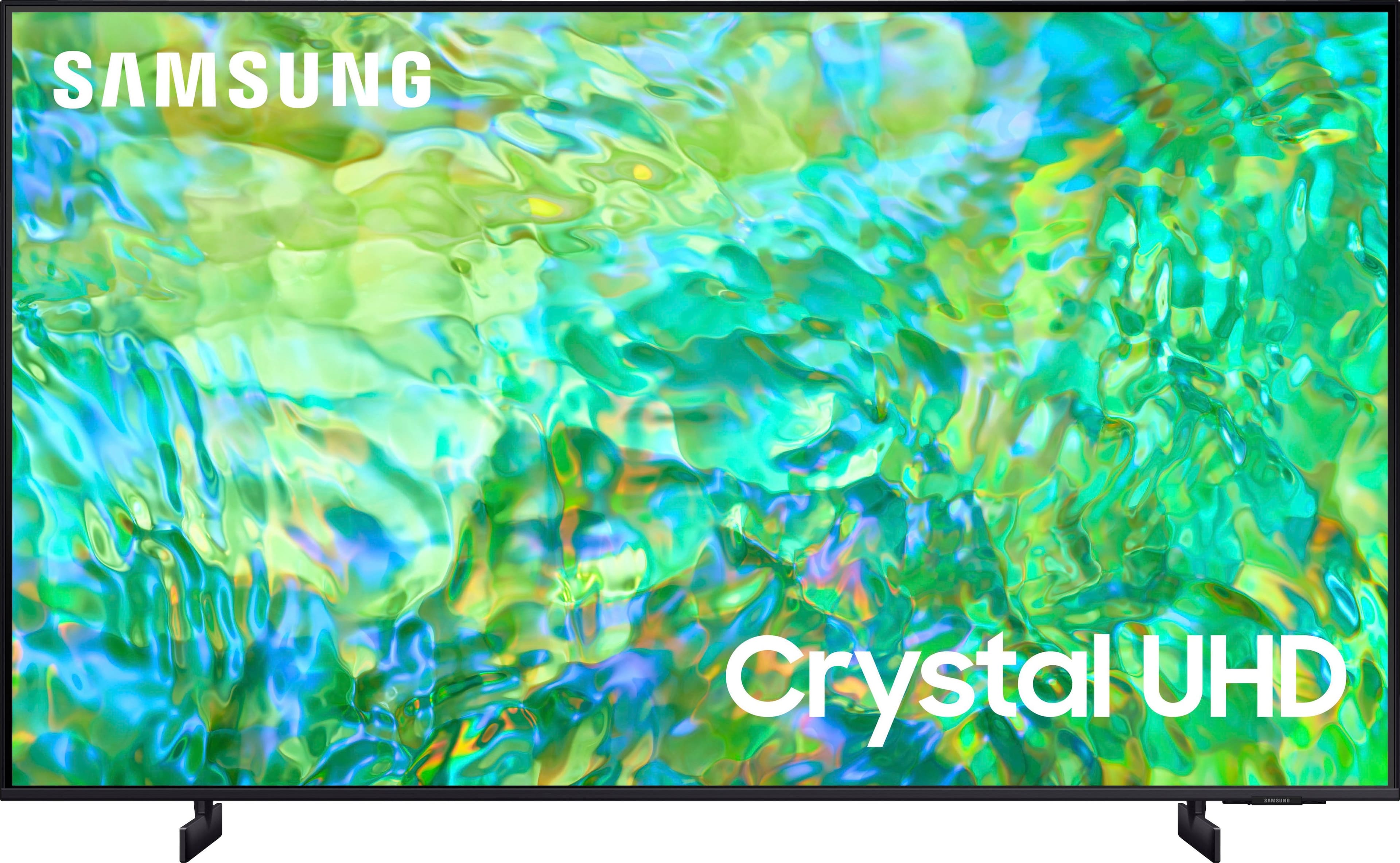
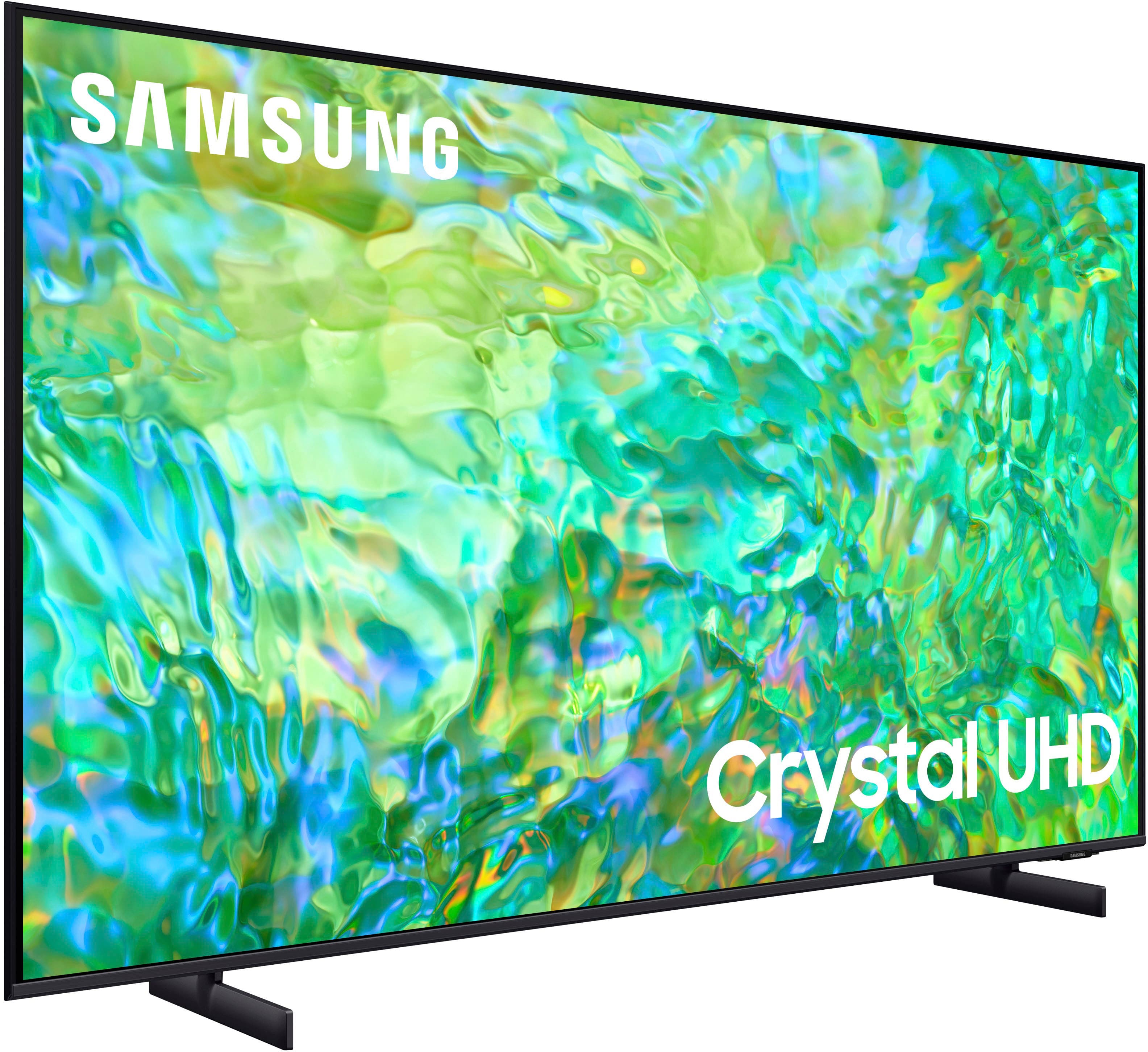
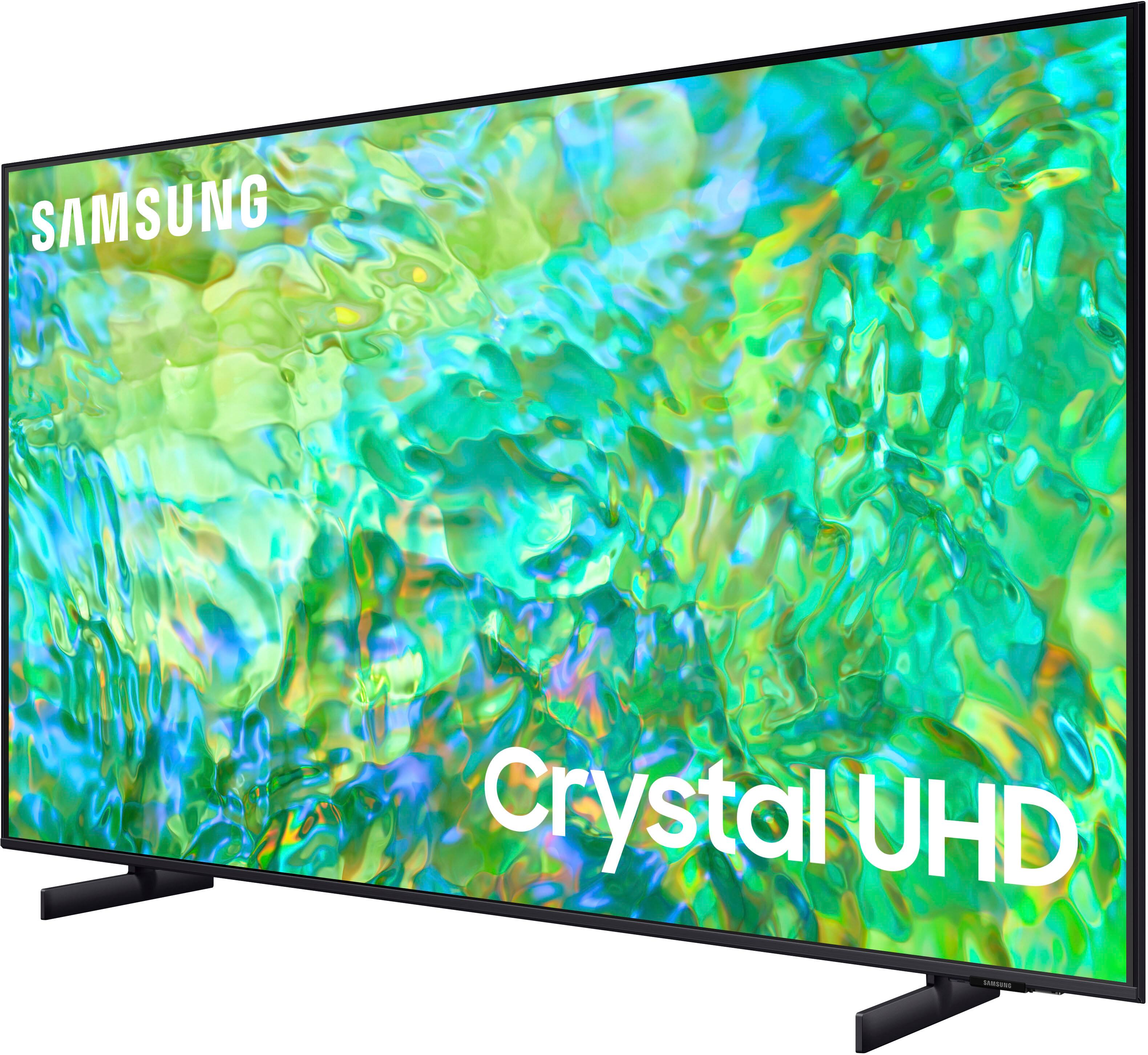
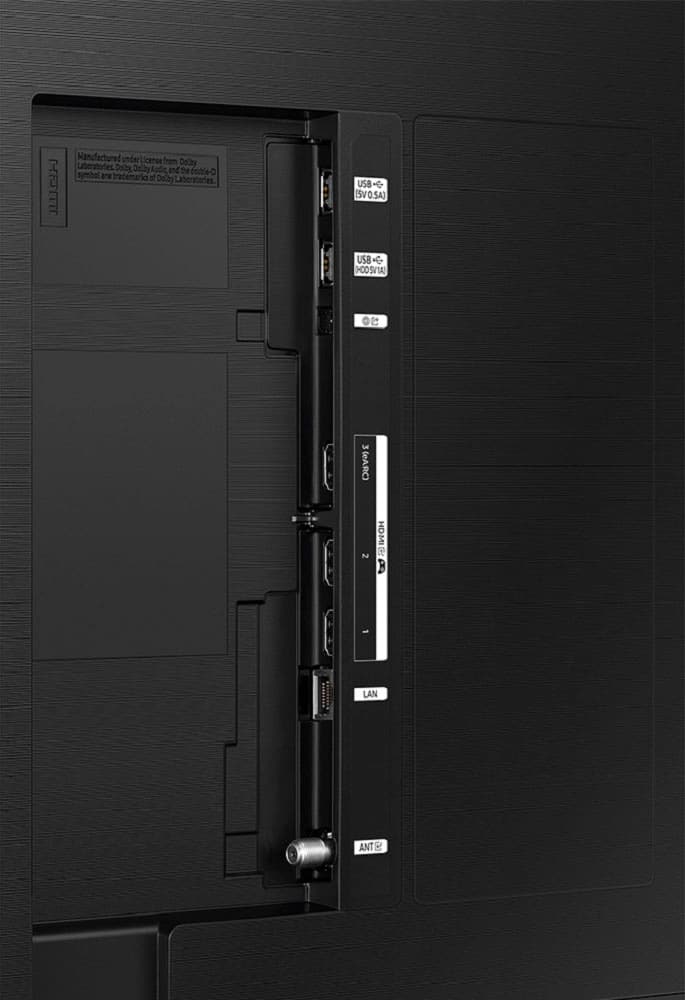



- Model:
- UN85CU8000FXZA
- SKU:
- 6537369
Rating by feature
- Picture Quality
Rating 4.7 out of 5 stars
- Sound Quality
Rating 4.5 out of 5 stars
- Brightness
Rating 4.7 out of 5 stars
Customers are saying
Customers praise the 85" Class CU8000 Crystal UHD 4K Smart Tizen TV (2023) for its exceptional picture quality, vibrant colors, and ease of use. Many appreciate the large screen size and find the price to be reasonable for the features offered. Positive feedback also highlights the sleek design and the convenient remote control. While some mention the TV's weight, overwhelmingly, reviews are positive.
This summary was generated by AI based on customer reviews.
Good while it lasted
||Posted . Owned for 1 year when reviewed.This reviewer received promo considerations or sweepstakes entry for writing a review.It was good while it lasted. The screen went out 2 days past its warranty. Best Buy and Samsung said sorry about your bad luck.
No, I would not recommend this to a friendNot the best option
||Posted . Owned for 3 weeks when reviewed.This reviewer received promo considerations or sweepstakes entry for writing a review.Not great. We returned it. The apps freeze no matter which you were trying to watch.
No, I would not recommend this to a friendBrand response from Samsung
Posted .Hi Imejia003,
It’s unfortunate to hear of the issues that have caused you to return your CU8000 TV. Your experience is very important to us and will be shared with our product team. Should you ever decide to give Samsung TVs another try and have questions or need help with settings, setup, or features, please know we’re here to help. Call us at 1-800-SAMSUNG, 8 AM – 12 AM EST, seven days a week. LiveChat with an agent, as well as manuals, software, and warranty info, can be found at the ‘Support’ link on our Samsung website.
We hope to regain you as a customer in the future.
~Samsung Advisor
Pretty awful if you pay much attention to colors
||Posted .This reviewer received promo considerations or sweepstakes entry for writing a review.You cannot get this TV set to show orange. Everything is red. It also was pretty awful for football. Just not what I expected. I have a Samsung frame TV and it's in a different class. I am having this returned to get a QLED. If that one doesn't work, I'm done with Samsung for large TVs.
No, I would not recommend this to a friendBrand response from Samsung
Posted .Hi CollinH,
We appreciate your feedback on the CU8000 TV's image quality. I have a few recommendations that may improve your experience.
First, let's ensure you are running the latest Firmware Update. Go to Settings> Support> Software Update.
Next, please try the following troubleshooting steps to resolve the color issues you are seeing:
1. If any external devices are connected, check all input cable connections.
2. Try changing channels using the remote control. Is the issue the same on all channels?
3. Press the Home button (looks like a house), select Source, and choose another input source. Is the issue the same on all sources?
4. If the same problem persists, run a diagnostic test. (Home > Settings > Support > Device Care > Self Diagnosis > Picture Test)
5. If the problem disappears during the test, check your TV signal (Home > Settings > Support > Device Care > Self Diagnosis > Signal Information) to check the signal strength. The signal strength must be more than 20 dB (more than 4 bars on the icon) for stable signal reception
Should your issue persist, please contact Samsung Customer Support at 1-800-SAMSUNG, 8 AM - 12 AM EST, seven days a week. Our LiveChat agents are also available by clicking on the ‘Support’ link on our website.
~ Samsung Advisor
Warranty
||Posted . Owned for 1 year when reviewed.This reviewer received promo considerations or sweepstakes entry for writing a review.Get the extended warranty TV didn’t last but a year LED lights went out.
No, I would not recommend this to a friendeArc issues
||Posted . Owned for 3 weeks when reviewed.This reviewer received promo considerations or sweepstakes entry for writing a review.Samsung’s eArc connection to AV receiver needs fixed. It will not stay connected to receiver or sound bar. Google this issue before purchasing a Samsung TV.
No, I would not recommend this to a friendBrand response from Samsung
Posted .Hi HerbC,
Thank you for letting us know about the HDMI issues you are experiencing on the Samsung CU8000 TV. Please try the following troubleshooting tips:
First, please ensure the HDMI cable is securely inserted into the TV and Sound Bar. It should not be loose at all.
Next, please try the following:
1) Power off all HDMI devices connected to the TV
2) Disconnect all HDMI cables from the TV
3) Power off and unplug the TV's power cord from the wall outlet
4) Press and hold the TV power button for 30 seconds
5) Reconnect HDMI cables back to the HDMI ports on the TV
6) Replug the TV's power cord back into the wall outlet and check the TV.
Finally, using HDMI Troubleshooting, you can check the connection to HDMI cable and external devices (takes approx. 2 minutes). Source > Connection Guide > Video Device > HDMI Troubleshooting.
For further assistance, please know we’re here to help. You can call us at 1-800-SAMSUNG, 8 AM - 12 AM EST, seven days a week. Our LiveChat agents are also available by clicking on the ‘Support’ link on our website.
~ Samsung Advisor
Terrible TV
||Posted .This reviewer received promo considerations or sweepstakes entry for writing a review.Bottom right hand corner is black and extremely hot to the touch. This tv isn’t even 2 years old. It’s a fire hazard, and useless now.
No, I would not recommend this to a friendSamsung and Best Buy customer service stinks.
||Posted .This reviewer received promo considerations or sweepstakes entry for writing a review.Piece of crap. Best buy warranty isnt any better. Would not buy again or their warranty
No, I would not recommend this to a friendbroken after just 15 months
||Posted . Owned for 1 year when reviewed.This reviewer received promo considerations or sweepstakes entry for writing a review.After just 15 months, it started to get dark in the middle of the screen and then after a couple of days will not power ON anymore. Not done paying yet and broken already...
No, I would not recommend this to a friendsay its in stock
||Posted . Owned for less than 1 week when reviewed.This reviewer received promo considerations or sweepstakes entry for writing a review.This store i used to shop at all the time, i will not use this store anymore. They say they have it in stock on line, you go to get it and they go and check and o we just sold it. Wow really never using them again. And the people that work there don’t care. They did not even try to make it right. Not the first time. And the geek squad never use them. At less at this store.
No, I would not recommend this to a friendBrand response from Samsung
Posted .Doey1967,
We appreciate you sharing your in-store purchase experience with us. You may want to consider providing feedback directly to the Best Buy store where you made your purchase.
Should you have questions on the CU8000F TV itself, Samsung is here for you. You can reach us at 1-800-SAMSUNG, 8AM - 12AM EST, 7 days a week. Our LiveChat agents are also available by clicking on the ‘Support’ link on our website.
~ Samsung Specialist
Samsung worse tv
||Posted . Owned for 1 year when reviewed.This reviewer received promo considerations or sweepstakes entry for writing a review.Bought this tv 1.5 years ago (Nov 23). Tv will not turn on and started the other day with shadow lines on half the tv
No, I would not recommend this to a friendGave out before a Year
||Posted .This reviewer received promo considerations or sweepstakes entry for writing a review.Did not last a year and the TV did not turn on amd stayed flashing on a corner.
No, I would not recommend this to a friendSpeakers ate not very loud
||Posted . Owned for 3 weeks when reviewed.This reviewer received promo considerations or sweepstakes entry for writing a review.Im gonna have to buy a sound bar just to get the full effect. Not very loud .
No, I would not recommend this to a friendBrand response from Samsung
Posted .Hi JoeG,
Thank you for sharing your experience with low volume on your CU8000 TV. Please know there are several volume features you can adjust, which may improve your audio experience.
1) Auto Volume automatically adjusts the sound to a certain level when changing channels or switching to another external input. Go to Settings > All Settings> Sound > Expert Settings > Auto Volume.
2) Adaptive Sound automatically adjusts to a specific volume level while watching TV. The TV analyzes your volume usage history by time period to automatically adjust the volume when you use an app or switch to an external input source. Go to Settings> All Settings> Sound> Sound Mode> Adaptive Sound.
3) Several Sound Modes are likewise available to meet your personal preferences: Home > Settings > All Settings> Sound > Sound Mode.
Also, some sources have their own volume control, which might need to be set higher. Please check the volume control of the external device (cable box or satellite box, DVD, Blu-ray, etc.) connected to your TV. Also, check the cable connection between an external device and the TV and then try the cable connection again.
I hope this helps improve your audio experience. Should you need further assistance or have any questions, please contact Samsung Customer Support at 1-800-SAMSUNG, 8 AM - 12 AM EST, seven days a week. Our LiveChat agents are also available by clicking on the ‘Support’ link on our website.
~ Samsung Advisor
Simply Awful
||Posted . Owned for 1 month when reviewed.This reviewer received promo considerations or sweepstakes entry for writing a review.Not only is the television damaged, but the disrespectful treatment I received from Best Buy and its' "partners" was terrible. I have been a Best Buy customer for many years, but I will never buy another item from you again. Best Buy, you should be ashamed of yourselves...
No, I would not recommend this to a friendBrand response from Samsung
Posted .Hi there,
I'm very sorry to hear about your negative experience purchasing a Samsung CU8000 TV at Best Buy. Please know your feedback is important to us and will be shared with our internal teams. I do recommend reaching out to your local Best Buy directly and sharing your feedback there as well.
If there’s anything we can help with, please do not hesitate to call us at 1-800-SAMSUNG, 8 AM - 12 AM EST, seven days a week. Or visit us on the Samsung website and click on the ‘Support’ link for:
1) LiveChat
2) Manuals, Software, & Warranty Info
~ Samsung Advisor
Detective
||Posted . Owned for 1 year when reviewed.This reviewer received promo considerations or sweepstakes entry for writing a review.I bought this TV on Nov 2023 and it only lasted a little over a year. Worst purchased ive ever made.
No, I would not recommend this to a friendBad
||Posted .This reviewer received promo considerations or sweepstakes entry for writing a review.Broken after 18 month without any reason. Frustrated
No, I would not recommend this to a friendMr.
||Posted . Owned for 1 month when reviewed.This reviewer received promo considerations or sweepstakes entry for writing a review.Overcharged for installation of multiple TV and other components.
No, I would not recommend this to a friendBrand response from Samsung
Posted .Hi RalphP,
I'm sorry to hear that you were overcharged for installation. I recommend getting in touch with your local Best Buy for more assistance. If you have any questions or need help with your new TV, please give us a call call at 1-800-SAMSUNG, 8 AM - 12 AM EST, seven days a week. Our LiveChat agents are also available by clicking on the ‘Support’ link on our website.
Thanks for being a part of the Samsung family!
~ Samsung Advisor
TV Is Not Reliable
||Posted . Owned for 3 weeks when reviewed.This reviewer received promo considerations or sweepstakes entry for writing a review.I wouldn’t even give it a one star….we bought this tv and in two weeks and burnt out and coke to find out a few others had the same problem with this tv and some of the workers told us….
No, I would not recommend this to a friendBrand response from Samsung
Posted .Hi Oakley,
I'm truly sorry to hear about your experience with the CU8000 TV going out on you in two weeks after purchase. Samsung is committed to providing the best possible product experience, quality, and value. We back this Samsung TV with a 1-year limited manufacturer's warranty, including authorized repair for manufacturer defect, if purchased brand-new directly from an authorized seller.
Please give us a call so we can schedule a warranty appointment. You can call us at 1-800-SAMSUNG, 8 AM - 12 AM EST, seven days a week. Our LiveChat agents are also available by clicking on the ‘Support’ link on our website.
~ Samsung Advisor
Broke one month after warranty expired
||Posted . Owned for 1 year when reviewed.This reviewer received promo considerations or sweepstakes entry for writing a review.Broke one year and one month after purchase. Sony is better quality
No, I would not recommend this to a friendnot satisfied
||Posted . Owned for 3 weeks when reviewed.This reviewer received promo considerations or sweepstakes entry for writing a review.it did not come with the foot stands and no remote--I can not rate the item because I cant use it yet!!!
No, I would not recommend this to a friend- Pros mentioned:Picture quality
Solid purchase
Posted .This reviewer received promo considerations or sweepstakes entry for writing a review.The tv is great , the picture quality is perfect , my only complaint is be careful when lifting the tv the tv does flex . when i had the geek squad install the tv they lifted at separate times and the tv flexed and then i got some what splotches around the corners where it was lifted i called for a replacement and they had it out to me in 5 days.The tv is thin which is great sits flush if you wall mount it. This was a solid purchase despite the small issue
I would recommend this to a friend