Customer Ratings & Reviews
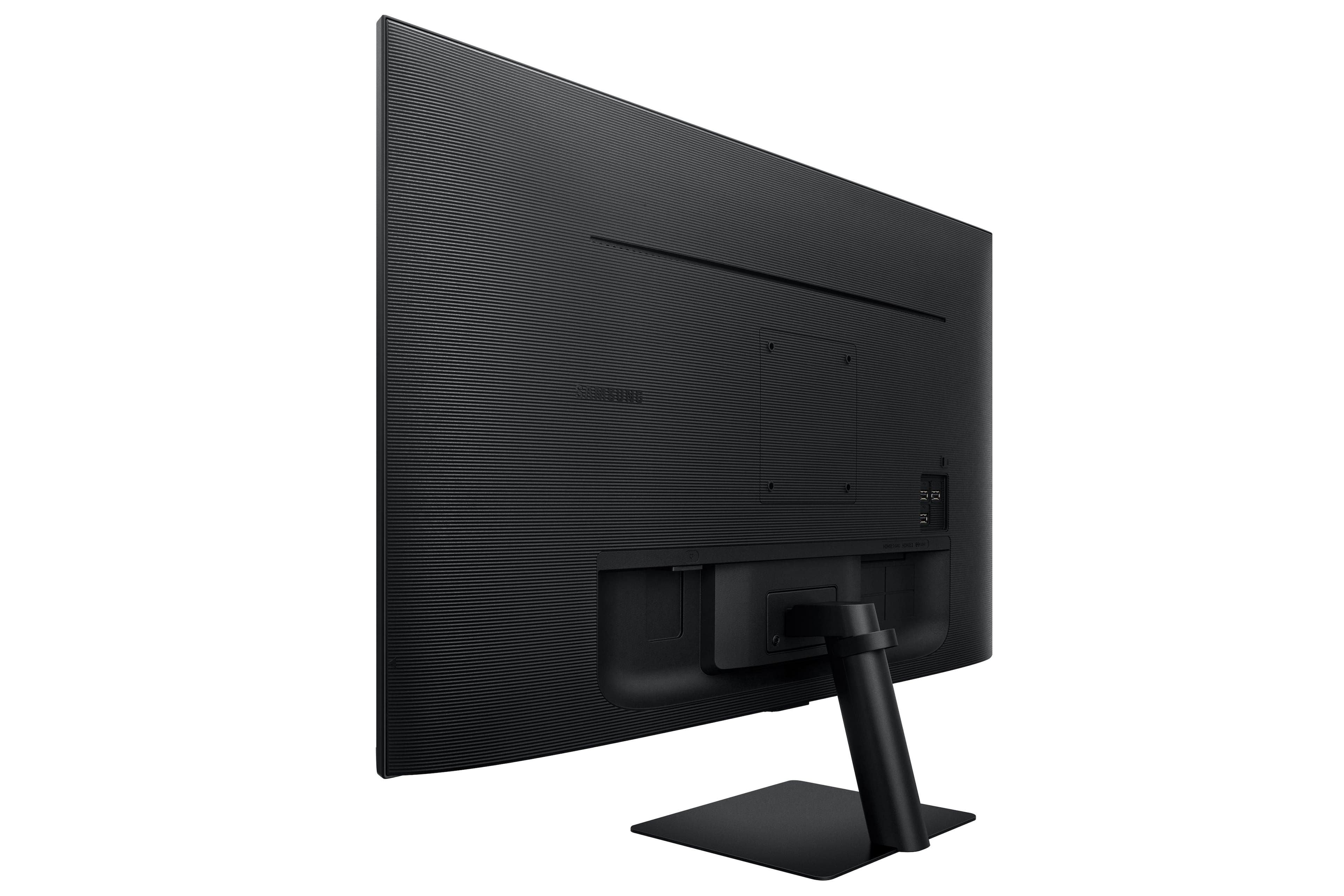
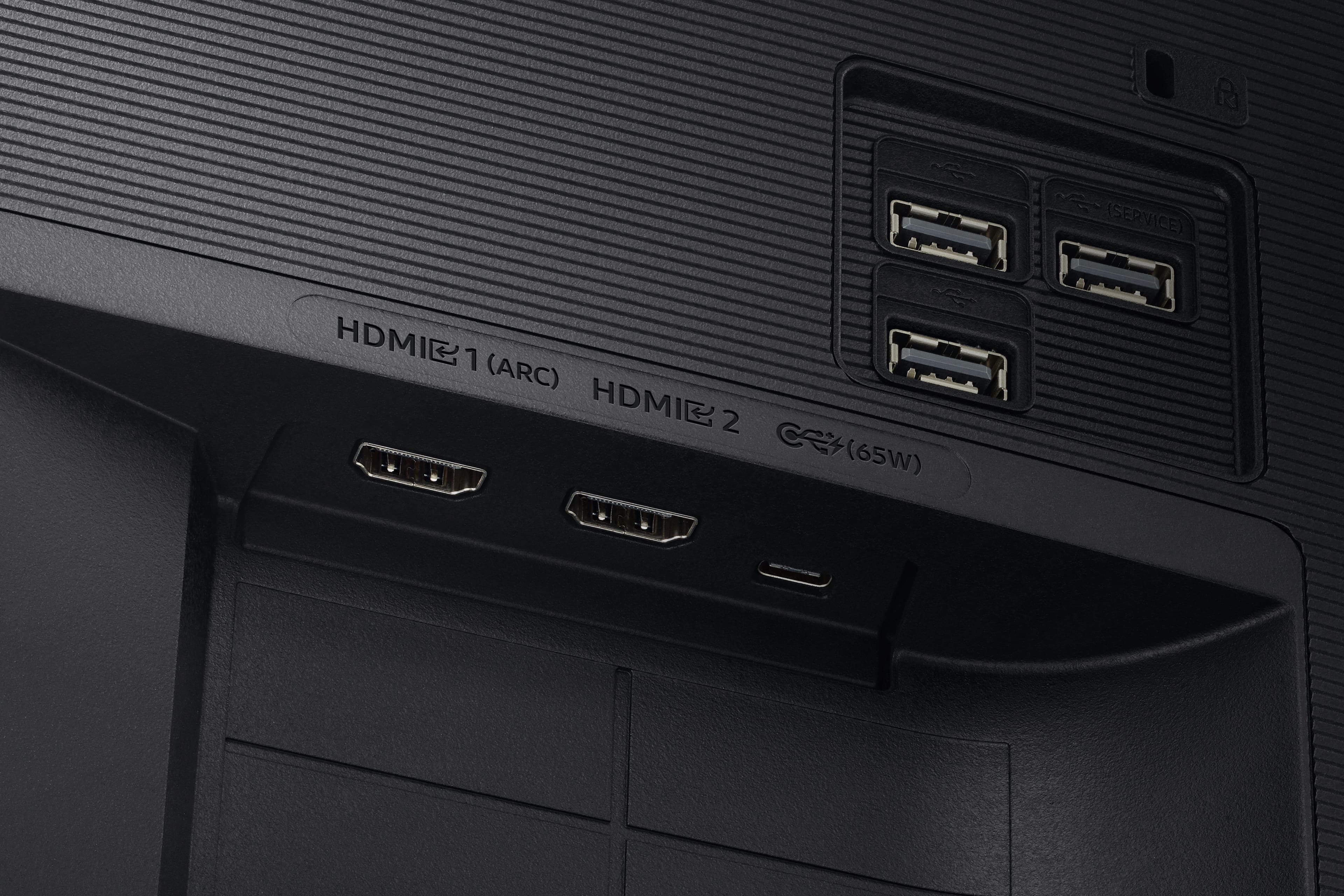
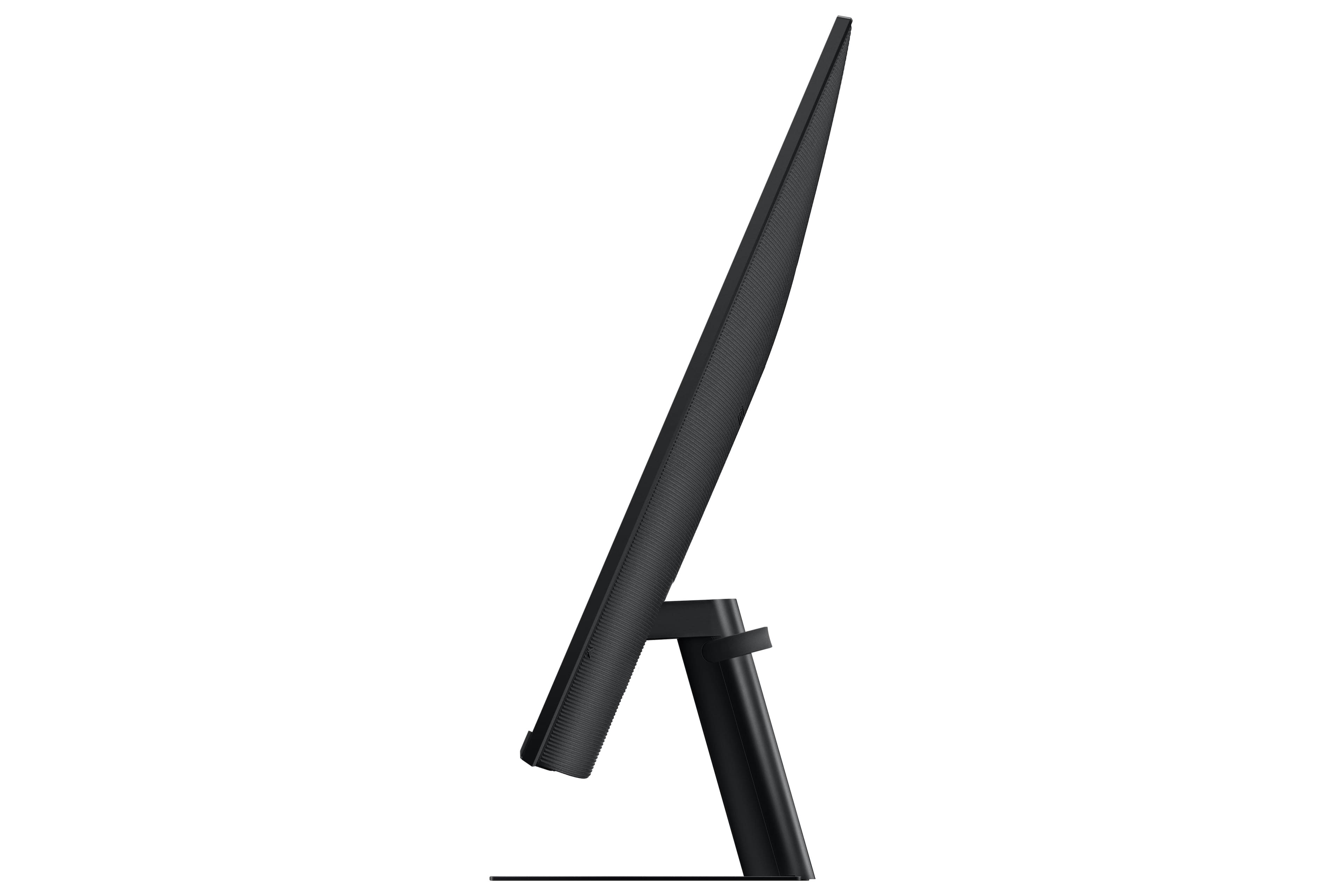
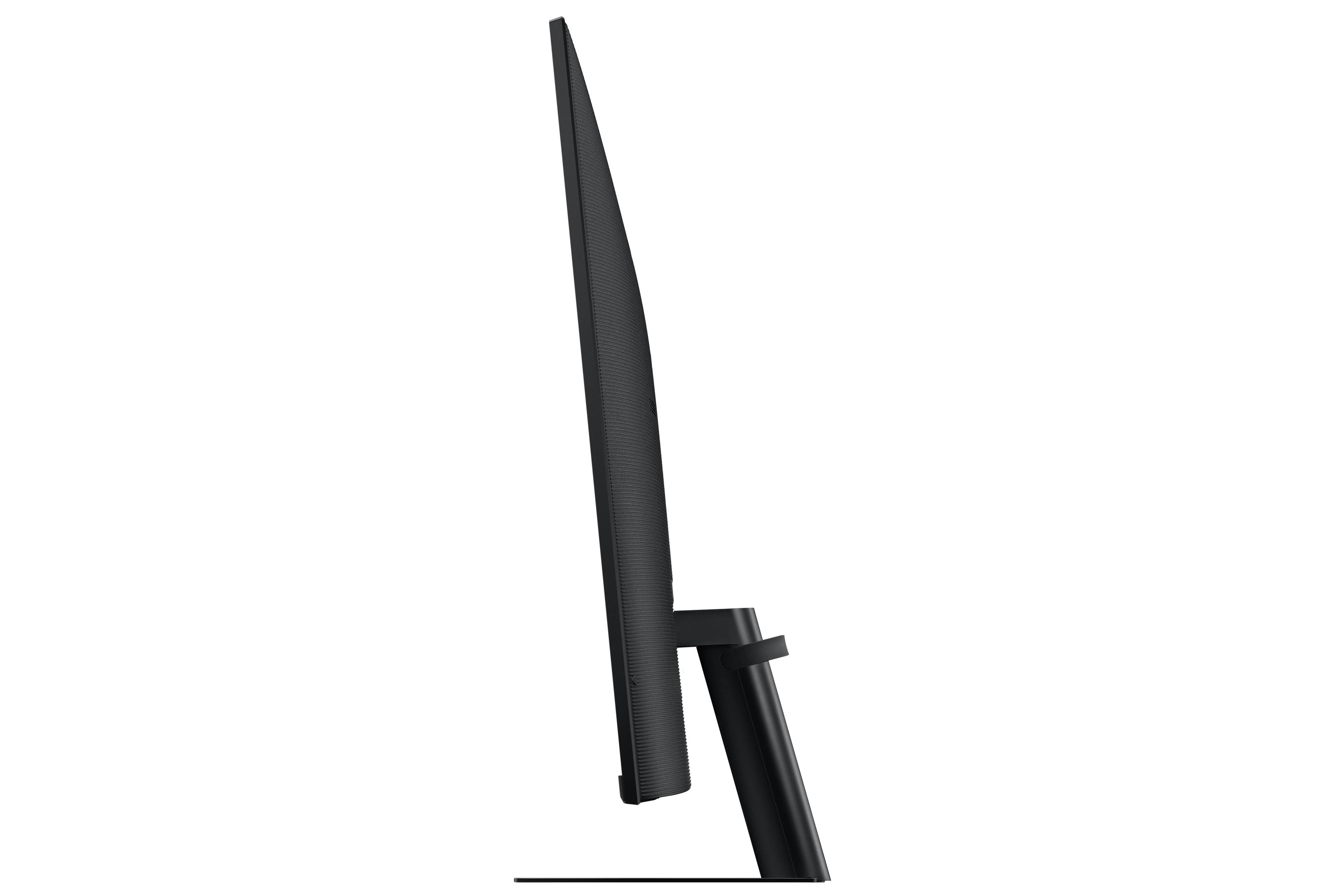
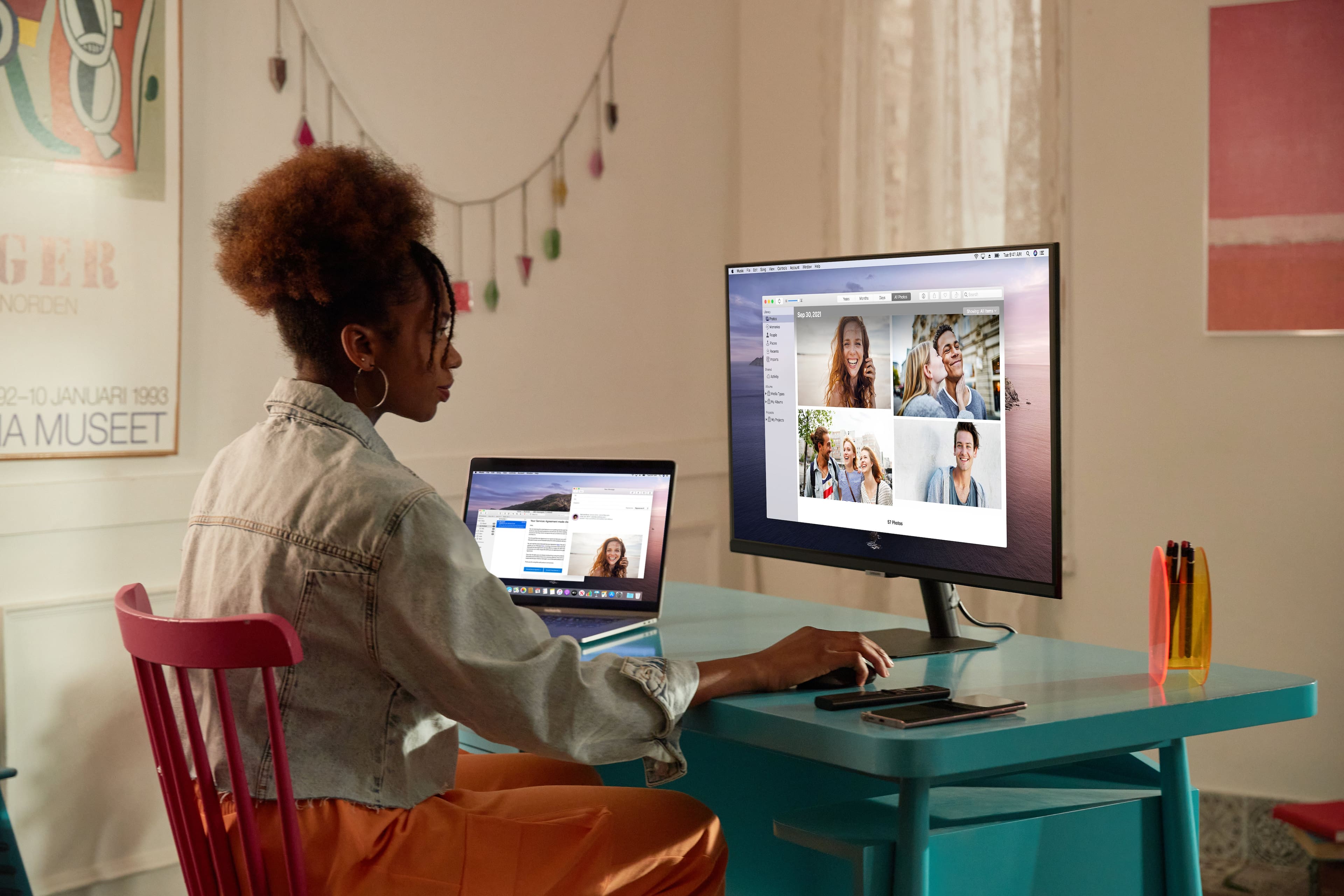
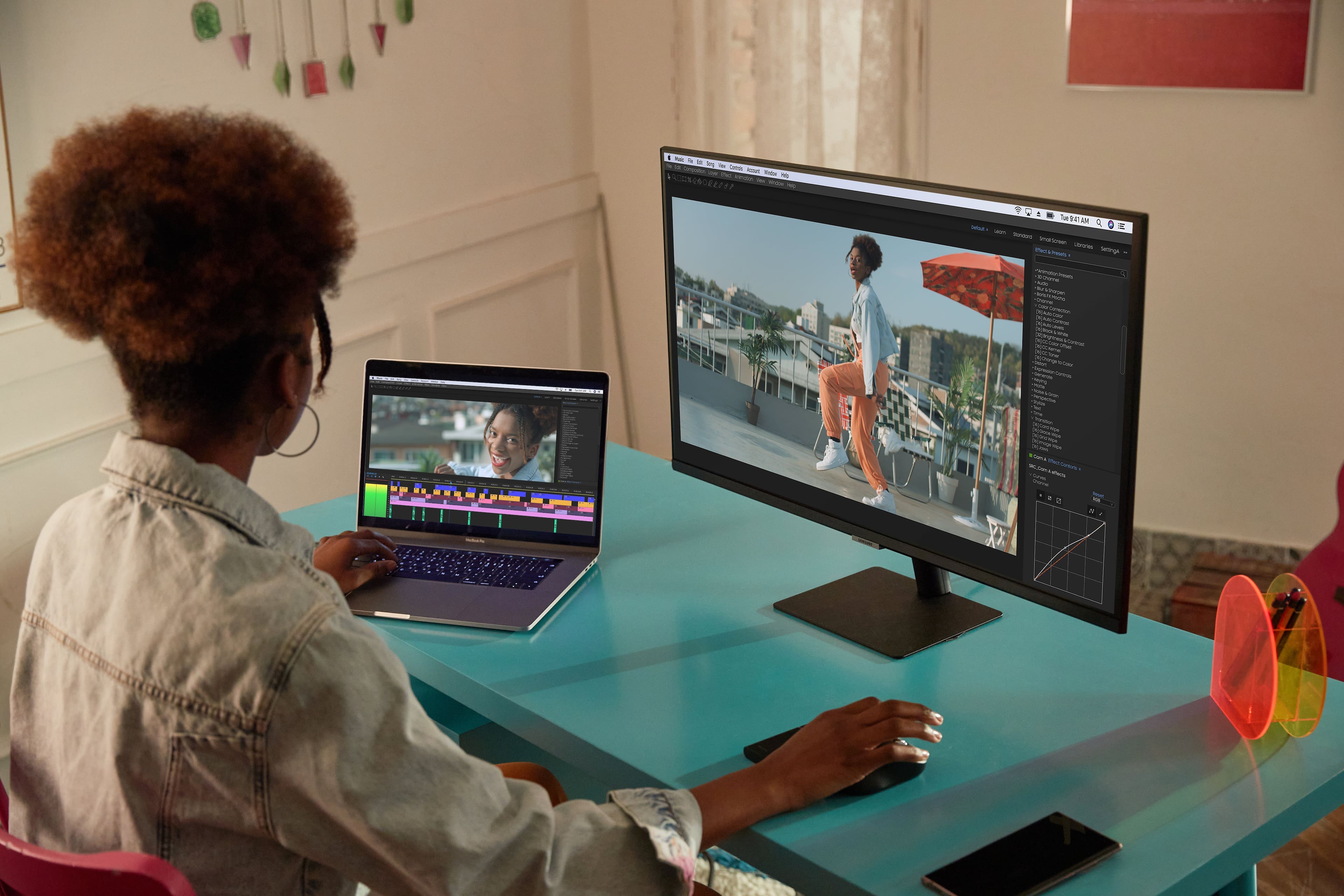
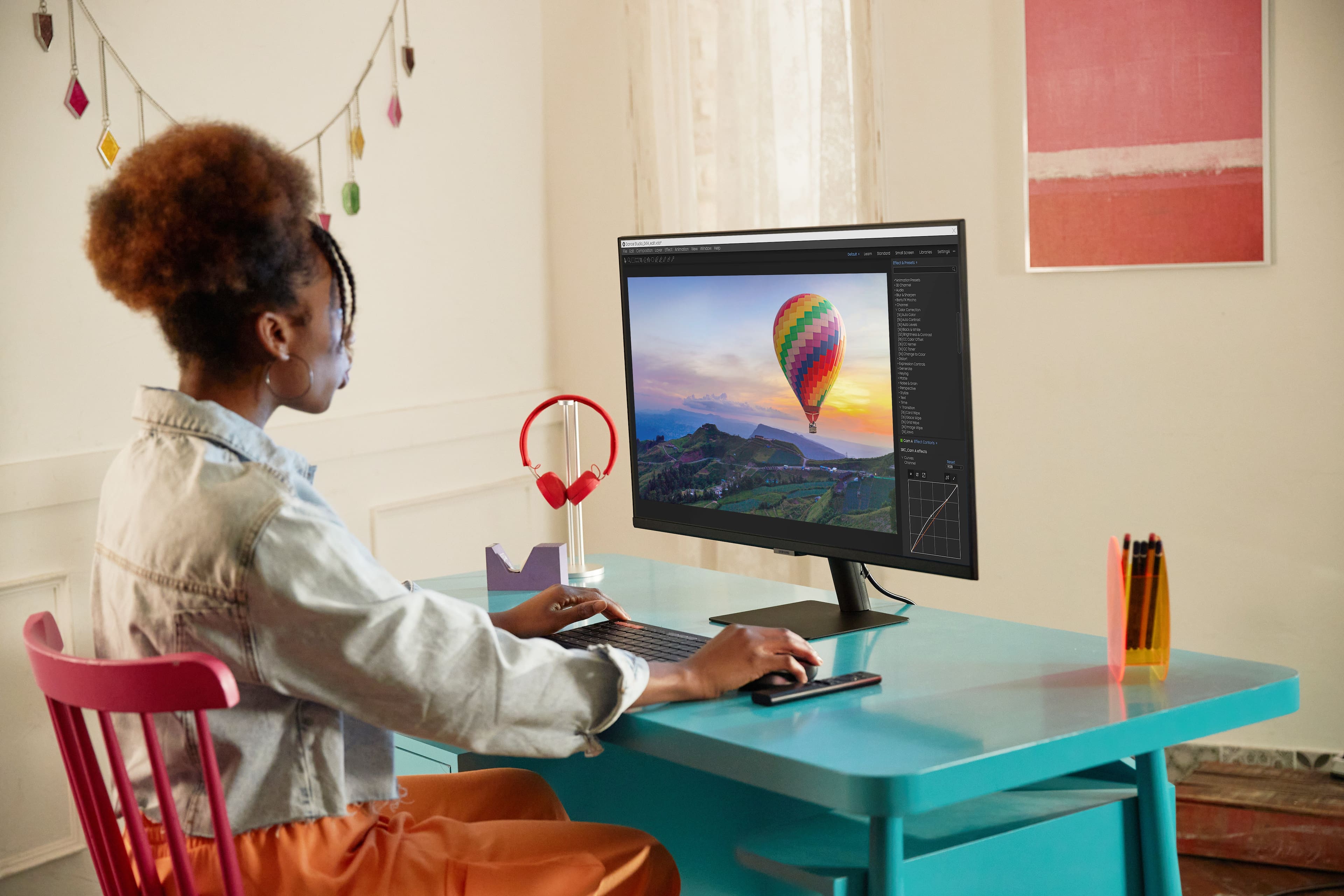
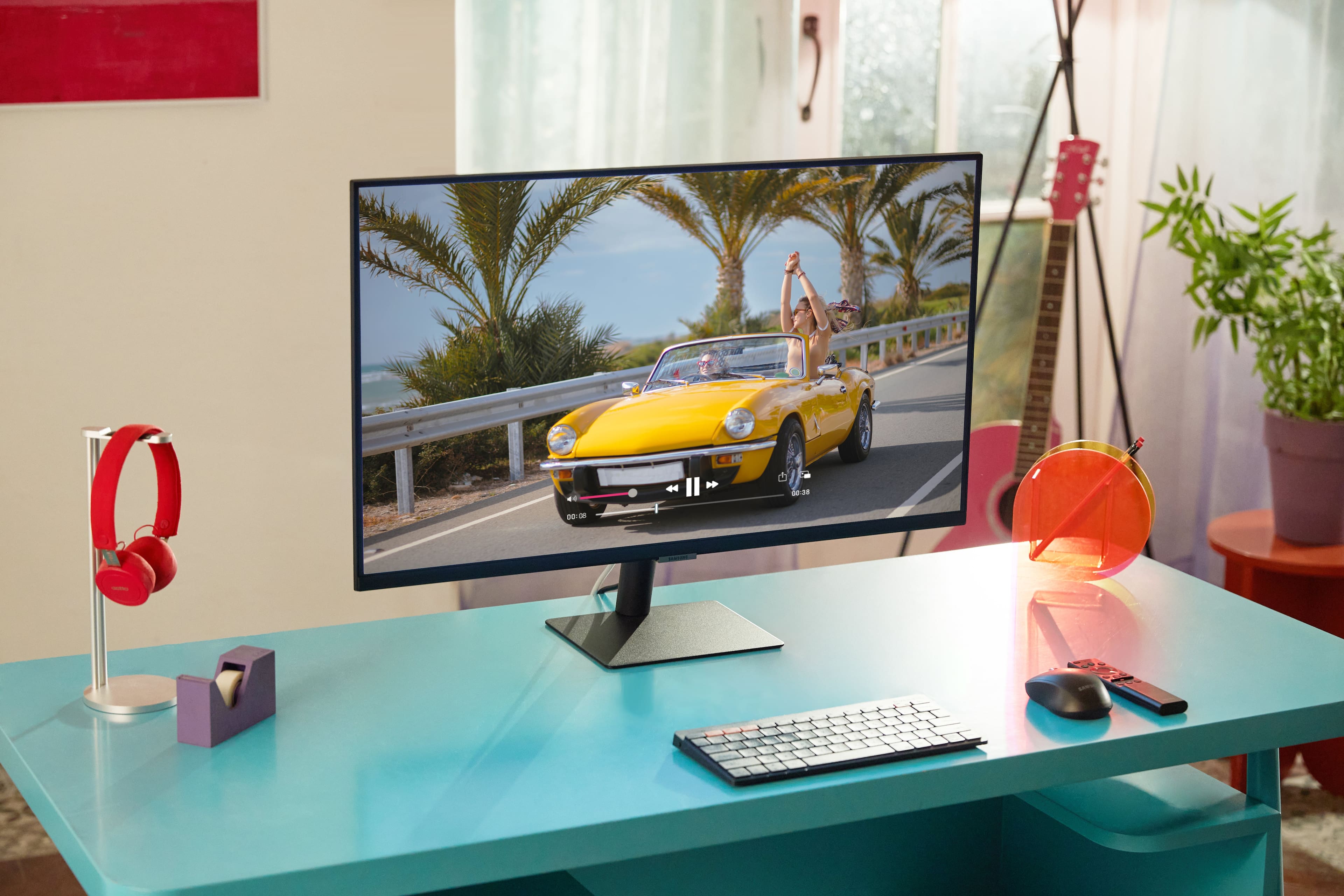
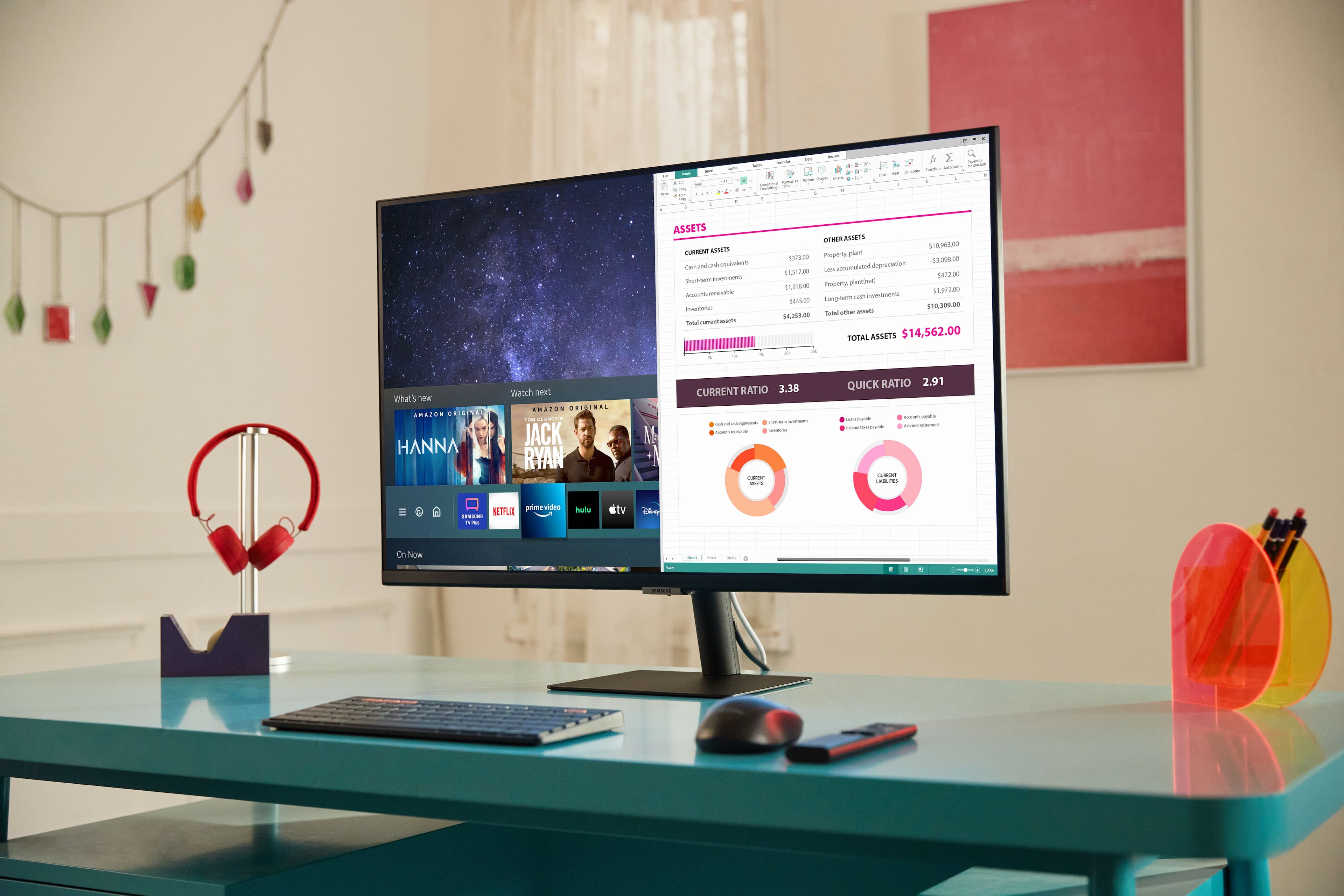




- Model:
- LS32AM702UNXZA
- SKU:
- 6437811
Rating by feature
- Display Quality
Rating 4.7 out of 5 stars
- Ease of Use
Rating 4.3 out of 5 stars
- Features
Rating 4.6 out of 5 stars
Customers are saying
Customers praise the AM702 Series monitor's excellent picture quality and the convenience of its USB-C connectivity. Many appreciate the ease of use and the inclusion of built-in speakers and smart TV features. However, some users note that the brightness could be improved, and the refresh rate may not be sufficient for all users. Concerns were also raised regarding the sturdiness of the stand and viewing angles.
This summary was generated by AI based on customer reviews.
Terrible purchase decision
||Posted . Owned for 3 months when reviewed.This reviewer received promo considerations or sweepstakes entry for writing a review.Not reliably built. I’ve had it for only 3 and half months and and it already has dead pixels.
No, I would not recommend this to a frienddied in two days
||Posted . Owned for less than 1 week when reviewed.This reviewer received promo considerations or sweepstakes entry for writing a review.Worked for two days and screen went blank(can still hear sound and see menu)
No, I would not recommend this to a friendUSB-C stopped working
||Posted . Owned for 2 weeks when reviewed.This reviewer received promo considerations or sweepstakes entry for writing a review.The USB-C worked at first, then off and on, then stopped working 3 weeks in.
No, I would not recommend this to a friendNone
||Posted . Owned for 1 month when reviewed.This reviewer received promo considerations or sweepstakes entry for writing a review.No call back no servie no good no good very disappointed
No, I would not recommend this to a friend- Pros mentioned:Picture quality

Good 32 inch smart monitor
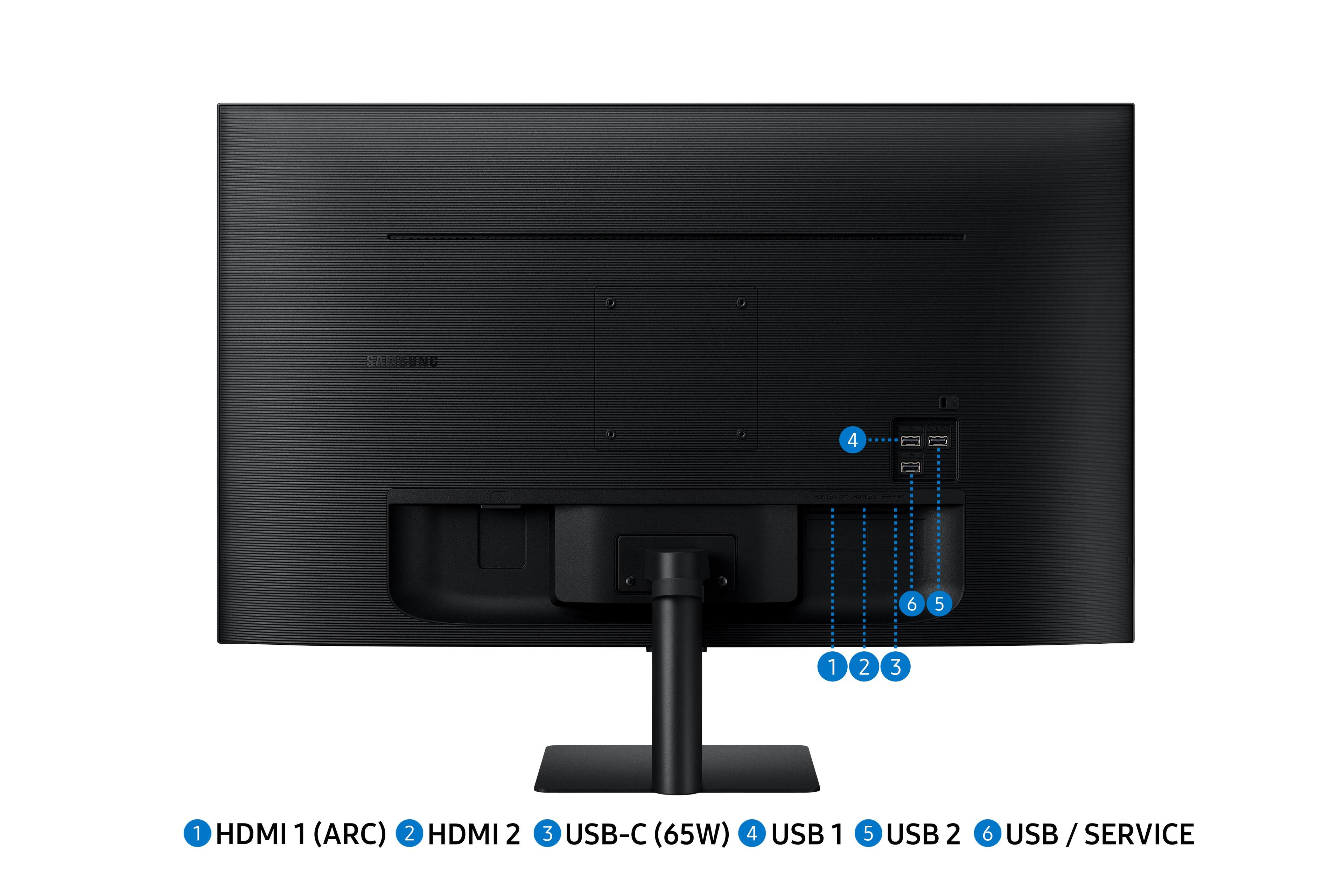
|Posted .This reviewer received promo considerations or sweepstakes entry for writing a review.The Samsung AM702 Smart monitor is a good value at this price point. You essentially get a great computer monitor and smart TV in one package. The monitor requires very little setup to get going. You will need a screw driver to tighten the screws on the base or you also have the option of mounting the monitor on the wall. Once you power up the monitor the settings such as the Wi-Fi network and streaming app sign in can all be completed via the included remote. The monitor follows the design cues that you find on most Samsung smart TV's theses days. The monitor features minimal bezels and it is fairly thin for a 32 inch monitor. The speakers are decent but the sound is not going to blow you away compared to an external speaker or sound bar. The monitor features 2 HDMI input ports, 1 USB C port and 3 standard USB ports. Like most smart tv's these days the monitors will auto switch sourced depending on which one is active. The monitor also features airplay which is useful if you want to share your iPhone or iPad screen . For those of you that own Samsung smartphones the monitor also feature wireless Samsung Dex that allows you to turn your phone into a portable workstation. Viewing angles are adequate since this is intended to be a smart monitor and not a smart TV. Personally I had no issues connecting this monitor to my desktop or laptop and I had no issues with brightness or build quality as described in some other reviews. Picture quality was also very nice for specs of the monitor. I believe that you should consider this monitor if you are in the market for a larger monitor with a few added features.
I would recommend this to a friend Monitor with lots of tricks
|Posted .This reviewer received promo considerations or sweepstakes entry for writing a review.I wasn't quite sure what to expect when getting this Samsung - AM702 Series monitor, but was pleasantly surprised by how much I like it. To start with, this is a 4k 32-inch monitor. It's big. If you are sitting close to it, some might think that it is too big. I've got mine sitting next to a 27-inch monitor and like how they work together. You will need a lot of desk space for it though. It has fantastic image quality all the way up to 4K and saw no ghosting or color problems when watching fast-moving videos. At lower resolutions, you still get nice clean images. What makes this monitor unique is that it is a smart monitor. Without the use of a computer, you can access all of the popular streaming apps and a whole lot more. Hook up a keyboard and mouse and you can browse the web with the included web browser or fire up a free web version of Microsoft Office 365. The free version of Office 365 isn’t as powerful as the full-blown commercial product but is still very full featured. Other apps included with the monitor include Netflix, Prime Video, Hulu, Disney +, Apple TV, Vudu, and YouTube. Go to the Samsung Apps Store and choose from dozens of other apps designed to work with the monitor, including HBOMax, iHeart Radio and many more. Other unique features include Samsung DEX support allowing you to control your Samsung smartphone from the monitor. You can also use the “Tap Smart View”. With this turned on, you can tap the monitor with your Samsung smartphone and it will quickly connect your phone as the input source for the TV. You can cast your Android device to the monitor and can even use the monitor to connect to a remote PC using RDP. It really is quite powerful. The monitor has USB-A, USB-C, and HDMI connectors. Seeing as this is supposed to be a monitor first and foremost, it would be nice to have some other video connection ports such as DVI or VGA. The lack of those port types does put some limits on its uses if you have an older PC. Another slight drawback is the remote. The remote is the same remote that is included with Samsung Smart TVs. It has a limited number of buttons, making it a little difficult to use in some of the apps. Overall, I love the monitor. I use it all day for work and play. For everyday use, I highly recommend it.
I would recommend this to a friendVersatile middle of the road
|Posted .This reviewer received promo considerations or sweepstakes entry for writing a review.Samsung - AM702 Series LS32AM702UNXZA 32" Smart Tizen 4K UHD Monitor First, although owner’s manual can be found online, I still do prefer a paper copy to flip through. Installation of the stand does require a screwdriver. The Samsung - AM702 Series LS32AM702UNXZA 32" Smart Tizen 4K UHD Monitor assembled with stand is quite lightweight considering the screen size. That’s kind of a good thing, it’s pretty much all plastic, some users would prefer the heft and solid feel of metals. One disappointment is the stand not adjustable. It really fills in a nice niche between work productivity and entertainment in one unit. To be honest all monitors should be like this. It includes built in apps for streaming. Has HDMI connections to attach peripherals such as cable boxes. Don’t expect it to have the picture quality of a dedicated UHD/QLED TV, but the overall 4K picture quality is not bad for its dual purpose capability. Serving a dual purpose as a monitor and TV, the off axis viewing is not that good. The included remote has a nice feature being curved, makes it easier to pick up being it’s so slim. Audio quality is pretty good for being a monitor, definitely better than using the laptop audio. Being a 32” monitor, it’s pretty decent for a small room or office use. Would be nice if the Samsung - AM702 Series LS32AM702UNXZA 32" Smart Tizen 4K UHD Monitor had split screen capability. Setup and connections were pretty simple with the onscreen prompts. Over all this monitor slots in nicely between a TV and a monitor. I’m quite actually happy with its dual purpose, I’m not sure if it would actually increase productivity, :)
I would recommend this to a friendThe only screen you'll need in your office
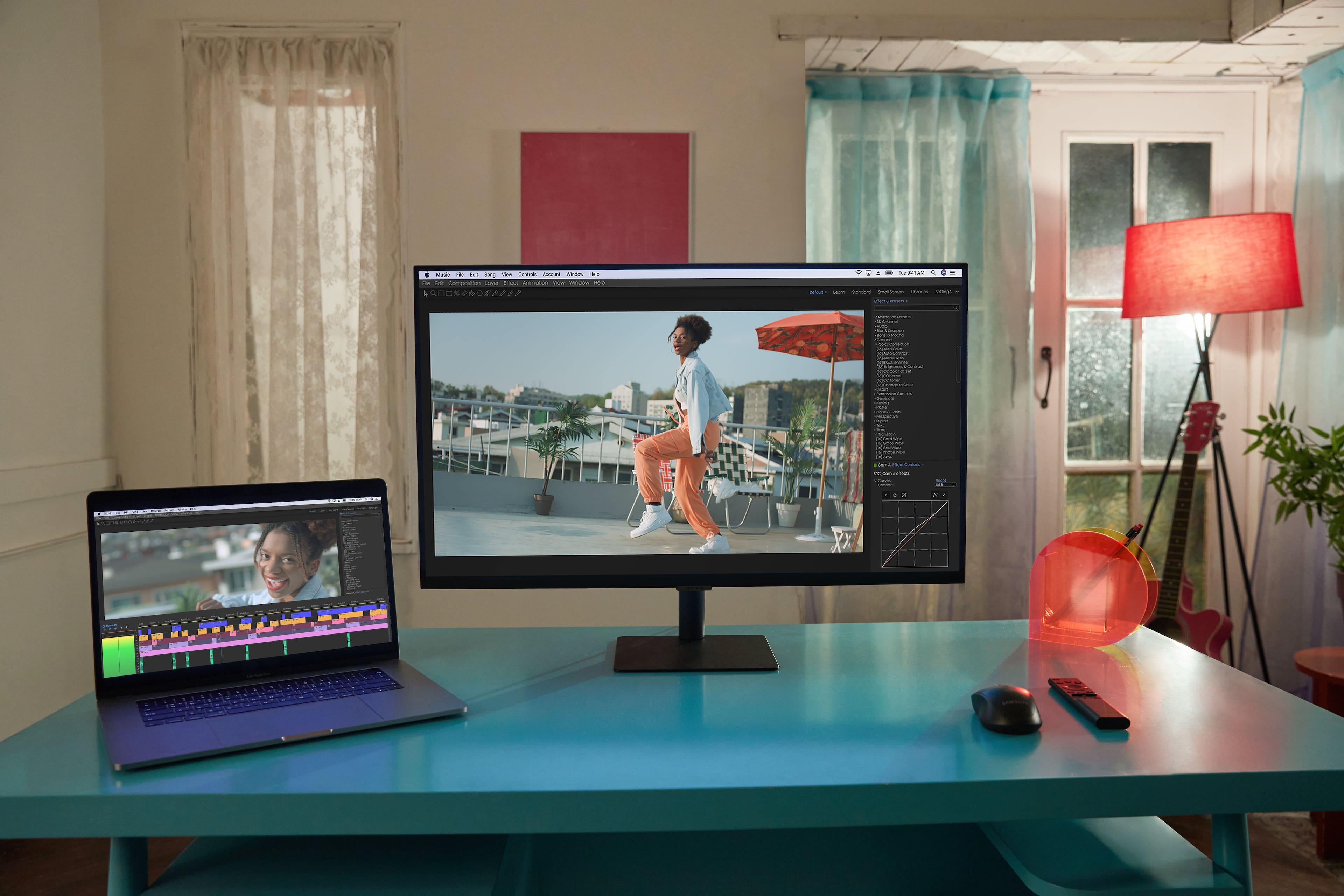
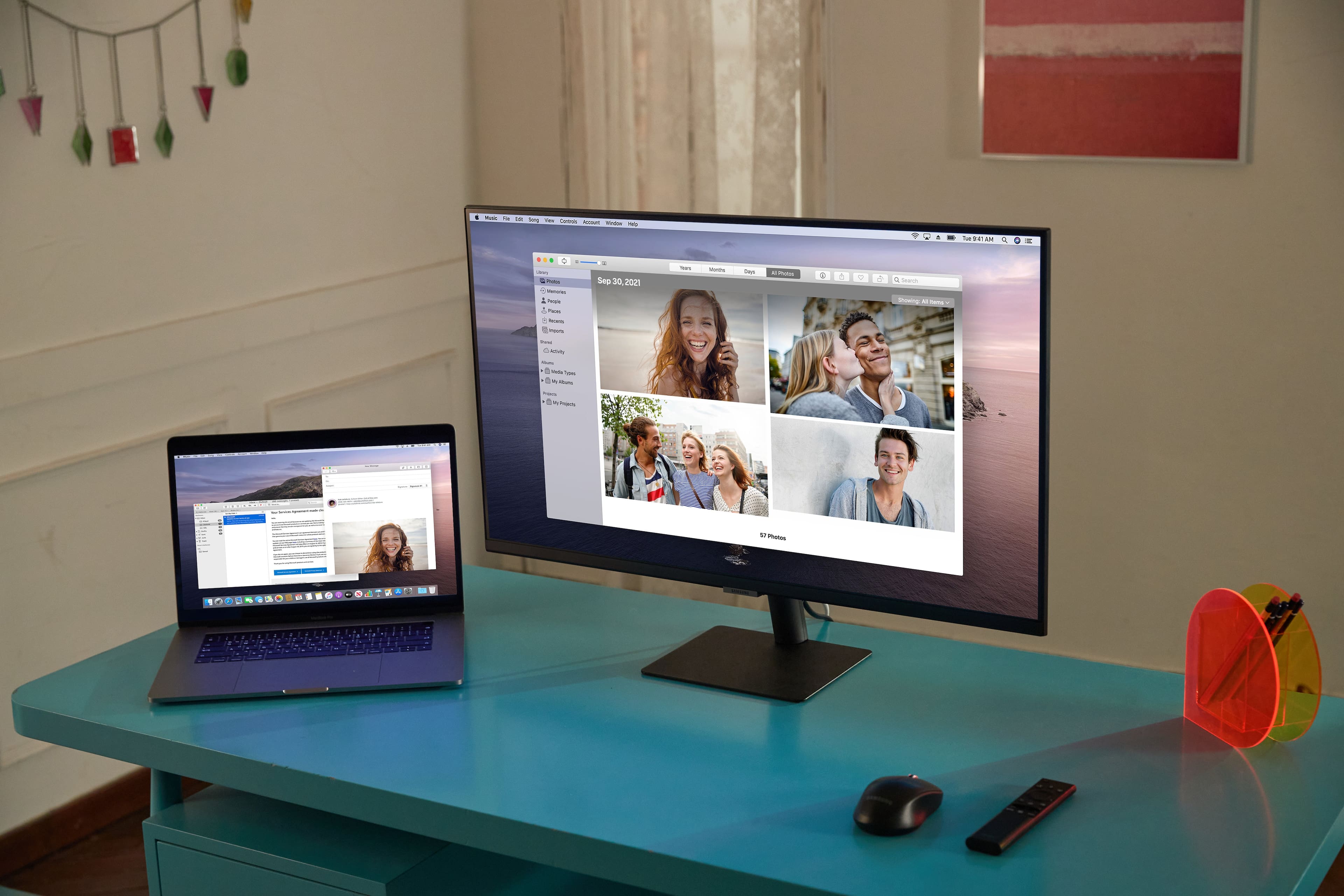
|Posted .This reviewer received promo considerations or sweepstakes entry for writing a review.I've been very impressed with my time with the M7 Smart Monitor. It replaced a 'dumb' monitor in my office that lacked speakers and had only an HDMI and VGA input. The 4K M7 is lightweight, easy to set on a desktop or mount on the wall, and has a ton of useful inputs. In my case, the USB C connection is a huge asset. After I went through the set up process, I connected my Mac Book Air to the M7 via the included USB C cable and discovered two things: One, I could either share or duplicate my screen via the connection, and the connection also supplied power to the Mac Book to keep it charged. One of the challenges with the new Mac Books is their lack of connections, so being able to connect it and charge it via one cable to the M7, leaving a USB C input for other peripherals was fantastic. I have to port into my computer at work, and being able to expand the Mac Book's screen onto the M7 is extremely handy. No more squinting at a 13" screen for typing. I entered my work credentials into the Office 365 app installed on the M7, which allowed me to access everything I had in my work One Drive. I synced a keyboard and mouse with the M7 and was working on reports without having to port into my work computer. No lags, no glitches, no issues. The M7 is a wonderful tool, I'll tell you! I'd be remiss if I didn't mention that the speakers on the M7 are plenty good, and something that I have missed with other plain monitors that I've had in the past. There's no longer a need to buy powered speakers to connect to a computer, the M7 can handle video and audio via it's HDMI inputs. Or, in the case of my Mac Book Air, sound was carried as well as video over the USB-C connection. The USB-C connection also worked with my iPad Pro (2018). the iPad charged while connecting, and the screen was mirrored on the M7. I was also able to select the M7 in the screen sharing menu and share the screen wirelessly. I'm not sure why, but the iPad Pro didn't fill the entire screen of the M7, which was kind of a bummer. Nor could I get my Mac Book Air to see the M7 wirelessly so I could share the screen without connecting it via USB-C. Finally, the M7 also comes with the standard streaming apps we are all used to. Disney +, Netflix, Amazon Prime, Vudu, and Hulu were all easily accessible and the picture is awesome. During my use, the M7 never had the slightest slow down or glitch. It functioned perfectly. I am very impressed by how capable it is. Highly recommended if you want a smart tv and computer monitor all-in-one.
I would recommend this to a friend- Pros mentioned:Picture quality
Decent as a computer monitor
|Posted .This reviewer received promo considerations or sweepstakes entry for writing a review.I'll get this out of the way. I'm a huge supporter of Samsung products. I've never had a bad experience with any of their products. The LS32AM702UNXZA is not up to par with some other products Samsung has manufactured over the years. The monitor is thin, which is good, but why include this with such a bland and generic base. I was surprised to find dead pixels on a brand new monitor as well. The screen dimming function for this monitor is more of a distraction than helpful. The picture quality isn't that great either. Surprisingly the sound quality wasn't bad. I'm not too concerned with that as it's used for work in a well lit room. For those of you that plan to use this for anything other than a computer monitor you will be somewhat disappointed. There are much better products out there for less than what this product costs.
No, I would not recommend this to a friendBrand response from Samsung
Posted .PretzelGuy,
I am very sorry for the dead pixels you have encountered with your Samsung - AM702 Series LS32AM702UNXZA 32" Monitor.
Please contact Samsung Customer Support so that we can better understand your issue and assist with a solution.
You can reach us via any of the below options:
If you need further assistance, we are here to help. You can reach Samsung Support at 1-800-SAMSUNG, available 8AM - 12AM EST (Mon-Fri) / 9AM - 11PM EST (Sat-Sun).
Or visit our Samsung website and click on the SUPPORT link in the upper right corner for:
• Contact Us Options (LiveChat, Remote Support, Facebook, Twitter)
• Product Support
• Manuals and Downloads
• Warranty Info
• Product Registration: Registering your product gives you access to easy warranty support, convenient opt-in to special promos and offers, faster troubleshooting and service, and quick notification of system updates
• Samsung Community: A great resource for getting help from Samsung moderators and customers
• …and more
Registering your product gives you access to easy warranty support, convenient opt-in to special promos and offers, faster troubleshooting and service, and quick notification of system updates.
Samsung stands behind the quality and performance of every product we manufacture, and we back this model with a 1-year manufacturer's limited warranty, if purchased brand-new directly from an authorized seller.
Again, I am very sorry for the inconveniences you have had and hope that we will hear from you soon.
Samsung Monitors
- Cons mentioned:Monitor performance
Not bad
Posted .This reviewer received promo considerations or sweepstakes entry for writing a review.It was pretty great, however, I dont’t know why it kept turning off sometimes randomly and then turning back on while using it with computer.
I would recommend this to a friendBrand response from Samsung
Posted .We are very sorry for the issue you have encountered with your AM702 monitor.
Please contact Samsung Customer Support so that we can better understand your issue and assist with a solution.
You can reach us via any of the below options:
If you need further assistance, we are here to help. You can reach Samsung Support at 1-800-SAMSUNG, available 8AM - 12AM EST (Mon-Fri) / 9AM - 11PM EST (Sat-Sun).
Or visit our Samsung website and click on the SUPPORT link in the upper right corner for:
• Contact Us Options (LiveChat, Remote Support, Facebook, Twitter)
• Product Support
• Manuals and Downloads
• Warranty Info
• Product Registration: Registering your product gives you access to easy warranty support, convenient opt-in to special promos and offers, faster troubleshooting and service, and quick notification of system updates
• Samsung Community: A great resource for getting help from Samsung moderators and customers
Registering your product gives you access to easy warranty support, convenient opt-in to special promos and offers, faster troubleshooting and service, and quick notification of system updates.
Samsung stands behind the quality and performance of every product we manufacture, and we back this model with a 1-year manufacturer's limited warranty, if purchased brand-new directly from an authorized seller.
Again, we are very sorry for the inconveniences you have had and hope that we will hear from you soon.
- Pros mentioned:Picture quality
Excellent monitor
|Posted .This reviewer received promo considerations or sweepstakes entry for writing a review.This is a great choice if you want a multi functional monitor. You can use either for a PC or for entertainment. You can also use with either Android or Apple phones. Picture looks great and can be adjusted with different viewing scenarios. Also has bluetooth built in. Uses most common streaming services like youtube and netflix but I don't see all of them.
I would recommend this to a friend A great all in one monitor
|Posted .This reviewer received promo considerations or sweepstakes entry for writing a review.I got this Samsung monitor as a travel work/entertainment monitor and am definitely happy with it. The built in smart apps make it easy to enjoy all my favorite streaming services. The 4K 60hz resolution gives you an a great picture quality and has multiple preset screen settings as well as a game mode. I have used it with my PS4 Pro and really like how good the screen looks. It also has some easy Samsung connect controls so you can pair your phone or devices and screen share with ease. I have seen some reviews saying that the brightness is low, but I haven't seen any low brightness issues, but I must admit that I use it in my room where I keep it fairly dark. The only negative thing I can say is that I don't like the Bixby voice controls, it was a challenge getting it to recognize my voice so I don't really use it. I have never found a use for the Bixby voice controls even on my phone and really see it as an unneeded feature. Overall, I'm really happy with the monitor and if you need a do everything monitor that is big enough to fully enjoy you shows and do you assignments then I recommend this Samsung Smart Tizen 4K.
I would recommend this to a friend- Pros mentioned:Smart tv
Awesome Monitor
Posted .This reviewer received promo considerations or sweepstakes entry for writing a review.Bought this monitor at a good sale price on Sunday and it was easy to setup and everything worked well. The resolution is great and I love the fact that it is a Smart TV too. The Settings UI/UX experience could be improved. If you want to connect an output device other than a keyboard/mouse then you must go to Sound. If you want to connect your mouse/keyboard then you must go to another menu area. Once I figured this out the connection to all of my bluetooth devices was a breeze. Do note that the monitor doesn't have a camera or mic. This feature would have really earned it 5 stars. I would recommend buying this monitor.
I would recommend this to a friend Reasonable alternative to computer monitors
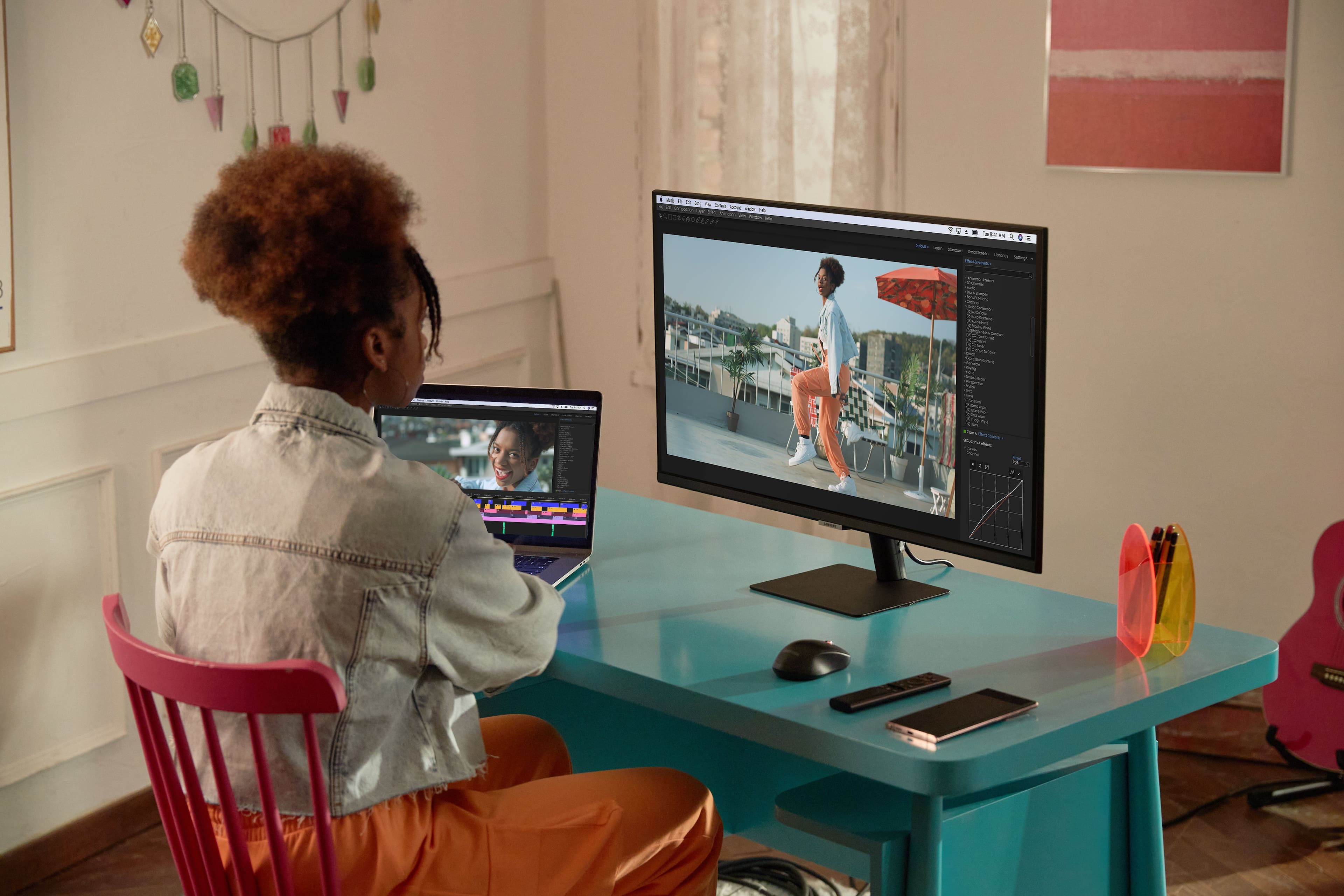
Posted .This reviewer received promo considerations or sweepstakes entry for writing a review.I'm using two of these as computer monitors (along with a 43" version). I don't use any TV or smart functions. I have other Samsung TV's for streaming, etc., but these are exclusively my computer monitors. Previously, I was using consumer grade Samsung TV's for the same, but was interested in giving these a try since I had to repurpose those other screens. Previously, with TV's I was getting the same functionality, but the one annoying characteristic was having to turn the screens on and off with the remote (or with the button). I was hopeful that these semi-computer-monitor versions would solve that problem. As it turns out, this half-resolves this annoyance. When I disconnect my computer (a laptop with docking station), the screens will automatically power down after 45 seconds. Yay! Unfortunately, only my 43" display will power on with no manual intervention. I'm not sure if these 32" ones are programmed differently (yes I could probably figure this out but haven't been bothered enough to try), so I'm still powering them on manually from standby. Using these things as a computer monitor can be glitchy. Sometimes I need to unplug and re-plug them to resolve a screen flicker, but honestly, this is most likely an issue with my computer and docking station. One screen isn't a problem, but there's something about going big with 3 simultaneously that causes my computer to develop a flicker. The problem is always resolved, but it does sometime delay getting to work by a minute or two, but the flicker has never been present with a single monitor turned on. I think the benefits outweigh these minor annoyances. I've got 3 4K displays running off my laptop for about $1200, which is far less than I would have paid for comparably sized computer monitors. I'm not gaming with these or designing the next space shuttle, but the resolution is good enough for spreadsheets, emails, etc. Frankly, everyone should be scraping their dual monitor setup, or skipping the $1000+ super-wide curved displays. If your computer can handle 4k and your looking to just do basic stuff with you computer, these 4k displays get the job done for far less dollars. One other weakness as a monitor. You might need a separate mount solution for this. The standard tabletop stand is fine, but if you are pounding away on a keyboard on the same surface and that surface is not super stable, the monitor will wobble. I've got these two 32" monitors sitting on aftermarket mounts and so that isn't a problem with these, but the 43" version is on the factory table top stand, and I've had to put some foam shims under it to reduce the wobble. My previous 43" TV that I was using as my main monitor was less wobbly as it had two sets of legs at the end of the screen rather than one in the middle. These come with the higher end Samsung smart remotes that support voice commands. That is a neat feature that I use on my other TV's. Not needed for my application, but if you do intend on using this in the way it was intended, as a computer monitor as well as a smart TV, you will benefit from that added tech.
I would recommend this to a friendGreat Monitor
Posted .This reviewer received promo considerations or sweepstakes entry for writing a review.great monitor., if you want a good monitor purchase this one
I would recommend this to a friendFair quality
|Posted .This reviewer received promo considerations or sweepstakes entry for writing a review.Setup was a breeze as it came with HDMI and USB-C cables for easy connection. There is a rubber strap on the back of the stand to hold your cords neatly. Monitor tilt is very good but the monitor height was too low for me so I put it on my stand and now it is just a little too high. Viewing angle on this monitor really matters. It works very well if you are looking directly at the screen. From the side there is a lot of shadowing and it becomes much harder to view properly. The brightness was my biggest issue. Depending upon what device you are using with this monitor your brightness control might be very limited. I played with various settings for over an hour, called Samsung and was disconnected twice and looked at a lot of internet posts and videos – nothing worked. Still very dim and muted. Then I had the bright idea to try the remote. Using the top right picture button you can change to a dynamic display and it is brighter. Nothing in their online manual says how to do this. You can also use the Home button on the remote and then go to the settings icon and further change the brightness. Unfortunately, it will not always stay in Dynamic display. So keep the remote handy as you will need it. The 32” display is the perfect size for me. I also cast my phone (Microsoft Surface Duo) to display on the monitor and that worked beautifully (you will need the remote again). Speaker quality is mediocre at best. I use external speakers so it wasn’t a big issue for me but would be for someone depending on the built-in speakers. No Touchscreen or TV Tuner. Watching Netflix on the monitor was much better quality than as a monitor. Pros: Size Tilt Cons: Brightness settings Viewing angle Speaker quality I really cannot recommend the monitor. There are so many better choices. NOTE: I received this product in exchange for my fair and unbiased review.
No, I would not recommend this to a friendBrand response from Samsung
Posted .47states,
Thank you for purchasing the Samsung - AM702 Series LS32AM702UNXZA 32" Smart Tizen 4K Monitor and sharing your experience.
In order to adjust the brightness see below steps:
Specification of brightness(typ.) is 250nit. But due to regional regulation, default brightness could be lower than 250nit.
User can adjust brightness of screen up to 250ni with below settings
[Light Sensor] Default setting of Ambitent Light Detection is On. If ambient light level is low, then brightness could be lower than 250nit.
. > Settings > General > Eco solution > Ambitent Light Detection to Off
. > Settings > Picture > Eye Care > Adaptive Picture to Off
[Brightness Settings] Adjusting below settings for brightness
. > Settings > Picture > Expert settings > Brightness to 50(Max)
. > Settings > Picture > Expert settings > Colour Tone to Standard
In regards to the viewing angle and Speaker quality please do not hesitate to reach out to us for additional assistance so that we can resolve your issues directly.
Samsung Support at 1-800-SAMSUNG, available 8AM - 12AM EST (Mon-Fri) / 9AM - 11PM EST (Sat-Sun).
Again, thank you for taking the time to share your experience and provide us with information that helps improve our service
Samsung Monitors
Not worth the money
Posted .This reviewer received promo considerations or sweepstakes entry for writing a review.Overall not impressed. The power button busted off within a year, the bluetooth function doesnt necessarily want to connect to my devices, i frequently have to unpair/rep-pair them, and it loses its network connection constantly. And it doesnt seem to matter what i do i cant keep the main tv controller from messing with this tv.
No, I would not recommend this to a friend- Cons mentioned:Brightness
Great monitor/tv
Posted .This reviewer received promo considerations or sweepstakes entry for writing a review.Great monitor and TV. Uses Samsung’s Tyson smart system. Only issue that I kind of had with it was it didn’t get that bright but in a dark room or a dimly lit room should be fine.
I would recommend this to a friend Samsung Monitor
Posted .This reviewer received promo considerations or sweepstakes entry for writing a review.Amazing product for an eve better price. I highly recommend it!!
I would recommend this to a friendThis is the 5 star review you're looking for!
Posted .This reviewer received promo considerations or sweepstakes entry for writing a review.Yes finally a 5 star review rolling in! I love this monitor. The "smart" aspect is a total game changer. Being able to use netflix, hulu, etc is so cool and the remote is great. I have even been able to use apple air play and connect my air pods directly to the monitor very easily! I haven't had any issues with this monitor, but if I do I will report back. It has great color and color options are customizable. I think this is a great value for a 4k display. Totally worth it- and it looks/feels way more expensive than it is!
I would recommend this to a friend