Customer Ratings & Reviews
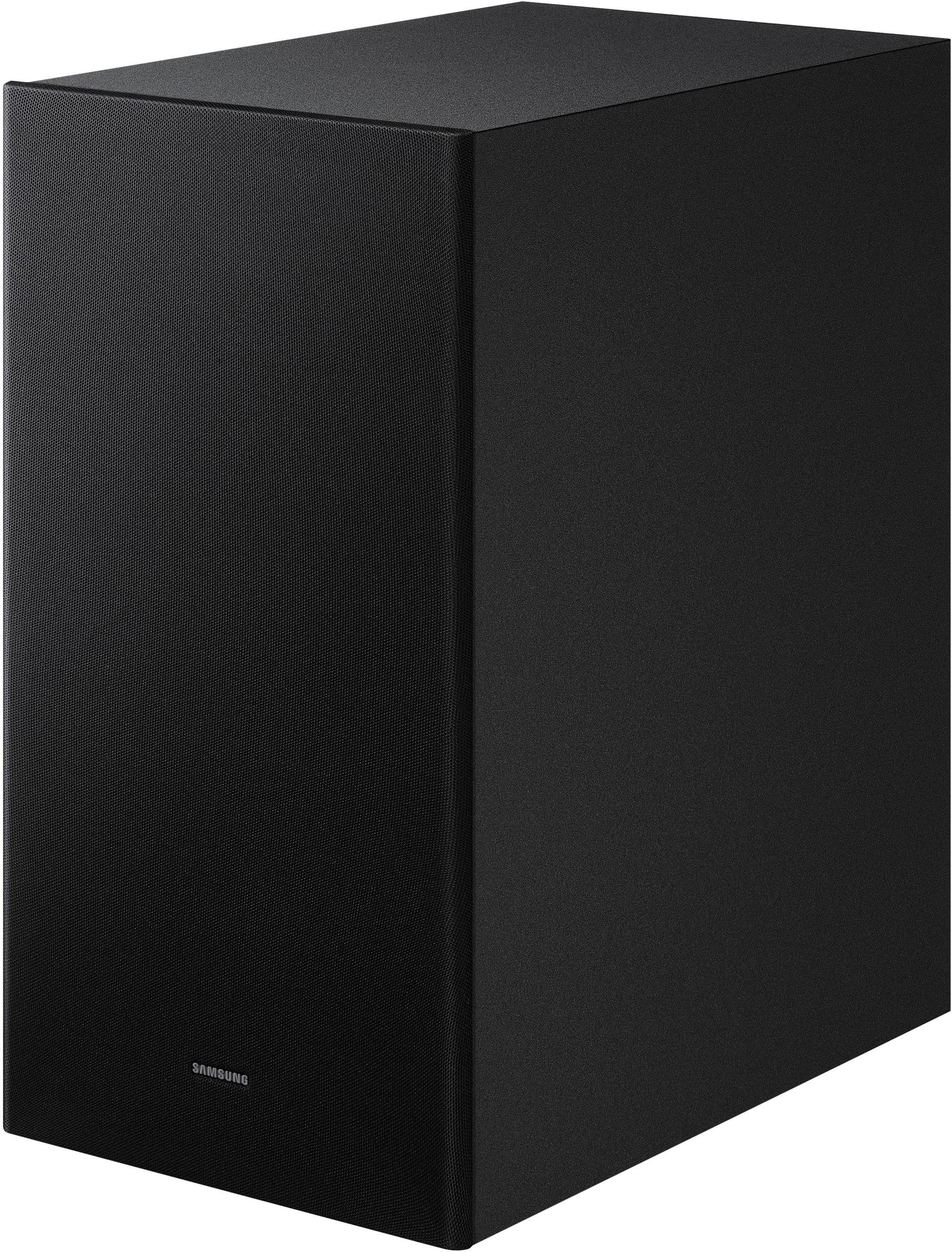
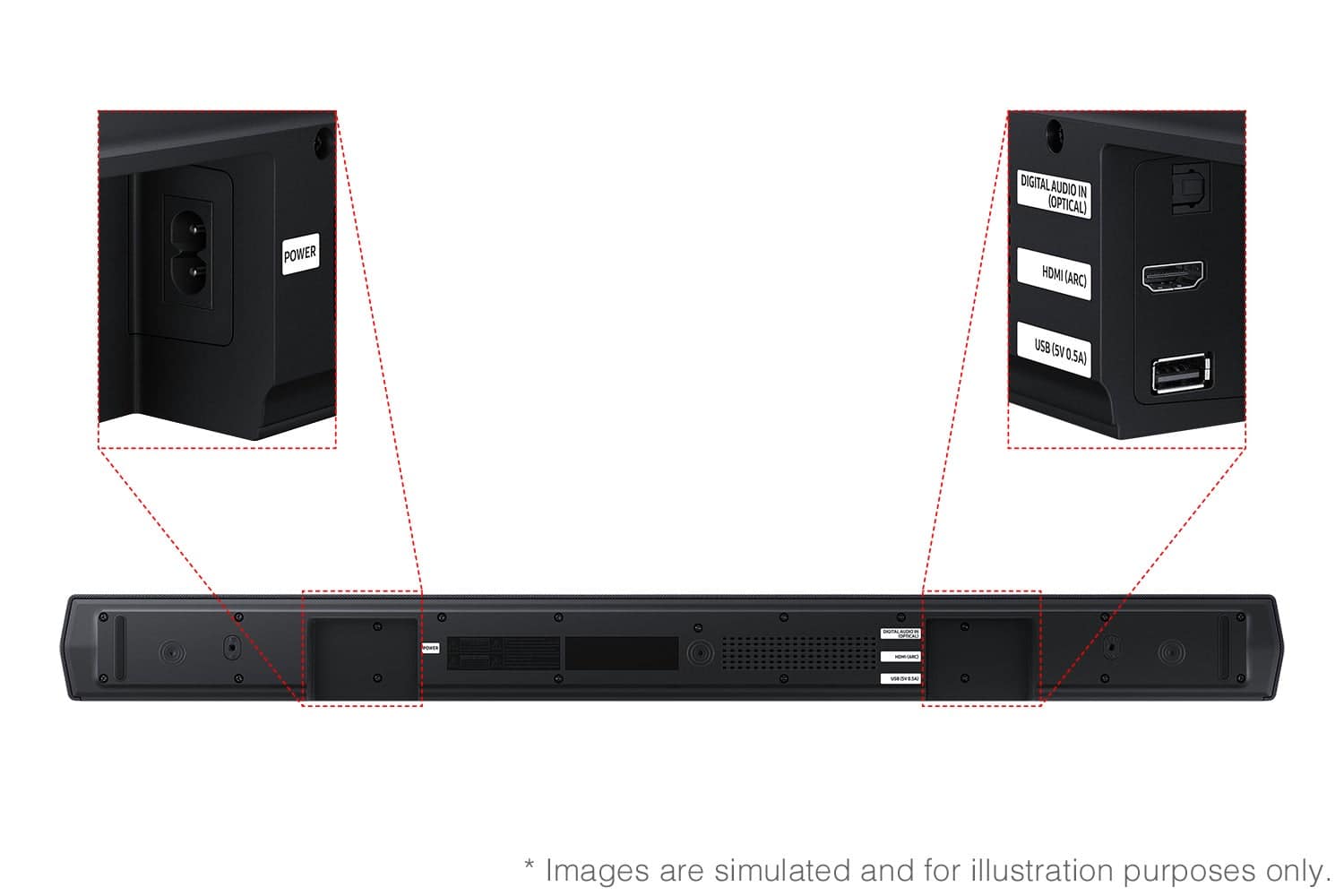
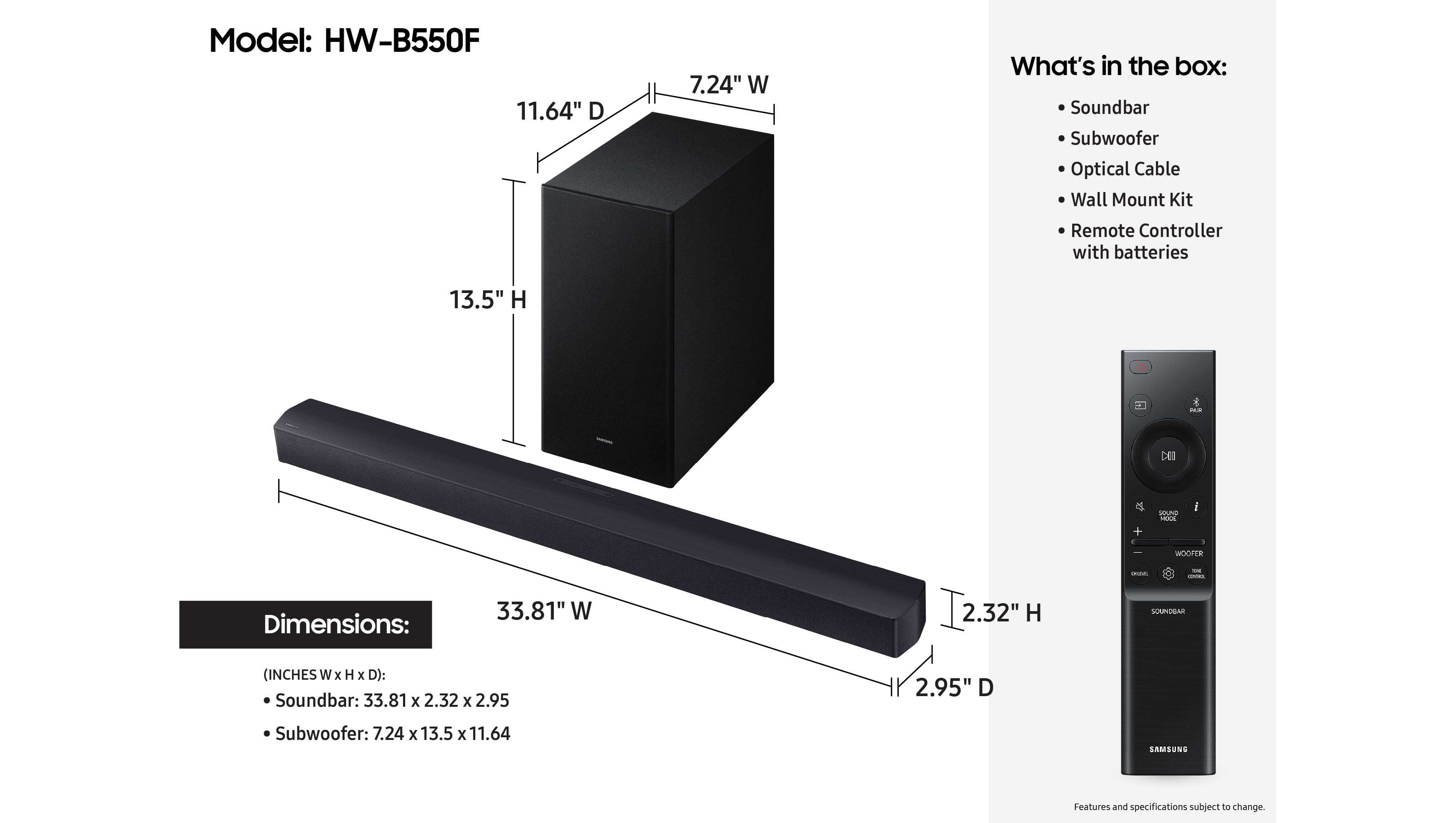
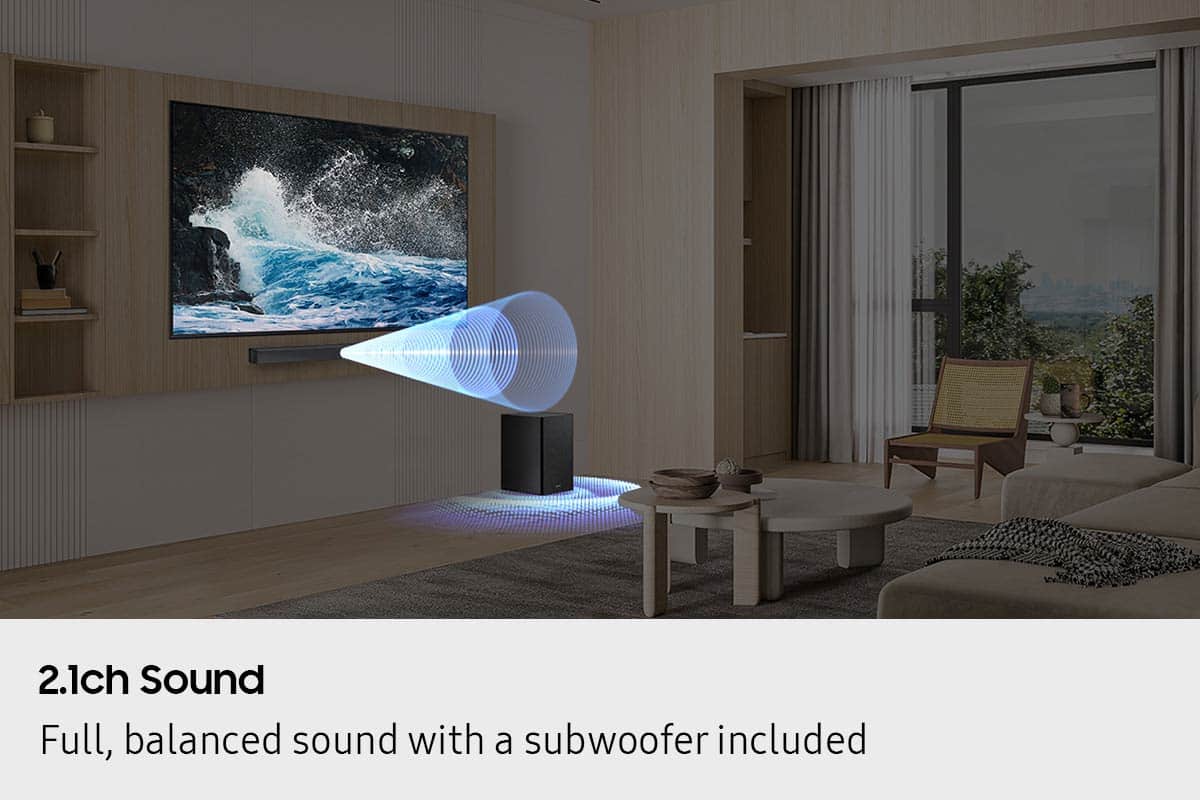
- Model:
- HW-B550F/ZA
- SKU:
- 6619390
Rating by feature
- Value
Rating 4.7 out of 5 stars
- Quality
Rating 4.7 out of 5 stars
- Ease of Use
Rating 4.7 out of 5 stars
Customers are saying
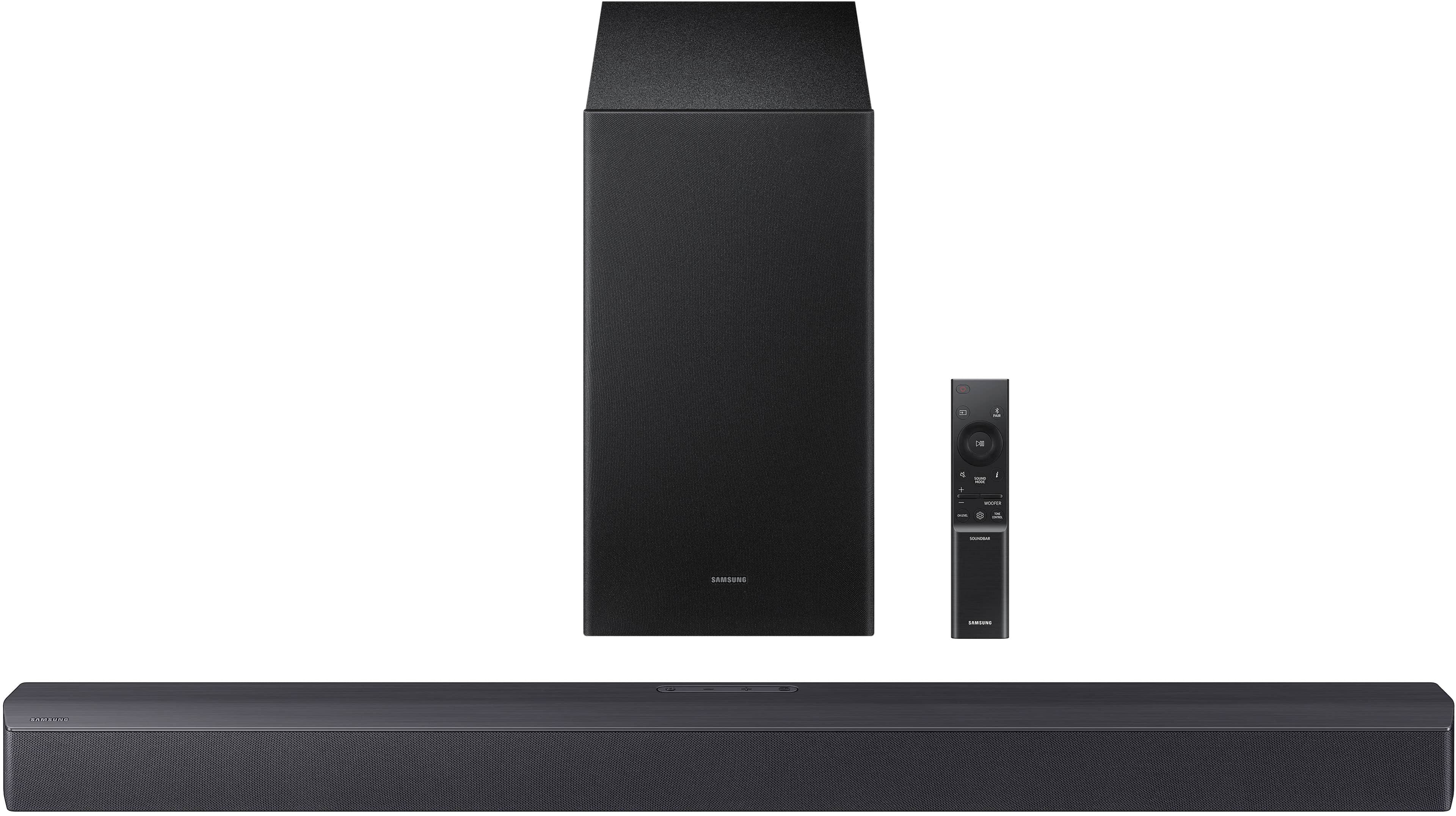
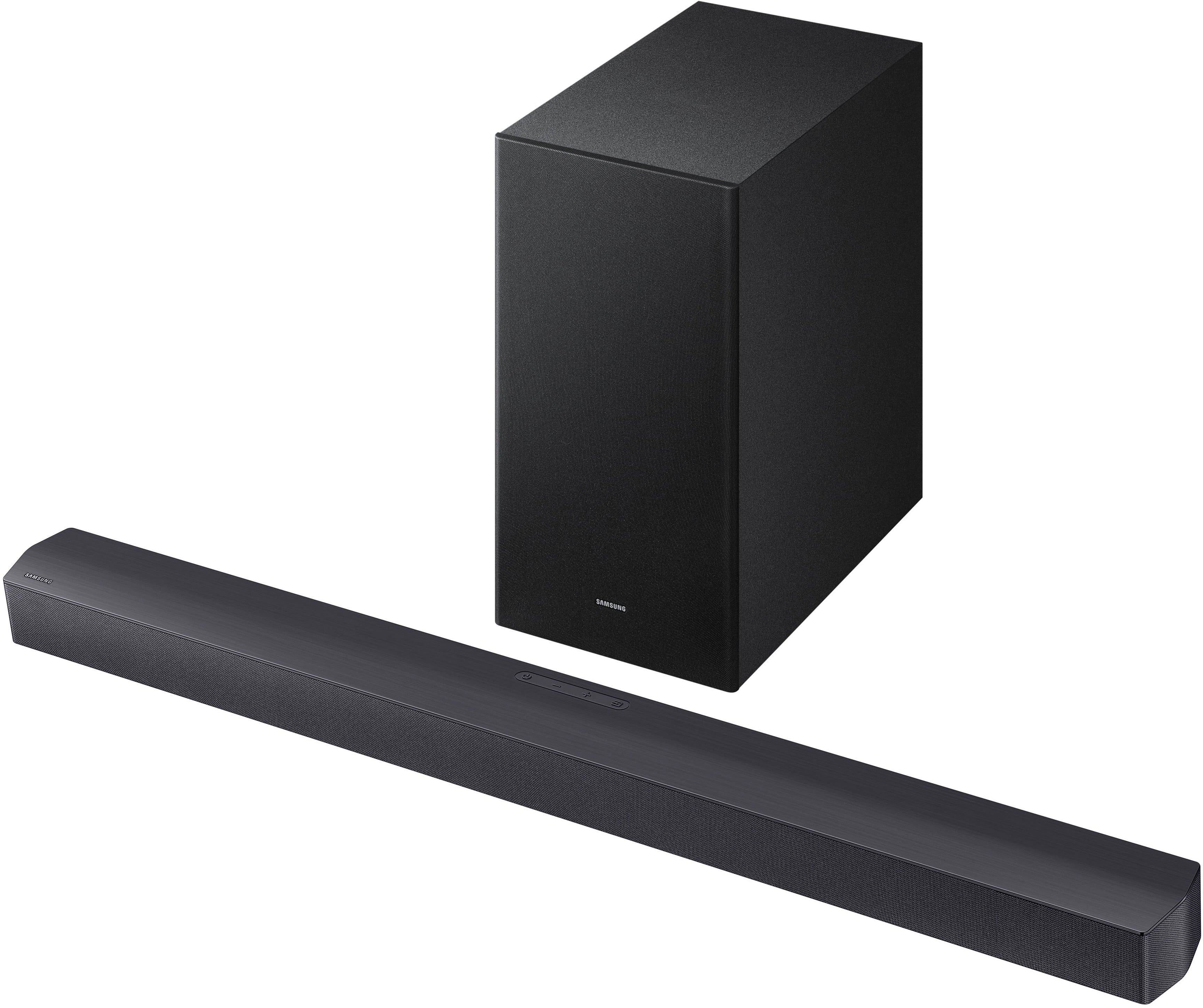
Customers highly value the B-Series HW-B550F 2.1Ch DTS Virtual:X Soundbar with Subwoofer for its excellent audio and sound quality. Many also appreciate how easy it is to set up. Additionally, the soundbar's attractive and slim design is a plus for some users.
This summary was generated by AI based on customer reviews.
- Pros mentioned:Sound qualityCons mentioned:Connectivity
Nope!
||Posted .This reviewer received promo considerations or sweepstakes entry for writing a review.Short and to the point. If you play music it sounds good, older movies on Netflix etc, voice sounds really low even when you play around with the settings. Other sounds such as explosions or anything of that sort it’s loud but still can’t hear the voice that good. Newer movies with atmos Dolby sounds are better. Use your tv arc setting with a good hdmi to get the best sound from this bar. Second, the bar stays getting disconnected from Bluetooth or I have to go into the settings and reset the connections I’ve had to reset my Apple TV more times than I care to count just to get it working again. I have another sound bar that I have never had to do this with and yes it’s a Bose… Just this morning I had to go thru my tv settings and I had to unregister and register again all my hdmi connections just for the bar to work. Just spend a little more money and buy a good bar, like Bose Never will I buy another cheaper product just to try and save money.
No, I would not recommend this to a friendBrand response from Samsung
Posted .Hello AdrianL,
We appreciate you taking a moment to review the Samsung HW-B550F Soundbar.
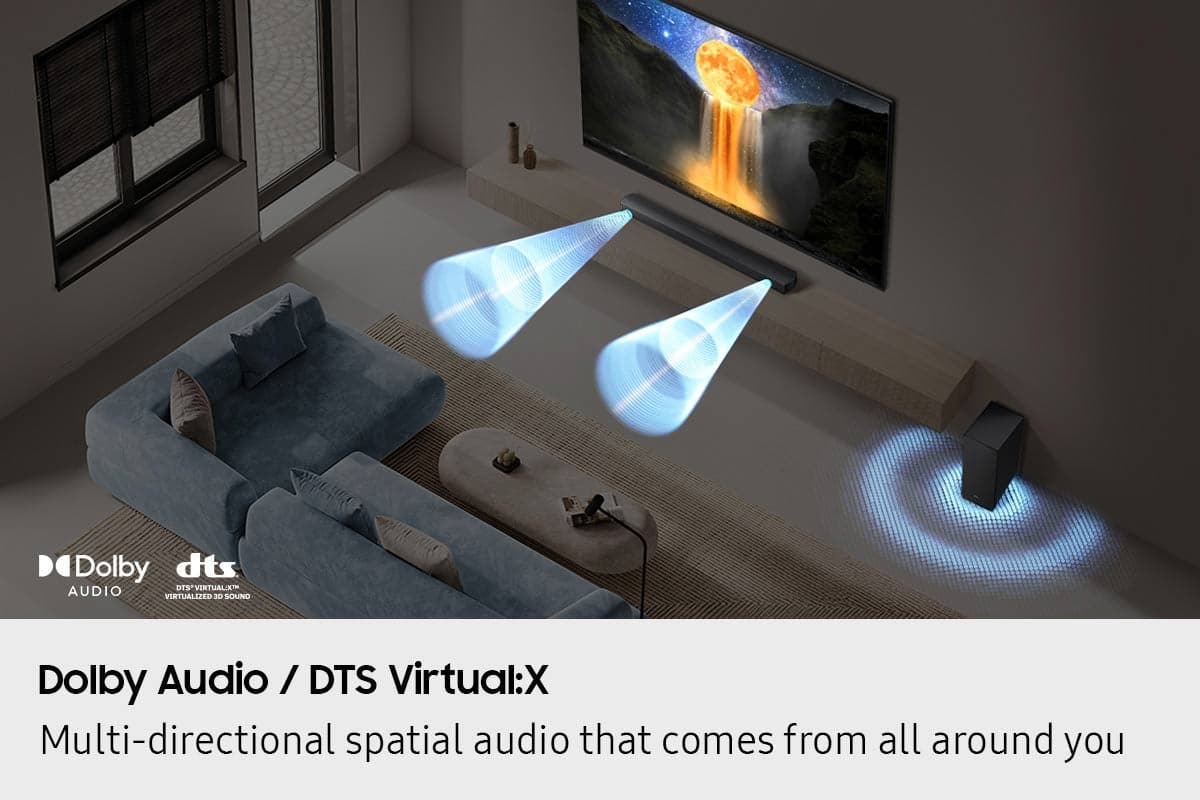
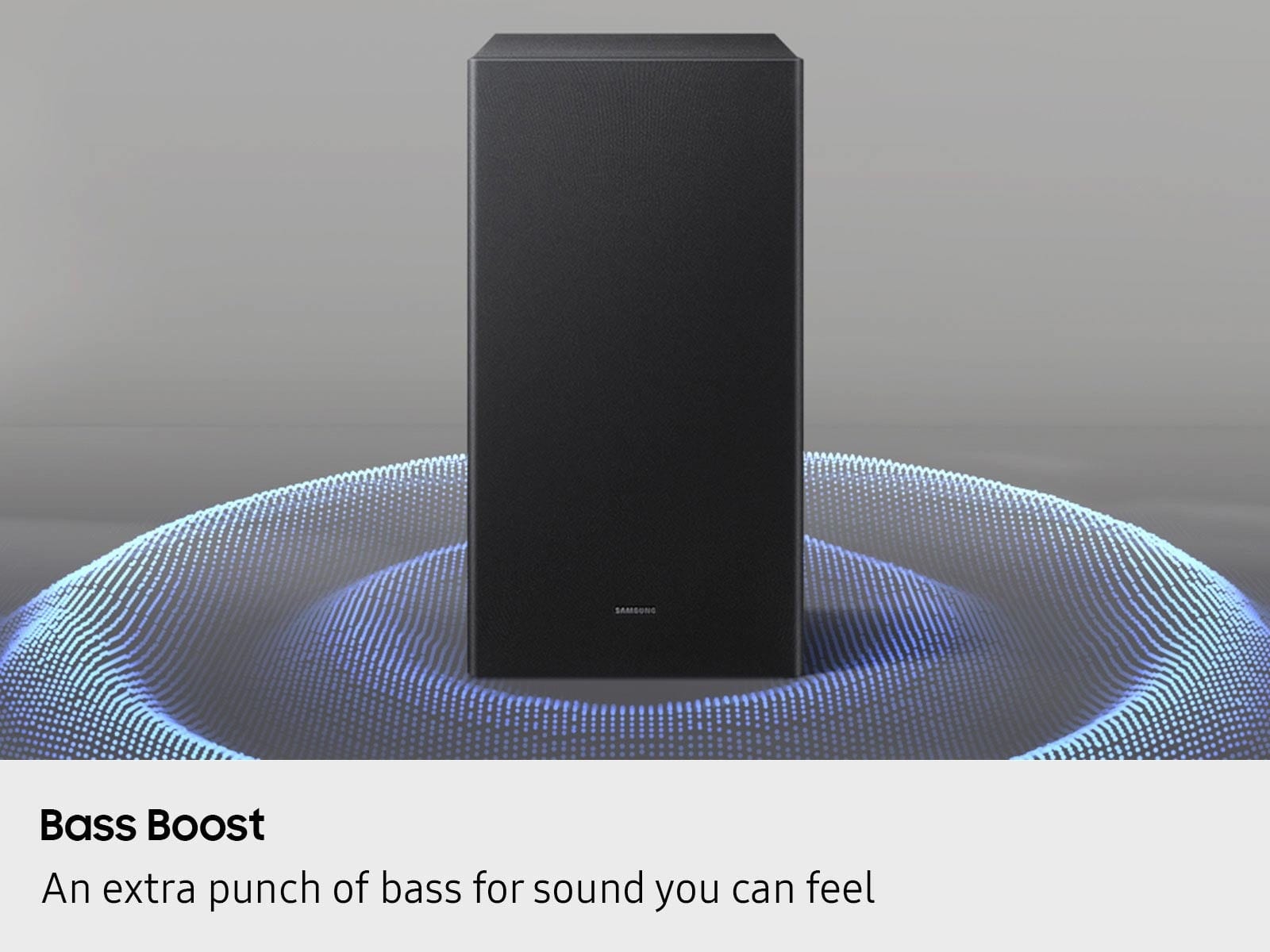
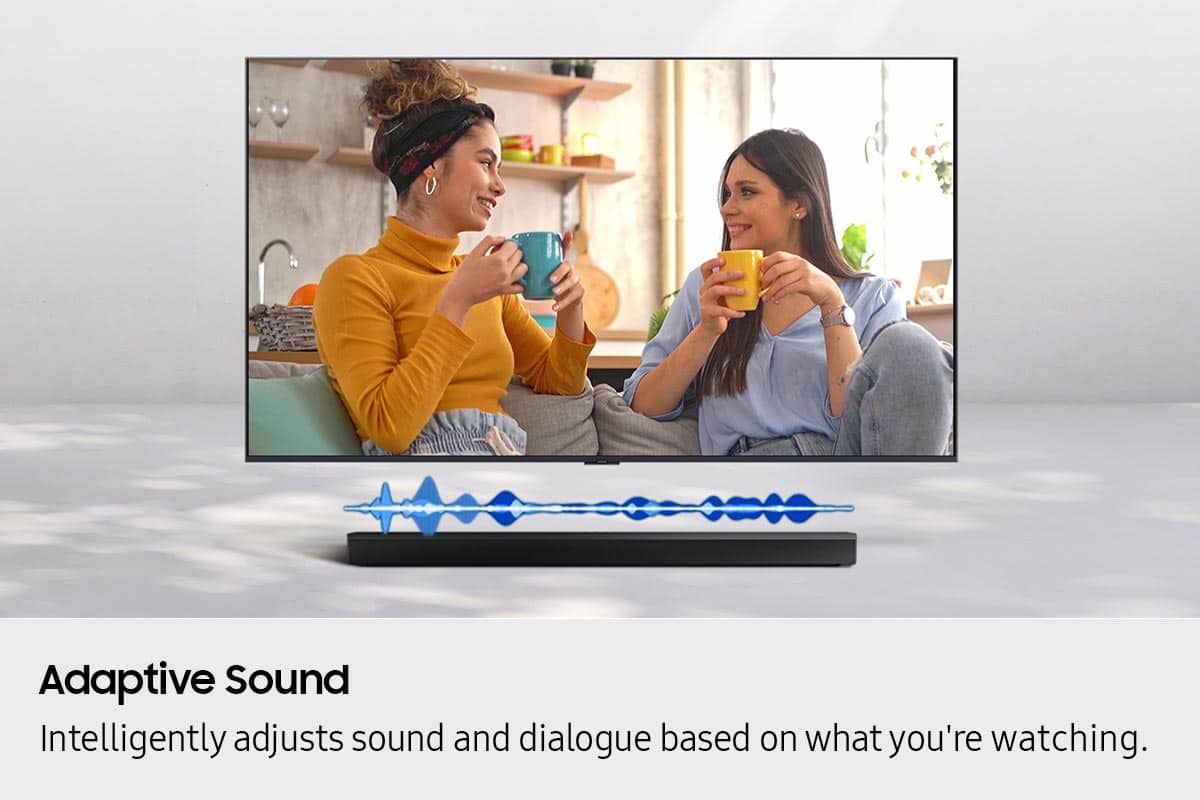
You can optimize your audio performance to your liking by pressing the SOUND MODE button on your soundbar remote, and then selecting the desired sound effect by choosing SURROUND SOUND, BASS BOOST, GAME, ADAPTIVE, DTS VIRTUAL:X, STANDARD.
By pressing the TONE CONTROL button, you can adjust the volume of the treble or bass sound. Press the button to select TREBLE or BASS and then adjust the volume between -6~+6 by using the Up/Down buttons.
Press and hold the SOUND CONTROL button for about 5 seconds to adjust the sound for each frequency band. 150Hz, 300Hz, 600Hz, 1.2kHz, 2.5kHz, 5kHz, and 10kHz are selectable using the Left/Right buttons and each can be adjusted to a setting between -6 to +6 using the Up/Down buttons. (Make sure the Sound mode is set to “STANDARD”.
Additionally, using the WOOFER button on the remote, you can adjust the subwoofer’s volume between -6 to +6 by toggling the button up or down. To set the subwoofer volume level to 0, press the button down.
With the optional SWA-9250S Wireless Rear Speaker Kit connected you can adjust the volume by using the provided Soundbar remote. Press CH LEVEL and select REAR LEVEL, then use the Up/Down buttons to adjust the volume within a -6 to +6 range.
If you need more help, Samsung is here for you. Please call us at 1-800-SAMSUNG, 8AM - 12AM EST (Ask for Soundbars), 7 days a week. Our Live Chat agents are also available by clicking on the ‘Support’ link on our website.
~ Samsung Solutions
- Pros mentioned:Sound quality
Surround sound
||Posted . Owned for 2 weeks when reviewed.This reviewer received promo considerations or sweepstakes entry for writing a review.Nice setup and sound with minimal wires at a great price.
I would recommend this to a friend - Pros mentioned:Sound quality
Magnificent
||Posted . Owned for 1 month when reviewed.This reviewer received promo considerations or sweepstakes entry for writing a review.A product of excellent audio and sound quality is highly recommended
I would recommend this to a friend Love this Soundbar
||Posted . Owned for 2 weeks when reviewed.This reviewer received promo considerations or sweepstakes entry for writing a review.Makes listening to music sooooo enjoyable. Should have purchased sooner.
I would recommend this to a friendWorks great!
||Posted .This reviewer received promo considerations or sweepstakes entry for writing a review.We got rid of our old surround sound system, and wanted to replace it with something else. After reading reviews, we purchased the sound bar and sub woofer system from Samsung. We are very happy with it and it works great! It was also on on sale when we bought it!
I would recommend this to a friend- Pros mentioned:Sound quality
Samsung B. 2.1 channel sound bar with sub woofer!
||Posted . Owned for 3 weeks when reviewed.This reviewer received promo considerations or sweepstakes entry for writing a review.Good system worth the money! Sounds great works well with our TV! Very good system for a low cost!
I would recommend this to a friend Samsung Sound
||Posted .This reviewer received promo considerations or sweepstakes entry for writing a review.I feel this equipment does what its intended to do. There are several options on the bar which is good. I recommend this to enhance your listening experience while watching tv.
I would recommend this to a friend- Pros mentioned:Sound quality
Samsung Speakers
||Posted . Owned for 1 month when reviewed.This reviewer received promo considerations or sweepstakes entry for writing a review.Plays good , love the variety it has from game mode to bass mode really good sound .
I would recommend this to a friend - Pros mentioned:Sound quality
My Samsung
||Posted .This reviewer received promo considerations or sweepstakes entry for writing a review.Excellent sound. Perfect size. Samsung preferred brand in my house
I would recommend this to a friend - Pros mentioned:Sound quality
Problems With Remote Control
||Posted .This reviewer received promo considerations or sweepstakes entry for writing a review.The sound is terrific. I'm having problems getting the remote control to work properly. I can control everything except the volume.
No, I would not recommend this to a friendBrand response from Samsung
Posted .Hi RobertB,
Thank you for taking a moment to review the HW-B550F Samsung Soundbar. We value your feedback and will share it with our teams.
Please know that many of the buttons on your remote have multiple functions. For example, the Volume button is moved UP/DOWN to adjust volume, and to MUTE the sound, you need to PRESS it in. Pressing it a second time will unmute.
If you need more help, Samsung is here for you. Please call us at 1-800-SAMSUNG, 8AM - 12AM EST (Ask for Soundbars), 7 days a week. Live Chat with an agent as well as manuals, software, creating a service ticket, and warranty info can be found at the ‘Support’ link on our Samsung website.
~ Samsung Solutions
- Pros mentioned:Sound quality
Bigg Dogg
||Posted . Owned for less than 1 week when reviewed.This reviewer received promo considerations or sweepstakes entry for writing a review.The sound is totally awesome and completely happy with it.
I would recommend this to a friend - Pros mentioned:Sound quality
Great sound.
||Posted . Owned for 3 weeks when reviewed.This reviewer received promo considerations or sweepstakes entry for writing a review.Has great sound and is easy to install. Makes the sound from the tv even better
I would recommend this to a friend Great entry
||Posted . Owned for 2 weeks when reviewed.This reviewer received promo considerations or sweepstakes entry for writing a review.Very good but please note this cannot transmit Dolby atoms since it doesn’t have Ear c
I would recommend this to a friend- Pros mentioned:Sound quality
Poor Lip Syncing
||Posted . Owned for 1 month when reviewed.This reviewer received promo considerations or sweepstakes entry for writing a review.I like the sound. However, it causes lip syncing problems, even though I use a HDMI cable. I'm always adjusting the sound I would recommend this for the quality of the sound
I would recommend this to a friendBrand response from Samsung
Posted .Hi RonA,
We appreciate you taking a moment to review the HW-B550F Samsung Soundbar. We value your feedback and will share it with our teams.
If the video on the TV and audio from the soundbar are not synchronized, press the SOUND CONTROL button on the soundbar remote until you see AUDIO SYNC on the display. You can then set the audio delay between 0~300 milliseconds by using the Up/Down buttons.
You can also try the below to minimize the delay:
1) Connect the source directly to the Soundbar’s HDMI input, then connect the Soundbar to the HDMI ARC input on the TV.
2) On the TV, set the Sound Delay level to 0. Home > Settings > Sound > Expert Settings > Digital Output Audio Delay: “0”
3) Change the audio format to PCM on both the source device and the TV.
I hope the above helps to solve your issue. If you need further help, please reach out to Samsung Customer Support. Just give us a call at 1-800-SAMSUNG (Ask for Soundbars), 8AM - 12AM EST, 7 days a week. Our Live Chat agents are also available by clicking on the ‘Support’ link on our website.
~ Samsung Solutions
- Pros mentioned:Sound quality
Soundbar
||Posted . Owned for 3 weeks when reviewed.This reviewer received promo considerations or sweepstakes entry for writing a review.i have enjoyed all of the sound quality from this product!
I would recommend this to a friend - Pros mentioned:Sound quality
Nice budget soundbar
||Posted . Owned for 1 week when reviewed.This reviewer received promo considerations or sweepstakes entry for writing a review.For the price, Great sound and bass. Fills my front room .
I would recommend this to a friend - Pros mentioned:Sound quality
Good value for the money
||Posted .This reviewer received promo considerations or sweepstakes entry for writing a review.Seems to work well. Much better than the Hisense TV speaker. Easy to hook up and get going. Worked with my uerniversial remote.
I would recommend this to a friend - Pros mentioned:Sound quality
Great soundbar!
||Posted . Owned for 1 month when reviewed.This reviewer received promo considerations or sweepstakes entry for writing a review.Great soundbar, high quality! Definitely recommend.
I would recommend this to a friend Soundbar
||Posted . Owned for 1 month when reviewed.This reviewer received promo considerations or sweepstakes entry for writing a review.Great sound! Recommend this soundar! Fills the room for a theater type experience
I would recommend this to a friend- Pros mentioned:Sound quality
Replacement
||Posted . Owned for 3 weeks when reviewed.This reviewer received promo considerations or sweepstakes entry for writing a review.Installation was easy hooking up to the TV. Sound quality is excellent
I would recommend this to a friend