Customer Ratings & Reviews
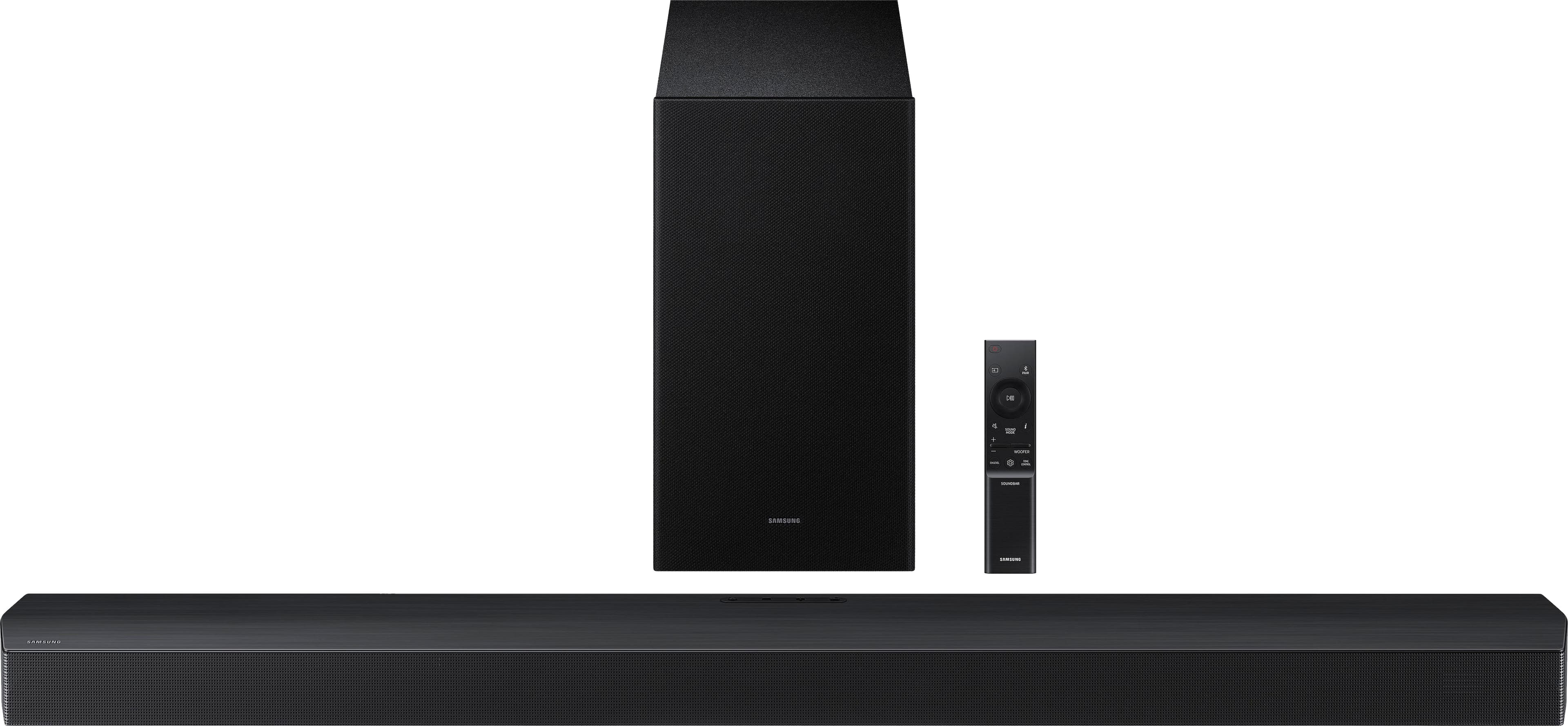
- Model:
- HW-B750F/ZA
- SKU:
- 10517921
Rating by feature
- Value
Rating 4.7 out of 5 stars
- Quality
Rating 4.7 out of 5 stars
- Ease of Use
Rating 4.8 out of 5 stars
Much better than I hoped for
||Posted . Owned for 1 month when reviewed.This reviewer received promo considerations or sweepstakes entry for writing a review.Even without the integration with Samsung televisions, this unit would be a beast. But, the way that control and functionality integrate automatically with the Samsung television (Over Optical Audio or HDMI) is a convenience game changer. Once you've commissioned the soundbar, its remote can live in the drawer, as the TV remote will allow you to manage it without programming. Audio is clear and crisp, and the subwoofer sounds terrific.
I would recommend this to a friendSoundbar
||Posted . Owned for 2 weeks when reviewed.This reviewer received promo considerations or sweepstakes entry for writing a review.Love the sound. Great bass and clarity. Would recommend at this price point.
I would recommend this to a friendBig sound from a small package!!!
||Posted .This reviewer received promo considerations or sweepstakes entry for writing a review.I had my doubts when I purchased this soundbar but when I turned it on I was very impressed!! This soundbar and subwoofer made me feel like I was sitting in my own private theater. The soundbar is very easy to connect and it includes all the hardware to mount to the wall. If I had a restroom in my man cave I would never leave!!!
I would recommend this to a friendSound Bar 5 Speakers
||Posted . Owned for 3 weeks when reviewed.This reviewer received promo considerations or sweepstakes entry for writing a review.Better than expected, worth the money, I bought this during Black Friday and I’m so happy that I did. It has amazing bass and a sleek look.
I would recommend this to a friendGreat Soundbar
||Posted .This reviewer received promo considerations or sweepstakes entry for writing a review.This soundbar delivers excellent sound. It's much better that our previous Samsung sound bar that had the 2 wireless speakers. The bass is very nice as well.
I would recommend this to a friendNot bad for the price qualities Cell also
||Posted .This reviewer received promo considerations or sweepstakes entry for writing a review.Love it is connected to my dell computer and Samsung tv i use it on Roku and zoom stream videos on computer as well as Roku streaming very happy with the quality of the sound simple to set up also not too complicated. Good quality works well with television as well as computer.
I would recommend this to a friendGreat Purchase
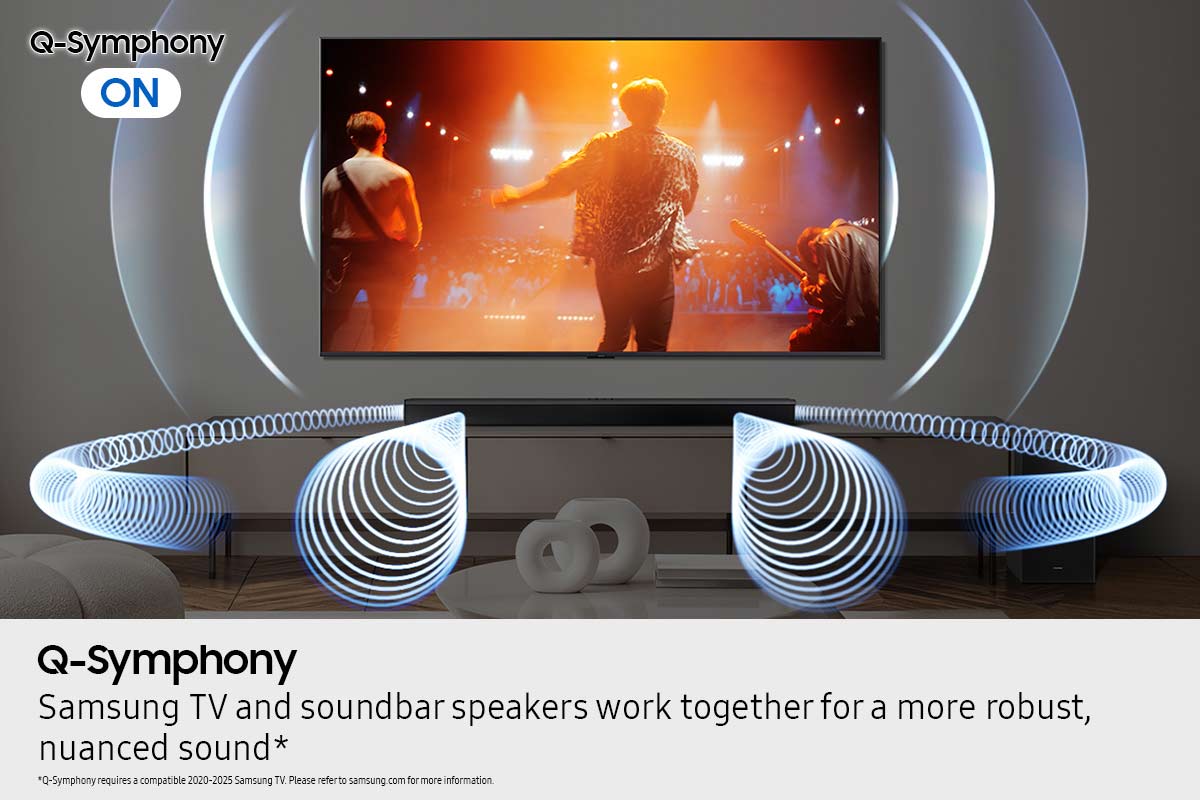
||Posted .This reviewer received promo considerations or sweepstakes entry for writing a review.This product has great sound and integrates well with the samsung symphony function of my samsung OLED TV.
I would recommend this to a friendSound Bar
||Posted . Owned for 1 month when reviewed.This reviewer received promo considerations or sweepstakes entry for writing a review.I really enjoy this sound Bar. Nice and clear with nice modes to it plus the perfect size and very affordable price, totally recommend. The setup was easy too.
I would recommend this to a friendSamsung Sound Bar
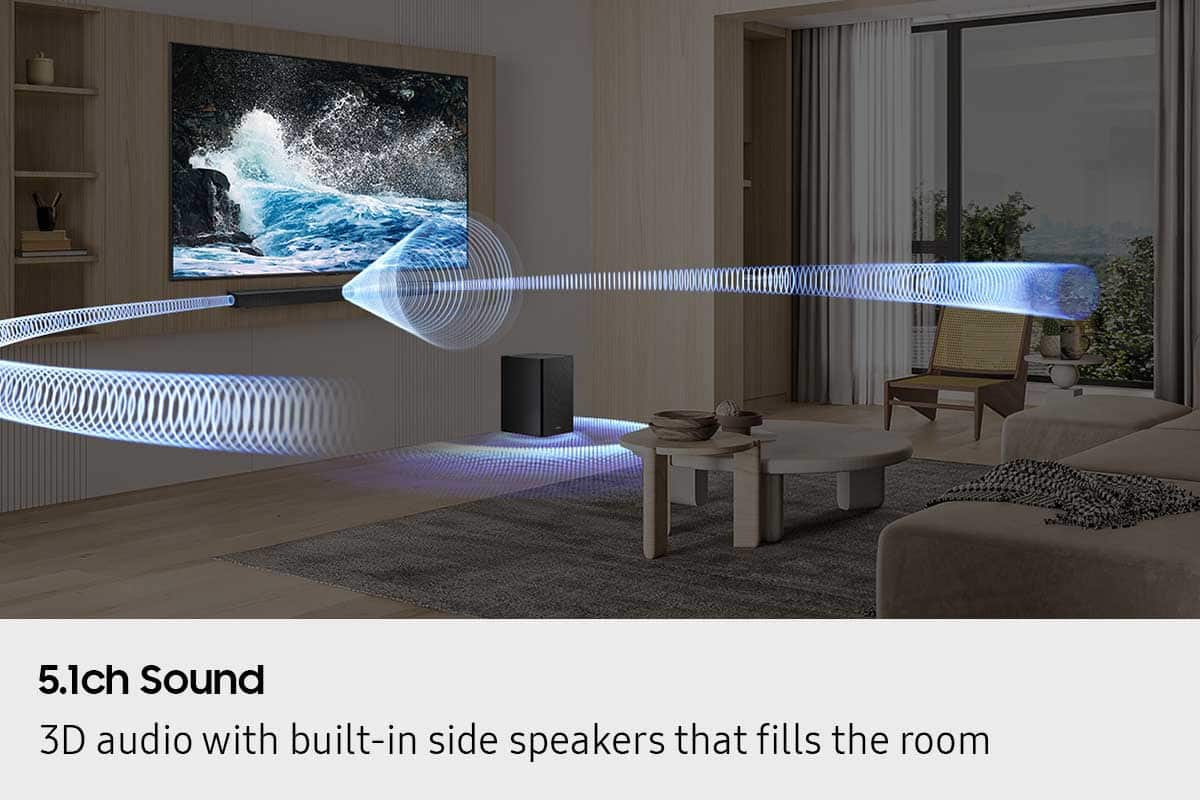
||Posted . Owned for 2 weeks when reviewed.This reviewer received promo considerations or sweepstakes entry for writing a review.Pro's: Easy to setup and use, good audio and the depth of the surround sound adds to movies and gaming. Con's: For a 5.1 channel, not as punchy with bass, unless you crank up the volume. (My old Samsung 2.1 channel has better bass and a bigger subwoofer.) Also the display is very tiny and options need to scroll. Not the best approach and someone's annoying when adjusting audiobsl settings or modes.
I would recommend this to a friendBrand response from Samsung
Posted .Hello GilL,
We appreciate you taking a moment to review the Samsung HW-B750F Soundbar. We value your feedback and will share it with our teams.
By pressing the TONE CONTROL button, you can adjust the volume of the treble or bass sound. Press the button to select TREBLE or BASS and then adjust the volume between -6~+6 by using the Up/Down buttons.
Press and hold the SOUND CONTROL button for about 5 seconds to adjust the sound for each frequency band. 150Hz, 300Hz, 600Hz, 1.2kHz, 2.5kHz, 5kHz, and 10kHz are selectable using the Left/Right buttons and each can be adjusted to a setting between -6 to +6 using the Up/Down buttons. (Make sure the Sound mode is set to “STANDARD”.
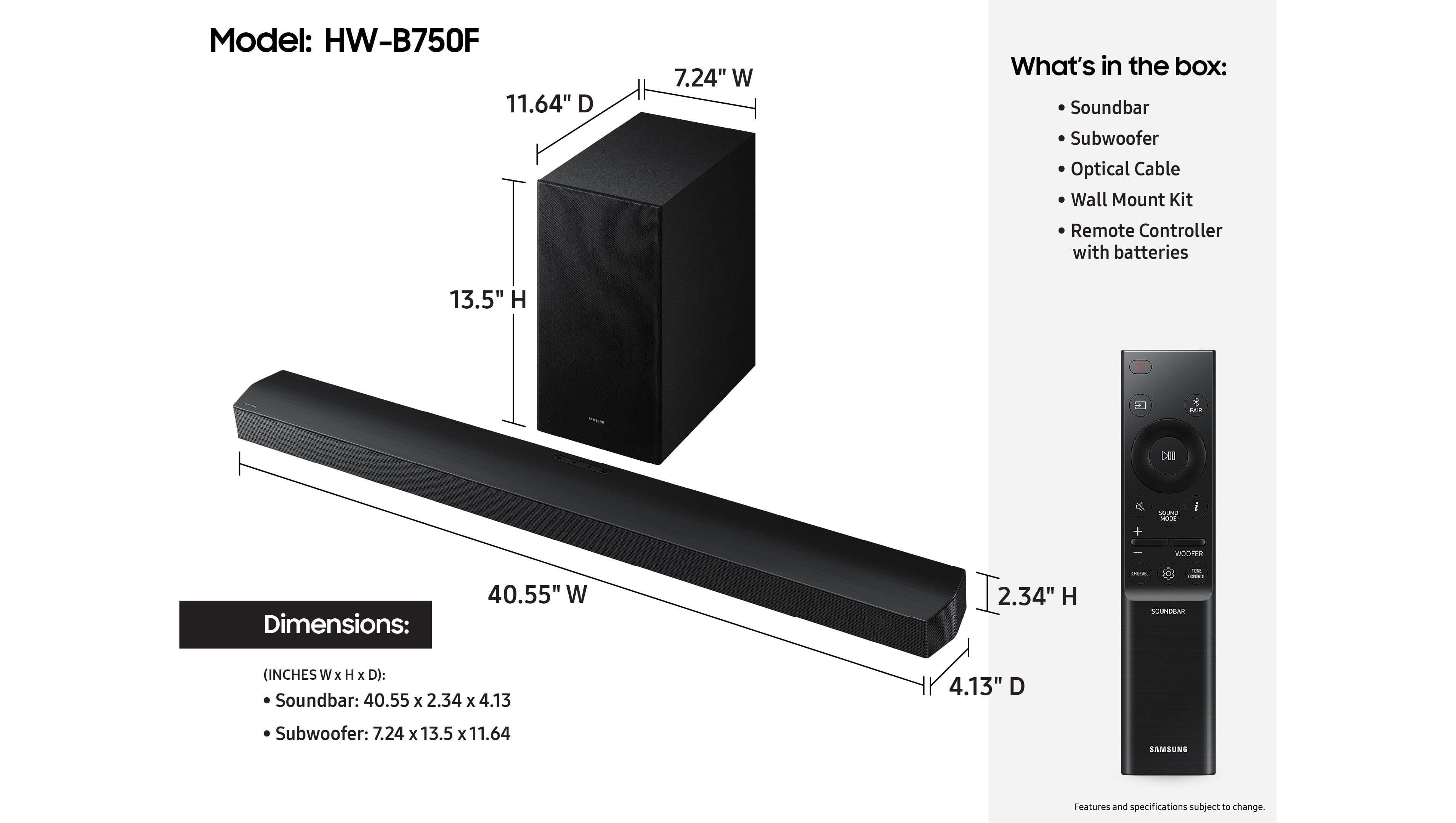
Additionally, using the WOOFER button on the remote, you can adjust the subwoofer’s volume between -6 to +6 by toggling the button up or down. To set the subwoofer volume level to 0, press the button down.
With the optional SWA-9250S Wireless Rear Speaker Kit connected you can adjust the volume by using the provided Soundbar remote. Press CH LEVEL and select REAR LEVEL, then use the Up/Down buttons to adjust the volume within a -6 to +6 range.
If you need more help, Samsung is here for you. Please call us at 1-800-SAMSUNG, 8AM - 12AM EST (Ask for Soundbars), 7 days a week. Our Live Chat agents are also available by clicking on the ‘Support’ link on our website.
~ Samsung Solutions
Perfect
||Posted . Owned for 2 weeks when reviewed.This reviewer received promo considerations or sweepstakes entry for writing a review.Great sound throughout spectrum easy to listen to different programs
I would recommend this to a friendGreat Sounding Soundbar!!
||Posted . Owned for 3 weeks when reviewed.This reviewer received promo considerations or sweepstakes entry for writing a review.Super easy to set up and sounds great! I actually returned a Bose soundbar that sounded awful and this Samsung one blows that one away. 2 thumbs up!
I would recommend this to a friendEASY!
||Posted . Owned for 3 weeks when reviewed.This reviewer received promo considerations or sweepstakes entry for writing a review.Plug and play to my new 65" Samsung TV. Wireless Sub-woofer automatically paired. Bass, treble, etc. easy set up to my personal needs.
I would recommend this to a friendSamsung For the win
||Posted . Owned for 3 weeks when reviewed.This reviewer received promo considerations or sweepstakes entry for writing a review.You can aways trust samsung! Great bang for your buck. Enjoy your movies and shows even more with crisp, clear audio and bass that will definitely enhance the experience.
I would recommend this to a friendEasy to install
||Posted . Owned for 1 month when reviewed.This reviewer received promo considerations or sweepstakes entry for writing a review.Easy to hook up, the sound is awesome. would recommend
I would recommend this to a friendJust want the sound bar to work without tv volume
||Posted . Owned for 1 month when reviewed.This reviewer received promo considerations or sweepstakes entry for writing a review.I have tried several time to just use the optical cables but I can’t seem to get it to work, I am still trying but for now I can only use just the Bluetooth but even with that I can’t seem to just use the sound bar by itself, the tv volume goes to 70 and the sound bar is on like 35, I just want to use the sound bar volume by itself not with the tv ,, any help would be appreciated
No, I would not recommend this to a friendBrand response from Samsung
Posted .Hello MichaelB,
We appreciate you taking a few moments to review the HW-B750F Samsung Soundbar.
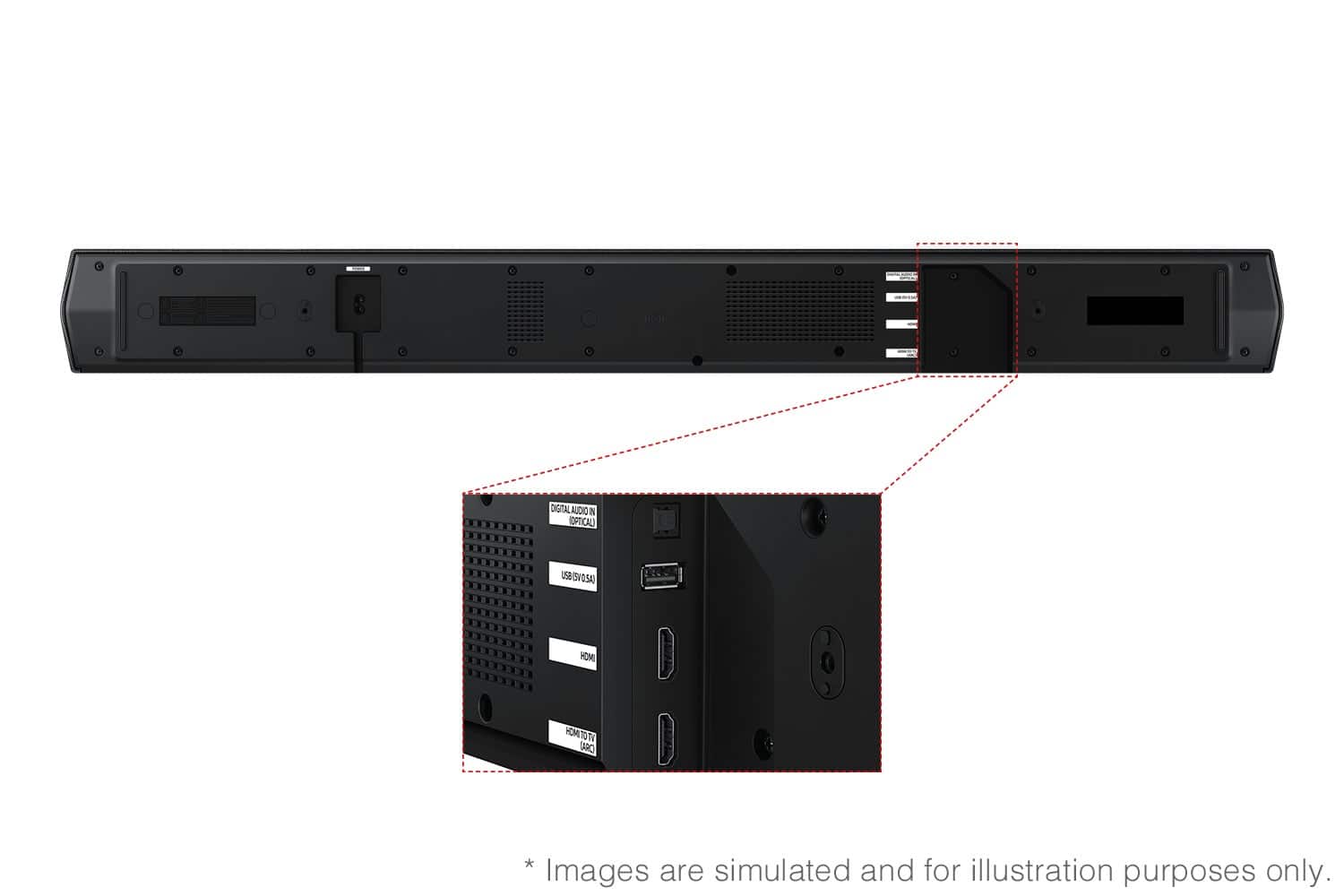
The optical cable is also another way to connect your soundbar to your TV. You can also connect your devices (cable boxes, video game systems, and Blu-ray players) to the TV, and have the sound output from the TV to the soundbar.
1. With the TV and soundbar turned on, connect one end of a digital optical cable to the OPTICAL OUT port on the TV.
2. Then, connect the other end to the DIGITAL AUDIO IN (OPTICAL) port on the soundbar.
3. Press Source on the remote or soundbar, and then set the soundbar to the D.IN. setting.
4. Finally, on the TV, you need to set the speaker output to external speakers.
5. Navigate to Settings, and then press Up on the navigation arrows to highlight Quick settings.
6. Press the right directional arrow to highlight TV Speaker and press select to change it to Optical (external speakers). The TV's sound will now play from the soundbar.
If you need more help, Samsung is here for you. Please call us at 1-800-SAMSUNG, 8AM - 12AM EST (Ask for Soundbars), 7 days a week. Live Chat with an agent as well as manuals, software, creating a service ticket, and warranty info can be found at the ‘Support’ link on our Samsung website.
~ Samsung Solutions
Great Soundbar
||Posted . Owned for 1 month when reviewed.This reviewer received promo considerations or sweepstakes entry for writing a review.This sound bar works really well. The sound is clear, and the bass is strong. It was easy to set up and looks nice under the TV. Great for watching movies or listening to music.
I would recommend this to a friendLove it!
||Posted . Owned for 3 weeks when reviewed.This reviewer received promo considerations or sweepstakes entry for writing a review.Wonderful sound, easy set up, less expensive than I was expecting.
I would recommend this to a friendGood value for a Soundbar/subwoofer
||Posted . Owned for 2 weeks when reviewed.This reviewer received promo considerations or sweepstakes entry for writing a review.This replaced my samsung M450, the difference was amazing. Still trying to get use of the subwoofer, espically with the base, sometimes thinking someone is breaking into my home.
I would recommend this to a friendExceptional sound bar!
||Posted . Owned for 3 weeks when reviewed.This reviewer received promo considerations or sweepstakes entry for writing a review.Stellar sound !!! Far exceeds the speakers from the new TV. I would definitely recommend this sound bar system for the sheer pleasure of mini home theater!
I would recommend this to a friendSamsung sound bar
||Posted . Owned for 1 month when reviewed.This reviewer received promo considerations or sweepstakes entry for writing a review.Great sound, we love it!! Great to watch sporting events, You Tube concert videos that i just blast the sound !!
I would recommend this to a friend