Customer Ratings & Reviews
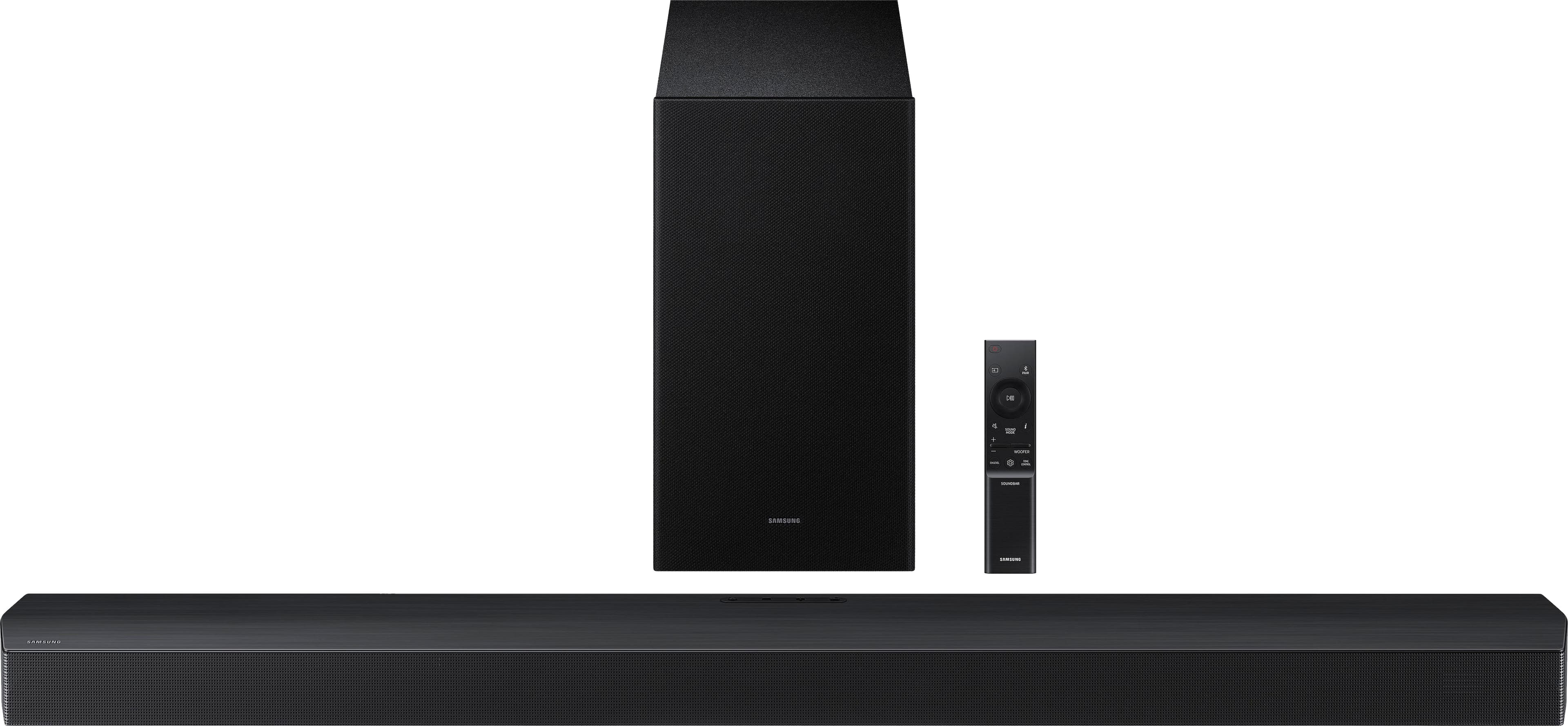
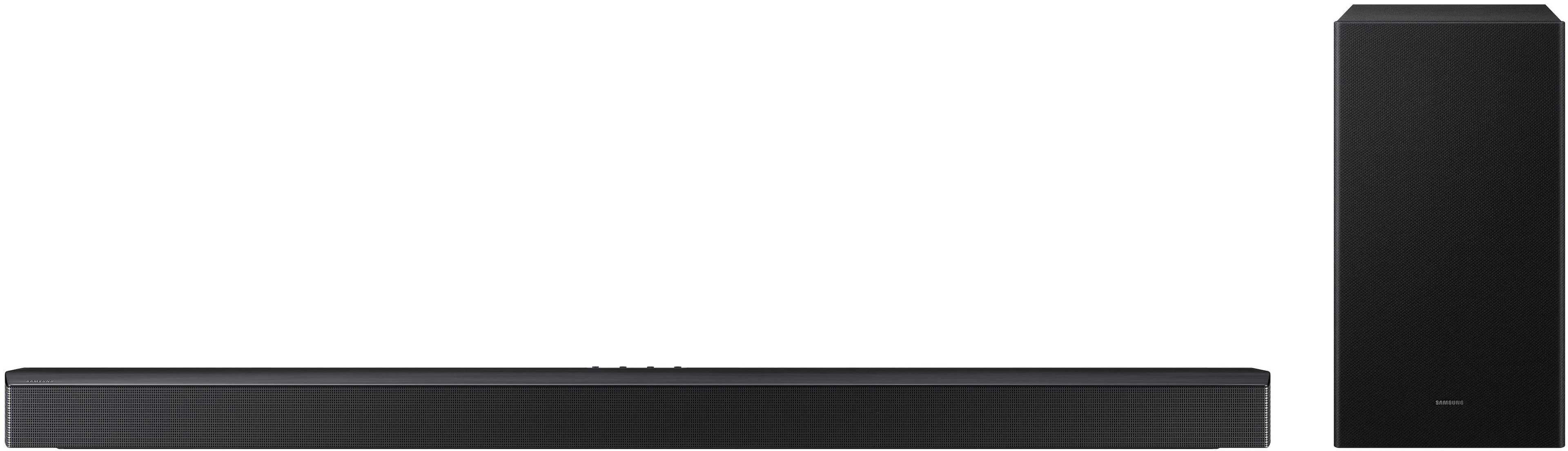
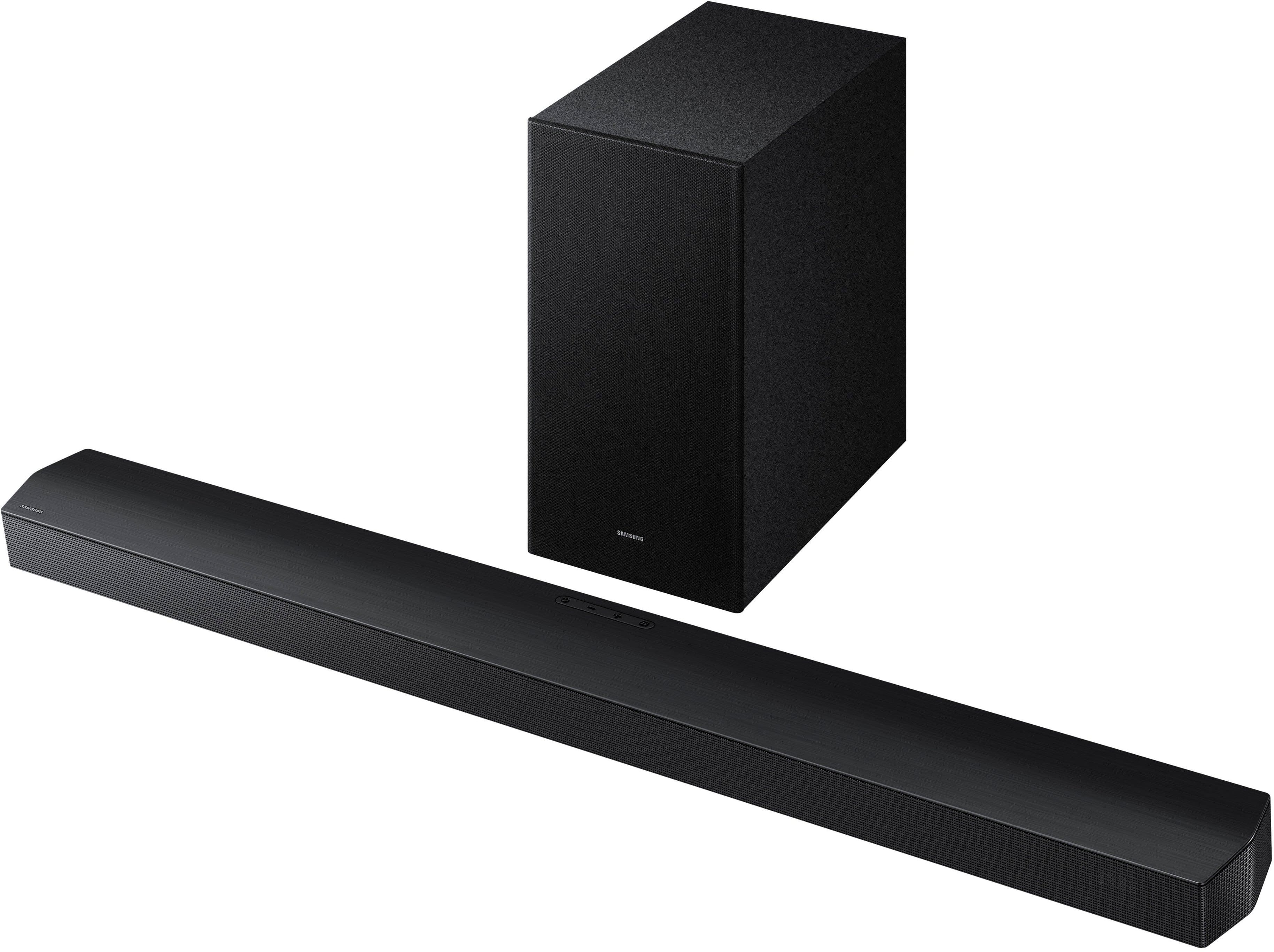
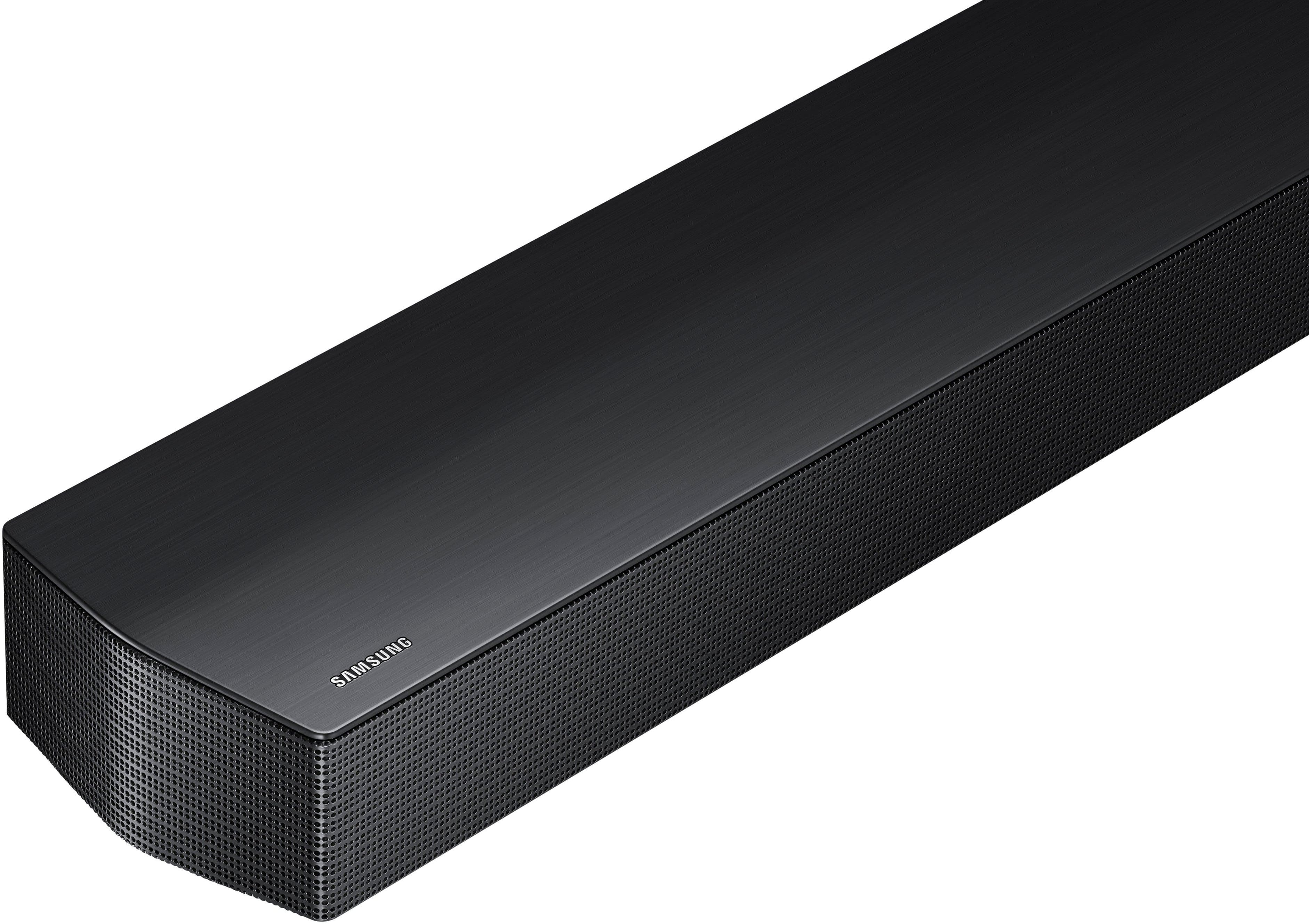
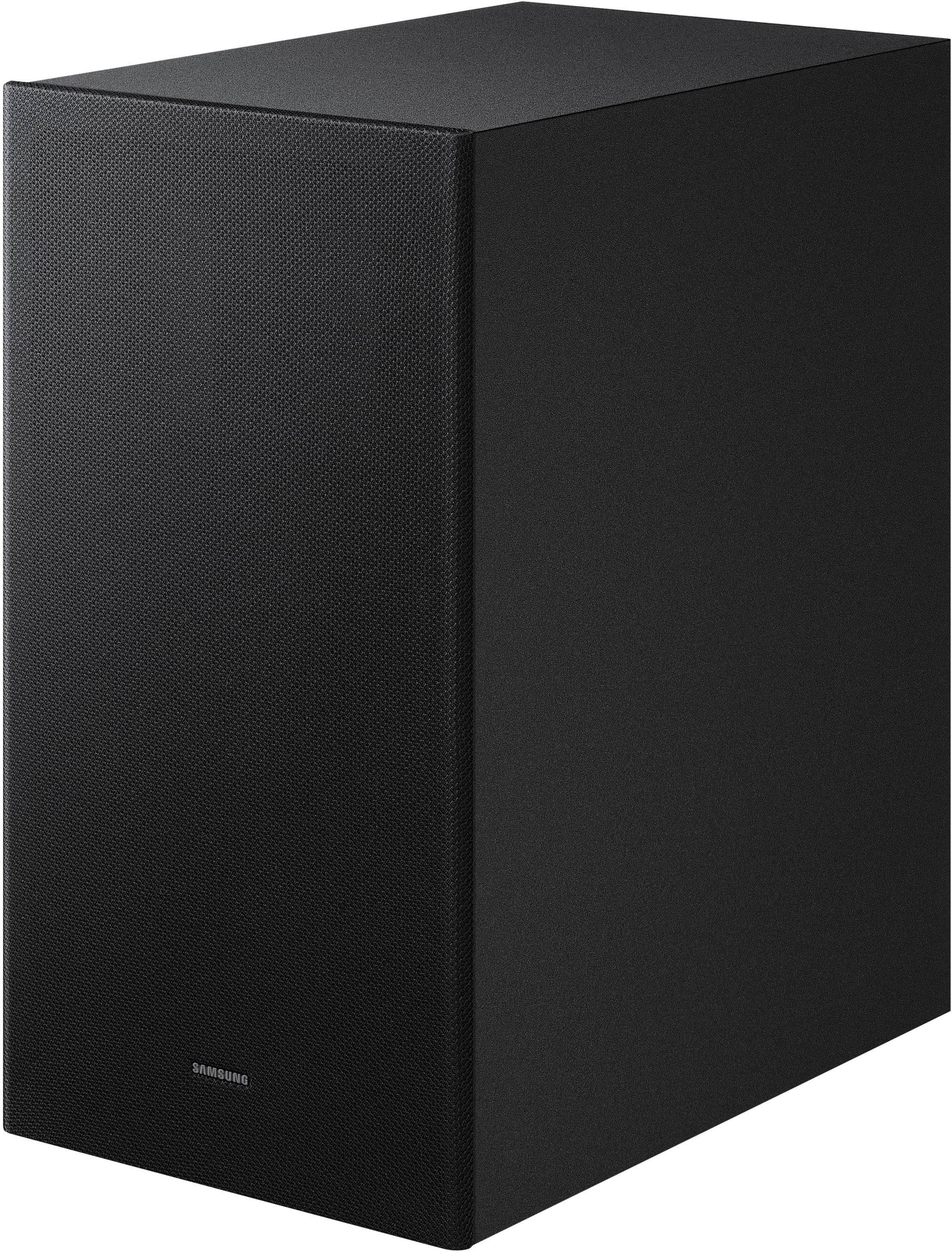
- Model:
- HW-B750F/ZA
- |
- SKU:
- 10517921
Customer reviews
Rating 4.8 out of 5 stars with 138 reviews
(138 customer reviews)Rating by feature
- Value4.7
Rating 4.7 out of 5 stars
- Quality4.7
Rating 4.7 out of 5 stars
- Ease of Use4.8
Rating 4.8 out of 5 stars
Rated 5 out of 5 stars
Solid soundbar
||Posted . Owned for 4 months when reviewed.This reviewer received promo considerations or sweepstakes entry for writing a review.Got it for around $300. For the price it is solid pick. Would recommend if around that range, if you are looking for a midrange sound bar.
This review is from Samsung - B-series HW-B750F 5.1 Ch DTS Virtual:X Soundbar with Subwoofer - Black
I would recommend this to a friendRated 5 out of 5 stars
Great sound!
||Posted . Owned for 2 weeks when reviewed.This reviewer received promo considerations or sweepstakes entry for writing a review.The Mandalorian never sounded better. ‘Fury’ might be next.
This review is from Samsung - B-series HW-B750F 5.1 Ch DTS Virtual:X Soundbar with Subwoofer - Black
I would recommend this to a friendRated 5 out of 5 stars
Price and Quality
||Posted . Owned for 2 weeks when reviewed.This reviewer received promo considerations or sweepstakes entry for writing a review.One of my best purchase. If you want that in close room feeling from a soundbar that give you movie sound quality. This is the one.
This review is from Samsung - B-series HW-B750F 5.1 Ch DTS Virtual:X Soundbar with Subwoofer - Black
I would recommend this to a friendRated 5 out of 5 stars
Awesome sound bar system
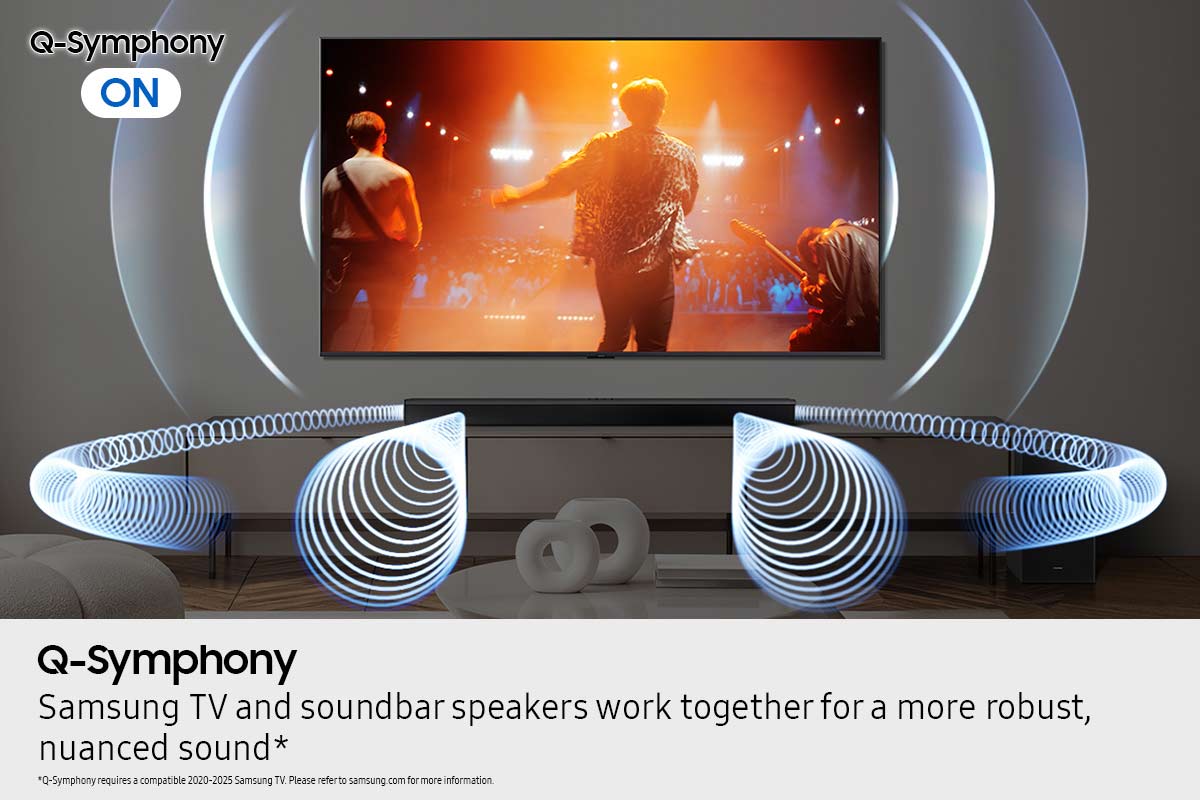
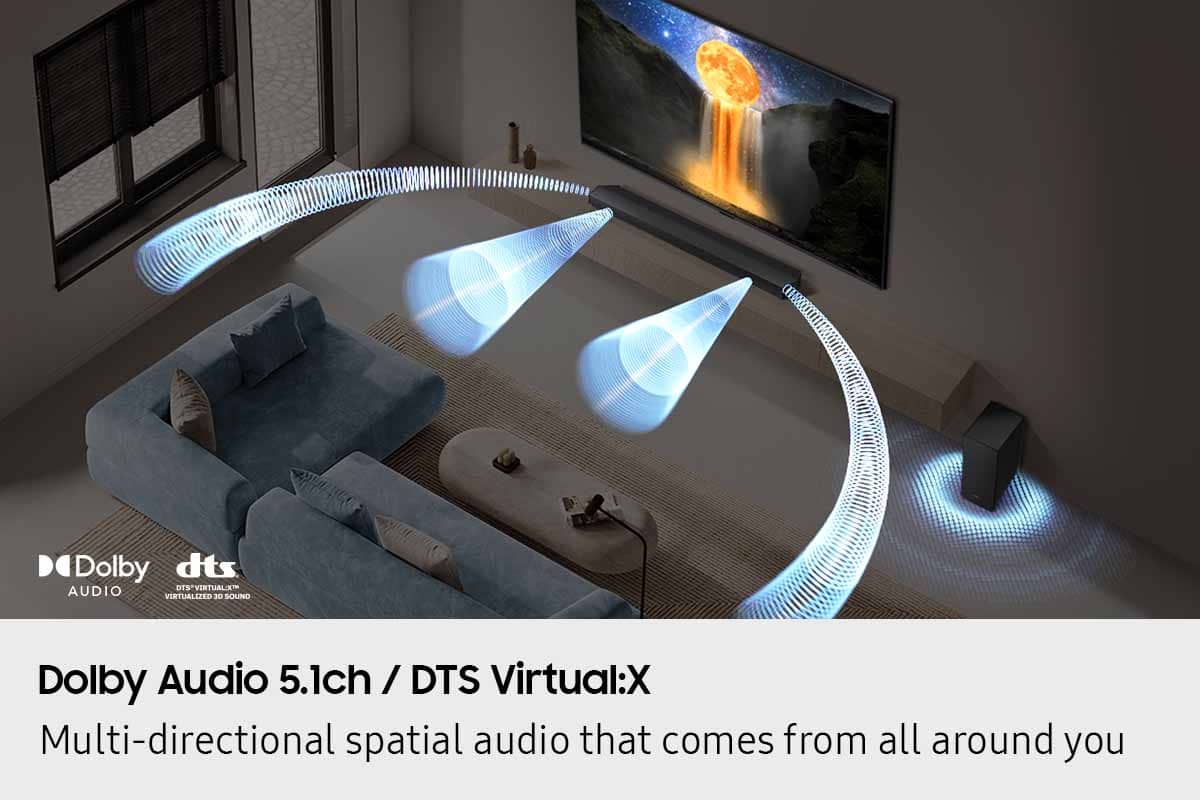
||Posted .This reviewer received promo considerations or sweepstakes entry for writing a review.Clean crisp sound and a great value for the price. Wish it was a bit louder, but the bass makes up for it, you feel it. We love using it with our Samsung TV adds another speaker to the system with the Q Symphony feature. Surround works perfect when you sit in the sweet spot.
This review is from Samsung - B-series HW-B750F 5.1 Ch DTS Virtual:X Soundbar with Subwoofer - Black
I would recommend this to a friendRated 5 out of 5 stars
Great Sound bar
||Posted .This reviewer received promo considerations or sweepstakes entry for writing a review.Works great and sound is awesome East to hook up and east to use
This review is from Samsung - B-series HW-B750F 5.1 Ch DTS Virtual:X Soundbar with Subwoofer - Black
I would recommend this to a friendRated 5 out of 5 stars
Clarity with the boom to support!
||Posted .This reviewer received promo considerations or sweepstakes entry for writing a review.I love the sound and the adjustable features to this bar and the woofer surround bass is awesome.
This review is from Samsung - B-series HW-B750F 5.1 Ch DTS Virtual:X Soundbar with Subwoofer - Black
I would recommend this to a friendRated 5 out of 5 stars
Samsun sound bar
||Posted . Owned for 1 month when reviewed.This reviewer received promo considerations or sweepstakes entry for writing a review.Have enjoyed the product. Very easy to set up and work.
This review is from Samsung - B-series HW-B750F 5.1 Ch DTS Virtual:X Soundbar with Subwoofer - Black
I would recommend this to a friendRated 5 out of 5 stars
Great sound at a great value
||Posted . Owned for 1 month when reviewed.This reviewer received promo considerations or sweepstakes entry for writing a review.Sounds great! Especially when paired up with a Samsung TV with Q symphony technology
This review is from Samsung - B-series HW-B750F 5.1 Ch DTS Virtual:X Soundbar with Subwoofer - Black
I would recommend this to a friendRated 5 out of 5 stars
Good sound
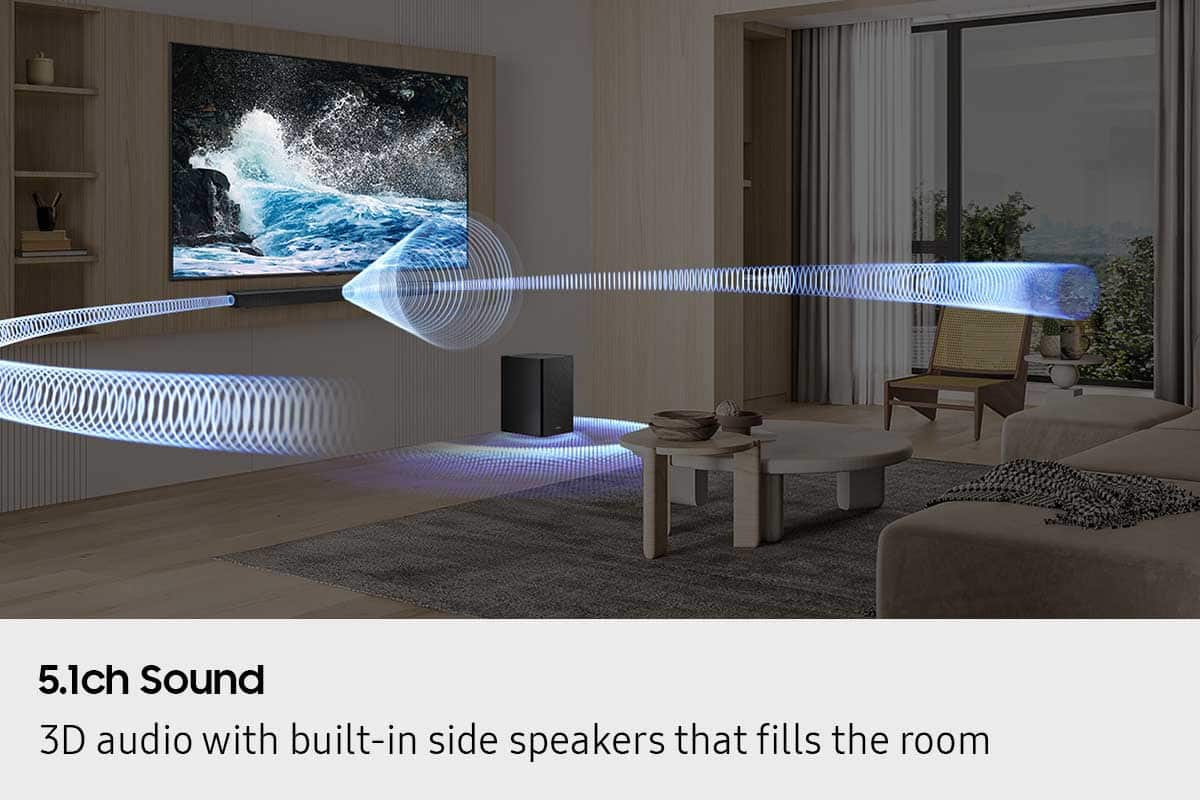
||Posted .This reviewer received promo considerations or sweepstakes entry for writing a review.Great sound. Works perfect with my Samsung TV. Fills the room with sound, nice bass
This review is from Samsung - B-series HW-B750F 5.1 Ch DTS Virtual:X Soundbar with Subwoofer - Black
I would recommend this to a friendRated 5 out of 5 stars
Perfect
||Posted . Owned for 2 weeks when reviewed.This reviewer received promo considerations or sweepstakes entry for writing a review.Well rounded sound system. The bass is good enough for a big hall.
This review is from Samsung - B-series HW-B750F 5.1 Ch DTS Virtual:X Soundbar with Subwoofer - Black
I would recommend this to a friendRated 5 out of 5 stars
Samsung sound bar
||Posted . Owned for 3 weeks when reviewed.This reviewer received promo considerations or sweepstakes entry for writing a review.Sound quality excellent very pleased would recommend to family and friends thank you so much
This review is from Samsung - B-series HW-B750F 5.1 Ch DTS Virtual:X Soundbar with Subwoofer - Black
I would recommend this to a friendRated 5 out of 5 stars
Samsung soundbar
||Posted . Owned for 1 month when reviewed.This reviewer received promo considerations or sweepstakes entry for writing a review.Very good Quality sound worth the money spent good clear sound
This review is from Samsung - B-series HW-B750F 5.1 Ch DTS Virtual:X Soundbar with Subwoofer - Black
I would recommend this to a friendRated 5 out of 5 stars
Samsung sound bar 2025 model
||Posted . Owned for 3 weeks when reviewed.This reviewer received promo considerations or sweepstakes entry for writing a review.This amazing sound bar is for me one of the best options this 2025, fair price and an excellent DTC sound mode. It's not 7.1 but it's great to enjoy your movies and video games in 5.1. I must confirm that I bought it at a reduced price of 279 plus taxes.So it's great :)
This review is from Samsung - B-series HW-B750F 5.1 Ch DTS Virtual:X Soundbar with Subwoofer - Black
I would recommend this to a friendRated 5 out of 5 stars
Solid soundbar.
||Posted .This reviewer received promo considerations or sweepstakes entry for writing a review.Amazing sound quality. Gets extremely loud! Better than the bose and beam 2. Compatible with samsung surround speakers
This review is from Samsung - B-series HW-B750F 5.1 Ch DTS Virtual:X Soundbar with Subwoofer - Black
I would recommend this to a friendRated 5 out of 5 stars
Ms katey frere
||Posted . Owned for 3 weeks when reviewed.This reviewer received promo considerations or sweepstakes entry for writing a review.I am 90 years of age and have a hearing problem - this new sound bar has made ALL of the difference - now we (all 6 of us) can enjoy TV again!! Thanks you katey
This review is from Samsung - B-series HW-B750F 5.1 Ch DTS Virtual:X Soundbar with Subwoofer - Black
I would recommend this to a friendRated 5 out of 5 stars
Nice addition to our home
||Posted . Owned for 2 weeks when reviewed.This reviewer received promo considerations or sweepstakes entry for writing a review.Great sound but initial set up can be confusing. One it is set up it works well
This review is from Samsung - B-series HW-B750F 5.1 Ch DTS Virtual:X Soundbar with Subwoofer - Black
I would recommend this to a friendRated 5 out of 5 stars
Good enough for who it’s for
||Posted .This reviewer received promo considerations or sweepstakes entry for writing a review.While not true surround sound, this unit has decent sound quality for the price. Since anything below 200 Hz is non-directional, you can tuck the subwoofer neatly behind a piece of furniture and still experience the lows. Overall, a good purchase.
This review is from Samsung - B-series HW-B750F 5.1 Ch DTS Virtual:X Soundbar with Subwoofer - Black
I would recommend this to a friendRated 5 out of 5 stars
Marketing Director
||Posted . Owned for 2 weeks when reviewed.This reviewer received promo considerations or sweepstakes entry for writing a review.My daughter absolutely loves the sound and experience this sound bar brings
This review is from Samsung - B-series HW-B750F 5.1 Ch DTS Virtual:X Soundbar with Subwoofer - Black
I would recommend this to a friendRated 5 out of 5 stars
Sounbar
||Posted . Owned for 3 weeks when reviewed.This reviewer received promo considerations or sweepstakes entry for writing a review.Amazing soundbar I recommend !!!! Finally i found it
This review is from Samsung - B-series HW-B750F 5.1 Ch DTS Virtual:X Soundbar with Subwoofer - Black
I would recommend this to a friendRated 5 out of 5 stars
Sounds good
||Posted . Owned for 3 months when reviewed.This reviewer received promo considerations or sweepstakes entry for writing a review.Sound is good bass is really good samsung is the best brand
This review is from Samsung - B-series HW-B750F 5.1 Ch DTS Virtual:X Soundbar with Subwoofer - Black
I would recommend this to a friend