Customer Ratings & Reviews









- Model:
- HW-Q990D/ZA
- SKU:
- 10517851
Rating by feature
- Value
Rating 4.6 out of 5 stars
- Quality
Rating 4.8 out of 5 stars
- Ease of Use
Rating 4.7 out of 5 stars
I like it, I like it a lot
||Posted . Owned for 1 month when reviewed.This reviewer received promo considerations or sweepstakes entry for writing a review.It does a great job with dialogue for movies and shows. I have a hard time hearing voice in movies and usually use CC but this sound bar helps.
I would recommend this to a friend- Pros mentioned:Sound quality
Automatic!
||Posted . Owned for 1 week when reviewed.This reviewer received promo considerations or sweepstakes entry for writing a review.Wow!. I have a Samsung TV and it automatically updates and connects and provides great sound.
I would recommend this to a friend - Pros mentioned:Sound quality
Great sound, easy setup
||Posted . Owned for 1 month when reviewed.This reviewer received promo considerations or sweepstakes entry for writing a review.Love this sound bar. We have 2 of the same. Dolby atmos sound is awesome!
I would recommend this to a friend - Pros mentioned:Sound quality
Great sound!
||Posted . Owned for 6 months when reviewed.This reviewer received promo considerations or sweepstakes entry for writing a review.Incredible sound! Great for movies , gaming, and music!
I would recommend this to a friend Great living room sound
||Posted . Owned for 1 week when reviewed.This reviewer received promo considerations or sweepstakes entry for writing a review.Best sound for my open layout living room. Bass is a lot more than I thought but I love it.
I would recommend this to a friend- Pros mentioned:Sound quality
Very good
||Posted . Owned for 1 week when reviewed.This reviewer received promo considerations or sweepstakes entry for writing a review.I love sound from speakers and recommend to other people
I would recommend this to a friend - Pros mentioned:Sound quality
Aweome
||Posted . Owned for 1 month when reviewed.This reviewer received promo considerations or sweepstakes entry for writing a review.This is best soundbar on the market by far and it it is worth every dollar
I would recommend this to a friend - Pros mentioned:Sound quality
Worth the money
||Posted . Owned for 2 weeks when reviewed.This reviewer received promo considerations or sweepstakes entry for writing a review.I thought I would miss my big system but no, this paired with a Samsung tv is great.
I would recommend this to a friend - Pros mentioned:Sound quality
Keep disconnecting
||Posted . Owned for 10 months when reviewed.This reviewer received promo considerations or sweepstakes entry for writing a review.The sound quality is good but It’s keep disconnecting from the TV which is Samsung too..
No, I would not recommend this to a friendBrand response from Samsung
Posted .Hello RajasekharK,
Thank you for taking a moment to review the HW-Q990D Samsung Soundbar.
Updating the firmware on your soundbar gives you all the benefits of the latest improvements. When the Soundbar is connected to the Internet, Auto Update allows software to update automatically even when the Soundbar is turned off. You can also update by using the SmartThings app.
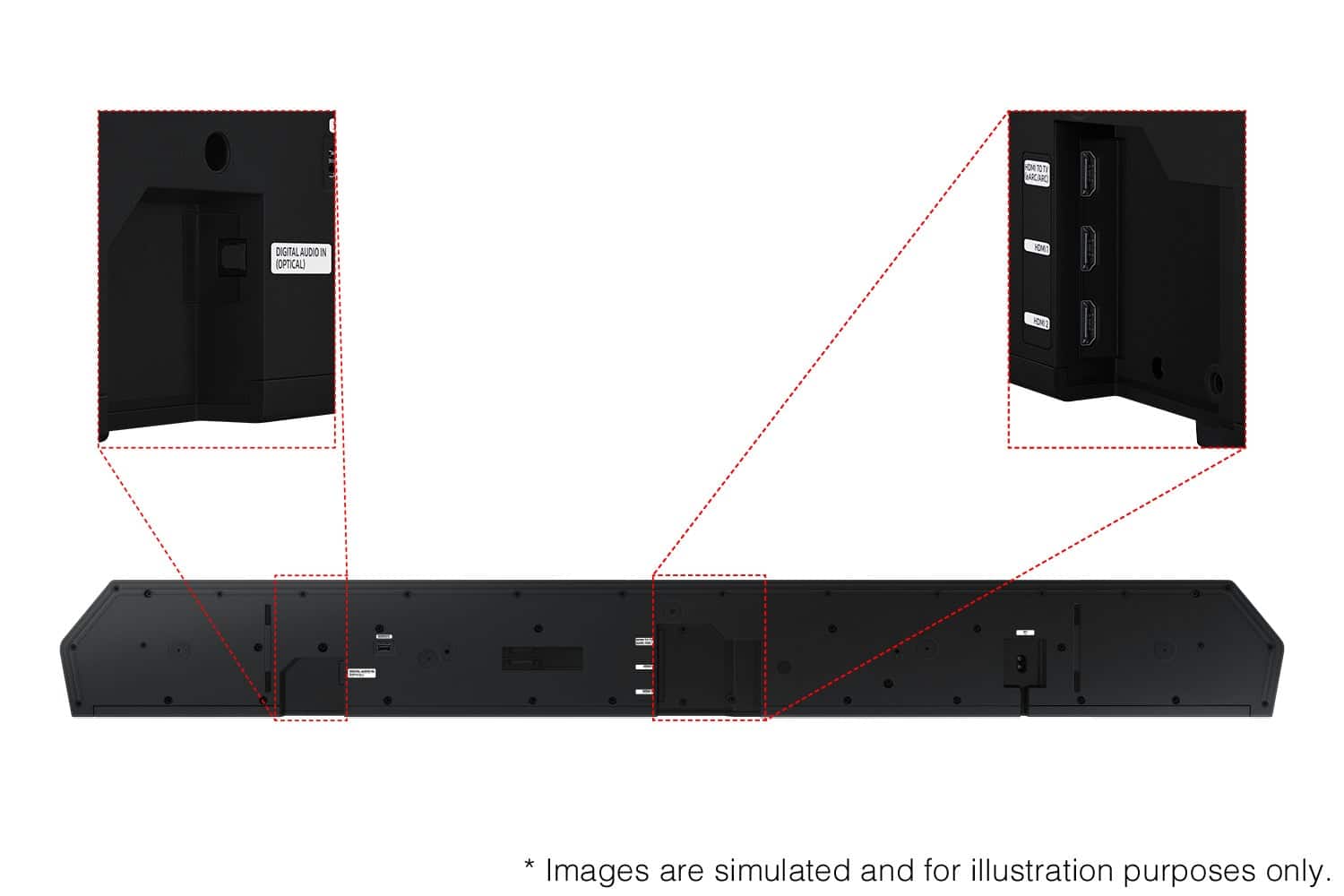
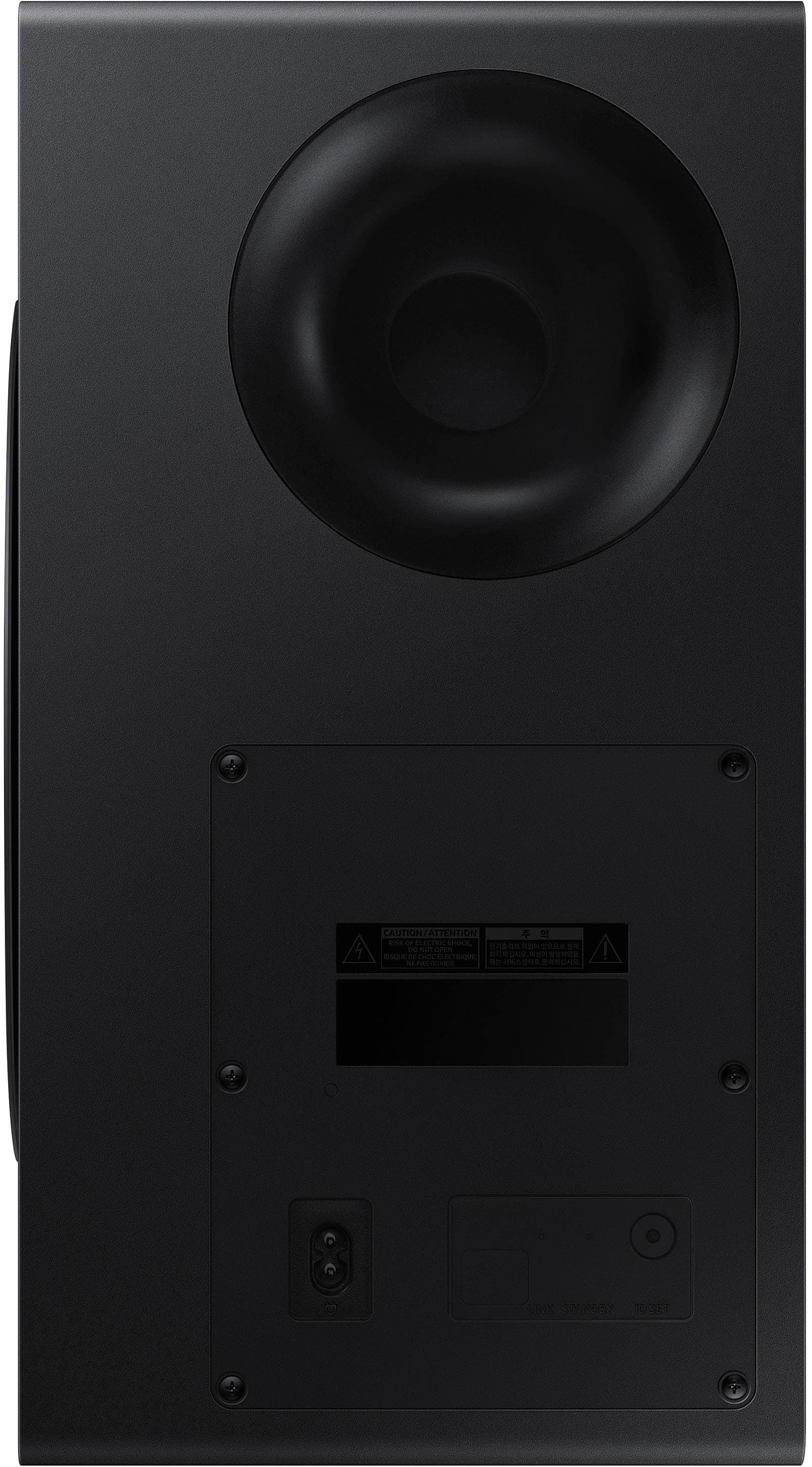
If not connected to the internet, you can download it onto a USB device, and then upload it to your soundbar - no wireless connection required. Connect the USB drive that contains the update firmware to the SERVICE port of the Soundbar.
1.Go to the Samsung Electronics website (www.samsung.com) → click on the “Support” option in the upper left corner.
2.Click on “Manuals & Software” from the pop-up list > TVs & Home Theater > Home Theater > Select your model
2. Download the firmware file (USB type).
3. Unzip the file to create a folder with the file name.
4. Store the created folder in a USB and then connect it to the Soundbar.
5. A sequence of “UPDATE” > “BYE” > “ON” will appear on the display 3 times. This will take around 6 minutes.
- During update, do not turn it off or remove the USB.
- If “UPDATE” does not appear on the display window, remove the power cord from the Soundbar and then reconnect it.
- When the latest version is installed, no update is performed.
- Depending on the USB type, update may not be supported.
6. After the 3 cycles are complete, the Soundbar will restart and last source used will appear on the display for about 20 seconds and then it will go off (“UPDATE” > “BYE” > “ON”) 3 times “D.IN” > off
If you need more help, Samsung is here for you. Please call us at 1-800-SAMSUNG, 8AM - 12AM EST (Ask for Soundbars), 7 days a week. Live Chat with an agent as well as manuals, software, creating a service ticket, and warranty info can be found at the ‘Support’ link on our Samsung website.
~ Samsung Solutions
- Pros mentioned:Sound quality
Great sound bar set up
||Posted . Owned for 2 weeks when reviewed.This reviewer received promo considerations or sweepstakes entry for writing a review.Unbelievable audio! Strong performance and stylish
I would recommend this to a friend - Pros mentioned:Sound quality
Great Dolby Atmos Soundbar
||Posted . Owned for 1 month when reviewed.This reviewer received promo considerations or sweepstakes entry for writing a review.Amazing sound. The Dolby Atmos is worth every penny
I would recommend this to a friend - Pros mentioned:Sound quality

Great little bar
|Posted . Owned for 1 month when reviewed.This reviewer received promo considerations or sweepstakes entry for writing a review.Great soundbar. Big sound for the price. Highly recommend
I would recommend this to a friend Samsung
||Posted .This reviewer received promo considerations or sweepstakes entry for writing a review.An awesome device in every sense of the word. You won't regret buying it.
I would recommend this to a friend- Pros mentioned:Sound quality
Tony
||Posted . Owned for 1 month when reviewed.This reviewer received promo considerations or sweepstakes entry for writing a review.Great product would recommend this great sound for the price
I would recommend this to a friend - Pros mentioned:Sound quality
SAMSUNG SOUNDBAR
||Posted . Owned for 1 week when reviewed.This reviewer received promo considerations or sweepstakes entry for writing a review.perfect soundbar package. Feels like movie theater. most recommended.
I would recommend this to a friend - Pros mentioned:Sound quality
Works great with Samsung tv
||Posted . Owned for 1 week when reviewed.This reviewer received promo considerations or sweepstakes entry for writing a review.Great sound with minimal setup. Pairs with the Samsung tv perfectly.
I would recommend this to a friend - Pros mentioned:Sound quality
Hate and Love Sound Bar
||Posted . Owned for 1 week when reviewed.This reviewer received promo considerations or sweepstakes entry for writing a review.This sound bar s good with movie but I dont think its good for music
I would recommend this to a friendBrand response from Samsung
Posted .Hi Nyny,
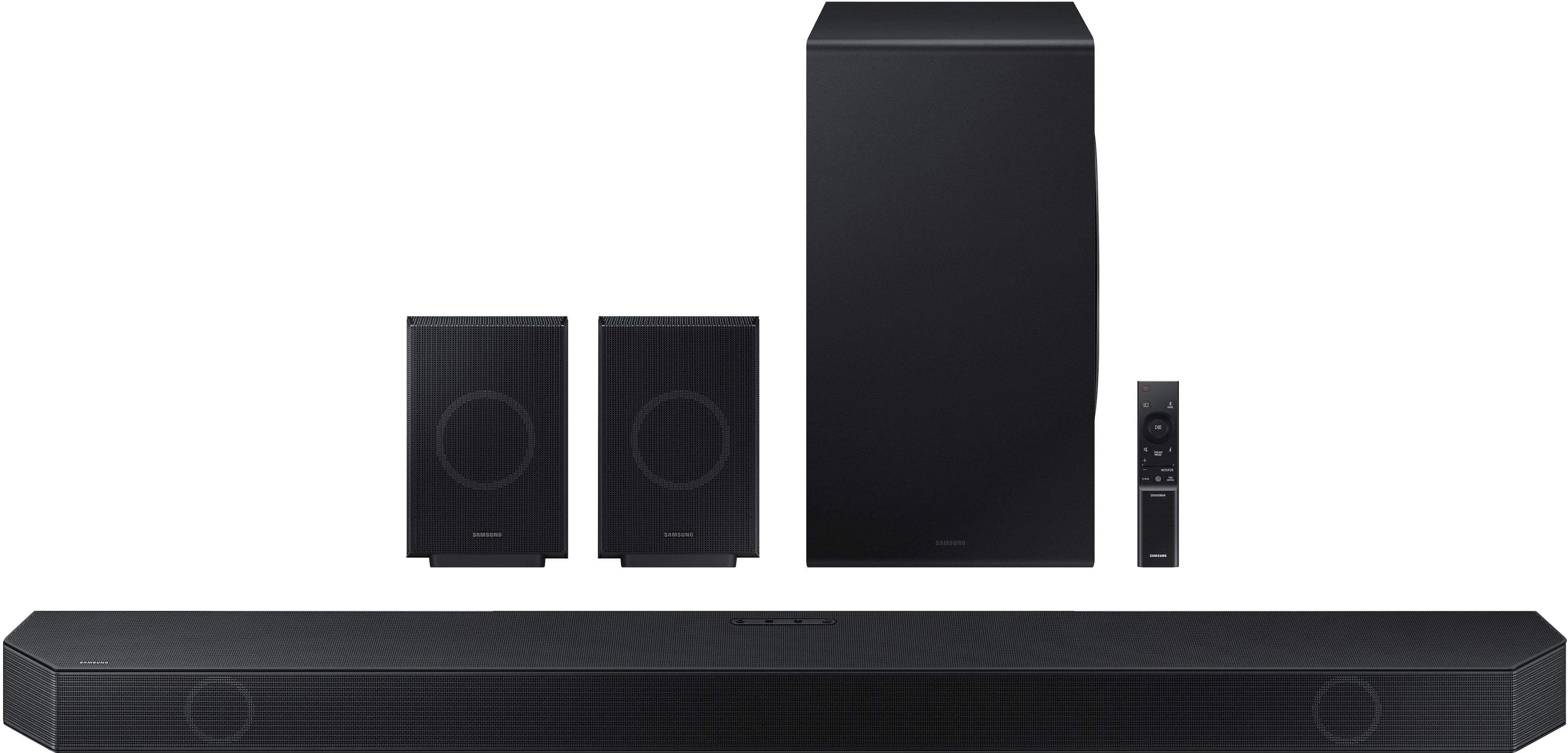
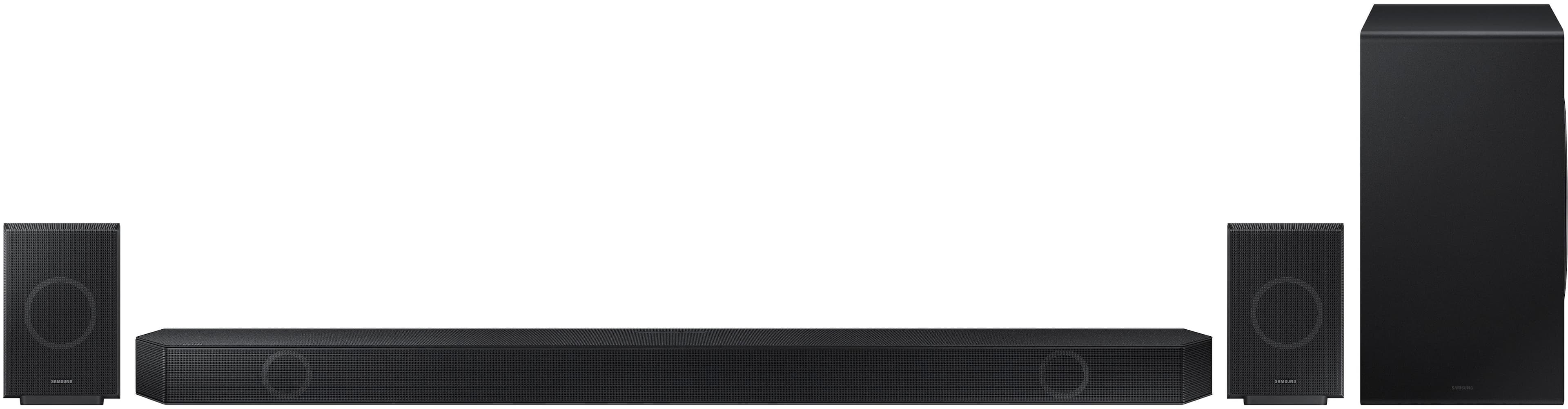
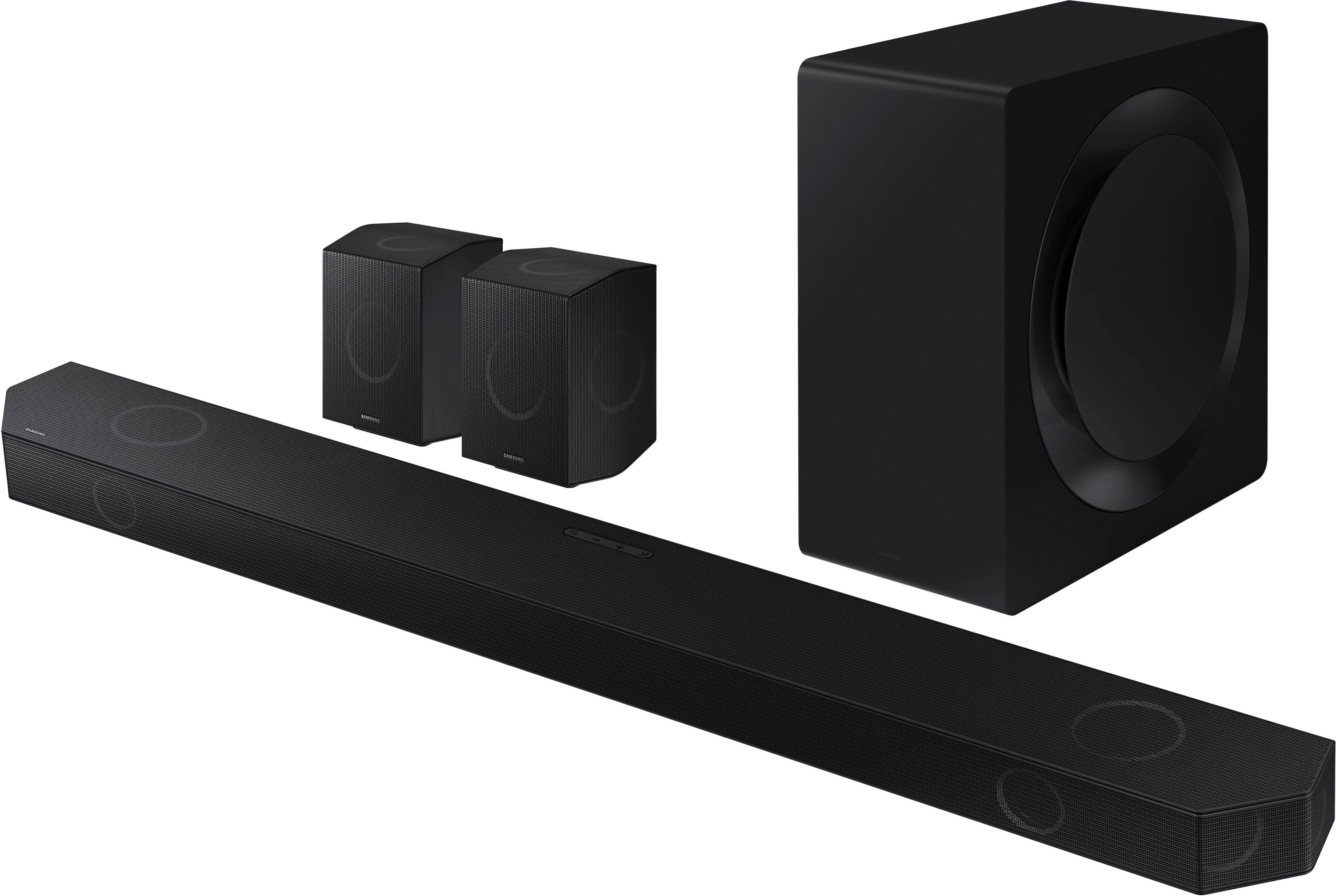
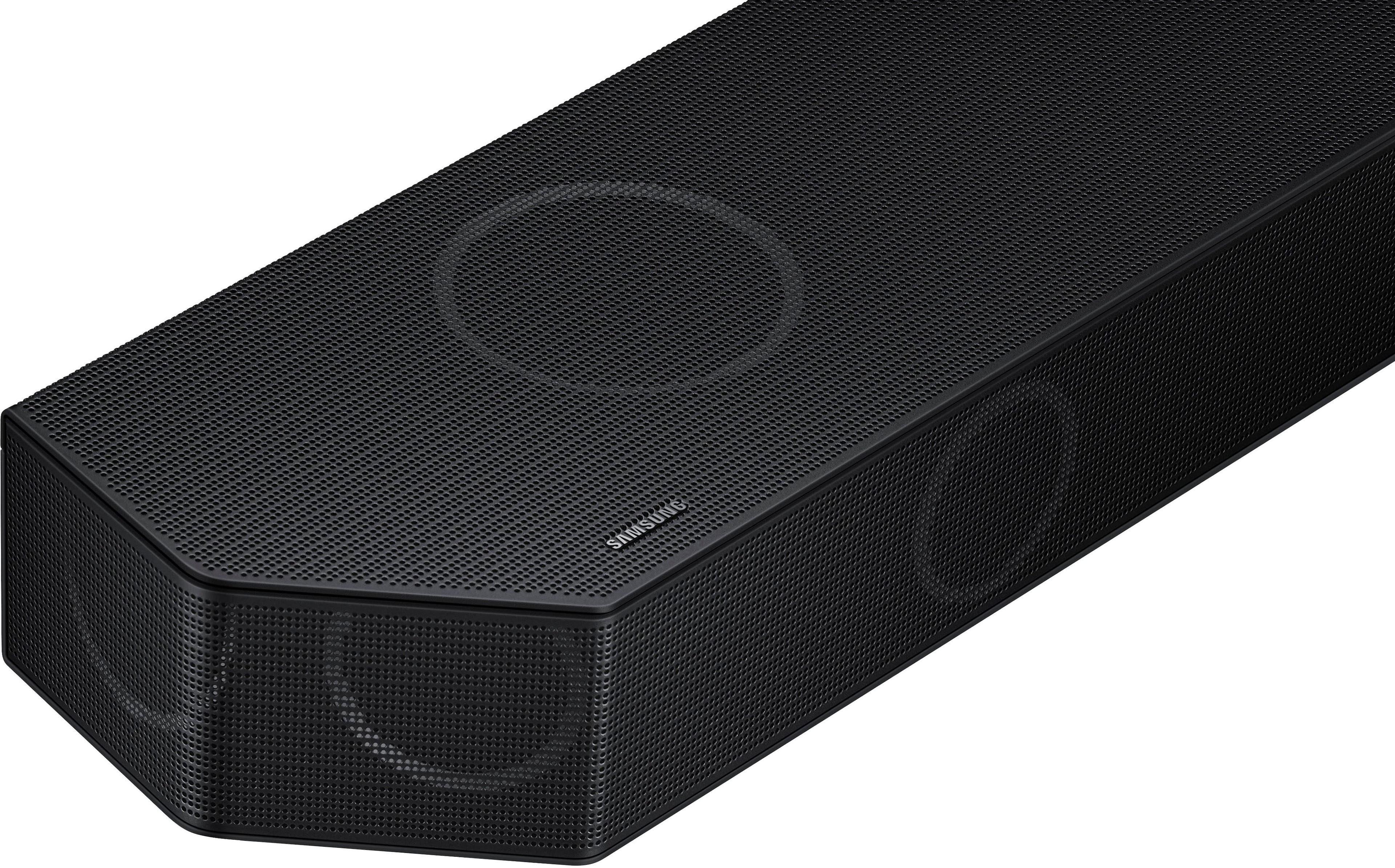
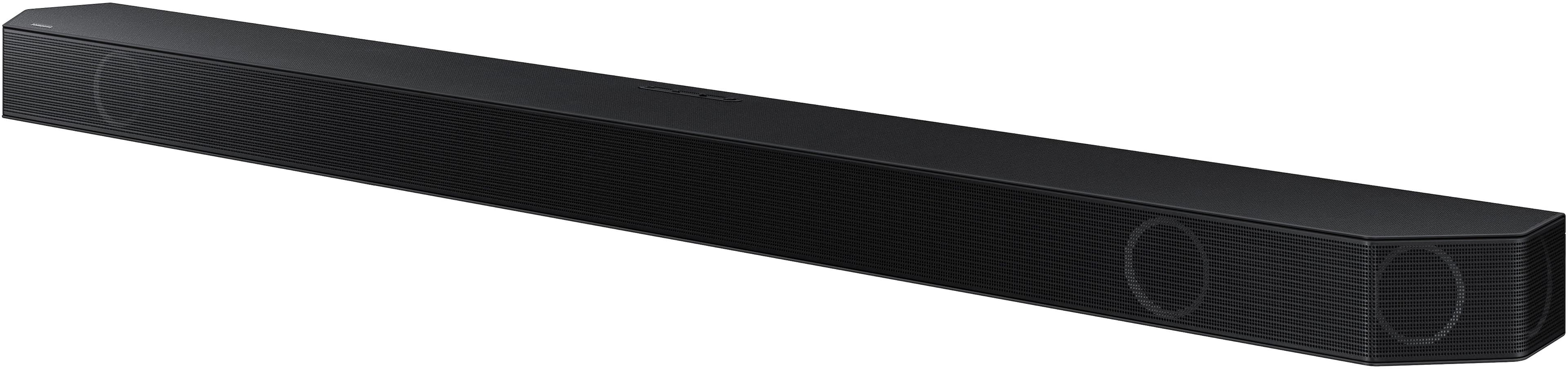
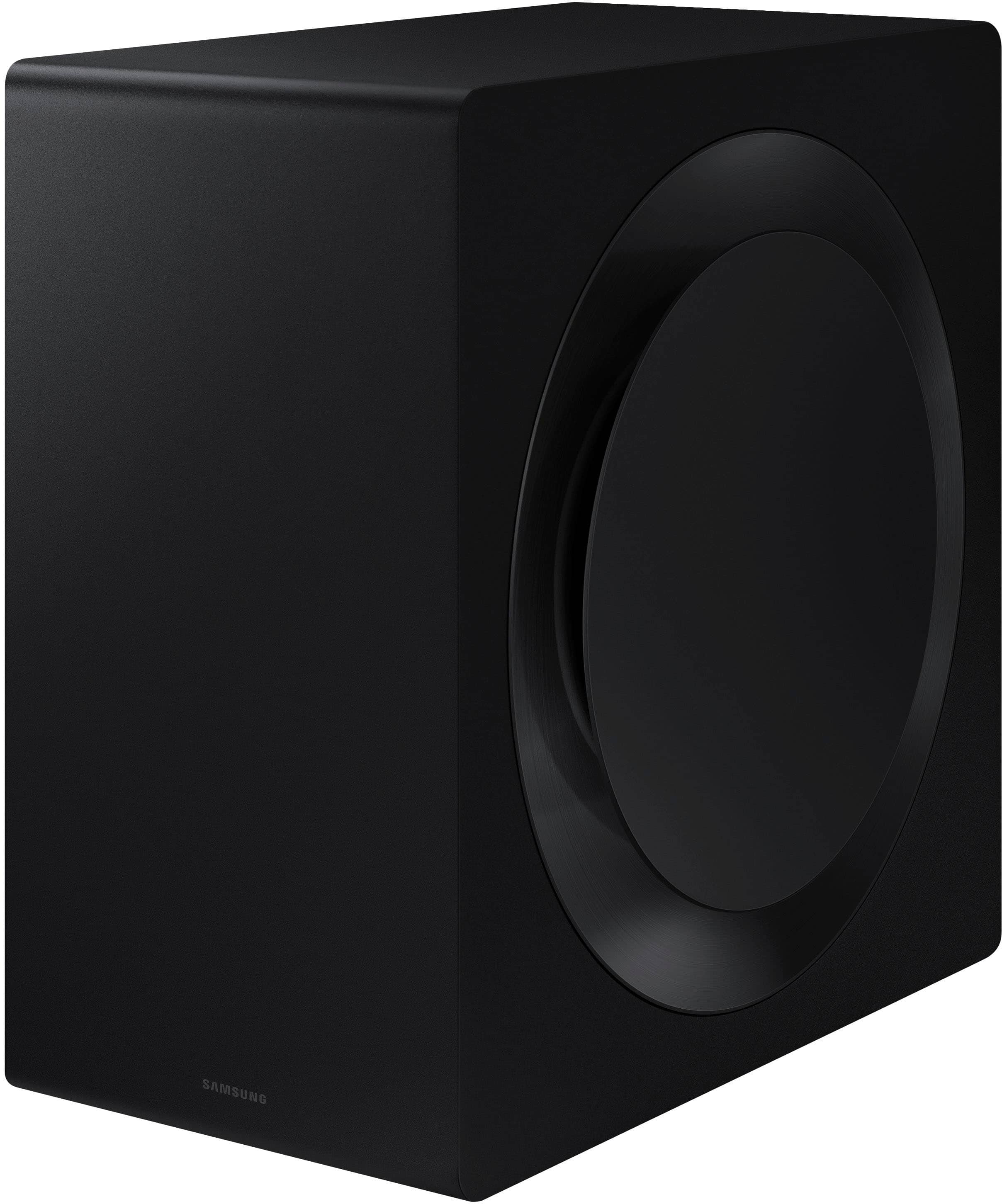
Thank you for sharing your positive experience with the HW-Q990D Soundbar! Its impressive configuration of 11 front-facing speakers, 1 subwoofer, and 4 up-firing channels ensures a captivating audio experience that envelops you from all directions. Whether it’s music, movies, or gaming, this soundbar delivers bold, multi-channel sound that truly immerses you.
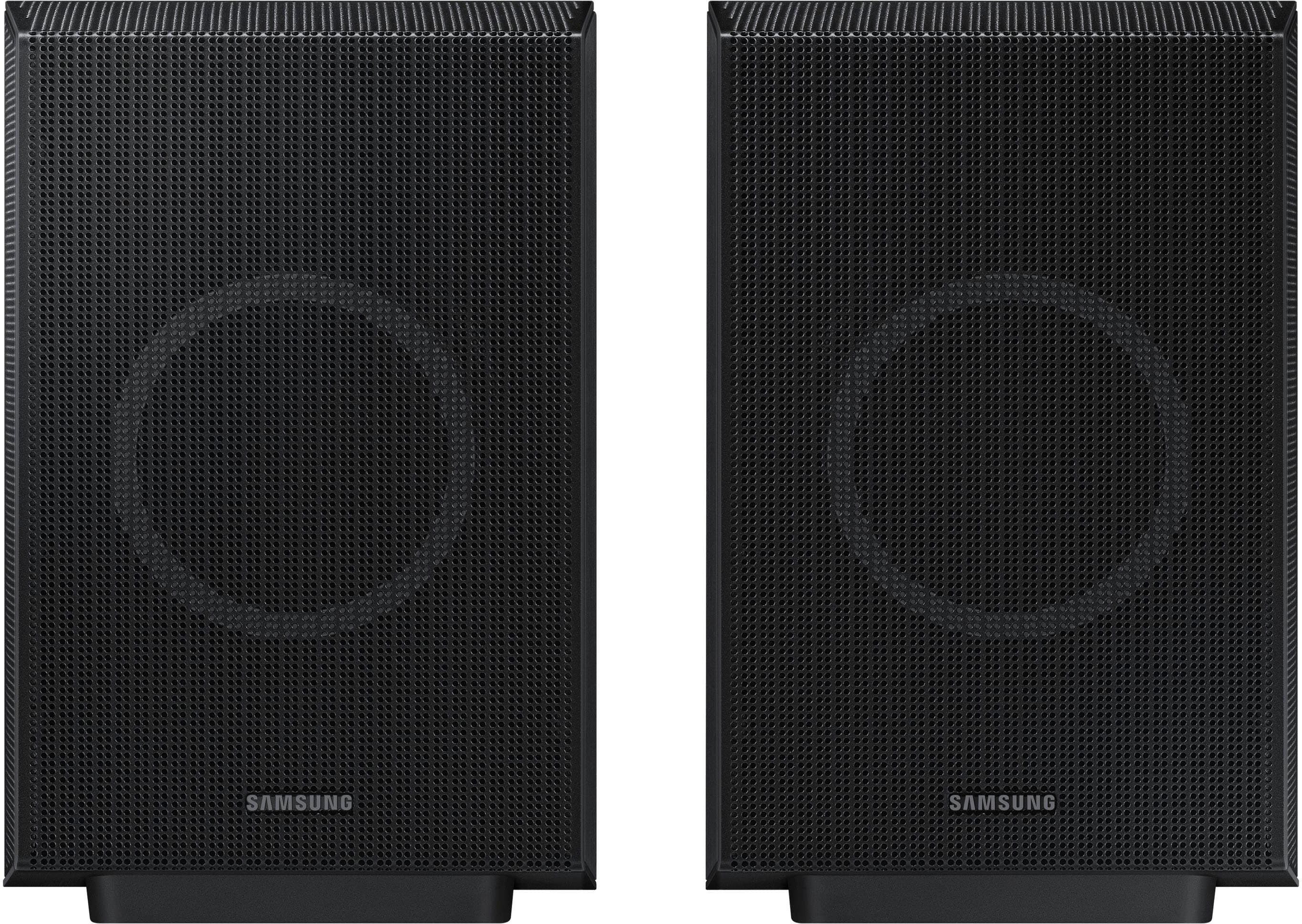
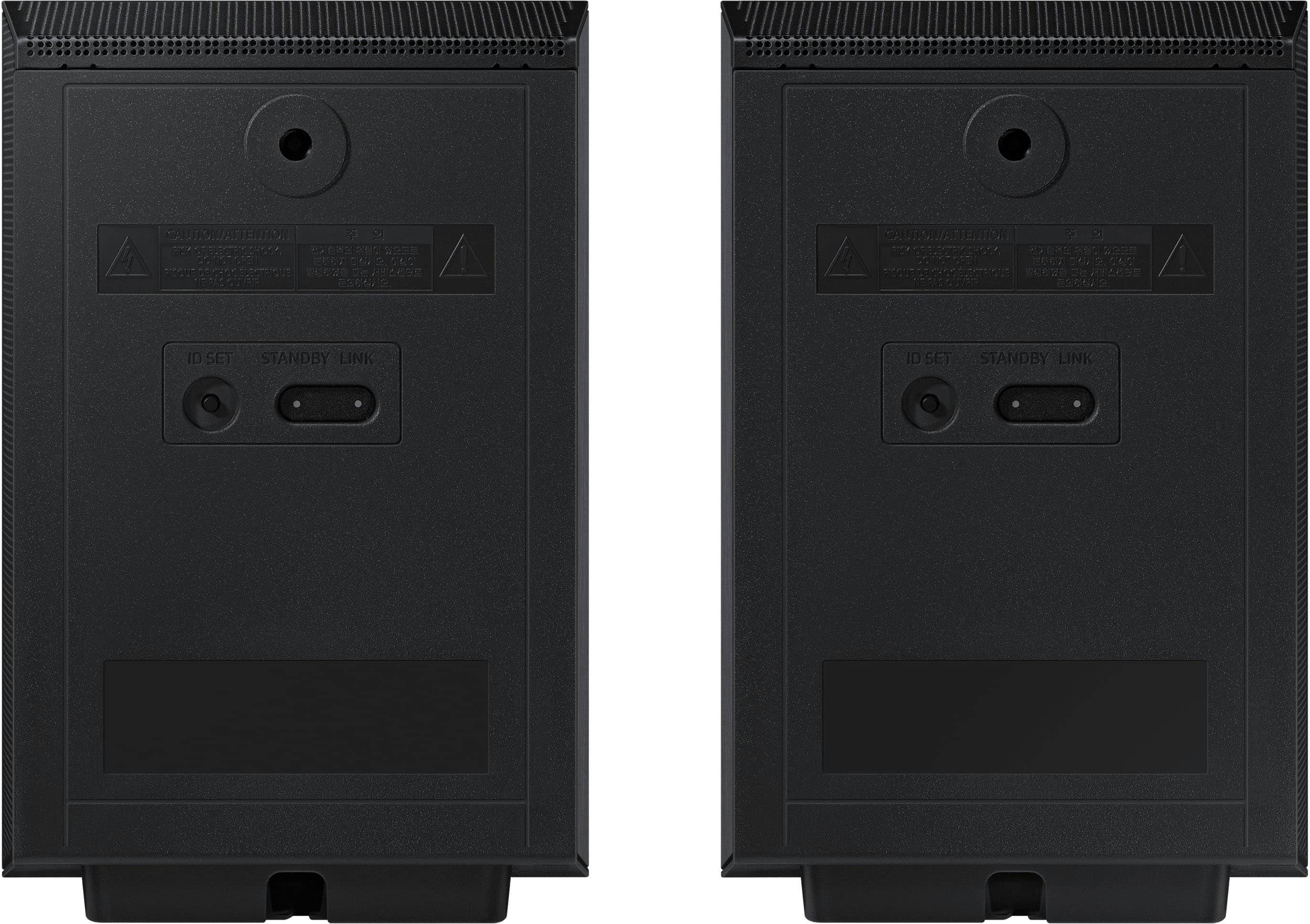
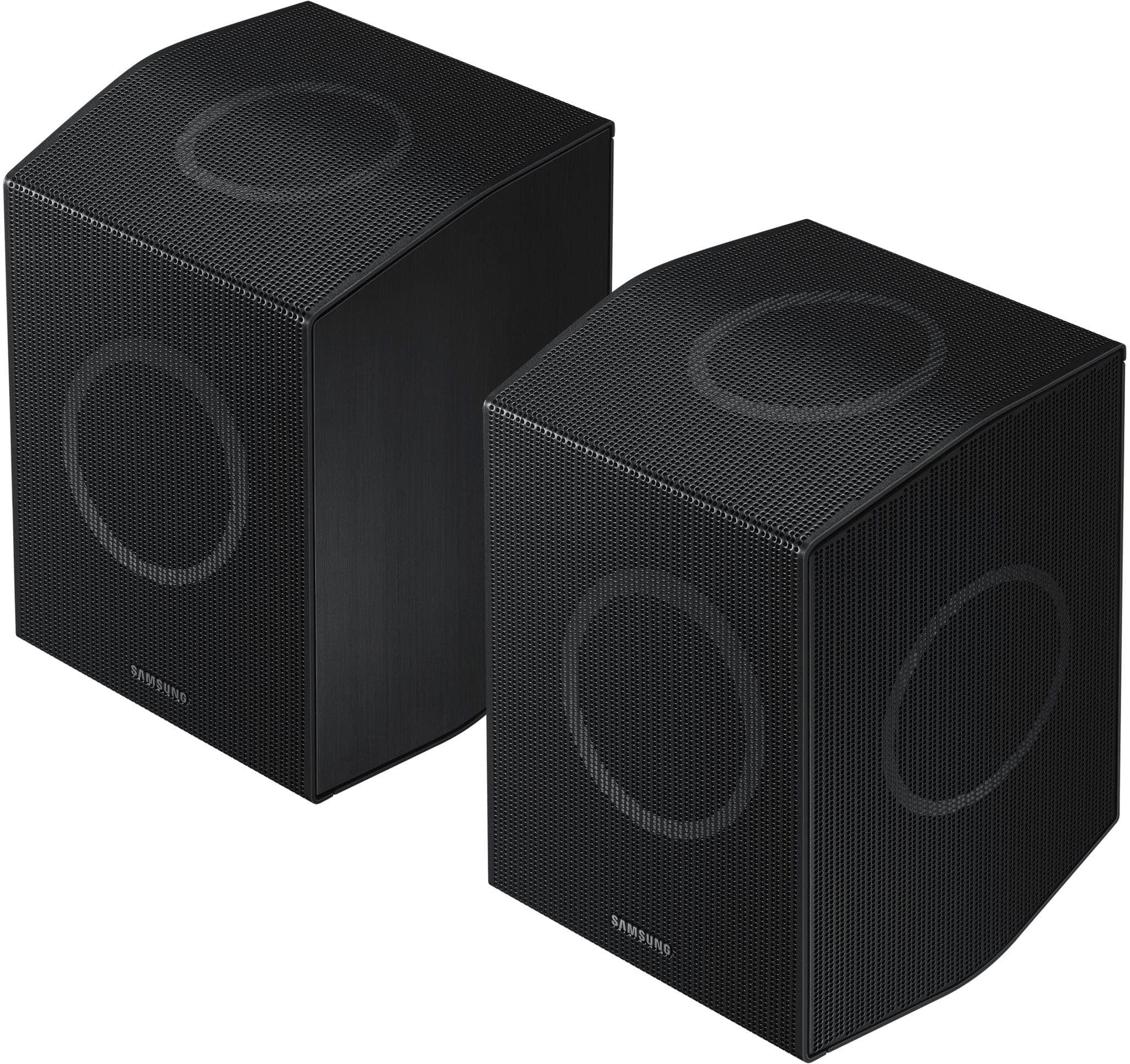
With the inclusion of a rear speaker kit means your home theater setup is complete right out of the box. No need to hunt for additional components—it’s all there!
With the Sound Grouping feature, it’s a fantastic addition. When activated, you can enjoy your music from all the speakers, including the surround speakers. It’s a great way to enhance your audio experience.
Should you ever have questions or need help, Samsung is here for you. Just give us a call at 1-800-SAMSUNG (Ask for Soundbars), 8AM - 12AM EST, 7 days a week. Our Live Chat agents are also available by clicking on the ‘Support’ link on our website.
~ Samsung Solutions
- Pros mentioned:Sound quality
Amazing sound
||Posted . Owned for 2 weeks when reviewed.This reviewer received promo considerations or sweepstakes entry for writing a review.Amazing sound and worth every penny. Highly recommend
I would recommend this to a friend - Pros mentioned:Sound quality
Soundbar
||Posted . Owned for 3 weeks when reviewed.This reviewer received promo considerations or sweepstakes entry for writing a review.Sounds great makes the veiwing experience much more realistic
I would recommend this to a friend - Pros mentioned:Sound quality
Owner of the product
||Posted . Owned for 1 week when reviewed.This reviewer received promo considerations or sweepstakes entry for writing a review.I love it great sound I recommend Samsung soundbar 11.1 channel
I would recommend this to a friend