Customer Ratings & Reviews









- Model:
- HW-Q990D/ZA
- SKU:
- 10517851
Rating by feature
- Value
Rating 4.6 out of 5 stars
- Quality
Rating 4.8 out of 5 stars
- Ease of Use
Rating 4.7 out of 5 stars
Not as good
||Posted . Owned for less than 1 week when reviewed.This reviewer received promo considerations or sweepstakes entry for writing a review.For the price i would think samsung would have all the glitches out for rhis price. Samsung products do not play nice with other tv or sound system products.
No, I would not recommend this to a friendBrand response from Samsung
Posted .Hi Joker,
We appreciate you taking a moment to review the Samsung HW-Q990D Soundbar.
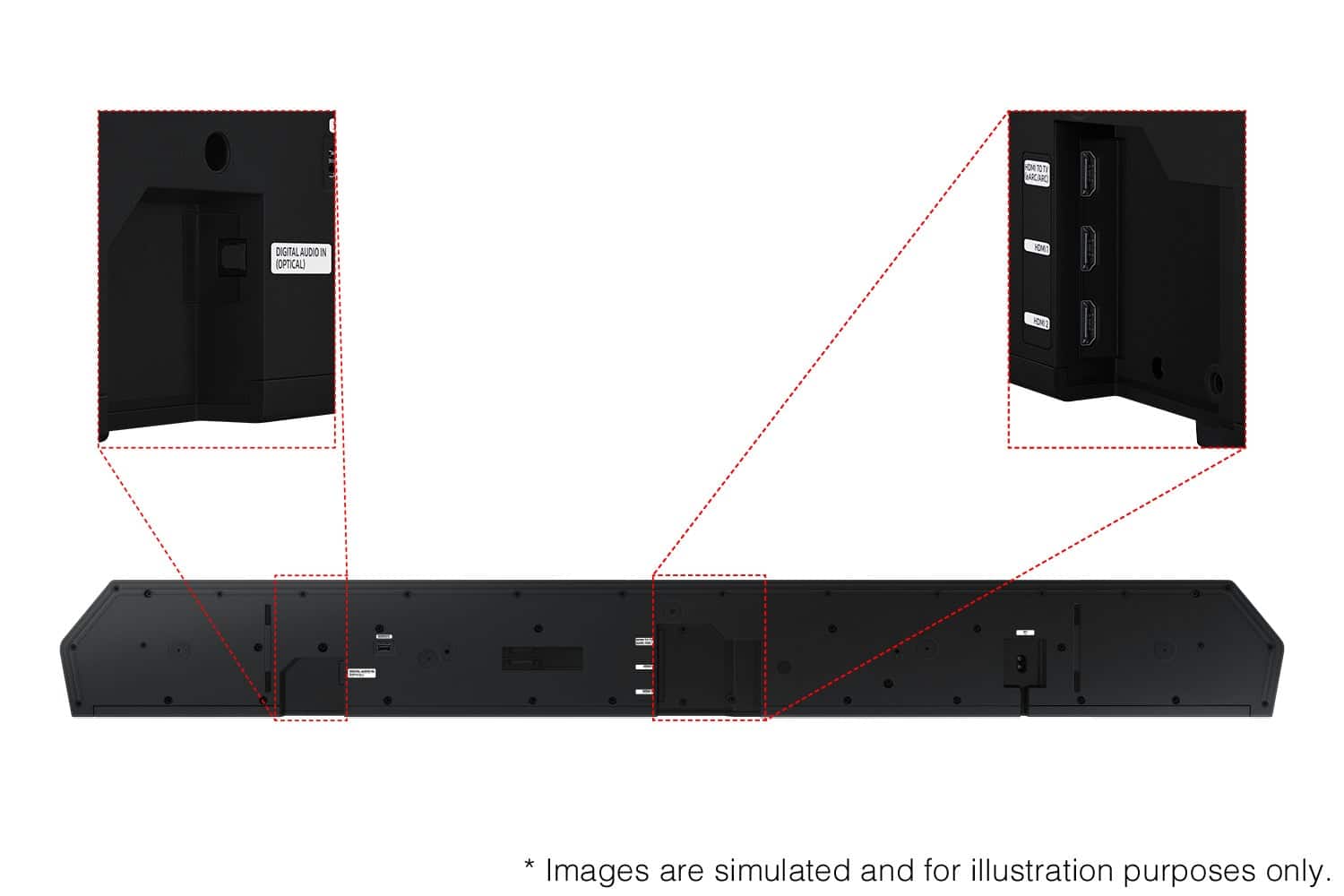
The HW-Q990D features three ways to connect to a TV; HDMI/ARC, digital optical audio, and Bluetooth wireless audio technology. If your TV is compatible with one of these three audio connections, you should have no issue connecting the soundbar to your TV. Follow the steps below to connect the soundbar to your TV via one of the three available connections:
HDMI ARC (Audio Return Channel) lets certain TVs and soundbars transfer audio back and forth using one HDMI cable. In other words, you can use the HDMI port as both an input and audio output. To set up HDMI ARC, power on your TV and soundbar.
1. Next, connect one end of an HDMI cable into the HDMI IN (ARC) port on your TV.
2. Connect the other end into the HDMI OUT (TV-ARC) port on your soundbar.
3. Next, change the source on your soundbar to the D.IN. setting.
4. After a few seconds, "TV ARC" will appear on the soundbar's display, and the TV will transfer audio through the soundbar.
An optical cable is another way to connect your soundbar to your TV. You can also connect your devices (cable boxes, video game systems, and Blu-ray players) to the TV, and have the sound output from the TV to the soundbar.
1. With the TV and soundbar turned on, connect one end of a digital optical cable to the OPTICAL OUT port on the TV.
2. Then, connect the other end to the DIGITAL AUDIO IN (OPTICAL) port on the soundbar.
3. Press Source on the remote or soundbar, and then set the soundbar to the D.IN. setting.
4. Finally, on the TV, you need to set the speaker output to external speakers.
The TV's sound will now play from the soundbar.
Your soundbar is also compatible with a Bluetooth connection to the TV. To connect the soundbar wirelessly, follow the steps below:
1) Press the PAIR button on the remote to enter BT PAIRING mode. You can also press the SOURCE button on the top panel and then select BT. “BT” changes to “BT PAIRING” in a few seconds automatically or changes to “BT READY” if there is a connect record. If BT READY appears, press and hold the SOURCE button on the top panel of the Soundbar for more than 5 seconds to display BT PAIRING.
2) Select the Bluetooth sound mode on your TV (See your TV's user manual for assistance)
3) Select “[AV] Samsung Soundbar Q Series” from the list on the TV’s screen. An available Soundbar is indicated with “Need Pairing” or “Paired” on the TV’s Bluetooth device list. To connect the TV to the Soundbar, select the message, and then establish a connection.
When the TV is connected, [TV Name] → “BT” appears on the Soundbar’s front display. You should now hear TV sound from the Soundbar. Once you have connected your soundbar for the first time, use the “BT READY” mode to reconnect.
Alternatively, you can adjust all of these same settings and more within the SmartThings app. Download the app for your iOS or Android device and then connect your Soundbar to Wi-Fi. From here, you will be able to adjust all of the same settings as the provided remote, but with the added benefit of being able to see the changes on your smart device.
I hope these tips help you set up your new Samsung Soundbar.
If you need more help, Samsung is here for you. Please call us at 1-800-SAMSUNG, 8AM - 12AM EST (Ask for Soundbars), 7 days a week. Our Live Chat agents are also available by clicking on the ‘Support’ link on our website.
~ Samsung Solutions
Poor service
||Posted . Owned for 1 week when reviewed.This reviewer received promo considerations or sweepstakes entry for writing a review.I never got the sound bar. They called and said it couldn’t be delivered on the promised day and needed another 9 days. No reason given. Canceled the $3500 purchase. There loss.
No, I would not recommend this to a friendBrand response from Samsung
Posted .Flyingchip,
Please know you are leaving a review and 1-star rating for the HW-Q990D Soundbar, but we are sorry to hear of your Best Buy experience, nonetheless. You may want to consider providing feedback directly to the Best Buy store where you made your purchase.
Should you have questions on the HW-Q990D itself, Samsung is here for you. You can reach us at 1-800-SAMSUNG, 8AM - 12AM EST, 7 days a week. Our LiveChat agents are also available by clicking on the ‘Support’ link on our website.
~ Samsung Solutions
- Pros mentioned:Sound quality
Best Sound Bar Ever
Posted .This reviewer received promo considerations or sweepstakes entry for writing a review.Sound Bar is the best I have ever owned. It was so easy to setup.
I would recommend this to a friend - Pros mentioned:Sound quality

Excellent sound, easy setup, but it's heavy
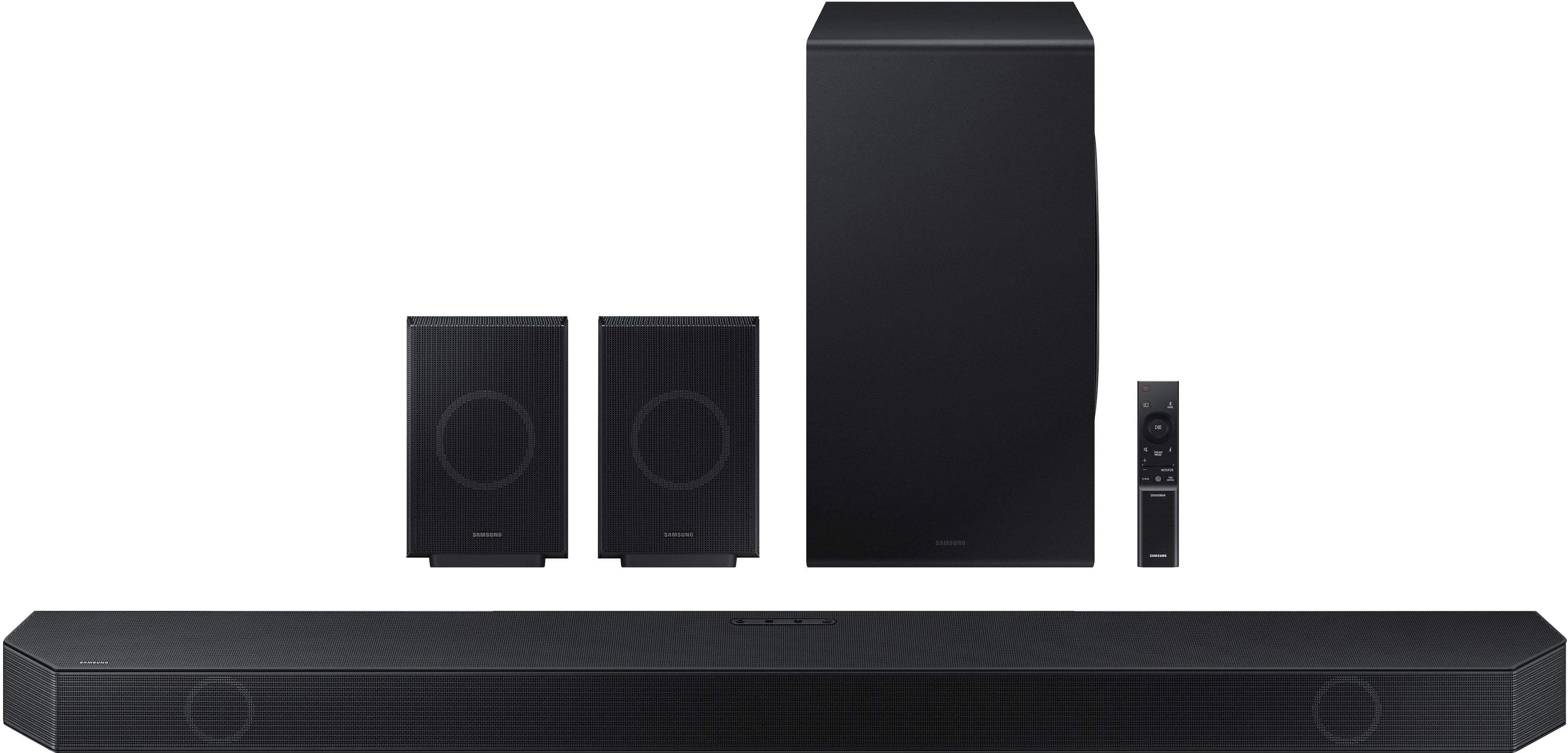
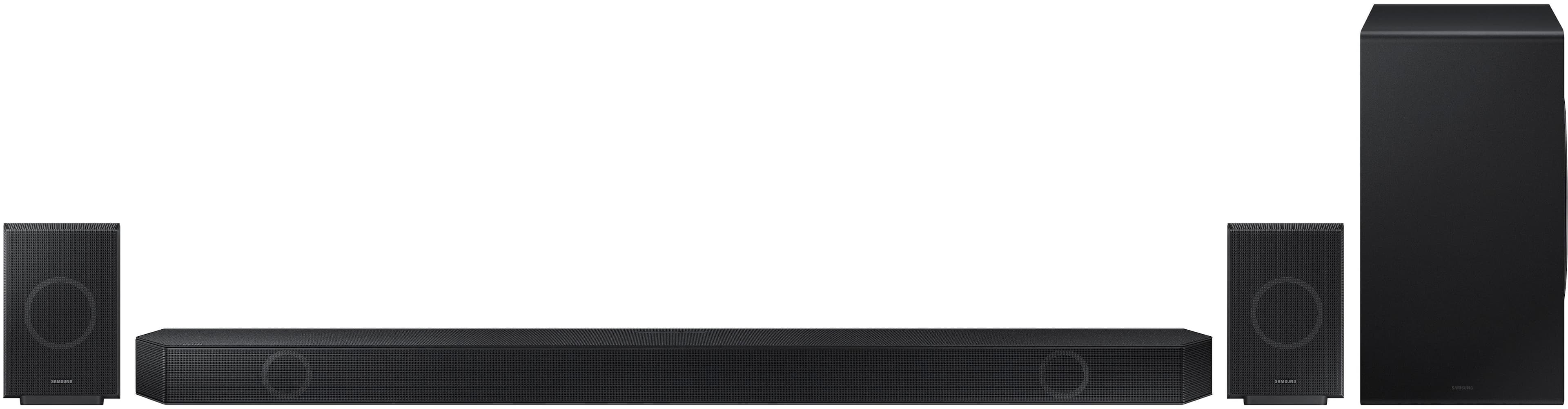
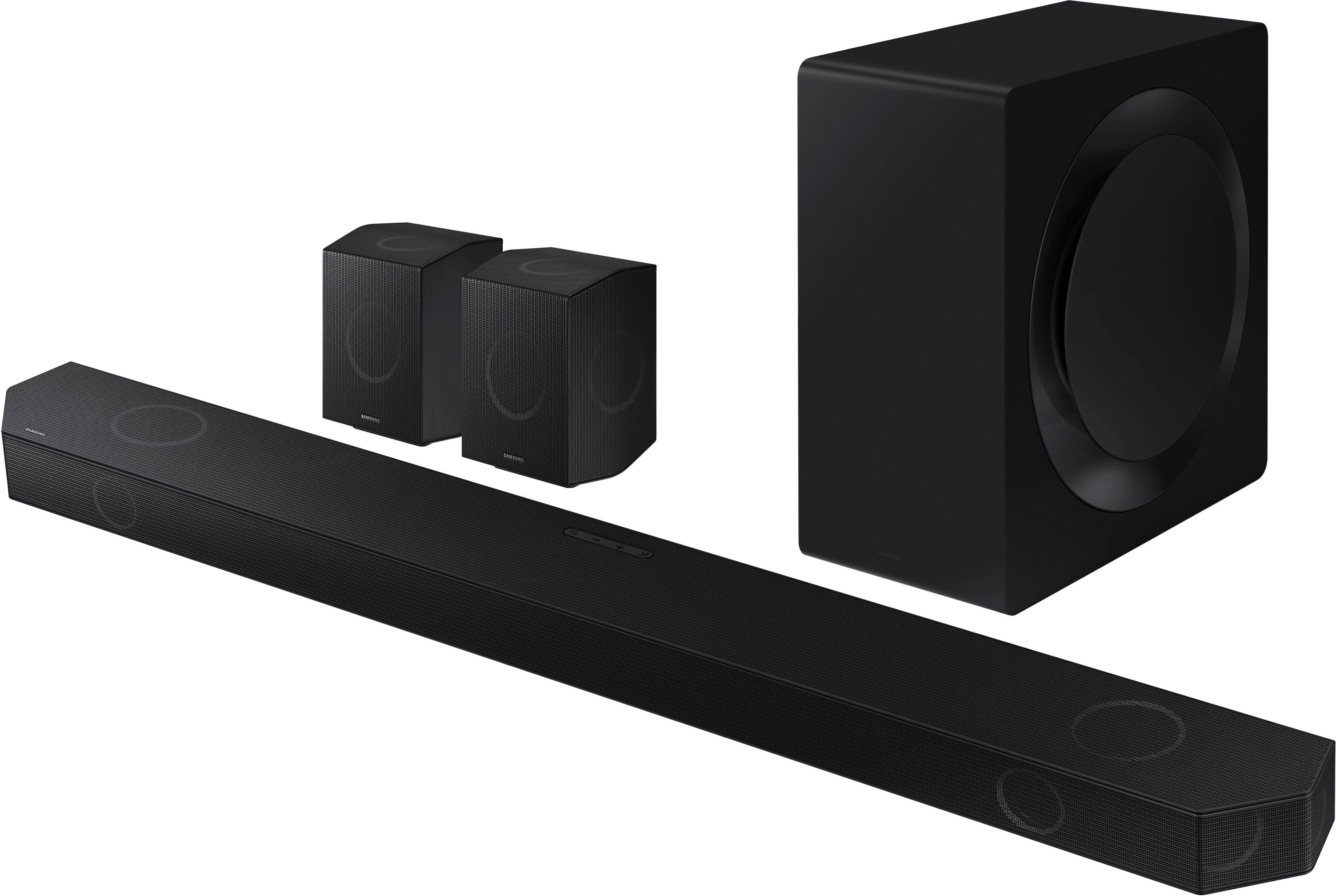
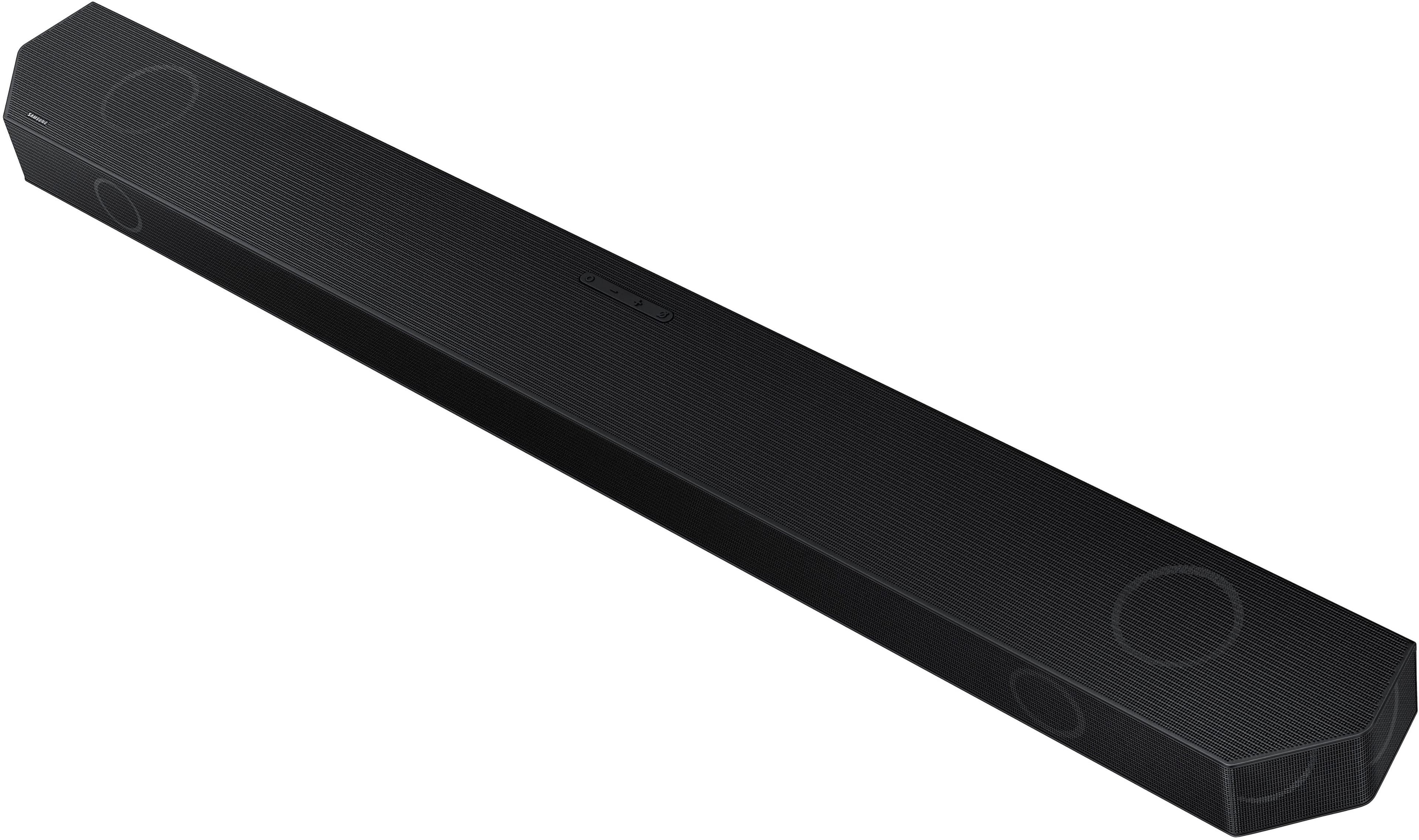
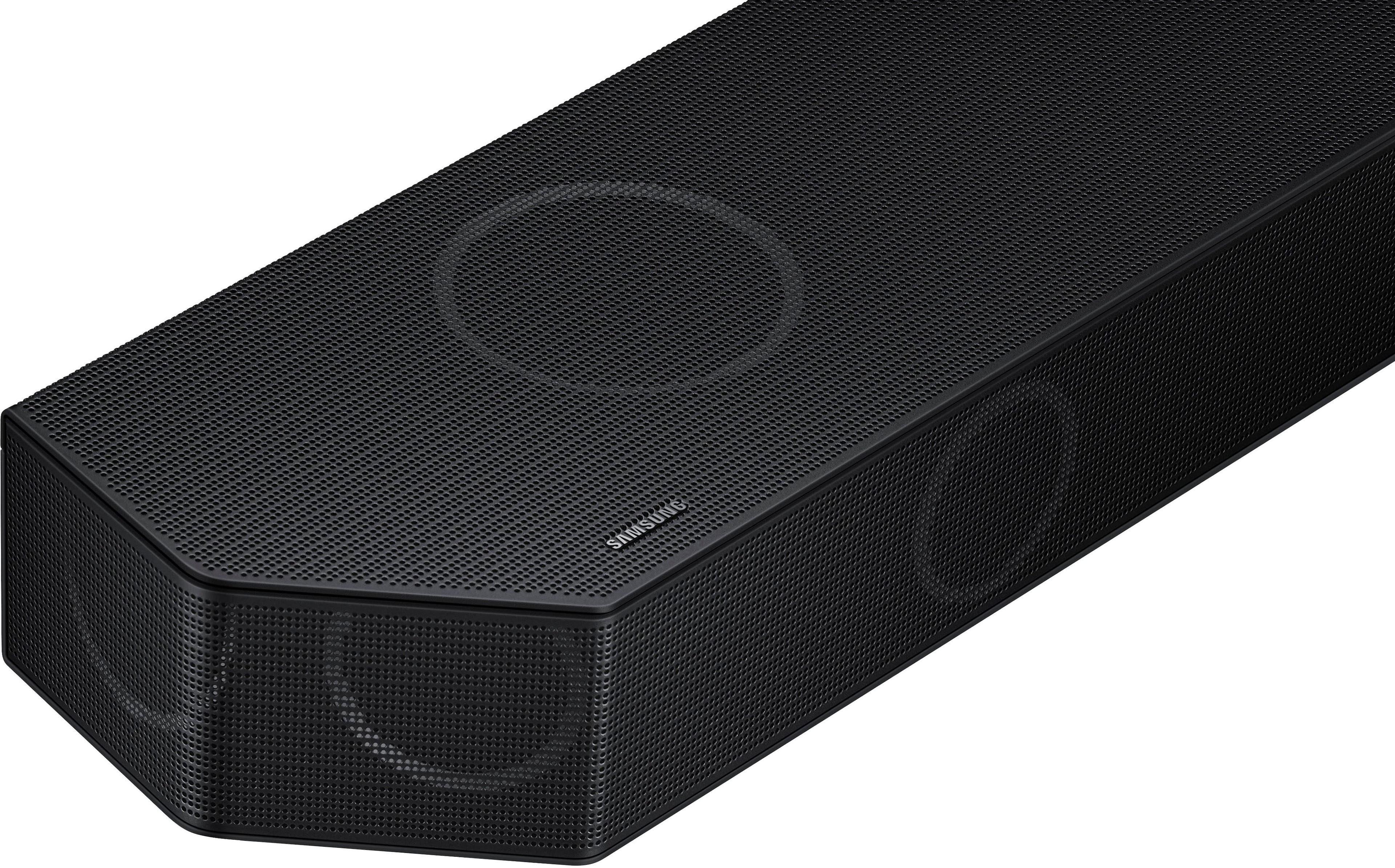
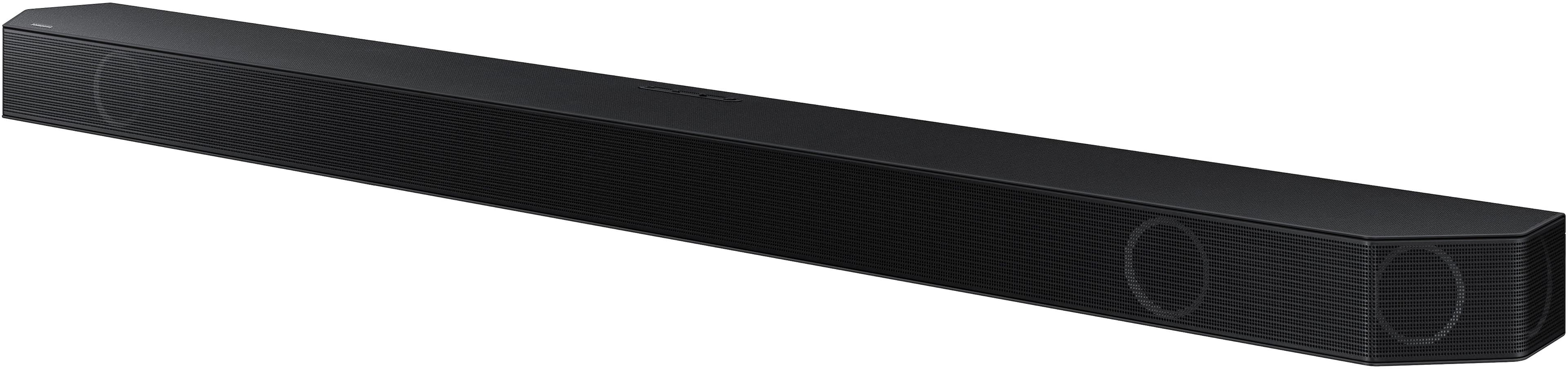
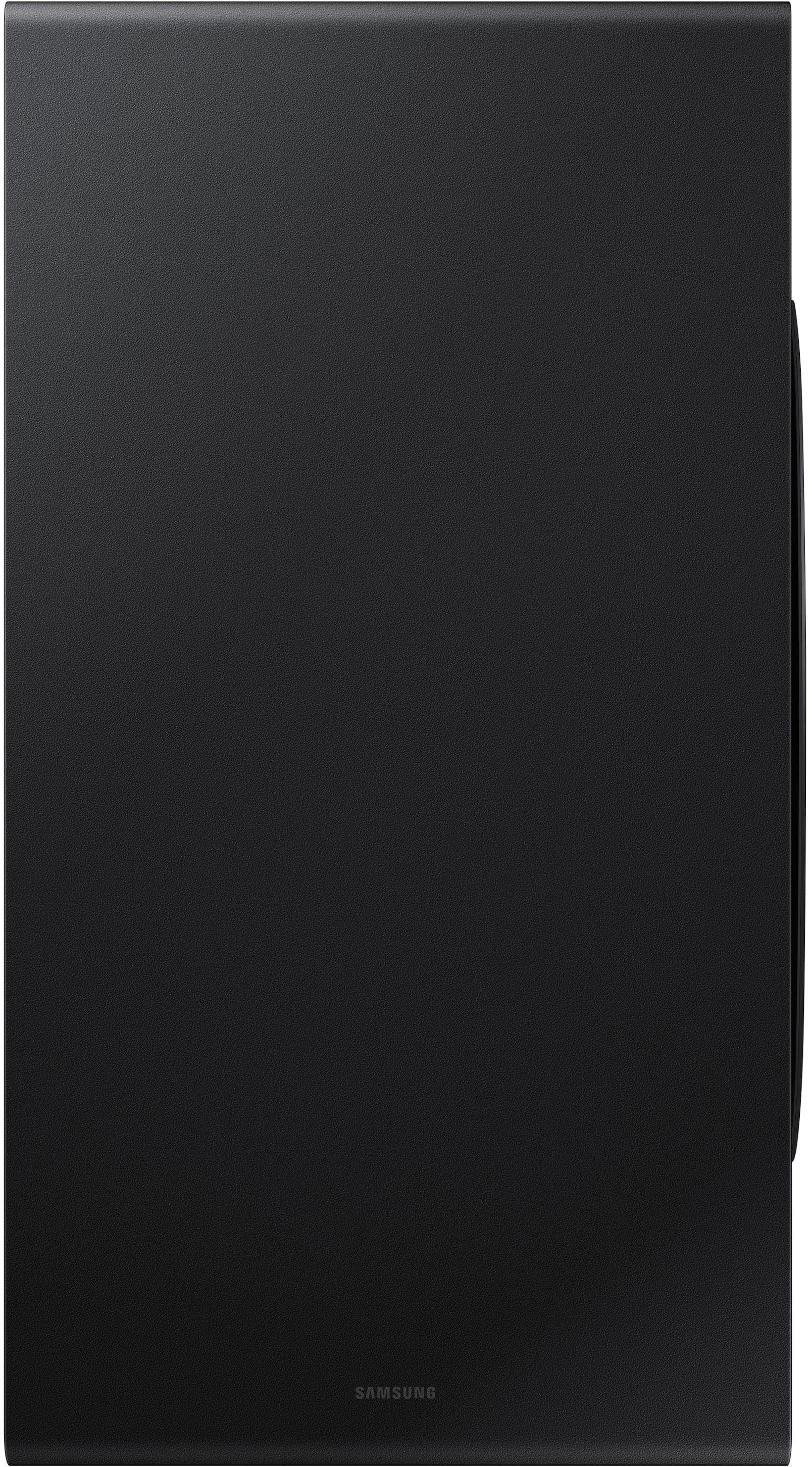
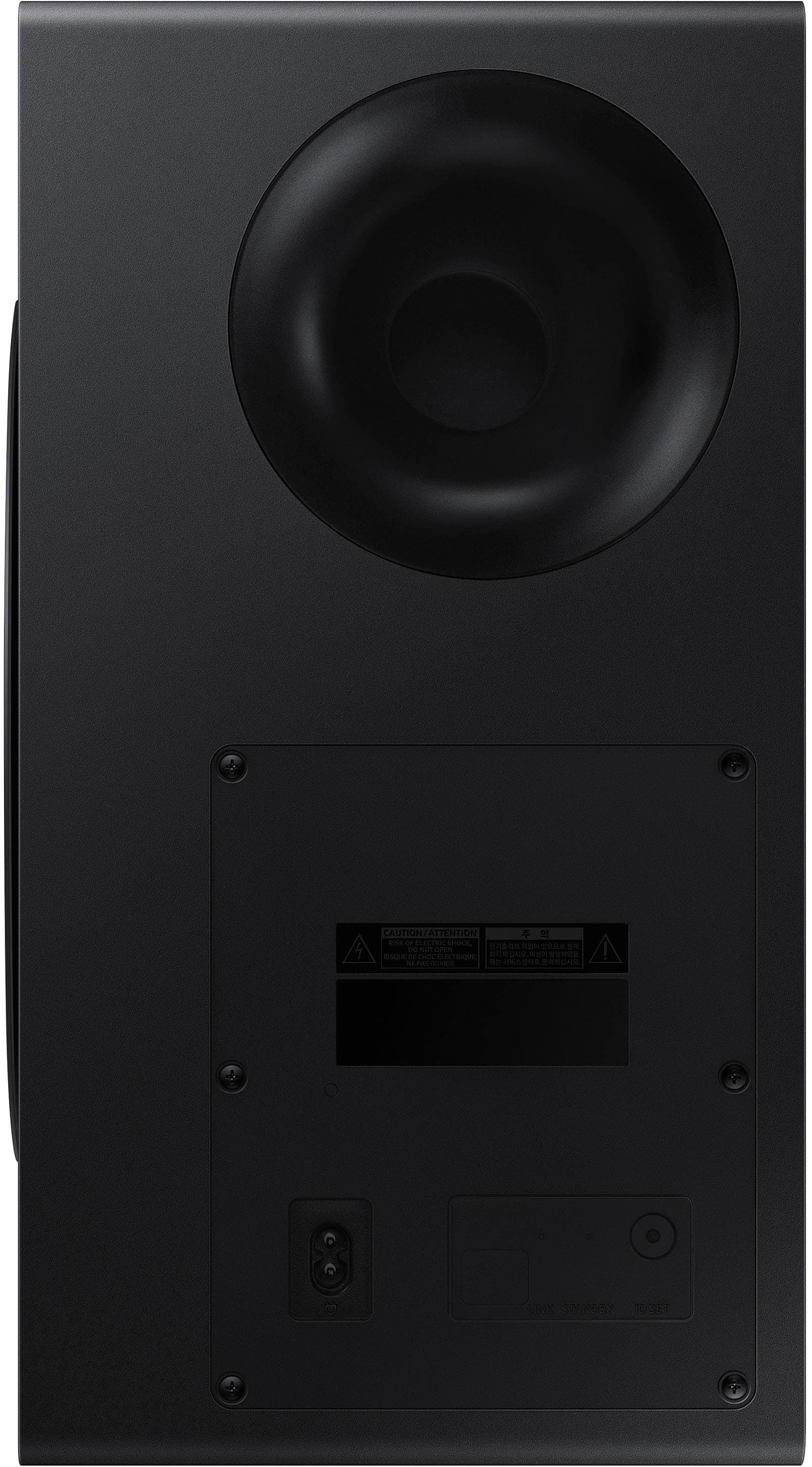
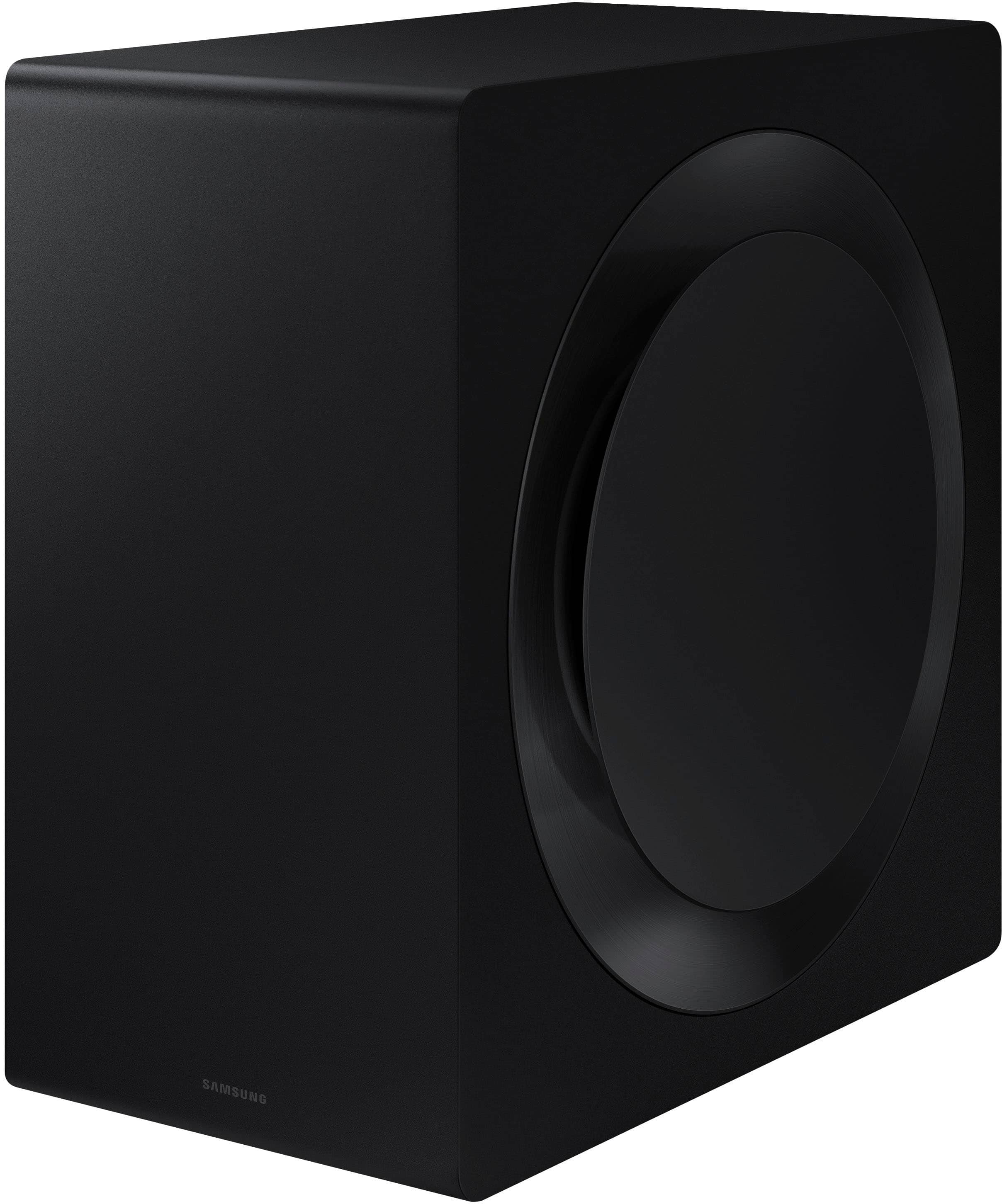
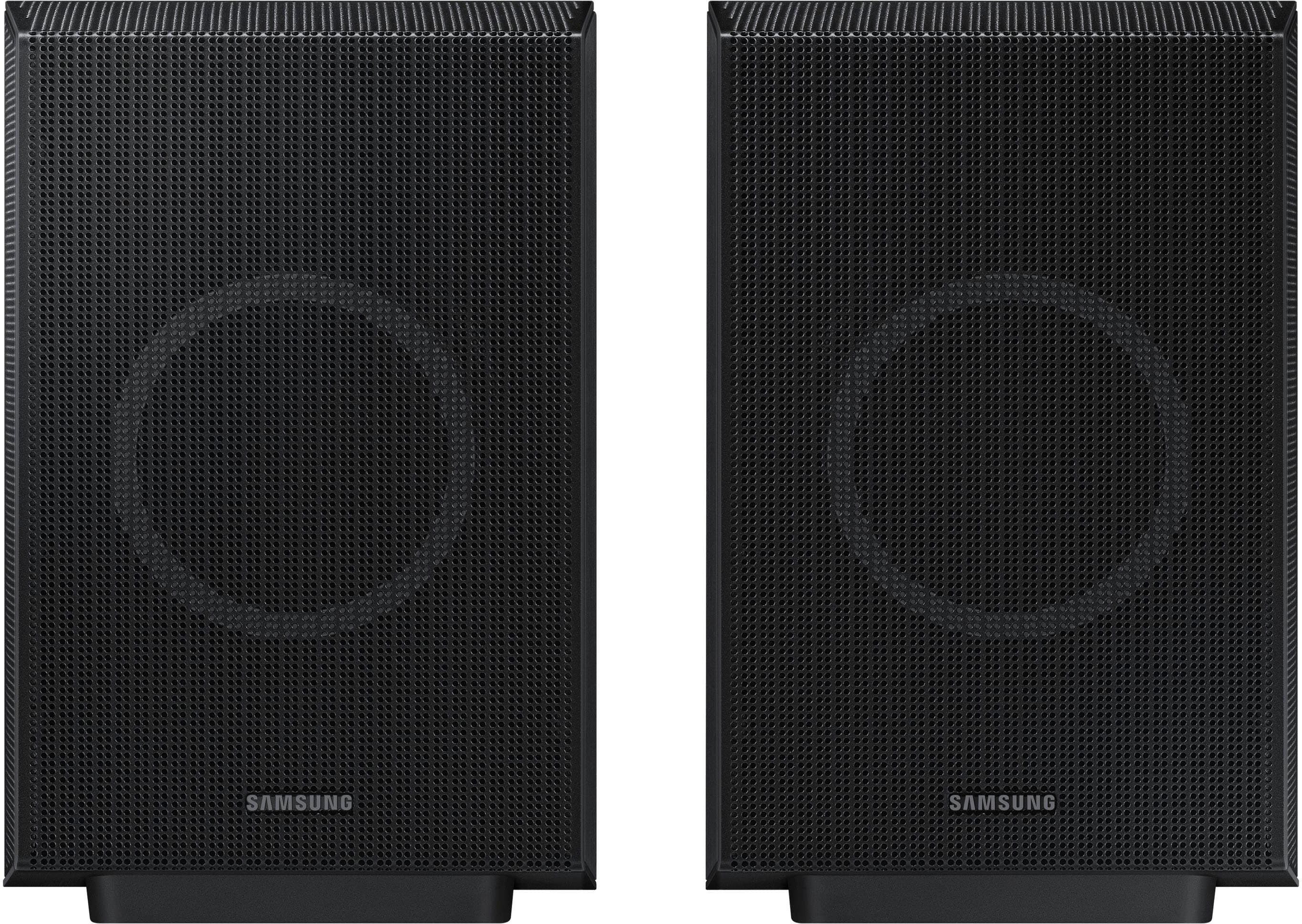
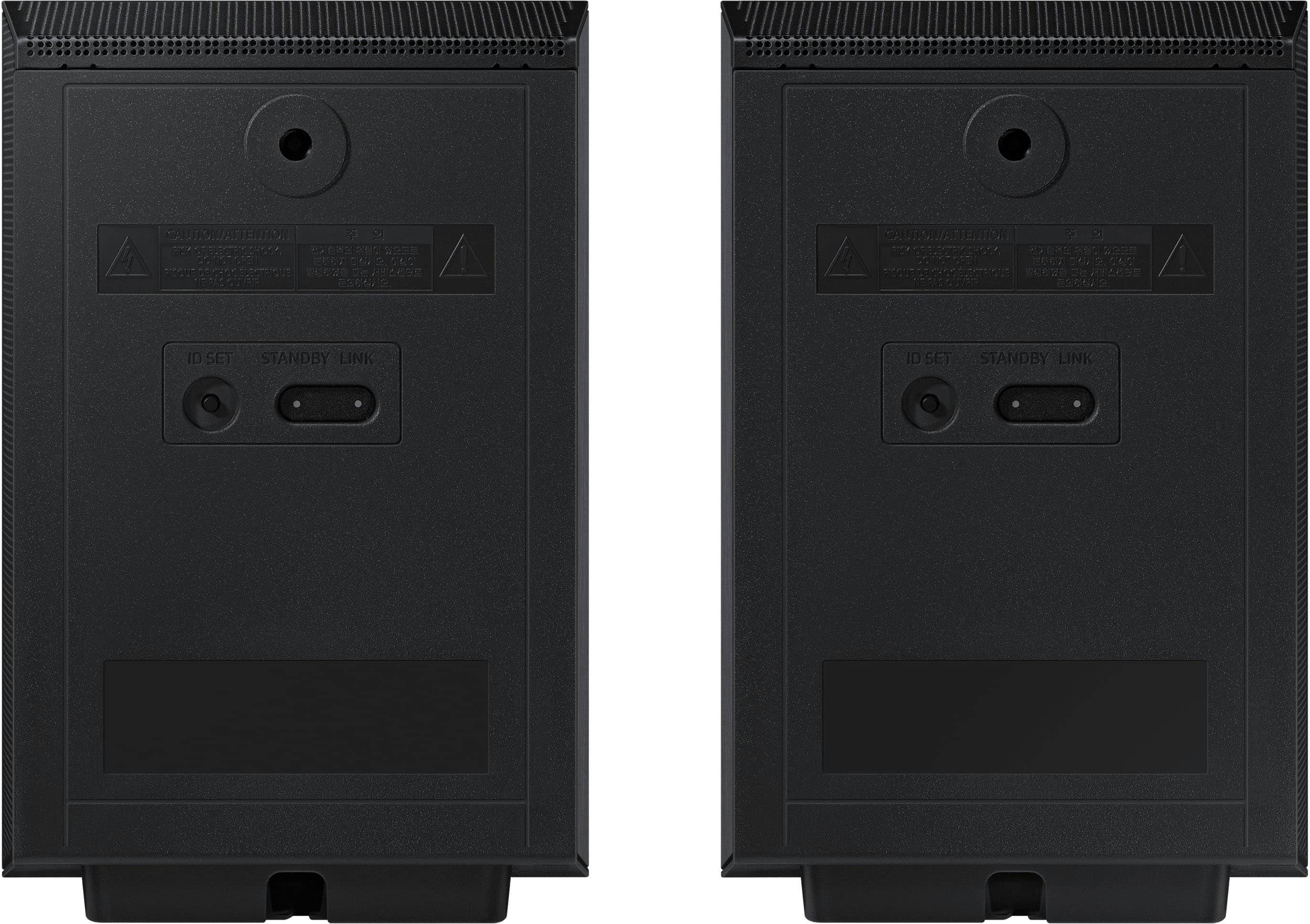
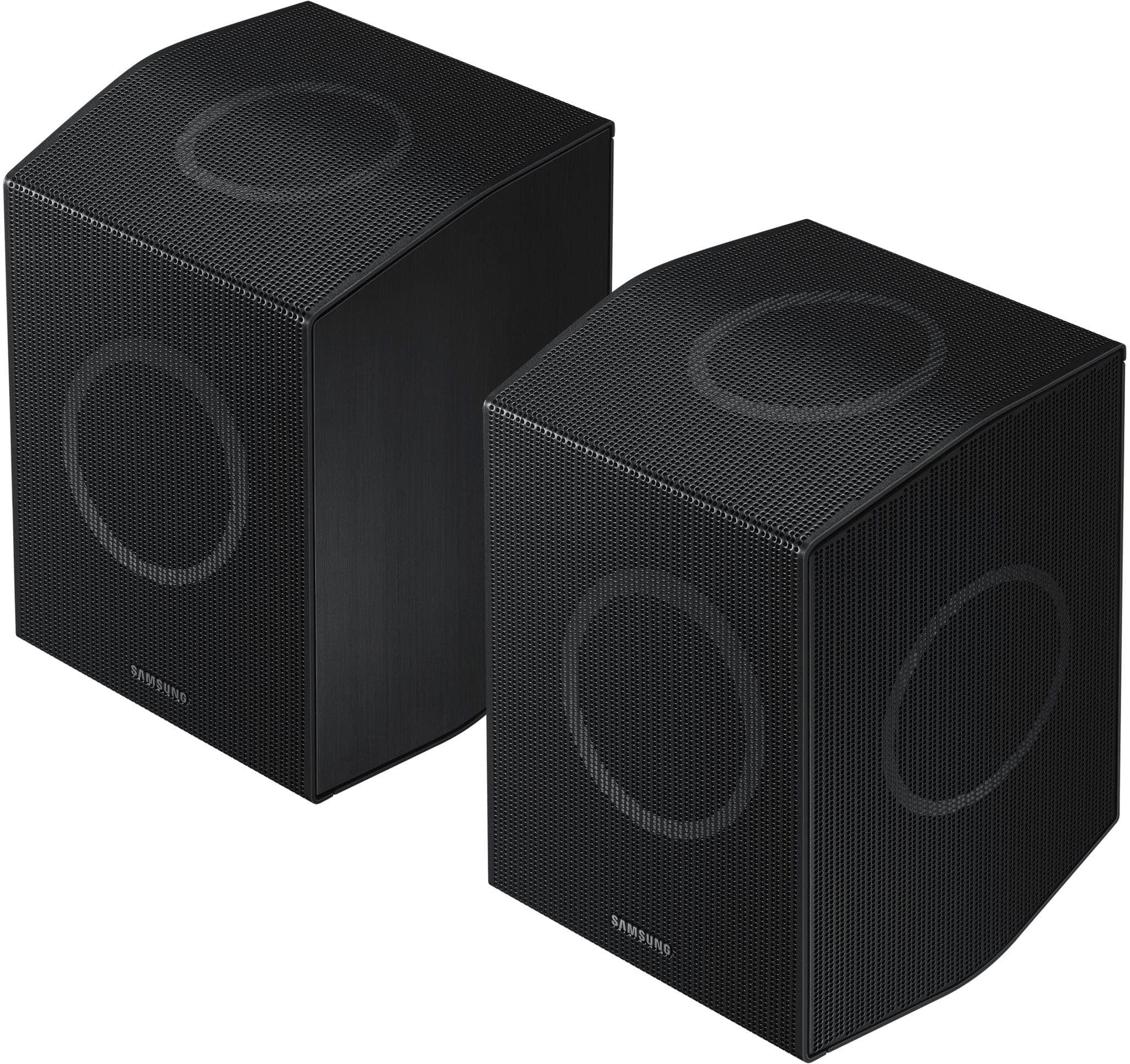
|Posted .This reviewer received promo considerations or sweepstakes entry for writing a review.I have used several soundbars in my time, and I have to say that this Samsung unit is the best so far. First, though, I have to say that this soundbar is big. The box it came in, which also includes the large subwoofer (about the size of a typical tower-style desktop computer) and the two small “surround” sound speakers, is about 8 ft by 2 ft by 1 ft and weighs close to 80 lbs. Expect to need help to move the box around. The soundbar itself is noticeably heavy, weighing close to 20 lbs, which is at least twice what my current soundbar weighs. The instructions warn you about the weight and advise firmly mounting to studs if you intend on mounting this on the wall. There are two metal L-brackets included to help with the mounting, but you must provide your own screws and anything else needed. I had my previous soundbar sitting on the mantle above my fireplace as my TV is mounted on the wall above the fireplace. All-in-all, it was a good combination, but this soundbar is too heavy to sit on the mantle as the mantle is not sitting on top of anything but rather hangs from the wall. I placed this soundbar on top of a bookshelf to one side of the TV. I didn’t think this would be ideal at first, but after using it for watching several kinds of TV shows, it has turned out better than I expected. I attribute this to several factors, which I’ll get to shortly. First, though, setup couldn’t be easier. Once you’ve wrestled the soundbar into place however you plan to mount it, connection is simply the power cord and an HDMI cable connected, preferably, to the E-ARC HDMI port on your TV. This allows the TV and the soundbar to communicate with each other, so your TV remote can turn the soundbar on and off, control the soundbar’s volume, and so forth. Connection of the peripheral speakers could not be easier. A power cord is included for each. Just place them where you want them, keeping in mind that each needs a connection to an A/C outlet. The speakers connect wirelessly and automatically to the soundbar once everything is powered up. There is a blue light on the back of each speaker that flashes until the connection is made, after which it turns solid blue. I switched the soundbar on first, then plugged in each speaker in succession (the peripheral speakers do not have power switches), and each connected to the soundbar in just a second or two. Control of the soundbar’s functions is primarily through the included remote. The only controls on the soundbar itself are a power button, up and down volume controls, and a button to turn the soundbar’s internal microphone on and off. There is a small digital display on the soundbar that indicates which of the four sound modes is selected, and these are “surround,” “game pro,” “standard,” and “adaptive.” I haven’t had a chance to use all of these to their best extent, but I have found so far that the “surround” option gives the fullest, richest sound, which doesn’t surprise me. This is why, as I mentioned above, the sound turned out to be pretty good considering that the soundbar is offset from the TV. The surround speakers are basically on each side at 90 degrees from the viewing angle, and the subwoofer is just to the side of the fireplace and closer to being beneath the TV than the soundbar itself. The volumes of the subwoofer and surround speakers can be separately controlled by the remote. All together, the sound experience is excellent, with a fuller, richer sound than I had before. This soundbar features Dolby Atmos, the newer surround-sound technology that is more complicated to explain than can be done here. I don’t know how many routine TV programs are able to take advantage of it, but I have heard audio through this and previous soundbars I have owned that have this technology, and there definitely is a difference in sound quality. This soundbar also features a Samsung-specific surround-sound technology called “Q-Symphony.” This technology works only with Samsung TVs that have the Q-symphony feature, and, rather than simply turning off the TV’s internal speakers when the soundbar is connected, the Q-symphony feature makes use of the TV’s internal speakers in conjunction with the soundbar and peripherals to produce, according to Samsung, an even more enhanced sound experience. Samsung’s argument is that their TV’s internal speakers are pretty good quality themselves, and it is a waste of opportunity not to make use of them in setting up the full soundbar-based system. I do not have a Samsung TV, so I could not try this feature. I attribute some of the better sound of this soundbar compared to the previous ones I’ve owned, none of which were anything other than excellent devices, to this soundbar’s physical size. As I’ve noted, it’s bigger. A lot bigger. The speakers in it therefore are larger and have larger enclosures. The subwoofer is about twice the size of my previous one as well. All together, the soundbar and the three peripheral speakers work well to produce a great sound. I expect years of great listening with this new setup, or at least until the next great sound technology comes along!
I would recommend this to a friend - Pros mentioned:Sound quality
Another outstanding entry in the soundbar world
|Posted .This reviewer received promo considerations or sweepstakes entry for writing a review.I felt a bit of nostalgia as I unboxed the HW-Q990D and set it up in my main TV viewing room. I still recall my first Samsung Soundbar, the HW-K950, a revolutionary soundbar that introduced the world to Atmos. For most of my adult life, I had used big, boxy speakers and an expensive receiver to get to surround sound nirvana, and the fact that Samsung had released a soundbar with wireless sub and speakers to give me 5.1.4 Atmos sound was astonishing! When Samsung released the HW-N950 with sound by Harmon Kardon, I sold my big box speaker system and enjoyed it until it died a few years later. In my opinion, Samsung has been the go-to for soundbar systems. I know there are some big name brands out there, but Samsung consistently makes an amazing product that envelops the user in surround sound. Now that I’ve probably bored you with my experience with Samsung soundbars, let’s talk about the HW-Q990D soundbar. It is an 11.1.4 Atmos soundbar, complete with wireless subwoofer and a pair of wireless satellites. The wireless sats serve several purposes: They supply surround and surround back effects, as well as Atmos effects using upfiring woofers built into the speaker. They are basically three speakers in one cabinet. If you have select Samsung TVs, you can use SpaceFit Sound to calibrate the soundbar to the area. I do not have a Samsung TV, so I was unfortunately not able to use the room calibration process. Which is a bummer. Many of Samsung’s competitors have room EQ on their soundbars, many of them costing less than the Q990D. Unfortunately, there is no white noise generator for the Q990D either, which would allow the user to use their own microphone and set channel levels. Nope, it is left up to the user to adjust settings and hope they get it right. The addition of Chromecast to the Q990D is excellent. In practice it functions perfectly. I was also able to use AirPlay to send music from my wife’s phone to the Q990D. Two HDMI ins as well as an eARC HDMI complete the inputs. I was able to play both my Xbox One X and PS4 without any issues through the Q990D. Picture quality was excellent, as well as the sound quality. Getting to sound quality…. While not as powerful sounding or as warm and smooth as my old HW-950, the Q990D is more enveloping and crystal clear with surround tracks. The first John Wick movie is an absolute bedlam of action, with extended fight scenes, lots of gunfights, and roaring cars. The Q990D handled the scenes with aplomb, the subwoofer digging down surprisingly low to add good heft to the sound. There is an end scene that takes place in the rain, and the upfiring speakers in the sats and main bar did a good job of making it seem like the rain was coming straight down from the ceiling. I was impressed for sure. Jumping ahead to John Wick 4, I watched the beginning scene where Keanu Reeves is punching a wooden 2x4 over and over again. The scene is mixed with heavy, heavy bass, a resounding thump taking place every time he hits that piece of wood. You’d think a semi was striking a steel tank, the way it sounds. Each impact came through resoundingly good through the Q990D system, the sub handling the hard bass impacts without issue. Again, pretty impressive for just an 8” sub. During extremely active scenes, there are times when the voices get a little lost, as if the center channel fades out a bit, but this is pretty typical of all soundbars. 99 percent of the time, the Q990D provided an excellent experience listening to movies of all genres. I only discovered one shortcoming (in my opinion) when it came to the 990D: Stereo music was not as good as with my prior Samsung soundbar. The 950 had Harmon Kardon tuning, and it really sounded good with plain old stereo music. The 990D is not quite as detailed, warm, and enjoyable when it comes to enjoying music. But it’s just a small quip, and most folks will be happy with the 990D as an all-around soundbar. All-in-all, I am very pleased with the Q990D and it occupies the place of honor below my main TV.
I would recommend this to a friend - Pros mentioned:Sound quality
Amazing Sound
Posted .This reviewer received promo considerations or sweepstakes entry for writing a review.Excellent sound and clarity small footprint so it fits anywhere
I would recommend this to a friend - Pros mentioned:Sound quality
Best soundbar
Posted .This reviewer received promo considerations or sweepstakes entry for writing a review.Easy to setup and sound is amazing. I came from an A650 to this and its night and day, especially for those hard to hear whisper scenes
I would recommend this to a friend - Pros mentioned:Sound quality
The real deal
Posted .This reviewer received promo considerations or sweepstakes entry for writing a review.Truly immersive sound! I have had some nice soundbars from other brands but this set up is precise and balanced in every way. Clear dialogue, powerful full range, strong bass. Pull the trigger and you won't regret it!
I would recommend this to a friend - Pros mentioned:Sound quality
SAMSUNG SOUNDBAR.
Posted .This reviewer received promo considerations or sweepstakes entry for writing a review.We LOVE the crystal clear sound from our SAMSUNG Soundbar, Movie watching is like being at the theater.
I would recommend this to a friend - Pros mentioned:Sound quality
Absolutely amazing!
Posted .This reviewer received promo considerations or sweepstakes entry for writing a review.I picked this system up yesterday to replace my Samsung HW-Q850T/ZA (has been a great system too) and boy oh boy what a difference in souncd. Going from a 5.1ch to an 11.1ch...it sounds pretty spectacular! I have it setup with my Samsung S90D.
I would recommend this to a friend - Pros mentioned:Sound quality
Great soundbar
Posted .This reviewer received promo considerations or sweepstakes entry for writing a review.Great sound from this soundbar, the setup was super easy and it worked seamlessly with my LG TV
I would recommend this to a friend - Pros mentioned:Sound quality
Small sound quality update w/HDMI 2.1
Posted .This reviewer received promo considerations or sweepstakes entry for writing a review.Coming from a 950a i've notice small sound improvements to vocals and especially bass. It feels a little less compressed than the 950a. Is it a substantial upgrade, no but the sound quality is better. I'm hoping that next years model may compete with the Dragon.
I would recommend this to a friend Service plan
Posted .This reviewer received promo considerations or sweepstakes entry for writing a review.Good value no complaints with system at all. Would consider again.
I would recommend this to a friend- Pros mentioned:Sound quality
Great Soundbar!
Posted .This reviewer received promo considerations or sweepstakes entry for writing a review.The build quality of this soundbar is very solid. The sound quality is off the charts! This is my second Samsung soundbar, and I am extremely happy with both purchases.
I would recommend this to a friend ONLY BUY IF YOU HAVE EXTENDED WARRANTY
Posted .This reviewer received promo considerations or sweepstakes entry for writing a review.Even though I am a total tech member, I purchased outside of Best Buy cause of the employee discount which Best Buy wouldn’t price match. Manufacturer gives you a one year warranty. Two weeks after the Samsung warranty expired, my subwoofer crapped out due to the infamous firmware which bricked many of these units. Samsung is in denial that there even was a botched firmware which bricks units. They won’t budge. Basically told me to pound sand and there is absolutely nothing they can do. I even pointed them to the media articles regarding the firmware and still stubbornly denied that there was a bad firmware. Garbage company.
No, I would not recommend this to a friendBrand response from Samsung
Posted .Hello Tony,
We appreciate your feedback regarding the issues you are experiencing with your HW-Q990D Soundbar. Please contact us for service and a Support agent will gladly help get this fixed.
At your earliest convenience, please reach out to Samsung Customer Support at 1-800-SAMSUNG (Ask for Soundbars), 8 AM – 12 AM EST, 7 days a week. Our Live Chat agents are also available by clicking on the ‘Support’ link on our website.
~ Samsung Solutions
Soundbar is a brick due to a firmware update
Posted .This reviewer received promo considerations or sweepstakes entry for writing a review.Buyer beware. I have had this soundbar for under a year and was bricked due to a firmware update that was THEIR doing. There is no solution and no timeline of when it may be resolved. It’s been a week of not being able to use my soundbar.
No, I would not recommend this to a friendBrand response from Samsung
Posted .Hello Gkyle,
We appreciate your feedback regarding the issues you are experiencing with your HW-Q990D Soundbar. Please contact us for service and a Support agent will gladly help get this fixed.
At your earliest convenience, please reach out to Samsung Customer Support at 1-800-SAMSUNG (Ask for Soundbars), 8 AM – 12 AM EST, 7 days a week. Our Live Chat agents are also available by clicking on the ‘Support’ link on our website.
~ Samsung Solutions