Customer Ratings & Reviews




- Model:
- HW-S60D
- SKU:
- 10103769
Rating by feature
- Value
Rating 4.6 out of 5 stars
- Quality
Rating 4.7 out of 5 stars
- Ease of Use
Rating 4.6 out of 5 stars
Missing items
||Posted . Owned for 3 weeks when reviewed.This reviewer received promo considerations or sweepstakes entry for writing a review.Was very disappointed although it was an open item or returned the item was missing cables and manual
No, I would not recommend this to a friendBrand response from Samsung
Posted .Hello IsraelI,
Please know you are leaving a review and a 1-star rating for the HW-S60D, but we are sorry to hear of your Best Buy experience, nonetheless. You may want to consider providing feedback directly to the Best Buy store where you made your purchase.
Should you have questions on the HW-S60D itself, Samsung is here for you. You can reach us at 1-800-SAMSUNG, 8AM - 12AM EST, 7 days a week. Our LiveChat agents are also available by clicking on the ‘Support’ link on our website.
~ Samsung Solutions
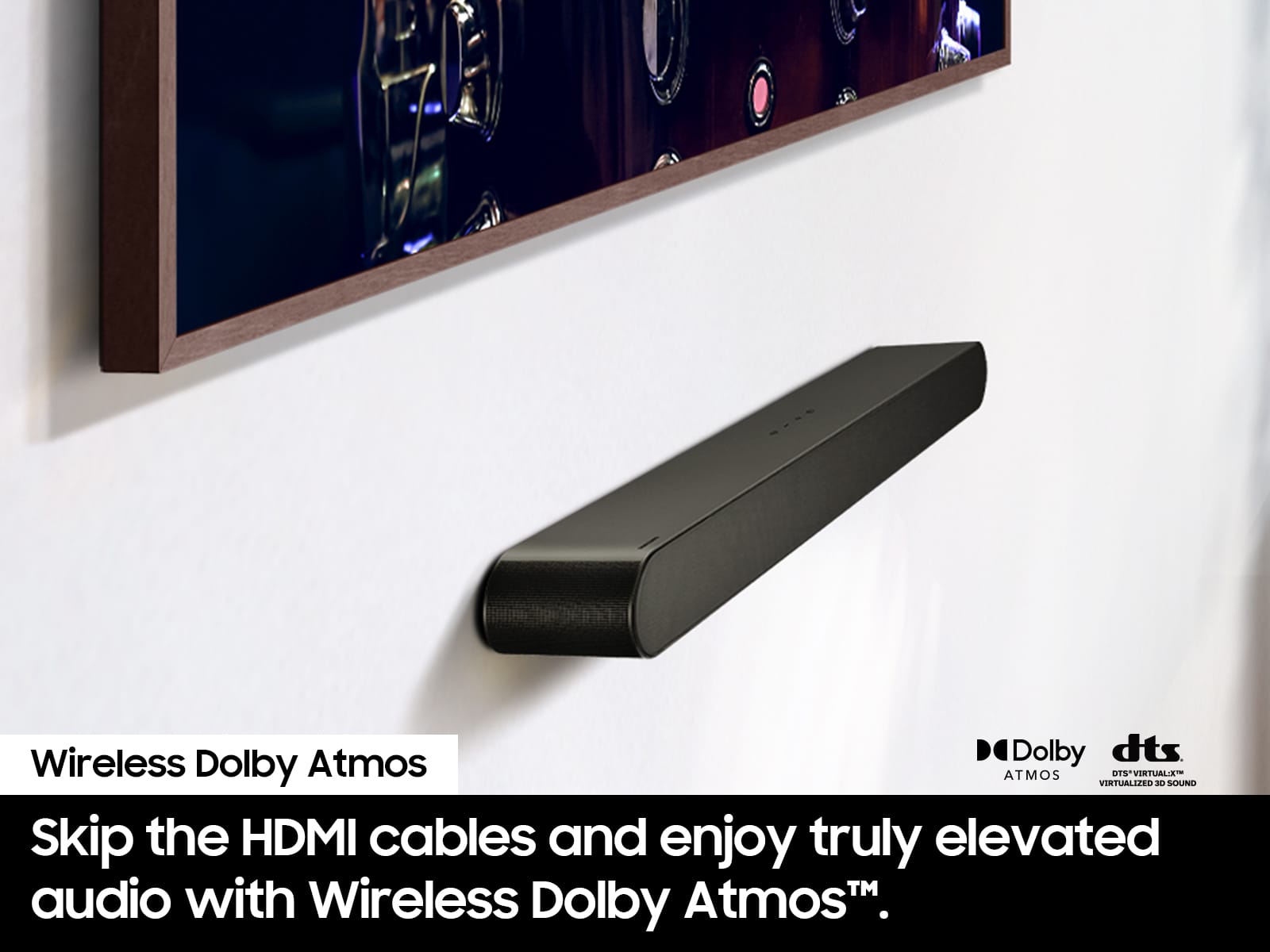
Dolby Atmos kicks tail!!!!
||Posted .This reviewer received promo considerations or sweepstakes entry for writing a review.I really like this soundbar alot the Dolby Atmos is so awesome Thank you Best Buy for having this item in stock
I would recommend this to a friend- Pros mentioned:Sound quality
Decent sound at a very affordable price !
||Posted . Owned for 2 months when reviewed.This reviewer received promo considerations or sweepstakes entry for writing a review.Pretty good performance considering the the price. I will add a woofer though!
I would recommend this to a friend Good Geek
||Posted .This reviewer received promo considerations or sweepstakes entry for writing a review.Great service. On time, professional, and courteous . Very patient in explaining things to this old man.
I would recommend this to a friend- Pros mentioned:Sound quality
Samsung sound
||Posted . Owned for 2 months when reviewed.This reviewer received promo considerations or sweepstakes entry for writing a review.It Sounds good looks nice without having the bost box
I would recommend this to a friend A really Good Soundbar When You Have Limited Space
||Posted .This reviewer received promo considerations or sweepstakes entry for writing a review.A good soundbar for our travel trailer's main TV. I wish the highs were a little brighter for when listening to music.
I would recommend this to a friendSoundbar
||Posted . Owned for 1 month when reviewed.This reviewer received promo considerations or sweepstakes entry for writing a review.Instructions to set sound bar up were not easy to follow
I would recommend this to a friend- Pros mentioned:Setup ease
Great soundbar- easy!!
||Posted . Owned for 3 weeks when reviewed.This reviewer received promo considerations or sweepstakes entry for writing a review.Love this easy to connect and use sound bar. Comes on with tv and off with tv.
I would recommend this to a friend Great product
||Posted . Owned for 2 weeks when reviewed.This reviewer received promo considerations or sweepstakes entry for writing a review.Got a fantastic deal at 150 dollars off, can’t go wrong with that price with this product fantastic for my small appartment
I would recommend this to a friend- Pros mentioned:Sound quality
I am pro Samsung in TVs and sound systems
||Posted . Owned for 3 weeks when reviewed.This reviewer received promo considerations or sweepstakes entry for writing a review.Fairly easy to hookup yourself, and I’m 80. Sound is good. I gave average because for some reason sound goes off when you put on pause and you have to back out and come back in??? Not sure why.
I would recommend this to a friendBrand response from Samsung
Posted .Hi MarquitaJ,
We appreciate you taking a moment to review the Samsung HW-S60D Soundbar.
Updating the firmware on your soundbar gives you all the benefits of the latest improvements. When the Soundbar is connected to the Internet, Auto Update allows software to update automatically even when the Soundbar is turned off. You can also update by using the SmartThings app.
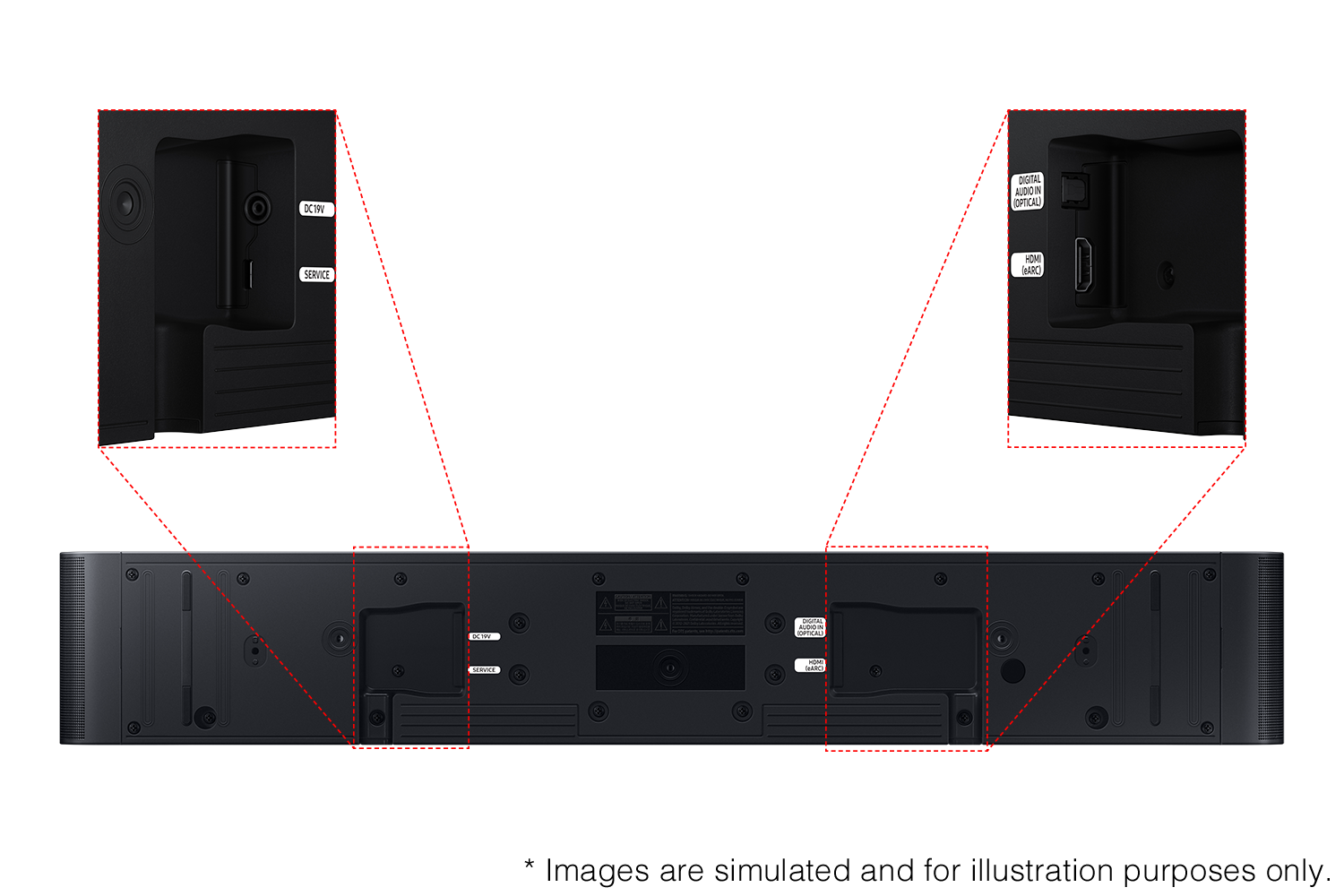
If not connected to the internet, you can download it onto a USB device, and then upload it to your soundbar - no wireless connection required. Connect the USB drive that contains the update firmware to the SERVICE port of the Soundbar.
1.Go to the Samsung Electronics website (www.samsung.com) → click on the “Support” option in the upper left corner.
2.Click on “Manuals & Software” from the pop-up list > TVs & Home Theater > Home Theater > Select your model
2. Download the firmware file (USB type).
3. Unzip the file to create a folder with the file name.
4. Store the created folder in a USB and then connect it to the Soundbar.
5. A sequence of “UPDATE” > “BYE” > “ON” will appear on the display 3 times. This will take around 6 minutes.
- During update, do not turn it off or remove the USB.
- If “UPDATE” does not appear on the display window, remove the power cord from the Soundbar and then reconnect it.
- When the latest version is installed, no update is performed.
- Depending on the USB type, update may not be supported.
6. After the 3 cycles are complete, the Soundbar will restart and last source used will appear on the display for about 20 seconds and then it will go off (“UPDATE” > “BYE” > “ON”) 3 times “D.IN” > off
If your soundbar fails to update or is experiencing problems, please contact Samsung Customer Support. . Just give us a call at 1-800-SAMSUNG (Ask for Soundbars), 8AM - 12AM EST, 7 days a week. Our Live Chat agents are also available by clicking on the ‘Support’ link on our website.
~ Samsung Solutions
- Pros mentioned:Design
Great product
||Posted . Owned for 1 month when reviewed.This reviewer received promo considerations or sweepstakes entry for writing a review.Love that it’s wireless and has such a sleek design.
I would recommend this to a friend - Pros mentioned:Setup ease
Samsung Soundbar
||Posted . Owned for 2 months when reviewed.This reviewer received promo considerations or sweepstakes entry for writing a review.Entry level soundbar that is easy to set up. I did buy 2!
I would recommend this to a friend - Pros mentioned:Sound quality
Great sound for the money
||Posted . Owned for 1 week when reviewed.This reviewer received promo considerations or sweepstakes entry for writing a review.Great soundbar with built in sub very compact with great sound.
I would recommend this to a friend Purchased sound bar
||Posted . Owned for 1 month when reviewed.This reviewer received promo considerations or sweepstakes entry for writing a review.Excellent sound bar providing excellent sound throughout the room
I would recommend this to a friend- Pros mentioned:Setup ease
Solid Choice
||Posted . Owned for 1 month when reviewed.This reviewer received promo considerations or sweepstakes entry for writing a review.Works as expected. Easy to set up and use. I would buy again.
I would recommend this to a friend - Pros mentioned:Sound quality
Best sound
||Posted . Owned for 3 weeks when reviewed.This reviewer received promo considerations or sweepstakes entry for writing a review.Sounds wonderful my nephew has on that's why I had to get one
I would recommend this to a friend Good Value but slight technical issue
||Posted . Owned for 1 month when reviewed.This reviewer received promo considerations or sweepstakes entry for writing a review.Nice soundbar but because it is Bluetooth-based, it sometimes the sound will fade out a little or become gargled. Happy with it otherwise.
I would recommend this to a friendTv sound bar
||Posted . Owned for 1 month when reviewed.This reviewer received promo considerations or sweepstakes entry for writing a review.Excellent product. Service at store tops. Installation seamless. Couldn’t ask for anything more.
I would recommend this to a friend- Pros mentioned:Sound quality

Very good
|Posted . Owned for 1 month when reviewed.This reviewer received promo considerations or sweepstakes entry for writing a review.Very solid quality and easy to set up with a matching TV
I would recommend this to a friend Shopping
||Posted .This reviewer received promo considerations or sweepstakes entry for writing a review.The folks were very helpful! I will be returning to buy something else.
I would recommend this to a friend