Customer Ratings & Reviews
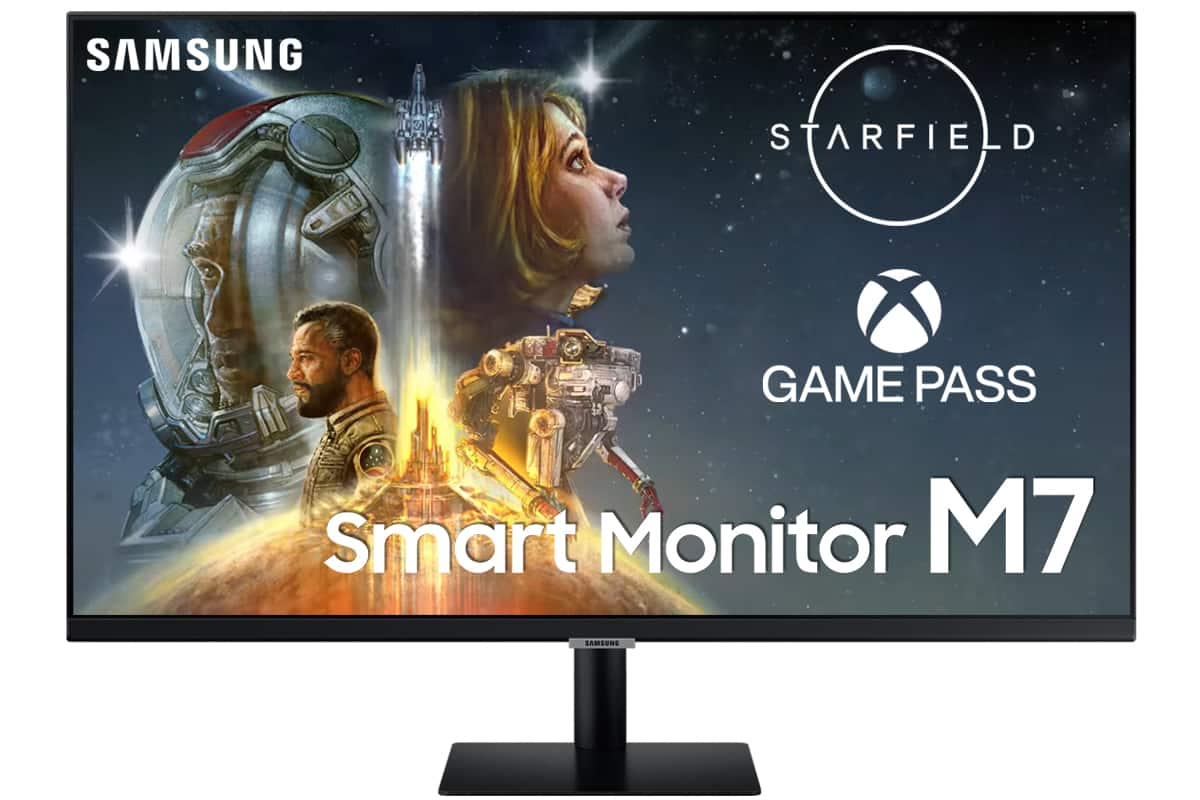
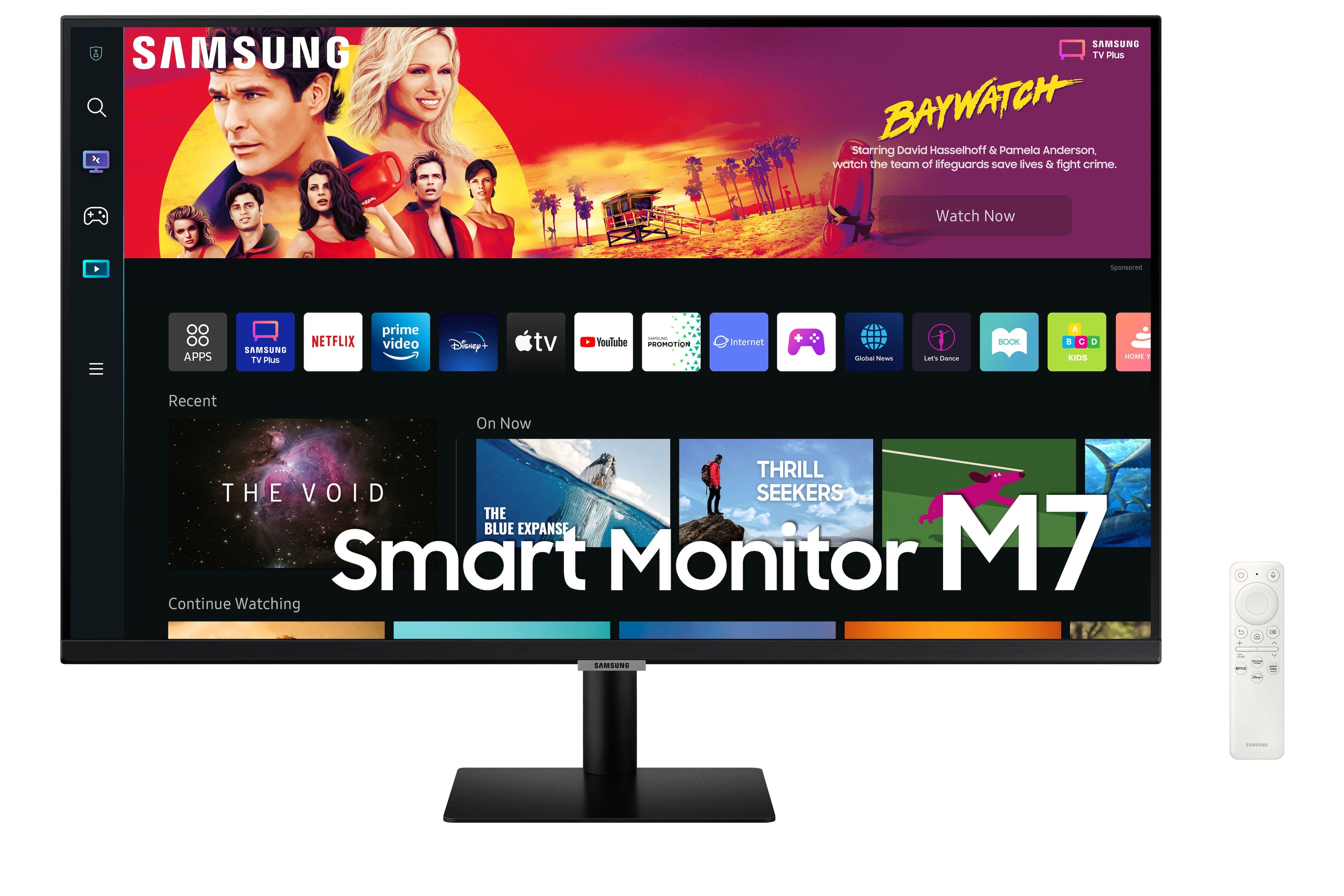
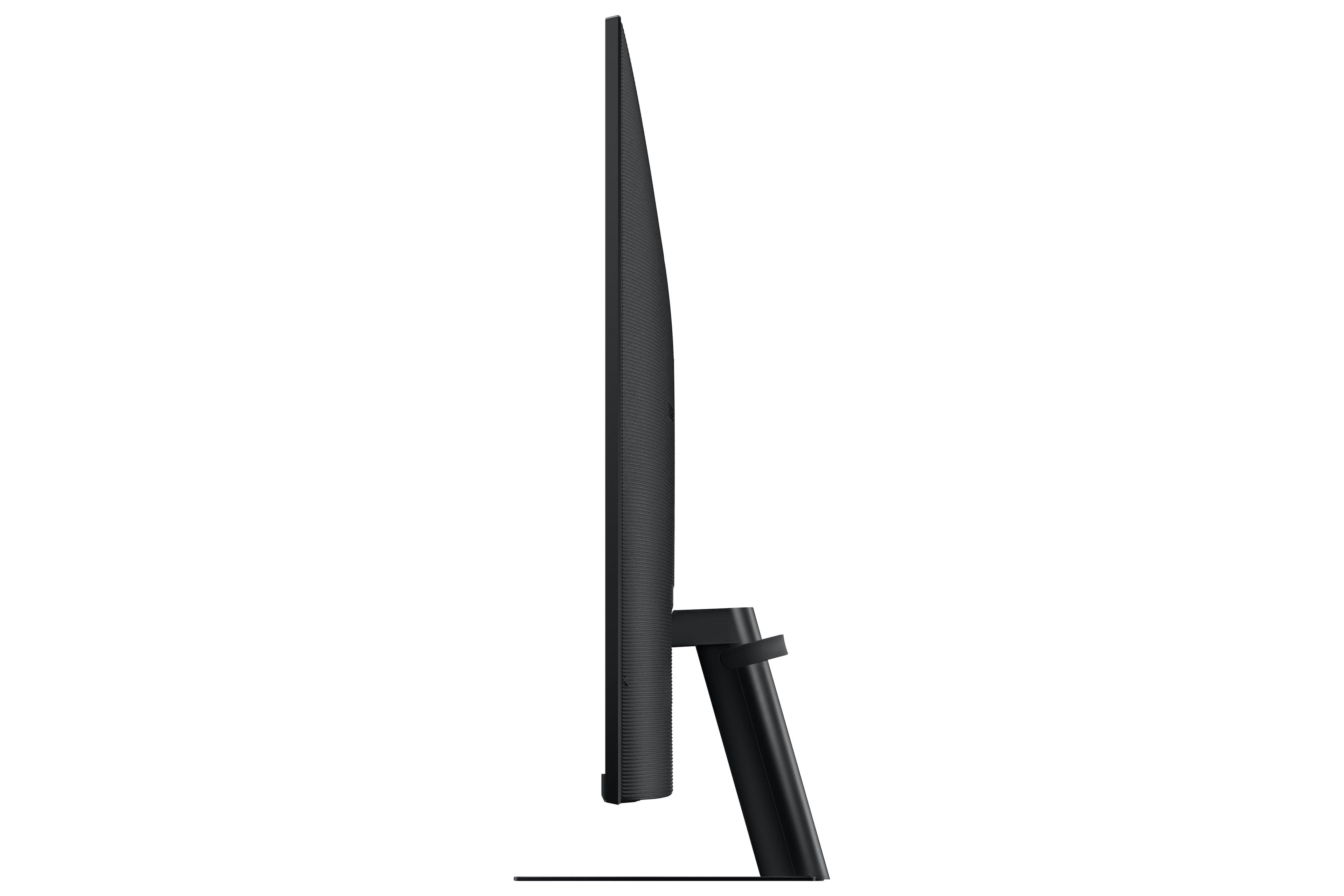
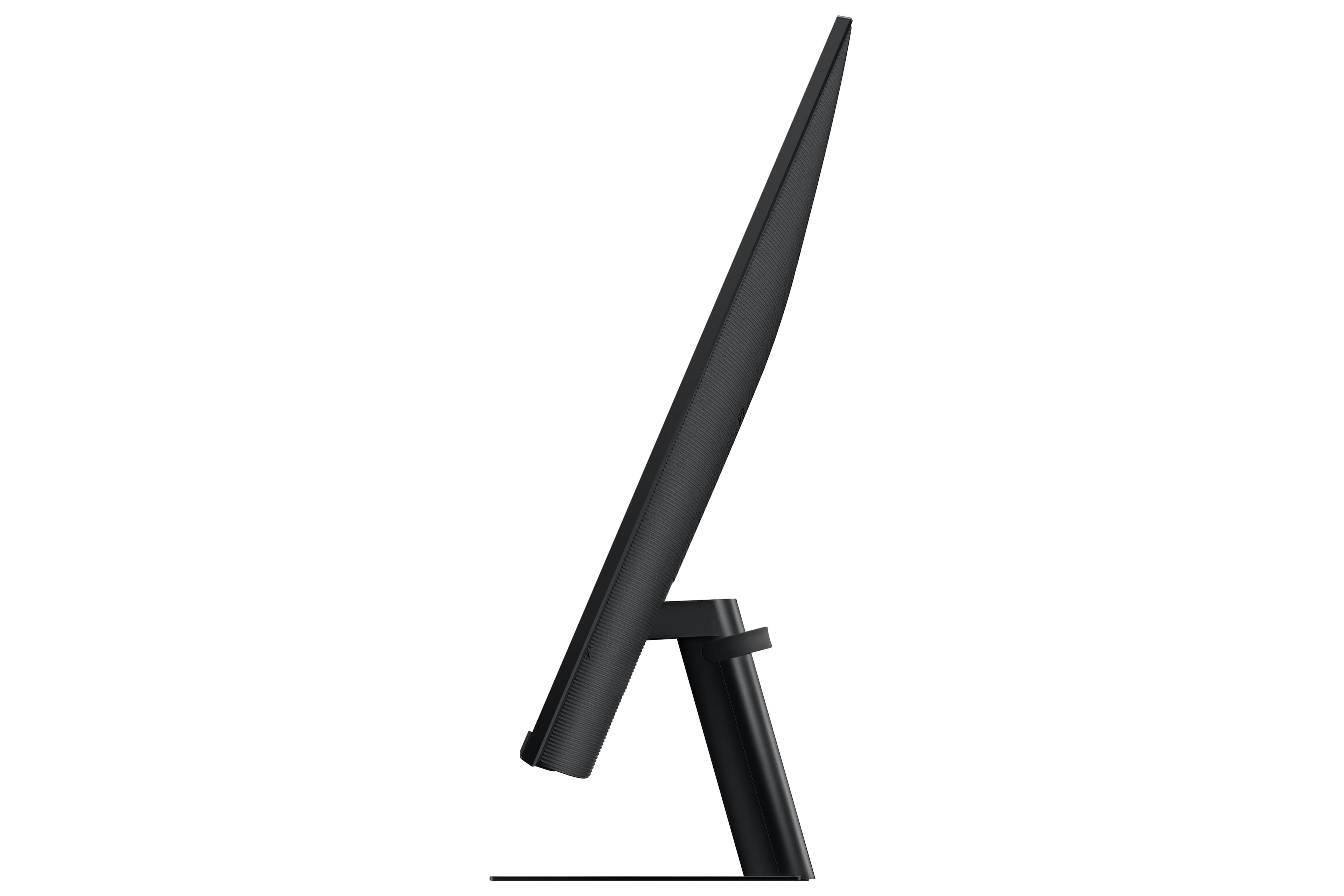
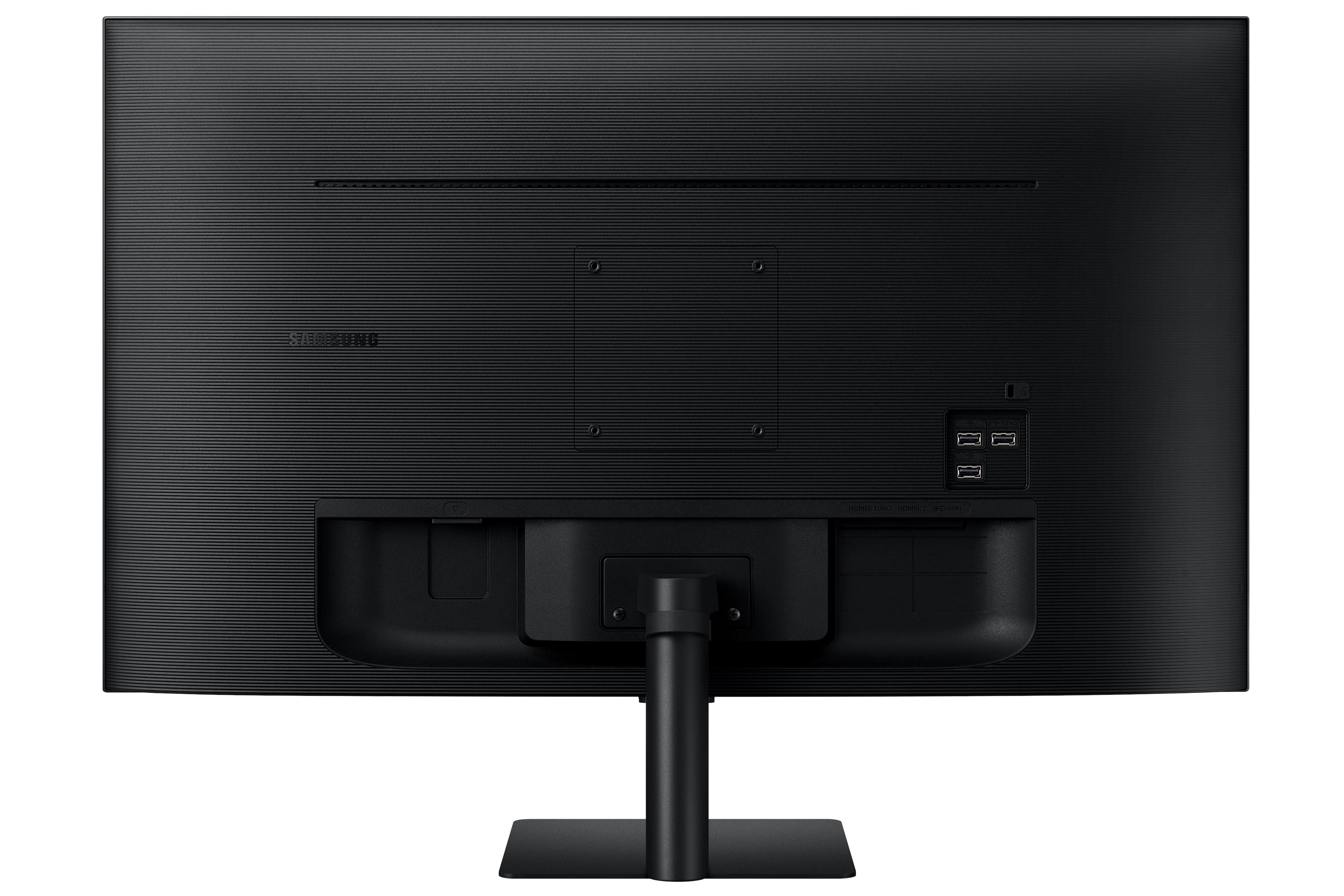
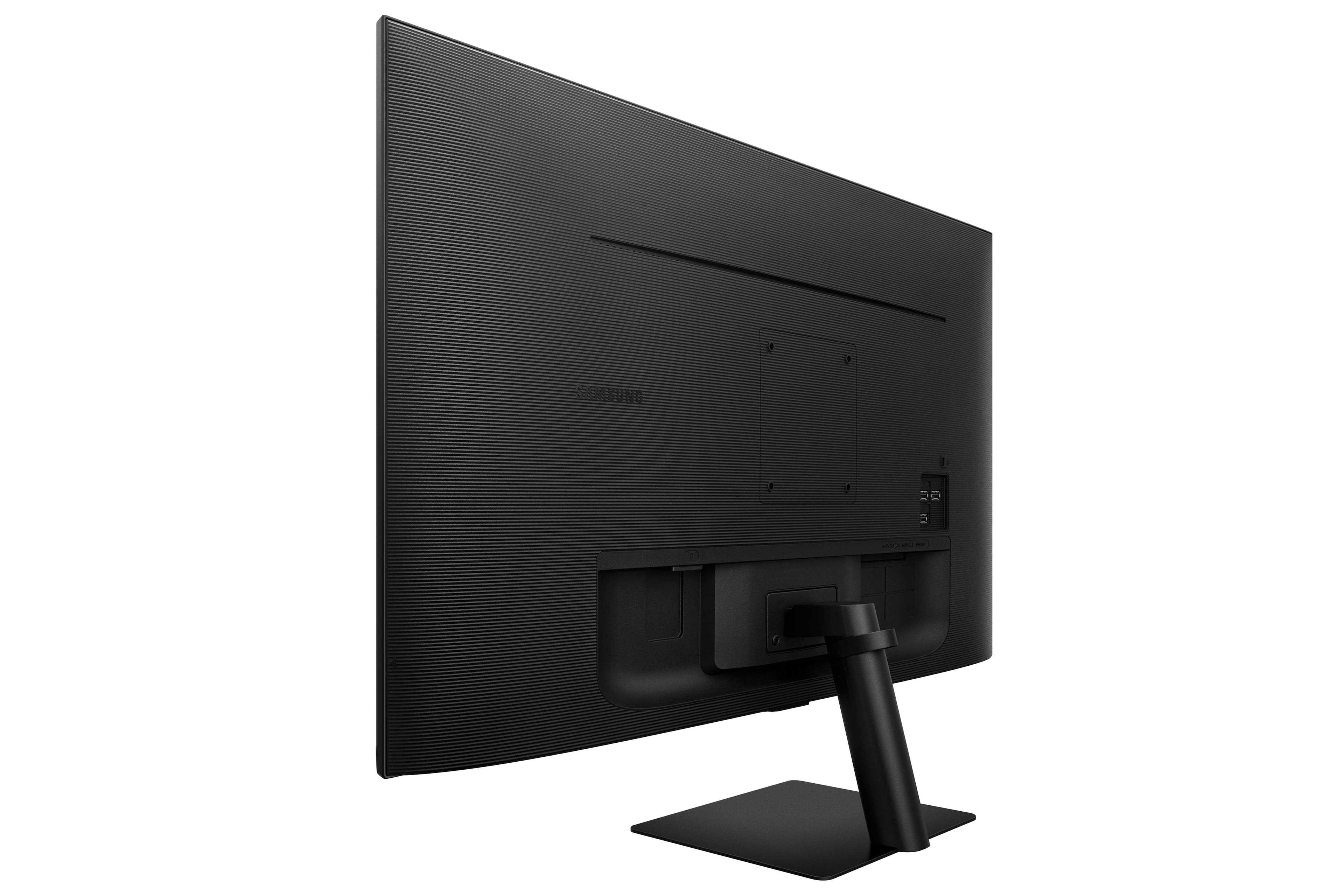

- Model:
- LS32BM702UNXGO
- SKU:
- 6504337
Rating by feature
- Display Quality
Rating 4.6 out of 5 stars
- Ease of Use
Rating 4.4 out of 5 stars
- Features
Rating 4.5 out of 5 stars
Customers are saying
Customers are satisfied with the M7B Series monitor's picture quality, ease of use, and smart features, frequently praising its 4K resolution and streaming capabilities. The USB-C connectivity is also a plus for many users. However, some customers expressed concerns about the remote control design and the refresh rate.
This summary was generated by AI based on customer reviews.
- Pros mentioned:Picture quality, Usb-c

Awesome budget smart 4K monitor
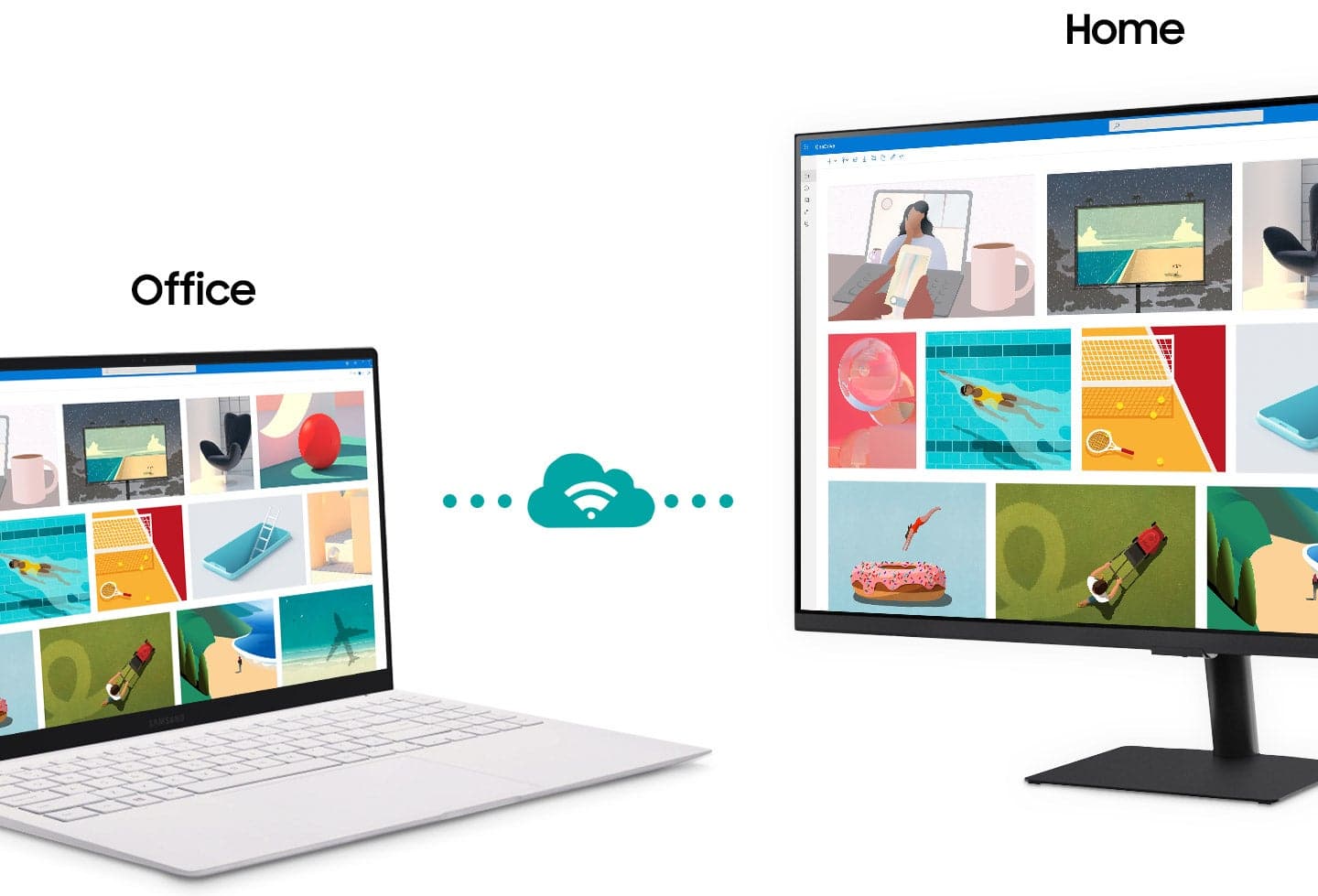
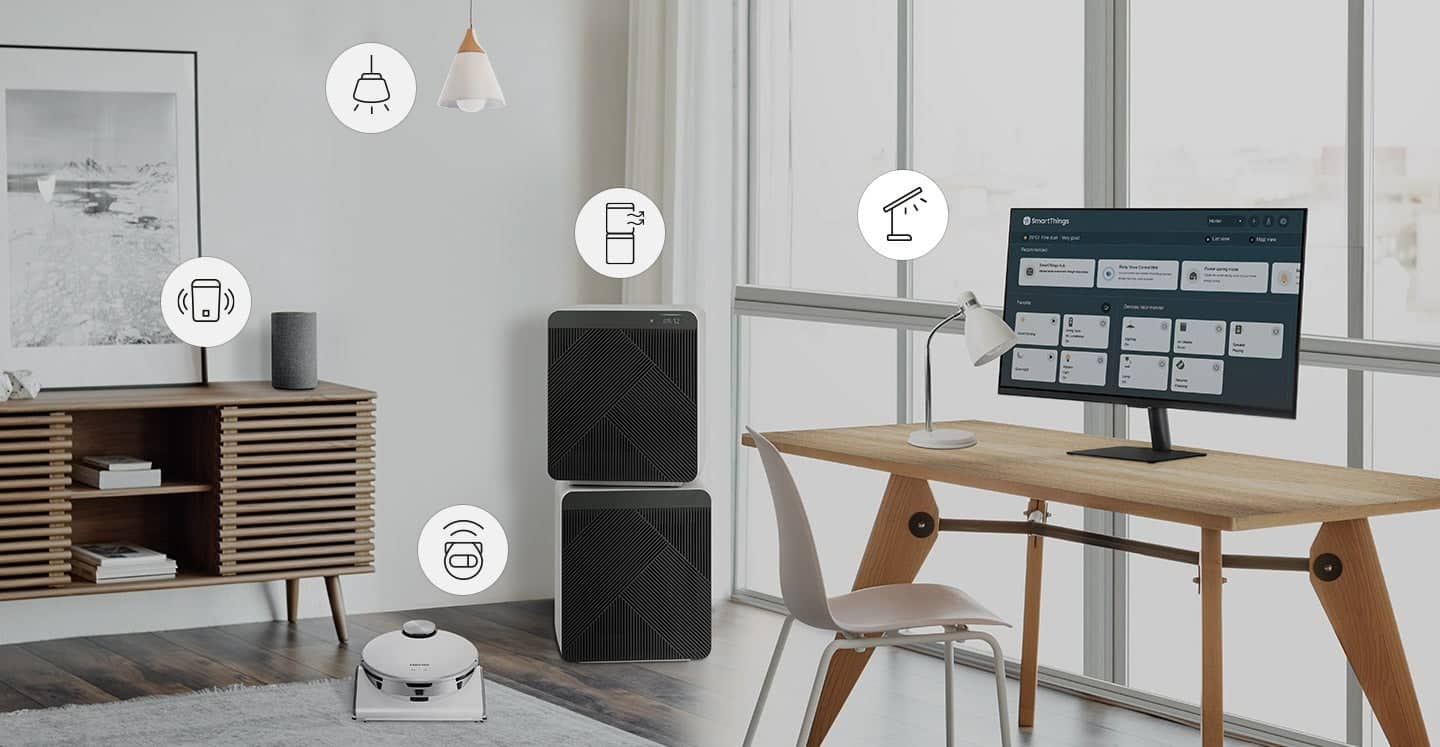
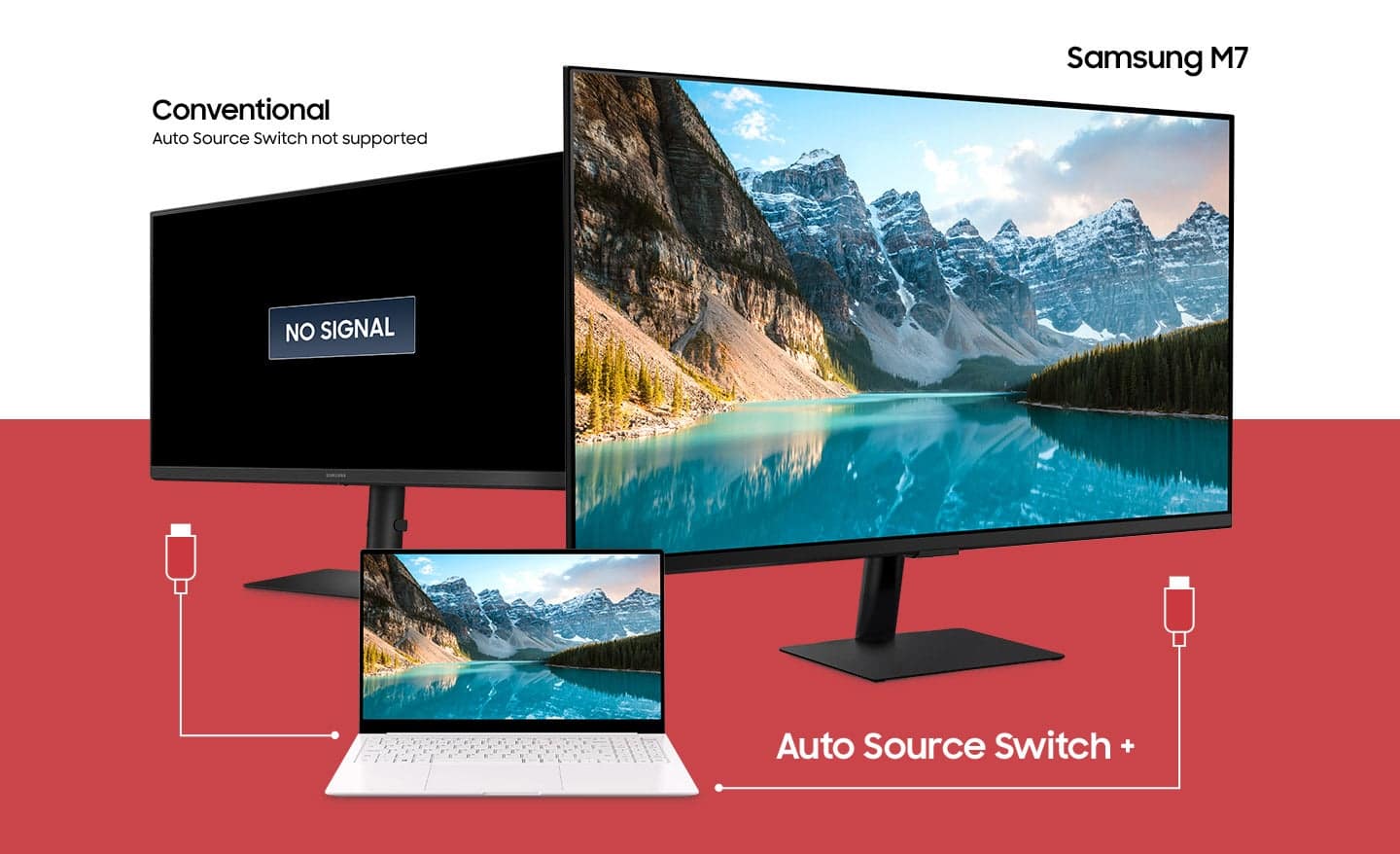
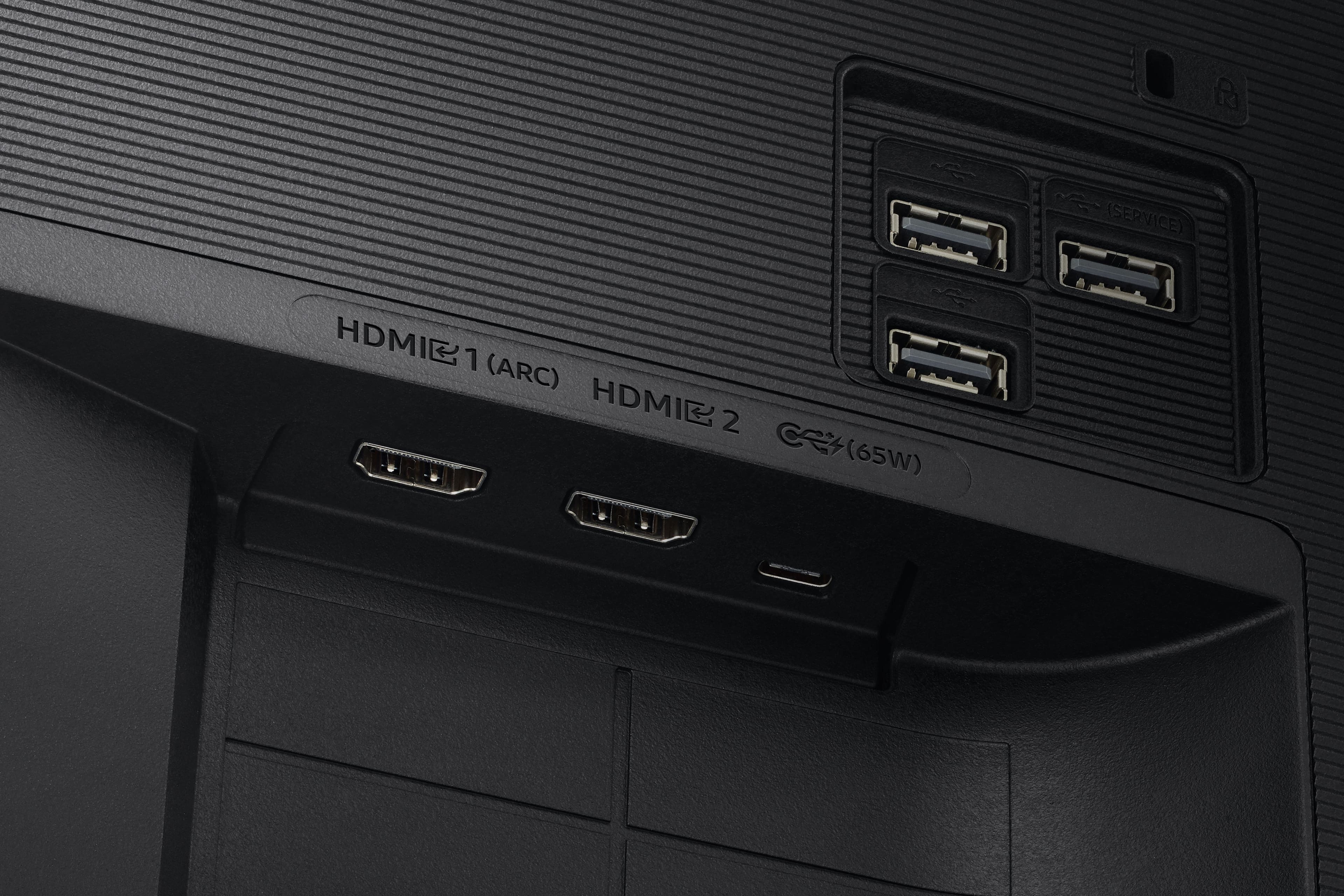
|Posted .This reviewer received promo considerations or sweepstakes entry for writing a review.This Samsung Smart Monitor M7, powered by Tizen platform and built-in Alexa, offers me more than I expected from an affordable 4K monitor. First, it is not just a monitor but a TV as well. As soon as I unboxed it, my first impression was that it has a decent build quality, but to the price point, it makes sense, and I'm okay with that since it does not undermine its functionality and performance. With that being said, the monitor lacks a few much-needed options, such as adjustment offers tiltability only and lacks the ability to adjust the height. The screen is a stunning 4K with a refresh rate 60Hz which is meant mainly for the mainstream. However, I was able to play games on it, and I did not experience any screen tearing or shuttering. It lacks an ethernet and audio port. The device relies on Wifi 100% to perform and execute its features, and the remote control keys are kind of finicky. Volume/ channel selection I wish it could have been buttons instead of clicking. In addition, it tends to slow and lag for a few seconds upon changing apps or returning to the home screen. Nevertheless, it does impress me with its picture and sound quality from its integrated speakers. Acting as a SmartThings hub allows me to add my standard smart devices to it, and while watching/ working, I can simply check cameras and control the thermostat and lighting, etc... Remote control is similar to the one Samsung uses in its TV line up. Dedicated buttons to access streaming services are fantastic. I/O ports offer good options with auto input switching: 2 HDMI, 3 USB, and 1 USB 3.0 type C that provides power delivery of 65 watts which I found very handy as I connected my MacBook Pro 13 M1 and was able to work and charge at the same time. Since it is smart, it offers a bunch and a vast collection of steaming channels for FREE with stunning picture quality. Streaming services contents such as Netflix, YouTube, Amazon Prime, Apple TV plus, Hulu shine; thank you for the picture quality. The app store is huge and full of various apps, but I do feel I'm going to need most of them, but it is good to have it. Accessing MS 360 office wirelessly and DeX support is a solid feature. They work flawlessly and issues. Other impressive features include Apple AirPlay 2, Google Chromecast, mirror smartphone, and the use of a smartphone or tablet camera to mirror on screen. This smart monitor/ TV does everything I need with wire-free convenience—great value and performance.
I would recommend this to a friend Don’t buy open box I guess.
||Posted . Owned for 3 weeks when reviewed.This reviewer received promo considerations or sweepstakes entry for writing a review.The Monitor has a image which seems to be embedded in the screen. When asked to exchange, was told no due to it being an open box item and was told that with open box “you get what you get” even though the item was marked in Excellent condition. The monitor works great and it is a very interesting item to have and it would be five stars without the screen issue.
No, I would not recommend this to a friend- Pros mentioned:Picture qualityCons mentioned:Remote control
A worthy successor to last year's model
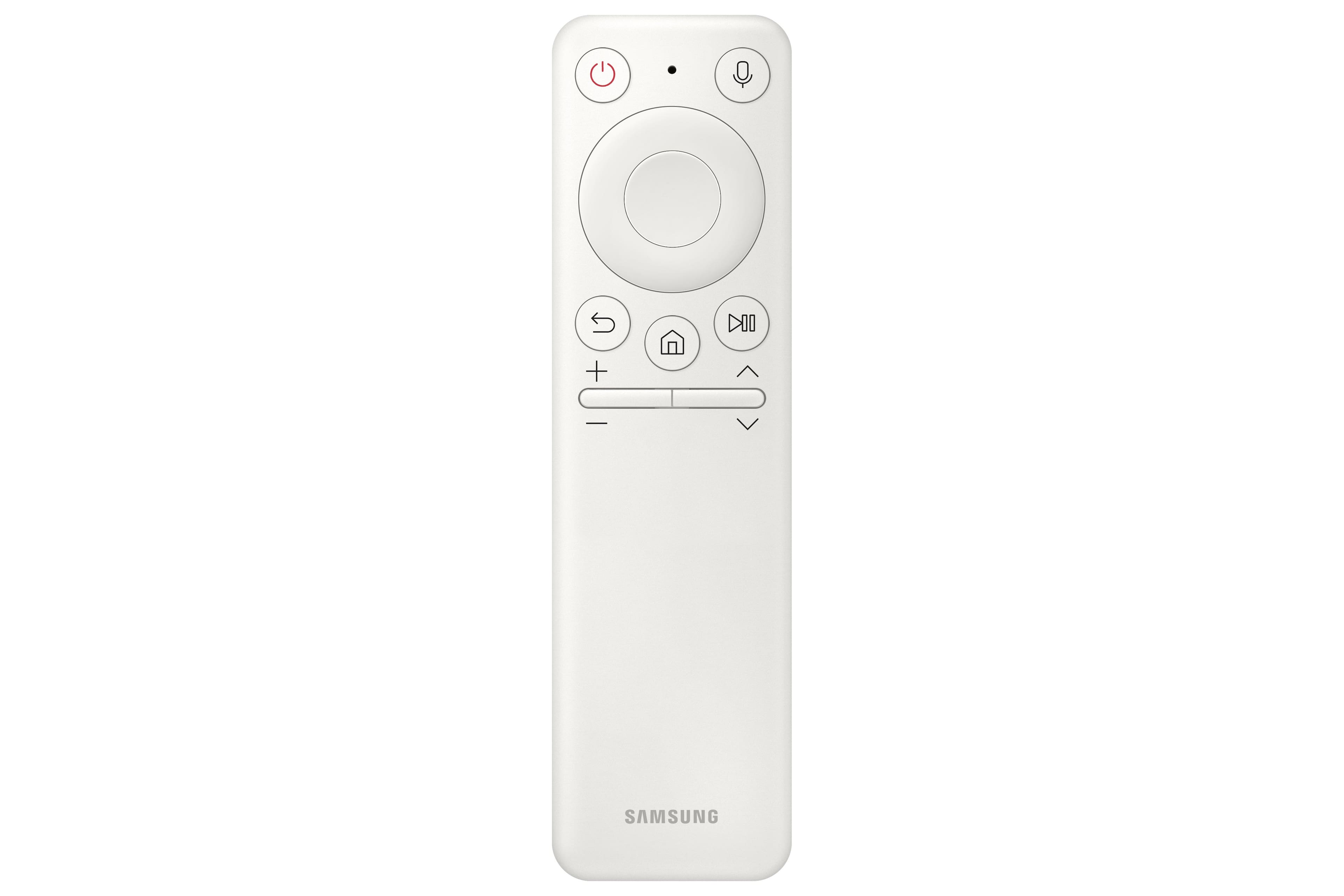
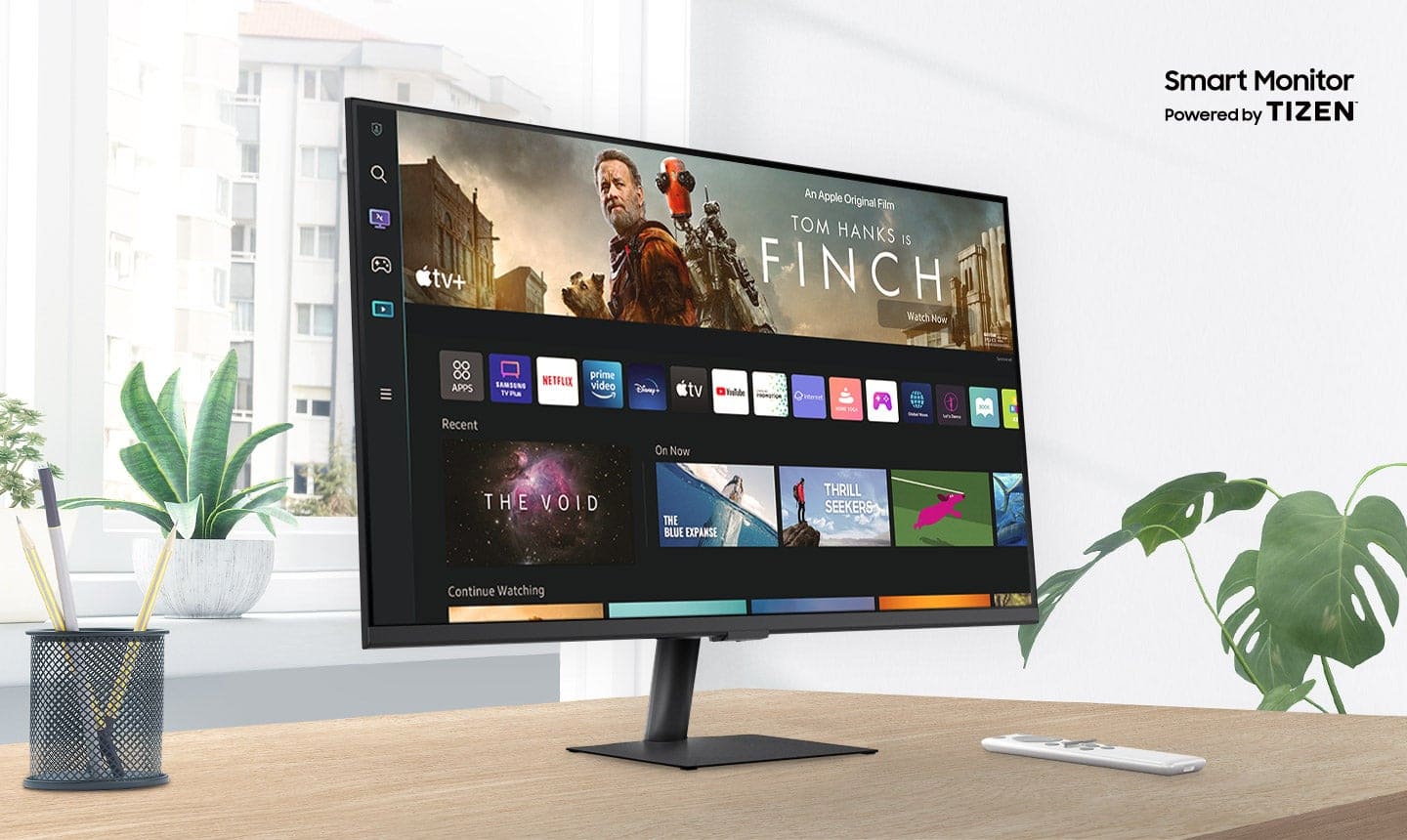
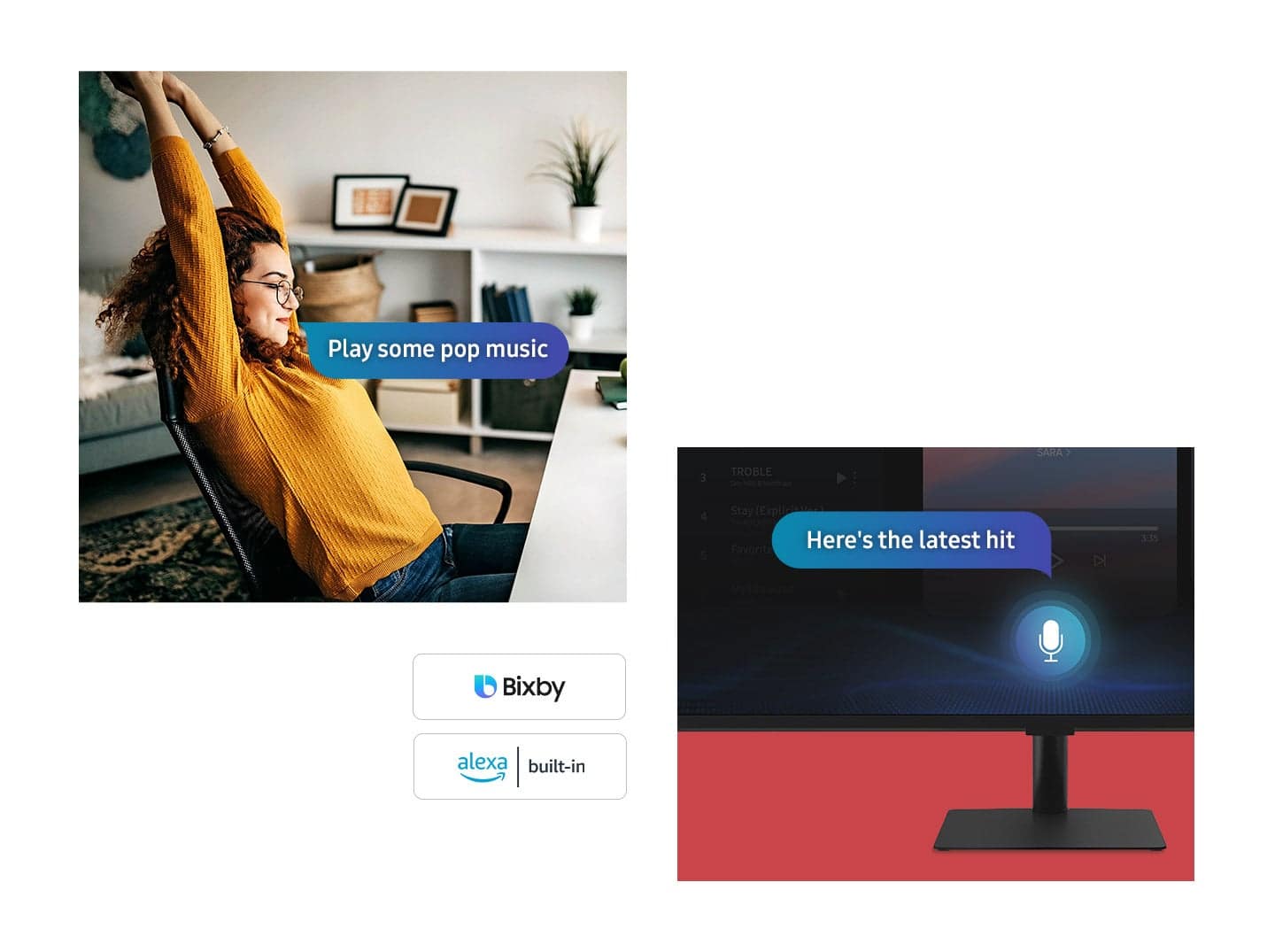
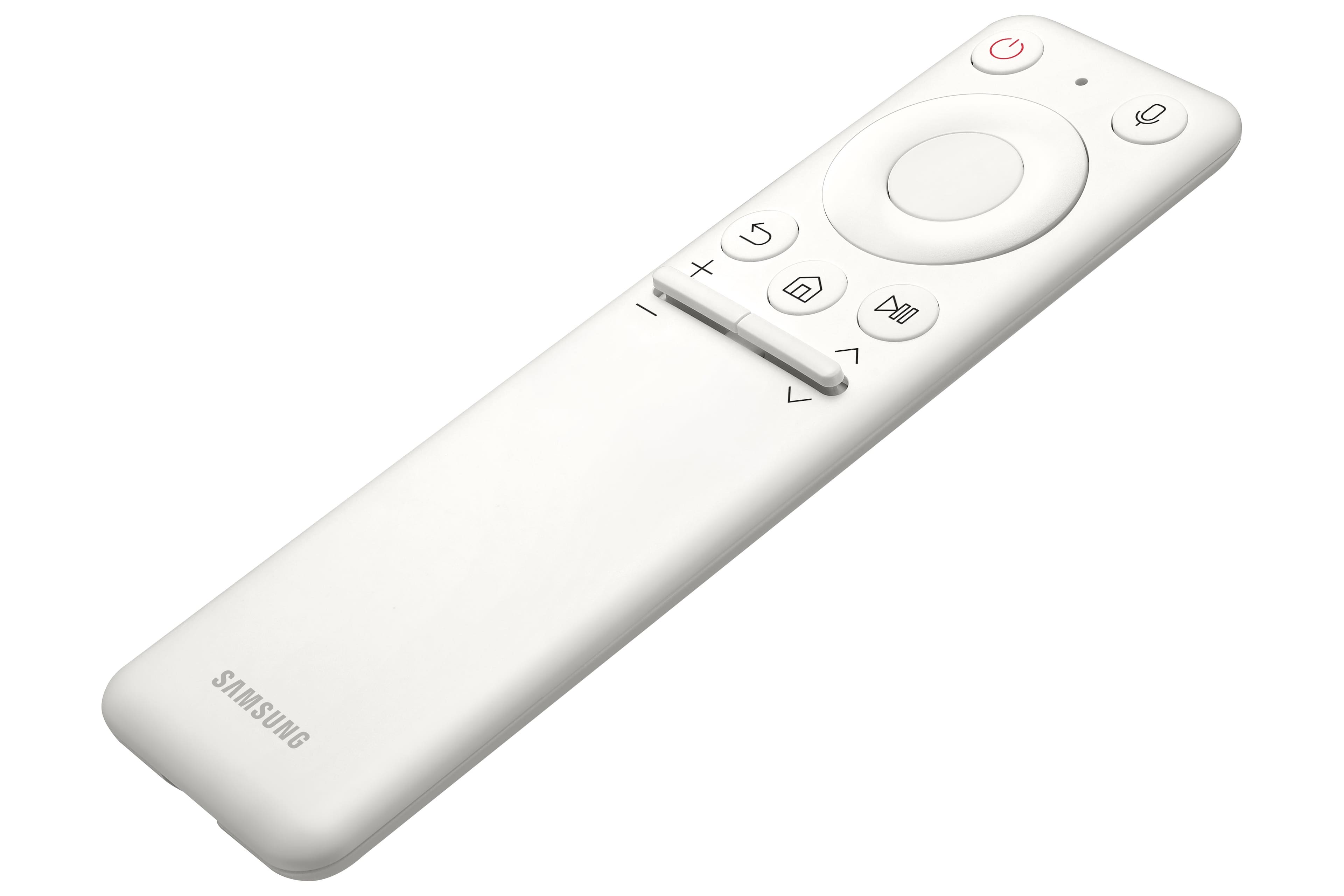
|Posted .This reviewer received promo considerations or sweepstakes entry for writing a review.The Samsung BM702 4K UHD Smart TV/Monitor is the 2022 successor to 2021’s AM702 which I thought was the most innovative and best TV/Monitor I have ever used. And now it’s even better! Looking physically almost identical to last year’s model, the new version offers the same innovative features: You can use it as a Tizen based Smart 4K UHD HDR TV. You can use it as a 4K UHD monitor with your PC or gaming console. You can use it as a web oriented laptop (similar to Chrome OS) without any computer. Just by hooking up a keyboard and mouse, you can browse the web and use Microsoft Office 365 for cloud computing work. You can use it in Wireless DeX mode with your Samsung phone or tablet. The monitor comes with a new rechargeable remote (last year’s model used batteries) that looks similar to a FireTV remote (and containing special buttons for Samsung TV Plus, Netflix, Prime Video and Disney+), a USB-C cable, an HDMI cable, a power cable, and a stand. I found the remote to be very intuitive and it felt comfortable in my hands. However, it is missing a button for picture mode adjustment found on the older remote which allowed for in picture adjustment of picture quality. With the new remote, you have to navigate some menus to adjust the picture. The stand was very easy to attach to the monitor and when you first turn on the monitor it will guide you through the set up process. One thing I appreciated was the use of the pause button on the remote for switching to capital letters when entering passwords. The monitor stand is supposed to be tilt adjustable but I found it to be so stiff that it seems like you can’t adjust it without fear of applying too much force. It does have a standard 100mm x 1000mm VESA mount for use of an alternate stand. Overall build quality was very good and a little better than my unit from last year. I had some spacing between the edge of the glass and bezel at the upper left corner but this unit's fit and finish was perfect. Inputs remain the same from last year. It includes 2 HDMI ports (one supporting ARC), one USB-C for display and power delivery (up to 65W) and three USB 2.0 ports for attaching things like keyboards, mice, and gamepads. The 2022 model offers the following improvements: A newer version of the Tizen OS. The UI also feels more zippy compared to last year's model. Improved brightness (300 cd/m2 versus 250 cd/m2) and response time (4 ms versus 8 ms) over last year’s model. A new rechargeable remote using a USB-C port. The addition of Alexa voice control (along with last year’s Bixby) A Gaming hub which allows you to use the TV/Monitor as a cloud game streaming console. A SmartThings IoT hub which allows you to control your home smart devices from the TV/Monitor. Image quality was fantastic. Text and video appeared sharp and colors looked rich, natural, and vibrant. Streaming videos looked great. I liked that whenever I played UHD content from Amazon Prime Video, the monitor automatically switched to Filmmaker Mode which is a standard created by the UHD Alliance and ensures that we are getting the best cinematic experience as intended by the director. The built-in speakers provide good clear sound that is loud enough to fill a small room. You can also use bluetooth or wireless speakers for better sound. The Tizen Smart OS provides all of the main apps (YouTube, Disney Plus, Hulu, Netflix, Prime Video, HBO Max, Apple TV+, Peacock, Paramount Plus, Plex, Sling TV, Samsung TV Plus etc.) available on other Smart TV platforms. The Tizen Smart OS also offers a lot of connectivity options to bluetooth devices such as headphones, keyboards, and speakers and to Samsung wireless speakers and soundbars for a great home theater setup. You also have access to many different picture modes (Graphic, Entertainment, Dynamic, Standard, Filemaker Mode etc.) as well as access to individual settings (Brightness, Contrast, Color, Tint, Gamma, Color Space etc). The home screen offers a menu on the left side that displays icons representing the Workspace, Games and Media hubs. The Workspace hub holds the features used for basic work functionality. This is where you use the monitor for doing work on the PC, Mac, and remote or cloud based computing. The Games hub allows you to use the monitor as a cloud game streaming console. I did not have time to test it out but apparently you can play games on the monitor without a PC or console. When I clicked on the icon, it seemed to support XBox, Stadia, Geforce Now and other cloud game streaming services. The Media hub groups all the apps and services that are usually found on a typical Smart TV. Overall, I really like the Tizen OS Smart TV platform. It has all of the streaming apps I want. It’s fairly intuitive, fast, and offers many options and customizations for the power user (there is actually so much that it can get a little confusing). I think this is an innovative device and offers amazing bang for the buck. It’s both a great monitor and a great Smart TV. I give it my highest recommendation.
I would recommend this to a friend - Pros mentioned:Picture quality, Streaming
4K HDR Smart Monitor that Does it All!
|Posted .This reviewer received promo considerations or sweepstakes entry for writing a review.I love how companies like Samsung are making Monitors more useful than something you just plug a computer into. Giving them options for streaming, gaming, different inputs, etc is a great idea for these screens that we use everyday. The Samsung 32” BM702 UHD Smart Monitor is for sure my favorite monitor I have owned and rivals my TVs! PROS: - The monitor is really nice quality right out of the box! It is thin, with thin bezels, and is no nonsense trying to get it set up. All you have to do is attach the base to the monitor (of course you can attached it to a mount purchased separately as well). And the screen itself is huge!! But it does not feel overwhelming as I think having one 32” monitor is the way to go for work/play. - Setting up the monitor too was quite easy! With the remote (which I will get to) you can either go through setup with the remote or use the “Samsung SmartThings” app to do it all. I personally used the SmartThings app and it was very easy and straight forward! - Along with that, the accessories it comes with are nice! HDMI chord, USB-C chord, and a Remote. The Remote is light, thin, has voice controls built, and is rechargeable via USB-C. Really great and easy to use! - It’s also important to note it has 2 HDMI ports (1 being an HDMI ARC), 1 USB-C Port, and 3 USB Ports. Really love having that ARC and USB-C port there! - The Monitor also has speakers built in as well! They produce some nice sound and are welcomed additions for sure. - The features of this Monitor are really where it shines! It has a “SmartHub” page that has all your streaming apps, inputs, and workspaces. You can easily navigate and everything is very snappy. Of course this is the selling point! It is a Smart Monitor so it’s connected to WiFi and can do anything a Smart TV could do like mirror your phone, mirror your PC, stream apps like Netflix, Apple TV+, HBO Max, Disney+, and Spotify! - I am very happy to say that I tested out my 4K Apple TV on this Monitor (as show in the pics) and this Monitor supports 4K and HDR! I was truly pleased that it supported HDR along with 4K as that really creates a great streaming package. - Since the Monitor has 3 sources (2 HDMI, 1 USB-C) it supports multiple window views! So you could be streaming on one of the screen and working on the other, or gaming on one and watching TV on the other. CONS: - I have no issues with this monitor! I would advise owners to play with the settings a bit though. There are some picture settings, startup settings, gaming modes, and various other custom settings that make the monitor better. So make sure to take a look at those! BOTTOM LINE: - This monitor can do it all, truly. It is a fantastic workspace to get things done but also allows you to enjoy streaming content with it’s 4K HDR streaming apps. Considering what other 32 inch monitors are priced at, this Samsung is a fantastic deal for all the extra features you get from it. It is going to be my daily monitor driver and I love it!
I would recommend this to a friend - Pros mentioned:Usb-cCons mentioned:Refresh rate
Work,play and entertainment in one
|Posted .This reviewer received promo considerations or sweepstakes entry for writing a review.You never really think you need something until you experience what you don’t have. A smart monitor is one of those things and now that I’ve experienced it, I see what I’ve been missing. The monitor can be mounted on the included stand or wall mounted as it’s vesa wall mount compatible. The stand adjusts forward and back but is not height adjustable. The monitor weighs in at only 14 pounds so very lightweight for its size. It has 2 HDMI ports, 3 USB ports, one USB-C and comes with both an HDMI cable and a USB-C cable. It also comes with a small remote that has quick access buttons for entertainment apps like Netflix and Amazon as well as voice control. The monitor only has a 60hz refresh rate and though I didn’t try any graphically intense games such as Elden Ring, playing Mario kart with my switch looked excellent. The colors are deep and vibrant and only at extreme viewing angles do the colors wash out some. Samsung’s user interface is very clean and responsive when switching between different modes. The free internet tv (Samsung TV plus) makes it easy to cut the cord as it provides tons of free content. Along with TV plus, it has all the usual entertainment apps and Airplay built in also so you can stream from your Apple device. When watching a movie or gaming the built in speaker is surprisingly good and if you want more you can connect a Bluetooth speaker. Compared to a standard monitor or a regular tv, a smart monitor with all its functionality makes it easy if you can only have one device or want something more. It’s lighter than most tvs the same size and has more features than most standard monitor’s.
I would recommend this to a friend - Pros mentioned:Picture qualityCons mentioned:Remote control
Samsung always delivers
|Posted .This reviewer received promo considerations or sweepstakes entry for writing a review.I have had probably 20 Samsung televisions in the last couple of decades. They are always very good, and very good for their price. This is no different. I am letting my mom use this and see how easy it if for her. She had been using a Roku for the last few years and has been very comfortable with it. I did have to set this up for her of course. Setup is pretty easy, I added this to a Guest network for some security. I did have to download a lengthy update. I got asked to add a couple of streaming services I used. I LOVE when you are given a QR code to use as a login and not having to type in web addresses, emails, and passwords. Thank you Samsung and everyone. You can tell the picture quality is better than a 1080 picture, even on the small screen. The speaker is in the back of course but that is pretty normal now. Samsung is pretty open to apps such as Spectrum and all the major streamers. This is now a pretty common gripe with me and Samsung. Why do they overload the memory with apps that are hard to download and slow down navigation? Either use as OS like Google or Roku or invest is a better processor and fewer mandated apps. The remote is too small for older adults and not clearly labeled. I did order a larger and more defined remote for mom. For the price this is a really good extra bedroom TV. Just be considerate of the age of the person using the remote.
I would recommend this to a friend - Pros mentioned:Picture quality, Usb-c
Samsung M7B Series 32" Smart Tizen 4K UHD Monitor:
||Posted . Owned for 9 months when reviewed.This reviewer received promo considerations or sweepstakes entry for writing a review.The Samsung M7B Series 32" Smart Tizen 4K UHD Monitor with HDR10 (HDMI, USB-C) is a versatile option for those looking for a monitor that can do it all. Whether you're a multitasker, a streamer, or a casual gamer, this monitor offers a compelling feature set for the price. Here's a breakdown of the key areas: Picture Quality: The 32-inch 4K UHD display delivers crisp and sharp visuals, perfect for work and entertainment. HDR10 support enhances the contrast for a more immersive viewing experience. However, some users have reported issues with color accuracy and occasional screen flickering. Smart Features: The integrated Tizen OS makes this monitor a smart TV as well. You can access popular streaming apps directly on the monitor without needing a separate device. This is a great perk for those who want to declutter their entertainment setup. Connectivity: The M7B boasts a good selection of ports, including HDMI and USB-C. The USB-C port allows you to connect your laptop or phone for both display and power delivery, reducing cable clutter. Productivity Features: The split-screen functionality and the ability to seamlessly connect to multiple devices make this monitor a great choice for multitasking. Overall, the Samsung M7B Series 32" is a well-rounded monitor with a lot to offer. Its strengths lie in its versatility, picture quality, and smart features. However, be aware of some potential drawbacks like color accuracy issues and occasional screen flickering reported by some users. Here are some additional points to consider before you buy: Do you need the smart TV features? If you already have a streaming device, you might not need the built-in Tizen OS. Do you prioritize color accuracy for professional work? If so, you might want to consider a professional-grade monitor with better color calibration. Do you plan on using this for fast-paced gaming? The 60Hz refresh rate might not be ideal for competitive gamers who need the smoothest visuals. If you're looking for a 4K monitor with a good balance of features, connectivity, and picture quality, the Samsung M7B Series 32" is a strong contender. Just weigh the pros and cons to see if it aligns with your needs.
I would recommend this to a friend - Pros mentioned:Picture qualityCons mentioned:Refresh rate
Far better than my expectations
|Posted .This reviewer received promo considerations or sweepstakes entry for writing a review.Very impressed with this Samsung Smart Monitor so far. It is almost, but not quite an All In One computer. It operates similar to a giant 32 inch Samsung Phone (does not have actual phone), with a TV tuner and plenty of ports to allow many peripherals to be connected, there are many use possibilities. Biggest surprise feature I was unaware of, the monitor senses rotation to the vertical orientation so sharing phone screens is even easier (can also rotate screen in settings). Although, it will need a new mount for wall or desk that allows for rotation. Aside from dual orientation. It is a great tv with a good set of features for connecting a PC or simply adding media content via the multiple USB ports. Huge plus for me, It will read and play media off a portable hard drive directly through the USB ports (AVI is not supported). While it is only 60hz display and high end gaming will not be at its best. This monitor managed to get so many things right, I can forgive the lower refresh rate for just being a great all in one Smart Monitor. Bonus, the remote is USB-C rechargeable. Nice! One final thought. Why is sleep timer so hard to get to? It is always buried in menus that are not super easy to find. Samsung use to put a button on the remotes for it. Maybe it is just a me issue.
I would recommend this to a friend - Pros mentioned:Picture quality, Usb-c
Overall Excellent TV/Monitor
|Posted .This reviewer received promo considerations or sweepstakes entry for writing a review.This TV has a good feature set, and is very cleanly designed. It has a very nice 4K HDR picture, that looks great. As a smart TV, it has most features you'd expect, like Netflix and other streaming apps. Everything is easy to navigate to with the remote, which also includes shortcut buttons for Netflix, Disney and Amazon prime video. You can also use the TV as a sort of home hub, since it can use virtual assistants like Alexa and Bixby (though, it doesn't seem to support Google assistant). The setup process was very simple and it guides you through getting everything configured. It even provides some nice calming music while you get it set up. The sound it provides is clean and crisp, though it lacks a bit of bass for my tastes. The minor issues I have with this TV are the included cables are a bit too short, the audio lacks a little bass and the stand isn't adjustable (as far as I can tell). Also, doesn't have a display port input, but it does have two ARC capable HDMI ports and a USB C port. Pros: nice 4k HDR capable picture, easy setup, good sound quality, two ARC capable HDMI ports, USB C with USB A ports for a hub-like use Cons: short cables, non-adjustable stand (unless I'm missing how to adjust it), no displayport, speakers lack a little bass
I would recommend this to a friend - Pros mentioned:Picture quality
Great display - even for outside
|Posted .This reviewer received promo considerations or sweepstakes entry for writing a review.I’ve been looking for a small-medium sized TV for the counter on my lanai, so that’s what my approach will be for this review! TL;DR for my frequent readers and details below. Good: Great picture Great viewing angles Size (thin) Razor thin bezel Alexa integration Remote functionality Bluetooth Speaker support Bright light visibility Bad: Menu Lag (at first) Pre-installed Apps are not removable Meh: App availability (no VPN) No tilt or height adjustment Speaker Pairing prompt only on main screen Once unboxed, powered up & attached to WiFi, new firmware was available & was applied without issue. I went right into the Samsung Live TV and clicked around to get a feel for the menus and the remote does have an interesting feature - the volume and channels both rock up and down along with mute / guide on a push-down. Pretty cool. After a little test run, off to the sunny outside patio / lanai with this 32-in TV, where I previously had a smaller, 22-in TV and what a difference it is! This TV/monitor is super-thin, has a super-thin bezel with a clean look and a nice stand, although it doesn’t tilt or have any height adjustments. A matte finish helps with glare in the bright light and a number of visual changes can be done to help adjust to the lighting situation. From brightness and contrast to different modes (movie, etc) - helped make the colors just fine for an outdoor viewing session. I felt that while the volume was just fine, I had to turn it up too loud to get it across to me and went through the Bluetooth pairing to a speaker on my table, which went flawlessly. With the speaker paired, I found that the max number for volume was 100 and there wasn’t any distortion (also possibly due to the fact that it’s a pricey $400 speaker). A great feature of the Samsung software is that you’re prompted for speaker pairing of an existing speaker saving a trip through the menus, if you turn TV on first & speaker second; I love this; the downside is that you have to be on the main ‘tiles’ screen for the prompt to appear. Being in another App suppresses the prompt & you need to exit back to the main screen. I’m typically right on with the TV but sitting off to the side doesn’t completely hinder visibility (see pic), it’s just not as good as being right in front. As for extra features on top of being a SmartTV, is the Alexa integration. I chose to disable the ‘always on listening’ and rely on pressing the microphone button on the remote. Saying things like “Open YouTube” or “Open the Spectrum App” all work and launch the App to save you a few seconds navigating to the App bar in the middle of the screen. Yeah, the main screen is messy. It doesn’t start you in the middle & you have to up/down arrow a few times to find the tile that you’re on, so you can navigate to where you actually want to go. For the first day, I found some remote/menu lag which was annoying however it miraculously went away and hasn't seemed to re-appear. Speaking of Apps, there are a number up for grabs but some that aren’t; I found that VPN apps aren’t available and I use one regularly on my Chromecast with GoogleTV. Other than my one ‘need’ App, there are many others that download & work just fine. Side note: Any apps pre-installed are not removable and this eats up storage space that is not unlimited. Recommended? Heck yeah!
I would recommend this to a friend - Pros mentioned:4k, Picture qualityCons mentioned:Refresh rate
Best tv/monitor iv had
||Posted . Owned for 1 month when reviewed.This reviewer received promo considerations or sweepstakes entry for writing a review.I usually never leave reviews. But i feel this one warranted one. I was going otr dor a trucking company. And i usually computer game. But i wanted something 4k for my ps5 for my home away from home. So i got this because its about the cheapest smaller 4k monitor i could find......boy was i blown away. All the features that pair with my note 20 ultra are amazing. The picture is flawless and also the gaming mode is great. Mayches the response time of my 34in curved axus monitor at home. The literally only thing i can find to complain is the audio isnt the loudest. But after all i didnt think a monitor would have speakers at all so still a plus for me. Even down to the remote is awesome. No more batteries its rechargeable and can also use alexa or bixby. I can even use my remote to operate my ps5 if i choose to watch something on it instead of the apps on the tv. I gush about this thing all the time. Im pretty sure my wife is tired of hearing about it lol. But seriously if want a smaller 4k tv that will double as a monitor or vice versa get this thing what are you waiting for..........your not going to find better.................also on a side note. It does only have 60fps and alot will consider that a con. I dont consider it a pro. But it is what it is and doesnt bother me. 60fps works fine for what i bought it for. If i bought it strictly for pc gaming i would have went elsewhere but they are more than double the price and doesnt second as a smart tv.
I would recommend this to a friend - Pros mentioned:Picture quality
Excellent Hybrid Smart TV & Monitor
|Posted .This reviewer received promo considerations or sweepstakes entry for writing a review.This is a great all-in-one hybrid monitor, the smart monitor with the combination of work/play in full HD and a 4K cinematic for watching movies. The stand is quite heavy and super easy to assemble; attach the stand to the base plate and the monitor (all you need is a standard Phillips screwdriver). To my surprise, there is no power adapter box, just a 5 feet long power cord that connects from the monitor to any power source. After going through the monitor's setup, it connected to the internet, and I signed into my Samsung account. A monitor that delivers a smart TV experience when taking a break from work, school, or playing games. This is an excellent device for working from a home environment. USB, USB-C (which supports up to 65 watts of charging power), and two HDMI. The built-in stereo speakers are adaptive to deliver a more enjoyable and refined sound experience, which adjusts the sound in different situations, from speech, music, and ambient sound. You can connect external speakers via BlueTooth or a Wi-Fi-enabled device, but note that there is no 3.5 mm audio jack (Aux). The included remote control is sleek, basic in design, easy to use, and recharges with a USB-C connection. It is very responsive and provides voice activation. One cool feature about the monitor is that when I turn on my computer, the monitor detects the computer, and it turns itself on. You can connect a computer via HDMI or USB-C (included), which is straightforward. The HDMI is standard so that you can plug any gaming console. The picture quality is excellent, the display delivers an Ultra HD resolution with many colors, and the picture delivers enough pixels. You can always tweak the picture setting to make things fit your needs. This is a Samsung smart tv, so you get a ton of apps, just to name a few: Netflix, Amazon, Disney+, HBO max, AppleTV, and so much more. Mobile device mirror into the monitor by simply taping your phone on the left side of the monitor. So, while watching a movie, you can mirror what is on your phone. The display quality is 4K, which is bright, pleasant, and enjoyable. As a monitor, 32 inches is excellent for those who want more screen coverage for their programs. I use it a lot to place two window screens side by side. This monitor is great for work at home office, study room, or a small room. I like it a lot because I can take a short break, watch movies, play games, or use the monitor independently without the computer. To conclude, this smart tv/monitor is loaded with many features and options.
I would recommend this to a friend Prefect dorm room PC Monitor + SmartTV
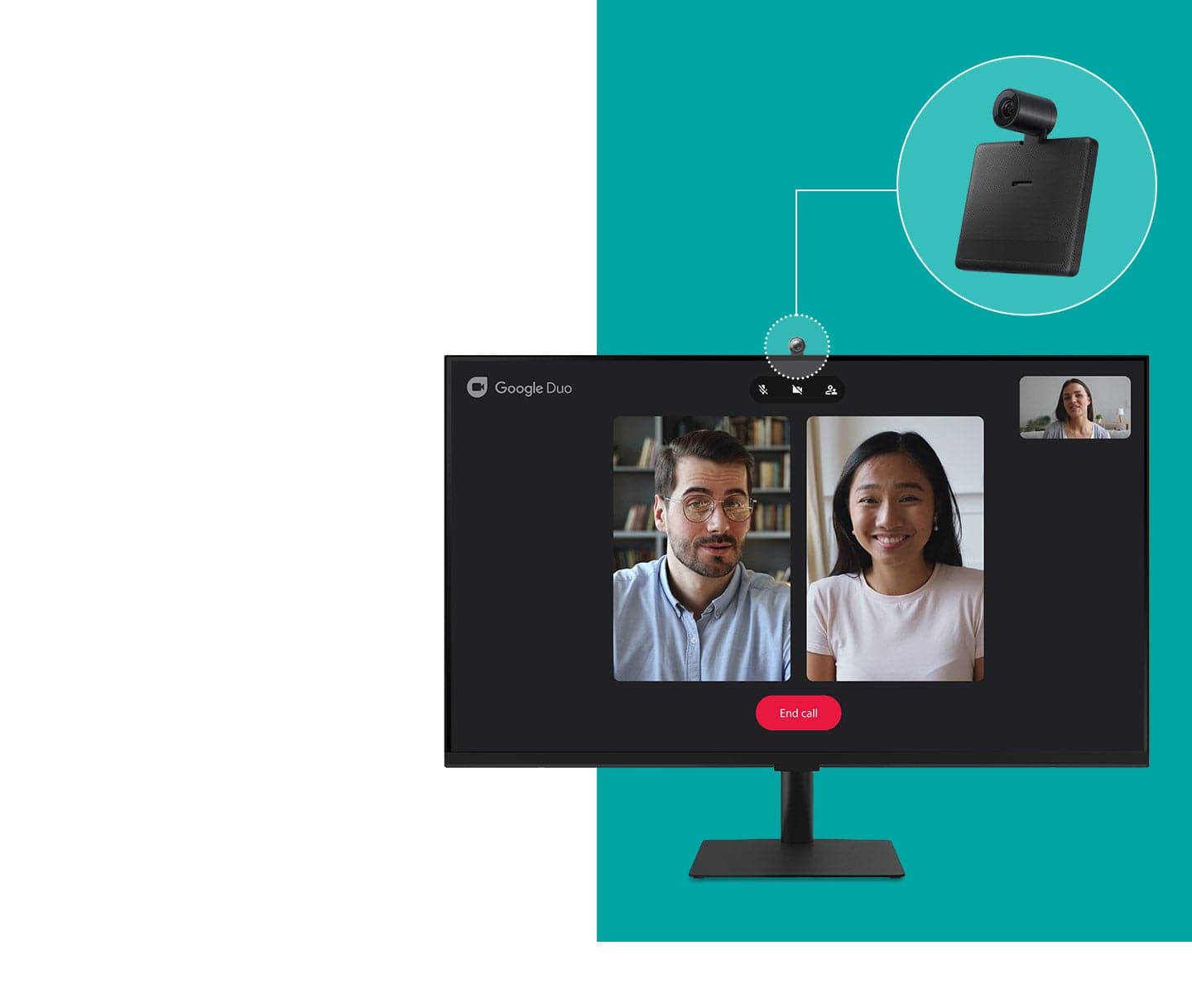
|Posted .This reviewer received promo considerations or sweepstakes entry for writing a review.It took about 20 mins to assemble and configure the monitor to access the streaming media, hook it to my windows PC, setup Wi-Fi, firmware update, link my Samsung account, etc. I used on the onscreen QR codes that shorten my set-up and configuration time. The Remote and built-in Alexa (with voice commands) are pretty handy to get to the settings, search through the content, etc. Summarized my experience and features on this amazing Smart Monitor. • 32" thin bezel 4k monitor/smart TV with a small stand with tilt option (about 20 degree). It comes with USB C and a HDMI cable. Has a computer dock with built in 3 USB ports for accessories, 2 HDMI ports, and a USB C port (65W) to charge your laptop. Has built in speakers as well with decent audio volume for watching movies. • Loads of features - took me about 20 minutes to learn all the features. The remote is really helpful to switch between settings, configure different apps, etc. Remote has Netflix, Disney+ Samsung plus, and Prime Video buttons. • Alexa function on the remote made it pretty easy to search for apps, bring up settings, switch to PC mode, etc. • No lag loading the apps or switch between apps, and pretty responsive remote • 4k@ 60Hz, bright screen, no flicker while gaming, decent colors, mode selection - movie, gaming, etc., no pixelation. Color depth is a little low and low refresh rate for (intense) gaming, but acceptable color quality for the price and day-to-day use. • Has tons of options to project/mirror/cast or extend your screen with both wired and wireless options: screen mirror, airplay, HDMI port, windows connect app, etc. I saw a little lag while gaming on wireless screen share mode, which is expected with wireless option. • Built in office 365 app lets you access office files without a PC! Just hook up a keyboard and a mouse and you can access/work on the office 365 files directly from the cloud without a PC! • Samsung folks are in luck - you can use Dex and project your phone on the TV - Woohoo! Samsung phone can also be used as a remote with SmartThings app. SmartThings app on the TV also lets you control your home devices connected to Samsung Smart Things hub. Android phone users can download Smart Things app to project your phone screen on the monitor and it also has Airplay option for Apple devices. • Built in Alexa - eliminates the need for firestick or for that matter another streaming device. You can also plug in Chromecast into the HDMI port if needed! Few cons: • Stand only has tilt option and doesn't have the swivel (rotate) option. • Wish it came with a webcam for video calls! • No thunderbolt 3 support which is expected given its low price. Best of both worlds. SmartyMonT - Super cheap monitor and smart TV with the tons of options - can't beat the value for the features it offers.
I would recommend this to a friendGreat Tech in this Samsung Smart Monitor
|Posted .This reviewer received promo considerations or sweepstakes entry for writing a review.I am definitely impressed with what Samsung has put into this BM702 Ultra High Definition Smart Monitor. This VA (Vertical Alignment) panel with 4 millisecond / 60 Hz / 60 FPS response rate, presents bright 16.7 million colors and deep blacks for wonderful 3000:1 dynamic range contrast, popping colors and sharp images with smooth action at 3840 x 2160 dpi or 8.3 megapixels resolution, which is great on Netflix show, movies and games. The addition of a HDR10 Media Profile takes this monitor's standard 300 NIT / Lumen typical brightness and allows for up to 1000 NIT brightness and provides a color depth up to 10 bits, which visually is more stunning than 4K when streaming or running HDR compatible media and has better color accuracy. All of this is on a wall-mountable 32" flat, bezel-less computer monitor / streaming TV with 178 degree horizontal / vertical viewing. The BM702 monitor also supports Ultrawide Game View, which allows you to change the display aspect ratio from the stand 16:9 format to a 21:9 aspect ratio with improved visibility of details for us, the PC Gamers, to immerse yourself into the whole field of play on games that support 21:9 Ultrawide resolution such as Abzu, The Witcher III: Wild Hunt, Forza Horizon and Red Dead Redemption 2. And, when you are not gaming, the BM702 is Flicker Free and supports Eye Saver Mode, reducing that blinking, blue light that gives you headaches and eye fatigue. I like that. The Samsung BM702 specs show support for WiFi 5 wireless connectivity, though, after updates at setup, I had no problems connecting to full WiFi 6 / IEEE802.11 ax. It also supports Bluetooth v4.2. This connectivity and the Embedded Package on Package chip memory is what allows this monitor to stand alone without a computer play streaming content. When you do want or need to connect, there are 2 v2.0 HDMI ports, one of two with ARC (Audio Return Channel) and CEC (Consumer Electronics Control) HDMI protocol, so that you can connect this monitor with your audio system through your HDMI cable and use one control for everything. There are 3 USB A 2.0 ports that support Human Interface Devices such as keyboards and mice and 1 USB C port that carries 65w of power. Samsung was thoughtful enough to provide a premium High Speed HDMI Cable with HEC (HDMI Ethernet Channel), so that the monitor can access the Internet without separate Ethernet cables and can support ARC. They also provide a USB C to USB C cable for charging the provided remote control. All in all, this Samsung - 32" BM702 UHD Smart Monitor with Streaming TV has the right technology to do it all. Much more that just a monitor or a TV. I find this monitor very smart indeed!
I would recommend this to a friendOnly needs a higher refresh rate
||Posted . Owned for more than 2 years when reviewed.This reviewer received promo considerations or sweepstakes entry for writing a review.I've had this monitor for almost 3 years now and I have been pleasantly surprised. I honestly went to the store to get something else entirely but then they told me that they didn't have the monitor I wanted in store. I reluctantly decided on this one, thinking I'd be disappointed but so far it has been really nice and quite interesting. The picture quality is great and the colors are bright. My monitor sits in front and slightly to the left of the one big window in my room as my room is quite small and there was no other place for my desk to go, so when the blinds are up and the sun is high in the sky, it can sometimes look slightly washed out but not unbearable at all. The monitor has endless features and it was nice to be able to pull up streaming apps natively when my mom or sisters visit me (I live in college apartments) so I can still use my laptop while they watch TV on the monitor in my room. Literally the only thing disappointing about it is the refresh rate. I wish it was at least 120hz cus then I'd never let this monitor go as long it kept working. It even adapted when I switched from a Dell laptop to a Macbook Pro which I was worried about as I read articles saying some monitors don't adjust for Mac and the spacing on text can be weird but this monitor immediately detected my new mac and went into "Apple TV" mode and everything looks great when my Macbook is connected.
I would recommend this to a friend- Pros mentioned:Picture qualityCons mentioned:Refresh rate
Perfect productivity monitor
||Posted . Owned for 1 month when reviewed.This reviewer received promo considerations or sweepstakes entry for writing a review.I bought this a month ago. I really don't have room in my cubicle for a laptop and two monitors. I went with this instead. This is a fantastic monitor. I normally split the screen into 3 and it works really really well. I use my display port/usb3 connection on my laptop to take advantage of the 4k. I haven't tried much of the smart monitor features. The volume is fine for my cubicle. It produces more than enough sound for what I need. I probably won't crank it up due to the nature of the environment I use it for. If sound is that important to you, invest in a good speaker system. This does a decent job. Dollar for dollar it's fantastic. Because of the refresh rate, I wouldn't use it for a gaming monitor, but it's not designed for that. It's also not color balanced enough for serious Photoshop work. But for office productivity, I can't think of a better single monitor. My one ding is that in order for it to turn on, you have to power it on. The display port will not auto-detect a connection and turn on automatically from sleep.
I would recommend this to a friend - Pros mentioned:Ease of use
A Versatile, High-Quality Monitor for Work and En
||Posted . Owned for 1.5 years when reviewed.This reviewer received promo considerations or sweepstakes entry for writing a review.The Samsung M7B Series 32” Smart Tizen 4K UHD Monitor delivers an impressive balance of performance, display quality, and smart functionality. The 4K resolution provides sharp, vibrant visuals with excellent clarity, making it ideal for productivity tasks, media consumption, and light gaming. HDR10 support enhances color depth and contrast, offering noticeably richer visuals when streaming HDR content. The inclusion of multiple connectivity options, including HDMI and USB-C, allows for seamless integration with a variety of devices — from laptops to gaming consoles — while also providing the convenience of charging through USB-C. One of the standout features is the built-in Smart Tizen platform, which enables access to popular streaming apps without needing a separate device. This makes it easy to transition from work to entertainment at the end of the day. The overall design is sleek and minimal, with slim bezels that help create a clean, modern workspace. Setup was straightforward, and the included remote control adds to its ease of use. Overall, the Samsung M7B Series is a dependable, all-in-one monitor option for those seeking both high-resolution display quality and smart TV functionality in a single device.
I would recommend this to a friend - Pros mentioned:Picture qualityCons mentioned:Refresh rate
Its a nice big 4K monitor/TV with lots of features
||Posted . Owned for 2 months when reviewed.This reviewer received promo considerations or sweepstakes entry for writing a review.I got this to replace a 1080 HP monitor that was a little too small and lacked the 4K. Ended up saving extra money on this open box unit that was missing aome cables. Setup is super easy and its more like setting up a smart TV which is what this really is. Sure you can use it as a computer monitor and that works great but if you ever need a 32” 4K TV you have that as well. It has a nice remote, extensive menu, lots of the typical apps that allow you to access a great deal of content online. Picture quality is good. Lacks the 120 refresh rate but I’m ok with that. Colors are vibrant and 4K pictures/videos pop. I’m using it with a M1 Mac Mini and it works great. I recommended it! I also got the Geek Squad extra warranty because you never know how long today’s electronics will last.
I would recommend this to a friend - Pros mentioned:Picture quality, Usb-c
good monitor/cost, less than great TV functions
||Posted . Owned for 2 months when reviewed.This reviewer received promo considerations or sweepstakes entry for writing a review.resolution and size is great. USBC display port supplies power so you don’t need to have a docking station. monitor has USB ports for mouse and keyboard so desk stays clean. however, the speakers get distorted at medium volume. there is no PIP functions so you can’t use TV functions at same time as PC. color profile is also a little weird and washed out for a monitor. and the UI is also pretty strange as a monitor. there are limited options to control the picture settings of the monitor.
I would recommend this to a friend - Pros mentioned:Picture quality, Usb-c
Best 4K Monitor for the everyday user.
||Posted . Owned for 1 month when reviewed.This reviewer received promo considerations or sweepstakes entry for writing a review.I just needed a large 4k monitor for a home office and this one was one of the cheaper options for 32”, however given that its easily the best display I’ve used in years. Didn’t think the “smart monitor” category was necessary but the M7 is Impressive, versitile, affordable and convenient. I work in tech and can confidently say its my favorite display to come out of the pandemic. Perfect for guests/friends/anyone—wireless airplay for macs, wireless for PC, and usbc hub/dock to display/charge/connect your laptop with one easily hidden cord. You’ll also get streaming apps, nextgen game console hookup and o365 integration for when you forget the work laptop at the office. Better than the LG and other ~$500 4k displays.
I would recommend this to a friend