Customer Ratings & Reviews
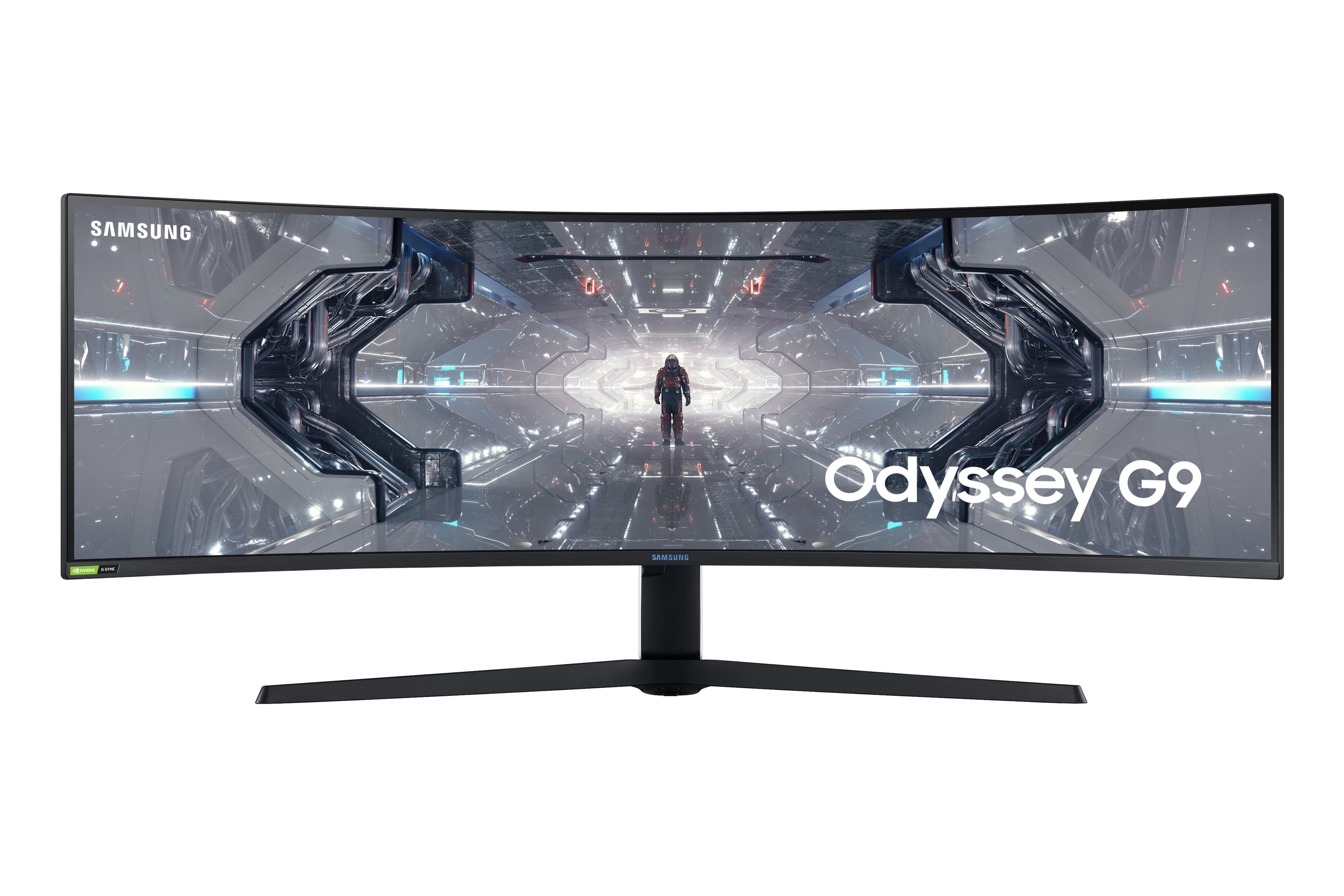
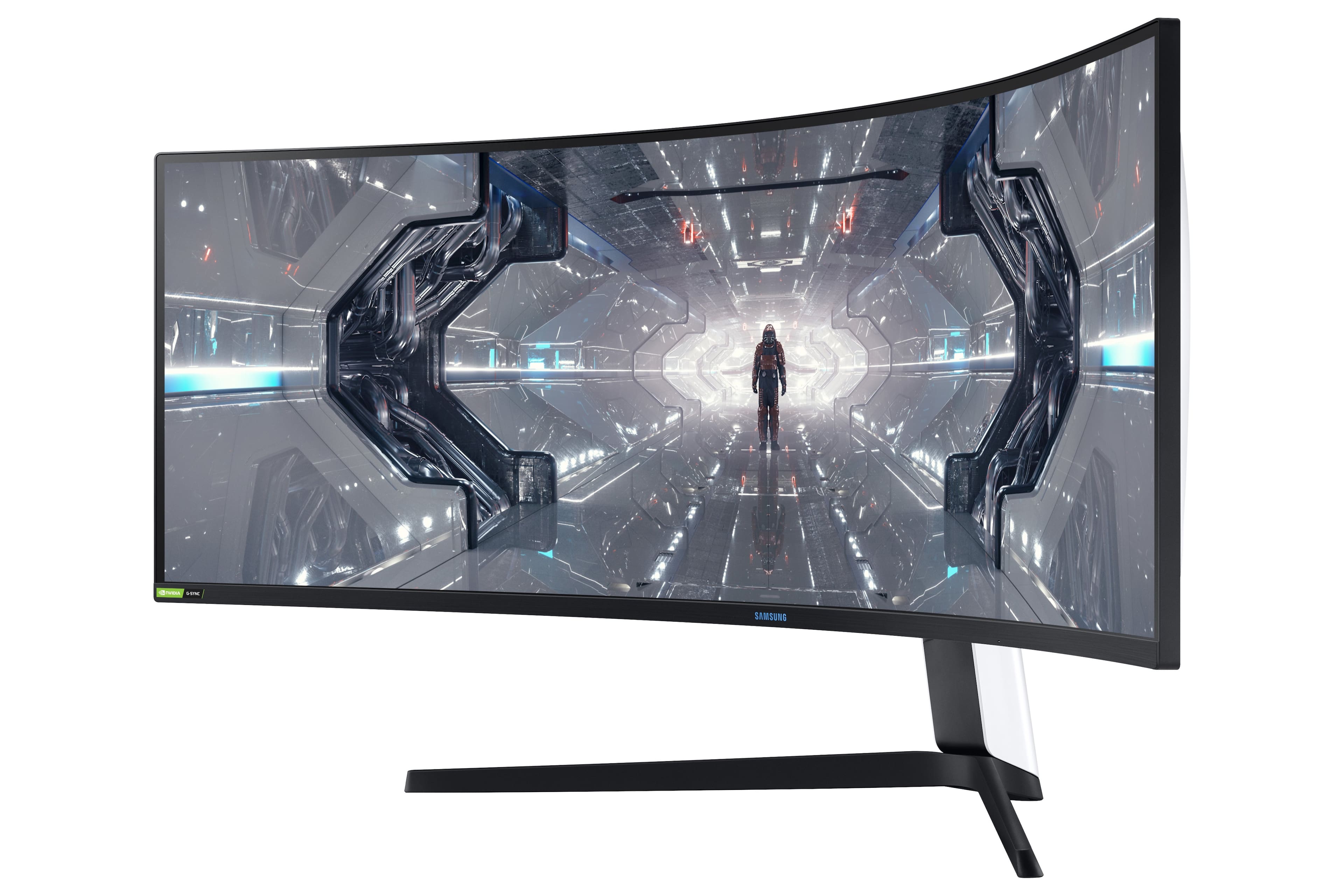
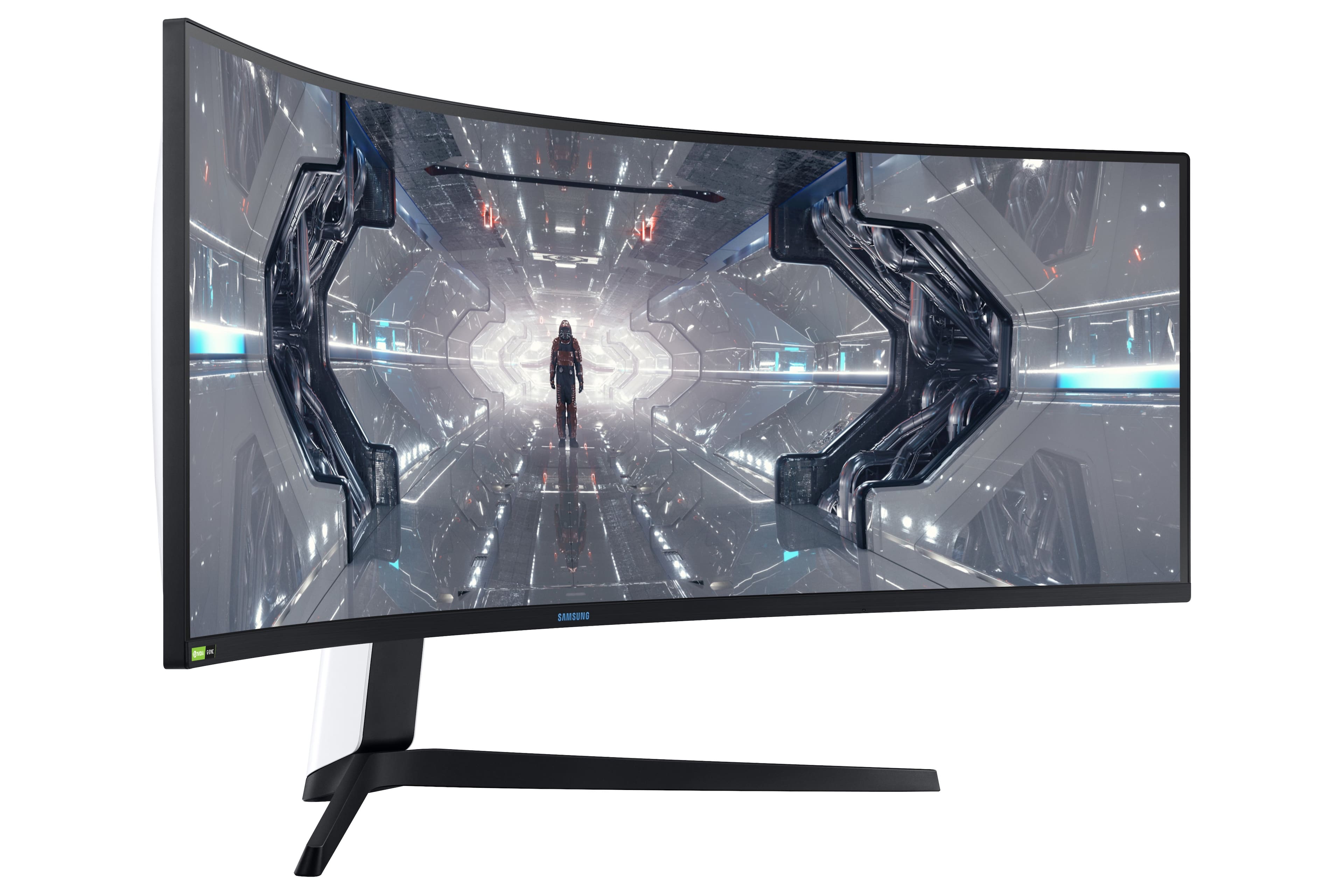
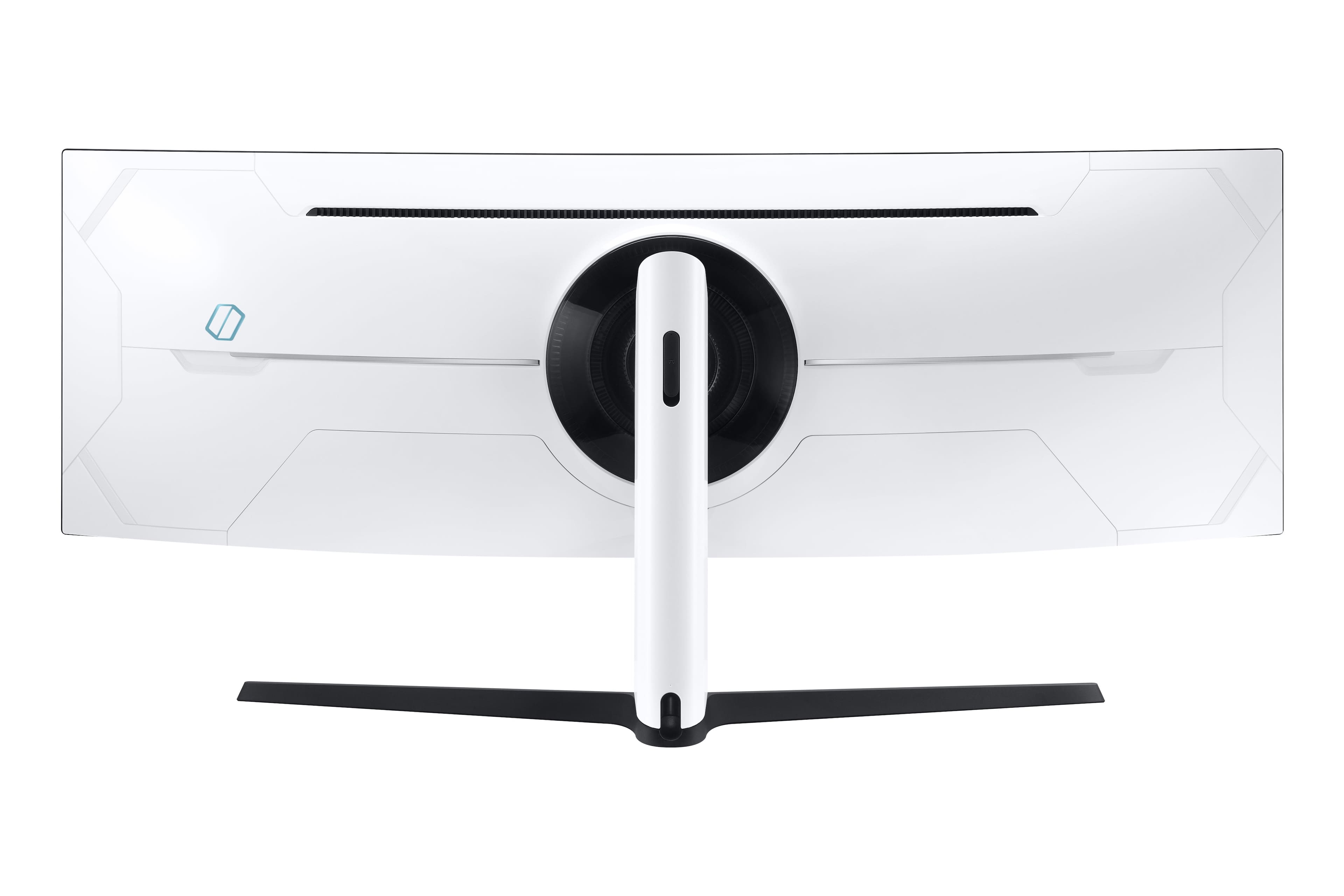
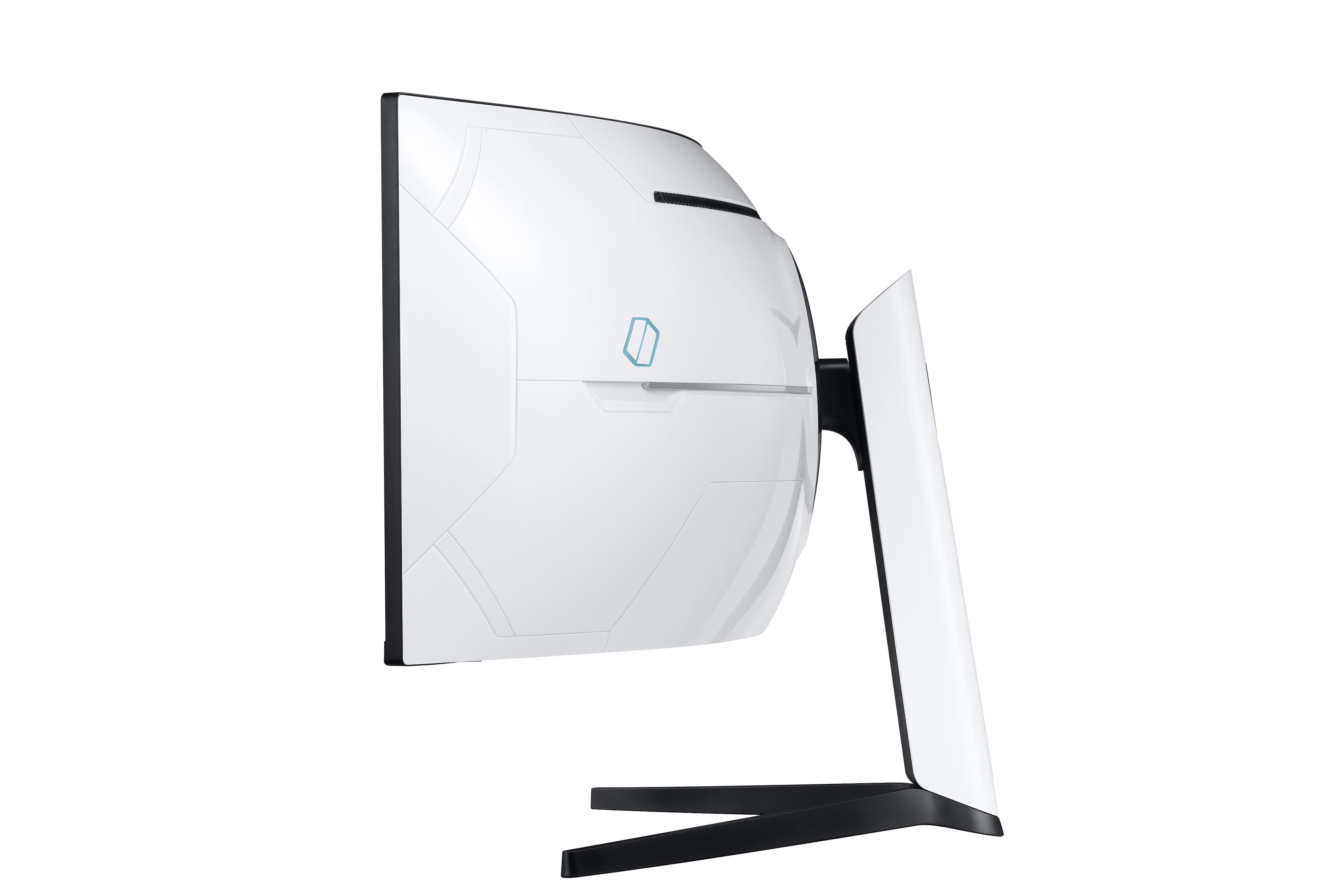
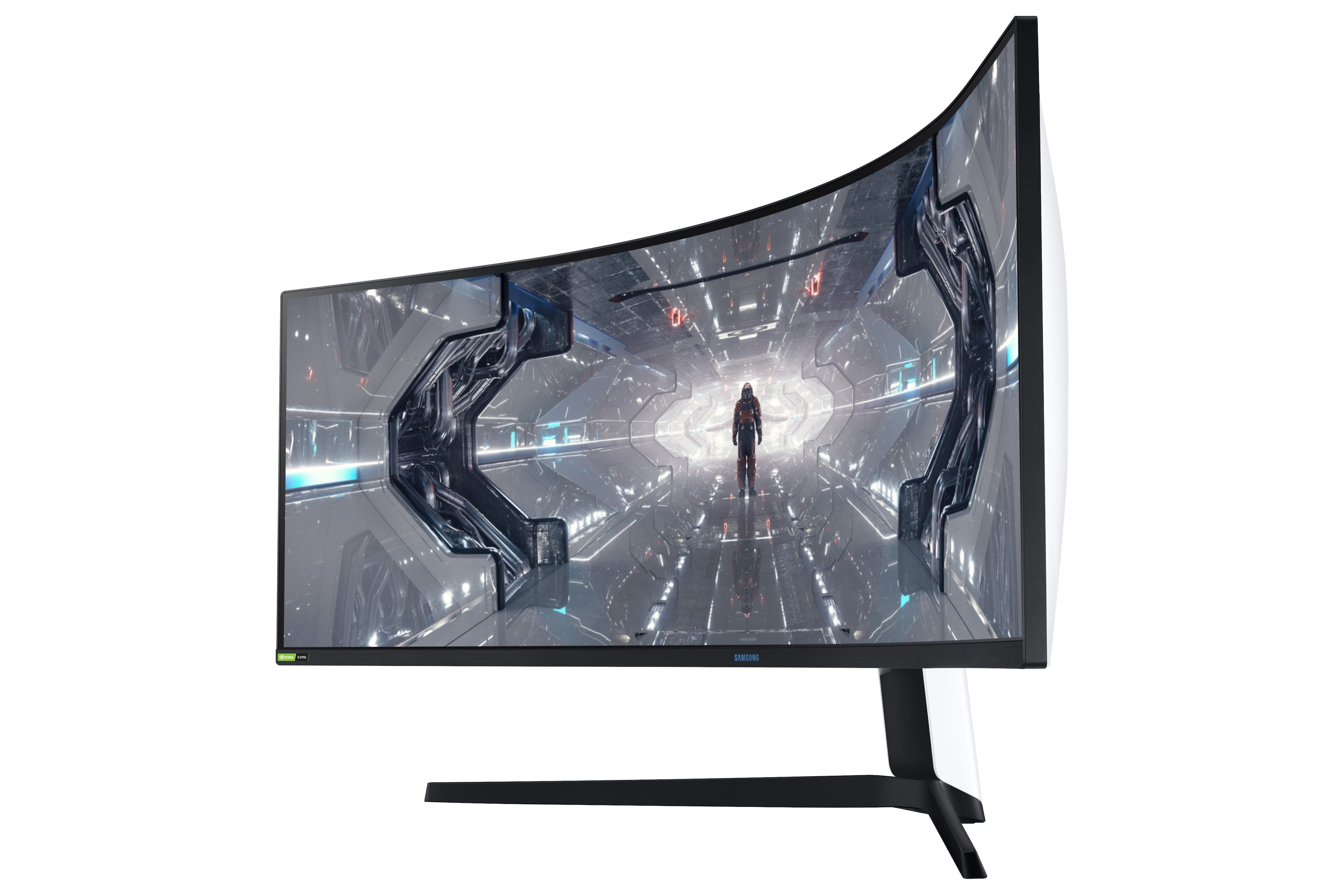
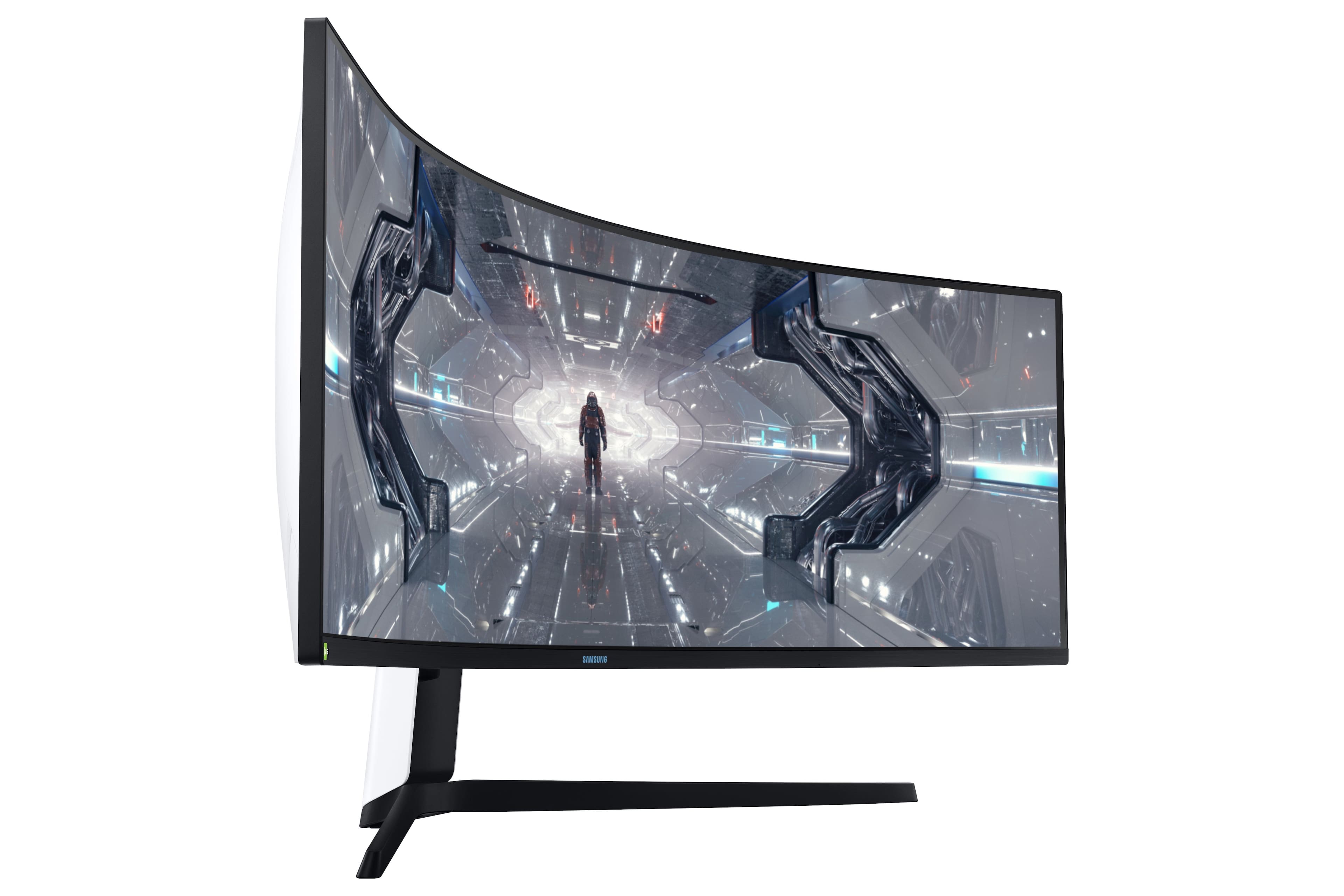
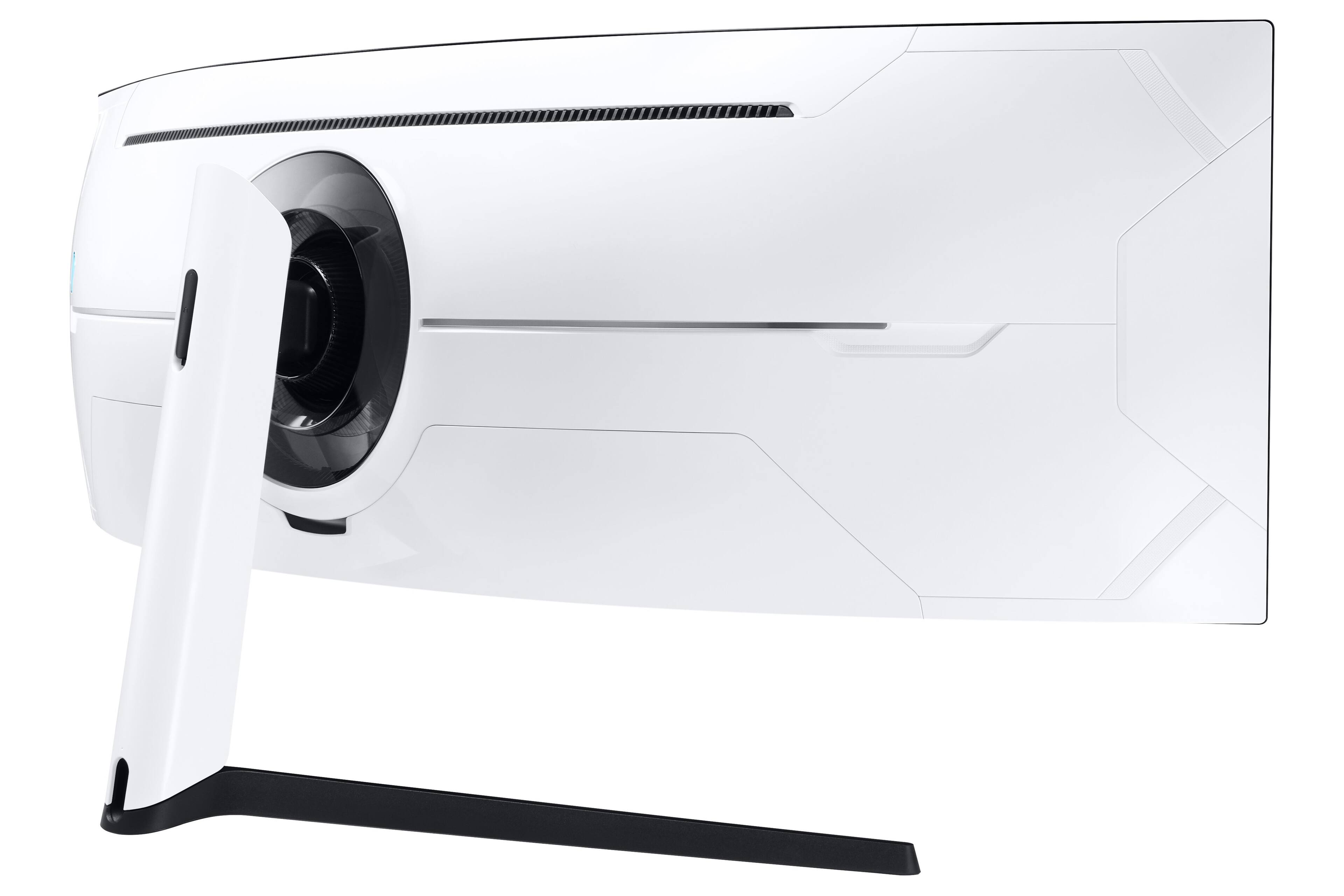
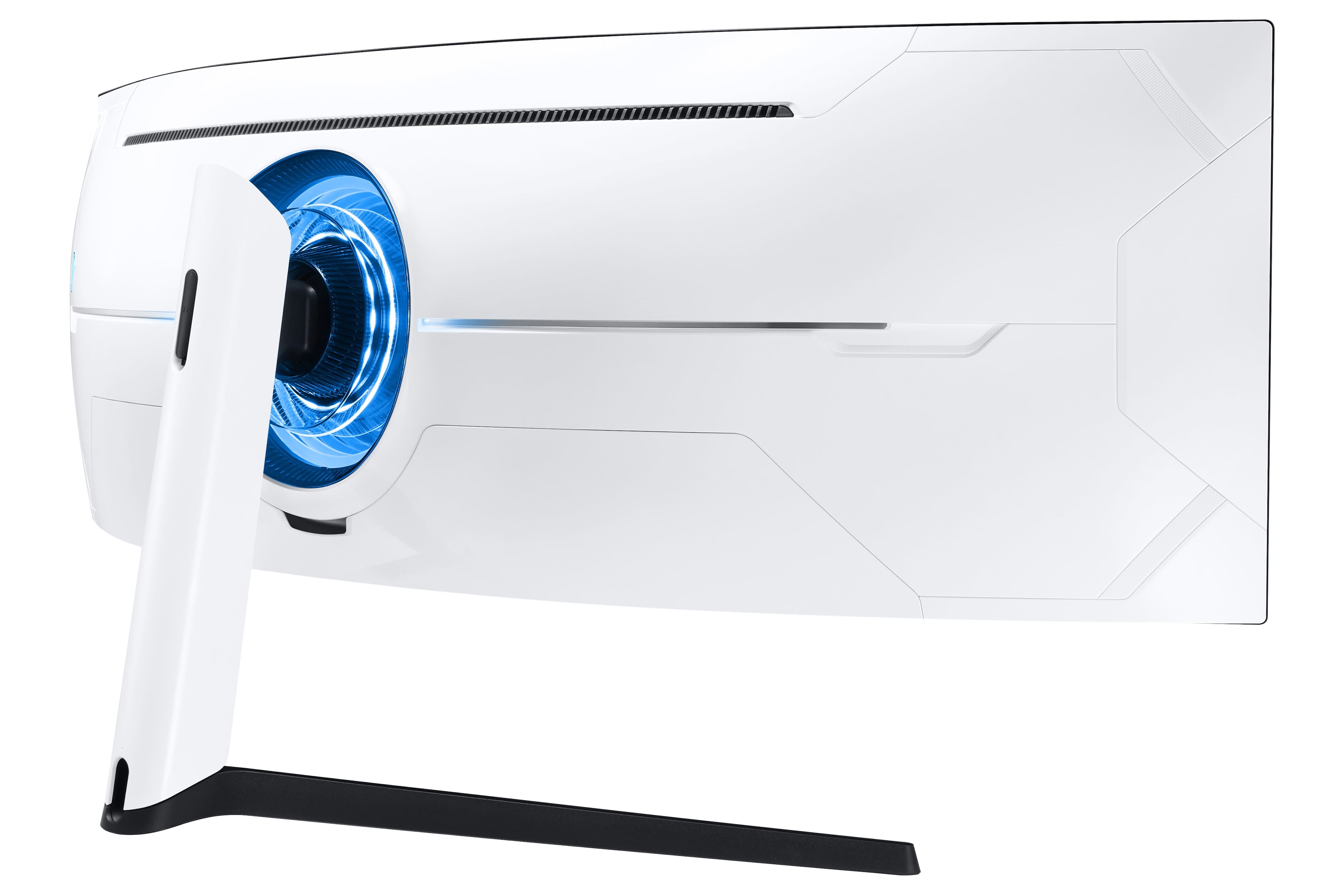
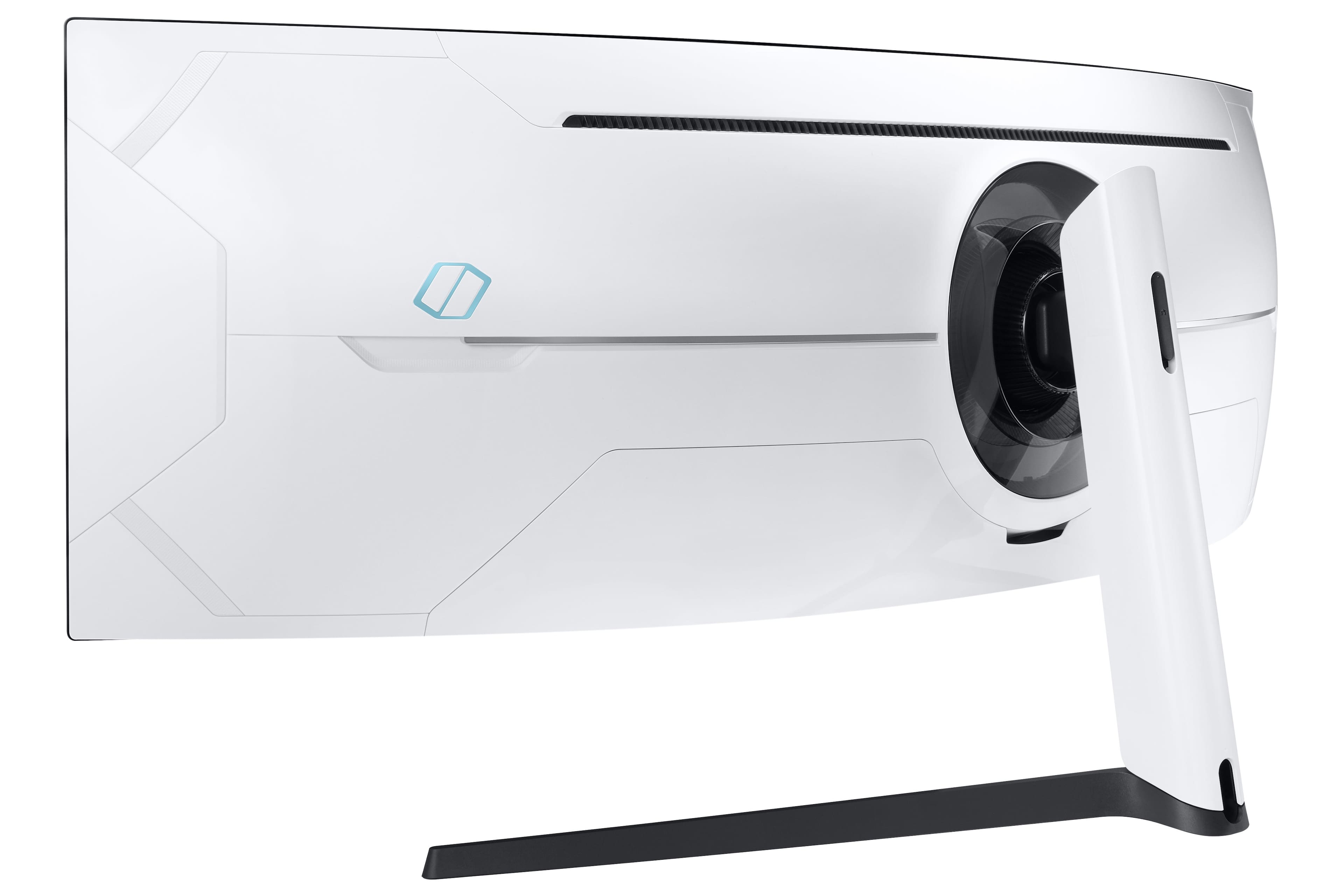
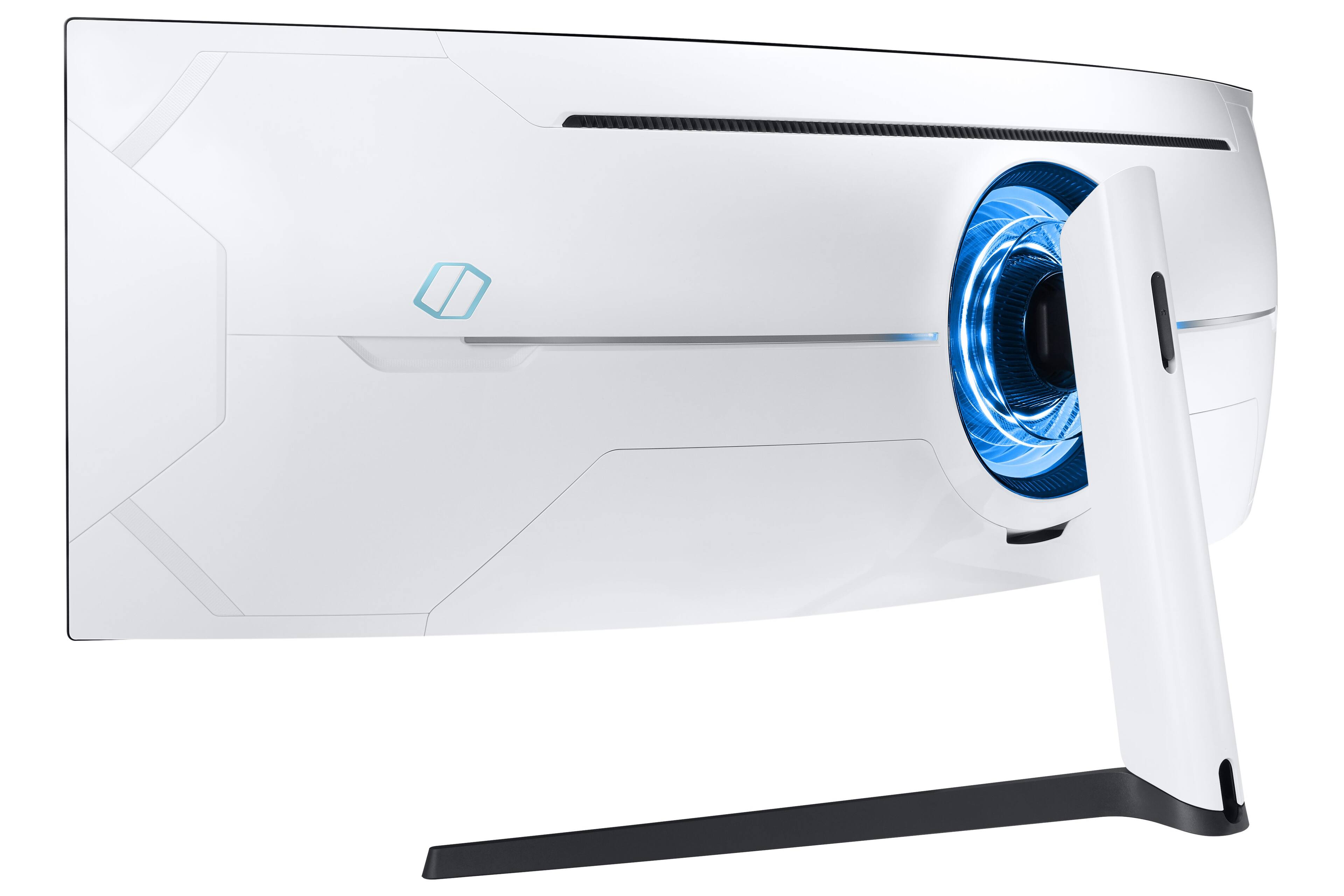
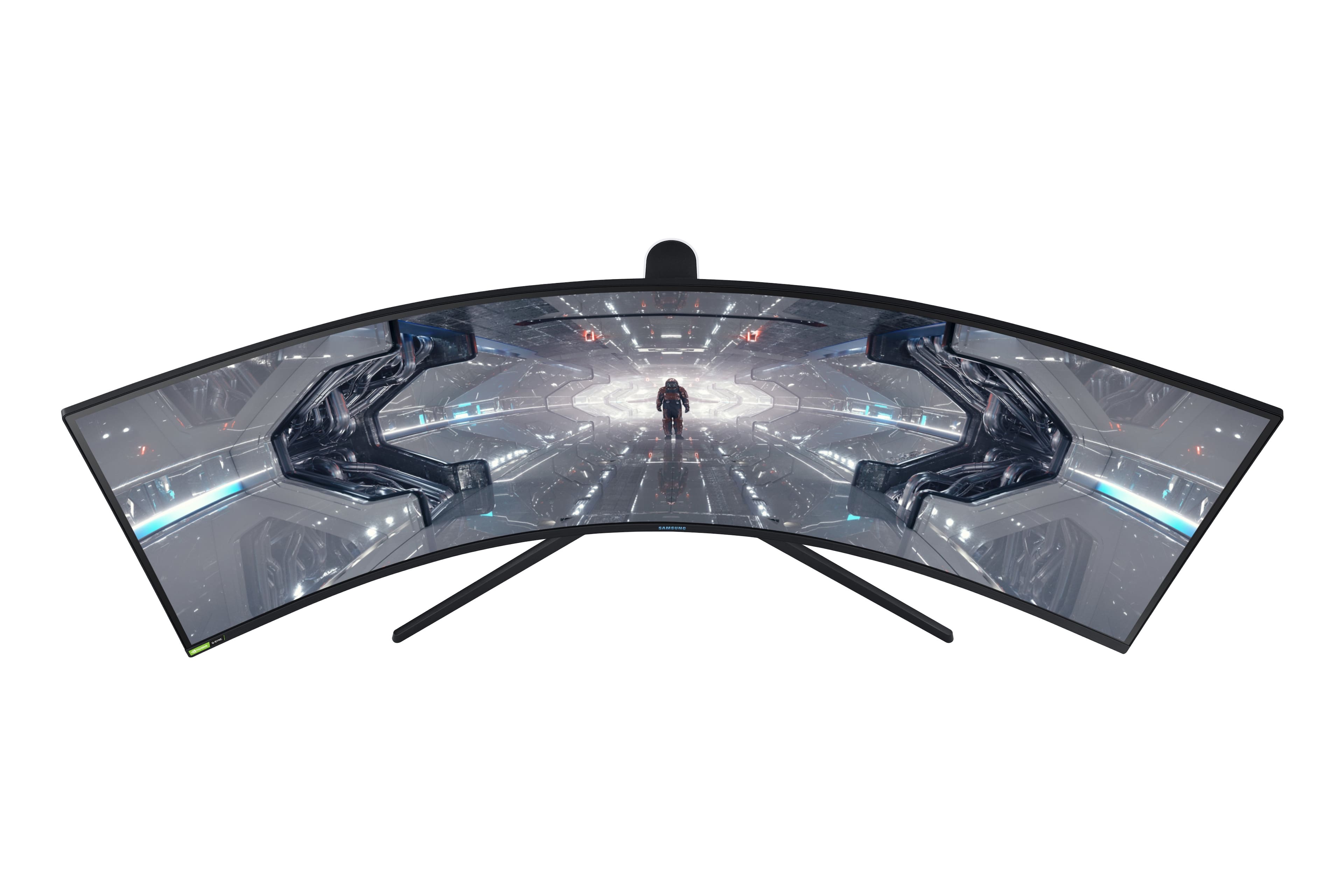
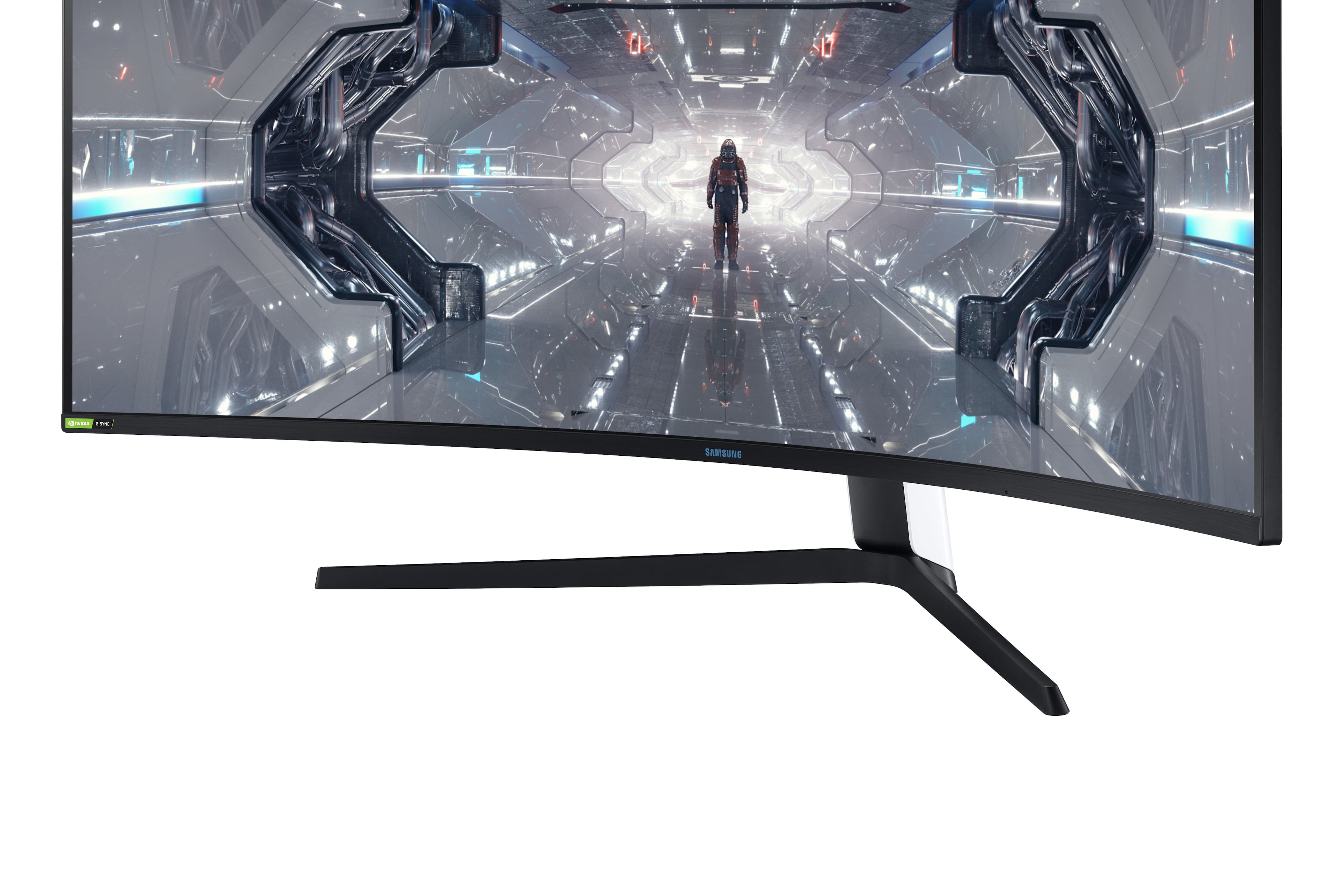
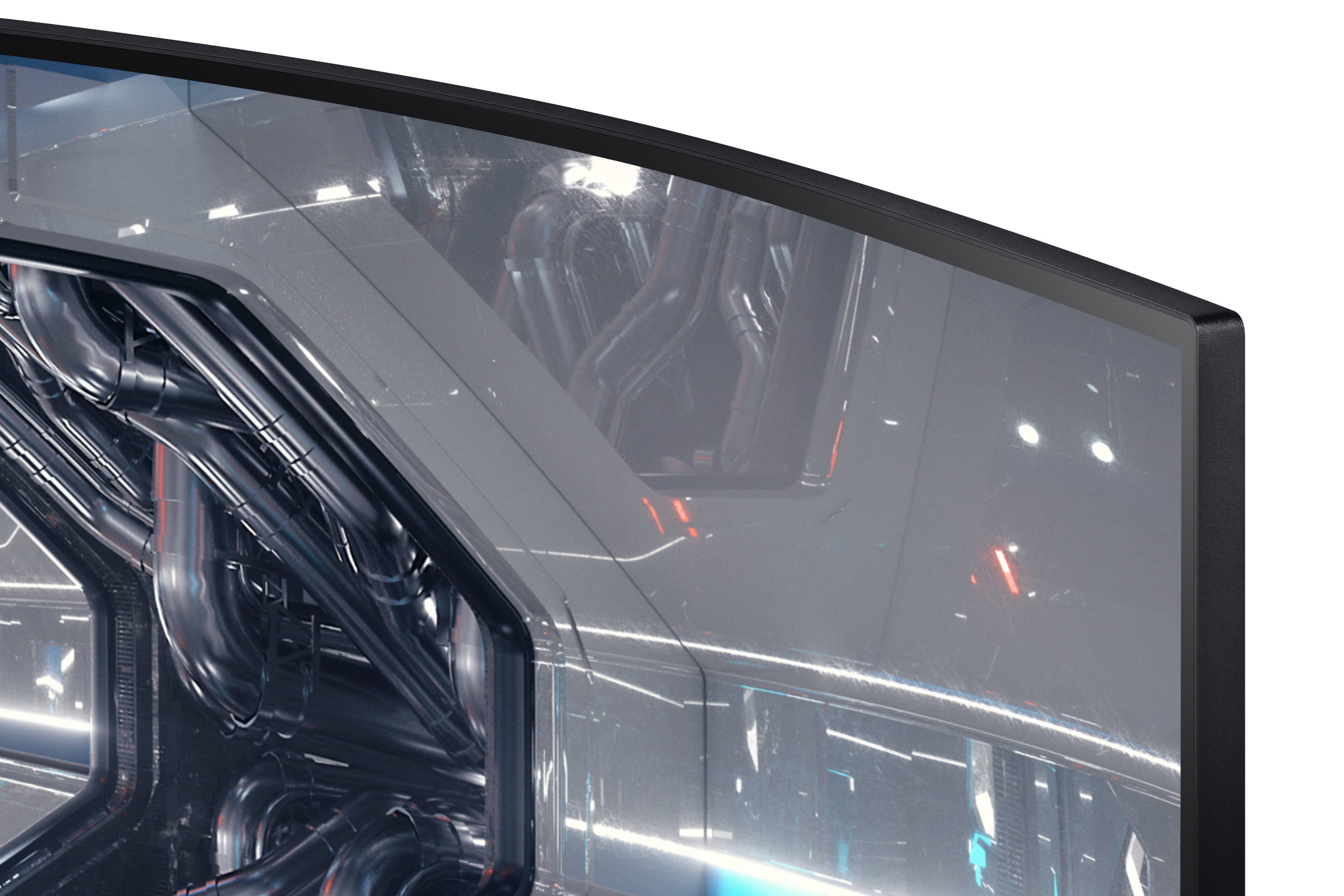
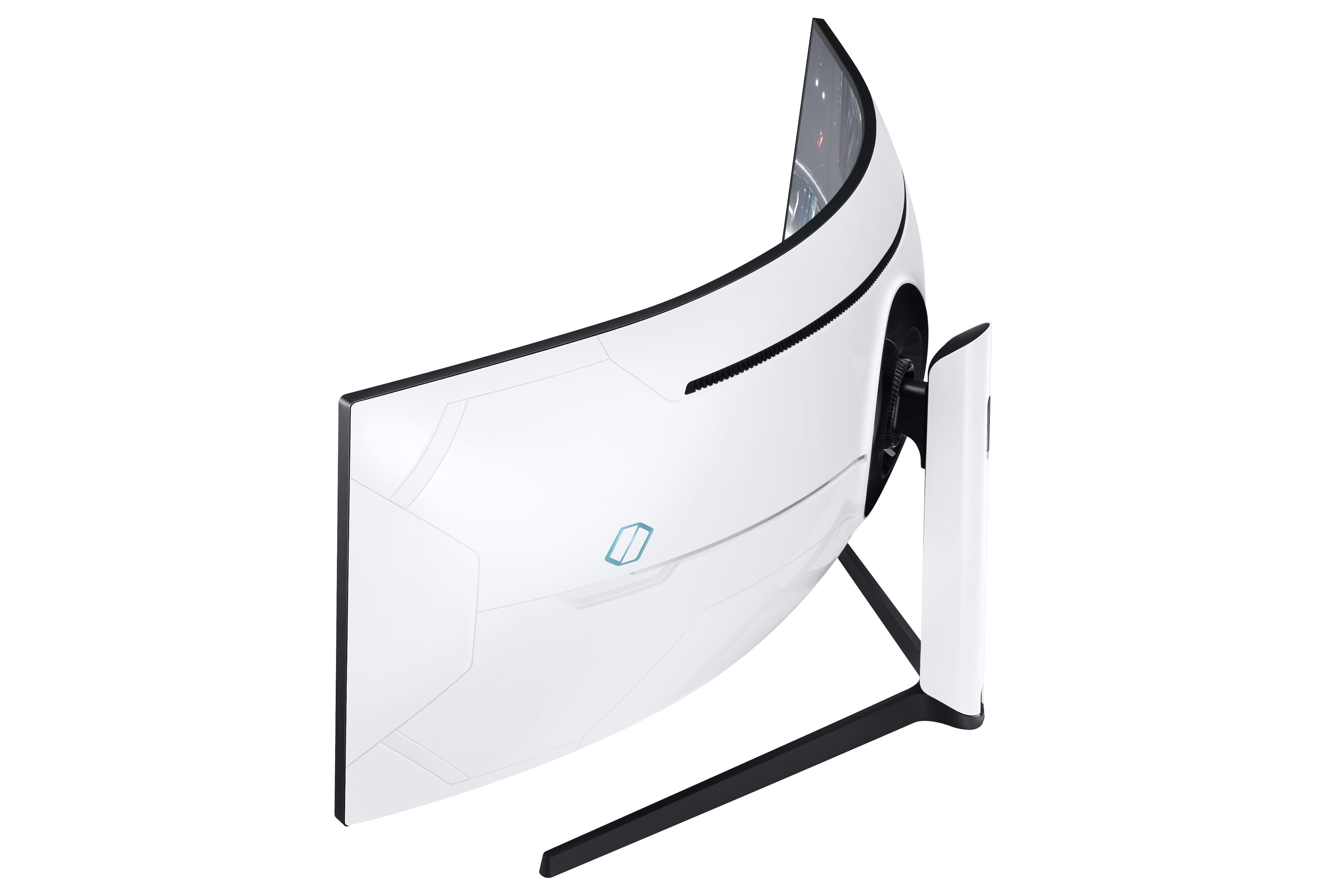
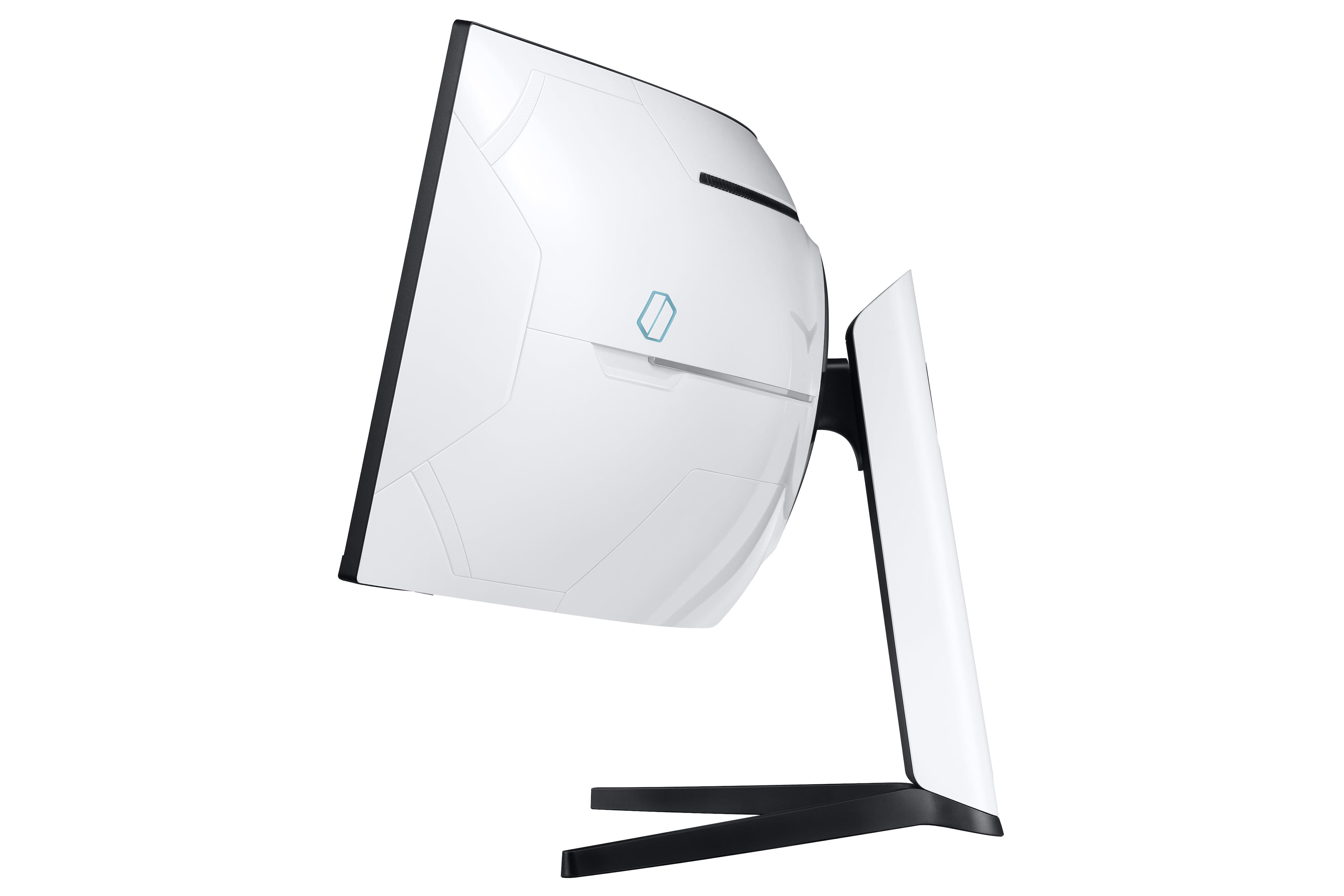
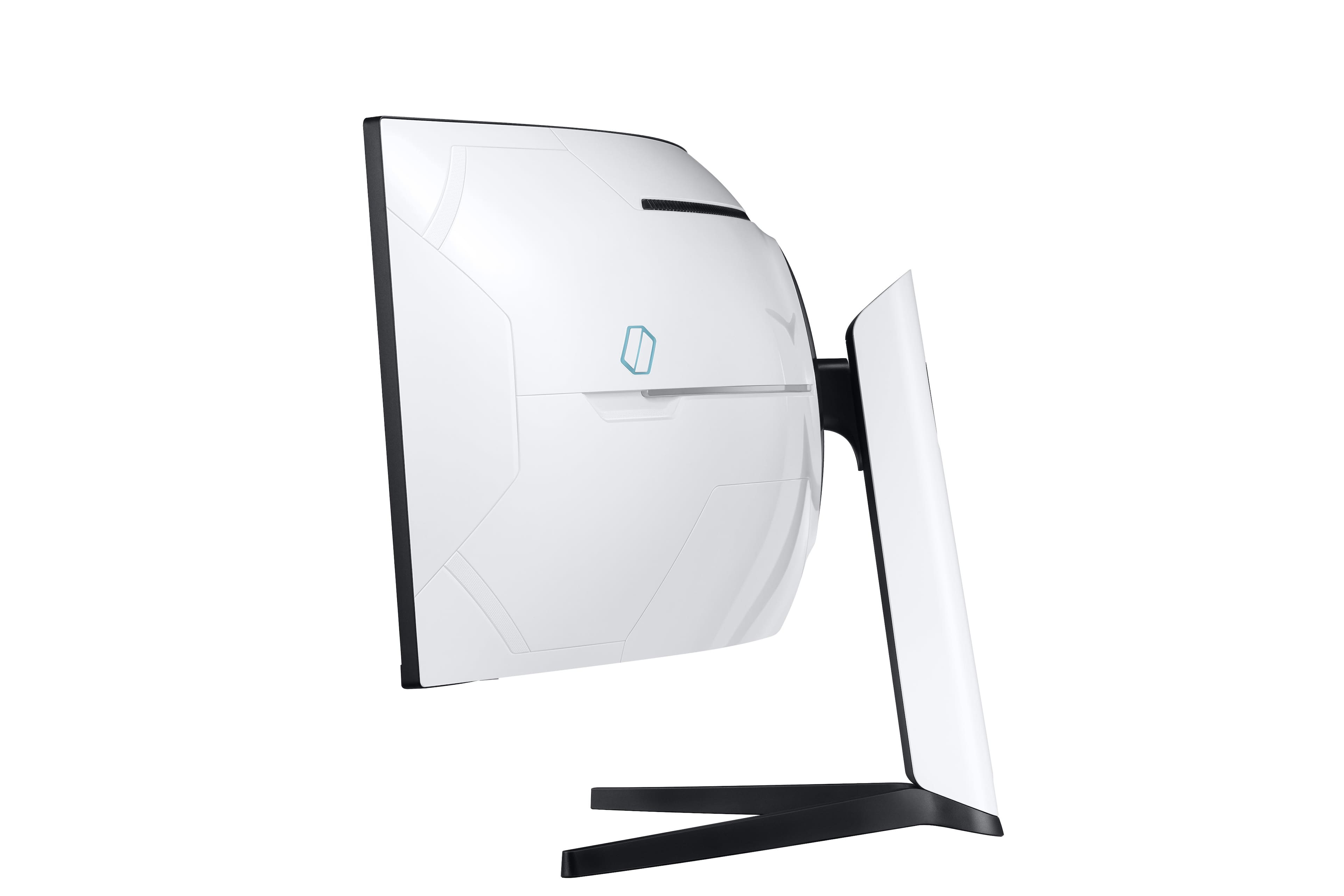
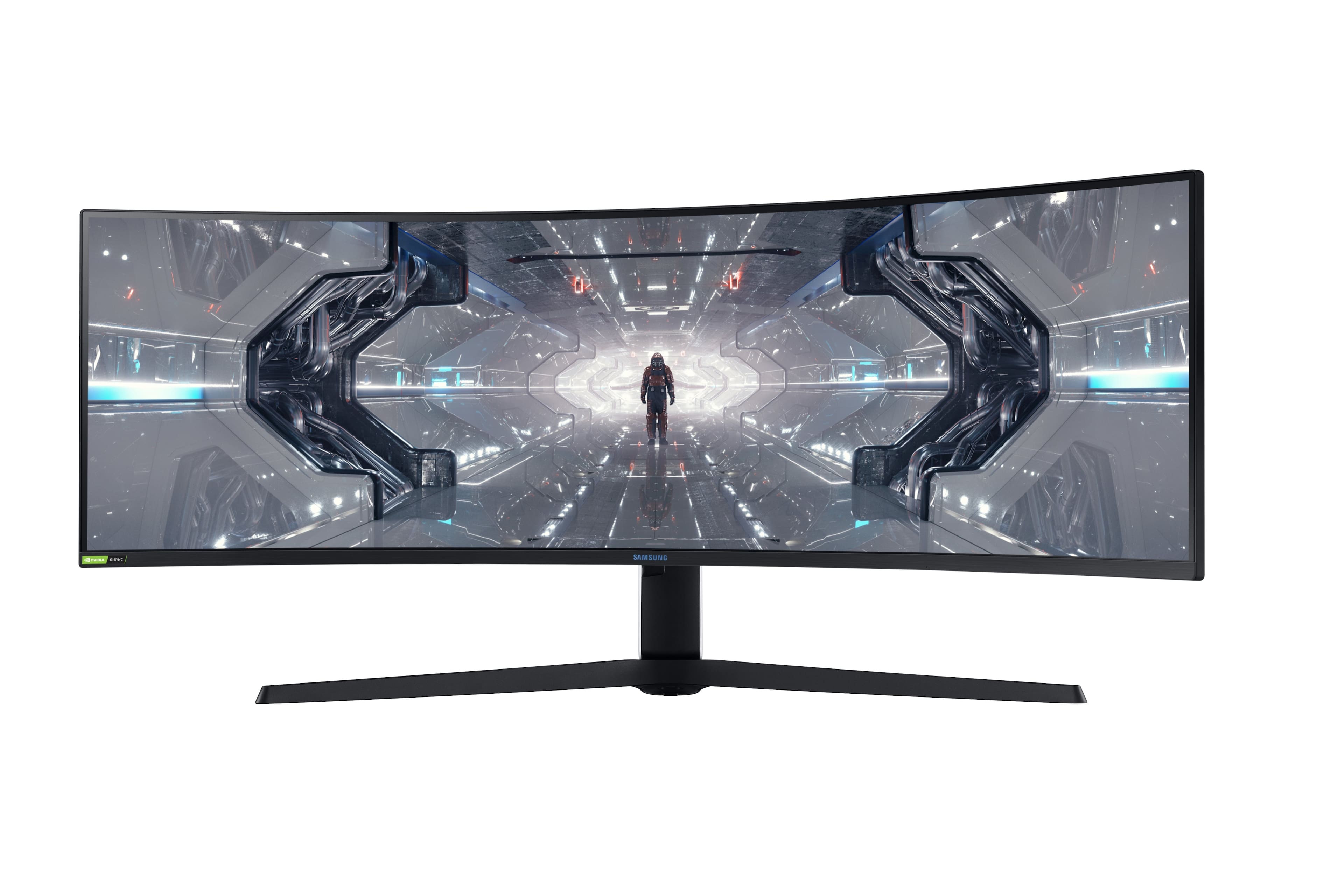
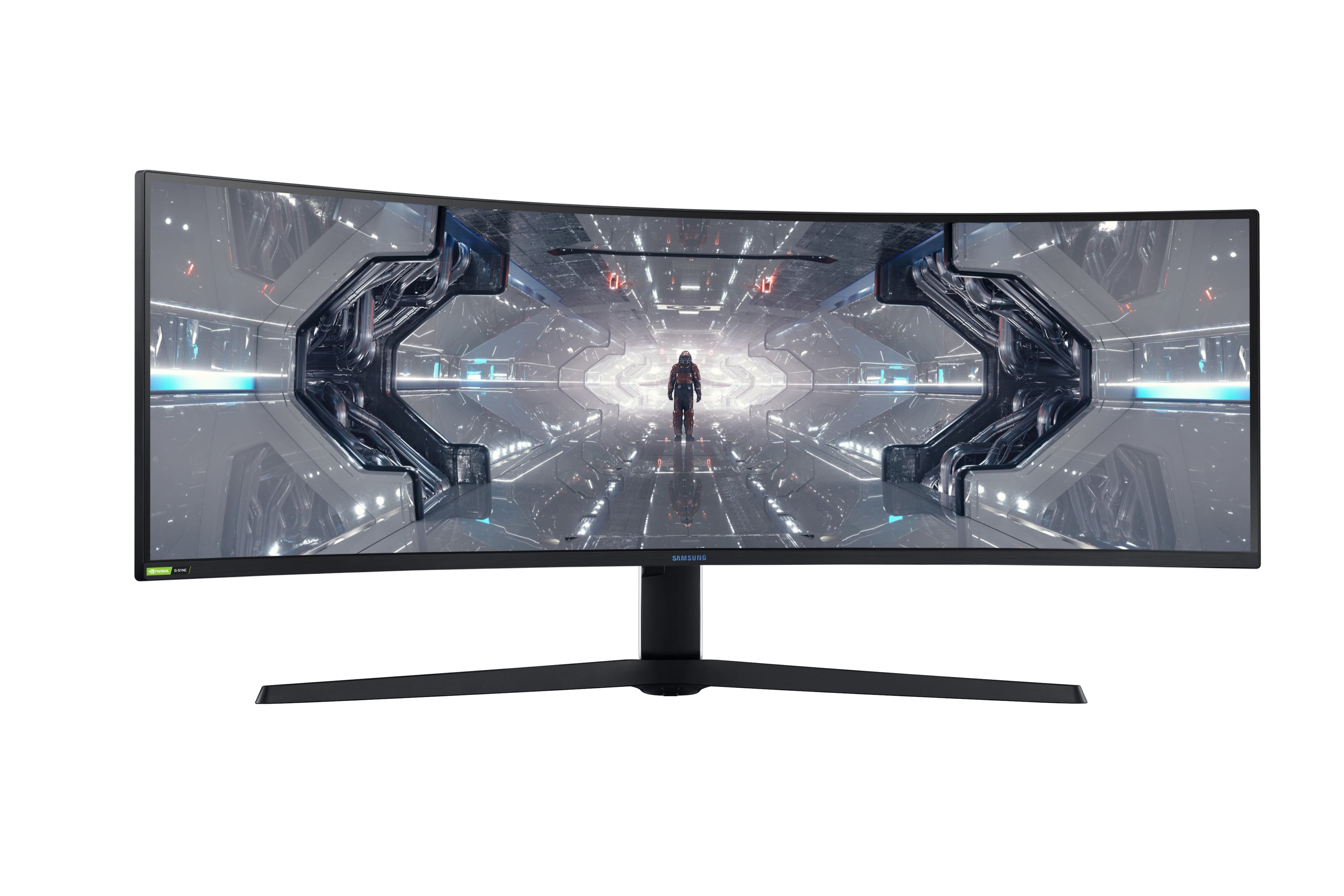
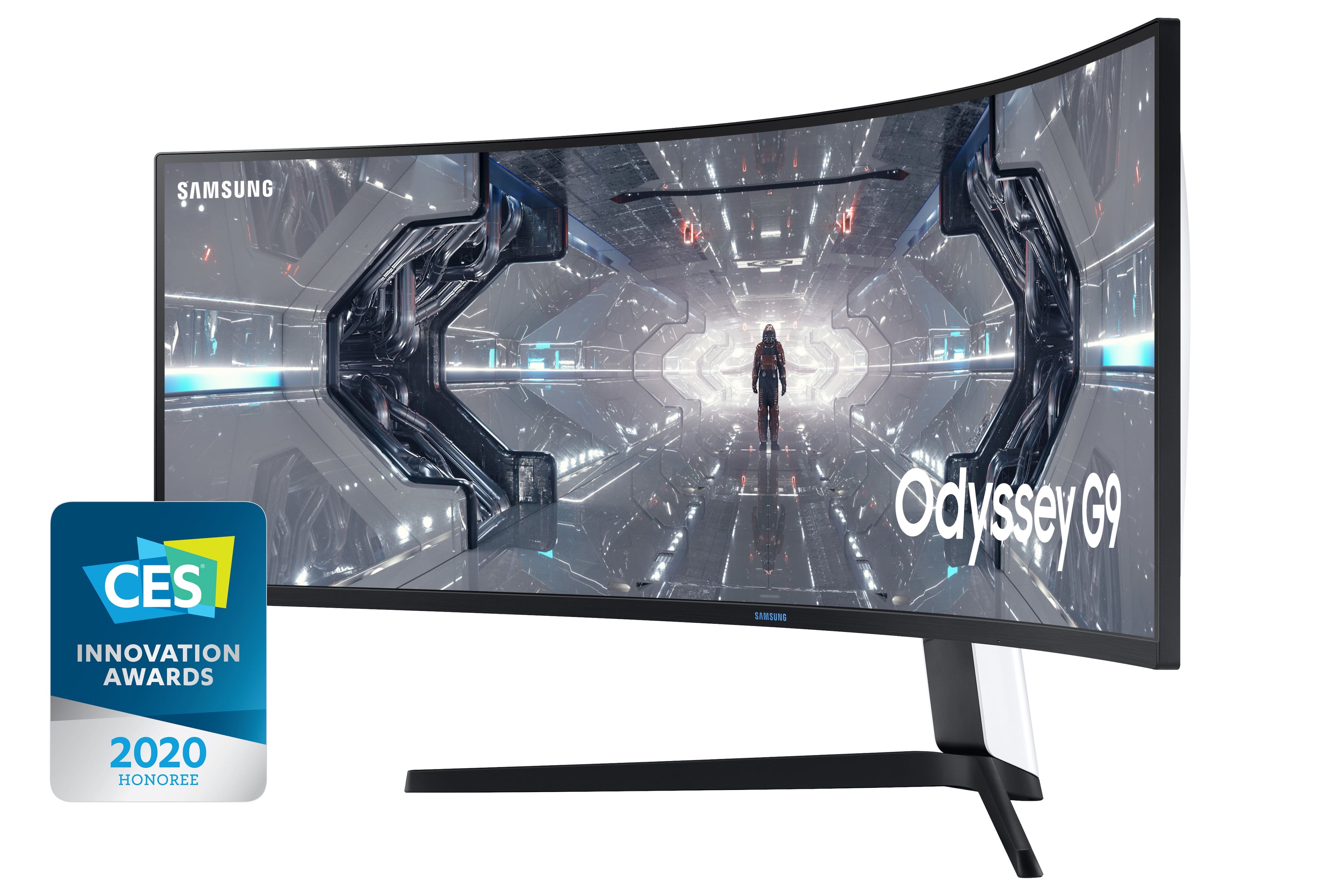
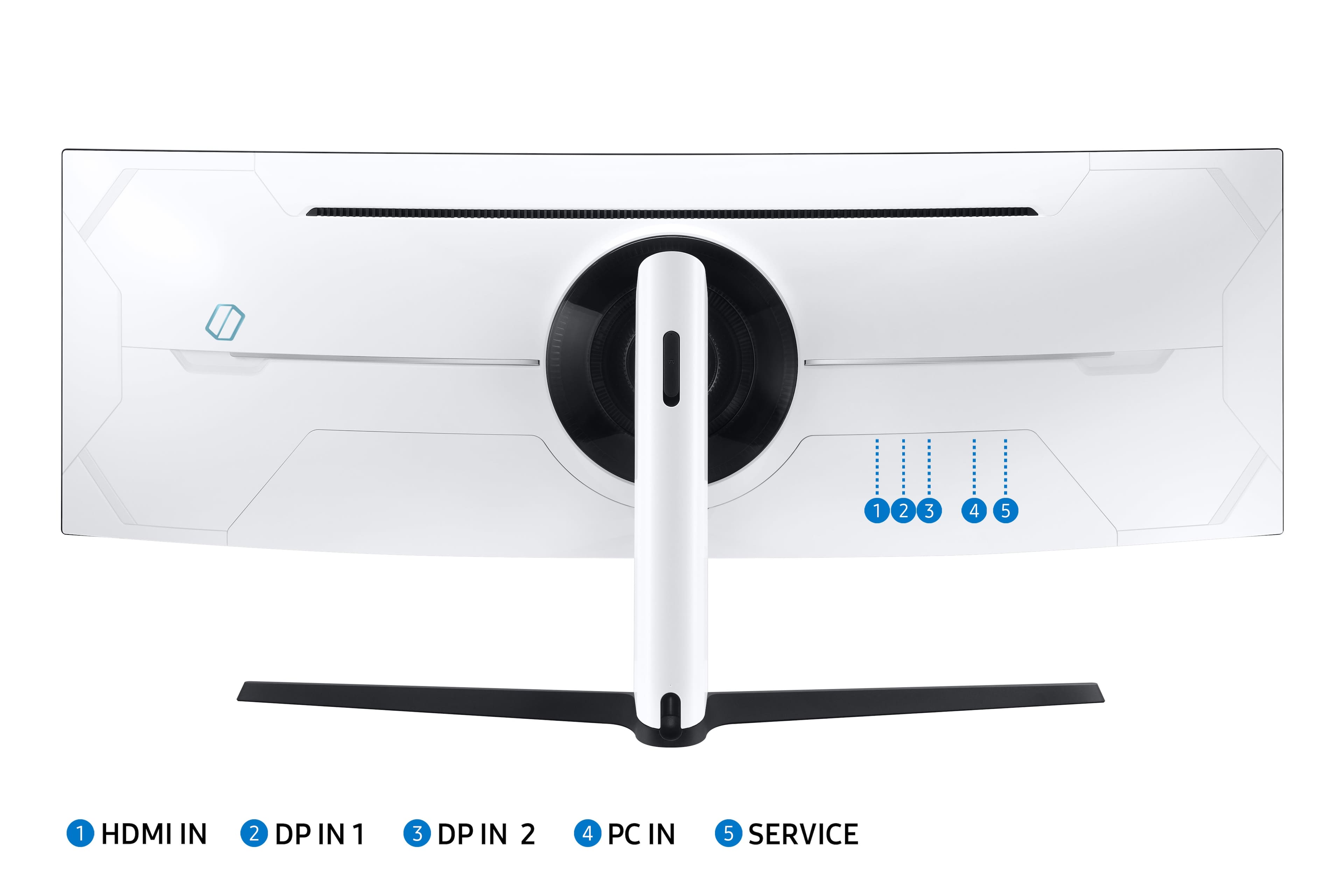
- Model:
- LC49G97TSSNXDC
- SKU:
- 6425569
Rating by feature
- Display Quality
Rating 4.6 out of 5 stars
- Ease of Use
Rating 4.5 out of 5 stars
- Features
Rating 4.6 out of 5 stars
Customers are saying
Customers are impressed with the Odyssey 49” monitor's large screen size and immersive curvature, praising the fast refresh rate and sharp resolution for an amazing gaming experience. Many appreciate its high quality and ease of use for both gaming and multitasking, although some experienced issues with dead pixels or flickering. A few users noted the monitor's substantial weight and some initial firmware challenges.
This summary was generated by AI based on customer reviews.
- Pros mentioned:Resolution
A lovable headache
||Posted . Owned for 4 months when reviewed.This reviewer received promo considerations or sweepstakes entry for writing a review.A gen 2 device that feels like a gen 1. Samsung apparently are still having a hard time making a panel in this size with these specs. I had to have mine replaced by a tech at my home after only having it for a month. The software also has issues (I had to disable HDR in windows). However the QLED, resolution and refresh are just insane. Get this if you want the best but be ready to put up with some issues.
I would recommend this to a friend Almost perfect
||Posted . Owned for 1 month when reviewed.This reviewer received promo considerations or sweepstakes entry for writing a review.The only flaw in this monitor is text is not very clear, even after applying Windows clear type. But i bought this for gaming and it does that very well. The 1000R curve and 49" width create awesome game immersion. The brightness and clarity of video and images at 240Hz and the Cinema mode is amazing. I still need to tweak the HDR as that mode looks muddy, so I'm using SDR for now.
I would recommend this to a friendBest most productive monitor i have ever used.
||Posted .This reviewer received promo considerations or sweepstakes entry for writing a review.So first off idk what this other guy is talking about. I have had no issues with my monitor at all. I normally never write reviews however with this monitor i felt like i had to. I use two of these monitors with a vertical layout dell 4k 27 inch monitor. Before i was using 3 of the dell monitors. I don't game but instead use it for work. Some coding some remote support etc. I'm in the tech space. I use it with a 2016 mbp and a usbc to display port cable. This gives me native resolution on both my g9's without issues. I cant tell you how much more work i get done during the day. I am able to finish work about halfway through the day just buy being able to handle multiple things at once. I mean its amazing i cant say enough good things. If you are really worried about light bleed or anything else just buy the protection plan like i did and any issues you have will be repaired or replaced.
I would recommend this to a friendLove This Monitor
||Posted . Owned for 3 months when reviewed.This reviewer received promo considerations or sweepstakes entry for writing a review.Have had the monitor for about 4 months now. Since I started to work from home 2 years ago, I have gone through 3 different monitor set-ups. Working in IT as a Linux Engineer requires me to have multiple web pages up, multiple Linux terminals running simultaneously, and other job specific programs running in my FOV. This monitor allows all of that to be accomplished on one screen without the bezel between multiple monitors. Love this display and wouldn't hesitate to buy another.
I would recommend this to a friendBlew away my expectations.
||Posted . Owned for 2 weeks when reviewed.This reviewer received promo considerations or sweepstakes entry for writing a review.I've lived with this monitor for about a week now, and all I can say is it has more than impressed me. There are a lot of negative reviews and maybe I got lucky, so far, but my recommendation is if you want an immersive, state of the art gaming experience, along with a stellar productivity display, just DO IT. After playing various games from racing, to FPS, to Flight Simulator, etc, there is no way I could ever go back to a normal monitor. Also there are several great programs out there including Samsung's Easy Setting Box, for creating as many window spaces as needed. I'm using MS Powertoys, for my monitor window management. As far as the issues in many of these reviews, I haven't experienced one so far. No flickering, no backlight bleed, no dead or stuck pixels, and no issues with waking from sleep. My suggestion, get the 4 year replacement warranty and you don't have to worry about it for quite awhile. Again, yes it is expensive, but to me, the design, the performance, the gaming immersion and all of the other features (which I purposely did not go into since they've been covered multiple times), make this monitor an incredible value.
I would recommend this to a friendExpensive but Worth it...for some.
||Posted . Owned for 3 weeks when reviewed.This reviewer received promo considerations or sweepstakes entry for writing a review.Beautiful monitor. Both gaming and working on it have been great though if you have limited desk space you will likely need to purchase a monitor arm and the only desk mountable monitor arm/tilt pivot combo that works is 400$ so be aware you will need that too. It’s big, it looks amazing. I’m currently only able to run it at 120hz as I’m still on a GTX1080 but it still plays titanfall 2, Black Desert Online and other games at solid settings without frame rate issues.
I would recommend this to a friendGreat! No QA problems.
||Posted . Owned for 3 months when reviewed.This reviewer received promo considerations or sweepstakes entry for writing a review.Worrying that I would some of the QA issues other users have, I still took the dive and purchased this on black friday along with the recommended geek squad protection. I've had no problems nor any common issues that other people have addressed. Only thing is it might be a little too powerful for my PC, as I switch around devices between a PC and mac very often, and mess with the display settings a lot, it would sometimes trip my PC (i7-10700K CPU, 3080 GPU, on a 650W PSU) and cause it to restart. I also never turn my PC off nor put it to sleep, only screensaver and turn display off after a certain time, and when I go try to "wake" it up, it could also cause my pc to trip and restart. However, if I turn off the option to "turn off display after X minutes" on my PC settings, it's fine. My old 2018 Macbook Pro would also have the same issue, but so far not for my 2021 M1 Macbook Pro. Have not had any restarting problems when playing graphically intensive games. Only down side is that if I put one device to sleep or lock screen, it does not automatically switch to the other device. My secondary monitor does it. I would have to manually change the source, and bringing up the menu is a little slow/finicky (monitor goes to sleep immediately, none of that "entering sleep mode...", need to press button again to wake it up, wait, go into menu change source... Another is that it is really heavy and the weight distribution of it makes it difficult to mount alone.
I would recommend this to a friendThe Samsung Odyssey 49” is an absolute game-change
||Posted .This reviewer received promo considerations or sweepstakes entry for writing a review.The Samsung Odyssey 49” is an absolute game-changer for immersive gaming and productivity. The 1000R curvature completely wraps around your field of vision, making you feel like you’re inside the game. The Dual QHD resolution offers stunning clarity and vibrant colors across the massive 32:9 aspect ratio — essentially two 27” QHD monitors in one seamless panel. Performance-wise, it’s top-tier. The 240Hz refresh rate and 1ms response time ensure buttery-smooth gameplay with no lag or ghosting, whether you're into fast-paced FPS titles or open-world adventures. With FreeSync Premium Pro and G-Sync compatibility, screen tearing is practically nonexistent. It's also great for multitasking. The screen real estate is perfect for content creators, video editors, and anyone running multiple apps or timelines side-by-side. Build quality feels premium, and the design is sleek and futuristic. Pros: Immersive 1000R curve Ultra-wide Dual QHD resolution 240Hz refresh rate & 1ms response time FreeSync & G-Sync support Great for gaming and productivity Cons: Takes up a lot of desk space Requires a powerful GPU to take full advantage Pricey — but worth every penny if you're serious about visuals and performance Verdict: If you want the ultimate immersive gaming and multitasking experience, the Samsung Odyssey 49” is hard to beat. It's a premium monitor for premium users.
I would recommend this to a friendWorks great with Mac!
Posted .This reviewer received promo considerations or sweepstakes entry for writing a review.Takes a bit to set up - Samsung takes their cable management seriously (but looks awesome!). Two screenshots below - one at 1080, other at 1440. If you go HDMI, 1080 is your best bet. If you go Displayport, Mac has no problem driving it at 1440. Beautiful experience (I purchases this for coding, not gaming, because I wanted quality real estate)
I would recommend this to a friend- Pros mentioned:Resolution
Absolutely insane monitor
||Posted . Owned for 1 week when reviewed.This reviewer received promo considerations or sweepstakes entry for writing a review.I work on excel spreadsheets all the time for work and i love being able to see so many columns of cells at once. And it looks stunning when playing games that support the resolution. Games that do not are quite unfortunate.
I would recommend this to a friend - Pros mentioned:Resolution
Samsung G97T Better than expected
||Posted . Owned for 1 month when reviewed.This reviewer received promo considerations or sweepstakes entry for writing a review.So far this monitor has been great I know it's an ultra wide and takes sometime to get used to but once you do its amazing. I believe that most of the initial issues with light bleeding around the bezel have been resolved although ymmv. Bought on sale would have a harder time purchasing at full price.
I would recommend this to a friend Amazing monitor!
||Posted . Owned for less than 1 week when reviewed.This reviewer received promo considerations or sweepstakes entry for writing a review.Just got the monitor! Love everything about it! The refresh rate, colors, aggressive curved! Fantastic for gaming and other office work. Will update if anything changed. Currently on 1008.1 firmware when I wrote this review.
I would recommend this to a friend- Cons mentioned:Flickering
Best productivity and gaming monitor
||Posted . Owned for 2 months when reviewed.This reviewer received promo considerations or sweepstakes entry for writing a review.I use it with Alienware R9 Aurora and HP laptop (office), dual computer setup. I bought 2 of this monitor, one for me & another for my wife, in Feb 2021. I NEVER HAD FLICKERING PROBLEMS as other's claim, in 3months of use. I use this for work mainly & use it on dual monitor mode (PIP =ON) - the productivity for both of us increased by huge number. This is single large monitor with dual screen capability - which I use the most. Useful features: 1. Dual Screen (PIP Mode) 2. In built USB hub 3. In built Audio support (you can connect two computer to single speaker, audio transmitted through HDMI/DP) 4. All the other gaming features, 240Hz, G-Sync etc. I am light gaming user at the moment. Minor Problems I noticed: 1. While doing work monitor turns off for ~10seconds (Once a day, so I can live with it) 2. Windows sound control doesn't work (if connected via Monitors). Even if I change volume in windows, no effect in sound. I work around by changing volume directly in speaker, since the control is reachable. This might be big problem if the speaker controls are not near by.
I would recommend this to a friend Good buy
||Posted . Owned for 7 months when reviewed.This reviewer received promo considerations or sweepstakes entry for writing a review.Love thus monitor. Use it for iracing and the ultra curve is great. Easy to set up. Great color and sharp 1440p gaming monitor.
I would recommend this to a friendIt's good, but it's got irritating issues.
||Posted . Owned for 10 months when reviewed.This reviewer received promo considerations or sweepstakes entry for writing a review.After having owned it for almost a year, I can give some insight on this monitor. First off, this is an amazing monitor. It's great for both productivity and gaming. However, in my case I could never use 240 Hz on it because I would get odd behavior from the monitor. Reinstalling the device drivers did nothing to fix my issue. It wasn't until I ended up doing a fresh install of Windows did my monitor decide work correctly on 240 Hz. Now it sounds like this was clearly a Windows, issue, and maybe it was, but this was the only monitor that had problems with high frame-rate throughput. But now that I was rocking fresh drivers, updated firmware, and a clean installation, I was finally getting to enjoy the full potential of the monitor. That is until the pixels started dying. Had to get the panel replaced twice due to dead pixels. I don't understand why the pixels in the panel have such a short lifespan. Did Samsung cheap out on the LCD in the panel, or did I just get unlucky? I'm hoping it's the latter. This monitor also has issues waking up on Windows 11, requiring me to unplug it, and plug it back in. That's very irritating. At certain times, when the monitor has a certain amount of dark on the display, it will make every other row of pixels dark or black. Why is it doing that? Aside from that it's a fantastic monitor and the HDR looks good.
I would recommend this to a friendBrand response from Samsung
Posted .I’m sorry to see that you rated this product 3 stars, which indicates dissatisfaction.
If there is anything we can do to assist you and improve your product experience, please contact Samsung Customer Support via:
1-800-SAMSUNG, available 8AM - 12AM EST (Mon-Fri) / 9AM - 11PM EST (Sat-Sun).
Your thoughts and opinions are very important to Samsung and we hope to hear from you.
G97T - THE GOOD, THE BAD & THE UGLY
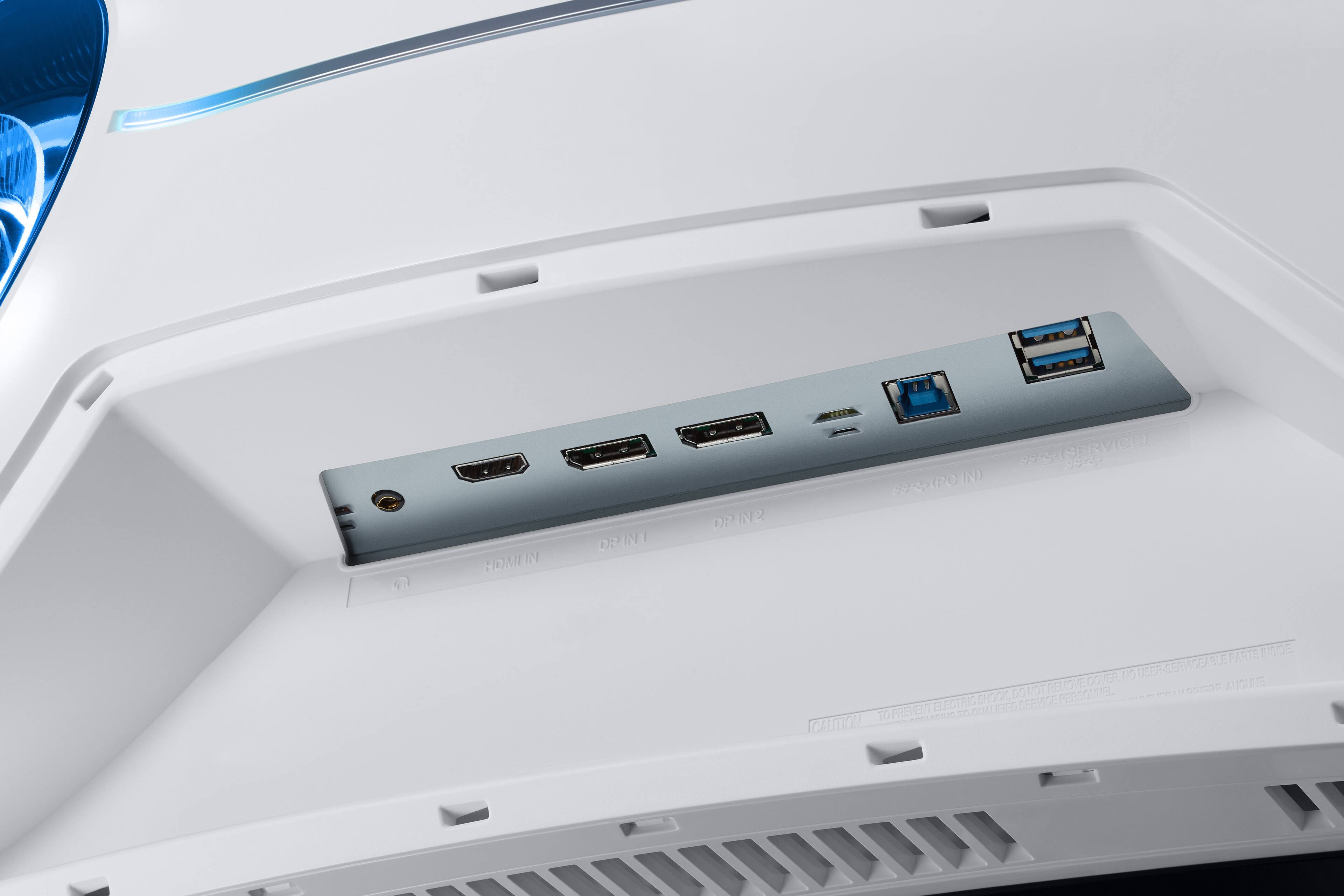
||Posted . Owned for 1 week when reviewed.This reviewer received promo considerations or sweepstakes entry for writing a review.I hope I can help others based on my experience. I don't typically write reviews, but I think this may help others decide and if they order it, help them avoid any unintended damage. I will be like Clint Eastwood and give you the Good, the Bad and the Ugly. UNPACKING ============ I received the monitor and unpacked as per the instructions and after installing the base I held it by the base (never placed a finger on the screen) and this is maybe why the screen doesn't have any issues. I think all screens are delicate so, never touch them, THE GOOD =========== Curvature: Keep in mind that the curvature on the screen is 1000mm instead of the 1800mm which is what is unique to this model and does make it easier to work since your eyes do not have to focus see the info displayed towards the end (edges) of the monitor. In the past with the 34" wide monitor I had to get closer when looking at the the info at the edge. Convenience: For those that work with spreadsheets, video editing, maps like Google Earth, etc this is amazing. No more scrolling left/right, this gives you so much real estate and the same goes for video editing and when looking at maps. Productivity: Since I can have multiple screen at the same time, my productivity or rather, my efficiency has increased dramatically. I can split the screen into 6 because of so much real estate; however for me the optimal is 3 vertical side-by-side; it really feels like 3 monitor screens. You do need to download to your computer the "easy setting box" app from Samsung; make sure you download it from their website to make sure is safe...this app makes it very easy to split the screen in different way as easy as drag and drop. THE BAD ======== Waking up: The monitor has an issue with waking up. My old monitor all I had to do is move the mouse or click on the keypad and it would wake up right away; however this doesn't work here and I tried everything in the computer setting. The only way I found to make it wake up is actually pushing the power button on the monitor and my concern is how long will this button last before it breaks. If this is not fixed I'm returning the monitor because is too much money to spend for a short life cycle on this monitor when this day comes. OLED: The other thing that I can't confirm is the OLED, I don't see the deep black that is suppose to happen because the LED has the capability to turn off giving you more black. So I wonder if this is really OLED. Easy setting box: Although the app is excellent and very convenient to split the screen, I have noticed a bug when it comes down to dragging a webpage. It turns black or it cuts a portion of the webpage. I hope this is something they can fix. I did notice that the specs on the monitor setup screen says LC49G95T although the monitor hardware does say G97T. Not sure if the driver needs to be updated. Monitor Driver Updates: Typically the updates you go online and update the monitor. For some reason Samsung requires you to download the driver to a USB and then from there stick the USB to the back of the monitor to upload the driver. This is a painful task since the USB port in not on the side or on the bottom of the monito but in the back...so now you have to move the monitor to get to the back, remove the back cover plate, stick the USB and then use the monitor button to scroll and do the update. Available ports: I wish is had an extra HDMI port but instead it has 1 HDMI and 2 Display ports. Many computers or devices still have only HDMI port, so that would have helped. THE UGLY ========== Since the monitor is curved, it does take up a lot of your desk space (at least when using the base). This is contributed to the arm which is leaning forward as well as the curvature on the monitor. Samsung should find a way to fix this and then they would have a killer monitor. What I have done is raise the monitor to the top (you can elevate it) and this way I have desk space. I will try to use a wall mount to see if I can set it back about 6". CONCLUSION ============== The monitor is excellent, colors are great and hopefully Samsung fixes the issues I mentioned above; specially the one about monitor not waking up....if that doesn't have a solution, I will have to return it this coming Tuesday.
No, I would not recommend this to a friendBrand response from Samsung
Posted .MrReviewer,
Thank you for purchasing the Samsung C49G97TSSN G9 Odyssey Monitor and sharing your experience. Please reach out to Samsung Customer Care so that we can resolve your wake, easy setting box, and driver update issues directly.
Please contact us at Samsung Support at 1-800-SAMSUNG, available 8AM - 12AM EST (Mon-Fri) / 9AM - 11PM EST (Sat-Sun).
Again, thank you for taking the time to share your experience and provide us with information that helps improve our service.
Samsung Monitors
Love this monitor
||Posted . Owned for 1 month when reviewed.This reviewer received promo considerations or sweepstakes entry for writing a review.Great monitor for multitasking and gaming. Playing in full screen can immerse you in the game. Not all games support the aspect ratio and will have black bars on both sides of the screen. I usually play in windowed so I can view chat or play videos.
I would recommend this to a friendFantastic
||Posted . Owned for 1 year when reviewed.This reviewer received promo considerations or sweepstakes entry for writing a review.Solid monitor. I love everything about it. I do wish gaming companies would try a little harder and not stretch the view as much but you don’t notice it unless you’re looking for it. No fault of the monitor.
I would recommend this to a friend- Pros mentioned:Resolution
Samsung G97T monitor review
||Posted . Owned for 3 weeks when reviewed.This reviewer received promo considerations or sweepstakes entry for writing a review.This monitor is everything that I hoped it would be. The refresh rate is fast, it has great resolution and I've not experienced any of the flickering issues that earlier versions of this monitor supposedly had. I would recommend this monitor.
I would recommend this to a friend - Pros mentioned:Resolution
A worthy addition to a gaming rig
||Posted . Owned for 3 weeks when reviewed.This reviewer received promo considerations or sweepstakes entry for writing a review.Absolutely stunning! My system is a Ryzen 7950X and RTX 4080, no problems running at native resolution, although not all games support it well. Baldur's Gate 3 looks amazing as does Deep Rock Galactic Survivor. Path of Exile only goes to the "normal" ultrawide aspect ratio (21.5:9), unfortunately. Aliens Fireteam Elite looks very nice, but they really need to fix some of the HUD elements not to be so far out of your line-of-sight. I had no issues setting it up by myself. It's heavy, but manageable.
I would recommend this to a friend