Customer Ratings & Reviews
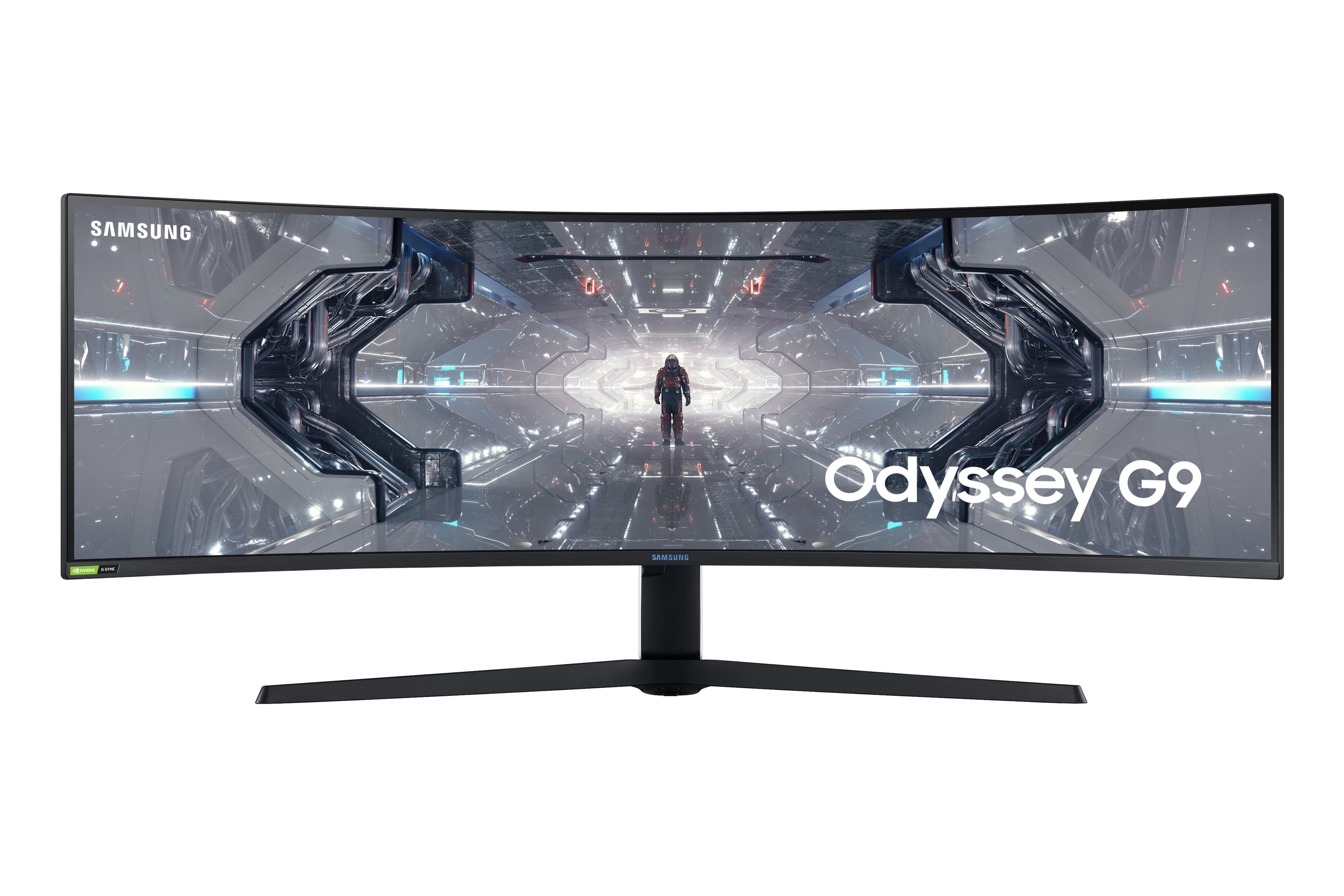
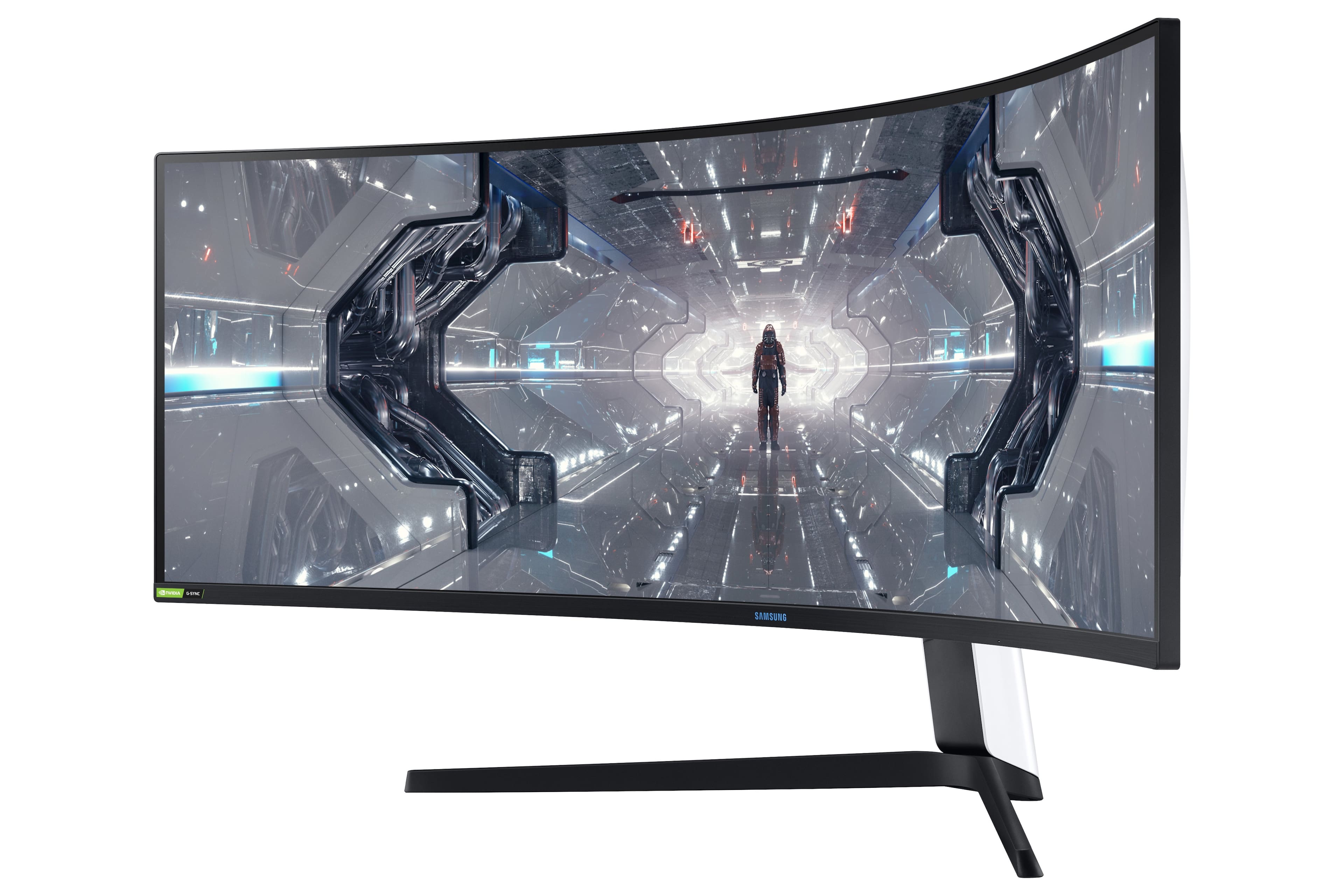
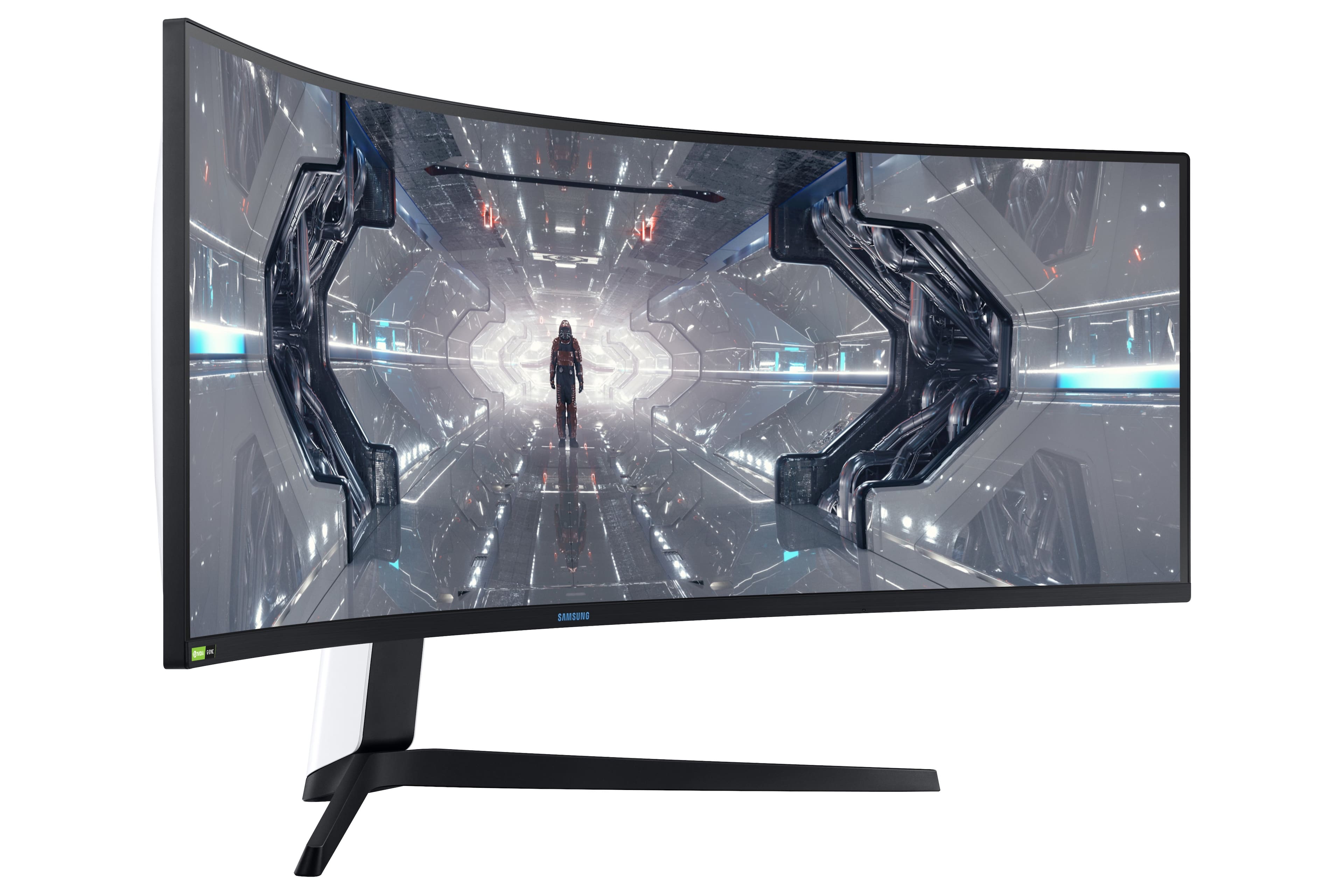
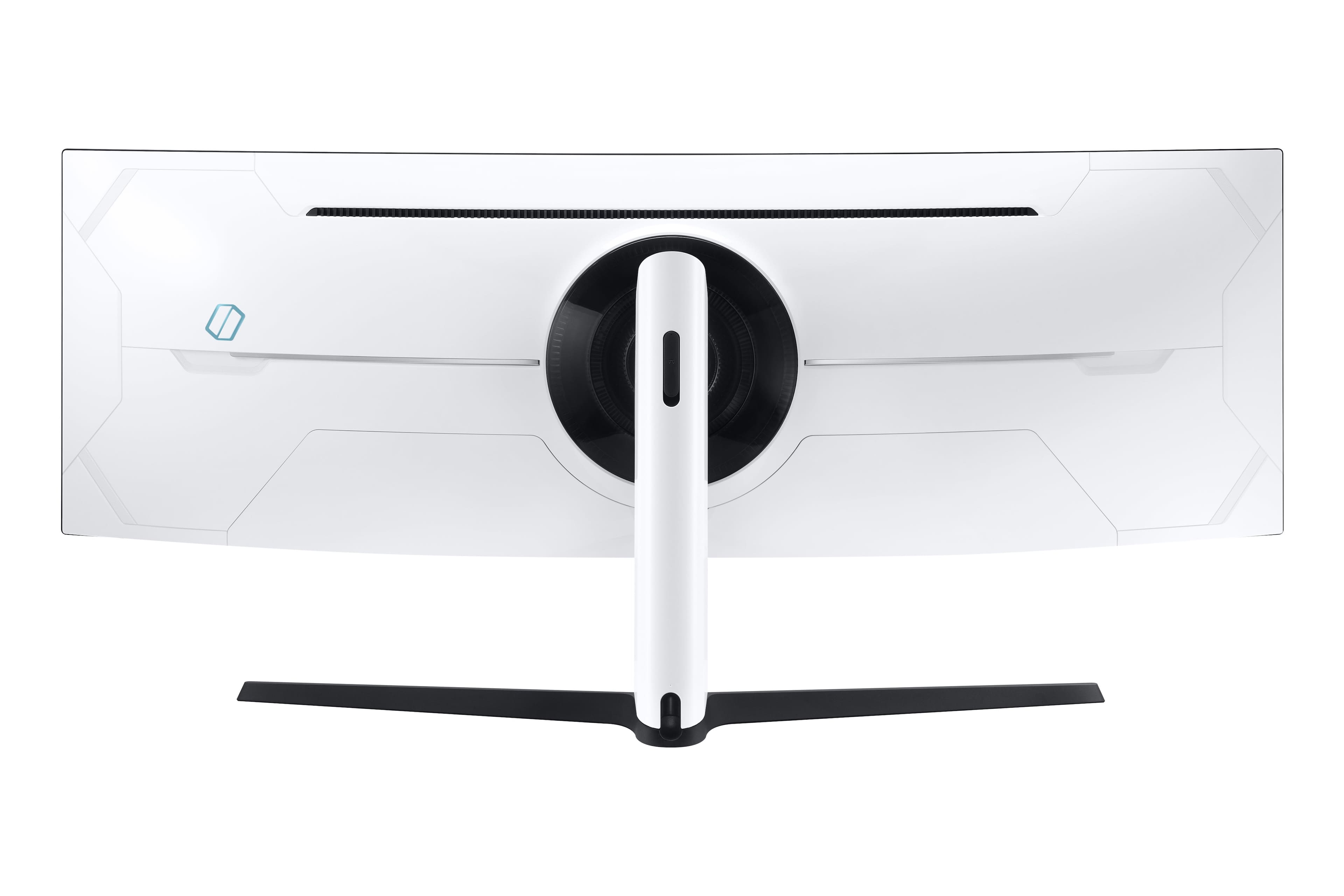
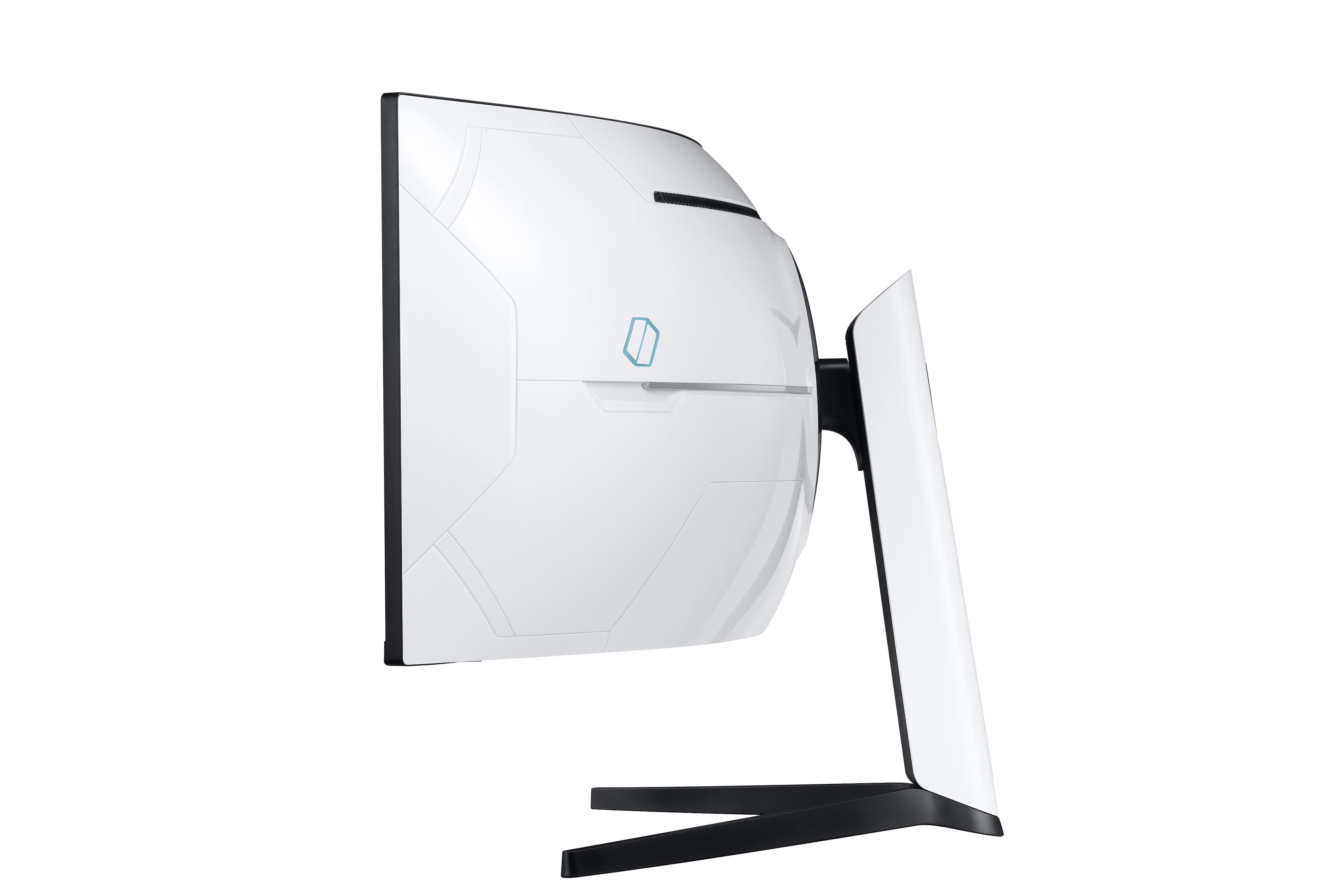
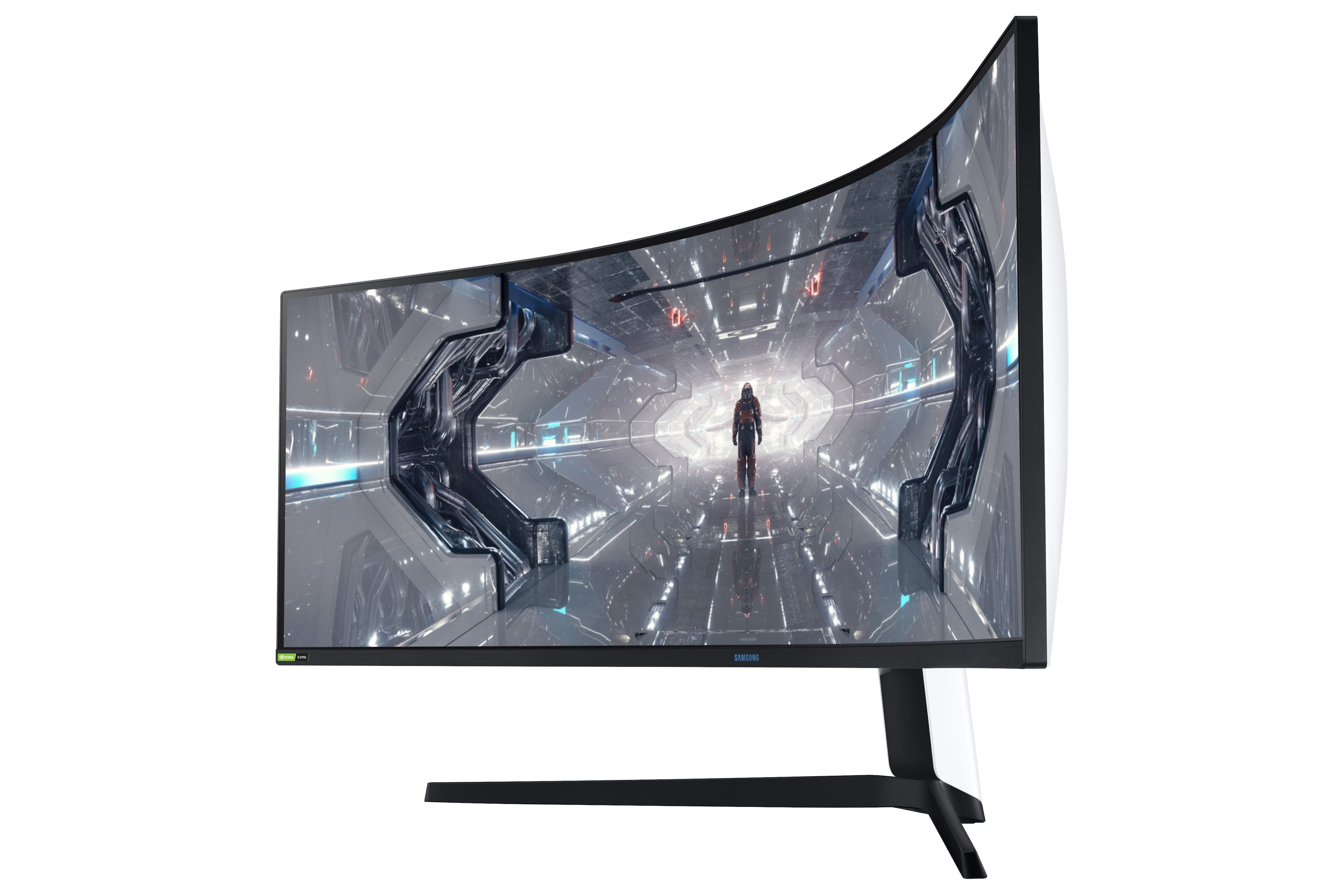
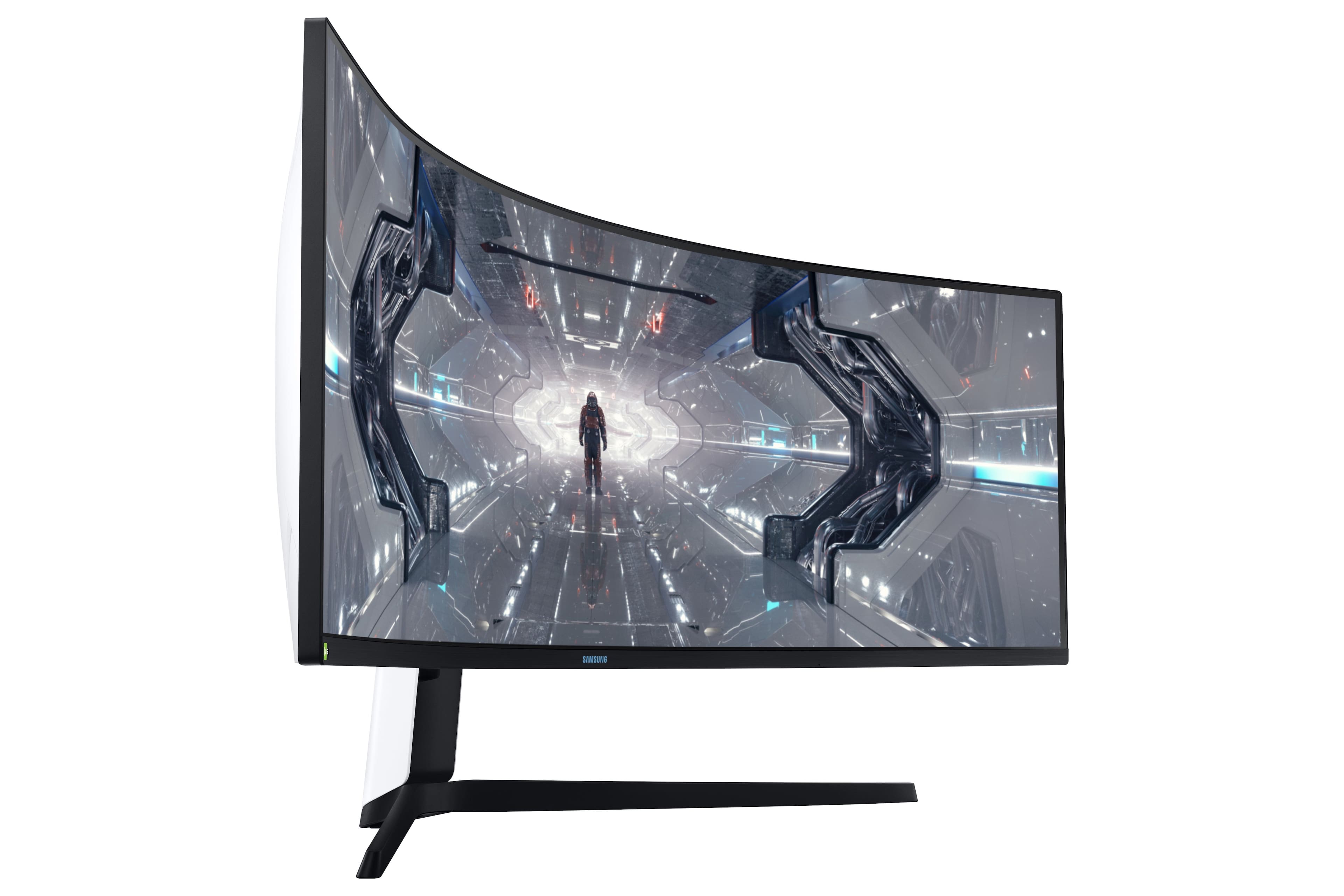
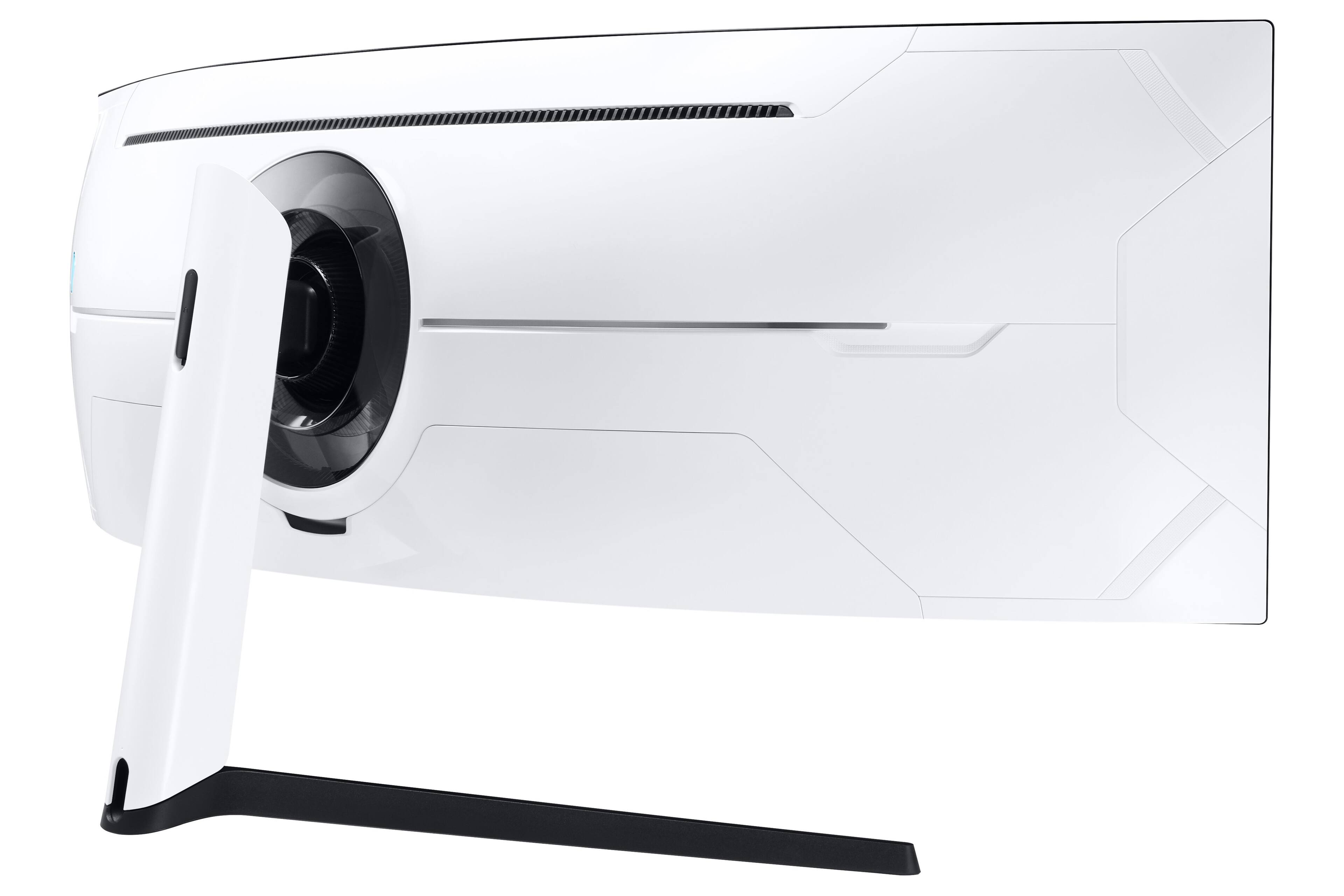
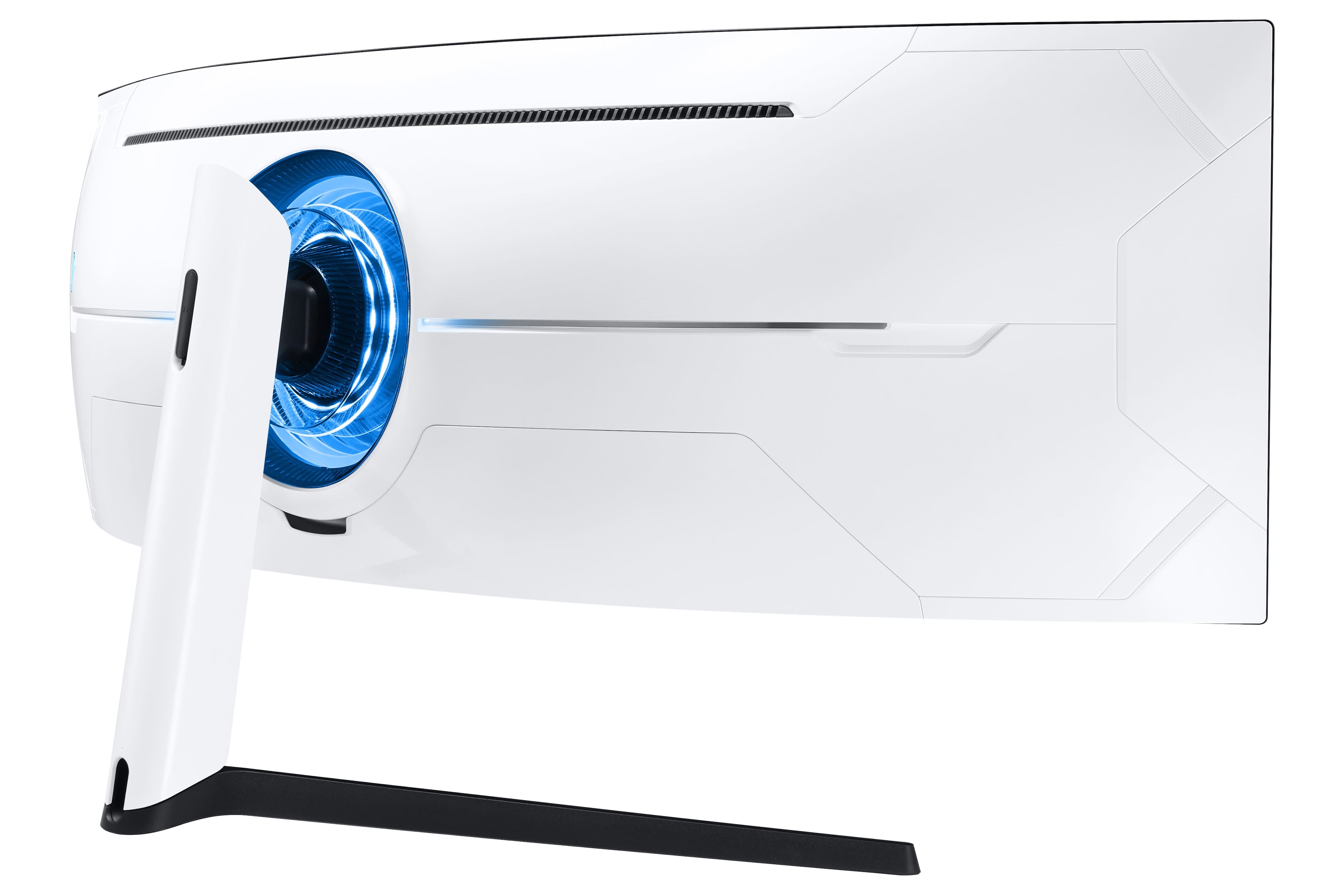
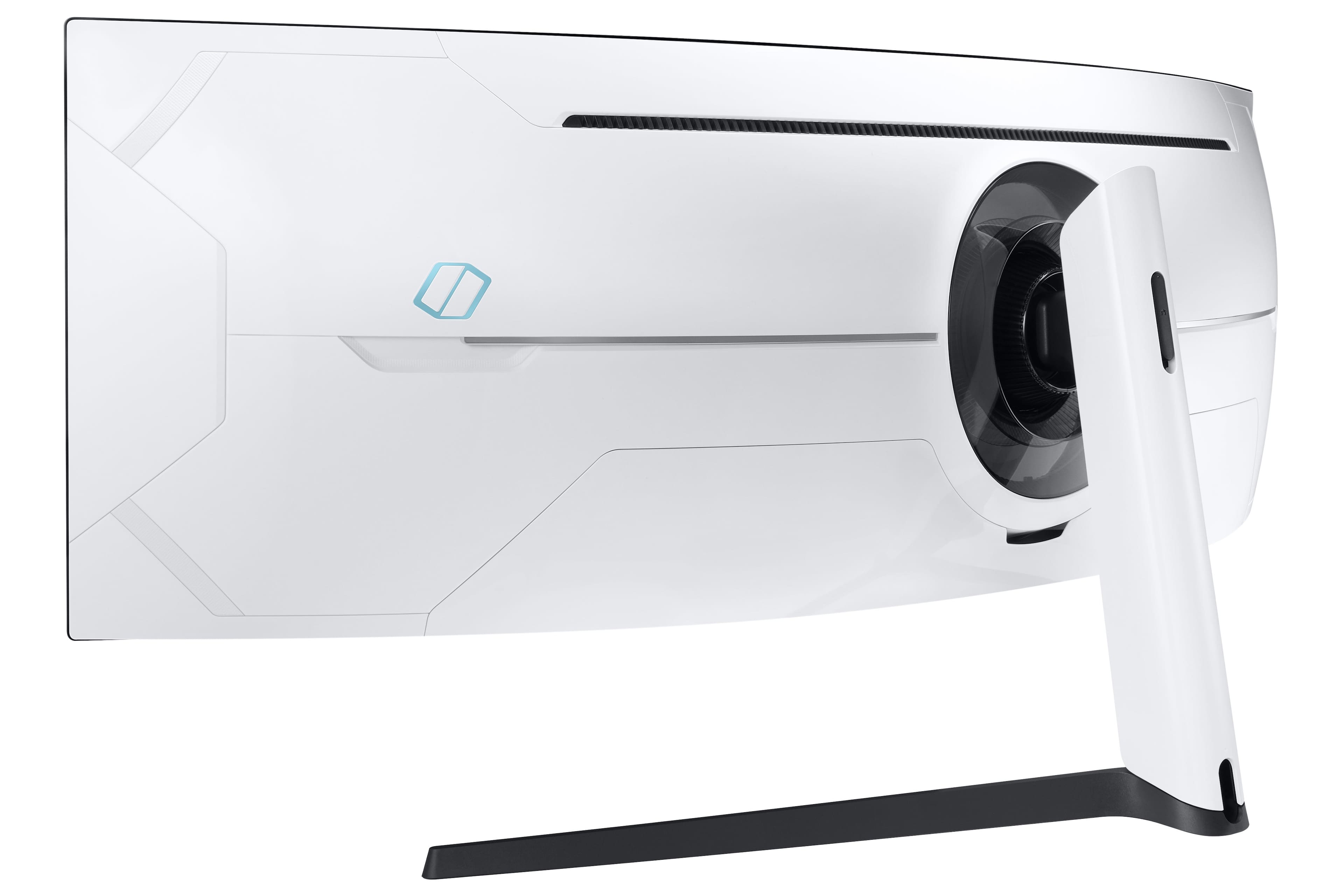
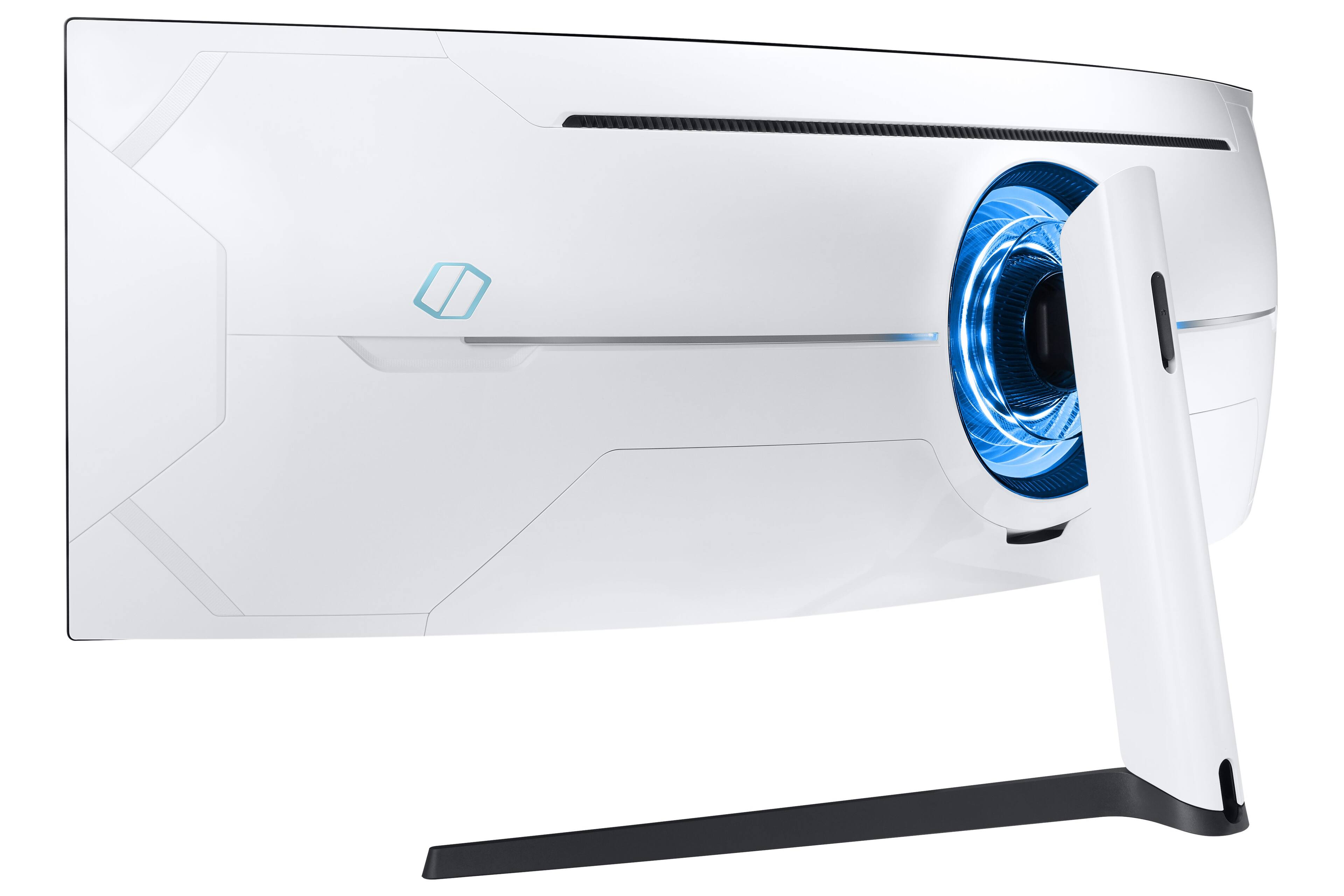
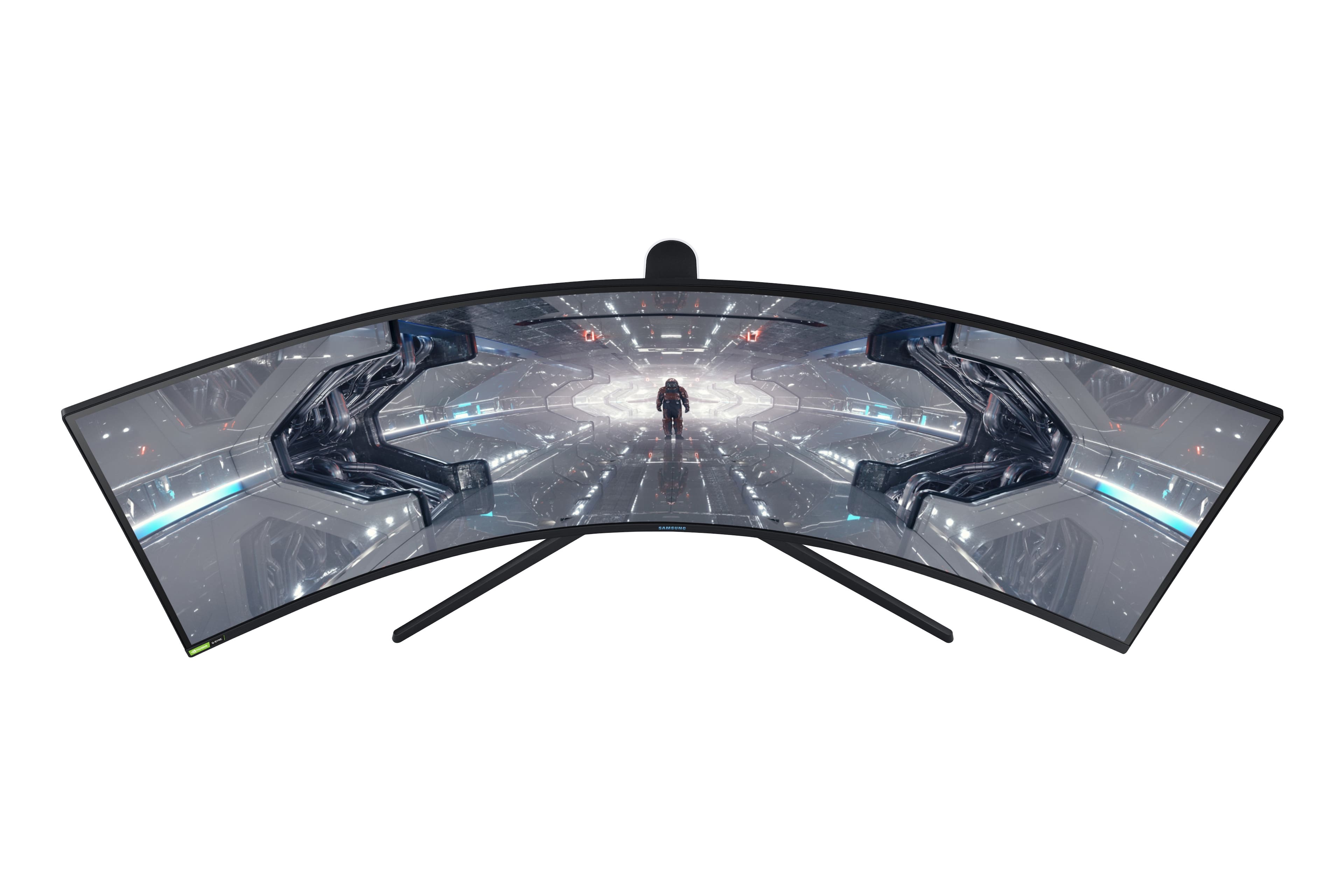
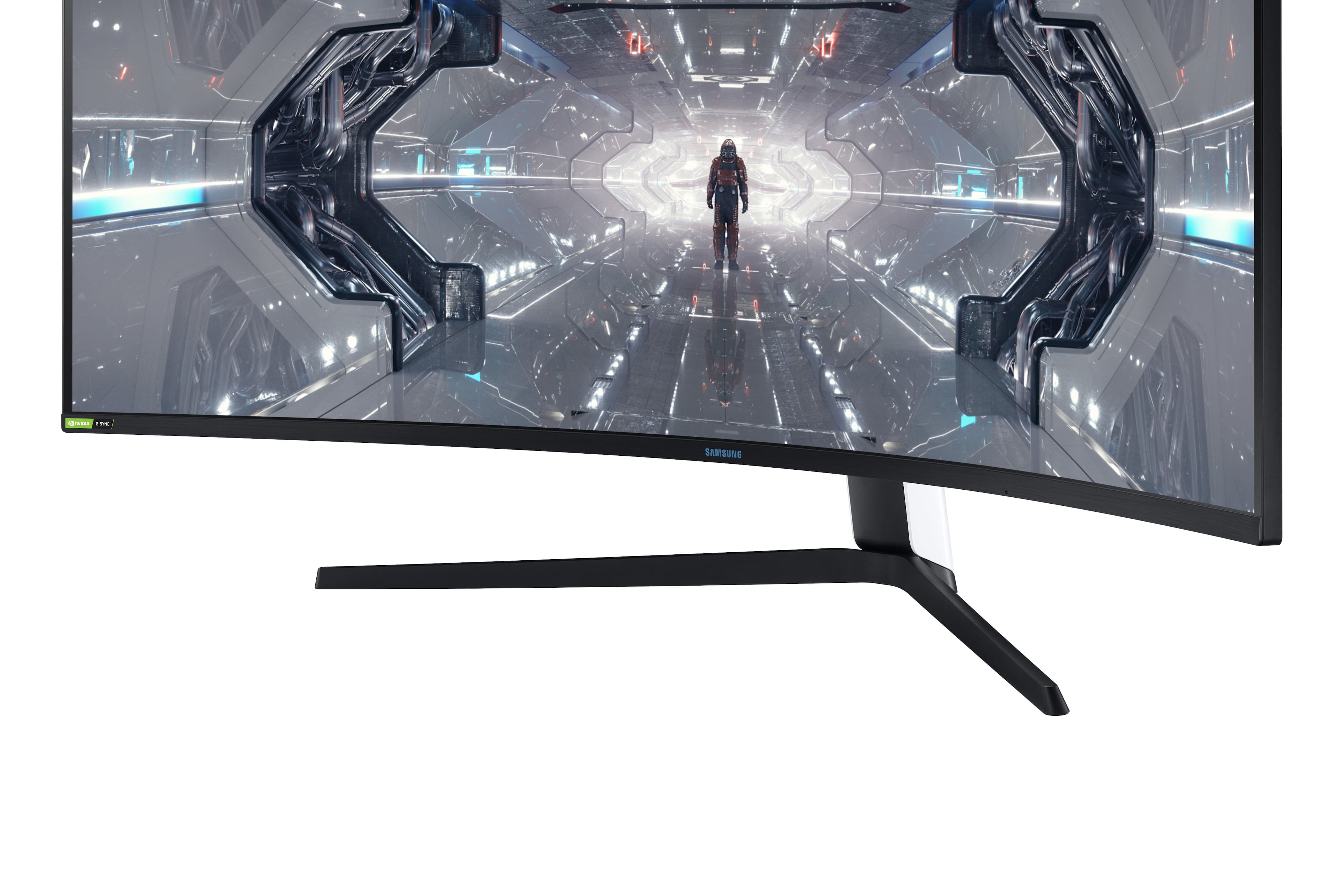
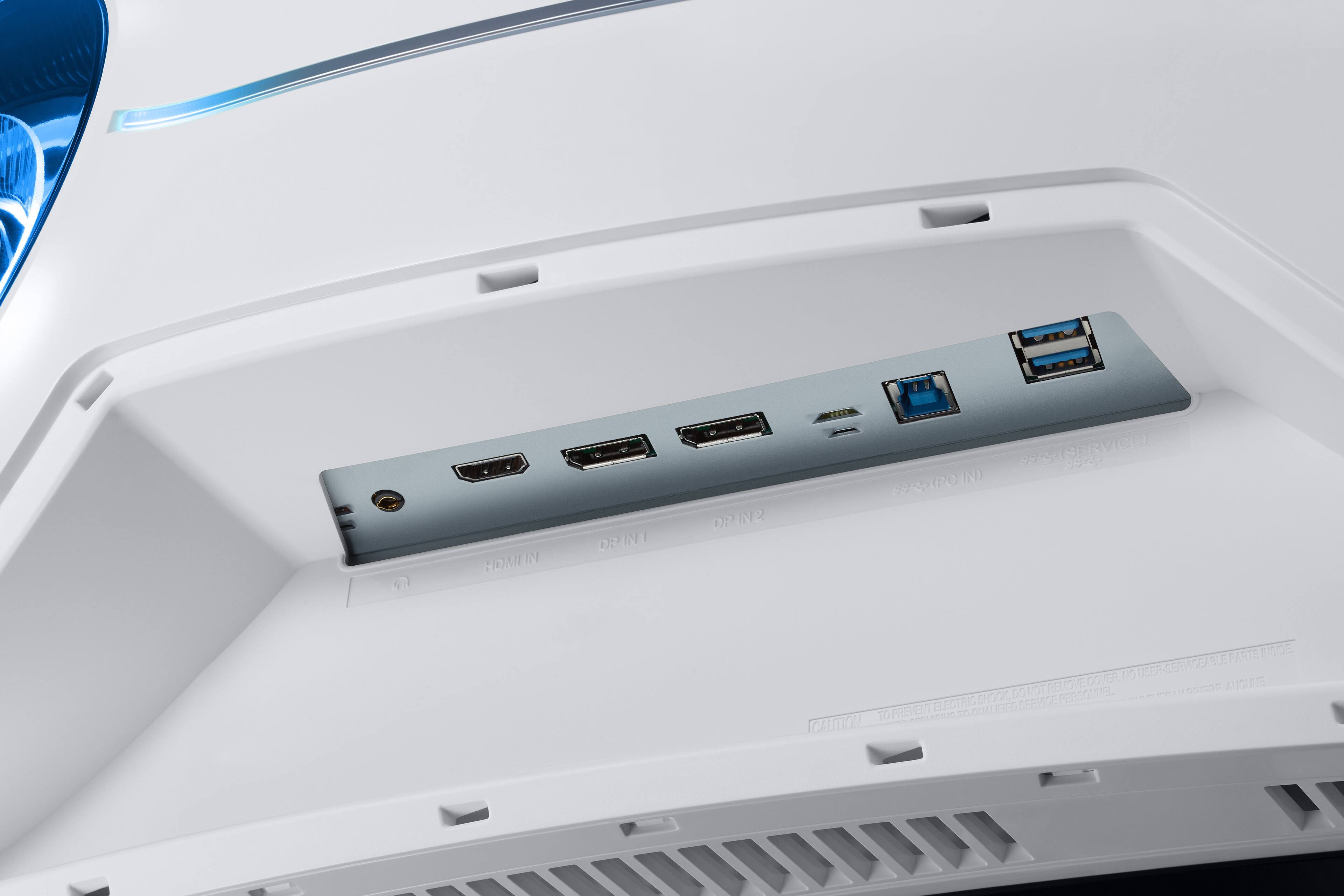
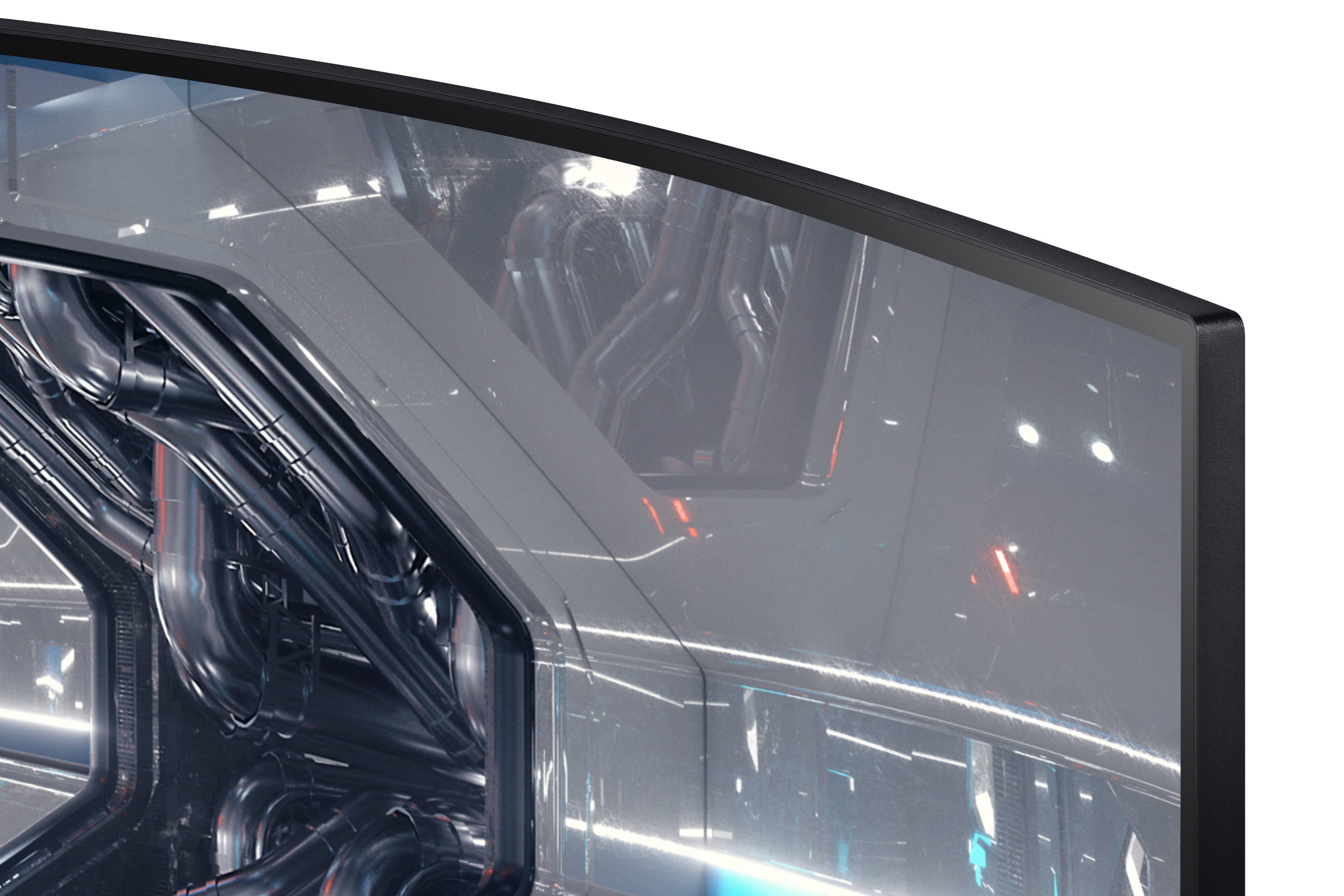
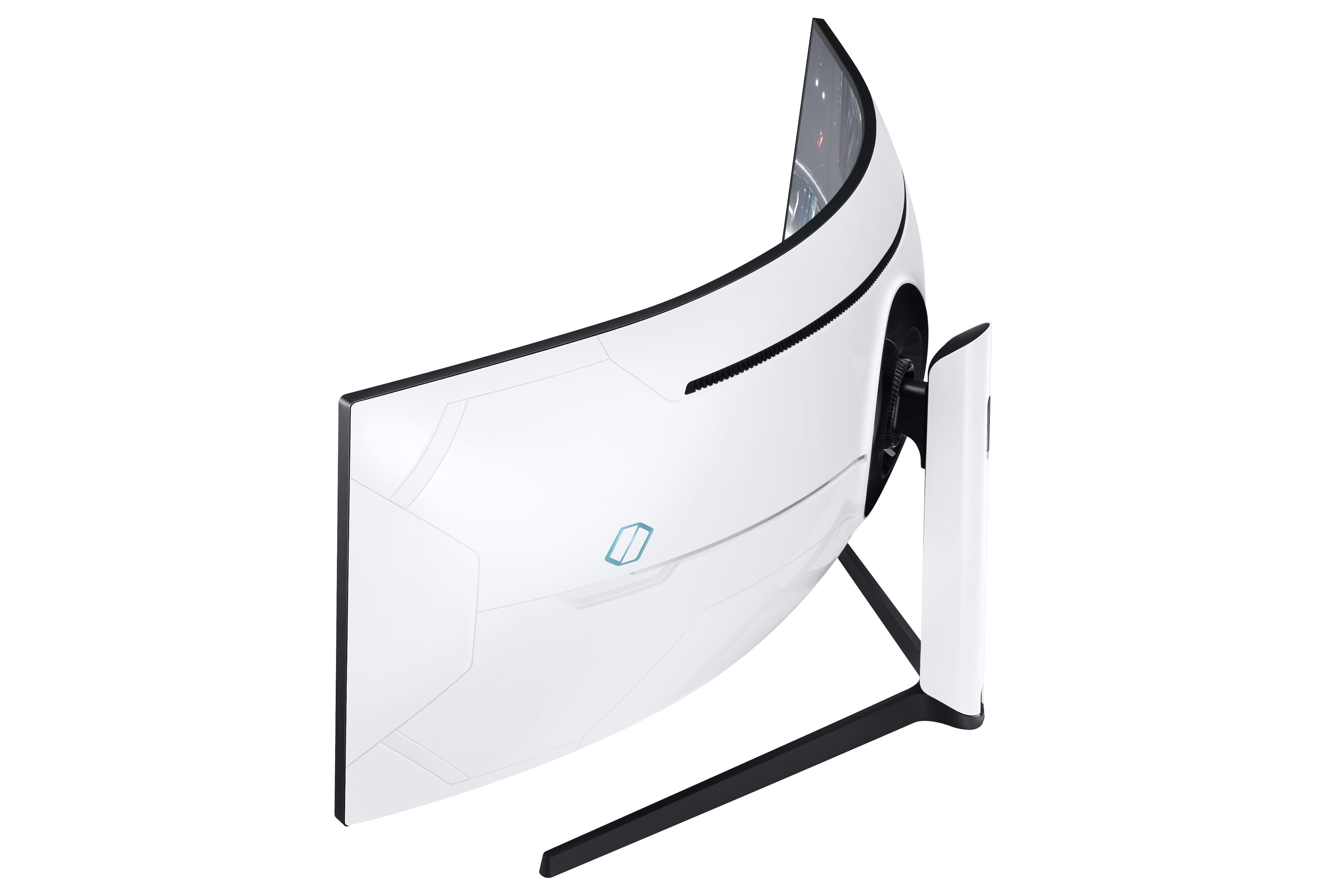
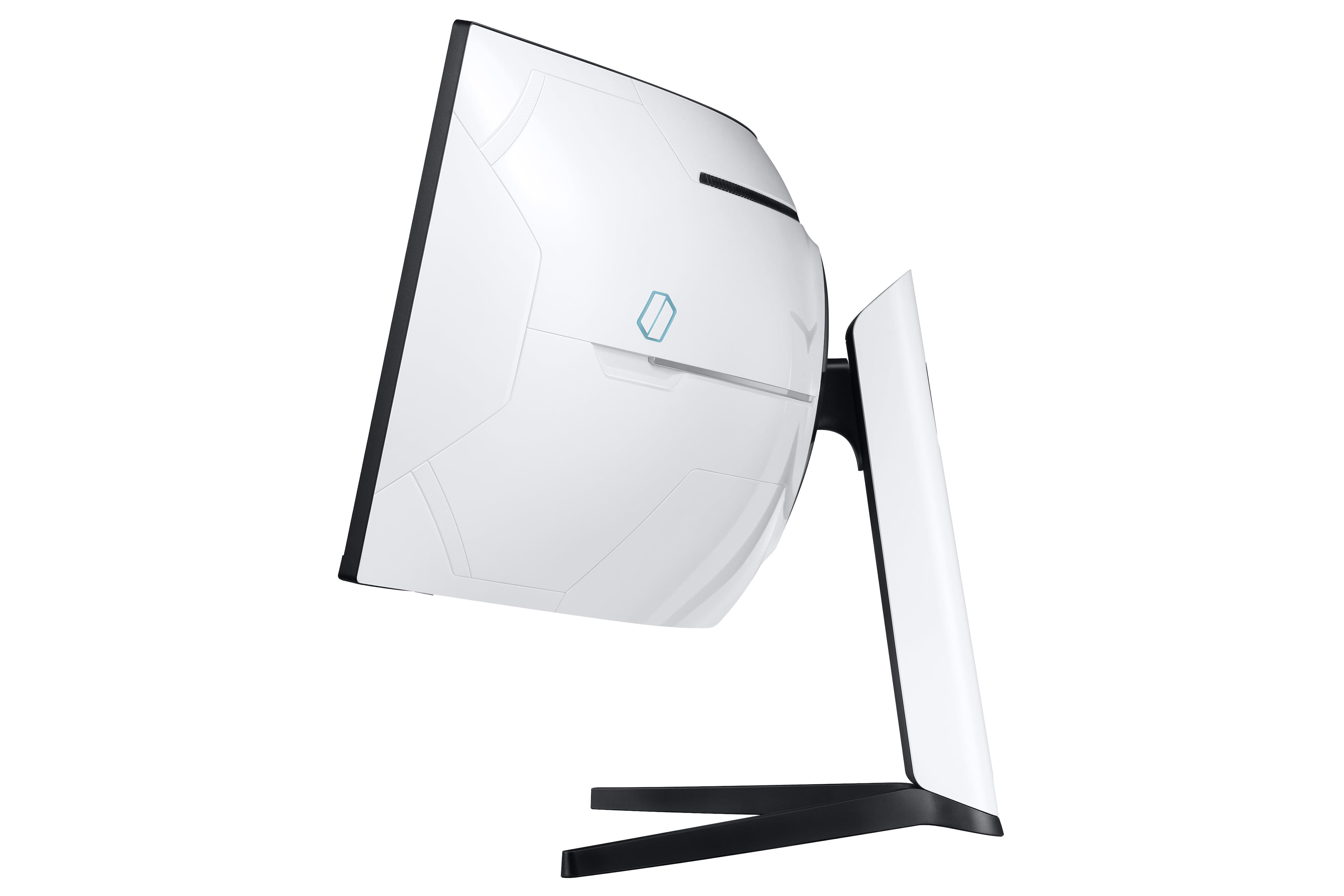
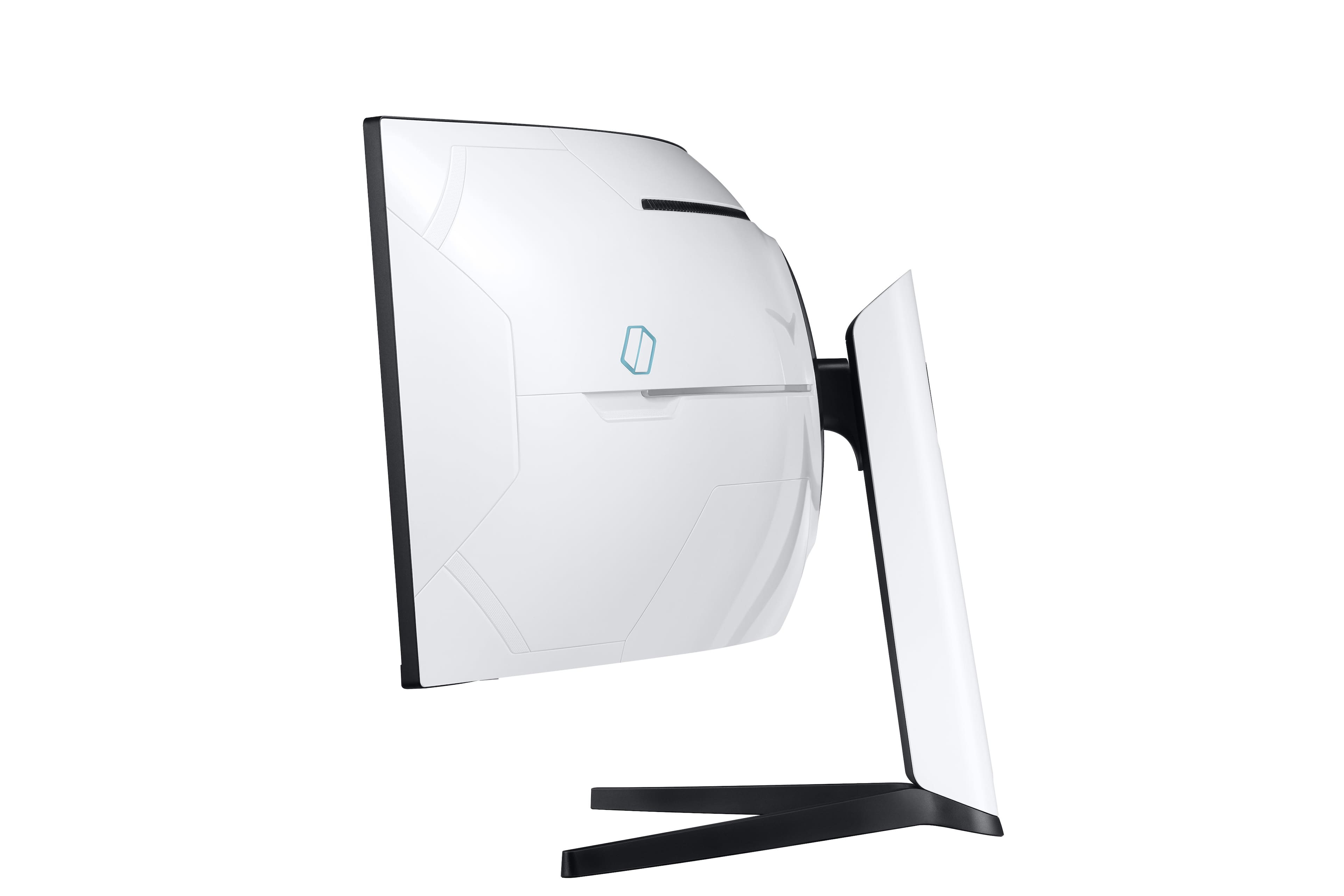
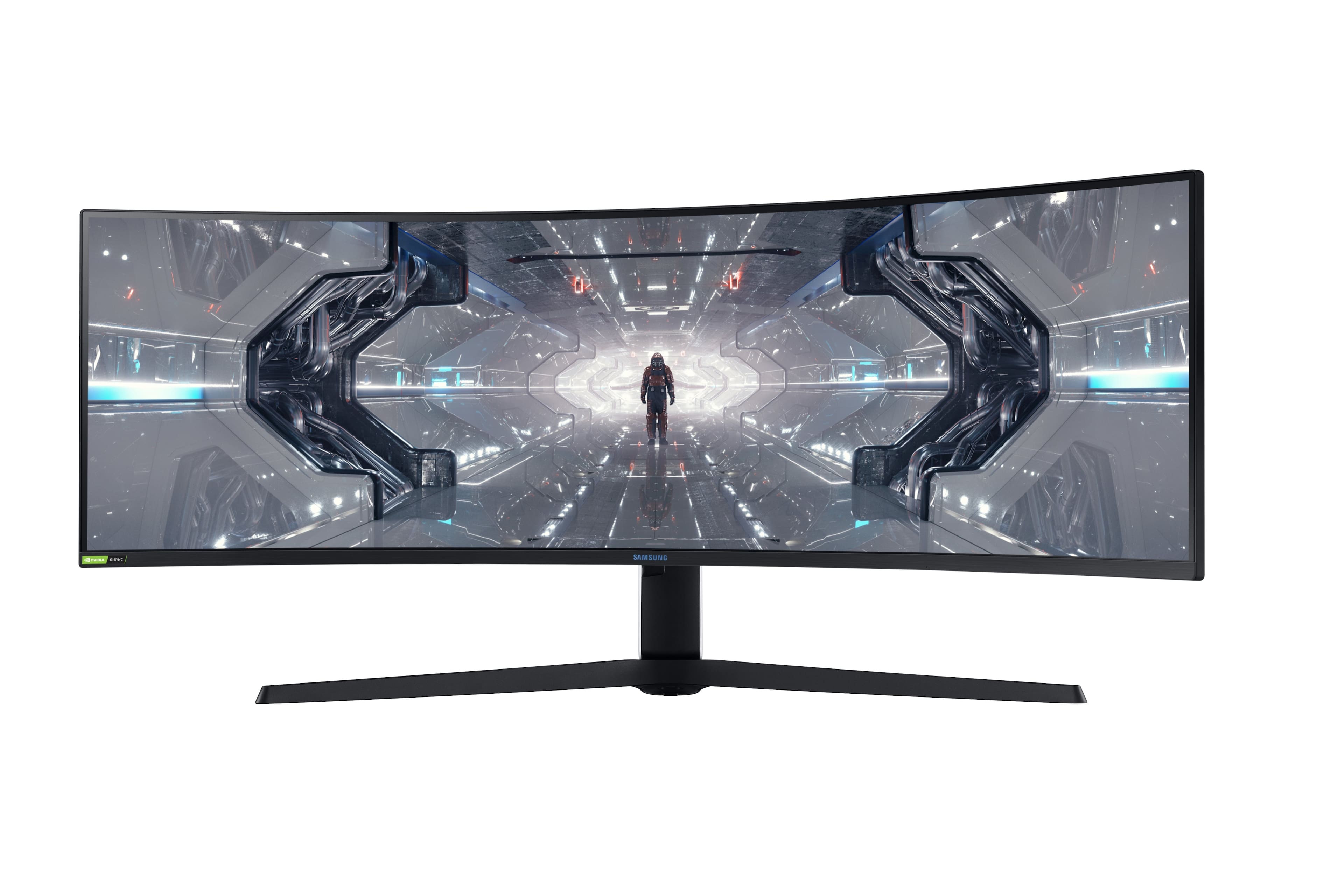
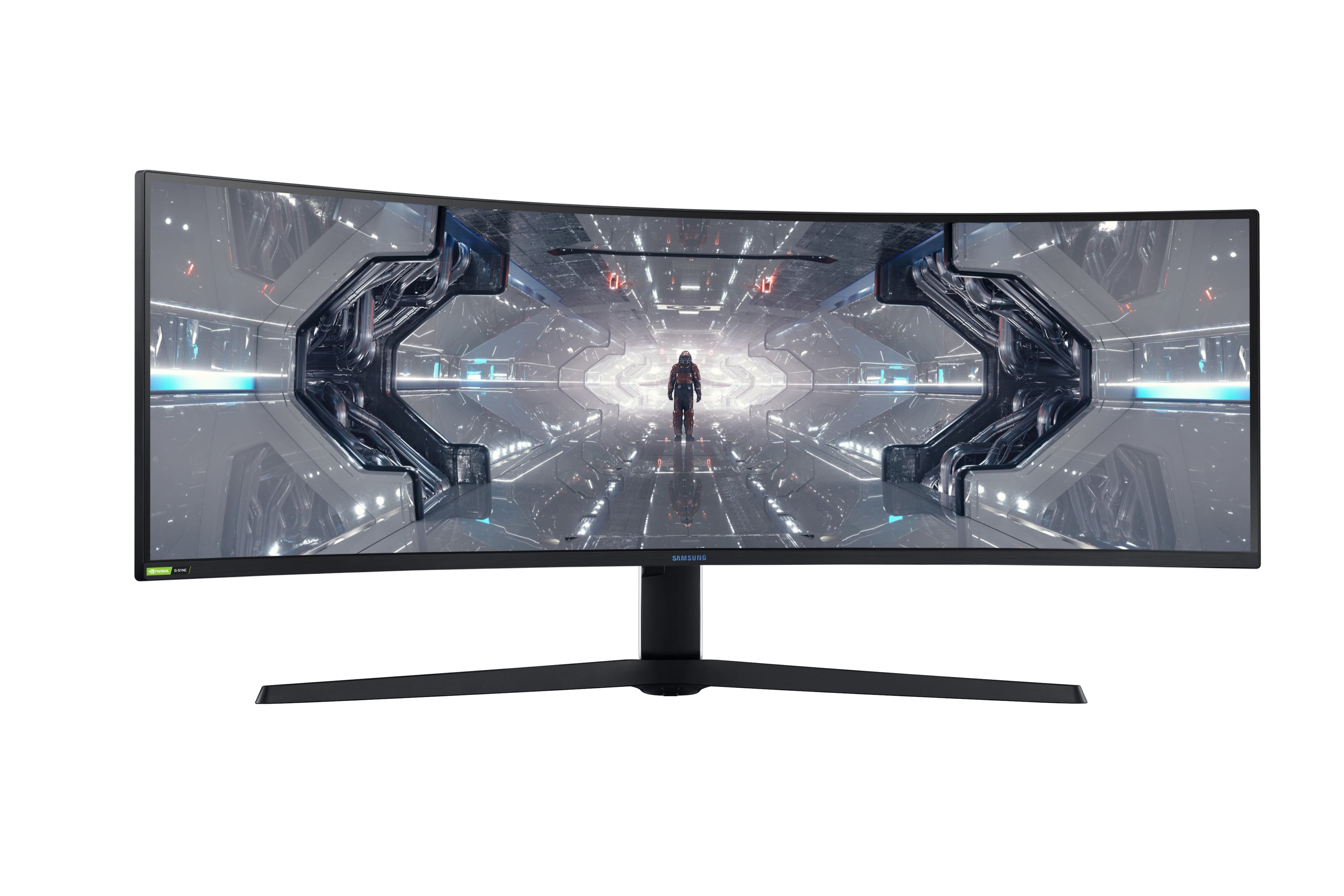
- Model:
- LC49G97TSSNXDC
- SKU:
- 6425569
Rating by feature
- Display Quality
Rating 4.6 out of 5 stars
- Ease of Use
Rating 4.5 out of 5 stars
- Features
Rating 4.6 out of 5 stars
Customers are saying
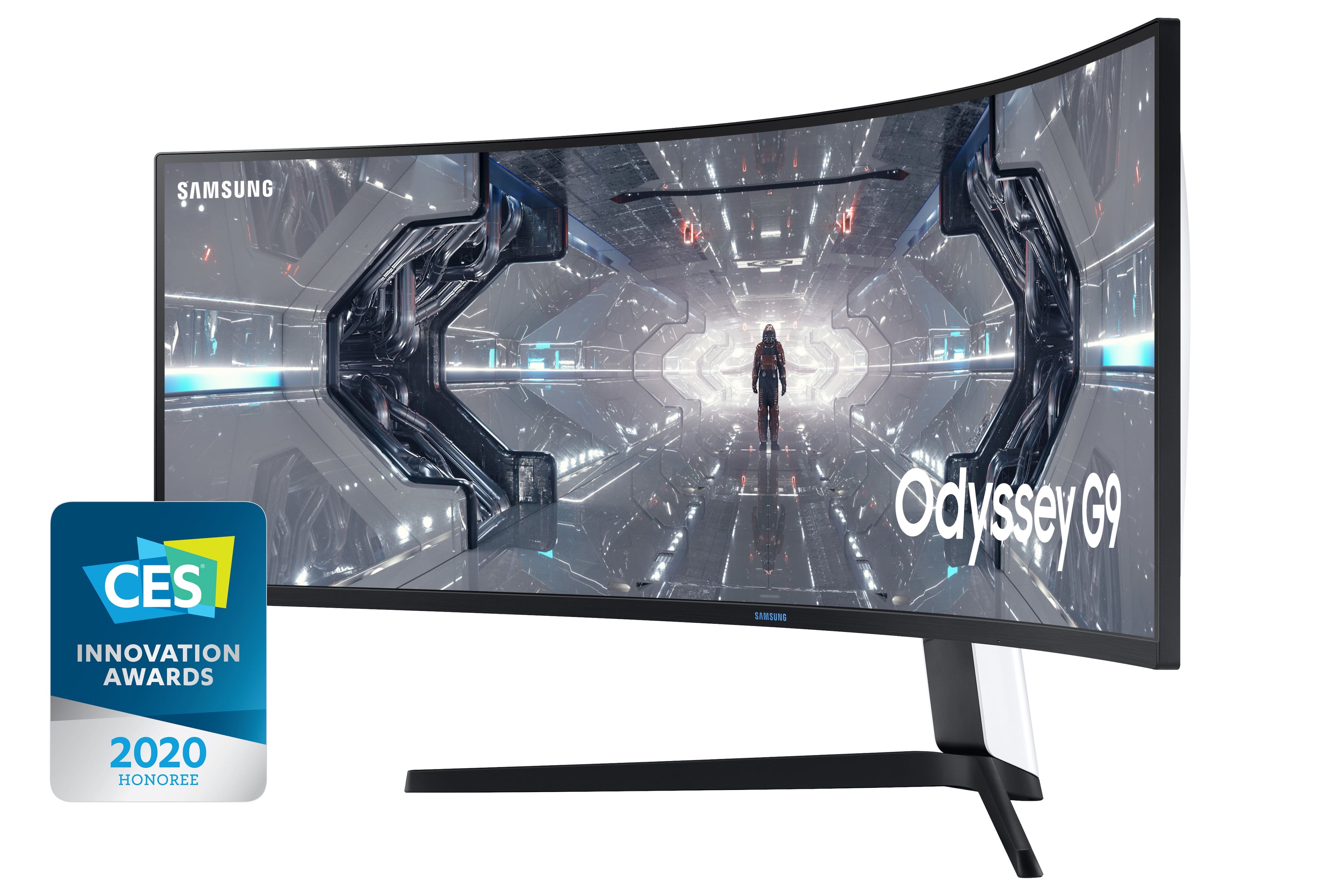
Customers are impressed with the Odyssey 49” monitor's large screen size and immersive curvature, praising the fast refresh rate and sharp resolution for an amazing gaming experience. Many appreciate its high quality and ease of use for both gaming and multitasking, although some experienced issues with dead pixels or flickering. A few users noted the monitor's substantial weight and some initial firmware challenges.
This summary was generated by AI based on customer reviews.
Amazing quality
||Posted . Owned for 2 weeks when reviewed.This reviewer received promo considerations or sweepstakes entry for writing a review.It is perfect , need to have 3 different widows open for my work and it works fantastic , i use it for gaming as well , it works very good !!
I would recommend this to a friendOkay for gaming
||Posted . Owned for 5 months when reviewed.This reviewer received promo considerations or sweepstakes entry for writing a review.The Samsung Odyssey G9 is a great super ultrawide gaming monitor. It has a curved 49 inch screen with a 32:9 aspect ratio, spanning nearly your entire field of view to deliver an immersive gaming experience. It has a fast response time and a high refresh rate, and it supports variable refresh rate technology to reduce screen tearing. It can display a wide color gamut and gets extremely bright, allowing it to produce vibrant colors and make highlights pop in HDR content. Sadly, even though it has a VA panel with a decent contrast ratio, blacks still look grayish in the dark, and its black uniformity is bad. There are also some limitations when it comes to its 240Hz refresh rate, as it's only achievable with graphics cards that have the Display Stream Compression (DSC) feature. Lastly, it has a terrible local dimming feature, which is rather disappointing.
I would recommend this to a friend- Pros mentioned:Resolution
Great Monitor 10/10
||Posted . Owned for 11 months when reviewed.This reviewer received promo considerations or sweepstakes entry for writing a review.I got this monotor for my boyfriend. I really like the resolution and how the screen splits. I dodnt have any issues with it.
I would recommend this to a friend Samsung G97T
||Posted . Owned for less than 1 week when reviewed.This reviewer received promo considerations or sweepstakes entry for writing a review.Just got this monitor yesterday and wanted to give my honest opinion now vs. a month or two from now... First impressions: THIS IS A BEAST. It's the largest monitor I have ever owned. I do find that I have been turning my head/neck more than usual and I woke up a little sore from doing so. Potential solution: push back monitor further away from your viewing area/buy a gas spring mount that can help with this. I have an external J5 docking station connected via usb c from my laptop. The docking station has a display port output, but somehow, this monitor is not recognizing it. I have changed the DP settings on the monitor from 1.1, to 1.2. to 1.4 (which my laptop runs), yet it does not work. I just ordered a mini-display to full DP cable--will see how this pans out. For now, I'm using HDMI out from my laptop. HDMI refresh rate maxes out at 60hz, so definitely use DP. I have the monitor hooked up to two computers as of now (one work, one personal). It's amazing to work on both at the same time! I would also recommend that you obtain screen management software to help with managing your available screen space (think of dividing the screen into smaller, multiple screens). This is great for webdev! One last thing, I recommend that you take a look at youtube videos on reviews of the original monitor. This particular model/version was manufactured in August 2020. So far, I have not noticed any screen separation issues, nor back-light bleed as was reported with the prior version of this monitor. Anyway, so far, i give it a 4 out of 5...will see/update this as time progresses a month from now.
I would recommend this to a friendSexy monitor!!
||Posted . Owned for 1 month when reviewed.This reviewer received promo considerations or sweepstakes entry for writing a review.Beautiful monitor. Samsung did a great job designing this monitor. I recommend the 49inch. The visual will blow you away. Good for work and excellent for gaming. I am going to buy a wall mount for this monitor.
I would recommend this to a friendDead Pixel in Two Weeks
||Posted . Owned for 1 month when reviewed.This reviewer received promo considerations or sweepstakes entry for writing a review.This was by far the best monitor I have ever laid my eyes on. That lasted for 2 weeks. In just two weeks, i had a dead pixel. Samsung would not warranty the monitor unless it had 3 dead/stuck pixels. Bestbuy cannot work on monitors. So returnung this beast was my only option. With it being "un-orderable/sold out" i was not forwarded the option to replace it. So i had to go back down to a tripple monitor setup.
No, I would not recommend this to a friendMASSIVE
||Posted . Owned for 2 months when reviewed.This reviewer received promo considerations or sweepstakes entry for writing a review.Everyone needs to experience this at least once in your lifetime. I can multitask on this monitor with 100 different things! I love it so much!
I would recommend this to a friendGreat great great
||Posted . Owned for 3 weeks when reviewed.This reviewer received promo considerations or sweepstakes entry for writing a review.Great monitor , great mean curve and the amount of tasks you can do it’s perfect ! Does it lack in some areas of course but overall it’s perfect
I would recommend this to a friendWho Needs 3 Screens?
||Posted . Owned for 3 weeks when reviewed.This reviewer received promo considerations or sweepstakes entry for writing a review.Have only used for my sim racing cockpit in which I sit about 28 inches away, very immersive, crystal clear, easy setup, excellent response time, and 240hz refresh rate....this monitor is Amazing!
I would recommend this to a friendNice upgrade for productivity and gaming
||Posted . Owned for 1 month when reviewed.This reviewer received promo considerations or sweepstakes entry for writing a review.WOW! Upgraded from a Dell Ultrasharp 34" to this monster of a screen. Yes, it takes up a lot of real estate on my desk...however, it's well worth it. I use it mainly for work as a data and analytics engineer. The PbP makes using two separate laptops or a laptop and a desktop easy. Having up to four different tabs open is a productivity boost. I have played an hour or so of COD modern warfare with it and am blown away with the clarity and refresh speeds. Next up, a 3080 or 3090, when they become widely available.
I would recommend this to a friendSuperb monitor with QC issues
||Posted . Owned for less than 1 week when reviewed.This reviewer received promo considerations or sweepstakes entry for writing a review.This is an incredible monitor, but has severe quality issues. I have a stacked arrangement of two of them as my work demands it. I got hooked to the curvature after using it for a week and realized there is no other 1000R monitor in the market currently. Unfortunately, I had to go through 5 of them (return or exchange 3 monitors) due to dead pixel issues on the panel after using it for a week to a month. I am hoping the current 2 monitors I have last longer.
I would recommend this to a friendA+
||Posted . Owned for 6 months when reviewed.This reviewer received promo considerations or sweepstakes entry for writing a review.went from three 2160x1440 monitors and glad i made the switch. Great for wfh and gaming. plenty of screen space for everything you need to do
I would recommend this to a friendThis Thing is a Beast!
||Posted . Owned for 1 month when reviewed.This reviewer received promo considerations or sweepstakes entry for writing a review.When I say, this thing is a beast, I mean it is truly a beast. The size is unbelievable. The color is great as is the sharpness of the images. I use both a Mac and a Dell; the MacBook Pro is on the display port (I had to purchase a display port to USB C cord) and the Dell is on a HDMI to USB. The set up was easy to follow and I was able to mount it to my desk with the Ergotron HX that is made for this monitor. It held the weight and is amazing for getting it to the height I needed. On another note, the color lights in the back of the monitor is a great bonus and the kids love to have it change colors.
I would recommend this to a friend- Cons mentioned:Flickering
Awesome with a small compromise.
||Posted . Owned for 7 months when reviewed.This reviewer received promo considerations or sweepstakes entry for writing a review.Great screen for productivity and games. The only draw back is that you can experience some flickering from time to time.
I would recommend this to a friend Excellent for work and personal use
||Posted . Owned for 1 month when reviewed.This reviewer received promo considerations or sweepstakes entry for writing a review.The split screen is fantastic. I use one side for work and the other side for personal computing. Gaming is amazing as well.
I would recommend this to a friendIf you like Racing and Flight sims buy this
||Posted . Owned for 2 weeks when reviewed.This reviewer received promo considerations or sweepstakes entry for writing a review.Samsung’s Odyssey G9 is the company’s top-of-the-line gaming monitor, and a massive one at that. This 49-inch, 1440p curved screen can wrap around your sightlines and then some, with a bright, colorful picture that will satisfy most gamers. It’s pricey, but its size and gaming-specific performance help justify that price for serious players of flight sims and racers who prefer one gigantic, enveloping widescreen panel to a bank of several with seams between. The only con is Input lag could be lower (but this is being a bit nitpicky for a 49' monitor)
I would recommend this to a friendmassive display
||Posted . Owned for 3 weeks when reviewed.This reviewer received promo considerations or sweepstakes entry for writing a review.Definitely a monster of a display, from a 27" monitor to a 49" monitor display. You do need to go to the monitor menu setting to switch it from 120 hz to 240 hz.
I would recommend this to a friend- Cons mentioned:Flickering
Monitor has Issues. Resolution and G Sync are nice
||Posted . Owned for 1 week when reviewed.This reviewer received promo considerations or sweepstakes entry for writing a review.In addition to the issues others have monitored here about this monitor, it also incorrectly thinks I have multiple monitors attached when I attach multiple cables between my computer and the monitor and gave me much grief until I stumbled across this fact and the fact it was extending my displays! Prior to purchasing this monitor I was using the CHG version which never gave me this or any other issues. This monitor also does not have any display presets using the Jog button whereas the other monitor had 3. I have noticed some skipping while playing World of Warcraft but maybe this is due to buffering since I was able to increase the in-game resolution way higher than when I used the previous monitor. I can only get 120hz out of this and do get the black screen or even get my entire computer restarting on me after over 5 minutes of the system attempting to reload at 240hz when I make the attempt. I have tried in the NVIDIA Control panel and in the monitor advanced settings. I have updated the BIOS and have the latest NVIDIA Graphics driver per the NVIDIA Experience. I also have a RTX 3080 and an I9-10900K CPU with 32GB RAM. From what I am reading in the message boards and from all my talks with NVIDIA and Samsung, it appears this is a known issue. I can’t wait until they release a fix. The image is great but I have noticed some pixels and waves appear when watching movies while viewing dark black colors and darker movie scenes. Light bleed can be viewed from the too left, bottom left, top right, and bottom right when viewed from an angle, but I am not sure if this is normal since this is only the second curved monitor I have used.
I would recommend this to a friendBrand response from Samsung
Posted .Bestbuyer4tech,
Thank you for purchasing the Samsung - G97T Series LC49G97TSSNXDC 49" Monitor and sharing your experience. Please reach out to Samsung Customer Care so that we can resolve your issues directly.
Please contact us at Samsung Support at 1-800-SAMSUNG, available 8AM - 12AM EST (Mon-Fri) / 9AM - 11PM EST (Sat-Sun).
Again, thank you for taking the time to share your experience and provide us with information that helps improve our service.
Samsung Monitors
Just save up, and buy this monitor
||Posted . Owned for 3 months when reviewed.This reviewer received promo considerations or sweepstakes entry for writing a review.For being on sale for almost $500 off I was worried that my impulse buy of this monitor would be regretted.. absolutely not! It is worth every penny. It is very heavy for a monitor so keep that in mind when moving and placement on your desk. Looks and runs amazingly. It is the end goal of my monitor journey for now.
I would recommend this to a friendMultitasking machine
||Posted .This reviewer received promo considerations or sweepstakes entry for writing a review.So much screen, it actually takes some getting used to. Great for productivity if you multitask a lot.
I would recommend this to a friend