Customer Ratings & Reviews
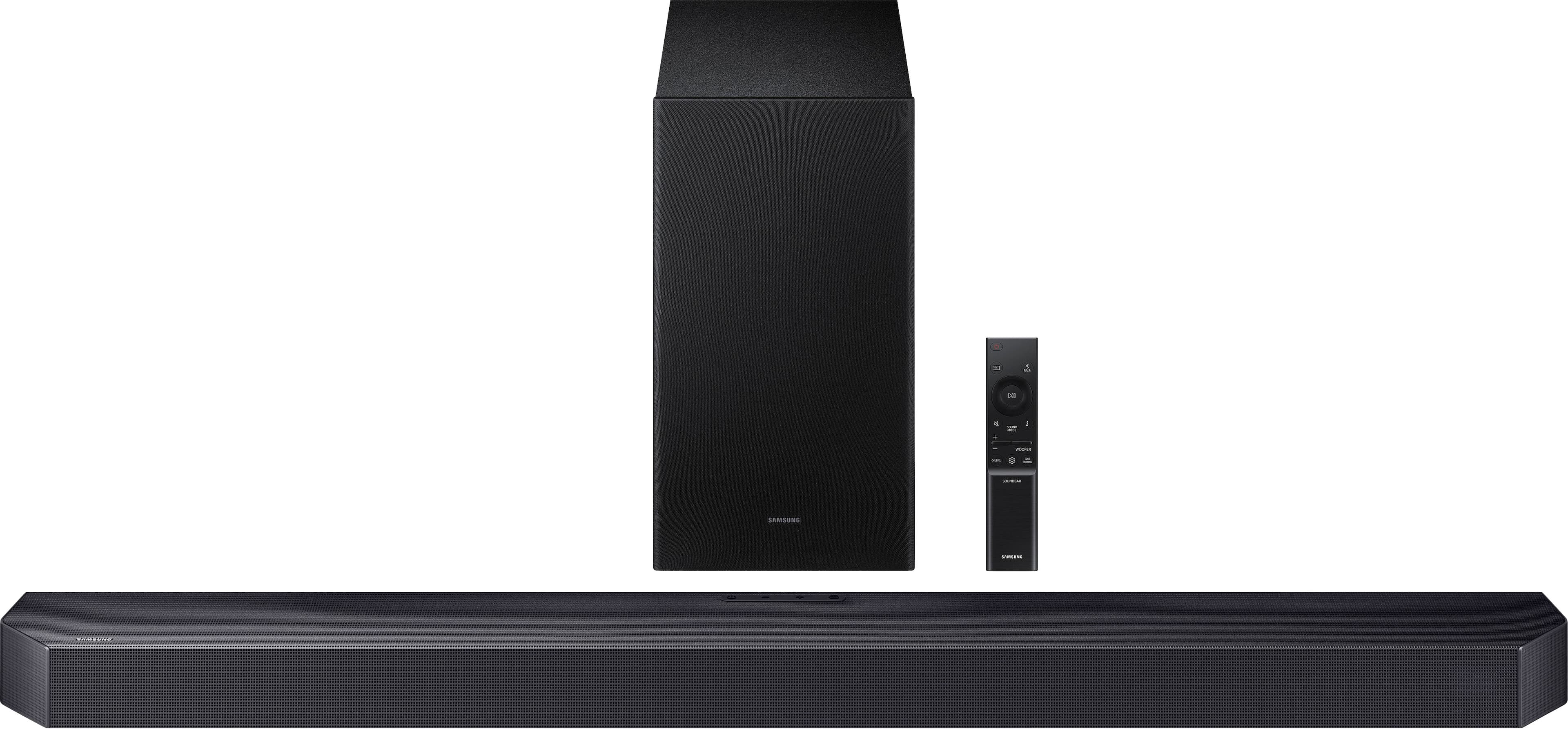
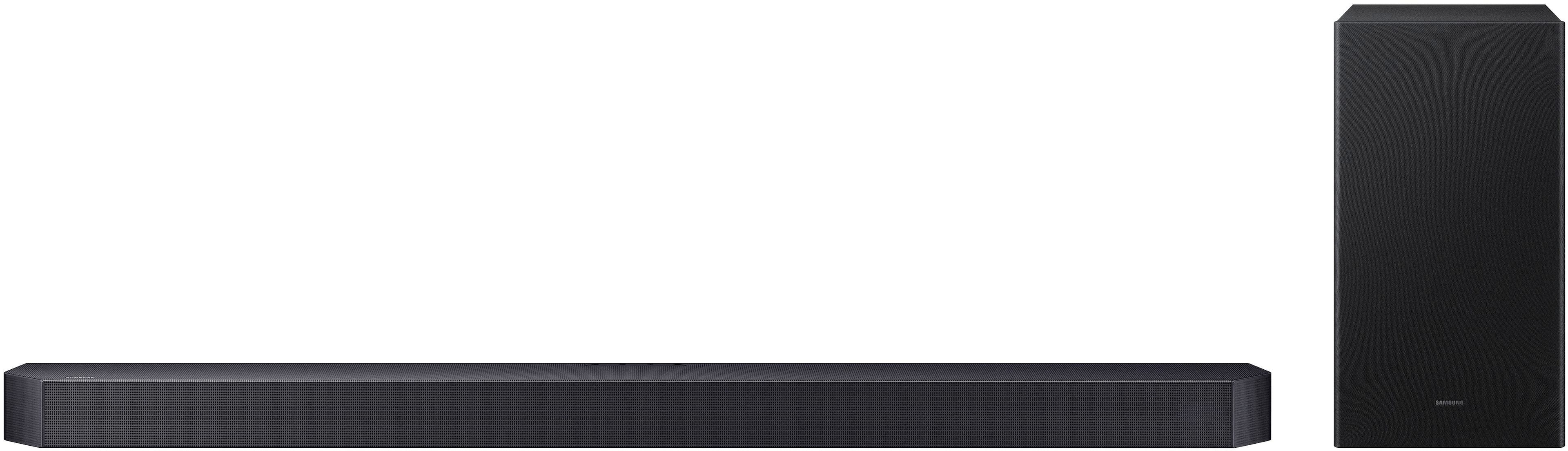
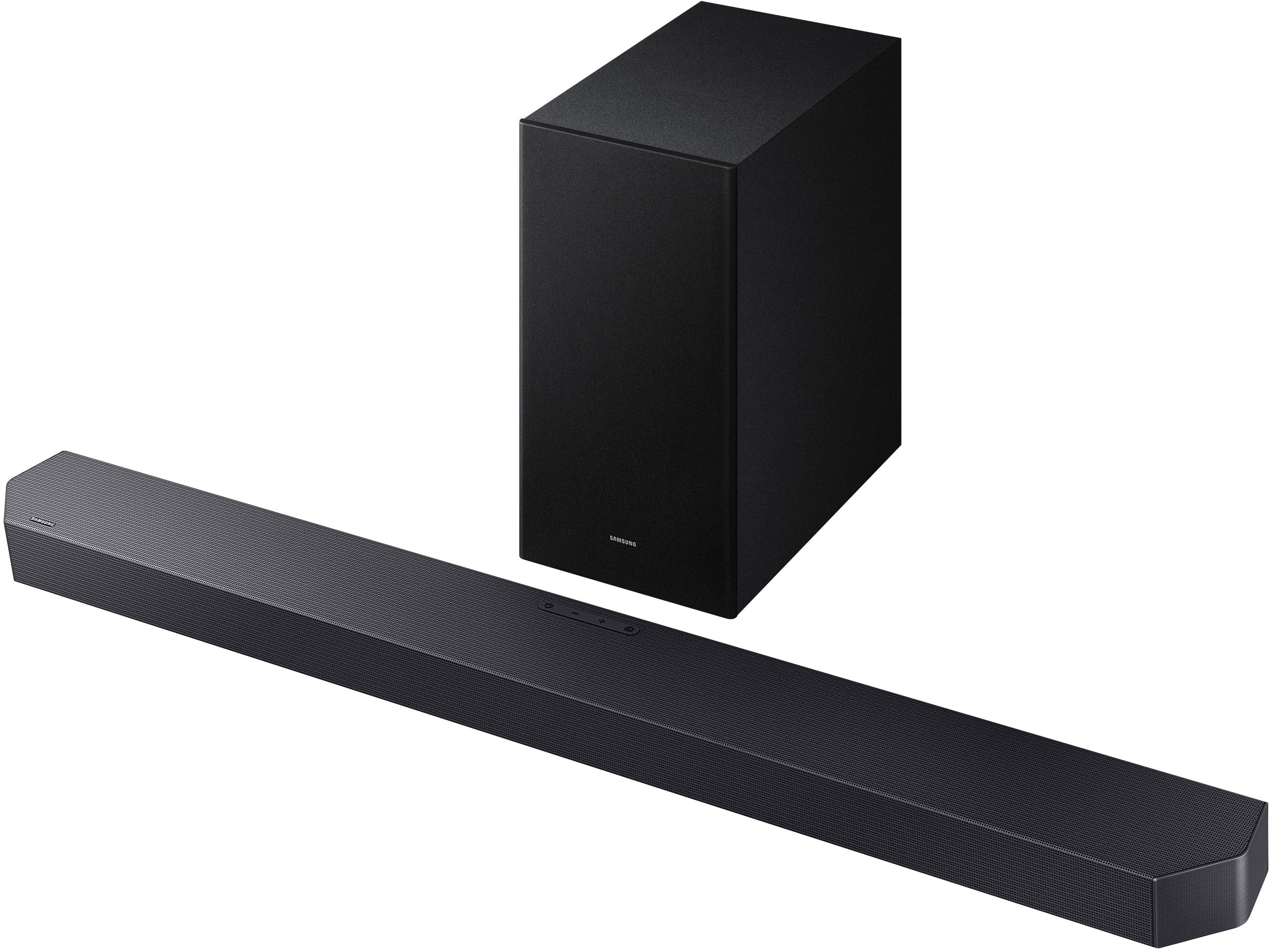

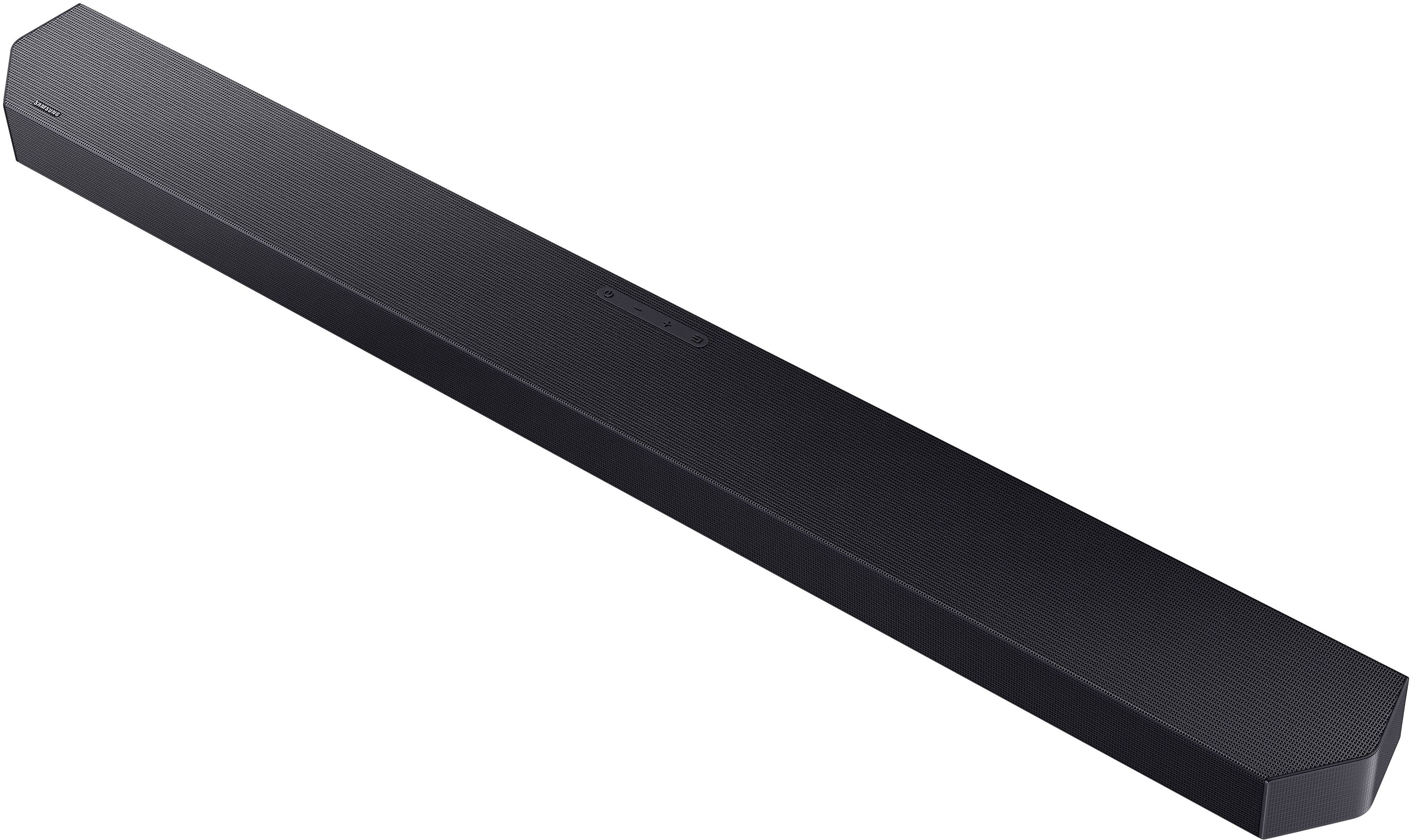
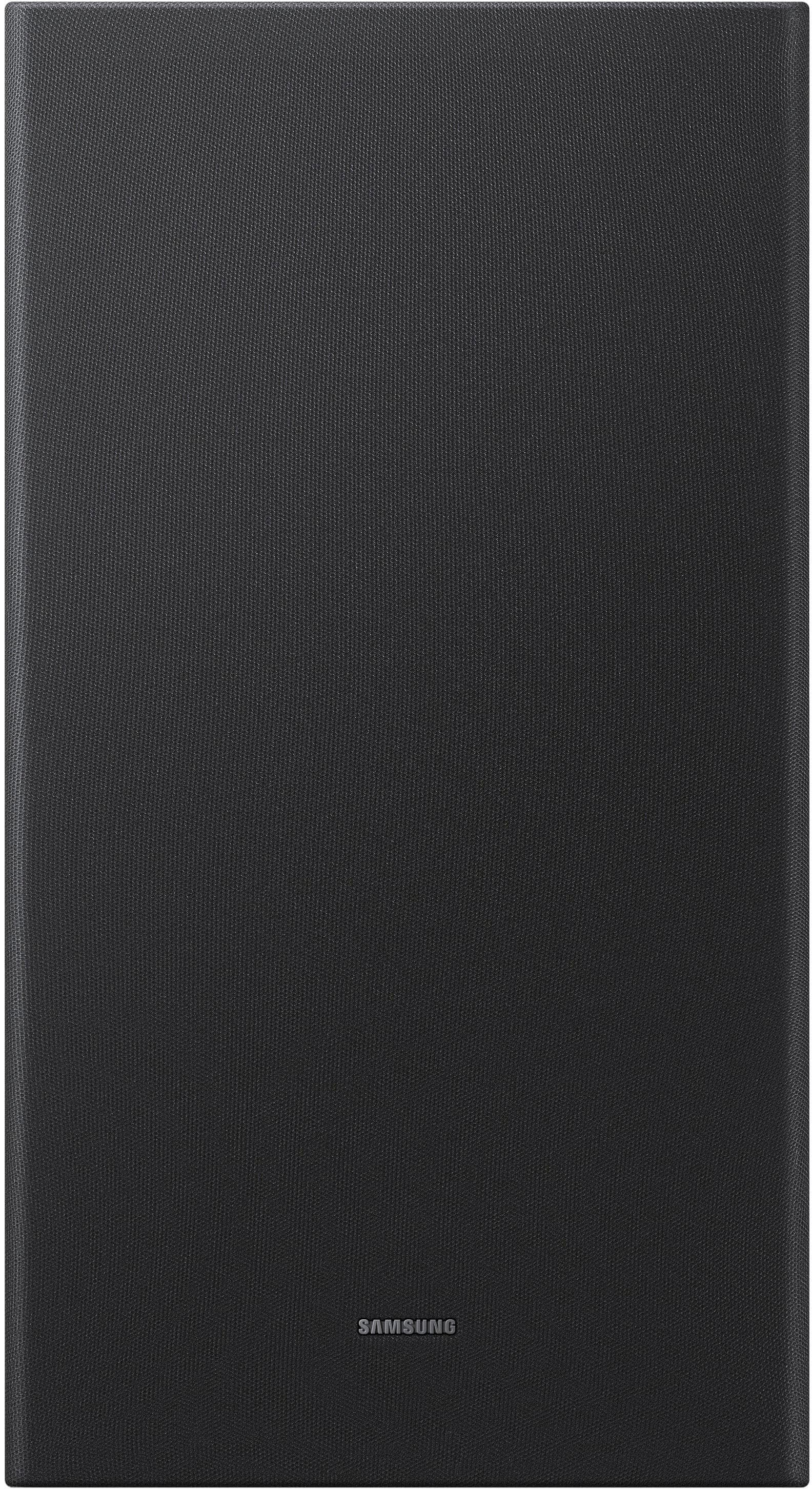
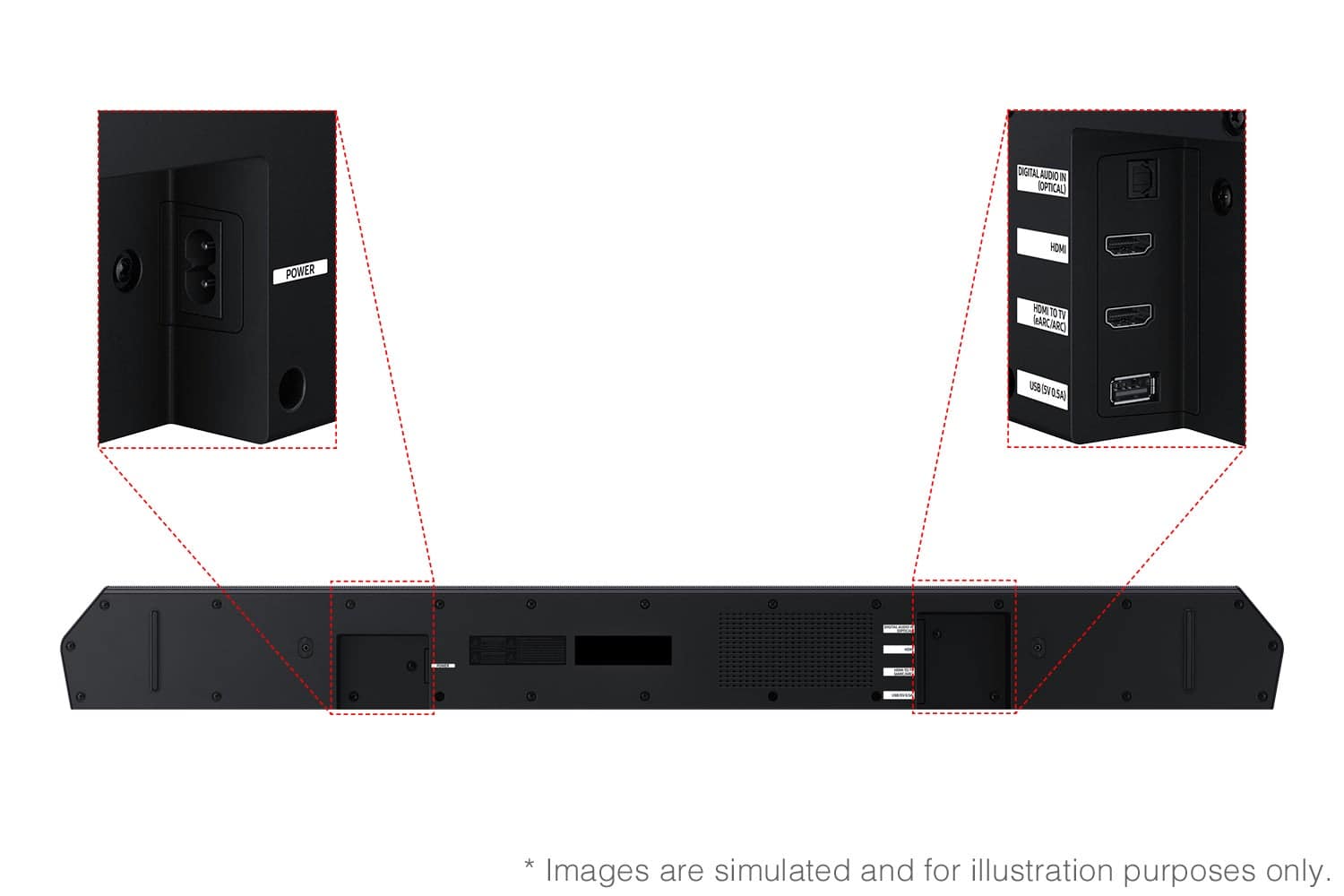
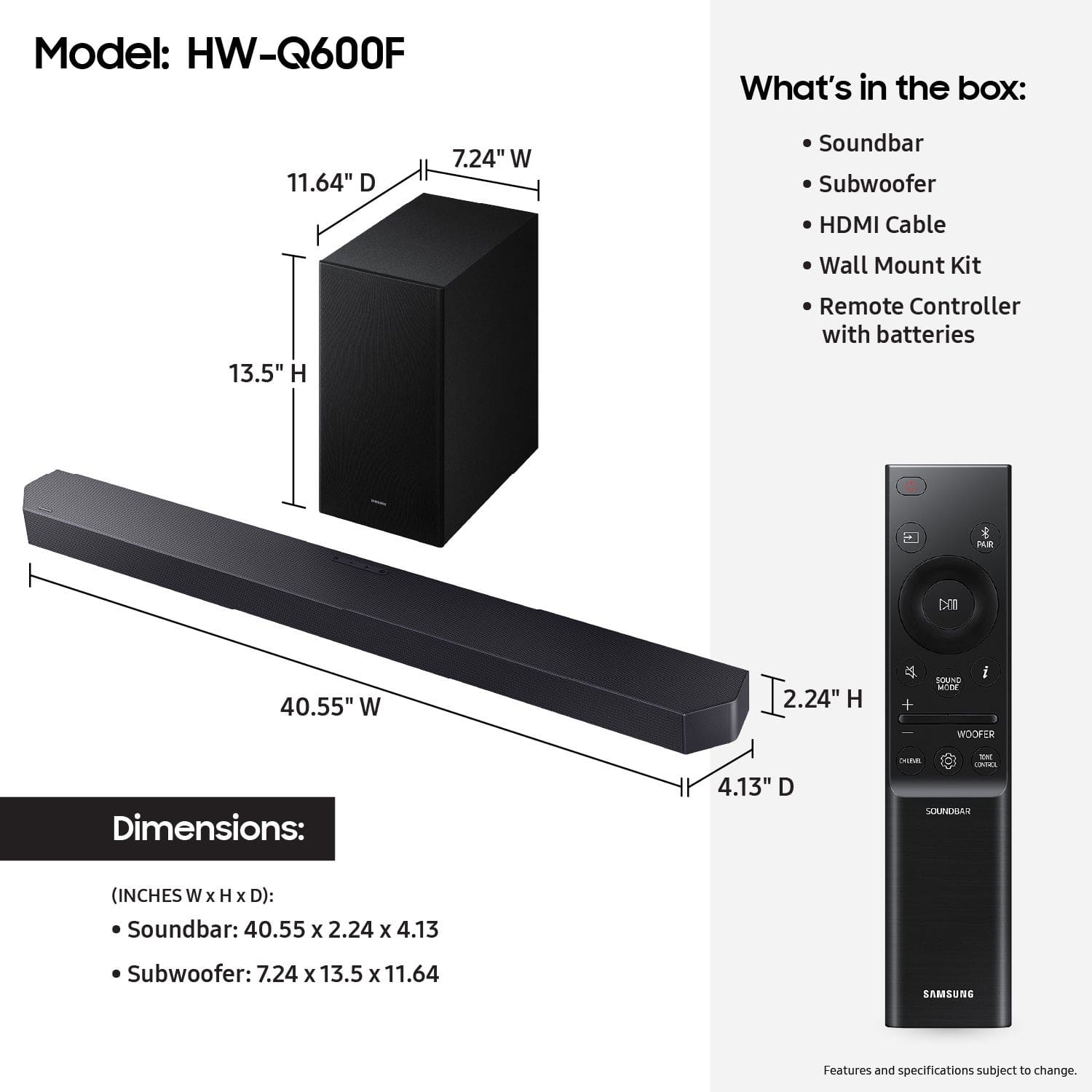
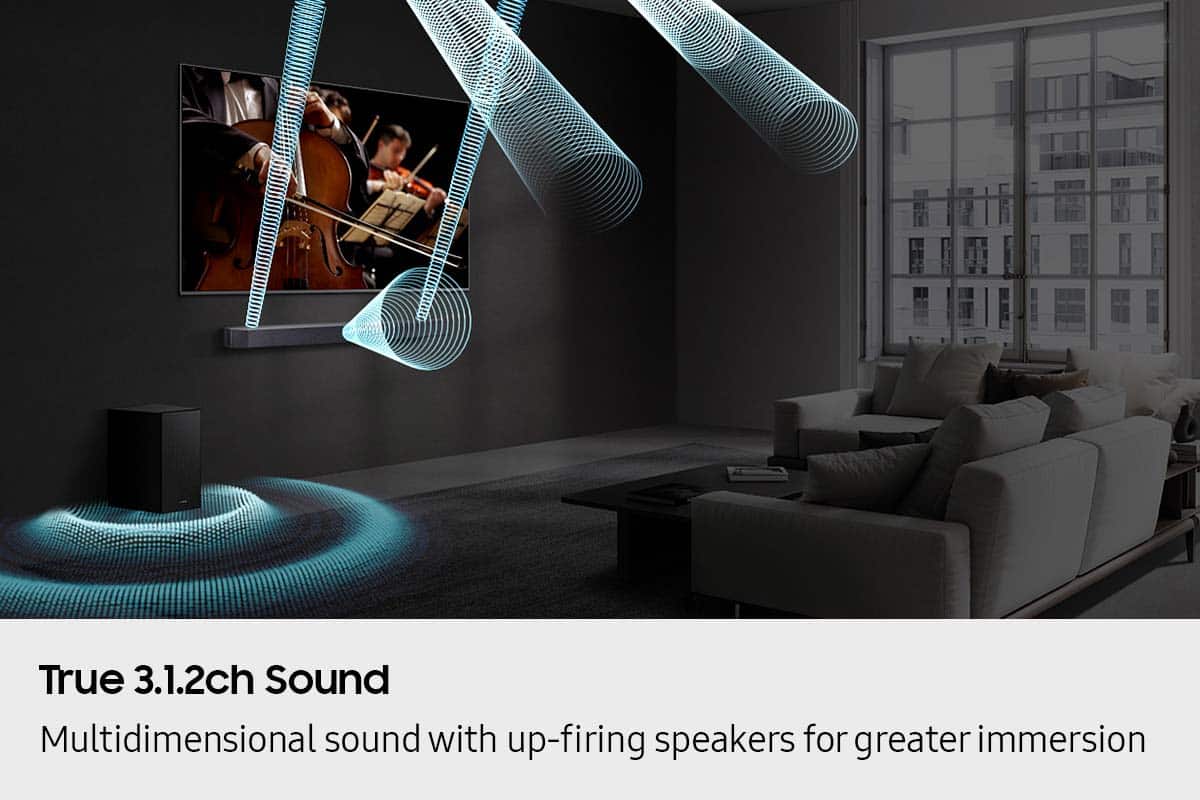
- Model:
- HW-Q600F/ZA
- SKU:
- 10517892
Rating by feature
- Value
Rating 4.6 out of 5 stars
- Quality
Rating 4.7 out of 5 stars
- Ease of Use
Rating 4.7 out of 5 stars
- Pros mentioned:Sound quality
Great Sound
||Posted . Owned for 1 month when reviewed.This reviewer received promo considerations or sweepstakes entry for writing a review.Sounds Great and is loud enough to hear. Subwoofer is good but I don't think I really need it
I would recommend this to a friend - Pros mentioned:Sound quality
Good Quality
||Posted . Owned for 3 weeks when reviewed.This reviewer received promo considerations or sweepstakes entry for writing a review.Happy with the sound. Easy to connect to samsung TV
I would recommend this to a friend - Pros mentioned:Sound quality
Not disappointed
||Posted .This reviewer received promo considerations or sweepstakes entry for writing a review.Great soundbar. Easy setup and the sound is exceptional.
I would recommend this to a friend - Pros mentioned:Sound quality
Soundbar
||Posted . Owned for 1 month when reviewed.This reviewer received promo considerations or sweepstakes entry for writing a review.Great soundbar ,very clear sound .good for small or big rooms.
I would recommend this to a friend - Pros mentioned:Sound quality
Great Sound
||Posted . Owned for 1 month when reviewed.This reviewer received promo considerations or sweepstakes entry for writing a review.Easy to install and get it up and running. Great sounding spund bar.
I would recommend this to a friend - Pros mentioned:Sound quality
Sounds Of The Soundbar
||Posted . Owned for 1 week when reviewed.This reviewer received promo considerations or sweepstakes entry for writing a review.Enjoying my new Samsung HW-Q600F soundbar…Great sound…Sleek Look…Separate Sub-Woofer…Easy to set-up…Great Price!!
I would recommend this to a friend - Pros mentioned:Sound quality
Good soundbar for the money
||Posted . Owned for 3 weeks when reviewed.This reviewer received promo considerations or sweepstakes entry for writing a review.The soundbar has a good sound especially when programs support the sound protocols. The only issue that I have is that i sometimes have to unplug the power to get sound working.
I would recommend this to a friendBrand response from Samsung
Posted .Hello ScottD,
We appreciate your feedback regarding the issues you are experiencing with your unit. Please give us the opportunity to assist you by contacting Samsung Customer Support.
We appreciate your feedback regarding the issues you are experiencing with your HW-Q600F Soundbar.
Please give us the opportunity to assist you by contacting Samsung Customer Support. Call us at at 1-800-SAMSUNG (Ask for Soundbars), 8 AM – 12 AM EST, 7 days a week. Our Live Chat agents are also available by clicking on the ‘Support’ link on our website.
~ Samsung Solutions
- Pros mentioned:Sound quality
Recommend without a reservation
||Posted . Owned for 1 month when reviewed.This reviewer received promo considerations or sweepstakes entry for writing a review.Phil’s the room well and is a great value for the cost.
I would recommend this to a friend - Pros mentioned:Sound quality
Sound Bar
||Posted . Owned for 1 month when reviewed.This reviewer received promo considerations or sweepstakes entry for writing a review.Not enough bass with voices. Poor quality, but good sound volume.
No, I would not recommend this to a friendBrand response from Samsung
Posted .Hello Susan,
Thank you for taking a moment to review the Samsung HW-Q600F Soundbar.
To control the volume of the treble or bass sound, press the TONE CONTROL button and then adjust the volume between -6 to +6 by using the Up/Down buttons.
Press and hold the SOUND CONTROL button for about 5 seconds to adjust the sound for each frequency band. 150Hz, 300Hz, 600Hz, 1.2kHz, 2.5kHz, 5kHz, and 10kHz are selectable using the Left/Right buttons and each can be adjusted to a setting between -6 to +6 using the Up/Down buttons. (Make sure the Sound mode is set to “STANDARD”.)
Press the CH LEVEL button so you can adjust the volume of each speaker. CENTER LEVEL or TOP LEVEL can be adjusted using the UP/DOWN buttons from -6 to +6.
With the optional SWA-9250S Wireless Rear Speaker Kit connected you can adjust the volume by using the provided Soundbar remote. Press CH LEVEL and select REAR LEVEL, then use the Up/Down buttons to adjust the volume within a -6 to +6 range.
If you need more help, Samsung is here for you. Please call us at 1-800-SAMSUNG, 8AM - 12AM EST (Ask for Soundbars), 7 days a week. Our Live Chat agents are also available by clicking on the ‘Support’ link on our website.
~ Samsung Solutions
Soundbar perfection
||Posted . Owned for 1 month when reviewed.This reviewer received promo considerations or sweepstakes entry for writing a review.My first soundbar system and it has surpassed all of my expectations
I would recommend this to a friend- Pros mentioned:Sound quality
Soundbar
||Posted . Owned for 3 weeks when reviewed.This reviewer received promo considerations or sweepstakes entry for writing a review.Excellent sound. Would recommend for those who need clean sound.
I would recommend this to a friend - Pros mentioned:Sound quality
Speaker
||Posted . Owned for 3 weeks when reviewed.This reviewer received promo considerations or sweepstakes entry for writing a review.Output is very good. Easy to set up and is attractive part of tv placement
I would recommend this to a friend Good!!!
||Posted . Owned for 2 weeks when reviewed.This reviewer received promo considerations or sweepstakes entry for writing a review.Item was good, The executives explained the features clearly. Service was great!
I would recommend this to a friendGood sound. Easy to install.
||Posted . Owned for 1 month when reviewed.This reviewer received promo considerations or sweepstakes entry for writing a review.Worked well when first installed on 9/12/25. Intermittent problem started after about a week. When power up with TV remote in A.M., get audio for a couple minutes with some speaker crackling static then no audio. Press sound bar power off/on then get clear audio. Connected to Samsung TV Q80 HDMI/earc with provided cable. Is my cable bad?
I would recommend this to a friendBrand response from Samsung
Posted .Hi SandraH,
We appreciate you taking a moment to review the Samsung HW-Q600F Soundbar.
There are a few steps you can take to troubleshoot your Soundbar.
First, you will want to download the latest software for your Soundbar. You can download the firmware directly from Samsung’s website by clicking “Support” in the top right corner. Then go to “Manuals & Software” > “TVs & Home Audio” > “Home Audio” > “Sound Bars”. From there, you can select the HW-Q600F under Q Series.
Download the update and install it via USB thumb stick to your soundbar. If you need additional help, there are how-to instructions on this page. Please know that Samsung Customer Service is here to assist as well.
Please verify that you are running the latest firmware on your TV. You can check to see what software version your TV is using and if there is an available update through the settings on your TV. Go to: Menu > Settings > Support > Software Update.
First, try doing a soft reset, unplug the soundbar from the outlet for roughly 30 seconds and then plug it back in.
If this still does not correct your issue, then do a hard reset. With the Soundbar on, press the + & - Volume buttons on the body of the soundbar at the same time for at least 5 seconds. INIT OK” appears on the display and then the Soundbar is reset.
While the Soundbar is On, press both the Vol+ and Vol- buttons on the unit simultaneously until the display shows "INIT", then release. If this doesn’t work, then try using the remote control: While the Soundbar is ON, press and hold the SOUND CONTROL ("Gear") button on the Soundbar remote for 10 seconds. You will see "150HZ" on the display. Keep pressing until you see "INIT" on the display, then release.
If you need more help, Samsung is here for you. Please call us at 1-800-SAMSUNG, 8AM - 12AM EST (Ask for Soundbars), 7 days a week. Live Chat with an agent as well as manuals, software, creating a service ticket, and warranty info can be found at the ‘Support’ link on our Samsung website.
~ Samsung Solutions
Samsung TV
||Posted . Owned for 1 month when reviewed.This reviewer received promo considerations or sweepstakes entry for writing a review.We are loving the new system. Wonderful quality. Excellent techs who set it up! Highly recommend.
I would recommend this to a friendEasy setup
||Posted . Owned for 3 weeks when reviewed.This reviewer received promo considerations or sweepstakes entry for writing a review.No complaints. I have noticed with this speaker that the center speaker does a great job with hearing the voices very well.
I would recommend this to a friendEasy use
||Posted .This reviewer received promo considerations or sweepstakes entry for writing a review.Works great easy to install easy setup great price
I would recommend this to a friendSamsung Q600F
||Posted . Owned for 1 month when reviewed.This reviewer received promo considerations or sweepstakes entry for writing a review.Does what I needed it to and was fairly easy to set up.
I would recommend this to a friendSamsung Sound System
||Posted .This reviewer received promo considerations or sweepstakes entry for writing a review.Great quality product. System works very well. Would highly recommend.
I would recommend this to a friendWorking well.
||Posted . Owned for 2 months when reviewed.This reviewer received promo considerations or sweepstakes entry for writing a review.The product is well sync with the tv and working well.
I would recommend this to a friend