Customer Ratings & Reviews
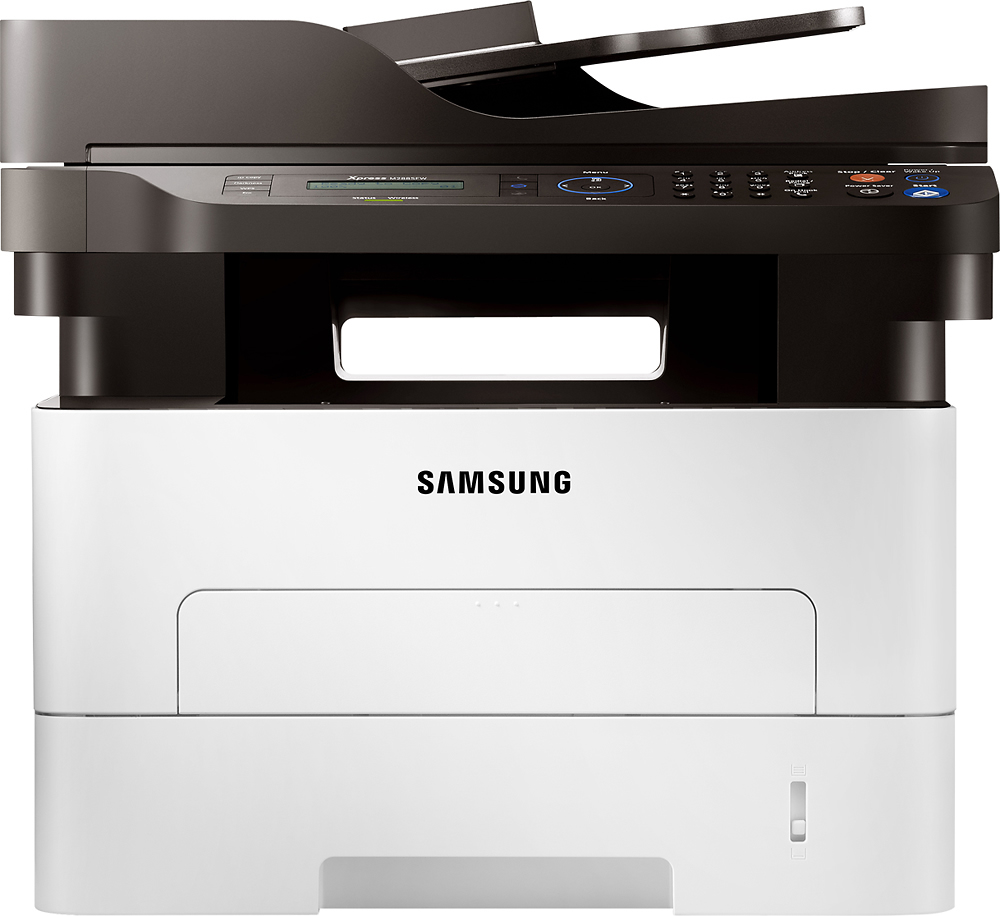
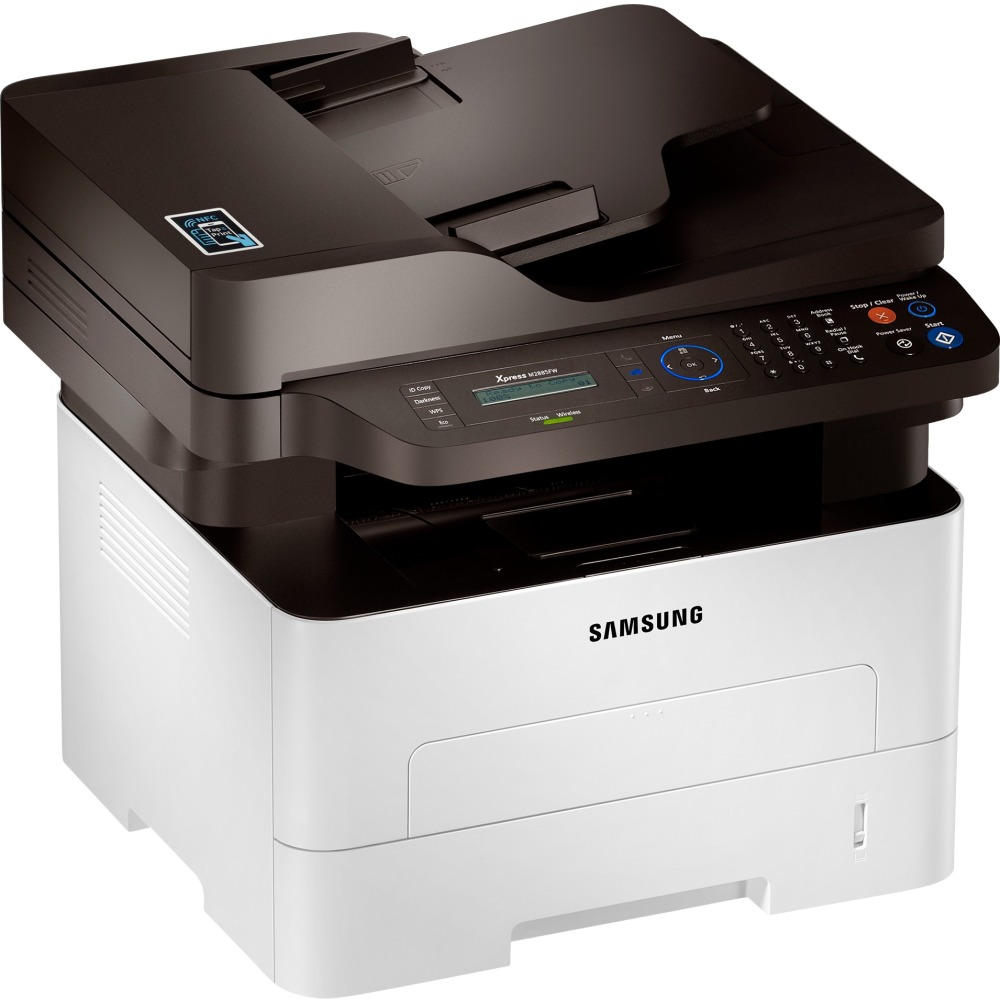
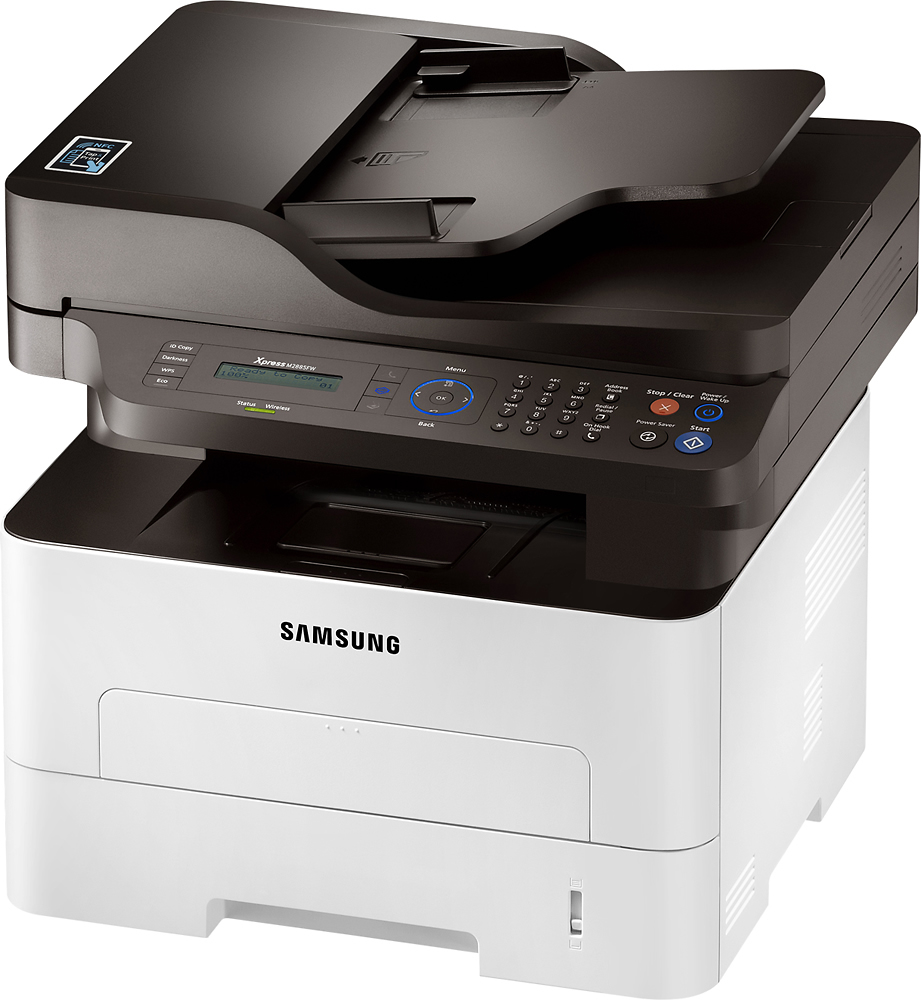
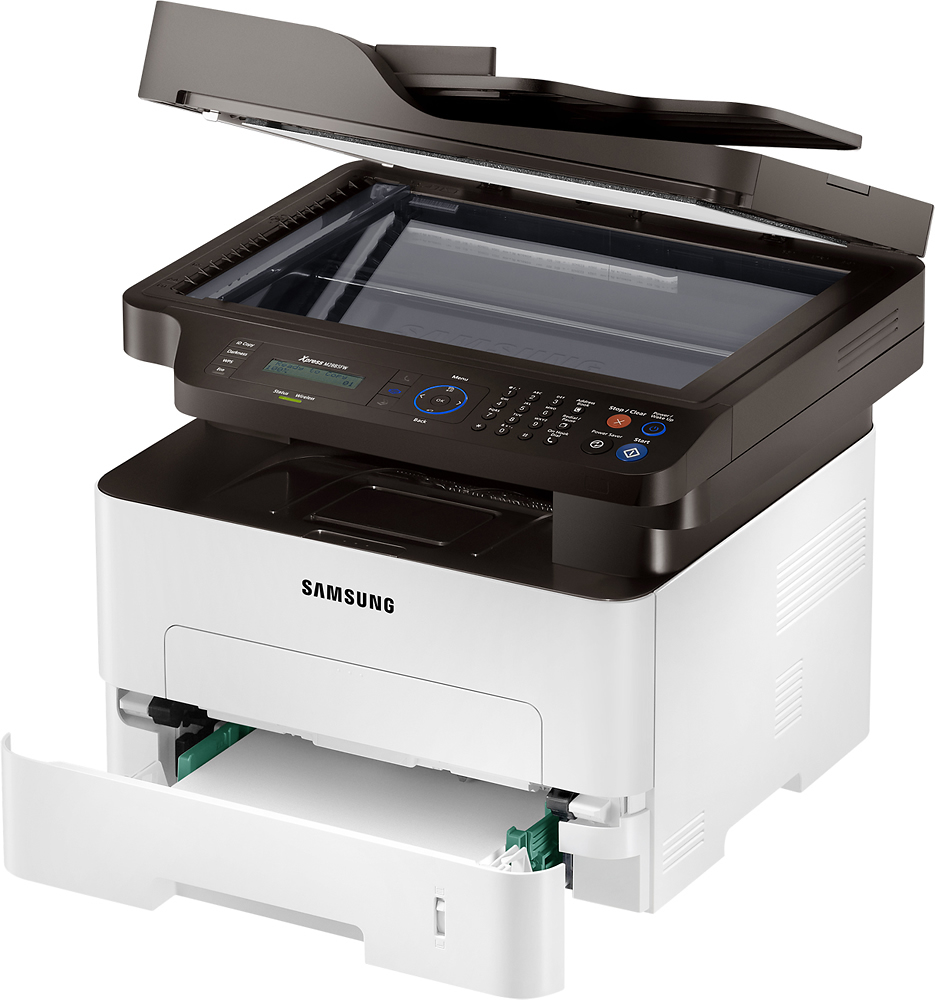

- Model:
- SL-M2885FW
- SKU:
- 9562101
to a friend
Customers are saying
Customers are positive about the SL-M2885FW Xpress Black-and-White All-In-One Laser Printer. They frequently praise its fast print and scan speeds and the ease of setup and use. The printer's economical nature and good print quality are also highlighted. Overall, user feedback points to a positive experience with this printer.
This summary was generated by AI based on customer reviews.
- Pros mentioned:Print speed
Great All in one Printer
||Posted .This reviewer received promo considerations or sweepstakes entry for writing a review.Very efficient, easy to operate. Prints fast. Copies are clear. I love that I can print directly from my iPhone too.
I would recommend this to a friend - Pros mentioned:Print speed
Great Printer - Buggy software
||Posted .This reviewer received promo considerations or sweepstakes entry for writing a review.I purchased this SamsungSL-2885FW to replace an old fax machine and a Samsung laser printer. I went with Samsung and am hoping they still build things as good as my old Samsung printer. I have been using it for 17yrs and it’s worked great all of these years. I have had it up and running for about 3 weeks and can say if you are looking for a low cost black and white laser all and one that has fast print and scan times you probably would enjoy this one. But tough the unit is great so far, I have had lots of problems with the software. First there are many, many programs that load if you chose them all (7-8) when installing from the provided CD, which made it a little hard to find the controls to the functions I needed like scan resoultition (top is 600 dpi) and print quality (also 600 dpi).The Samsung Easy Printer Manager was the correct one .This unit is connected to a pc with USB and is also connected to my Wi-Fi for Mobil printing. It took some trail and error research to solve this one so maybe a streamed line install with “one app does all “ would help. Second, I hade read some negative reviews about the Wi-Fi setup being a nightmare with many even having to call in to get it correct. But most of these reviewers felt that once the printer was set up, it was worth the effort. I think Samsung listened to people and had a Samsung Easy Wi-Fi Setup download on their support page for this unit and well it was…..Easy. Connected right a way no problems. The problems though are with the software I was using to print from our phones and Ipad. The suggested app is called Samsung Cloud Print and you should be able to print from wherever you are. This is one of the reasons I purchased a new Wi-Fi capable unit. Since I had this printer also connected directly to a pc multiple devices showed up and trail and error thinking had to be engaged. (I am getting to old for this stuff) Even with a lot of work I could not print my Email from the Web browser or the App. The Emails preview and print incorrectly. Photos did print well from the app. There are other apps available so I tried some and found that the Samsung Mobile Print worked better over all, but you had to have a direct Wi-Fi connection. For safety I only connect to my own personal Wi-Fi and this made it great for home use but I could not print Emails from another location like the other Cloud app should do. I guess if you work in an office with a secured network this should not be a problem, but if you want to print an email from your table at lunch you maybe out of luck. (I have done all I could to correct this and my last resort is to wait on Tech Support Phone and I just do not want to waste my time yet.) Lastly it would be nice if the LCD display had a backlight to make it easier to see in a darker room with out having to turn on the lights. I have looked for a way to control this with out successes. Because of the things listed above I can only give the unit a 4 star rating. Hope this info helps you as you search for your All in One.
I would recommend this to a friend - Pros mentioned:Ease of use, Print speed
Great Printer. Initial setup kind of a pain.
||Posted .This reviewer received promo considerations or sweepstakes entry for writing a review.This printer is fantastic. It is fast, quiet, and easy to setup, beyond the initial time. Getting it on the wireless network was the issue. Once it was on, the other PCs on the network were able to find it quick and easy.
I would recommend this to a friend Good Printer for copying and printing.
||Posted .This reviewer received promo considerations or sweepstakes entry for writing a review.Bought to use for my office. Works great for printing and copying documents. Have not been able to get scan feature to work even though it is connected via USB and not wireless. Maybe have a defective product, but it is too late for me to return. Should have tested when I initially set up. Overall I am pleased. Would rate 5 stars if scan option worked.
I would recommend this to a friendBrand response from MrSamsung
Posted .Madimaree,
Thank you for purchasing the Samsung Xpress M2885FW. I am sorry to hear that you are experiencing difficulties with the scan feature to work.
Samsung products are engineered to the highest standards of performance and quality and we back your Samsung with a 1-year limited manufacturer's warranty, if purchased brand-new from an authorized dealer. Please allow us the chance to diagnose and treat your product issue.
To better assist you with step-by-step troubleshooting or warranty service, please contact Samsung Customer Support toll-free at 1-800-SAMSUNG and a representative will gladly help you.
You can also contact Samsung via LiveChat or email. Please copy-paste this link into your browser: http://www.samsung.com/us/support/contact
Samsung is committed to providing the best possible product experience, quality, and value, and we are always here to help with any of your questions or concerns.
~Samsung Solutions
- Pros mentioned:Print speed
Good Value
||Posted .This reviewer received promo considerations or sweepstakes entry for writing a review.Only had it a month or but so far so good. There was a learning curve regarding the scanning operation but I got it figured out and it works fine. There is also an issue when trying to print an attachment from my cell phone, when I want to print in landscape it doesn't turn the document. This is not an issue when printing from my PC. It is an excellent printer for the price.
I would recommend this to a friend Excellent Mono Laser Printer
||Posted .This reviewer received promo considerations or sweepstakes entry for writing a review.I just purchased this printer form Best Buy Online, and it was delivered quickly. I took it straight out of the box and attached it to my desktop and was printing in 5 minutes. The WiFi was very easy to set up and now my whole family can print from not only their laptops, but their smartphones as well. The functions all work great on it. This is really a nice looking printer and has a small foot print. I would certainly recommend this to anyone looking for an above average laser printer.
I would recommend this to a friend- Pros mentioned:Print speed
Great Printer & Scanner
||Posted .This reviewer received promo considerations or sweepstakes entry for writing a review.We bought this printer originally because of its scanning output capabilities. It has WIA output capability which was required for our accounting software. This is actually the fourth purchase we have made and it is a fantastic printer; reliable, fast startup, economical, and quality output. Great as a local printer to my desk station.
I would recommend this to a friend - Pros mentioned:Ease of use
Works great
||Posted .This reviewer received promo considerations or sweepstakes entry for writing a review.Wanted an easy to use and economical printer with toner rather than ink cartridges. Happy so far with the printer.
I would recommend this to a friend - Pros mentioned:Print speed
Good product.
||Posted .This reviewer received promo considerations or sweepstakes entry for writing a review.The setup was not as easy as advertised. I ended up wiring the printer to my router. Printing works very well now.
I would recommend this to a friend - Pros mentioned:Ease of use, Print speed
best printer
||Posted .This reviewer received promo considerations or sweepstakes entry for writing a review.this is the 2nd printer i purchase. easy to use, setup was easy. prints very fast.
I would recommend this to a friend Crisp, clean and fast prints.
||Posted .This reviewer received promo considerations or sweepstakes entry for writing a review.The printer was easy to setup and configure. Printing, scanning, duplex work wonderfully. Best investment I have made ever, changing from inkjet printers to laser.
I would recommend this to a friend- Pros mentioned:Print speed
Great Product
||Posted .This reviewer received promo considerations or sweepstakes entry for writing a review.It's great economical, good print quality with network capabilities. Simply great.
I would recommend this to a friend - Pros mentioned:Ease of use
Nice small office printer
||Posted .This reviewer received promo considerations or sweepstakes entry for writing a review.Bought this printer for my wife’s private practice and it was incredibly easy to set up, even for her Mac.
I would recommend this to a friend - Pros mentioned:Ease of use
Excellent
||Posted .This reviewer received promo considerations or sweepstakes entry for writing a review.Easy to install and use. I recommend all my friends.
I would recommend this to a friend Budget friendly
||Posted .This reviewer received promo considerations or sweepstakes entry for writing a review.Love the compact size and inexpensive toners. However it does smudge when using thicker papers or duplex printing.
I would recommend this to a friendSamsung all in one laser printer/copy/scan/fax
||Posted .This reviewer received promo considerations or sweepstakes entry for writing a review.This is the third Samsung printer of this model I have purchased. The performance is excellent, scanner is easy to use and foolproof.
I would recommend this to a friendNice Printer +
||Posted .This reviewer received promo considerations or sweepstakes entry for writing a review.This printer also scans, copies and faxes. It is very quick and it offers 2 sided printing which is great and good for the environment.
I would recommend this to a friendwork well for less money
||Posted .This reviewer received promo considerations or sweepstakes entry for writing a review.It works perfectly well. I am able to print both sides, print wirelessly, and scan some documents. My sisters like it too.
I would recommend this to a friendGreat machine for home
||Posted .This reviewer received promo considerations or sweepstakes entry for writing a review.Good quality at even better price. Only issue was I had to download driver for windows 10.
I would recommend this to a friendOk scanner
||Posted .This reviewer received promo considerations or sweepstakes entry for writing a review.We use this scanner for a specific program in our office and it works well. Apart from that, scanning a document to your pc is much more difficult than it should be.
I would recommend this to a friend