Customer Ratings & Reviews

- Model:
- GP-U999COVLBDA
- SKU:
- 6333397
Rating by feature
- Value
Rating 4.0 out of 5 stars
- Quality
Rating 4.0 out of 5 stars
- Ease of Use
Rating 3.9 out of 5 stars
Customers are saying
Customers are enthusiastic about the SmartThings Indoor 1080p Wi-Fi Wireless Security Camera's excellent camera quality, ease of use, and effective motion detection. Many appreciate the night vision capabilities and find the price reasonable for the features offered. However, some users experienced connectivity issues and expressed concerns about the cloud storage options, particularly the lack of local storage. A few also noted that the camera can get warm and that the app could be improved.
This summary was generated by AI based on customer reviews.
- Pros mentioned:Camera quality, Night vision
Great for the price
||Posted . Owned for 9 months when reviewed.This reviewer received promo considerations or sweepstakes entry for writing a review.Took 3 weeks to get working along with nearly a dozen phone calls to Samsung. But now that it is up and running, this was a great purchase! Video quality is decent and like that it has night vision!
I would recommend this to a friend - Pros mentioned:Camera quality, Ease of use, Motion detection

Reasonably good indoor surveillance camera
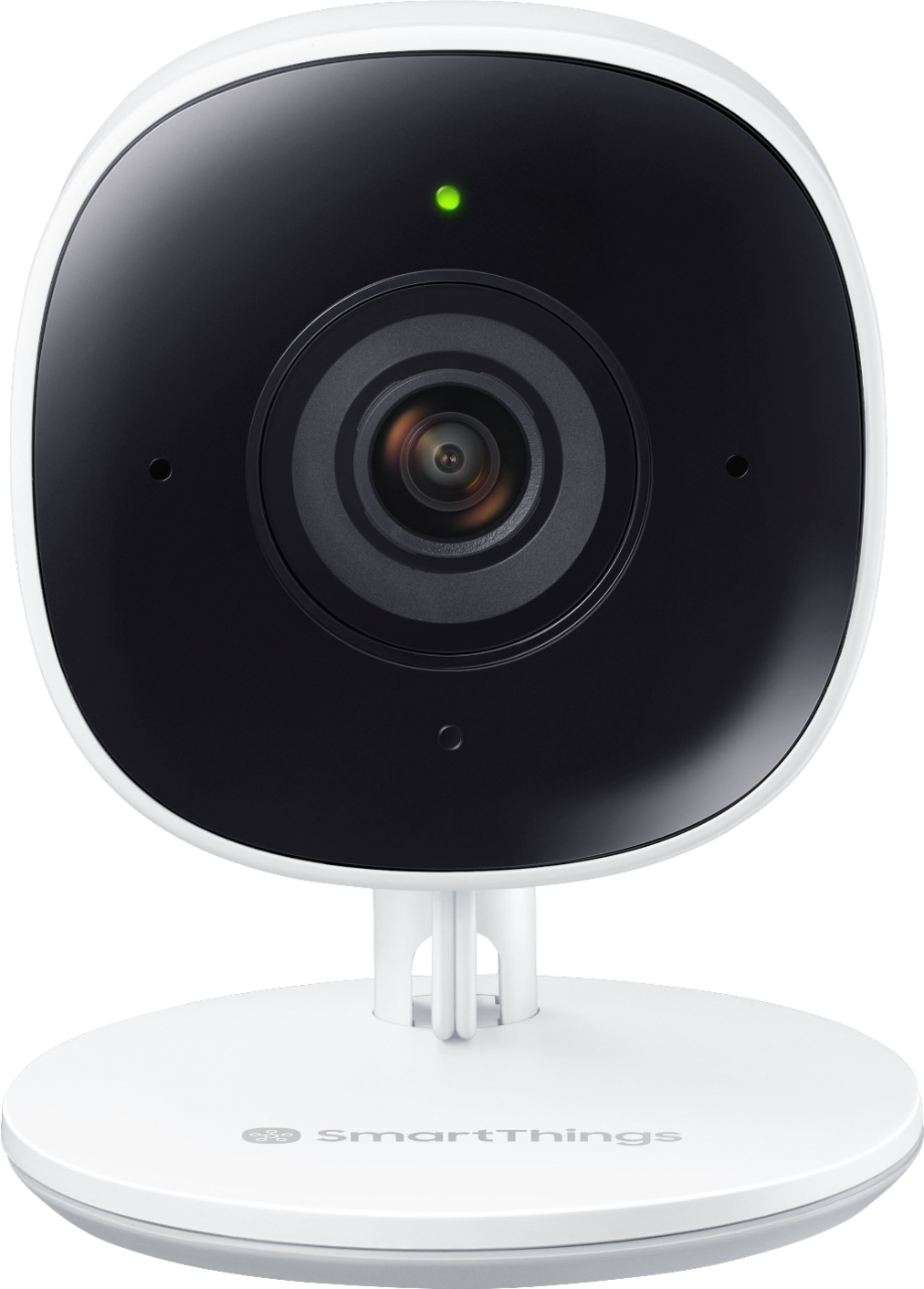
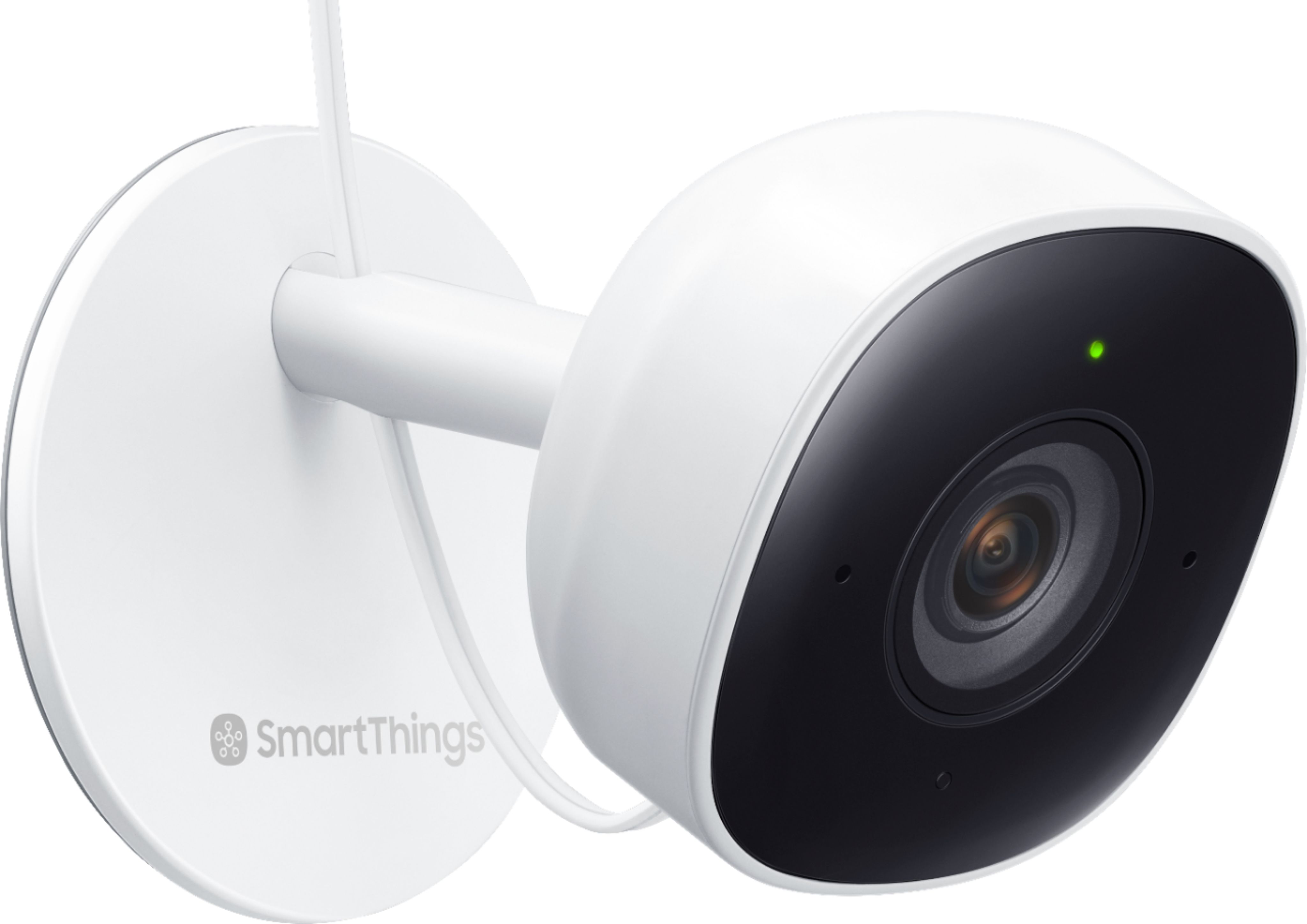
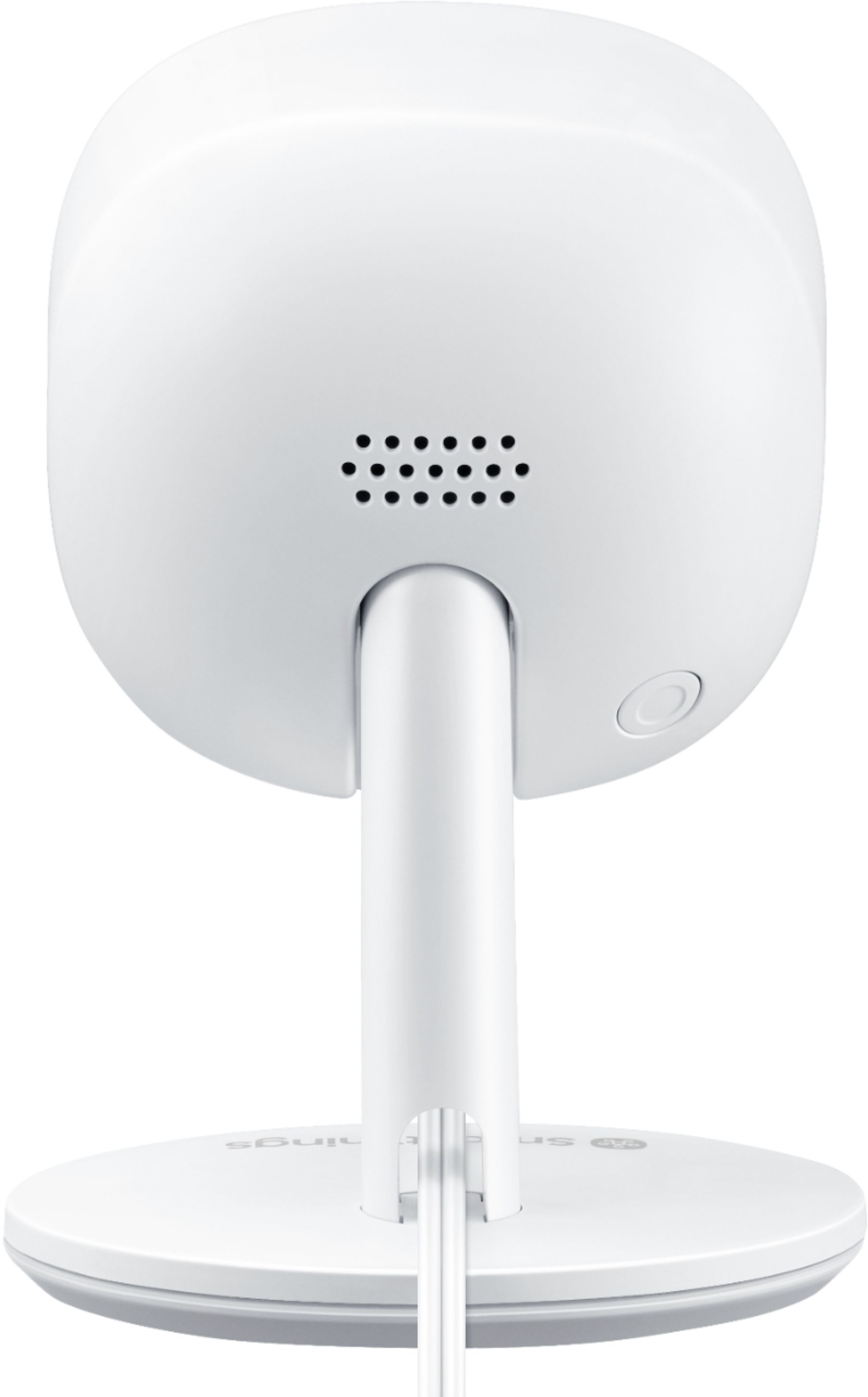
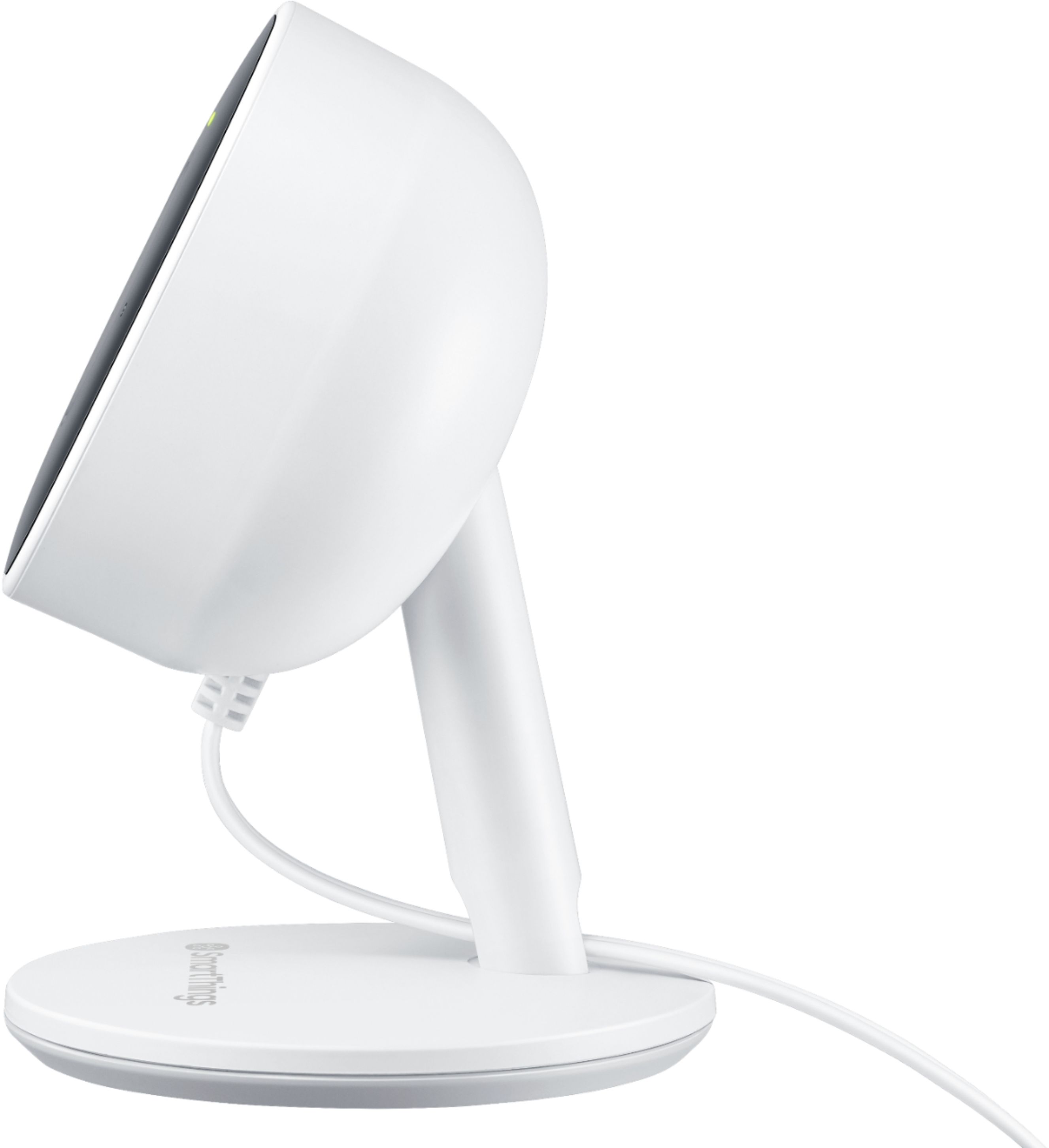
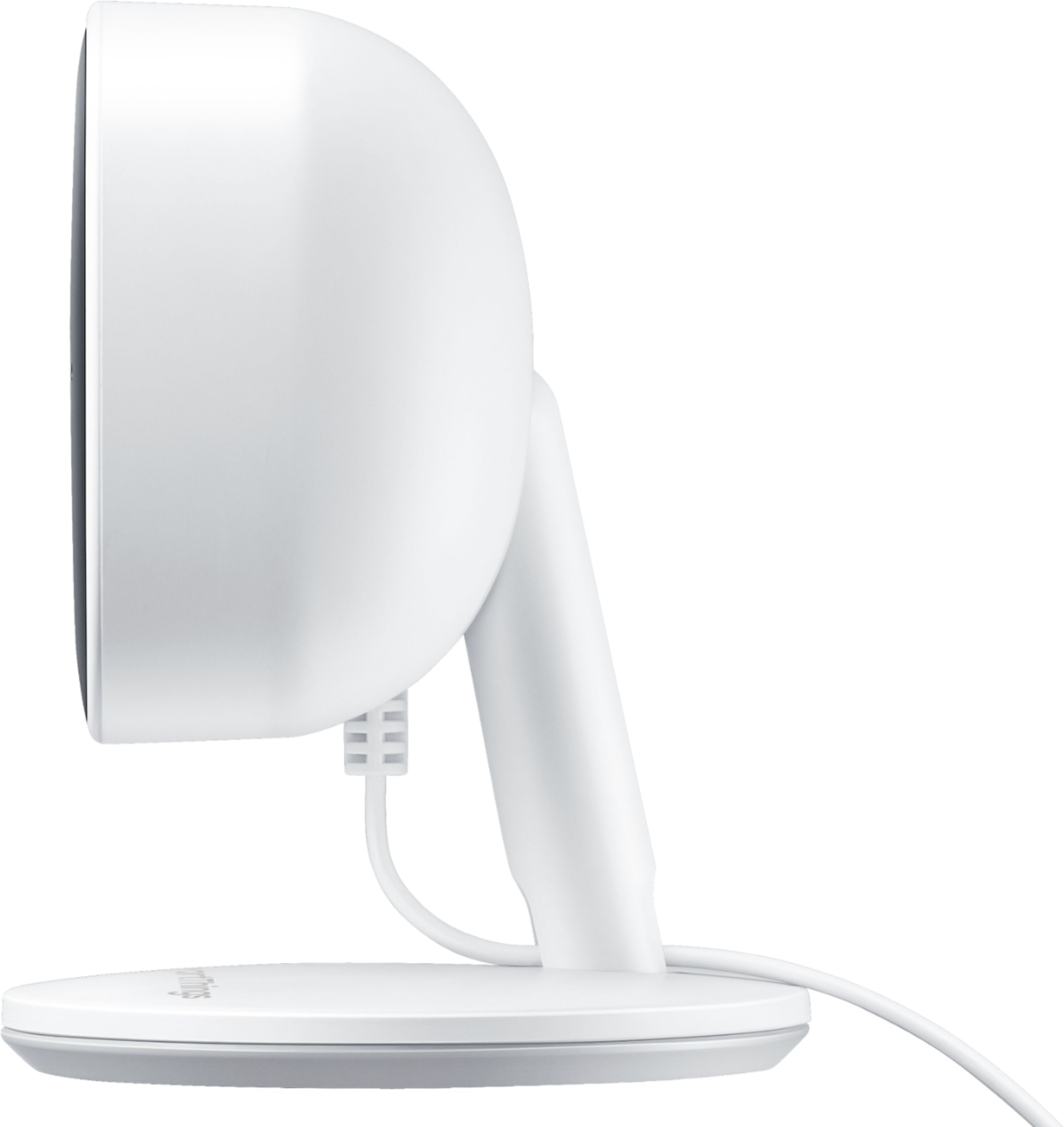
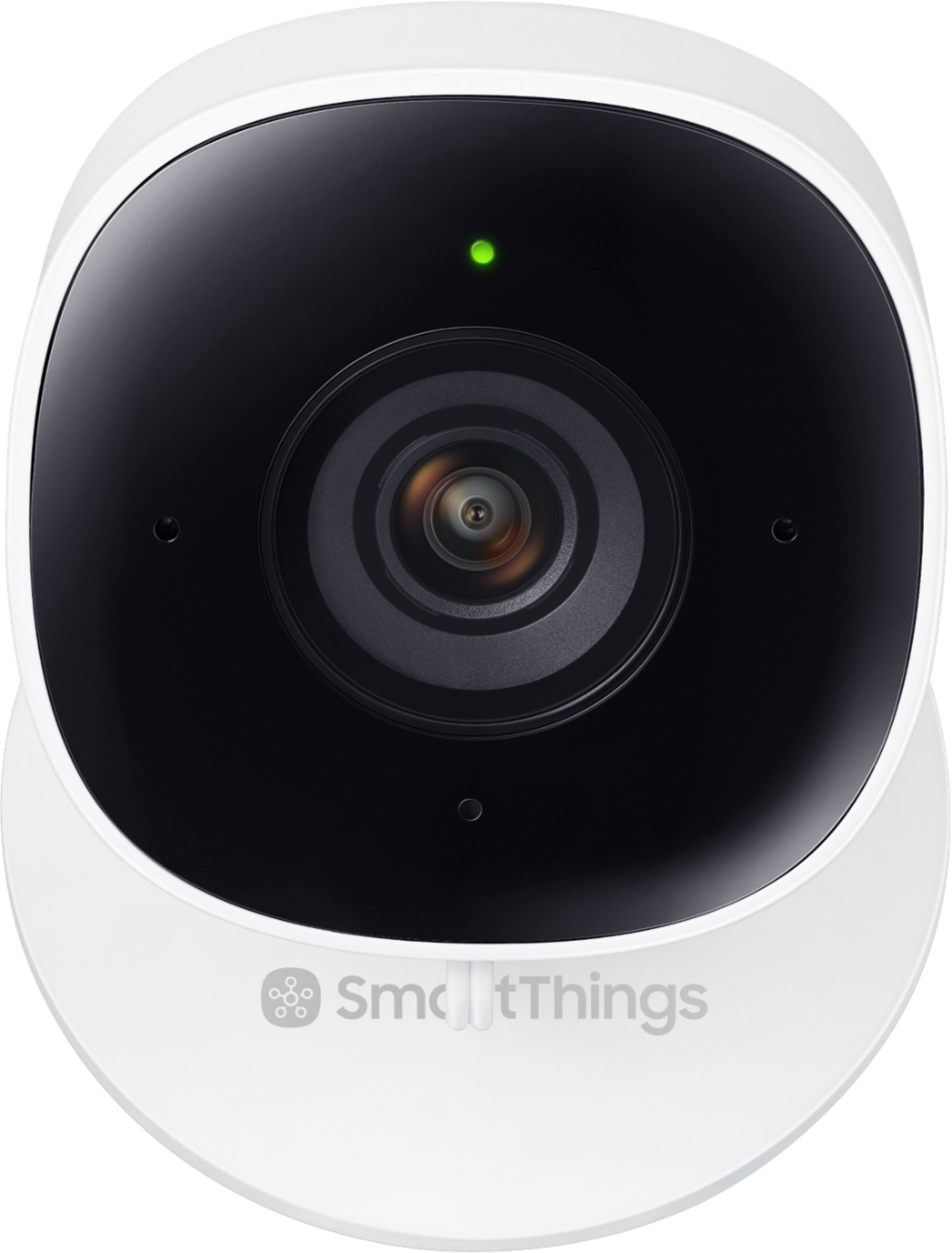
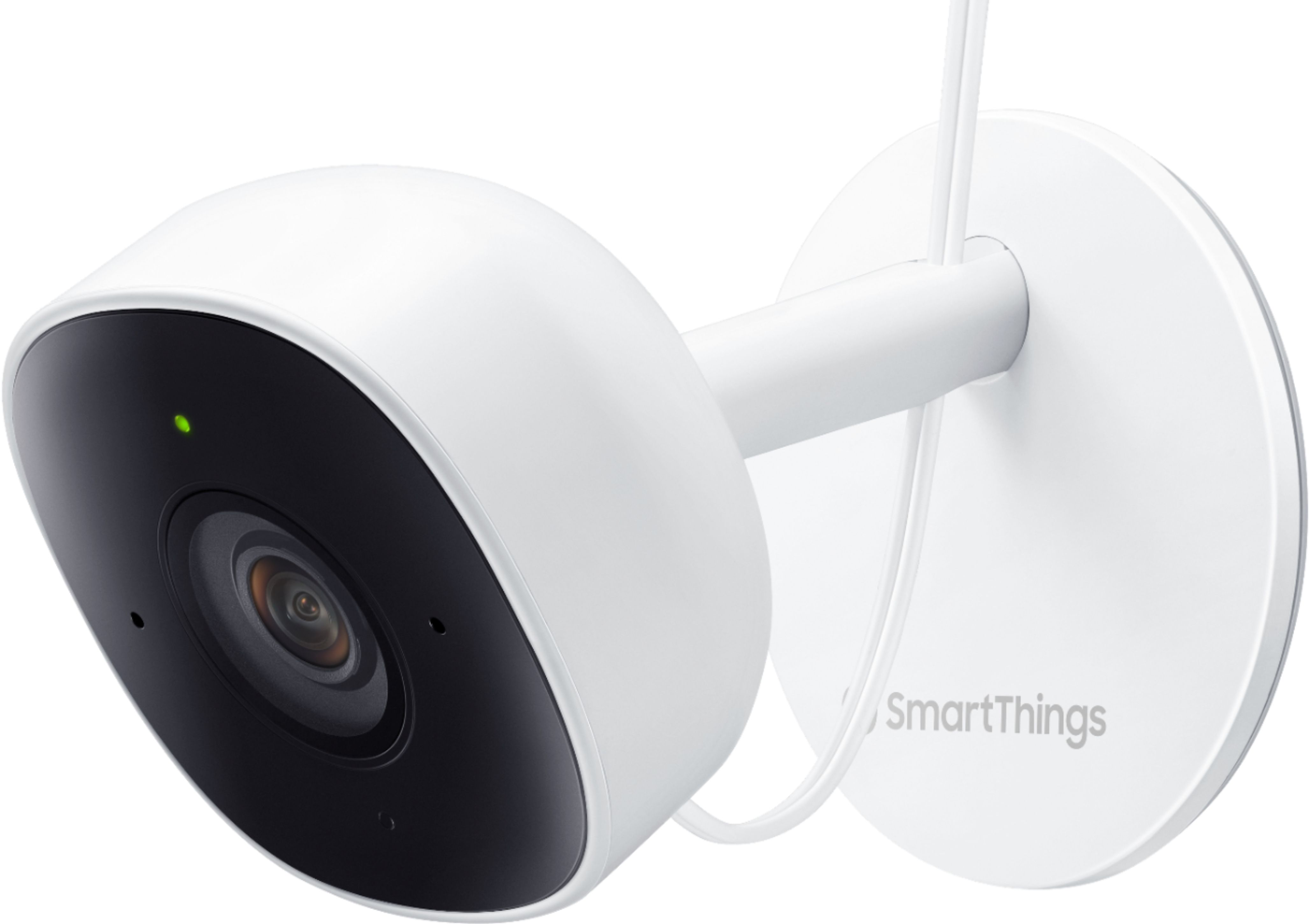
|Posted .This reviewer received promo considerations or sweepstakes entry for writing a review.This is my review for the Samsung - SmartThings Indoor 1080p Wi-Fi Wireless Security Camera – White. This device is a small camera that can sit on a shelf or be mounted to a wall and angled to cover an area, like your living room, entry area, or garage. The device can be used for functions like overseeing when an authorized person is given access to your home, such as for a neighbor or a delivery person putting items into your home. The camera has a microphone as well as a speaker, so you can hear as well as talk to the person. However, the microphone is a little low so they may not hear you very well. The camera also has low light capabilities, so even if the area goes dark the camera can still see reasonably well. The SmartThings Camera uses a hub that can connect other SmartThings branded devices. The SmartThings camera easily connects to the SmartThings hub, using a smartphone app that walks you through the process. If your hub is connected to your Wi-Fi network, then you follow the easy instructions to power up and have your camera recognized by the network. You will then be able to access the camera functions through the SmartThings application. The camera requires connection via a power adapter, and does not have a standalone battery option. So this may limit where exactly you place the camera. You have options for automatic night vision, wide angle option, and can establish a motion detection zone in the camera view so you indicate the area you care about. The SmartThings app will let you manually activate a recording on the video, so you can keep a video clip for later use. This does not look to be an automatic option. You can also take a picture. The app will keep a running activity history, and let you know when sound or motion was detected by the camera. The SmartThings line also has compatibility with other brands of devices, however be careful exactly which items you would like to integrate. Even though some brands are accepted, newer devices may not yet be compatible due to unavailable drivers or other technical reasons. The SmartThings site provides tech help on this topic. Unfortunately I was not able to integrate one of my other branded cameras into SmartThings as it is not yet supported. The SmartThings recording functionalities rely on a subscription to SmartThings. There is a basic plan that provides some capabilities for home automation, support for up to 4 cameras and ability for video storage. However, the premium plan provides additional capabilities and support for up to 8 cameras and other devices using custom rules. You can also take advantage of automations to let you know when someone is on camera, a door is opened, or other event. The SmartThings Camera seems to be reasonably reliable for its intended purpose. It’s good for a do-it-yourselfer, but I was bummed out that the camera relied on a power adapter that is a relatively short cord. So this will definitely limit some users ability to use this camera product.
No, I would not recommend this to a friend - Pros mentioned:Camera quality
Good camera
||Posted .This reviewer received promo considerations or sweepstakes entry for writing a review.Good camera for day time. Night vision not so good, Motion sensors works well in well lit areas. They do not work in dark areas when using night vision. You can only see up to about 6 feet in front of camera using night vision. The audio simply does not work. People can barely hear me and I can’t hear them unless they are close to camera. The app is very confusing and it took 4 days of trial and error to figure it out. If it’s for checking to see kids came home or someone entering during the day , good camera. For security at night stick to the ring cameras.
I would recommend this to a friend - Pros mentioned:Ease of use
Meh
||Posted . Owned for 5 months when reviewed.This reviewer received promo considerations or sweepstakes entry for writing a review.To scope this a little bit, I currently have 114 devices connected via SmartThings. I have three of these in my home. Setup was relatively straight forward, but one can did give me a little trouble. The wifi setup gave me problems about halfway through requiring a reset of the cam. The other two went just fine. The problem is the long-term use. I randomly will have the cam feeds in the app turn off. Usually they go for days without me noticing until I want to check a clip and find the cam off. Secondly, I will randomly have one of the cams stop recording clips. I have one doing so right now. It's set to record automatically on motion, but I don't have a single clips for several days. Going back a week and there's no log data at all for motion or sound detection. This is a deal-breaker for me and I'll be moving on to another solution.
No, I would not recommend this to a friendBrand response from Samsung
Posted .We're sorry to hear of the issues you have been experiencing with your SmartThings Cameras, RIEII! When a device is not working properly, a reset can often resolve the issue. If you haven't already attempted to reset your SmartThings Cameras, you can find the steps to do so on our Support page here -- https://support.smartthings.com/hc/en-us/articles/360029965211-Set-up-and-connect-the-SmartThings-Cam. If a reset does not help, or if you have additional questions, please contact our dedicated SmartThings team directly at 1-866-813-2404 or support@smartthings.com. We would love the opportunity to help get your devices working the way they should! ~Samsung Brand Ambassador

- Pros mentioned:Camera qualityCons mentioned:Cloud storage
Great picture but the rest needs work
||Posted . Owned for 1 month when reviewed.This reviewer received promo considerations or sweepstakes entry for writing a review.The camera has a great picture but it won't let you record video clips over 60 seconds and does not support local storage for recording and also does not allow Alexa or Google Assistant to display it on a smart display. I think it could be a lot better if they fixed these issues.
No, I would not recommend this to a friend - Pros mentioned:Ease of use
Simple and easy to use
||Posted . Owned for 3 weeks when reviewed.This reviewer received promo considerations or sweepstakes entry for writing a review.Works great easy to use, simple clean design, quick and easy to set up
I would recommend this to a friend - Pros mentioned:Ease of use
I love it! My birds don't like me spying
||Posted . Owned for 1.5 years when reviewed.This reviewer received promo considerations or sweepstakes entry for writing a review.Easy set up, and easy to use. Bought it to spy on my animals. I have 11 birds. I can now check in throughout the day to see what they are doing. Somehow they manage to turn Alexa off. Now I can turn it back on, plus yell at them to quit throwing seed and toys everywhere!
I would recommend this to a friend - Pros mentioned:Camera qualityCons mentioned:Connectivity
Nice Picture. Loses connection too often
||Posted . Owned for 3 weeks when reviewed.This reviewer received promo considerations or sweepstakes entry for writing a review.This would be an amazing camera if it didn’t lose connection as often as it does. The picture is fabulous! The only other complaint I have would be SmartThings not having an outdoor camera but this is not a huge deal.
I would recommend this to a friend - Pros mentioned:Camera quality
A good camera that integrates into SmartThings
||Posted . Owned for 3 weeks when reviewed.This reviewer received promo considerations or sweepstakes entry for writing a review.The camera is high quality and directly integrates into Samsung Smartthings. It can be used in automations as well. It functions pretty well as a lower cost security camera. The only thing keeping it from 5 stars is the SmartThings software sometimes lags when trying to open the video feed and playback of recorded events should be easier.
I would recommend this to a friend - Pros mentioned:Ease of use
Good Quality Picture, Easy Setup
||Posted . Owned for 3 weeks when reviewed.This reviewer received promo considerations or sweepstakes entry for writing a review.I was looking for an easy to setup and share with the family camera. Adding to SmartThings was a snap and finding the majority of the settings was easy. What I didn't like is I can't seem to share it without giving someone access to my account. And no way to set the movement area without using the Home Monitor as a whole. Other than that it works pretty well.
I would recommend this to a friendBrand response from Samsung
Posted .Thank you for the feedback on the SmartThings Camera, KDowning! You can find helpful information about inviting members in the SmartThings App on our Support page here -- https://support.smartthings.com/hc/en-us/articles/115002085066. By inviting members, you allow them to view and control your SmartThings devices without giving them access to your Samsung account. If you have additional questions, or need assistance, please reach out to our SmartThings team at 1-866-813-2404 or support@smartthings.com. Thank you! ~Samsung Brand Ambassador
- Pros mentioned:Ease of use, Motion detection
Great Camera
||Posted . Owned for 1 month when reviewed.This reviewer received promo considerations or sweepstakes entry for writing a review.We purchased this camera to monitor the inside of our home when we are not there. It was very easy to install and connect to the Hub. It can sense people outside of our window just walking by our home so it really can pick people up from a ways away.
I would recommend this to a friend - Pros mentioned:Camera quality, Ease of use
Easy to use
||Posted . Owned for 1 month when reviewed.This reviewer received promo considerations or sweepstakes entry for writing a review.Easy to use! Great size camera! Good product good picture.
I would recommend this to a friend - Pros mentioned:Camera quality, Price
Works with Samsung SmartThings
||Posted . Owned for 4 months when reviewed.This reviewer received promo considerations or sweepstakes entry for writing a review.Price point is perfect. App does not have a credit card location and I was not able to locate membership information during trial period. Excellent for very basic recordings of small audio and video clips.
I would recommend this to a friend - Pros mentioned:Camera qualityCons mentioned:Heat
Camera runs very hot, unresponsive after few hours
||Posted . Owned for 3 weeks when reviewed.This reviewer received promo considerations or sweepstakes entry for writing a review.Was really excited about this camera as I am a SmartThings user and it is totally affordable. After setting it up the first night I noticed it was hot to the touch and woke up the next morning to it being unresponsive. Had to unplug it for a bit to get it online again and then it happened again after about 5 hours. Had to return it and ended up getting another model instead. With that being said, quality was decent and hopefully I just had a defective unit.
No, I would not recommend this to a friendBrand response from Samsung
Posted .Thank you for your review of the SmartThings Camera! I am sorry to hear of the difficulties you experienced with your SmartThings Cam. Please contact our dedicated SmartThings team at 1-866-813-2404 or support@smartthings.com so we can gather more information. Thank you for being a Samsung customer! ~Samsung Brand Ambassador
- Pros mentioned:Camera quality
Great Surveillance Camera
||Posted . Owned for 1 month when reviewed.This reviewer received promo considerations or sweepstakes entry for writing a review.Great Camera and it does it's job. The set-up was easy but keep in mind it works with Galaxy s21 phones only. Doesn't work with my Galaxy s10 or Galaxy Tab s7 plus with the same OS as s21 Ultra
I would recommend this to a friend - Pros mentioned:Camera qualityCons mentioned:Cloud storage, Connectivity, Heat
Good entry level camera
|Posted .This reviewer received promo considerations or sweepstakes entry for writing a review.It’s a little unfair to compare this product to some of the other higher cost offerings that are out there—such as Nest or Arlo. This camera retails for much less. Here’s what I love, like and loathe about it. Love: the image. It’s super wide angle and great quality. Like: setup was easy (I’ve gotten to do it several times.) Loathe: it disconnects quite a bit. When it does, I have to add it back to the smartthings hub again (oh yeah, you need a hub too). I’ve wondered if it’s a hub connection issue since my hub was wirelessly connected to my LAN. I’ve changed it since then and will keep an eye on it to see how it does. I also noticed the camera gets hot sometimes. As far as recording, Samsung gives you some limited free cloud storage, however it only records when you arm the system to away mode. In that sense, it’s not going to record unless you keep it armed. I have it in my garage and had trouble getting it to record as expected. If you plan to use it to live view remotely, it does a decent job—when it’s connected.
No, I would not recommend this to a friendBrand response from Samsung
Posted .Thank you for your feedback regarding the SmartThings Camera! I apologize for the issues you are experiencing with the SmartThings Cam disconnecting. Please let us know if you continue to experience issues after the adjustments you made. As for recording, you are able to set up automated recording within the SmartThings App. You can find information on how to record video on our Support page here -- https://support.smartthings.com/hc/en-us/articles/360029637752. If you have additional questions, or need further assistance with troubleshooting, please contact our dedicated SmartThings team at 1-866-813-2404 or support@smartthings.com. Thank you for being a Samsung customer! ~Samsung Brand Ambassador
- Pros mentioned:Camera quality, Motion detection
Constantly freezes
||Posted .This reviewer received promo considerations or sweepstakes entry for writing a review.Item came as described, nice color, beautiful design, the image is great when seeing it live but really upsetting on how it seems it always freezes when needed, The device accurately warns you when motion and/or sound is detected but when you look at your app it times out, freezing when crucial moments are needed, horrible device when actually needed
No, I would not recommend this to a friend - Pros mentioned:Camera quality
Good for the price I got it for.
||Posted . Owned for 1 month when reviewed.This reviewer received promo considerations or sweepstakes entry for writing a review.It takes great video and pictures and pairs quick with a Samsung device. It is highly sensitive to sound and motion which is good but annoying if your home. I leave mine off unless I'm gone for that reason.
I would recommend this to a friend - Cons mentioned:Cloud storage
Good value
||Posted .This reviewer received promo considerations or sweepstakes entry for writing a review.Purchased on sale & is a good value. But no SD card to store video. Need to subscribe to keep up to 30 days of video.
I would recommend this to a friend - Pros mentioned:Camera quality
Good Camera
||Posted . Owned for 2 weeks when reviewed.This reviewer received promo considerations or sweepstakes entry for writing a review.I definitely would not spend $90 on a camera but for the deal I got ($30) it is a great deal. This camera is perfect for indoors I use it for keeping an eye on the pooch while at work.
I would recommend this to a friend