Customer Ratings & Reviews
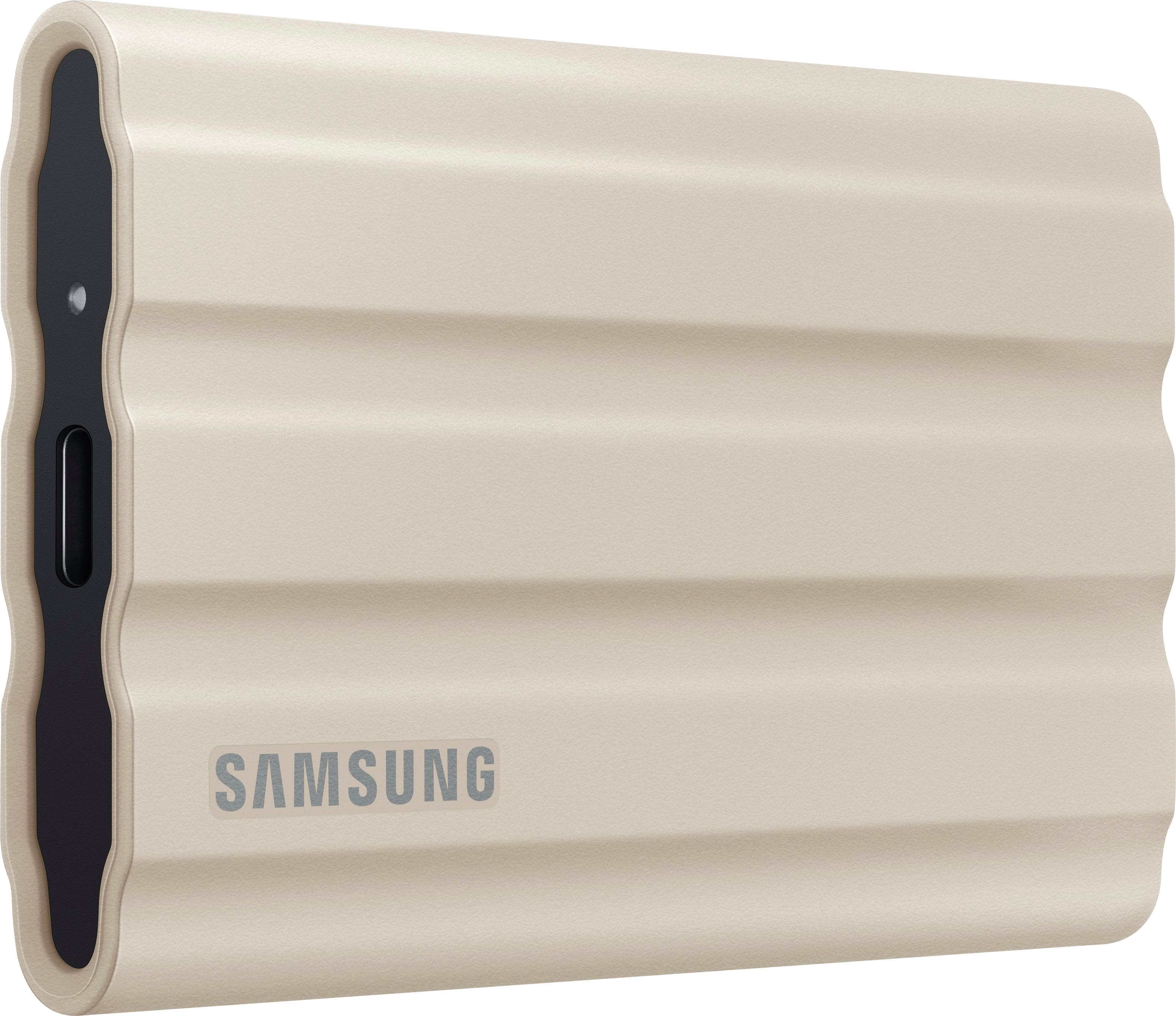
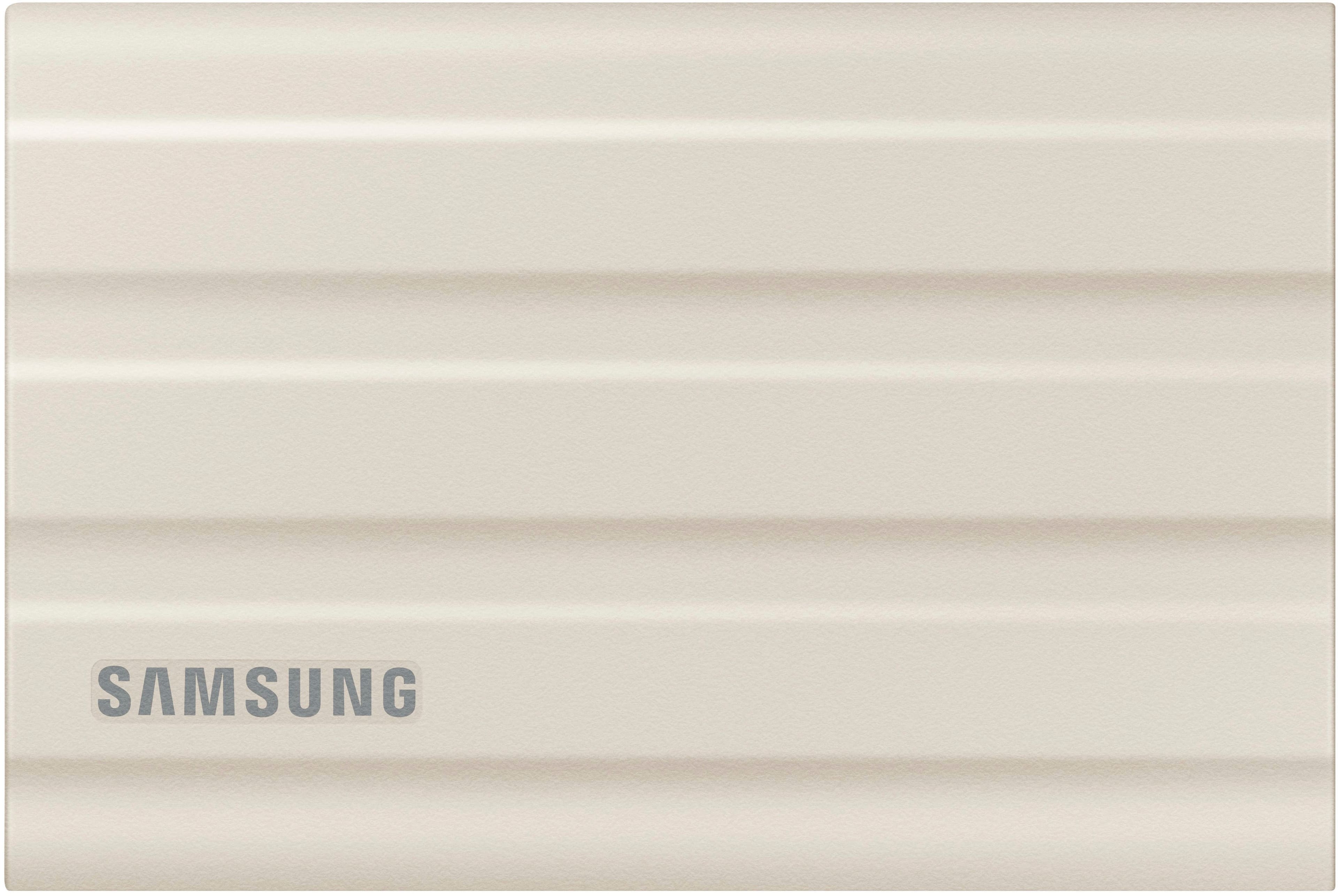


- Model:
- MU-PE1T0K/AM
- SKU:
- 12109790
Rating by feature
- Value
Rating 4.7 out of 5 stars
- Quality
Rating 4.9 out of 5 stars
- Ease of Use
Rating 4.9 out of 5 stars
Had Drive
||Posted . Owned for 1 month when reviewed.This reviewer received promo considerations or sweepstakes entry for writing a review.Works great doesn’t take up much room love how small it is………………………………..
I would recommend this to a friendGreat Storage Device
||Posted . Owned for 2 weeks when reviewed.This reviewer received promo considerations or sweepstakes entry for writing a review.Convenient, easy to use storage device. High performance, Recommended.
I would recommend this to a friendhighly recommend
||Posted . Owned for 3 weeks when reviewed.This reviewer received promo considerations or sweepstakes entry for writing a review.excellent product, fast hard drive, great price especially when on sale
I would recommend this to a friendGreat drive
||Posted . Owned for 3 weeks when reviewed.This reviewer received promo considerations or sweepstakes entry for writing a review.This drive does everything I need to do. I would definitely buy again.
I would recommend this to a friendSo Far - So Good
||Posted . Owned for 1 month when reviewed.This reviewer received promo considerations or sweepstakes entry for writing a review.Finally went with SSD, so far. so good. Works like it says it will.
I would recommend this to a friendWorks as advertised
||Posted . Owned for 1 month when reviewed.This reviewer received promo considerations or sweepstakes entry for writing a review.Work in the field in IT and this device does what I need it to do
I would recommend this to a friendRead speed is fast
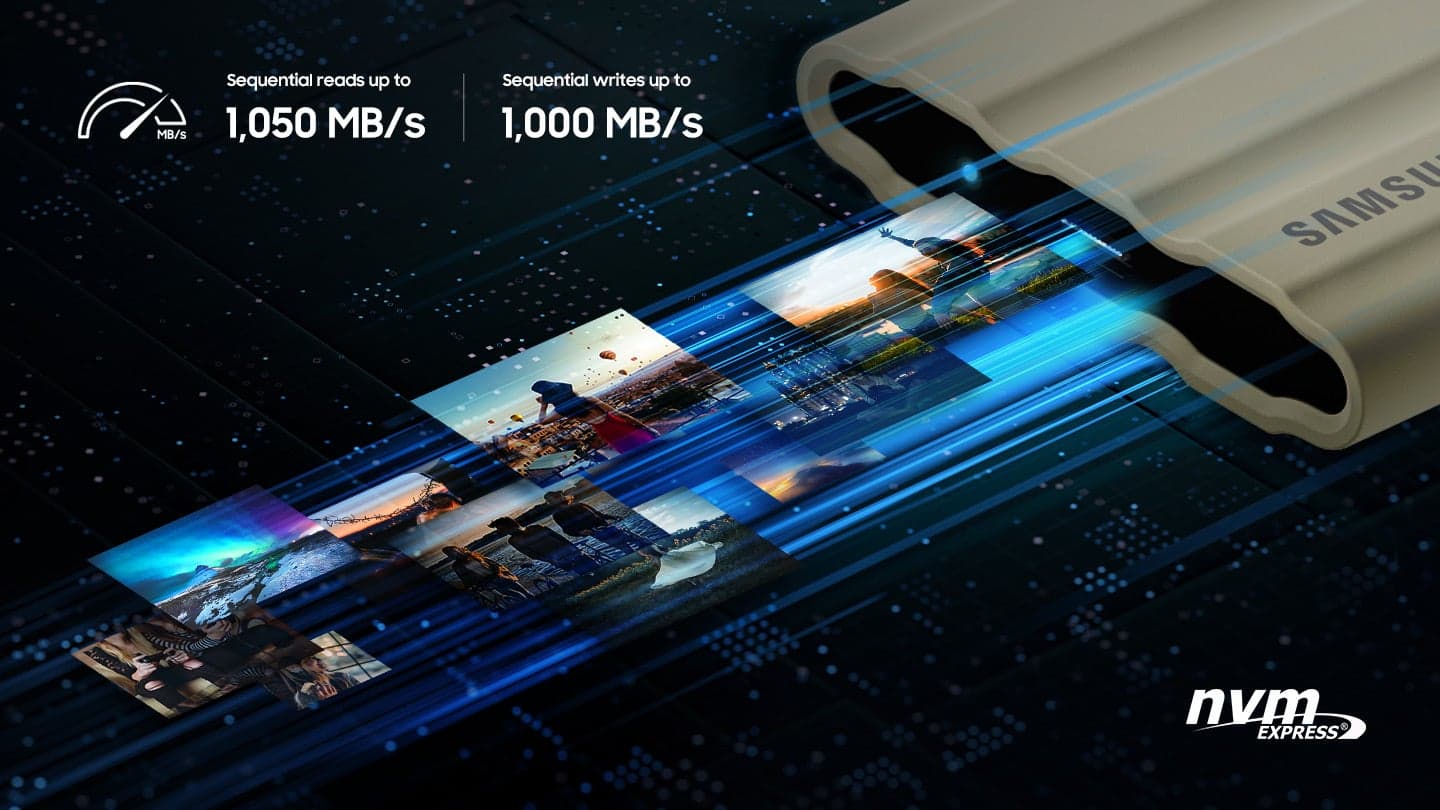
||Posted . Owned for 3 weeks when reviewed.This reviewer received promo considerations or sweepstakes entry for writing a review.modt fast ssd i never see! very good and usb 3.2mode much faster!
I would recommend this to a friendFast External Drive
||Posted . Owned for 3 weeks when reviewed.This reviewer received promo considerations or sweepstakes entry for writing a review.My wife needed extra storage for photos and this works perfectly.
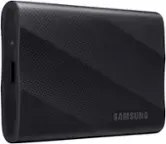
I would recommend this to a friendSamsung T7 Shield SSD drive
||Posted . Owned for 7 months when reviewed.This reviewer received promo considerations or sweepstakes entry for writing a review.This is an excellent ssd drive. Fast access and file transfer.
I would recommend this to a friendEXCELLENT
||Posted . Owned for 3 weeks when reviewed.This reviewer received promo considerations or sweepstakes entry for writing a review.Very easy set up. Very strong and built nicely. Fast speed
I would recommend this to a friendSaves space on phone without losing data
||Posted . Owned for 1 month when reviewed.This reviewer received promo considerations or sweepstakes entry for writing a review.Would have been nice if someone from geek squad could explain how to make it work or even demonstrate properly. They instructions are tiny and confusing. Thank goodness I had teenage neighbor that showed me how to work.
I would recommend this to a friendBrand response from Samsung
Posted .RPica:
While it’s great to hear that you’re loving the quality of your T7 Shield SSD, I’m very sorry to hear of the difficulties you experienced with setting up your drive.
Should you ever have any questions or need help, please know our team is at your fingertips and always ready to help!
1) Call: 1-800-SAMSUNG (ask for Memory or press #, then 6 for Memory products)
Available 9AM – 9PM EST (Mon-Fri)
2) Email: [email protected]
3) Or visit us on the Samsung website and click on the SUPPORT link in the upper right corner of the homepage for:
a) Chat with Us/Product Help: To begin a chat or find solutions, choose ‘Computing – Memory & Storage’ and select your model & topic.
b) Manuals & Software
c) Warranty Info
d) Register a Product: For access to easy warranty support, convenient opt-in to special promos and offers, faster troubleshooting and service, and quick notification of system updates
e) Contact Us
The Samsung Members Community is also a great resource for getting help from Samsung moderators and customers: https://us.community.samsung.com/
Thank you for choosing Samsung!
- Samsung Memory
T7 shield
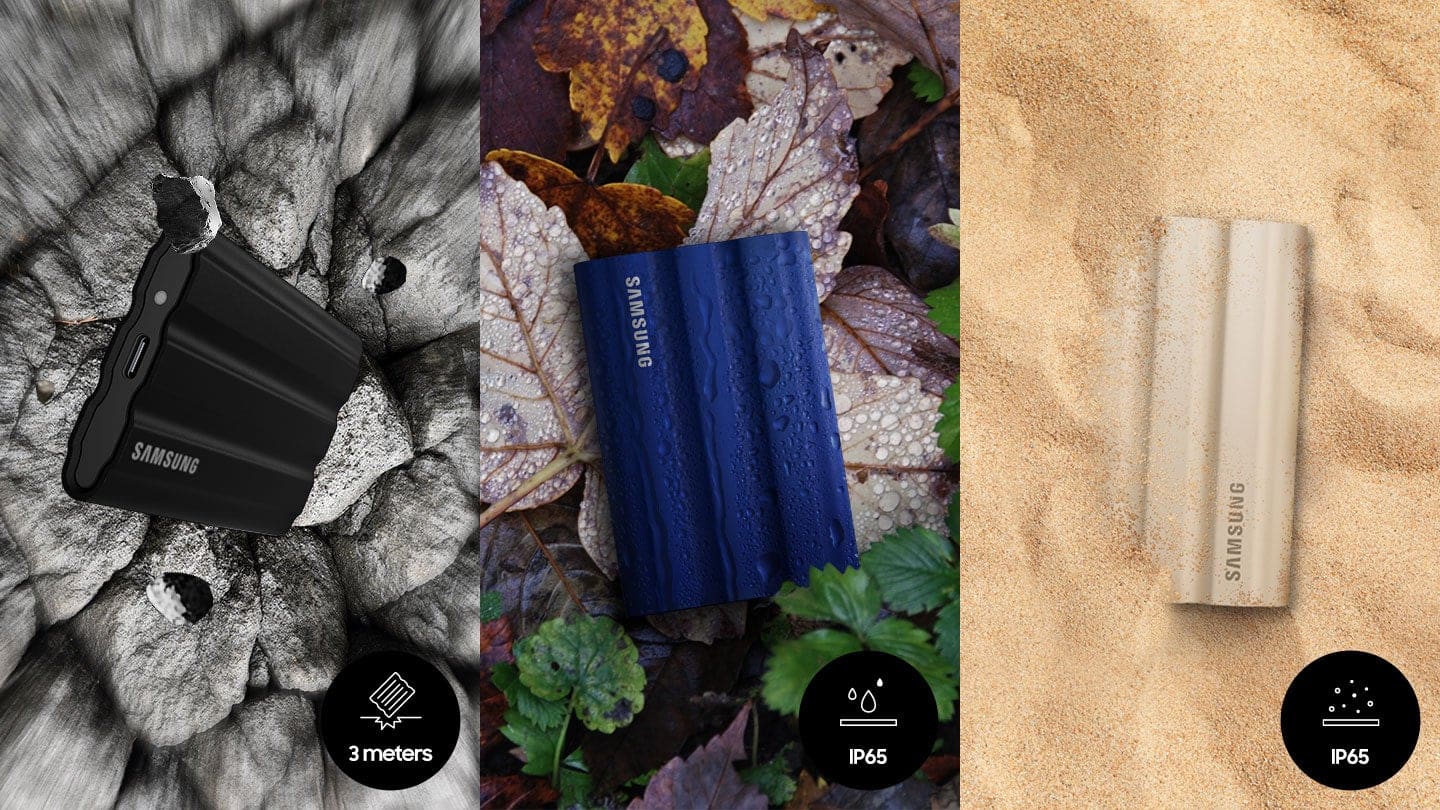
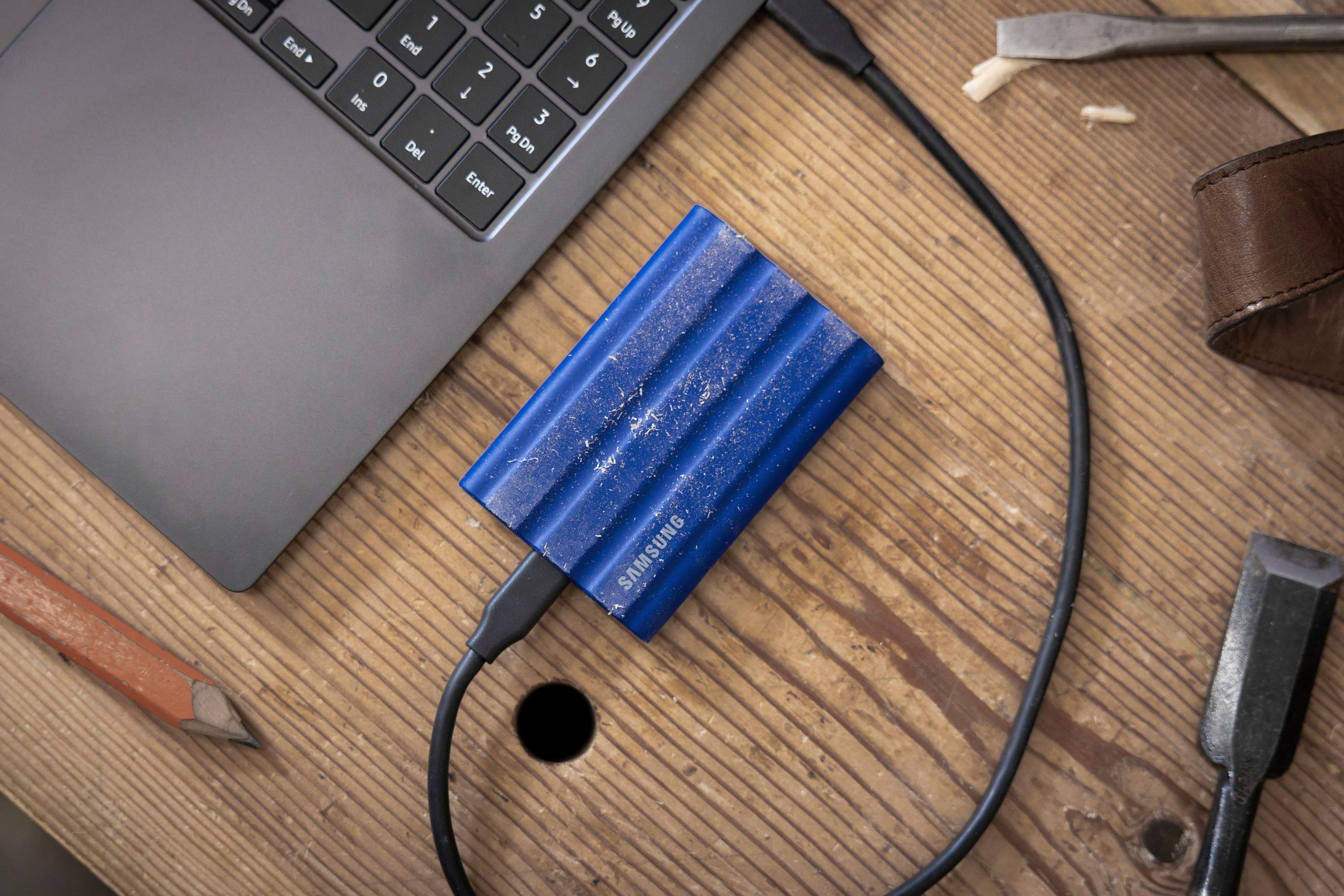
||Posted . Owned for 1 month when reviewed.This reviewer received promo considerations or sweepstakes entry for writing a review.It’s slim and non slippery only bad is attract dust
I would recommend this to a friendFast and durable
||Posted . Owned for 1 week when reviewed.This reviewer received promo considerations or sweepstakes entry for writing a review.Fast drive, use for backups and only takes minutes every time
I would recommend this to a friendEditing a breeze with this SSD!
||Posted . Owned for 2 weeks when reviewed.This reviewer received promo considerations or sweepstakes entry for writing a review.Great deal! Solid drive for fast editing on photos/videos.
I would recommend this to a friendback it up
||Posted . Owned for 1 month when reviewed.This reviewer received promo considerations or sweepstakes entry for writing a review.easy to use, small enough to carry in your pocket.
I would recommend this to a friendwould not recommend
||Posted .This reviewer received promo considerations or sweepstakes entry for writing a review.bought it and right away it started giving my mouse issues, a year later it only allows uploads at a whole 3Mb per second.
No, I would not recommend this to a friendBrand response from Samsung
Posted .DTrain:
I’m very sorry for the difficulties you’ve experienced with your T7 Shield SSD. We completely understand your frustrations, and we are here to help.
Samsung stands behind the quality and performance of every T7 Shield SSD we manufacture with a limited 3-year manufacturer’s warranty when purchased brand-new, directly from any authorized dealer, like Best Buy.
Please contact Samsung Customer Support directly so that we can better investigate your issue and assist you towards a resolution or replacement.
1) Call: 1-800-SAMSUNG (ask for Storage Devices). Available 9AM - 12AM EST (Mon-Fri)
2) Email: [email protected]
3) LiveChat 9AM-9PM EST (Mon-Fri) - https://www.livehelpnow.net/lhn/lcv.aspx?d=34834&ms=&zzwindow=0&lhnid=29783
We hope to hear from you soon.
~ Samsung Memory
Love this drive
||Posted . Owned for 1 month when reviewed.This reviewer received promo considerations or sweepstakes entry for writing a review.I only edit off of SSD’s so glad they are coming down in price. Now they just need to make them in 10-20tb for a reasonable price just stay away from Western Digital. Over a decade i’ve had about 5 western digitals go bad. Never had a samsun or g drive go bad. Also i edit in 8k so ssd is mandatory.
I would recommend this to a friendYour external SSD shows ultra-poor performance
||Posted . Owned for 3 weeks when reviewed.This reviewer received promo considerations or sweepstakes entry for writing a review.In a word, TERRIBLE! Despite the number of times I visited Best Buy and the Geek Squad, no one was able to improve the run time for merely doing a copy-and-paste of my data from my internal SSD (C:\) to this external SSD. In fact, my rotary external Passport drive ran circles (more than 150%) over my subject SSD. I backed up my data onto my rotary drive in about 3 hours, whereas my B/U onto my external SSD took in excess of 8 hours. Even when I tried deleting older versions of my data on the external SSD, it took about 3 hours merely to complete the Calculating phase alone. It was unnerving! This same poor performance happened with an external SSD drive with another brand ... AND, such poor performance occurred on my second laptop that I purchased at the same time as my first laptop. Both of my laptops performed unacceptably with your external SSD. I wish there was an answer, but there does not seem to be any. So I'll be returning my external SSD today. Question: How can copying my data on an internal SSD to an external SSD take longer than when using an external rotary drive??? Baffling! I'd love to hear back from you.
No, I would not recommend this to a friendBrand response from Samsung
Posted .FoxyFox:
I’m sorry to hear that your experience with Samsung’s T7 Shield SSD has fallen short of your expectations. Your feedback is very important to us and will be shared with our internal product team.
Should you want to troubleshoot your issue first, please contact Samsung Customer Support.
1) Call: 1-800-SAMSUNG (ask for Memory or press #, then 6 for Memory products)
Available 9AM – 9PM EST (Mon-Fri)
2) Email: [email protected]
3) Or visit us on the Samsung website and click on the SUPPORT link in the upper right corner of the homepage for:
a) Chat with Us/Product Help: To begin a chat or find solutions, choose ‘Computing – Memory & Storage’ and select your model & topic.
We hope you’ll give us a chance so we can provide you with the excellent experience we strive for.
- Samsung Memory
Not worth it
||Posted . Owned for 3 weeks when reviewed.This reviewer received promo considerations or sweepstakes entry for writing a review.Really wanted to like this thing…. After rehashing online, turns out that the supplied cable is trash. It wouldn’t even connect and would freeze up my computer until I unplugged it. Changed the cable and I can now at least get it to connect. Transfer speeds are trash as well, no well near the as advertised. I would not recommend it. I gave it 2 stars because it is rugged so if you don’t care about speed and need something to hold up outdoors then should be considered but there’s better options out there.
No, I would not recommend this to a friendBrand response from Samsung
Posted .OrlandoH:
I’m very sorry for the difficulties you’ve experienced with the cables of your T7 Shield SSD. We completely understand your frustrations, and we are here to help.
Samsung stands behind the quality and performance of every T7 Shield SSD we manufacture with a limited 3-year manufacturer’s warranty when purchased brand-new, directly from any authorized dealer, like Best Buy.
Please contact Samsung Customer Support directly so that we can better investigate your issue and assist you towards a resolution or replacement.
1) Call: 1-800-SAMSUNG (ask for Memory or press #, then 6 for Memory products)
Available 9AM – 9PM EST (Mon-Fri)
2) Email: [email protected]
3) Or visit us on the Samsung website and click on the SUPPORT link in the upper right corner of the homepage for:
a) Chat with Us/Product Help: To begin a chat or find solutions, choose ‘Computing – Memory & Storage’ and select your model & topic.
We hope to hear from you and to make this right.
- Samsung Memory

The perfect portable drive
|Posted .This reviewer received promo considerations or sweepstakes entry for writing a review.This is the nicest all around drive I have owned. The drive is super fast with SSD internal drive. The looks are also very attractive and the drive is rugged. Samsung thoughtfully packed this with different cables making it useful for more than just laptops. There is software to install for Mac and PC, but also works flawlessly for my iPad Pro with the USB-C cable. With it being solid state, it is completely noiseless and doesn’t become hot with ongoing use, even with intensive reads and writes. Most of my other drives are considerably larger and not nearly as portable. With multiple laptops, this is the one that I carry with me for every occasion. While this might not seem so important, I’m writing this as I stand in line at an airport with a very heavy backpack. The weight and size of the drive matters, especially when traveling. As SSD drives become less expansive, these will become the standard for portable storage. Samsung always provides top of the line products and this is no exception.
I would recommend this to a friend