Customer Ratings & Reviews
- Model:
- RV2110
- SKU:
- 12009363
Rating by feature
- Value
Rating 4.6 out of 5 stars
- Quality
Rating 4.5 out of 5 stars
- Ease of Use
Rating 4.5 out of 5 stars

Outstanding vacuum
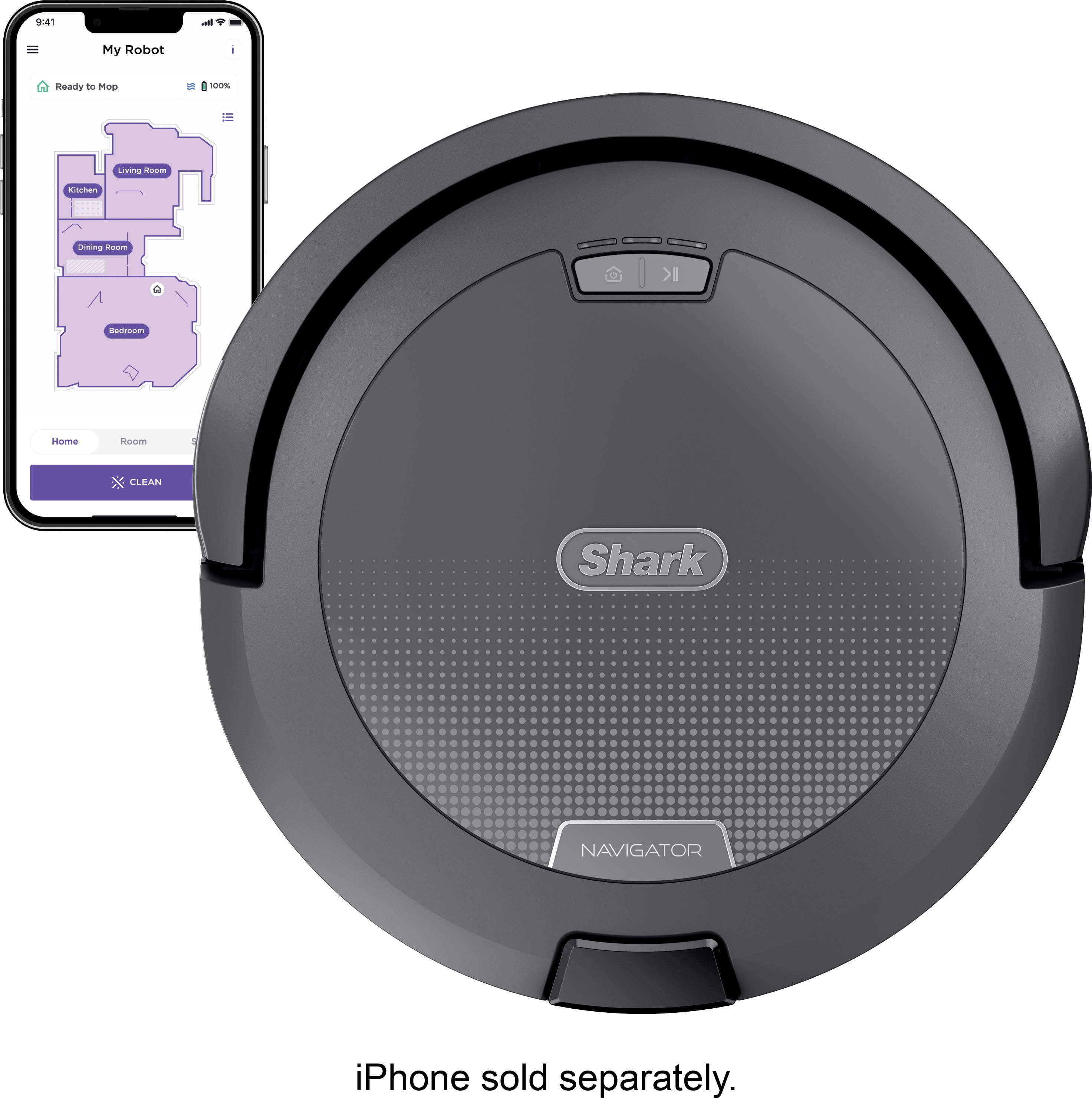
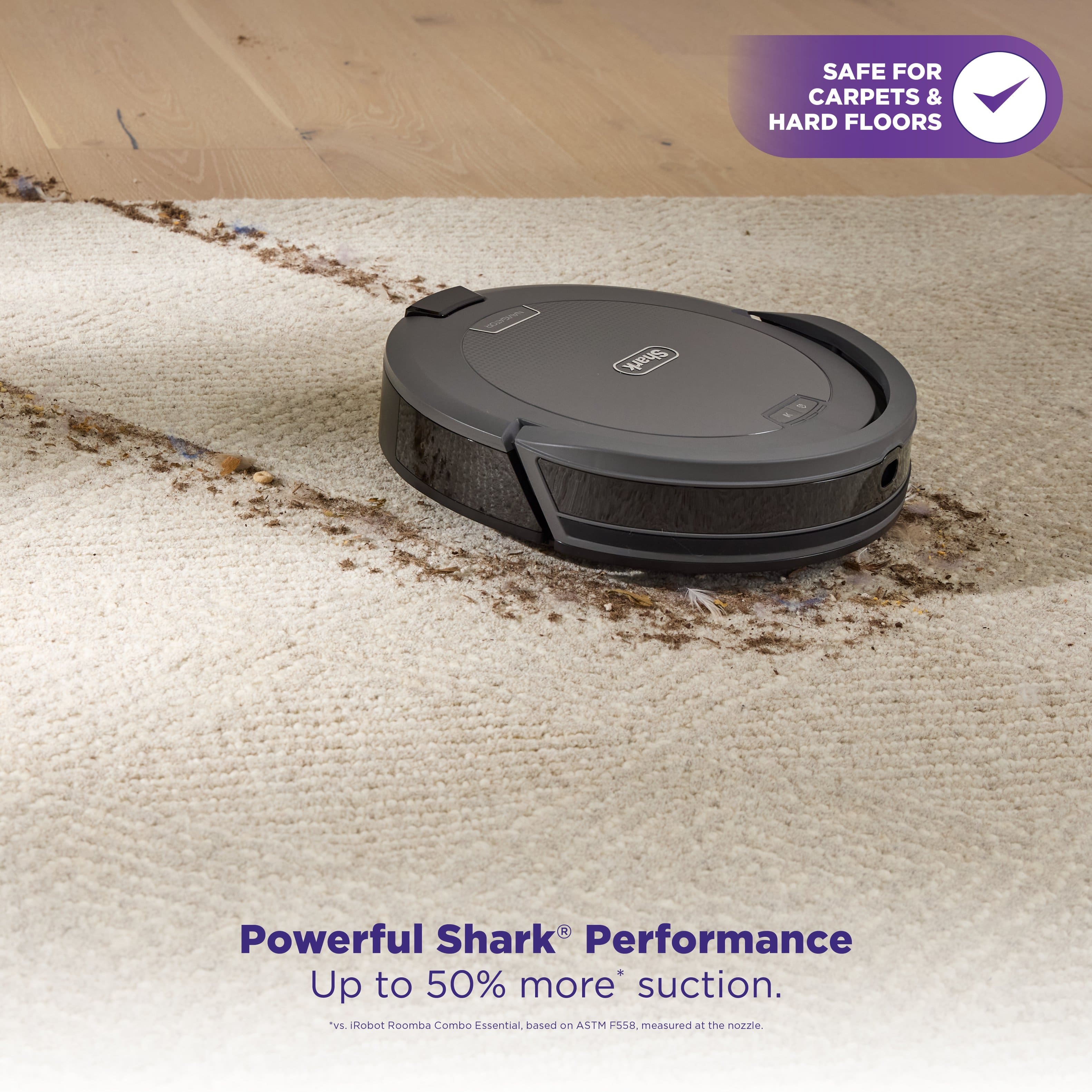
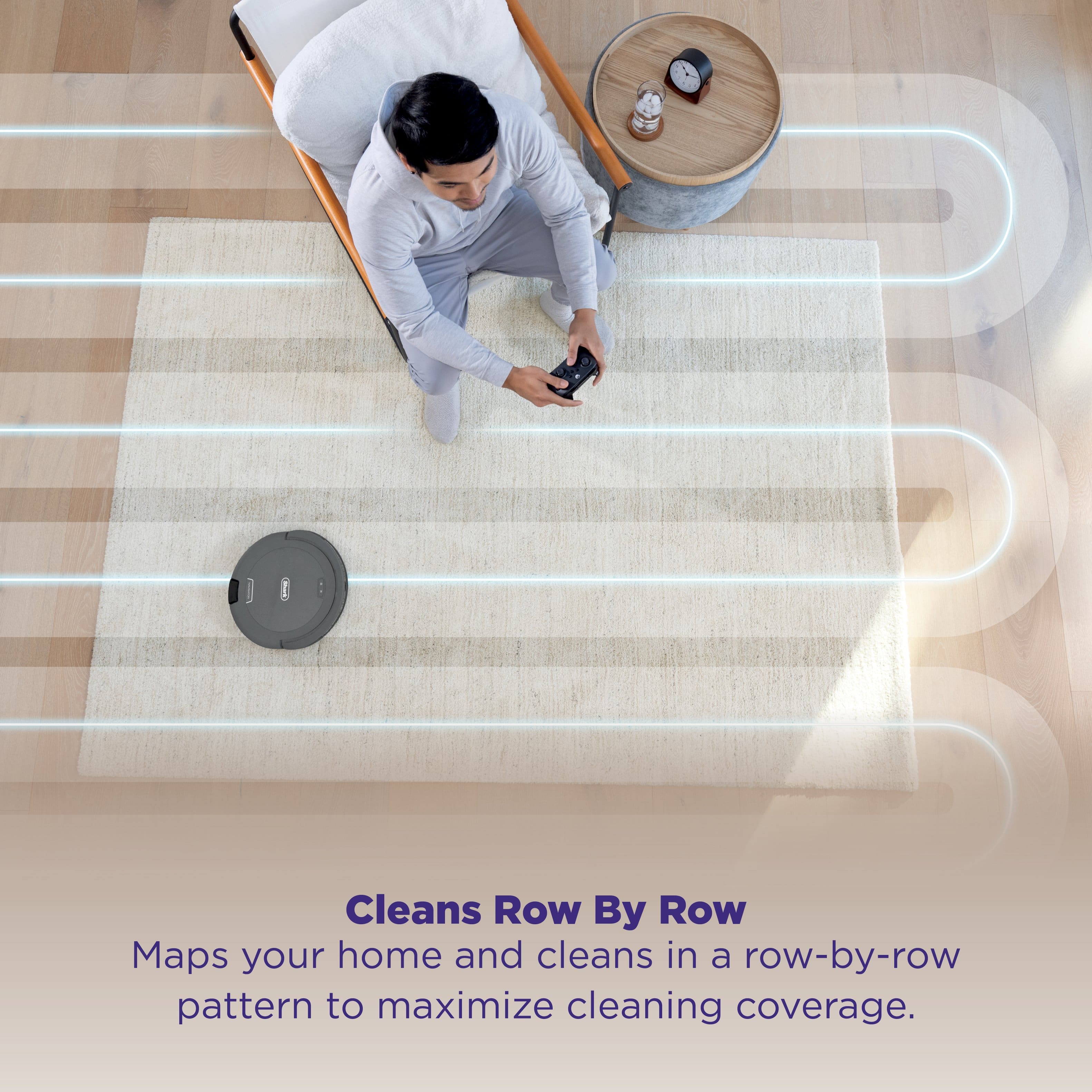
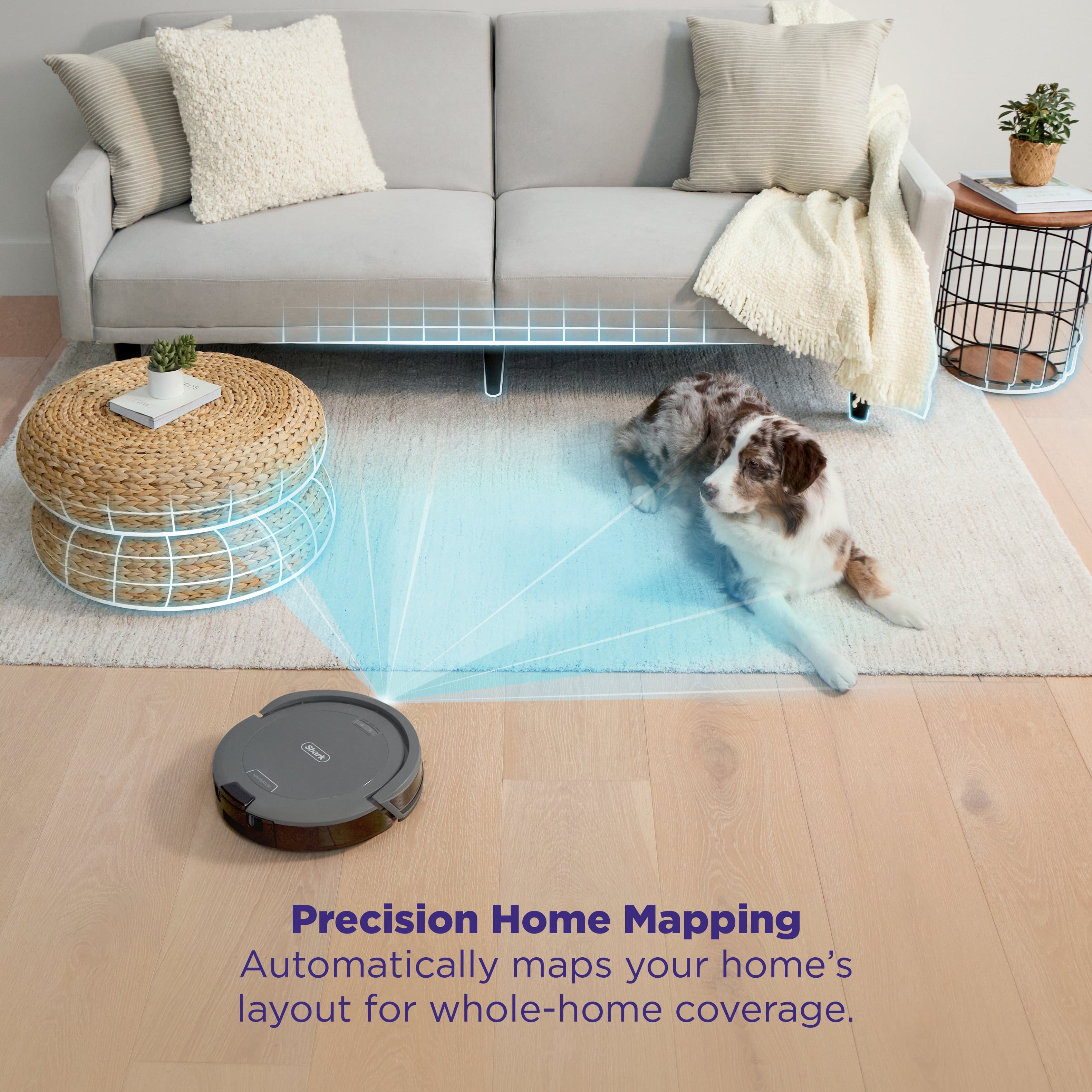
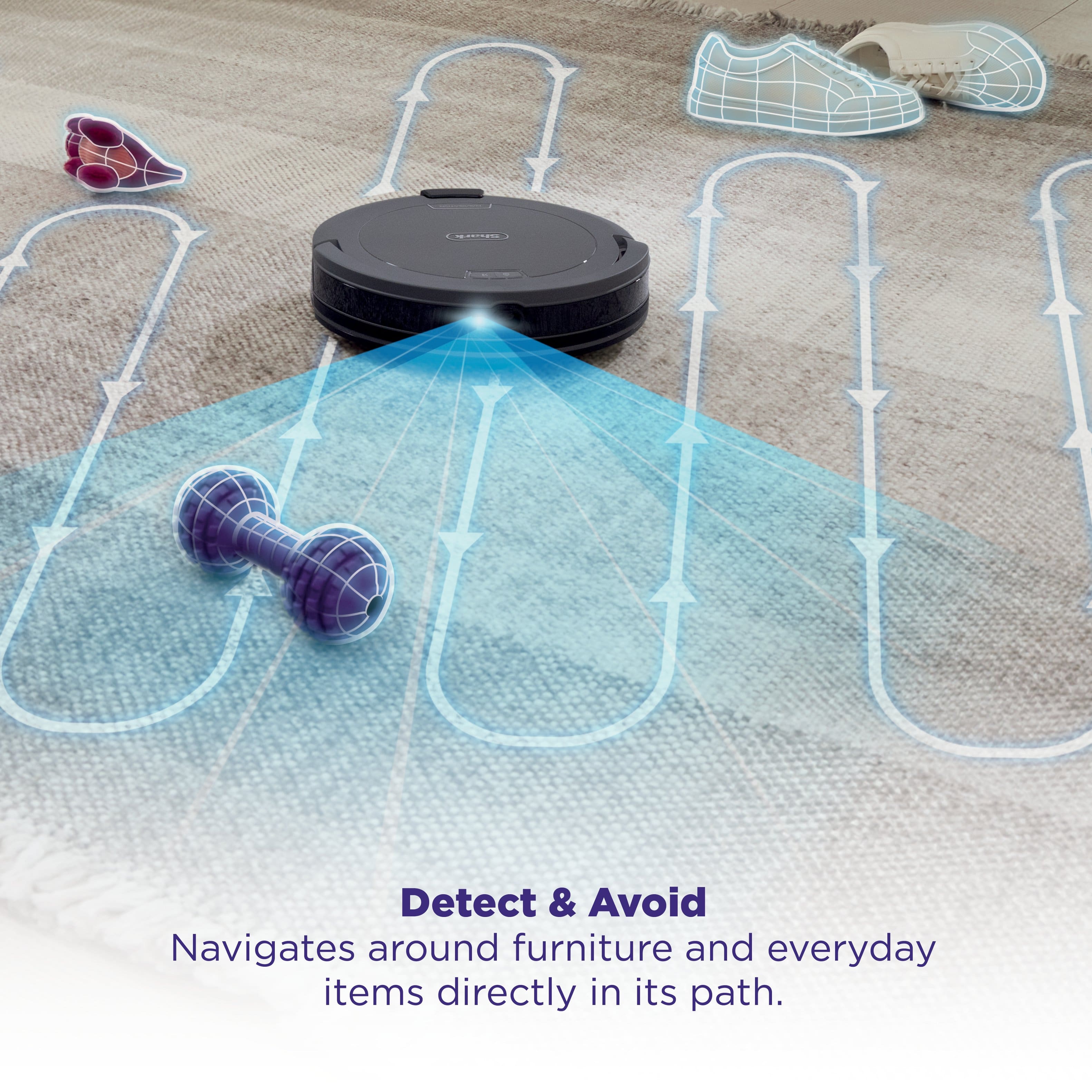
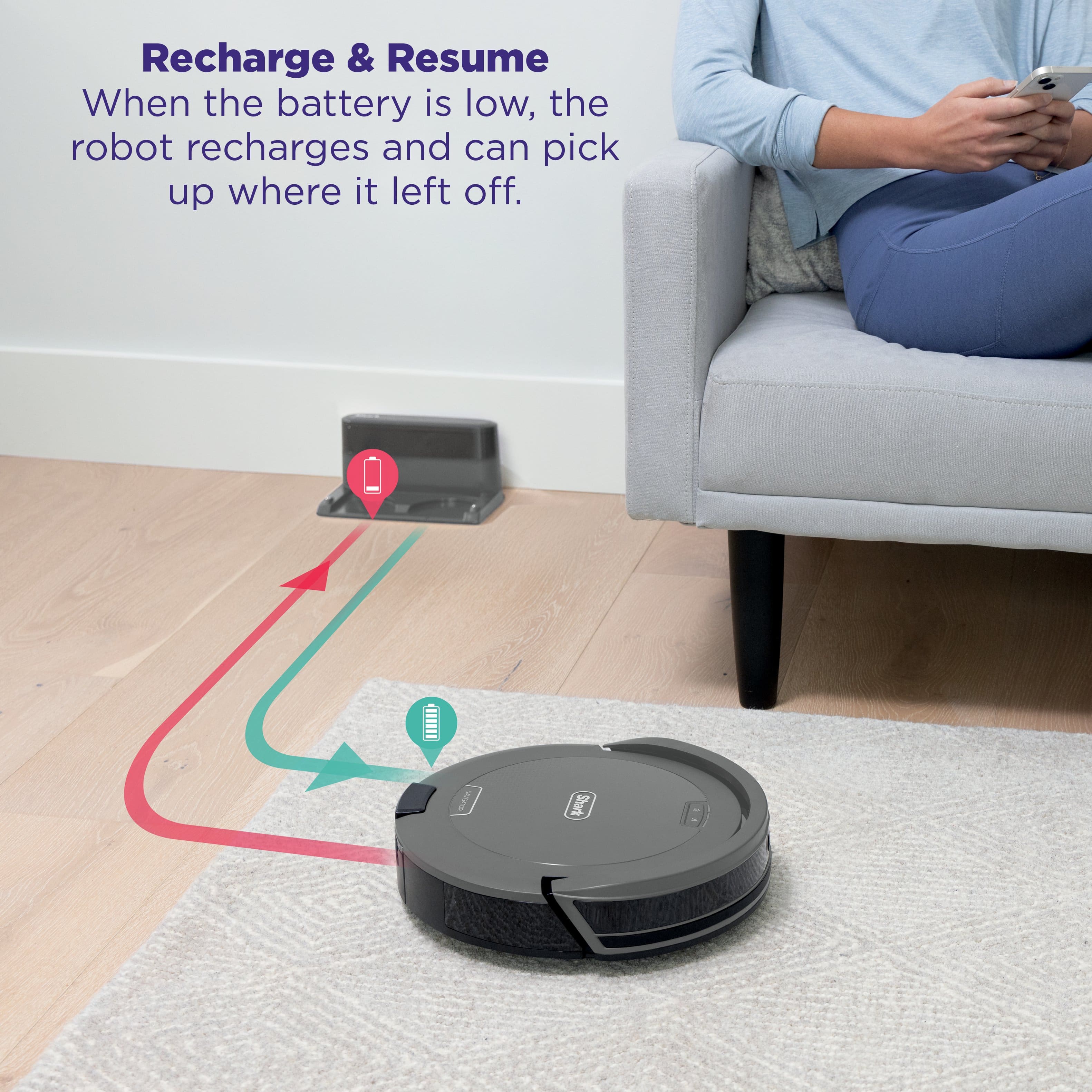
|Posted .This reviewer received promo considerations or sweepstakes entry for writing a review.I have been utilizing the Shark Navigator Robot Vacuum, which features SmartPath Navigation and a Self-Cleaning Brushroll, for a few days, and I find its performance to be exceptional. The initial setup process was remarkably straightforward—after charging the device and downloading the Shark app, it was ready to start. The vacuum's suction power is impressive. It handles both carpeted and hard floor surfaces with remarkable efficiency. I was particularly impressed by the Navigation, which accurately mapped my residence and facilitated a thorough cleaning process by moving in an organized, row-by-row manner, providing a greater coverage than traditional robot vacuums. The difference in cleanliness between each room is visibly evident. Another notable feature is its ability to detect and avoid obstacles. As a result, I do not need to spend time clearing so much of the area before initiating the cleaning process; the robot effectively adapts to changes within the household environment. The self-cleaning brushroll is particularly advantageous, as it penetrates deeply into carpets to capture dirt and hair while minimizing the risk of tangling. Additionally, the recharge and resume functionality ensures that the device automatically returns to its charging station when the battery is low and resumes cleaning precisely from the point where it ceased operation. In conclusion, this vacuum has significantly simplified the maintenance of my living space. It combines power, efficiency, and a truly hands-free operation, leading to a high level of contentment with its performance.
I would recommend this to a friendShark quality robot with LiDAR
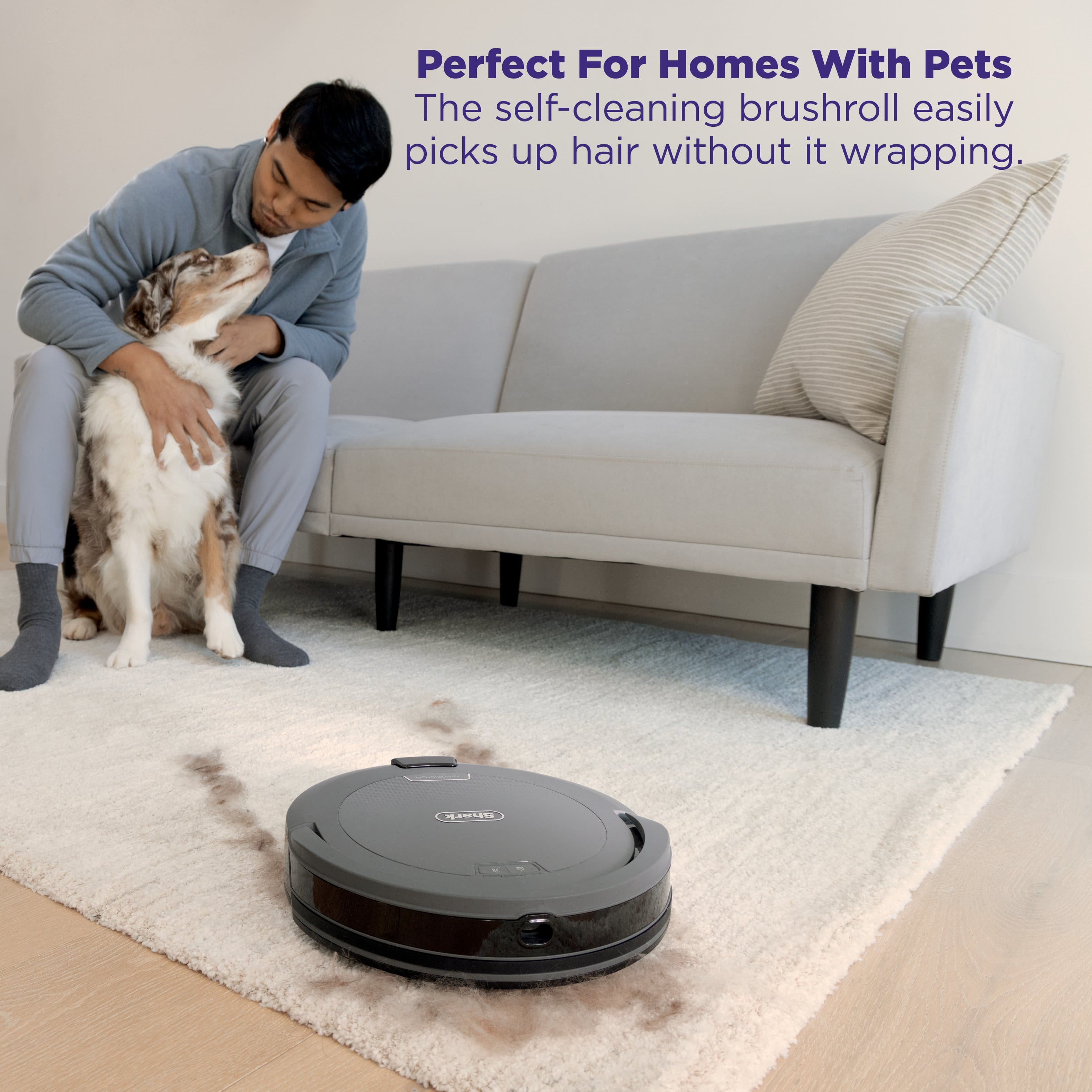
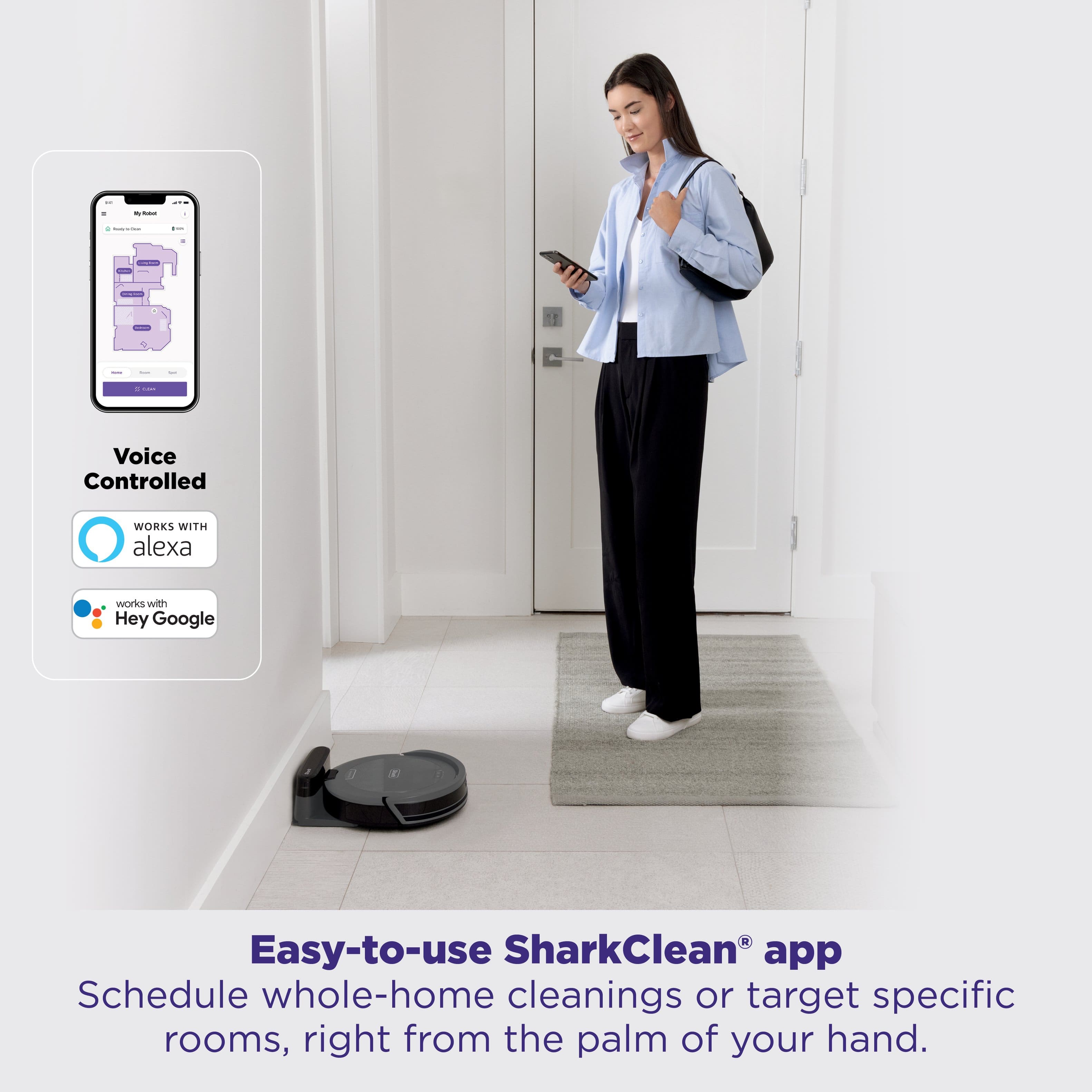
|Posted .This reviewer received promo considerations or sweepstakes entry for writing a review.Up front, the Shark Navigator robot vacuum does everything well as would be expected from a Shark product. However, you’ll get the most functionality if you use Google smart home, because then you can activate with voice commands like “Hey Google, start the vacuum” The robot vacuum weighs 6.5 lbs, and is sleek enough to slide under most furniture except my coffee table because it has a really low shelf. Standout features which I consider standard and necessary are a self-cleaning brush roll which reduces the amount of times I have to snip tangles of long hair. LiDAR navigation means the Navigator robot vac fully utilizes its 12” cleaning path in optimal rows, rather than bouncing around at random angles. The smart navigation also helps because if the battery gets low mid clean, the vacuum will return to the base to recharge, then resume the cleaning from right where it left off. The onboard dust bin on the vacuum is decently sized, but ultimately doesn’t matter to me because the vacuum self empties into a main bin in the charging base. So far I’ve only had to clean it about once a week. All in all, this greatly reduces the amount of actual manual vacuuming I need to do, typically only for stuff that gets really lodged into our high pile rug making me use our “real” vacuum. But 90% of the time, the biweekly vacuum schedule is sufficient to keep our area clean enough.
I would recommend this to a friendShark - Navigator Robot Vaccuum is very good
|Posted .This reviewer received promo considerations or sweepstakes entry for writing a review.Shark - Navigator Robot Vaccuum with SmartPath Navigation is very good. I wish the trash bin was larger. Runs very quiet and efficient. I have had it running every other day. It picks up debris, crumbs, puppy leftovers. Packaging - Was packaged very securely and all components were easy to remove and biodegradable. App - The app took me a bit to get it figured out. The grey checkbox for connecting to WiFi looked like it was already checked and greyed out. That wasn't the case. I had to click on the checkbox and then it let me connect the vacuum to my wifi. I wish it would have been more obvious. I have set alot of devices up on my wifi and usually it is evident when you need to click a box, the option doesn't appear greyed out ever. Cleans wood and carpet flooring without issue. Hasn't gotten stuck on a rug or on puppy toys. Simply goes around the toy if large enough or will suck it up if small. Plant debris is always a challenge in our house and so far no issues with leaves, just stems can get caught in the roller which is pretty standard no matter the make and model.
I would recommend this to a friendCompact and quiet Robot Vacuum
|Posted .This reviewer received promo considerations or sweepstakes entry for writing a review.The Shark-Navigator Robot Vacuum helps so much with keeping up with floorcare. We have multiple dogs, so it is next to impossible to keep our floors clean. Having a robot vacuum automatically clean our floors is a lifesaver. Having owned multiple brands and models, Shark is definitely the quietest of them all. The brush system works great on luxury vinyl flooring and wood floors. The automatic mapping feature finds its way around obstacles and easily finds its way back to the home base. The initial mapping was very accurate. The Shark robots are also easy to clean and maintain. This particular model didn't like my first home network, and I had a difficult time setting it up out of the box. My router had the three major network protocols, including the 2.4GHZ network, but the setup stalled several times without success. I ended up changing to a different network, using the same model of router and the setup worked fine. If you encounter issues, maybe try rebooting your router. Please note that this model is not self-emptying. It cleans as well as any of them, but you'll need to empty if more frequently than the self-emptying models.
I would recommend this to a friendPremium Features on a Budget
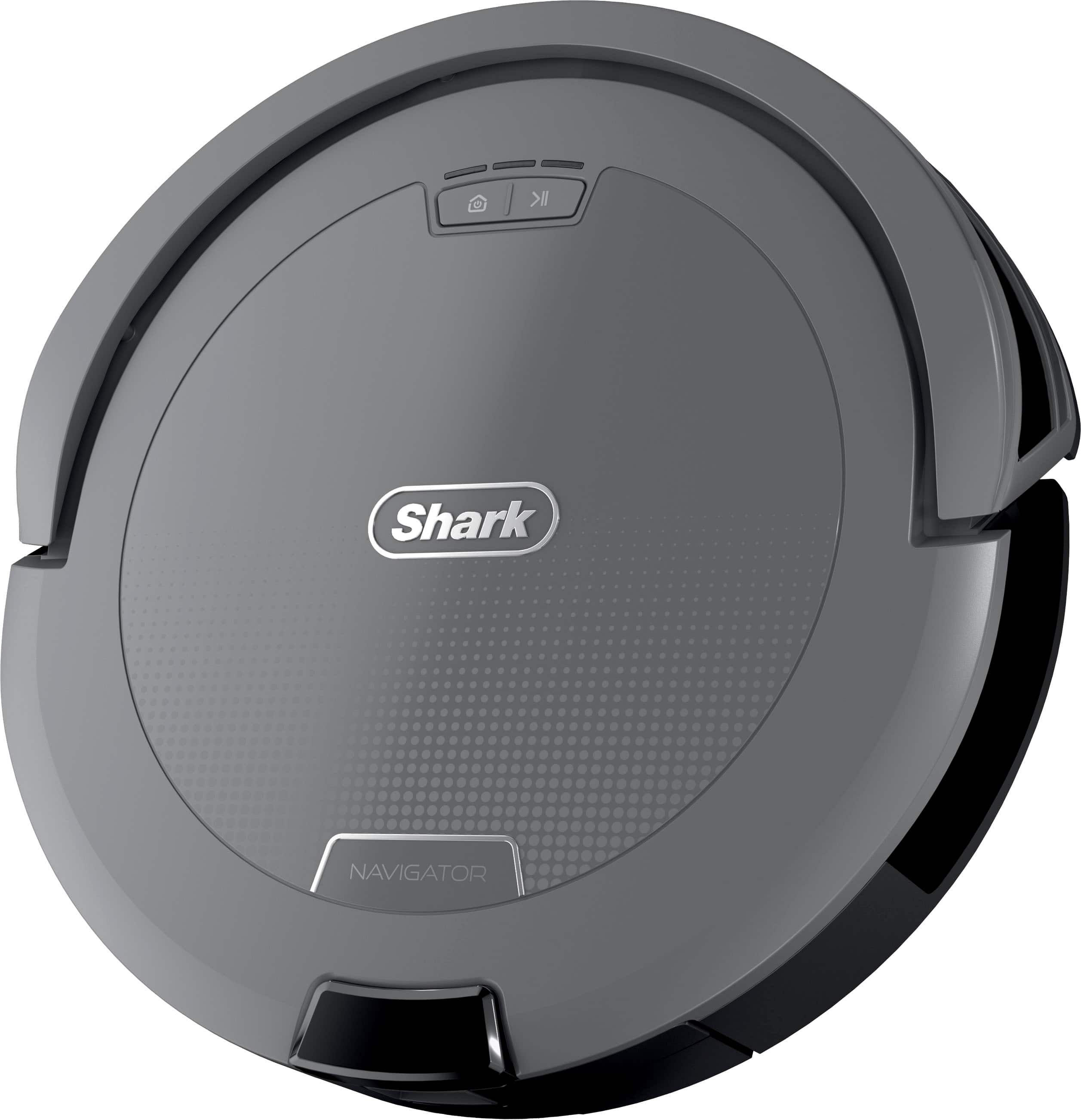
|Posted .This reviewer received promo considerations or sweepstakes entry for writing a review.I’ve used my fair share of robot vacuums over the years where we are finally at the point that the superior technology of past expensive models is trickling down to more affordably priced models. This is exactly the case here where you get many of the premium features at an affordable price. Right out of the box, this vacuum makes a great first impression. The design is really sleek with the matte gray finish and it just feels solid and well-made giving it a premium feel. The setup was extremely simple. You just plug the dock in, download the app, and let it do its thing. The whole process was completely effortless, and it was ready to go in a couple minutes, which is exactly what you want from a smart home device. The true standout feature though is the actual cleaning performance. The “Smart Path Navigation” isn’t just some gimmicky language as it truly seems to map your home and moves in super organized, neat rows, so you know it’s hitting every spot. My floors are both carpet and hardwood and it didn’t miss a beat transitioning between the two and picked up everything. After using other robot vacuums I was skeptical of the “self-cleaning brushroll” though again I was pleasantly surprised with how it handled dog hair where this was not an issue in the slightest as I didn’t have to touch it at all. Then lastly the auto detection works right on par with what you would expect as it avoids object that may be in its way so no need to worry about picking everything up before you run the vacuum. Overall this robot vacuum checks all the boxes from aesthetics to performance and even battery life. At this price it’s one of those rare products that actually achieves all the promises it advertises. For that reason I would definitely recommend this product!
I would recommend this to a friendSmart, Clean, and Effortless
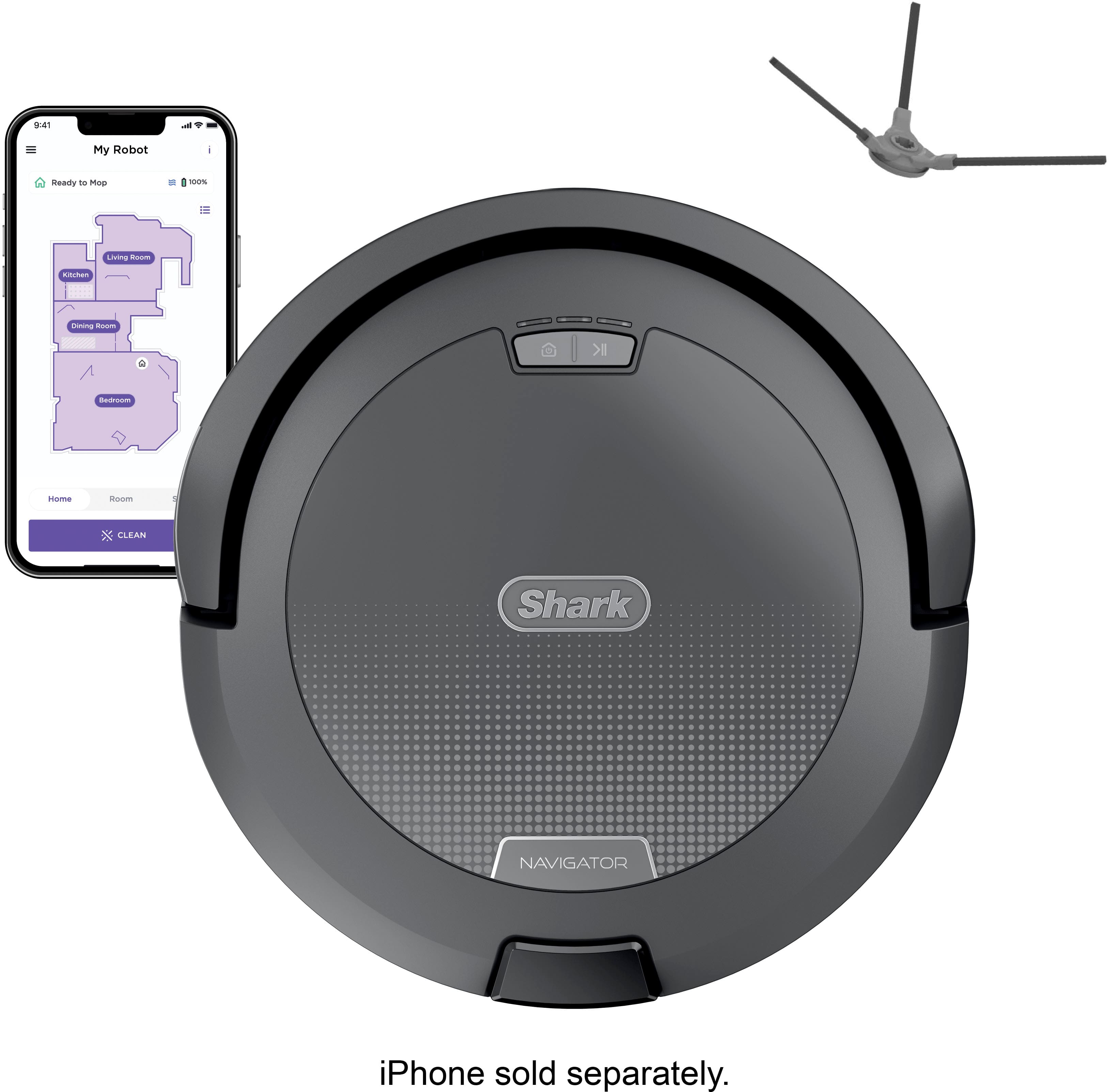
|Posted .This reviewer received promo considerations or sweepstakes entry for writing a review.I have been a robot vacuum user for a few years now. Some were great while others proved themselves useless after a year. However, these vacuums all had a common issue . . . the brush. The vacuum brush would eventually get tangled with various hairs and fur. Much like with most upright vacuums, removing the tangled debris is a chore that no one wants to endure. But Shark decided to utilize a self-cleaning brushroll in their robot vacuum. I am familiar with Shark’s self cleaning brushroll with their upright vacuums, and I cannot praise it enough. That all said, allow me to expand this review: Set-Up: There’s not much to setting up the Shark Navigator. There’s the vacuum itself, and there’s the charging dock. Also packaged are two edge brushes for the vacuum. You only need one, and it’s easy to push into place. The other brush is a spare. You will need to fully charge the vacuum before using. For the full robot vacuum experience allowing customization, you can download the Shark app. Once the vacuum is fully charged, you can easily connect the vacuum to your device. At that point, you are good to go. On its initial run, the Navigator will map out your floor area as it cleans, creating a map that you can view on your device. From that map, you can create No Go Zones that you may not want the robot vacuum to go into. From the app, you can create a cleaning schedule. You can even connect the Shark Navigator to Google Home or Alexa, allowing you to say, “Hey Google, start (insert the customized name of your Shark). Performance: I have hardwood floors with a couple of large area rugs in the home. The Navigator had no issue cleaning either of them. I also have a couple of cats, which meant there were a couple of cat toys randomly placed. These toys were a small toy mouse and a small bird type; items that you would expect to create an issue for a robot vacuum. The Shark Navigator avoided these toys with its sensor. This sensory feature gives me peace of mind if I were to suddenly remember that I didn’t pull up all the toys previously, whereas my prior robot vacuum would become stuck on the same toys and create a noise that sounded like a moaning muppet in a bear trap. As I mentioned before, the self-cleaning brushroll is a selling point on an upright vacuum; to have it on a robot vacuum is the deal maker for me. I know there will be a lot of users who will be able to relate to why a self-cleaning brushroll is important, especially if you are a pet owner. The dust bin on the Shark Navigator might appear small, but it collects a lot. Looks can be deceiving and all that. I do suggest that you empty it each time just to be safe, since there isn’t a ‘Full’ indicator to let the user know it’s full. As this is my first Shark Robot Vacuum, I have to say that I am really impressed and am happy with the Navigator. It’s easy to set up, easy to interact with, and it cleans.
I would recommend this to a friendShark
Posted .This reviewer received promo considerations or sweepstakes entry for writing a review.Great product, works well with Sand/dirt cleanup. Worth the purchase
I would recommend this to a friendGreat little vac
Posted .This reviewer received promo considerations or sweepstakes entry for writing a review.Love it ! I have pets and there is always dust to consider. Even if you do not see it, the dust and pet dander will get to you. This thing picks up everything. Great price too.
I would recommend this to a friend