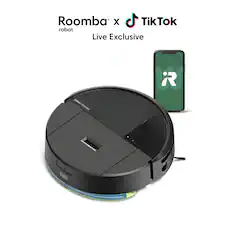
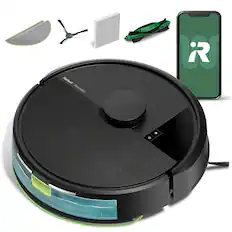
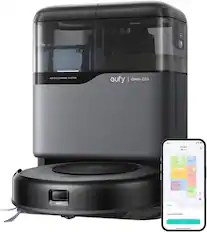
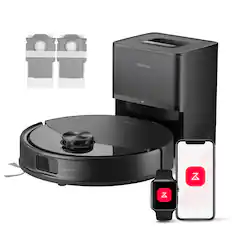
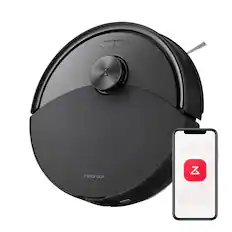
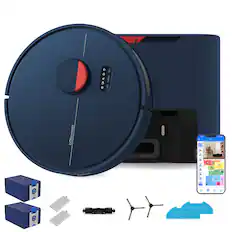
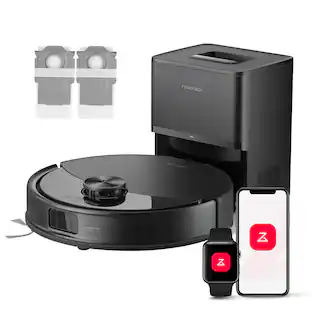
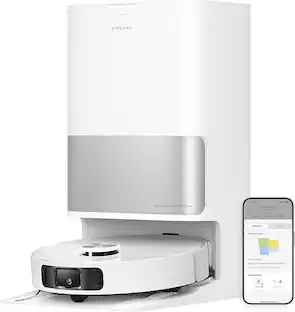
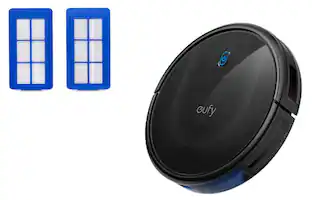
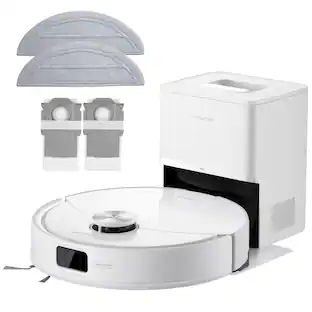
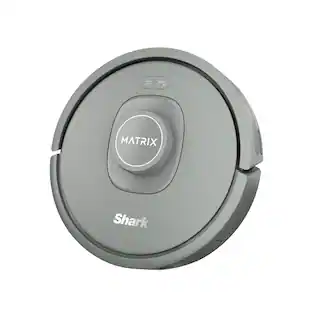
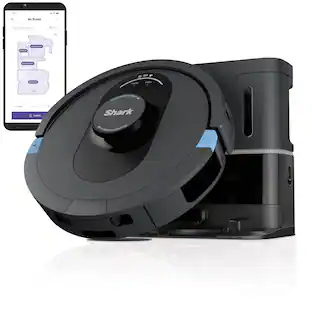
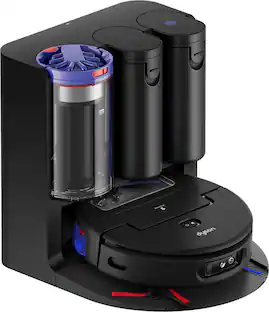
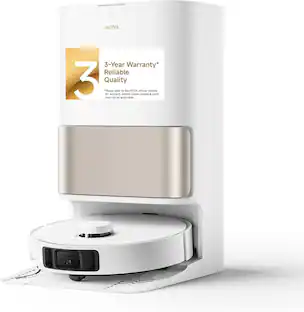
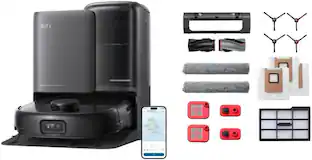
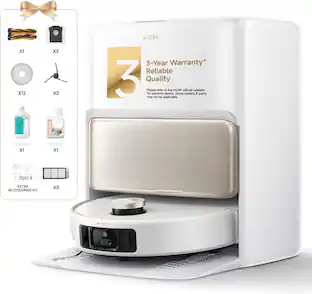
The Navigator robot vacuum is perfect for starting your journey to a cleaner home. Unlike robots that just bounce around, it uses Smart Path Navigation to map your home and clean in a row-by-row pattern. It delivers powerful performance on carpets & hard floors and detects & avoids objects—so you don’t have to tidy up beforehand.
Q: can a self emptying base be added to this unit
A: No, the Navigator Robot cannot be upgraded with a self-emptying base.
Q: Can this be operated manually or does it require a smart phone and app?
A: Yes you can just push the on button. You do not need an app or phone.
A: Yes, the Shark RV2110 Navigator Robot Vacuum automatically returns to its charging dock when the battery is low or after completing a cleaning cycle. This ensures it's always ready for the next cleaning session without manual intervention.
Q: Is the vacuum alex compatible
A: Yes, the Navigator Robot is Alexa compatible. You can connect it through the SharkClean app and enable voice control with Alexa.
Q: Does this unit alert you to empty dust bin when full?
A: This robot does not have the feature of notifying the user when the bin is full. Depending on the size of the base, we recommend manually emptying the base dust bin every 30 to 60 days or as needed.
Q: When was this model released? What year?
A: It was introduced in May 2025.

The Navigator robot vacuum is perfect for starting your journey to a cleaner home. Unlike robots that just bounce around, it uses Smart Path Navigation to map your home and clean in a row-by-row pattern. It delivers powerful performance on carpets & hard floors and detects & avoids objects—so you don’t have to tidy up beforehand.

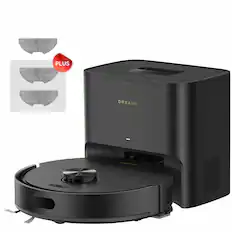
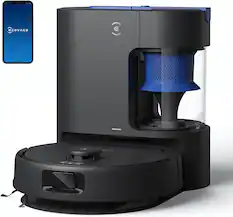
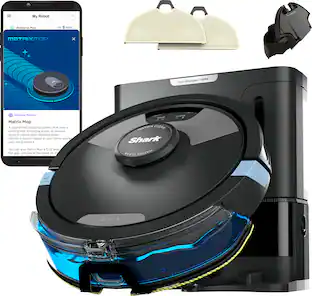
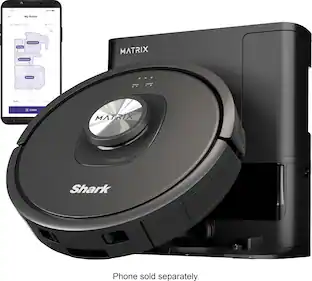
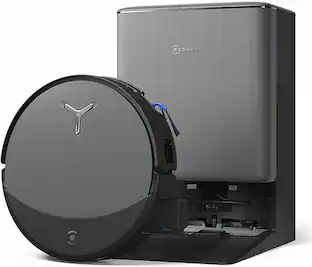
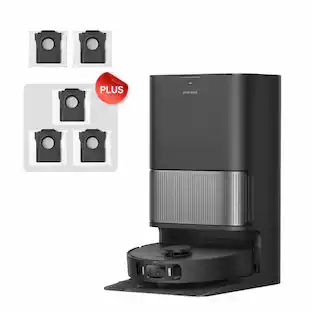
The Shark Matrix™ Plus 2-in-1 Robot combines an ultra-powerful vacuum with Sonic Mopping™ for a complete clean from start to finish. First, it’s an ultra-powerful whole home vacuum on carpets and floors that empties its own dustbin. Second, it’s an ultra-powerful vacuum that sonic mops hard floors at the same time. It features Matrix Clean, which allows your robot to clean from multiple angles using a precision grid ensuring no spots are missed on all your floor types. No cleaning detail is unmet with this robot’s corner and edge cleaning, self-cleaning brushroll for pet hair, and HEPA filtration trapping 99.97% of dust and allergens into the bagless base. With Precision Home Mapping, the robot uses its 360 LIDAR vision to scan your home and build a detailed map, enabling fully autonomous movement. This also allows your robotic vacuum to detect and avoid objects in its path day or night. It creates a precise home map in the SharkClean® app so you can select specific areas to clean on-demand, initiate Matrix Clean, and set cleaning schedules from anywhere. Utilize the app to set custom carpet and no-go zones for complete control of where the robot cleans and doesn’t clean. This robot masterfully integrates Matrix Clean with vacuuming, mopping, CleanEdge, and self-emptying to give you the ultimate floor cleaning machine.

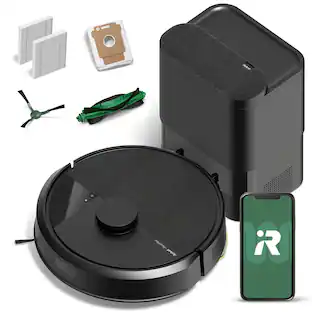
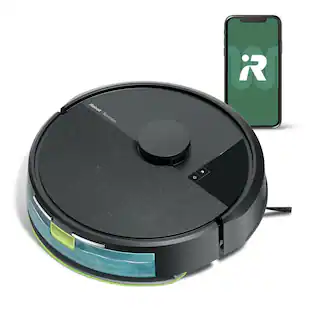
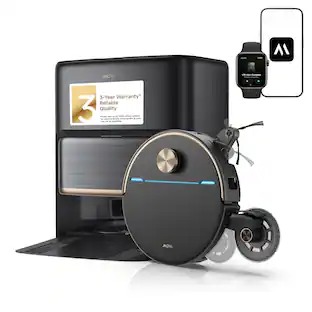
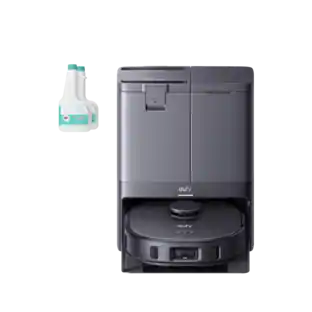
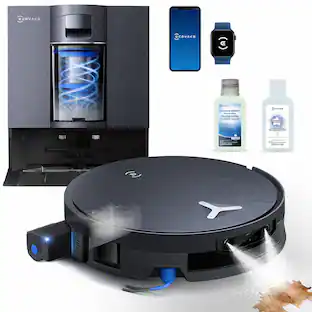
With his software and navigation code engineered entirely in the U.S. and Canada, Orb-i champions cleantech. Congratulations on discovering Orb-i, the epitome of economical, efficient, and unobtrusive cleaning. With an impressive 4.6-liter dock capacity, Orb-i can vacuum for up to 100 days without needing an empty or a bag replacement. And with a powerful suction of up to 5000 pa, he’s the perfect solution for tackling those pet hair-covered floors. Your secrets are safe with Orb-i, thanks to his commitment to privacy. Orb-i never collects or sends image data, cleaning habits, or map details beyond your device, ensuring that your personal data and cleaning routines remain secure and private. Orb-i's cutting-edge navigation system, featuring LiDAR and Quantum Simultaneous Localization and Mapping (QSLAM) with Real-time computing, means he understands your home with precision. There’s no need for lengthy exploration or training rounds—Orb-i quickly maps your space and gets straight to cleaning. Customizing and managing multi-floor maps is made simple with the bObsweep app. Easily control and adjust your map and Orb-i’s settings. For example, activate the auto-resume function, and Orb-i picks up right where he left off after recharging. Seamless integration with Bluetooth and 2.4GHz Wi-Fi allows for effortless Wi-Fi pairing. Thanks to TurboLift technology, Orb-i combines powerful suction with operating quietly, making it an ideal choice for households with pets. At under 60 decibels, it’s as though you have a silent cleaning assistant. Experience pristine floors and enhanced convenience with Orb-i—your intelligent, shiny, and privacy-conscious cleaning companion!

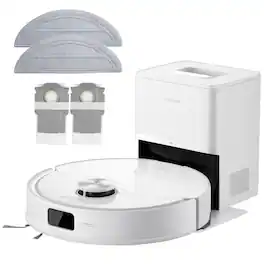
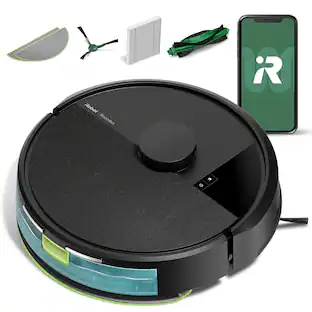
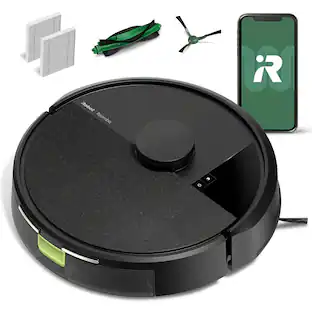
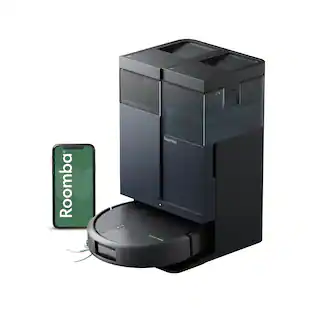
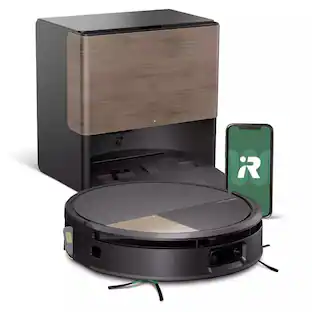
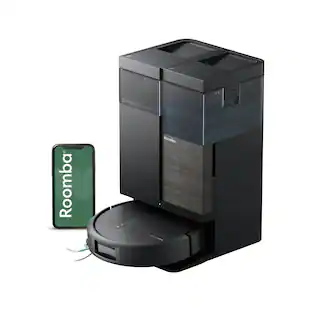
The Roomba 105 Vac Robot Vacuum is made for every kind of dry floor-cleaning task. The 3-stage cleaning system delivers high-performance cleaning by combining 70X more intense power-lifting suction*, an edge-sweeping brush that cleans 20% better*, and a multi-surface brush to pick up all kinds of dirt. ClearView LiDAR quickly maps your home for precise coverage. Tap the app, push the robot's buttons or ask your preferred voice assistant** for an on-demand clean.
| Pros for Shark - Navigator Robot Vacuum with SmartPath Navigation and Self-Cleaning Brushroll - Steel Grey | |||
|---|---|---|---|
| Cons for Shark - Navigator Robot Vacuum with SmartPath Navigation and Self-Cleaning Brushroll - Steel Grey | |||
| There were no cons for this product— |
The vast majority of our reviews come from verified purchases. Reviews from customers may include My Best Buy members, employees, and Tech Insider Network members (as tagged). Select reviewers may receive discounted products, promotional considerations or entries into drawings for honest, helpful reviews.

_____ *Pros: -The LiDAR navigation works well and mapped the rooms accurately. -The anti-hair-wrap brushroll is great for both pet (dog and cat) and human hair. -Simple and easy to empty the bin and clean the brushes. -Can control using voice via Google Control. -Works on both carpet and hard floor. -Comes with an extra side brush. _____ *Neutral: -No mop attachment option. _____ *Cons: -The app is clunky, laggy, and unrefined. After being fairly impressed with the power and performance of a Shark cordless stick vacuum from late last year, I was eager to give the Shark Navigator robot vacuum a shot, my first robot vacuum from Shark but my third robot vacuum overall. My first impression of the hardware was positive although nothing about it was remarkable. It’s presented in a standard round shape with one single-side brush on the bottom. There is no option for a mop attachment, and the dustbin capacity is about ½ quart, or 0.135 gallons. It weighs about seven pounds so it’s light and easy to carry around. Setting up the robot via the Shark Clean app was simple enough – turn on the vacuum, enter your home Wi-Fi password, and wait a bit for the connection to be made. The first thing the app suggested was to map a room, so I had the robot do just that for our master bedroom (hardwood floor) which sees a lot of traffic from our two cats and light traffic from our two dogs. I helped the robot out by decluttering the floor as much as possible but left some things alone, such as an office chair, a dip station bar, a trash can, a laundry basket, and a foldable stick vacuum cleaner. The Shark robot mapped the room much more quickly than I expected within just a handful of minutes. During the mapping process, I thought some parts of the room, especially corners and underneath the bed, were being missed, but as I found out during an actual cleaning run later, that wasn’t the case. With the mapping done, I set the cleaning Power Level to Normal (you can choose from Eco, Normal, and Max) and tapped Start Cleaning. The app estimated the cleaning to finish in around 15 minutes but the robot finished in about 12 minutes, probably because there were some obstacles that prevented access to some areas. I was impressed by the vacuum’s finesse going around the legs of my office chair, the posts of my bedframe, and getting close to the edges of walls to sweet up all the hair, dirt, and cat litter that was scattered around. The vacuum performed its job efficiently and thoroughly, going row-to-row consistently for the most part, but sometimes seemingly skipping a section of the room only to come back later as if it had experienced a “a-ha” moment to finish the job. Compared to other robot vacuums I’ve owned in the past and own right now, the Shark Navigator RV2110 fares well against them but doesn’t blow them away. Although the Navigator’s suction power and sweeping efficiency is good, it sometimes cleans in a haphazard fashion and misses a section of the floor. The battery life is good and okay, but the robot sometimes has a difficult time “parking” itself onto the dock. I’ve seen it try as many as three to four times to set up the correct alignment before it finally committed itself to docking, which was humorous. I’m hoping for future firmware updates to further refine the robot’s behavior and efficiency. My biggest issue with living with the Navigator was the Shark Clean app. Compared to rivals’ software solutions, the Shark Clean app is highly unrefined, laggy, and fails to display the correct status of the robot. For instance, when the robot has finished its cleaning process and is connected to the dock being recharged, the app will report that the cleaning process is still in process but in the paused state. And it won’t acknowledge that the robot is in docked mode and being charged. Looking at the app’s aggerated review score online, it’s apparent that Shark still needs to invest more time improving the app’s responsiveness, ease of usability, and accuracy. This is a shame because the hardware is good. All in all, I rate the Shark Navigator RV2110 3.5 out of 5 stars. Although the side-brush does a great job picking up debris efficiently and the suction power is great without generating too much noise, the software side leaves a lot to be desired. If Shark has the will and decides to provide firmware and software improvements, the RV2110 has the potential to be rated much higher. With that said, I would not recommend the Navigator to friends and family because there are simply more refined and better products out there at similar price ranges.
Posted by optimummind
I have used a few different brands of robot vacuums over the years, and I was excited to try this one because I’ve known Shark to have excellent cleaning ability and generally good quality vacuums. This robot has an entry-level price, but its cleaning ability is nothing to complain about. This could be an excellent budget choice for basement, playroom, apartment, or other single-level space. My first impression of this robot, setting it up with the app, is that it’s fun! The app had me name the robot, and in case I couldn’t come up with a good name, it offered some snarky shark-themed suggestions. Completing the setup procedure “unlocked” the dashboard, giving a hint that cleaning with this robot can be like a game. Nonetheless, the setup was a bit clunky and time-consuming with having to create an account, agree to a bunch of terms that seemed unrelated to using a vacuum, and waiting for the battery to charge. It also required an “explore mission” before it could start cleaning, which spent 20+ minutes making a map of my space. My second impression is that it’s loud. I thought something was wrong with it, but this just seems to be how it works. The actual vacuum motor is relatively quiet, even on the highest speed setting, but the brushroll motor makes a lot of clacking/rattling all the time that it’s running. It reminds me of the sound of a sewing machine. After using this vacuum, I found its cleaning ability to be as good as any robot vacuums I’ve seen, and even better than many manual vacuums. I think that anyone who needs a vacuum consider a robot vacuum that is no more expensive than a good upright/handheld vacuum. However, there’s a lot of little things with this robot that leave me thinking that there are better choices out there, even around the same price range (and especially if you look for sales). Pros: + Good cleaning ability. + Great price compared to other robots, especially if it’s on sale. + Efficient runtime after it maps the space. + Battery life is good enough for most smaller spaces, and if the battery runs out it will recharge and resume cleaning on a new charge. + The app can be used to start cleaning, clean a (predefined) room, and set cleaning schedules. + Dustbin opens up wide so it’s very easy to clean. It has a large air filter to maintain good airflow. + Sensors and navigation seem to work well. Even though it spends a lot of time bumping into things as a way of identifying where objects are, I never saw it get caught on a power cord, fall down stairs, or get jammed in a corner. I did, though, see it get lost behind my office chair for about 10 minutes before finding its way out. Cons: - Setup and app are a little clunky. Sometimes the app reports the robot is cleaning when it’s not, or the other way around. Resetting sometimes helps, sometimes not. - Need to explore your space to create a map before it will clean. If the exploration isn’t complete, it might skip areas when it cleans. - Sometimes it randomly skips areas even with a good map… I can’t explain why. - Even when it maps successfully, the map is never to scale. At least on my iPhone, the map always appears distorted. It doesn’t seem to interfere with operation, though. - No ability to store/switch multiple maps, so only useful as long as it’s on a single level/single space. - Similarly, it apparently won’t run at all without starting on the dock. I tried moving it to a different space and asking it to explore again, but it wouldn’t take any instruction until I brought the dock to the new space as well. - Re-exploring requires deleting the old map, which takes an oddly long time: about 2 minutes in my experience. I had to wait for it to delete the old map before I could request it to start exploring again. - It doesn’t appear to be able to learn/adjust the map after the initial explore. My experience: make sure anything that can move is moved out of the space before the explore. It can go around stuff added into the space, but if things are moved or moved out of the space (e.g. a trash can or an office chair) it might not clean the area where it was. - The map/app does not show you the location of the robot in real time. Only after a cleaning task is complete is there a map that shows where it cleaned. - The dustbin is located on the same side of the robot as the charging pads, so I have to pull it off the charger in order to empty the bin. And it complains if I don’t turn it off first. So emptying the bin is a more complicated procedure than it probably should be, since ideally I’d like to empty the bin after every time it runs. - In the box, everything was wrapped in plastic. Just more stuff I had to throw in the landfill, as far as I could tell. There were also lots of stickers on the product indicating what things are for and how they work, which is kind of cool and maybe is a plus since they could serve in place of a printed or digital setup guide. But the box included a printed setup guide too. Online there’s a digital guide as well as many videos to watch if you prefer to learn the location of various controls that way. So plus for lots of accessible documentation, but minus for extra things in the box I had to throw away.
Posted by Kenneth
Honestly, my previous experience with Shark Robot Vacuums wasn’t very satisfying. Even after trying other Sharks’ upgraded models, they lack suction power, runtime, and smart detection and often get stuck. This new model, however, feels like a major leap forward compared to my experience with its predecessors. First, the design is clean and modern and its color and style blend seamlessly with my home furniture, giving it a neat look. The charging base is compact and sits still on carpet, with no issues. Setting up the vacuum through the SharkClean app was straightforward and guided me step by step; the whole process took only about 5–8 minutes. I let the vacuum charge fully for a day before the first use. The app itself is simple and intuitive, with no unnecessary complexity; everything is self-explanatory. The initial task was to map my three bedrooms and hallway. Using its LiDAR navigation, the vacuum created the map, occasionally bumping into walls, doors, and furniture which is normal during the mapping process. After around 40 minutes, the floor mapping was complete, and I could divide the map into rooms and label them. The “No-Go Zones” feature was particularly useful and worked perfectly for my setup as I have my gym equipment and don’t want the robot to hit them. Suction has improved noticeably, and during regular cleaning, the vacuum rarely bumped into objects, and I can say it’s far less than I expected. On larger areas, it returned to the base to recharge and resumed cleaning a few minutes later. One of the most impressive features that stands out to me is its quiet operation. I can barely hear it from other rooms. It even easily climbs the threshold into my walk-in closet with no issue. It also works with voice assistants like Google and Alexa, though it lacks broader smart home integration, such as Matter, which would allow it to work with other devices like Apple Home. I hope Shark adds this feature in the future. Overall, this is an excellent smart robot vacuum, especially for the price.
Posted by Zaid