Customer Ratings & Reviews




- Model:
- S820-ST-OR-US
- SKU:
- 12373830
Rating by feature
- Sound Quality
Rating 4.7 out of 5 stars
- Battery Life
Rating 4.7 out of 5 stars
- Connectivity
Rating 4.8 out of 5 stars
Headphones
||Posted . Owned for 1 year when reviewed.This reviewer received promo considerations or sweepstakes entry for writing a review.Worked good for workouts. Sometimes felt like I had to turn the volume up to hear it clearly.
I would recommend this to a friendIf you’re waiting, don’t. These are the ones.
||Posted . Owned for 1 month when reviewed.This reviewer received promo considerations or sweepstakes entry for writing a review.Gen 2 over Gen 1 any day! Worth the upgrade and every penny spent on em’
I would recommend this to a friendShokz
||Posted . Owned for 3 weeks when reviewed.This reviewer received promo considerations or sweepstakes entry for writing a review.Great product, quality sound ,awsome colrs available
I would recommend this to a friendPoor Performance and Reliability
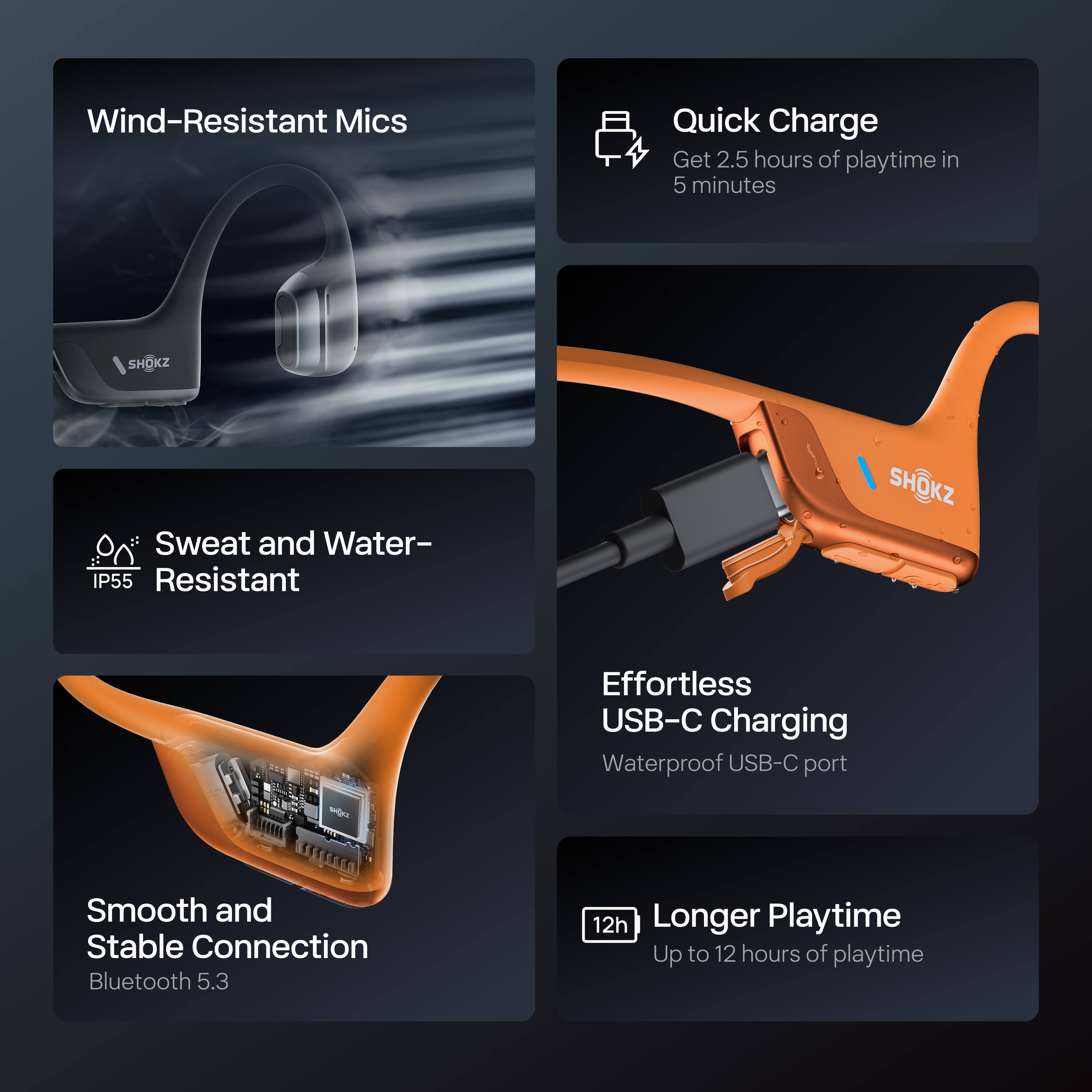
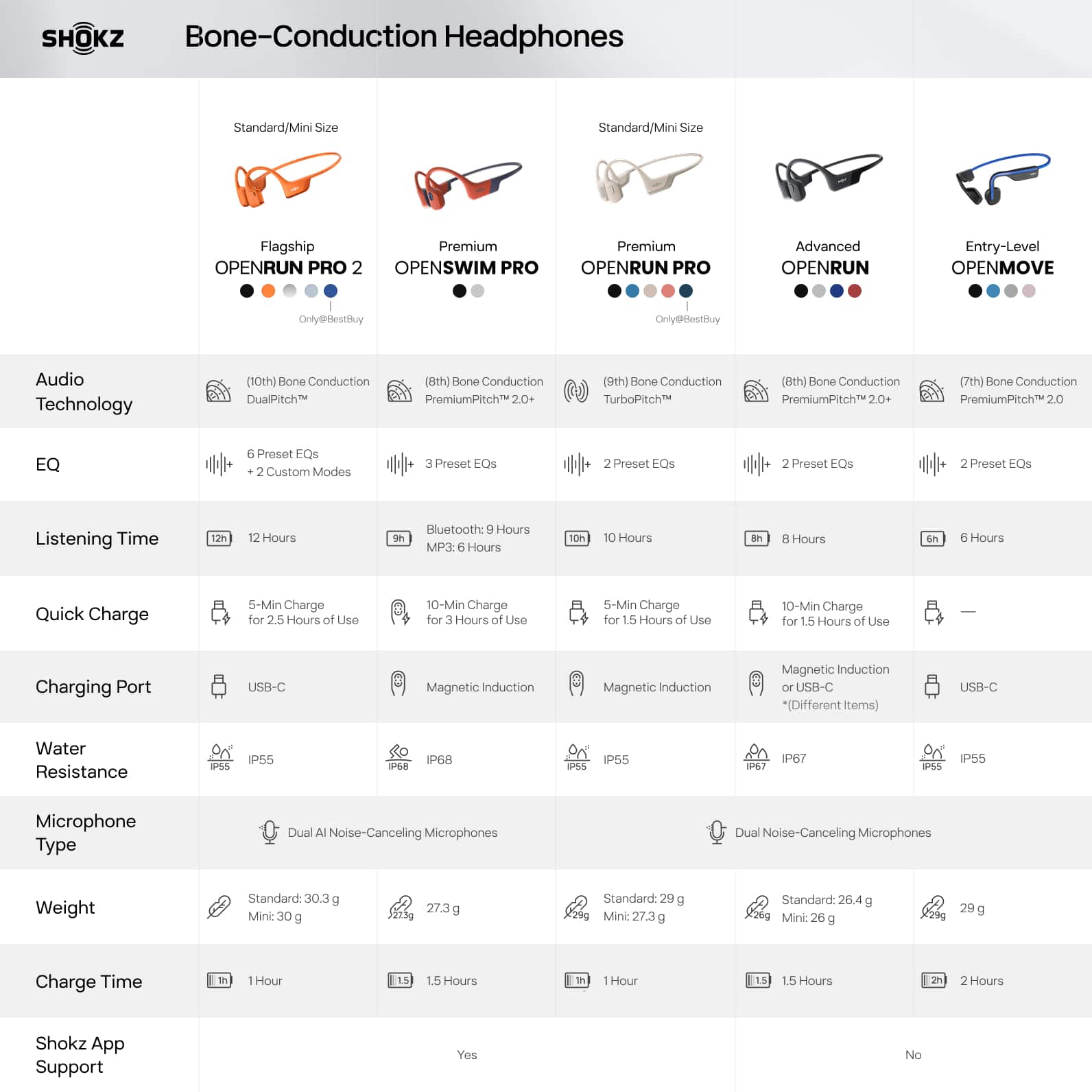
||Posted . Owned for 1 month when reviewed.This reviewer received promo considerations or sweepstakes entry for writing a review.This is a poor product for noisy environments - where other Shokz models work well with ear plugs, this does not, even with classic mode bone conduction. It does have superior sound quality when in standard mode to other Shokz models, for which I was happy. But it only lasted for a month before it failed entirely and would not power up. My theory is that it is not well suited for working out or working in hot environments where sweat is present. Which is not what you would expect from a product with "run" in the name. Only IP55 rating. So basically they are telling you to run with the headphones but don't sweat or they will crap out on you. They also had connectivity issues at times. Perhaps I just had a bad set. I have submitted for warranty replacement which Shokz agreed to review to their credit.
No, I would not recommend this to a friendBrand response from Shokz
Posted .Hi Scott- Shokz here! We're very sorry to hear this has been your experience, and we greatly appreciate your feedback. We’re excited to share that we’ve just upgraded to the latest firmware version, and it can be updated via the Shokz app for the best experience with your OpenRun Pro 2. There is also a phone setting that may resolve the low volume issue. -On the iPhone, go to Settings > Sound & Haptics > Headphone Safety, make sure that the Reduce Loud Audio Feature is switched off as this will affect the volume of the headphone. -On an Android, go to the Bluetooth Settings on the phone, find the headphone and make sure that the Absolute Volume feature is switched on for it.
We see that you've submitted a warranty claim. Please reach out to our Customer Happiness Team if you have any questions. Thank you!
Earpiece
||Posted .This reviewer received promo considerations or sweepstakes entry for writing a review.Great product my husband loves them! I would recommend highly
I would recommend this to a friendGreat product
||Posted . Owned for 1 month when reviewed.This reviewer received promo considerations or sweepstakes entry for writing a review.I noe have a headset that does not require me to remove from my ear when speaking. I use the for calss,video,video meetings, musice and entertainment. I hated to pay so much money for them but in the end i am glad i bought them.
I would recommend this to a friendGreat sound
||Posted .This reviewer received promo considerations or sweepstakes entry for writing a review.Great for cycling, and working in an office where I can still hear people talk around me
I would recommend this to a friendThe best of the best.
||Posted . Owned for 3 months when reviewed.This reviewer received promo considerations or sweepstakes entry for writing a review.I tell you that it was the best purchase I have ever made, I recommend them 100%.
I would recommend this to a friendShokz 2
||Posted . Owned for 1 week when reviewed.This reviewer received promo considerations or sweepstakes entry for writing a review.Awesome sound…..same or better sound production from original Shokz
I would recommend this to a friendGreat sound
||Posted . Owned for less than 1 week when reviewed.This reviewer received promo considerations or sweepstakes entry for writing a review.Very good for runs has great sound and can be aware of surroundings
I would recommend this to a friendGreat product
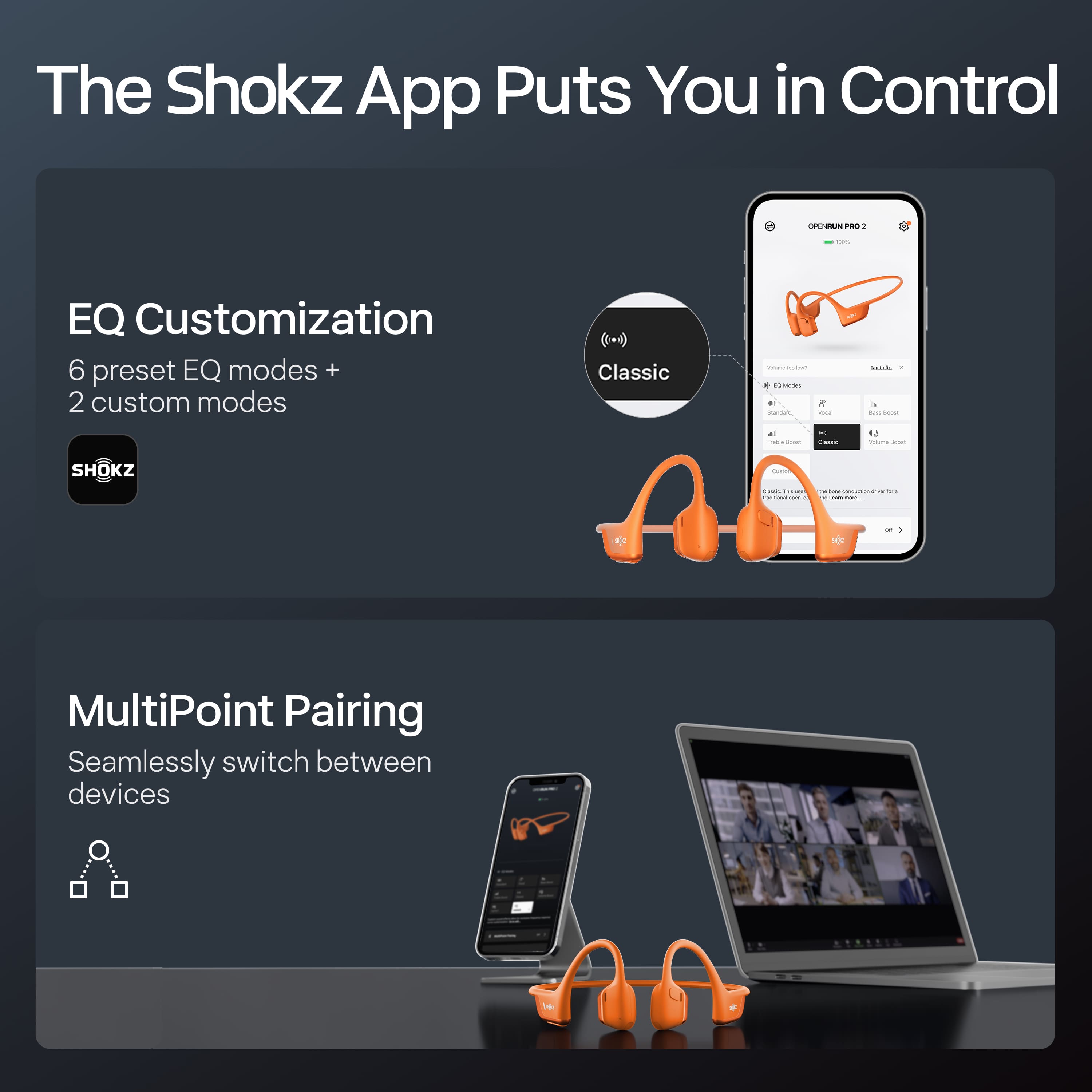
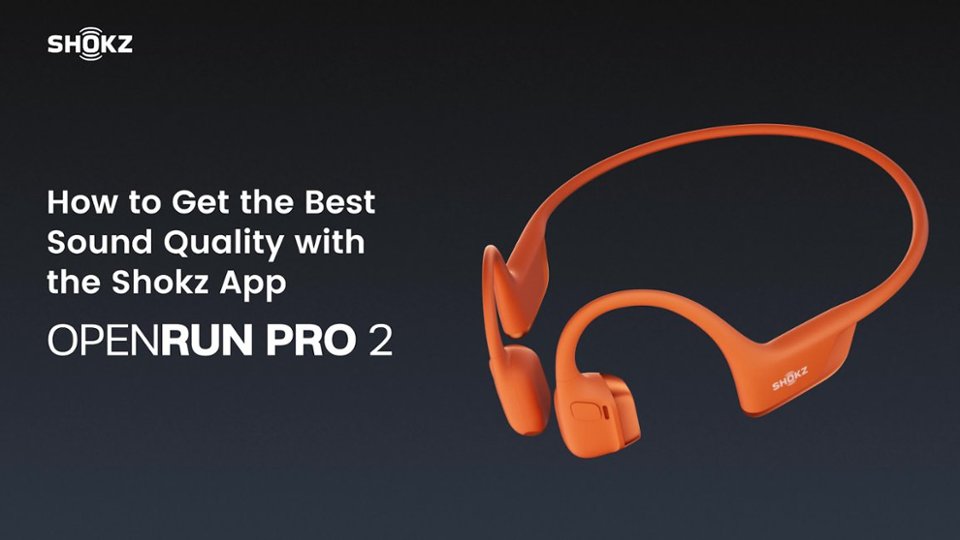
||Posted . Owned for 5 months when reviewed.This reviewer received promo considerations or sweepstakes entry for writing a review.Love these, and the app makes them even better by allowing you to customize the EQ
I would recommend this to a friendShocks
||Posted . Owned for 3 months when reviewed.This reviewer received promo considerations or sweepstakes entry for writing a review.Would get these again as needed. Next pair for my grandson
I would recommend this to a friendAwesome poduct
||Posted . Owned for 3 weeks when reviewed.This reviewer received promo considerations or sweepstakes entry for writing a review.Awesome product! Keeps my ears open at work and allows le to listen to music
I would recommend this to a friendGreat sound and Battery life!
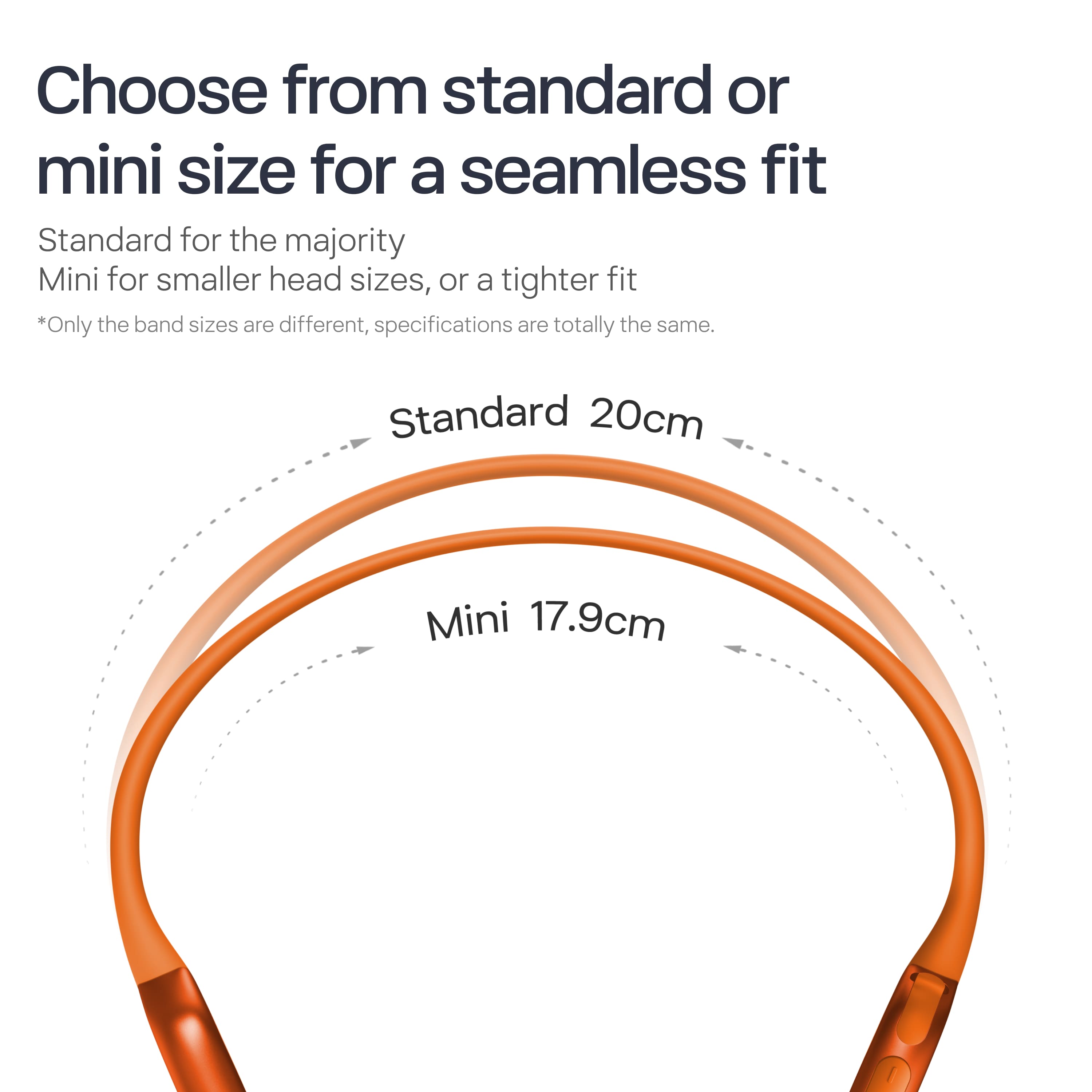
||Posted .This reviewer received promo considerations or sweepstakes entry for writing a review.Great but the size is a little big didn’t realize there was a “mini” option but great product nonetheless!
I would recommend this to a friendGreat product
||Posted .This reviewer received promo considerations or sweepstakes entry for writing a review.Great product, but the voice is all in Chinese. I'm not sure how to change it.
I would recommend this to a friendStop waiting buy these now
||Posted .This reviewer received promo considerations or sweepstakes entry for writing a review.The best bone conducting headphones. Best buy order online and pick up in store was fast and convenient.
I would recommend this to a friendNice product
||Posted . Owned for 4 months when reviewed.This reviewer received promo considerations or sweepstakes entry for writing a review.They were nice just didn’t fit well for what my son was looking for and they were too big for me.
I would recommend this to a friendEasy with my ears
||Posted . Owned for 2 months when reviewed.This reviewer received promo considerations or sweepstakes entry for writing a review.Works as it should, the waterproof is important to me
I would recommend this to a friendNew headphones work really good
||Posted . Owned for 2 weeks when reviewed.This reviewer received promo considerations or sweepstakes entry for writing a review.Love my new shokz headphones they are awesome for when im working
I would recommend this to a friendBest headphones I've used!
||Posted . Owned for 1 month when reviewed.This reviewer received promo considerations or sweepstakes entry for writing a review.Great at work when I'm just opening boxes and stocking product. I can still hear everyone while listening to my own music!
I would recommend this to a friend