Customer Ratings & Reviews

- Model:
- RMSL1US1
- SKU:
- 6522230
Rating by feature
- Sound Quality
Rating 4.5 out of 5 stars
- Battery Life
Rating 4.4 out of 5 stars
- Range
Rating 4.4 out of 5 stars
Customers are saying
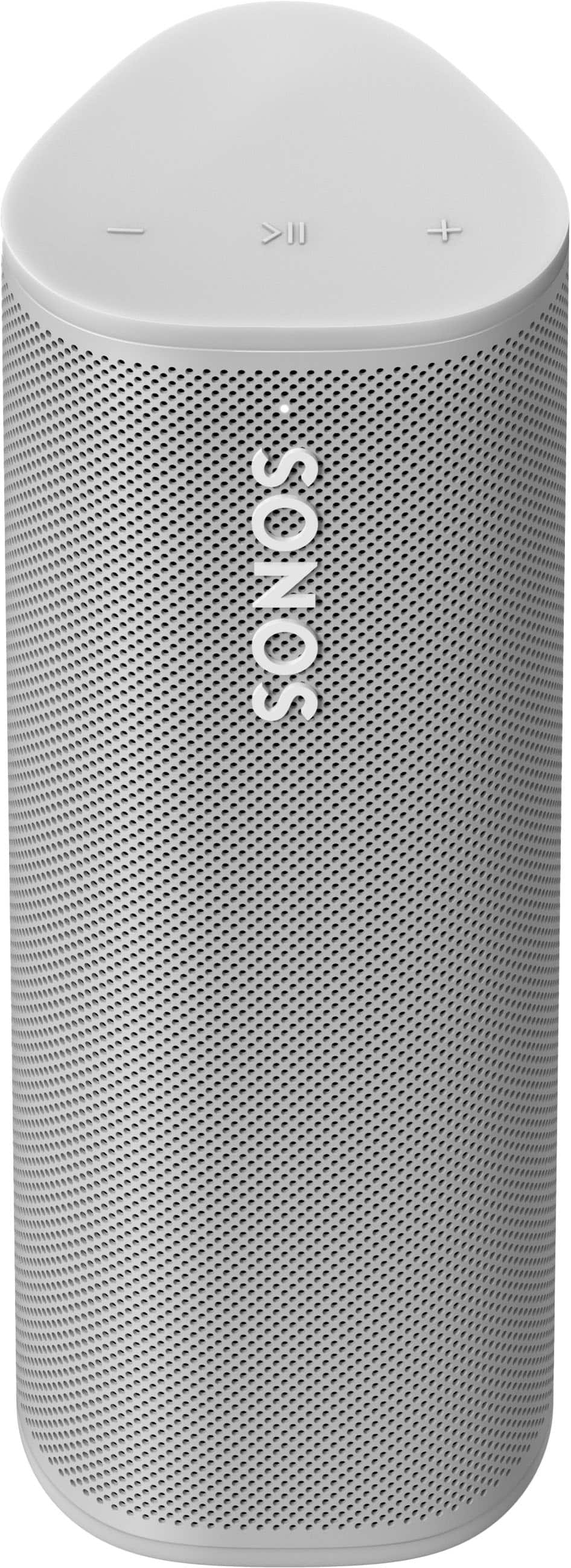
Customers value the Roam SL Portable Bluetooth Wireless Speaker for its outstanding sound quality and ease of portability. Many appreciate its exceptional battery life and convenient size, making it suitable for various locations. The Bluetooth connectivity and sufficient volume are also well-received features. However, some customers have noted that the bass is somewhat limited and have experienced issues with app connectivity.
This summary was generated by AI based on customer reviews.
- Pros mentioned:Sound quality
Best Portable Speaker
||Posted . Owned for 1 month when reviewed.This reviewer received promo considerations or sweepstakes entry for writing a review.It has all of the features you could want and sounds phenomenal.
I would recommend this to a friend - Pros mentioned:Sound quality
Great speaker
||Posted . Owned for 1 week when reviewed.This reviewer received promo considerations or sweepstakes entry for writing a review.Excellent sound, really enjoying this speaker, highly recommend.
I would recommend this to a friend - Pros mentioned:Sound quality
Love Sonos but not the Roam
||Posted . Owned for 5 months when reviewed.This reviewer received promo considerations or sweepstakes entry for writing a review.Don't buy the roam. I have had two of these and had to return both because after a few months both failed to hold a charge. I love Sonos, have speakers all over my house, but they seem to struggle with their portables like this roam and possible the move. I replaced this with a UE mega boom - waterproof, better sound and very reliable - just doesn't have Alexa built in which for me is not a big deal.
No, I would not recommend this to a friend Great Deal!
||Posted . Owned for 1 month when reviewed.This reviewer received promo considerations or sweepstakes entry for writing a review.Great Deal! I added it to my Sonos system and use it in the bathroom and bedroom.
I would recommend this to a friend- Pros mentioned:Battery life, Sound qualityCons mentioned:Bass

Music while you *Roam*
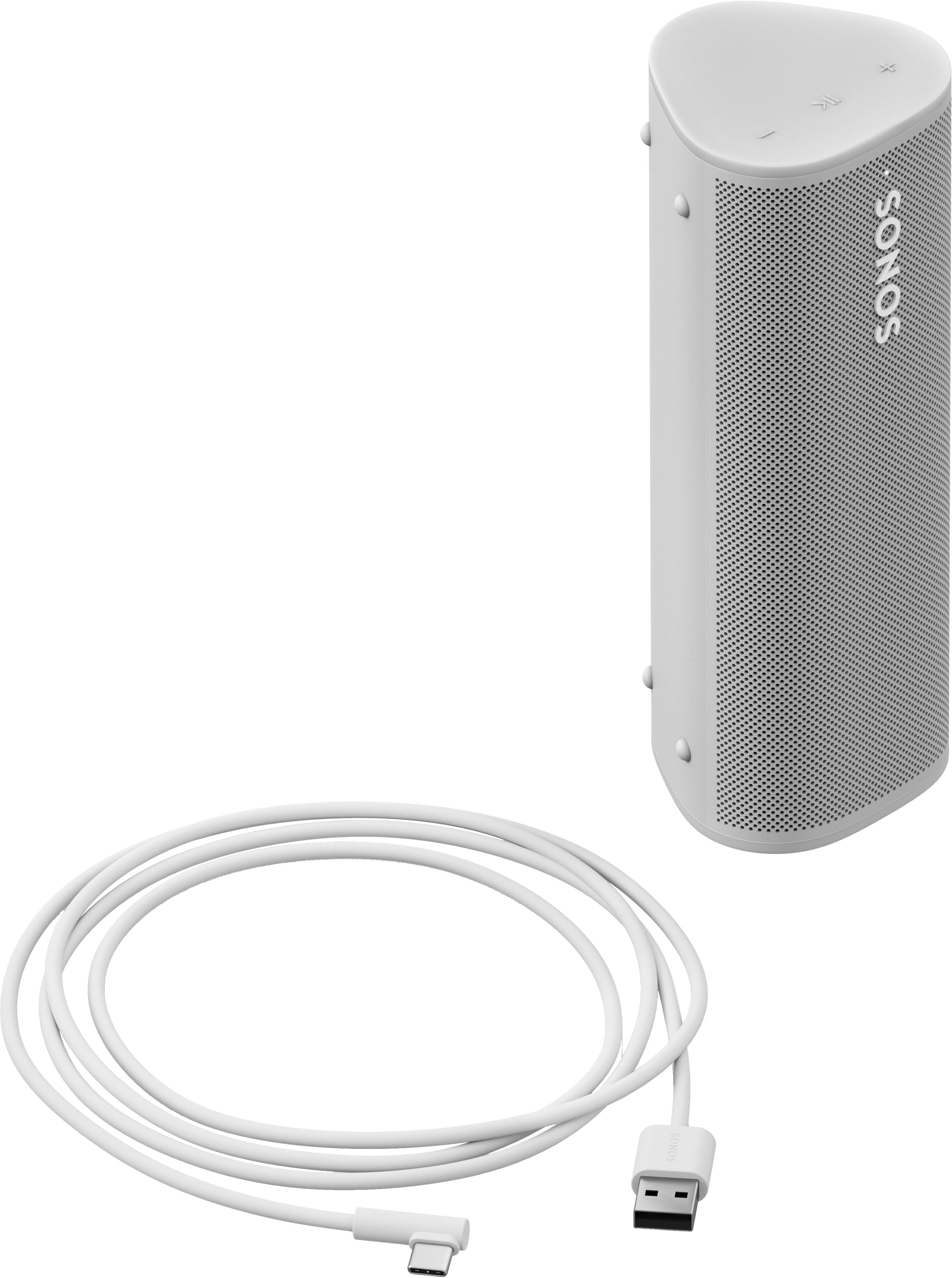
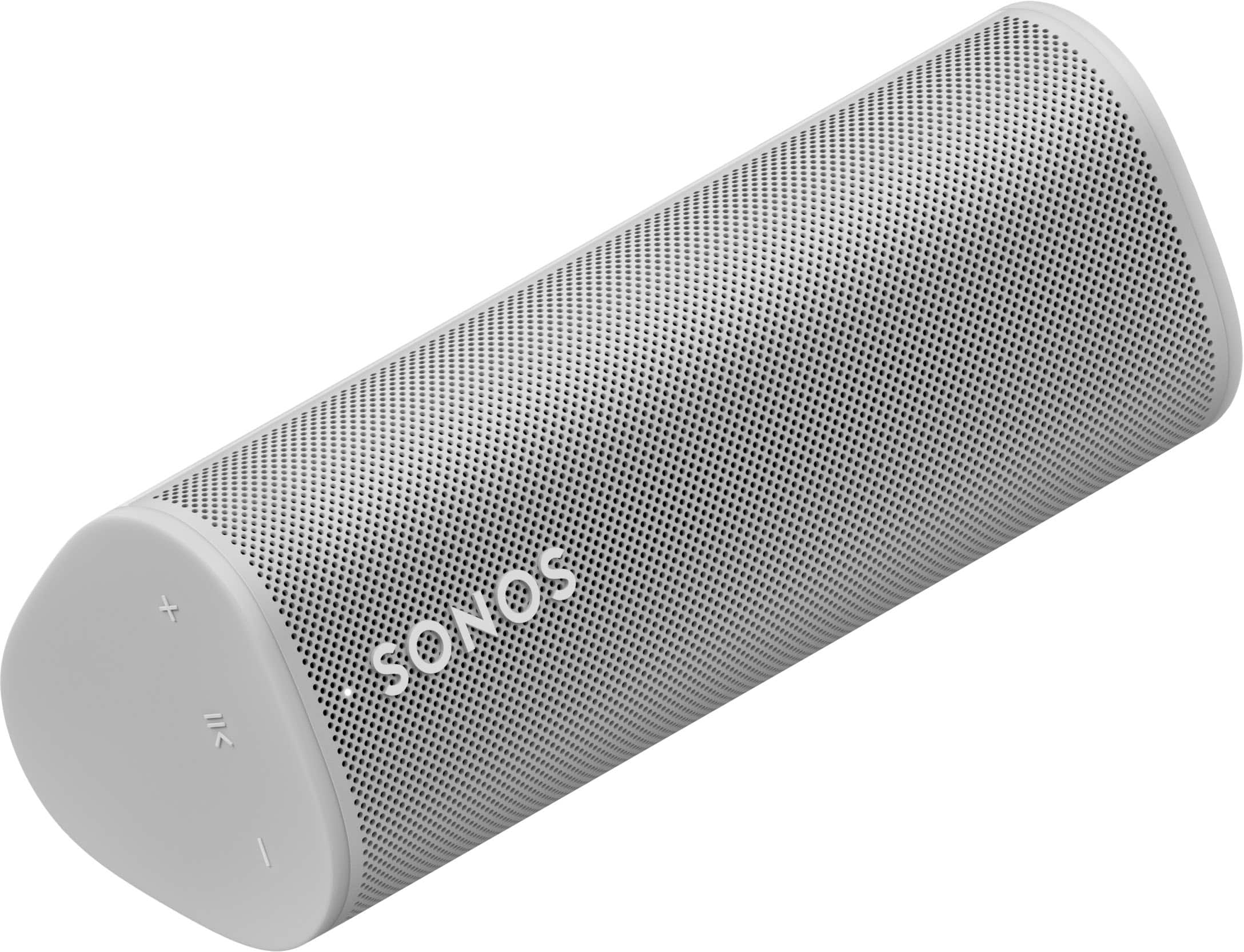
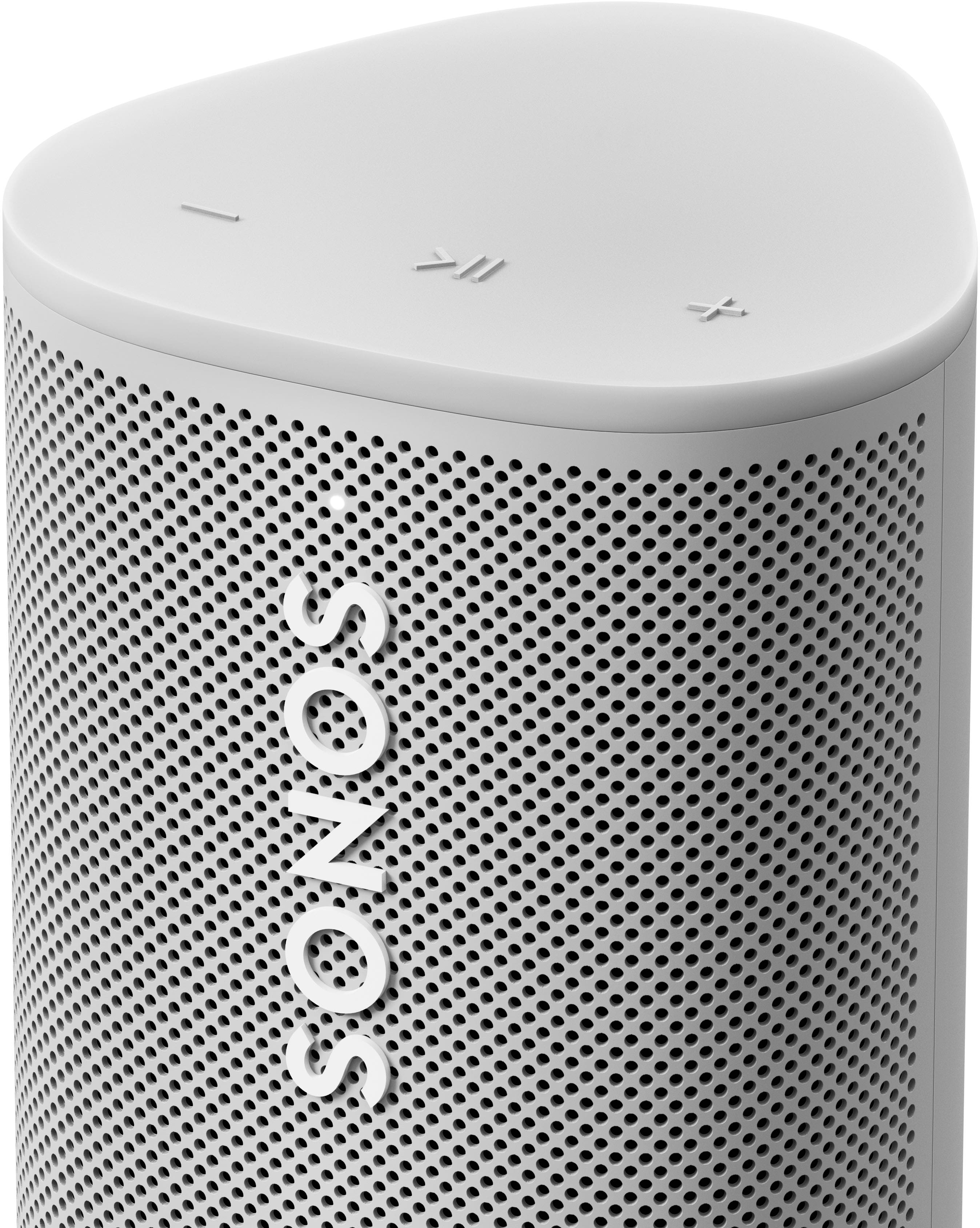
|Posted .This reviewer received promo considerations or sweepstakes entry for writing a review.Sonos is continuing their theme of introducing versions of their speakers without microphones. The Sonos Roam SL is their cheapest portable speaker yet coming in $20 less than the Roam with voice control. If you’re looking for a small portable option and don’t plan on making use of the voice assistants or you prefer devices without microphones for privacy, the Roam SL will definitely fit the bill. DESIGN + HARDWARE The design is a common sense extension of the Sonos aesthetic with a beautiful matte black or white finish. A precision grill wraps around 1/3rds of the speaker body providing a clean look that will blend in any environment. The buttons at the top are clearly labeled, though you’ll need to be aware of the button “shortcuts” for things like moving to the next or previous track. One of the lengthwise faces have rubber feet and the base of speaker has a nice rubber material. The base also has magnets and wireless charging built in for the additional charging station that they sell. The pair/power button along with the USB-C power is located on the back side for wired charging. Based on Sonos specs the Roam is IP67 water and dust resistant which means you can take it to the beach or use it in the shower without worry. They also claim that it's shockproof which I can attest to as I have accidently dropped it more than a couple times. Around the house I regularly got about 8 hours of battery life and I tended to use the speaker at higher volumes. Inside Sonos has 1 tweeter and 1 midwoofer pair with 2 Class H amps, which provide a solid performance (more on this later). VERSATILITY As the name implies, there are a number of ways that you can utilize the Roam. In the home: When the Roam is in range of your WiFi it integrates beautifully with your existing Sonos system, but there are several configurations to consider: - One Roam in its own room: Roam fits perfectly in a small room like a laundry room or closet where sound from your existing Sonos speakers might not reach. - “Roaming” around the house: If you’re working on things around the house, but don’t want music playing everywhere you can carry the Roam as you move from room to room. - In a flexible stereo pair: If you have more than one Roam, you can group them into their own room and utilize them as a stereo pair. If one of these Roams features microphones, you can still use those microphones to control the pair. With the Roams in a stereo pair you can use them statically in a medium size room or keep them available to take into the backyard when the family is hanging outside assuming you're within WiFi range. - Rear speakers for 5.1 stereo: If you have a Ray/Beam you can utilize the Roams as rear satellite speakers. The Roams are perfect for a small/medium sized living room to add some additional fullness. On the go: When you’re going on a hike, a trip to the lake, or the beach you can toss the Roam in your backpack and use it in Bluetooth mode. In this mode it functions like any other Bluetooth speaker and sounds great. When you’re away from your house and out of range of WiFi, it will automatically connect to your pair device when powered on. SETUP AND SOUND The setup as with the other Sonos products I own is super simple. You power on the unit and a pop up in the Sonos app automatically prompts you to setup the Roam SL. Once you give it a name you can connect it to your WiFi and get it updates. The Roam SL sounds great for the size of the speaker with clear highs and room filling mids. The low end does struggle a little bit and given the size of the speaker you are prioritizing “loudness” over room filling bass. That being said, I personally tweaked the EQ to add a little bit more to the low side and that helped fill out the sound tremendously. An important note is that with the lack of microphones you do miss out on automatic TruePlay, so if you plan on keeping your Roam in the same room/location I recommend running it with your iPhone as it does make a difference. As with everything else in the Sonos ecosystem you can play music from basically any music service you can think of with ease. I’ve also been trying our Sonos’ own Radio stations and found them to be solid curated playlists when I’m not sure what I am in the mood for.
I would recommend this to a friend - Pros mentioned:Sound quality
Perfect travel speaker
||Posted . Owned for 1 month when reviewed.This reviewer received promo considerations or sweepstakes entry for writing a review.Great product Sonos can not loose ! Try to get it as open box
I would recommend this to a friend - Pros mentioned:Sound quality
Awesome speaker
||Posted . Owned for 4 months when reviewed.This reviewer received promo considerations or sweepstakes entry for writing a review.Excellent Sonos portable speaker. A lot of sound for a small speaker!
I would recommend this to a friend Airplay
||Posted . Owned for 1 week when reviewed.This reviewer received promo considerations or sweepstakes entry for writing a review.Connectivity is alright, i seem to struggle if traveling or switching between wifi/bluetooth. Ok sound quality, not a bad speaker overall.
No, I would not recommend this to a friend- Pros mentioned:Sound quality
Bumping
||Posted . Owned for 1 month when reviewed.This reviewer received promo considerations or sweepstakes entry for writing a review.Love it! The best speaker for its size with incredible sound
I would recommend this to a friend - Pros mentioned:Portability
Great Wireless Speaker
||Posted . Owned for 6 months when reviewed.This reviewer received promo considerations or sweepstakes entry for writing a review.I absolutely love this portable and wireless speaker!
I would recommend this to a friend - Pros mentioned:Sound quality
Sonos Roam SL
||Posted . Owned for 2 weeks when reviewed.This reviewer received promo considerations or sweepstakes entry for writing a review.Bought two of these. Sound amazingly clear! Would recommend.
I would recommend this to a friend - Pros mentioned:Sound quality
Mrs
||Posted . Owned for 1 month when reviewed.This reviewer received promo considerations or sweepstakes entry for writing a review.The sound from this small speaker is incredible. It blew me away
I would recommend this to a friend - Pros mentioned:Sound quality
Buy the newer version instead (roam 2)
||Posted . Owned for 3 months when reviewed.This reviewer received promo considerations or sweepstakes entry for writing a review.I ordered one of these open box and it didn’t work. Had to return. I have one from a previous order and it’s fair as long as it stays home, which defeats the purpose. The newer model (roam 2) is so much better in every way.
No, I would not recommend this to a friendBrand response from Sonos Customer Care
Posted .Thank you for sharing your feedback with us. I’m sorry to hear that the open-box Roam SL you ordered didn’t work, and that you had to go through the hassle of returning it. That’s certainly not the experience we want for our customers, and I apologize for the inconvenience this caused.
It’s great to hear that you’ve had some success with your previous Roam SL, but I understand how limiting it can feel if it only performs well at home. The Roam series is designed to be portable, and if it’s not meeting that need, it’s understandably frustrating.
I’m glad to hear that the Roam 2 has been a better experience for you. We’re always looking to improve our products, and your feedback reinforces the positive changes made with the newer model.
Thank you again for your comments, and if there’s anything else we can do to assist you, please don’t hesitate to reach out.
- Pros mentioned:Portability
Sonia Speaker
||Posted . Owned for 3 months when reviewed.This reviewer received promo considerations or sweepstakes entry for writing a review.Excellent speaker and easy to use! Definitely recommend product.
I would recommend this to a friend - Pros mentioned:Portability
Sonos
||Posted . Owned for 3 weeks when reviewed.This reviewer received promo considerations or sweepstakes entry for writing a review.great portable unit...very easy to operate and great quality.
I would recommend this to a friend - Pros mentioned:Sound quality
Use it in our kitchen
||Posted . Owned for 2 weeks when reviewed.This reviewer received promo considerations or sweepstakes entry for writing a review.Works great with apple homekit and homepods. Sounds great!
I would recommend this to a friend - Pros mentioned:Sound quality
great speaker
||Posted . Owned for 1 month when reviewed.This reviewer received promo considerations or sweepstakes entry for writing a review.perfect, needed it for my pc works with other sonos speaker too for surround
I would recommend this to a friend - Pros mentioned:Sound quality
Little dynamite speaker
||Posted . Owned for 2 weeks when reviewed.This reviewer received promo considerations or sweepstakes entry for writing a review.Awesome sound coming from this little speaker. Its amazing
I would recommend this to a friend - Pros mentioned:Sound quality
Sonos does it again.
||Posted . Owned for 1 month when reviewed.This reviewer received promo considerations or sweepstakes entry for writing a review.It has fantastic sound with solid base. Lightweight and easy to take anywhere.
I would recommend this to a friend Sonos sound
||Posted . Owned for 3 weeks when reviewed.This reviewer received promo considerations or sweepstakes entry for writing a review.It is very good for the price. It works great and I have had no issues.
I would recommend this to a friend