Customer Ratings & Reviews
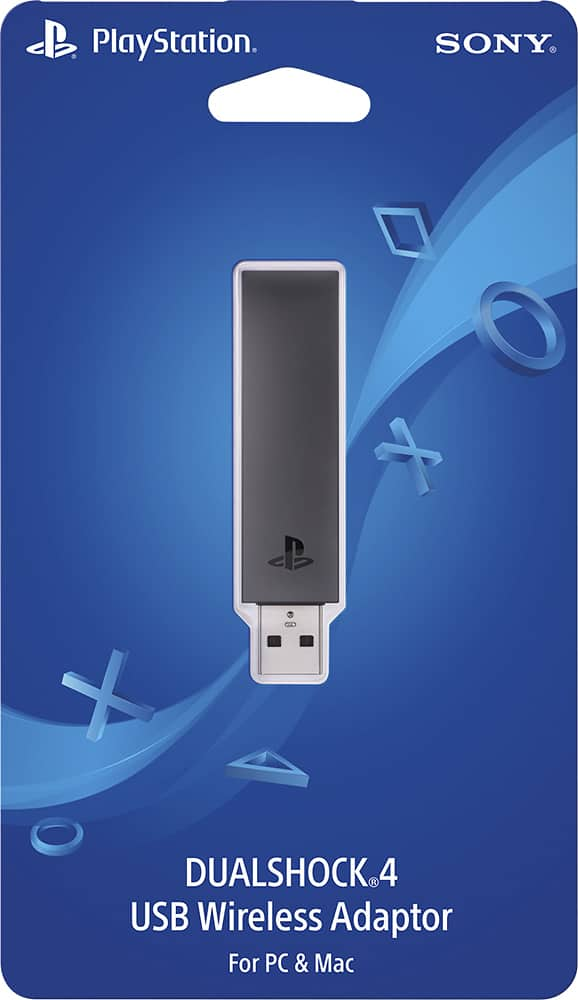
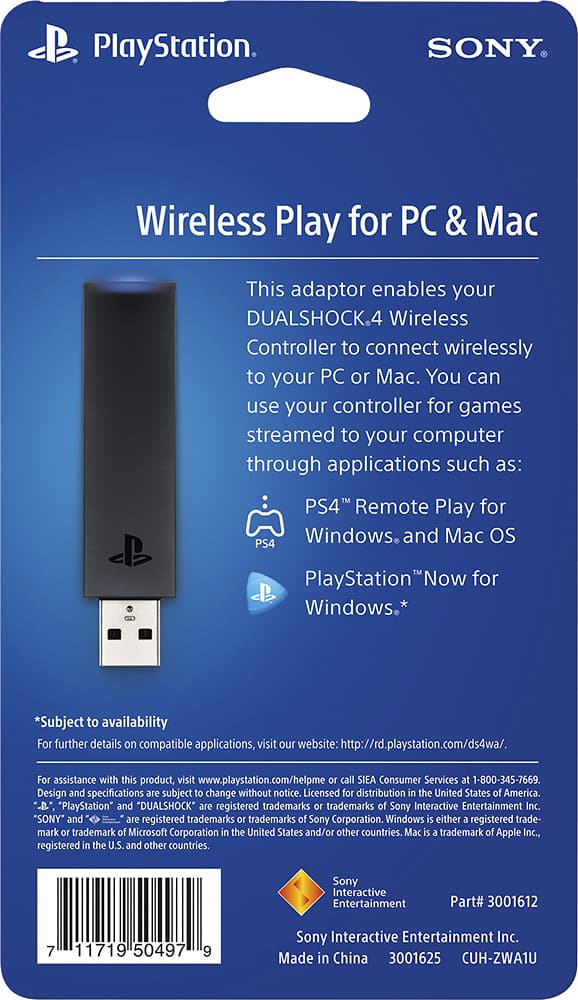
- Model:
- 3001625
- |
- SKU:
- 5589800
Customer reviews
Rating 4.5 out of 5 stars with 218 reviews
(218 customer reviews)to a friend
Customers are saying
Customers regard the DUALSHOCK®4 USB Wireless Adapter favorably for its ease of use and ability to enable remote play, with many praising its simple setup and reliable connection. However, some users experienced compatibility issues with certain games and platforms, and a few noted occasional lag. The adapter's USB connectivity was a significant positive for many users. While some found the price reasonable, others reported problems with headset functionality.
This summary was generated by AI based on customer reviews.
Rated 5 out of 5 stars
Works great
||Posted .This reviewer received promo considerations or sweepstakes entry for writing a review.Works just as advertised, i needed this so i can use my ps4 controller with my pc, and it works flawlessly
I would recommend this to a friendRated 5 out of 5 stars
Makes an old gamer happy.
||Posted .This reviewer received promo considerations or sweepstakes entry for writing a review.Device works as it is intended on my Windows 10 gaming PC. I was upset when I switched to PC master race because I had to start using an Xbox controller. I was always a PlayStation gamer and this transition was not easy. For the past 4 years I have been using the Xbox controller and simply dealing with it. When PlayStation announced this little doohickey I was excited. Now Steam is beginning to provide support for the PS4 controller.
I would recommend this to a friend- Cons mentioned:Compatibility, Lag
Rated 5 out of 5 stars
Works!
||Posted .This reviewer received promo considerations or sweepstakes entry for writing a review.Wasn't for sure how it would be but it works great no lag. However doesn't work on each games.
I would recommend this to a friend Rated 5 out of 5 stars
Handy tool !
||Posted .This reviewer received promo considerations or sweepstakes entry for writing a review.Good price and a great product....made well too. My son can play his PS4 games on his Mac.
I would recommend this to a friend- Pros mentioned:Remote play
Rated 5 out of 5 stars
Simply Put, It Works
||Posted .This reviewer received promo considerations or sweepstakes entry for writing a review.The adapter came with simple instructions that made pairing seamless. The Remote Play app picked up my DualShock 4 controller with no issues. Other than that, what more can you as for out of an adapter other than the fact that your controller is now able to be used wirelessly with your PC without any 3rd party software.
I would recommend this to a friend - Pros mentioned:Remote play, Usb
Rated 5 out of 5 stars
Excellent product for what it does
||Posted .This reviewer received promo considerations or sweepstakes entry for writing a review.The item is very useful, it's simply plug and play. Works great on my windows 10 PC.
I would recommend this to a friend - Pros mentioned:Ease of use
Rated 5 out of 5 stars
Great USB Controller receiver
||Posted .This reviewer received promo considerations or sweepstakes entry for writing a review.Went to best buy and they do a great Customer Service. Showed them the price in amazon and yes, they do price match. Item works perfectly, if you understand a little bit of tech field, its very easy to install it. Network has to be fast in order to work with no lack. It is recommended if both equipments are in LAN Network (Playstation and Laptop i.e.) so you will have a great experience.
I would recommend this to a friend Rated 2 out of 5 stars
Give it a pass unless you know you want it
||Posted .This reviewer received promo considerations or sweepstakes entry for writing a review.gave it a try for $15. Had a ps4 controller and wanted to see how it worked. trust me (and almost every other reviewer out there) give it a pass. It does work, but it doesn't work well. Poor windows support. Really just for Sony's streaming service. And it sticks out oddly! Just not the best solution. Find another PC game pad like a xbox controller or Steel Series.
I would recommend this to a friend- Pros mentioned:Usb
Rated 5 out of 5 stars
Works great
||Posted .This reviewer received promo considerations or sweepstakes entry for writing a review.I used this to hook up PS4 controllers to my windows machine for emulators. Pay attention to how you have to pair them (press the stick "in" and hold for a few seconds). Other than that, you just then have to make sure that you configure the buttons on the controller how you want (you do this on your computer), and then youre good to go.
I would recommend this to a friend - Pros mentioned:Ease of use
Rated 5 out of 5 stars
Great adapter for computer gaming
||Posted .This reviewer received promo considerations or sweepstakes entry for writing a review.Great adapter for PlayStation. Easy to use and great price
I would recommend this to a friend - Pros mentioned:Usb
Rated 4 out of 5 stars
Great add-on product
||Posted .This reviewer received promo considerations or sweepstakes entry for writing a review.I use my PS4 controller instead of an XBox because the PS4 fits my hands better, but using the Bluetooth is a pain to pair and using the cable at times doesn't make a solid connection and I get mistakes moving on the screen. The USB Wireless Adapter fixes it all. It's responsive and it doesn't get in the way. I love it. Get one.
I would recommend this to a friend Rated 5 out of 5 stars
Works great
||Posted .This reviewer received promo considerations or sweepstakes entry for writing a review.This is so you can use a PS4 dualshock controller on your computer for PS4 remote play. So you can play your PS4 through your PC. Nice if you want to keep playing, but in a different room. You can also use it to connect the Dualshock to Steam Big screen mode. You can also download a third party driver and use it for other PC games.
I would recommend this to a friend- Cons mentioned:Compatibility
Rated 3 out of 5 stars
It's alright
||Posted .This reviewer received promo considerations or sweepstakes entry for writing a review.I thought this product would let my PS4 controller work with Steam but I was mistaken.
No, I would not recommend this to a friend - Pros mentioned:Ease of use
Rated 5 out of 5 stars
No Strings On Me
||Posted .This reviewer received promo considerations or sweepstakes entry for writing a review.Worked flawlessly for me. Love being able to play most all of my Steam games on my computer wirelessly with my DS4 controller. Product is very easy to use and looks great. Very glad I made this purchase. Price was right too, not much more than a extension cable for the controller. Running Win 10 Pro on my PC.
I would recommend this to a friend Rated 4 out of 5 stars
Nice accessory
||Posted .This reviewer received promo considerations or sweepstakes entry for writing a review.Works pretty well. The only complaint is that the sync function is a little odd as it requires you to push the whole adapter as if you're trying to get it in the USB further. On a separate note, I've read that USB 3.0 does not handle wireless dongles well so an FYI if you plan to use this on a 3.0 port.
I would recommend this to a friend- Cons mentioned:Compatibility
Rated 4 out of 5 stars
Want To Use Your DS4 On The PC?
||Posted .This reviewer received promo considerations or sweepstakes entry for writing a review.Sure you do and that is what this is for. It does work quite well however platforms like Steam have limited support for it. There are some work arounds that trick the pc into thinking it is a Xbox controller, or as a xinput which quite a few games use. Google has all the answers you will need for that.
I would recommend this to a friend - Pros mentioned:Setup
Rated 5 out of 5 stars
Just what I needed
||Posted .This reviewer received promo considerations or sweepstakes entry for writing a review.With this wireless adapter, I was able to use my extra DS4 on Steam, particularly with FFX/X-2 HD Remaster. Set up is a breeze as long as you follow the instructions. Plug, pair, and play. It worked immediately without having to install additional drivers or third party software.
I would recommend this to a friend - Pros mentioned:Setup
Rated 5 out of 5 stars
Seems to work great
||Posted .This reviewer received promo considerations or sweepstakes entry for writing a review.So far, I haven't had much time to actually use it, but the setup went really well. My Windows 10 PC recognized it immediately, and it worked to control my PS4 remotely. I'm so much happier having this, than some chinese/hacky software, to make my PC work with my PS4 controller.
I would recommend this to a friend - Pros mentioned:Usb
Rated 4 out of 5 stars
Decent adapter if not using Bluetooth
||Posted .This reviewer received promo considerations or sweepstakes entry for writing a review.Paired well and works great when in use, my only issue like other adapters is they stick out too far and when using a laptop I'm always in fear of catching it on something and damaging the adapter or the USB port. I feel it's better to go bluetooth now with controllers.
I would recommend this to a friend - Cons mentioned:Headset functionality
Rated 4 out of 5 stars
Good utility overall
||Posted .This reviewer received promo considerations or sweepstakes entry for writing a review.While this utility is great for using my PS4 controller on my PC it required third party software to work with all games. Also, because of the headset functionality its drivers take over the default speaker and microphone configuration of my computer on every reboot.
I would recommend this to a friend