Customer Ratings & Reviews
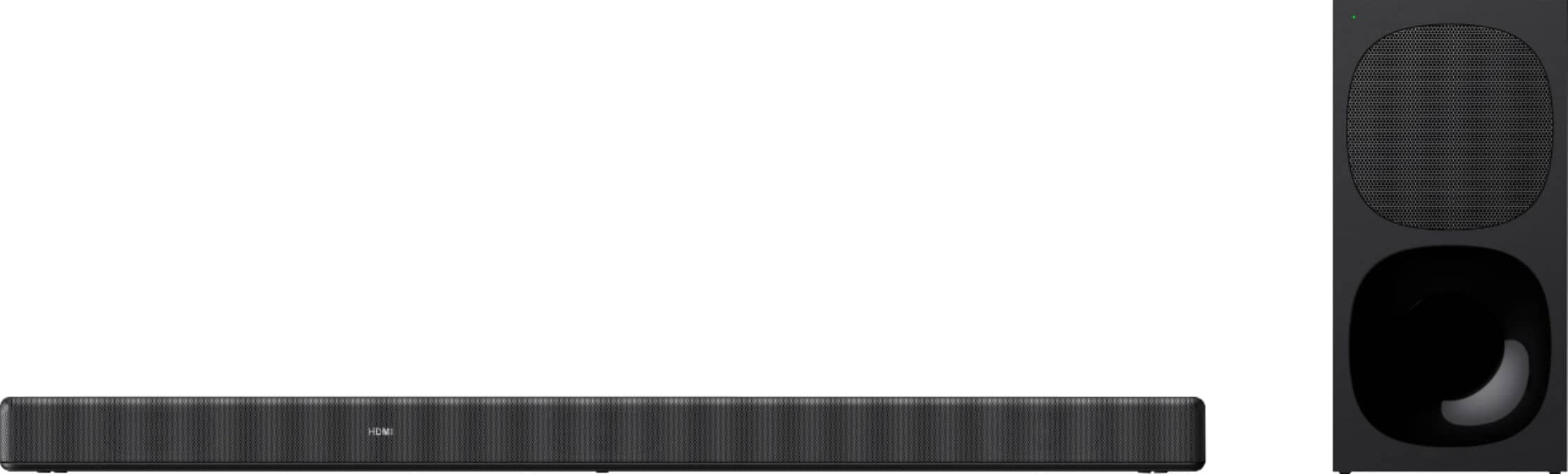
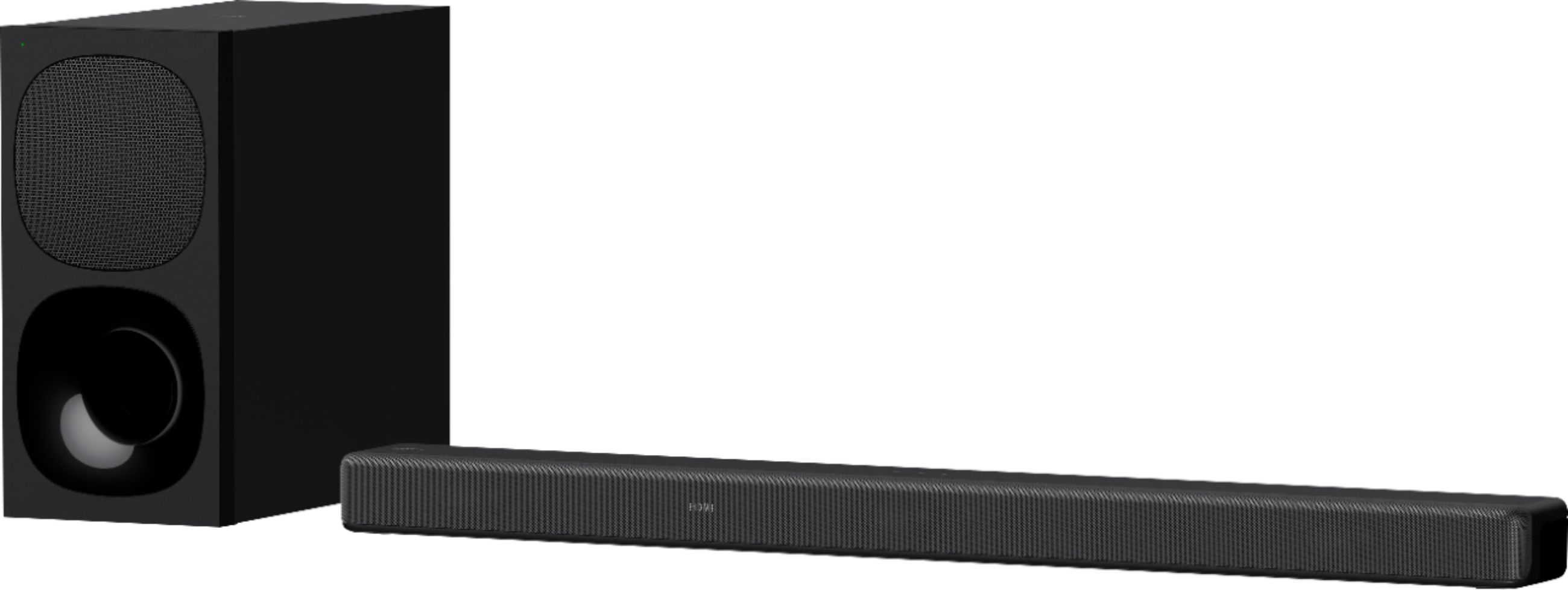
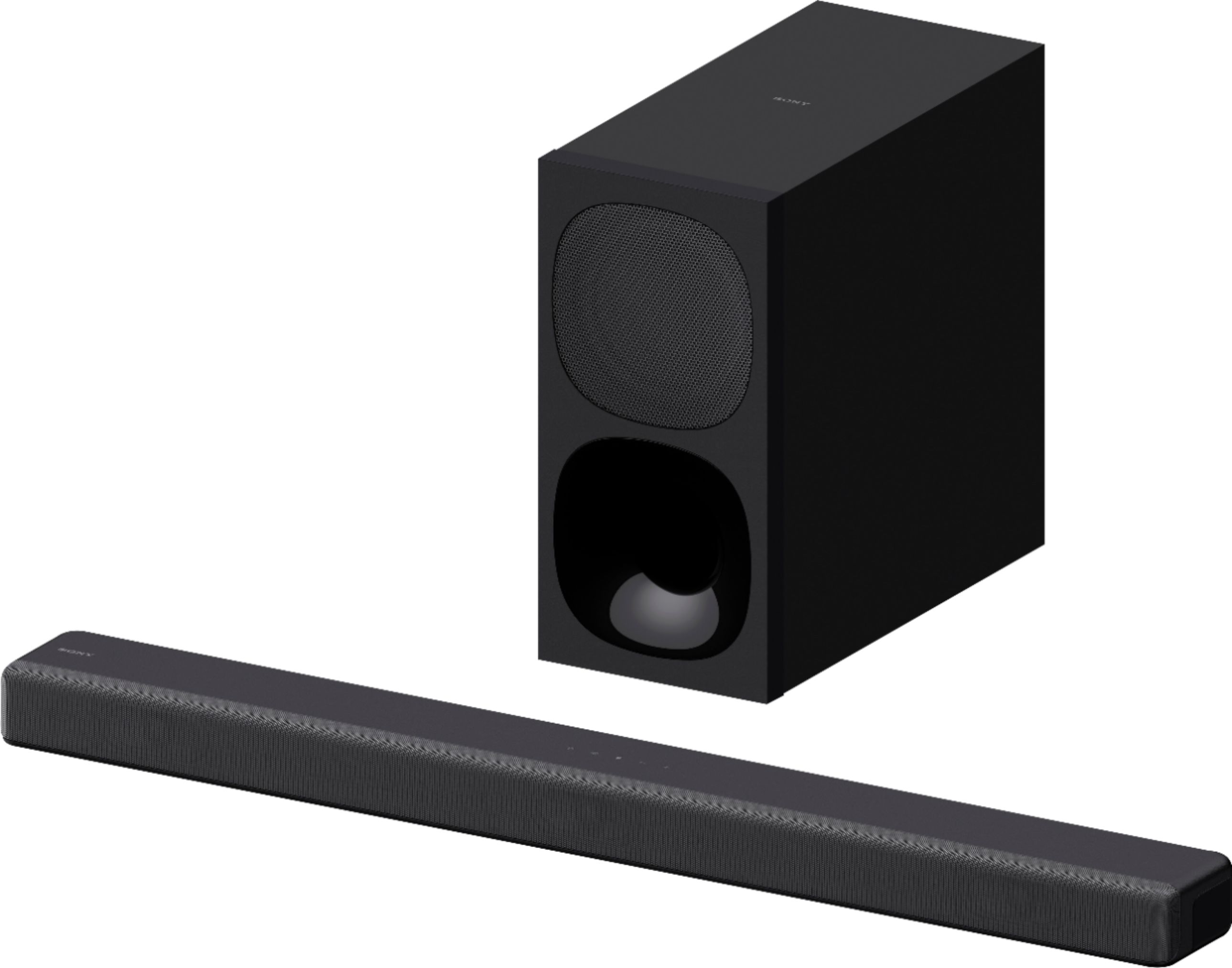
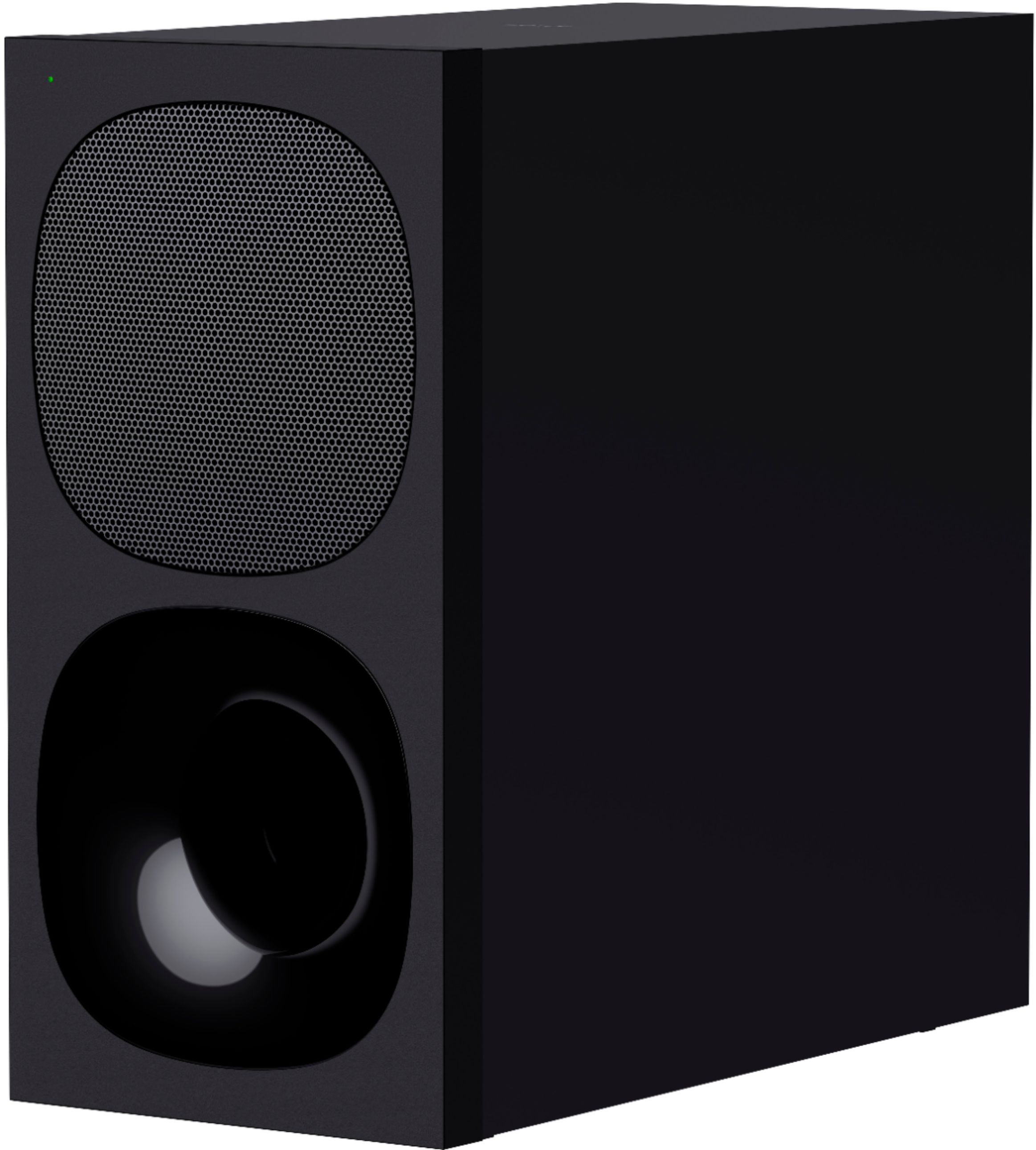

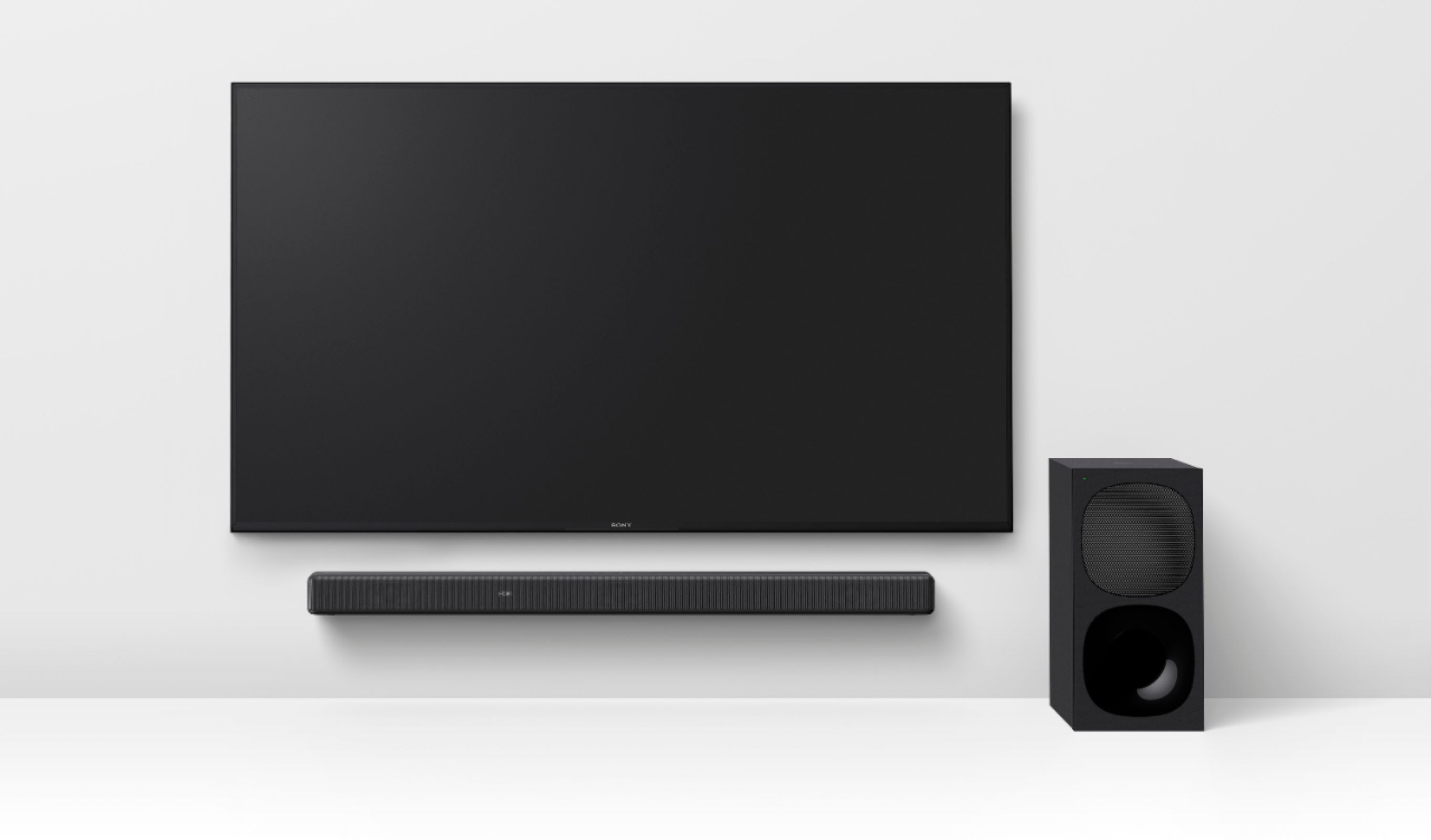
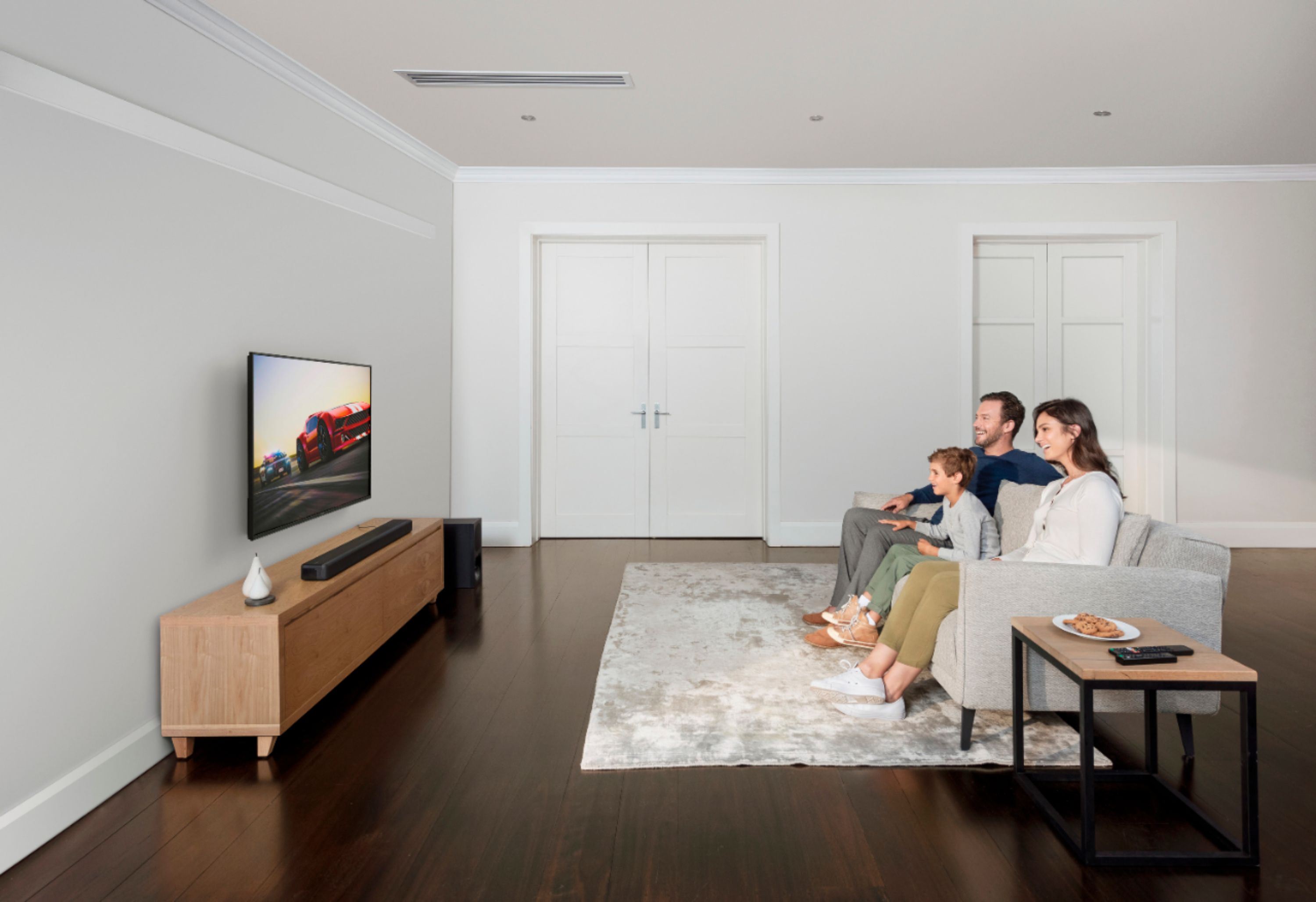
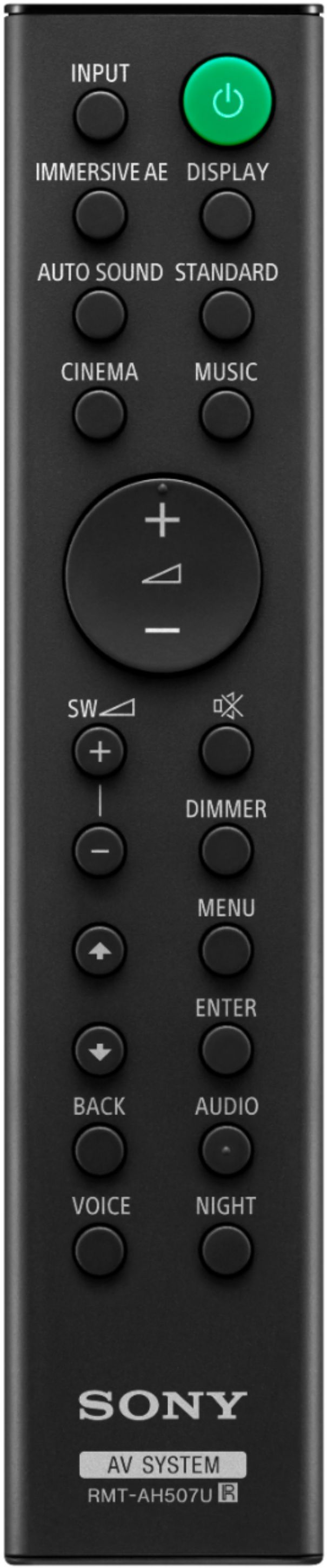
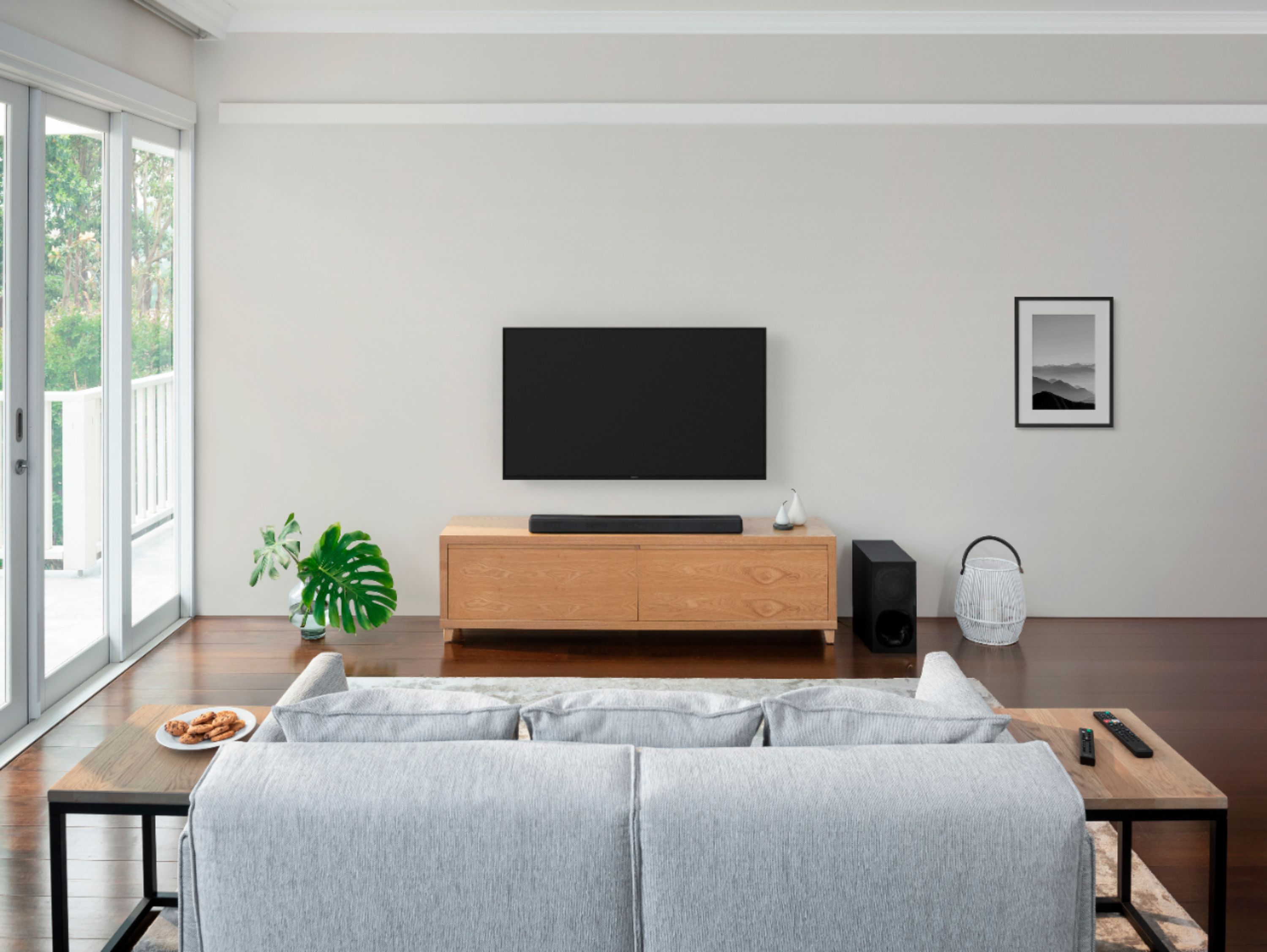




- Model:
- HTG700
- SKU:
- 6403902
Rating by feature
- Value
Rating 4.1 out of 5 stars
- Quality
Rating 4.3 out of 5 stars
- Ease of Use
Rating 4.4 out of 5 stars
Customers are saying
Customers value the HT-G700 soundbar for its exceptional sound quality, easy setup, and affordable price. Many customers rave about the crystal-clear sound and immersive surround sound experience, while others appreciate the straightforward setup process and sleek design. While some customers wish for stronger bass and better connectivity, the overall sentiment is that the HT-G700 offers excellent value for its price range.
This summary was generated by AI based on customer reviews.
- Pros mentioned:Bass, Sound quality

able to take advantage of 4k
|Posted .This reviewer received promo considerations or sweepstakes entry for writing a review.What's the point of having 4k HDR on your TV but then missing out on the sound details with a subpar speaker? I didn't know, until now. This set replaced an older wireless sound system from an equally big name, and the difference is noticeable. The sub provides enough bass to really get the heartbeat thumping during tense moments on TV, and the speakers provide a nice blanket of sound to simulate all-round. Though there are different modes to tailor the sound output, like cinema, which provides an immersive sound output, vs night (most used) which seems to balance the trebles more to let voices be clear at lower volumes. We've got 2 little ones, so we're often watching movies after putting them to bed - so being able to experience the sound without waking the boys up is amazing. Sony never disappoints with quality, and this sound system is no exception. Haven't noticed any issues with connecting our iPhones via wifi either.
I would recommend this to a friend Sound cuts out
||Posted . Owned for 2 weeks when reviewed.This reviewer received promo considerations or sweepstakes entry for writing a review.HT-G700 + XBR-950H. Problems when Soundbar connected to TV via HDMI earc. (1) Audio drops watching streaming video Hulu; (2) Dish Network remote SKIP causes sound to drop after multiple (variable) # of Skips forward/back. Unable to find a fix after extensive search and posting on Sony Community forum.
No, I would not recommend this to a friendBrand response from SonyListens
Posted .Hi Bill, we're sorry to hear that you have an issue with your SONY unit. If there is a device nearby that generates electromagnetic waves, such as a wireless LAN or a microwave oven in use, locate the system apart from it. If there is an obstacle between the bar speaker and the subwoofer, move or remove it. Switch the wireless LAN frequency of any nearby wireless LAN router or PC to 5 GHz range. And since you are using an HDMI connection, you may find this link helpful:
https://www.sony.com/electronics/support/home-theater-sound-bars-home-theater-systems/ht-g700/articles/00191214
If you are unable to resolve your concern, please email us at [email protected] with the following details: Name: Username: Model Number: Issue: Telephone Number: ~Earl
- Pros mentioned:Sound quality
Disappointed in the bass production
|Posted .This reviewer received promo considerations or sweepstakes entry for writing a review.I paired this sound bar with a Sony x900F television unit. I only have Sony TVs in my home but I have never paired a Sony soundbar to a Sony TV until now. The Sony TV to Sony Soundbar integration is quite flawless. It recognizes it, and can be controlled from the main TV remote with no issues. I will say I am quite the audiophile with several high end stereo systems in my home to include a true Dolby atmos system in my media room with dual sub-woofers. To be fair, I reviewed this sound bar against the internal speakers on the TV. I will say this soundbar is a significant upgrade from the internal TV speakers. It produces much more volume and clearer audio. I will say this soundbar is lacking in the bass production coming out of the sub-woofer. I would have thought for the size and weight of the sub it would have produced deeper bass. That is disappointing to me as I really am a bass fanatic especially when it come to war movies with explosions and such. I also found it very difficult, with several different movies, to understand voices at low, medium, as well as high volume. This was with using the voice option and without using the voice option. I also found myself having to adjust the volume frequently throughout the films. That is one of my biggest irritations is having to manage the volume throughout the film. I gave this soundbar a 3 out of 5 starts solely based on the bass production and the lack of volume consistency. I will say the soundbar looks good from a design perspective and fit perfectly underneath my Sony x900F. I would recommend this sound bar to someone who is looking to upgrade from default TV speakers to something better however I will caution that if you desire good bass this may not be the soundbar for you.
I would recommend this to a friendBrand response from SonyListens
Posted .Hi krush,
We apologize the HT-G700 did not meet all your expectations. The G700 has a variety of sound modes to help enhance your viewing experience. We recommend using the Cinema mode for your TV content. If your subwoofer isn’t adjacent to a wall in the corner, we recommend placing the subwoofer there to improve your bass performance. If your movie content is in DTS:X, you can enhance the vocals an additional 6 dB by pressing MENU on the remote and scrolling down to AUDIO. Press ENTER and then scroll down to DIALOG and press ENTER. You can then make the additional enhancements with the Up and Down buttons. Should you need additional assistance, please contact us @[email protected]
. Thank you. -Sam
Sony Soundbar
||Posted . Owned for 2 months when reviewed.This reviewer received promo considerations or sweepstakes entry for writing a review.This sounded horrible. No matter what I tried, I could not get it to sound anything like it sounded in the store. I hated it and Best Buy was kind enough to allow me to return and purchase the Sonos Arc which is what I should have purchased in the first place.
No, I would not recommend this to a friendBrand response from SonyListens
Posted .Hi Toni, We are sorry to hear that the HTG700 Soundbar did not meet your expectations and you had to return the unit. You can adjust the sound quality of the soundbar by using the remote buttons to set it to Auto Sound, STANDARD, CINEMA, or MUSIC. Also, the surround quality differs depending on the sound source.
We hope that you consider Sony again in future purchases.
Regards,
Carl
No remote?
||Posted . Owned for 1 month when reviewed.This reviewer received promo considerations or sweepstakes entry for writing a review.Cuts in and out. Once it cuts out then it won't come back on until you shut everything down and turn back on. Also; didn't come with a remote
No, I would not recommend this to a friendBrand response from SonyListens
Posted .Hi AnthonycB, We are sorry to hear that you are experiencing issues with your HTG700. We'd love to troubleshoot the issues that you are having and make this a better experience for you. In the meantime, for audio cut-off issues with the HTG700, please follow these steps to troubleshoot the issue.
Unplug the Soundbar power cord and plug it back in
1. Turn off the soundbar.
2. Unplug the power cable from the wall outlet.
3. After one minute, replug the power cable back to the wall outlet.
4. Turn on the soundbar.
Verify if this resolves the issue.
- Disconnect the HDMI cable or the optical digital cable and then reconnect it
- Disconnect the cable from the soundbar and playback device and then reconnect the cable.
If the issue is resolved, the issue may have been caused by a faulty connection with the cable.
- If there is a device nearby that generates electromagnetic waves, such as a wireless LAN or a microwave oven in use, locate the system apart from it.
- If there is an obstacle between the bar speaker and the subwoofer, move or remove it.
- Do not cover the top of the bar speaker with metal objects such as TV frame, etc. Wireless functions may become unstable.
- Locate the bar speaker and the subwoofer as close as possible
For the remote control please check with your dealer for assistance or you may contact us for us to better assist you. Please email the below information to [email protected]
Apologies if you disclosed some of this information in your review and to customer service, we just want to ensure that we have your accurate details at the time of communication.
Full Name:
Best Buy Username:
Telephone Number:
Model Number:
Issue:
Regards,
Carl
- Pros mentioned:Bass, Dolby atmos, Sound quality
WOW!!!
Posted .This reviewer received promo considerations or sweepstakes entry for writing a review.This thing is unbelievable, the setup was Super easy and the bar was slim enough to fit under my TV without blocking the screen. The design is neutral and good looking which makes it easy to look at. Although, the reason I'm writing this review is not about the looks but the sound. I initially was trying the find a soundbar/subwoofer that had Dolby atmos, 3.1 Chanel speakers and other features like dts. I stumbled upon this option through ratings.com and saw the review on uraverageconsumer. I ordered it for curbside and picked up the next day. I set it up and my first impressions were that the voice clarity sounded muffled and the subwoofer felt a little week. I fixed through the settings and after calibration the sound was great. First of all, on the soundbar screen its difficult to navigate, so I'd use the app which I haven't done yet but the remote is straightforward and simple which I like. As far as the settings, turn immersive AE on, turn dts on, dialogue option on, effects option on and turn that supbwoofer all the way up to 12. Also, I found cinema mode was the best for films. With all these option ifound the sound quality and the cinematic experience improved greatly. Another tip I found is that this soundbar doesn't shine at lower volume but if you increase it to 50 to 80 percent, everything comes out like a movie theater. I've only had it for a day but for those who say the sub is weak, its very dependent on what your watching and the subwoofer level that its set on. For instance, I watched ready player one and skipped forward to the car scene. I was simply blown away by the roaring of the engines and every skid on the road that i could feel through the sub. The voices were clear and I could make out the background sounds clearly as well. If your looking for a sub 600 dollar sub/soundbar with Dolby atmos features and don't want to get 6 speakers for a setup, get this. Its also very good to test with the Dolby atmos demo on youtube but seriously change the settings before you do and you won't be disappointed. All in all, it was the cinematic, at home movie theater experience i was looking for in a speaker like this. Hope this helped.
I would recommend this to a friendBrand response from SonyListens
Posted .Hi Luke, thank you for your detailed review of your soundbar. We are glad that you like the design, ease of usage and sound quality. Immerse yourself in TV and movies with powerful, dynamic surround sound. Stylish and easy to use, this Dolby Atmos®️ soundbar even features a dedicated center speaker for clearer dialog. Thank you for choosing Sony! Erin
Kind of disappointing.
||Posted . Owned for 5 months when reviewed.This reviewer received promo considerations or sweepstakes entry for writing a review.Expected a little bit better sound volume is up and down.
No, I would not recommend this to a friendBrand response from SonyListens
Posted .Hi Semtecguy, we're sorry to hear that you’re having an issue with your SONY unit. Please note that volume levels may change depending on the content you are viewing. Commercials and action scenes have audio levels that are boosted relative to scenes focused on dialogue or scenery. You can adjust the soundbar to help create a better listening experience via the sound modes on the remote and using the Voice button to enhance vocal dialogue.
If you are unable to resolve your concern, please email us at [email protected] with the following details:
Name:
Username:
Model Number:
Issue:
Telephone Number:
~Earl
Downer
||Posted . Owned for 1 month when reviewed.This reviewer received promo considerations or sweepstakes entry for writing a review.If you like great sounding back ground sounds, and not being able to hear/understand what anyone is saying, this is the soundbar for you. I have studied the book and tried EVERYTHING that is supposed to emphasize voices, and it still sucks.
No, I would not recommend this to a friendBrand response from SonyListens
Posted .Hi NewSony, thank you for choosing and purchasing our HT-G700 Soundbar with Wireless Subwoofer. We are sorry to hear that the soundbar did not meet all of your expectations. We'd love to troubleshoot the problem and make this a better experience for you. In the meantime, please try and set the Voice function to On. This will make dialogues easily heard by enhancing dialogue range. Please press the Voice button on the Sony Remote to enable/disable the Voice function.
May we contact you to help? If so, please email the below information to [email protected]
Apologies if you disclosed some of this information in your review and to customer service, we just want to ensure that we have your accurate details at the time of communication.
Full Name:
Best Buy Username:
Telephone Number:
Model Number:
Issue:
We are sorry for the inconvenience and hope to speak to you to resolve this matter.
Regards,
Carl
Not good
||Posted . Owned for less than 1 week when reviewed.This reviewer received promo considerations or sweepstakes entry for writing a review.I bought this to replace my HT-CT800 that I got in 2016. It was a mistake. It sounds significantly inferior to the product I already had. I’ll be returning it and sticking with my older sound bar.
No, I would not recommend this to a friendBrand response from SonyListens
Posted .Hi NoKetchup67, we're sorry to hear that you have an issue with the sound quality on your SONY unit. You can feel immersed by the sound from not only the horizontal direction, but also from the upward direction by using Vertical Surround Engine effectively for sound modes.
You can easily enjoy pre-programmed sound effects that are tailored to different kinds of sound sources.
We recommended following this link for more details. (Refer to page 28):
https://www.sony.com/electronics/support/res/manuals/5013/c617d547e6b6b0e2ecfe0fbdb69b919c/50130581M.pdf
If you require any additional support in regards to this product, please email us at [email protected] with the following details: Name: Username: Model Number: Issue: Telephone Number:
~Earl
- Pros mentioned:Bass, Sound quality
A Nice Sound System
Posted .This reviewer received promo considerations or sweepstakes entry for writing a review.I got a new Sony OLED tv. So I was searching for a sound system to hook up with my tv. I decided to try this soundbar. It was easy to set up and I was amazed by the surround sound. It’s best when watching action movies. You will really enjoy the sound and its bass from its subwoofer.
I would recommend this to a friendBrand response from SonyListens
Posted .Hi EmmanuelJ, We're glad that you like the ease of setup and audio quality. Immerse yourself in TV and movies with powerful, dynamic surround sound. Stylish and easy to use, this Dolby Atmos®️ soundbar even features a dedicated center speaker for clearer dialog. Thanks for choosing Sony. Erin
Don't buy
||Posted . Owned for less than 1 week when reviewed.This reviewer received promo considerations or sweepstakes entry for writing a review.They sound is pretty bad. You still have to turn up and down the volume to hear people talk. When they do talk it sounds awful.
No, I would not recommend this to a friendBrand response from SonyListens
Posted .Hi Linds,
We are so sorry if the sound quality of our HTG700 did not meet your expectations. This soundbar actually features a sound mode that is tailored to sound sources and voice mode to make dialogs clearer. You can adjust it to your liking by pressing the buttons on the remote control. We also suggest having your HTG700 placed closer to ear level to allow you to hear more details. If the bar is mounted low, you may not have the best listening experience.
If this does not help, please email us at [email protected] with the following details so we can better assist you.
Name:
BestBuy Username:
Model Number:
Issue:
Telephone Number:
Sincerely,
Romeo
Sony Social Support
Stay away
||Posted . Owned for 3 weeks when reviewed.This reviewer received promo considerations or sweepstakes entry for writing a review.Absolute garbage! Do not waste your time on this product. Get a real receiver and speaker set up. It would stop working in the middle of watching a movie, then I would have to unplug it before it would restart.
No, I would not recommend this to a friendBrand response from SonyListens
Posted .Hi Druss, Thank you for choosing and purchasing our HT-G700 Soundbar with Wireless Subwoofer. We are sorry to hear that you are experiencing audio cut issues while watching a movie. We'd love to troubleshoot the issue and make this a better experience for you. In the meantime, please follow these steps to troubleshoot the issue.
First, please make sure that the soundbar is up to date with the firmware (version 1.055) as this will improve the overall performance of the soundbar. You may check this link for more information on how to install the software update to your HT-G700. https://www.sony.com/electronics/support/home-theater-sound-bars-home-theater-systems/ht-g700/downloads/00017093
Unplug the Soundbar power cord and plug it back in
1. Turn off the soundbar.
2. Unplug the power cable from the wall outlet.
3. After one minute, replug the power cable back to the wall outlet.
4. Turn on the soundbar.
Verify if this resolves the issue.
- Disconnect the HDMI cable or the optical digital cable and then reconnect it
- Disconnect the cable from the soundbar and playback device and then reconnect the cable.
If the issue is resolved, the issue may have been caused by a faulty connection with the cable.
- If there is a device nearby that generates electromagnetic waves, such as a wireless LAN or a microwave oven in use, locate the system apart from it.
- If there is an obstacle between the bar speaker and the subwoofer, move or remove it.
- Do not cover the top of the bar speaker with metal objects such as TV frame, etc. Wireless functions may become unstable.
- Locate the bar speaker and the subwoofer as close as possible
May we contact you to help? If so, please email the below information to [email protected]
Apologies if you disclosed some of this information in your review and to customer service, we just want to ensure that we have your accurate details at the time of communication.
Full Name:
Best Buy Username:
Telephone Number:
Model Number:
Issue:
Regards,
Carl
Disappointed
||Posted . Owned for 1 month when reviewed.This reviewer received promo considerations or sweepstakes entry for writing a review.The sound bar is not working with our TV. We have called for support and went in and talked to a representative but the instructions we were given haven’t worked. Sony’s online tech support doesn’t work either.
No, I would not recommend this to a friendBrand response from SonyListens
Posted .Hi Soundbar, we're sorry to hear that you have an issue with your SONY unit. We would like to review your file so we can better assist you. Please email us at [email protected] with the following details:
Name:
BestBuy Username:
Model Number:
Issue:
Telephone Number:
Case Number:
~Earl
Bad mot compatible with Sony XR-77A80J
||Posted . Owned for 3 weeks when reviewed.This reviewer received promo considerations or sweepstakes entry for writing a review.Looks its not compatible with a brand new SonyTV and Best Buy is selling as it were. This Sony Sound Bar doesn't show in the list of audio system compatibles for the XR-77A80J
No, I would not recommend this to a friendBrand response from SonyListens
Posted .Hi Jean, We are sorry to hear about the issue you are having. If your HTG700 is not showing in the lists of Bravia Sync devices of the TV, please follow the troubleshooting steps on the link below to resolve this issue.
https://www.sony.com/electronics/support/televisions-projectors-oled-tvs-android-/xr-77a80j/articles/00173195
If you are unable to resolve your concern, please email us at [email protected] with the following details:
Name:
Username:
Model Number:
Issue:
Telephone Number:
Sincerely,
Sam
Sony sound bar and woofer
||Posted . Owned for 1.5 years when reviewed.This reviewer received promo considerations or sweepstakes entry for writing a review.Sub woofer already died so lasted less than 1 yr! However the sound bar is working still
No, I would not recommend this to a friendSony soundbar
||Posted . Owned for 1 month when reviewed.This reviewer received promo considerations or sweepstakes entry for writing a review.This sound bar doesn't work well with e arc technology at all. It has to be very high up to hear anything on most streaming services.
No, I would not recommend this to a friendHorrible sound quality
||Posted .This reviewer received promo considerations or sweepstakes entry for writing a review.Sound volume is horrible. I also bought a Samsung harmon kardon sound bar and woofer and the Samsung is a lot better. Sony volume on 70 is equal to Samsung on 25. Im very disappointed
No, I would not recommend this to a friendBrand response from SonyListens
Posted .Hi Ronnie, We are sorry to hear that the HT-G700 Soundbar did not meet your expectations with regards to the sound quality. We'd love to troubleshoot the issue and make this a better experience for you. In the meantime, please make sure that the soundbar Night Mode setting is disabled. Please use the Sony Remote to enable/disable the Night Mode on the Soundbar.
May we contact you to help? If so, please email the below information to [email protected]
Apologies if you disclosed some of this information in your review and to customer service, we just want to ensure that we have your accurate details at the time of communication.
Full Name:
Best Buy Username:
Telephone Number:
Model Number:
Issue:
Regards,
Carl
Sony 3.1 Channel Soundbar
||Posted . Owned for 2 weeks when reviewed.This reviewer received promo considerations or sweepstakes entry for writing a review.Returned to the store for refund. The soundbar sounded displeasingly "tinny" and the wireless Subwoofer would not stay connected, even though it was located within 18 inches of the bar.
No, I would not recommend this to a friendBrand response from SonyListens
Posted .Hi sillygrl45, Thank you for choosing and purchasing our HT-G700 3.1 Channel Soundbar with Wireless Subwoofer. We are sorry to hear that the HT-G700 did not meet your expectations and you had to return the unit. This Sound bar offers a few different sound fields that will help improve the sound quality based on the content you are watching. We would also recommend using HDMI cable to contact your sound bar to TV for best sound quality. Below are steps to connect the Subwoofer.
Press MENU. [SPEAKER] appears in the front panel display. 2 Press / to select [SPEAKER], then press ENTER. 3 Press / to select [LINK], then press ENTER. 4 Press / to select [START], then press ENTER. [LINK] flashes in the front panel display. To cancel the manual connection, press BACK. 5 Press LINK on the subwoofer. The manual link starts. The power indicator of the subwoofer flashes in amber. 6 When [DONE] appears in the front panel display, press MENU. The link is established and the power indicator of the subwoofer lights in amber.
Regards,
Carl
Don’t buy
||Posted . Owned for 3 weeks when reviewed.This reviewer received promo considerations or sweepstakes entry for writing a review.Not very good, dialogue was not clear, not very loud, and wound up taking it back. For the price jbl is a way better route.
No, I would not recommend this to a friendBrand response from SonyListens
Posted .Hi Coco13, We are sorry to hear that you are experiencing difficulties hearing the dialogue on the HTG700 Soundbar and had to return it. Setting the Voice function to On will make dialogues easily heard by enhancing dialogue range on the HTG700 Soundbar. This can be enabled or disabled by pressing the Voice button on the Sony Remote.
We hope that you consider Sony again in your future purchases.
Regards,
Carl
Does not work consistently
||Posted . Owned for 1 month when reviewed.This reviewer received promo considerations or sweepstakes entry for writing a review.The sound bar does not work consistently. No sound on an intermittent basis. We have to use the TV speakers until a replacement is available.
No, I would not recommend this to a friendBrand response from SonyListens
Posted .Hi Charlotte,
We regret to hear you are having some audio issue with your HT-G700. This is not the experience we want you to have. Please allow us to help you and turn this into a better experience. Audio may skip if there is a device nearby that generates electromagnetic waves, such as a wireless LAN or a microwave oven in use, locate the system apart from it. If you still have the unit, let's try to isolate the audio skipping or no sound (bar speaker or subwoofer) issue by following the steps below:
1. If you are using an HDMI cable to connect a device to your TV, make sure it is a Certified Premium HDMI cable with a length of 6 feet or less.
- Skip this step if you don’t have one available.
2. Restart your soundbar, please make sure it was done by power cycling the soundbar by unplugging it for 60 seconds and re-plugging it back in.
3. Locate the bar speaker and the subwoofer as close as possible.
4. Disconnect the cable from the soundbar and TV or playback device and then reconnect the cable.
5. Use another HDMI cable or optical digital cable.
6. Switch the network connection of the TV from wireless to wired.
7. Check that your soundbar is running the latest firmware. A firmware update improves the functionality and features of your unit. It can provide fixes to any performance issues that may occur. For more information, please visit the link below.
https://www.sony.com/electronics/support/sound-bars-home-theater-systems-sound-bars-surround-speakers/ht-g700/downloads
Here is also a link to the article we think may address your issue: https://www.sony.com/electronics/support/sound-bars-home-theater-systems-sound-bars-surround-speakers/ht-g700/articles/00020051
If you require any additional support in regards to this product, please email us at [email protected] with the following details:
Name:
Best Buy Username:
Model Number:
Issue:
Telephone Number:
Sincerely,
Jess