Customer Ratings & Reviews
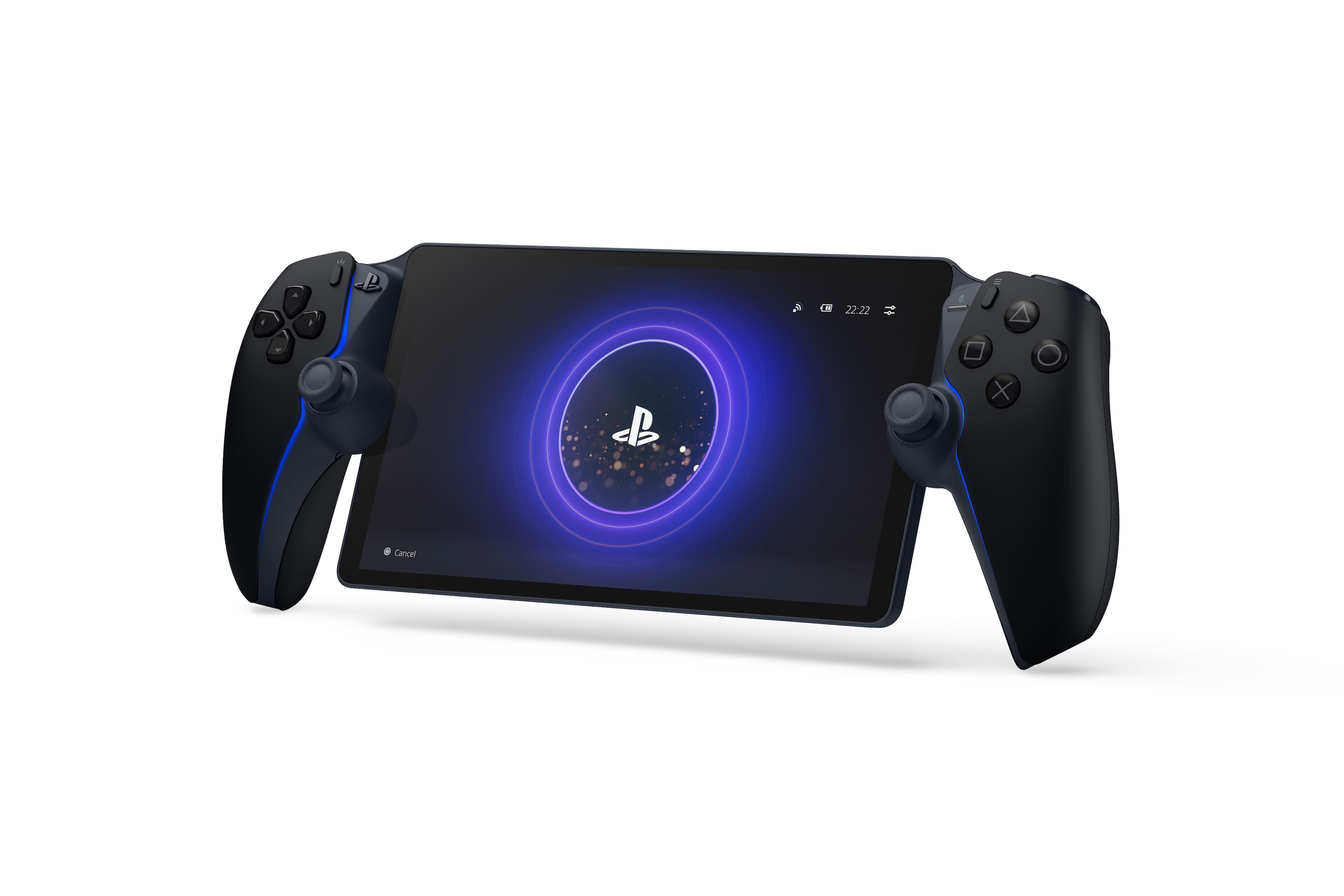
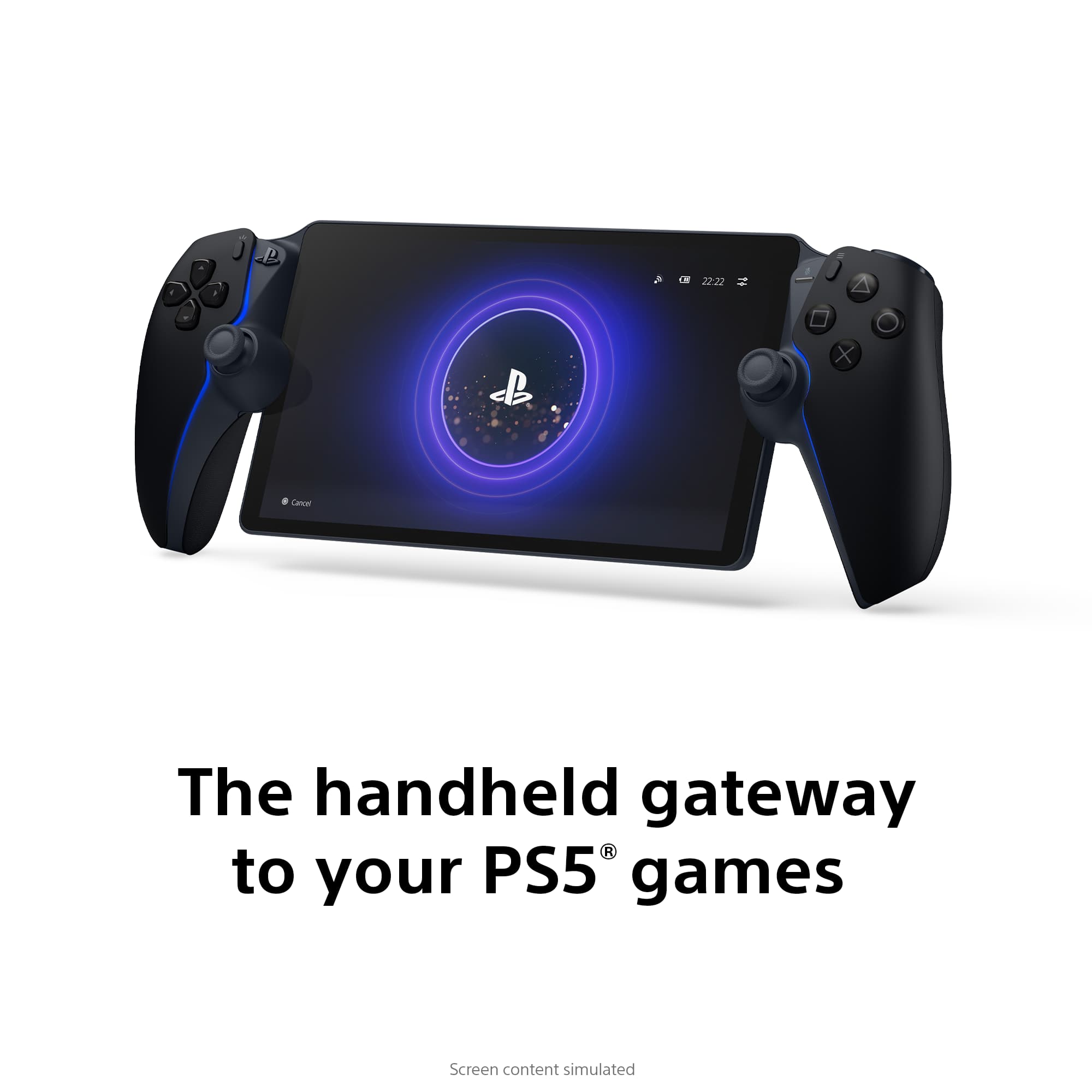
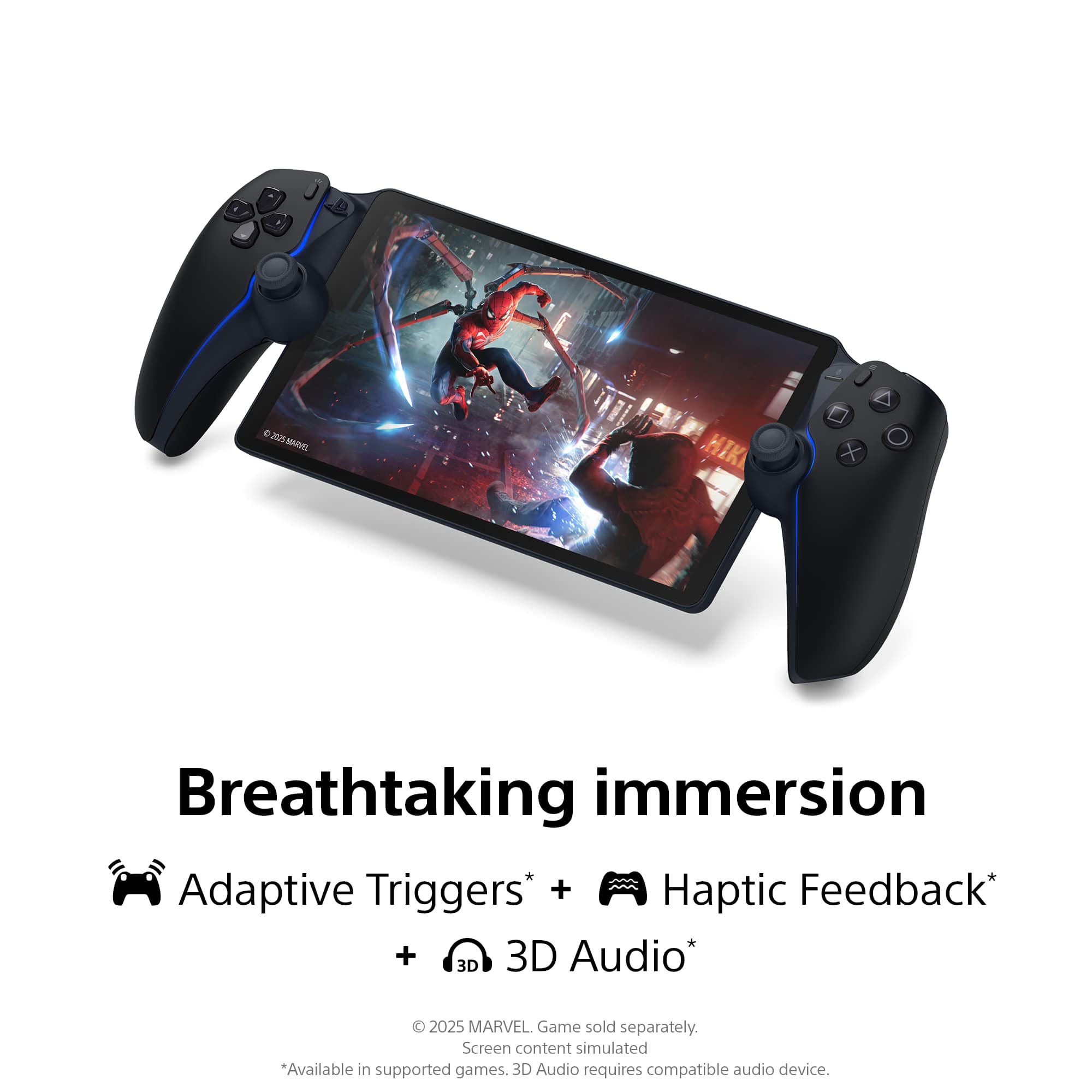
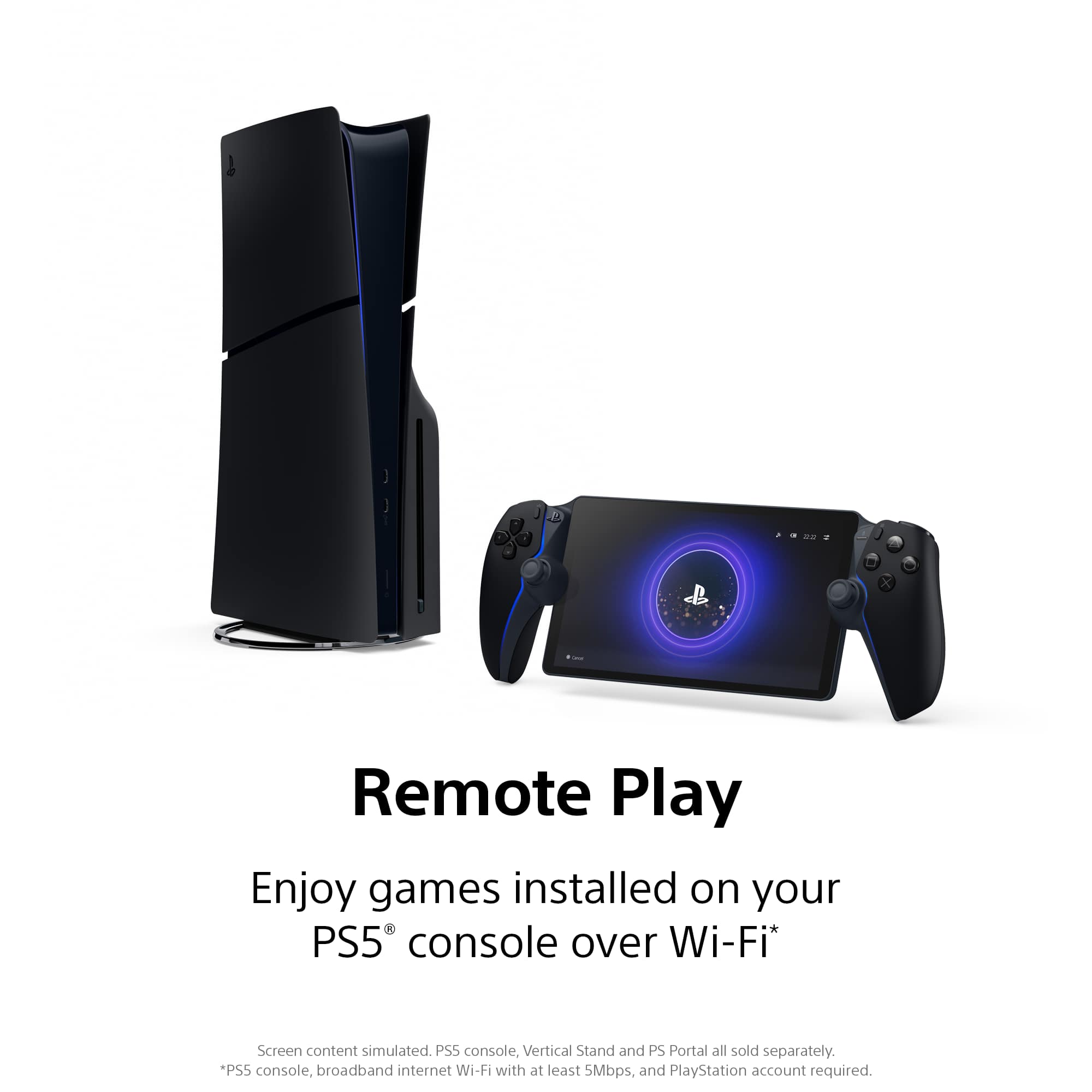

- Model:
- 1000044180
- |
- SKU:
- 12310660
Customer reviews
Rating 4.5 out of 5 stars with 6733 reviews
(6,733 customer reviews)Rating by feature
- Value4.5
Rating 4.5 out of 5 stars
- Quality4.7
Rating 4.7 out of 5 stars
- Ease of Use4.6
Rating 4.6 out of 5 stars
Rated 4 out of 5 stars
pretty good overall but..
||Posted . Owned for 1 month when reviewed.This reviewer received promo considerations or sweepstakes entry for writing a review.for casual playing its very nice but for competitive player like warzone you,will feel the lag sometimes and picture went blur here and there because of the wifi instability, even though mine is wired eternet
This review is from Sony Interactive Entertainment - PlayStation Portal Remote Player - White
I would recommend this to a friend- Pros mentioned:Overall performance
Rated 5 out of 5 stars
PlayStation portal
||Posted . Owned for 2 months when reviewed.This reviewer received promo considerations or sweepstakes entry for writing a review.Easy pickup, device is like new. Best purchase this year!
This review is from Sony Interactive Entertainment - PlayStation Portal Remote Player - White
I would recommend this to a friend - Pros mentioned:Overall performance
Rated 5 out of 5 stars
Game Anywhere
||Posted . Owned for 3 months when reviewed.This reviewer received promo considerations or sweepstakes entry for writing a review.PlayStation Portal transforms remote play, offering seamless, high-quality gaming on-the-go. Its intuitive design and compatibility make it a must-have for gamers
This review is from Sony Interactive Entertainment - PlayStation Portal Remote Player - White
I would recommend this to a friend - Pros mentioned:Overall performance
Rated 4 out of 5 stars
Great just as long as your Internet is good
||Posted . Owned for 2 weeks when reviewed.This reviewer received promo considerations or sweepstakes entry for writing a review.For what i use it for its great, for the times Im over at my girlfriends house I can play my ps5 with litte compromises compared to setting up a ps5 controller with my phone.
This review is from Sony Interactive Entertainment - PlayStation Portal Remote Player - White
I would recommend this to a friend - Pros mentioned:Screen quality
Rated 2 out of 5 stars
Pretty but the motion blur was too much
||Posted . Owned for 3 weeks when reviewed.This reviewer received promo considerations or sweepstakes entry for writing a review.While a very nice looking device, it failed to deliver what it was designed for: remote play to my PS5. The good; It’s a beautiful device. The OLED makes the interface really pop, and was a delight to configure and setup. The latter being very smooth and simple. The bad: Horrible refresh rate for game play, which results in terrible motion blur. I’m not a professional gamer and I don’t need a 120 panel, so I figured this would be good enough for me. I’ve played with a 60Hz panel (with low response times) connected to my PS for years and have been fine with it. The refresh on the portal is so bad that FPS games are unplayable, which is unfortunate since it affects all of the titles I enjoy playing. This is not a result of network lag. This issue occurred even when paying on my home WIFI network (I’m a EE with a very well tuned network at home). The lesser gripe are the analog sticks. They feel more like joy cons than playing with a DS5. If motion blur doesn’t bother you, or you play games that are more static and do not require much of a refresh rate/response time: This may be a good fit. For now, I’m sticking with remote play on my phone and will wait for another solution.
This review is from Sony Interactive Entertainment - PlayStation Portal Remote Player - White
No, I would not recommend this to a friend - Pros mentioned:Overall performance
Rated 5 out of 5 stars
PlayStation remote
||Posted . Owned for 1 month when reviewed.This reviewer received promo considerations or sweepstakes entry for writing a review.My kids and grandkids LOVED this for Christmas - thank you!
This review is from Sony Interactive Entertainment - PlayStation Portal Remote Player - White
I would recommend this to a friend - Pros mentioned:Overall performance
Rated 5 out of 5 stars
LOVE
||Posted . Owned for 1 month when reviewed.This reviewer received promo considerations or sweepstakes entry for writing a review.LOVE IT, THE PS PORTAL IN PERFECT, I WILL PLAY A LOT
This review is from Sony Interactive Entertainment - PlayStation Portal Remote Player - White
I would recommend this to a friend - Pros mentioned:Portability
Rated 5 out of 5 stars
Ps portal
||Posted . Owned for 2 months when reviewed.This reviewer received promo considerations or sweepstakes entry for writing a review.Very nice portable device Would deff recommend while traveling
This review is from Sony Interactive Entertainment - PlayStation Portal Remote Player - White
I would recommend this to a friend Rated 4 out of 5 stars
Solid device, nice for playing around the house
||Posted . Owned for 2 months when reviewed.This reviewer received promo considerations or sweepstakes entry for writing a review.Pretty solid device! I wasn’t sure how much I was going to use this but am pleasantly surprised. It works really well and I don’t even have the best of internet. My 2 biggest complaints would be the touchpad you have to tap twice to register as a touch (not sure if there’s a fix for this) and games that require you dragging on the touchpad you’re basically covering the screen while doing so. Second I had to get the new headset since this doesn’t use Bluetooth headsets… not a fan of that at all… but everything else is great!
This review is from Sony Interactive Entertainment - PlayStation Portal Remote Player - White
I would recommend this to a friend- Pros mentioned:Portability
Rated 5 out of 5 stars
PlayStation portal
||Posted . Owned for 3 weeks when reviewed.This reviewer received promo considerations or sweepstakes entry for writing a review.Great handheld gaming device. A little slow but it’s a good handheld.
This review is from Sony Interactive Entertainment - PlayStation Portal Remote Player - White
I would recommend this to a friend - Pros mentioned:Overall performance
Rated 5 out of 5 stars
Great Graphics!!
||Posted . Owned for 1 month when reviewed.This reviewer received promo considerations or sweepstakes entry for writing a review.Graphics are amazing and have not had any glitches with syncing!
This review is from Sony Interactive Entertainment - PlayStation Portal Remote Player - White
I would recommend this to a friend Rated 5 out of 5 stars
PORTABLE PS5
||Posted . Owned for 11 months when reviewed.This reviewer received promo considerations or sweepstakes entry for writing a review.If you are like me and don’t want to turn on your system and tv then get this
This review is from Sony Interactive Entertainment - PlayStation Portal Remote Player - White
I would recommend this to a friend- Cons mentioned:Connectivity
Rated 4 out of 5 stars
Almost perfect
||Posted . Owned for 3 weeks when reviewed.This reviewer received promo considerations or sweepstakes entry for writing a review.Does what it is meant to. Sony just needs to fix the connection issues. Also being able to have it turn on the PS5 to use it would be great.
This review is from Sony Interactive Entertainment - PlayStation Portal Remote Player - White
I would recommend this to a friend - Pros mentioned:Overall performance
Rated 5 out of 5 stars
Works like a charm
||Posted . Owned for less than 1 week when reviewed.This reviewer received promo considerations or sweepstakes entry for writing a review.I was second guessing this product but i gave it a coiple of tries and it works good. I play fps games on my monitor but now i can play offline games pn my couch with no laggs.
This review is from Sony Interactive Entertainment - PlayStation Portal Remote Player - White
I would recommend this to a friend - Pros mentioned:Overall performance
Rated 5 out of 5 stars
Great item
||Posted . Owned for 1 month when reviewed.This reviewer received promo considerations or sweepstakes entry for writing a review.State of art great product for the gamers PlayStation is the truth
This review is from Sony Interactive Entertainment - PlayStation Portal Remote Player - White
I would recommend this to a friend - Cons mentioned:Connectivity
Rated 4 out of 5 stars
Great product
||Posted .This reviewer received promo considerations or sweepstakes entry for writing a review.Great product. Although sometimes it does have poor connectivity and lags.
This review is from Sony Interactive Entertainment - PlayStation Portal Remote Player - White
I would recommend this to a friend - Pros mentioned:Portability
Rated 5 out of 5 stars
playstation fun
||Posted . Owned for 1 month when reviewed.This reviewer received promo considerations or sweepstakes entry for writing a review.now i can play games while the tv is being hogged by the faculty
This review is from Sony Interactive Entertainment - PlayStation Portal Remote Player - White
I would recommend this to a friend - Pros mentioned:Overall performance
Rated 5 out of 5 stars
PlayStation portal
||Posted . Owned for 1 week when reviewed.This reviewer received promo considerations or sweepstakes entry for writing a review.Large display and full suite of DualSense controls make the PlayStation Portal the ultimate remote play device for your PS5 – but consistent performance depends on your Wi-Fi
This review is from Sony Interactive Entertainment - PlayStation Portal Remote Player - White
I would recommend this to a friend Rated 4 out of 5 stars
No regrets
||Posted . Owned for 2 weeks when reviewed.This reviewer received promo considerations or sweepstakes entry for writing a review.It’s exactly how it’s advertised for use. It streams your PS5 to the handheld as long as you have a strong internet connection. I did use my mobile hotspot without running into issues as well as using my own WiFi, but when I went over to a friend’s house I did run into some lag. It all just depends on your internet connection if you know you already don’t have a good internet connection you will bump into issues. I do take it every where I go. Runs single player games rather smoothly but for multiplayer games you will have a very small input delay. Once you get use to it, it really doesn’t bother.
This review is from Sony Interactive Entertainment - PlayStation Portal Remote Player - White
I would recommend this to a friend- Pros mentioned:Overall performance
Rated 5 out of 5 stars
Really fun
||Posted . Owned for 1 month when reviewed.This reviewer received promo considerations or sweepstakes entry for writing a review.Great quality, as long you have good connection you will enjoy this device.
This review is from Sony Interactive Entertainment - PlayStation Portal Remote Player - White
I would recommend this to a friend