Customer Ratings & Reviews
- Model:
- 1000044180
- |
- SKU:
- 12310660
Customer reviews
Rating 4.5 out of 5 stars with 6626 reviews
(6,626 customer reviews)Rating by feature
- Value4.5
Rating 4.5 out of 5 stars
- Quality4.6
Rating 4.6 out of 5 stars
- Ease of Use4.6
Rating 4.6 out of 5 stars
Rated 5 out of 5 stars
Solid portable
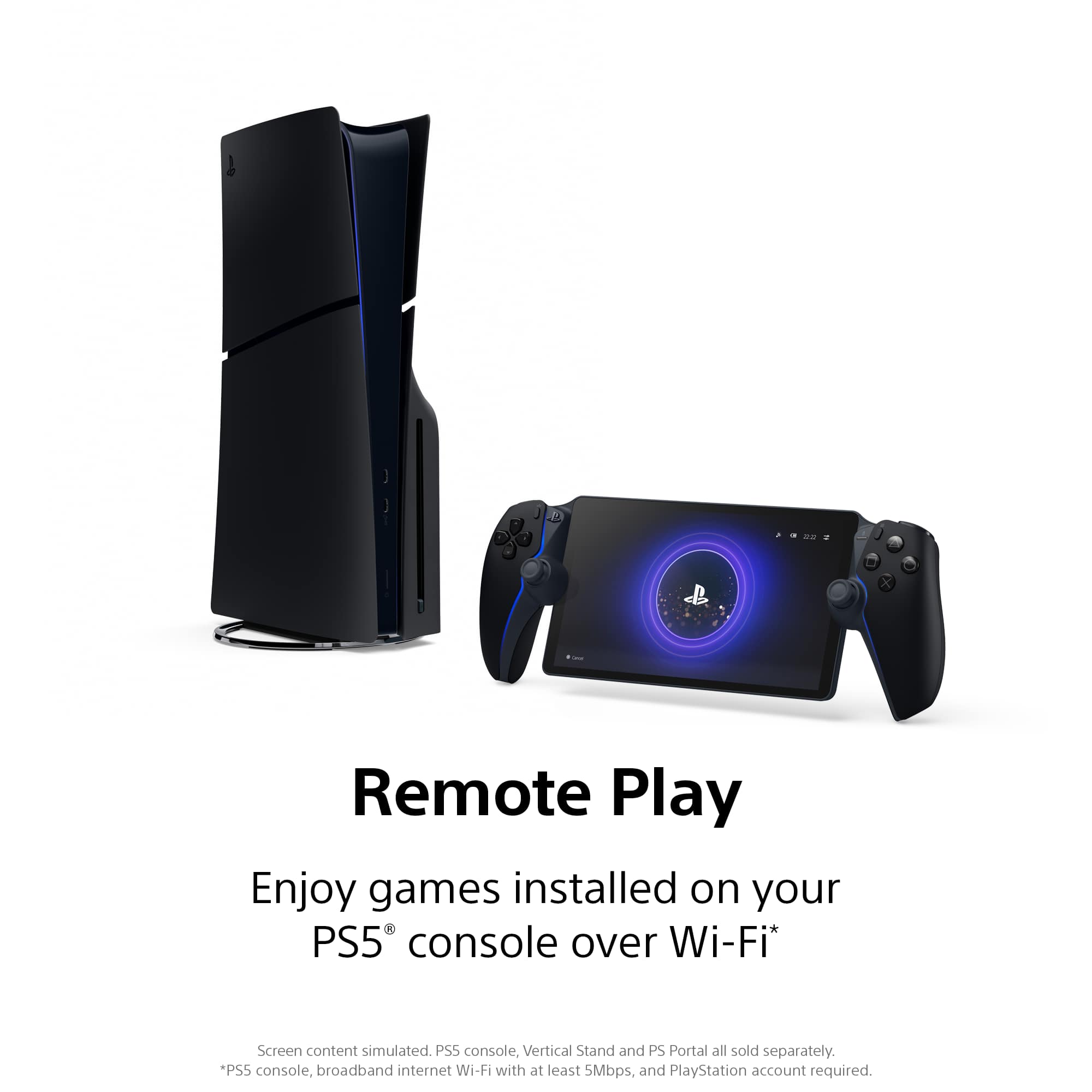
||Posted . Owned for 1 month when reviewed.This reviewer received promo considerations or sweepstakes entry for writing a review.I'm a father of two. My time on the TV is limited to when it's not showing Disney +. If your PS5 is connected to a wired network this device runs flawlessly. For my use case of being able to play my games in my house without using the TV this is perfect. Even considering the price of the PS5 it's still way cheaper than the new Legion GO and the flagship version of the Xbox ROG. It plays incredibly smooth, I haven't noticed a frame rate drop, and only the very rare drop in visual quality
This review is from Sony Interactive Entertainment - PlayStation Portal Remote Player - Midnight Black
I would recommend this to a friendRated 5 out of 5 stars
Amazing
||Posted . Owned for 1 week when reviewed.This reviewer received promo considerations or sweepstakes entry for writing a review.Love it feels amazing screen is amazing display amazing handheld.
This review is from Sony Interactive Entertainment - PlayStation Portal Remote Player - Midnight Black
I would recommend this to a friendRated 5 out of 5 stars
Hand Held
||Posted .This reviewer received promo considerations or sweepstakes entry for writing a review.My daughter was looking for a portable tool for playing her game. Now, she can be in the living room and not stuck in her room playing.
This review is from Sony Interactive Entertainment - PlayStation Portal Remote Player - Midnight Black
I would recommend this to a friendRated 5 out of 5 stars
Great addition to a PS5
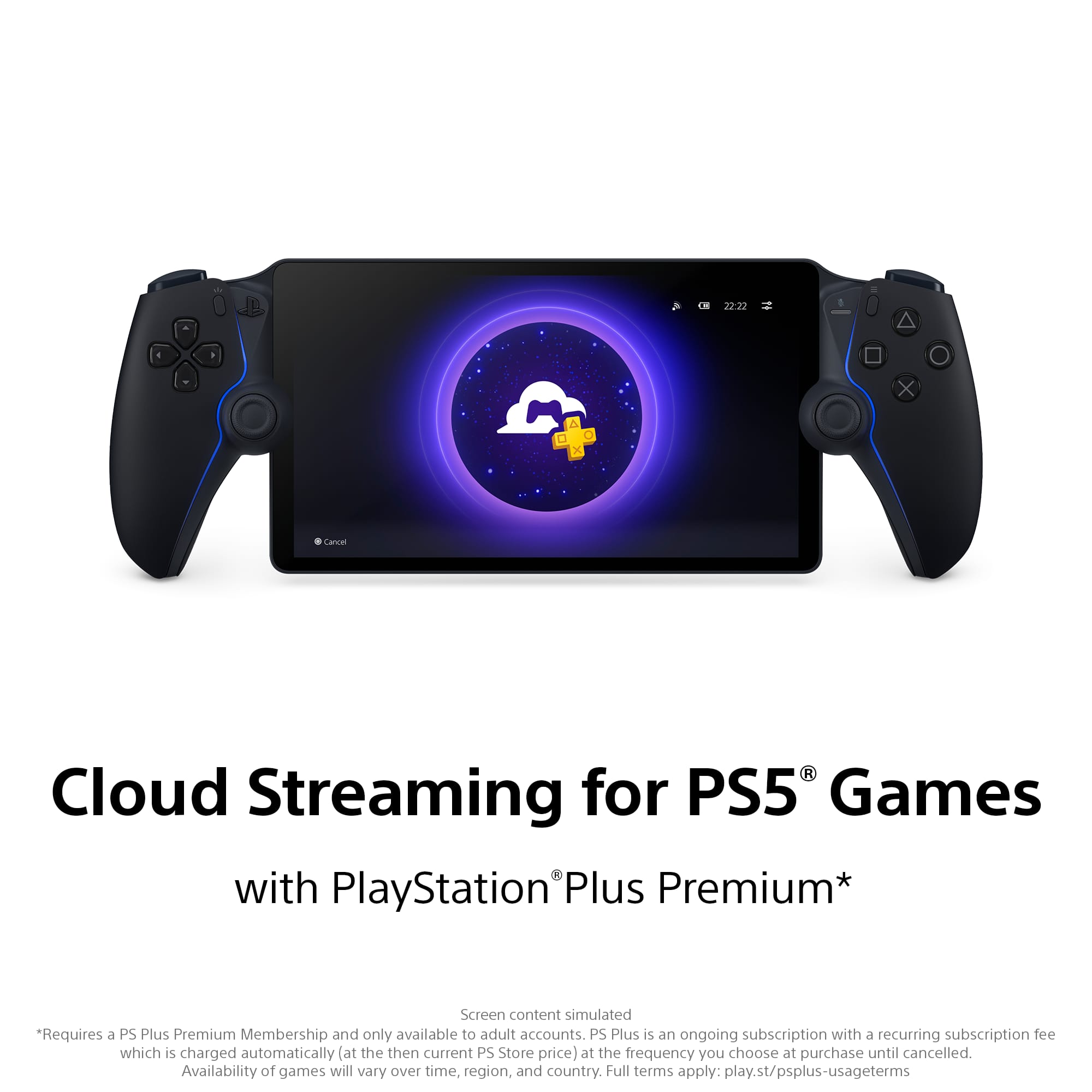
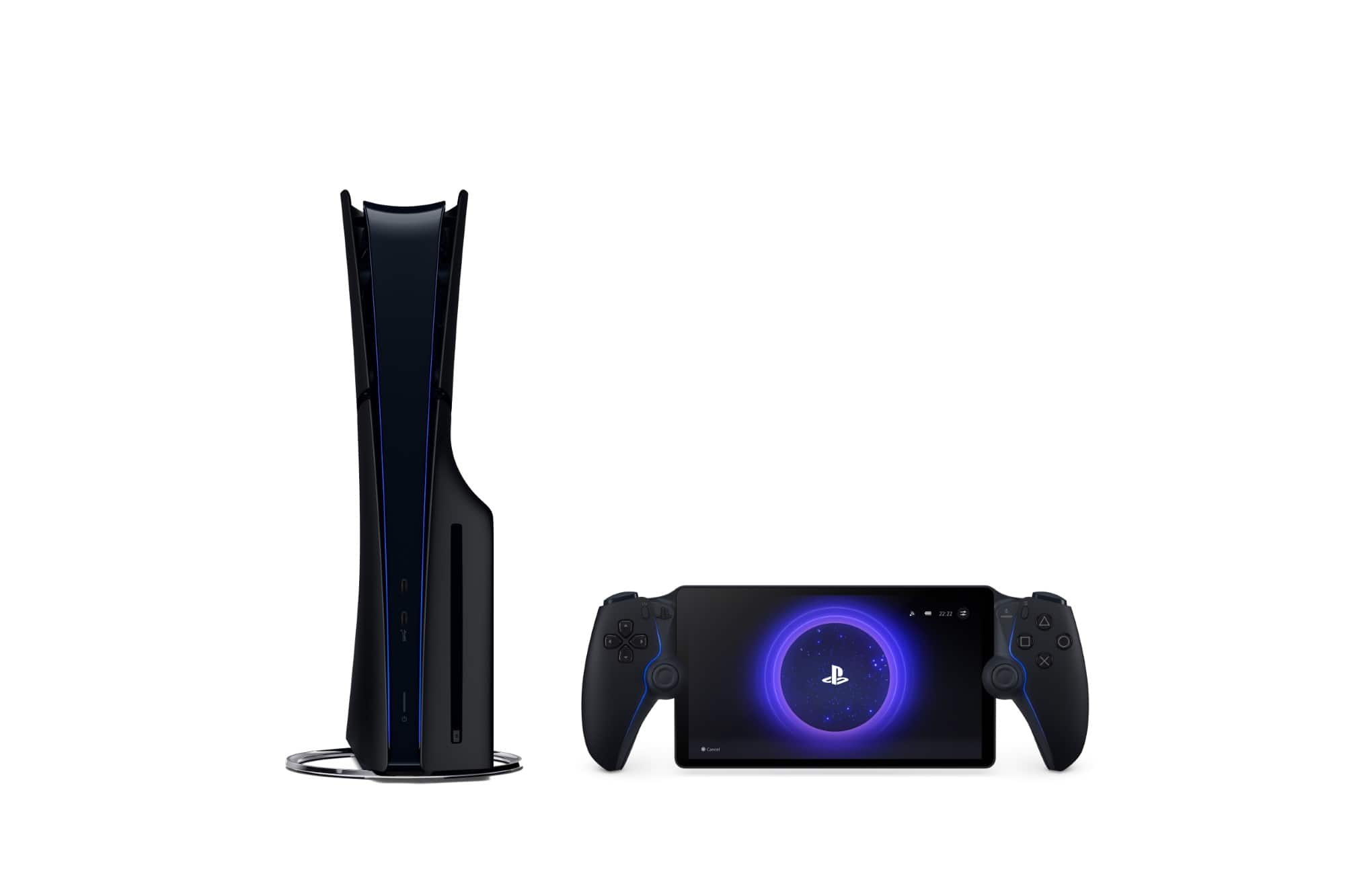
||Posted .This reviewer received promo considerations or sweepstakes entry for writing a review.A must if you get this is a solid internet network or don’t bother. But if you do, it’s a great device for playing games away from your PS5. And if you have the highest PlayStation Plus, you can stream games without connecting to your PS5. I love my Portal
This review is from Sony Interactive Entertainment - PlayStation Portal Remote Player - Midnight Black
I would recommend this to a friendRated 5 out of 5 stars
What I've been looking for...
||Posted .This reviewer received promo considerations or sweepstakes entry for writing a review.I love it. I prefer playing the cloud streaming games from the PSPlus library than connecting to my system, but all in all this is a solid handheld.
This review is from Sony Interactive Entertainment - PlayStation Portal Remote Player - Midnight Black
I would recommend this to a friendRated 5 out of 5 stars
PlayStation Portable
||Posted . Owned for 3 weeks when reviewed.This reviewer received promo considerations or sweepstakes entry for writing a review.Really Great if you are traveling, even runs good on hot spot
This review is from Sony Interactive Entertainment - PlayStation Portal Remote Player - Midnight Black
I would recommend this to a friendRated 5 out of 5 stars
Great buy
||Posted . Owned for 1 month when reviewed.This reviewer received promo considerations or sweepstakes entry for writing a review.Love this product. Took a little while to figure out how to set it up to my ps5 but once I did it has come in handy. The picture quality was a lot better than I thought as was the sound.
This review is from Sony Interactive Entertainment - PlayStation Portal Remote Player - Midnight Black
I would recommend this to a friendRated 5 out of 5 stars
PS5 portal
||Posted . Owned for 10 months when reviewed.This reviewer received promo considerations or sweepstakes entry for writing a review.Great device for remote play. The PlayStation Portal is easy to set up and works smoothly with my PS5. The screen looks great, controls feel just like a DualSense, and it’s perfect for gaming away from the TV. Really convenient and well designed.
This review is from Sony Interactive Entertainment - PlayStation Portal Remote Player - White
I would recommend this to a friendRated 5 out of 5 stars
Enjoyable
||Posted .This reviewer received promo considerations or sweepstakes entry for writing a review.I bought it for my boyfriend for Christmas and he loved it. I recommend it more for when you want to play solo games I don’t really recommend it for games like Rivals, Apex, Battlefield etc, because it is a slight delay.
This review is from Sony Interactive Entertainment - PlayStation Portal Remote Player - Midnight Black
I would recommend this to a friendRated 5 out of 5 stars
Enjoyable
||Posted .This reviewer received promo considerations or sweepstakes entry for writing a review.With decent wifi it is an excellent experience. Its overpriced but definitely an awesome experience. I purchase not regretted .An upgrade from the backbone.
This review is from Sony Interactive Entertainment - PlayStation Portal Remote Player - Midnight Black
I would recommend this to a friendRated 4 out of 5 stars
Portal use.
||Posted . Owned for 1 month when reviewed.This reviewer received promo considerations or sweepstakes entry for writing a review.You can travel with it and play remotely. It sometimes lags and disconnects from playstation but that has to do with how many things are on the network. It eats up data so be careful when using mobile hotspot. Overall if you are using it at home it is good.
This review is from Sony Interactive Entertainment - PlayStation Portal Remote Player - Midnight Black
I would recommend this to a friendRated 5 out of 5 stars
Great Remote play
||Posted . Owned for 5 months when reviewed.This reviewer received promo considerations or sweepstakes entry for writing a review.Great remote that keeps you connected and sometimes I use at home more than PS5. Only downside you do need strong WiFi but hotel free WiFi works pretty good
This review is from Sony Interactive Entertainment - PlayStation Portal Remote Player - Midnight Black
I would recommend this to a friendRated 5 out of 5 stars
Why not
||Posted . Owned for 1 month when reviewed.This reviewer received promo considerations or sweepstakes entry for writing a review.Need strong WiFi and a premium PlayStation plus account, but if those things are something that isn’t a decision maker. This device is definitely something to get, it’s great for being around the house, or traveling on a hotspot when you need a bit of a gaming fix in .
This review is from Sony Interactive Entertainment - PlayStation Portal Remote Player - Midnight Black
I would recommend this to a friendRated 5 out of 5 stars
Great console. Worth every penny
||Posted .This reviewer received promo considerations or sweepstakes entry for writing a review.Love the PlayStation portal. PlayStation released an update which allows you to play PlayStation 1 and 2 games without having a ps5.
This review is from Sony Interactive Entertainment - PlayStation Portal Remote Player - Midnight Black
I would recommend this to a friendRated 4 out of 5 stars
PS Portal
||Posted .This reviewer received promo considerations or sweepstakes entry for writing a review.Does everything that it promises, and nothing that it doesn't. Screen looks good, but is a little small for some games. WiFi connections are not great, and even with WiFi connected, sometimes will not connect to your PS5.
This review is from Sony Interactive Entertainment - PlayStation Portal Remote Player - White
I would recommend this to a friendRated 5 out of 5 stars
Playstation 5 portal
||Posted .This reviewer received promo considerations or sweepstakes entry for writing a review.It was A open box but in excellent condition being playing it pretty much every day works well with my setup.
This review is from Sony Interactive Entertainment - PlayStation Portal Remote Player - Midnight Black
I would recommend this to a friendRated 5 out of 5 stars
Sony handheld
||Posted . Owned for 2 weeks when reviewed.This reviewer received promo considerations or sweepstakes entry for writing a review.The Sony handheld device is a plus. Its just a better way to travel without taking the entire game system with you. The size is good too. This is like alien technology. The charge lasts long but you must have good wifi for the best results. Im still learning how to use it so stay tuned for updates.
This review is from Sony Interactive Entertainment - PlayStation Portal Remote Player - Midnight Black
I would recommend this to a friendRated 5 out of 5 stars
PlayStation Portal
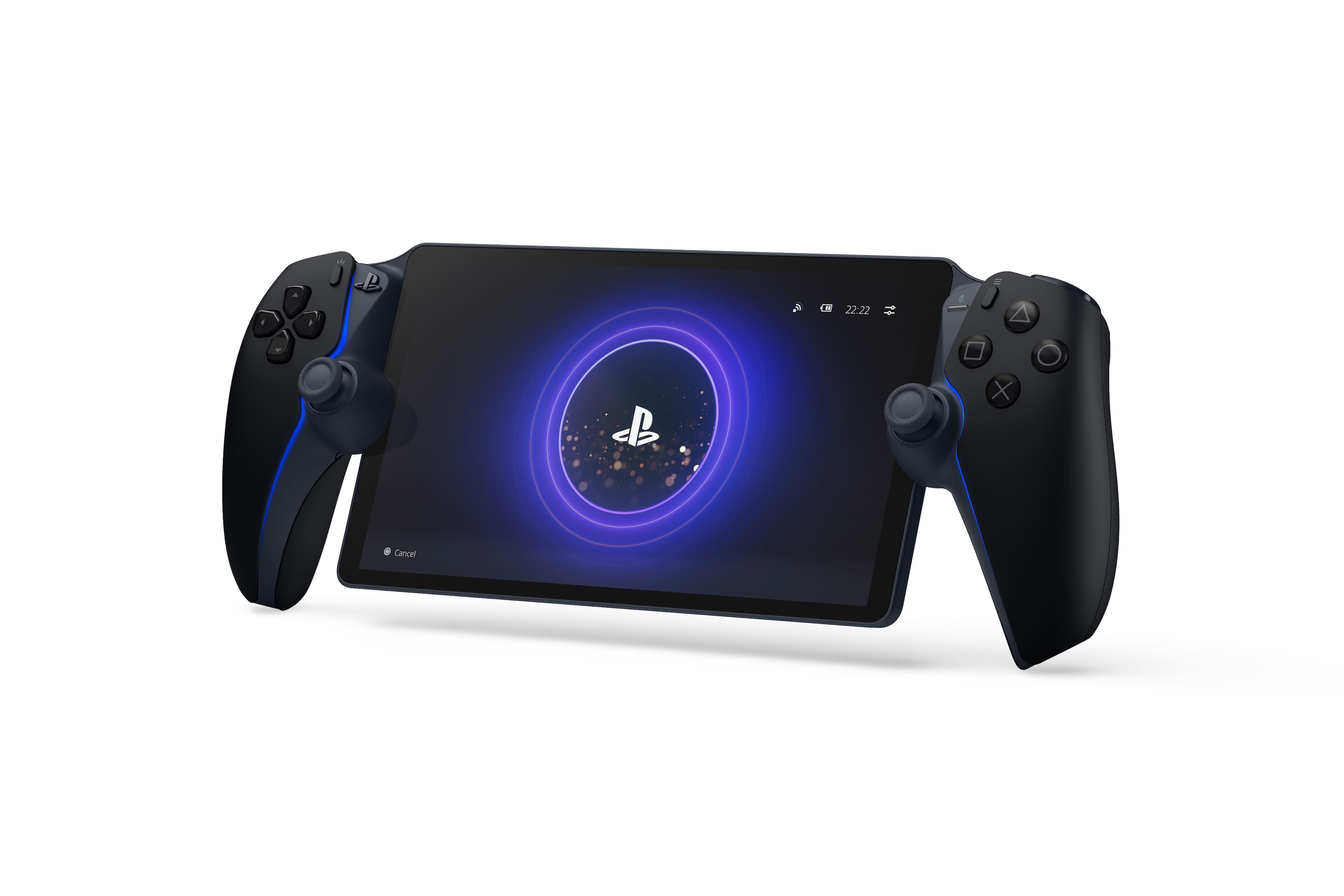
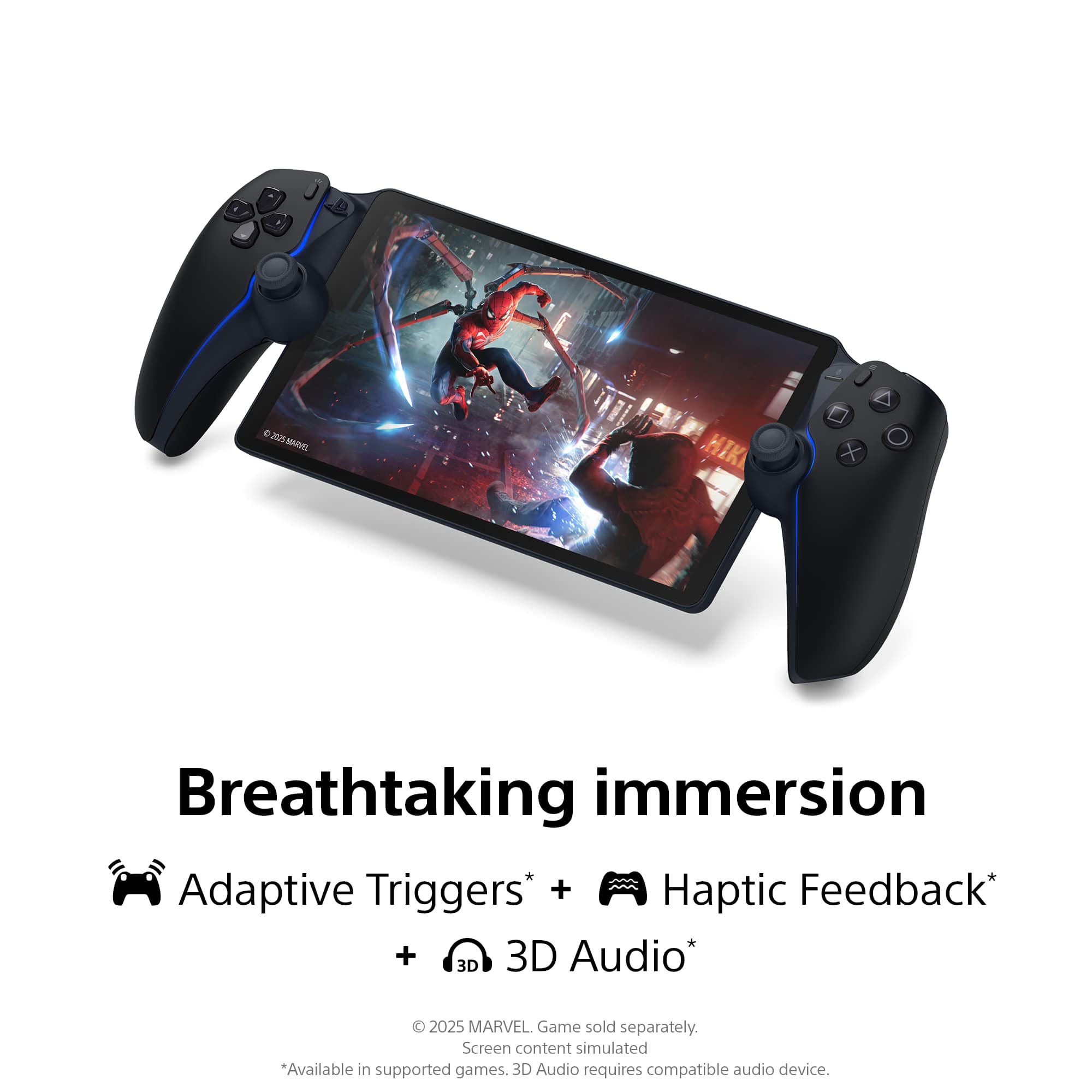
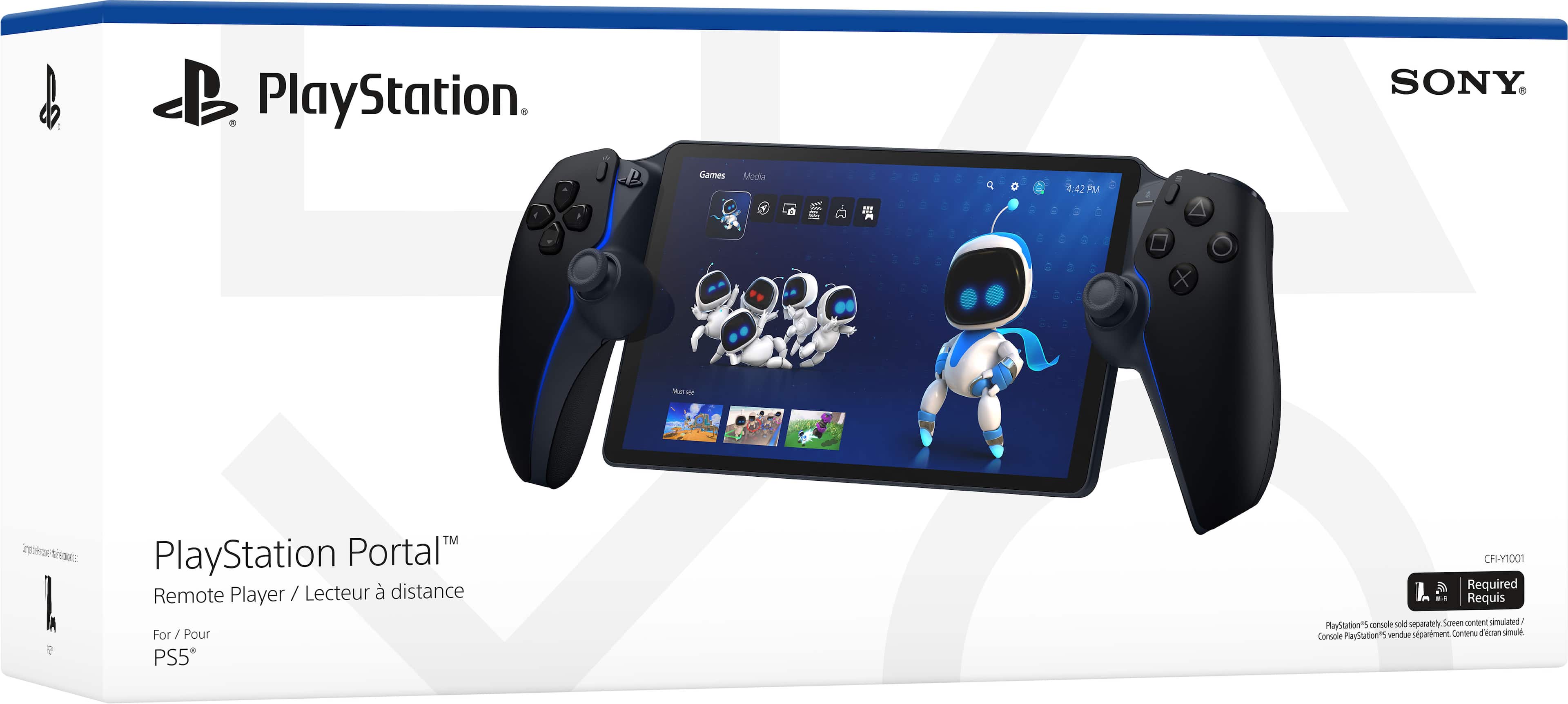
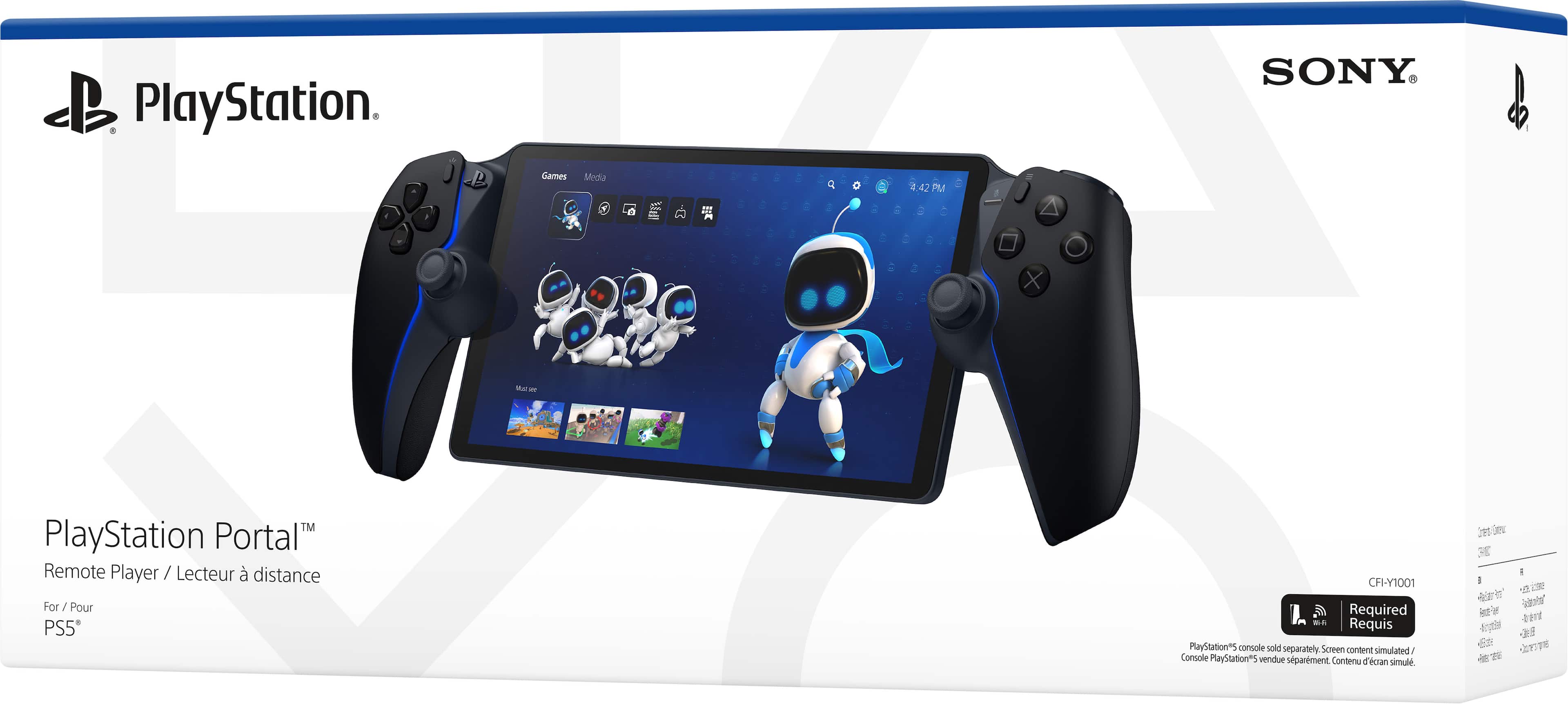
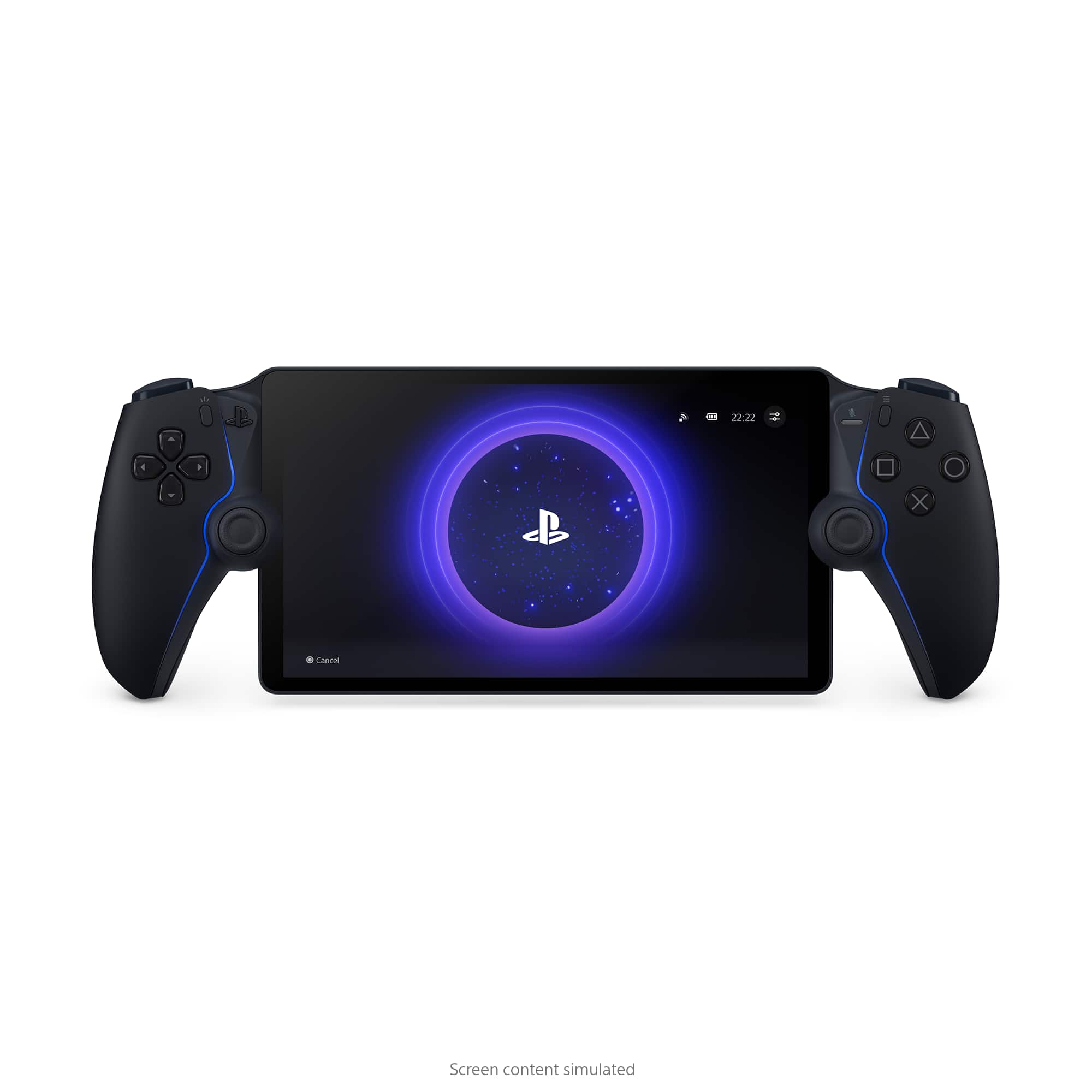
||Posted . Owned for 1 month when reviewed.This reviewer received promo considerations or sweepstakes entry for writing a review.The PlayStation Portal is a game-changer for gamers who want to enjoy their PlayStation experience anywhere in their home. With its sleek design, responsive controls, and seamless integration with the PS5, it takes gaming on-the-go to the next level. The 8-inch LCD screen offers sharp, vibrant visuals, making even the most detailed games look fantastic, and the audio quality is crisp and immersive, whether you’re using the built-in speakers or a headset. What sets the Portal apart is its effortless connection to the PS5 via Wi-Fi, allowing you to stream your games with minimal lag, even when you’re away from your console. The built-in haptic feedback and adaptive triggers replicate the PS5 DualSense experience, so you get that familiar tactile feel whether you’re in the living room or lounging elsewhere. The setup is straightforward, and the controls are intuitive, making it easy for anyone to dive into gaming without a steep learning curve. The battery life is solid for extended play sessions, and while the design could feel a bit bulky for some, it’s still lightweight enough to be portable. Overall, the PlayStation Portal is perfect for anyone who wants to maximize their PlayStation gaming experience without being tied to a single room. It’s a must-have for PS5 owners looking for more flexibility and freedom in their gaming routine.
This review is from Sony Interactive Entertainment - PlayStation Portal Remote Player - White
I would recommend this to a friendRated 4 out of 5 stars
Good for the price
||Posted . Owned for 1 week when reviewed.This reviewer received promo considerations or sweepstakes entry for writing a review.The travel case is good and the protective wrap is fine but it makes it diffuse to charge the Portal on the charging station when it's on. Charging station seems to work decent enough as long as the Portal has solid contact with the adapter. Not a bad purchase.
This review is from Sony Interactive Entertainment - PlayStation Portal Remote Player - Midnight Black
I would recommend this to a friendRated 5 out of 5 stars
Great for what it is
||Posted . Owned for 1 month when reviewed.This reviewer received promo considerations or sweepstakes entry for writing a review.This is great for when we want to play PS5 and the TV is busy or you just want to lay on the couch with it. I recommend using "performance" video settings in-game for a smoother display on the Portal. I'm looking forward to trying it with Sony's game streaming service. Fast internet connection required.
This review is from Sony Interactive Entertainment - PlayStation Portal Remote Player - Midnight Black
I would recommend this to a friend