Customer Ratings & Reviews
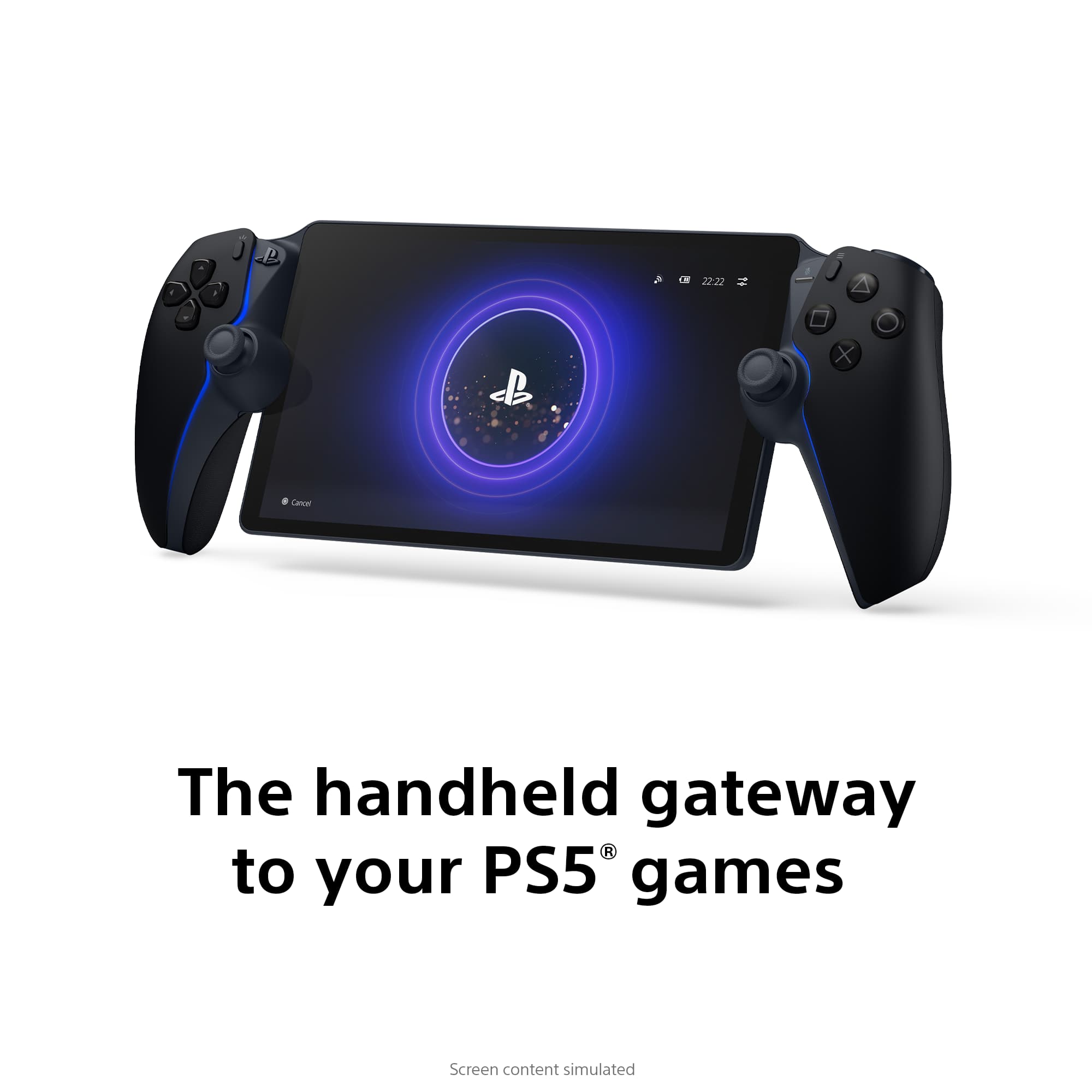
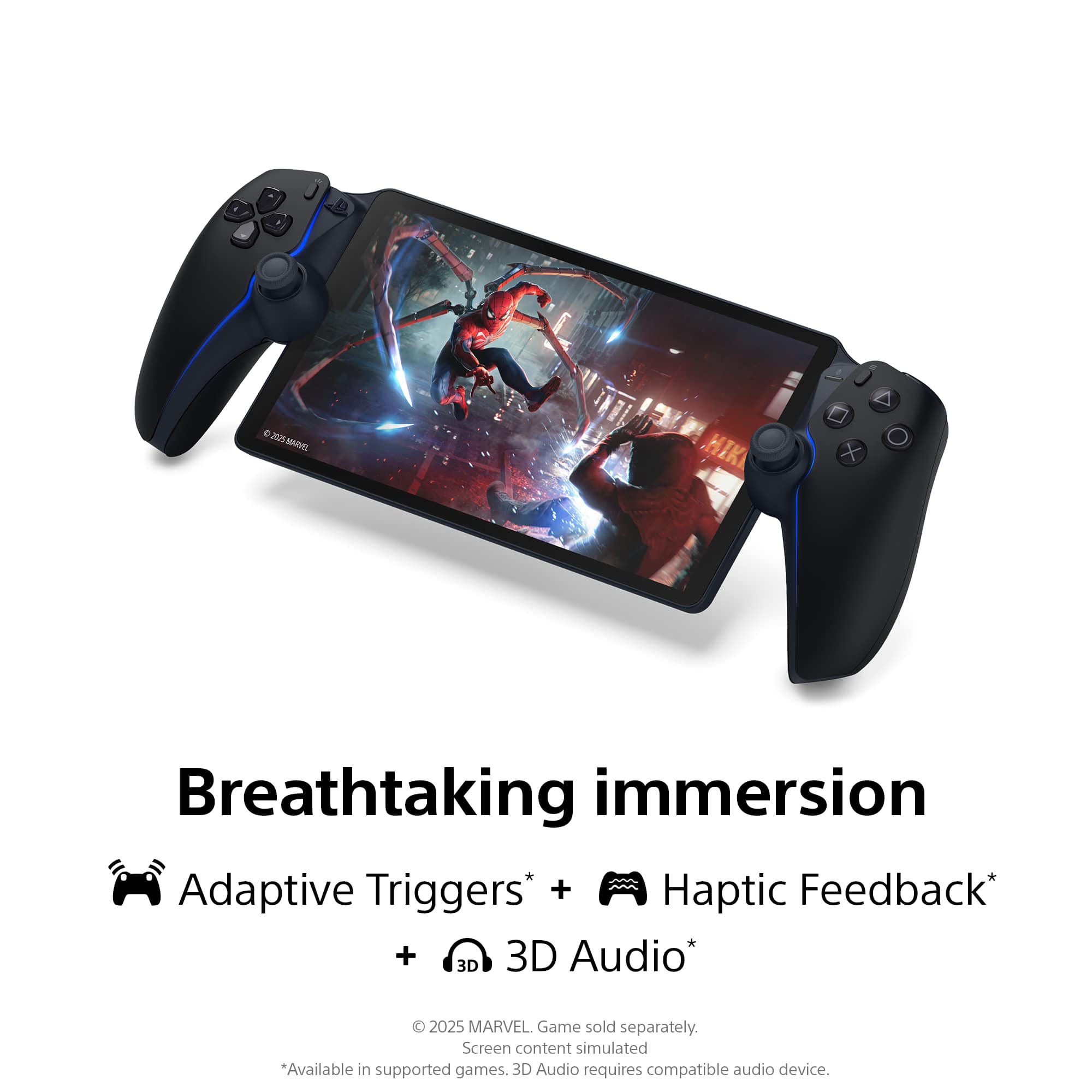
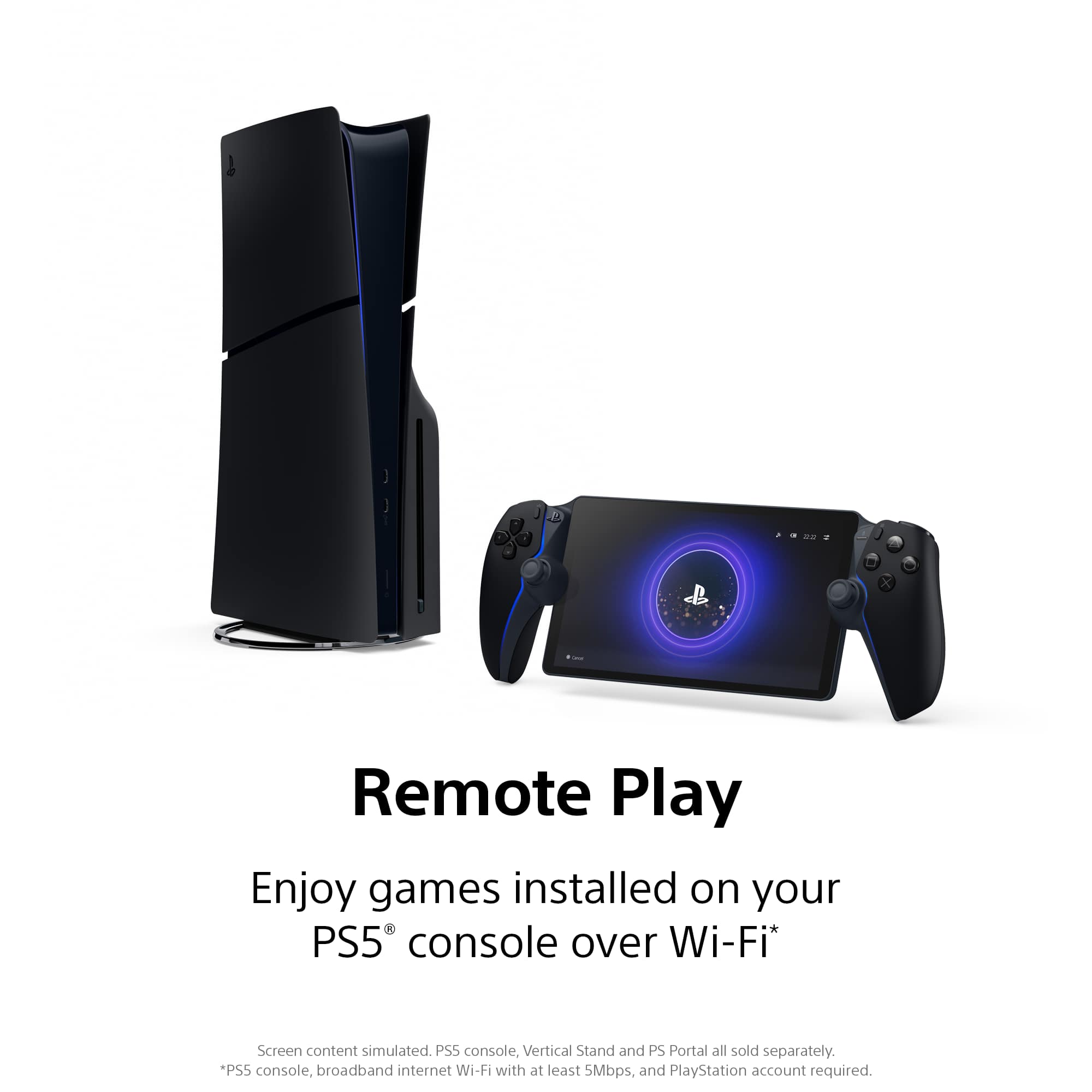
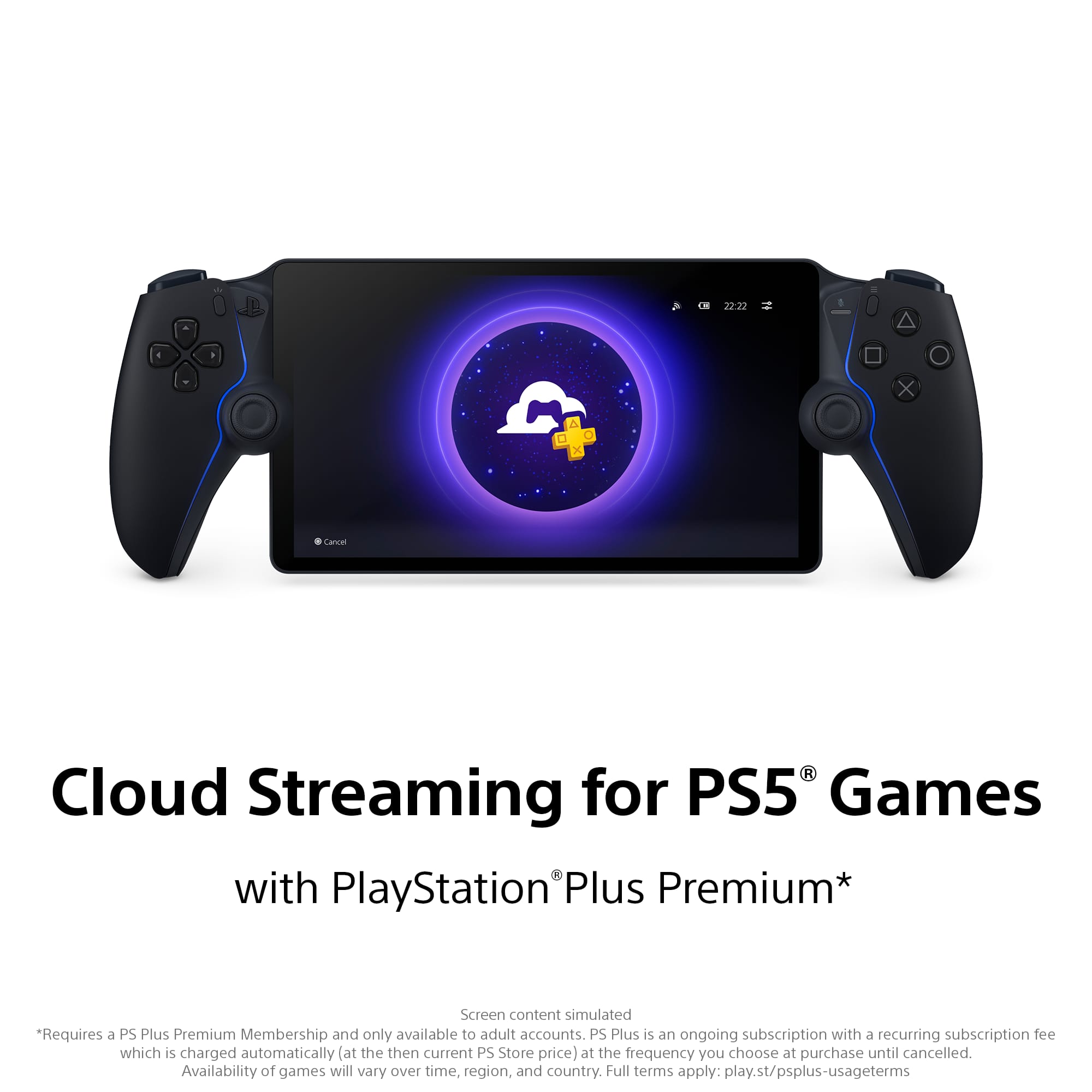

- Model:
- 1000044180
- |
- SKU:
- 6614840
Customer reviews
Rating 4.5 out of 5 stars with 6731 reviews
(6,731 customer reviews)Rating by feature
- Value4.5
Rating 4.5 out of 5 stars
- Quality4.7
Rating 4.7 out of 5 stars
- Ease of Use4.6
Rating 4.6 out of 5 stars
Rated 3 out of 5 stars
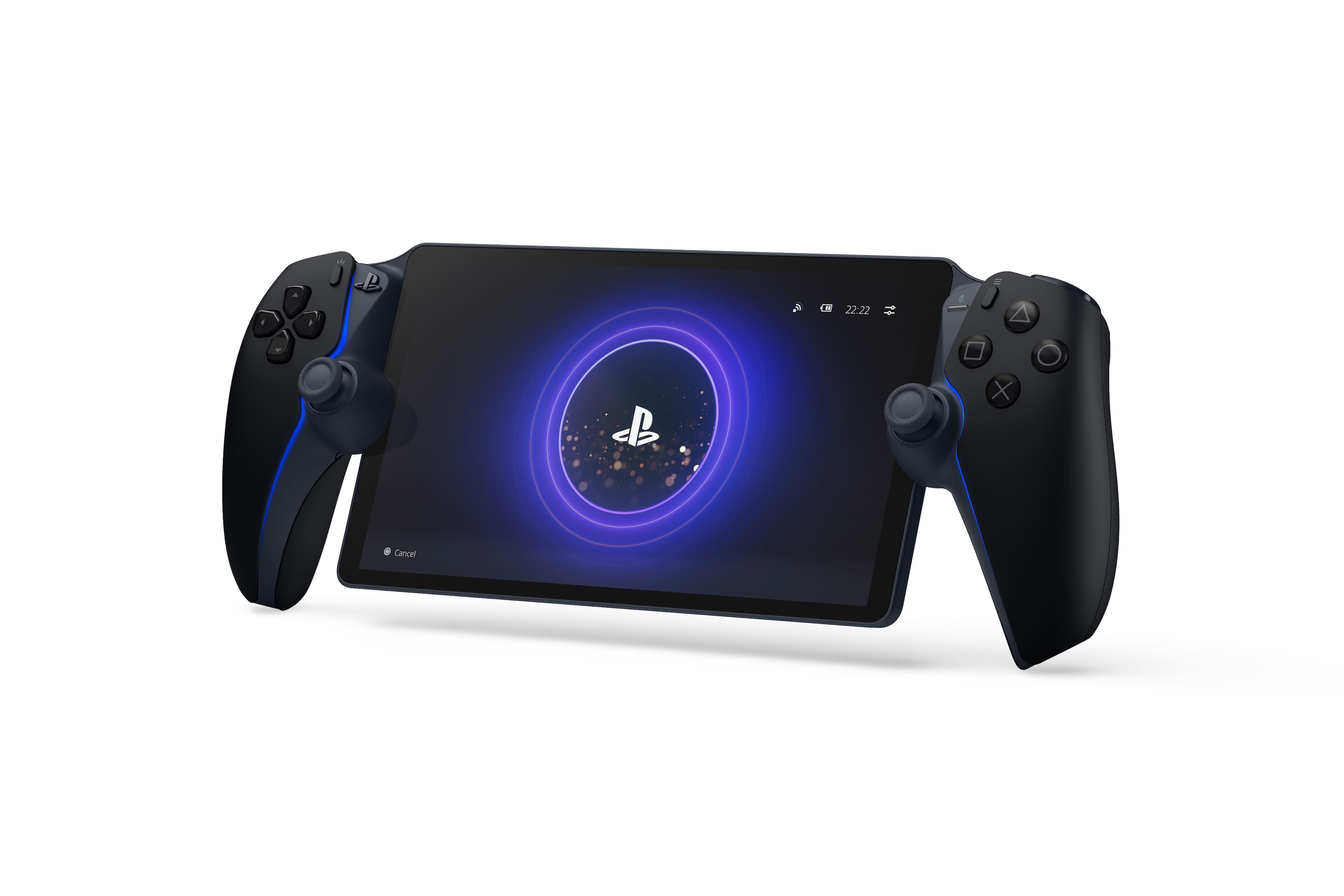
PS Portal
||Posted .This reviewer received promo considerations or sweepstakes entry for writing a review.I get its a remote player and not an actual handheld console. Graphics are great when connected to really good wifi. I bought it too try and game on the go with my mobile hotspot, but even with full service of 5G+ I still had connection issues. Great handheld for gaming at the house when TVs are occupied. All in all its a decent handheld.
No, I would not recommend this to a friendRated 5 out of 5 stars
INSANE GRAPHICS
||Posted . Owned for 1 month when reviewed.This reviewer received promo considerations or sweepstakes entry for writing a review.LOVE THE COMFORTABILITY OF THE REMOTE AND THE GRAPHICS ARE INSANE.
This review is from Sony Interactive Entertainment - PlayStation Portal Remote Player - White
I would recommend this to a friendRated 4 out of 5 stars
Holiday deals
||Posted .This reviewer received promo considerations or sweepstakes entry for writing a review.Item arrived on time and is as described, bestbuy.com always have great deals
I would recommend this to a friendRated 1 out of 5 stars
The $200 Paperweight: Why the PlayStation Portal i
||Posted .This reviewer received promo considerations or sweepstakes entry for writing a review.I wanted to love the PlayStation Portal. The concept is a dream come true for many of us: a dedicated handheld device that lets you play your PS5 games anywhere in the house while the TV is occupied. On paper, it sounds like the ultimate convenience. In reality, however, my experience with the device has been nothing short of a frustration-fueled nightmare. After weeks of trying to make this work, I can confidently say that this is one of the most disappointing pieces of hardware Sony has released in years. A Connection Nightmare The biggest problem with the Portal is that it relies entirely on your local Wi-Fi, and it seems to have absolutely no tolerance for anything less than laboratory-perfect conditions. Even with high-speed fiber internet and a router sitting in the same room, the experience is incredibly slow. From the moment you boot it up, the connection process feels sluggish. But the real issues start when you actually try to play a game. The input lag is unbearable. I tried playing Spider-Man 2, a game that relies on timing and fluidity, and it felt like my character was moving through molasses. You press a button, and there is a perceptible, jarring delay before anything happens on screen. In a shooter or an action RPG, this makes the game virtually unplayable. You aren't fighting the enemies; you are fighting the device itself. Visual Fidelity? Non-Existent. Sony touts the Portal’s 8-inch LCD screen as a selling point, promising 1080p visuals at 60fps. While the screen hardware itself might be decent, it doesn't matter because the streaming quality destroys the image. Far too often, the image becomes a muddy, pixelated mess. It looks less like a next-gen console experience and more like a 240p YouTube video from 2007 buffering on dial-up. The compression artifacts are distracting, washing out details and making text hard to read. Just when you get a moment of clarity, the bitrate drops again, and you are back to squinting at a blurry screen. Glitches and Stutters Beyond just the resolution drops, the performance is wildly inconsistent. The experience is incredibly glitchy. I constantly experienced micro-stutters and screen tears that ruin immersion. There were multiple instances where the audio would de-sync from the video, or the screen would freeze entirely for a few seconds while the game continued running in the background—usually resulting in a "Game Over" screen once the video caught up. It is baffling that a device built solely for Remote Play handles it worse than a smartphone or a tablet. I have had better stability using the Remote Play app on an iPad than on this dedicated $200 device. The Verdict The PlayStation Portal feels like a beta product sold at a premium price. It lacks Bluetooth support for wireless headphones (forcing you to buy Sony’s proprietary audio gear), it has no web browser to log into hotel Wi-Fi, and it serves no function other than streaming. When a device has only one job, it needs to do it perfectly. The Portal does not. It is slow, unresponsive, and unreliable. Between the lag that kills your reaction time and the pixelated visuals that ruin the graphics, there is very little reason to own this. Pros: The controller ergonomics are comfortable (DualSense features are nice). Cons: Severe input lag makes action games unplayable. Connection is glitchy even on strong Wi-Fi. Image quality frequently becomes pixelated and blurry. No Bluetooth support. Expensive for what is essentially a streaming screen. Bottom Line: Save your $200. Until Sony fixes the connectivity issues, this is just an expensive, glitchy paperweight.
This review is from Sony Interactive Entertainment - PlayStation Portal Remote Player - White
No, I would not recommend this to a friendRated 5 out of 5 stars
LOVE IT
||Posted . Owned for 3 weeks when reviewed.This reviewer received promo considerations or sweepstakes entry for writing a review.ENJOY PLAY AWAY FROM HOME LOVE THE PRODUCT THIS IS GREAT
I would recommend this to a friendRated 5 out of 5 stars
Best purchase
||Posted . Owned for 1 month when reviewed.This reviewer received promo considerations or sweepstakes entry for writing a review.Great product for ps users. Quality Sony hardware and easy to use.
This review is from Sony Interactive Entertainment - PlayStation Portal Remote Player - White
I would recommend this to a friend- Pros mentioned:Overall performance
Rated 5 out of 5 stars
Amazing customer service.
||Posted . Owned for 3 weeks when reviewed.This reviewer received promo considerations or sweepstakes entry for writing a review.Thank you to the online agent in the chat that made this possible. My son is having a merry Christmas vacation with his PS portal. The portal is everything as advertised and then some. Really hard to get so like i said so thankful to the BestBuy team for making it possible.
This review is from Sony Interactive Entertainment - PlayStation Portal Remote Player - White
I would recommend this to a friend - Pros mentioned:Overall performance
Rated 5 out of 5 stars
Highly reccomend for parents.
||Posted . Owned for 1 month when reviewed.This reviewer received promo considerations or sweepstakes entry for writing a review.Super handy if you want to play a game while others or you are watching tv or in another room. No problems after a few months.
This review is from Sony Interactive Entertainment - PlayStation Portal Remote Player - White
I would recommend this to a friend - Pros mentioned:Screen quality
Rated 4 out of 5 stars
Good for low action games
||Posted . Owned for 3 weeks when reviewed.This reviewer received promo considerations or sweepstakes entry for writing a review.The unit's fit and finish is great. But playing any games that require immediate response doesn't work great, even locally. There's a small amount of lag that makes games like GT7 more difficult to play. It's still recommend it for many games.
This review is from Sony Interactive Entertainment - PlayStation Portal Remote Player - White
I would recommend this to a friend - Pros mentioned:Portability
Rated 5 out of 5 stars
Ps Portal
||Posted . Owned for 2 weeks when reviewed.This reviewer received promo considerations or sweepstakes entry for writing a review.Works like a dream playing ps5 anywhere with our having to carry a ps5 everywhere i go!
I would recommend this to a friend - Cons mentioned:Connectivity
Rated 4 out of 5 stars
Review
||Posted .This reviewer received promo considerations or sweepstakes entry for writing a review.Item is good and durable but connection is not great
I would recommend this to a friend - Pros mentioned:Screen quality
Rated 5 out of 5 stars
Portable ps5
||Posted . Owned for 2 weeks when reviewed.This reviewer received promo considerations or sweepstakes entry for writing a review.This was a gift for my 5 year old and he loves it. Great quality game system. Definitely had to purchase a screen protector and case.
This review is from Sony Interactive Entertainment - PlayStation Portal Remote Player - White
I would recommend this to a friend - Pros mentioned:Portability
Rated 5 out of 5 stars
Awesome when the tv is being occupied
||Posted . Owned for 3 weeks when reviewed.This reviewer received promo considerations or sweepstakes entry for writing a review.It is definitely a great device. I use it especially when the tv is being occupied I am able to still play anywhere in the house. I haven’t not used it outside but that wasn’t the reason why I purchased. Definitely a buy
This review is from Sony Interactive Entertainment - PlayStation Portal Remote Player - White
I would recommend this to a friend - Pros mentioned:Overall performance
Rated 5 out of 5 stars
Highly recommended!
||Posted . Owned for 1 month when reviewed.This reviewer received promo considerations or sweepstakes entry for writing a review.Handy, useful and super fun! Can be used anywhere in the home without and lag or issues!
I would recommend this to a friend - Cons mentioned:Connectivity
Rated 4 out of 5 stars
Good nuff
||Posted . Owned for 1 month when reviewed.This reviewer received promo considerations or sweepstakes entry for writing a review.Good overall just had some connectivity issues because of my router settings
I would recommend this to a friend Rated 5 out of 5 stars
Worth it!
||Posted . Owned for 2 weeks when reviewed.This reviewer received promo considerations or sweepstakes entry for writing a review.Didn’t think I needed to buy a PS Portal, but finally caved and glad I did! Allows me to play games while my wife is watching her shows. Also, I find myself just playing on it anyways even when the TV is available, the handheld feature is just nice. Do it.
This review is from Sony Interactive Entertainment - PlayStation Portal Remote Player - White
I would recommend this to a friendRated 4 out of 5 stars
Pretty slick
||Posted .This reviewer received promo considerations or sweepstakes entry for writing a review.Nice addition to the gamer in your house. Take it with you and continue doing your thing.
I would recommend this to a friendRated 4 out of 5 stars
Not much use, Device sits around mostly
||Posted .This reviewer received promo considerations or sweepstakes entry for writing a review.It works, I got this so I wouldn’t monopolize the TV, but I don’t really use it as much. It works and flawlessly too, but I am not happy I spent the money. Unless you constantly need to game, it’s a frivolous expense
This review is from Sony Interactive Entertainment - PlayStation Portal Remote Player - White
No, I would not recommend this to a friendRated 5 out of 5 stars
Excellent
||Posted .This reviewer received promo considerations or sweepstakes entry for writing a review.This is the bomb, very easy to use with lots of game. So in love with this gadget.
I would recommend this to a friend- Pros mentioned:Overall performance
Rated 5 out of 5 stars
PlayStation portal
||Posted . Owned for 1 month when reviewed.This reviewer received promo considerations or sweepstakes entry for writing a review.Best ps5 accessory, it work best if you have a solid internet connection and your ps5 connected to Ethernet cable, also if you have a router with 5.0ghz antennas your PlayStation portal experience will be flawless.
This review is from Sony Interactive Entertainment - PlayStation Portal Remote Player - White
I would recommend this to a friend