Customer Ratings & Reviews

- Model:
- IERG900/B
- SKU:
- 10938725
Rating by feature
- Value
Rating 4.2 out of 5 stars
- Quality
Rating 4.7 out of 5 stars
- Ease of Use
Rating 4.5 out of 5 stars

Immersive and lightweight
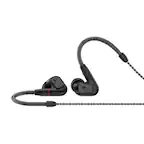
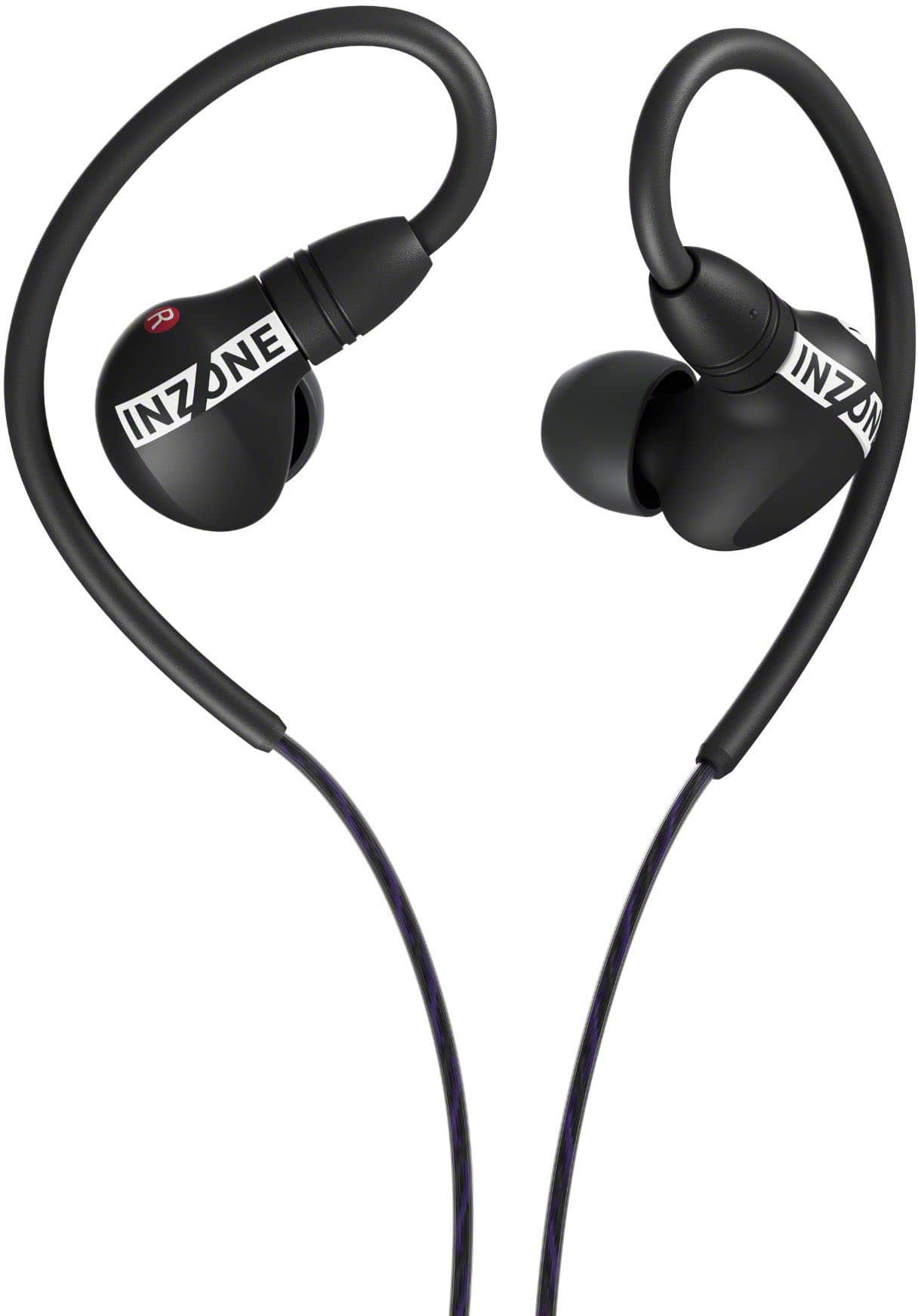
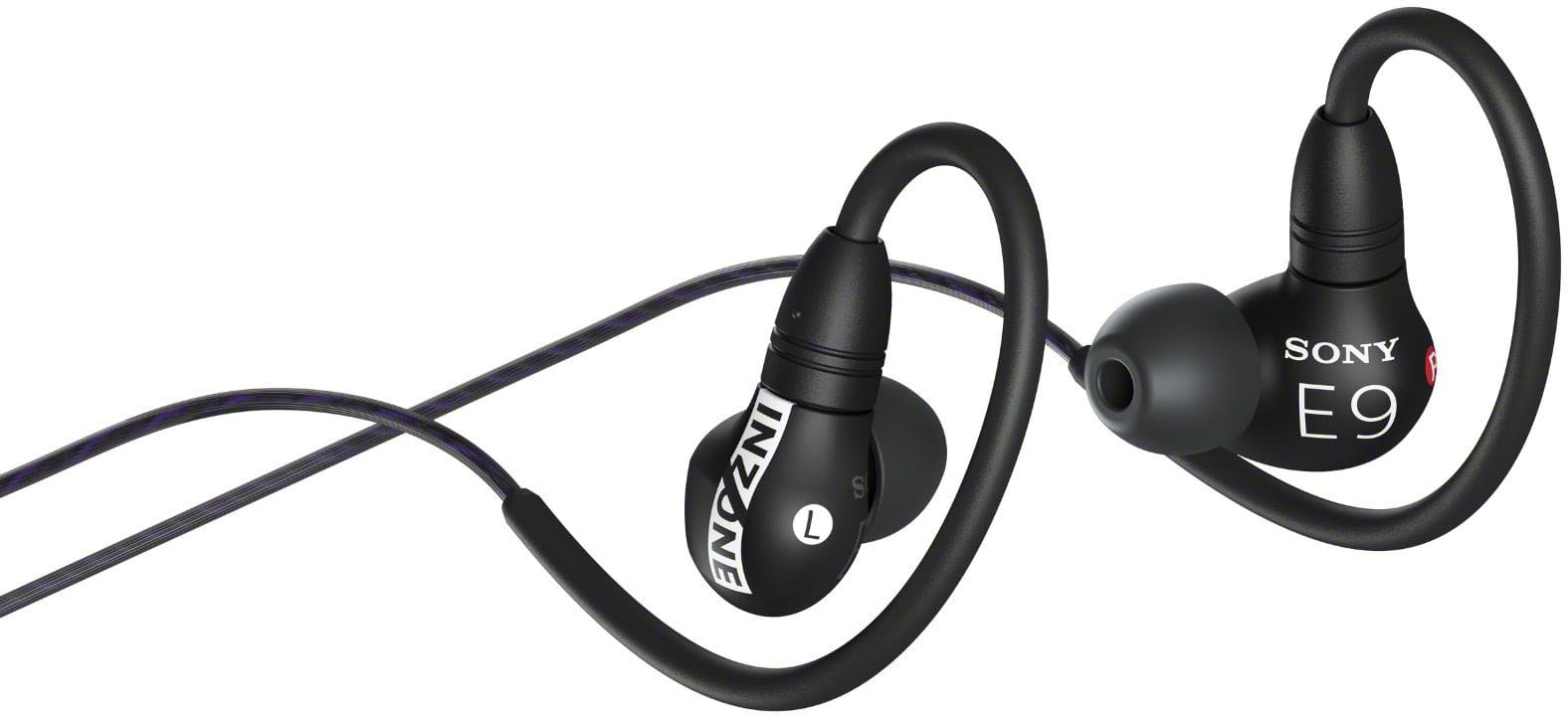
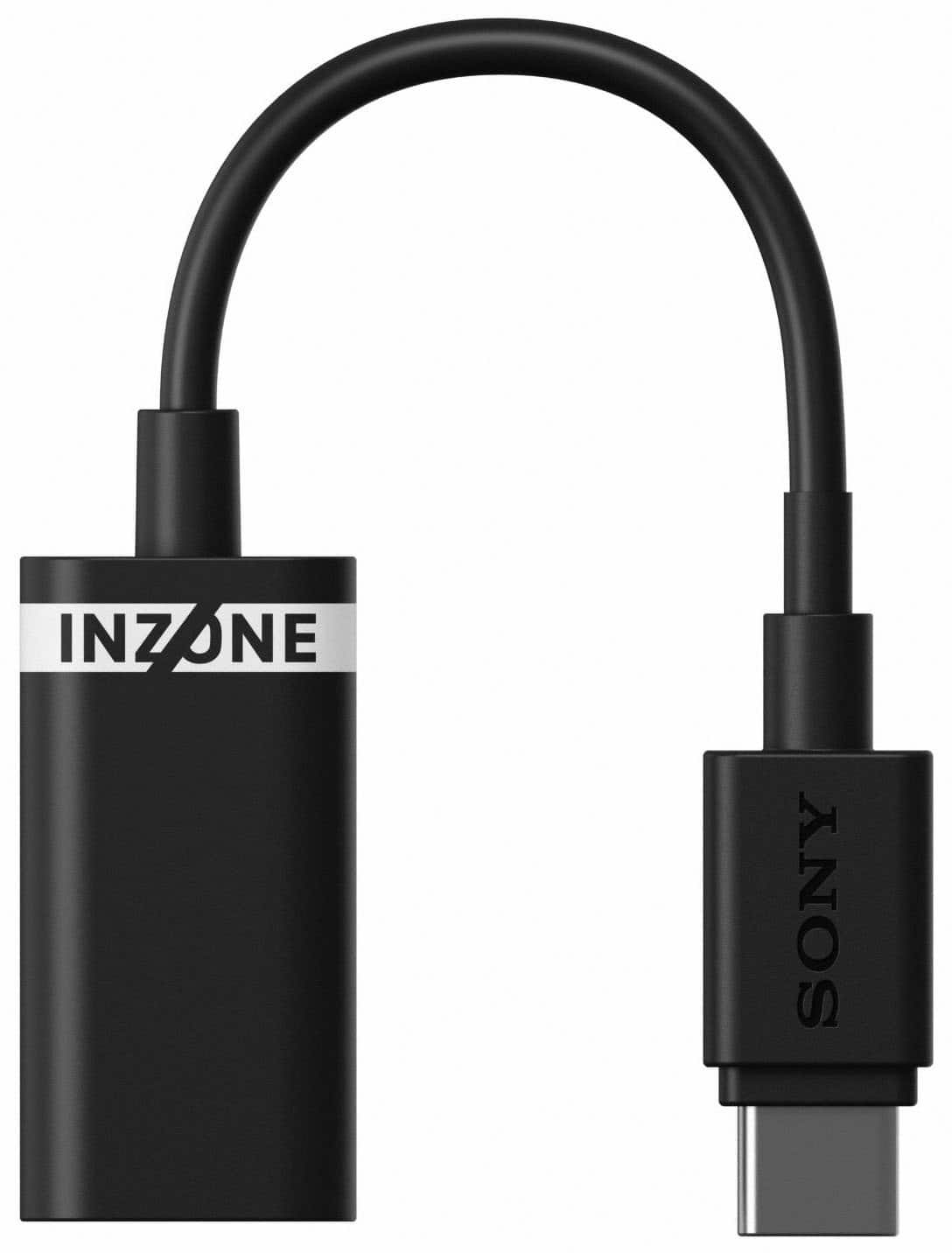
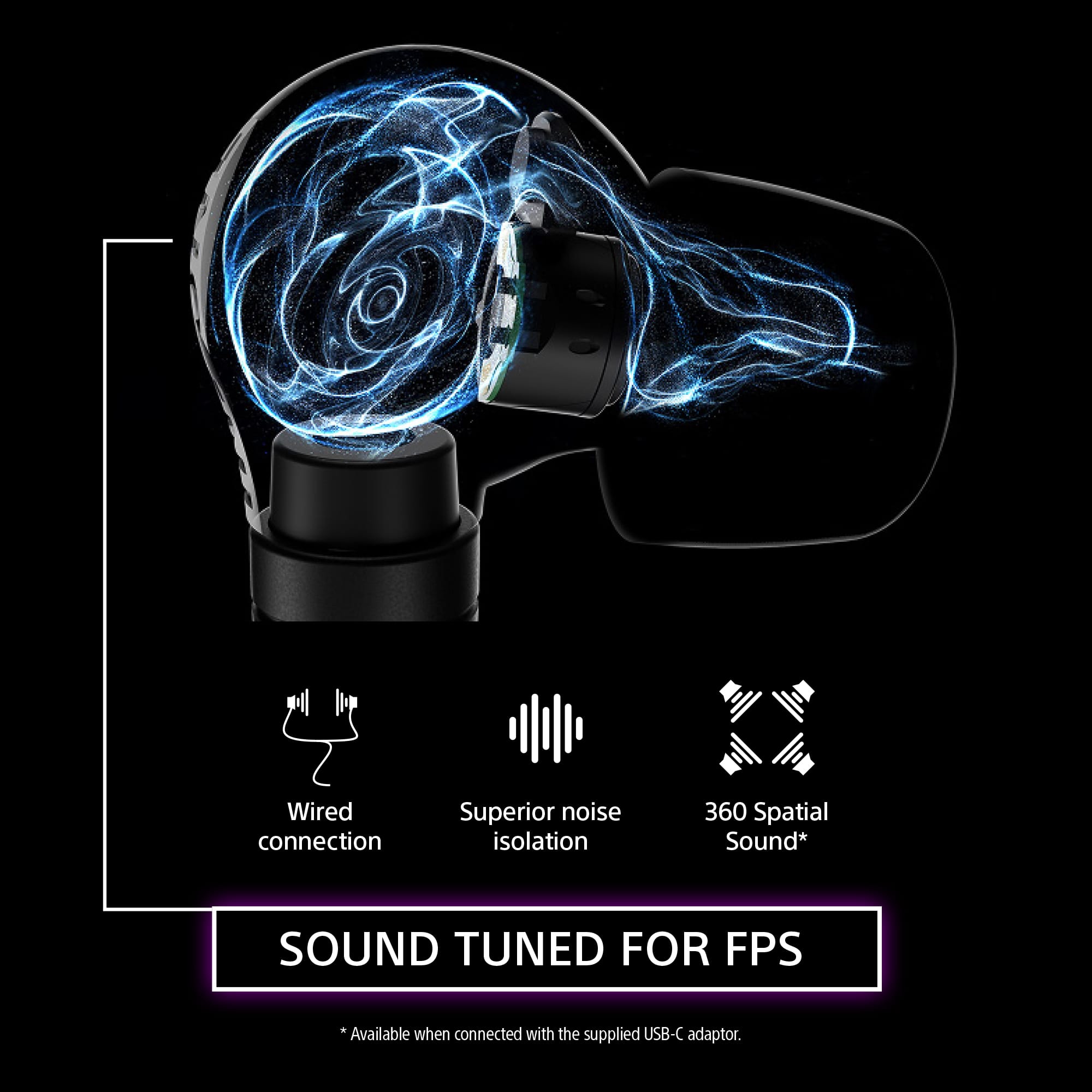
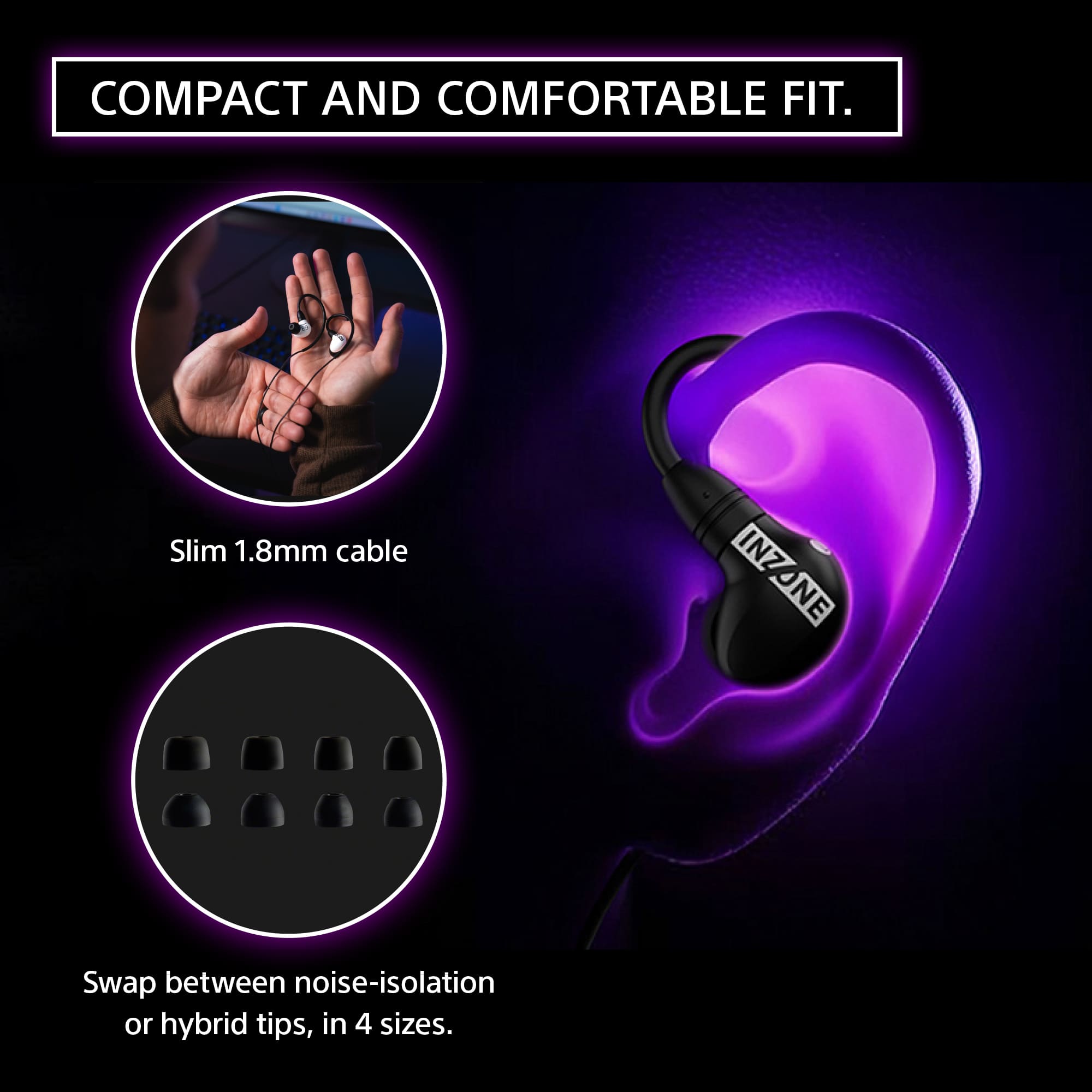
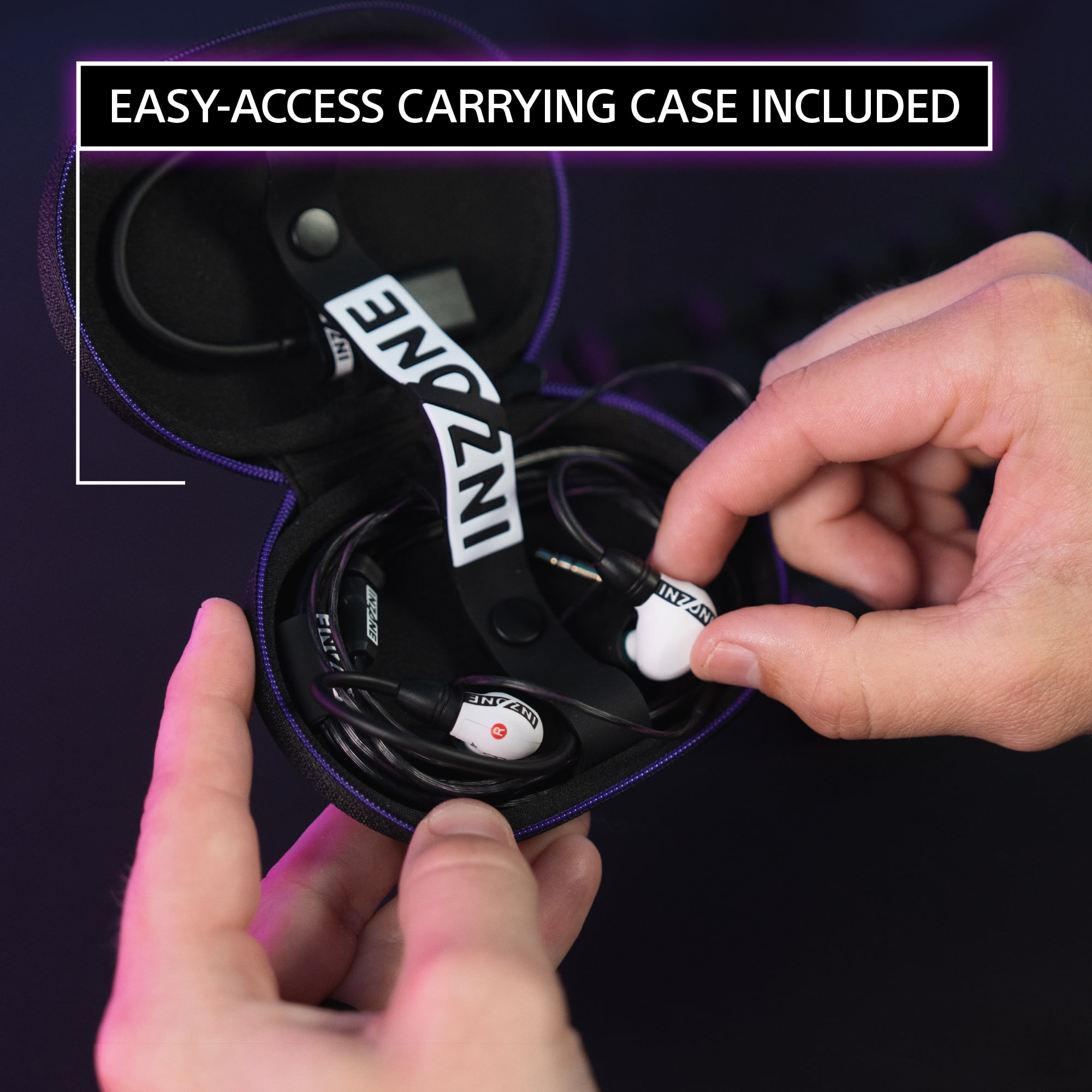
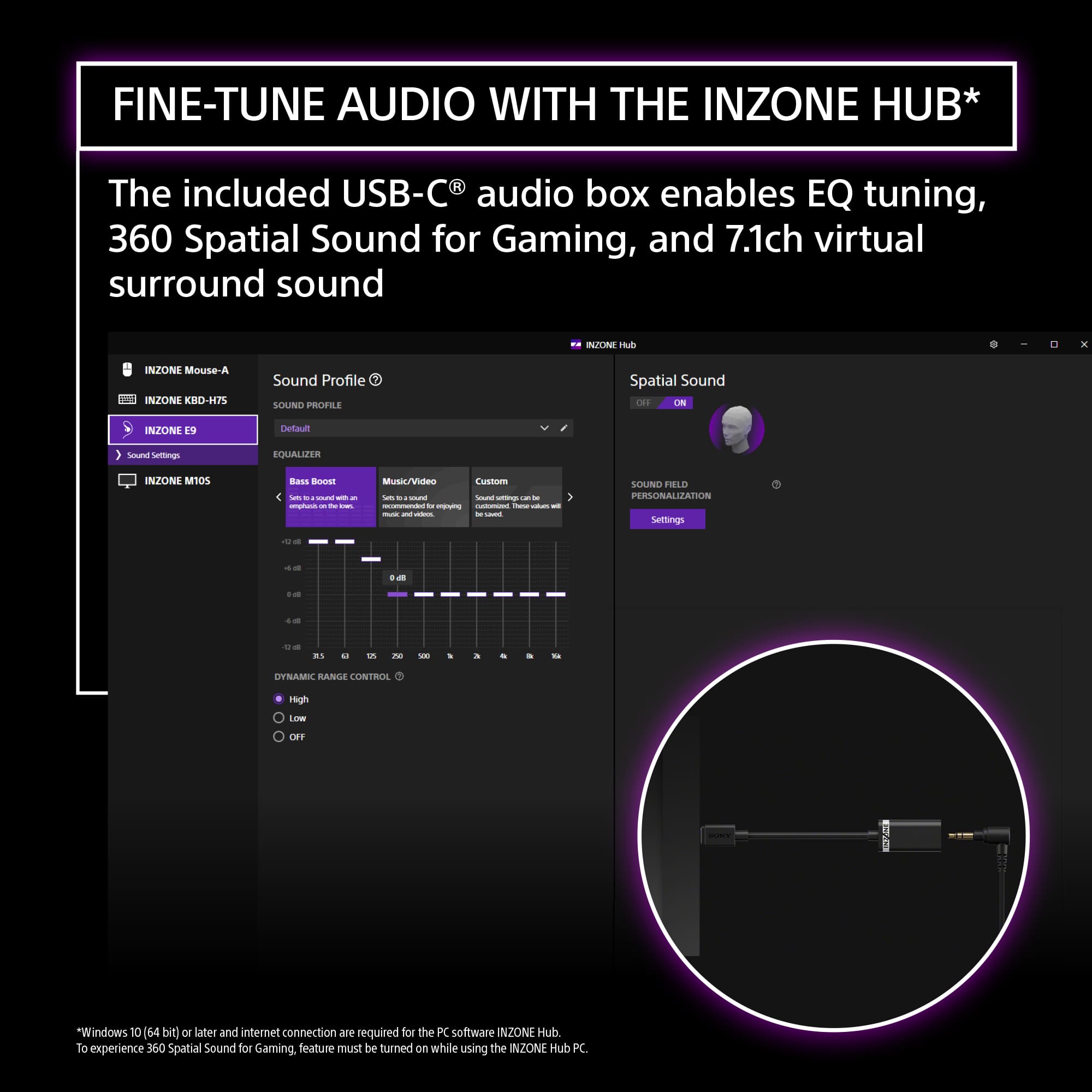
|Posted .This reviewer received promo considerations or sweepstakes entry for writing a review.The INZONE E9 earbuds specifically for late-night FPS sessions, and they’ve quickly become my go-to gear. Right out of the box—headphones, USB-C audio box, four sizes of silicone tips, four hybrid tips, a sturdy little case, and the quick-start guide—I could tell these weren’t your average gaming buds. The moment I dropped them in, I noticed how flat and honest they sound. There’s no exaggerated bass bump or brightening in the highs—just the kind of monitor-style accuracy you need to pick out every footstep and distant shot. Whether I’m sneaking around a corner or trying to pinpoint an enemy’s location, the 5 mm drivers deliver precise spatial detail without distortion, even at higher volumes. What really sold me is the sealed design and noise-isolation tips. I toss on my headset, and suddenly the outside world just… fades. Crowd roars, chatter, even the hum of my PC fans disappear, and I’m locked into the comms and chaos of the game. Swapping between the silicone and hybrid tips helped me find the perfect seal—no mid-match ear shifts or pressure points. Then there’s the little USB-C audio box. Plug it in, fire up the INZONE Hub, and you get virtual 7.1 surround plus a 360 Spatial Sound mode that feels shockingly real. I loaded Fnatic’s pro EQ profile, tweaked a bit, and suddenly I could tell if someone was flanking me from three different angles. It’s the kind of edge you notice immediately. After hours of play, my ears feel fresh—no soreness or fatigue. And when I’m done, everything tucks neatly into the case and is ready for my next session. If you want earbuds that give you pinpoint audio accuracy, block out distractions, and deliver convincing surround sound without any gimmicks, the INZONE E9 is worth every penny. They’ve turned my late-night grind into a surgical, focused experience—exactly what I was hunting for.
I would recommend this to a friendBrand response from SonyListens
Posted .Hello Ohanaman,
Thank you for choosing Sony!
It brings us great joy to hear that the INZONE E9 earbuds have become your preferred choice for late-night FPS sessions. We appreciate your recognition of the comprehensive package, including the variety of silicone and hybrid tips, sturdy case, and user-friendly setup. It’s rewarding to know that the earbuds’ flat, accurate sound profile and 5 mm drivers deliver precise spatial detail without distortion, enhancing your in-game awareness. We are pleased that the sealed design and noise-isolation tips provide effective sound isolation and comfort during extended use. Additionally, it’s encouraging to learn that the USB-C audio box, combined with virtual 7.1 surround and 360 Spatial Sound modes, contributes significantly to your immersive gaming experience. Your feedback regarding comfort after prolonged use and convenient storage is highly valued. Thank you for sharing how the INZONE E9 exceeds your expectations for pinpoint audio accuracy and focused gameplay.
Best regards,
-Fred
InZone E9
Posted .This reviewer received promo considerations or sweepstakes entry for writing a review.Sound quality is clear. Plug wire also has decent length.
I would recommend this to a friendBrand response from SonyListens
Posted .Thank you for the fantastic review, PeterL!
We’re so glad to hear the IER-G900 is delivering that clear sound quality you expect. It’s also great to know the cable length is working well for your setup—details like that make a big difference in comfort!
Enjoy the audio and thank you for choosing Sony!
Best regards,
Gus, Sony Social Media Team
They work, but . . .
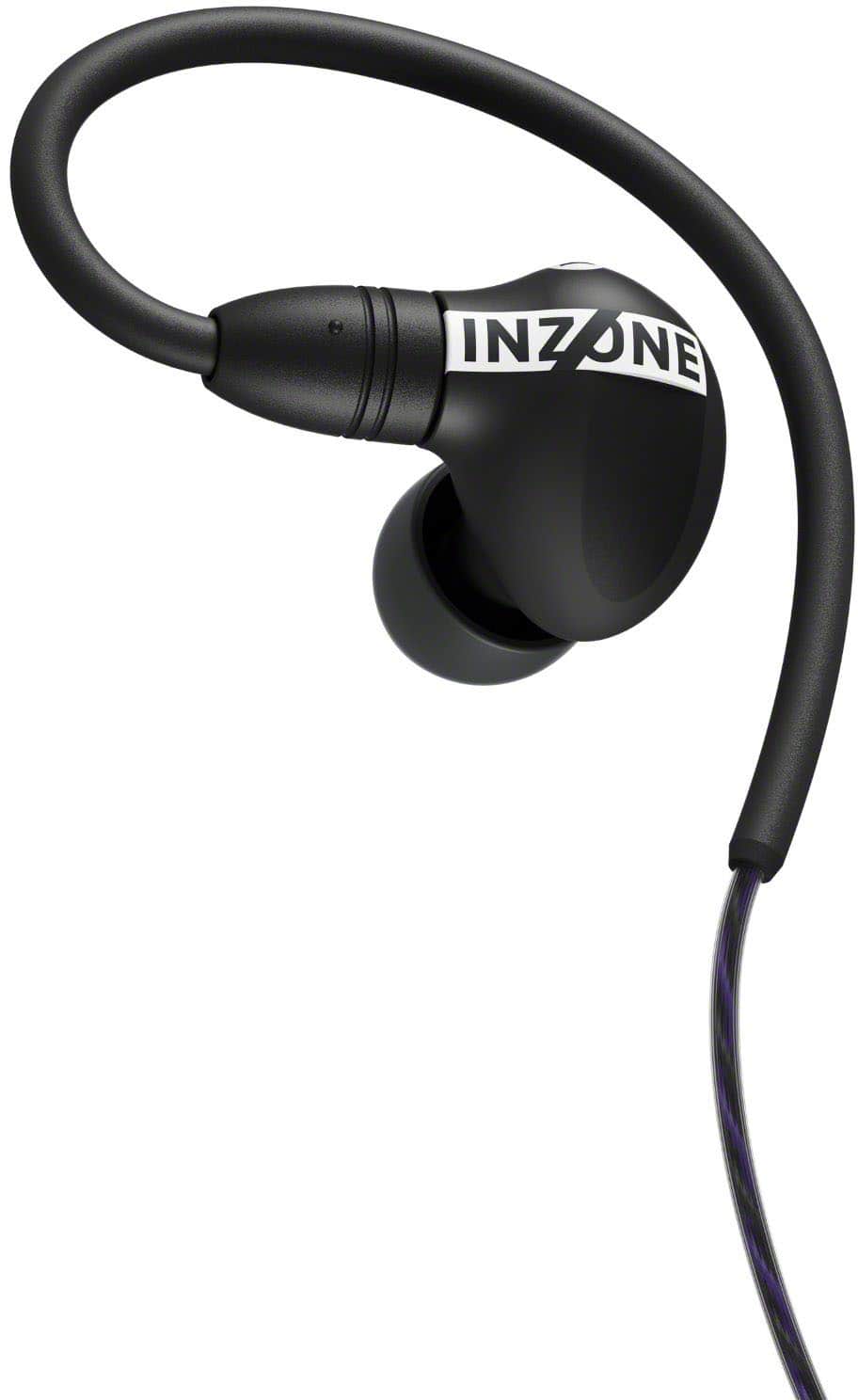
|Posted .This reviewer received promo considerations or sweepstakes entry for writing a review.I hate having to leave less than 5 stars on anything. THE GOOD ~ Relatively comfortable ~ Lightweight ~ In-ear ~ I could hear well ~ Gaming friends could hear me without issue ~ comes with a USB-C Adapter ~ Nice case ~ Stereo/surround sound THE BAD ~Not easy to put in ~ Tinny sounding ~ No easy sound controls ~ Must download software ~ Program issues THE MEH (Could go either way) ~ Wired (I already knew this) OVERALL I am almost always happy with the products I review. I am not UNhappy with these as much as I am disappointed. I have some very good over-the-ear headphones and mic that I often use, but then I can't hear when the wife is yelling at ... I mean FOR me. I wanted in ear because I figured they would be lighter, cooler, and a bit easier to hear ambient sounds. IN that regard, I was not disappointed. They come in a nice case with a USB-C adapter. Trying to get them in the first time or two was a daunting task. You are supoposed to loop the wire behind and over your ear. There's nothing wrong with that design, but it isn't intuitive or very practical when most other earbuds just go in with the wire hanging down. I suppose it allows you to take them out and leave them hanging next to your ears and helps keep them closer to your body so you don't accidentally hit them and rip them out while gaming. I plugged them into the 3.5mm jack on my computer. Every now and then I could get it to stop by moving the wire or unplugging and re-plugging in the set. I really don't fault that, which is why I have it under BAD and MEH. It could simply be my motherboard or jack. Still, I feel compelled to mention it. Where I was most disappointed was with the sound quality. It had a lot of treble and mids, but almost no base. Consequently, while gaming, everything sounded incredibly tinny. I didn't get the rich sounds I am used to via speakers or my other headphones. Another disappointment was the lack of sound controls on the earbuds. I am used to simply tapping or touching my earbuds and headphones to increase and decrease volume. Those who game can appreciate the importance of this. These don't allow that. Instead, to control the volume, I had to go to the computer settings to increase or decrease it. I don't know if the program you have to download allows an easier way in-game because even though I downloaded and opened the app, it never could find my earbuds. I tried it multiple times and even went to the website and read through the FAQs and troubleshooter. THE BIG QUESTION: Would I recommend these to people? Probably not. For every job there is a proper tool. So, there may be one or two people to whom I would recommend these, but given my experience thus far, I would not recommend them to gaming friends. To be honest, I hope I am just a one-off because I truly wanted to love these.
Brand response from SonyListens
Posted .Hi BamaBubba, thank you for your honest feedback on the INZONE E9 earbuds. We are glad to hear you found them comfortable and that your friends could hear you clearly.
We apologize for the difficulties with the sound quality and the fit.
To fix the tinny sound, you need to adjust the Equalizer and you do not have to download the software.
We have a Web version of the INZONE Hub where you can simply go to the website to adjust the EQ. Any settings you make there will be saved directly to the earbuds' on-board memory, so you can close the website and your custom sound profile will be remembered by the hardware.
We appreciate your notes on the fit and the lack of on-ear controls, and we are using this feedback for future designs. We hope you will give the Web Hub a try to get the rich sound you were looking for!
Thank you for choosing Sony!
Best regards,
Estefany
Unusable software and reasonable headphones
|Posted .This reviewer received promo considerations or sweepstakes entry for writing a review.These are nice in-ear headphones that stay in better than most any other that I've tried. The sound quality is also excellent and with a very flat response which you would expect from a product labeled as a "monitor". With something like this, you want accurate reproduction of the sound, not an over-emphasized bass or any other such tweaks that the manufacturer might make to make the headphones more appealing in the short-run. They really tout their software for adjusting the sound as you'd like, but I cannot comment on that. Apparently a high-end Microsoft Surface laptop does not meet their desired specs for audio software. If their software to make adjustments to the audio experience is so demanding on your hardware, I wouldn't think anyone would be using this for professional gaming as you wouldn't want to overtax your system. So... They fit well and they provide a good audio response to your input. It's nice that they include a headphone to USB-C adapter. That's about all that can be said for these. Are good quality wired headphones worth $180? Not to me...
No, I would not recommend this to a friendBrand response from SonyListens
Posted .Hi MurphyR,
Thank you for taking the time to share your feedback on the Sony INZONE E9 Wired In-Ear Monitor. We're glad to hear that you're enjoying the comfort and the accurate, balanced sound quality. Your feedback on the software is especially valuable, and we've shared your comments with our development team to help us improve the overall user experience.
We understand your frustration with the software on your high-end Microsoft Surface Laptop. We've found that some users have trouble with the INZONE Hub software if they're not connected correctly.
For the INZONE Hub software to work and to access all of its features and audio adjustments, you must connect the INZONE E9 to your PC using the USB-C adapter that came with your monitors. The software does not support any audio adjustments if you are connected to your PC using just the 3.5mm audio jack.
Please also check that your Microsoft Surface Laptop meets the following system requirements for the INZONE Hub software to run properly:
- Operating Systems: Windows 11 Home/Pro or Windows 10 Home/Pro (64-bit)
- CPU: Intel Core i5 (8th generation or higher) or AMD Ryzen 5 or higher
- Storage: 400 MB or more of free space
For more information, you can visit the official support page at: https://www.sony.com/electronics/support/software/00279252.
We hope this information helps you get the most out of your INZONE E9 monitors.
Thank you for considering Sony products.
Regards,
-Dominick
Very...underwhelming
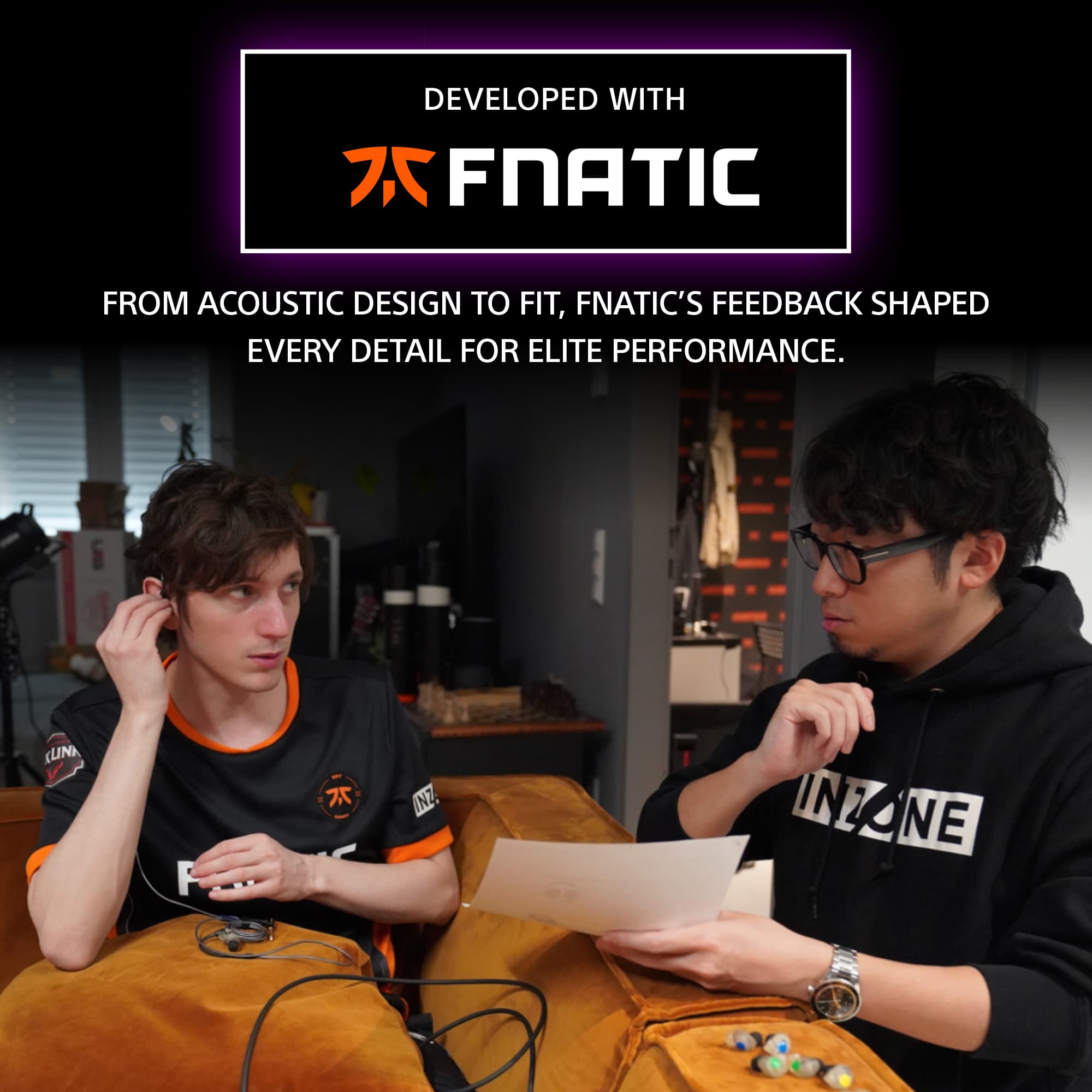
|Posted .This reviewer received promo considerations or sweepstakes entry for writing a review.I don't know what they've done here, but these buds don't perform anywhere near what other Inzone headphone can do. The sound is flat and lifeless. There's no boom, no bells, but lots of whistles. It's way too bright and muffles the other frequencies. I don't know why they decided to use a "gamer" to have input on some relatively higher tier buds. The should have consulted audiophiles to get the best sound and then used the software to tweak it to sound bad but benefit positional cues. Instead they crippled it and you can't make the sound better. OK, I lied there. You can make them sound better by uninstalling the Inzone drivers and using the 3.5mm jack like plain old ear buds. Both DTX and Windows for Headphones provide better positional audio than Inzone does plus, even without EQ'ing, sound tons better than what the Inzone software can do. So, could they fix it with a software and firmware update? Dunno, but I'd like to see/hear if they can. I was hoping to use these as my daily driver since there are have been times where I've forgotten to charge my Inzone buds and had to wait a while until they got enough juice. I was expecting these to be of the same audio quality, but huh-uh, no-go. So these are going back in the case and hoping for an update to hopefully make these better.
No, I would not recommend this to a friendBrand response from SonyListens
Posted .Hi MadSquabbles,
Thanks for reaching out and sharing your feedback on the INZONE E9 buds. We're really sorry to hear they are not fulfilling your expectations and that you're disappointed with their performance. We can definitely understand your frustration, especially when you were hoping for a similar audio quality to your other INZONE products.
We appreciate you taking the time to provide such detailed feedback. Hearing from customers like you is incredibly valuable, as it helps us understand where we can improve. Your specific comments about the sound profile, the software and the comparison to other audio solutions are very helpful.
We hope you'll give us another chance in the future and we'll be working to make sure our products live up to the high standards you expect from our brand.
Thanks for considering Sony and for your feedback.
Sincerely,
Estefany