Customer Ratings & Reviews
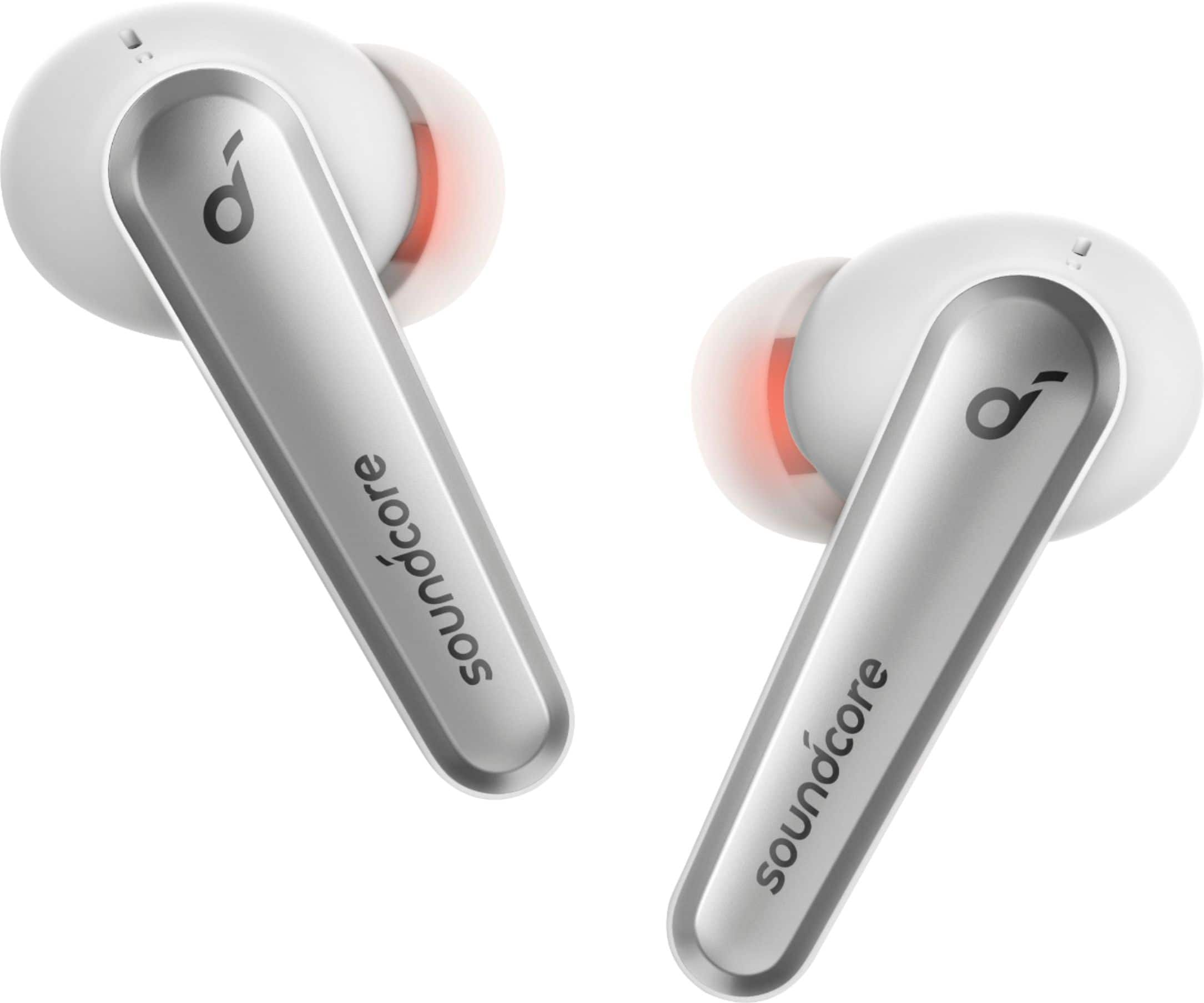
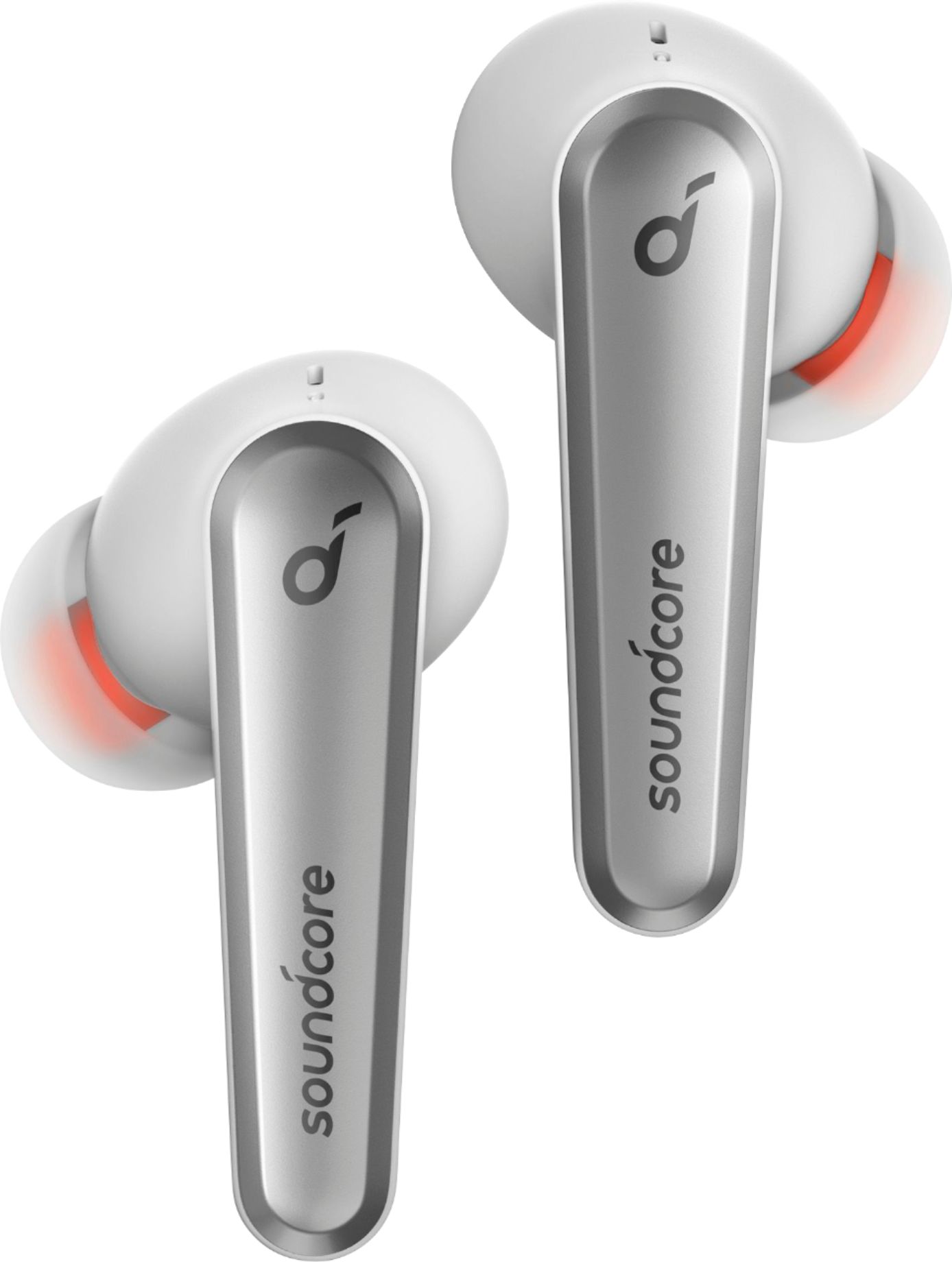
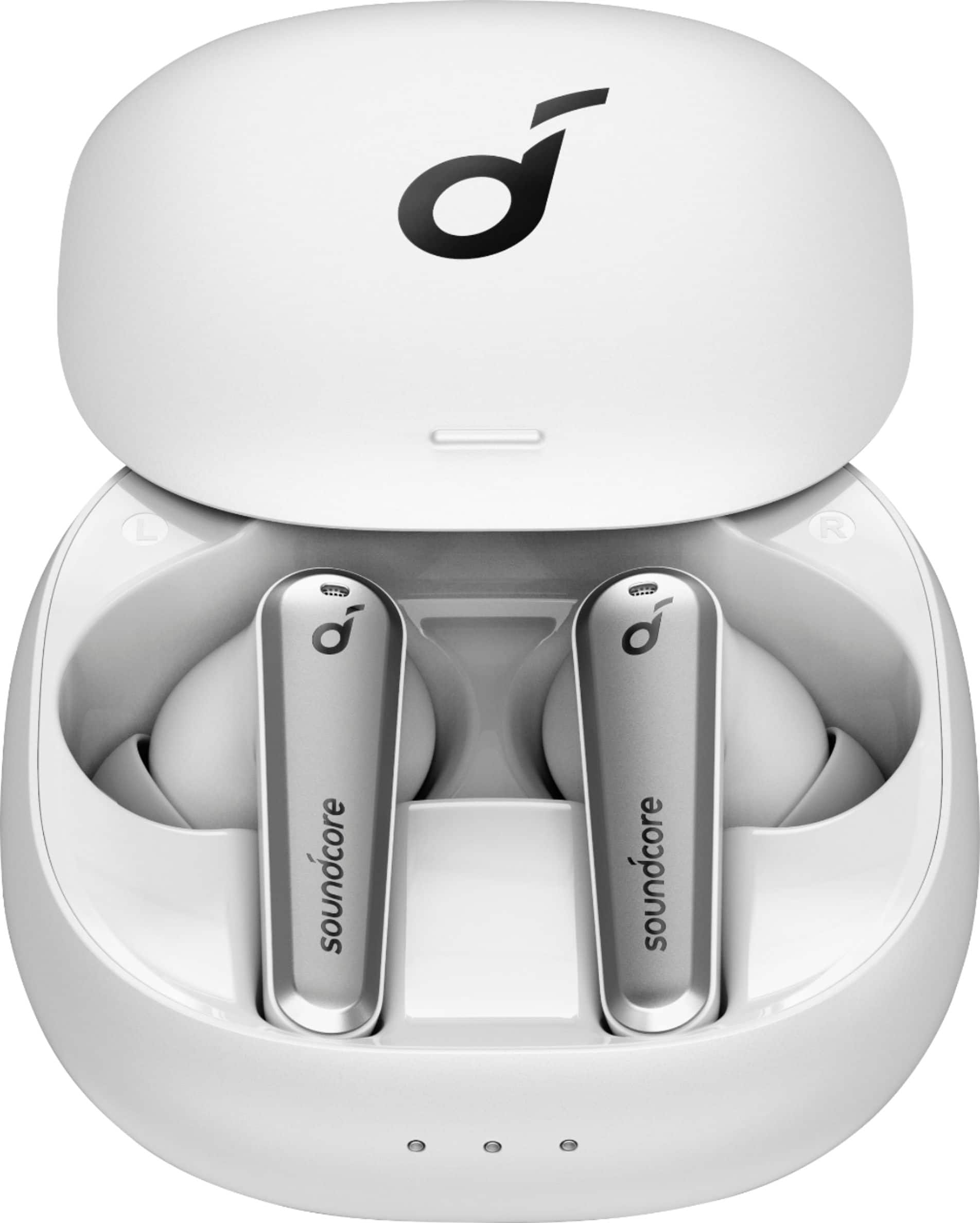


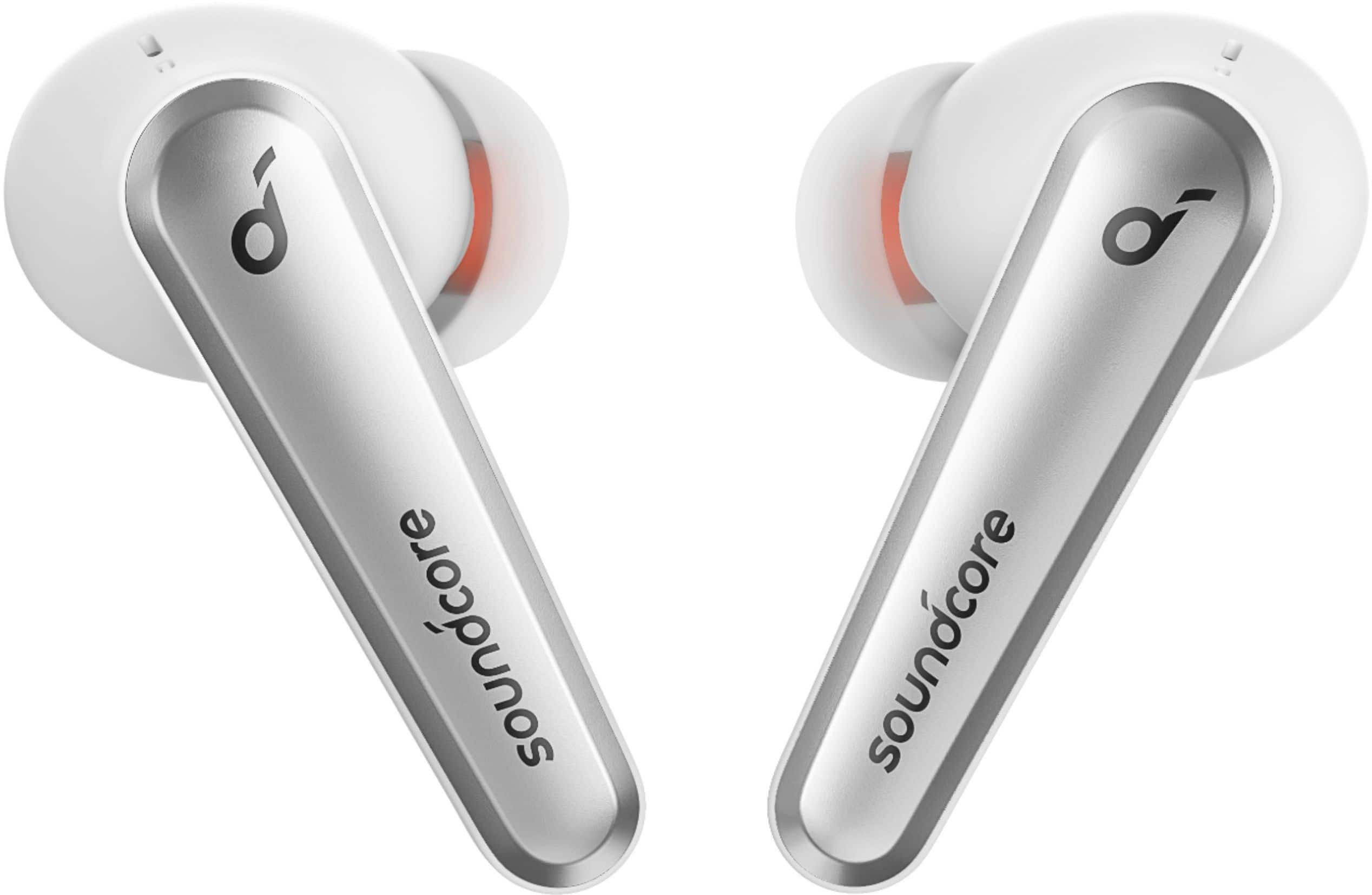
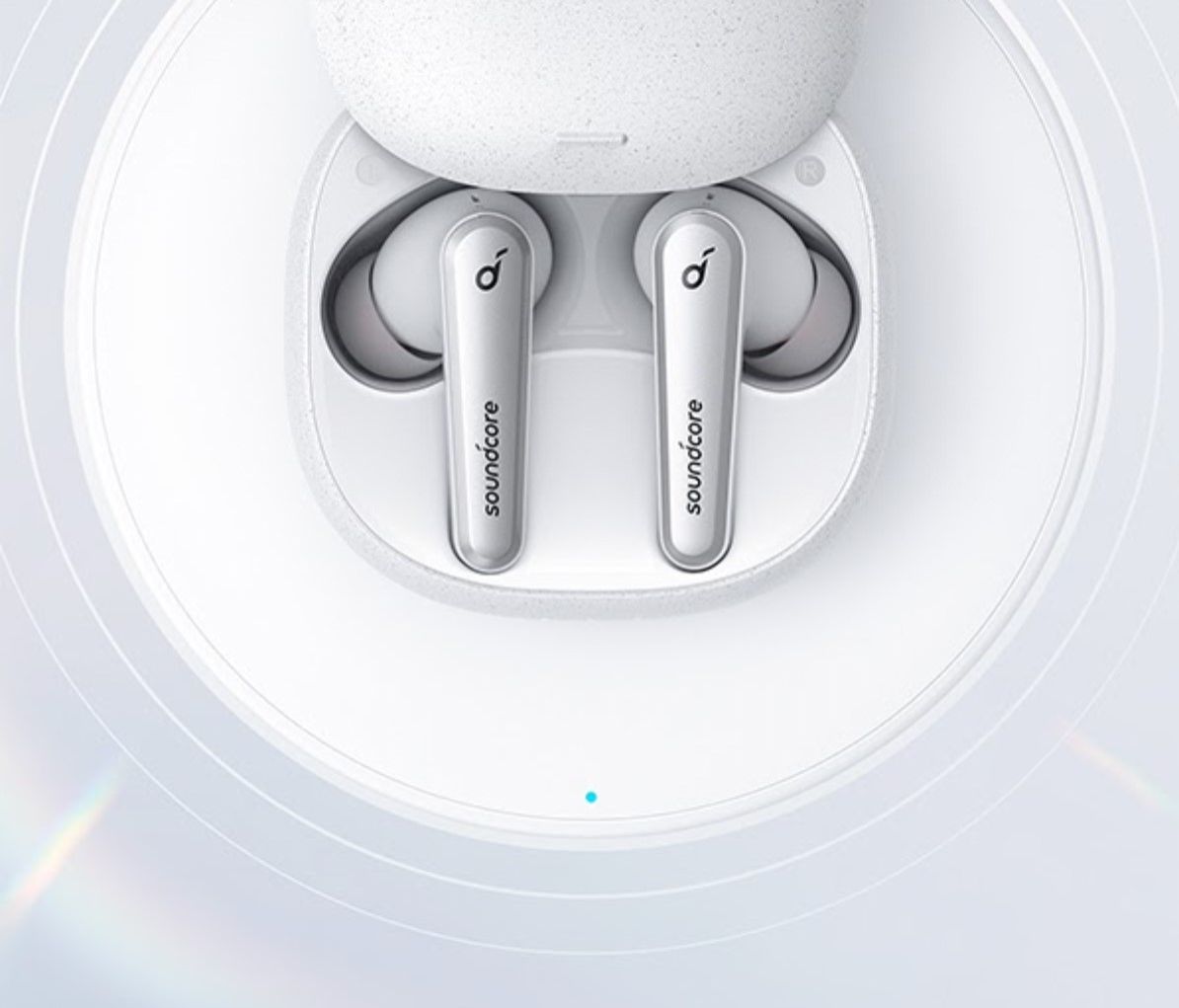
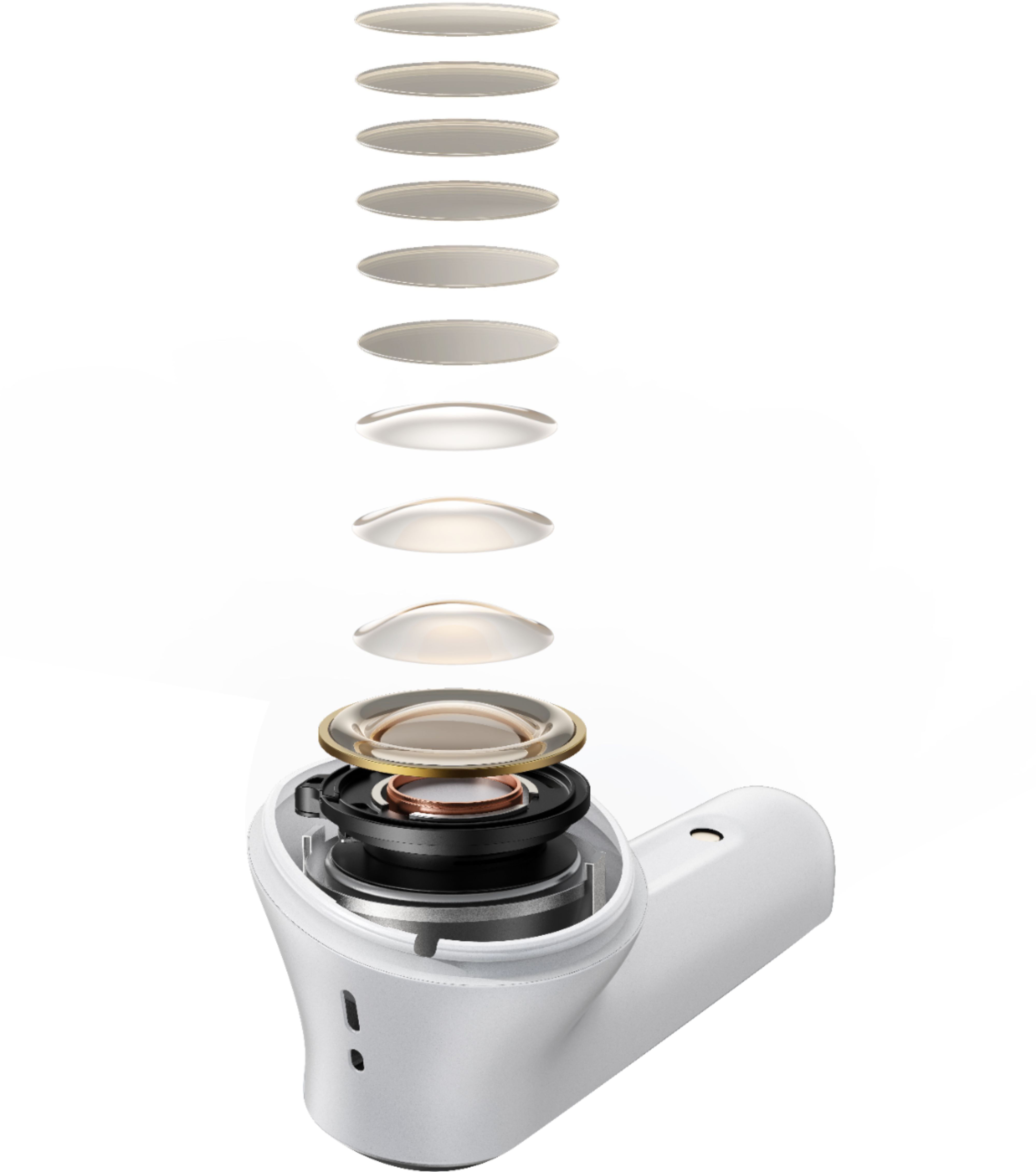
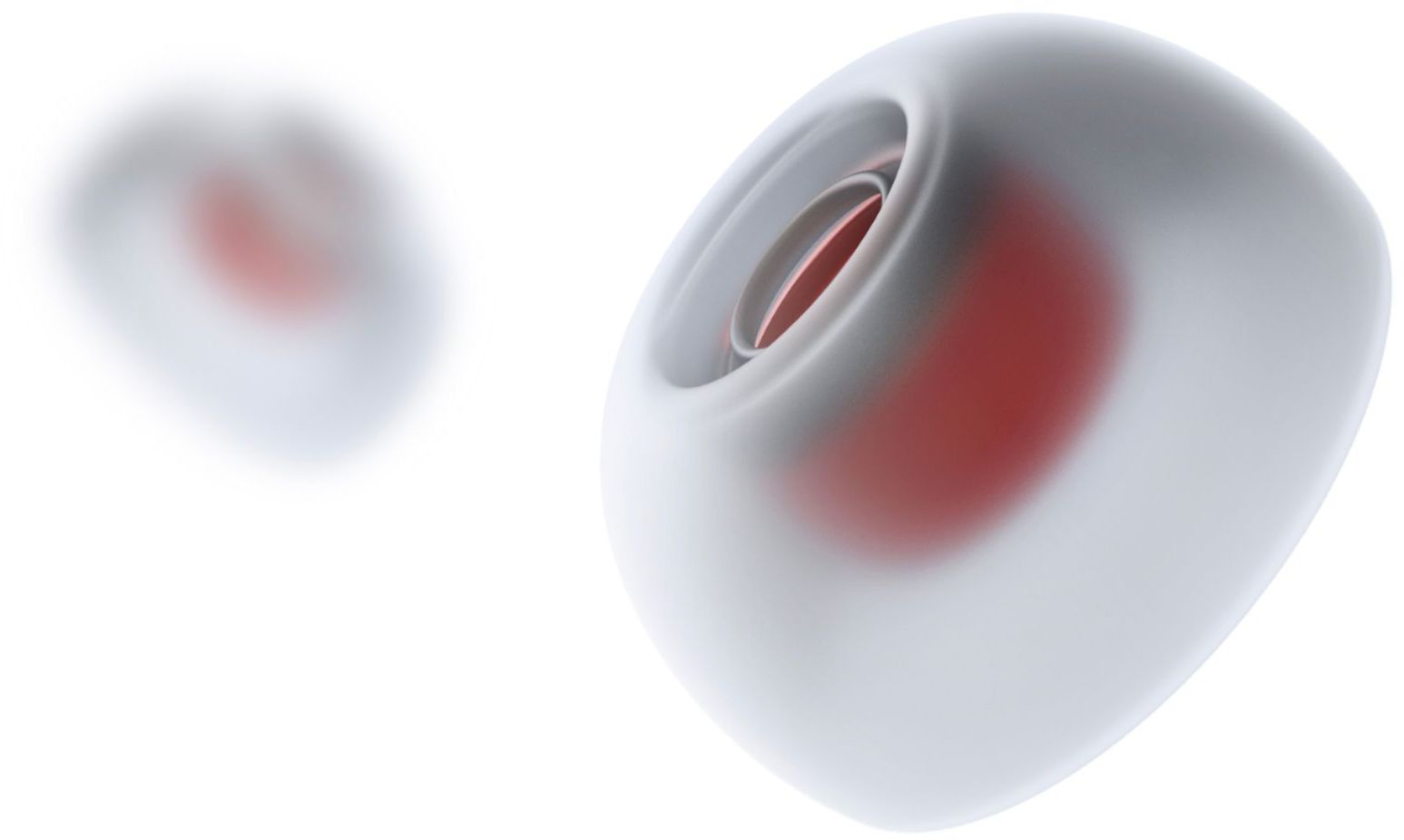

- Model:
- A3951Z21
- SKU:
- 6425634
Rating by feature
- Sound Quality
Rating 4.5 out of 5 stars
- Battery Life
Rating 4.4 out of 5 stars
- Connectivity
Rating 4.4 out of 5 stars
Customers are saying
Customers are enthusiastic about the Anker Liberty Air 2 Pro Earbuds, particularly praising the exceptional sound quality, comfortable fit, and impressive battery life. Many users also appreciate the affordable price point and the effectiveness of the active noise cancellation. However, some users have expressed concerns about the fit and connectivity issues, as well as the lack of volume control and occasional microphone problems.
This summary was generated by AI based on customer reviews.
- Cons mentioned:Connection
The worst airpods in the universe
||Posted . Owned for less than 1 week when reviewed.This reviewer received promo considerations or sweepstakes entry for writing a review.It wont fit any ear. It sounds yak. Its connectivity is bad. It is equipped with all worst thing. Its weird design will never fit ears and will always fall down in sec.
No, I would not recommend this to a friendBrand response from Anker Team
Posted .Thank you so much for sharing your experience. It's unusual for this product to be acting like this, and we'd love to get you what you need!
If possible, please try the following steps to see if the issue persists:
-Delete (forget/ignore) the pairing records for the headphones (both Liberty & Liberty L) on your device (phone/tablet/etc.) and turn off the Bluetooth.
-Reset the earbuds using the following steps:
1). Place the earbuds back into the charging case and keep the case open.
2).Tap and hold the button at the back of the case for 10 seconds until both earbuds' LED lights flash red 3 times.
-After the reset you will see the white light flashes quickly on the one earbud and the light flashes slowly on the other side, which means they pair together.
-Turn on the Bluetooth on your device again, search for the Liberty (not Liberty L) and pair the device to see if that worked.
-Please try with another device (phone/tablet/etc.) and see if the issue is the same.
You may also refer to the following tips to get a more secure fit:
-Please first look at the L/R logo on the back of the earbuds to ensure that the right and left ears are properly worn.
-Choose the ear tips that fit the ear canal best to replace.
-Turn the earbuds and find the most comfortable position.
If it doesn’t help, please reach out to us via [email protected] or call us at +1 (800) 988 7973. We are more than happy to assist you further.
We offer an 18-month warranty for this product, plus lifetime technical support. Our standard for responding to email quests is less than 24 hours, and we look forward to hearing from you!
There are much better options for the price
||Posted . Owned for 2 weeks when reviewed.This reviewer received promo considerations or sweepstakes entry for writing a review.With the price point of these headphones I though they would be close to Jabra, beats, or Samsung but they are not. Lackluster sound quality and awkward fit, I don't recommend these headphones.
No, I would not recommend this to a friendBrand response from Soundcore Team
Posted .Thank you so much for sharing your experience. We promise to keep moving.
Please reach out to us via support
[email protected] or call us at +1 (800) 988 7973. We are more than happy to assist you further.
We offer an 18-month warranty for this product, plus lifetime technical support. Our standard for responding to email quests is less than 24 hours, and we look forward to hearing from you!
Major disappointment
||Posted . Owned for 3 weeks when reviewed.This reviewer received promo considerations or sweepstakes entry for writing a review.I've never had good luck with the longevity of any brand of earbud I've tried. Was really hoping these would be different. Alas, I lost all sound from the right earbud within the first month!
No, I would not recommend this to a friendBrand response from Soundcore Team
Posted .Thank you so much for sharing your experience. It's unusual for this product to be acting like this, and we would love to get you what you need! If possible, please try the following steps to see if the issue persists:
1.Place the earbuds into the charging case and remain the case open.
2.Press and hold the button on the case for 10 seconds until the earbud LED indicators flash red 3 times and then turn white.
If it doesn’t help, please reach out to us via support
[email protected] or call us at +1 (800) 988 7973. We are more than happy to assist you further.
We offer an 18-month warranty for this product, plus lifetime technical support. Our standard for responding to email quests is less than 24 hours, and we look forward to hearing from you!
Wireless earbuds
||Posted . Owned for 3 weeks when reviewed.This reviewer received promo considerations or sweepstakes entry for writing a review.This product wouldn’t keep charge very long and would continuously die or disconnect from my iPhone. My ears are very small so I did love the fact that it came with different sizes to fit inside my ear.
No, I would not recommend this to a friendBrand response from Anker Team
Posted .Thank you so much for sharing your experience. It's unusual for this product to be acting like this, and we'd love to get you what you need!
If possible, please try the following steps to see if the issue persists:
1. Confirm the charging case has power left (press the button on the case and note if an LED is illuminated). If the case LED does not light up, please charge the case first. Connect the case with the included USB-C cable and plug it into a USB power source to charge it for 2 hours.
2. Ensure all charging contact pins on the earbuds and charging case are completely clean and dry of sweat and water. You can also use cleaning alcohol for cleaning the contacts. Use a dry cloth to ensure the parts are clean and dry afterwards before using.
3. Please place the earbuds correctly into the charging case. When you put the earbuds back into the case, the first and third lights on the case flash twice to indicate both earbuds are charging normally. Charge the headphones for 1.5 hours until they are fully charged. While charging the LED on the earbuds is breathing. When the devices are full, the LEDs will turn off.
Hint: Searching the following keyword on a search engine will bring you to a short video showing how to clean our earbud contacts on an older model for reference: MkbTerepwUk.
You may also refer to the following tips to get a more secure fit:
-Please first look at the L/R logo on the back of the earbuds to ensure that the right and left ears are properly worn.
-Choose the ear tips that fit the ear canal best to replace.
-Turn the earbuds and find the most comfortable position.
If it doesn’t help, please reach out to us via [email protected] or call us at +1 (800) 988 7973. We are more than happy to assist you further.
We offer an 18-month warranty for this product, plus lifetime technical support. Our standard for responding to email quests is less than 24 hours, and we look forward to hearing from you!
Not worth the upgrade from the LA2
||Posted . Owned for 5 months when reviewed.This reviewer received promo considerations or sweepstakes entry for writing a review.#geekytechycool Solid pair of earbuds, just not enough of an upgrade from the originals to make a purchase. Maybe the newest ones will be when they release later this month.
No, I would not recommend this to a friendBrand response from Soundcore Team
Posted .Thank you so much for sharing your experience. We are sorry to hear you are not satisfied with this item. We really appreciate your feedback to make this item better.
We are dedicated to ensuring your 100% satisfaction. Please reach out to us via [email protected] or call us at +1 (800) 988 7973. We are more than happy to assist you further.
We offer an 18-month warranty for this product, plus lifetime technical support. Our standard for responding to email quests is less than 24 hours, and we look forward to hearing from you!
- Cons mentioned:Connection
Do not buy
||Posted .This reviewer received promo considerations or sweepstakes entry for writing a review.HORRIBLE trying to connect both of these at the same time to a samsung galaxy note 10. Sound is weak also.
No, I would not recommend this to a friendBrand response from Soundcore Team
Posted .Thank you so much for sharing your experience. We're really sorry you've encountered this issue!
If possible, please try the following steps to see if the issue persists:
- Delete (forget/ignore) the pairing records for the headphones on your device and turn off the Bluetooth.
- Reset the earbuds (Search UPqIjsCRfCk on search engine for the video).
1) Place the earbuds in the charging case and leave the cover open.
2) Press and hold the button on the case for 10 seconds until the LED indicators on the earbuds flash red 3 times and then turn white. Wait until the LED indicator on one of the earbuds flashes fast while the other flashes slowly. This confirms that the reset was successful and your earbuds can be connected normally.
- Turn on the Bluetooth on your device again, search for the Liberty Air 2 Pro and pair the device to see if that worked.
- Try to turn up the volume on the connected devices.
- Use a Q-tip with a bit of rubbing alcohol to gently clean the metal mesh filter under the rubber ear tips. This is best done when sound is playing through your earbuds at max volume.
If those don't help, please reach out to us via [email protected] or call us at +1 (800) 988 7973. We are more than happy to assist you further.
We offer an 18-month warranty for this product, plus lifetime technical support. Our standard for responding to email quests is less than 24 hours, and we look forward to hearing from you!
Not so great.
||Posted . Owned for 1 month when reviewed.This reviewer received promo considerations or sweepstakes entry for writing a review.I don't know if I can say that is not a good quality but to me they sound the same as a cheaper quality, I don't see bass quality either.
No, I would not recommend this to a friendBrand response from Soundcore Team
Posted .Thank you so much for sharing your experience. We are sorry to hear you are not satisfied with this item. We really appreciate your feedback to make this item better.
We are dedicated to ensuring your 100% satisfaction. Please reach out to us via [email protected] or call us at +1 (800) 988 7973. We are more than happy to assist you further.
We offer an 18-month warranty for this product, plus lifetime technical support. Our standard for responding to email quests is less than 24 hours, and we look forward to hearing from you!
- Pros mentioned:Battery life, Sound quality

Great sound and noise canceling
|Posted .This reviewer received promo considerations or sweepstakes entry for writing a review.Pro: good sound Noise canceling works well App has good sound settings Battery life Wireless charging Cons: fitting can seem loose Can only power off with case Overall a really good set of ear buds. The sound is very good for its size while being able to have good noise canceling. At first the fitting can feel loose, even with the right ear insert, but once I angled them in the right way, they stayed in my ear while I was moving about. The case is compact, smaller than any other cases I’ve owned and has wireless charging. One thing that I didn’t like was that to fully turn them off, you need to put them back in the case. So you need to always have the case on you. The sound is clear. It’s not as good as the really premium earbuds, but these also have noise canceling and more compact. The sound can be tuned with the EQ in the app. Out of the box, the sound didn’t impress me but once I messed with the EQ, it sounded much better. The ANC is really good. It lowers background noise significantly. I could hardly hear the tv while on. Depending on which mode (commute, outside, and inside) it will block certain frequencies more than others. For instance, on commute, the wind will have crackling sounds but barely audible on outside. The app has more features than expected. The touch functions can be customized, three ANC modes, and the EQ has a lot of presets as well as a feature that measures which frequencies you can hear and calibrate for it. It also has a fitting test that tells you if you have a good seal. Battery life is pretty good. With ANC on, it lasted about 5 hours. The case provides a few more charges as well.
I would recommend this to a friend Hoped for better
||Posted . Owned for 2 months when reviewed.This reviewer received promo considerations or sweepstakes entry for writing a review.They sounded OK, but the stems for some reason rubbed against my stubble and created a ton of noise and feedback. So unfortunately I couldn't use them.
No, I would not recommend this to a friendDid not have the noise canceling effect
||Posted . Owned for 1 month when reviewed.This reviewer received promo considerations or sweepstakes entry for writing a review.I purchased these because it said noise canceling. They would not, I tried every size and they would not fit right for the noise canceling effect.
No, I would not recommend this to a friendBrand response from Anker Team
Posted .Thank you so much for sharing your experience. It's unusual for this product to be acting like this, and we'd love to get you what you need!
If possible, please try the following steps to see if the issue persists:
-Try to turn up the volume on the connected devices.
-Use a Q-tip with a bit of rubbing alcohol to gently clean the metal mesh filter under the rubber ear tips. This is best done when sound is playing through your earbuds at max volume.
-Delete (forget/ignore) the pairing records for the headphones (both Liberty & Liberty L) on your device (phone/tablet/etc.) and turn off the Bluetooth.
1.Place the earbuds into the charging case and remain the case open.
2.Press and hold the button on the case for 10 seconds until the earbud LED indicators flash red 3 times and then turn white.
-After the reset you will see the white light flashes quickly on the one earbud and the light flashes slowly on the other side, which means they pair together.
-Turn on the Bluetooth on your device again, search for the Liberty (not Liberty L) and pair the device to see if that worked.
-Please try with another device (phone/tablet/etc.) and see if the issue is the same.
-Enter the APP to test the ear tips to confirm if they can fit better, you can also use other ear tips in other sizes and modify the wearing method to improve the noise reduction effect
If it doesn’t help, please reach out to us via [email protected] or call us at +1 (800) 988 7973. We are more than happy to assist you further.
We offer an 18-month warranty for this product, plus lifetime technical support. Our standard for responding to email quests is less than 24 hours, and we look forward to hearing from you!
- Cons mentioned:Volume
I don’t like
||Posted . Owned for 1 month when reviewed.This reviewer received promo considerations or sweepstakes entry for writing a review.Volume is not great I went for return they didn’t take back
No, I would not recommend this to a friendBrand response from Anker Team
Posted .Thank you so much for sharing your experience. It's unusual for this product to be acting like this, and we'd love to get you what you need!
If possible, please try the following steps to see if the issue persists:
1. Try to turn up the volume on the connected devices.
2. Use a Q-tip with a bit of rubbing alcohol to gently clean the metal mesh filter under the rubber ear tips. This is best done when sound is playing through your earbuds at max volume.
If it doesn’t help, please reach out to us via [email protected] or call us at +1 (800) 988 7973. We are more than happy to assist you further.
We offer an 18-month warranty for this product, plus lifetime technical support. Our standard for responding to email quests is less than 24 hours, and we look forward to hearing from you!
Do not buy.
||Posted . Owned for 2 weeks when reviewed.This reviewer received promo considerations or sweepstakes entry for writing a review.One of the worst headphones ever. They don’t stay in your ear and they have the worst static sound. If you like loud or bassy music these are not for you. Tried playing with the eq setting and switched to bass reducer which reduces the static white noise but then the volume of the music is too low. Battery life is also low. Do not recommend.
No, I would not recommend this to a friendBrand response from Soundcore Team
Posted .Thanks for sharing your experience. I would like to present our deepest apologies for all the inconvenience.
To fix the static sound issue, we kindly ask you to try the following tips:
-Reset the earbuds and try to pair them again with your device. (Search UPqIjsCRfCk on search engine for the video).
Regarding the fit issue, please also try:
- Upgrade the APP and firmware to the latest version and then do the fit test until you get both earbuds passed.
Hint: Searching 60WlRunxwHw on a search engine for a short video showing how to get a proper fit of your earbuds.
Please feel free to contact us via [email protected] with your order information and problems. We will always be more than happy to help you.
- Pros mentioned:Fit, Sound quality
Competes with the Big Names
|Posted .This reviewer received promo considerations or sweepstakes entry for writing a review.I was pleasantly surprised how well these performed. These easily complete with those BIG NAMES in this market. The packaging was great. I really like the case and how the top slides open. SPOILER ALERT! I was not expecting 8 extra ear tips. This truly should fit anyone now. The earbuds have a real nice feel to them and they fit really well in my ears. I wore them around the house at first and quickly forgot I was wearing them. I really enjoy the personalized settings you can control in the app. The app even has a hearing test you can run which helps you truly set the sound level to your specific needs/desires. Warning, you need to be in a really quiet place when you run the test. I ever knew you could control so many settings. The app is wonderful and easy to navigate. I really like the different noise cancelling options you can control as well. Not really a con but I would suggest being careful when re adjusting the earbuds in your ears. At first I would each up to re adjust it and find I was turning it off, or advancing the track. Just have to figure out where to touch it when you are adjusting the fit vs where to touch it when you want to activate the controls. I would put these up against any of the big names in this market any day. Great job Anker.
I would recommend this to a friend - Cons mentioned:Pairing
Headphones don’t pair at all
||Posted . Owned for 1 month when reviewed.This reviewer received promo considerations or sweepstakes entry for writing a review.Headphones stopped pairing after 1 month, so they don’t work at all! Trash!
No, I would not recommend this to a friend Bad headphones
||Posted .This reviewer received promo considerations or sweepstakes entry for writing a review.Not good at all poor sound quality bad I want my money back you gonna say after the first use
No, I would not recommend this to a friendBrand response from Anker Team
Posted .Thank you so much for sharing your experience. It's unusual for this product to be acting like this, and we'd love to get you what you need!
If possible, please try the following steps to see if the issue persists:
-Try to turn up the volume on the connected devices.
-Use a Q-tip with a bit of rubbing alcohol to gently clean the metal mesh filter under the rubber ear tips. This is best done when sound is playing through your earbuds at max volume.
-Delete (forget/ignore) the pairing records for the headphones (both Liberty & Liberty L) on your device (phone/tablet/etc.) and turn off the Bluetooth.
-Reset the earbuds using the following steps:
1). Place the earbuds back into the charging case and keep the case open.
2).Tap and hold the button at the back of the case for 10 seconds until both earbuds' LED lights flash red 3 times.
-After the reset you will see the white light flashes quickly on the one earbud and the light flashes slowly on the other side, which means they pair together.
-Turn on the Bluetooth on your device again, search for the Liberty (not Liberty L) and pair the device to see if that worked.
-Please try with another device (phone/tablet/etc.) and see if the issue is the same.
If it doesn’t help, please reach out to us via [email protected] or call us at +1 (800) 988 7973. We are more than happy to assist you further.
We can't issue a refund from purchases made through our resellers because we don't have their order details in our system, but we offer an 18-month warranty for this product, plus lifetime technical support. Our standard for responding to email quests is less than 24 hours, and we look forward to hearing from you!
Don’t buy them
||Posted .This reviewer received promo considerations or sweepstakes entry for writing a review.They worked for about 5 minutes, I won’t suggest them
No, I would not recommend this to a friendBrand response from Soundcore Team
Posted .Thanks for sharing your experience. I would like to present our deepest apologies for all the inconvenience.
I have documented your information and would forward it to our product team for further improvement. You know, a perfect product requires several improvements per the customer's voice and we always strive to improve our products. Appreciate your voice on this!
Please feel free to contact us via [email protected] or call us at +1 (800) 988 7973 with your order information and problems. We will always be more than happy to help you.
We offer an 18-month warranty for this product, plus lifetime technical support. Our standard for responding to email quests is less than 24 hours, and we look forward to hearing from you!
They distort. need i say more?
||Posted .This reviewer received promo considerations or sweepstakes entry for writing a review.They distort at full volume on Normal mode. during transparent mode or ANC mode they distort at the 75% mark. Would have given them 5 stars otherwise but when headphones distort from your streaming app (youtube music in my case) over bluetooth then they usually go in the trash so 1 star. Kinda shocked that they distort this bad on bass notes.
No, I would not recommend this to a friendNo Volume Control Equals I'm Returning These
||Posted . Owned for less than 1 week when reviewed.This reviewer received promo considerations or sweepstakes entry for writing a review.There is no volume control. The volume from my devices was never loud enough. Also, the noise canceling never worked because the app would always default back to turning it off when I closed it. The lack of a tactile button on the side of the headphones means you will be pausing or skipping tracks just by touching the top of the headphones.
No, I would not recommend this to a friendMaybe $30
||Posted . Owned for 1 year when reviewed.This reviewer received promo considerations or sweepstakes entry for writing a review.Felt cheap and kept falling when running, also too $ for it.
No, I would not recommend this to a friendBrand response from Soundcore Team
Posted .Thanks for sharing your experience. I would like to present our deepest apologies for all the inconvenience.
To fix the fit issue, we kindly ask you to try the following tips:
- Upgrade the APP and firmware to the latest version and then do the fit test until you get both earbuds passed.
Hint: Searching 60WlRunxwHw on a search engine for a short video showing how to get a proper fit of your earbuds:
Please feel free to contact us via [email protected] with your order information and problems. We will always be more than happy to help you.
Review
||Posted .This reviewer received promo considerations or sweepstakes entry for writing a review.Poor sound quality. and is very high price is look good.
No, I would not recommend this to a friendBrand response from Soundcore Team
Posted .Thank you so much for sharing your experience. We're really sorry you've encountered this issue!
If possible, please try the following steps to see if the issue persists:
- Upgrade the APP and firmware to the latest version and then do the fit test until you get both earbuds passed.
Hint: Searching 60WlRunxwHw on a search engine for a short video showing how to get a proper fit of your earbuds.
- Reset the earbuds (Search UPqIjsCRfCk on search engine for the video).
1) Place the earbuds in the charging case and leave the cover open.
2) Press and hold the button on the case for 10 seconds until the LED indicators on the earbuds flash red 3 times and then turn white. Wait until the LED indicator on one of the earbuds flashes fast while the other flashes slowly. This confirms that the reset was successful and your earbuds can be connected normally.
If those don't help, please reach out to us via [email protected] or call us at +1 (800) 988 7973. We are more than happy to assist you further.
We offer an 18-month warranty for this product, plus lifetime technical support. Our standard for responding to email quests is less than 24 hours, and we look forward to hearing from you!