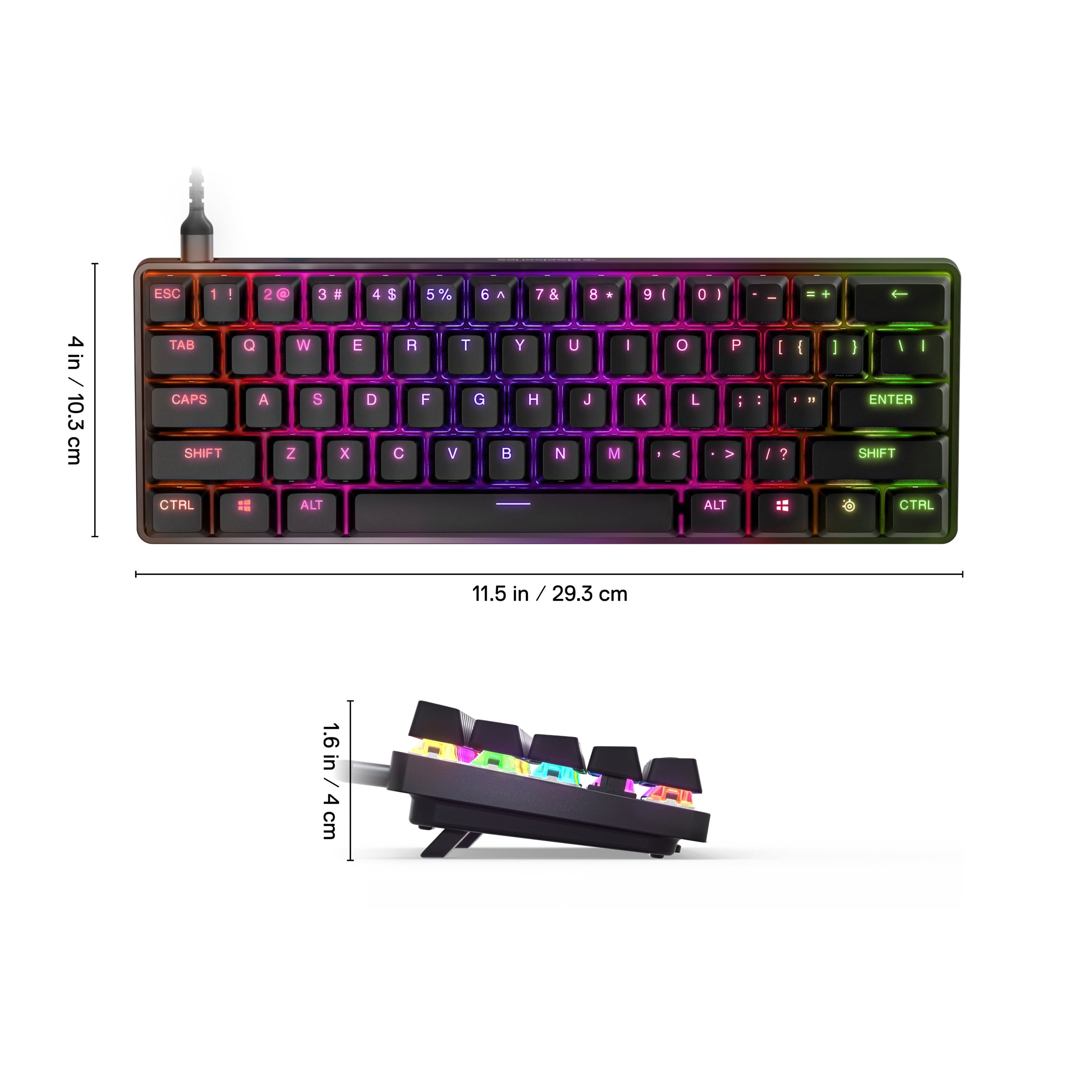
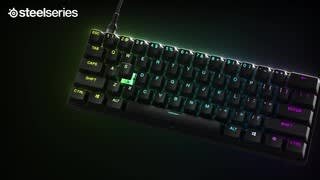
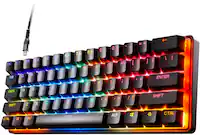
Customers commend the Apex 9 Mini keyboard for its smooth and high-quality key feel, responsive optical switches, and vibrant RGB lighting. The compact size and ease of use are also frequently praised, along with the customizable features and ability to replace switches. Many appreciate the fast response time, enhancing gaming performance.
This summary was generated by AI based on customer reviews.
The vast majority of our reviews come from verified purchases. Reviews from customers may include My Best Buy members, employees, and Tech Insider Network members (as tagged). Select reviewers may receive discounted products, promotional considerations or entries into drawings for honest, helpful reviews.
Page 7 Showing 121-139 of 139 reviews
Rated 5 out of 5 stars
Great item
|
|
Posted . Owned for 1 week when reviewed.
This reviewer received promo considerations or sweepstakes entry for writing a review.
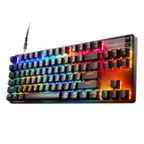
Very good and nice working great best item ever...
I would recommend this to a friend
Rated 5 out of 5 stars
Very nice
|
|
Posted . Owned for 1 week when reviewed.
This reviewer received promo considerations or sweepstakes entry for writing a review.
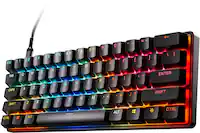
Good kwyboard for work love thw clickyness woyld reccomend
I would recommend this to a friend
Rated 5 out of 5 stars
GIFS
|
|
Posted . Owned for 1 month when reviewed.
This reviewer received promo considerations or sweepstakes entry for writing a review.
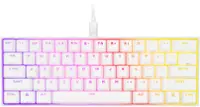
Bought it for my son for Christmas and he loved it
I would recommend this to a friend
Rated 5 out of 5 stars
Good
|
|
Posted . Owned for 1 week when reviewed.
This reviewer received promo considerations or sweepstakes entry for writing a review.
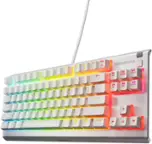
Not bad, nothing to complain about, went with tkl.
I would recommend this to a friend
Rated 4 out of 5 stars
Keyboard review
|
|
Posted . Owned for 1 week when reviewed.
This reviewer received promo considerations or sweepstakes entry for writing a review.
Keyboard works great but for the price I wish it was a better build quality.
I would recommend this to a friend

Rated 2 out of 5 stars
Poorly built with some design flaws...
|
|
Posted . Owned for 2 weeks when reviewed.
This reviewer received promo considerations or sweepstakes entry for writing a review.
The keyboard creaks at the top with normal use and has a ton of chassis flex unfortunately. The keys are relatively smooth and easy to modify as the board is hotswap, but only with optical switches. The top plate rubs against the case causing the creaking
No, I would not recommend this to a friend
Pros mentioned:
Keyboard quality
Rated 5 out of 5 stars
Great
|
|
Posted . Owned for 1 week when reviewed.
This reviewer received promo considerations or sweepstakes entry for writing a review.
Just barely purchased this, so far it’s been great with only two weeks of use. But so far it’s been excellent
I would recommend this to a friend

Pros mentioned:
Size
Rated 5 out of 5 stars
fast and fun size
|
|
Posted . Owned for 1 week when reviewed.
This reviewer received promo considerations or sweepstakes entry for writing a review.
fast and fun size, perfect for the space I have. .
I would recommend this to a friend

Rated 3 out of 5 stars
Small keyboard, but good.
|
|
Posted . Owned for 7 months when reviewed.
This reviewer received promo considerations or sweepstakes entry for writing a review.
The keyboard itself was very small, my hands felt quite cramped. However, the keyboard was pretty good other than that.
No, I would not recommend this to a friend
Rated 5 out of 5 stars
Gaming keyboard
|
|
Posted . Owned for less than 1 week when reviewed.
This reviewer received promo considerations or sweepstakes entry for writing a review.
Has to be one of the best keyboards out there for gaming
I would recommend this to a friend
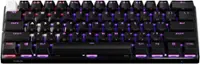
Pros mentioned:
Keyboard quality, Rgb lighting
Rated 4 out of 5 stars
Nice switches. Dual actuation feels the same.
|
Posted .
This reviewer received promo considerations or sweepstakes entry for writing a review.
Pro:
-2 actuation settings
-Swappable switches and keycaps
-Removable USB-C cable
Con:
-The 2 actuating points feel the same
-Lighting profiles are different than key profiles
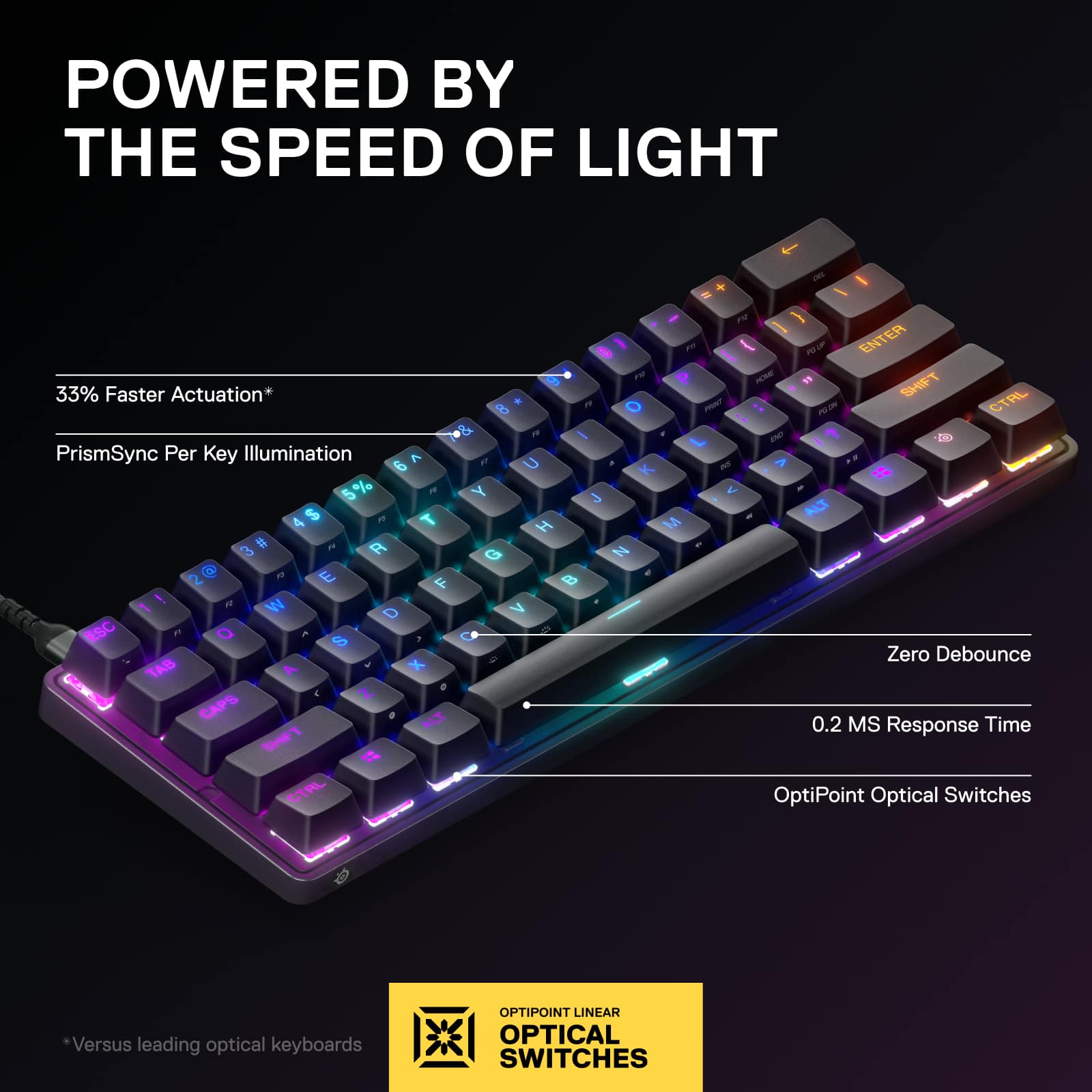
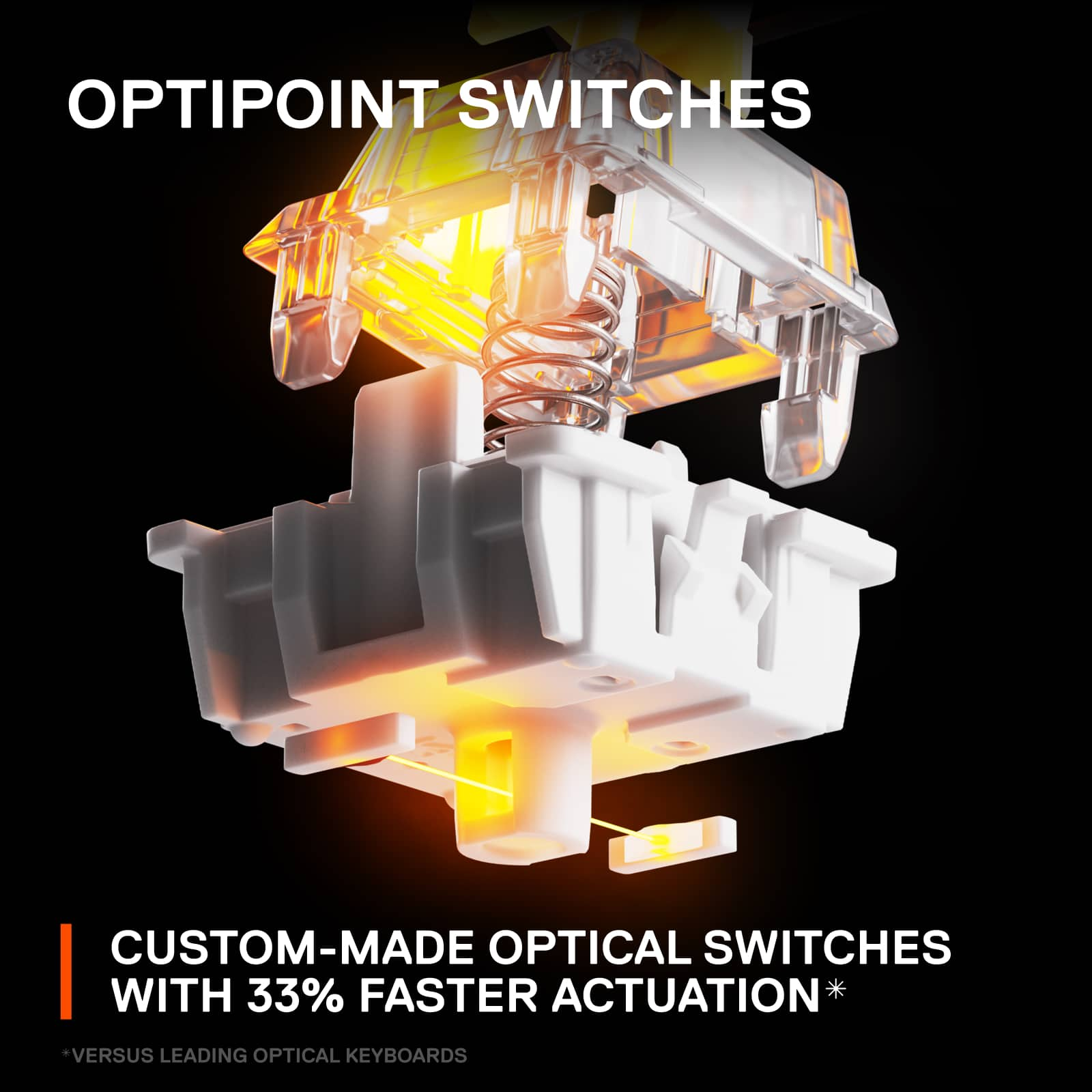
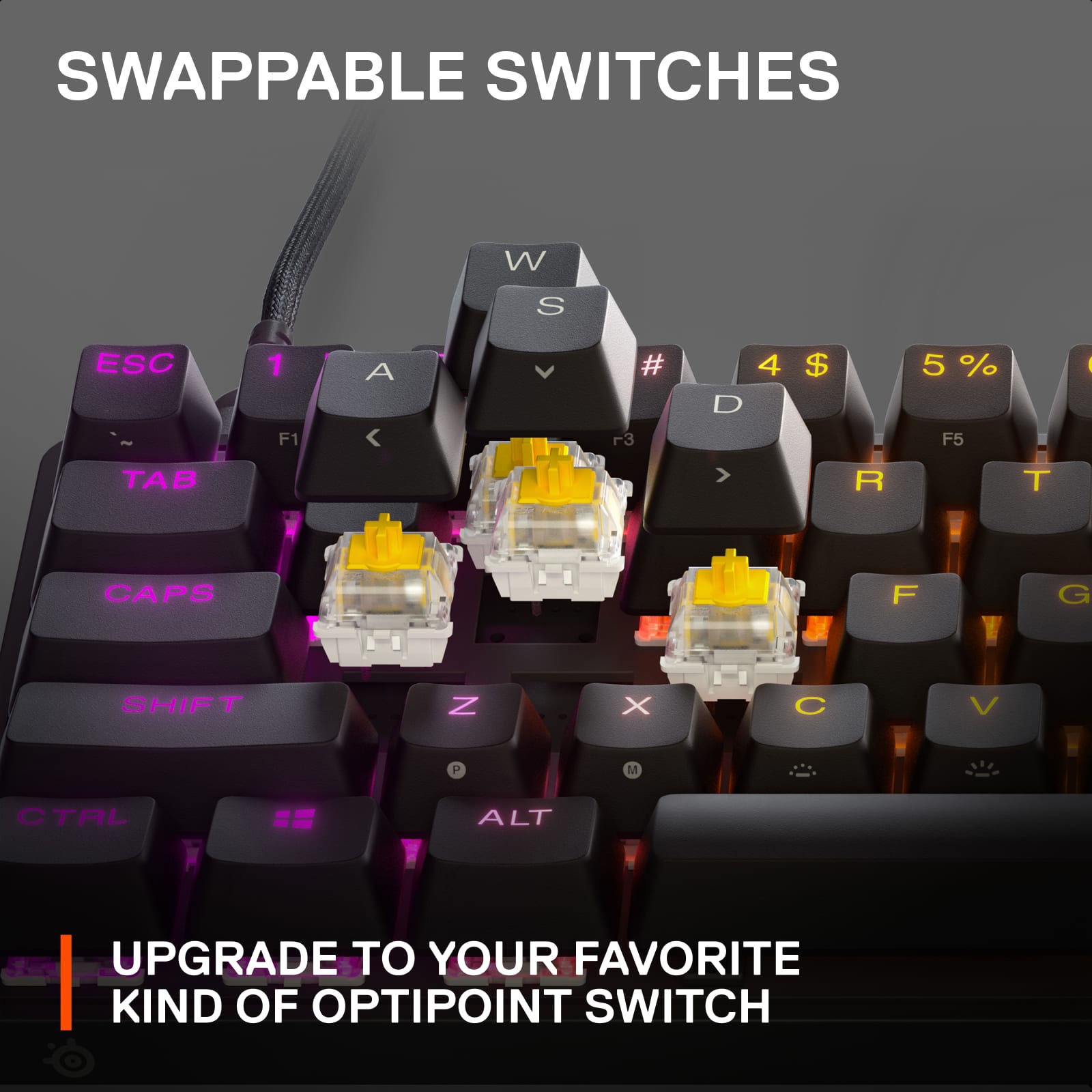
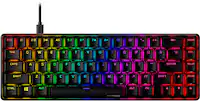
This is a nice 60% keyboard. It’s heftier than it seems and everything about it feels solid. It comes with a removable braided USB-C cable. It has the Optipoint switches (not to be confused with the more customizable Omnipoint switches). The Optipoint switches are fast activating linear switches, and there are two actuating settings, but the difference is hardly noticeable. The switches are swappable, but no switch puller is included.
The keys feel stable with minimal wobble. Each press feels smooth with just a bit of resistance. It has a low heavy tapping sound and is decently quiet. Even though it’s minor, I prefer the feeling of these keys over the Omnipoint ones.
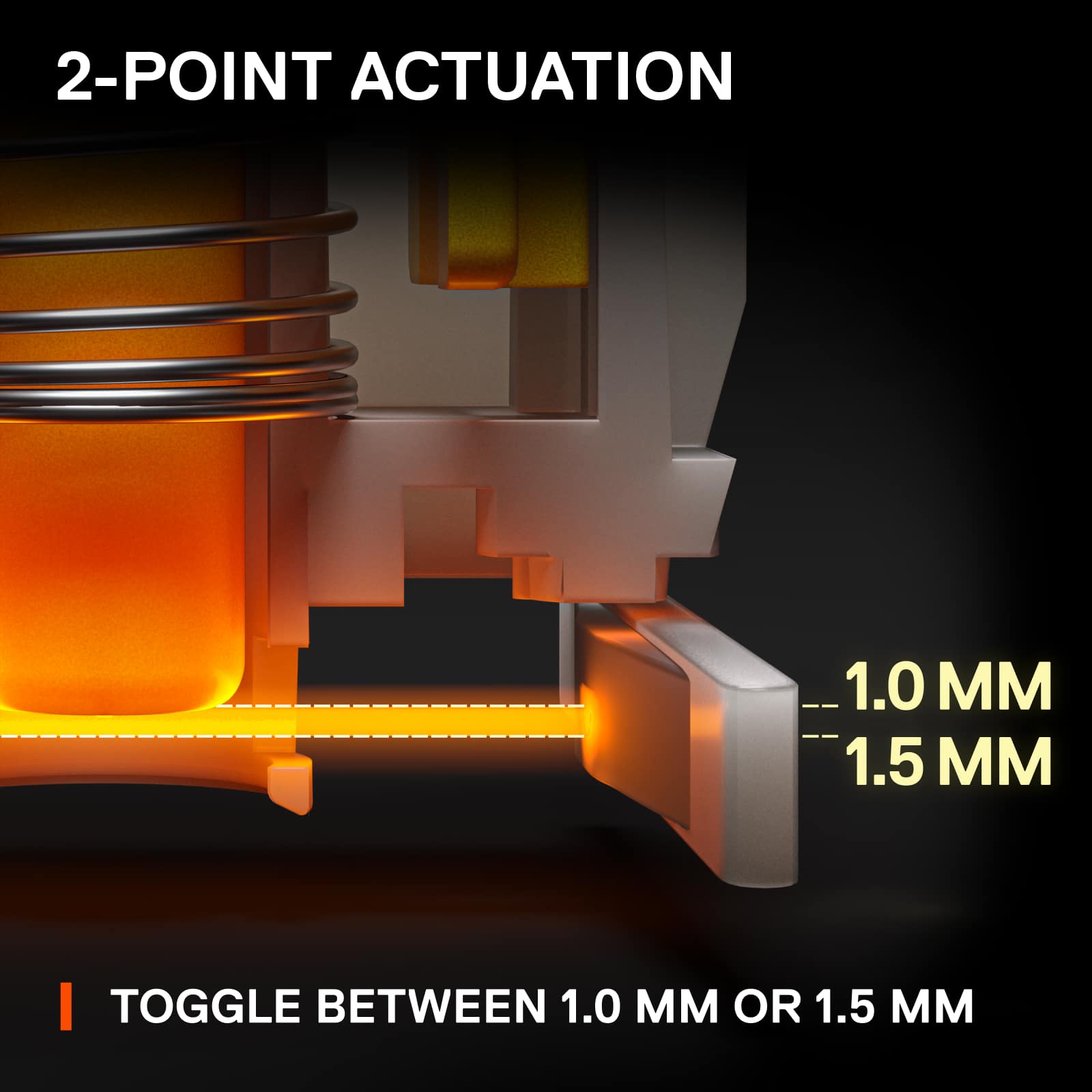
Either within the software or the onboard commands, the actuation can be set between Gaming mode and Typing mode. The Gaming mode has the actuation set at 1mm while the Typing is at 1.5mm. In actual usage, the .5mm didn’t really feel that different, and most users probably won’t notice it.
The RGB can be set per key and is nice and bright. It has a strong underglow, lighting up the tabletop and the front of the keyboard. The color is not as accurate and runs blue. You can select static or color shift effects, with various color sequences and directions. Reactive keys can be added on top of that as well. The effects are limited compared to other brands. You can have different profiles for the lights but it’s separated from the profiles for the key settings.
The app is a bit messy, requiring you to open and move around different windows and tabs to change key and RGB settings. There’s no way to go directly from one window to another. You can also set a lighting profile and a key profile to a specific game in the Apps tab.
While I like the keyboard overall, the different actuation settings didn’t really feel any different from each other. I would think most won’t be able to feel the .5mm difference. The keys feel sturdy, and the switches feel good to type with. The RGB has some underglow to them but still looks good. The app is a bit messy but gets the job done. If you don’t need the customizable actuation distance from the Omnipoint switches, then this is a good way to save some money.
I would recommend this to a friend
Pros mentioned:
Keyboard quality, Rgb lighting
Rated 4 out of 5 stars
Nice, sleek keyboard but need slightly more keys
|
Posted .
This reviewer received promo considerations or sweepstakes entry for writing a review.
I don't normally really use any external keyboard outside of work especially this being my first mini keyboard, preferring to use my laptops keyboard but this has somewhat convinced me that there is merit to external offerings.
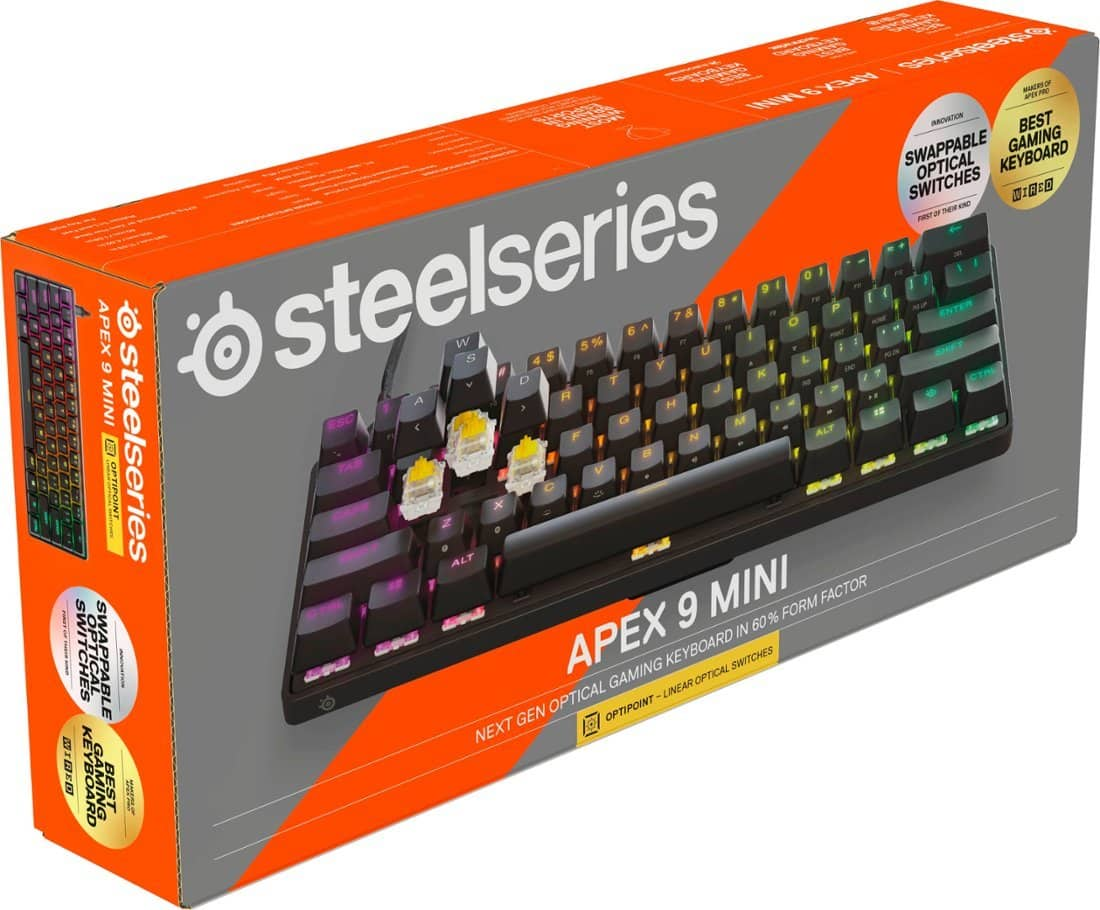
Packaging wise, I was pleasantly surprised by how easy and straightforward it was to unpack and get setup. I know it's only a keyboard but many others have made packaging difficult so glad this was a pleasant experience.
As far as the setup, it's basically plug and play. No need to download drivers from a site or anything, just windows auto detection. I can't say it was entirely smooth sailing tho, since when I first connected it it wasn't really responding to key presses except the windows key.
After around a minute or so it worked as I would expect so I'm going to chalk that up to windows shenanigans.
Visually, the keyboard is very nice. The RGB effect is pleasant and not too overdone, the key backlighting is also similarly great.
There wasn't any info about this in the box but you can download software for the keyboard from the site in order to fully customize the RGB as well as set the different macros or combos for the meta layer which is really neat.
Moving onto functionality the keyboard is joy to use. It's nice and lightweight and the keys have a satisfying clack when you press them.
I'm usually used to keyboards with shallower keys so it did feel a little strange at first using this but that feeling very quickly went away.
The keyboard has 2 seperate modes with different travel depth for registering an input, 1 for typing and 1 for gaming, but tbh I couldn't really tell the difference between the two but that's not necessarily a bad thing since the experience typing on it was good overall.
The one downside is that as a 60% mini keyboard it does not include the arrow keys. This has been my first experience with such a keyboard but it was quite interesting to discover how much I actually did use those arrow keys in normal usage even though I've never even thought about it at all previously.
Ideally I'd love for them to be able to squeeze those 4 keys in there somehow but I'm sure other people don't use them nearly as much and will appreciate the extra space being freed up by the lack of their inclusion.
Overall, it's been quite pleasant to use over these past few days and even though it doesn't perfectly fit my preferences I can see the appeal and how it would fit many others more suitably. I could definitely see me using it as a travel accessory especially for troubleshooting issues at work.
I would love to see more info regarding what you can actually do/customize with the keyboard be included in the box without me having to go to the product page to find that out as well as some work on speeding up that initial responsiveness niggle there was but this definitely should be on your shortlist at the end of the day.
I would recommend this to a friend
Pros mentioned:
Ease of use, Keyboard quality
Rated 5 out of 5 stars
high quality, simple setup, pleasure to use
|
Posted .
This reviewer received promo considerations or sweepstakes entry for writing a review.
This is, in short, a fine keyboard. The packaging is simple and high-quality with minimal fuss unpacking it. Out of the box, the keyboard is easy to install with just a USB plug that connects to the computer. My laptop and my granddaughter's desktop recognized it instantly with no issues. The very satisfying mechanical keys feel solid, and the quality of the keyboard's structure is obvious.
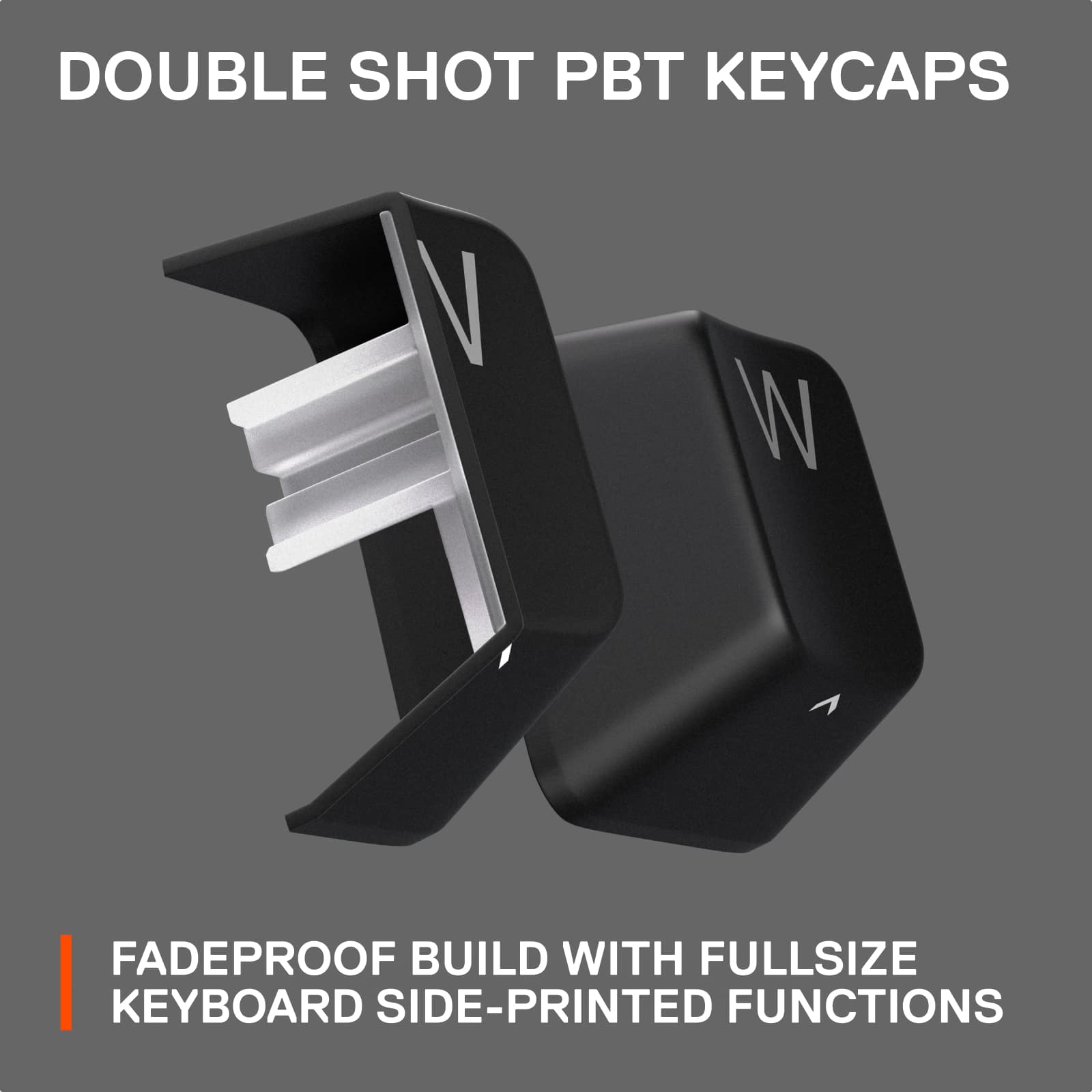
The toggling functions for the gaming features work seamlessly, and my granddaughter was able to use it to effectively play her video games. The only drawback of this keyboard is that many of the regular functions (up, down, right, and left arrows; volume and brightness control; page up and page down; the F keys, print screen, home, and end) are only accessible through the toggling function. Ultimately, this just requires a bit of a learning curve, and after an hour of using it I was pretty used to them, so this is no reason not to buy this if you want a high-quality, smart-looking, and compact gaming keyboard.
I would recommend this to a friend
Rated 5 out of 5 stars
Get it on sale and it's definitely worth it!
Posted .
This reviewer received promo considerations or sweepstakes entry for writing a review.
Brought this on sale during Black Friday because I wanted more space on my desk. The smaller size and placement of keys will take some time to get use to, but overall I am happy with my purchase. There was only one problem, but I was able to easily fix it. For me, the buttons were too sensitive. Just slightly placing your hand on top of the key will register it. This is a problem when you're playing a game and your character does a random action unintentionally, which could mean DEATH! The solution: Download their APP from steelseri.es/gg and go into settings. Switch it from "gaming" to "typing" and the sensitivity will be much more manageable.
I would recommend this to a friend
Pros mentioned:
Keyboard quality, Rgb lighting
Rated 4 out of 5 stars
Apex 9 mini keyboard
|
Posted .
This reviewer received promo considerations or sweepstakes entry for writing a review.
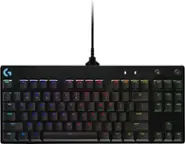
This is an absolutely awesome keyboard for someone that is used to playing video games on a small keyboard and your used to not having the number pad the only thing that I did find wrong is that no where in the setup booklet does it show how to do any type of adjustment's to the keys in which the description implies that you can do. But all in all it's an awesome keyboard for those who are used to playing on a small board and on this point I say this jokingly small handed. Easy to change the RBG patterns but not to anything except for the preset ones (no way of putting anything different). There is a way to store macros onboard but it takes a little bit of time and error to figure that part out. I was very surprised though with it's size as it does make a normal sized keyboard look like a giant. It is also a decent weight for it's size and has a long cord which is a usb on one end and a usb c on the other which in turn makes this keyboard very portable to be used with PC/Laptop or gaming console
I would recommend this to a friend
Pros mentioned:
Response time
Rated 5 out of 5 stars
Apex 9 mini will not disappoint
|
Posted .
This reviewer received promo considerations or sweepstakes entry for writing a review.
So I have never tried a mini 60% keyboard before. I heard really good things about the SteelSeries Apex 9 Mini so I thought sure.
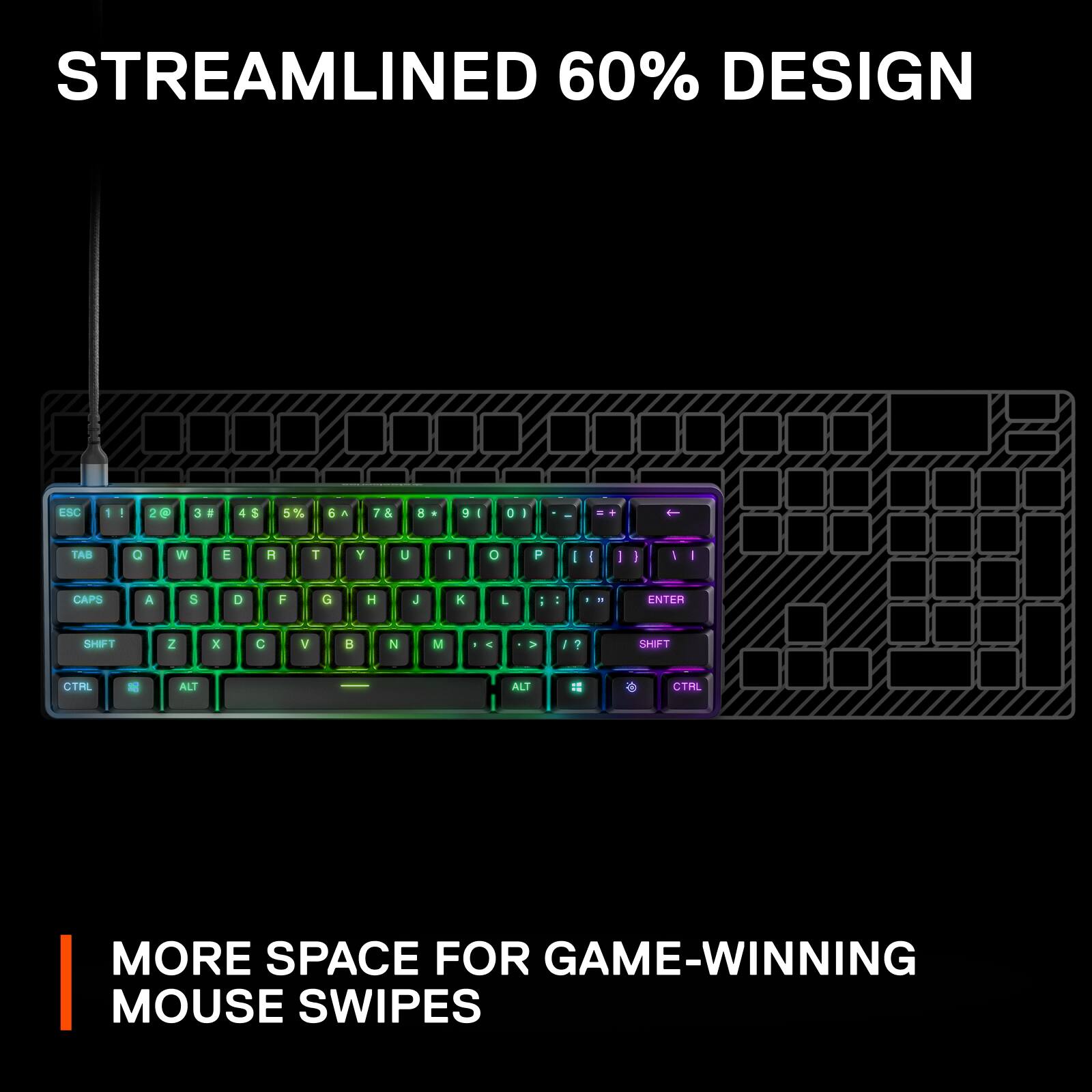
Obviously, if you are like me, you think "wow, can you really do everything you need with something 40% less than what you are used to?" The answer is surprisingly yes. Right out of the box, you notice how small it is compared to a full size. After I got over that, I was happy with the build quality. It has a mainly plastic chassis with an aluminum plate. It feels sturdy and durable.
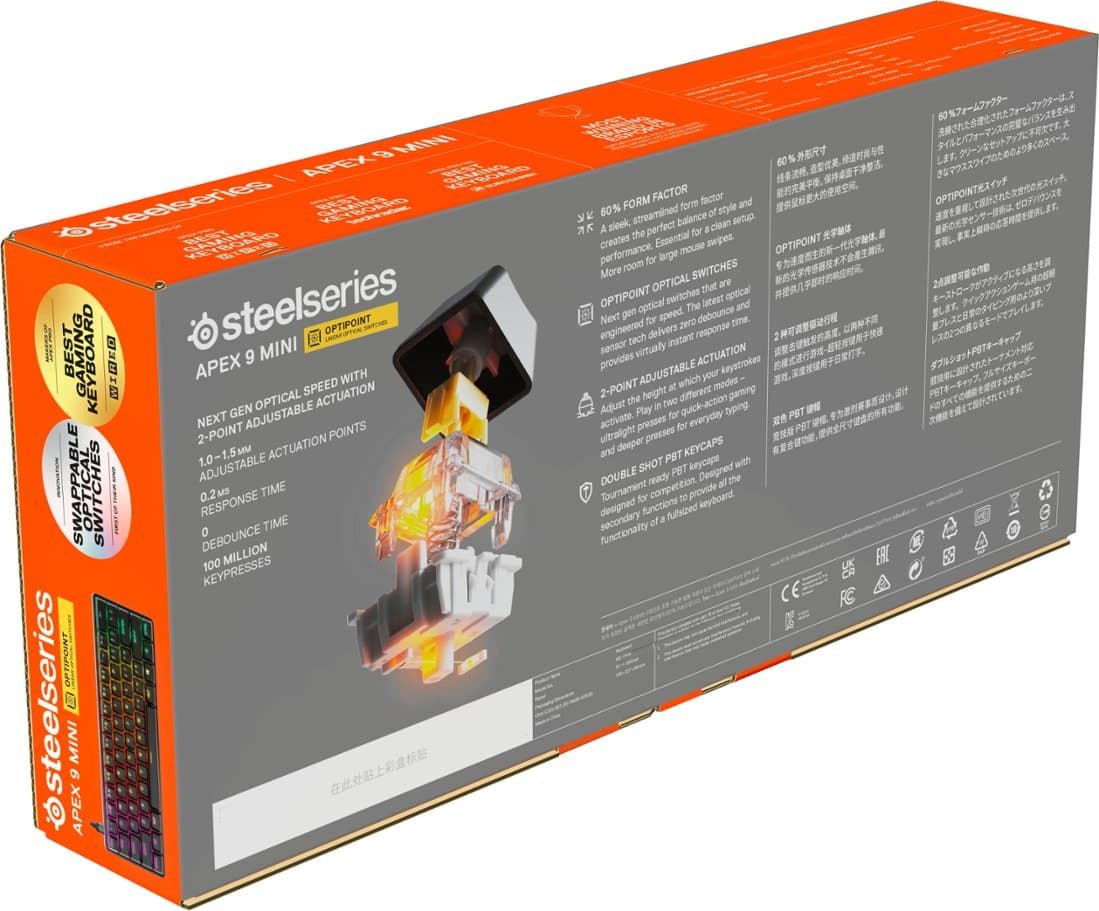
One of the main selling points of this keyboard is the adjustable actuation switch. Basically, actuation means how much the key needs to be pressed in order for it to be recognized as being pressed. You can imagine that a lower number means slight touches will activate that key. This means faster response times. This would be ideal for gaming. This also means that errors are more likely to happen which may be less ideal for typing. So higher actuation points are ideal for typing while lower is ideal for gaming. This can do it both. You can set the actuation point at 1.0 mm for gaming which has the end result of super responsive and fluid gaming. The response times of the switches are also very fast. If you want to type stuff out, set the actuation point higher at 1.5 mm. The keycaps are also very grippy which for sweaty folks like me, is awesome. All in all, both gaming and typing were an absolute joy with these.
All in all, the Apex 9 Mini is a great keyboard. I would make sure you can get used to 60% keyboards and trying them out before actually buying one, but if you like them, then this one should be on your short list.
I would recommend this to a friend
Pros mentioned:
Keyboard quality
Rated 5 out of 5 stars
Increase your gaming, not your keyboard size!
|
Posted .
This reviewer received promo considerations or sweepstakes entry for writing a review.
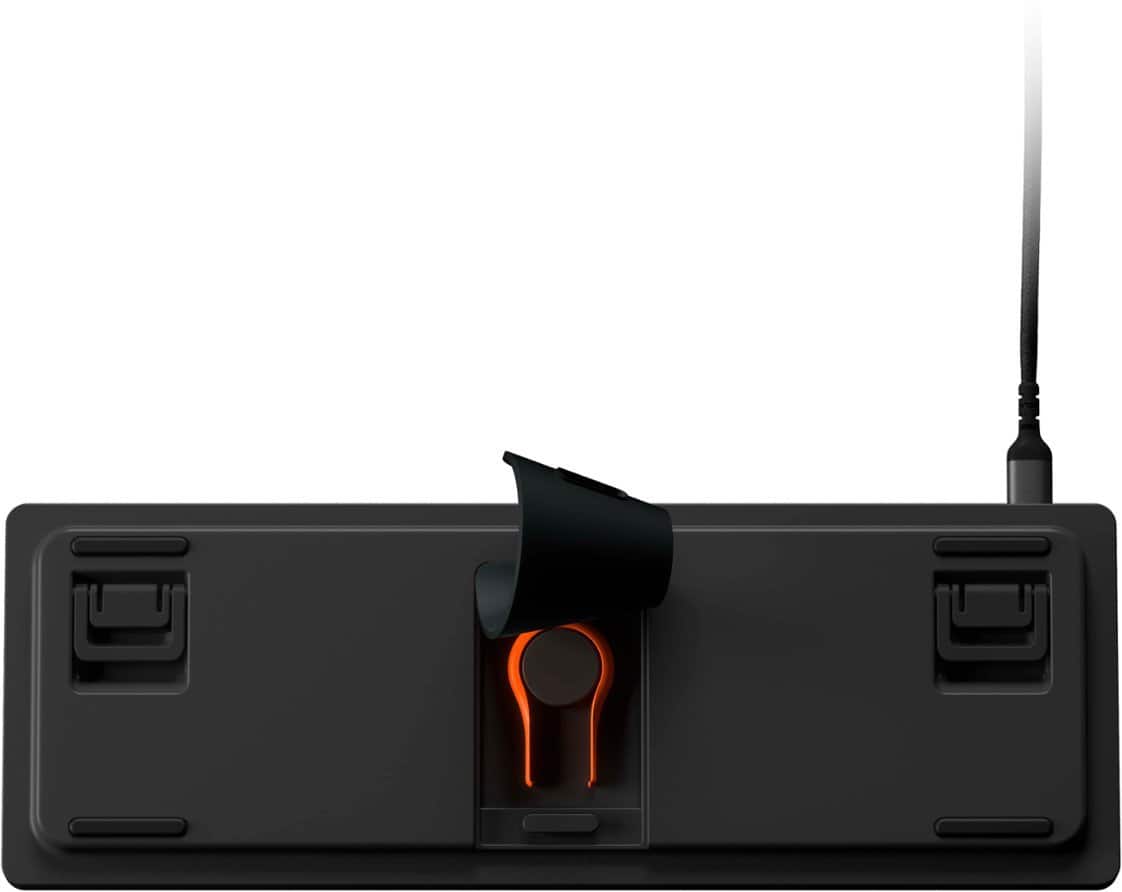
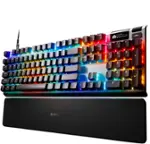
The SteelSeries - Apex 9 Mini 60% Wired OptiPoint Adjustable Keyboard downsizes your keyboard footprint at only 60% the normal size, without sacrificing performance or quality. The Apex 9 uses aluminum framing to ensure quality that lasts even during the most intense gaming scenarios. The completely customizable keys are easy to remove and swap for your ideal configuration with an onboard (underneath) tool for quick changes. The keys are designed to mimic the feel of mechanical keys but are optical for more precision and adjustable from 1mm to 1.5mm response to fit your preference.
I found the SteelSeries - Apex 9 Mini 60% Wired OptiPoint Adjustable Keyboard to be an awesome gaming experience. The LED lights perfectly complement the keyboard and gaming experience while the physical use of the keyboard is ready to take on any challenge with ease. I loved the responsiveness of the Optical keys despite preferring brown mechanical keys on other gaming keyboards. The only thing I miss is the 10-key as I love replacing my work keyboard with gaming keyboards due to the better response and added style to my workspace.
PROS
- SteelSeries quality and design
- Optical keys, lightening response
- Customizable layout and keystrokes
- LED lighting complements without overreaching
- 60% smaller footprint leaves more room for your mouse
CONS
- Only missing the 10-key, even though that is not the intended design, it would be nice!
I would recommend this to a friend
Rated 5 out of 5 stars
I love this keyboard!
|
Posted .
This reviewer received promo considerations or sweepstakes entry for writing a review.
Yes!!! Finally! What am I so excited about? This keyboard’s USB-C port is NOT center positioned. This placement makes it so much easier to put multiple keyboards next to each other on the same desk. I love it. More manufacturers need to do this. Thank you Apex!
Another wonderful addition: a motivational phrase greets you when you open the cardboard box. The phrase is meant for gamers and I smirked when I read it. I won’t repeat it here because you need to experience it for yourself. Well done Apex!
I’m only slightly annoyed that there is no dedicated DEL key. Us Microsoft Windows people continue to rely on CTRL+ALT+DEL to login and this keyboard moves from the tried-and-true three finger salute to a four finger CTRL+ALT+funky-labeled-alt-key+DEL. It takes some getting used to mentally. It’s not as traumatic as Microsoft moving the start menu to the center as part of Windows 11, only to introduce a weather menu where the start menu used to be but it’s close.
I love this keyboard! Well done Apex.
I would recommend this to a friend
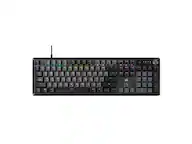
Rated 4 out of 5 stars
Gaming keyboard
Posted .
This reviewer received promo considerations or sweepstakes entry for writing a review.
Good purchase. Got this to replace my old simple keyboard and I’m happy with this new purchase