Customer Ratings & Reviews
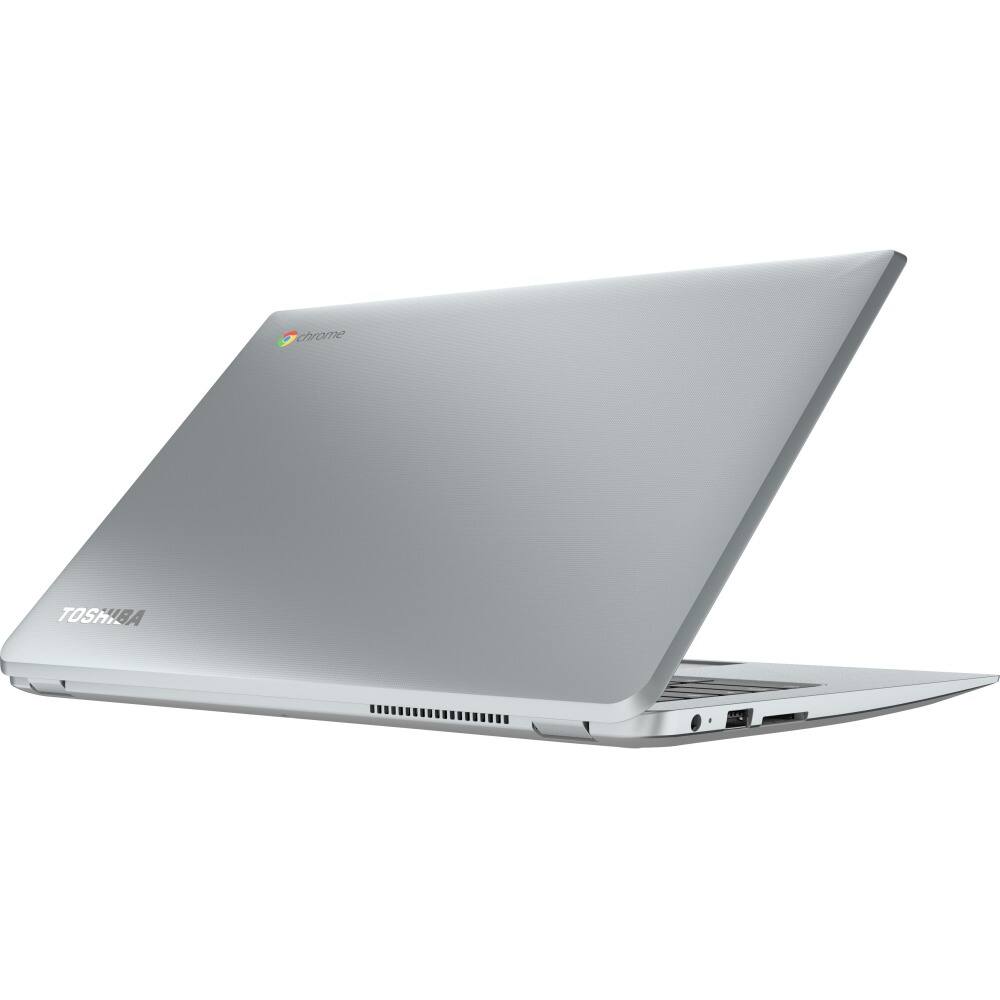
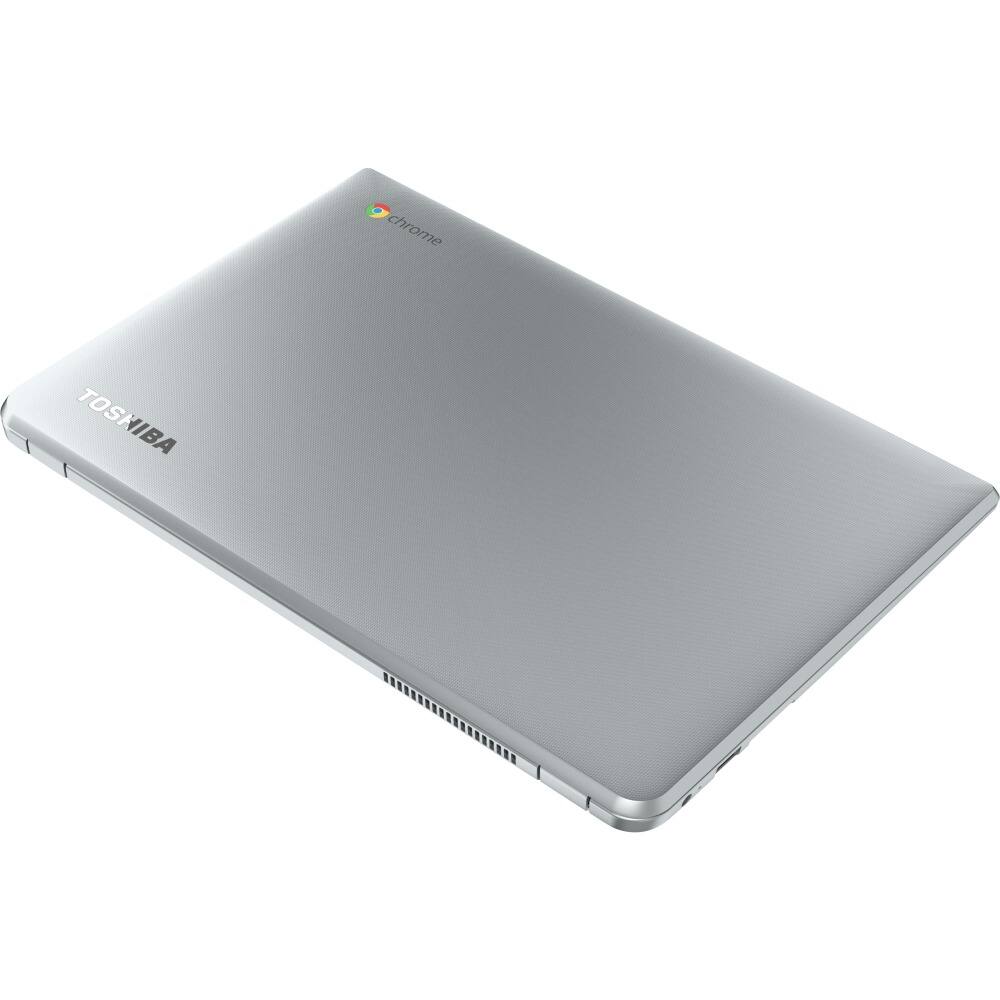
- Model:
- CB35C3300
- |
- SKU:
- 4575521
Customer reviews
Rating 4.4 out of 5 stars with 9 reviews
(9 customer reviews)to a friend
Customers are saying
Customers are positive about the 13.3" Chromebook's screen quality and battery life. Many appreciate the excellent display and high resolution. Positive feedback also highlights the long-lasting battery. There were no negative customer comments reported.
This summary was generated by AI based on customer reviews.
- Pros mentioned:Battery life, Processor speed, Screen quality
Rated 4 out of 5 stars
Awesome screen! But a few quirks.
||Posted .This reviewer received promo considerations or sweepstakes entry for writing a review.This may be the best Chromebook out there. May have kept if in the $250 range. BEAUTIFUL screen! IPS and 1920x1080 which is great! Very good battery and much faster than my Samsung Chromebook 2. The backlit keyboard is also a plus. The things I wish were better were: 1.) the trackpad has a gritty texture and a lot of travel with a loud click when pressing. 2.) kinda flimsy build construction and lid...outer case has some flex. 3.) bottom case color doesn't match the rest of the machine and feel thin and cheap. 4.) Keyboard keys a little spongy. But overall, I like the fast and easy setup of a Chromebook and this is probably the best one you can get for $329 considering the speed and screen.
I would recommend this to a friend - Pros mentioned:Battery life, Screen quality
Rated 5 out of 5 stars
$330 and no malware...
||Posted .This reviewer received promo considerations or sweepstakes entry for writing a review.Chromebooks marked a new day in computing when first tested in 2010. The new Toshiba 2 (2015) builds on that platform with an excellent display, light weight, backlit keyboard and solid battery life. What a fine way to have worry-free personal technology.
I would recommend this to a friend - Pros mentioned:Processor speed, Screen quality
Rated 3 out of 5 stars
Good screen resolution, bad build quality
||Posted .This reviewer received promo considerations or sweepstakes entry for writing a review.This is a third generation Chromebook by Toshiba, they've had ample time to refine the product. Unfortunately, I don't think they got it right this time. Let me explain. They have the basic recipe just fine: good choice of processor, great screen, no bloatware (although credit for this goes to Google's ChromeOS), overall good specs. However, there are two problems. First, its the build quality that lets them down. The whole product has a plastic-feel to it. Its almost flimsy. The screen hinges seem fragile, and don't provide much friction to screen movement. Another example is the mouse touch-pad, it makes a weird clicky sound even when you just put your finger on it (no actual mouse click taking place). This is not just an issue with my machine, its been reported by almost all reviewers. The second big issue is the heat dissipation. It doesn't get hot or anything, but it does run the fan VERY often. Even with very light use (just checking email and calendar), the fan will go on. It's not loud at all, but you can hear it. This is a problem because the Chromebooks are supposed to be quiet and light. This machine is not loud, but its not quiet either. And the fan goes on a bit too much. I guess, this is the price you pay for getting a better processor (mine is the core-i3). I love the speed of this thing (no lag AT ALL), but I was hoping for it to be quieter. I'm sure this is a drag on the battery too. My machine gives me about 7 hours on a single charge. This is much less than what other manufacturers are offering (even less than the previous generation Toshiba Chromebooks). Lastly, and this is a minor issue, the screen is VERY VERY glossy. If you want to work outdoors or in a room with too many lights, this may be a problem. The resolution and quality are great (probably the best feature on this machine), but the high gloss is a turn off for me. I've shared these thoughts with some other people and they give me the "you get what you pay for" argument. They say this is a good machine in the price range. I don't quite agree. Yes, it is CHEAPER relative to the Google Pixel Chromebook, but it is not a CHEAP machine. For 350 dollars (that's including tax in my state), I would have expected them to put a mouse that doesn't make a clicking noise when I haven't actually clicked. I would still recommend this to a friend, specially college students or anyone who likes to be on the Google eco-system. It has its flaws, but I can live with it. It won't make me super happy or excited, but it does work. If you want to avoid the fan noise, they have a fan-less option as well, but that comes with an older processor. I wouldn't recommend that since it is considerably slower. I think the core-i3 model is the one to buy (speed is important).
I would recommend this to a friend Rated 5 out of 5 stars
Great Chromebook
||Posted .This reviewer received promo considerations or sweepstakes entry for writing a review.Bought this for my daughter's birthday. Loves it! She has a Samsung Chromebook at school and this one beats it in every way
I would recommend this to a friend- Pros mentioned:Processor speed
Rated 4 out of 5 stars
Nicely done Chromebook
Posted .This reviewer received promo considerations or sweepstakes entry for writing a review.I wanted to purchase this at Best Buy, but they've been completely out of stock for some time, and still are. Best Buy's customer service couldn't determine when they would receive more product, but were very helpful in trying to locate one for me. Ultimately, another retailer got some stock in, so I purchased there. Keep in mind that this IS a Chromebook. You may see reviews complaining that it doesn't do this, that or the other thing that you can do on Windows or a Mac. It isn't meant to do those things. The Chromebook is a cloud computing device. That doesn't mean it is unusable offline, though. There are a number of Chromebook applications that are available without an Internet connection. The 2015 generation Toshiba Chromebook 2 is fast, attractive, lightweight and easy to use. I love that this CB has an adjustable back-lit keyboard. I often use my CB later at night and don't want to have to turn the room lights way up to use. The 4 gigs of RAM keep things running very smoothly, and the 3215U Celeron is more than adequate for this type of device. I frequently have quite a few tabs open (10+) and have no issues at all. I was already a user of Google Docs and Google Drive. The extra storage that comes free for two years is great! Chrome OS has a lot of applications available to increase both entertainment and productivity. As far as the outside appearance of this Chromebook, the case is attractive, but a little bit flimsy - my reason for the 4 stars rather than 5. (Honestly, I'd like to give it 4.5 or even 4.75 stars, but that's not an option, so I chose 4 with an explanation.) It's still a decent case for a laptop at this price. I had my eye on this Chromebook for a while, and was glad to get one purchased without too much of a wait (even the manufacturer had a fairly lengthy wait.) I've been using it for a few weeks now and am really enjoying it.
I would recommend this to a friend - Pros mentioned:Battery life
Rated 5 out of 5 stars
Solid Chomebook
||Posted .This reviewer received promo considerations or sweepstakes entry for writing a review.I purchased a Toshiba Chromebook over 2 years ago and have loved it. The Toshiba Chromebook 2 is the next step up from the original.
I would recommend this to a friend Rated 4 out of 5 stars
Minus 1 star for track pad...
||Posted .This reviewer received promo considerations or sweepstakes entry for writing a review.As Chromebooks go the Toshiba is really outstanding. It loses a star because of a rattle/loose feel in the track pad. Otherwise it's highly recommended & if you see a "deal," grab one.
I would recommend this to a friendRated 5 out of 5 stars
A Wise Choice
Posted .This reviewer received promo considerations or sweepstakes entry for writing a review.Don't waste your money on a MAC or PC. Sure keep these machines if you have graphic intensive work to do, other than that this makes a superior secondary or primary machine. Light - Excellent Screen - Beautiful Color Range - Nice Feeling Solid Keyboard - Backlit (handy in all sorts of ways - including note-taking in dark lecture rooms - and Chrome OS is FAST as H*** no waiting for start up and possible updating and other garbage the other two OS's throw at you . You're ready? It's ready? Plain and simple. Best features of all chromebooks and others PC/MAC at 4-5X its price.
I would recommend this to a friend- Pros mentioned:Processor speed, Screen quality
Rated 5 out of 5 stars
Love this chromebook
Posted .This reviewer received promo considerations or sweepstakes entry for writing a review.Good laptop it's fast and the screen is really nice
I would recommend this to a friend