Customer Ratings & Reviews
- Model:
- TBS-0724-05
- SKU:
- 11133422
Rating by feature
- Value
Rating 3.6 out of 5 stars
- Quality
Rating 4.0 out of 5 stars
- Ease of Use
Rating 3.6 out of 5 stars
Never worked
||Posted .This reviewer received promo considerations or sweepstakes entry for writing a review.Avoid. One button was upside down on the joystick. The software wouldn’t update or load at all so the PC never recognized the unit. This should be out of the box compatible with the most popular flight sims. Only support was submitting a ticket which went unanswered for days over Christmas. Doesn’t matter how cool it looks if it doesn’t work.
No, I would not recommend this to a friendBrand response from Turtle Beach Support
Posted .Hello Jason! We are sorry to hear about the experience you've had with your Turtle Beach product, however, please understand that our offices are closed for Christmas and the day after. If you have more questions or concerns, please reach back out to our dedicated Support Team. They’re always happy to help and can be reached using the “Contact Support” link at the bottom of the Turtle Beach homepage. Best Regards!

Turtle Beach velocity one Hotas
||Posted . Owned for 3 weeks when reviewed.This reviewer received promo considerations or sweepstakes entry for writing a review.Everything I expected. Works great! Easy to setup and great for using with MSFS 2020
I would recommend this to a friendTypical turtle Beach product.
||Posted . Owned for 1 week when reviewed.This reviewer received promo considerations or sweepstakes entry for writing a review.Wasn't expecting much due to bad reviews, but man, I was expecting more than 2 or 3 days before it broke. Hat switch buttons just stopped completely. Out in a report to customer service will see what happens and update. But if the buttons weren't so cheap it would actually be fairly decent. It's heavy, great response, the magnetic throttle makes it a bit slow to move, but actually feels like your moving something. Some of the buttons don't work period, many of the hats press down center but don't do anything at all. Decent enough mid range entry if you're looking to upgrade, but beware it is marred with problems.
No, I would not recommend this to a friendBrand response from Turtle Beach Support
Posted .Hello! We are sorry to hear about the experience you've had with your Turtle Beach Simulation Controller. Our products are each sold with a manufacturer's warranty, and our dedicated Support Team is available to provide assistance as needed. Please keep an eye on your inbox for a reply, a Tech Support Rep will respond shortly. Thank you and have a great day!
Scweeet
||Posted .This reviewer received promo considerations or sweepstakes entry for writing a review.If you like having full control of all six axes of space sims and flight sims here you go
I would recommend this to a friendA Beautiful, Meticulously Crafted Brick
||Posted . Owned for 1 week when reviewed.This reviewer received promo considerations or sweepstakes entry for writing a review.Like the headline says, this is a beautiful, meticulously crafted brick. This brick requires an extraordinary amount of effort to set up, and only works with a handful of games. This brick is optimized for MSFS40, X-Plane 12, and can handle DCS with some effort. Despite my best efforts, I cannot program this to work with IL2-Sturmovik, X4, or Elite: Dangerous. I am disappointed, because I primarily purchased this for IL-2, but I will keep this for when I feel like flying something modern.
No, I would not recommend this to a friendBrand response from Turtle Beach Support
Posted .Hello! We are sorry to hear about the experience you've had with your Turtle Beach VelocityOne Flightdeck. Our products are each sold with a manufacturer's warranty, and we have a dedicated Support Team available to provide assistance as needed. Please reach out directly to our dedicated Support Team so they can lend a hand with the configuration. They’re always happy to help and can be reached right from the support section of the Turtle Beach website. Thank you and have a great day!
Flight Stick
||Posted . Owned for 3 weeks when reviewed.This reviewer received promo considerations or sweepstakes entry for writing a review.Was easy to order… Received quickly…. Works great…
I would recommend this to a friendsolid
||Posted . Owned for 1 week when reviewed.This reviewer received promo considerations or sweepstakes entry for writing a review.good stick solid construction. Very responsive lots of customization
I would recommend this to a friendStick dead after 5 hours of use.
||Posted . Owned for less than 1 week when reviewed.This reviewer received promo considerations or sweepstakes entry for writing a review.The flight stick worked well for about 5 hours, then the stick itself died. The stick base still works, but the stick itself is completely dead. Tried to refresh the firmware on it, and it doesn't see the stick at all. (Tells me to seat the stick to the base.) Opened a ticket with support, still waiting on a response. Based on a few reddit threads, this appears to not be an isolated incident. Probably a design flaw? I'll update the review accordingly after support responds. as for right now, I have a $400 paper weight.
No, I would not recommend this to a friendBrand response from Turtle Beach Support
Posted .Hello Chris! We are sorry to hear about the experience you've had with your Turtle Beach VelocityOne Flightdeck. Our products are each sold with a manufacturer's warranty, and our dedicated Support Team is available to provide assistance as needed. Thank you for reaching out already, and please keep an eye on your inbox for a reply from our dedicated Support Team. Best Regards.
Best hotas
||Posted . Owned for 2 weeks when reviewed.This reviewer received promo considerations or sweepstakes entry for writing a review.I had the x52 for years. I got this one and wow what a different experience i had between the two. The flightdeck is far superior. I would recommend this to anyone that plays sims.
I would recommend this to a friendHorrible stuff
||Posted . Owned for 3 months when reviewed.This reviewer received promo considerations or sweepstakes entry for writing a review.Setup is good but low quality components.. bought new in November and throttle quadrant stop working and not giving any errors or anything
No, I would not recommend this to a friendBrand response from Turtle Beach Support
Posted .Hello Taza! We are sorry to hear about the experience you've had with your Turtle Beach product. Our products are each sold with a manufacturer's warranty, and we have a dedicated Support Team available to assist as needed. Please reach out directly to our dedicated Support Team so they can lend a hand. They’re always happy to help and can be reached using the “Contact Support” link at the bottom of the Turtle Beach homepage. Best Regards!
Lack of support for games
||Posted . Owned for 1 month when reviewed.This reviewer received promo considerations or sweepstakes entry for writing a review.The lack of preconfigured controls for games anf flight sims is why i gave a 3 star
No, I would not recommend this to a friendIn 4 weeks I've had 3 units
||Posted . Owned for 1 week when reviewed.This reviewer received promo considerations or sweepstakes entry for writing a review.I don't know what's worse the actual product or the customer service. In 4 weeks I've had three units the first two were shipped directly to me with hardware missing the collar screw that attaches the stick to the base The third unit is completely break down the box. I don't even understand why they advertise customer service because it doesn't exist.
No, I would not recommend this to a friendBrand response from Turtle Beach Support
Posted .Hello! We are sorry to hear about the experience you've had with your Turtle Beach Simulation Controller. Our products are each sold with a manufacturer's warranty, and we have a dedicated Support Team available to provide assistance as needed. Please reach out directly to our dedicated Support Team so they can lend a hand. They’re always happy to help and can be reached right from the support section of the Turtle Beach website. Thank you and have a great day!
Great Hotas
||Posted . Owned for 2 months when reviewed.This reviewer received promo considerations or sweepstakes entry for writing a review.No issues great product would buy again. Works for many games
I would recommend this to a friendIncompatible Flight Simulator controllers.
||Posted . Owned for less than 1 week when reviewed.This reviewer received promo considerations or sweepstakes entry for writing a review.This item was not compatible with either MSFS 20 or X-Plane 12, top of the line simulators today. It is not Full Control Compatible as your add explained. A representative from Turtle Beach answered my concern by saying that this product will be Plug & Play with MSFS 2020 sometime in May 2024. And I have spent over 10 hours troubleshooting the incompatible issue without success and after 2 days of receiving it.
No, I would not recommend this to a friendBrand response from Turtle Beach Support
Posted .Hello David!
We are sorry to hear about the experience you've had with your Turtle Beach VelocityOne Flightdeck.
Please note that plug-and-play capability for the VelocityOne Flightdeck in Microsoft Flight Simulator 2020 will be coming in Sim Update 15 (SU15) within the game; confirmed by Microsoft. An estimated delivery date for this update is not yet available. For more from Microsoft, please see the official MSFS 2020 forum.
You can choose to download and install the update yourself. Early access to SU15 for Microsoft Flight Simulator 2020 is available through Microsoft’s Xbox Insider Hub app for Windows and Xbox.
You can also apply the suggested button mappings for the VelocityOne Flightdeck’s Throttle Module and Stick Module posted on the Turtle Beach Support Site.
Regarding X-Plane 11 & 12, full functionality is supported, but control mapping will be required out of box.
If you have any questions or concerns, please reach out directly to our dedicated Support Team again so they can assist further. They’re always happy to help and can be reached right from the support section of the Turtle Beach website, or by replying back to the last email from your dedicated Support Rep.
Thank you and have a great day!
RMA pending!
||Posted . Owned for 2 weeks when reviewed.This reviewer received promo considerations or sweepstakes entry for writing a review.Fresh out of the box, the scroll pad on the fire button for the stick was popped off hanging by its little ribbon to the board inside. Then there is the throttle which did not control the throttle. Instead of the throttle axis it seemed to randomly switch to other buttons.
No, I would not recommend this to a friendBrand response from Turtle Beach Support
Posted .Hello!
We're sorry to hear about your Turtle Beach VelocityOne Flightdeck experience and are glad that you contacted our dedicated Support Team and have an RMA pending.
If you have any other questions please direct them to your dedicated Support Rep and they will be able to assist you further.
Best Regards!
Good hotas
||Posted . Owned for 3 weeks when reviewed.This reviewer received promo considerations or sweepstakes entry for writing a review.Smooth control and lots of functions makes for immersion
I would recommend this to a friendBetter upgrade
||Posted . Owned for less than 1 week when reviewed.This reviewer received promo considerations or sweepstakes entry for writing a review.this hotas is smooth and responsive then others i have had. the button custom on the throttle great. Virpil and thrust-master better step up there A game on this.
I would recommend this to a friendAwesome HOTAS
||Posted . Owned for 2 weeks when reviewed.This reviewer received promo considerations or sweepstakes entry for writing a review.Outstanding HOTAS great in DCS and MSFS!! Recommended to a buddy already and they are excited to grab one!
I would recommend this to a friendRealistic flight controls
||Posted . Owned for 3 months when reviewed.This reviewer received promo considerations or sweepstakes entry for writing a review.Realistic flight controls what a change from game pad
I would recommend this to a friend
Good, but improvements can still be made
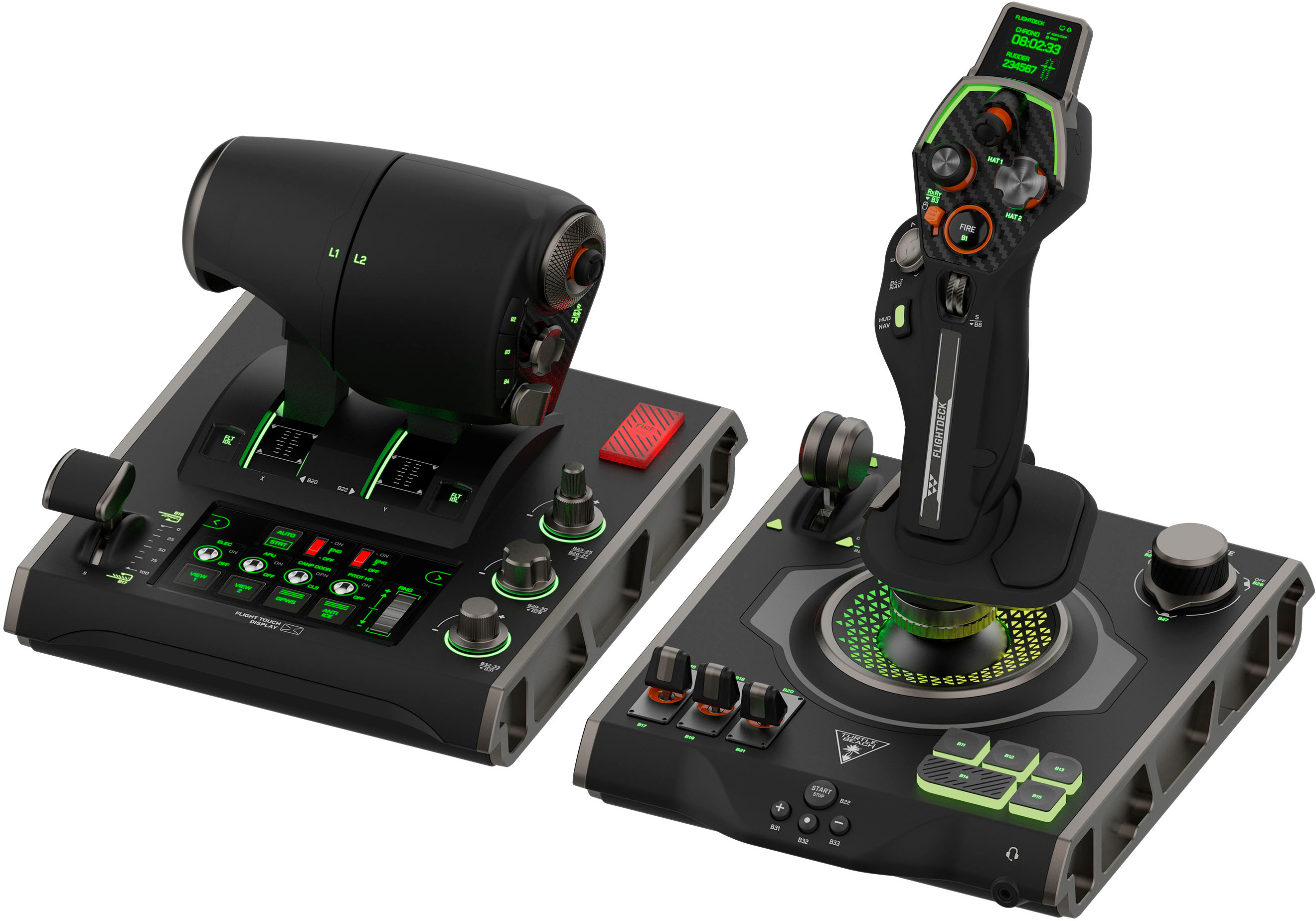
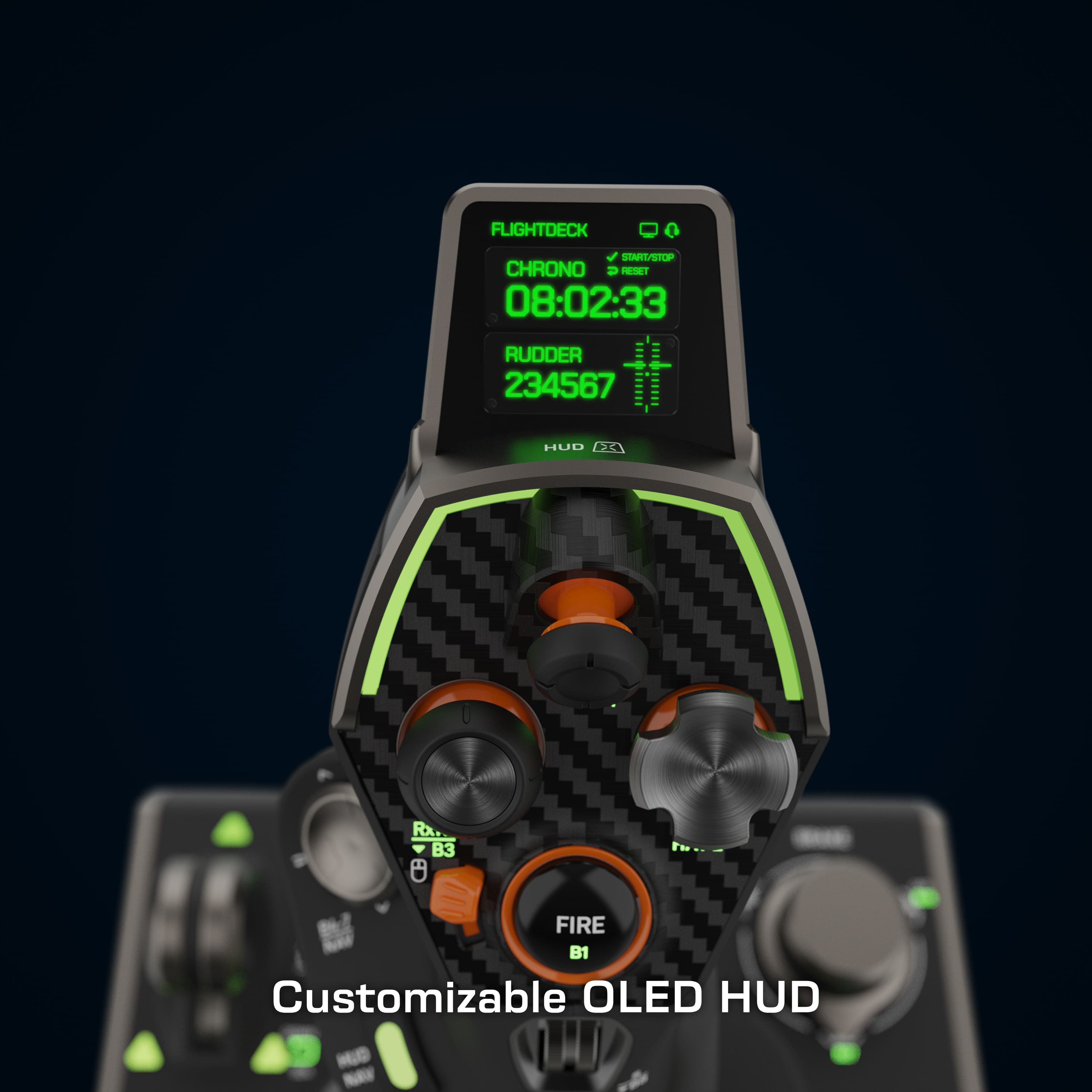
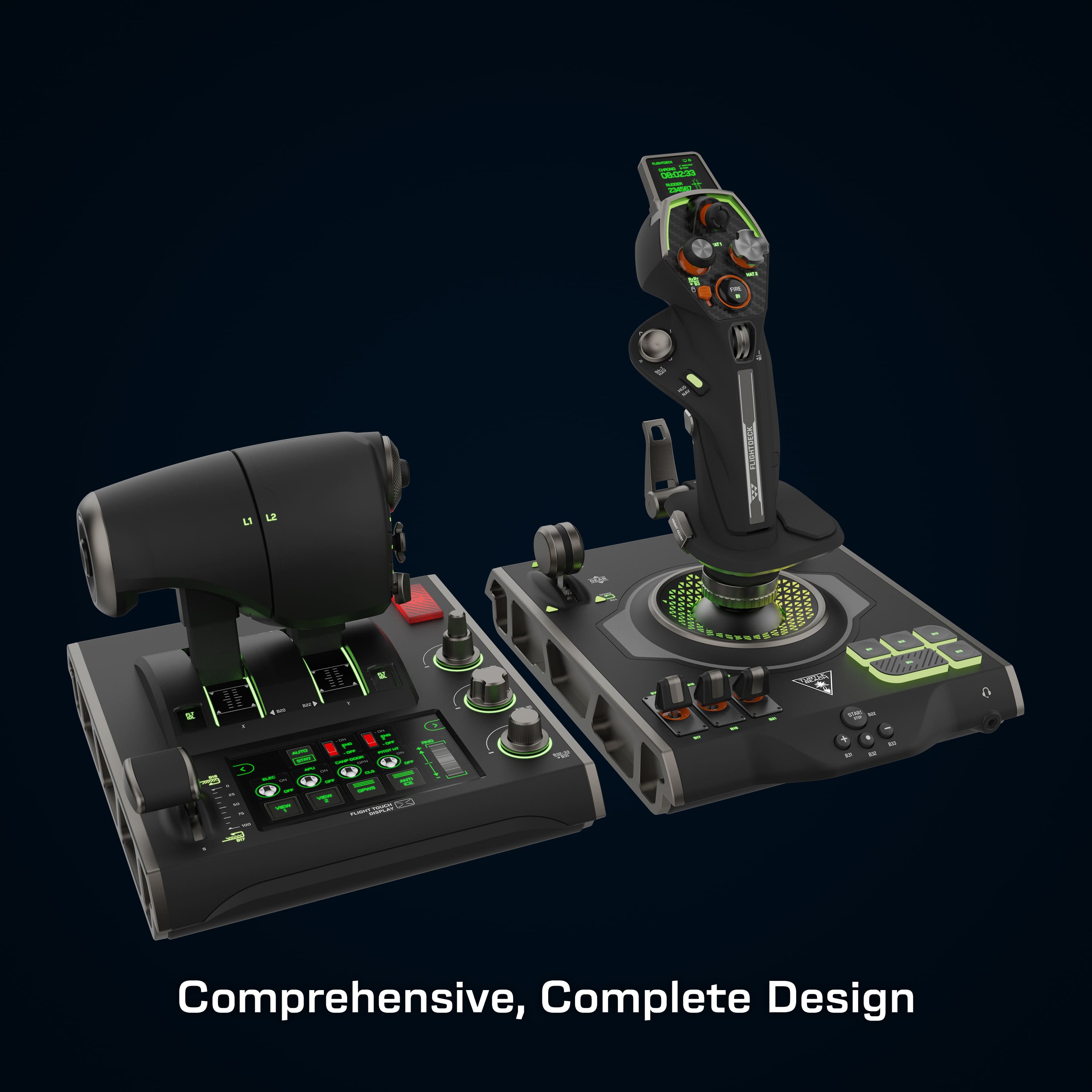
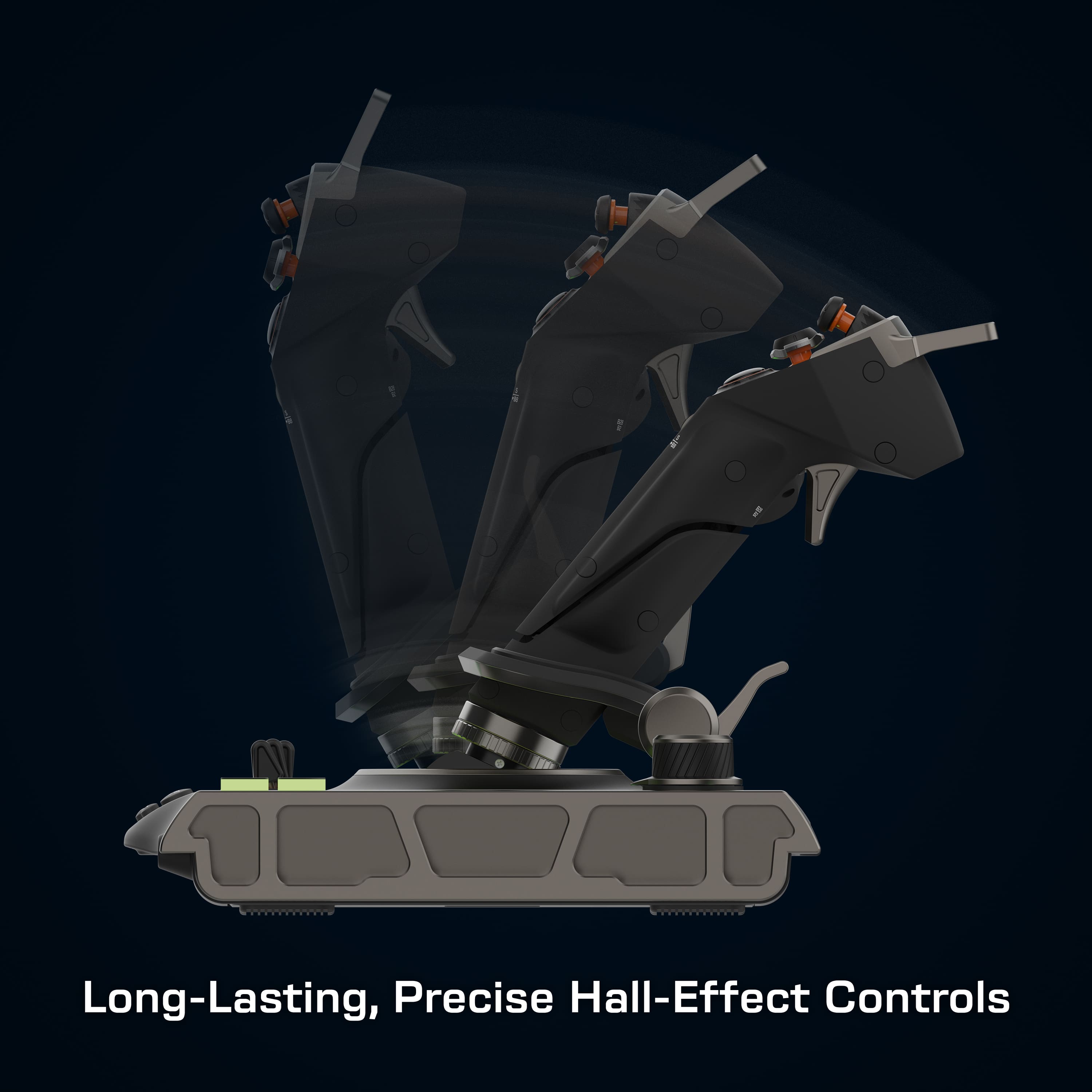
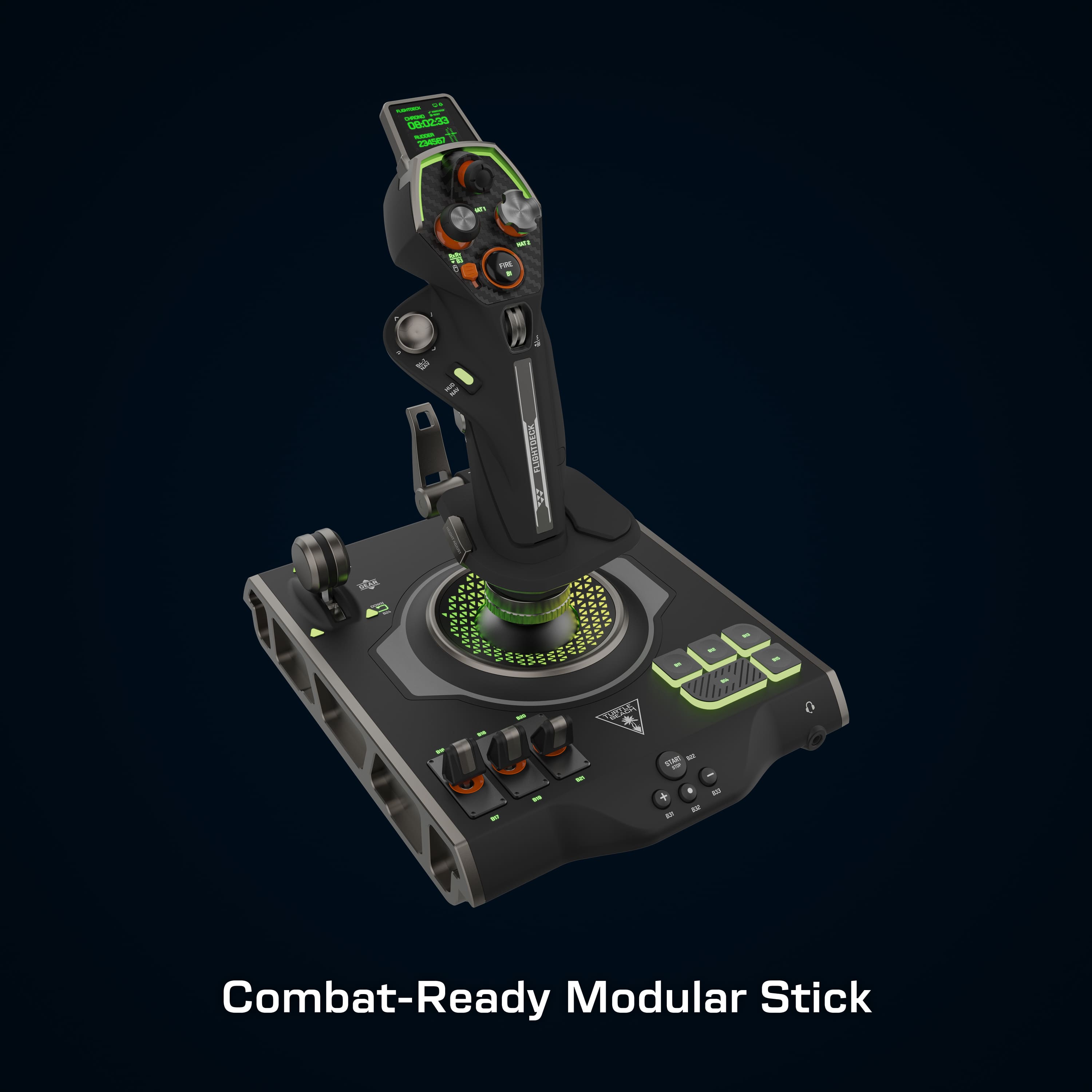
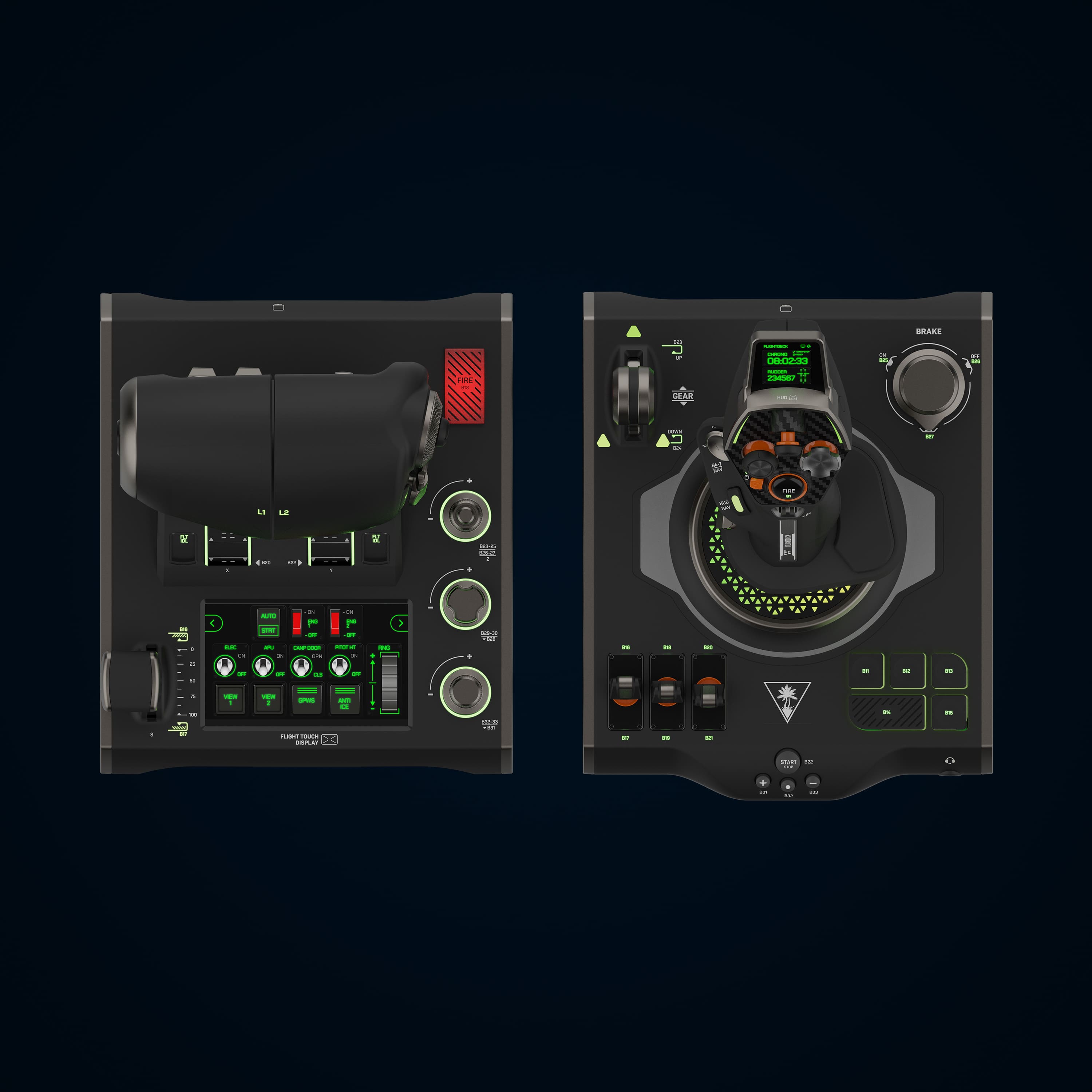
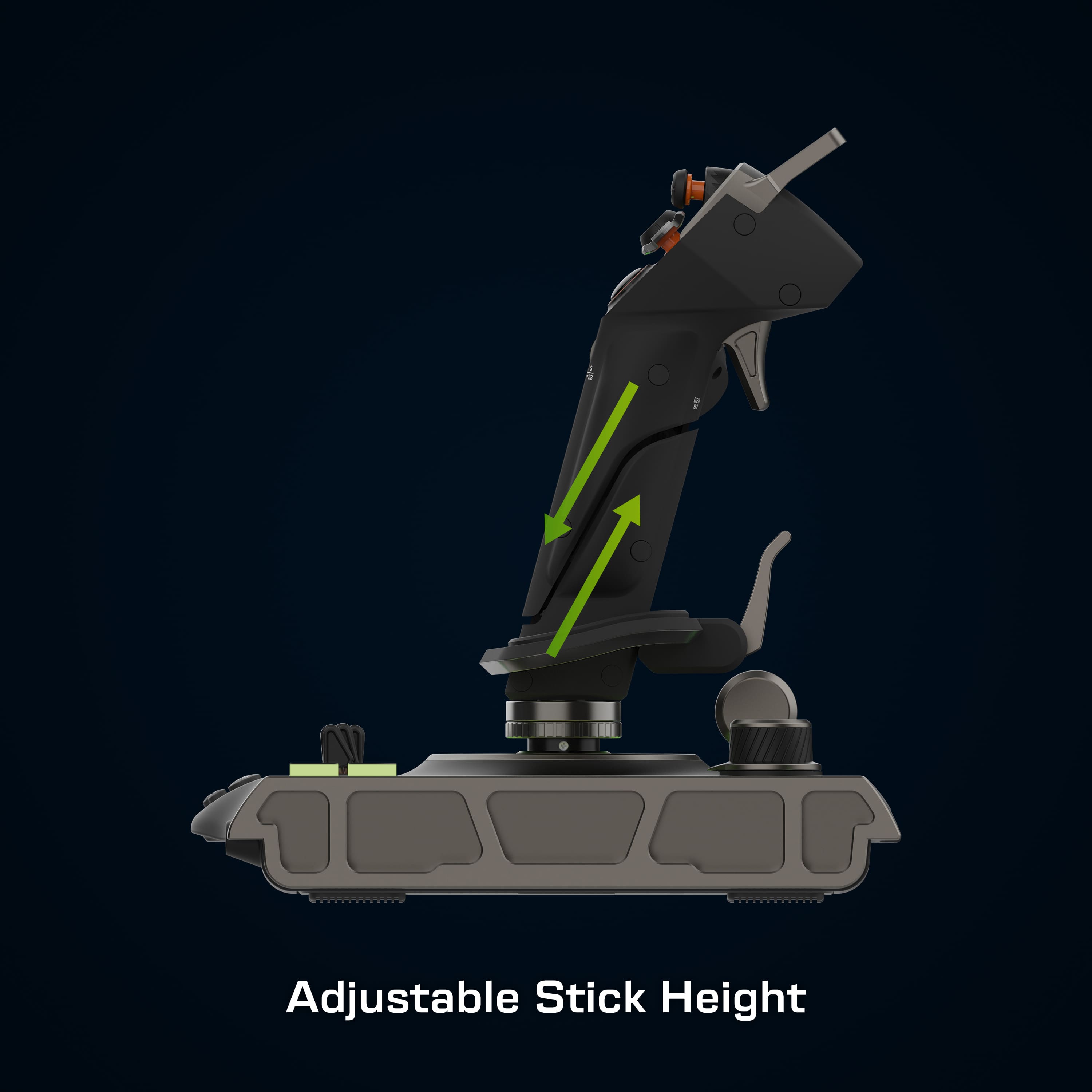
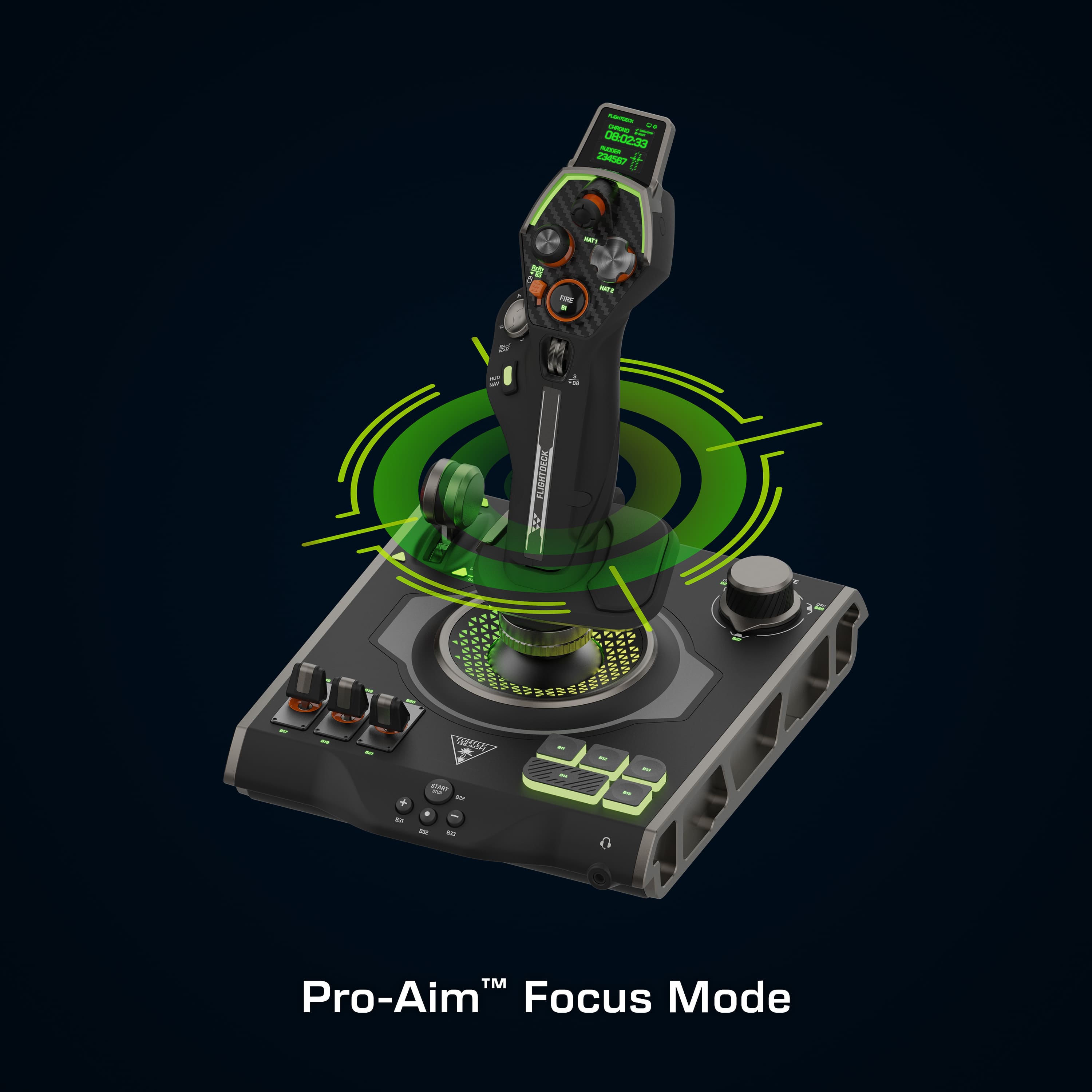
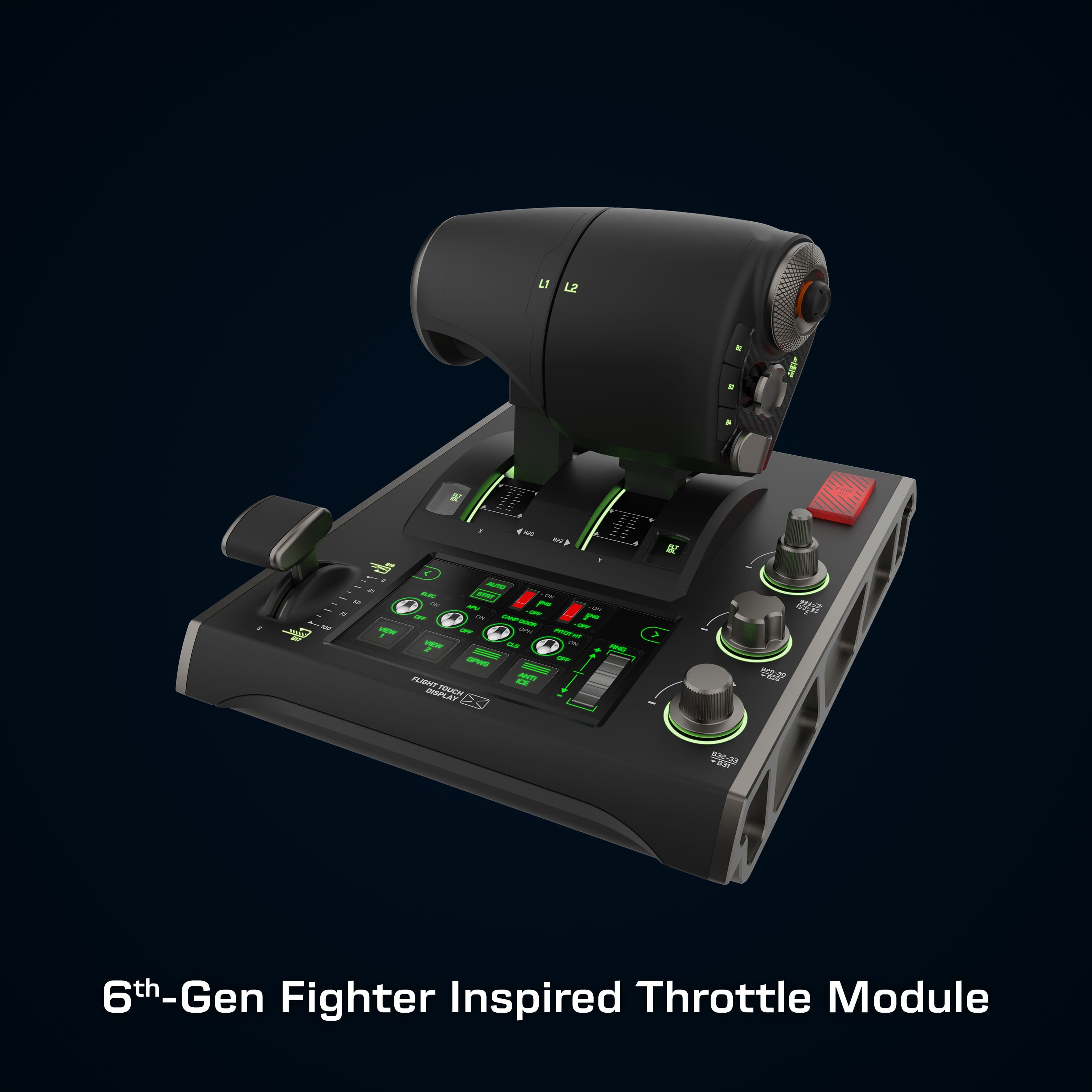
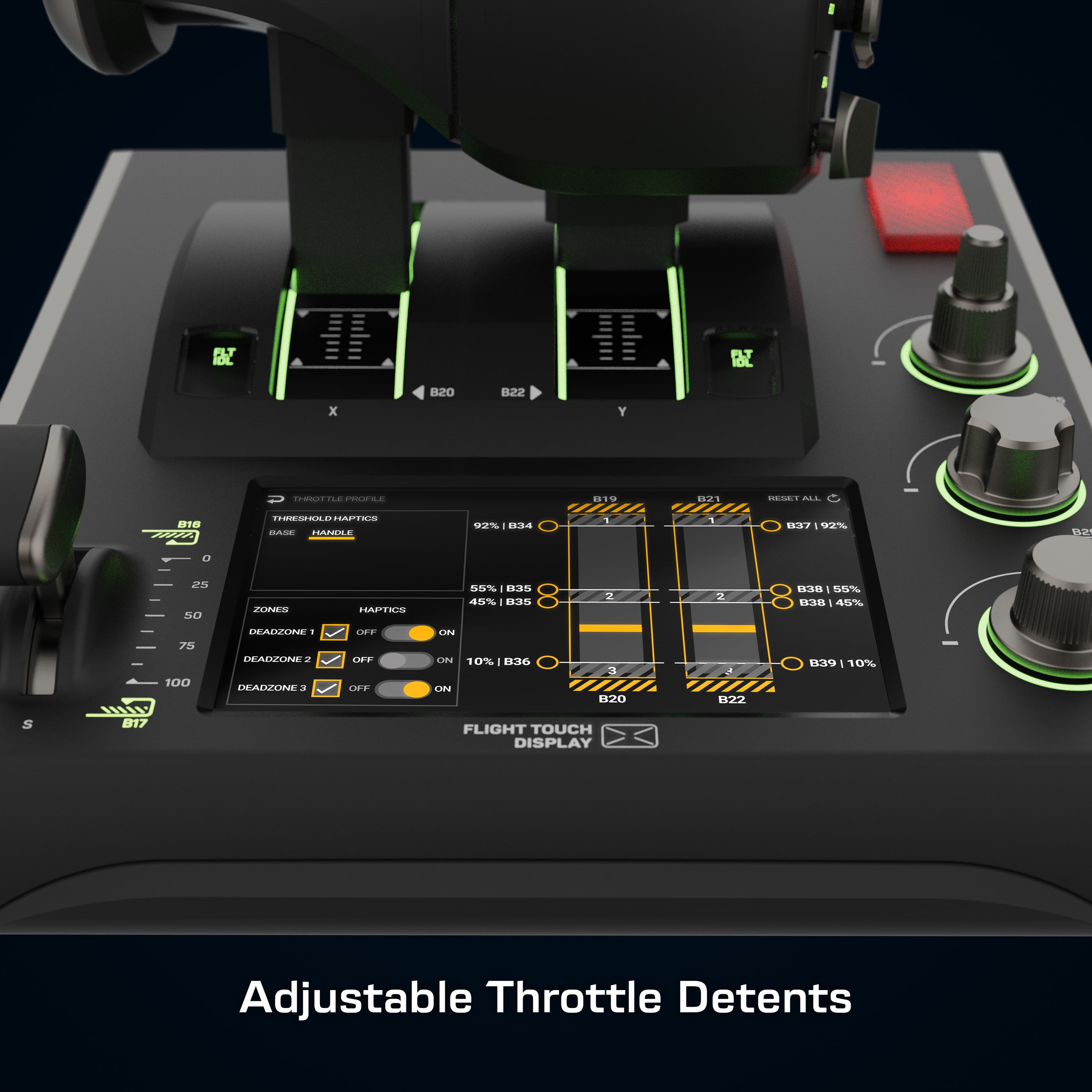
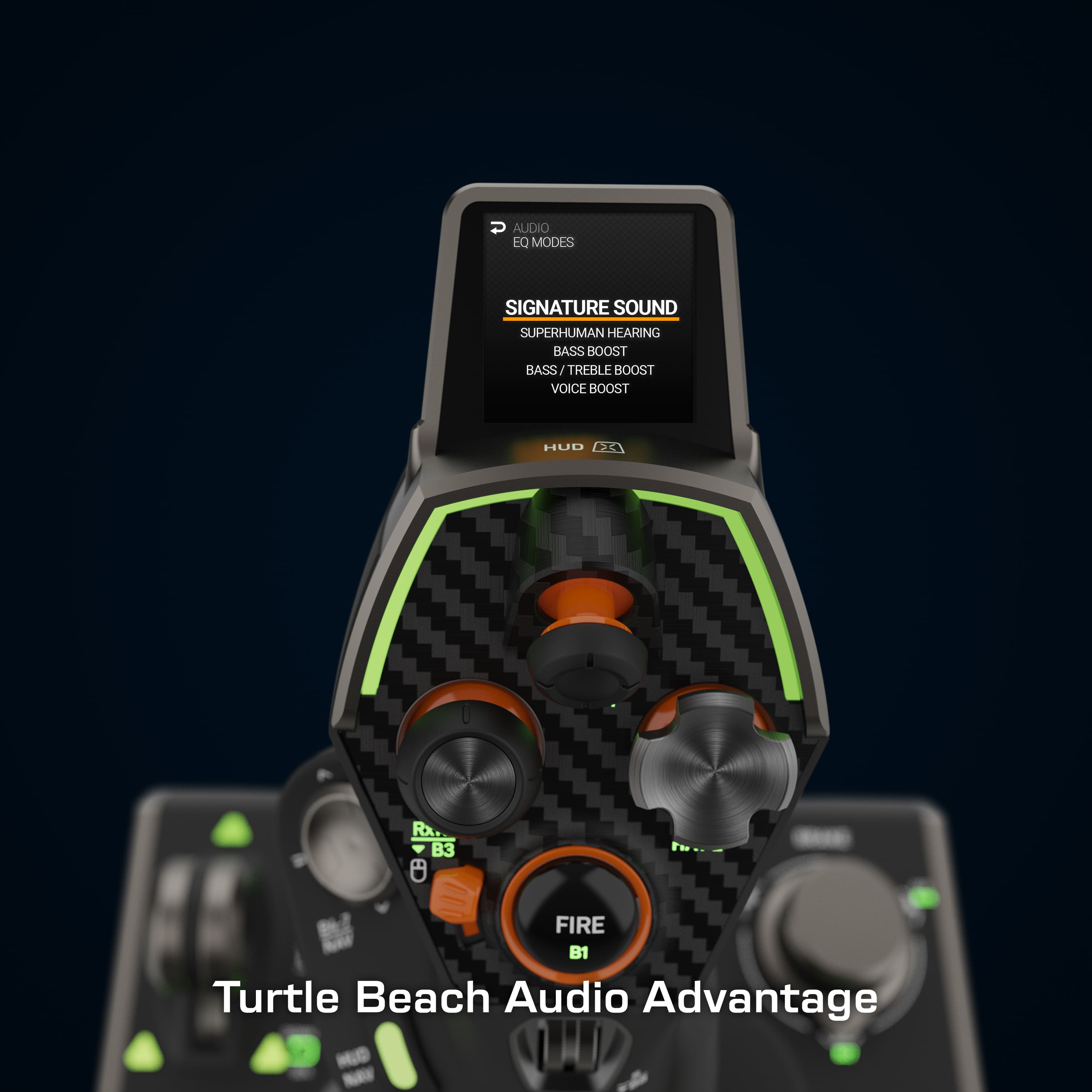
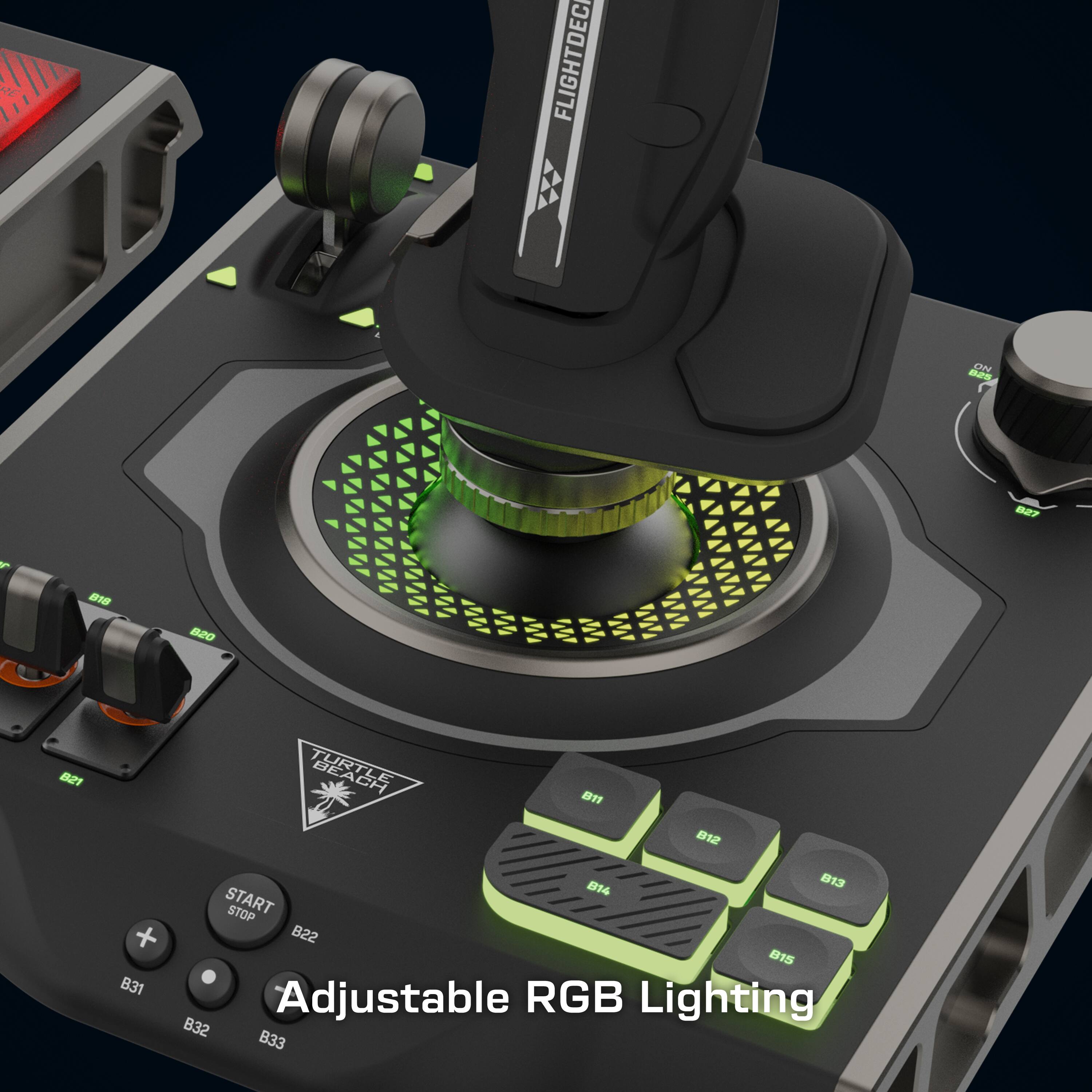
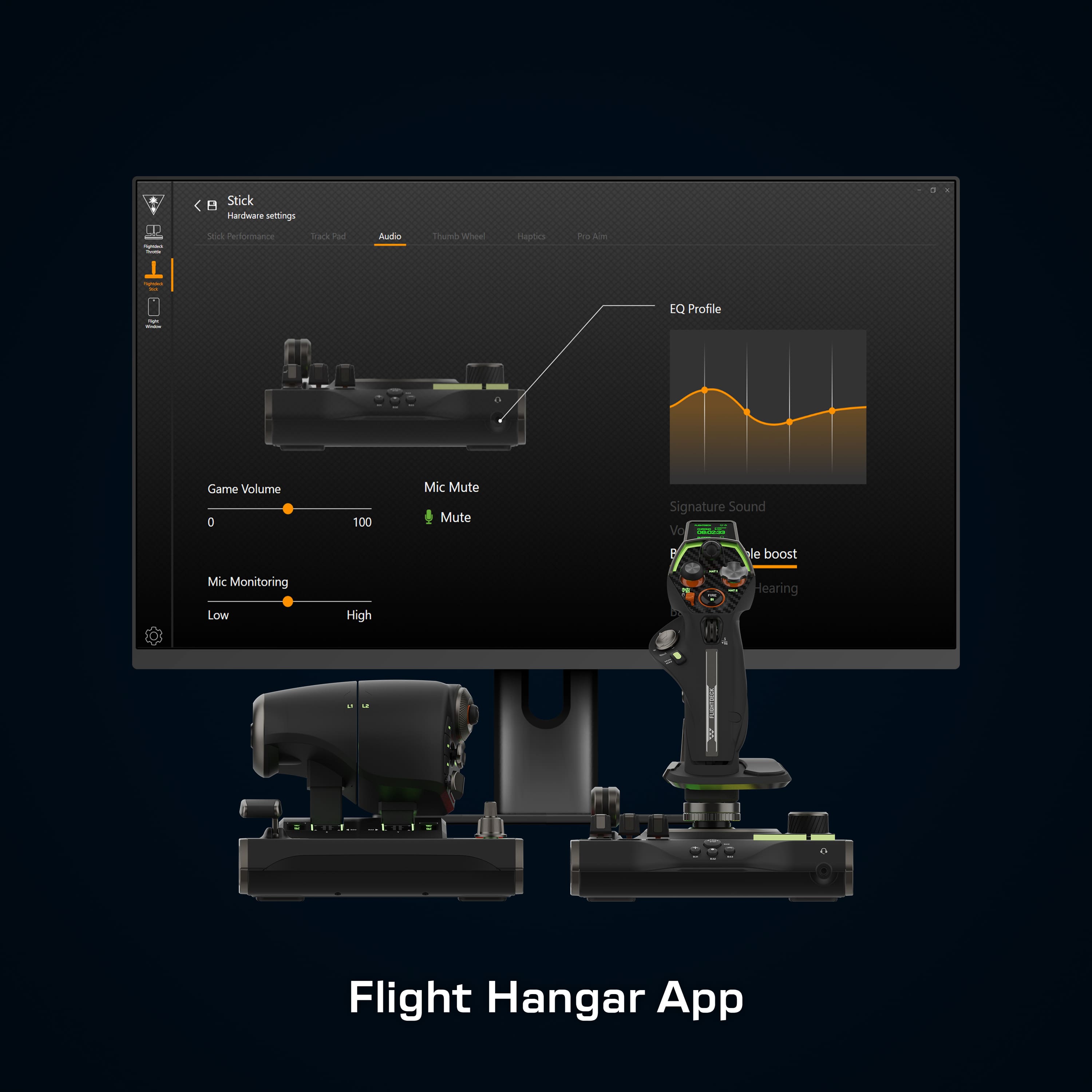
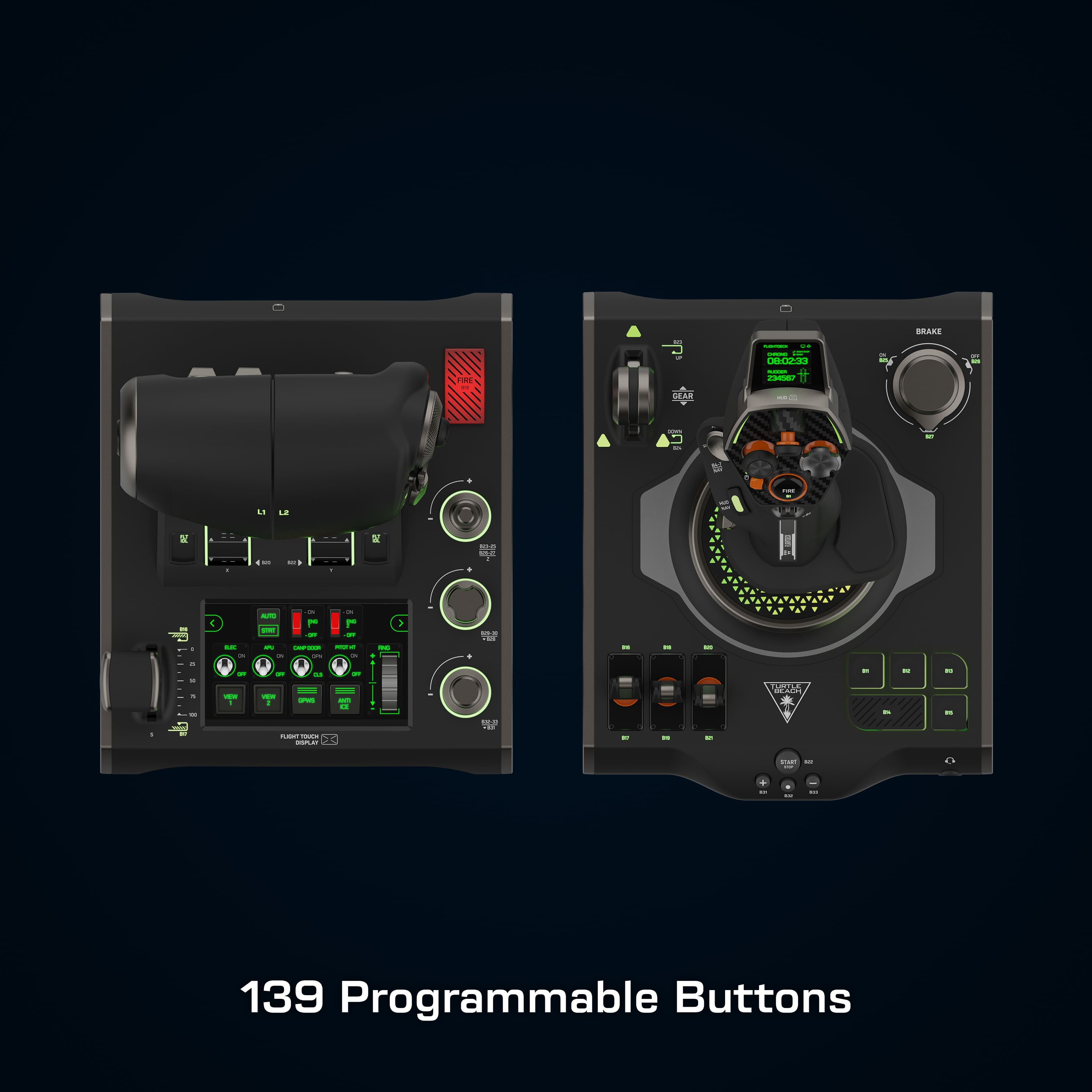
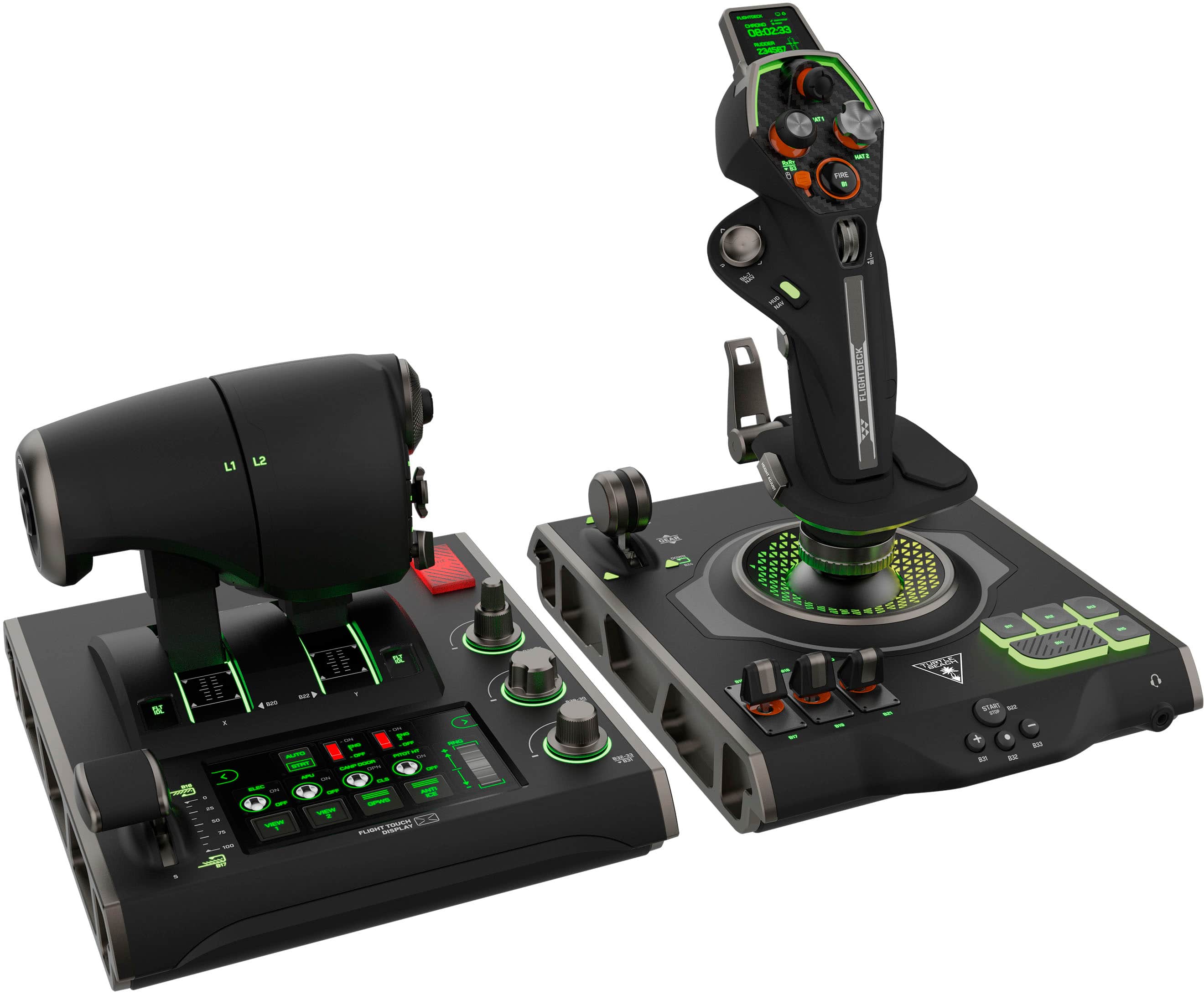
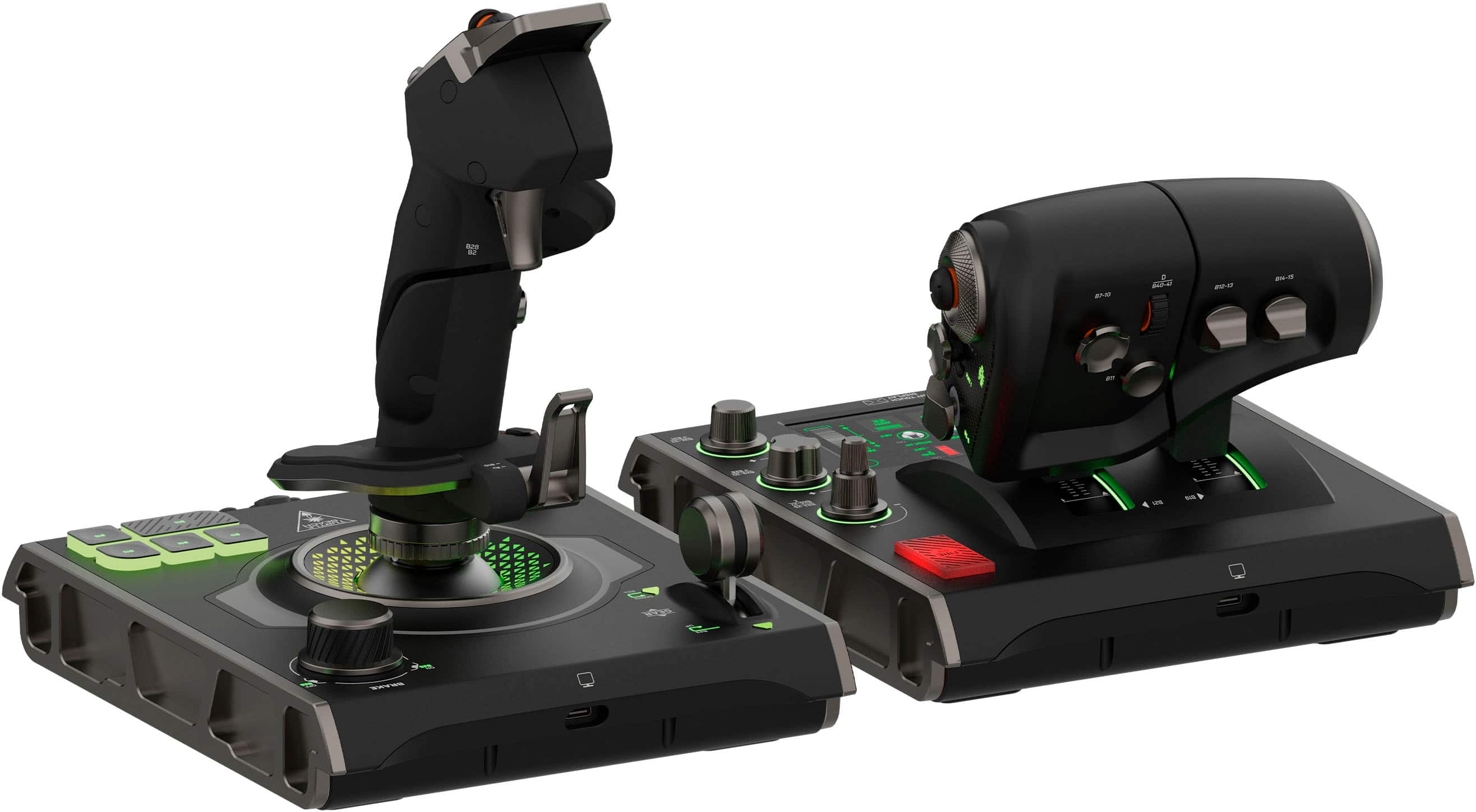
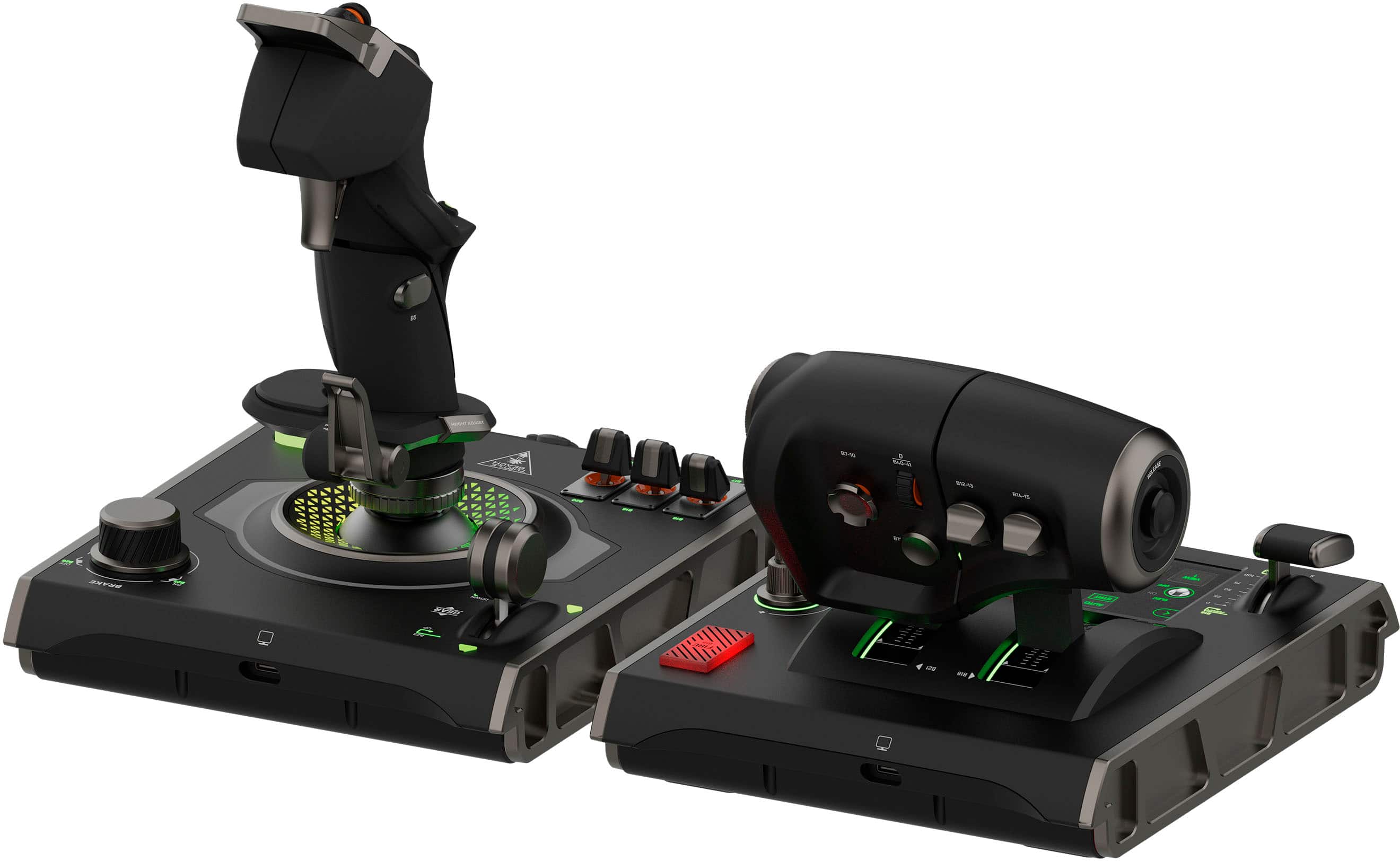
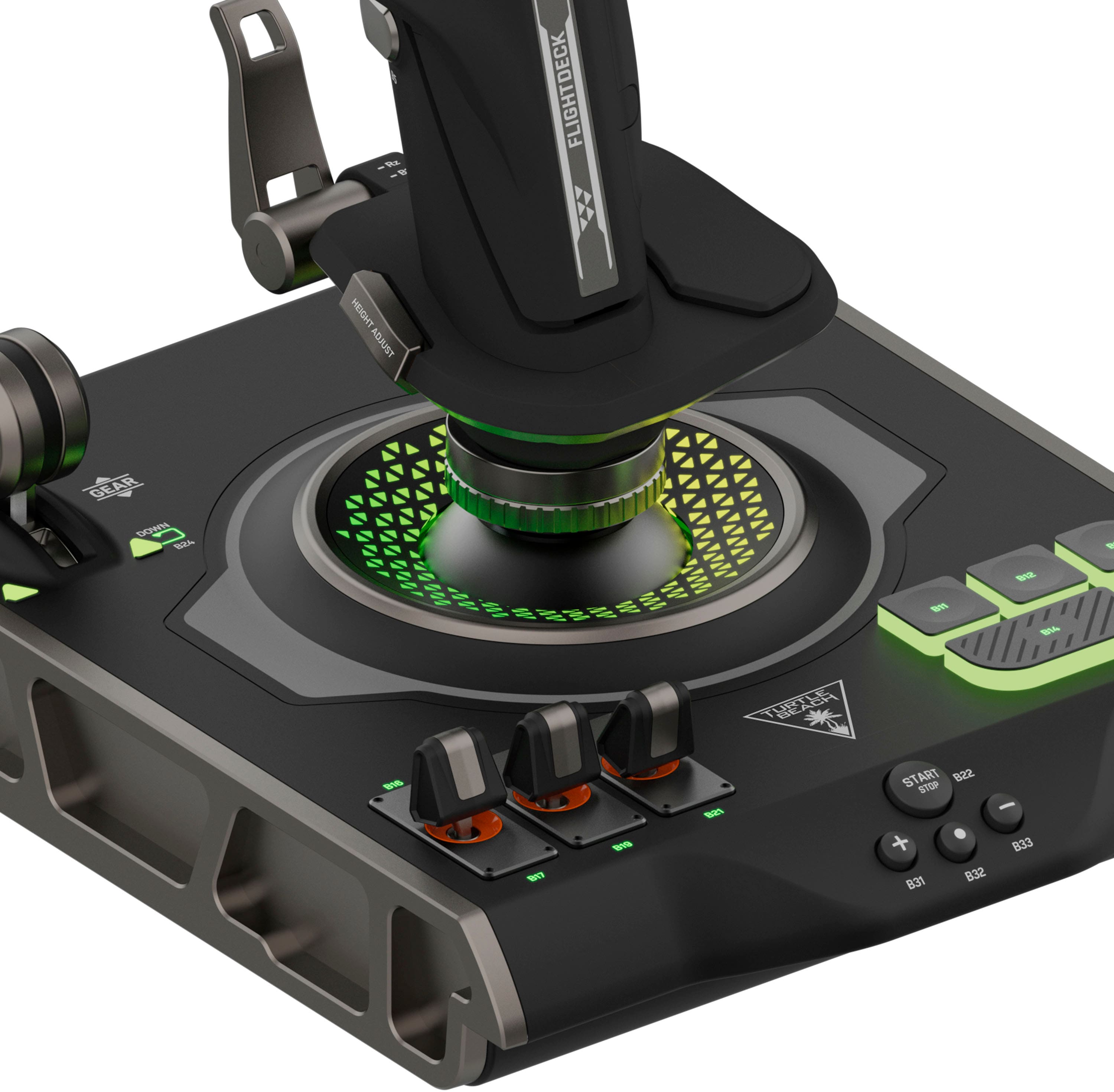
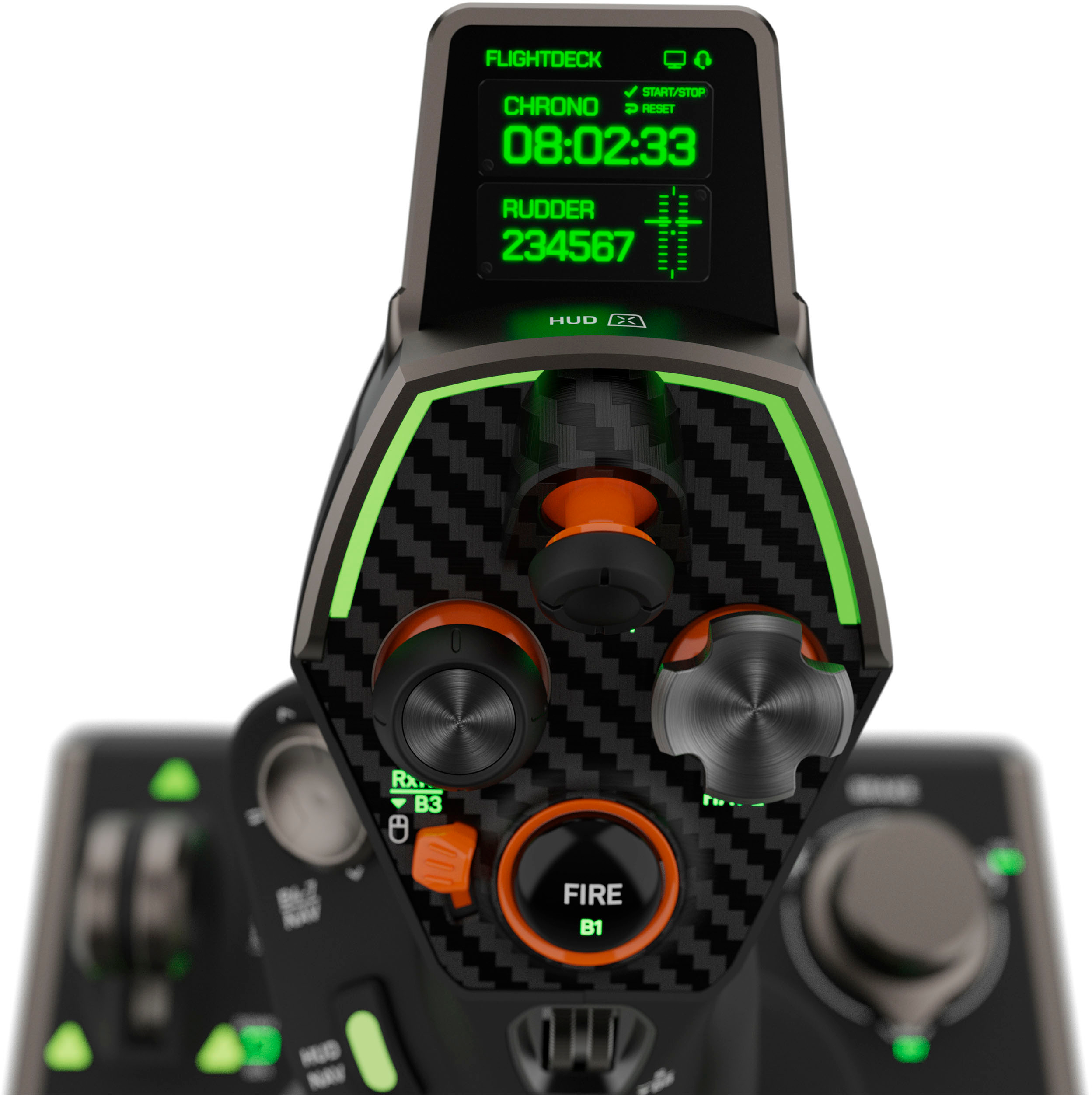
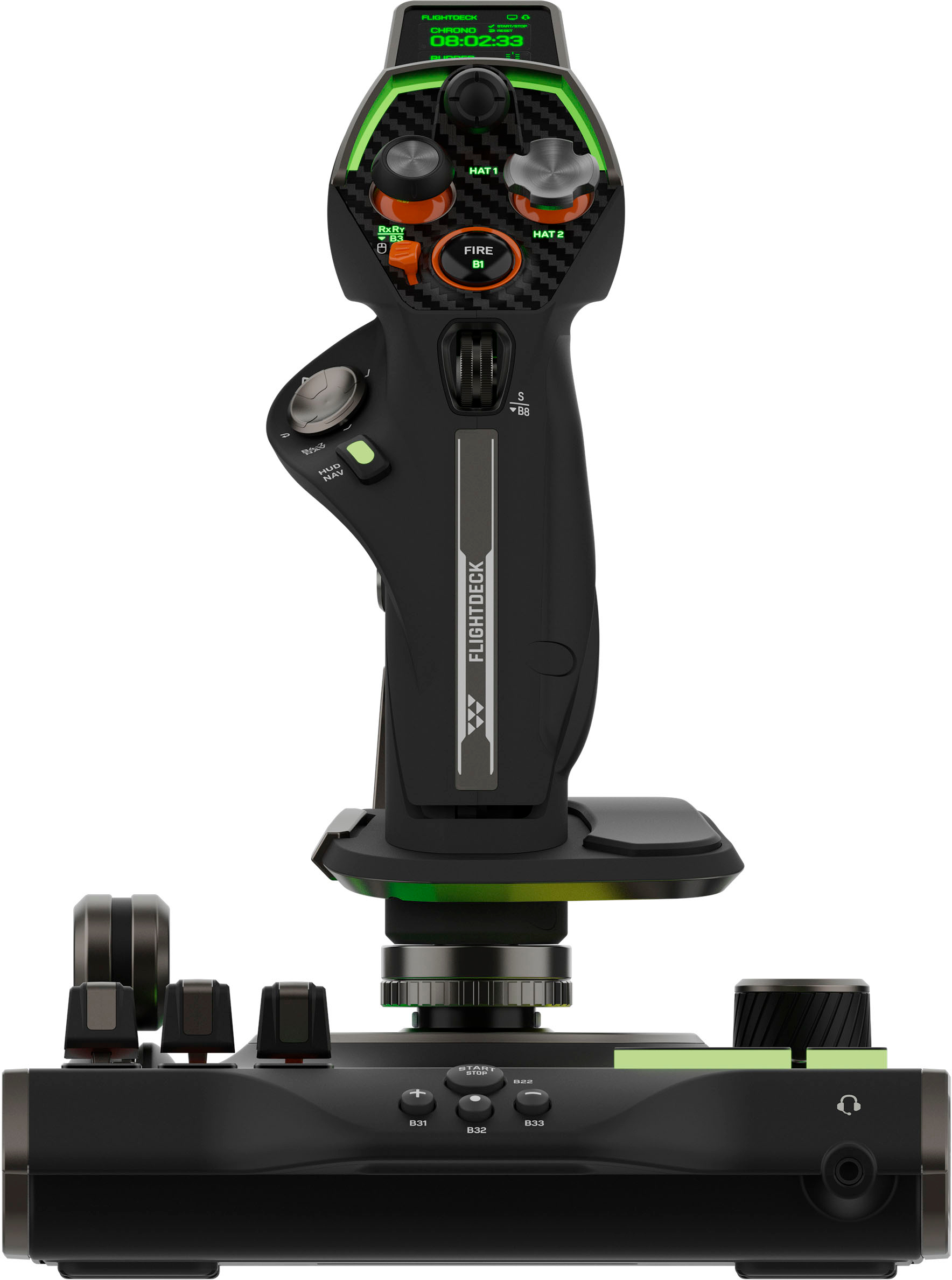
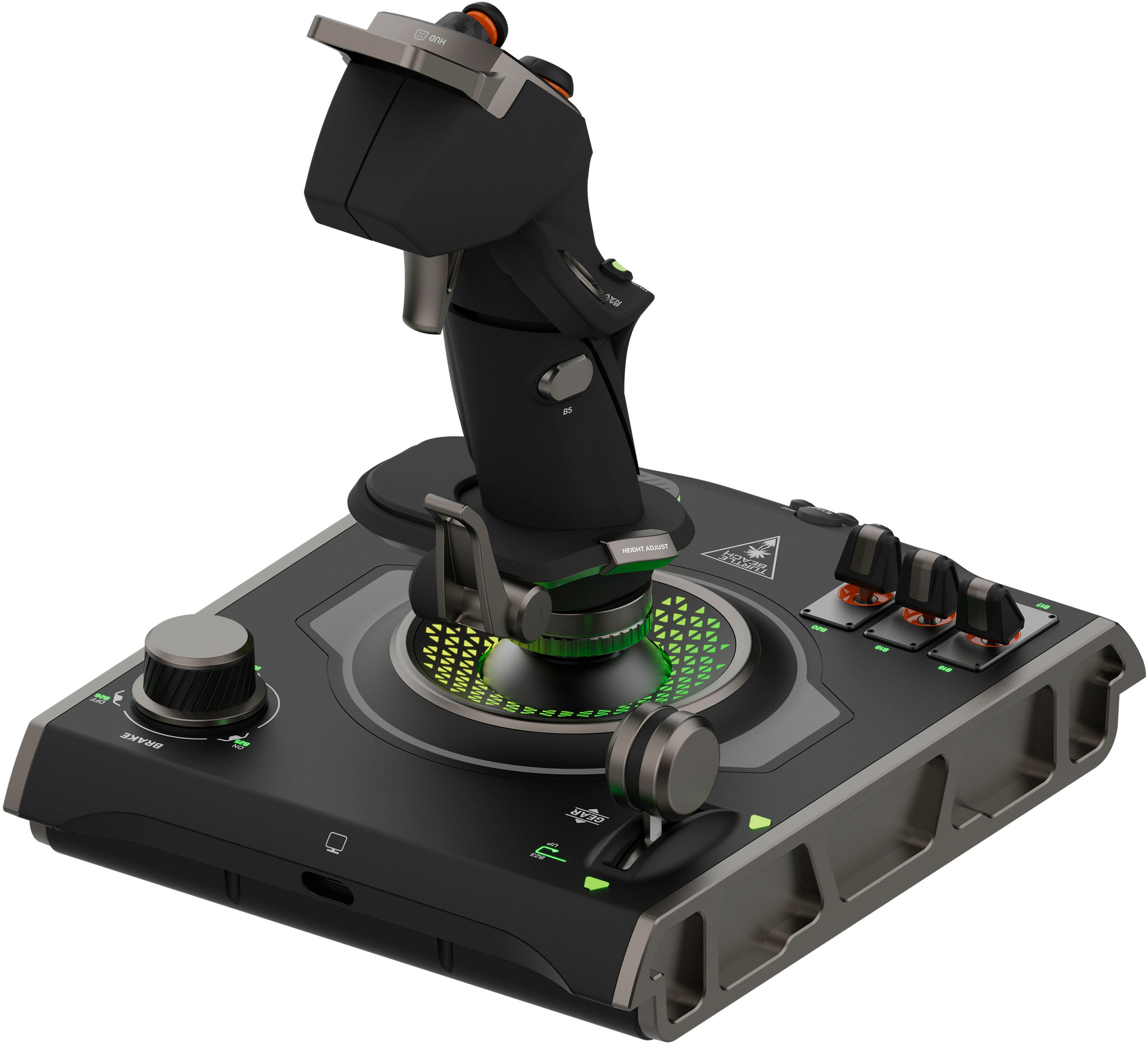
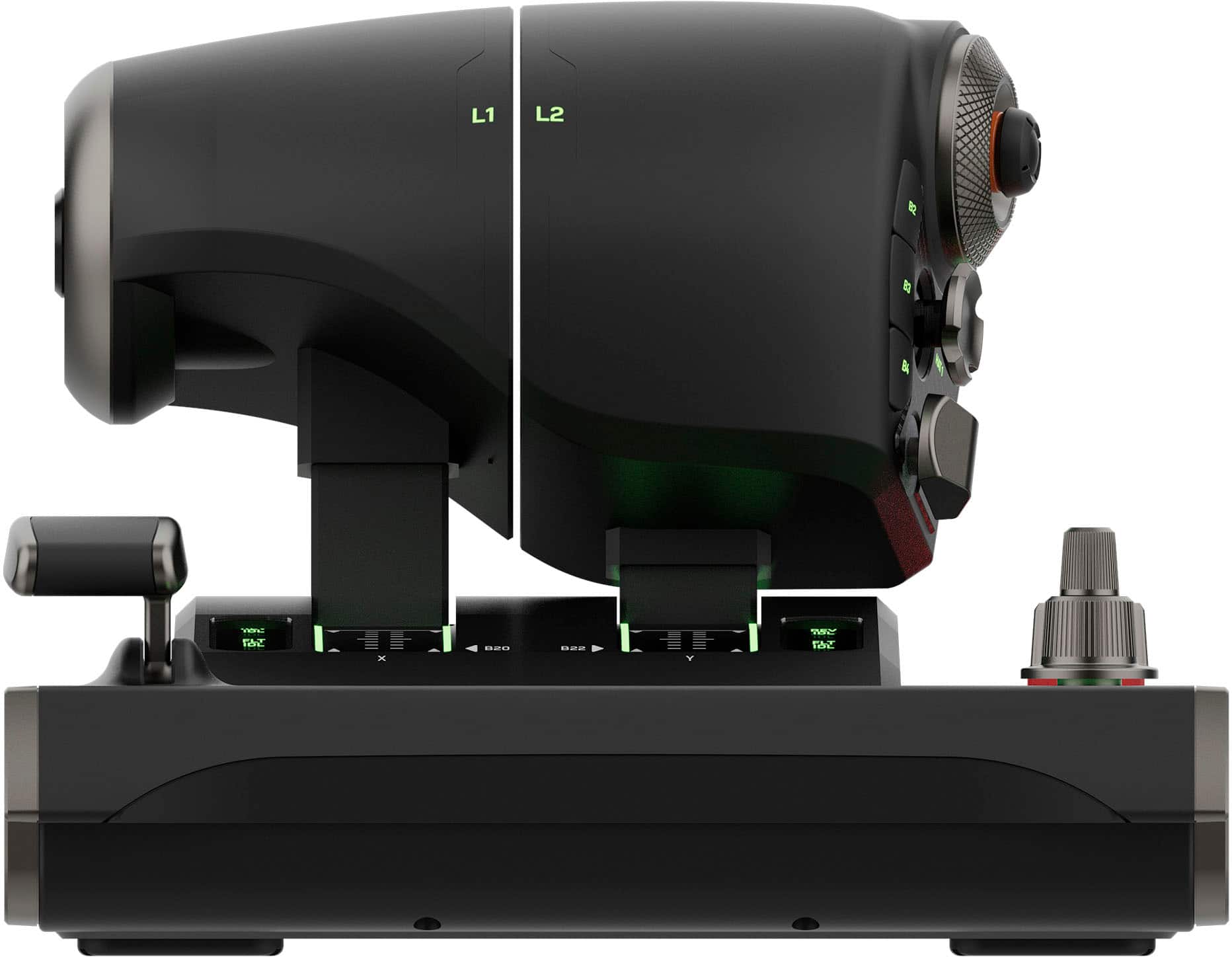
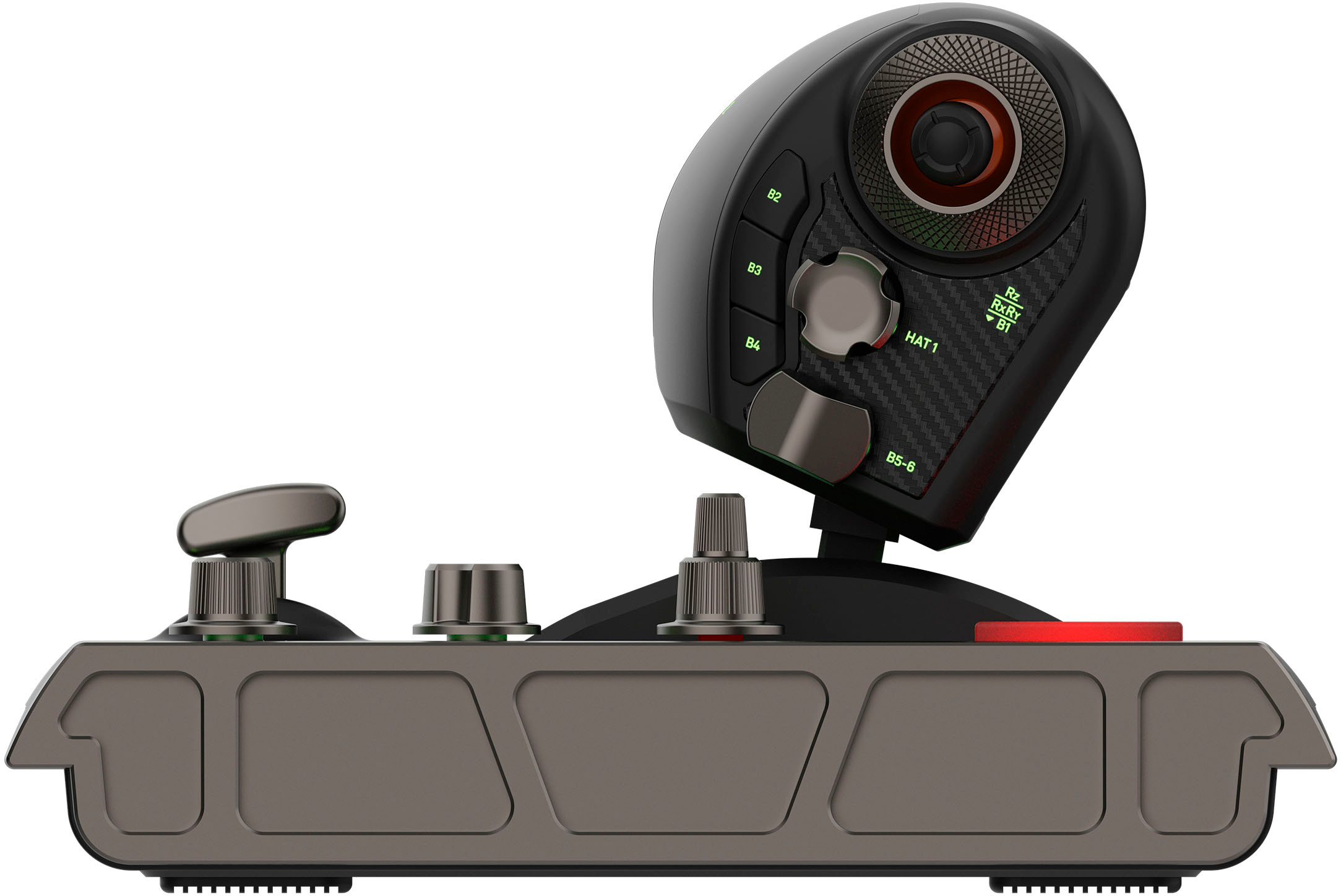
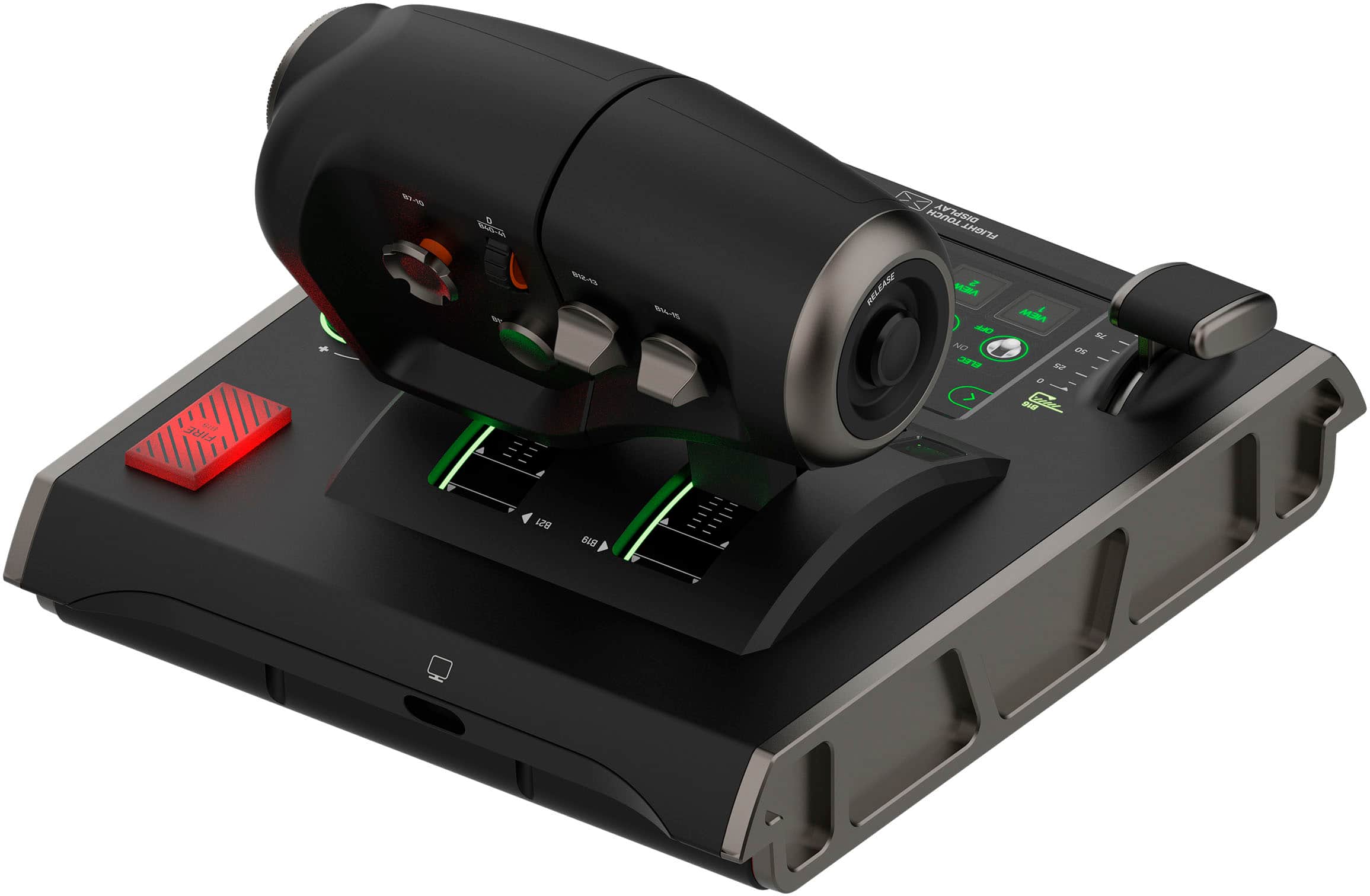
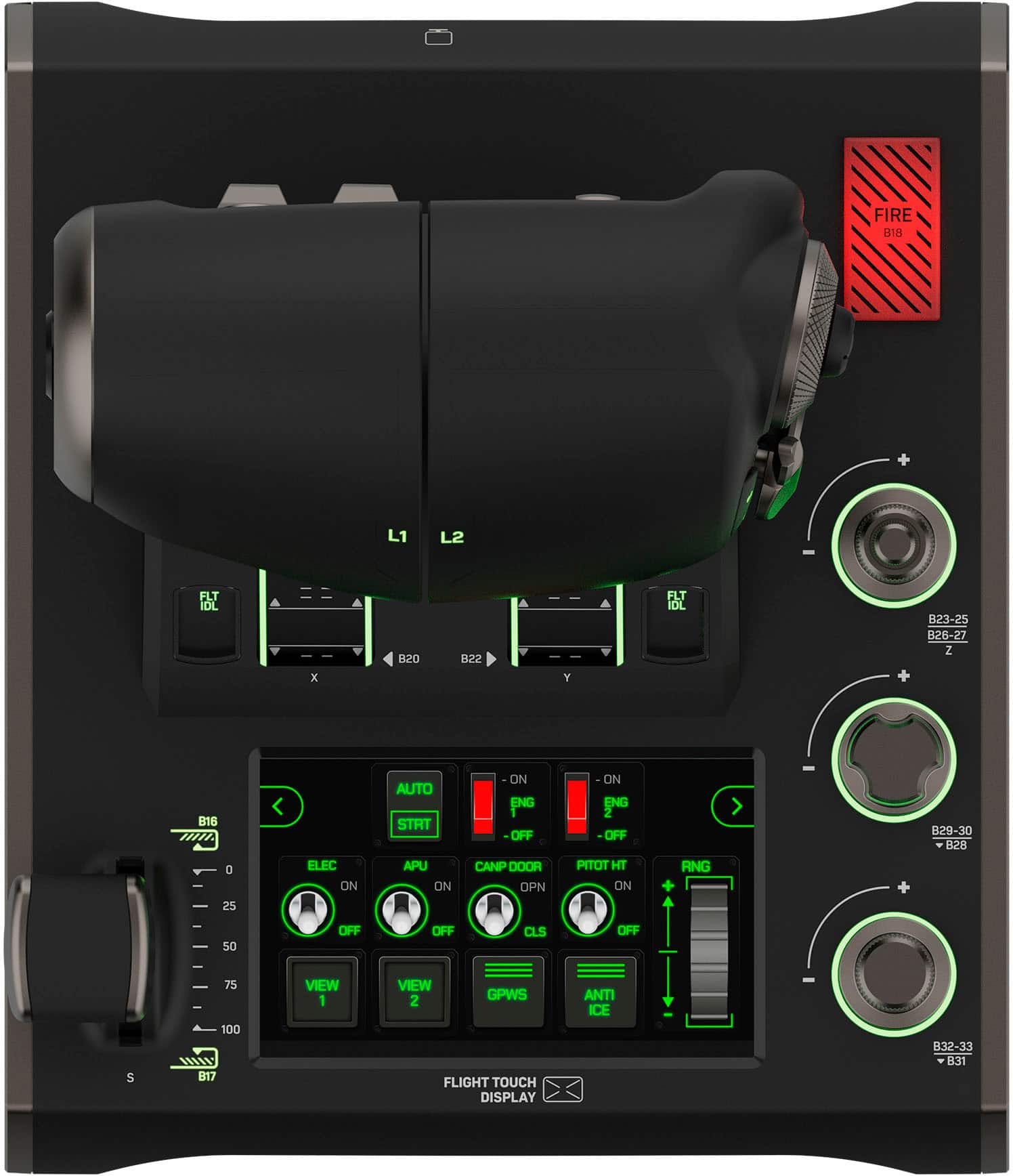
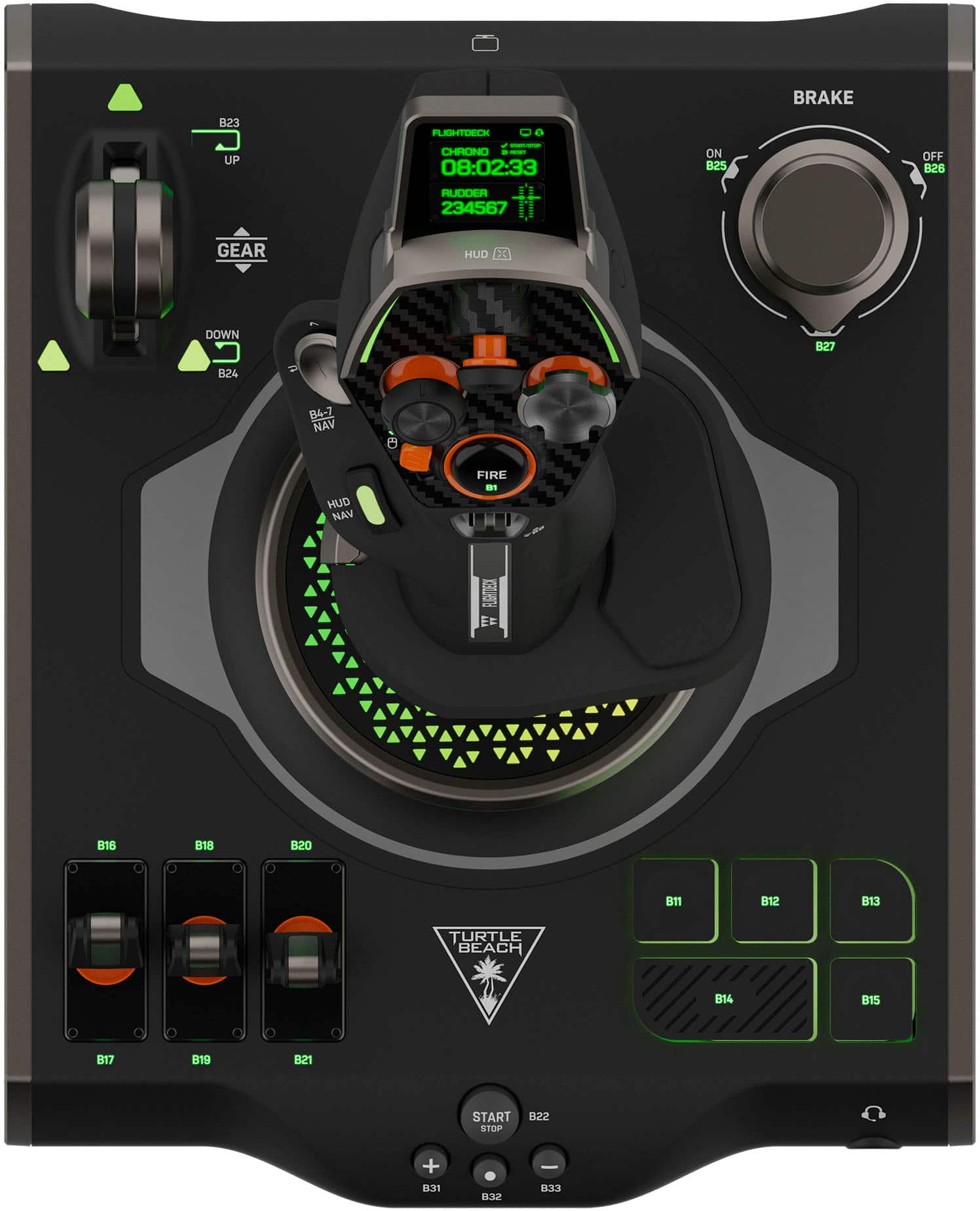
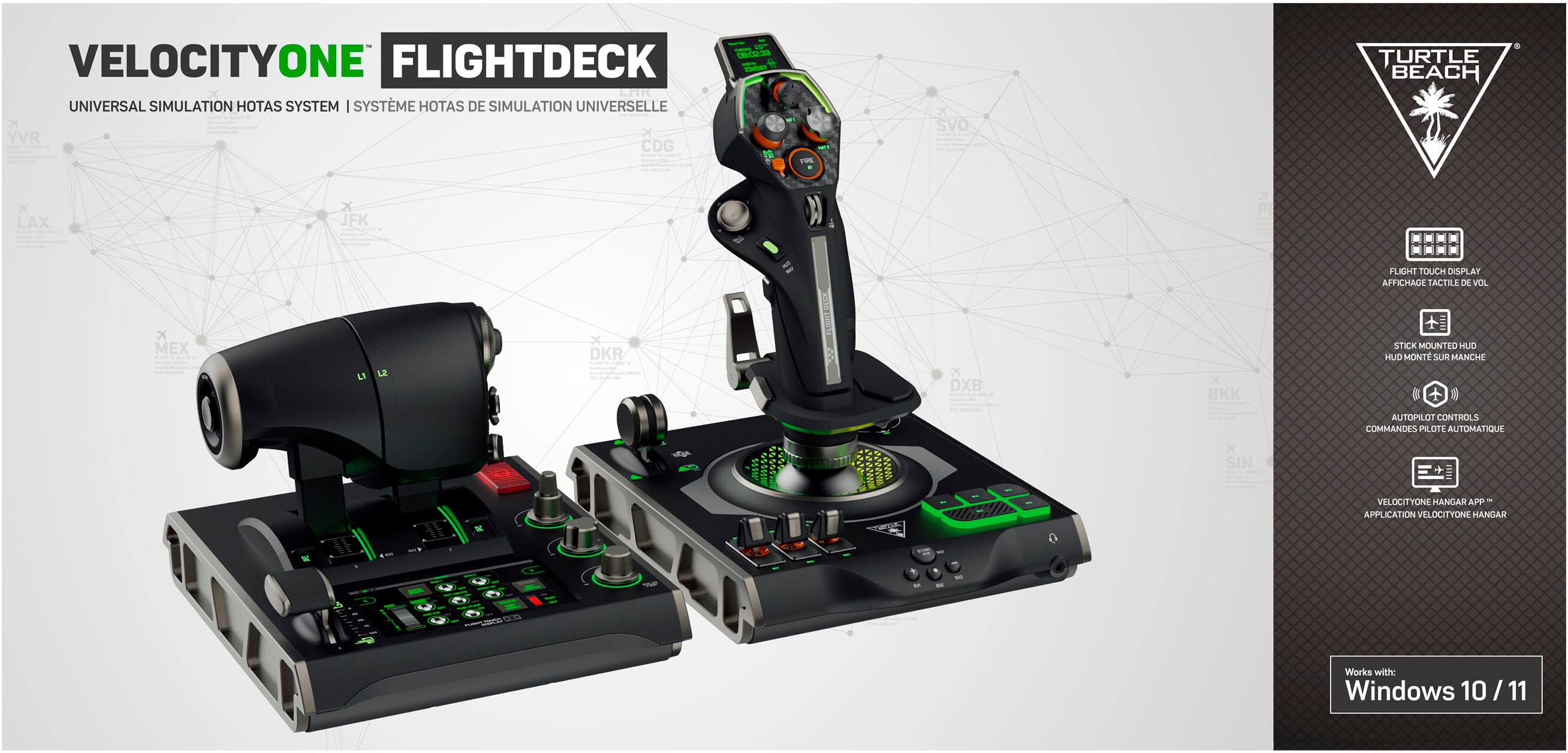
|Posted .This reviewer received promo considerations or sweepstakes entry for writing a review.Turtle Beach, long a maker of gaming headsets and other hardware, has entered into the simulation business with the Velocity One line. The latest entry is a fully featured HOTAS control set with a separate throttle and stick. Opening the box is the well packed throttle, the Flight Stick Base, and the stick itself. Assembly consists of just lining up the stick to its spot on the base, with a simple spin of a hand nut on the base and the stick is securely mounted. Also included are two braided USB A to C cables, one for each device, a set of screws to mount the throttle and flight deck to a permanent simulator rig, The usual warranty and regulatory paper work with simple setup instructions, and a simple guide to the myriad of buttons and axes. There is little other documentation about this thing, so it’s kind of an adventure to figure it all out. Overall build quality is excellent. The switches really feel great, several of them are metallic finish and all of them have a great tactile feel. The only spot that was weird were the three toggles on the base. The caps all move a bit, and only the center one locks up or down, the other two are momentary. It’s fine, but it’s hard to tell initially if that was intentional or if there are issues with the switches as nothing in the documentation describes their function. The main axes all have a great feel, and hall sensors for the main axes on the stick and throttle are excellent. Highly accurate, and there is a rudder axes on the stick if you don’t have pedals or want another axis. The rudder axis can be locked in software if you don’t want it actuating accidentally. There is no mechanical lock to secure that axes though. With a total of 15 axis and 139 buttons, the level of customization possibility here is incredible. The throttle can also be split into discrete right and left throttle controls, which is awesome for simulation use. The stick also has an OLED display for a few control functions, including setting the audio preset for the headphone out jack on the Flight Stick base, which is a cool feature. Another highlight is the main thumb button on the top of the stick also functions a mouse trackpad. A simple flip of a small switch next to the button changes modes. This is amazing for navigating menus. It’s not the most accurate but it works well for getting through a menu and on to the next flight or mission. One little thing here, on my copy, the labels for the throttle axes are not lined up, and there was a piece of debris stuck under the window of the right throttle position indicator. As this is a higher end simulator product marketed to perfectionists, this kind of manufacturing error is not awesome. Fortunately, it is 100% cosmetic and the axis themselves are aligned properly in software, but it’s still something that was a little disappointing, and if you are bothered by things like that check your copy and exchange it if there is an alignment problem. In order to effectively use the Flight Deck, downloading the Velocity One Flight Hanger software is required. This allows for testing all of the buttons and axes, loading control configurations, setting RGB, and customizing the most cool part of the throttle, which is the customizable touch screen. This is a neat feature that allows you to set up different switch types and panel styles. One thing that is really odd though is that you can’t customize the keyboard button binds each spot on each panel, they are fixed as of the time of this review. I sincerely hope that Turtle Beach allows for every spot on the touch screen panel to have custom keybinds. A similar improvement could also be made to the throttle and stick buttons as well – you cannot rebind a button to a keyboard command, they all just report as DirectInput buttons, so you’ll need to have a game that fully supports essentially unlimited buttons or other software to map an input press to a key. This really limits usefulness in legacy games that don’t support tons of buttons natively. The other improvement could be to make some of the buttons, like the brake selector, flaps, and gear buttons momentary instead of always on. I do like that some of the axes, such as the scroll wheel on the stick, can be changed from an axis to a button input when the wheel is scrolled up or down. This was super useful for setting shield direction or rebalance when clicked in Star Wars Squadrons. Using a beta build of MS Flight Simulator, native support for the throttle and flight stick is present. Full support should be coming with Update 15 when it goes into general release. The preset covers most of the basic flight controls, but still has many buttons available for customization. Strangely, the parking brake dial was not compatible with the game, and the parking brake release is currently mapped to a base button. If you map the parking brake release to the dial button it just doesn’t work, despite the game reporting the button as actuated. Hopefully that is fixed in a future update. Other games are great fun, Star Wars Squadrons being one that I tested. Having a ton of the functions mapped to the throttle and stick really drives up the immersion. With multiple analog directional axis sticks, both on the stick and throttle, you can also control ships in true 3D space simulators across all axes of movement, which is really cool. Overall, this is a very well built and feature rich HOTAS that offers several features that are completely unique in the space. With a few software improvements to allow for more customization it would be truly great.
I would recommend this to a friend