Customer Ratings & Reviews



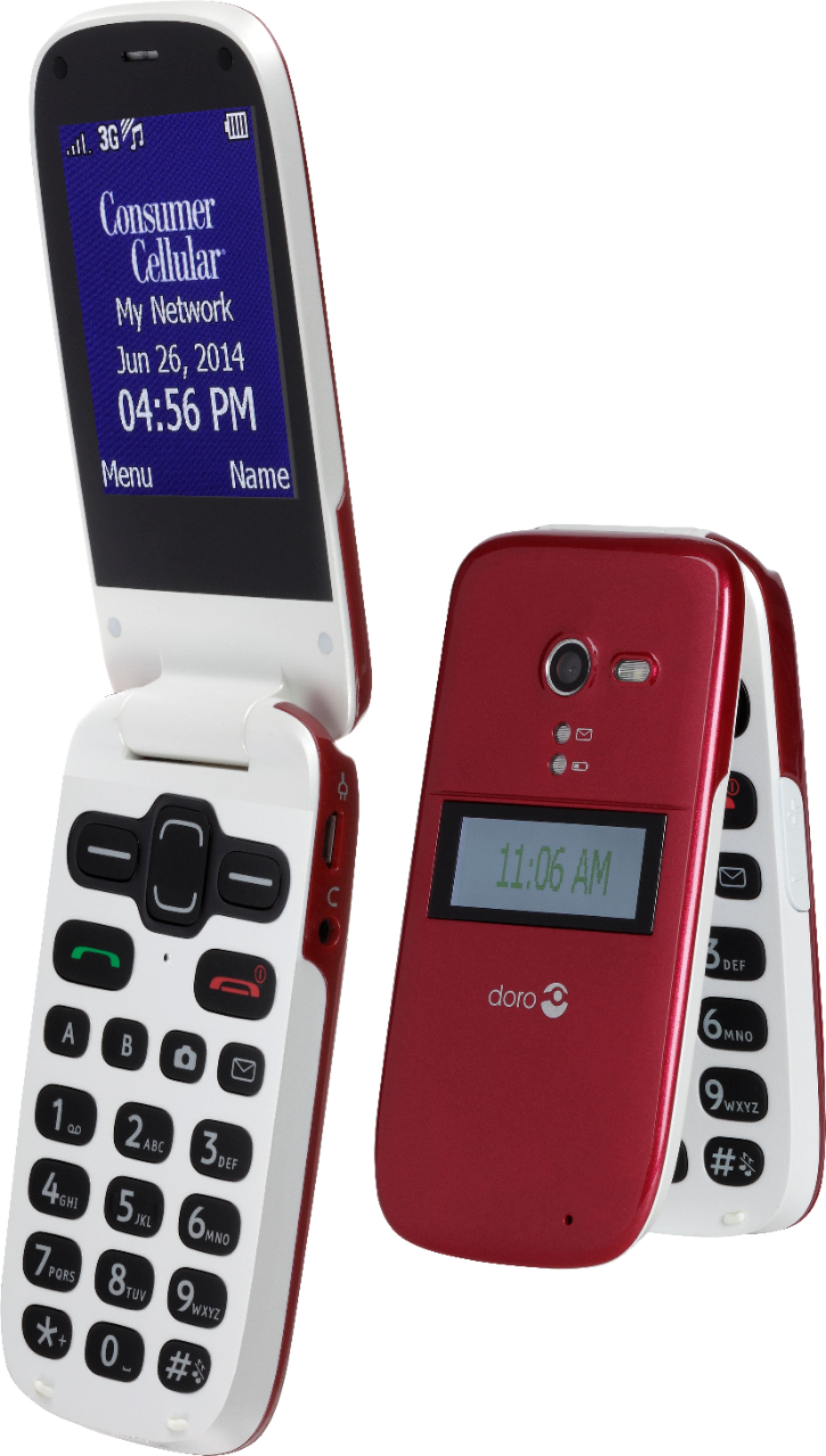
- Model:
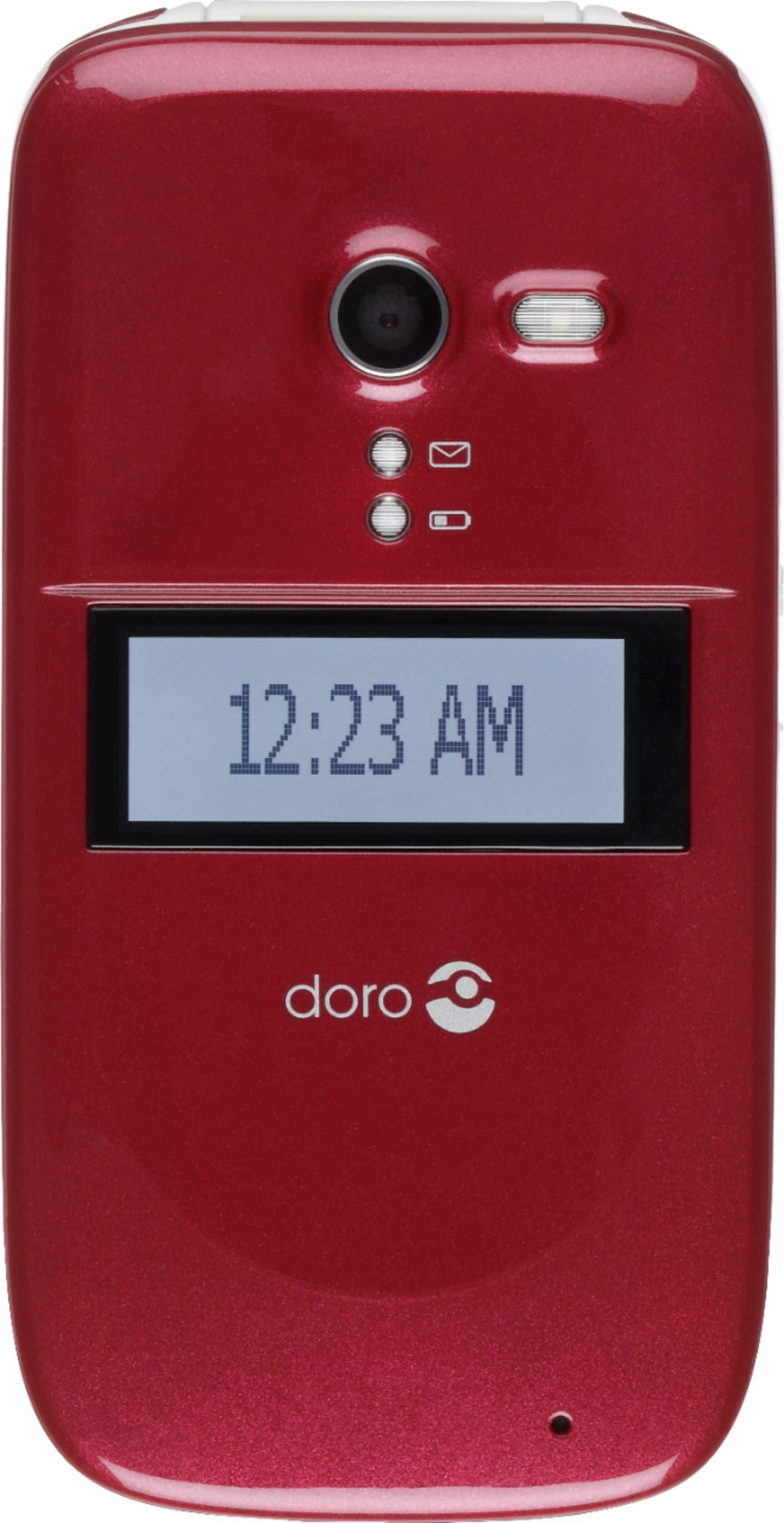
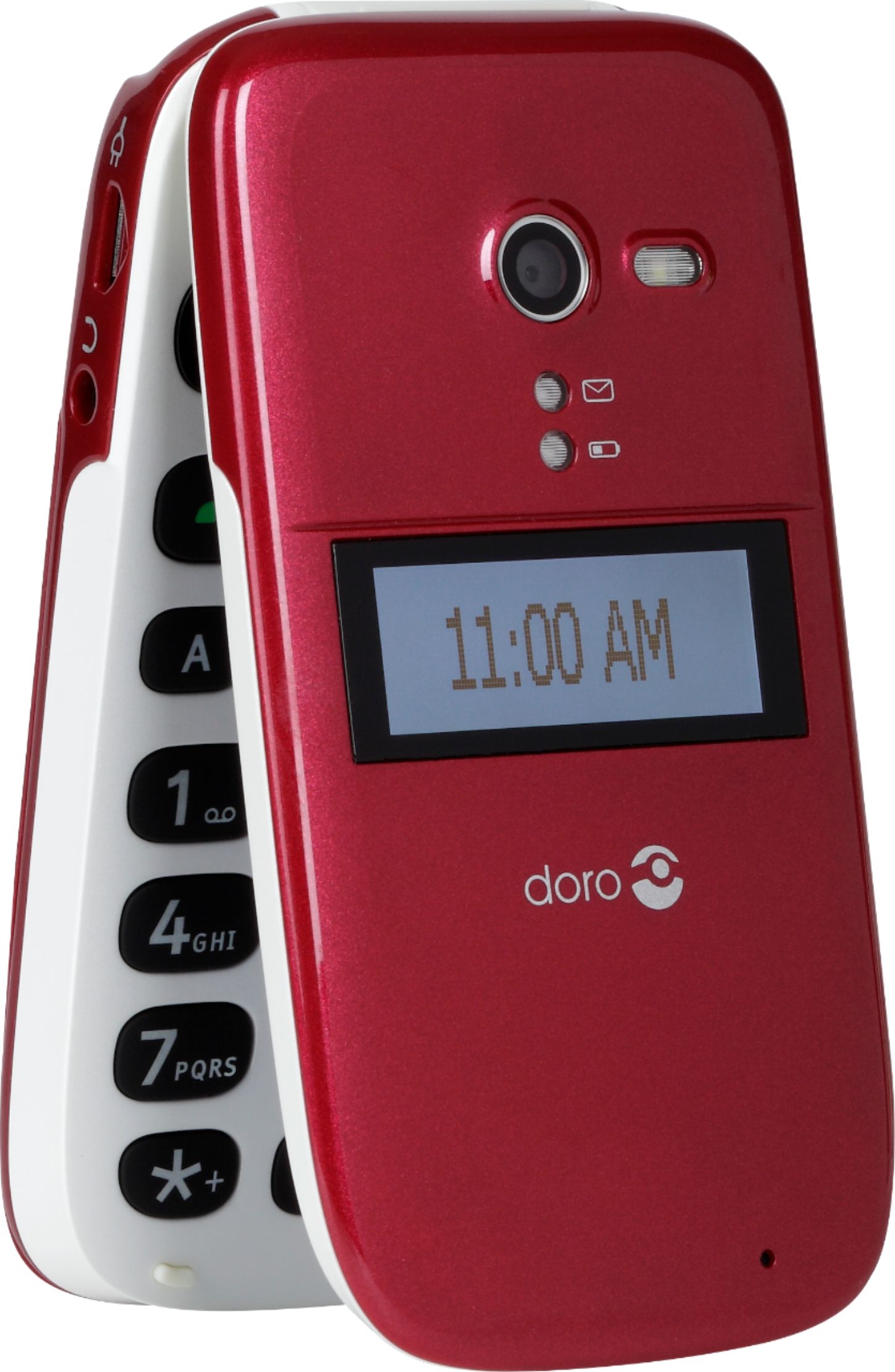
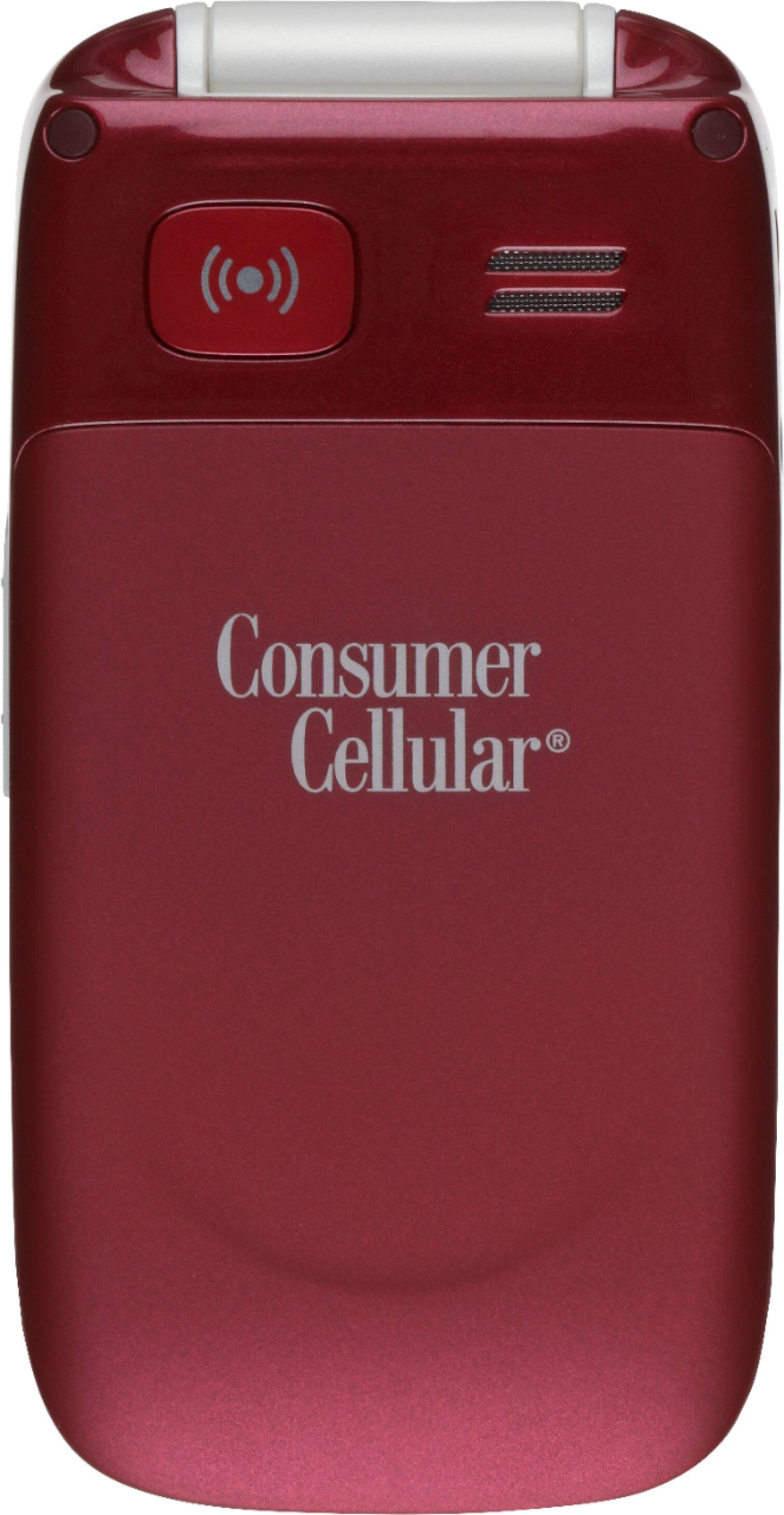
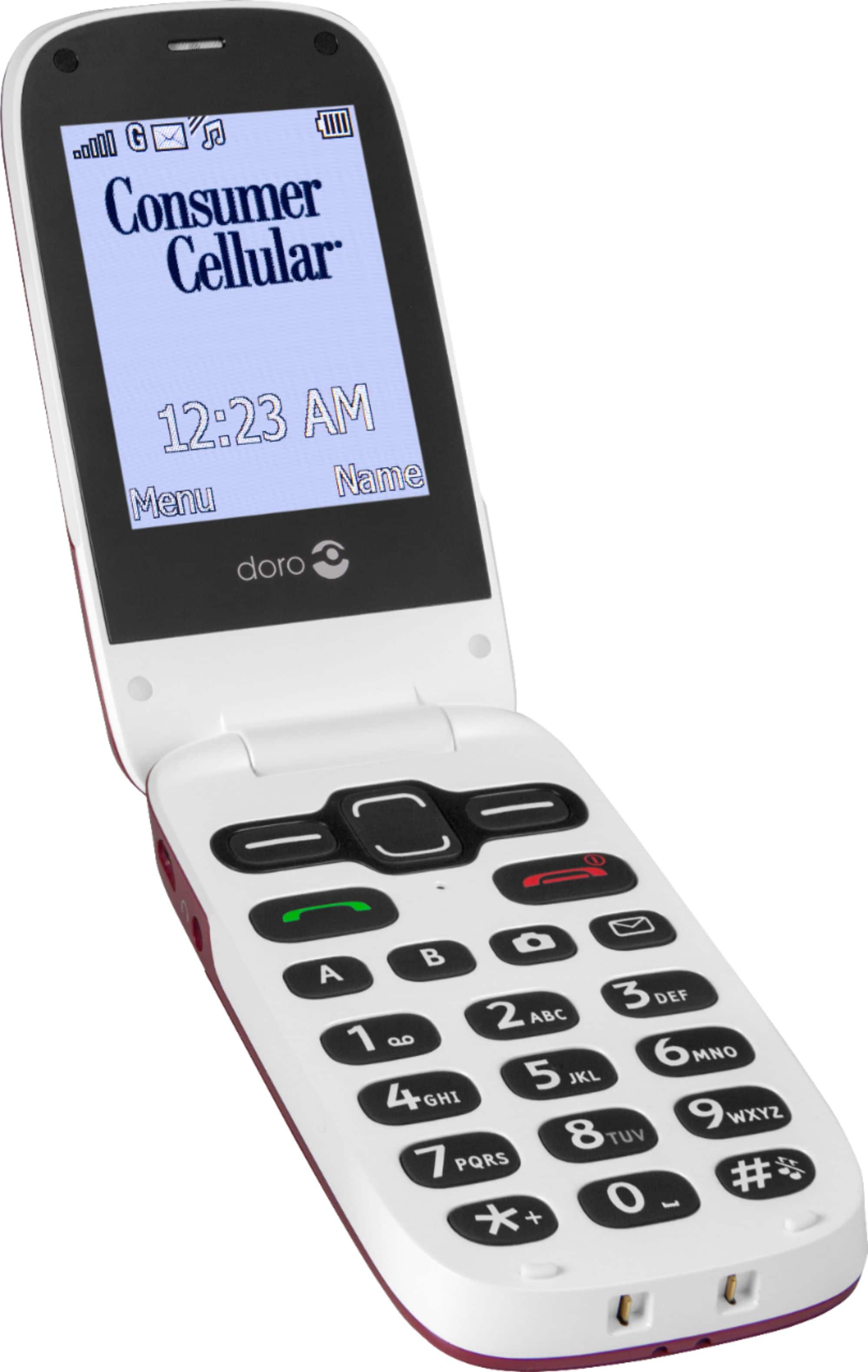
- DORO 626 --BURGUNDY
- |
- SKU:
- 6257963
Customer reviews
Rating 4.3 out of 5 stars with 24 reviews
(24 customer reviews)to a friend
Customers are saying
Customers admire the Doro PhoneEasy 626's ease of use, citing its user-friendly design and simple interface as key strengths. However, some users find the battery life to be a weakness, reporting that the phone's power depletes relatively quickly. The phone's ease of use for those with less technical experience is frequently praised. Improvements to battery performance are suggested by some users.
This summary was generated by AI based on customer reviews.
Rated 5 out of 5 stars
Husband loves his phone - is easier than mine
||Posted .This reviewer received promo considerations or sweepstakes entry for writing a review.Husband is using his phone a lot and is very comfortable with his new phone.
I would recommend this to a friendRated 5 out of 5 stars
Easy to use and durable flip phone
||Posted .This reviewer received promo considerations or sweepstakes entry for writing a review.Purchased to replace the same phone that had water damage.
I would recommend this to a friendRated 1 out of 5 stars
Ten reasons Doro phone is a grand loser
Posted .This reviewer received promo considerations or sweepstakes entry for writing a review.I absolutely do not recommend Consumer Cellular's Doro flip phone (Model DFC-0180). 1. The worst problem with Doro is its keyboard. It’s “trigger happy.” That is, all too often one touch has the effect of multiple strokes, regardless of the force of your touch. When you type the wxyz key once, it prints z. Press the abc key once, you’ll get b or c. I am constantly having to hit the “clear” button to back up, delete, and start again. Imagine how annoying this is! Let’s say you want to go to “Messages”; so you press the Menu key (which is the “OK” button). Your list of contacts will appear—not messages. The keyboard is wildly super=sensitive. Using the Predictive Input method is exasperation. 2. The Doro I have now is the third (yes third; Consumer Cellular replaced the original twice). For two weeks after I received the first one, I spent tedious long hours on my landline phone with CSRs who had me powering on and off, deleting threads, and changing various settings— none of which solved the “failure to send” problem. 3. Mine still cannot send a simple message with an attachment such as a photo—on the first try. By accident I discovered a routine to “resend.” The second try has always worked—so far. I cannot find any “resend” instruction in the 55-page manual. Believing the original network was unable to transmit messages with attachments, one CSR switched me to an alternate network. Is it not suspicious that a “resend” routine is programmed in the Doro? So it’s likely engineering knew of this defect. 4. Another CSR had me deleting all messages because, “the Doro has very little memory.” Yet another advised I should delete all messages weekly. 5. Here’s a time-consuming problem: all messages cannot be selected to delete them with one execution. You have to tediously delete them one at a time! 6. Contacts cannot be grouped, as they could be with the “Envoy” flip I had (which only needed a new battery—but Consumer Cellular retired the Envoy and produced the Doro that in my opinion is a bigtime loser if not a lemon). 7. Here’s a tip on how to group contacts: type a prefix and a space before each like contacts. (For each doctor, type “dr” and a space. For each restaurant type “dine” and a space) 8. Consumer Cellular sent me a new SIM card, which on insertion (following directions) caused loss of the network connection. 9. There’s something intrinsically wrong with Doro—unless you enjoy hours troubleshooting with CSRs. 10. FURTHERMORE: No CSR has called in follow-up to ask whether all the troubleshooting has produced satisfactory results. This Doro phone is a grand loser. All I wanted was a new battery for my Envoy flip. ###
No, I would not recommend this to a friend- Cons mentioned:Battery life
Rated 1 out of 5 stars
plagued with problems
Posted .This reviewer received promo considerations or sweepstakes entry for writing a review.This is not a good telephone. First off the battery life is very short, like three or four days and when the low battery alarm flashes the phone will go dead shortly after that. I had sticky keys, when I hit certain numbers more than one would appear making it very difficult to dial in a phone number and impossible to put in any kind of account number. A basic system upgrade took care of that problem. The phone froze up a number of times and none of the buttons would work. They had me do a master reset and that, until now only one week later, appears to have fixed that problem. The main issue is battery life, you better have a car charger and home charger with you at all times or you are out of luck. Very dissatisfied.
No, I would not recommend this to a friend
People also viewed
- $33.34/mo.for 36 months; 0% APR
Not yet reviewed
Not yet reviewedLimited Time Deal$1,299.99- $33.33/mo.for 36 months; 0% APR
- $30.55/mo.for 36 months; 0% APR
Not yet reviewed
Not yet reviewedLimited Time Deal$1,599.99- $23.05/mo.for 36 months; 0% APR
- $30.56/mo.for 36 months; 0% APR