Customer Ratings & Reviews





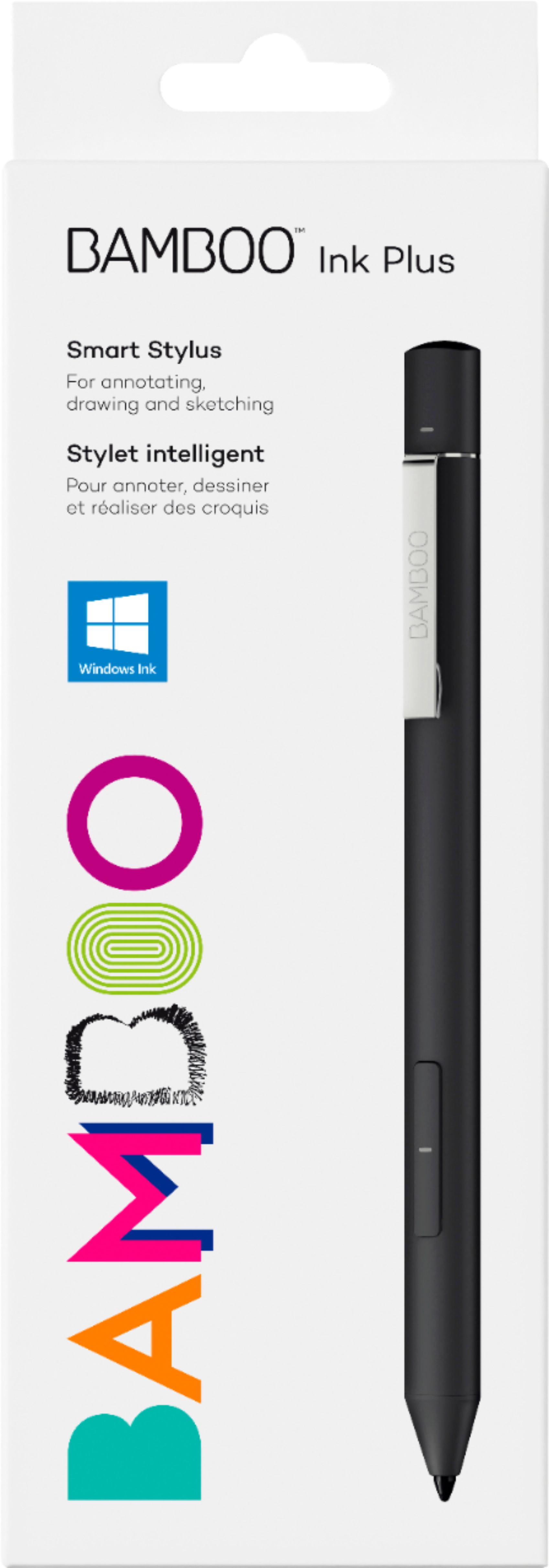
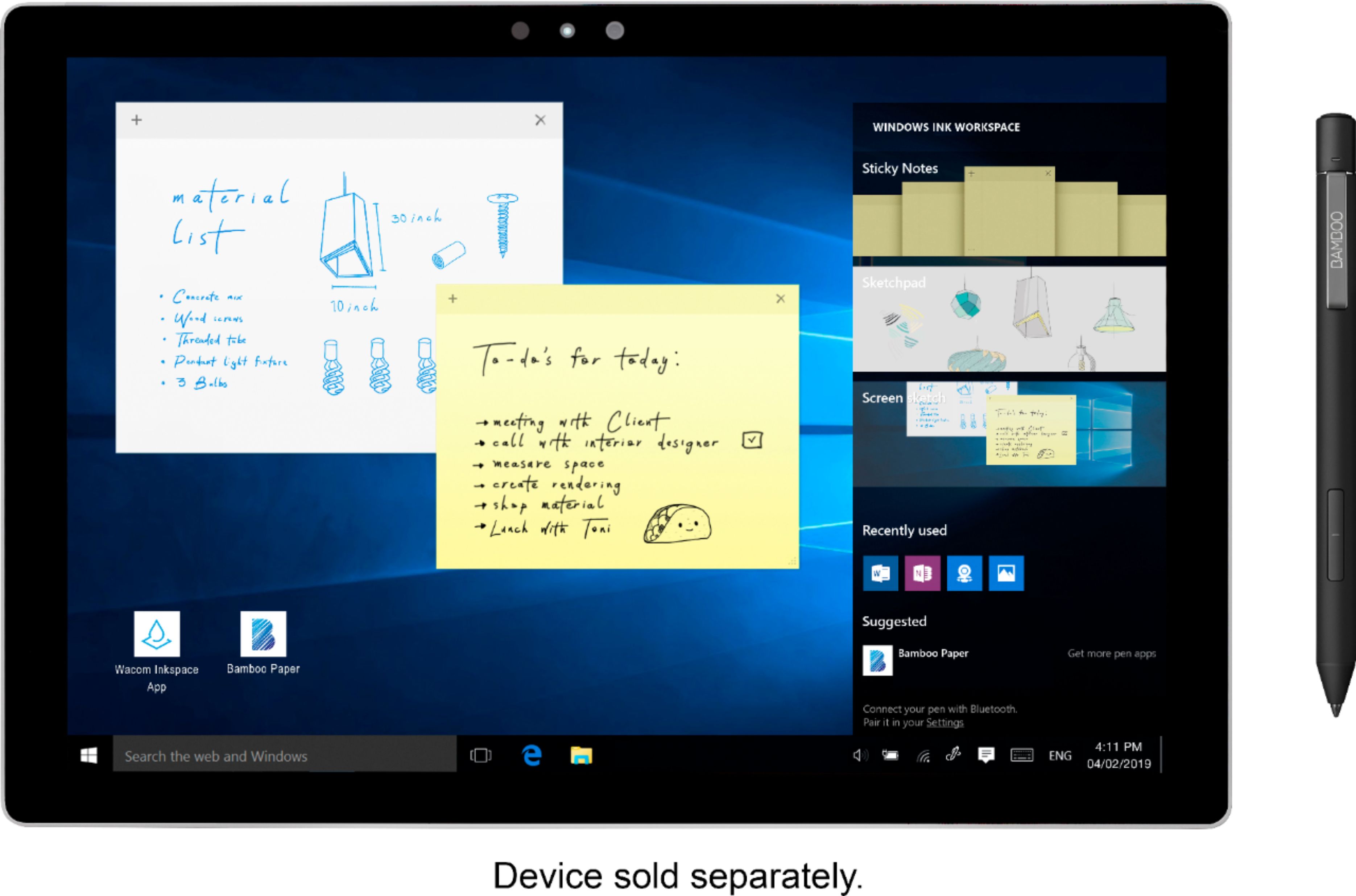

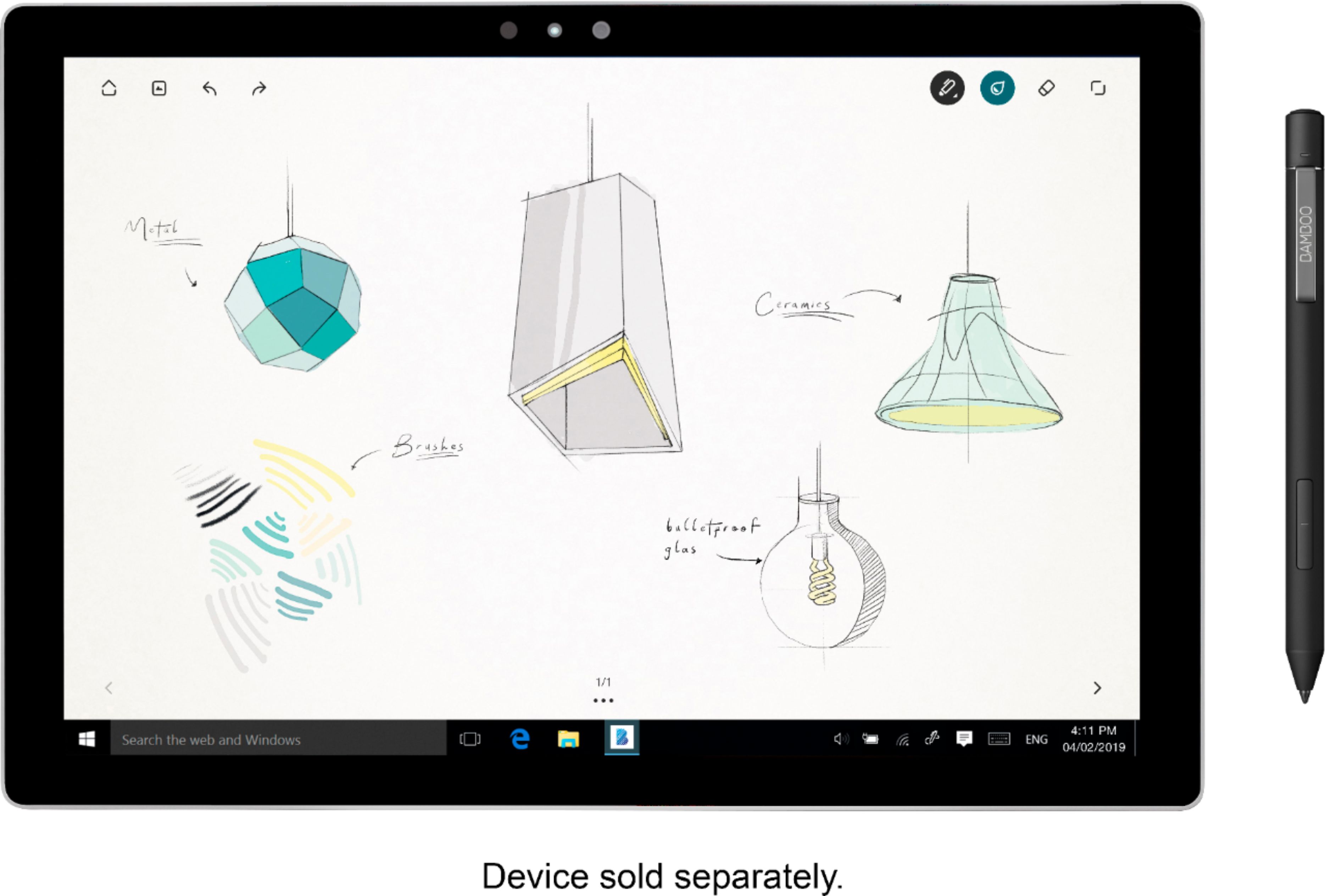
- Model:
- CS322AK0A
- |
- SKU:
- 6353916
Customer reviews
Rating 4.2 out of 5 stars with 323 reviews
(323 customer reviews)Rating by feature
- Value4.1
Rating 4.1 out of 5 stars
- Quality4.4
Rating 4.4 out of 5 stars
- Ease of Use4.1
Rating 4.1 out of 5 stars
Customers are saying
Customers often highlight the Bamboo Ink Plus Stylus' ease of use, long battery life, and compatibility with various devices. Many appreciate its accuracy for drawing and note-taking, along with the pressure sensitivity for artistic applications. However, some users mention occasional lag and concerns about the price point. Bluetooth connectivity issues were also reported by a few customers.
This summary was generated by AI based on customer reviews.
- Pros mentioned:Battery life, Ease of use
Rated 5 out of 5 stars
Best purchase EVERRRRR!!!
||Posted . Owned for 1 month when reviewed.This reviewer received promo considerations or sweepstakes entry for writing a review.I got this to use with my dell inspiron 14 and it’s the best decision I could have made! It works wonders and it is really making my life and studying for school way better! I use the hard tip with it and do all my notes on one note, the windows pen feature and the hard tip makes it feel as if it was an apple pencil; the top and button is customizable and it is very good to have for shortcuts. The battery lasts a lot, I bought this on january and I have only had to charge it once (other than the first charge) so the battery lasts around 3 to 4 weeks depending on how much you use it. Would definitely buy again!
I would recommend this to a friend Rated 5 out of 5 stars
Open-box Pen for Designers
||Posted . Owned for less than 1 week when reviewed.This reviewer received promo considerations or sweepstakes entry for writing a review.This pen works great with my Lenovo Yoga 7 laptop. The pen protocols make it challenging to find the correct pen that will work with specific devices, with the multiple configurations from this pen, plus a user focus on designers/drawers/artists along with an additional set of nubs/pen tips decided to give this pen a try. Went with an open box in excellent condition for half price of the new pen, especially if it didn't work with my computer. So far this pen works great! It can be recharged via USB, I stead of needing off replaceable batteries, comes with replaceable nibs in a case with a built-in remover tool for quick changes which is much appreciated as some pens don't come with or sell replacement nibs. Found out my computer doesn't support AES 2.0 with pen tilt functionality, but otherwise this pen is great, it feels comfortable in the hand while writing and drawing and has a good style and design that is professional and is versatile for many different styles and situations. Happy with this pen and highly recommend, especially if looking to design/draw with A windows laptop/tablet.
I would recommend this to a friend- Pros mentioned:Accuracy
Rated 5 out of 5 stars
Worth it!
||Posted . Owned for 1 year when reviewed.This reviewer received promo considerations or sweepstakes entry for writing a review.Love this pen. I got it to use with my ProArt Studiobook and it's amazing. Super-accurate, nice weight, and with this laptop both on the screen and mousepad.
I would recommend this to a friend - Pros mentioned:Accuracy
Rated 5 out of 5 stars
Superb for the price.
||Posted . Owned for 2 weeks when reviewed.This reviewer received promo considerations or sweepstakes entry for writing a review.Honestly, for the price I did not think that this pen would work as well as it does on my Google pixel tablet. I was pleasantly surprised with its accuracy and low latency as well as its smoothness. I was disappointed that my Google pixel tablet did not come with a pen. It definitely became the best add-ons purchase to my tablet. I would highly recommend this pen with any device that supports USI 2.0 styluses.
I would recommend this to a friend - Cons mentioned:Lag
Rated 4 out of 5 stars
Good product
||Posted . Owned for 1 month when reviewed.This reviewer received promo considerations or sweepstakes entry for writing a review.A little pricey. But works great with my HP laptop. Slight delay when you press the buttons until computer response. Still great, especially for taking notes.
I would recommend this to a friend - Pros mentioned:Ease of use
Rated 5 out of 5 stars
Fun and super easy to use!
||Posted . Owned for more than 2 years when reviewed.This reviewer received promo considerations or sweepstakes entry for writing a review.This special stylus is so fun and easy to use! And! It comes with different types of nubs for different styles of writing/ drawing. I would 110 % recommend this product
I would recommend this to a friend Rated 3 out of 5 stars
Original Cable won't hold charge
||Posted .This reviewer received promo considerations or sweepstakes entry for writing a review.Original Cable won't hold charge. I thought it was defective unit then I tried other cable to charge.
I would recommend this to a friendRated 5 out of 5 stars
Great stylus
||Posted .This reviewer received promo considerations or sweepstakes entry for writing a review.Had a bit of trouble getting it to connect with my laptop (Asus ZenBook Pro Duo) but once I figured it out, it works wonderfully.
I would recommend this to a friendRated 1 out of 5 stars
Nibs Not Well Made
||Posted . Owned for 2 months when reviewed.This reviewer received promo considerations or sweepstakes entry for writing a review.I was excited to try out this stylus as it has great reviews from customers and tech sites. I was going to test out each of the nibs, however the tiniest piece broke off and is stuck inside the stylus, with no way to remove it. I spoke with Wacom customer support and it is not considered a defect and not covered under warranty. Until Wacom decides to make the nibs with a stronger and thicker material, I would not recommend.
No, I would not recommend this to a friendRated 4 out of 5 stars
Great Pen for a Variety of Uses
Posted .This reviewer received promo considerations or sweepstakes entry for writing a review.The pen itself is very nice. It has a nice weight but could be considered on the lighter side. It has a triangular shape and matte finish which makes it easier and more comfortable to hold.The different tips included along with a charging cord are very useful. The instructions on how to set it up and troubleshoot any connection issues coyld use some work but that's nothing against Best Buy.i bought it as a back up for my other Bamboo stylus(silver in picture) and I prefer this one over the silver.
I would recommend this to a friend- Pros mentioned:Battery life
Rated 5 out of 5 stars
Great Drawing Pen!
||Posted . Owned for 3 weeks when reviewed.This reviewer received promo considerations or sweepstakes entry for writing a review.This is a great pen, works well, rechargeable, and comes with multiple types of nibs for different feels. Charges pretty quickly and lasts quite a while. Has a good weight to it, feels solid. Pressure sensitive, and apparently is has tilt support but my laptop does not have that feature. On Wacom's website it there is a list of compatible laptops, mine wasn't on the list, but still works great. One thing to note, it does need to be turned on and off. You do this by holding the button closest to the nib. When the light blinks three times, its on. And when its one long fading light, its off. When it charges it turns itself on, so make sure when you unplug it and put it away you turn it off. I had unplugged it, put it away and went to bed only to fin in the morning that the battery was nearly dead. So be aware of that. That's the only negative I've experienced though.
I would recommend this to a friend - Pros mentioned:Battery life, Compatibility
Rated 4 out of 5 stars
No more hard to find batteries works nice.
||Posted . Owned for less than 1 week when reviewed.This reviewer received promo considerations or sweepstakes entry for writing a review.Works with Dell inspiron 15 7000 7586 touchscreen 2 in 1 (with screen protector on it). I have a dell pen but it's rough to find those crazy AAAA batteries, I much prefer a rechargeable pen. It also comes with a set of nibs which are hopefully easy to get your hands on if you need more. Out of the box I had to do the button press to change the mode now it works. Pen has a button on top to open windows ink apps which don't seem to be on this laptop wonder if that's an extra purchase? Or maybe the button has to be enabled someplace on this laptop. They chose to put a usb C plug on this pen hurray as I already have a c port on this laptop and longer cables. I haven't played with it a lot yet stock nib seems to skip a lot probably need one of the others i draw like a three year old so can't really say much about all that either.
I would recommend this to a friend - Pros mentioned:Battery life, Ease of use
Rated 5 out of 5 stars
So good, I bought a 2nd one!
||Posted . Owned for 1 year when reviewed.This reviewer received promo considerations or sweepstakes entry for writing a review.(1) Battery life is awesome (2+ school days is normal, sometimes the entire week depending on use) (2) You can use it while charging (3) Multiple tips for different device types (e.g. my smooth glass HP X360 Envy) (4) Works without special software (5) Works with captive/passive touch devices (need to switch modes manually with a 2 button press) Just make sure you charge it before you go to work/school... using it with the charging cable isn't ideal. I bought a 2nd one because I can plug one in when the one I'm using is low on battery... and it's charged before the one that's low goes dead.
I would recommend this to a friend - Pros mentioned:Battery life, Ease of use
Rated 5 out of 5 stars
GREAT PEN FOR WINDOWS 10!!!
||Posted . Owned for 1 month when reviewed.This reviewer received promo considerations or sweepstakes entry for writing a review.Rechargeable battery, multiple tips, and ≈4000 pressure sensitivity are what make this pen fantastic. Also great quality, it won’t roll around because of its shape and It also has magnets on the side. Performance is only as good has your laptop or surface pro can process. I’ve noticed it glitches a little directly in the middle of my screen sometimes but I can typically fix it by rotating the pen. Wish it had an eraser on the end but all the buttons can be programmed so I’m not worried. I recommend.
I would recommend this to a friend - Pros mentioned:Compatibility, Ease of useCons mentioned:Lag
Rated 5 out of 5 stars
Good little pen.
||Posted . Owned for 9 months when reviewed.This reviewer received promo considerations or sweepstakes entry for writing a review.Good pen. Just make sure your laptop is compatible as there are some that may not be. However if it is, it’s good stuff. some third party programs may act a bit laggy depending of what you have, but works as intended.
I would recommend this to a friend Rated 3 out of 5 stars
Good
||Posted . Owned for 10 months when reviewed.This reviewer received promo considerations or sweepstakes entry for writing a review.I like how the more pressure you add the thicker the line will get. Good for taking notes. Sometimes I could not figure out how to turn it on but I am pretty sure that is because I did not charge it.
I would recommend this to a friendRated 4 out of 5 stars
Great Drawing Performance, Mediocre Design
||Posted . Owned for 1 month when reviewed.This reviewer received promo considerations or sweepstakes entry for writing a review.Tilt and pressure sensitivity are great with this pen when using on a non-Surface device (Asus Flow X13 2022). Tilt and pressure have a gradient when compared to the Surface Pen and Raphael 530C. The soft matte plastic feel of the pen doesn't feel as nice as the Surface Pen, and I wish it had an eraser on the back. I also dislike that the pen turns on by holding the primary button. Since the pen doesn't have any magnets, it gets stored in slots and other odd places and somehow turns on and discharges the battery. I think it should turn on by being pressed from the top/eraser nub (if it had one!). A 2nd button would also be appreciated. The pen clip isn't too useful as you want to store this with the computer. It doesnt quite have the papery feel that the Surface Pen does on glass--it's more slick which is not my preference.
I would recommend this to a friendRated 5 out of 5 stars
Bamboo Ink Plus is nothing but quality!
Posted .This reviewer received promo considerations or sweepstakes entry for writing a review.I ordered my Bamboo Ink Plus and received my order quite promptly wich was very helpful! The packaging is very sturdy and has a great design. The stylus pen comes with a very high quality tip, or "nub" box to change the feel of the pen in the screen. It there is also a charger included in the box! The pen itself has a very clean design and feels great in the hand. I needed this for a design class and it pairs great with my HP Envy that I also bought from Best Buy. The pen allows for compatibility with so many different design and note taking apps and more. So far it has been a great tool for college and well is above my expectations of what I need. Ordering online and in person from Best Buy is a great experience. 10/10, would recommend.
I would recommend this to a friend- Pros mentioned:Compatibility
Rated 5 out of 5 stars
Works great with my HP Spectre 360
Posted .This reviewer received promo considerations or sweepstakes entry for writing a review.Loved it. works great with my HP Spectre 360. painting is my hobby and this is great addition for me to use with 3D PAINT software.
I would recommend this to a friend - Pros mentioned:Battery life
Rated 3 out of 5 stars
It's okay
||Posted . Owned for 1 month when reviewed.This reviewer received promo considerations or sweepstakes entry for writing a review.Not quite worth the price if you're looking for something as high quality as the apple pencil gen 2, as it takes quite a bit of effort to activate the tilt sensitivity. Also has 2 obnoxious buttons on the body of the pen that trigger the eraser and eyedropper tools, so you'd better have the "undo" button ready because they will ruin your art. I can't figure out how to deactivate them... However, since I don't have an iPad this is the best non-apple stylus I've used so far, so it's good in that sense. Battery life is excellent, lasts several days and I believe it turns off when you're not using it.
I would recommend this to a friend