Customer Ratings & Reviews
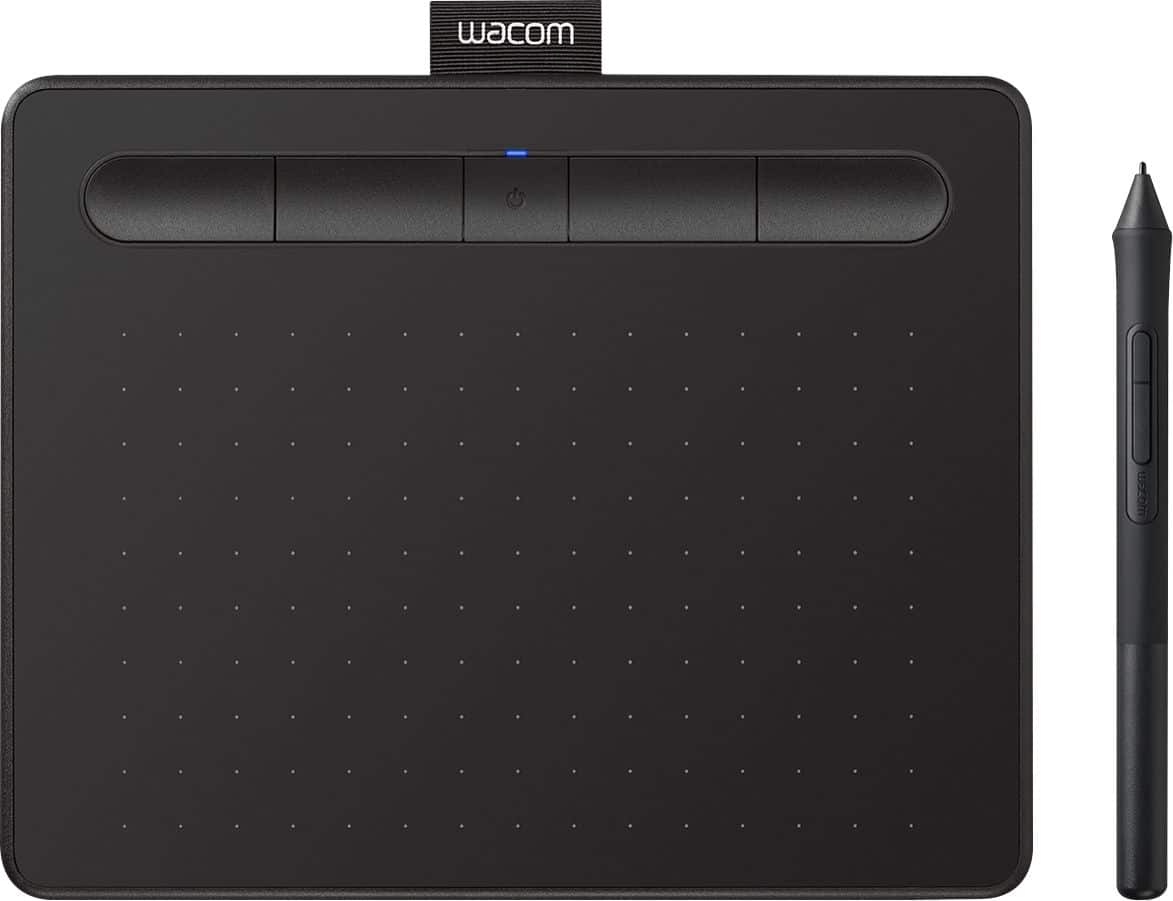
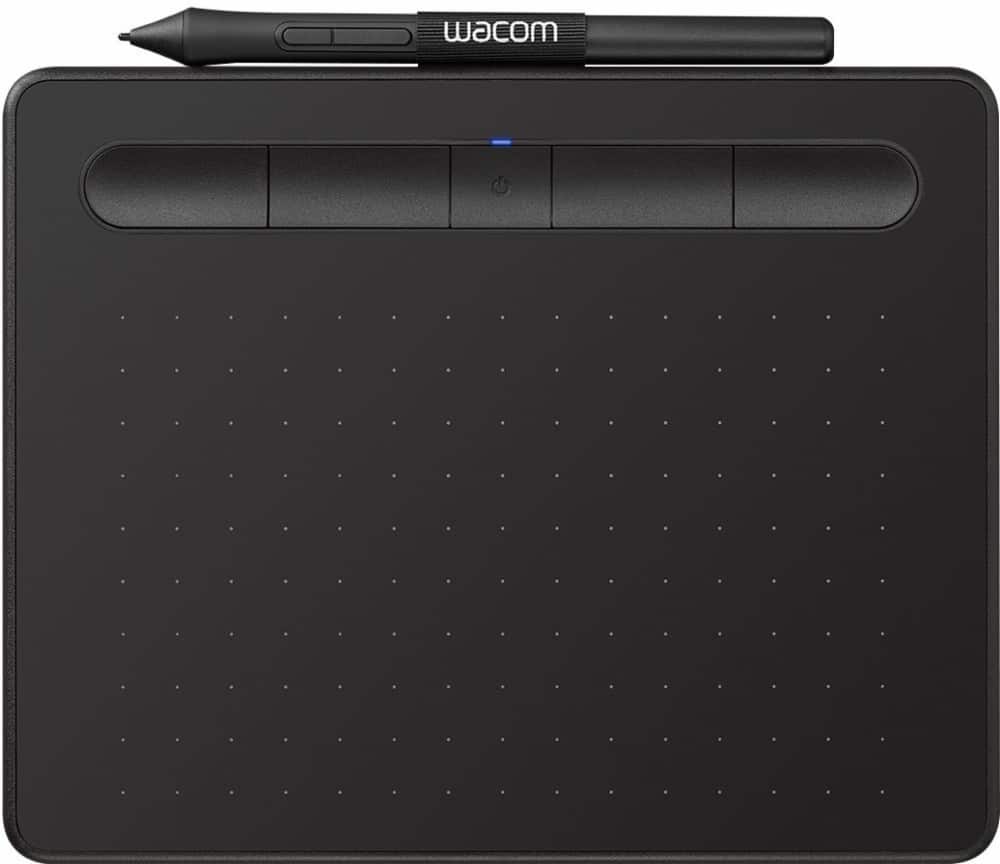

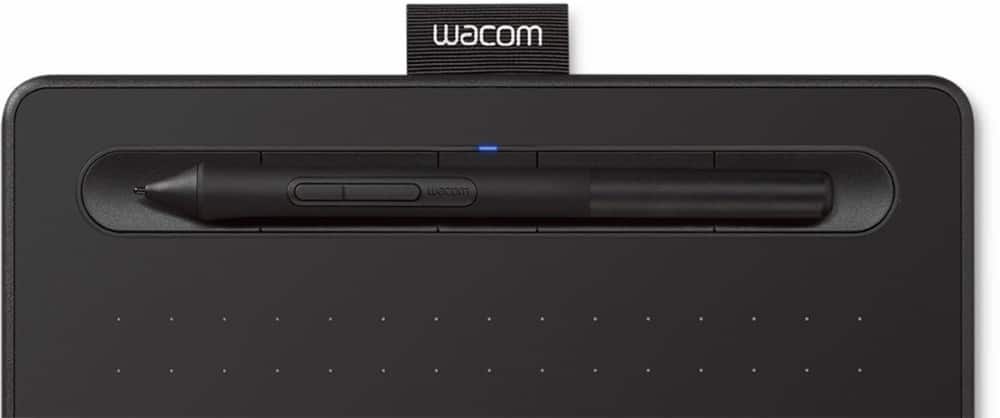
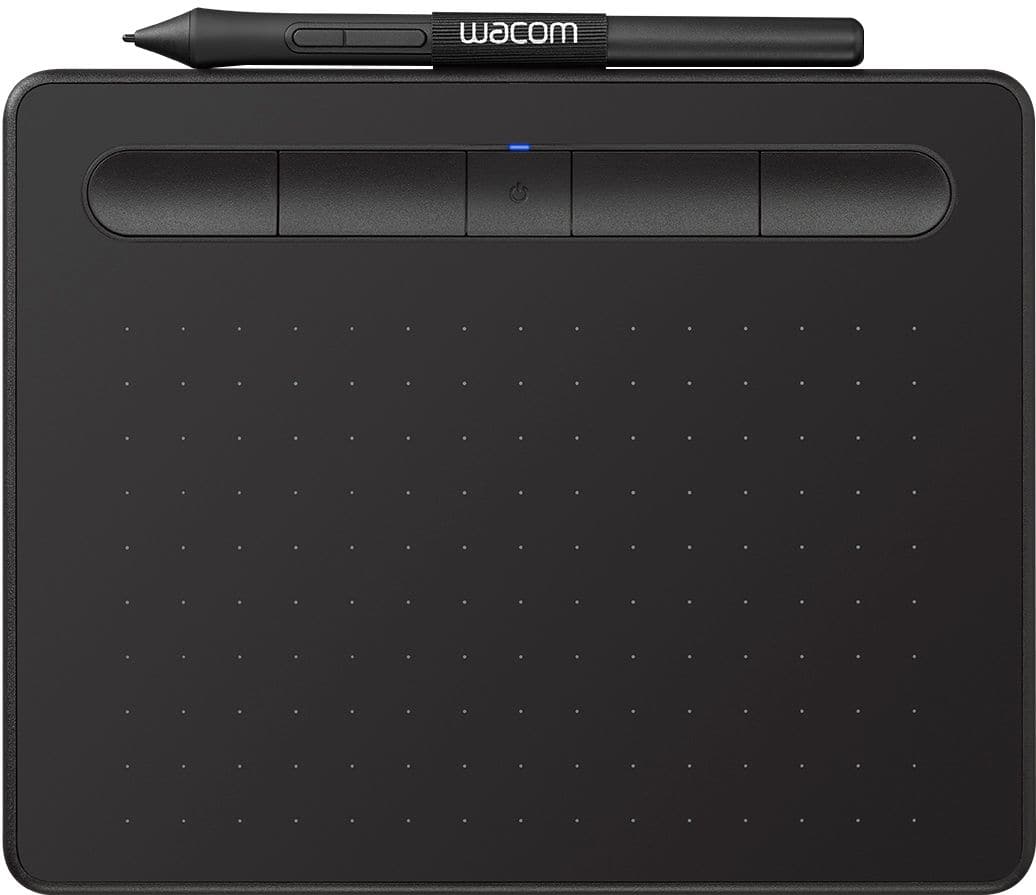



- Model:
- CTL4100WLK0
- SKU:
- 6196634
Rating by feature
- Value
Rating 4.4 out of 5 stars
- Quality
Rating 4.6 out of 5 stars
- Ease of Use
Rating 4.3 out of 5 stars
Customers are saying
Customers are positive about the Intuos Graphic Drawing Tablet's ease of use, overall performance, wireless capabilities, and included software. Many appreciate the tablet's price and compatibility with various graphic programs. However, some customers have noted issues with lag when using Bluetooth, as well as some difficulty during the initial setup. A few customers also feel the tablet surface could be smoother.
This summary was generated by AI based on customer reviews.
Perfect drawing pad for beginners!
||Posted . Owned for 1 month when reviewed.This reviewer received promo considerations or sweepstakes entry for writing a review.Perfect drawing pad for beginners! I bought this for my daughter for her 12th birthday and she absolutely loves it!
I would recommend this to a friend- Pros mentioned:Ease of use, Size

Good product. Worst registration process EVER
|Posted .This reviewer received promo considerations or sweepstakes entry for writing a review.I really like this drawing tablet, but the registration process to get the free software it came with was absolutely awful. The instructions that came with this drawing tablet are very inconsistent and misleading. The included pictogram clearly instructs you to plug the tablet in first and THEN download drivers from the website. Meanwhile the website indicates that you should download the drivers first, and then plug in the tablet. The website indicates that plugging in the tablet will activate the automated registration process. Unfortunately, plugging in the tablet first seems to throw the registration off. I could not get the automated registration to trigger. I tried manually registering the tablet on the website using the serial number, but the website informed me that this product MUST be registered via the automated process. After multiple driver installations, several unplug and replugs, and two reboots; the automated registration FINALLY triggered. I'm subtracting a star from my review just because this process was so horrible. After getting through the registration, the tablet seemed to be working; but pressure sensitivity wasn't working. After yet another reboot, this resolved itself. I was very impressed with how customizable this drawing tablet. was. The included software allows you to change the functionality of the buttons on the pen and the buttons on the pad. Even better, you can customize the buttons for particular programs. Being able to map my keyboard shortcuts to individual buttons is a huge assist to my workflow. The included software is . . . okay. Honestly, I was a little surprised by how simplistic it was. It certainly wasn't worth the aggravation I went through registering this device to get it. It should be noted that two of the three software offerings are unlimited use while the third is only good for two years (and you can only select two of them). I opted for the two unlimited use programs. I used the tablet for a few days to do some light sketching and photo touch up. Learning to aim the pen tip takes some practice, but the feel is very natural. The pressure sensitivity is a little hit or miss depending on the program. Al in all, I'm very pleased with this drawing tablet.
I would recommend this to a friend - Pros mentioned:Ease of useCons mentioned:Lag
Nice if you need tablet on the go.
|Posted .This reviewer received promo considerations or sweepstakes entry for writing a review.This portable Wacom tablet could be a life saver if you need tablet while working on the go with your laptop. It's wireless Bluetooth connection does not require any receivers plugged into USB port, simple Bluetooth link is enough. I did not notice any significant lags between pen movement and cursor movement so wireless connection works just fine. Tablet surface is very smooth and pen moves very precisely, however small surface space may be a limitation or inconvenience while working. Surface is not sensitive to fingers therefore it can't be used without a pen (Intuos Pro is finger sensitive). Comparing to the bigger Intuos Pro: limited surface area may cause your hand to be uncomfortable (slide off) while working around the right edge of the tablet. Pen feels very light, Intuos Pro pen feels much better and very well balanced. Included Software - you can pick 2 out of these 3: Painter Essentials 6, Corel AfterShot 3, Clip Studio Paint Pro. You will need to register your tablet with Wacom in order to be able to download the software. Overall: Nice for working on the go where size and weight matter, however I prefer Intuos Pro for stationary work at my desk.
I would recommend this to a friend - Pros mentioned:Ease of use, Wireless
Wacom best in its class and so are its variants
||Posted . Owned for 2 weeks when reviewed.This reviewer received promo considerations or sweepstakes entry for writing a review.This wacom table was an amazing purchase addition to my art studio. And how exceptional it is towards making work actually work. It is handsdown the best tool to paper replacement and hands down work simulator for devices their is. Not only is it portable and easy to use in setup but it canhandle and operate on any platform mac windows and even used it on linux and was an instant connect. It lets you freely work becsuse it has the ability be away from your laptop and work freely from your big device warm or not and enjoy your workflow at an even distance or none for no clutter.i couldnt use another device after using this one for its intended purpose. There is no better devoce to use. I have had other devoces and they all pale in comparison and thats coming from a studio 2 laptop from microsoft. This is an ideal device or instrument i recommend or advise anyone to use if theyre serious about there work being digital or for general use. Its fhe device to go to. I probably couldnt use anything else after this . Theres no other device like it. Anything pales in comparison with any others. I cant use anything else. And this is exceptional but even with this considering its formulaic approach for work purposes lll have to admit i had to actually return it . And after words it was simple it wasn easy i made. A decision . If that one is this good then im going to go for the expensive one. So i did i got the cinqit wacom 27 inch monitor 4k res and it s a privilege to write and work on that thing. After that wacom tablet was used and wnkoying this new exp altrady dumbfounded, It indeed was aching me after days of use . and after days of watching reviews after days on youtube and forums and reddits and still be surprised from that i needed see if what the an advanced version of this was. And i did. I got it . And yes. Yes is all youll say when you use this or any of its products. This is the best product for its dept of work .
I would recommend this to a friend - Pros mentioned:Wireless
Great Buy
||Posted .This reviewer received promo considerations or sweepstakes entry for writing a review.Easy to connect to bluetooth, incredibly responsive to the pen, excellent battery life. I couldn’t ask for more.
I would recommend this to a friend - Pros mentioned:Size, WirelessCons mentioned:Lag
Nice wireless drawing tablet
||Posted . Owned for 1 month when reviewed.This reviewer received promo considerations or sweepstakes entry for writing a review.I had an older wired drawing tablet from Wacom. Wanted to eliminate the wire on my desktop so got this smaller wireless version. Am very happy with its performance. No noticeable lag while drawing on the tablet, and the software supports the two monitors that I use. (It can switch from one monitor to the other with a shortcut button on the tablet.) I didn't need a big drawing tablet, just something that would make it easier to make notations and small drawings easier without taking much space on my desk, AND no wires.
I would recommend this to a friend - Pros mentioned:Ease of use, Overall performance, Size
Wacom quality
||Posted . Owned for 1 month when reviewed.This reviewer received promo considerations or sweepstakes entry for writing a review.Wacom tablets is quality. I've been using them for the longest time and it has never disappointed me. The pen always feels good on the hand. I rarely use a mouse anymore. programmable hot keys and responsive. It is easy to plug and start using. If anything, maybe download a current driver on the Wacom site and you're good to go. This particular model is nice, compact, and wireless. Great for travel.
I would recommend this to a friend - Pros mentioned:Price, Size
Wacom - Intuos Graphic Table
||Posted . Owned for 3 weeks when reviewed.This reviewer received promo considerations or sweepstakes entry for writing a review.This is my second Wacom tablet because the first one is no longer supported by Wacom. This table is a great starter tablet. If you plan to use the tablet infrequently like me, it is a great value and does the job. Nice digital and pen combo too. I use this table with Affinity Photo 2.5 to touch up portrait photos and it works great as compared to using the the mouse. If I used the table more frequently, then, I would purchase a more expensive Wacom model.
I would recommend this to a friend - Pros mentioned:Ease of use, Overall performance
Great Starter Pad
||Posted . Owned for 7 months when reviewed.This reviewer received promo considerations or sweepstakes entry for writing a review.I used this pad a little for some graphic design I was doing for freelance, it has worked wonderfully. It's easy to setup and worked well with Adobe PS, Krita, and Gimp. The battery life was longer than I expected, and the sensitivity was perfect for me. You can customize the speed of the cursor, rebind buttons on the pen and tablet, and it's super slim allowing for easy transportation if you are an on-the-go artist.
I would recommend this to a friend - Pros mentioned:Size
It digitizes your pen/pencil strokes
|Posted .This reviewer received promo considerations or sweepstakes entry for writing a review.This addition to my desktop computer, a Intuos Bluetooth Creative Pen Tablet, is great way to digitize your pen strokes. It works well with Paint.net in windows 10. It has a four programmable buttons that you can customize to your needs while creating. It comes with available creative software from Corel as well. I enjoy the fact that it is small and easy to pack up and take on the go. Its pen comes with extra tips and feels comfortable within my hands while drawing. The tablet has stroke sensitivity, and responds well to various amounts of pressure.
I would recommend this to a friend - Pros mentioned:Ease of use, Price, Wireless
Does exactly what I wanted it for...
||Posted . Owned for 1 month when reviewed.This reviewer received promo considerations or sweepstakes entry for writing a review.Fast and easy plug and play set up. It's simple to work with. I wanted to do some basic art; emote and badge designs. Like it quite a lot. Glad I got the one with bluetooth connection so I don't have to be tethered to the computer and can hold it the way I want comfortably. I'm only using one of the software programs that was included with it at the moment, but intend to check out the others. It was a good deal for the price and hopefully holds up and continues to perform well for a long time.
I would recommend this to a friend - Pros mentioned:Ease of use
Great little drawing tablet
||Posted .This reviewer received promo considerations or sweepstakes entry for writing a review.This is the second one I’ve bought, this one for my daughter. It’s such a simple drawing pad to use and very affordable. Indispensable for those times when you really need a digital pencil but can’t or don’t want to draw directly on a screen.
I would recommend this to a friend - Pros mentioned:Ease of use, Wireless
Little machine
||Posted . Owned for 1 week when reviewed.This reviewer received promo considerations or sweepstakes entry for writing a review.The wacom set up can be a bit confusing if you're not used to it, but you're able to fine tune everything and adjust to yours needs and likes. This specific tablet is small but mighty. Perfect for my needs. Doesn't take up much space in my bag or room, easy to take places, no cord connected and getting in the way, and easy to connect. The pen is not designed the best, my hand hurts quicker than I'd like using it. But it has three extra nibs inside it, which is really great.
I would recommend this to a friend - Pros mentioned:Ease of use, Size, Wireless
Small tablet that does exactly what I need it to
||Posted . Owned for 3 weeks when reviewed.This reviewer received promo considerations or sweepstakes entry for writing a review.Not the best feeling tablet but it is small, wireless, and gets the job done. I bought this to take with me for use with my laptop and it’s perfect. I own a larger Cintiq for my desktop and that feels much better but as far as pressure and smoothness. But if you’re looking for a tablet that is small, portable, and very easy to set up, this is the one.
I would recommend this to a friend - Pros mentioned:Ease of use
Easy to use and portable
|Posted .This reviewer received promo considerations or sweepstakes entry for writing a review.This tablet makes drawing on the go possible for your laptop. I did some quick sketching, and while wired it was very responsive. While using Bluetooth, it was still very responsive, but I did have an occasional jitter. It wasn't often at all, and it didn't really affect me at all. This is an excellent tablet for drawing, or doing some photo touch ups. It also has some customizable buttons at the top that can really help with your productivity.
I would recommend this to a friend - Pros mentioned:Wireless
great value and features
||Posted . Owned for 1.5 years when reviewed.This reviewer received promo considerations or sweepstakes entry for writing a review.It comes with 3 nibs, a 3-nib holder inside the stylus, and a nib remover on the back end of the stylus. You can last a long time before getting nickeled and dimed. The softwares aren't just simple bloatware either, although if you are buying a stylus then chances are you're already experienced enough to already have your own preferred software. Pro tip, you can just use nylon weedwacker trimmer lines for nibs, inferior but lasts forever. I like the wireless feature and I like the extra surface buttons, but I just wish there was a handle area so I don't accidentally press something when picking it up. However this is a minor problem. What's really annoying is the tablet drawing area is pretty much the entire tablet, if you have to draw near the edge of your screen, you have to draw near the edge of your tablet, and that's as annoying as writing near the edge of your notebooks. I may be in the minority in this, but I prefer to have some margins on my tablet so that my hand doesn't need to be flying off the tablet when drawing close to the edge. On that front, the older Bamboo models win. I guess you should pick between that and this model depending on whether you prefer the extra dead space or wireless connectivity.
I would recommend this to a friend Worth it if you play Osu
||Posted . Owned for less than 1 week when reviewed.This reviewer received promo considerations or sweepstakes entry for writing a review.This is a perfect item for games like Osu. Especially now that osu lazer has the tablet settings WITHIN the in game settings. You don’t need to download the software as the Osu settings override anything you do in the original software. This was not the case previously.
I would recommend this to a friend- Pros mentioned:Ease of use, Wireless
ArtisanX
||Posted . Owned for 1 month when reviewed.This reviewer received promo considerations or sweepstakes entry for writing a review.So, the story goes something like this; I needed a new drawing tablet, not to replace my older Wacom Intuos (Which is still working fine, by the way, thankyewverimuch!) but because I wanted another portable drawing tablet to take with me so I could draw on my laptop at various other locations than at home. My older Wacom Tablet is hooked up to my desktop and it does very well there. And I really didn't need a TWENTY FIVE INCH FULL SCREEN MONITOR SETUP to draw on at a coffee shop. Wacom fits, it works, it does a good job! What else do you really need? Plus this one is Wireless! I mean, you know, Double You Tea Eff!
I would recommend this to a friend - Pros mentioned:Ease of use, Wireless
Good Product
||Posted .This reviewer received promo considerations or sweepstakes entry for writing a review.I would recommend this for someone who is looking to get started with digital design, it is very easy to setup and use - the learning curve is a little different than paper and pen, so give yourself time to adapt, but once you do you'll find yourself flying through your workspace without any problem. The overall size is a bit small, making it very nice for on-the-go needs, but if you are looking for something that you'd be drawing on for hours at home, I would recommend going with something a little larger than this one here. The buttons at the top are easy to access and very responsive, you can set different functionality for each button on the tablet and pen itself for each different piece of software - meaning you can have different hotkeys for illustrator, photoshop, aftereffects, etc. and all you have to do is use the program as you normally would, the tablet knows which piece of software you are using and will switch the settings on the fly. Works both wired and wireless - I find myself using this wired via USB to my PC and wireless with my laptop when I am on the go.
I would recommend this to a friend - Pros mentioned:Wireless
Replacement for an older Wacom tablet
||Posted .This reviewer received promo considerations or sweepstakes entry for writing a review.I have owned two previous generations of Wacom tablets, one that had the pen and mouse, then the Intuos Pen+Touch. Both were wired via USB, so I do really like the wireless connection and the pen sensitivity on this model. I wish this model had the touch pad ability on it, but the wireless and new pen makes up for it for me. I’ve found the battery life to be more than enough for long editing sessions (a few days or more if I don’t use it constantly all day) and the recharge times to be good (I do admit that I charge overnight usually if needed). The tablet can also be used plugged in via USB while charging, so you won’t miss any pen time. As far as Bluetooth connection, I haven’t experienced any lag nor did I have any issue with the initial connection. I use this for photo retouching rather than drawing. I did try the Medium version and found it too large for my needs, but that would be a good choice if you don't mind the larger desktop space needed and hand movements necessary to cover the larger tablet real estate. Other than what I’ve listed, I have no other complaints so far.
I would recommend this to a friend