Customer Ratings & Reviews
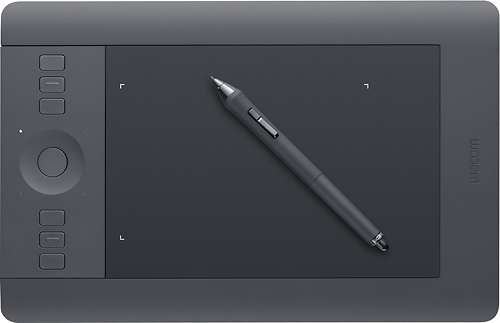
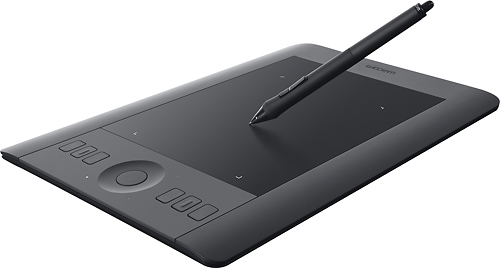
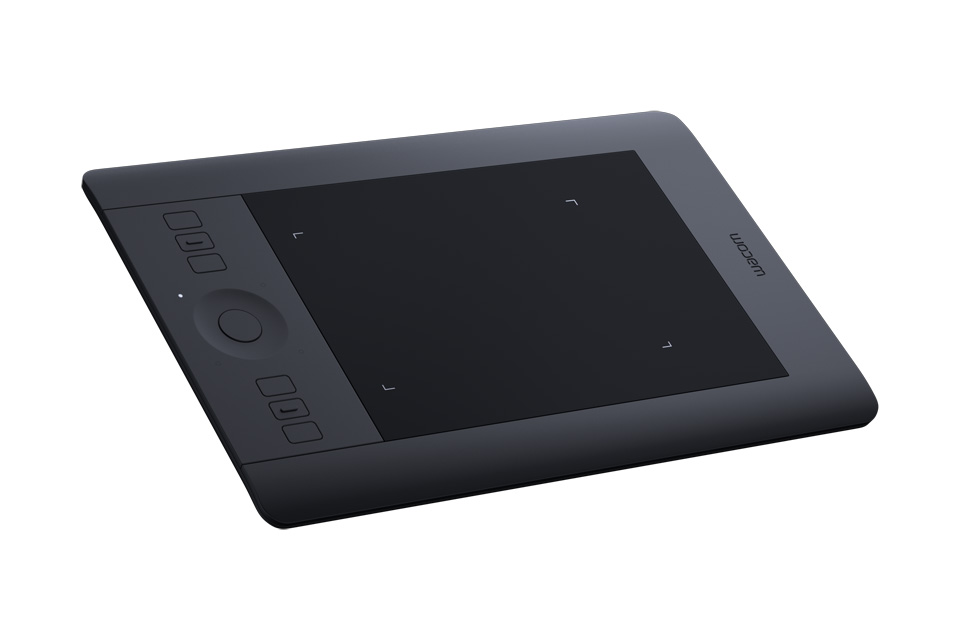
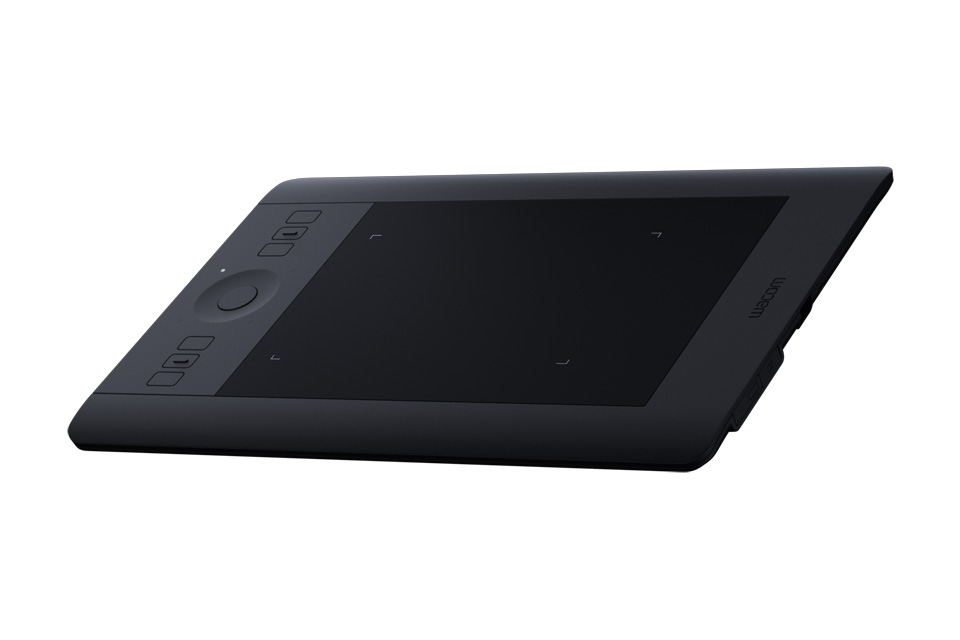

- Model:
- PTH451
- |
- SKU:
- 1682531
Customer reviews
Rating 4.6 out of 5 stars with 461 reviews
(461 customer reviews)Rating by feature
- Value4.5
Rating 4.5 out of 5 stars
- Quality4.7
Rating 4.7 out of 5 stars
- Ease of Use4.5
Rating 4.5 out of 5 stars
Customers are saying
Customers highly value the Intuos Pro Small Pen and Touch Tablet's ease of use, convenient size, and high-quality design. Many appreciate its wireless functionality and precise pressure sensitivity, finding it particularly useful for drawing and photo editing. The positive feedback consistently highlights improved workflow and compatibility with various software. While some comments mention the pen's sensitivity, overall the product receives overwhelmingly positive reviews.
This summary was generated by AI based on customer reviews.
Rated 5 out of 5 stars
Great Tablet
||Posted .This reviewer received promo considerations or sweepstakes entry for writing a review.I was choosing between this and the regular tablet and so I decided to get this one. It was worth an investment because I can do alot more with this.
I would recommend this to a friendRated 5 out of 5 stars
Amazing Tablet
||Posted .This reviewer received promo considerations or sweepstakes entry for writing a review.I have an old Baboo Tablet and it was time to update i do photography and design and this tablet is perfect for my need great product!!!!
I would recommend this to a friend- Pros mentioned:Pressure sensitivity
Rated 4 out of 5 stars
Great Input Device
||Posted .This reviewer received promo considerations or sweepstakes entry for writing a review.This is a great device, but can take quite a while to get used to. It requires coordination for looking at the screen while drawing on a different surface - different than the aspect of looking at what you are drawing on a piece of paper. The pressure sensitivity also takes some learning, but is well worth the time.
I would recommend this to a friend Rated 4 out of 5 stars
Excellent drawing tablet.
||Posted .This reviewer received promo considerations or sweepstakes entry for writing a review.Only issue was the ease of getting the tablet registered. The website it provides is incorrect. Had to call tech support, which was very helpful, to get the correct one to download the software.
I would recommend this to a friend- Pros mentioned:Ease of use, Quality
Rated 5 out of 5 stars
Awesome drawing pad
||Posted .This reviewer received promo considerations or sweepstakes entry for writing a review.I like the quality of the pad and it's very simple to use!
I would recommend this to a friend Rated 5 out of 5 stars
Great for photographers!
||Posted .This reviewer received promo considerations or sweepstakes entry for writing a review.I work with lightroom and photoshop so this is perfect for me.
I would recommend this to a friendRated 5 out of 5 stars
good so far
||Posted .This reviewer received promo considerations or sweepstakes entry for writing a review.I really didn't have to much time to dedicate using this it awkward at first , but so far so good in got a year with sketchbook pro
I would recommend this to a friendRated 5 out of 5 stars
excellent features, easy to learn.
||Posted .This reviewer received promo considerations or sweepstakes entry for writing a review.great quality by wacom. easy to use the pen, user interface is intuitive, and I like fact that settings can be restored from the cloud.
I would recommend this to a friend- Pros mentioned:Ease of use, Quality
Rated 5 out of 5 stars
Good for beginners and professional
||Posted .This reviewer received promo considerations or sweepstakes entry for writing a review.Friendly for beginners very good for professionals
I would recommend this to a friend Rated 5 out of 5 stars
Great product
||Posted .This reviewer received promo considerations or sweepstakes entry for writing a review.My son wanted to take art to next level . Did some reviews on it.. checked who had BEST Buy had it to n stock...
I would recommend this to a friend- Pros mentioned:Ease of use
Rated 4 out of 5 stars
The way to go for photographers
||Posted .This reviewer received promo considerations or sweepstakes entry for writing a review.The tablet is not very big so it will fit on the average disk. Coming from using a mouse it's totally different and definitely takes effort and concentration, but little by little it becomes easer. Working with Lightroom its much better than the mouse. Better controls over editing in all areas. It comes very natural, like using a pencil, and there's little to no learning curves in this software.
I would recommend this to a friend - Pros mentioned:Quality
Rated 5 out of 5 stars
Great tablet
||Posted .This reviewer received promo considerations or sweepstakes entry for writing a review.Was wanting a graphics tablet for home use. I have used a Wacom tablet at work for years and know their quality so it was my only consideration. I really like the new features the Pro has, programmable buttons, and hand gestures.... nice. It was a breeze to configure, and a must have if you Photoshop or Lightroom.....
I would recommend this to a friend Rated 5 out of 5 stars
This is a must have!
||Posted .This reviewer received promo considerations or sweepstakes entry for writing a review.I have owned a Wacom tablet for a few years now and I love them. I got this as I needed an upgrade from my create tablet. It performs way better and has many more features and options. If you are a graphics designer or a photographer, give this tablet a try. It will make your workflow much easier and better.
I would recommend this to a friendRated 4 out of 5 stars
Learning curve but good
||Posted .This reviewer received promo considerations or sweepstakes entry for writing a review.Being an old woman with arthritis, I bought this so I wouldn't have to keep gripping a mouse and trying to draw with it in Photoshop. While there is a learning curve and a very slight lag between tablet and screen, it works great. Once I master the pressure and buttons on the pen, it should make things much easier. I love the fat grip pen which is easy to hold and not as painful as holding a mouse.
I would recommend this to a friendRated 5 out of 5 stars
Happy about the purchase
||Posted .This reviewer received promo considerations or sweepstakes entry for writing a review.It took some time to get use to. After using it for a few months I wonder how I was working without it in the past
I would recommend this to a friendRated 5 out of 5 stars
Excellent Product for Photographers
||Posted .This reviewer received promo considerations or sweepstakes entry for writing a review.I bought this for my wife for Christmas, she's been using everyday to edit her basic (from her Galaxy phone) to advanced (from her DSLR) photographs. She's been using Photoshop for few years now, so when I say the device isn't for beginners, that's kinda what I mean. I wouldn't begin to know where to start in regards to setting up the different options on the buttons, etc. but since she already used the software, she just dove right in & started customizing it. She loves it, so if your into photography, I'll just quote her "Get it, you won't regret it".
I would recommend this to a friendRated 5 out of 5 stars
Good Starter Tabley
||Posted .This reviewer received promo considerations or sweepstakes entry for writing a review.I love my Wacom! It's a little hard to get used to but is overall a wonderful product and so much fun to learn!
I would recommend this to a friend- Pros mentioned:Wireless
Rated 5 out of 5 stars
Computer tool used Everyday! Wacom tablet & Stylus
||Posted .This reviewer received promo considerations or sweepstakes entry for writing a review.Have been a Wacom user for several years, Intuos 4 Pro, still functions rather well. with the introduction of new laptop, needed portability of new Intuos, features with update fit needs inclusive touch control, small is same size as previous, Wireless, makes the purchase all the much better !
I would recommend this to a friend Rated 5 out of 5 stars
My son loves his Wacom.
||Posted .This reviewer received promo considerations or sweepstakes entry for writing a review.I purchased this for my son for his computer classes. He is very pleased with it. He uses it all the time.
I would recommend this to a friendRated 5 out of 5 stars
Great item!
||Posted .This reviewer received promo considerations or sweepstakes entry for writing a review.I would recommend this drawing pad to any artist. I purchased it as a gift and it was greatly appreciated.
I would recommend this to a friend