Customer Ratings & Reviews
- Model:
- WYZESCPWH_OFL
- SKU:
- 6647995
to a friend
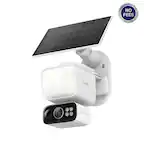
All the goodness of WYZE cams AND ITS SOLAR!
||Posted . Owned for 1 week when reviewed.This reviewer received promo considerations or sweepstakes entry for writing a review.I loved my WYZE cams but I desperately needed a solar ptz camera for the edge of my property. I saw this while browsing and ordered it immediately! Got it setup in minutes and added to my account. Installed it on top of a 12ft pole 30yds from the router and it works perfectly
I would recommend this to a friendOverall nice camera.
||Posted . Owned for 1 month when reviewed.This reviewer received promo considerations or sweepstakes entry for writing a review.Pretty nice camera you can’t record continuously. But still keeps a great charge. Missed about the first 3-5 seconds of recording when it senses movement. Have mine on shed about 50 fr behind my house and picks up the WiFi no problem.
I would recommend this to a friendBrand response from Wyze Labs
Posted .Hi there! Thank you so much for sharing your experience with Wyze Solar Cam Pan! We’re glad to hear you’re enjoying the camera’s strong battery life and reliable Wi-Fi connection, even from 50 feet away.
Here are a few key points about Wyze Solar Cam Pan’s recording features:
Event-Based Recording: Wyze Solar Cam Pan is designed to record motion-triggered events rather than continuous video. This helps conserve battery and storage.
Recording Delay: There may be a brief delay (about 3–5 seconds) at the start of each recording when motion is detected. This is a common behavior for battery-powered, event-based cameras.
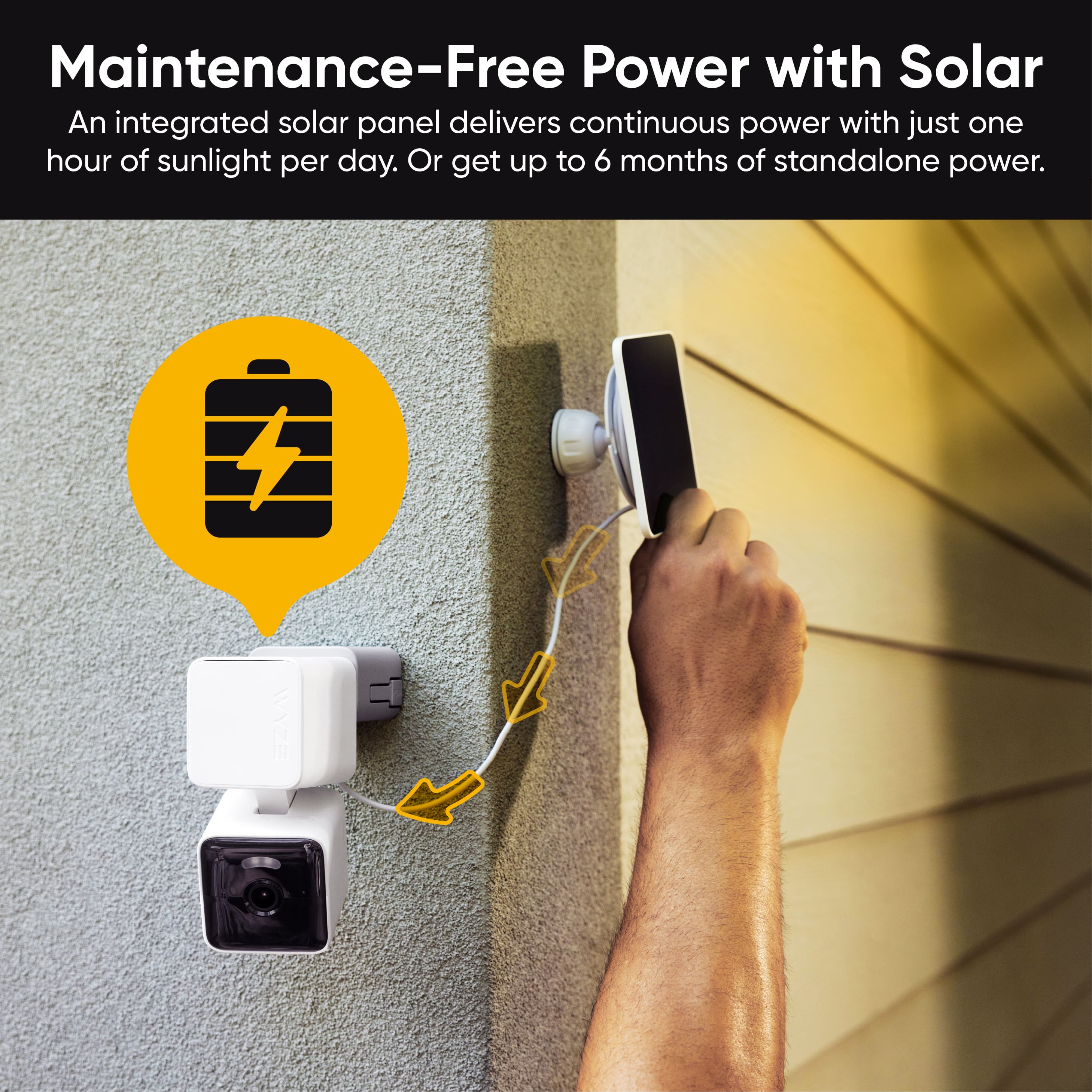
Battery & Solar Performance: The integrated solar panel keeps the camera charged with just one hour of sunlight per day, making it a low-maintenance solution.
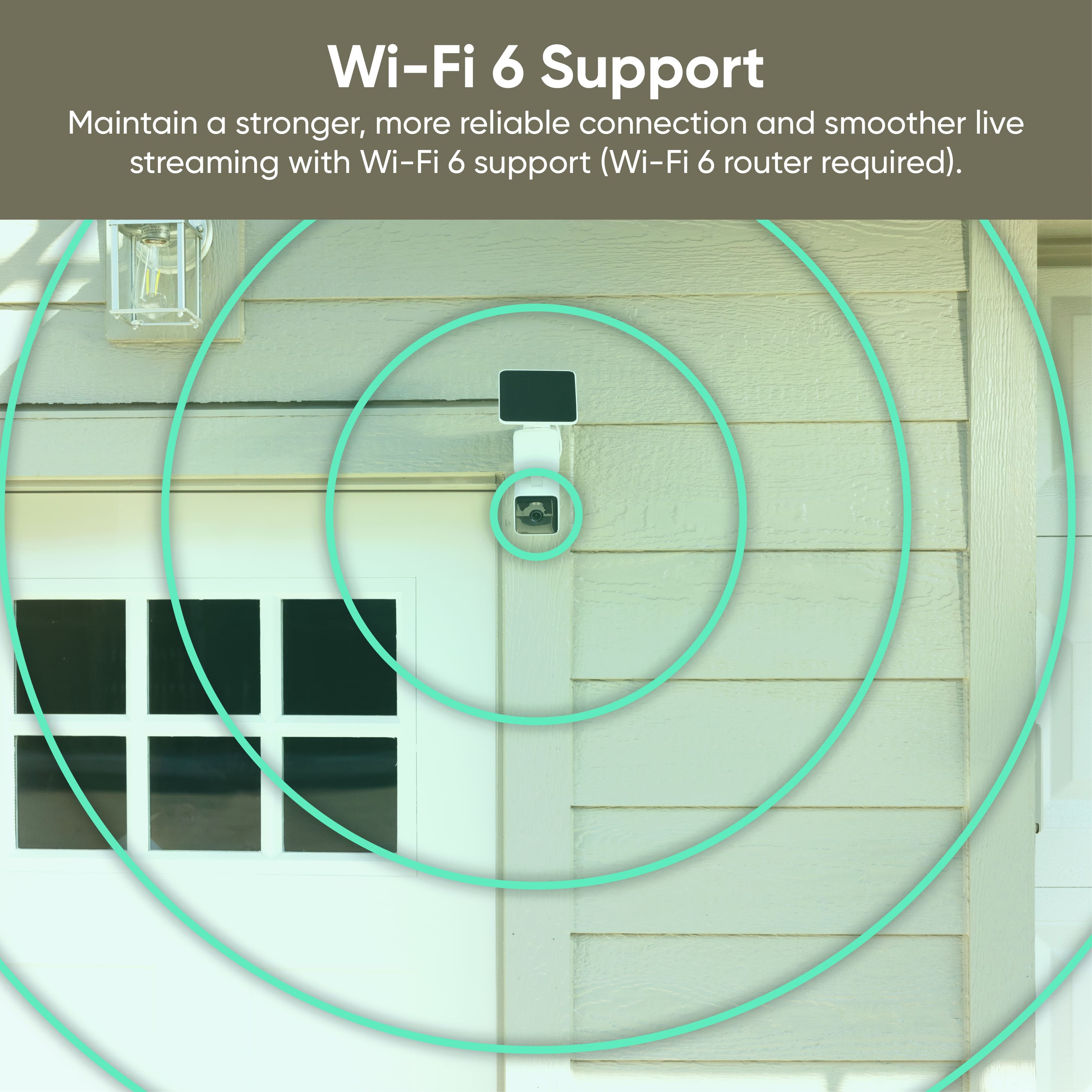
Wi-Fi Connectivity: The camera supports Wi-Fi 6, which helps maintain a strong and reliable connection even at longer distances.
If you’d like to learn more about the features or have any questions about optimizing your setup, please let us know!
Great picture
||Posted .This reviewer received promo considerations or sweepstakes entry for writing a review.It was easy to set-up this cameras by my bird feeder. I am anxious to see how the solar panel works. The app is easy to use & the camera has a great picture.
I would recommend this to a friendBang for your buck
||Posted . Owned for 2 months when reviewed.This reviewer received promo considerations or sweepstakes entry for writing a review.One of my best purchases. If you get enough sunlight you don't have to go out and recharge battery 360 camera with tilt infrared and color night version shared account and cheaper membership. Easy install if you're a little handy. Think it's a good entry home security camera.
I would recommend this to a friendBrand response from Wyze Labs
Posted .Hi there! Thank you so much for your positive feedback on the Wyze Solar Cam Pan! We’re thrilled to hear that you’re enjoying the features and convenience. Here’s a quick summary of what makes the Wyze Solar Cam Pan a great choice:
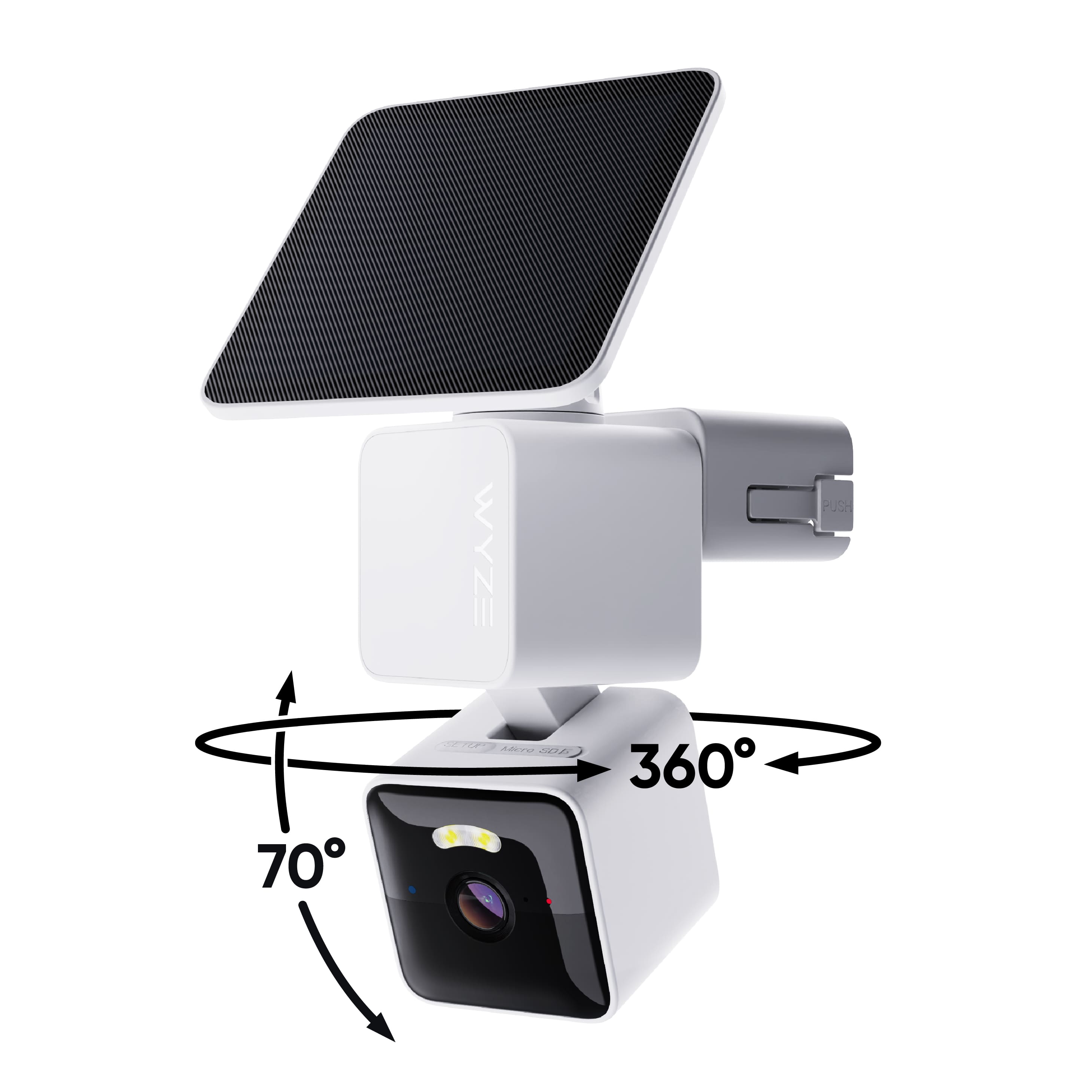
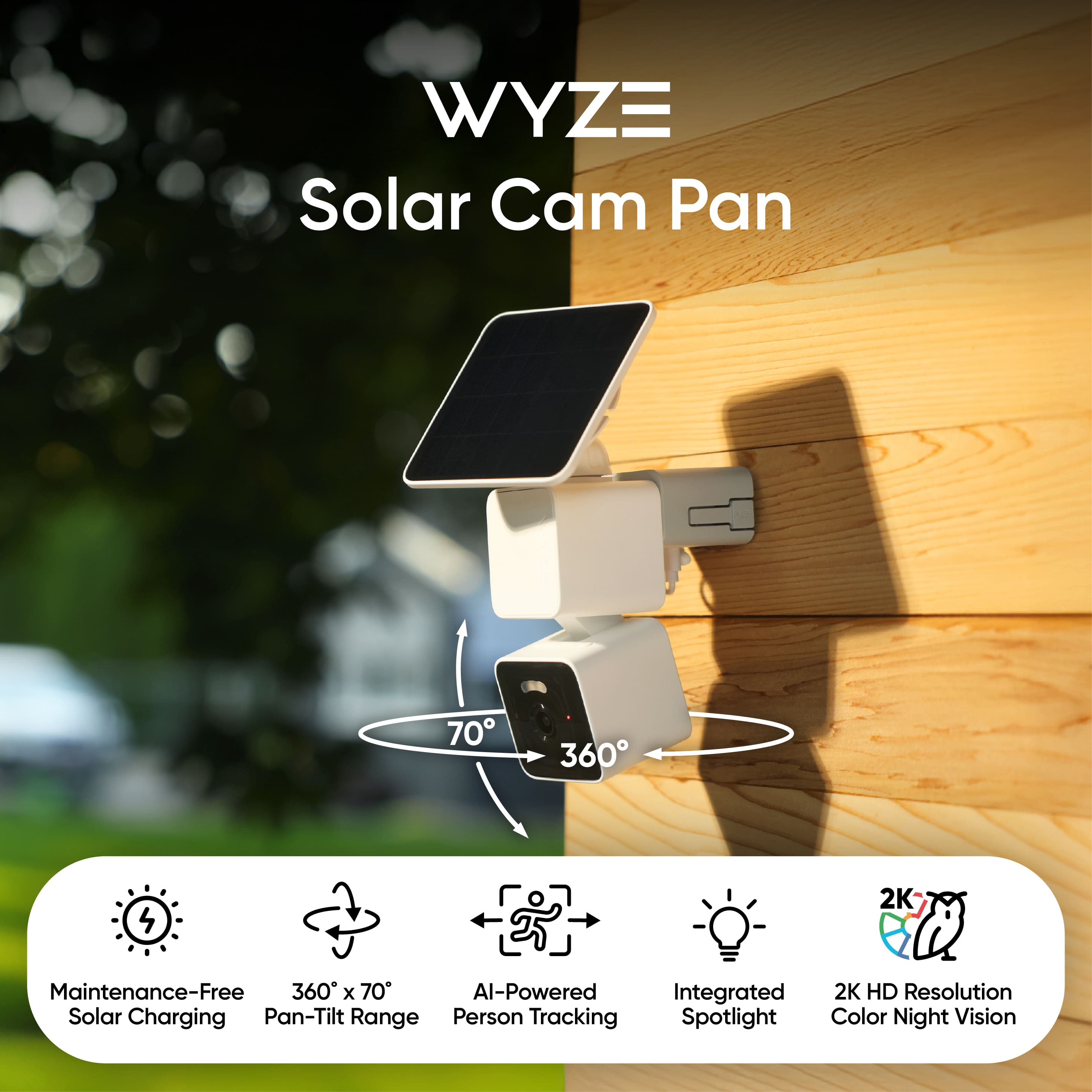
Maintenance-Free Solar Power: The integrated high-efficiency solar panel keeps the camera charged with just one hour of sunlight per day, so you rarely need to recharge manually.
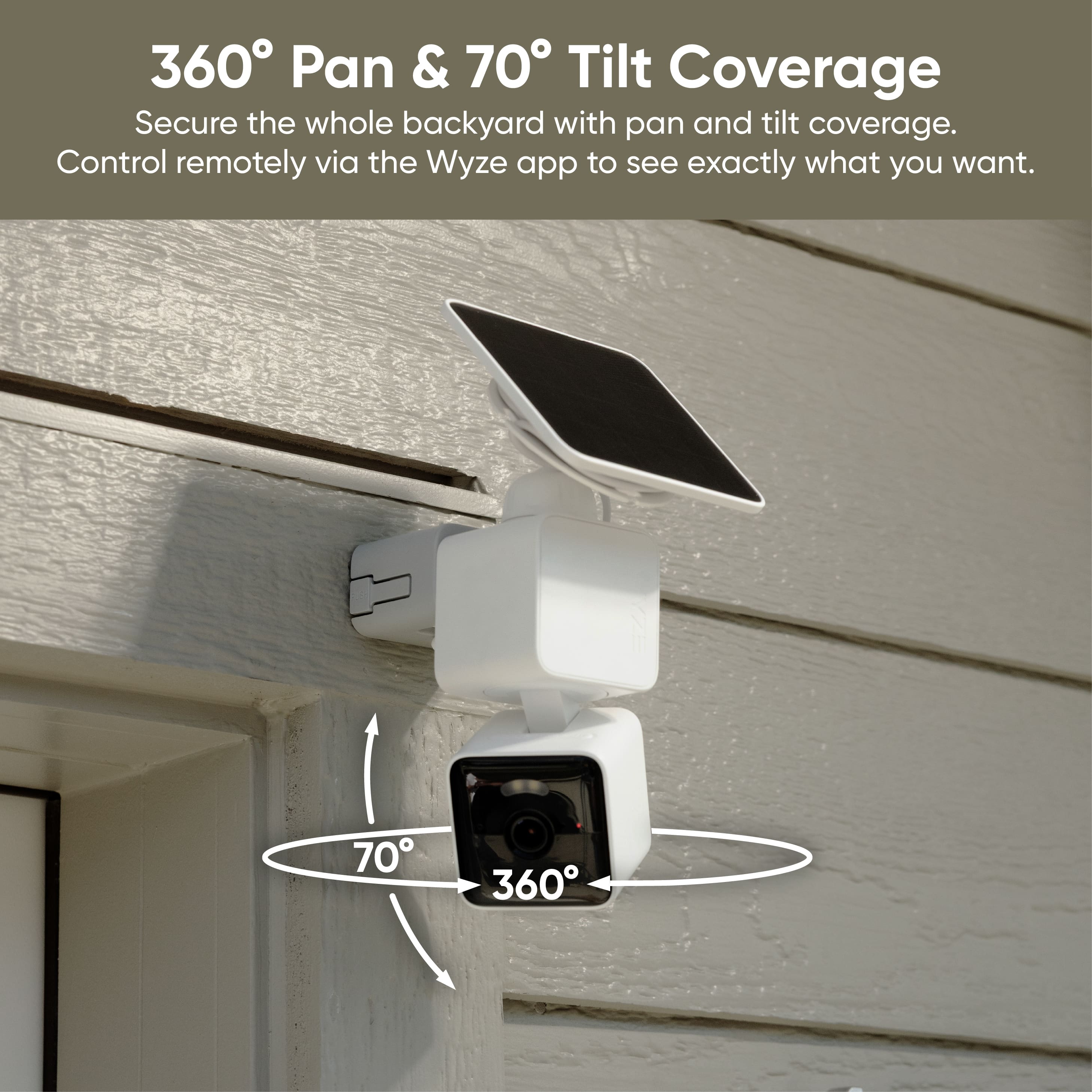
360° Pan & 70° Tilt Coverage: Offers complete coverage of your space, letting you monitor every angle.
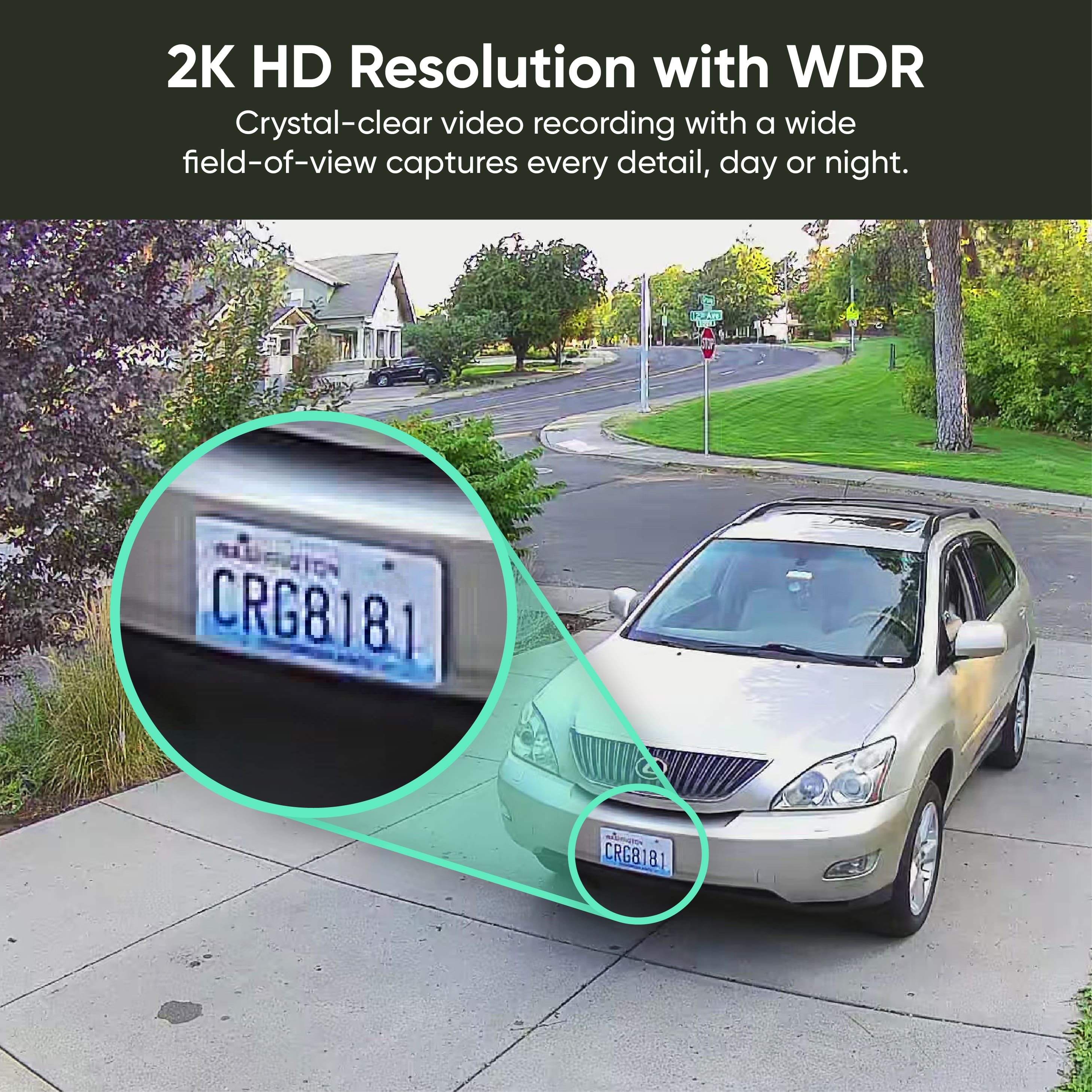
2K HD Resolution with WDR: Delivers clear, detailed video, even in challenging lighting.
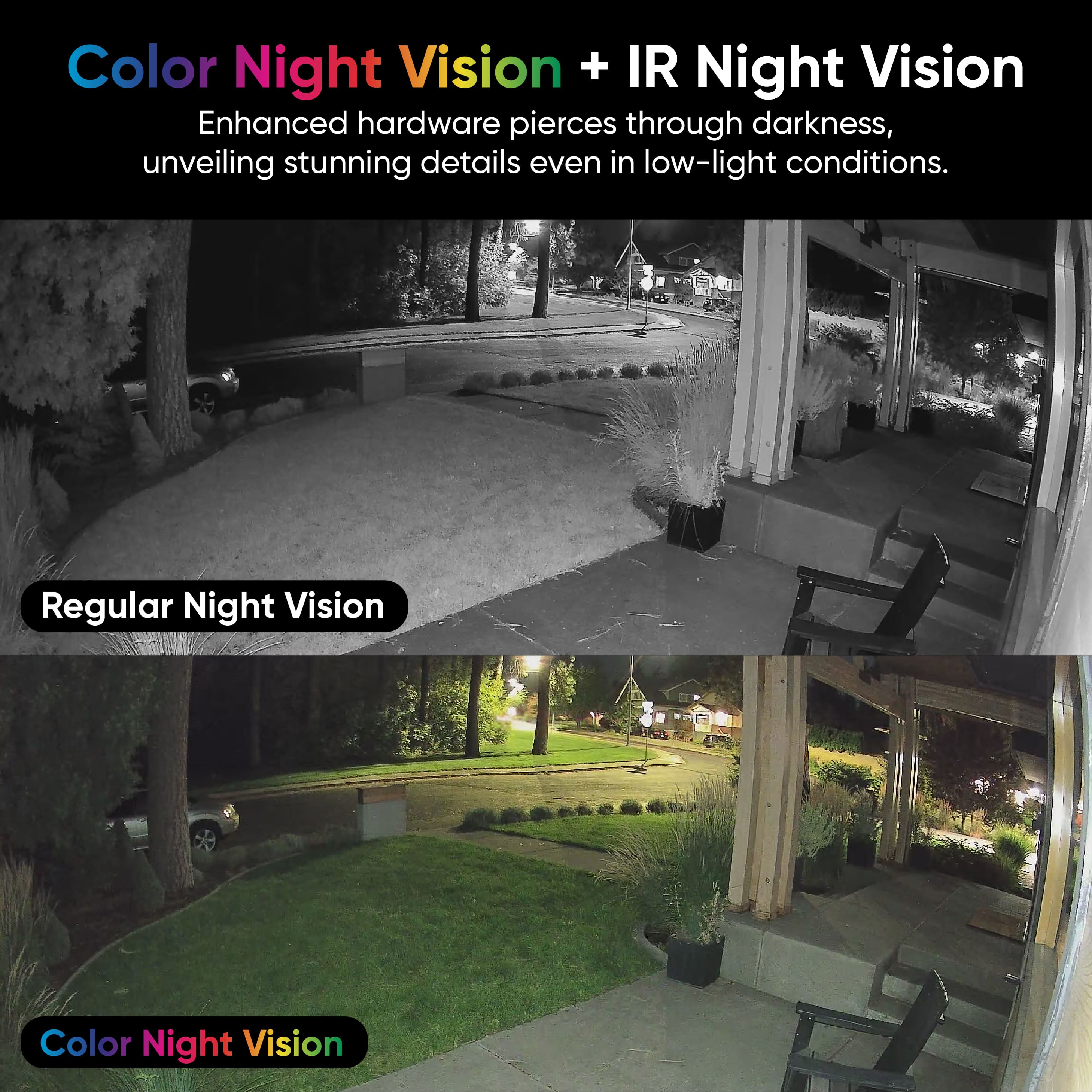
Color Night Vision & Enhanced IR: See clearly at night with both color and infrared night vision.
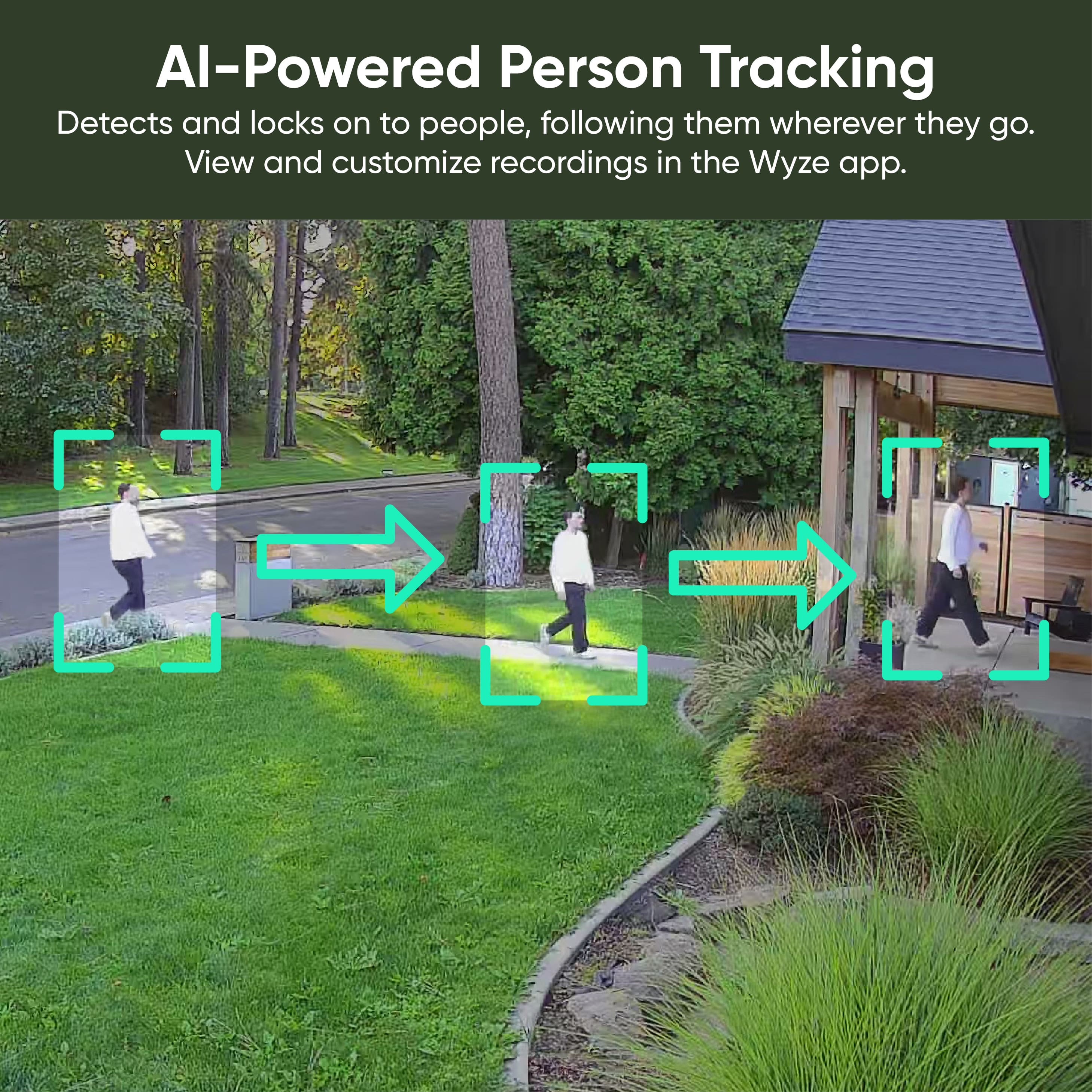
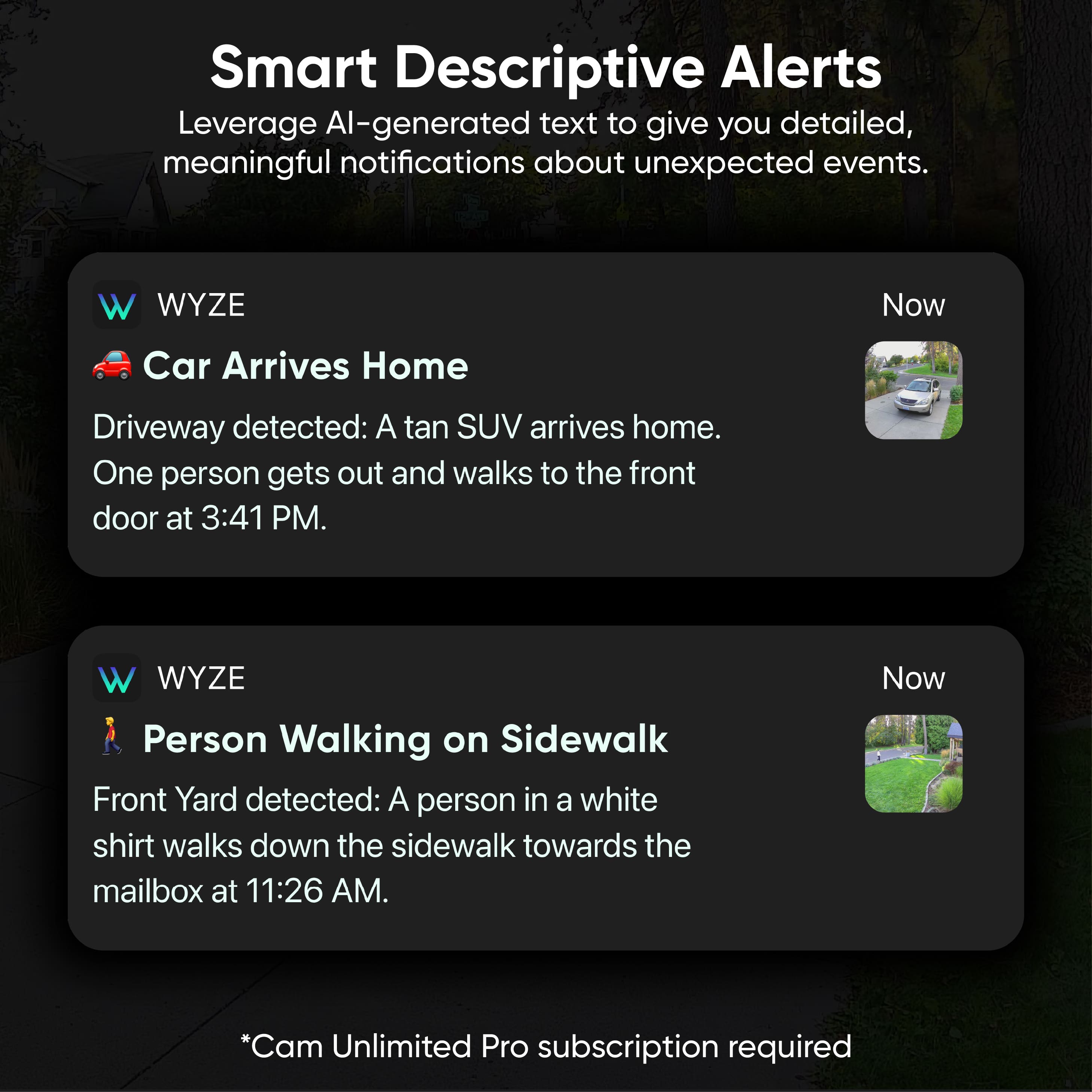
AI-Powered Person Tracking: The camera can detect and follow people automatically.
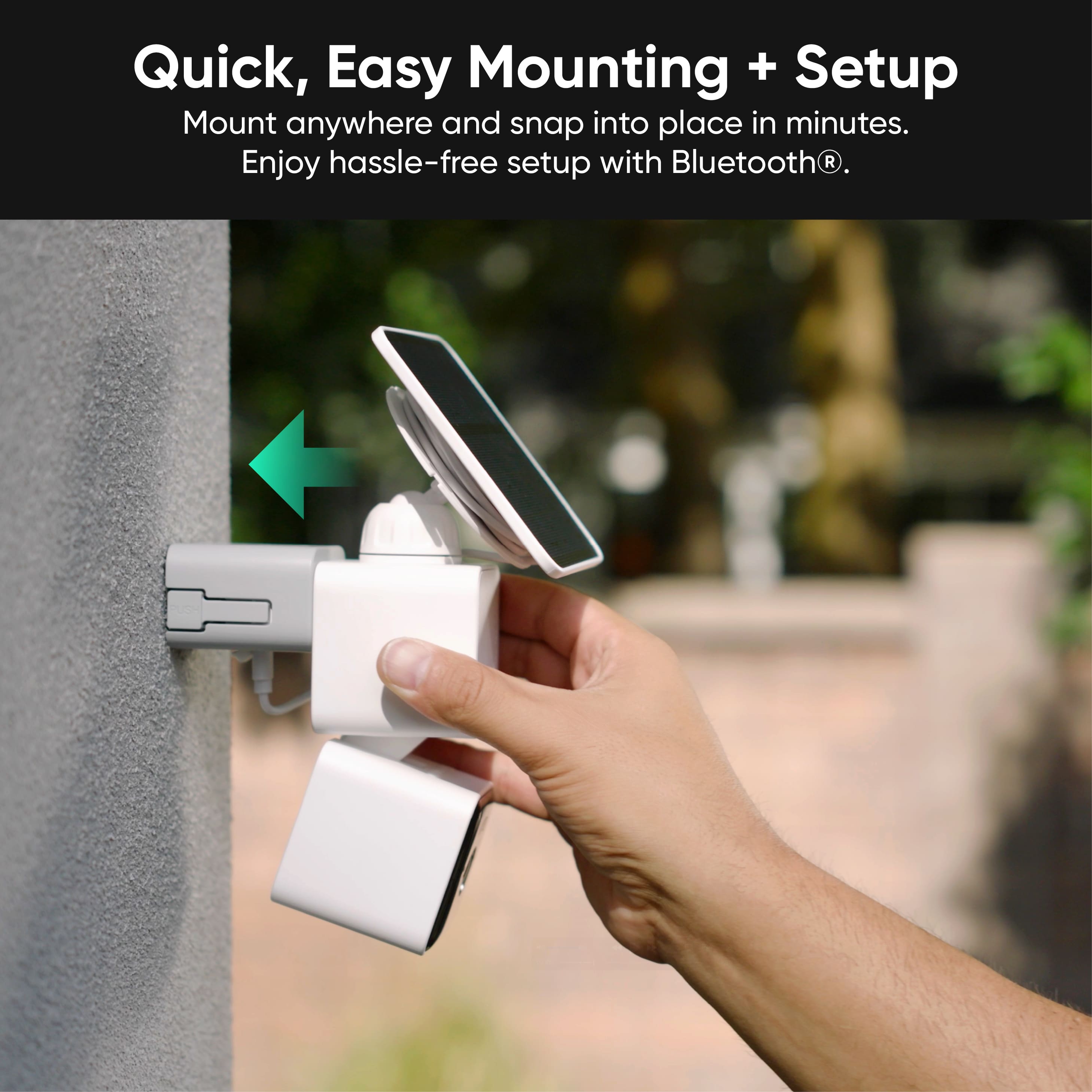
Easy Installation: Quick mounting and setup, especially if you’re handy.
Shared Account & Affordable Membership: Share access with others and enjoy cost-effective cloud recording options.
If you’d like to see more about the features or setup, here’s a helpful video:
https://www.youtube.com/watch?v=PSWkgkQoAXQ
We’re glad the Wyze Solar Cam Pan is working well for you and appreciate you choosing us for your home security needs! If you have any questions or need assistance, we’re always here to help.
Pretty good camera but audio needs improvement
||Posted .This reviewer received promo considerations or sweepstakes entry for writing a review.This camera does 360 movement and tracks people walking in the driveway, etc. etc. my only complaint is that the audio is horrible and very muffled.
No, I would not recommend this to a friendBrand response from Wyze Labs
Posted .Hi there! We’re sorry to hear you’re experiencing poor audio quality with your Wyze Solar Cam Pan. Here are some steps you can take to improve the audio:
Check for Obstructions:
Remove any plastic film or cover from the microphone or speaker.
Gently blow on or wipe the microphone or speaker with a soft cloth to remove dust or debris.
Enable Audio in the App:
Go to the camera’s live stream in the Wyze app.
Tap the live stream, then tap the speaker icon to enable sound.
Enable Record Sound:
In the Wyze app, go to the camera’s settings > Advanced Settings.
Toggle on Record Sound.
Update the Wyze App and Firmware:
In the Wyze app, navigate to the Account tab > tap About to check your app version.
Compare your version to the latest on our Release Notes & Firmware page.
For firmware, go to Account > Firmware Update and update if available.
Check Signal Strength:
In the camera’s settings, go to Device Info > Signal Strength.
If you see 2 bars or less, try moving the camera closer to your router.
Lower Live Stream Resolution:
Reducing the resolution can sometimes help with audio quality during live streaming.
If you continue to have issues after these steps, please let us know so we can further assist you!