Customer Ratings & Reviews


- Model:
- 992-00014/8880001041
- SKU:
- 11124043
Rating by feature
- Value
Rating 4.5 out of 5 stars
- Quality
Rating 4.7 out of 5 stars
- Ease of Use
Rating 4.4 out of 5 stars

Security doesn't get better than this
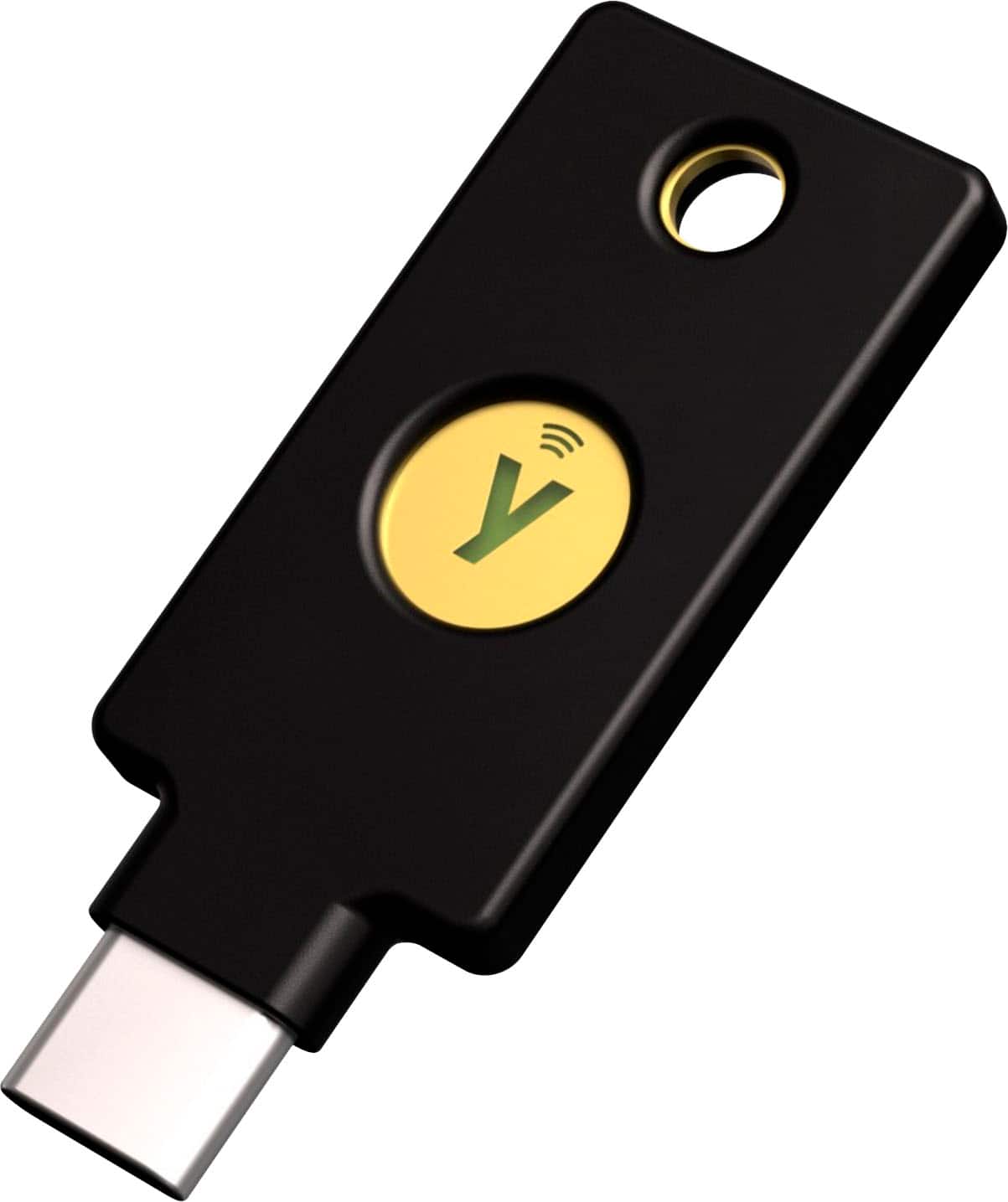
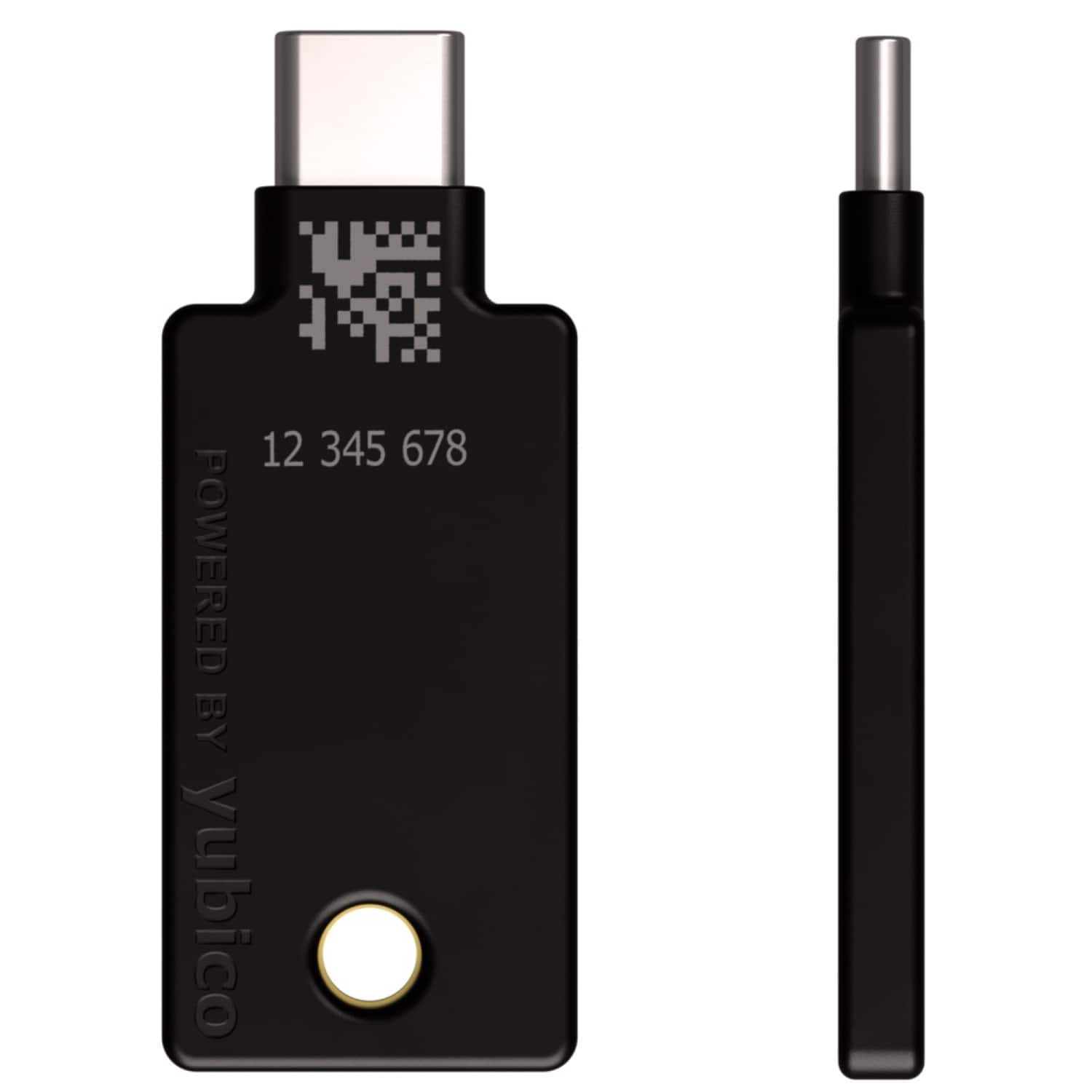
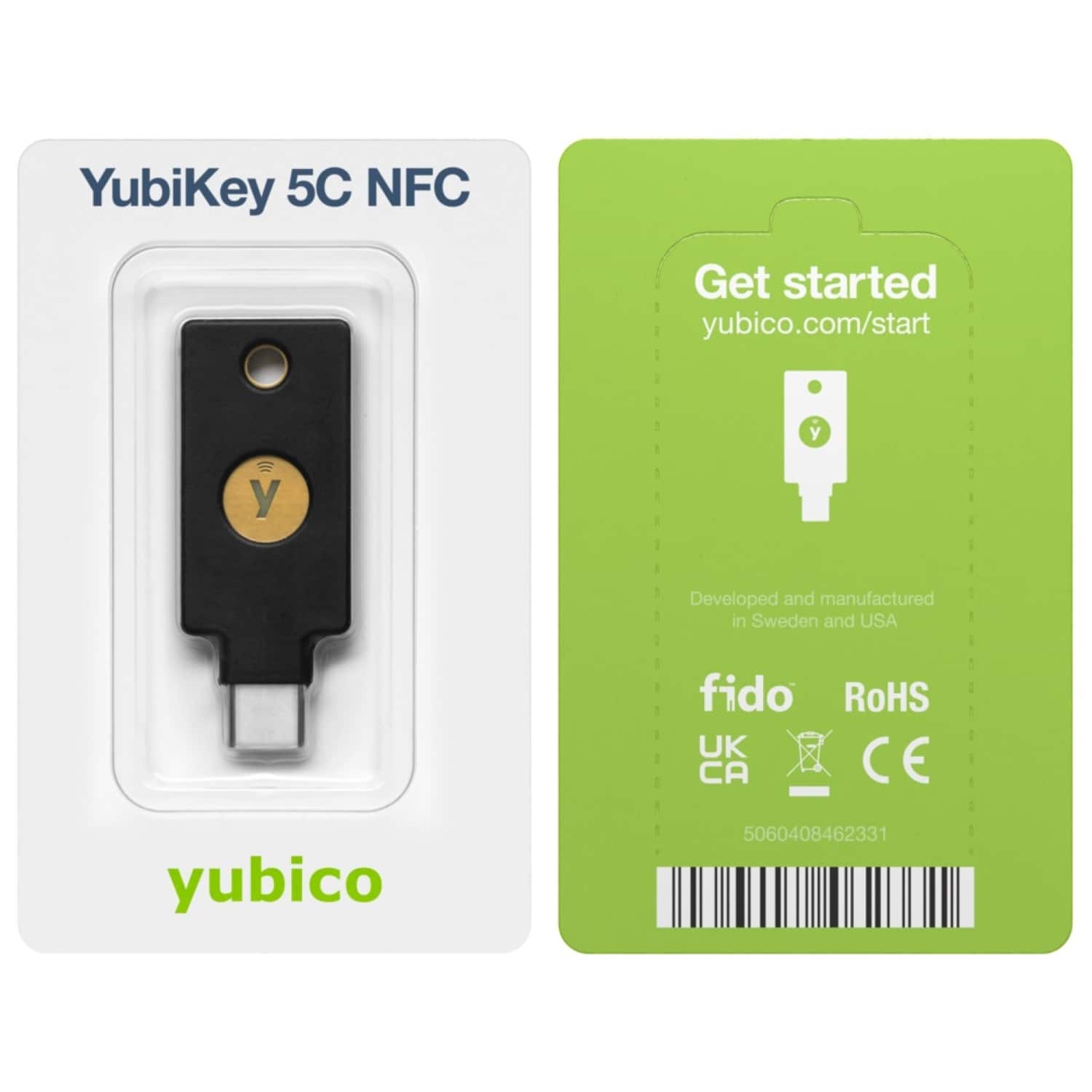
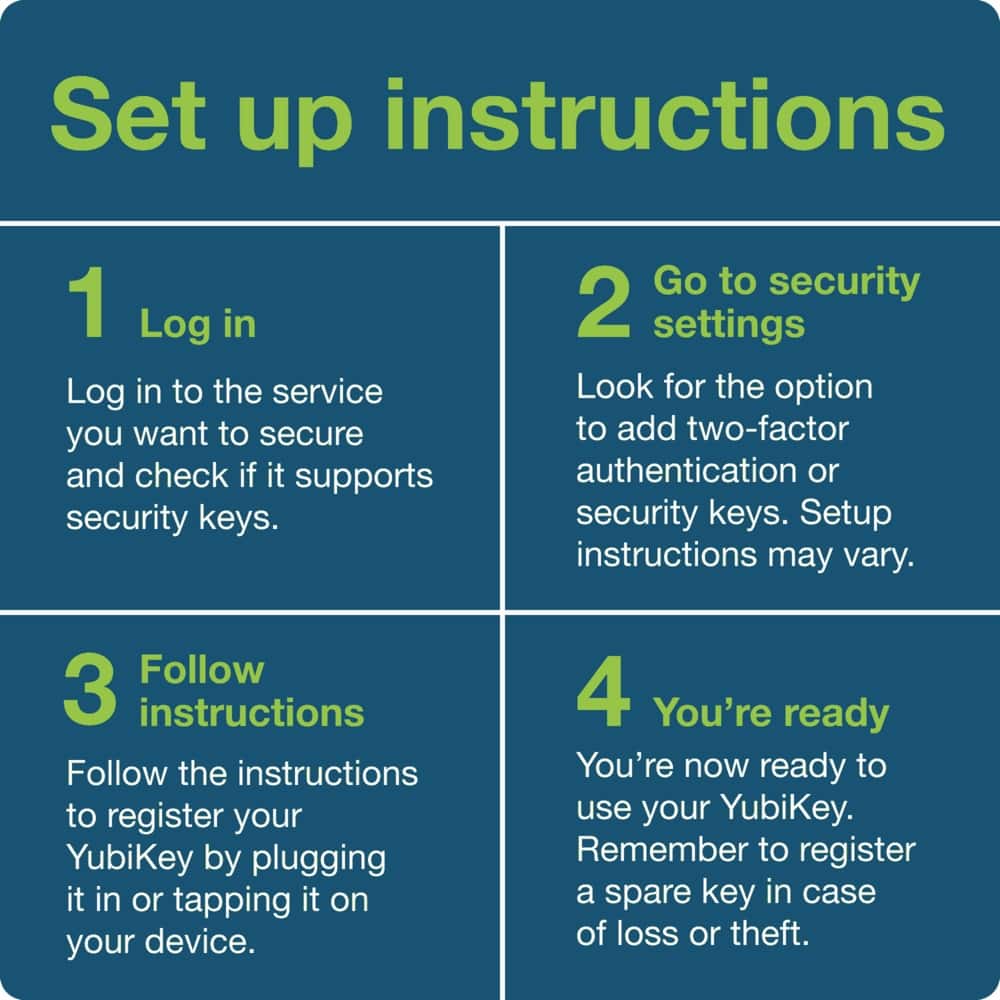
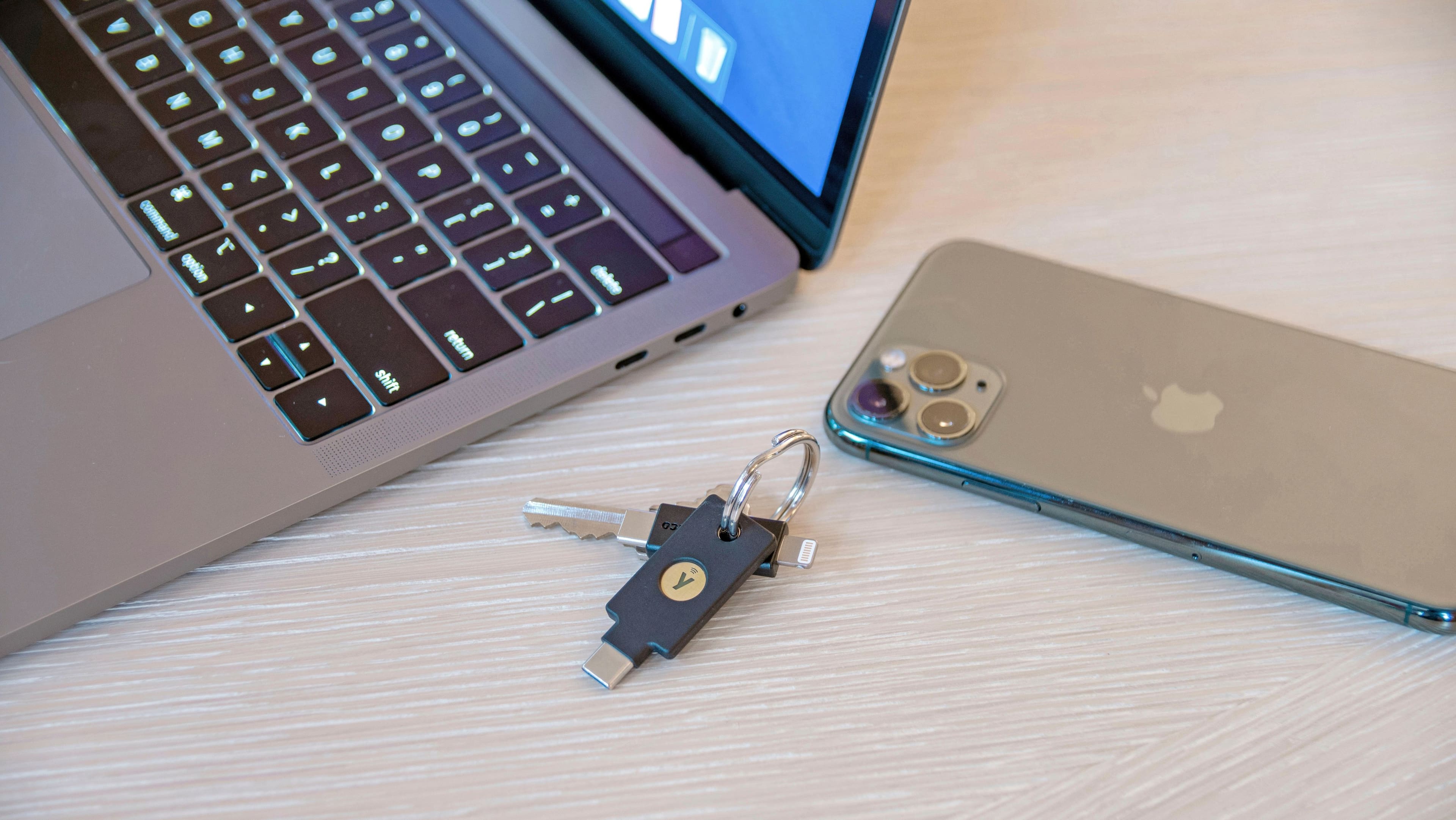
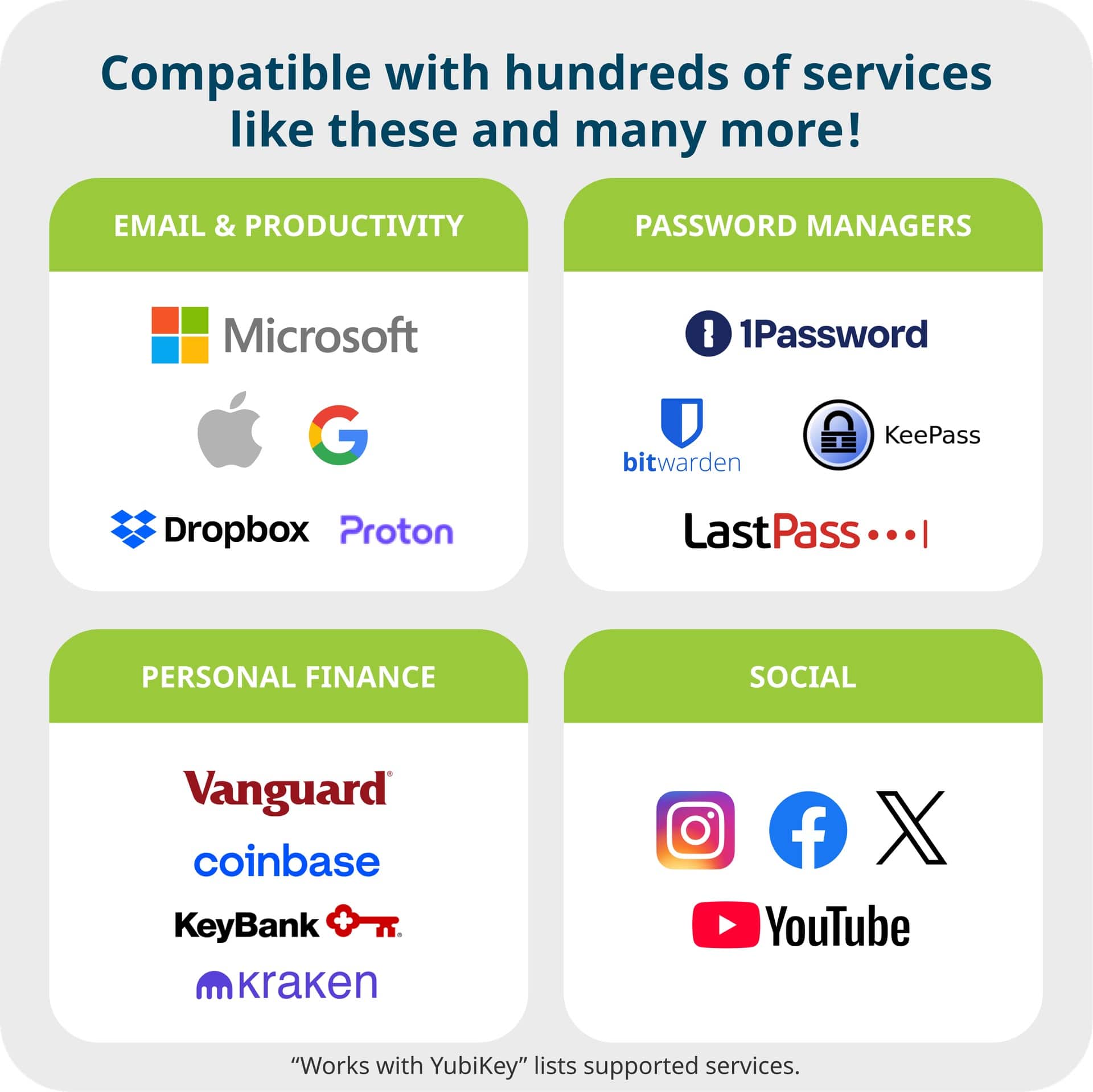
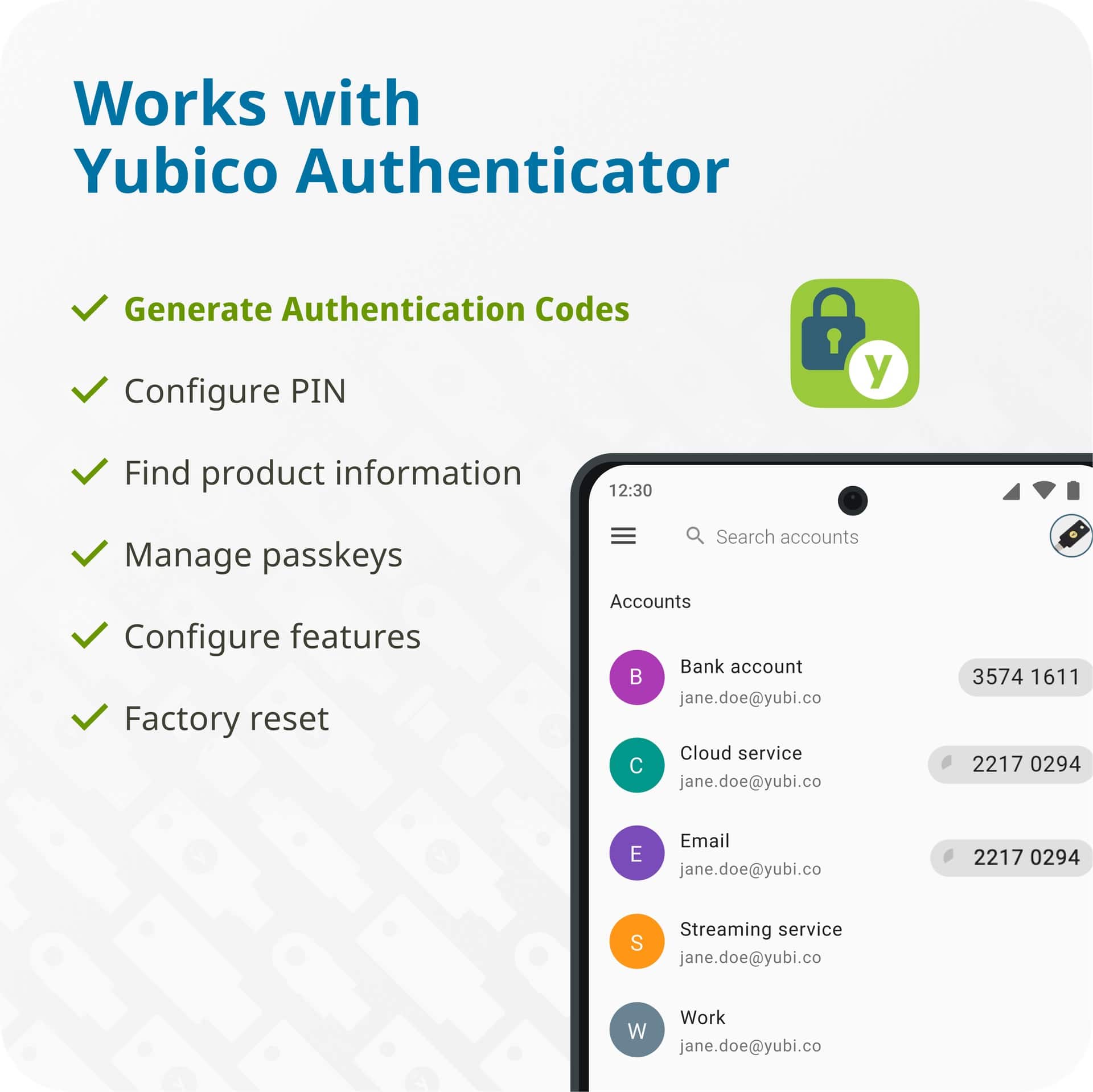
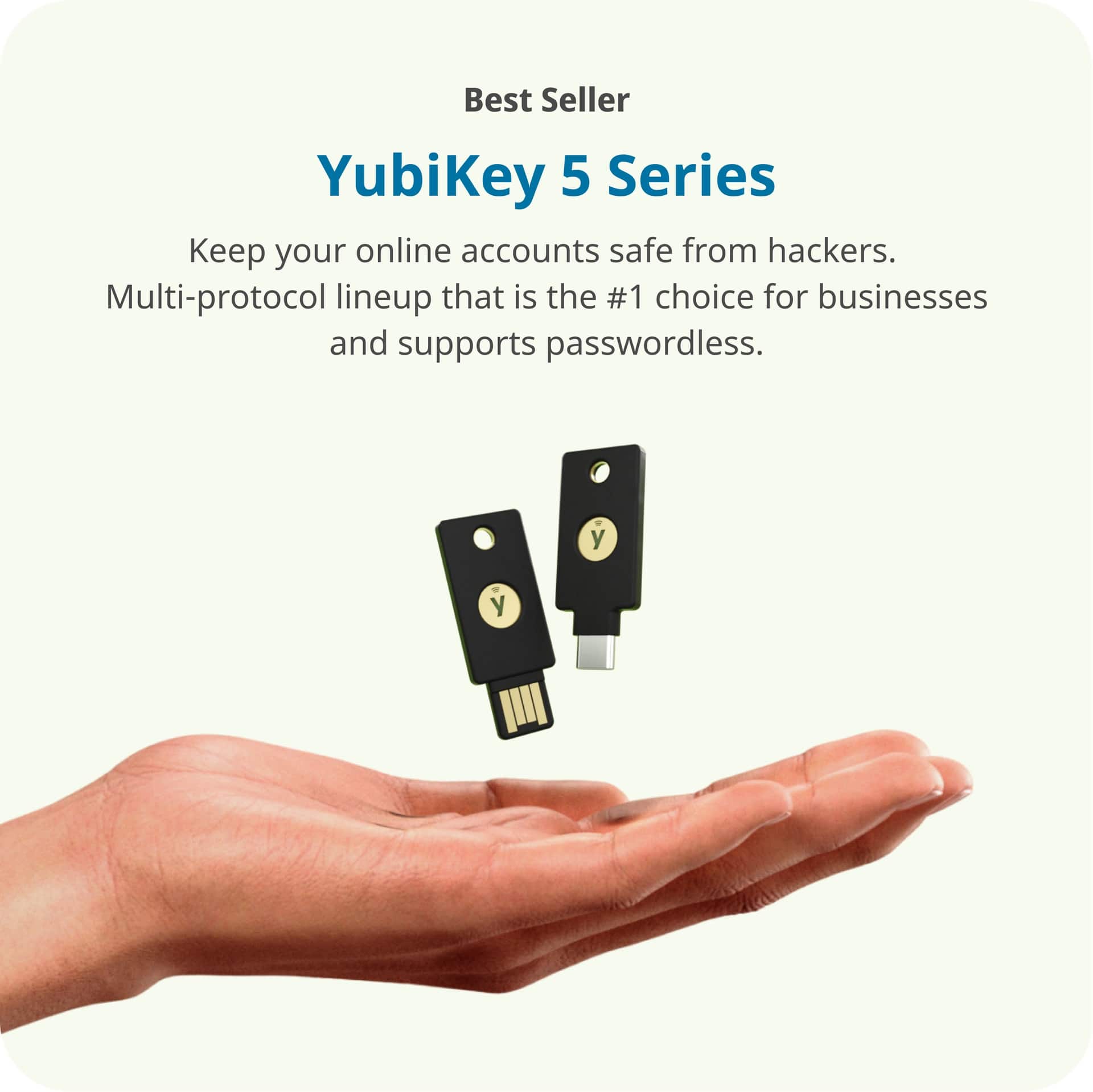
|Posted .This reviewer received promo considerations or sweepstakes entry for writing a review.What – Hardware security key that includes both NFC and USC type-C interfaces Why – Hardware security keys offer a physical mechanism for authenticating to your online accounts providing additional protection. TIPS - Buy two. You will want a primary and a backup that you can keep in a safe place. - Download the computer app so that you can set a pin for your key for additional security I chose the USB-C version because I think it will be the most useful long term vs Lightning or USB-A versions. You can easily buy adapters to convert from USB-C to USB-A if you need the flexibility. The plastic body of the key feels really solid and I have no concerns keeping this on a keychain. Since it is USB-C there is a chance lint or stuff in your pocket gets into the connector long term. I wish they included an attached cap or something that could help keep it clean. There are several strategies and ways that you can use a hardware key and here are some that I would consider - Directly with the service or account as an multifactor authentication mechanism (MFA) if they support it. This is great for primary accounts and financial institutions as it provides the most security. - As a MFA method for your password manager. - As a MFA method for your authenticator application. Yubico provides great documentation/instructions for setting up a variety of different accounts. I was able to easily follow these instructions for setting up MFA utilizing the keys for my Apple and Microsoft accounts, though I did have some issues getting my iPhone to scan the NFC tag initially. It’s important to not do a quick tap a hold hardware key to correct area of your device until you receive confirmation that it was scanned. I also set up my Yubikey as a MFA method for my password manager as an additional layer of security there as well. Yubico also offers an authenticator application which has built-in capability for their hardware key, but I haven’t utilized that yet. Overall, very happy with the functionality and additional security that this hardware key provides!
I would recommend this to a friendBest and easy to use
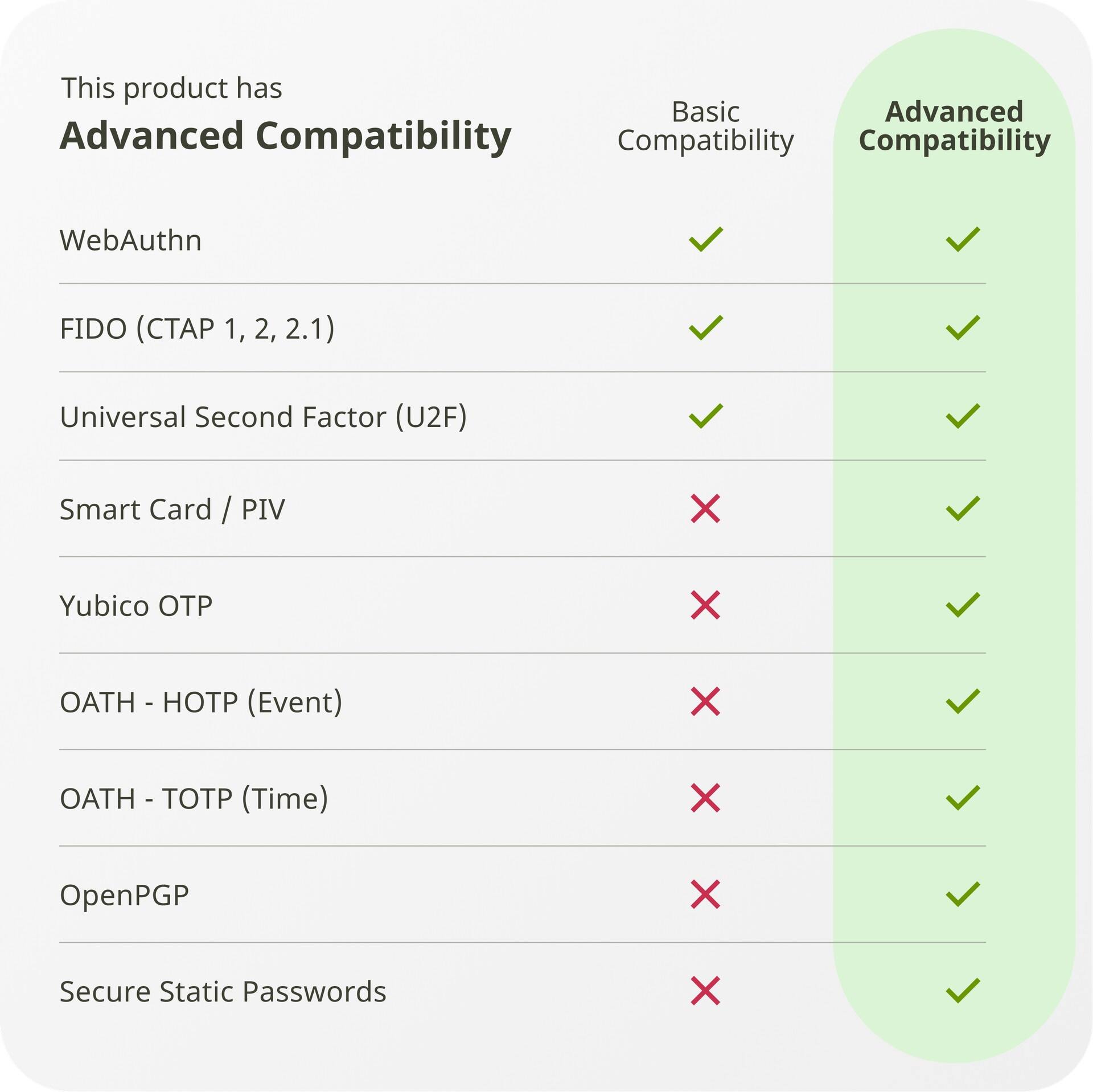
Posted .This reviewer received promo considerations or sweepstakes entry for writing a review.The Yubikey 5C NFC is the latest version of the security key, featuring multiple security protocols, a touch interface, and NFC support. The setup process, as outlined by Yubico, is moderately challenging, requiring a step-by-step approach. Users must download either the Yubico Authenticator or Yubico Manager, each with distinct functionalities. For Yubico Manager, once installed, plug in the Yubikey to see the firmware and serial numbers. The simple interface has tabs for home, applications, and interface. It displays key information and supports OTP, FIDO2, and PIV protocols for both USB and NFC. The first crucial step is to set up a PIN for authentication by changing the default PIN in the applications tab. The Yubico Authenticator offers more features, including tabs for home, accounts, passkeys, and certificates. It provides additional details, like the number of accounts and passkeys stored, accessible via a PIN. This ensures unauthorized users cannot access the key's information without the PIN. If the key is lost, the Manager allows deletion of the key from your account, though you lose stored keys and OTPs. Yubico recommends having a backup key set up simultaneously and stored safely. Setting up two-factor authentication with the Yubikey is service-dependent. For Google and Microsoft accounts, enable two-factor authentication first, then add the security key via the Authenticator app on your phone. Simply touch the key to register it. Logging in thereafter requires the hardware key and PIN. Overall, the Yubikey 5C NFC provides superior security compared to app-based or OTP methods, ensuring control even without network access. The Yubikey authenticator offers additional support if the physical key is unavailable. The device works reliably, providing robust two-factor authentication, making it highly satisfactory.
I would recommend this to a friendReally tough to setup
|Posted .This reviewer received promo considerations or sweepstakes entry for writing a review.Unboxing this there was no documentation. I tried to enroll this via the online video on yubico’s website and that option was not there. Ultimately I needed to download a Yubikey manager and click on slot 1 to get a serial, private and secret key. The. i needed to provide my companies admin to add to our Duo account. Then they added it for me. When I authenticated it was plugged into my computers usb-c port and nothing happened. Then I thru trial and error learned that I had to hold the gold circle down for 2-3 seconds to authenticate. I can see the value of this device but it is way too complicated for setup and from the online instructions I found to setup to authenticate to my Iphone it requires 2 keys not 1. This would only be something useful if you had it or Geek Squad to setup for you. They should provide better instructions or an app with guided setup. I think this would be scary if you did not have help setting this up in thinking that you can lock yourself out of your device or computer if done incorrect.
No, I would not recommend this to a friendSecurity first
Posted .This reviewer received promo considerations or sweepstakes entry for writing a review.Excellent product. Although I had some trouble figuring out how it works at first, since it requires special software to set it up, I was eventually able to do it.
I would recommend this to a friendBuy somewhere else.
Posted .This reviewer received promo considerations or sweepstakes entry for writing a review.Awful, and terrible service, It was schedule to be delivered in 2 days but never arrived from OnTrack. Still waiting for my refund.
No, I would not recommend this to a friend