128GB Micro SD Card
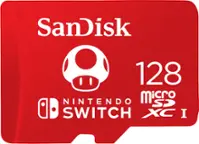
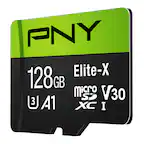
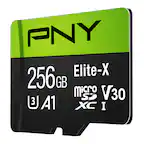
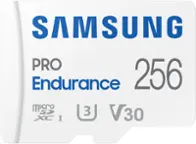
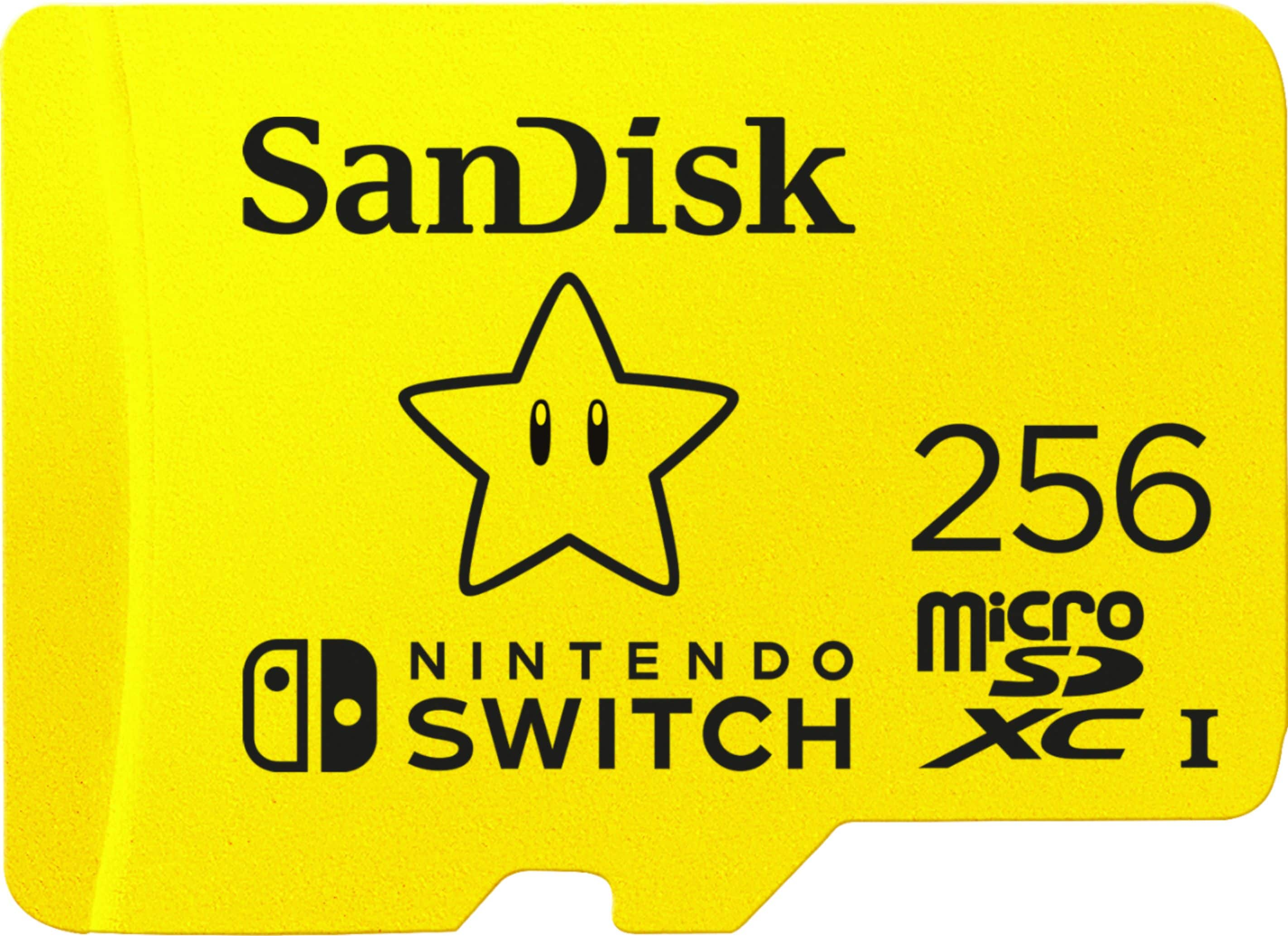
Find a 128GB microSD card to add storage to a compatible phone, tablet, camera, or gaming device. Compare memory cards by speed rating, and check your device’s supported capacity and performance requirements to choose an option for storing photos, videos, games, and other files.

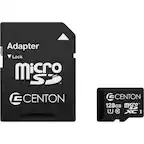


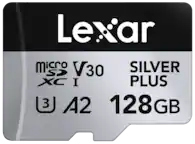
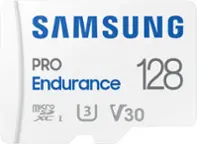
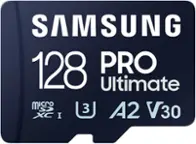
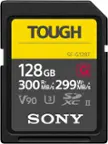

128GB Micro SD Card
FAQs
Check your device’s manual or manufacturer specifications for supported memory card standards. A 128GB microSD card falls under the microSDXC standard, so look for explicit microSDXC support rather than assuming every microSD slot is compatible.
MicroSD cards can store photos, videos, music, documents, and other digital files. Whether a device can open those files depends on its supported formats and software. Storing apps or games on a microSD card also depends on the device and operating system.
Insert the card into a compatible built-in card reader or connect a USB memory card reader. Once the card appears in File Explorer on Windows or Finder on Mac, you can copy files between the card and your computer. Some devices also support transfers through a USB connection.
exFAT is a file system that determines how files are organized on a storage device. It is the standard file system for microSDXC cards, including 128GB microSD cards. Follow your device manufacturer’s formatting instructions, since some devices require a particular file system or an in-device formatting process.
Internal storage is built into a device, while a microSD card provides removable storage. The operating system determines how each can be used: some devices allow photos and downloads on a microSD card but keep system files and certain apps in internal storage.