Arc Receivers
-
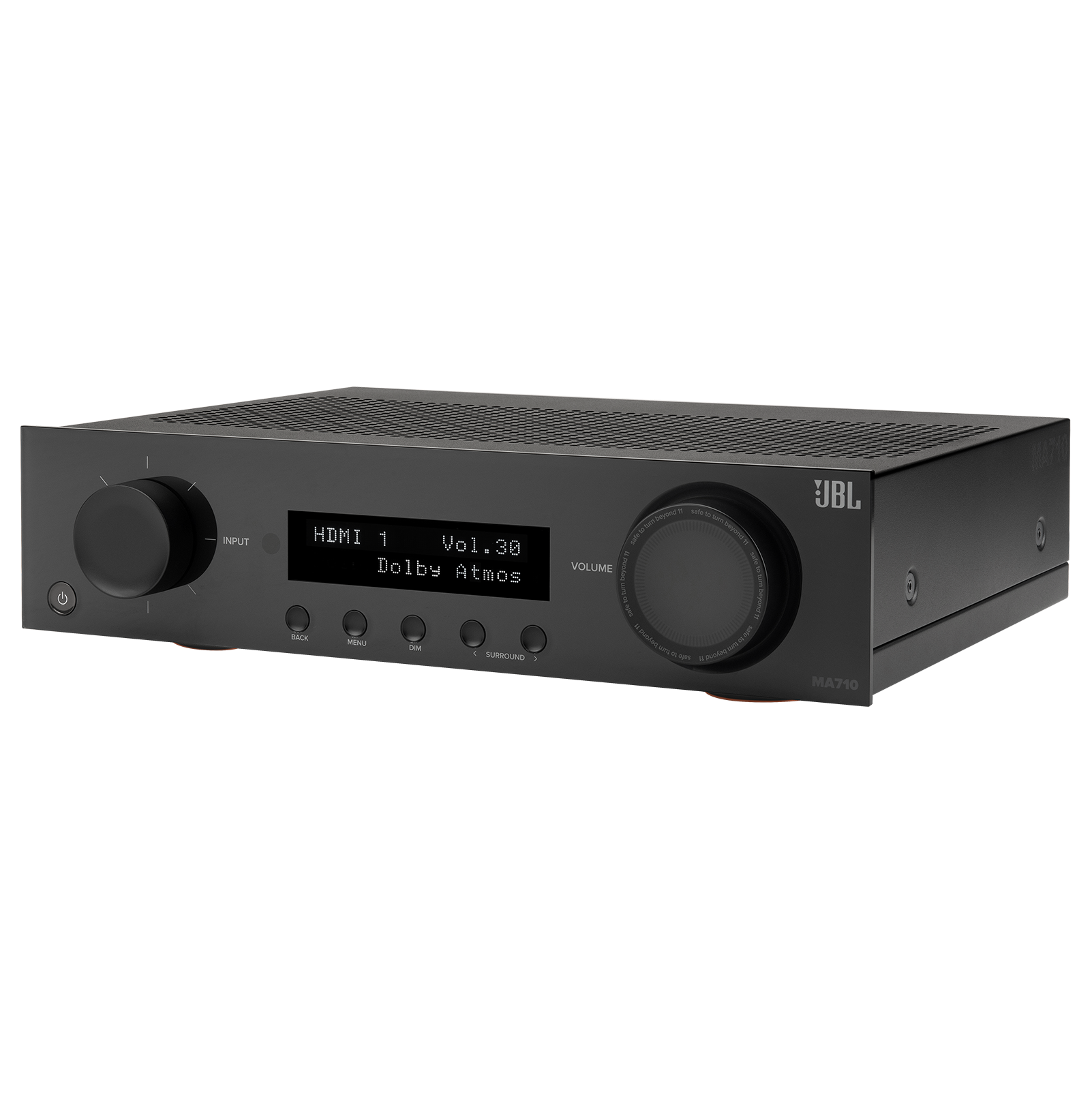
JBL - MA710 90W 7.2ch Bluetooth and WiFi Capable HDR and Dolby Atmos 8k Ultra HD Compatible AV Home Theater Receiver - Black
SKU: J7LXFWXQWHGreat product. Very sleek and powerful. Much more compact and efficient from my old receiver....I love it....Love it...I'm no great audiophile, but I upgraded from a 15+ year old Pioneer AVR and could...
See all A/V ReceiversProduct Description
A powerful black 7.2-channel AV receiver with 8K Ultra HD, Dolby Atmos, Bluetooth, WiFi, and HDR support.Your price for this item is $879.95 -
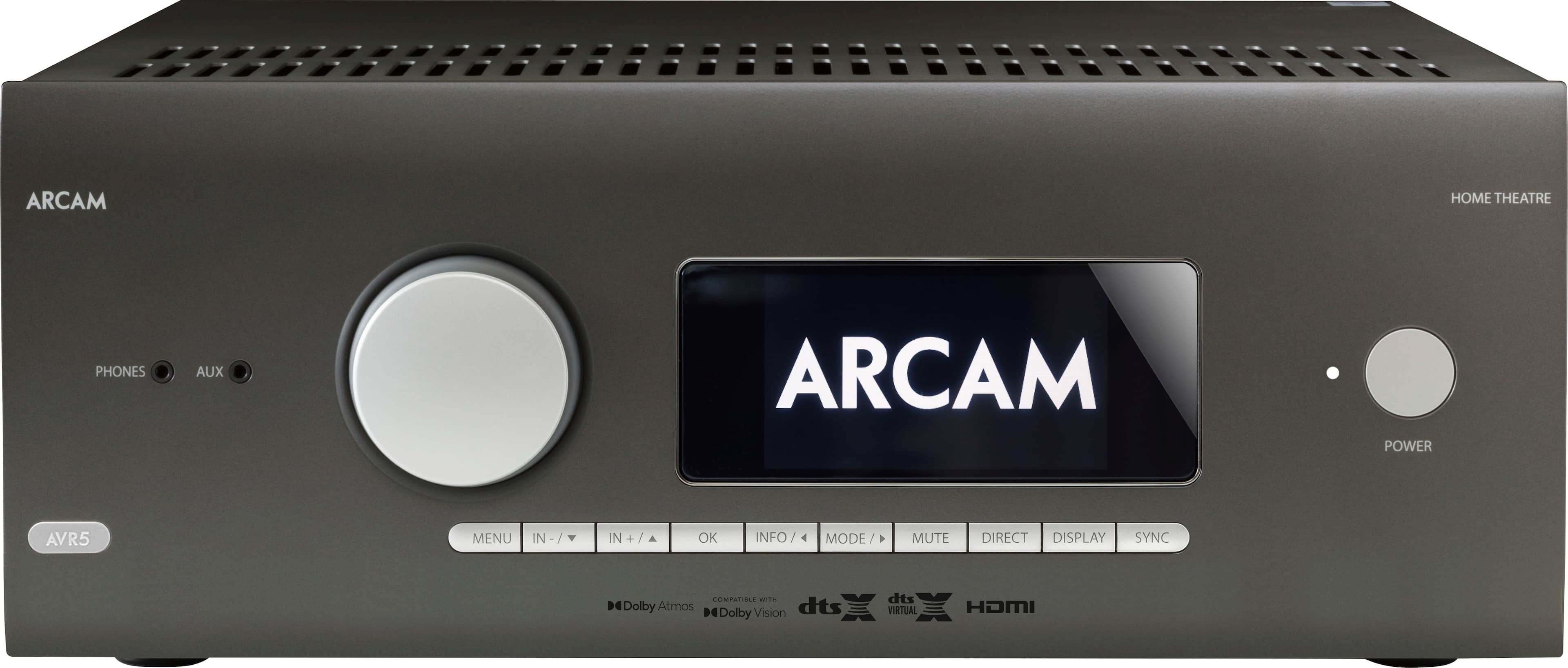
Arcam - AVR5 595W 7.1 Ch. With Google Cast 4K Ultra HD HDR Compatible A/V Home Theater Receiver - Gray
SKU: J7LG6L9898Hands down best receiver ever! Would purchase again!...With Google Cast 4K Ultra HD HDR Compatible A/V Home Theater Receiver Best Avr I ever have music oh movie
See all A/V ReceiversProduct Description
A gray 7.1-channel receiver with 4K HDR support, Google Cast, Bluetooth, and seven HDMI inputs.Your price for this item is $2,000.00 -
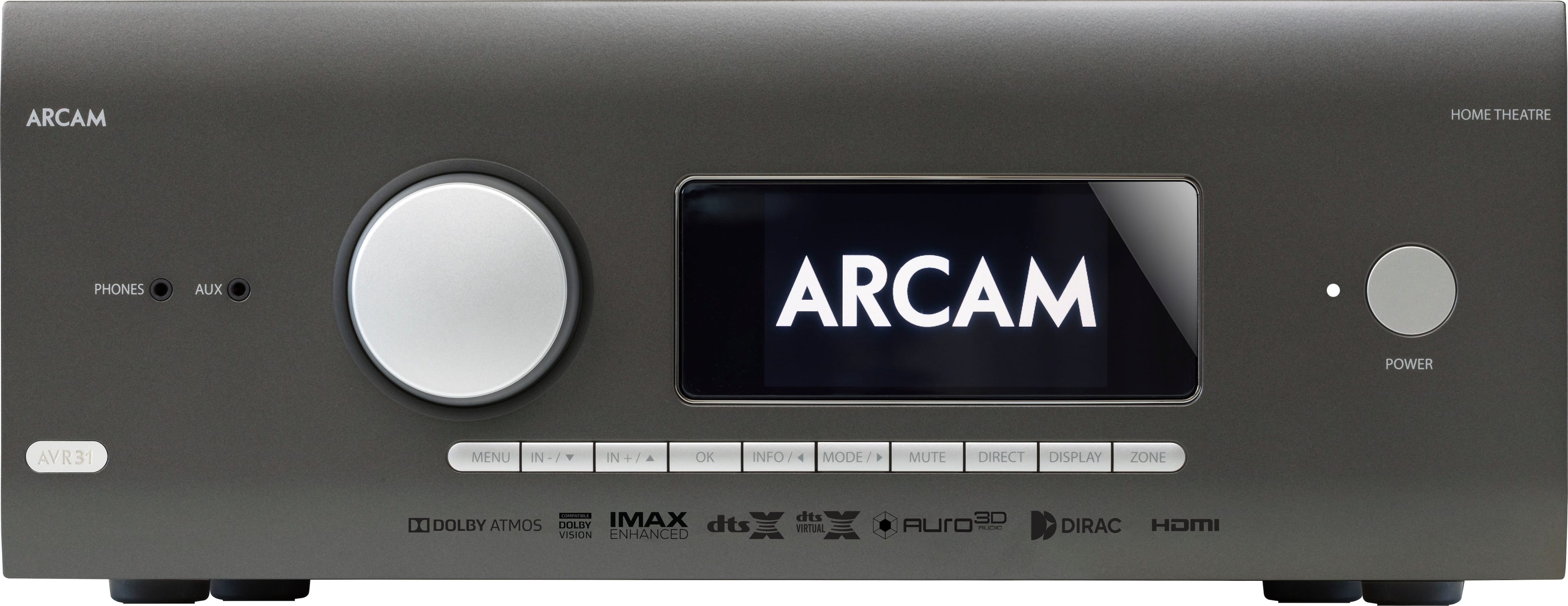
Arcam - AVR31 1260W 7.1 Ch. Bluetooth capable With Google Cast and 8K Ultra HD HDR Compatible A/V Home Theater Receiver - Gray
SKU: J7LG6L98LTThe best you can get. Absolute pristine two channel music and clarity in movies....Overall, it’s the best AVR I’ve ever tried
See all A/V ReceiversProduct Description
A high-performance gray receiver with 7.1 channels, Bluetooth, Google Cast, and 8K Ultra HD HDR support.Your price for this item is $6,900.00 -
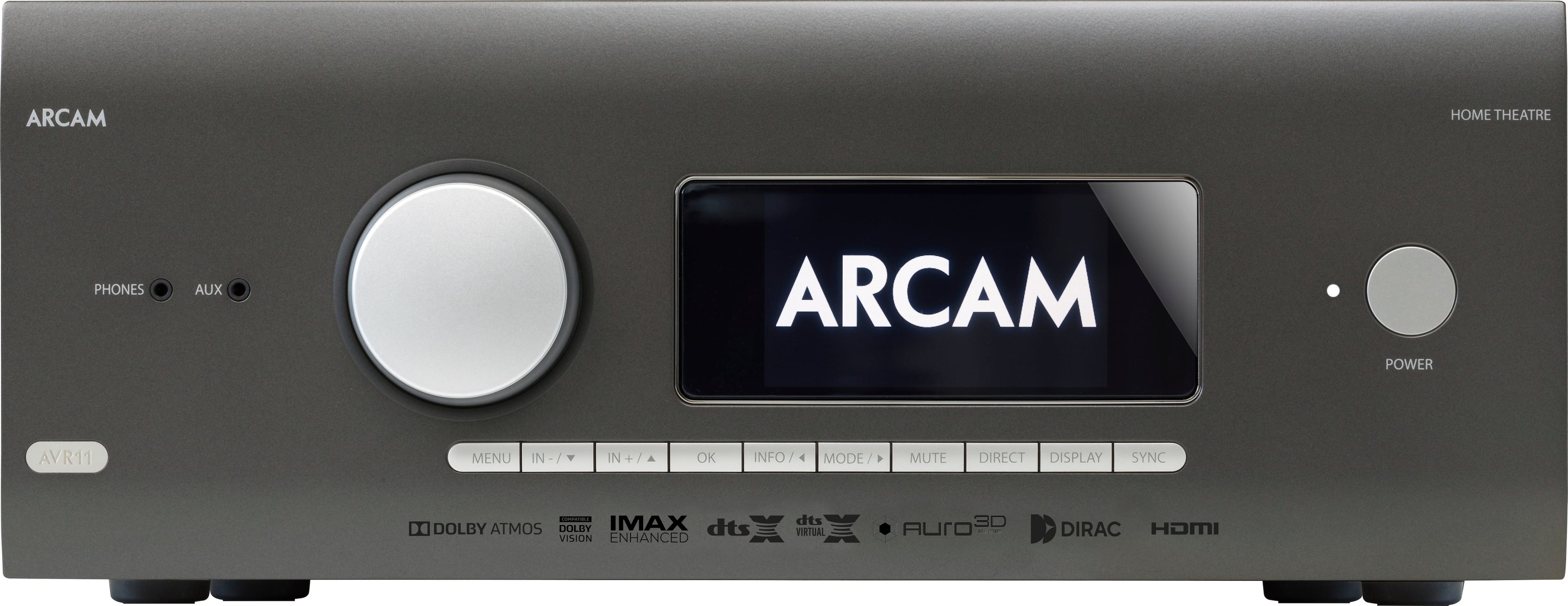
Arcam - AVR11 595W 7.1 Ch. Bluetooth capable With Google Cast and 8K Ultra HD HDR Compatible A/V Home Theater Receiver - Gray
SKU: J7LG6L9883Love it. Worth every penny....Picture on my 98” Samsung is great and the sound through my old Polk speakers improved a ton....Best choice for low impedance speakers.
See all A/V ReceiversProduct Description
A gray 7.1-channel receiver with Bluetooth, Google Cast, Dolby Atmos, and 8K Ultra HD HDR support.Your price for this item is $3,050.00 -
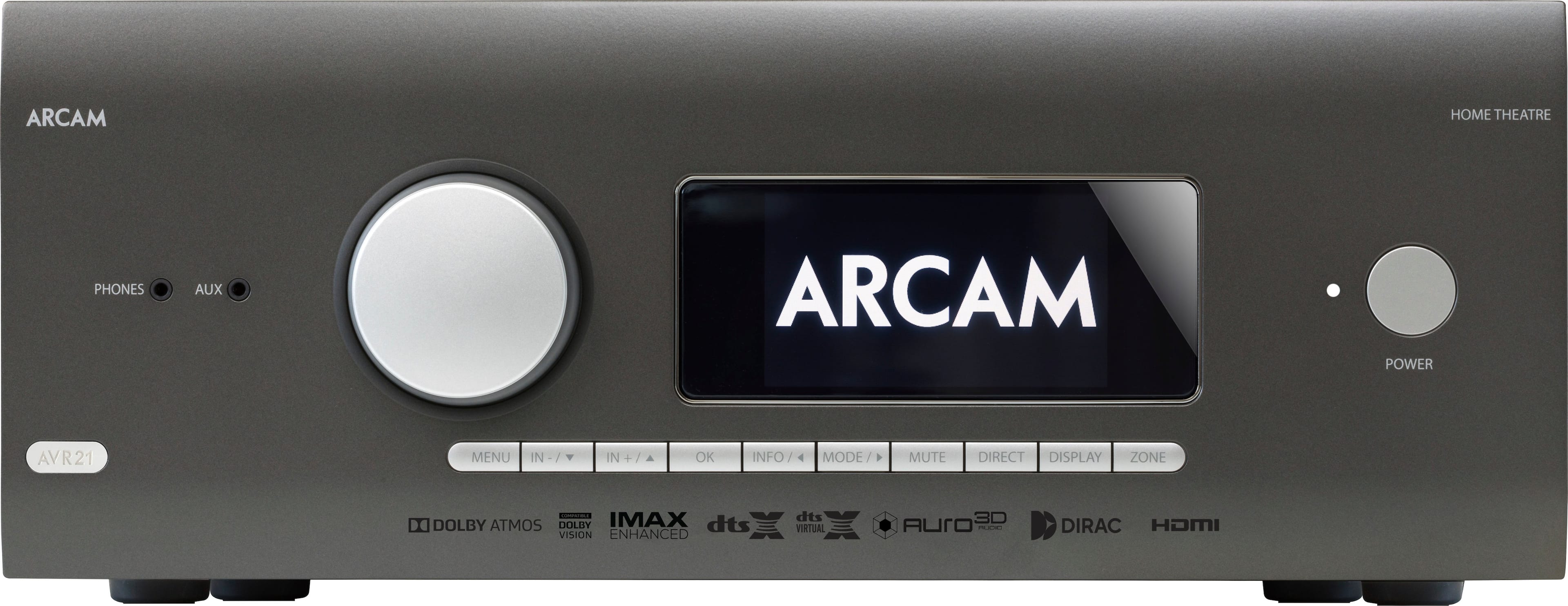
Arcam - AVR21 770W 7.1 Ch. Bluetooth capable With Google Cast and 8K Ultra HD HDR Compatible A/V Home Theater Receiver - Gray
SKU: J7LG6L98GSSee all A/V ReceiversProduct Description
A high-performance gray receiver with 7.1 channels, Bluetooth, Google Cast, and 8K Ultra HD HDR support.Your price for this item is $4,700.00 -
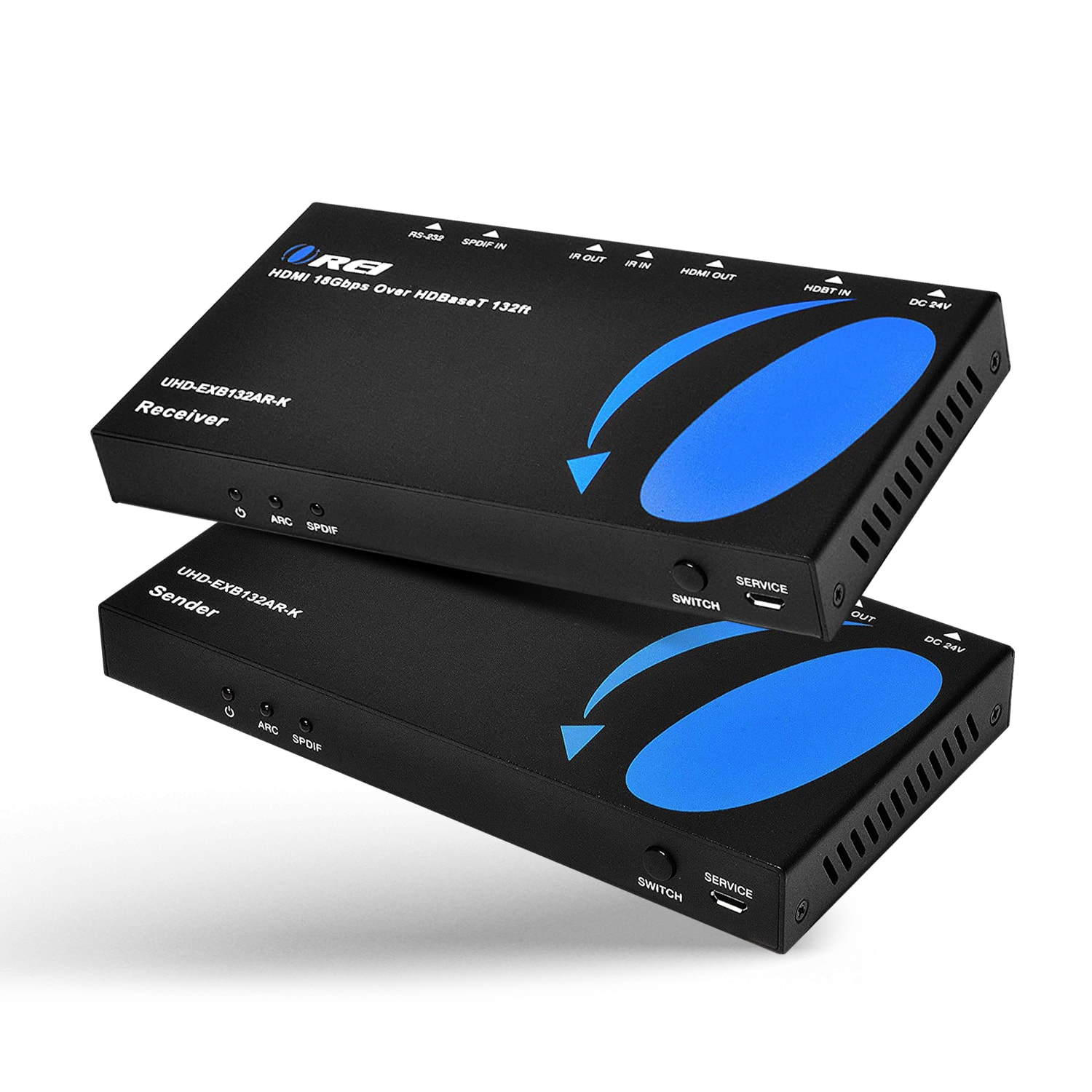
Orei - 4K HDBaseT HDMI™ Extender (ARC & CEC) - 132ft (cat6)-UHD-EXB132AR-K - Black
SKU: J3R8Q5F3J9See all HDMI ExtendersProduct Description
A black HDMI extender delivering 4K@60Hz video, audio extraction, ARC, CEC, and bi-directional IR support.Your price for this item is $279.00 -
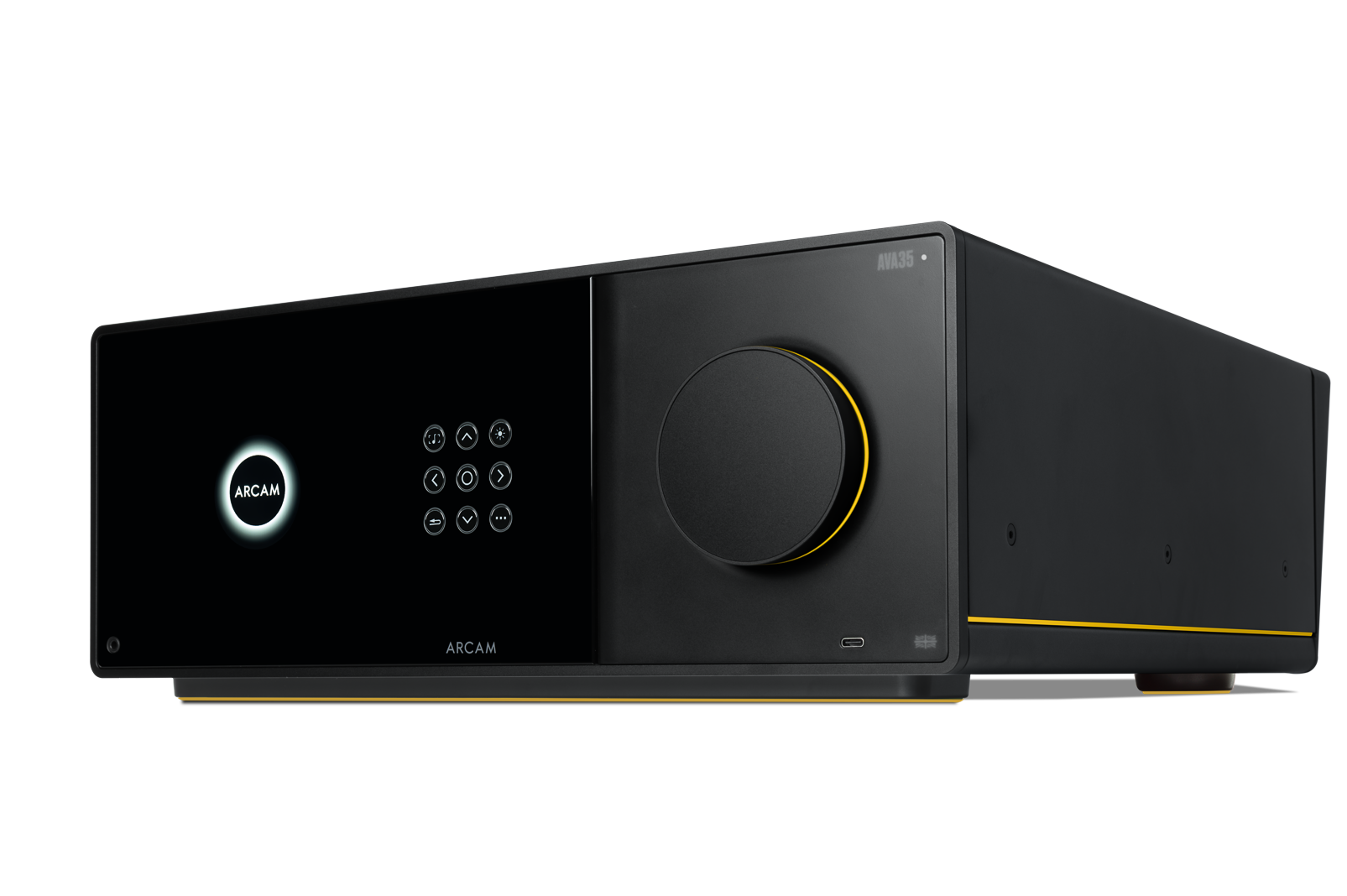
Arcam - AVA35 110W 9.2-Ch. Class G Hi-Res 8K A/V Home Theater Receiver with Wi-Fi - Black
SKU: J7LG6L9YFCSee all A/V ReceiversProduct Description
A high-performance black AV amplifier featuring 9x100W Class G power, Dolby Atmos, Bluetooth, and remote control.Your price for this item is $6,999.95 -
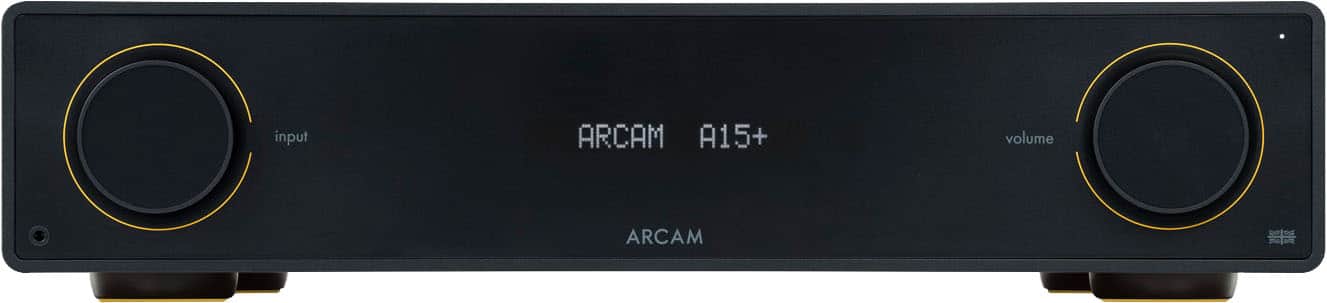
Arcam - A15+ 80W 2ch Class AB Integrated Amplifier - Black
SKU: J7LG6L9P9SGreat Integrated Amplifier
See all Integrated AmplifiersProduct Description
A powerful black Class AB integrated amplifier with Bluetooth, HDMI eARC, and advanced wireless audio sharing features.Your price for this item is $1,499.99 -
PRIMEPLUS - 50W Soundbar for Smart TV – Bluetooth/ARC/Optical/AUX, Clear Voice, Easy Setup
SKU: J2V3W3WV6TSee all Sound BarsProduct Description
A compact, wall-mountable 50W soundbar with Bluetooth, ARC, optical, AUX, and included remote control.Your price for this item is $95.99 -
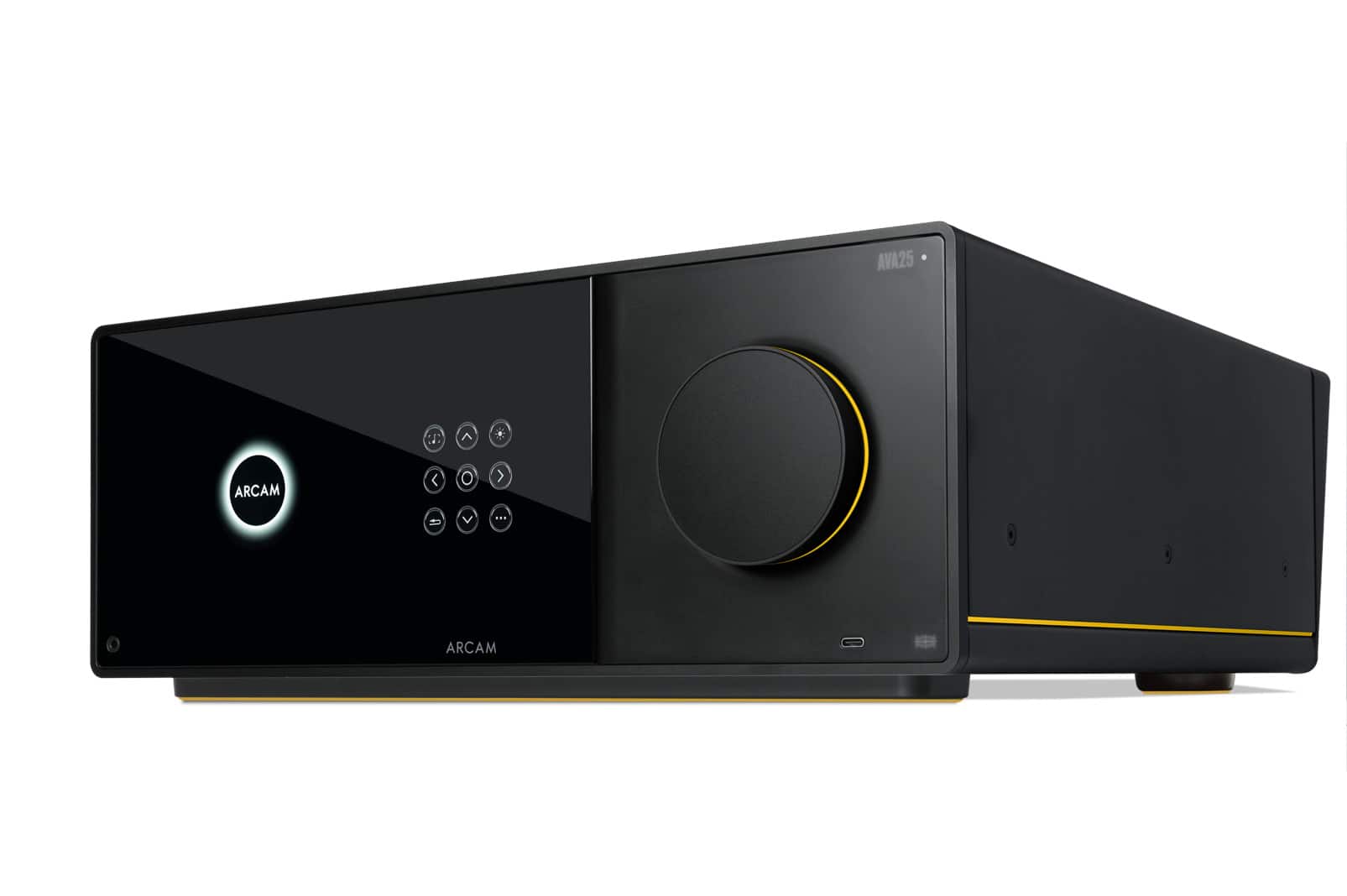
Arcam - AVA25 90W 9.2-Ch. Class AB Hi-Res 8K A/V Home Theater Receiver with Wi-Fi - Black
SKU: J7LG6L9Y5RSee all A/V ReceiversProduct Description
A black Class AB 16-channel AV amplifier delivering immersive surround sound with Dolby Atmos and Bluetooth.Your price for this item is $5,499.95

Best Sellers
Related Pages








FAQ
When choosing an ARC receiver, consider features such as the number of HDMI ports, support for 4K or 8K video, compatibility with Dolby Atmos or DTS:X audio, wireless connectivity options like Bluetooth or Wi-Fi, and integration with smart home systems.
Yes, most ARC receivers offer multiple HDMI inputs and outputs, allowing you to connect various devices such as gaming consoles, streaming devices, Blu-ray players, and televisions for a seamless entertainment experience.
ARC (Audio Return Channel) allows audio to be sent from your TV to your receiver via a single HDMI cable. eARC (Enhanced Audio Return Channel) is the upgraded version, supporting higher bandwidth and advanced audio formats like Dolby TrueHD and DTS-HD Master Audio for improved sound quality.
Many modern ARC receivers support wireless audio streaming through Bluetooth, Wi-Fi, or built-in support for services like Spotify Connect, AirPlay, or Chromecast, making it easy to play music from your smartphone or tablet.
To set up your ARC receiver, connect the HDMI cable from your receiver's ARC-enabled HDMI port to your TV's ARC HDMI port. Then, enable HDMI-CEC and ARC settings in both your TV and receiver's menus to allow audio and control signals to pass between the devices.