Best 32 Inch Smart TV
Find the best 32-inch smart TV for your bedroom, kitchen or other compact space by comparing screen resolution, streaming app support and connections for your devices. As you browse, check each model’s overall dimensions and stand width—not just screen size—to make sure it fits your setup.
What to look for in a 32-inch smart TV
Finding the best 32-inch smart TV for your space means comparing picture quality, streaming features, connections and fit.
1. Picture Quality
2. Smart TV Features
3. Connections
4. Size and Placement
-
1
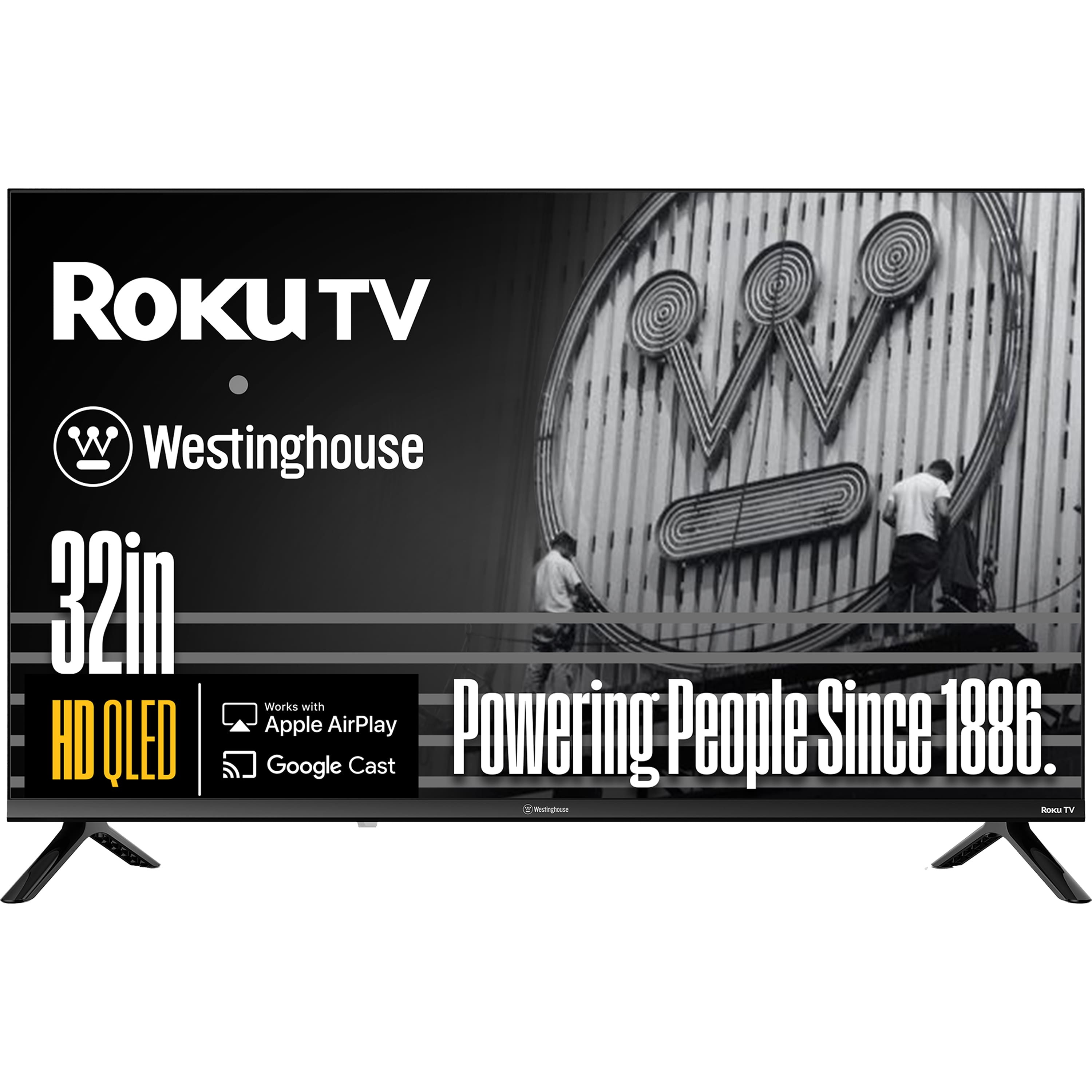
Westinghouse - 32-inch Smart Roku TV, HD QLED, Dolby Digital+, Wi-Fi, Bluetooth, AirPlay, Alexa & Google Assistant
About this product
A smart HD QLED TV with Dolby Digital+, Wi-Fi, Bluetooth, AirPlay, and voice assistant compatibility.
(1)$139.99 Your price for this item is $139.99 -
2
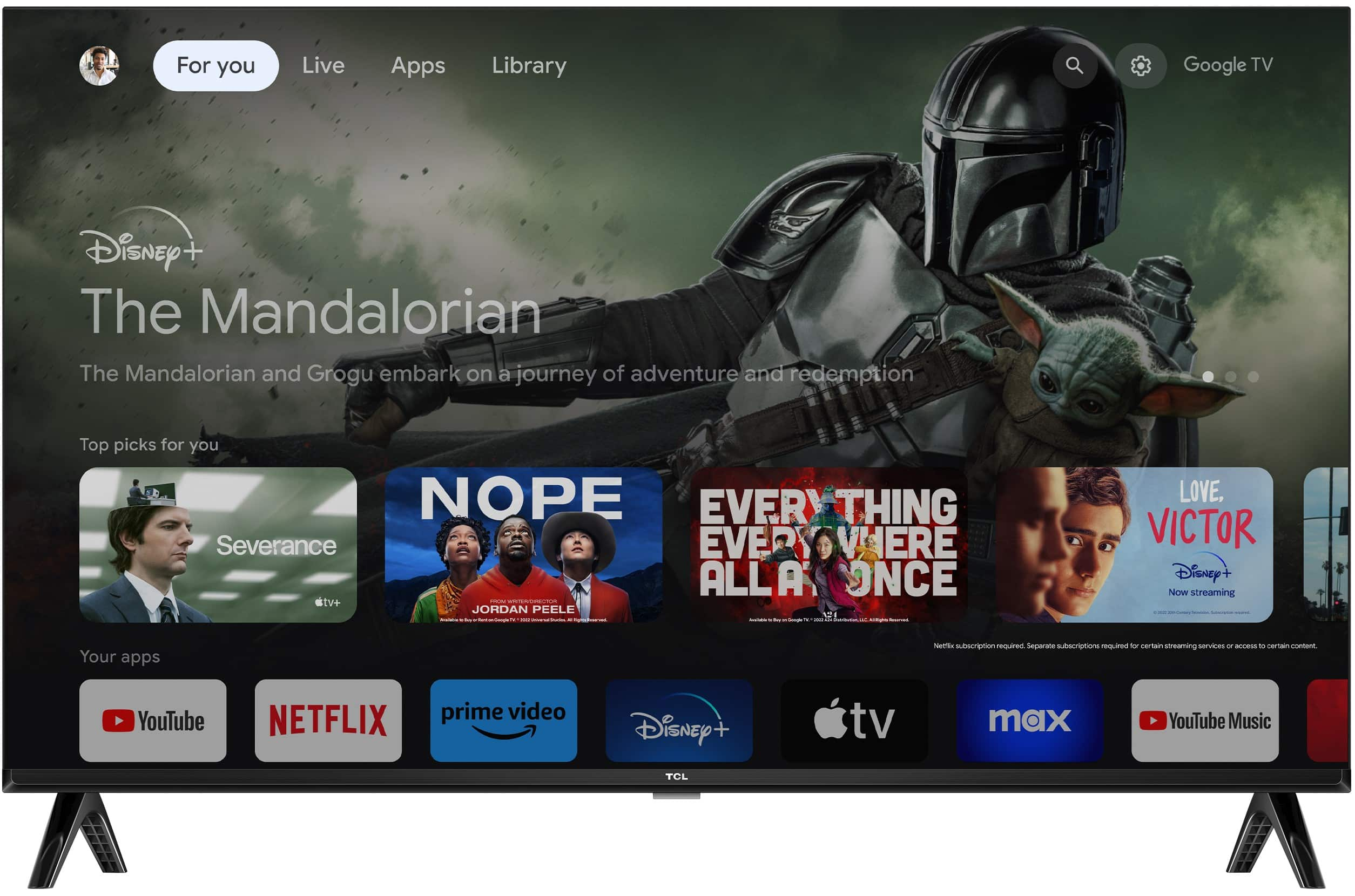
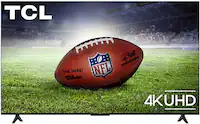
TCL - 32" Class S3 S-Class LED Full HD Smart TV with Google TV (2023)
About this product
A Full HD smart TV with Google TV, offering personalized recommendations and access to 700,000+ movies and shows.
What customers like
(826)$119.99 Your price for this item is $119.99 -
3
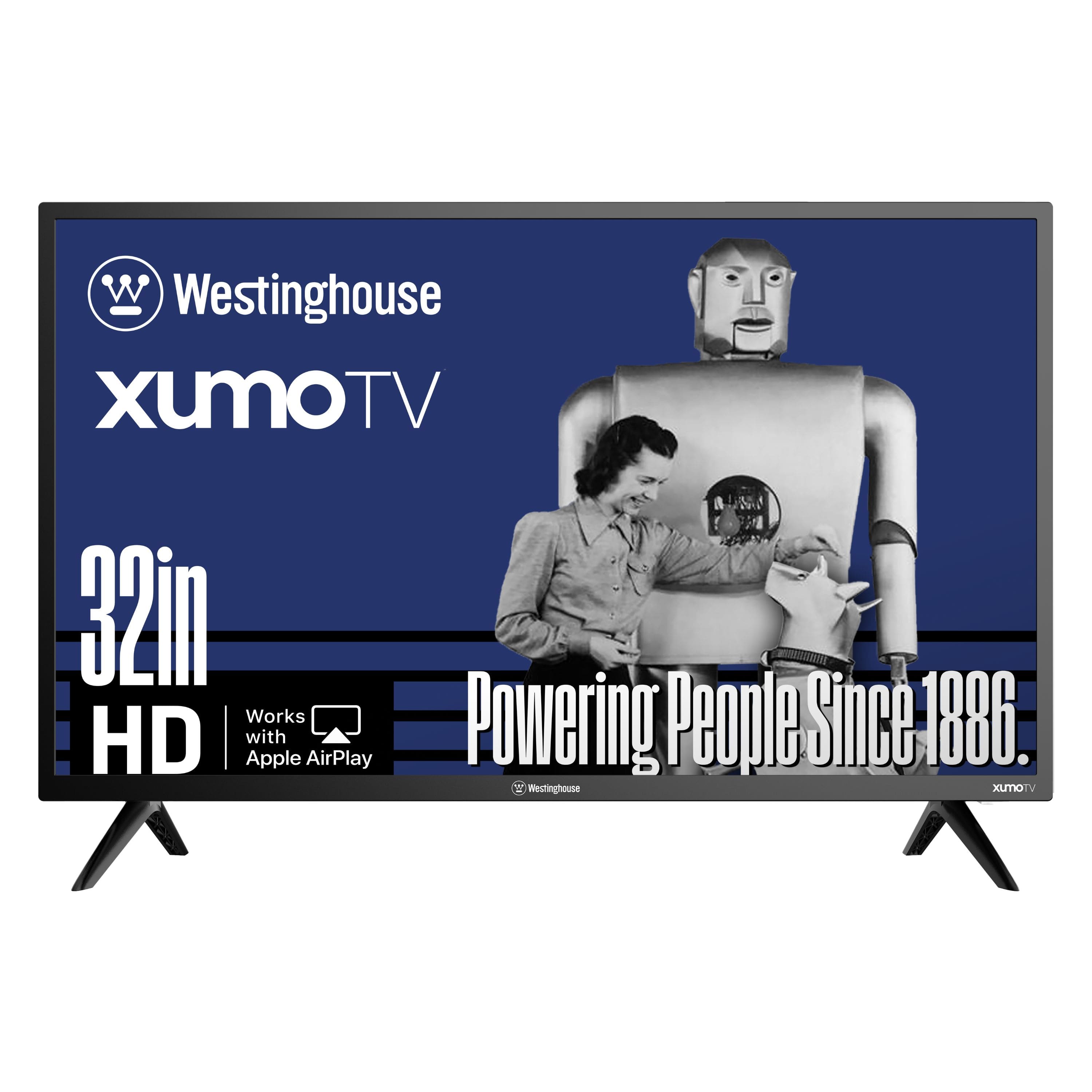
Westinghouse - 32-inch Smart TV, HD Xumo TV with Voice Remote, Flat Screen LED Television w/Apple HomeKit & Wi-Fi
About this product
A 32-inch HD smart TV with voice remote, Wi-Fi, Apple HomeKit, and mobile connectivity.
(4)$114.99 Your price for this item is $114.99 -
4
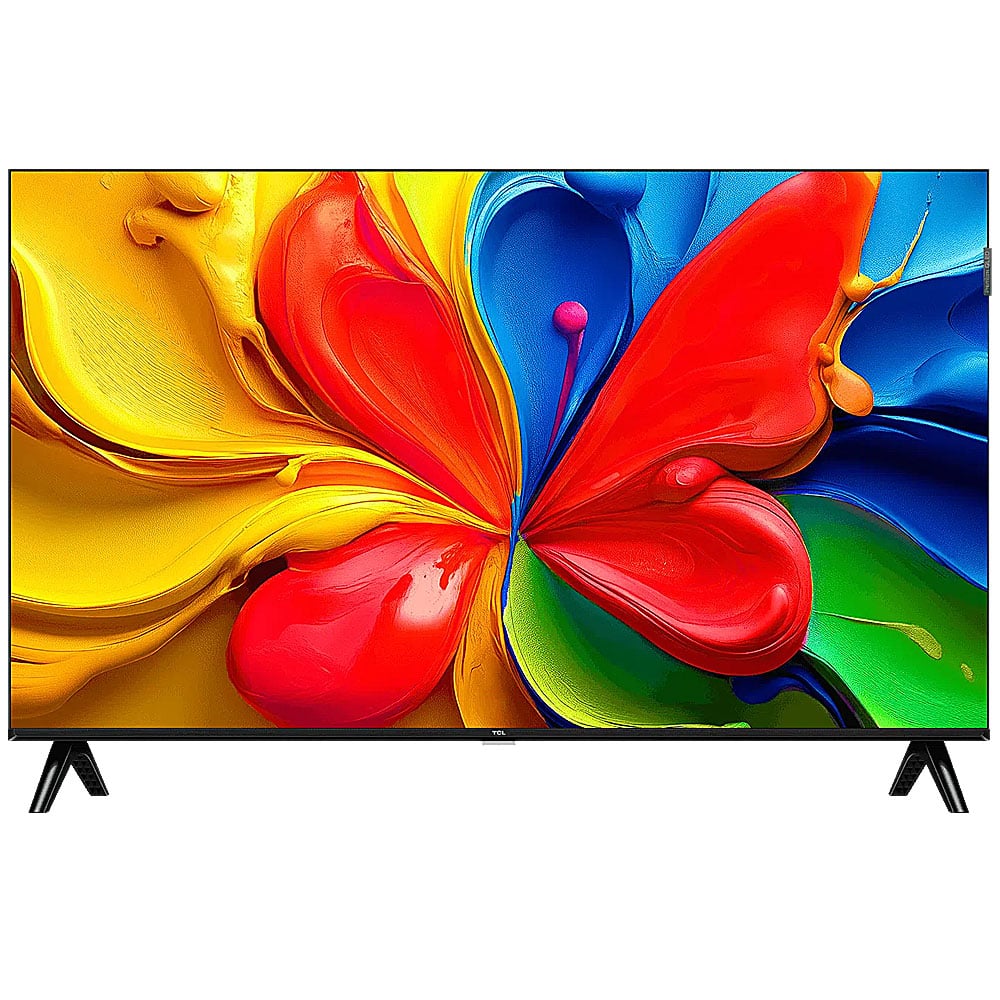
TCL - 32" Q2K Series HD QLED Smart Google TV
About this product
A sleek HD QLED smart TV with Google TV, delivering brilliant picture quality and smart functionality in black.
(1)$135.76 Your price for this item is $135.76 -
5
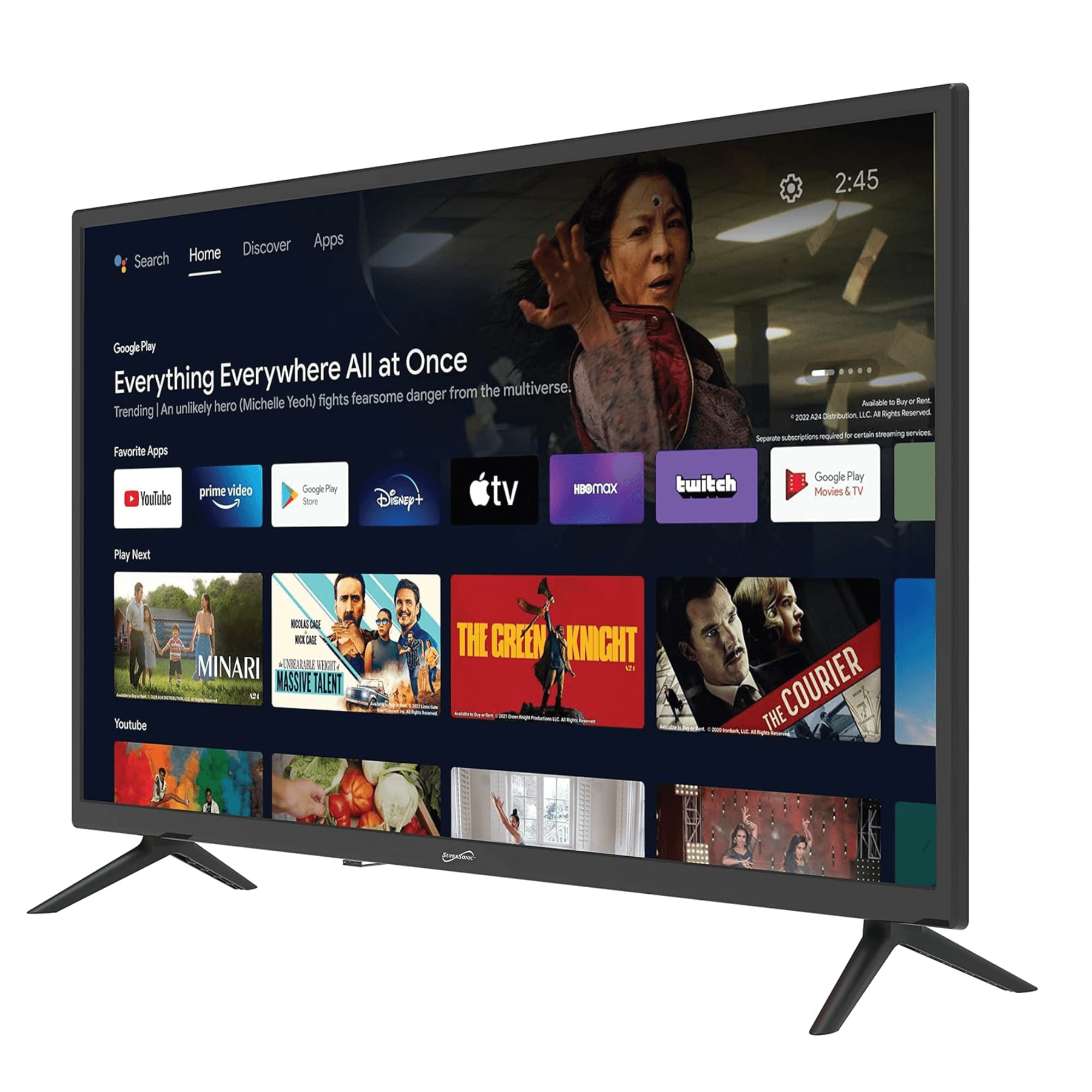
Supersonic - Smart 32-inch FHD DLED TV with Google Assistant
About this product
A sleek FHD DLED TV with Google Assistant, offering vibrant visuals and smart features in black.
(0)$246.99 Your price for this item is $246.99 -
6
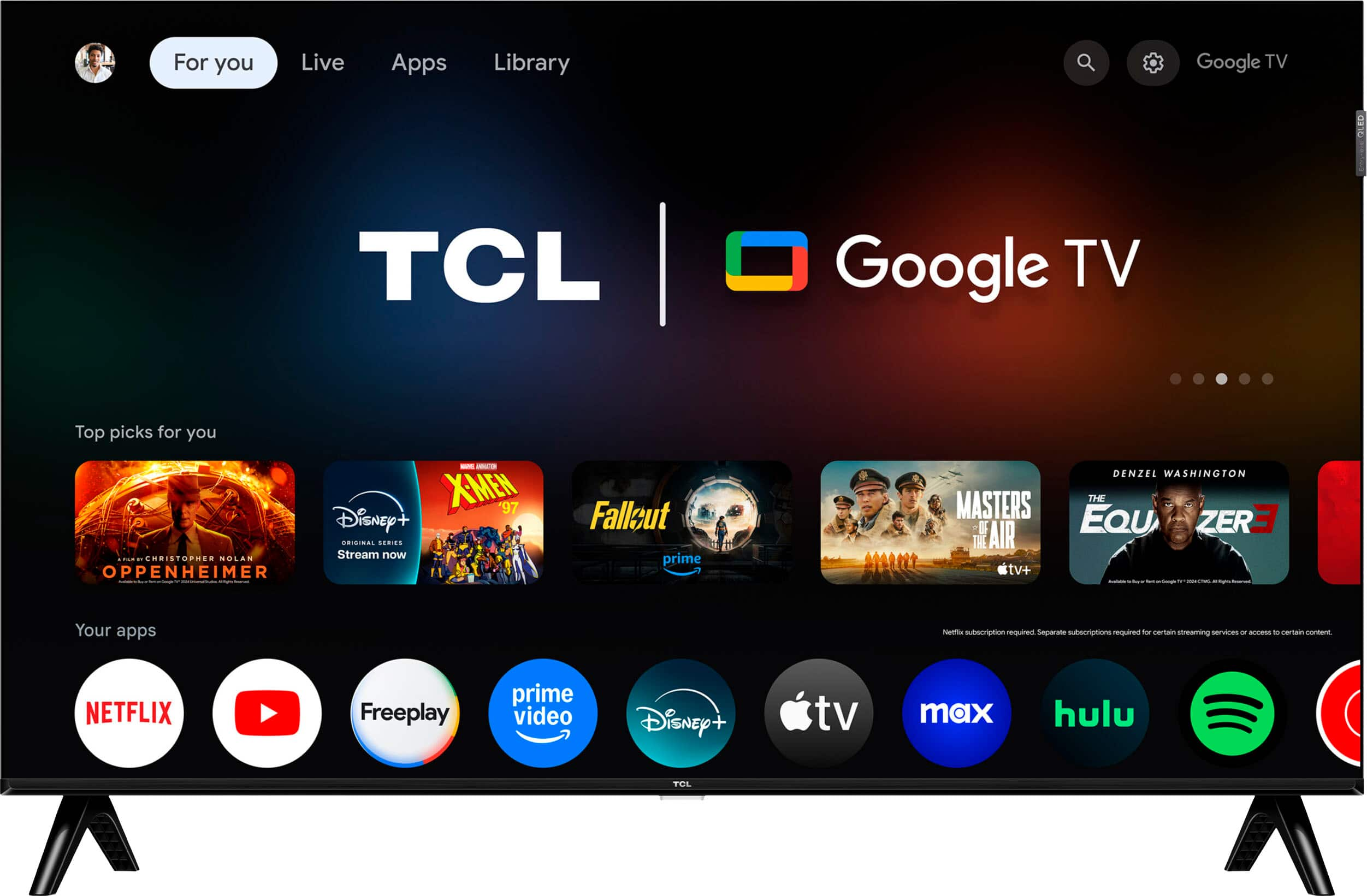
TCL - 32" Class Q3K Series 1080P FHD QLED Smart TV with Google TV (2025)
About this product
A vibrant QLED smart TV with 1080P FHD resolution and Google TV for seamless streaming and recommendations.
What customers like
(346)$139.99Your price for this item is $139.99SAVE $40.00 -
7
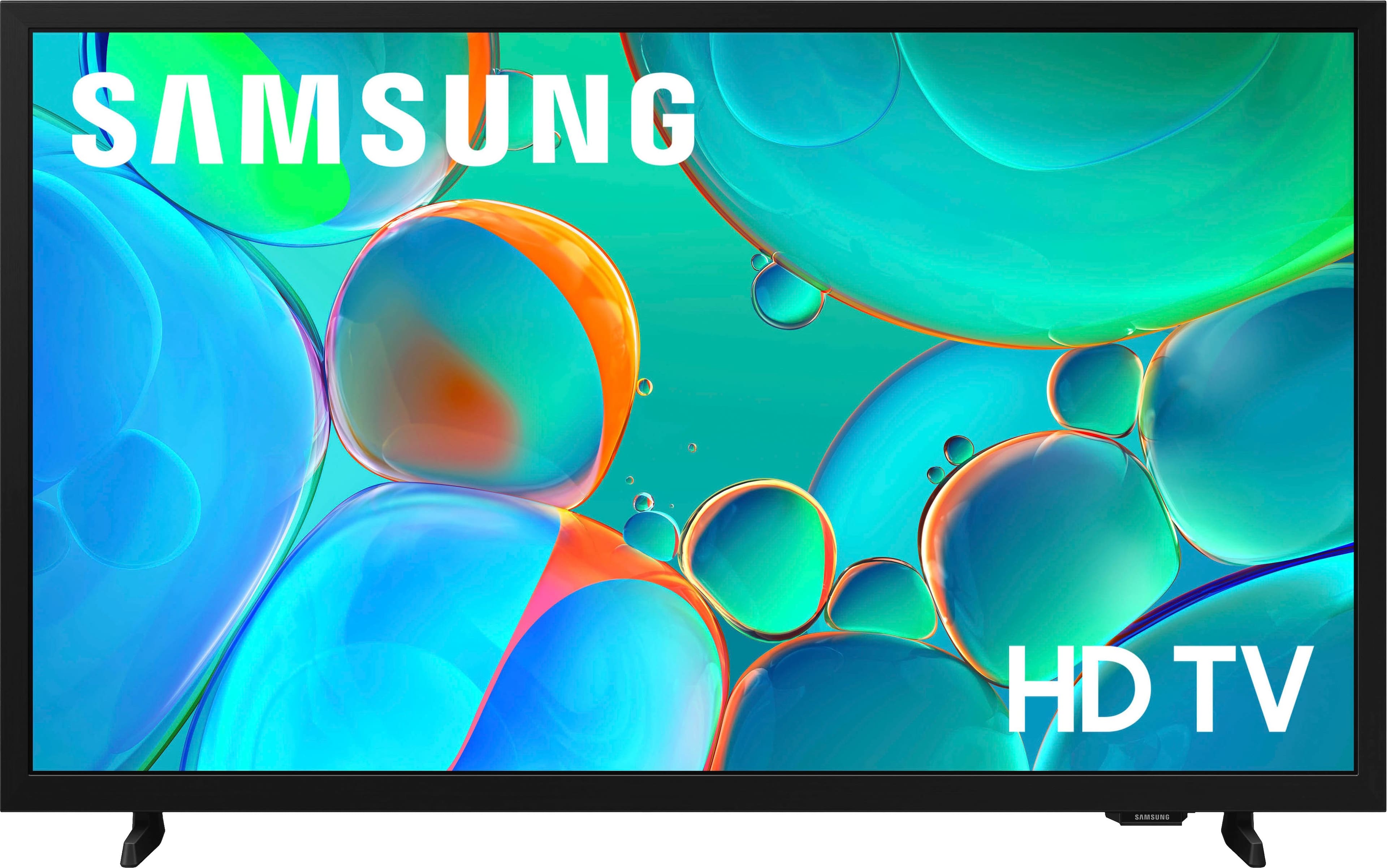
Samsung - 32" Class H5000F Series LED HD Smart Tizen TV (2025)
About this product
A high-definition LED smart TV with vibrant colors, dynamic audio, and triple-layer personal data protection.
What customers like
(763)$149.99 Your price for this item is $149.99 -
8
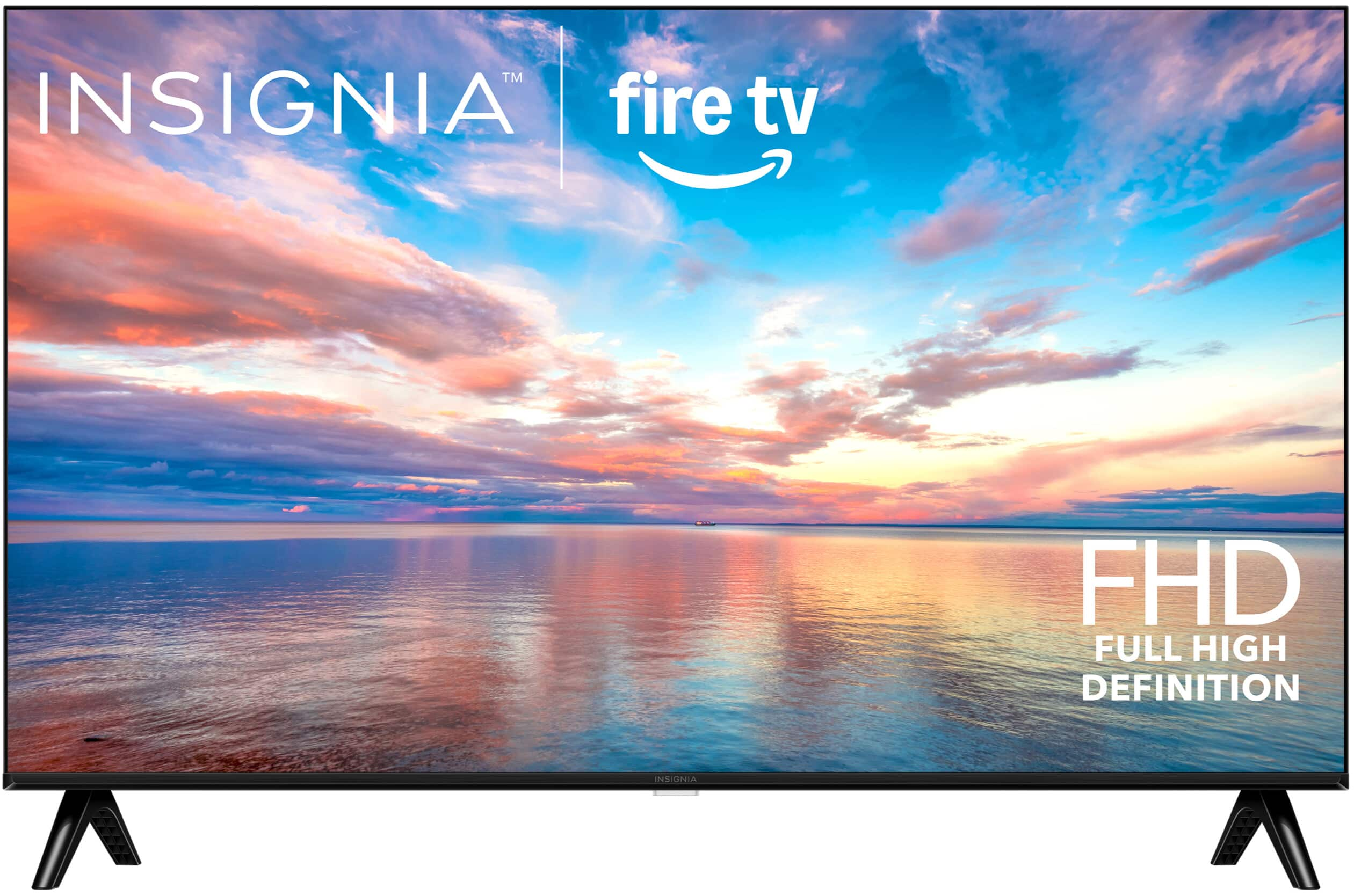
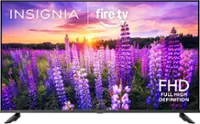
Insignia™ - 32" Class FE Series LED 1080p Full HD Smart Fire TV
About this product
A Full HD smart TV with Alexa voice control, 1080p resolution, and integrated streaming capabilities.
What customers like
(1,035)$89.99Your price for this item is $89.99SAVE $40.00 -
9
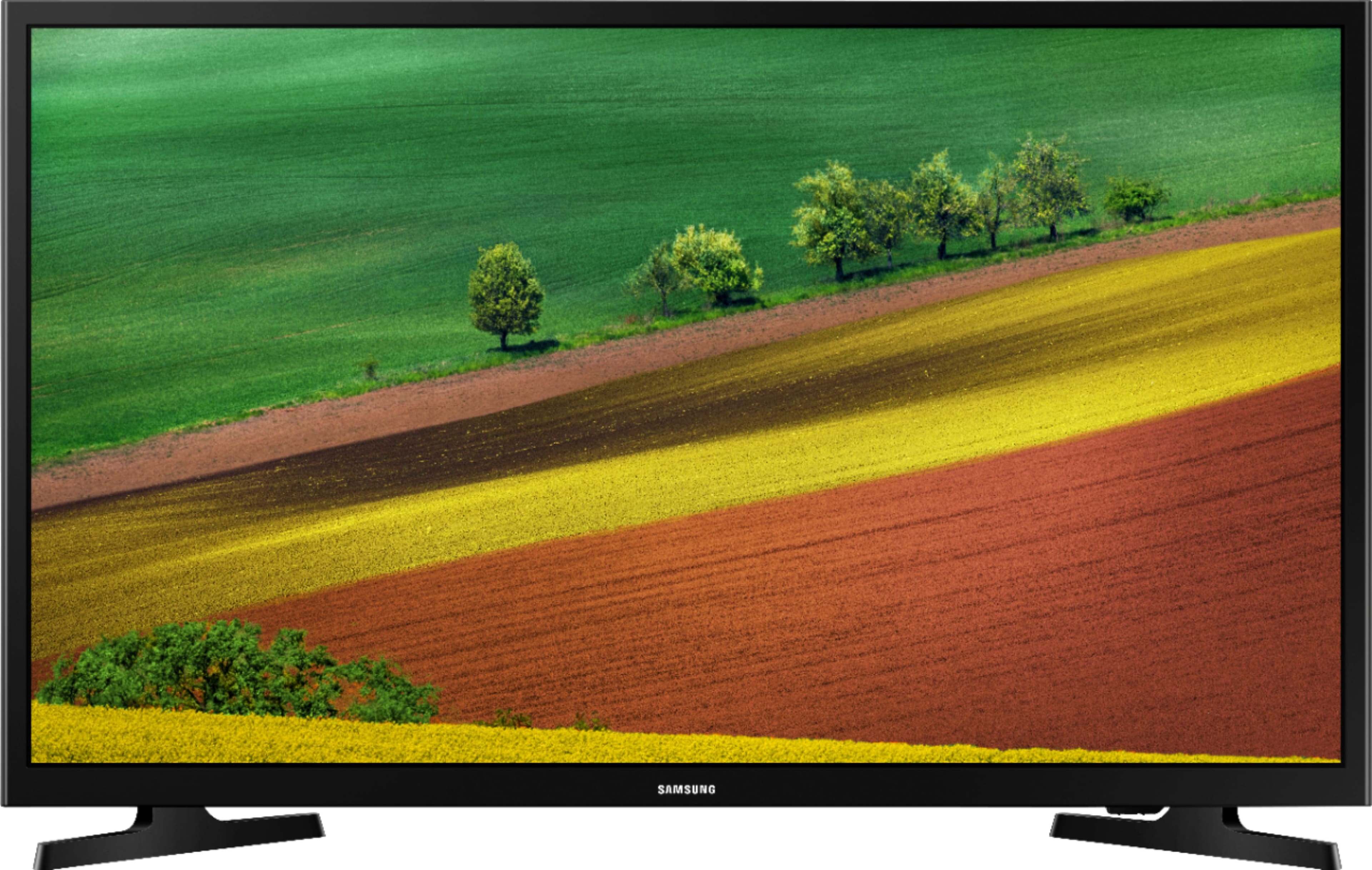
Samsung - 32" Class M4500 Series LED HD Smart Tizen TV (2018)
About this product
A smart LED TV with 720p HD resolution, quad-core processor, and seamless access to online content.
What customers like
(5,157)$249.99Your price for this item is $249.99SAVE $49.01 -
10
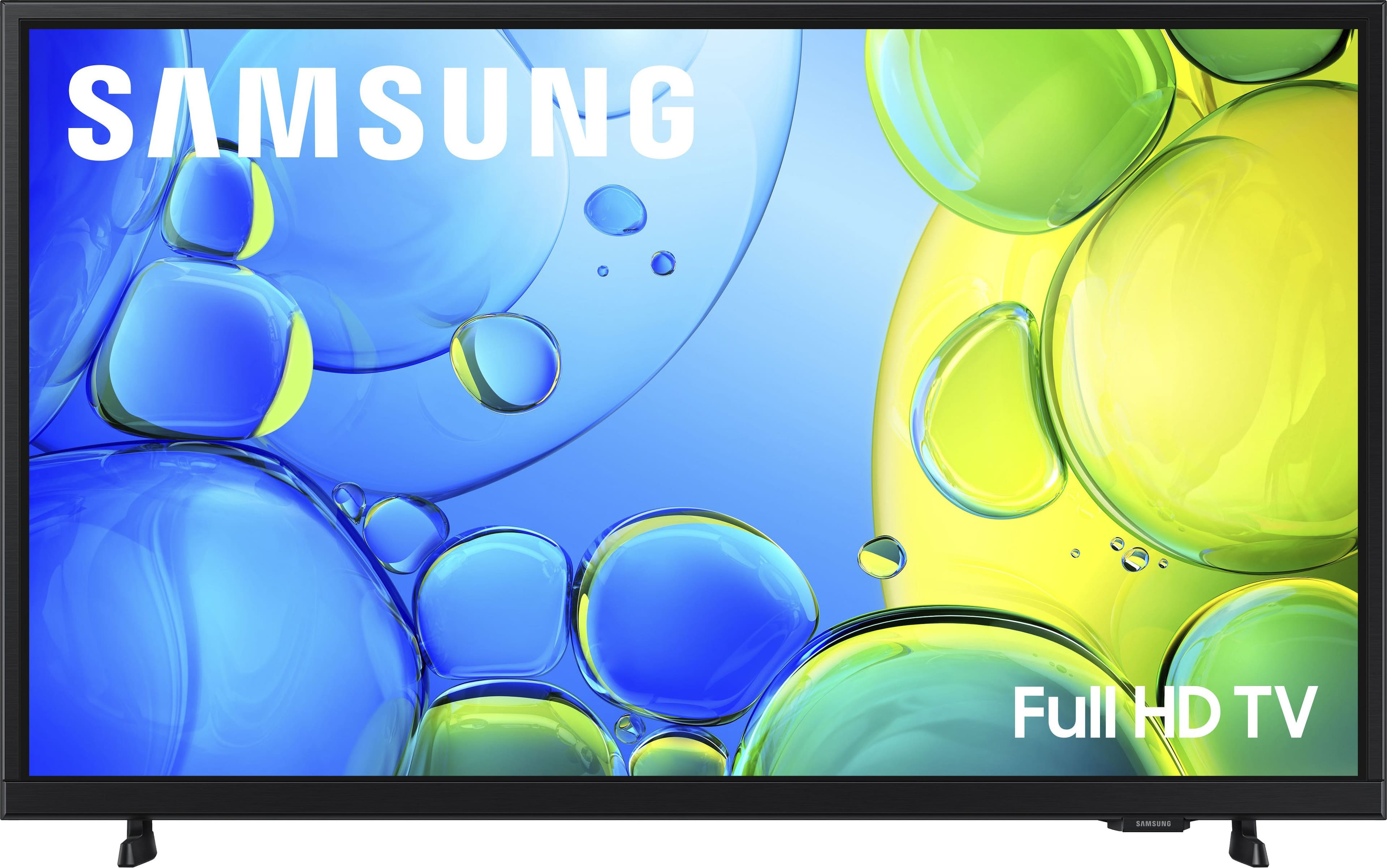
Samsung - 32" Class F6000F Series LED Full HD Smart Tizen TV (2025)
About this product
A sleek LED Full HD smart TV with vibrant colors, deep contrast, and immersive virtual 3-D sound.
What customers like
(945)$179.99 Your price for this item is $179.99
Best 32 Inch Smart TV
FAQs
Look for a platform that includes your preferred streaming apps, an easy-to-navigate home screen, and accessibility settings that suit your needs. Voice search, user profiles, and compatibility with your existing smart home devices are also worth considering.
A smart TV does not require a subscription for every feature. Some streaming services require a paid account, while others offer free, ad-supported content. Individual apps may also require you to sign in.
Smart TVs typically connect through Wi-Fi, and some also have an Ethernet port for a wired connection to your router. Internet access is needed for streaming apps, software updates, and many connected features, but not necessarily for watching antenna broadcasts or connected devices.
Game consoles commonly connect through HDMI. Soundbars may use HDMI ARC, HDMI eARC, or an optical audio connection, depending on the equipment. Check that the TV and your devices have compatible ports, and consider how many connections you need.
Many smart TVs support casting or screen mirroring, but compatibility depends on the TV platform, your phone, and the app you are using. Look for support for your preferred sharing method, such as Apple AirPlay or Google Cast. Wireless sharing typically requires both devices to be on the same Wi-Fi network.